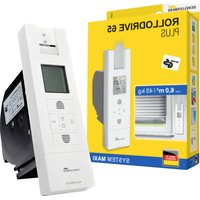
RolloDrive 65 Plus - Roller shutter automation Schellenberg - Free user manual and instructions
Find the device manual for free RolloDrive 65 Plus Schellenberg in PDF.


User questions about RolloDrive 65 Plus Schellenberg
0 question about this device. Answer the ones you know or ask your own.
Ask a new question about this device
Download the instructions for your Roller shutter automation in PDF format for free! Find your manual RolloDrive 65 Plus - Schellenberg and take your electronic device back in hand. On this page are published all the documents necessary for the use of your device. RolloDrive 65 Plus by Schellenberg.
USER MANUAL RolloDrive 65 Plus Schellenberg
Safety and notices 15
Technical data 17
Product explanation 19
Keys and display explanation 20
A Dimensions 217
Required tools 218
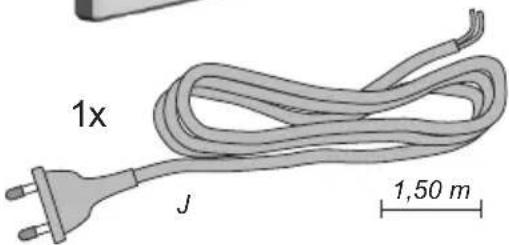
Scope of delivery 218
B Installation 219
C First-time commissioning / after a factory reset 231
D Manual operation 237
E Setting / changing / correcting the end positions 238
F Changing the daily program settings 239
G Weekly program setting 244
H Optional accessories: Sun and twilight sensor 247
I Setting the sun function 253
J Function chart of the sun function 257
K Twilight function setting 263
L Function chart of the twilight function 269
M Vacation program / random function on/off switching 275
N Setting of the time and date 279
O Expert mode: setting the auto. summer / winter time 280
P Expert mode: setting the astro function 282
Q Time zone table abroad for the astro function 287
R Expert mode: Setting of the time shift 291
S Expert mode: setting the ventilation function 294
T Manual and automatic switching 296
U Key lock 300
V Obstacle detection 302
W Stuck shutter detection 305
X Run-time limiting 308
Y Factory default reset 309
Copyright protected, 2021 Alfred Schellenberg GmbH. All rights reserved. Any use, in particular reproduction, translation, processing or transmission of content into databases or other electronic media and systems beyond the authorization provided by the copyright legislation is strictly prohibited.
SAFETY AND NOTICES
Dear customers,

Please completely read this instruction manual before the installation and commissioning. Observe all safety instructions before you begin to work. Keep the instruction manual stored at hand and advise each user about possible dangers that are related to this product. When ownership to this product changes, hand this instruction manual over to the new owner. In case of damages which are caused by misuse or improper installation any legal warranty claim will be void.
SAFETY INSTRUCTIONS

There is danger to life from electric shock! Before working on electrical equipment, it must be completely de-energized.
- Take safety measures against the accidental subsequent on-switching of the power. This also applies for the maintenance and repair of electric roller shutter systems.
- Electrical connections may only be performed by authorized, qualified electricians.
- Improper installation can result in serious injuries or property damage.
- The use of defective devices can lead to the endangering of persons and to property damage (injury, electrical shock and fire). Therefore never use defective or damaged devices.
- The provisions of the local electric utility company as well as all applicable standards and regulations for electrical installations must be complied with.
- The product may only be used in dry rooms (IP20).
- The product and the packaging are not toys. Keep children away from it, since there is a risk of injury or suffocation.
- Do not open the product, risk of injury.
- The mains power outlet and the power supply unit must be easily accessible at all times.
- Keep people away from the movement range of the roller shutter system. The movement range of the roller shutter system must be completely visually accessible during the operation. Risk of injury.
- Children or persons who are not capable of securely and prudently operating the product due to physical, psychological or sensory impairments, are not allowed to operate or install the product. The product may be used by children of 8 years and older as well as by persons with physical, psychological or sensory impair-
SCHELLENBERG
ments or lack of experience and knowledge, provided that they are supervised or have been instructed in safe use of the device and know the risks involved. Cleaning and maintenance must not be carried out by children unless they are supervised.
- Children must not be allowed to play with the roller shutter drive.
CE DECLARATION AND CONFORMITY
The belt winder (Item no DE 22766, 22727) meets the applicable requirements of European and national regulations. Conformity has been demonstrated. The full EU Declaration of Conformity document can be found at: http://www.schellenberg.de (under 'Download-Center', in the 'Service' tab).

Machinery Directive 2006/42/EC
EMC Directive 2014/42/EU
RoHS Directive 2011/65/EU
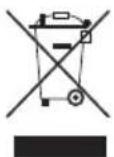
Do not dispose of together with household waste. The product is recyclable and can be deposited at a recycling center or a collection station for electrical household garbage.
INTENDED USE
- This product (Item no. 22766 / 22727) is intended exclusively for the operation of belt-driven roller shutter systems. For this, the roller shutter system must comply with the technical requirements of the product.
- Any other or further utilization beyond the explicitly specified shall be regarded as not intended use.
- Alfred Schellenberg GmbH shall not be liable for any consequential damage, property damage and personal injury due to improper use.
- According to EN 13659, it must be ensured that the displacement requirements as per EN 12045 are met for the hanging material. When unrolled, the displacement at the lower edge must be at least 40 ~mm at an upward-directed force of 150 ~N . It must be ensured that the travel speed of the hanging must be less than 0.2 ~m / s in the last 0.4 ~m .
- The roller shutter system and its parts must be in a perfect condition. Defects in the system or its parts must be repaired before installing the product.
- An easily accessible 230 V / 50 Hz mains socket outlet must be available at the place of installation (see page 229).
-
The installation surface where the product is to be installed must be level and suitable.
-
Only use original spare parts to avoid product malfunction or defects.
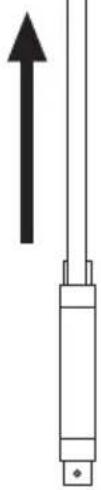
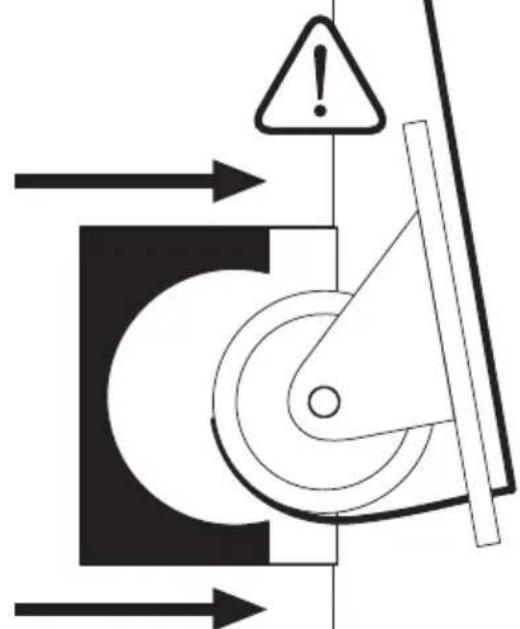
- Improper running of the belt (belt guiding) may destroy the shutter belt and cause unnecessary strain on the product. Install the product such that the belt enters the shutter belt drive as vertically as possible. This will avoid unnecessary friction and wear.
TECHNICAL DATA
| Power supply unit operating voltage | 230 V / 50 Hz |
| Rated power 70 W | |
| Standby power 0,5 W | |
| Torque 10 Nm | |
| Short-time operation 4 minutes | |
| Max. speed 30 rpm | |
| Power reserve ⏻ | approx. 8 hours |
| Enclosure rating IP 20 (for dry rooms only) | |
| Protection class II | |
| Number of switching times 2 (UP and DOWN) | |
| Permissible ambient temperature | 0-40 °C |
| Automatic solar control setting range | 2.000 through 20.000 Lux |
| Setting range automatic twilight function | 2 through 50 Lux |
| Dimensions | see page 217 |
| Permissible belt widths | 23 mm (Maxi-belt) |
| Belt length | 7,6 m with belt thickness of 1,0 mm6,2 m with belt thickness of 1,3 mm5,2 m with belt thickness of 1,5 mm |
| Max. shutter surface area | 6,0 m^2 plastic3,0 m^2 aluminium/wood |
| Max. roller shutter weight | 4,5 kg/m^2 plastic10 kg/m^2 aluminium/wood |
| Power cord 2x0,75qmm H03VVH2-F | |
| Number operating buttons | 5 |
| Sound pressure level | LpA ≤ 70 dB (A) |
SCHELLENBERG
Notes:
After a power failure, the settings will be permanently retained.
The specifications provided are recommended values and apply to ideal installation situations. Due to existing site conditions, the values may be different.
Only use the product with roller shutter belts with the dimensions indicated in the „Technical data“ table. Wrong shutter belt lengths and widths will result in damage. Replace the old shutter belt when the requirements are not met.
Caution: regularly check the paneling as well as the belt for their flawless condition. In case of risk, decommission the system and have repairs executed by a specialist.
Note: since the belt pulley in the roller shutter box loses its rigidity due to aging, we recommend checking and if necessary replacing it after a prolonged usage time.
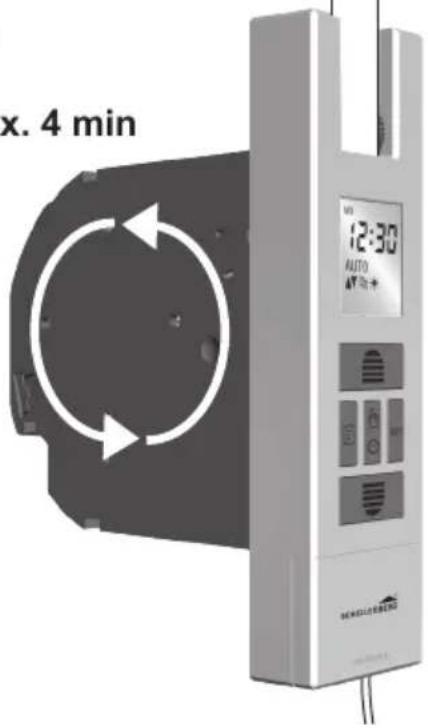
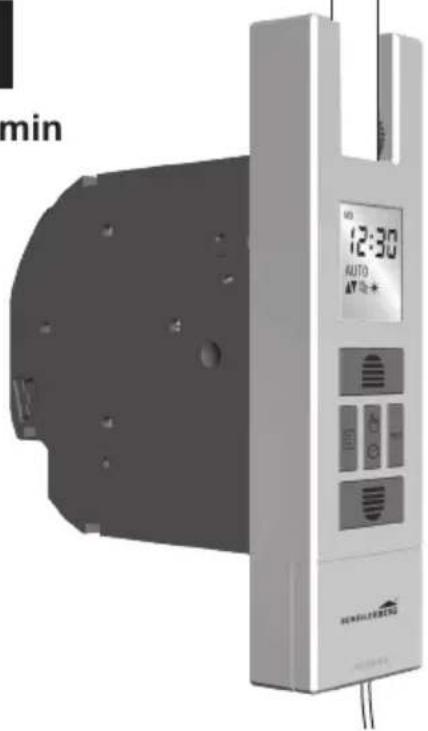
If the maximum motor run time is exceeded by 4 minutes the motor will stop. After approx. 60 minutes, the motor will have its full operational readiness again.
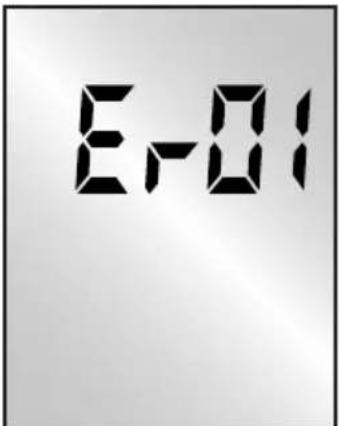
text_image
E-01PRODUCT EXPLANATION
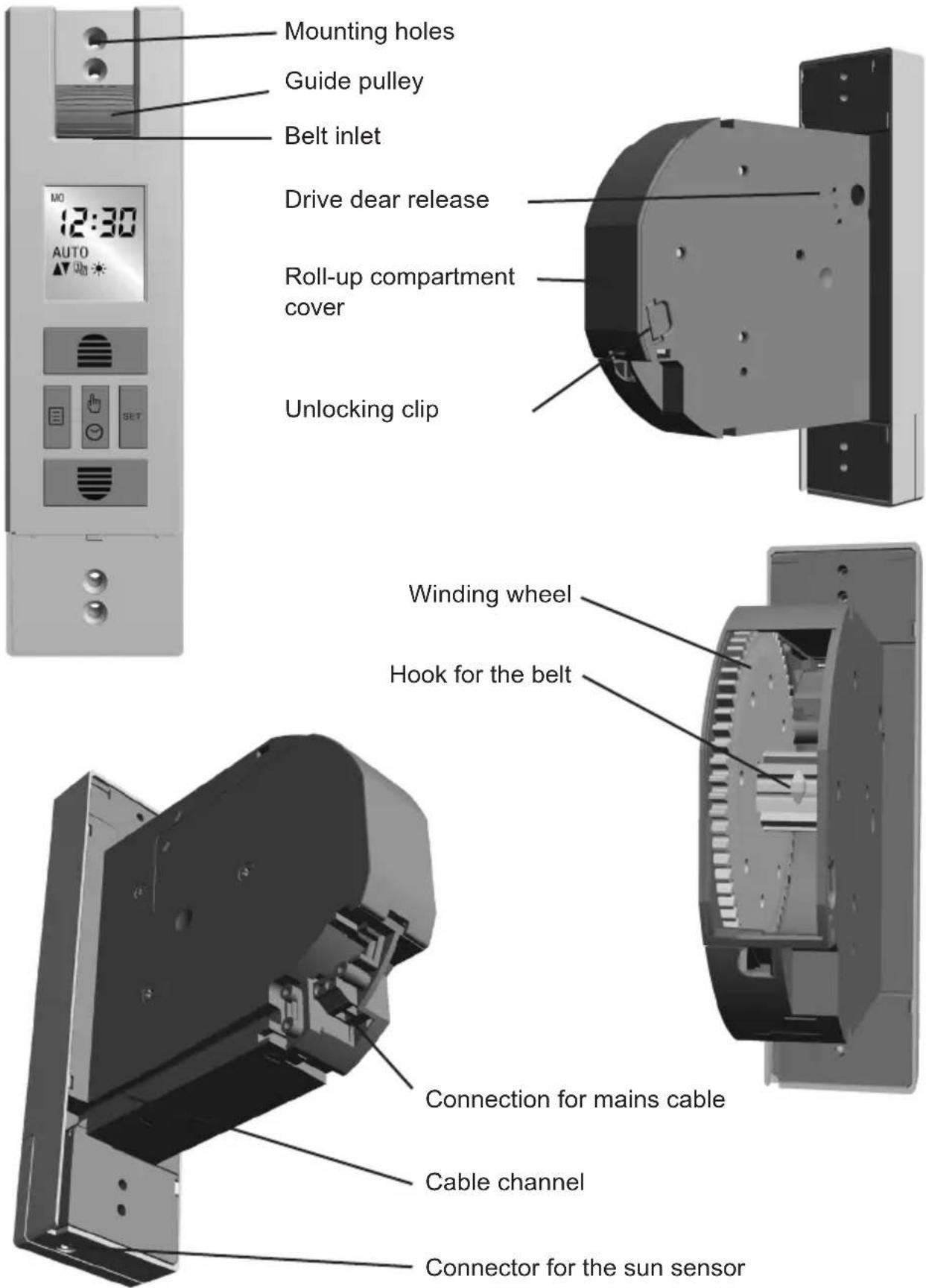
text_image
Mounting holes Guide pulley Belt inlet 12:30 AUTO MO 12:30 Drive dear release Roll-up compartment cover Unlocking clip Winding wheel Hook for the belt Connection for mains cable Cable channel Connector for the sun sensor
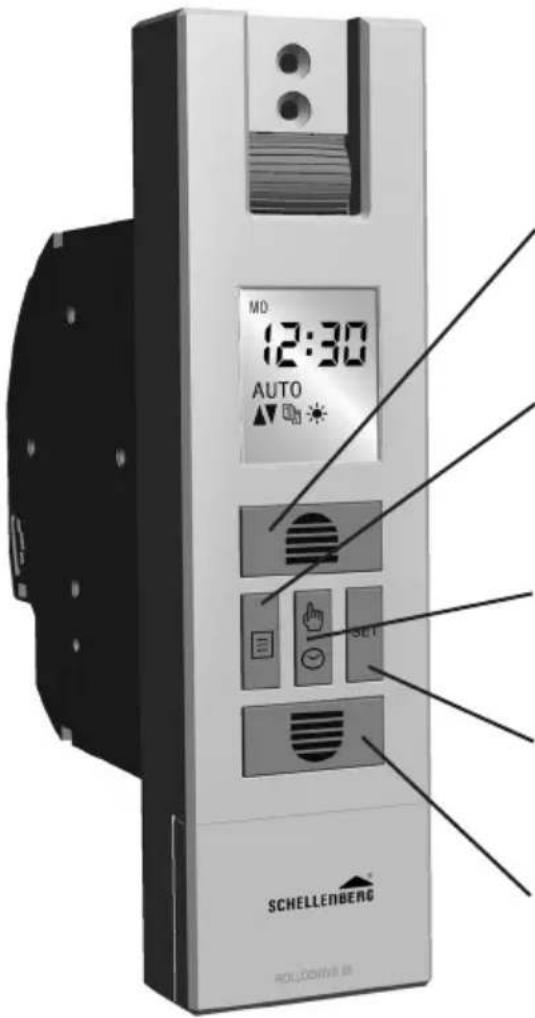
KEYS AND DISPLAY EXPLANATION
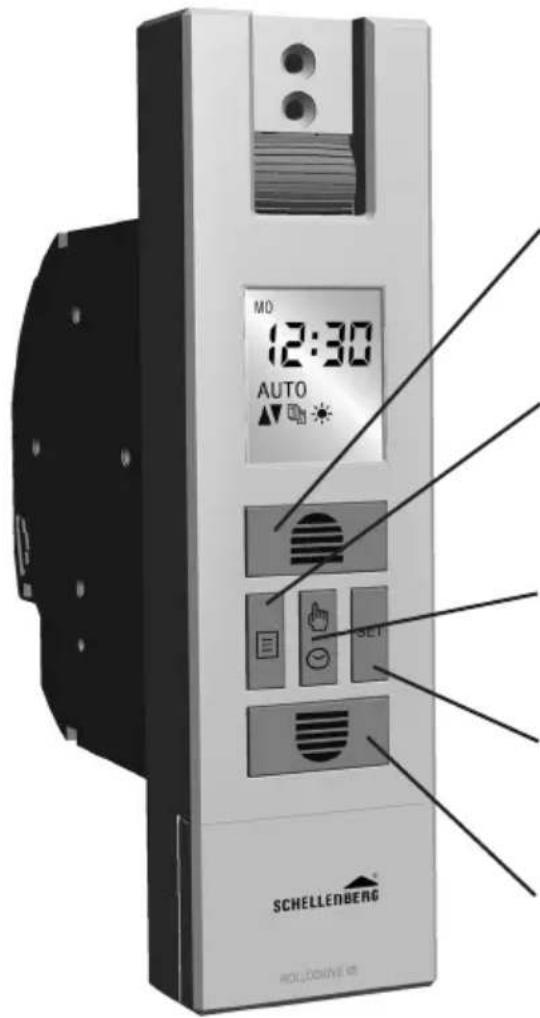
text_image
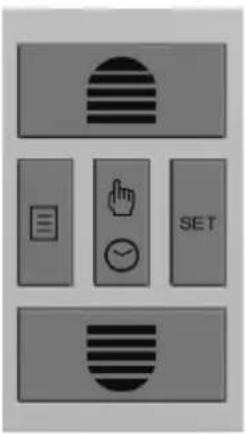
MO 12:30 AUTO SET SCHELLENBERG RÖLÜCKINNE 69① Open button
Roller shutter moves up or stops.
Sets values in the menu.
② Menu button
Switches to the menu mode.
Switches back to the main display from the menu mode.
③ Button manual / auto
Setting between manual and automatic operation.
④ Set button
Confirms all settings in the menus.
⑤ Close button
The roller shutter moves downwards or stops. Sets values in the menu.
| Day programRaising / lowering time |  | End-position adjustment | |
 | Weekly programme(3 selectable modes) | [82WK] | Expert mode: summer / winter time, astro function, ventilation function |
 | Sun function | [4T23] | Key lock for the menu settings |
| [80EC] | Twilight function | AUTO | Automatic operation |
| [8Y2E] | Holiday function(random function) | MANU | Manual operating mode |
| [TOYS] | Setting the time | ||
TABLE DES MATIÈRES
Chers clients, chères clientes,

DÉCLARATION CE ET CONFORMITÉ
Directive Machines 2006/42/CE
Directive CEM 2014/42/UE
RoHS Directive 2011/65/EU
RoHS Directive 2011/65/EU
text_image
MO 12:30 AUTO SET SCHELLENBERG HOLLOCKING① Przycisk podnoszenia
RoHS Directive 2011/65/EU
text_image
MD 12:30 AUTO SET SCHELLENBERG HOLCHENBA① Tecla arriba
La persiana sube o se para.
ODGOVARAJUĆA UPORABA
■ Proizvod je (br. art. 22766 / 22727) namijenjen isključivo radu sustava roleta preko remena. Sustav roleta mora ispunjavati tehničke preduvjete za proizvod.
- Druga uporaba ili uporaba koja izlazi izvan ovih okvira smatra se neodgovarajućom.
- Alfred Schellenberg GmbH ne odgovara za posljedičnu štetu, materijalnu štetu i ozljedu osoba u slučaju neodgovarajuće uporabe.
- U skladu s normom EN 13659 morate paziti da se pridržavate uvjeta za pomak utvrđenih za zavjese u skladu s normom EN 12045. U izvučenom položaju pri sili od 150 N u smjeru prema naprijed na donjem rubu pomak mora iznositi najmanje 40 mm. Pri tome morate posebno paziti na to da brzina izlaska zavjese na posljednjih 0,4 m bude manja od 0,2 m/s.
- Sustav roleta i njegovi dijelovi moraju biti u besprijekornom stanju. Morate ukloni-ti nedostatke u sustavu ili njegovim dijelovima prije ugradnje proizvoda.
- Na mjestu uporabe mora postojati slobodno pristupačna mrežna utičnica od 230 V/50 Hz (vidi stranicu 229).
- Površina za montažu proizvoda mora biti ravna i nosiva.
- Upotrebljavajte samo originalne zamjenske dijelove da izbjegnete kvarove ili oštećenja uređaja.
- Loša vodilica remena može uništiti remen i nepotrebno opteretiti proizvod. Montirajte proizvod tako da remen po mogućnosti ulazi okomito u pogon remena rolete. Na taj način izbjegavate nepotrebno trenje i trošenje.
TEHNIČKI PODACI
| Radni napon mrežnog dijela 230 V / 50 Hz | |
| Nazivna snaga 70 W | |
| Snaga u pripravnosti 0,5 W | |
| Zakretni moment 10 Nm | |
| Kratki rad Četiri minute | |
| Maks. broj okretaja 30 okr/min. | |
| Gangreserve ⏻ | Osam sati |
| Vrsta zaštite IP 20 (samo za suhe prostorije) | |
| Razred zaštite II | |
| Broj vremena uklapanja max. 2 | |
| Dopuštena temperatura okoline 0-40 °C | |
| Područje namještanja automatike za sunce | od 2.000 do 20.000 luksa |
| Područje namještanja automatike zatamnjenja | od 2 do 50 luksa |
| Dimenzije vidi stranicu 217 | |
| Dopuštene širine remena 23 mm (maksi remen) | |
| Duljina remena | 7,6 m pri debljini remena od 1,0 mm6,2 m pri debljini remena od 1,3 mm5,2 m pri debljini remena od 1,5 mm |
| Maks. površina rolete | 6,0 m^2 plastika3,0 m^2 aluminij/drvo |
| Maks. težina rolete | 4,5 kg/ m^2 plastika10 kg/ m^2 aluminij/drvo |
| Priključni mrežni kabel | 2x0,75qmm H03VVH2-F |
| Broj upravljačkih tipki | 5 |
| Razina zvučnog tlaka | LpA ≤ 70 dB (A) |
HR
SCHELLENBERG
Napomene:
INNEHÅLLSFÖRTECKNING
KNAPP- OCH DISPLAYFÖRKLARING
text_image
MD 12:30 AUTO SET SCHELLEMBG POLLORTEURSIGURNOST I INFORMACIJE
Poštovani kupče,

molimo Vas da prije montaže i puštanja u rad u potpunosti pročitate ove upute. Prije nego započnete s radom, pridržavajte se svih sigurnosnih napomena. Sačuvajte ove upute i svakog korisnika upozorite na eventualne opasnosti koje su povezane s ovim proizvodom. Ove upute u slučaju promjene vlasnika predajte novom vlasniku. Štete uzrokovane nepravilnim korištenjem ili nepravilnom instalacijom poništit bilo kakve jamstvene zahtjeve.
SIGURNOSNE NAPOMENE

Vélatilskipun 2006/42/EB
Tilskipun um rafsegulsviðssamhæfi 2014/30/ESB
natural_image
3D rendering of a vertical cylindrical object mounted on a square base (no text or symbols visible)
1x





natural_image
3D model of a curved mechanical part with labeled dimensions (1x and F), no readable text or symbols beyond labels1x
G
1x
text_image
1x J 1,50 mB
1.
natural_image
Pure diagram of a vertical rod with an upward arrow, no text or symbols present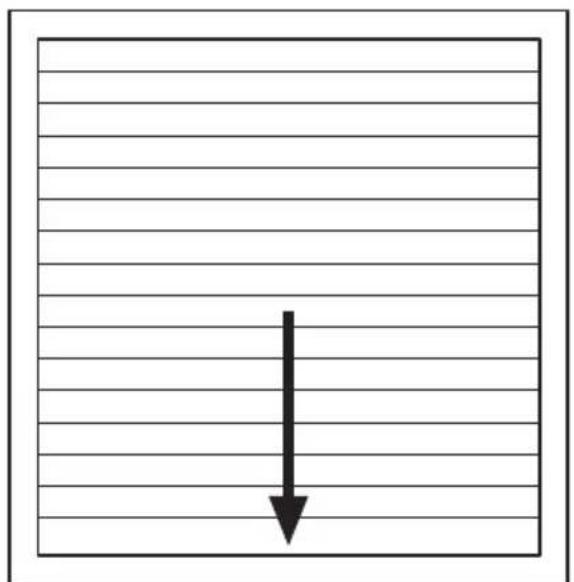
natural_image
Simple diagram with a downward arrow inside a rectangular frame, no text or symbols present.2.

natural_image
Pure mechanical diagram showing a gear mechanism with warning symbol and arrows, no text or labels presentSCHELLENBERG
text_image
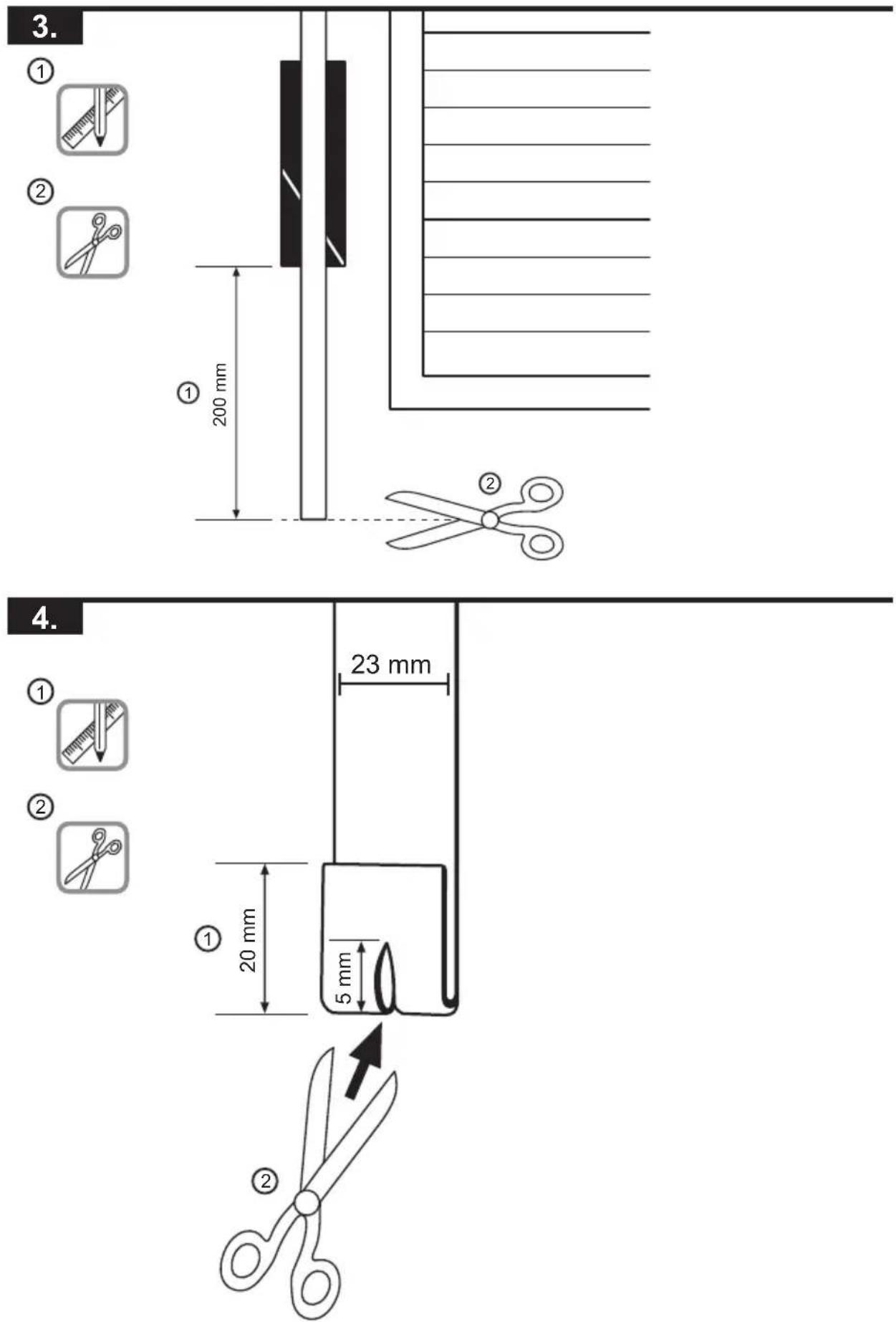
3. ① ② ① 200 mm ② 4. ① ② ① 20 mm 5 mm ②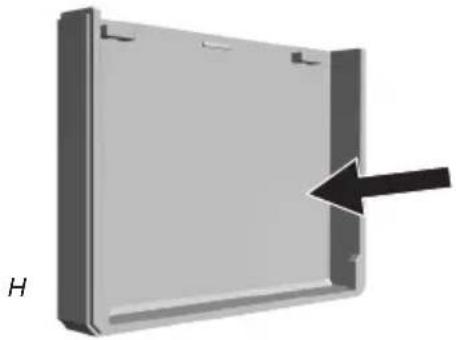
natural_image
3D rendering of a rectangular metal enclosure with a black arrow pointing to its side (no text or symbols)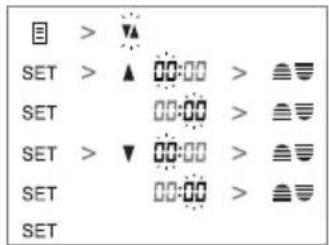
text_image
目 > ▼ SET > ▲ 00:00 > ≡▽ SET 00:00 > ≡▽ SET > ▼ 00:00 > ≡▽ SET 00:00 > ≡▽ SETG
H
text_image
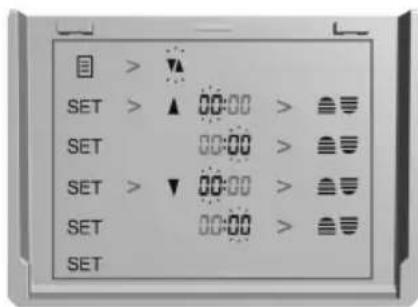
目 > ▼ SET > ▲ 00:00 > ≡ SET 00:00 > ≡ SET > ▼ 00:00 > ≡ SET 00:00 > ≡ SET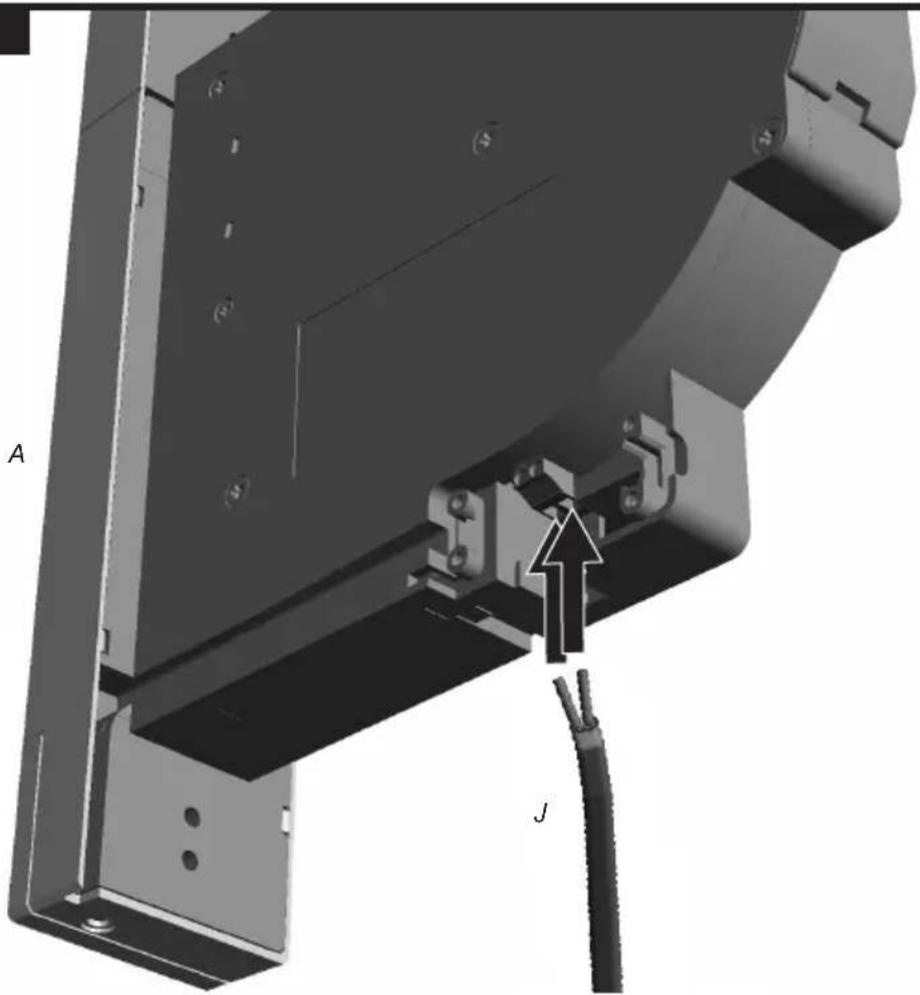
natural_image
Mechanical assembly diagram showing a bracket with mounting holes and a cable, labeled A and J (no text or symbols beyond labels)SCHELLENBERG

A
natural_image
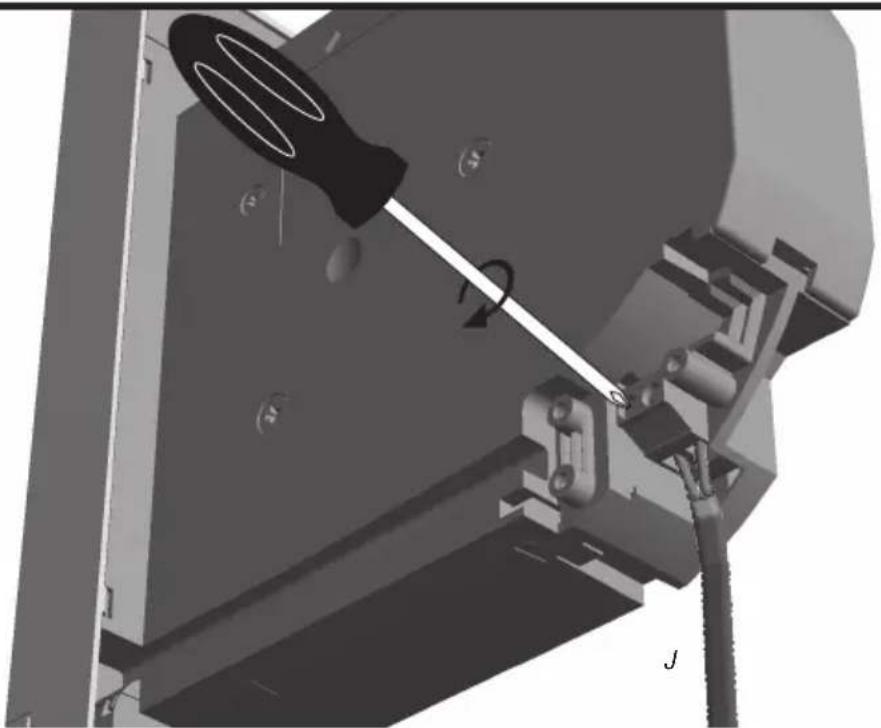
Mechanical assembly diagram showing a tool interacting with a bracket and mounting base (no visible text or symbols)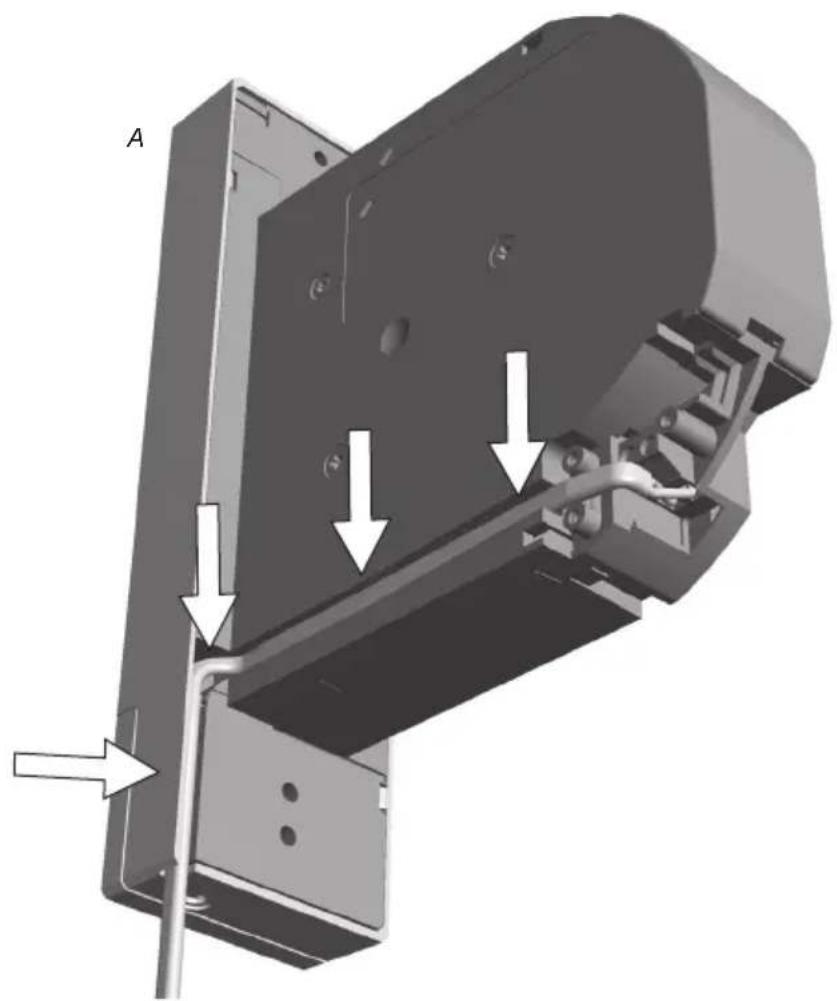
natural_image
3D mechanical assembly diagram showing a bracket with mounting holes and internal components, labeled with arrows (no text or symbols present)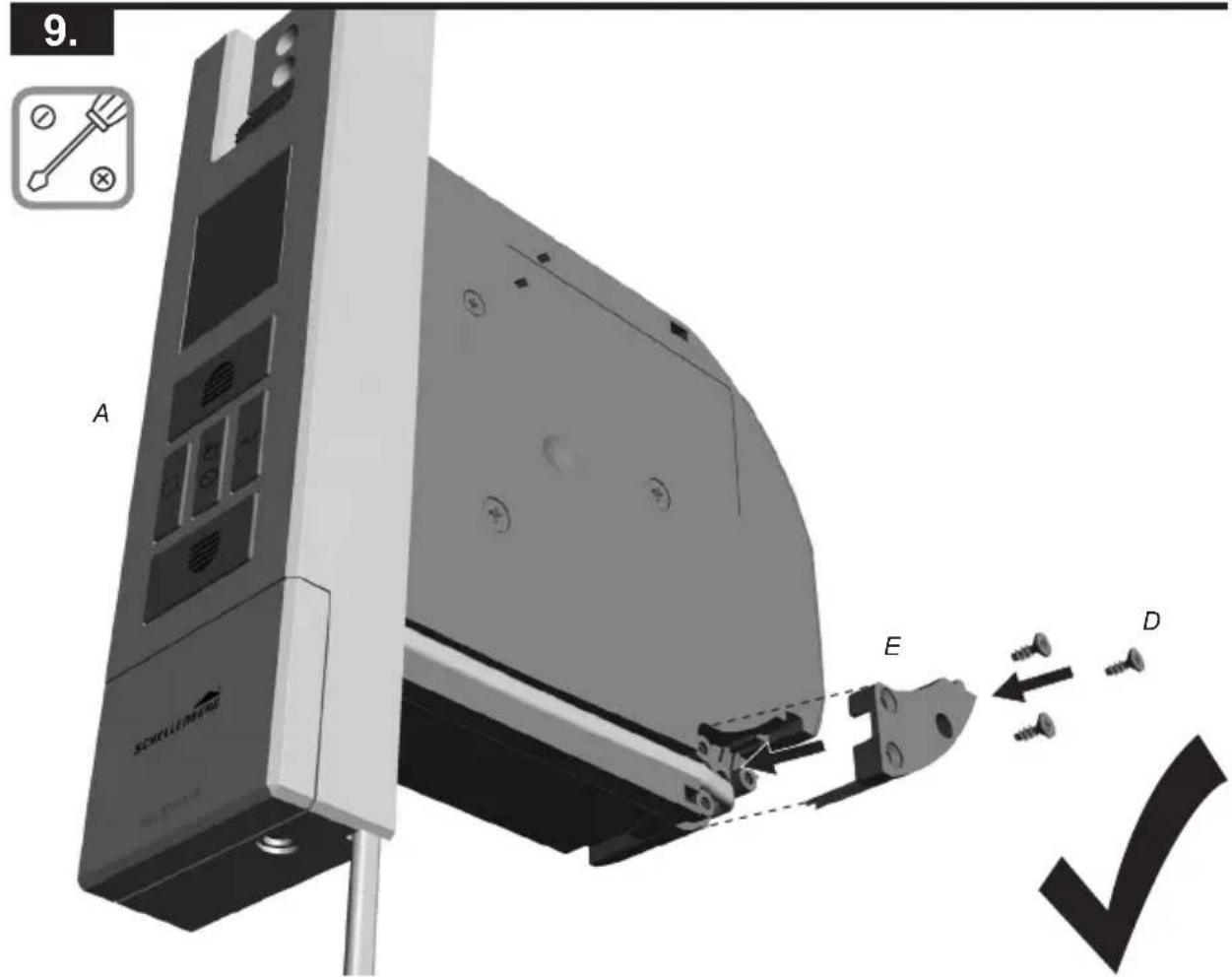
text_image
9. A E D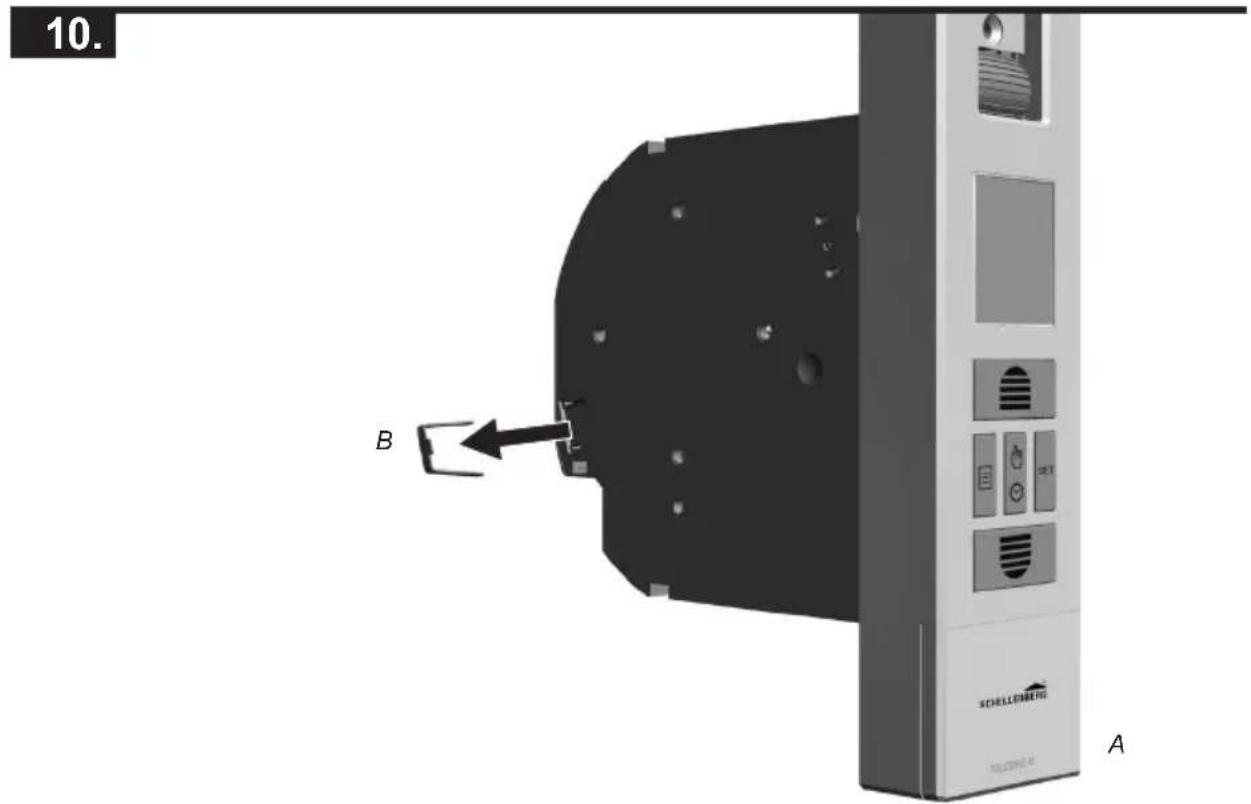
text_image
10. B SCHLLENBETG A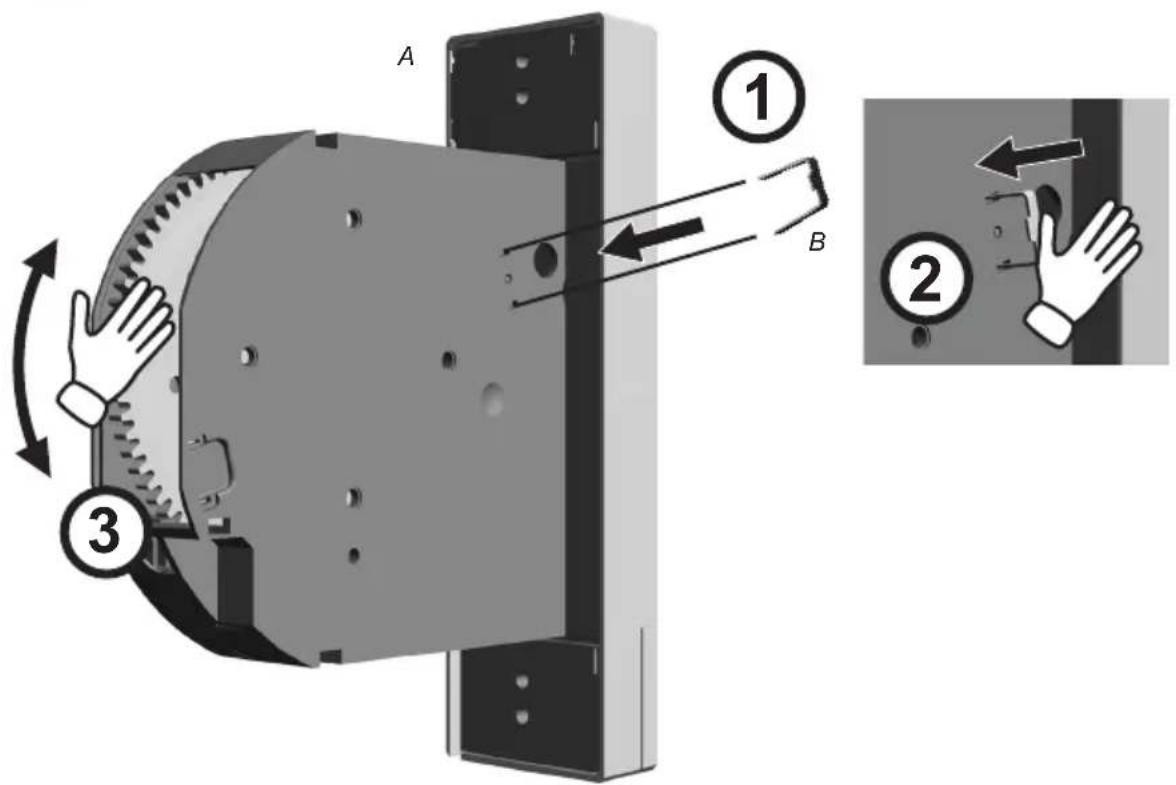
text_image
A ① B ② ③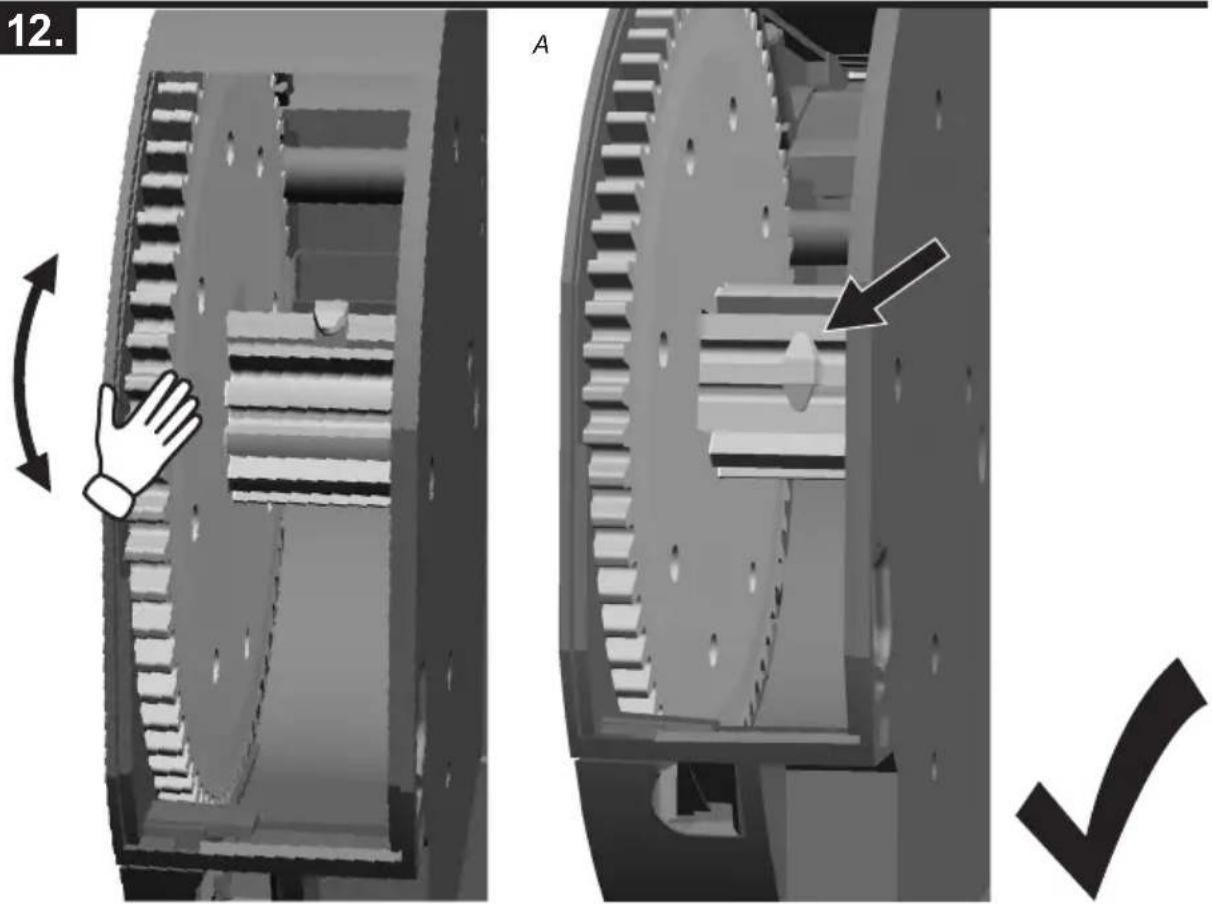
text_image
12. A ✓
natural_image
3D mechanical assembly diagram showing a component with labeled parts A and B, no readable text or symbols present.
text_image
ASCHELLENB
natural_image
Two identical mechanical components with internal gear-like structures, one showing a cutaway view and the other a highlighted section with an arrow (no text or symbols)
text_image
A ① B ②
text_image
1 x
text_image
18. B A
text_image
A B
text_image
A FSCHELLENBERG

text_image
A C C1x
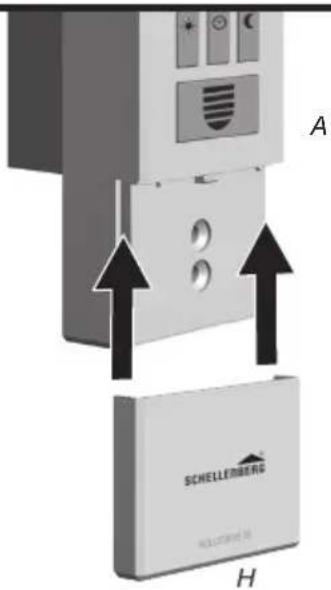
text_image
A SCHIELLEMBEING H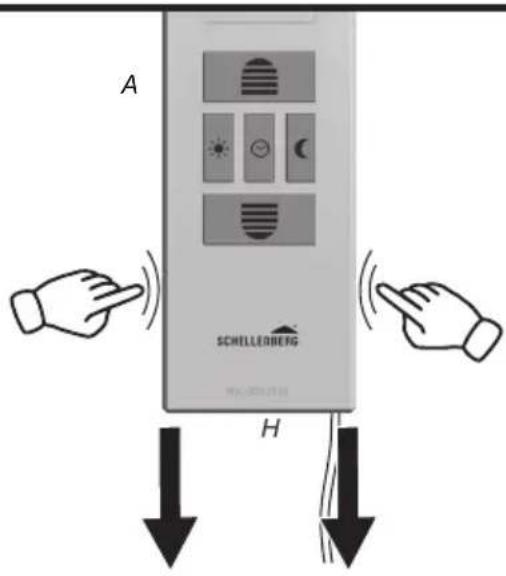
text_image
A SCHELLEINBERG H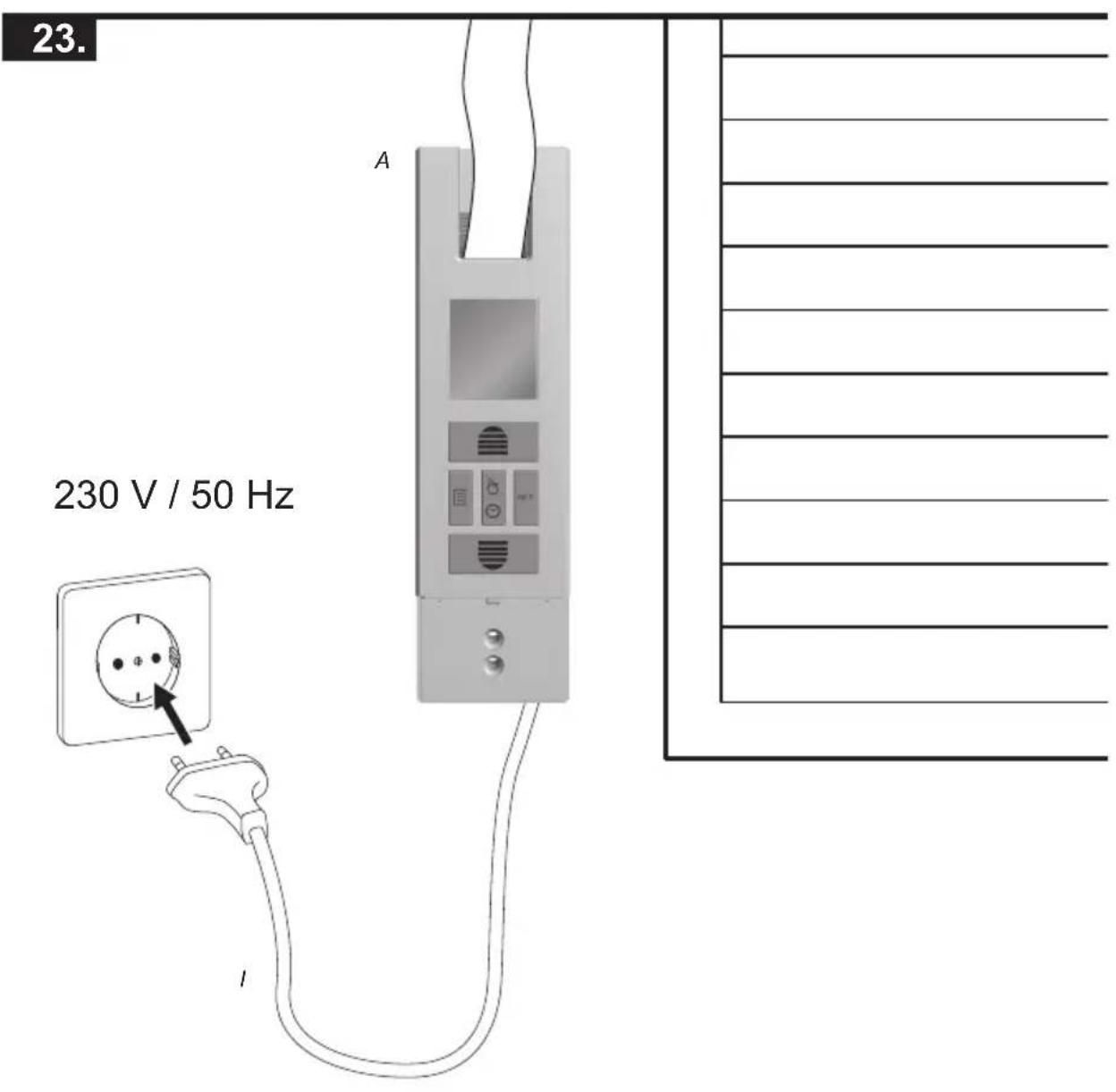
text_image
23. A 230 V / 50 Hz I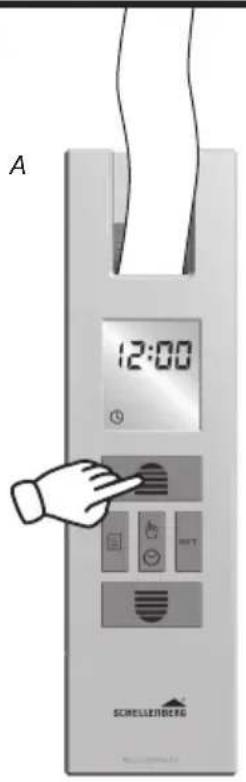
text_image
A 12:00 SCHELLERBERG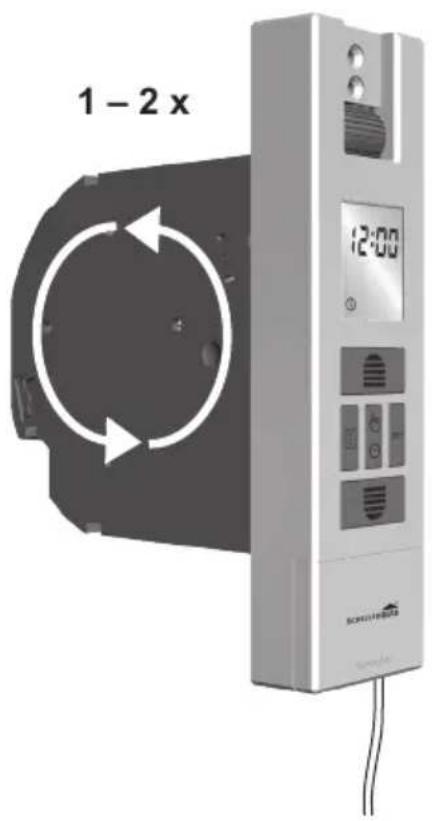
text_image
1 - 2 x 12:00 SCHUPEHENS SCHUPEHENS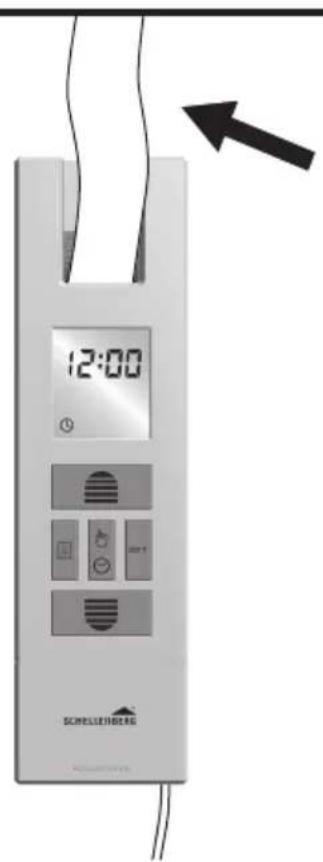
text_image
12:00 SCHILLIENBERG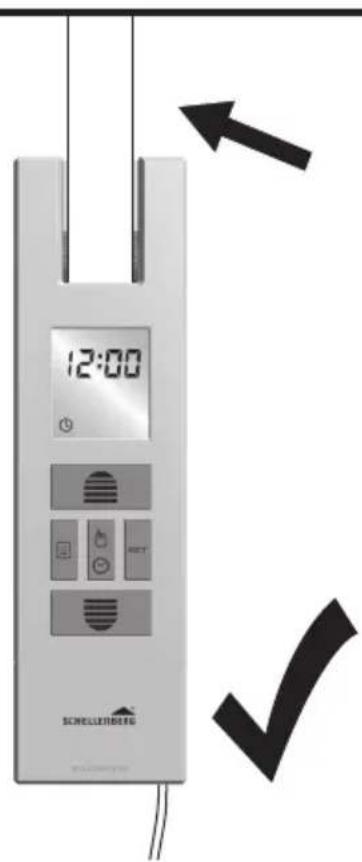
text_image
12:00 SCHELLERBERGC
text_image
User interface buttons including list, document, hand gesture, and SET button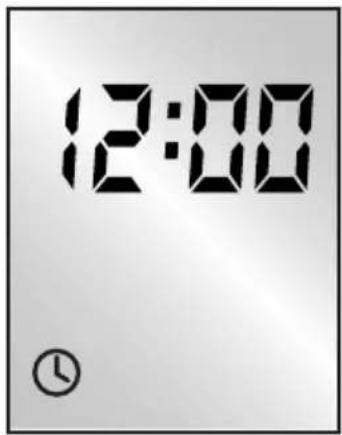
text_image
12:00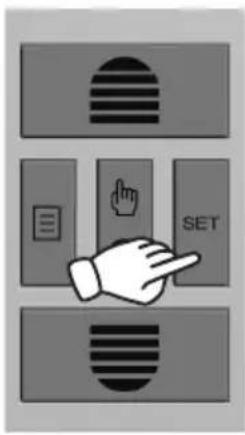
text_image
Diagram showing a hand pressing a button labeled 'SET' with icons for navigation and editing functions.
text_image
12:00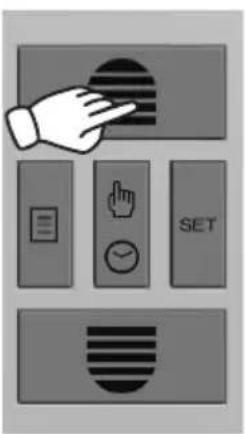
text_image
Diagram showing a hand interacting with a circular button, accompanied by five labeled buttons: menu, hand gesture, timer, and SET.
text_image
16:00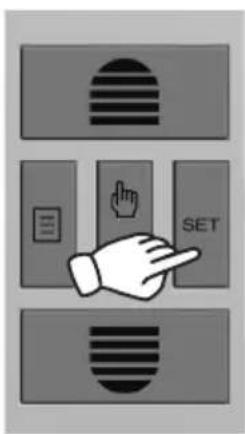
text_image
Diagram showing a hand pointing at a SET button with icons for navigation and editing functions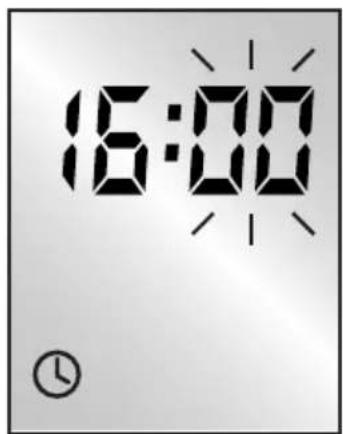
text_image
16:00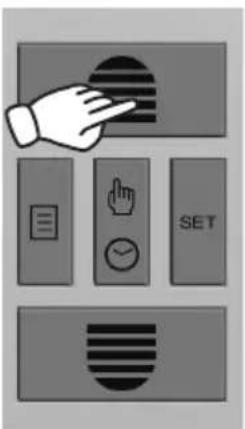
text_image
Diagram showing a hand interacting with a screen and multiple function buttons including a timer, hand gesture, and SET button.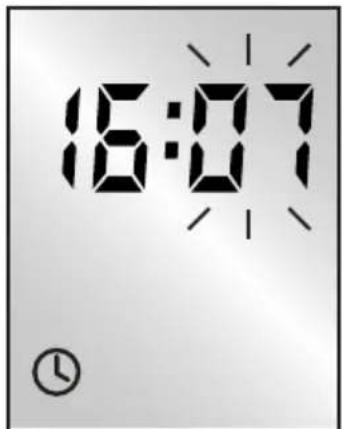
text_image
16:07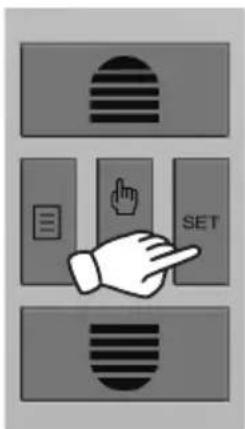
text_image
Diagram showing three labeled buttons with icons: a striped circle, a document icon, and a hand pointing to the 'SET' button.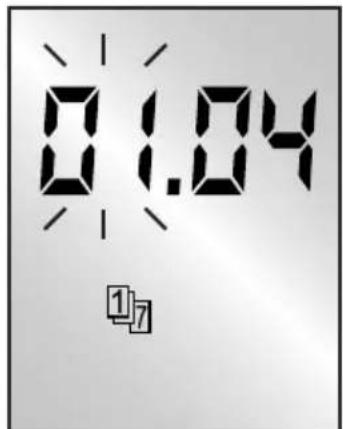
text_image
01.04 17SCHELLENBERG
text_image
Diagram showing hand gesture interacting with a button, including checklist, click, and SET buttons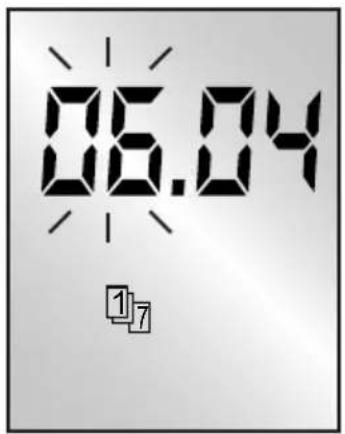
text_image
06.04 1/7
text_image
Diagram showing a hand pressing a button labeled 'SET' with icons for navigation and editing functions.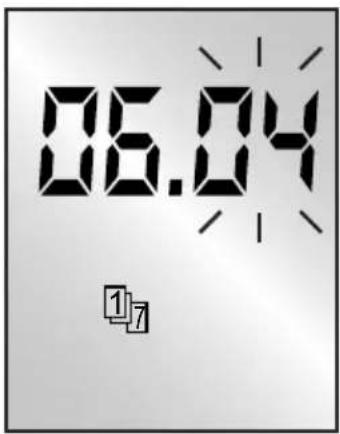
text_image
06.04 1/7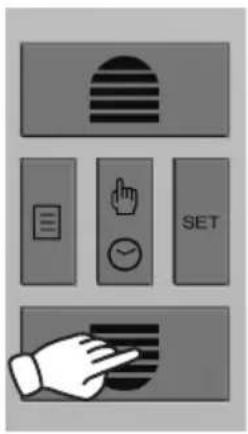
text_image
Diagram showing five labeled UI elements: striped circle, document, hand gesture, timer, and hand icon with checkmark.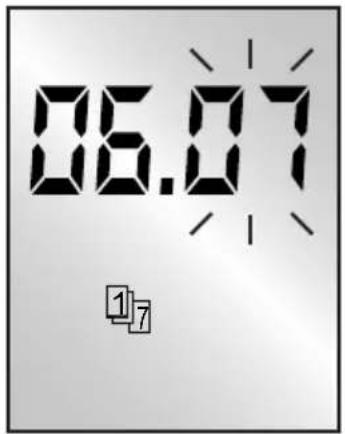
text_image
06.07 ①⑦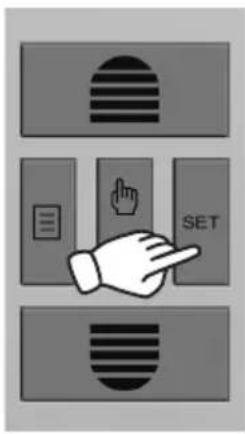
text_image
Diagram showing a hand pointing at a SET button with icons for navigation and editing functions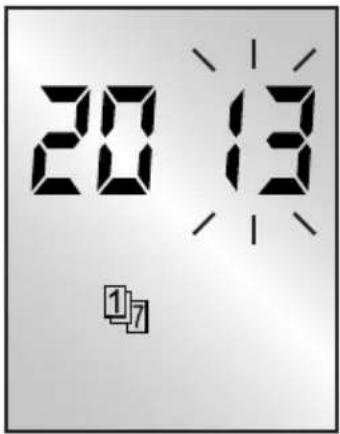
text_image
20:13 1/7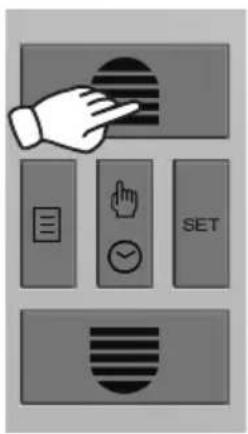
text_image
Diagram showing a hand interacting with a button labeled SET, accompanied by icons for menu, hand gesture, and timer.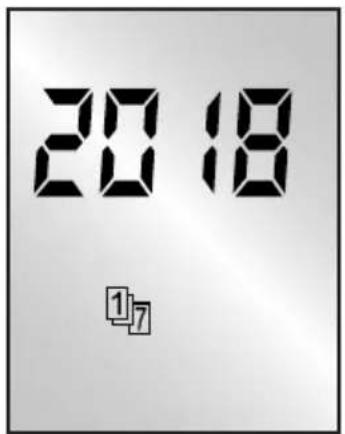
text_image
2018 1,7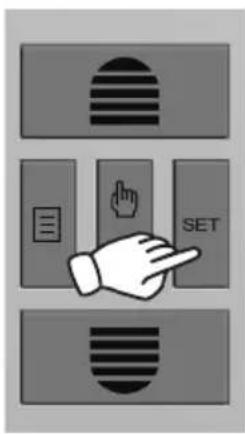
text_image
Diagram showing three labeled buttons with icons: a striped circle, a document icon, and a hand pointing to the 'SET' button.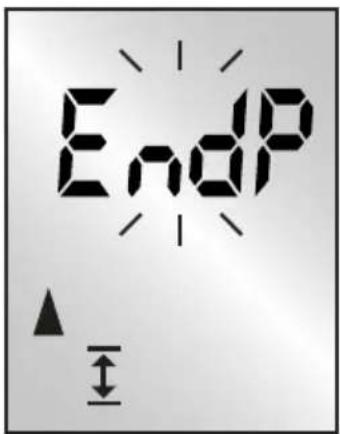
text_image
EndP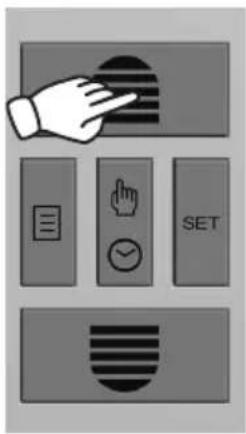
text_image
Diagram showing a hand interacting with a button, including checklist, finger, checkmark, and SET buttons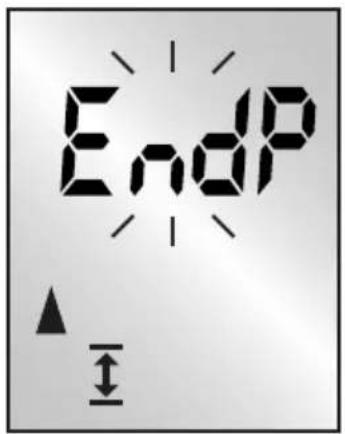
text_image
EndP ↑ ↓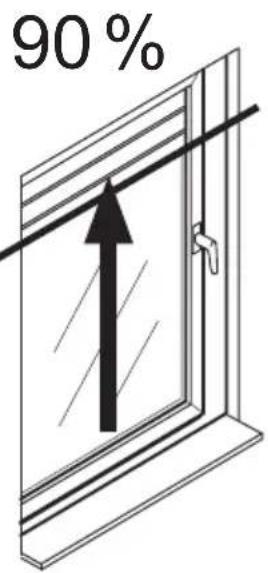
text_image
90%
text_image
Diagram showing a hand interacting with a button labeled SET, with icons for menu, hand gesture, checkmark, and document.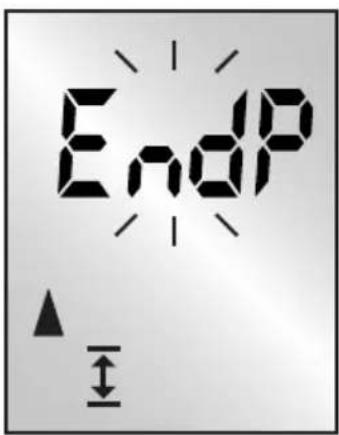
text_image
EndP ↑ ↓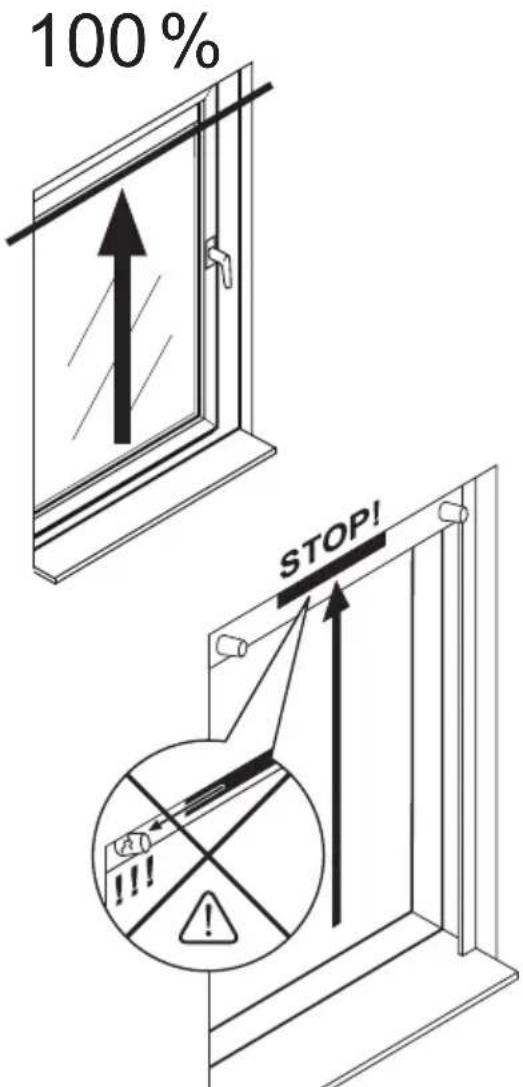
text_image
100% STOP!
text_image
Diagram showing three labeled buttons with icons: striped, document, and hand pointing to a 'SET' button.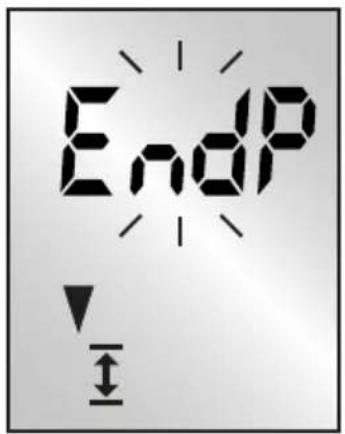
text_image
EndP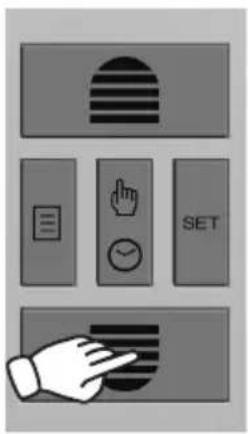
text_image
Diagram showing five labeled UI elements: striped rectangle, document icon, hand cursor with timer, checkmark, and SET button, plus a hand gesture.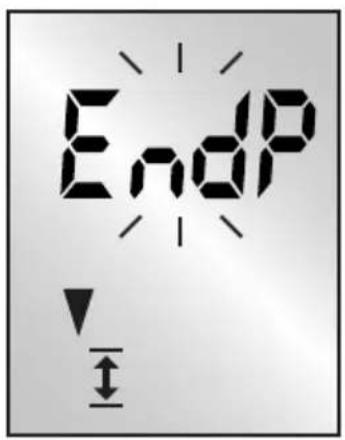
text_image
EndP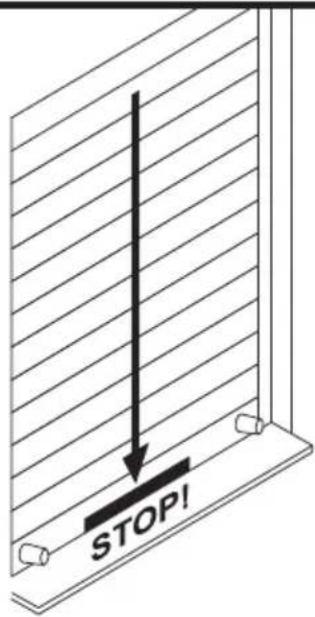
text_image
STOP!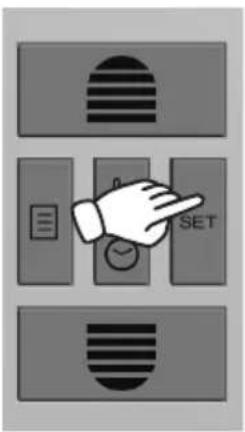
text_image
Diagram showing a hand pointing at a timer labeled 'SET' with three rectangular buttons below, each containing a patterned icon.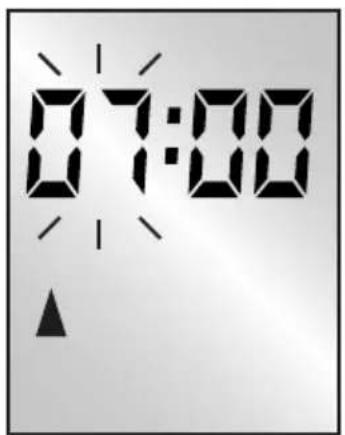
text_image
07:00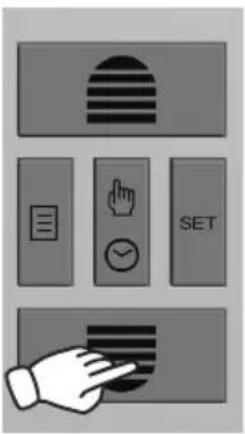
text_image
Diagram showing a hand interacting with a numeric keypad and a timer, alongside three labeled buttons: striped flag, document, hand gesture, and SET.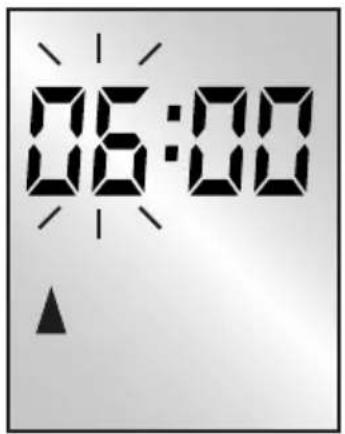
text_image
06:00
natural_image
Simple line drawing of a sun and a window with an upward arrow (no text or symbols)
text_image
Diagram showing three labeled buttons with icons: striped, document, and hand pointing to 'SET'
text_image
06:00
text_image
Diagram showing a hand interacting with a button labeled 'SET' and other icons including document, hand gesture, timer, and checkmark.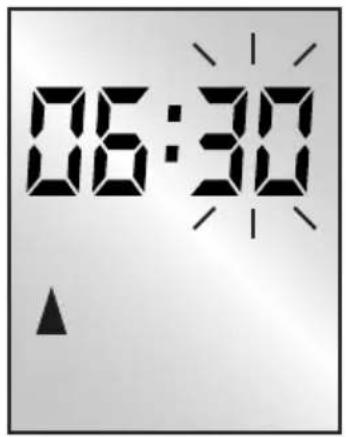
text_image
06:30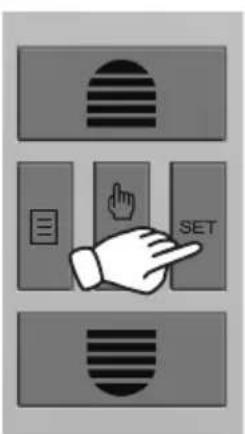
text_image
Diagram showing three labeled buttons with icons: striped, left square, and hand pointing to 'SET'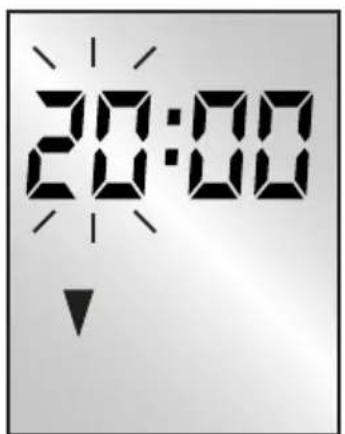
text_image
20:00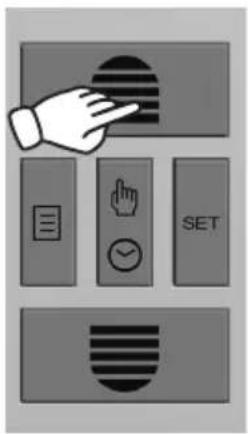
text_image
Diagram showing a hand pointing at a button with icons for menu, navigation, and SET controls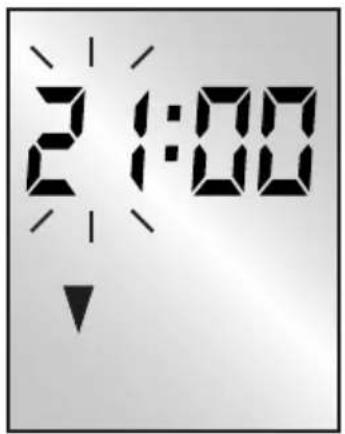
text_image
2:00
natural_image
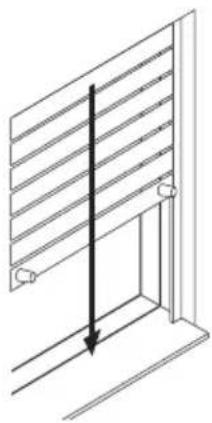
Diagram of a window frame with horizontal slats and a vertical arrow indicating direction (no text or symbols)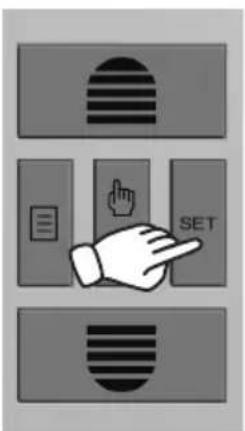
text_image
Diagram showing three labeled buttons with icons: striped, left square, and right square, each pointing at a button labeled 'SET'.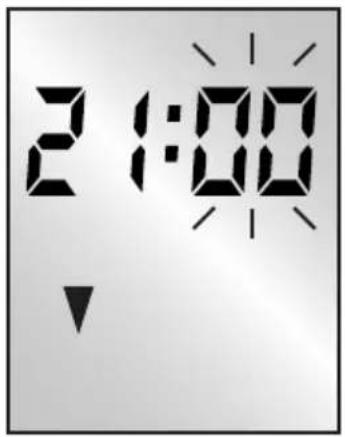
text_image
2:00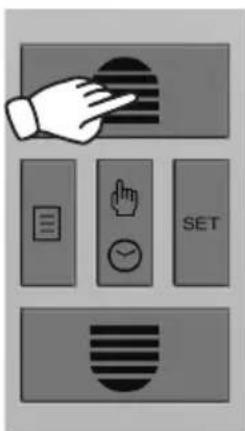
text_image
Diagram showing a hand interacting with a button, accompanied by five labeled buttons: 'SET', 'OK', 'SUIT', 'Document', and 'Arrow'.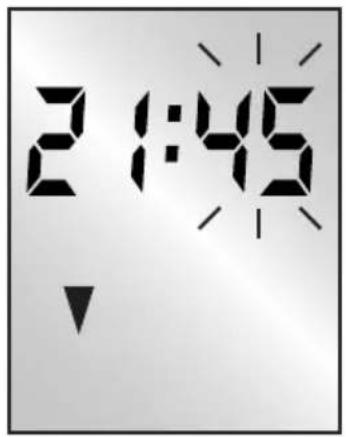
text_image
2:1:45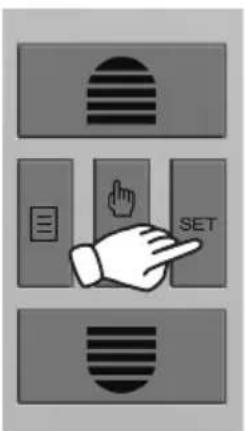
text_image
Diagram showing three labeled buttons with icons: striped, document, and hand pointing to the 'SET' button.
natural_image
Black checkmark symbol on white background (no text or additional symbols)D
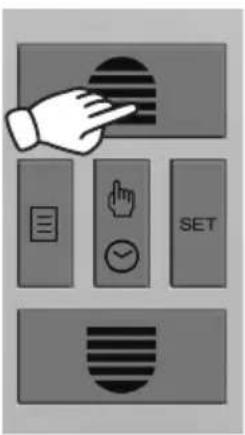
text_image
Diagram showing a hand interacting with a button labeled SET, accompanied by icons for menu, navigation, and checkmark.
natural_image
Isometric line drawing of a window with horizontal slats and a vertical arrow indicating direction (no text or symbols)
text_image
Diagram showing a hand interacting with a set of control buttons including list, document, hand gesture, timer, and SET.
natural_image
Isometric line drawing of a window with horizontal slats and a vertical arrow indicating direction (no text or symbols)
text_image
Diagram showing five labeled UI elements: striped circle, checklist, hand gesture, timer, and hand cursor, arranged in a grid-like layout.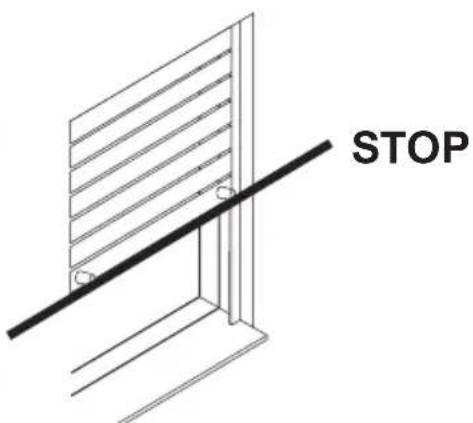
text_image
STOPE
text_image
Diagram showing a hand pressing a button labeled 'SET' with three rectangular buttons below, each containing a patterned icon.
text_image
Weather and energy symbols with icons for electricity, solar, clock, diode, and battery
text_image
6 x SET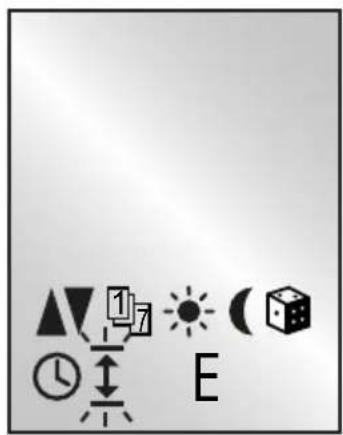
text_image
Weather icon set with symbols for sunny, cloudy, and night sky, including clock, hour, sun, moon, and house icons.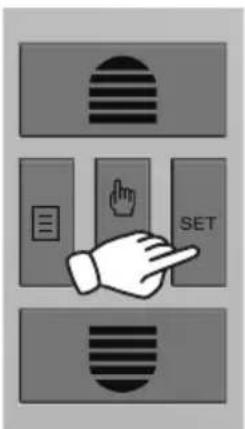
text_image
Diagram showing a hand pointing at a SET button with three icons: horizontal stripes, a small text box, and a finger icon.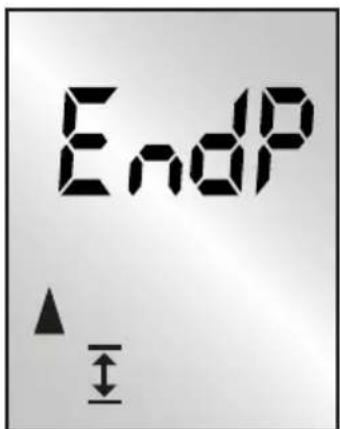
text_image
EndP ▲ ↓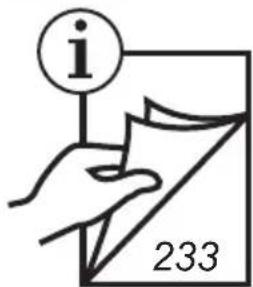
text_image
i 233
flowchart
graph TD
    A["37."] --> B["40."]

natural_image
Black checkmark symbol on white background (no text or additional symbols)F
text_image
Diagram showing a hand pressing a button labeled 'SET' with icons for horizontal and vertical stripes.
text_image
Weather and weather icons with symbols for day, night, moon, clock, sun, and cube
text_image
Diagram showing three labeled buttons: a striped circle, a document with a pointing hand, and a horizontal bar with 'SET' label.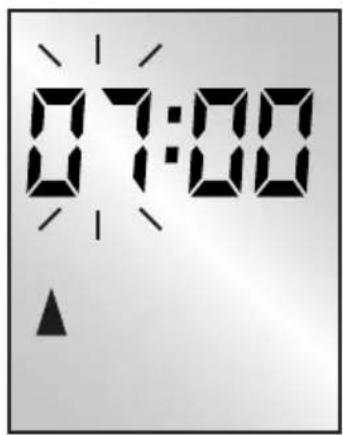
text_image
07:00
text_image
i 234
flowchart
graph TD
    A["41."] --> B["49."]

natural_image
Black checkmark symbol on white background (no text or additional symbols)
During a power failure, the time will blink for 1 minute. Then the unit will switch off. The time will be stored for 8 hours without electricity. In case of a prolonged power failure, the time must be reprogrammed. Once the power is available again, a pending timer command will be executed (only the last one).

text_image
Diagram showing a hand pressing a button labeled 'SET' with three rectangular buttons and striped patterns above, likely representing a control or interface mechanism.
text_image
Weather and transportation icons including lights, clocks, suns, a cube, and a letter 'E' with directional arrows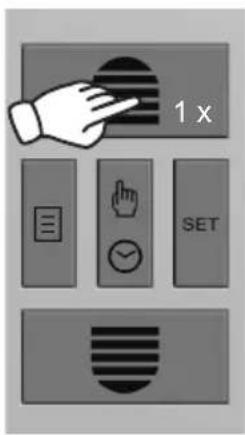
text_image
1 x SET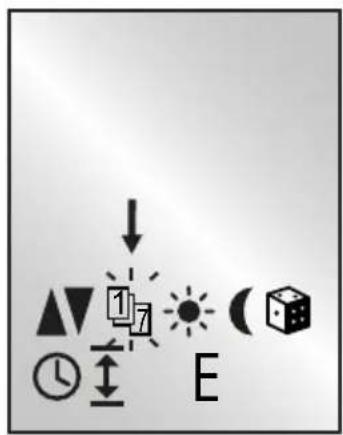
text_image
Diagram showing directional icons and labels including arrows, symbols like clock, hourglass, sun, moon, and cube with letter annotations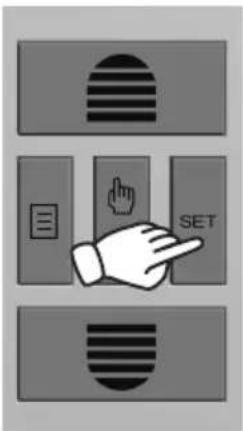
text_image
Diagram showing three labeled buttons with icons: striped circle, document icon, and hand pointing to 'SET'G.1
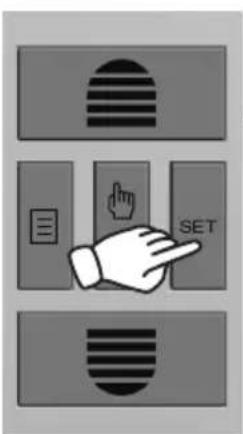
text_image
Diagram showing three labeled buttons with icons: a striped circle, a document icon, and a hand pointing to the 'SET' button.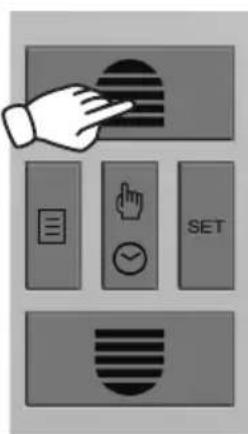
text_image
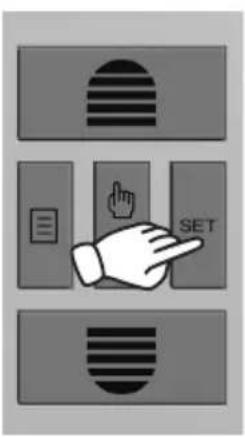
Diagram showing a hand interacting with a button labeled 'SET' and other icons including checklist, hand gesture, checkmark, and document.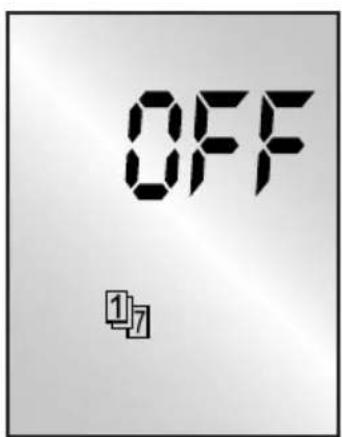
text_image
OFF 1/7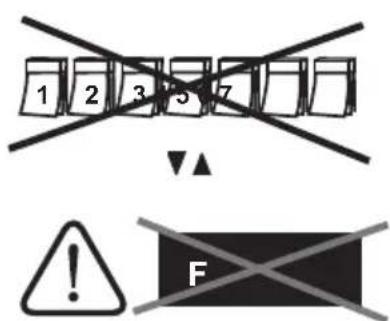
text_image
1 2 3 5 7 ! FG.2
text_image
Diagram showing three labeled buttons with icons: striped, left-side menu, and right-side button labeled 'SET'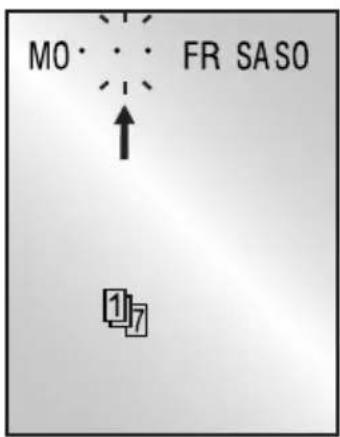
text_image
MO • • • FR SASO ↑ 1 7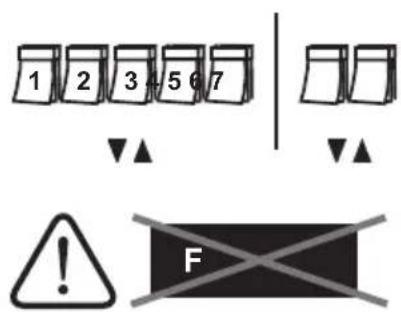
text_image
1 2 3 5 6 7 ▼▲ ▼▲ ! F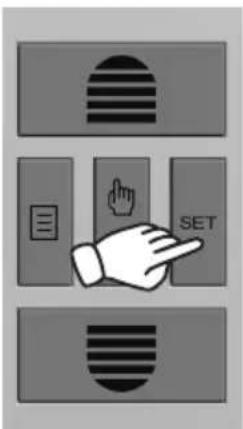
text_image
Diagram showing three labeled buttons with icons: striped, left-aligned, and right-aligned, each pointing at a hand.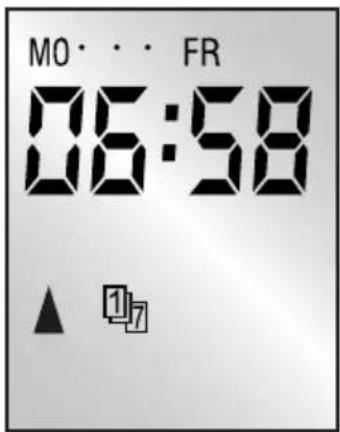
text_image
MO · · · FR 06:58 ▲ 11/7
text_image
i 234 41. ↓ 49.
text_image
Diagram showing three labeled buttons with icons: a striped circle, a document icon, and a hand pointing to the 'SET' button.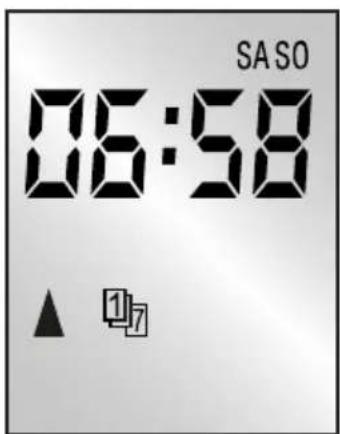
text_image
SASO 06:58 ▲ 117
text_image
i 234 41. ↓ 49.G.3
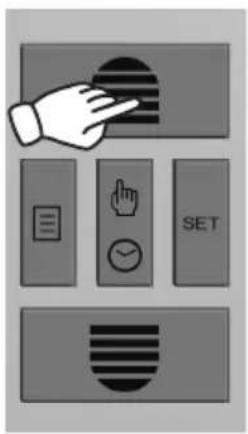
text_image
Diagram showing a hand interacting with a button, accompanied by five labeled buttons: 'SET', 'OK', 'Check', 'Update', and 'Arrow'.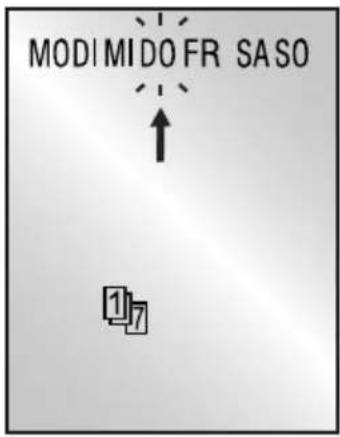
text_image
MODIMIDO FR SASO ↑ 117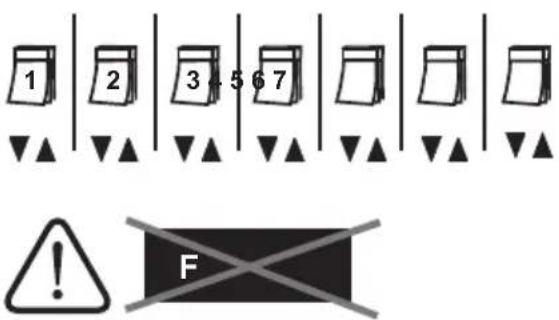
text_image
1 2 3 4 5 6 7 F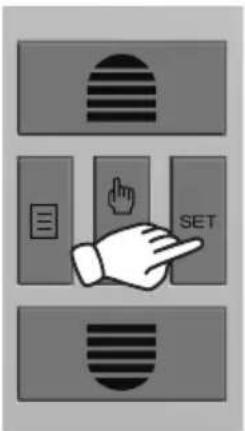
text_image
Diagram showing three labeled buttons with icons: striped, left-aligned, and right-aligned, each pointing at a hand.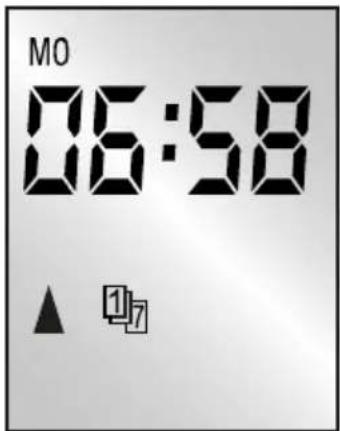
text_image
MO 06:58 ▲ 11/7
text_image
i 234 41. ↓ 49.
text_image
Diagram showing three labeled buttons with icons: striped, document, and hand pointing to the 'SET' button.
natural_image
Black checkmark symbol on white background (no text or additional symbols)H
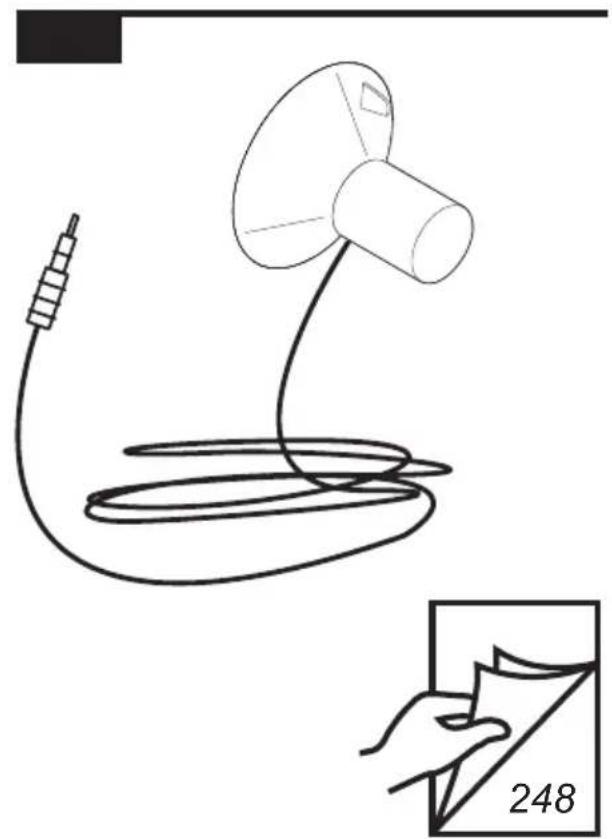
text_image
248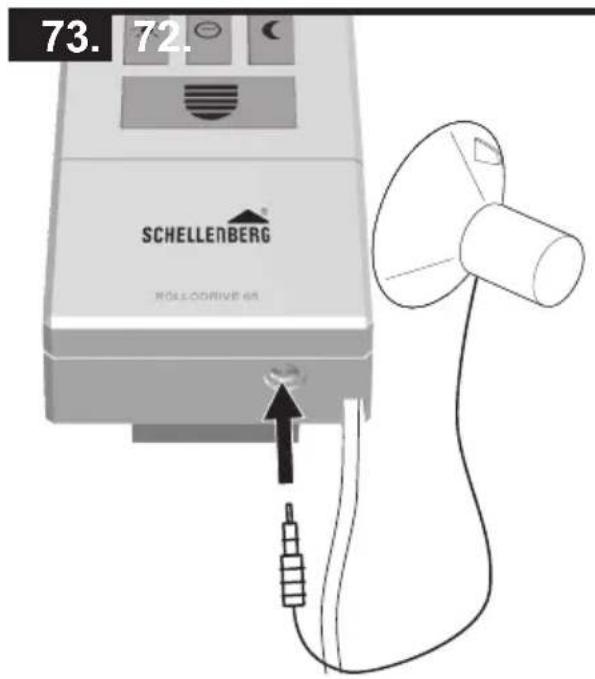
text_image
73.72. SCHELLENBERG HÖLLÖDRIVE 68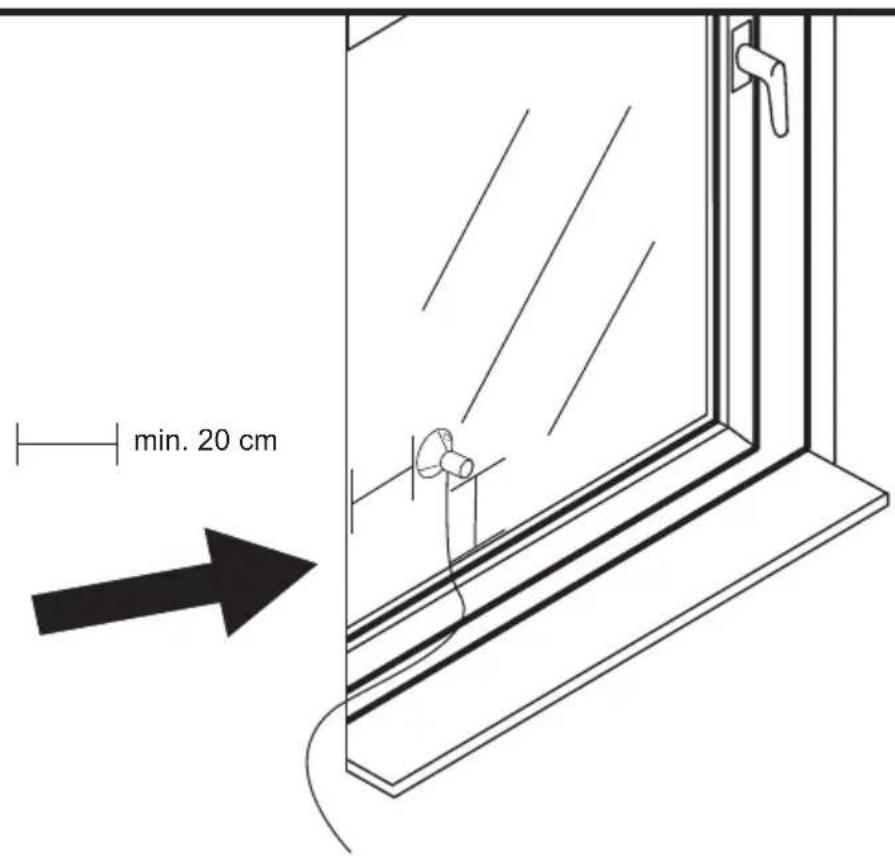
text_image
min. 20 cm
text_image
Diagram showing a hand pressing a button labeled 'SET' with icons for horizontal bars, hand, and document.
text_image
Weather and weather icons including alarm, moon, sun, clock, and cube with directional arrows
text_image
2 x SET
text_image
Diagram showing geometric shapes and symbols including triangle, clock, hourglass, cube, and sunburst with label 'E'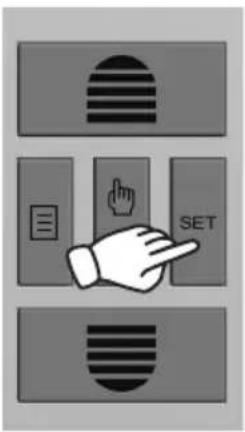
text_image
Diagram showing three labeled buttons with icons: striped, left-aligned, and right-aligned, each pointing to a button labeled 'SET'.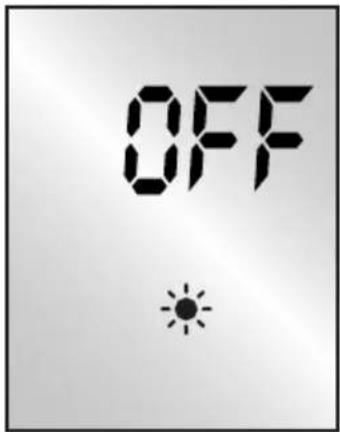
text_image
OFF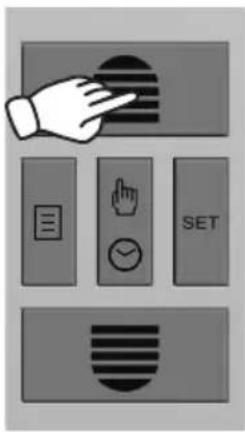
text_image
Diagram showing a hand pointing at a button with icons for menu, navigation, and SET controls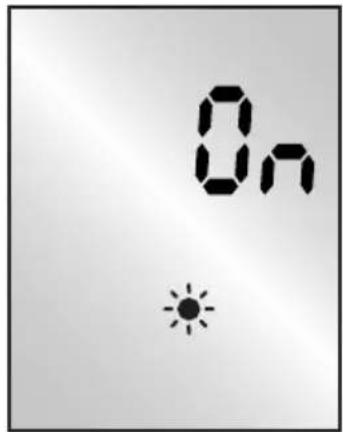
text_image
On Sun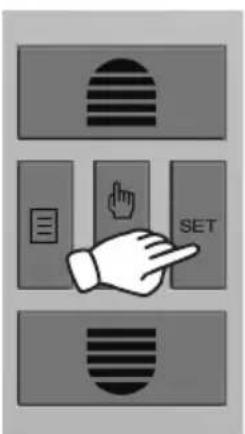
text_image
Diagram showing three labeled buttons with icons: striped, document, and hand pointing to SET button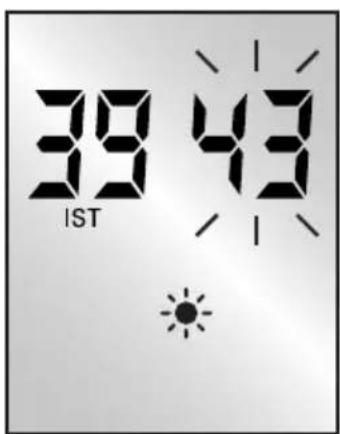
text_image
39 43 IST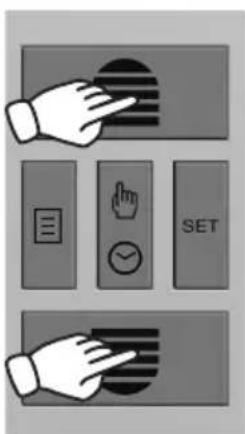
text_image
Diagram showing hand gesture buttons including 'SET', checklist, and navigation icons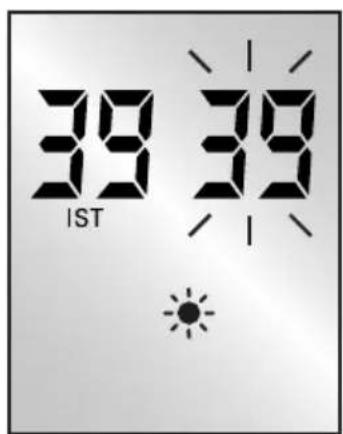
text_image
39 39 IST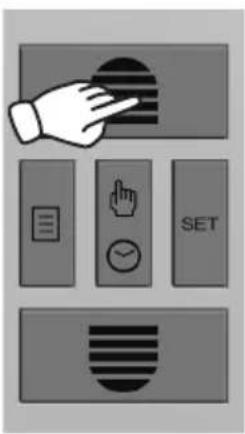
text_image
Diagram showing hand gesture interacting with a device, including menu, click, and SET buttons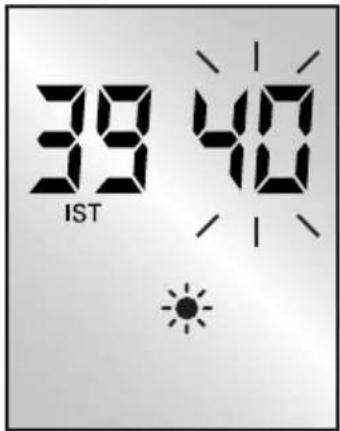
text_image
39 40 IST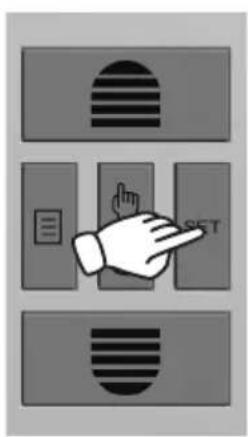
text_image
Diagram showing a hand pointing at a button labeled 'SET' with three rectangular buttons below, each containing a symbol.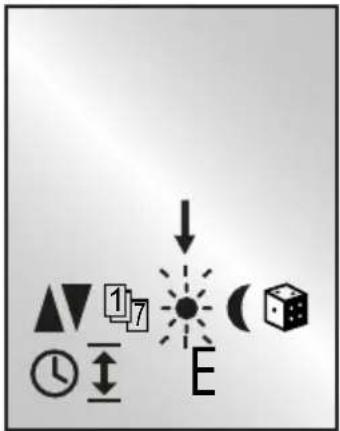
text_image
Diagram showing geometric shapes and symbols including triangle, clock, hourglass, cube, and sunburst with label E
natural_image
Simple black checkmark symbol on white background (no text or additional symbols)GB Adjust the desired brightness value via the raising and lowering keys. The setting range is between 31 and 45.
natural_image
Line drawing of a window with a cloud above it and an arrow pointing to the right (no text or symbols)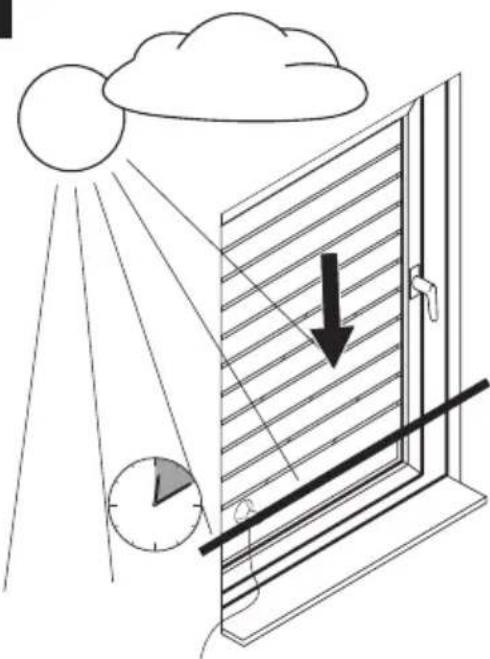
natural_image
Illustration of a window with sunlight illuminating the sky and a clock below, showing a downward arrow (no text or symbols)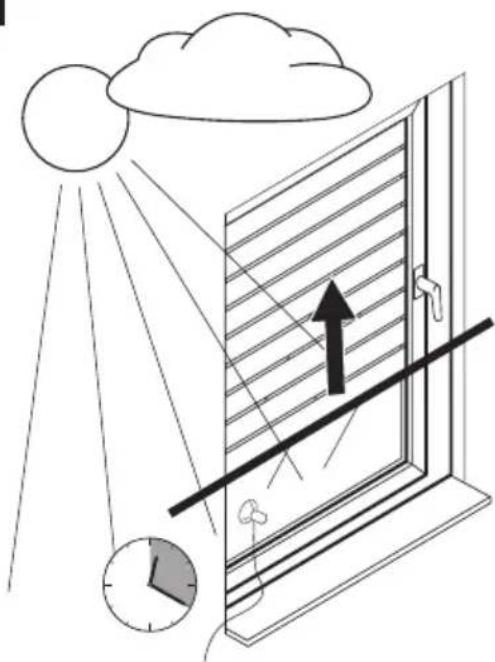
natural_image
Diagram of a window with sunlight illuminating the sky and a clock showing time (no text or symbols)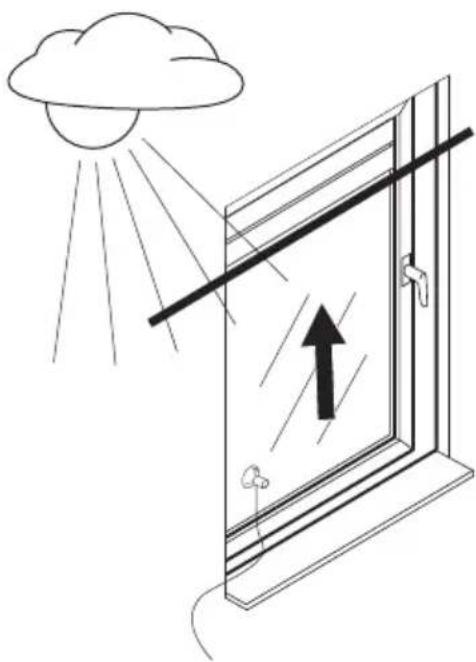
natural_image
Illustration of a window with sunlight illuminating the window, showing an upward arrow and cloud (no text or symbols) | Wird die eingestellte Helligkeit ca. 10 Minuten ununterbrochen erkannt, fährt der Rollladen bis zum Saugknopf des Sonnensensors nach unten. Nach ca. 20 Minuten wird der Roll-laden ein Stück hochgezogen und der Lichtsensor ist freigegeben. Wird weiterhin die ein-gestellte Helligkeit erkannt, bleibt der Rollladen dort stehen. Wird die eingestellte Helligkeit unterschritten, fährt der Rollladen bis zum oberen Endanschlag hoch.Hinweis! Die gewählte Position des Sensors entspricht dem Fahrweg des Rollladens. |
 | If the set brightness is continuously detected for approx. 10 minutes, the roller shutter will move down to the suction head of the sun sensor. After about 20 minutes, the roller shutter is pulled up a bit, the sun sensor is released and will measure again. If the set brightness continues to be detected, the roller shutter stop there. If the set brightness is underruns, the roller shutter will move up to the upper end position.Note! The selected position of the sensor corresponds to the movement path of the roller shutter. |
 | Si la luminosité réglée est constatée pendant 10 minutes environ sans interruption, le volet roulant se ferme jusqu'au bouton d'aspiration du capteur Soleil. Au bout de 20 minutes environ, le volet roulant s'ouvre un peu pour dégager le capteur Soleil. Celui-ci mesure alors de nouveau la luminosité. Si la luminosité réglée est encore constatée, le volet roulant s'immobilise. Si la luminosité réglée n'est plus atteinte, le volant roulant se déplace jusqu'au point d'extrémité supérieur.Nota! La position sélectionnée du capteur correspond à la trajectoire du volet roulant. |
 | Als de ingestelde helderheid ca. 10 minuten ononderbroken wordt herkend, loopt het rolluik omlaag tot aan de zuigknop van de zonsensor. Na ca. 20 minuten wordt het rolluik een stuk omhooggetrokken; de zonsensor is vrijgegeven en meet opnieuw. Als de ingestelde helderheid nog steeds wordt herkend, blijft het rolluik daar staan. Wanneer de ingestelde helderheid niet wordt gehaald, loopt het rolluik omhoog tot aan de bovenste eindaanslag.Aanwijzing! De gekozen positie van de sensor komt overeen met de weg van het rolluik. |
 | Jeżeli ustawiona jasność będzie rejestrowana bez przerwy przez ok10 minut, roleta opuszcza się do ssawki czujnika słonecznego. Po ok. 20 minutach roleta jest nieco podnoszo-na, czujnik słoneczny odsłaniany i ponownie mierzy jasność. Jeżeli nadal rejestrowana jest ustawiona jasność, roleta zatrzymuje się w tym miejscu. Jeżeli ustawiona jasność nie jest osiągnięta, roleta jest podnoszona do górnego ogranicznika.Wskazówka! Wybrana pozycja czujnika słonecznego odpowiada drodze przesuwu rolety. |
 | Se la luminosità impostata viene rilevata di continuo per circa 10 minuti, l'avvolgibile scende fino alla ventosa del sensore solare. Dopo circa 20 minuti, l'avvolgibile viene sollevato un po', il sensore solare viene liberato e può rilevare di nuovo la luce. Se la luminosità impost-ata viene rilevata ancora, l'avvolgibile rimane fermo nella posizione in cui si trova. Se la luminosità scende sotto il valore impostato, l'avvolgibile sale fino alla posizione di fine corsa superiore.Nota! la posizione scelta per il sensore corrisponde alla corsa dell'avvolgibile. |
ES
text_image
Diagram showing a hand pressing a button labeled 'SET' with icons for horizontal stripes, pointing finger, and a document.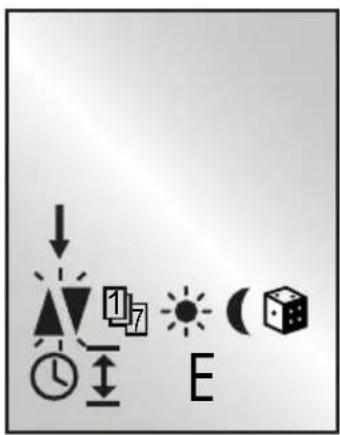
text_image
Weather and weather icons including alarm, moon, sun, clock, and cube with directional arrows and symbols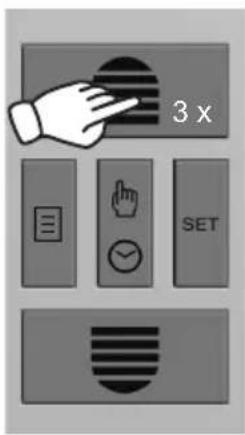
text_image
3 x SET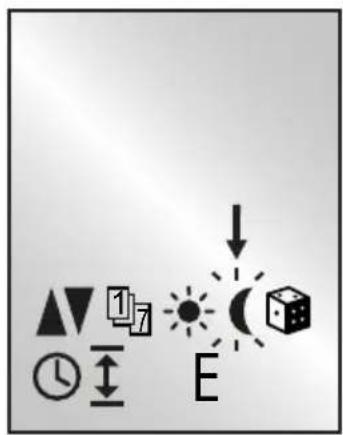
text_image
Diagram showing geometric shapes and symbols including clock, triangle, square, sun, cube, and letter E with directional arrows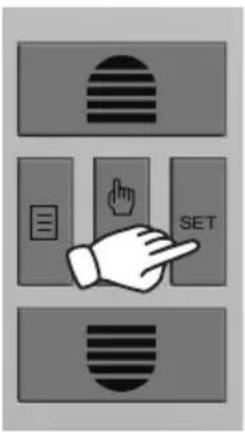
text_image
Diagram showing three labeled buttons with icons: striped, left-aligned, and right-aligned, each pointing to a hand.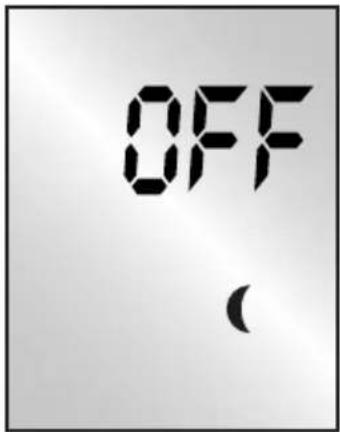
text_image
OFF ( )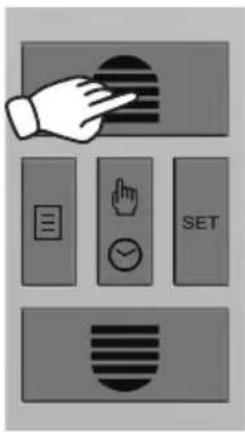
text_image
Diagram showing a hand interacting with a button, accompanied by five labeled buttons: 'SET', 'Check', 'Insert', 'Submit', and 'Reset'.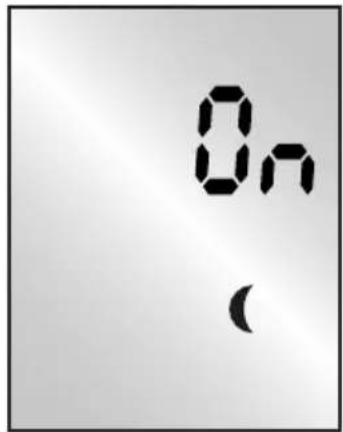
text_image
On ( )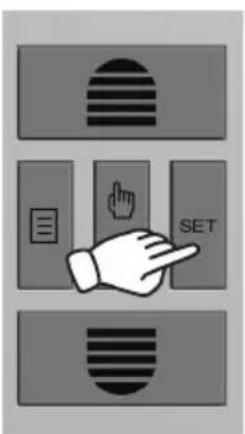
text_image
Diagram showing three labeled buttons with icons: striped, left-aligned, and right-aligned, each pointing at a button labeled 'SET'.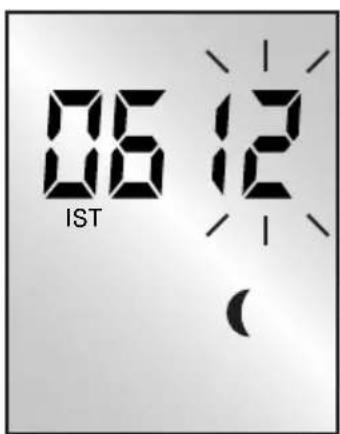
text_image
06 12 IST ( )
text_image
Diagram showing hand gesture icons including finger, document, and timer with SET label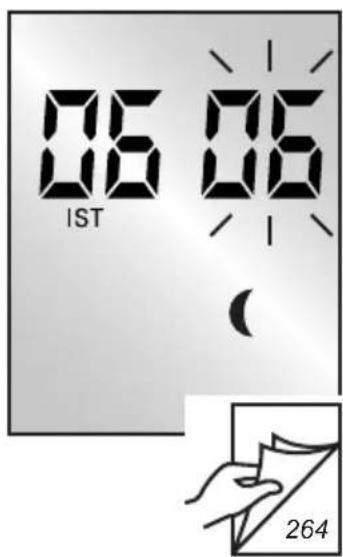
text_image
06 06 IST 06 ( 264SCHELLENBERG
GB The actual value represents the current brightness. The blinking value on the right next to it, represents the desired set twilight value of the downward movement.
text_image
Diagram showing hand gesture interacting with a device, including document, finger, timer, and SET buttons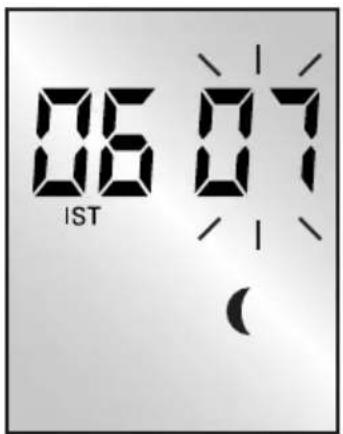
text_image
06 07 IST /- ( )
text_image
Diagram showing three labeled rectangular blocks with striped patterns and a hand pointing to one block, likely illustrating a logic or state transition concept.
text_image
Diagram showing geometric shapes and symbols including triangles, circles, arrows, and a cube with directional arrows and a central dot labeled 'E'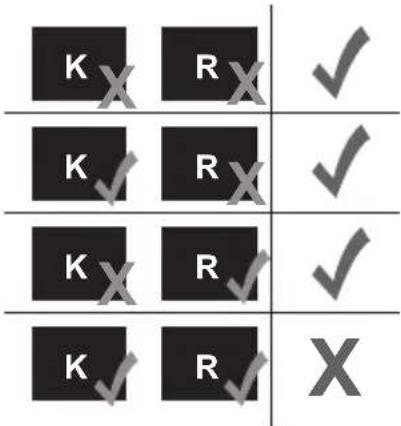
text_image
K X R X ✓ K ✓ R X ✓ K X R ✓ ✓ K ✓ R ✓ X
natural_image
Black checkmark symbol on white background (no text or additional symbols)GB Adjust the desired brightness value via the raising and lowering keys. The setting range is between 1 and 15.
natural_image
Simple line drawing of a window with sunlight illuminating the sky and clouds, showing no text or symbols.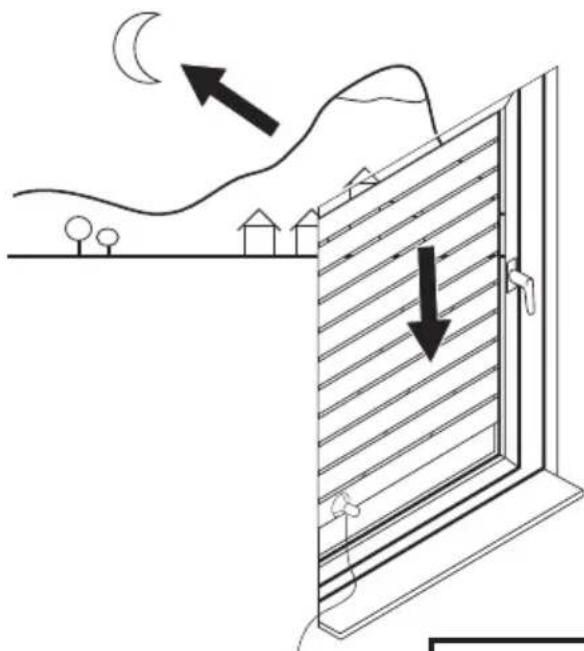
natural_image
Diagram of a window with airflow and wind direction indicators, showing house, fence, and landscape (no text or symbols)
text_image
270





| DE | Wird der eingestellte Dämmerungswert für ca. 15 Sekunden erkannt, blinkt die LED Mond und der Rollladen fährt herunter. Nach der Abfahrt wird die Dämmerungsfunktion erst nach 19 Stunden wieder aktiv.Der Rollladen fährt bei manuellem Betrieb oder zur nächsten, eingestellten Auffahrtzeit wieder nach oben. |
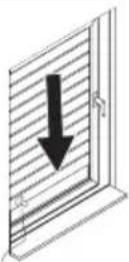
| GB | If the set Twilight value is recognized for approx. 15 seconds, the Moon LED will flash and the roller shutter will move down. After the descent, the Twilight function will only become active again after 19 hours.In the manual operating mode or at the next set raising time, the roller shutter will move upwards again. |
| FR | Si la valeur de crépuscule réglée est constatée pendant 15 secondes environ, la DEL Lune clignote et le volet roulant se ferme. Après la fermeture, la fonction Crépuscule n'est de nouveau active qu'au bout de 19 heures.Le volet roulant s'ouvre de nouveau après déclenchement manuel ou à la prochaine heure d'ouverture réglée. |
| NL | Als de ingestelde schemeringswaarde gedurende ca. 15 seconden wordt herkend, knippert de LED maan en loopt het rolluik omlaag. Na het omlaag-gaan wordt de schemeringsfunctie pas weer actief na 19 uur.Het rolluik loopt weer omhoog bij handmatig bedrijf of bij de volgende, inges-telde tijd voor omhooggaan. |
| PL | Gdy ustawiony poziom jasności (zmierzch) jest rejestrowany przez ok. 15 sekund, miga dioda LED pod ikoną Księżyca i roleta opuszcza się. Po opuszczeniu rolety funkcja zmierzchowa jest uaktywniana dopiero po upływie 19 godzin.Roleta może być podniesiona w trybie ręcznym lub ponownie o tym samym ustawionym czasie podniesienia. |
| ITES | Se il valore crepuscolare impostato viene rilevato per circa 15 secondi, lam-peggia il LED della luna e l'avvolgibile inizia a scendere. Dopo la discesa, la funzione crepuscolare viene riattivata dopo 19 ore.Nella modalità manuale l'avvolgibile o alla successiva ora di salita impostata, l'avvolgibile sale di nuovo.Si el valor de luz crepuscular configurado se detecta durante aprox. 15 segundos, entonces parpadea el LED Luna y baja la persiana. Después de bajar, la función crepuscular no volverá a activarse hasta pasadas 19 horas.La persiana subirá de nuevo en funcionamiento manual o bien a la siguiente hora de subida configurada. |
| PT | Se o valor crepuscular ajustado for detectado durante cerca de 15 segundos, a lua LED fica intermitente e a persiana desce. Após a deslocação para baixo, a função crepuscular só volta a ficar activa após 19 horas.A persiana volta a subir no modo manual ou no seguinte período ajustado de deslocação para cima. |
| CZ | Pokud je nastavená hodnota setmění identifikována po dobu cca 15 sekund, začne LED dioda měsíce blikat a roleta se stáhne. Po stažení bude stmívací funkce opět aktivní až za 19 hodin.Roleta se opět vytáhne v ručním režimu nebo v příštím nastaveném čase vytažení. |
| SK | Ak sa rozpoznáva nastavená hodnota stmievania po dobu cca 15 sekúnd, zabliká LED Mesiac a rolety sa spustia. Po spustení bude funkcia stmievania znova aktívna až po 19 hodinách.Rolety sa vytiahnu v manuálnej prevádzke alebo k najbližšiemu nastavenému času vytiahnutia znova nahor. |
| HU | Ha a beállított Alkonyat-értéket a rendszer kb. 15 mp-en keresztül észleli, akkor a hold LED villogni kezd és a redőny elmozdul lefelé. A lefelé történő elmozdulás befejezését követően az Alkonyat-funkció csak 19 óra elteltével aktiválódik újból.A redőny kézi üzemmódban vagy a felfelé való elmozdulás következő beállított időpontjában mozdul el ismét felfelé. |
| HR | Ako se prepozna namještena vrijednost zatamnjenja na oko 15 sekundi, trepti LED lampica za mjesec i roleta se spušta. Nakon spuštanja funkcija zatamnjenja ponovno je aktivna tek nakon 19 sati.Roleta radi u ručnom načinu rada ili se podiže u sljedeće namješteno vrijeme podizanja. |
| SI | Če je za pribl. 15 sekund zaznana nastavljena vrednost mraka, utripa LED Luna in roleta se začne premikati navzdol. Po koncu premikanja navzdol postane funkcija Mark znova aktivna šele po 9 urah.V ročnem obratovanju ali ob naslednjem nastavljenem času premikanja navzgor, se roleta znova začne premikati navzgor |
| RO | Dacă valoarea de înserare reglată este identificată timp de cca 15 secunde, LED-ul lună se aprinde intermitent și ruloul coboară. După coborâre funcția de înserare este activă din nou abia după 19 ore.Ruloul se ridică din nou în sus în modul de operare manuală sau la următoarea oră de ridicare setată. |
| BG | Ако зададената стойност за здрачаване бъде разпозната за около 15 секунди, LED луна мига и щорите се придвижват надолу. След спускането функцията при здрачаване е отново активна едва след 19 часа.Щорите се вдигат нагоре при ръчен режим на управление или при следващото зададено време за вдигане. |
| GR | Av η рубиоμένη τιμή λυκόφωτος ανιχνευτεί επί 15 δευτερόλεπτα περίπου, то LED Σελήνη αναβοσβήνει και το ролó κατεβαίνει. Метá την κάθοδο, η λειτουργία λυκόφωτος ενεργοποιείται και πάλι μετά 19 ώρες.То ролó ανεβαίνει και πάλι στη χειροκίνητη λειτουργία ή στον επόμενο рубиоμένο χρόνο ανόδου. |
| TR | Karartma derecesi yaklaşık 15 saniye olarak ayarlanırsa ay LED’i yanar ve jaluzi aşağı iner. Jaluzinin inişi sonrasında Karartma fonksiyonu 19 saat geçtikten sonra yenden aktif hale gelir.El ile modunda veya ayarlanmış bir sonraki yukarı hareket zamanında panjur tekrar yukarı çıkar. |
| RU | Если настроенное значение сумерек распознается в течение прибл. 15 секунд, начинает мигать светодиод «луна», и жалюзи опускаются. После опускания жалюзи, функция сумерек активируется снова только через 19 часов.Жалюзи перемещаются в ручном режиме или поднимаются в следующий настроенный для подъема момент времени. |
| UA | Якщо налаштований рівень освітлення в сутінках визначається протягом приблизно 15 секунд, блимає індикатор «Місяць» і ролети опускаються. Після опускання функція «Сутінки» знову активується лише через 19 годин.Ролети підіймаються вручну або в наступний встановлений час підйому. |
| LT | Jeigu nustatyta sutemų reikšmė atpažįstama apie 15 sek., mirksi mėnulio LED ir roletai juda žemyn. Po nusileidimo sutemų funkcija vėl susiaktyvina po 19 val.Roletai pakeliami rankiniu būdu arba juda į viršų per kitą nustatytą pakėlimo laiką. |
| LV | Ja iestatītā krēslas vērtība tiek uztverta apm. 15 sekundes, mirgo LED mēness un žalūzijas nolaižas. Pēc nolaišanas krēslas funkcija klūst atkal aktīva tikai pēc 19 sekundēm.Manuālajā darbības režīmā vai sasniedzot nākamo iestatīto pacelšanas laiku, žalūzija atkal paceļas uz augšu. |
| EE | Kui seadistatud hämarusväärtust tuvastatakse umbes 15 sekundit, vilgub kuuga LED ja ruloo liigub alla. Pärast allaliikumist aktiveerub hämarusfunkt-sioon uuesti alles 19 tunni pärast.Ruloo liigub käsirežiimi korral või järgmise seadistatud ülesliikumise ajal uuesti üles. |
| SE | Om det inställda skymningsvärdet identifieras i ca 15 sekunder blinkar LED:n Måne och rullgardinen körs ner. Efter nerfärden aktiveras skymningsfunktionen inte förrän efter 19 timmar igen.Rullgardinen körs upp manuellt eller vid nästa inställda uppkörningstid. |
| DK | Registreres den indstillede skumringsværdi i ca. 15 sekunder, blinker LED måne, og rullejalousiet kører nedad. Efter nedkørslen aktiveres skumrings-funktionen først igen efter 19 timer.Rullejalousiet kører opad igen ved manuel drift eller ved næste, indstillede opkørselstid. |
| NO | Hvis den instilte skumringsverdien registreres i ca. 15 sekunder, blinker LED månen og rullesjaluisen går ned. Skumringsfunksjonen aktiveres på nytt etter 19 timer.Rullesjalusiene går opp igjen ved neste instilte tidspunkt eller ved manuell betjening. |
| FI | Jos asetettua himmennysarvoa tunnistetaan noin 15 sekunnin ajan, LED (kuu) vilkkuu ja rullakaihdin laskeutuu alas. Rullakaihtimen laskun jälkeen himmennystoiminto on aktiivinen uudelleen vasta 19 tunnin kuluttua.Rullakaihdin nousee uudelleen ylös manuaalisessa käytössä tai seuraavana asetettuna nostoajankohtana. |
| AL | Në qoftë se vlera e regjistruar e errësimit identifikohet për gati 15 sekonda, LED me simbolin e hënës pulson dhe grila ulet poshtë. Pas uljes, funksioni i errësimit bëhet aktiv vetëm pas 19 orësh.Grila ngrihet përsëri sipër në mënyrë manuale ose në kohën tjetër të regjis-truar për ngritje. |
| BA | Ako se podešena vrijednost sumraka prepoznaje tijekom otprilike 15 sekundi, LED Mjesec treperi i roleta se počinje spuštati. Nakon spuštanja se funkcija sumraka aktivira tek nakon 19 sati.Roleta se ponovno podiže u ručnom režimu rada ili u sljedeće podešeno vrijeme podizanja. |
| XS | Ako se подешена вредност замрачења препозна на око 15 секунди, почиње да трепће светлећа диода са месечином и ролетна се спушта. Након спуштања, функција замрачења се поново активира тек након 19 сати.Ролетна се поново подиже ручно или аутоматски, у следеће подешено време. |
| IS | Ef innstillta ljósaskiptagildið greinist í u.p.b. 15 sekúndur blikkar mánaljós-díóðan og gluggahlerinn fer niður. Eftir að hann fer niður er ljósaskiptavirknin óvirk næstu 19 klukkustundirnar.Hægt er að hreyfa gluggahlerann upp handvirkt eða hann fer aftur upp á næsta innstillta tíma. |
M
text_image
Diagram showing a hand pressing a button labeled 'SET' with icons for horizontal and vertical stripes.
text_image
Weather and weather icons with symbols for day, night, moon, sun, clock, and cube
text_image
4 x SET
text_image
Weather icon set with symbols for climate change, weather direction, time, sun, moon, and a cube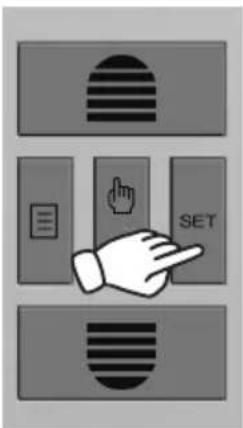
text_image
Diagram showing three labeled buttons: a striped rectangle, a document with a finger pointing at the button, and a SET button.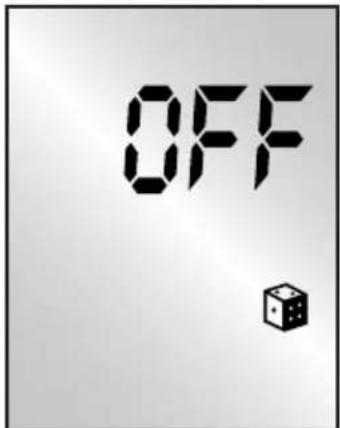
text_image
OFF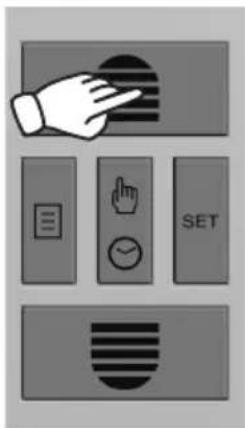
text_image
Diagram showing a hand pointing at a button with icons for menu, navigation, and SET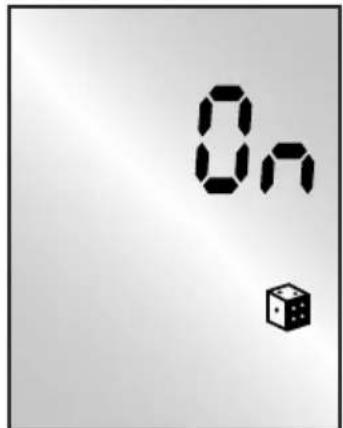
text_image
On The Die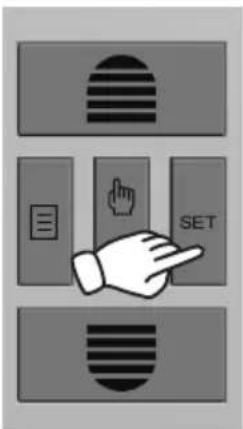
text_image
Diagram showing three labeled buttons: a striped rectangle, a document with a hand icon, and a SET button.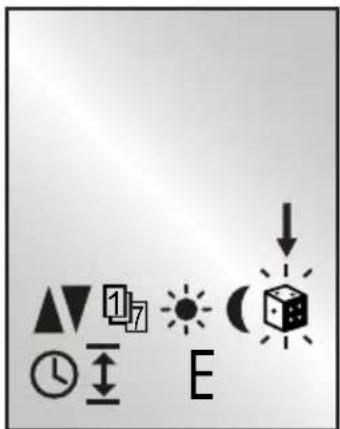
text_image
Diagram showing directional symbols and a 3D cube with arrows indicating direction or movement
text_image
276| DE Die Verzögerungszeit beträgt 0-30 Minuten und wirkt nicht auf die Astro-Funktion.Wird der Rollladen während der Verzögerungszeit manuell betrieben, löscht sich der folgende Automatik-befehl. | GR H χρονοκαθυστέρηση ανέρχεται σε 0-30 λεπτά και δεν επηρεάζει τη λειτουργία Astro.Aν χειριστείτε το ρολό κατά τη διάρκεια της χρονοκαθυστέρησης, η ακόλουθη εντολή αυτοματισμού διαγράφεται. |
| GB The delay time is 0-30 minutes and has no effect on the astro function.If the roller shutter is manually operated during the delay time, the subsequent automatic command will be deleted. | TR Gecikme 0-30 dakikalık bir zamandır ve astro işlevini etkilemez.Gecikme süresince panjur elle çalıştırılırsa aşağıdaki komut otoma-tik olarak silinir. |
| FR La temporisation est de 0 à 30 minutes et n'a pas d'influence sur la fonction Astro.Si le volet roulant est manuelle-ment actionné au cours du temps de retard, l'instruction automatique suivante se déclenche. | RU Время задержки составляет 0-30 мин. и не влияет на астрономическую функцию.Eсли в период действия задержки происходит ручное управление жалюзи, следующая автоматическая команда аннулируется. |
| NL De vertragingstijd bedraagt 0-30 minuten en heeft geen uitwerking op de Astrofunctie.Als het rolluik tijdens de vertrag-ingstijd handmatig wordt gebruikt, wordt het volgende automatische commando verwijderd. | UA Час затримки складає 0—30 хвилин і не поширюється на функцію астрономічного часу.При ручному керуванні ролетами у час затримки наступна команда автоматичного режиму скасовується. |
| PL Opóźnienie wynosi 0-30 minut i nie ma wpływu na funkcję Astro.Jeżeli roleta zostanie uruchomio-na ręcznie w czasie opóźnienia, następne polecenie automatyczne jest kasowane. | LT Delsos laikas sudaro 0–30 minučių ir neturi įtakos „Astro“ funkcijai.Jeigu roletai per delsos laika valdo-mi rankiniu būdu, kita automatinė komanda atšaukiama. |
| IT | Il tempo di ritardo è 0-30 minuti, ma non ha effetto sulla funzione Astro.Se l'avvolgibile viene usato manu-almente durante il tempo di ritardo, viene cancellato il successivo comando automatico. | LV | Novilcināšanas laiks ir 0-30 minūtes, un tas neietekmē astro funkciju.Ja novilcināšanas laikā žalūzija tiek darbināta manuāli, nodziest nākamais automātikas uzdevums. |
| ES | El tiempo de retardo se sitúa entre 0-30 minutos y no actúa con la función astronómica.Si la persiana se maneja de modo manual durante el tiempo de retardo, se borrará el siguiente comando automático. | EE | Viivitusaeg on 0–30 minutit ja see ei toimi astrofunktsiooni korral.Kui rulood ei aktiveerita viivitusaja jooksul kāsitsi, aktiveeritakse järgmi-ne automaatne käsk. |
| PT | O tempo de atraso é de 0-30 minutos e não se aplica à função nocturna.Se a persiana for operada manual-mente durante o tempo de atraso, o comando automático seguinte é eliminado. | SE | Fördröjningstiden är 0-30 minuter och verkar inte på astrofunktionen.Om jalusin körs manuellt under för-dröjningstiden, raderas efterföljande automatiska kommando. |
| CZ | Doba prodlevy je 0-30 minut a na funkci astro se neprojeví.Pokud bude roleta během doby prodlevy provozována ručně, dojde k vymazání následujícího automatického příkazu. | DK | Forsinkelsestiden er mellem 0 og 30 minutter og påvirker ikke astrofunk-tionen.Aktiveres rullejalousiet manuelt i forsinkelsestiden, slettes den ef-terfølgende automatikkommando. |
| SK | Čas oneskorenia činí 0 - 30 minút a nepôsobí na astrologickú funkciu.Ak sa rolety počas času oneskorenia prevádzkujú manuálne, nasledovný automatický príkaz znova zhasne. | NO | Forsinkelsestiden er på 0-30 minut-ter og påvirker ikke astrofunksjonen.Hvis rullesjalusien betjenes manuelt i løpet av forsinkelsestiden, vil neste kommando ikke utføres. |
SCHELLENBERG
| HU A késleltetési idő 0-30 perc és astro-funkció esetén nem működik.Ha a redőnyt a késleltetési idő alatt manuálisan vezéreltek, a következő automatikus parancs törlódik. | FI Viive on 0-30 minuuttia ja se ei vaikuta Astro-toimintoon.Jos rullakaihdinta käytetään viiveen aikana manuaalisesti, seuraava automatiikan komento poistetaan. |
| HR Vrijeme odgode iznosi 0-30 minuta i ne djeluje na astrološku funkciju.Ako roleta za vrijeme odgode radi u ručnom načinu rada, briše se sljedeća naredba automatike. | AL Koha e vonesës arrin nga 0 deri në 30 minuta dhe nuk ndikon në funksionin astronomik.Në qoftë se grila gjatë kohës së vonesës funksionon në mënyre manuale, komanda e mëposhtme automatike fshihet. |
| SI Zakasnitev je 0-30 minut in ne vpliva na zvezdno funkcijo.Če obratuje roleta v času zakasnitve ročno, se ugasne naslednji samodejni ukaz. | BA Vrijeme kašnjenja iznosi 0-30 minuta i nema utjecaja na astro funkciju.Ako se roleta tijekom vremena kašnjenja pogoni ručno, briše se sljedeća automatska naredba. |
| RO Perioada de decalare este de 0-30 de minute și nu are efecte asupra funcției astro.Dacă ruloul este acționat manual în timpul perioadei de decalare, următoarea comandă automată se șterge. | XS Одложено време износи 0-30 минута и не утиче на астро-функцију.Ако се ролетном рукује ручно док је у периоду одлагања, следећа аутоматска команда се брише. |
| BG Времето на закъснение е 0–30 минути и не влияе върху астро-функцита.Ако щорите бъдат задвижени ръчно по време на времето за закъснение, следната автоматична команди ще бъде изтрита. | IS Biõtíminn er á bilinu 0–30 mínútur og hefur ekki áhrif á sólargangs-virknina.Ef gluggahleranum er stýrt hand-virkt á biõtímanum eyõist eftirfaran-di sjálfstýringarskipun út. |
N
text_image
Diagram showing a hand pressing a button labeled 'SET' with icons for horizontal stripes, hand, and document.
text_image
Weather and weather icons with symbols for day, night, moon, sun, clock, and cube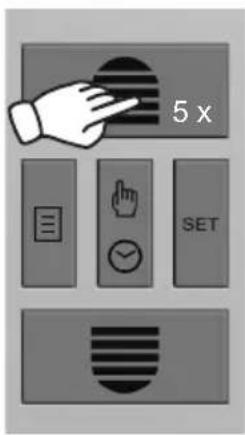
text_image
5 x SET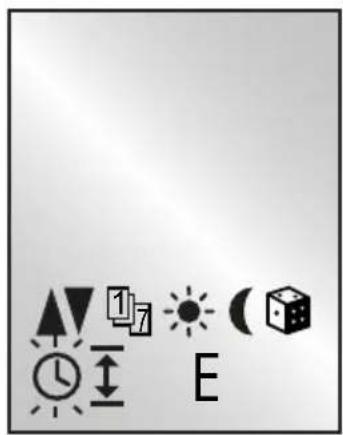
text_image
Weather and weather icons including sunny, partly cloudy, night, day, clock, and house symbols with directional arrows and letter 'E'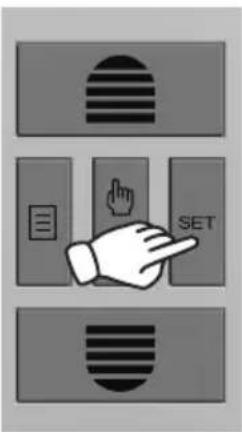
text_image
Diagram showing three labeled buttons with icons: striped circle, document icon, and hand pointing to 'SET'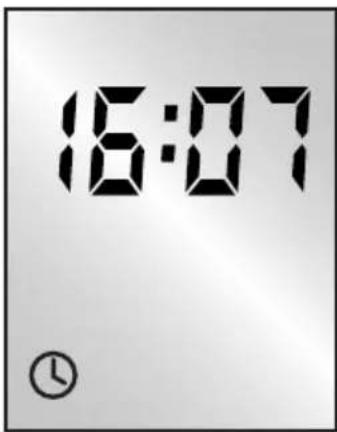
text_image
16:07
text_image
i 231
flowchart
graph TD
    A["27."] --> B["36."]
text_image
Diagram showing a hand pressing a button labeled 'SET' with icons for navigation and setting.
natural_image
Black checkmark symbol on white background (no text or additional symbols)0
text_image
Diagram showing a hand pressing a button labeled 'SET' with icons for horizontal stripes, hand gesture, and document.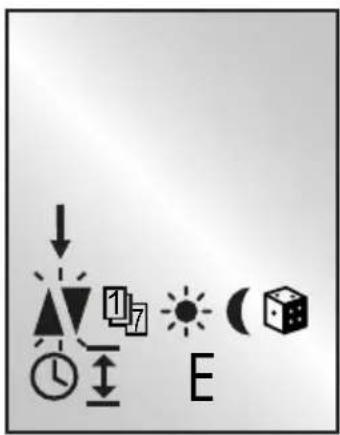
text_image
Weather and energy symbols including lightning, sun, clock, moon, and house icons with labels E and 17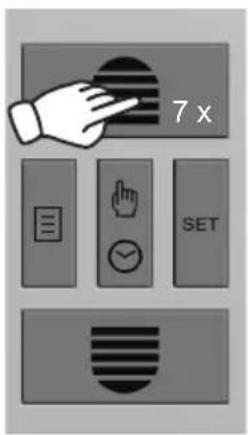
text_image
7 x SET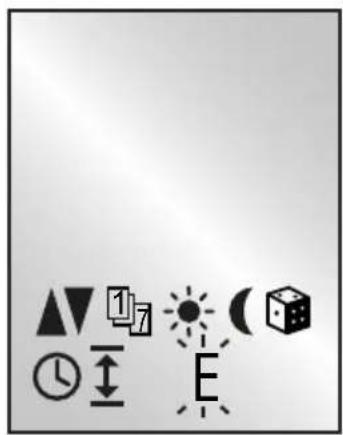
text_image
Image displaying a set of geometric and symbolic icons including triangles, arrows, suns, clock, and a cube with directional arrows.
text_image
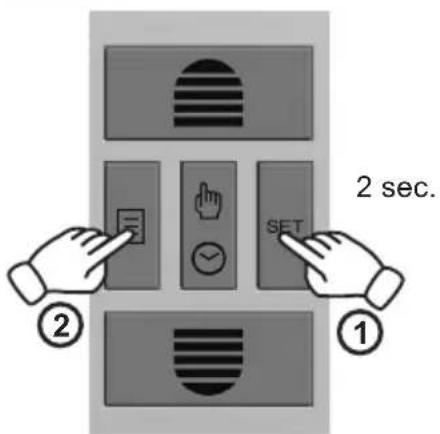
2 sec. ① ②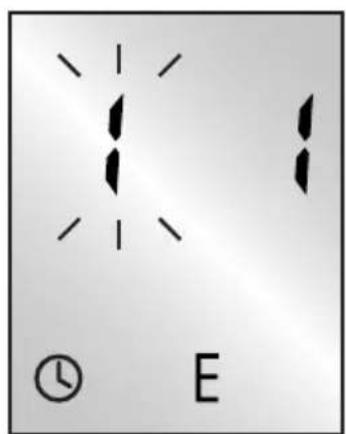
text_image
Diagram showing two vertical lines with arrows and a clock icon labeled 'E' below, likely representing a measurement or signal.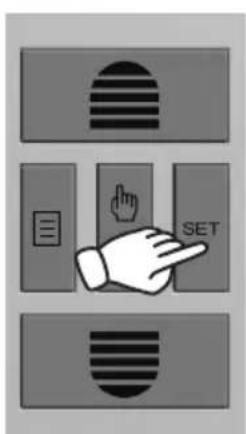
text_image
Diagram showing three labeled buttons with icons: a striped circle, a document with a finger pointing to a button, and a SET button.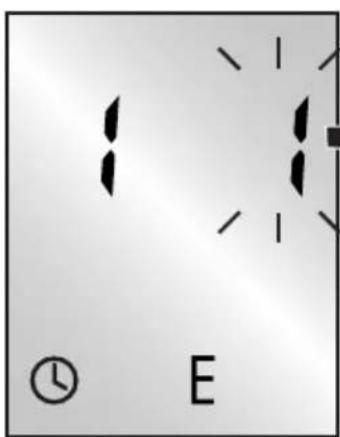
text_image
E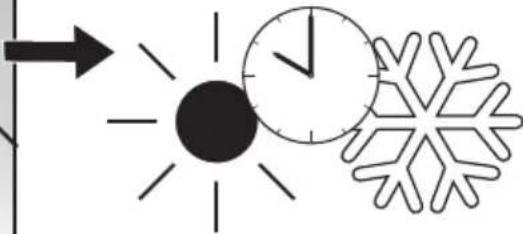
natural_image
Simple line drawing of a sun, clock, and snowflake symbols (no text or labels)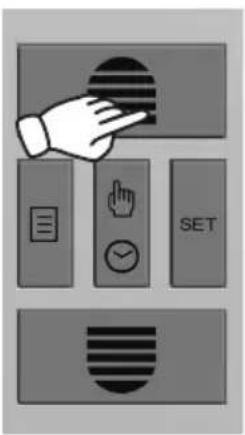
text_image
Diagram showing a hand interacting with a button labeled SET, accompanied by icons for menu, press, clock, and document.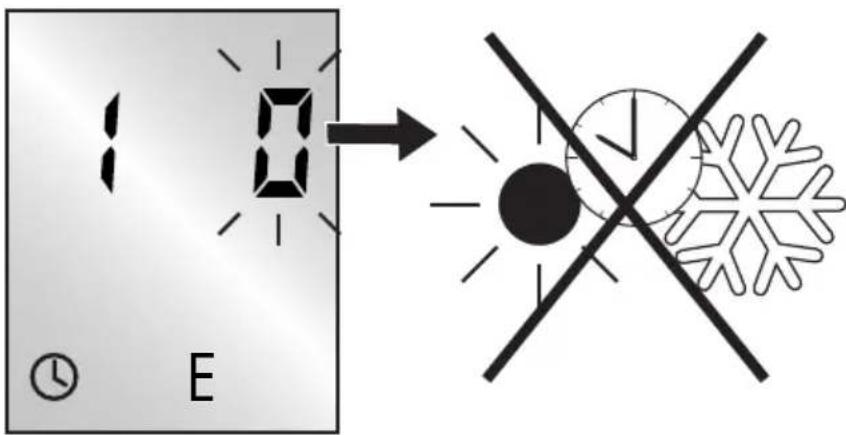
text_image
1:0 E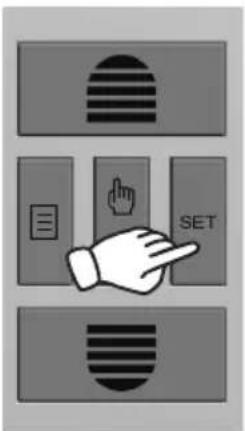
text_image
Diagram showing three labeled buttons with icons: striped, left-aligned, and right-aligned, each pointing at a button labeled 'SET'.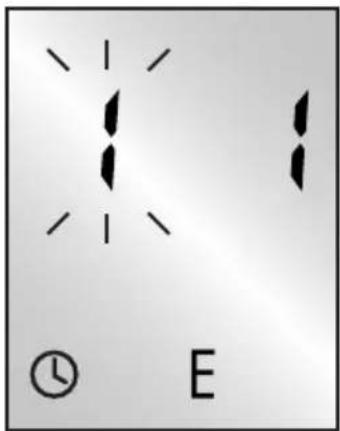
text_image
Diagram showing two vertical lines with dots and a clock icon labeled 'E' below, likely representing a diagram or pattern.
natural_image
Black checkmark symbol on white background (no text or additional symbols)P

text_image
Diagram showing a hand pressing a button labeled 'SET' with icons for horizontal stripes, hand gesture, and document.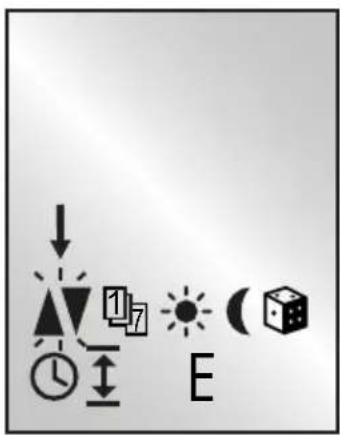
text_image
Weather and energy symbols with icons for electricity, solar, moon, clock, and battery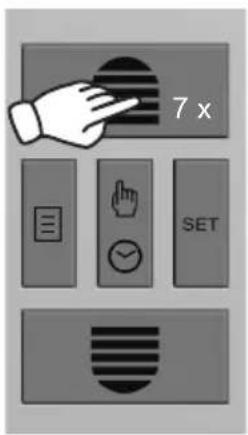
text_image
7 x SET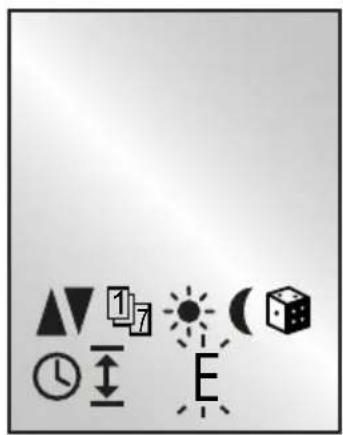
natural_image
Collection of geometric and symbolic icons including triangles, arrows, sun, clock, cube, and letter E (no text or labels)
text_image
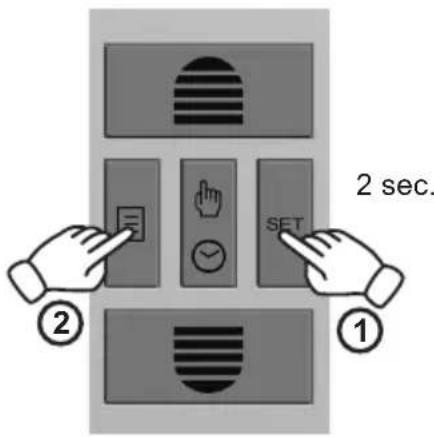
2 sec. ① ②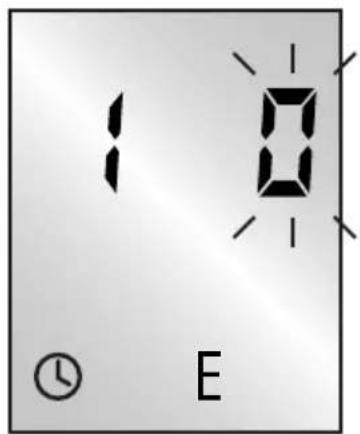
text_image
10 E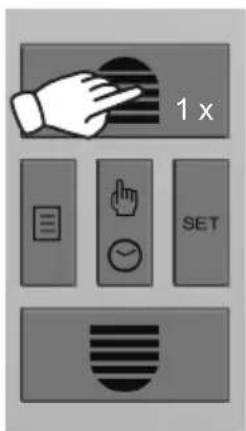
text_image
1 x SET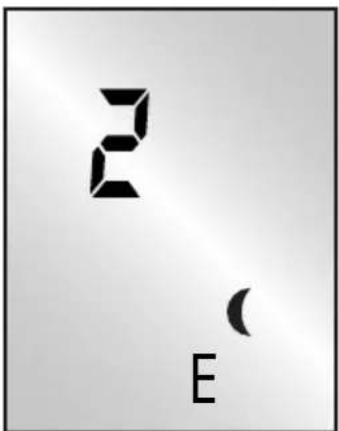
text_image
2 E
text_image
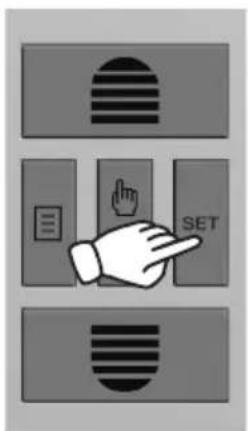
Diagram showing a hand pressing a button labeled 'SET' with icons for navigation and editing functions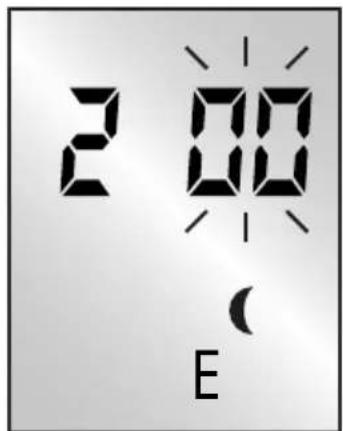
text_image
2:00 E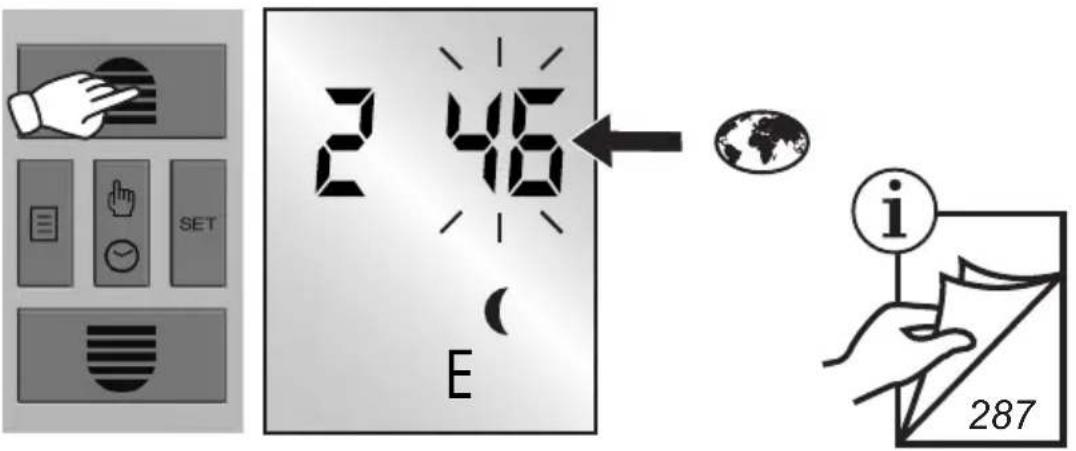
text_image
SET 2 46 E i 287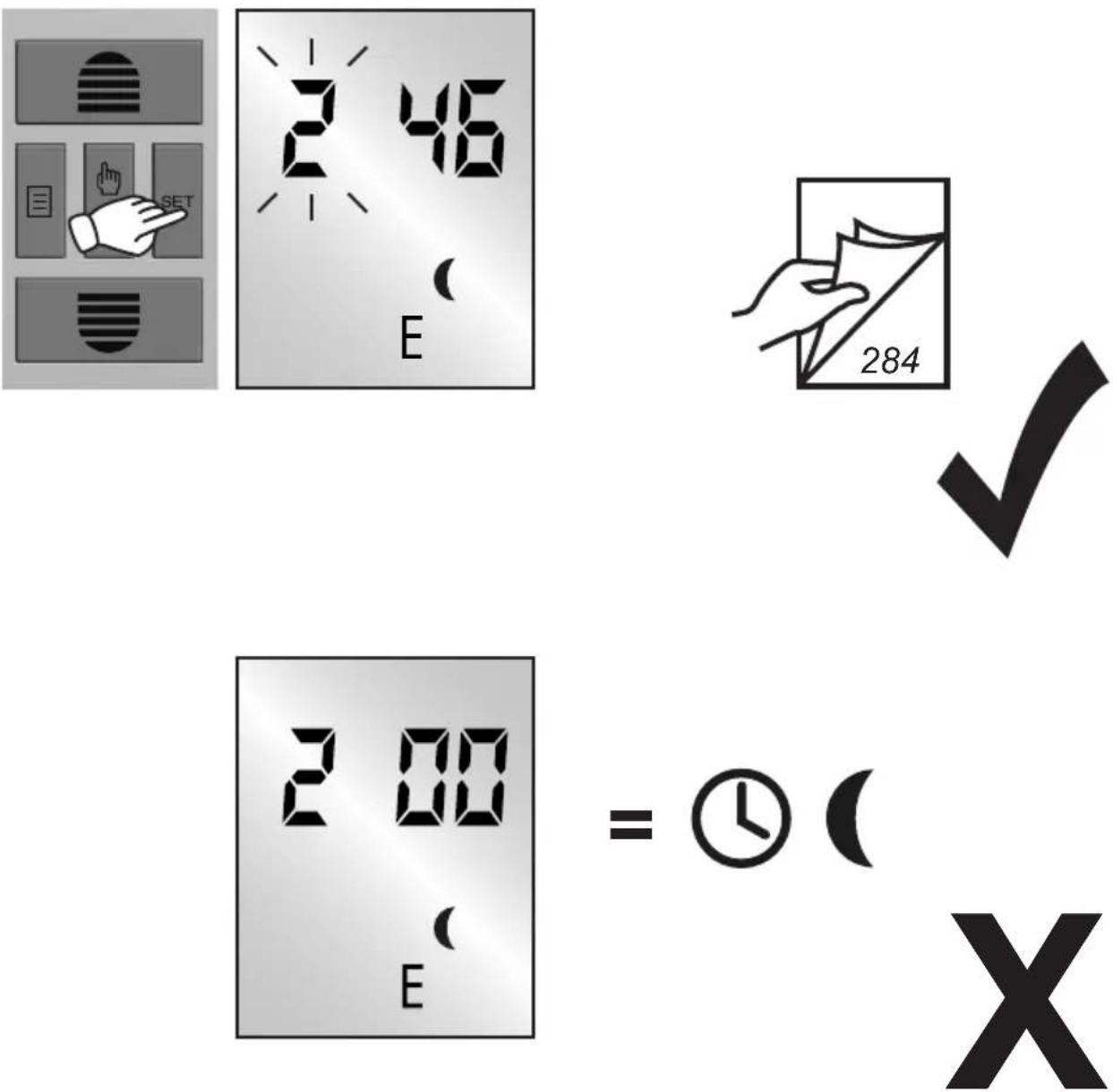
text_image
2 46 E 284 2 00 E = ⓧ ( XSCHELLENBERG
| DE Als Zeitzone die ersten beiden Ziffern der Postleitzahl einstellen.Die Astrofunktion berücksichtigt den standortbezogenen Sonnenuntergang und fährt den Rollladen bei Dämmerung im Jahresverlauf herab. | IT Come fuso orario impostare le prima due cifre del codice di avviamento postale.La funzione Astro considera il tra-monto del luogo e abbassa l'avvolgi-bile all'imbrunire nel corso dell'anno. |
| GB The first two digits of the postal code to set the time zone.The astro function takes into account the location-based sunset time, and lowers the roller shutters at twilight throughout the course of the year. | ES Ajustar como zona horaria las dos primeras cifrras del código postal.La función astronómica tiene en cu-enta el crepúsculo de la ubicación y baja la persiana al producirse el crepúsculo durante el transcurso del año. |
| FR Réglez les deux premiers chiffres du code postal en tant que fuseau horaire.La fonction Astro tient compte du coucher du soleil au cours de l'année et selon le site et déclenche la fermeture du volet roulant dès crépuscule. | PT Como fuso horário, ajustar os pri-meiros dois algarismos do número de código postal.A função nocturna tem em consi-deração o pôr-do-sol com base na localização e desce a persiana no crepúsculo ao longo do ano. |
| NL Als tijdzone de eerste twee cijfers van de postcode instellen.De Astrofunctie houdt rekening met de aan de locatie gerelateerde zonsondergang en laat het rolluik in de loop van het jaar bij schemering omlaaggaan. | CZ Jako časové pásmo nastavte první dvě číslice poštovního směrovacího čísla.Funkce astro zohledňuje západ slunce v závislosti na lokalitě a v průběhu roku spouští při soumraku roletu. |
| PL Jako strefę czasową ustaw dwie pierwsze cyfry kodu pocztowego.Funkcja Astro uwzględnia lokalny czas zachodu Słońca i opuszcza roletę po zmierzchu odpowiednio do pory roku. | SK Ako časovú zónu nastavte obe prvé číslice PSČ.Astrologická funkcia zohl'adňuje západ slnka a spustí rolety pri stmie-vaní v priebehu roka. |
| HUIdőzónaként állítsa be a postai irányítószám első két számjegyét.Az astro-funkció figyelembe veszi az adott helyen a naplemente idejét és a redőny az év során alkonyatkormegy le. | GRΩς ζώνη ὡρας ρυθμίστε τα πρώταδύο ψηφία του ταχυδρομικούκώδικα.Η λειτουργία Astro λαμβάνει υπόψητη δύση του ήλιου ανάλογα με τομέρος, και το ρολό κατεβαίνει με τολυκόφως στη διάρκεια του έτους. |
| HRNamjestite prve dvije brojke poštanskog broja kao vremensku zonu.Astrološka funkcija uzima u obzir standardni lokalní zalazak sunca i spušta roletu pri zatamnjenju tijekom godine. | TRPosta kodunun ilk iki basamağınısaat dilimi olarak ayarlayın.Astro işlevi konum tabanlı günbatımını esas alır ve yıl boyuncaalacakaranlıkta panjuru aşağı sürer. |
| SIKot časovno območje nastavite prvi dve številki poštne številke.Zvezdna funkcija upošteva sončne zahode, ki se nanašajo na lokacijo in premika roleto ob mraku tako, kot je med letom. | RUДля настройки часового поясазадайте две первые цифры почтового индекса.Астрофункция учитывает заход солнца в зависимости от широтыместа и на протяжении всего года производит опускание жалюзипри наступлении сумерек. |
| ROCa fus orar setați primele două cifre ale codului poştal.Functia astro ia în considerație apusul asociat locației și coboară ruloul la înserare în cursul anului. | UAВведіть у параметрах часової зони перші дві цифри поштового індексу.Функція астрономічного часувраховує час заходу сонцявідповідно до місцевості таопускає ролети у сутінкахвідповідно до пори року. |
| BGЗа времевата зона настройте първите две цифри на пощенския код.Астро-функцията отчита специфичното за местоположението време на залез на слънцето и щорите се спускат при здрачаване в хода на годината. | LTKaip laiko juostą nustatomi du pirmipašto kodo skaičiai.Priklausomai nuo vietovės „Astro“funkcija įvertina saulėlidžio laikąištisus metus ir sutemus nuleidžiaroletus. |
| LV | Kā laika zonu iestatiet pasta indeksa divus pirmos ciparus. | FI | Aseta aikavyöhykkeeksi postinumeron kaksi ensimmäistä numeroa. |
| Astro funkcija ievēro konkrētās vietas saulrieta laiku un nolaiž žalūzijas, iestājoties krēslai, visa gada garumā. | Astro-toiminto huomioi asennu-spaikasta riippuvan auringonlaskun ajan ja laskee himmennettäessä kaihtimen alas (aika vaihtelee vuodenajan mukaan). | ||
| EE | Seadistage ajatsooni jaoks sihtnum-bri kaks esimest numbrit. | AL | Regjistroni si zonë kohore dy shifrat e para të kodit postar. |
| Astrofunktsioon arvestab päikese loojumise ajaga paigalduskohas ning viib ruloo hämaruse saabumisel alla. | Funksioni astronomik merr parasysh perëndimin e diellit në vendin ku ndodhet pajisja dhe kur errësohet gjatë vitit e zbret poshtë grilën. | ||
| SE | Som tidszon, ställ in de bâda första siffrorna i postnumret. | BA | Za vremensku zonu unesite prve dvije znamenke poštanskog broja. |
| Astrofunktionen tar platsrelaterat hänsyn till solnedgången och kör ned jalusin vid skymning under årets gång. | Astro funkcija djeluje prema mjesnim vremenima zalaska sunca i spušta rolete prema vremenu sum-raka tijekom cijele godine. | ||
| DK | Brug de første to cifre af postnummeret som tidszone. | XS | За временscu зону подесите прве две цифре поштанског броја. |
| Astrofunktionen tager hensyn til den lokale solnedgang og kører rullejalousiet nedad i skumringstiden, som ændres i løbet af året. | Астро-функција узима у обзир локални залазак сунца и спушта ролетну приликом замрачења у току године. | ||
| NO | Bruk de to første sifrene i postnummeret til å stille inn tidssonen. | IS | Stillið inn fyrstu tvær tölurnar í póst-númerinu til að velja tímabelti. |
| Astrofunksjonen tar hensyn til solnedgangen der du er og kjører sjalusien ned när det skumrer, hele året. | Sólargangsvirknin tekur tillit til sólseturs á hverjum stað og hreyfir gluggahlerana niður við ljósaskipti eftir árstíðum. |
Q
119.
Belgique
| 101 | Anvers |
| 102 | Bruges |
| 103 | Bruxelles |
| 104 | Liège |
| 105 | Malines |
| 106 | Mons |
| 107 | Ostende |
Danmark
| 108 | Aalborg |
| 109 | Ringsted |
| 110 | Esbjerg |
| 111 | Horsens |
| 112 | Kolding |
| 113 | København |
| 114 | Svendborg |
| 115 | Randers |
England
| 116 | Aberdeen |
| 117 | Birmingham |
| 118 | Bristol |
| 119 | Glasgow |
| 120 | London |
| 121 | Manchester |
| 122 | Newcastle |
Eesti
| 123 | Tallinn |
Suomi
| 124 | Helsinki |
| 125 | Jyyäskylä |
| 126 | Oulu |
| 127 | Tampere |
| 128 | Turku |
| 129 | Vaasa |
France
| 130 | Bordeaux |
| 131 | Brest |
| 132 | Dijon |
| 133 | Le Havre |
| 134 | Lyon |
| 135 | Montepellier |
| 136 | Nantes |
| 137 | Nice |
| 138 | Paris |
| 139 | Reims |
| 140 | Strasbourg |
| 141 | Toulon |
SCHELLENBERG
Italia
142 Bologna
143 Bolzano
144 Firenze
145 Genova
146 Milano
147 Napoli
148 Palermo
149 Roma
150 Torino
151 Venezia
Irland
152 Cork
153 Dublin
154 Belfast
Latvija
155 Rīga
Liechtenstein
156 Vaduz
Lietuva
157 Vilnius
Luxemburg
158 Luxemburg
Nederland
159 Amsterdam
160 Eindhoven
161 Enschede
162 Groningen
163 Maastricht
164 Rotterdam
165 Utrecht
Norge
166 Oslo
167 Stavanger
168 Bergen
169 Trondheim
Österreich
170 Amstetten
171 Baden
172 Braunau
173 Brixen
174 Bruck/mur
175 Eisenstadt
176 Graz
177 Innsbruck
178 Klagenfurt
179 Landeck
180 Linz
181 Nenzing
182 Salzburg
183 Wien
Polska
| 184 | Wrocław |
| 185 | Bydgoszcz |
| 186 | Gdańsk |
| 187 | Katowice |
| 188 | Kraków |
| 189 | Łódź |
| 190 | Lublin |
| 191 | Poznań |
| 192 | Szczecin |
| 193 | Warszawa |
Sverige
| 204 | Borås |
| 205 | Gävle |
| 206 | Göteborg |
| 207 | Helsingborg |
| 208 | Jönköping |
| 209 | Östersund |
| 210 | Malmö |
| 211 | Stockholm |
| 212 | Sundsvall |
| 213 | Umeå |
Portugal
| 194 | Faro |
| 195 | Lisboa |
| 196 | Porto |
España
| 214 | Almería |
| 215 | Alicante |
| 216 | Barcelona |
| 217 | Bilbao |
| 218 | Badajoz |
| 219 | Burgos |
| 220 | Cáceres |
| 221 | Castellón |
| 222 | Granada |
| 223 | Guadalajara |
| 224 | La Coruña |
| 225 | Lérida |
| 226 | León |
| 227 | Madrid |
| 228 | Murcia |
| 229 | Oviedo |
| 230 | Palma |
| 231 | Pamplona |
| 232 | San Sebastián |
Schweiz
| 197 | Basel |
| 198 | Bern |
| 199 | Andermatt |
| 200 | Chur |
| 201 | Lausanne |
| 202 | Luzern |
| 203 | Zürich |
SCHELLENBERG
España
233 Sevilla
234 Santander
235 Valencia
236 Valladolid
237 Vitoria
238 Zaragoza
239 La Palma
240 Tenerife
241 Gran Canaria
242 Fuerteventura
South Eastern Europe
243 Αθήνα
244 Београд
245 Bratislava
246 Bucureşti
247 Budapest
248 İstanbul
249 Maribor
250 Praha
251 Sarajevo
252 София
253 Скопје
254 Θεσσαλονίκη
255 Zagreb
R


Once the astro function is active the setting options for the twilight function change from light control to time control. The astro function must be deactivated again to return to light control.

text_image
Diagram showing hand gesture icons including document, finger, timer, and SET button
text_image
On ( )
text_image
Diagram showing a hand pressing a button labeled 'SET' with icons for menu, document, and finger pointing.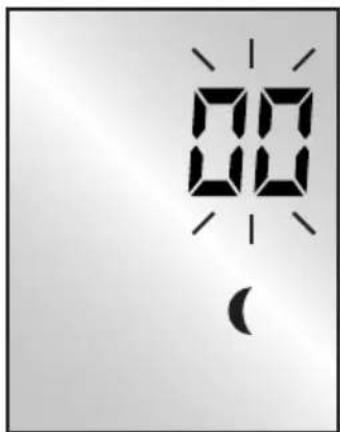
text_image
00 ( )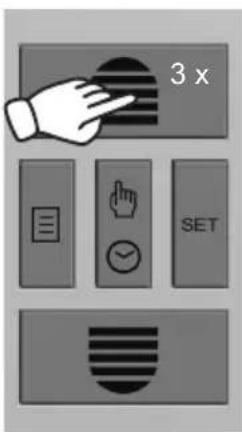
text_image
3 x SET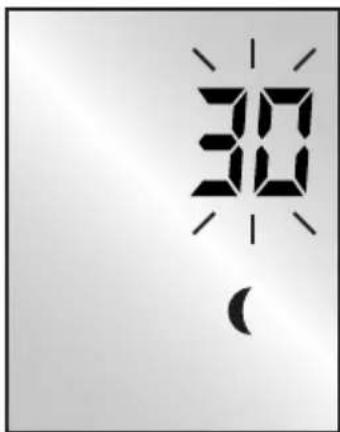
text_image
30 ( )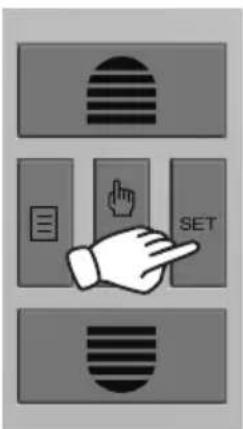
text_image
Diagram showing three labeled buttons with icons: a striped rectangle, a hand pointing at a button labeled 'SET', and a document icon.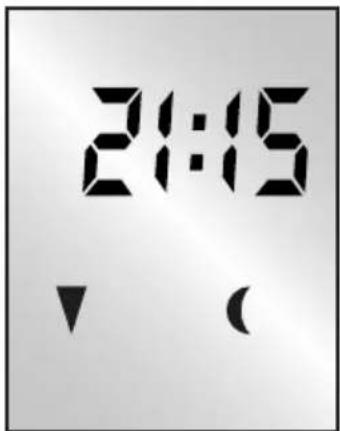
text_image
21:15 ↓ ( )
10 20 30 40 50 60
-10 -20 -30 -40 -50 -60

S
natural_image
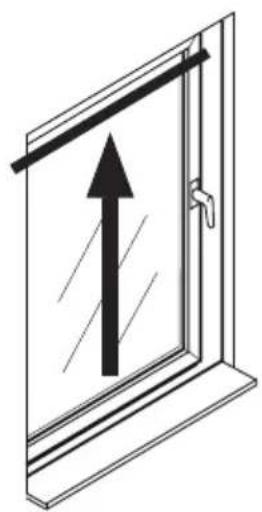
Simple line drawing of a door with an upward arrow indicating vertical motion (no text or symbols)
text_image
Diagram showing a hand pressing a document on a SET button, with icons for menu, finger, and document.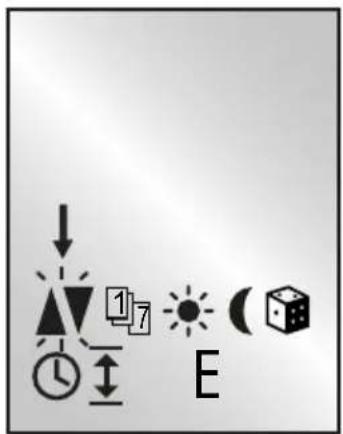
text_image
Diagram showing directional symbols and a letter 'E' with icons for time, clock, arrows, and geometric shapes.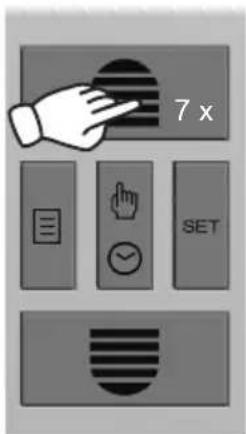
text_image
7 x SET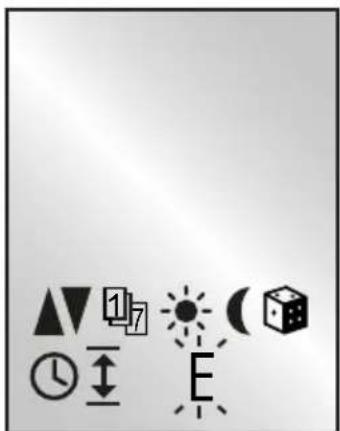
text_image
Image displaying a set of geometric and symbolic icons including triangles, arrows, sun, clock, cube, and letter 'E' arranged around them.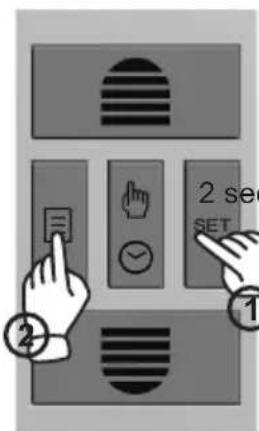
text_image
2 sec SET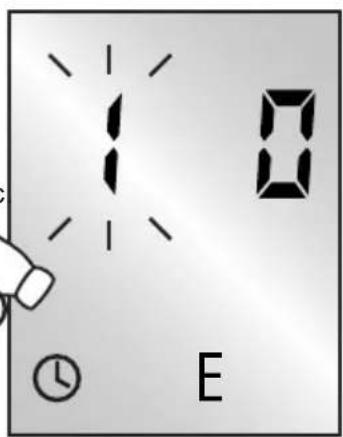
text_image
10 E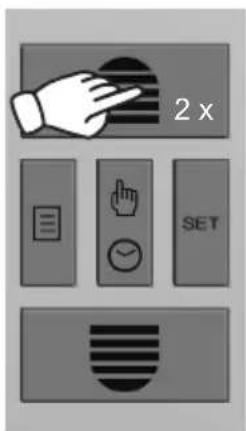
text_image
2 x SET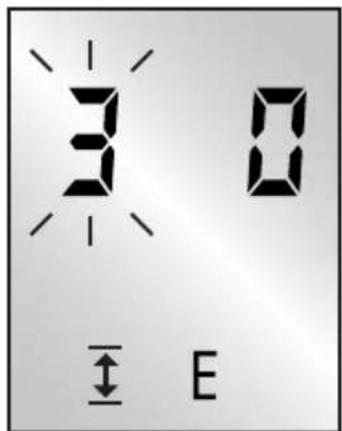
text_image
3 0 ← E
text_image
Diagram showing three labeled buttons with icons: a striped rectangle, a document icon, and a hand pointing at the 'SET' button.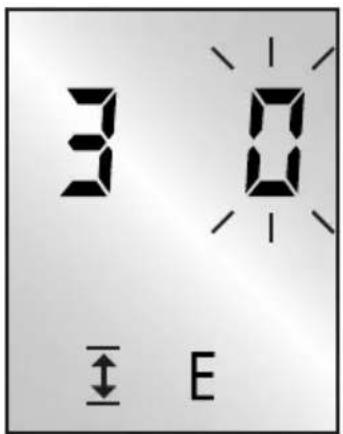
text_image
3 0 ← E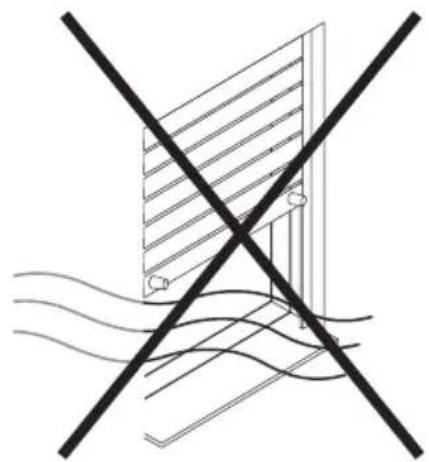
natural_image
Pure electrical circuit lines without any symbols
text_image
Diagram showing hand gesture buttons including 'SET', checklist, and timer with icons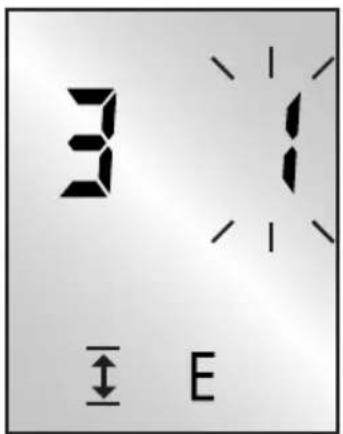
text_image
3 ↑ E
natural_image
Diagram of a solar panel installation with wavy water flow lines (no text or symbols)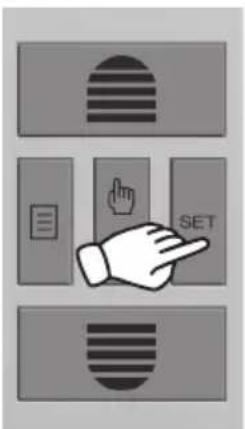
text_image
Diagram showing a hand pointing at a button labeled 'SET' with icons for navigation and editing functions.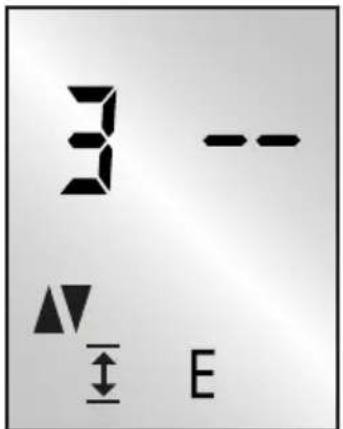
text_image
3 -- ▲▼ E

natural_image
Black checkmark symbol on white background (no text or additional symbols)T
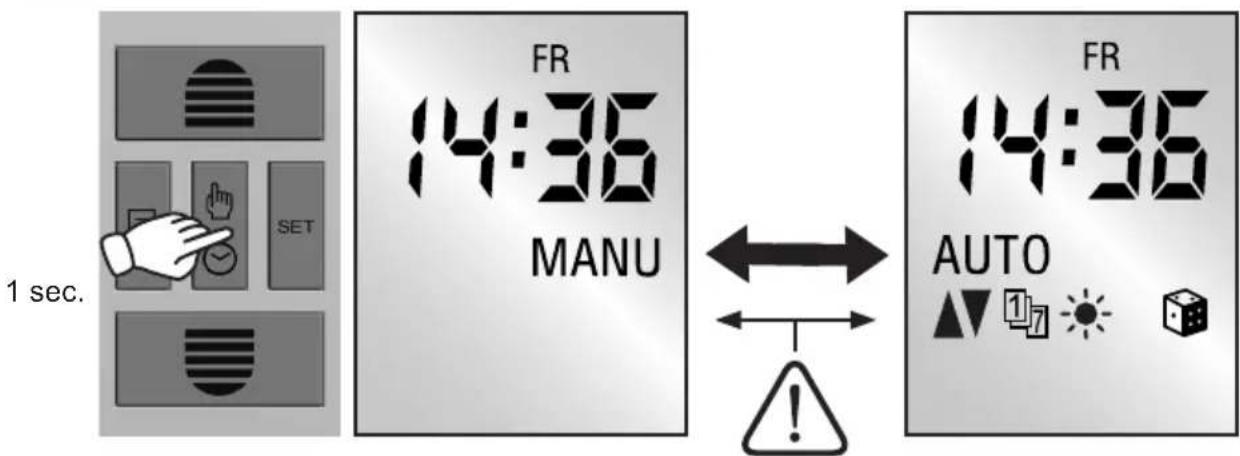
| DEBei aktivierter Lüftungsfunktion fährt der Rollladen im Tages- oder Wochenprogramm in die programmierte Lüftungsposition.Eine Fahrt in die Endlage ist nur manuell möglich. | GRΟι ρυθμισμένοι χρόνοι αλλαγής κατάστασης διατηρούνται ύστερα από διακοπή του ρεύματος. Μόλις αποκατασταθεί η τροφοδοσία, οι χρόνοι ανοίγματος και κλεισίματος εκτελούνται ξανά, αν και έχουν μετατεθεί κατά τη διάρκεια της διακοπής του ρεύματος. |
| GBThe preset switching times will continue to be available after a power failure. As soon as the supply of power returns, the opening and closing times will be processed again. They will, however, be offset by the duration of the power outage. | TRBir elektrik kesintisinden sonra açılma zamanı ayarları kalıcı olarak korunur. Elektrik tekrar gelir gelmez açılma ve kapanma zamanları elek-triğin kesinti süresi kadar bir zaman. Farkıyla da olsa eski haline döner. |
| FRAprès une panne de courant, les heures de commutation réglées sont conservées. Dès que l'alimentation en courant est restaurée, les heures d'ouverture et de fermeture sont de nouveau exécutées, elles sont toutefois décalées de la durée de la panne de courant. | RUПосле исчезновения напряжения в сети, настроенные значения времени переключения сохраняются. При восстановлении электроснабжения значения времени открытия и закрытия используются снова, однако со смещением на время исчезновения напряжения в сети. |
| NLNa een netuitval blijven de ingestel-de schakeltijden behouden. Zodra de stroomvoorziening weer hersteld is, worden openings- en sluittijden weer uitgevoerd, maar wel verzet met de duur van de stroomuitval. | UAУ разі зникнення напруги налаштовані моменти комутації зберігаються. Щойно з'явиться напруга, буде виконано відкривання та закривання. Але час буде зміщено на тривалість збою електроживлення. |
| PLW razie awarii zasilania sieciowego ustawiony czasy przesterowania są zachowywane. Po przywróceniu zasilania nadal są realizowane czasy otwarcia i zamknięcia. Będą one jednak przesunięte o czas trwania awarii zasilania. | LTNutrukus elektros tiekimui išlieka nustatytos jjungimo laiko reikšmės. Atsiradus elektros srovei atidarymo ir uždarymo laiko komandos vykdo-mos vėl. Tačiau kompensuojamas elektros tiekimo nutraukimo laikas. |
SCHELLENBERG
text_image
SET 1 sec.
flowchart
graph TD
    A["SET"] --> B["3 sec."]
    B --> C["SET"]
    C --> D["✓"]
    C --> E["X"]
    C --> F["✓"]
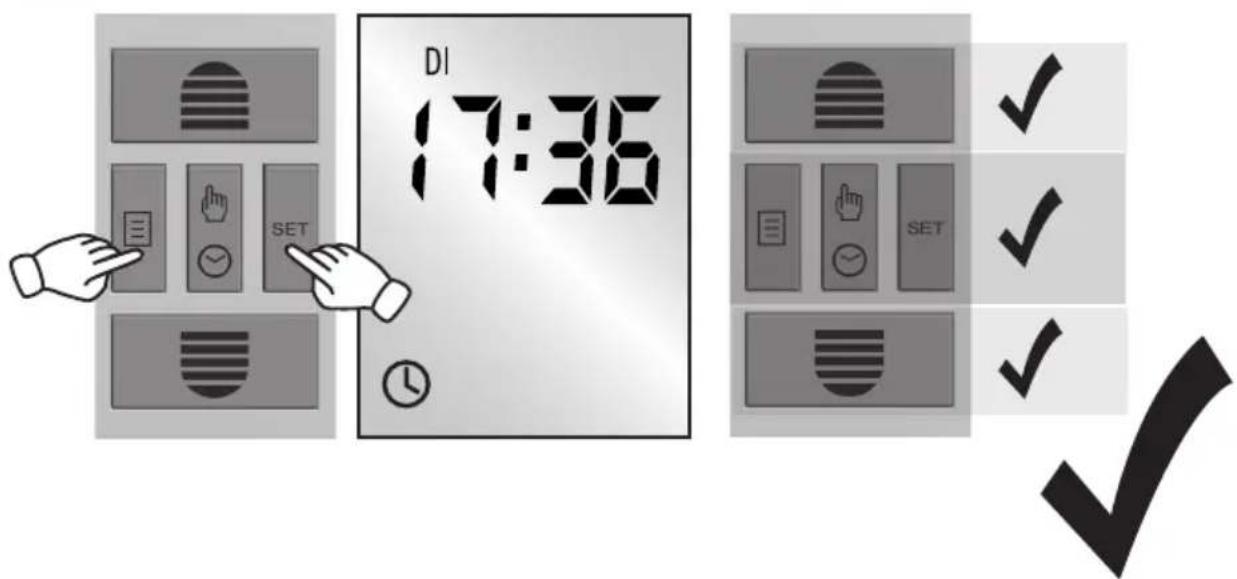
text_image
DI 17:36V
138.
A
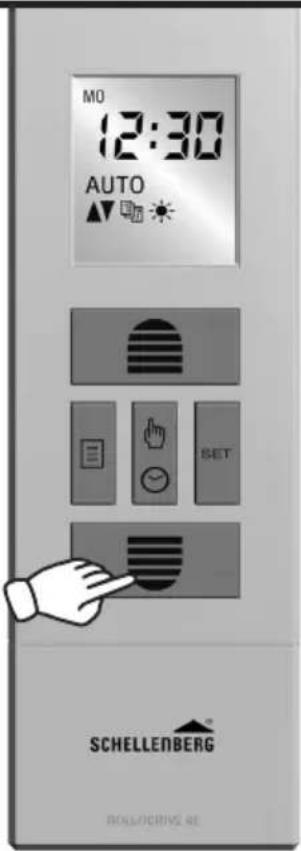
text_image
MO 12:30 AUTO ▲▼ SET SCHELLENBERG BOLS/CRIVS RE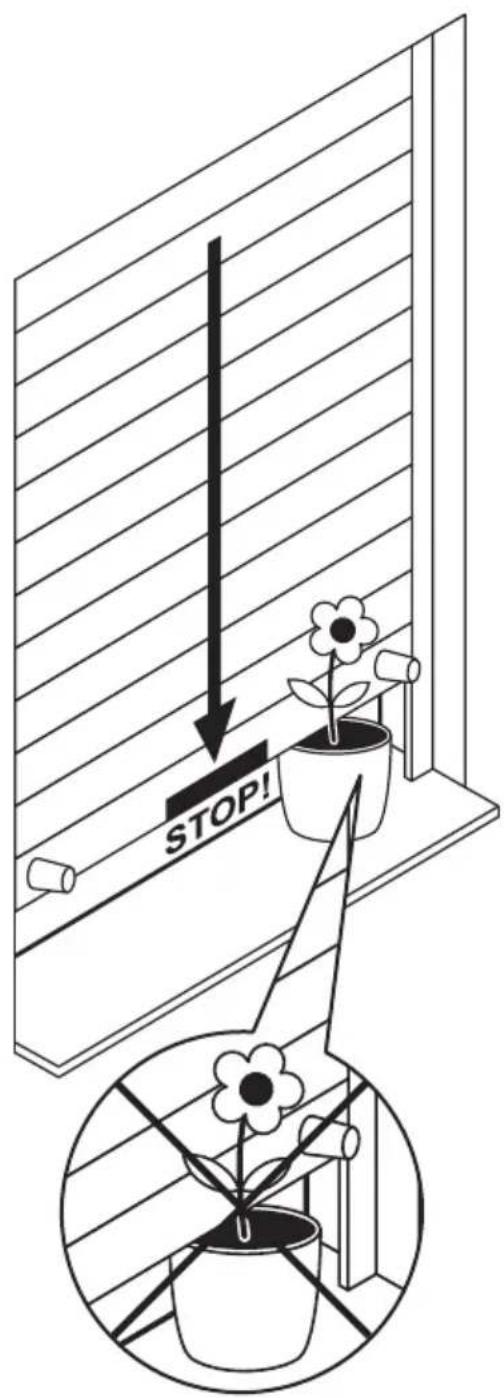
text_image
STOP!
natural_image
Black checkmark symbol on white background (no text or additional symbols)| DE Trifft der Rollladen während der Abfahrt auf ein Hindernis, schaltet der ROLLODRIVE ab.Fahren Sie den Rollladen frei und entfernen Sie das Hindernis. | GR Av to poló συναντήσει κάποιο εμπόδιο καθώς κατεβαίνει, to ROLLODRIVE απενεργοποιείται.Ανεβάστε ελεύθερα το poló και απομακρύνετε το εμπόδιο. |
| GB If the shutter hits an obstacle when closing, the ROLLODRIVE will switch off. Open the roller shutter upwards and remove the obstacle. | TR Aşağı iniște jaluzi bir engelle karşılaşırsa ROLLODRIVE kapanır. Jaluziyi yukarı sürün ve engeli kaldırın. |
| FR Si le volet roulant rencontre un obstacle pendant la descente, le ROLLODRIVE s'arrête. Libérez le volet et retirez l'obstacle. | RU Если во время опускания на пути перемещения жалюзи возникает препятствие, ROLLODRIVE выключается. Сдвиньте жалюзи вручную и удалите препятствие. |
| NL Als het rolluik tijdens het omlaag-gaan tegen een hindernis komt, schakelt de ROLLODRIVE uit.Zet het rolluik vrij en verwijder de hindernis. | UA Якщо під час спуску ролети зіткнуться з завадою, ROLLODRIVE вимкнеться. Підніміть ролети та усуньте заваду. |
| PL Ježeli podczas opuszczania roleta napotka przeszkodę, ROLLODRIVE wyłączy się. Przesuń roletę i usuń przeszkodę. | LT Jeigu roletai susiduria su kliūtimi, ROLLODRIVE išsijungia. Pakelkite roletus ir pašalinkite kliūtį. |
| IT Nel caso in cui l'avvolgibile durante lo spostamento colpisca un ost-acolo, il ROLLODRIVE si disattiva. Sbloccare l'avvolgibile e rimuovere l'ostacolo. | LV Ja žalūzija nolaižoties saskaras ar kādu šķērsli, ROLLODRIVE izslēdzas. Paceliet žalūzijas un nonemiet šķērsli. |
| ES En caso de que la persiana encuentre un obstáculo durante su recorrido, el ROLLODRIVE se detiene. Libere la persiana y elimine el impedimento. | EE Kui ruloo satub allapoole liikumise ajal vastu takistust, lülitub ROL-LODRIVE välja. Viige ruloo üles ja eemaldage takistus. |
| PT Se a persiana embater num obstáculo durante a descida, o ROLLODRIVE desliga-se. Liberte a persiana e remova o obstáculo. | SE Stöter jalusin på ett hinder under nerkörning, slår ROLLODRIVE ifrån. Frikör jalusin och ta bort hindret. |
SCHELLENBERG
| CZ | Pokud roleta během stahování narazí na překážku, pohon ROLLODRIVE se vypne. Uvolněte roletu a překážku odstraňte. | DK | Hvis rullejalousiet støder mod en forhindring under nedkørslen, slukker ROLLODRIVE. Kør rullejalousiet op, og fjern forhindringen. |
| SK | Ak rolety počas spúšt'ania narazia na prekážku, ROLLODRIVE sa vypne. Uvolnite rolety nahor a ods-tráňte prekážku. | NO | Hvis rullesjalusien støter på en hindring, kobles ROLLODRIVE ut. Kjør rullesjalusien fri og fjern hindringen. |
| HU | Ha a redöny a leengedés során akadályba ütközik, a ROLLODRIVE kikapcsol. Járassa fel a redönyt és távolítsa el az akadályt. | FI | Jos rullakaihdin osuu laskun aikana esteeseen, ROLLODRIVE kytkeytyy pois päältä. Aja rullakaihdin vapaaksi ja poista este. |
| HR | Ako roleta za vrijeme spuštanja naide na prepreku, isključuje se ROLLODRIVE. Pomaknite roletu da se oslobodi i uklonite prepreku. | AL | Nëse grila me mbledhje ndesh gjatë ngritjes në një pengesë, ROLLODRIVER fiket. Lëvizeni lirshëm grilën dhe hiqni pengesën. |
| SI | Če zadane roleta med zapiranjem na oviro, se izklopi ROLLODRIVE. Osvo-bodite roleto in odstranite oviro. | BA | Ako roleta tijekom spuštanja naide na prepreku, ROLLODRIVE se isključuje. Podignite roletu i uklonite prepreku. |
| RO | Dacă în timpul coborârii ruloul întalneşte un obstacol, ROLLO-DRIVE se opreşte. Ridicați ruloul și îndepärtați obstacolul. | XS | Ako roletna приликом спуштања наиђе на препреку, ROLLODRIVE he se isklýучити. Oslobodите ролетну и уклоните препреку. |
| BG | Ako no време на спускането щорите срещнат препятствие, ROLLODRIVE ce изключва. Освободете щорите и отстранете препятствието. | IS | Ef gluggahlerinn rekst á hindrun á leiðinni niður slokknar á ROLLODRIVE. Færið gluggahlerann til að losa hann og fjarlægið hindrunina. |
W
139.
text_image
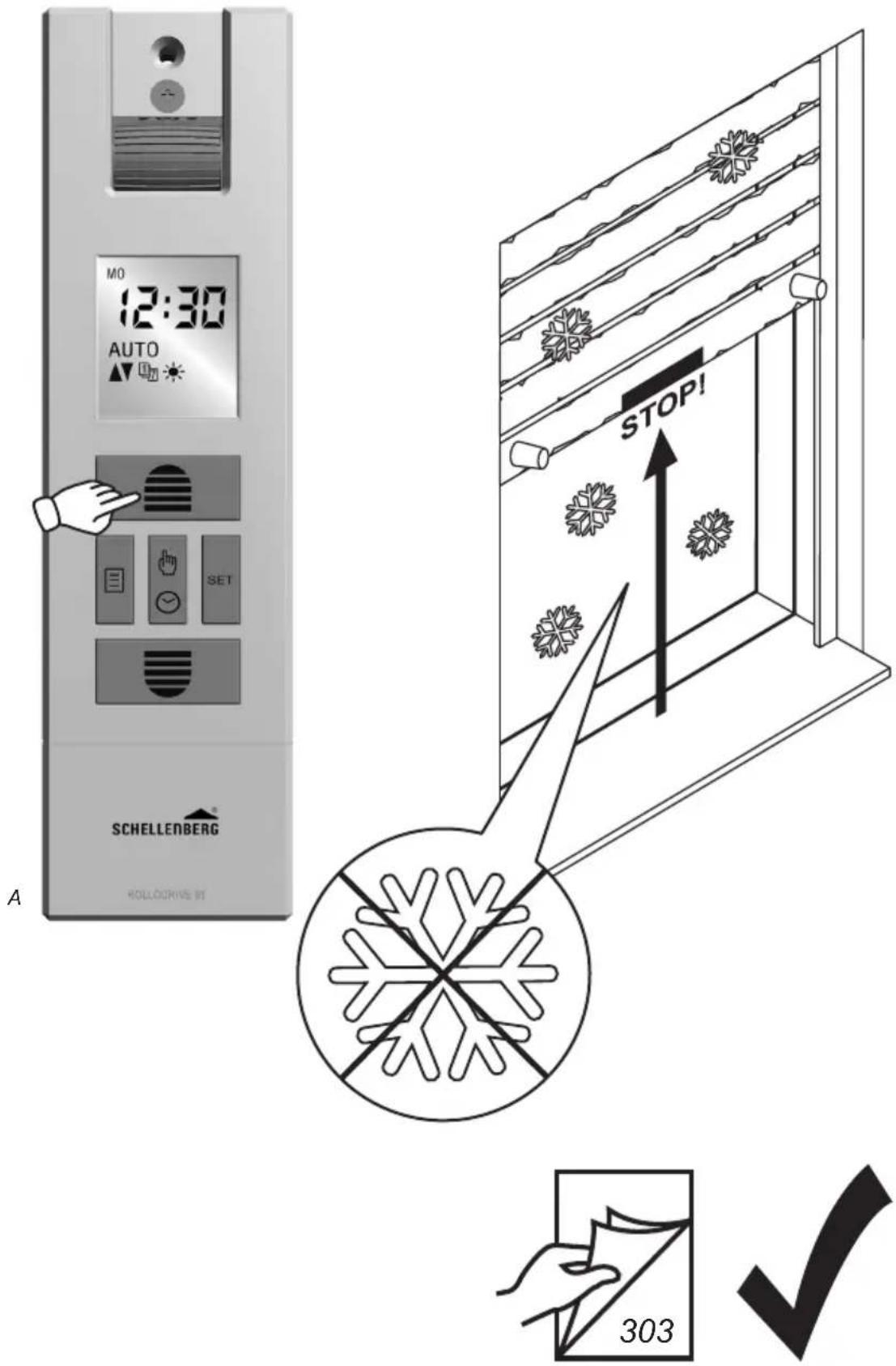
MO 12:30 AUTO SET A SCHELLENBERG HOLLODRIVE 97 STOP! 303| DE | Blockiert der Rollladen während der Auffahrt (z.B. durch Vereisung), schaltet der ROLLODRIVE ab. Beseitigen Sie die Überlastungs- ursache. | GR | Av to poló μπλοκάρει καθώς ανεβαίνει (π.χ. λόγω πάγου), to ROLLODRIVE απενεργοποιείται. Εξαλείψτε την αιτία υπερφόρτωσης. |
| GB | If the roller shutter gets stuck while opening (e.g. due to icing), the ROLLODRIVE will be switched off. Remove the cause of the overload. | TR | Yukari çıkışta jaluzi duraklıyorsa (örn. buzlanma nedeniyle) ROLLO- DRIVE kapanır. Zorlama sebebini ortadan kaldırın. |
| FR | Si le volet roulant se bloque pendant la montée (en raison par ex. de gel), le ROLLODRIVE s'arrête. Éliminez la cause de surcharge. | RU | При блокировке жалюзи во время подъема (например, в результате обледенения) ROLLODRIVE выключается. Устраните причину возникшей перегрузки. |
| NL | Als het rolluik tijdens het omhoog- gaan (bv. door bevriezing) blok- keert, schakelt de ROLLODRIVE uit. Verwijder de oorzaak voor de overbelasting. | UA | Якщо ролети заблокуються під час підйому (наприклад, через заледеніння), ROLLODRIVE вимкнеться. Усуньте причину перевантаження. |
| PL | Ježeli roleta zablokuje się podczas podnoszenia (np. z powodu oblod- zenia), ROLLODRIVE wyłączy się. Usuń przyczynę przeciążenia. | LT | Jeigu roletai užsiblokuoja judėjimo metu (pvz., dėl apledėjimo), ROL- LODRIVE išsijungia. Pašalinkite perkrovos priežastį. |
| IT | Se durante la salita l'avvolgibile si blocca (ad es. per il ghiaccio), il ROLLODRIVE si disattiva. Rimuo- vere la causa del sovraccarico. | LV | Ja pacełoties žalūzija noblokėjas (piem., apledojuma dėl), ROL- LODRIVE izslėdzas. Novērsiet pārslodzes cēloni. |
| ES | Si la persiana se bloquea durante la subida (p. ej. debido a congelamien- to), el ROLLODRIVE se desconecta. Elimine la causa de la sobrecarga. | EE | Kui ruloo satub ülespoole liikumise ajal vastu takistust (nt jää), lūlitub ROLLODRIVE välja. Kōrvaldage ülekoormuse pōhjus. |
| PT | Se a persiana ficar bloqueada durante a subida (por ex. devido a congelamento), o ROLLODRIVE desliga-se. Elimine a causa da sobrecarga. | SE | Blockerar jalusin under uppkörning (t.ex. nedisning), slår ROLLODRIVE ifrån. Undanrój orsaken till överbe- lastningen. |
| CZ | Pokud roletu během vytahování něco blokuje (např. námraza), pohon ROLLODRIVE se vypne. Odstráňte příčinu přetížení. | DK | Hvis rullejalousiet blokerer under opkørslen (f.eks. på grund af isdannelse), slukker ROLLODRIVE. Fjern årsagen til overbelastningen. |
| SK | Ak rolety počas vytahovania sa zablokuju (napr. kvôli námraze), ROLLODRIVE sa vypne. Odstráňte príčinu preťaženia. | NO | Hvis rullesjalusien blokkeres mens den er på vei opp, (f.eks. fastfrying) vil ROLLODRIVE PLUS koble ut. Fjern årsaken til overbelastningen. |
| HU | Ha a redönyt a feljáratás közben valami akadályozza (pl. jegesedés), akkor a ROLLODRIVE PLUS ki-kapcsol. Szüntesse meg a túlterhelés okát. | FI | Jos rullakaihdin juuttuu kiinni noston aikana (esim. jäätymisen vuoksi), ROLLODRIVE kytkeytyy pois päältä. Poista ylikuormituksen aiheuttaja. |
| HR | Ako se roleta za vrijeme podizanja blokira (npr. zbog zaleđivanja), is-ključuje se ROLLODRIVE. Uklonite uzrok preopterećenja. | AL | Nëse grila blokohet gjatë ngritjes (p.sh. nga ngrirja), ROLLDRIVE fiket. Eliminoni shkakun e mbingar-kesës. |
| SI | Če zadane roleta med premikanjem navzgor na oviro (npr. zaradi zale-denitve), se izklopi ROLLODRIVE . Odstranite vzrok preobremenitve | BA | Ako se roleta tijekom podizanja blokira (npr. ako je zaleđena), ROL-LODRIVE se isključuje. Otklonite uzrok preopterećenja. |
| RO | Dacă în timpul ridicării ruloul se blochează (de ex. din cauza gheții), ROLLODRIVE se oprește. Îndepărtați cauza suprasolicitării. | XS | Ako se ролетна током подизања блокира (нпр. ако је залеђена), ROLLODRIVE се искључује. Отклоните узрок преоптерећења. |
| BG | Ако щорите блокират по време на вдигането (напр. поради заледяване), ROLLODRIVE се изключва. Отстранете причината за претоварването. | IS | Ef gluggahlerinn festist á leiðinni upp (t.d. vegna ísingar) slokknar á ROLLODRIVE. Lagfærið orsakir yfirálags. |
X
140.

max. 4 min
text_image
x. 4 min AUTO AT 空心
natural_image
Two technical line drawings of a window frame structure with vertical arrows indicating direction (no text or symbols)
141.
12 min
natural_image
Exterior view of a modern office building (no signage)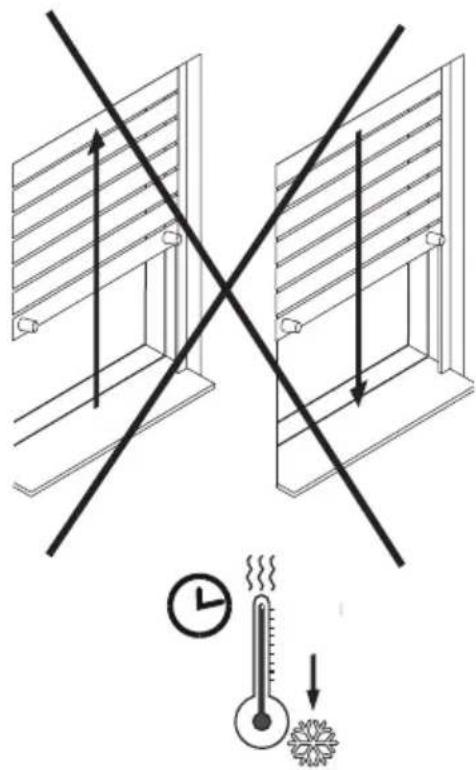
text_image
Diagram illustrating temperature measurement with a thermometer and directional arrows, showing temperature change from 10°C to 20°C.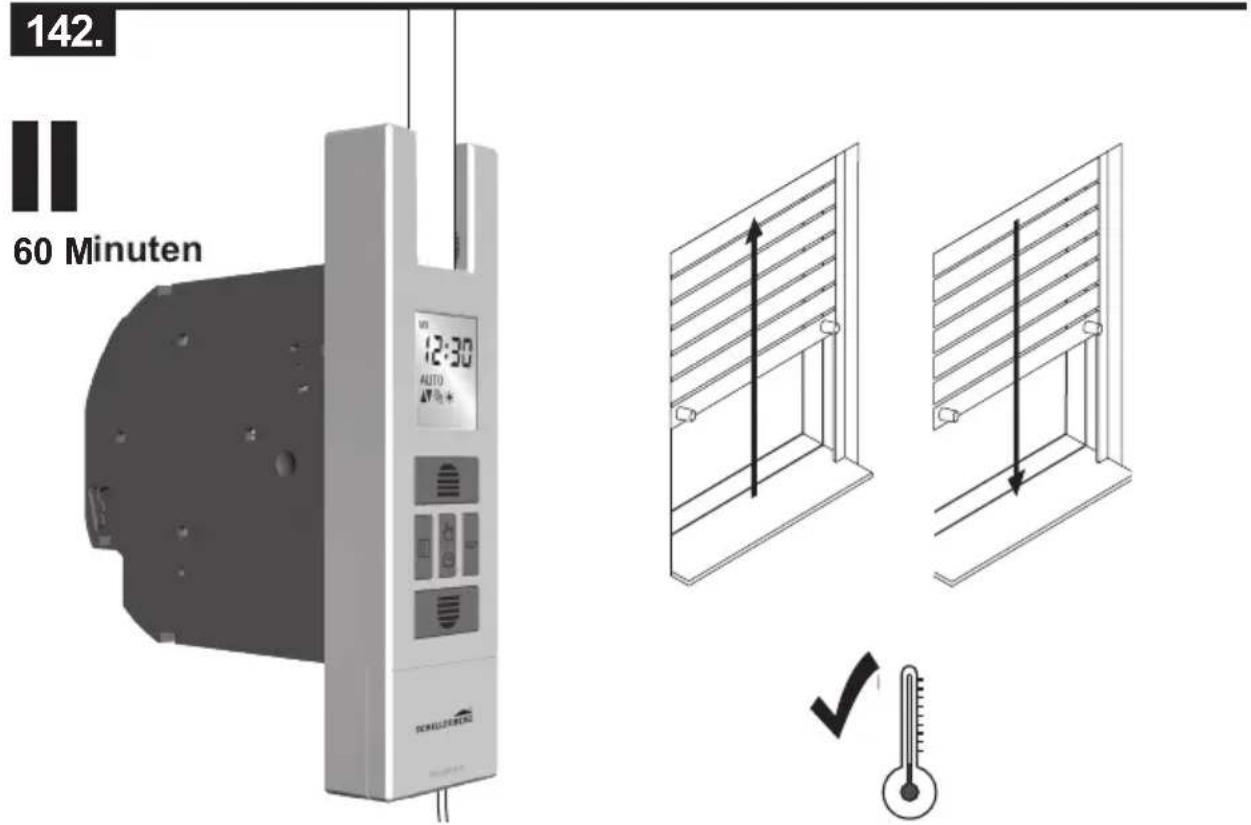
text_image
142. 60 Minuten VSS 12:30 AUTO SCHLDERBERG TOMATO ✓
text_image
Y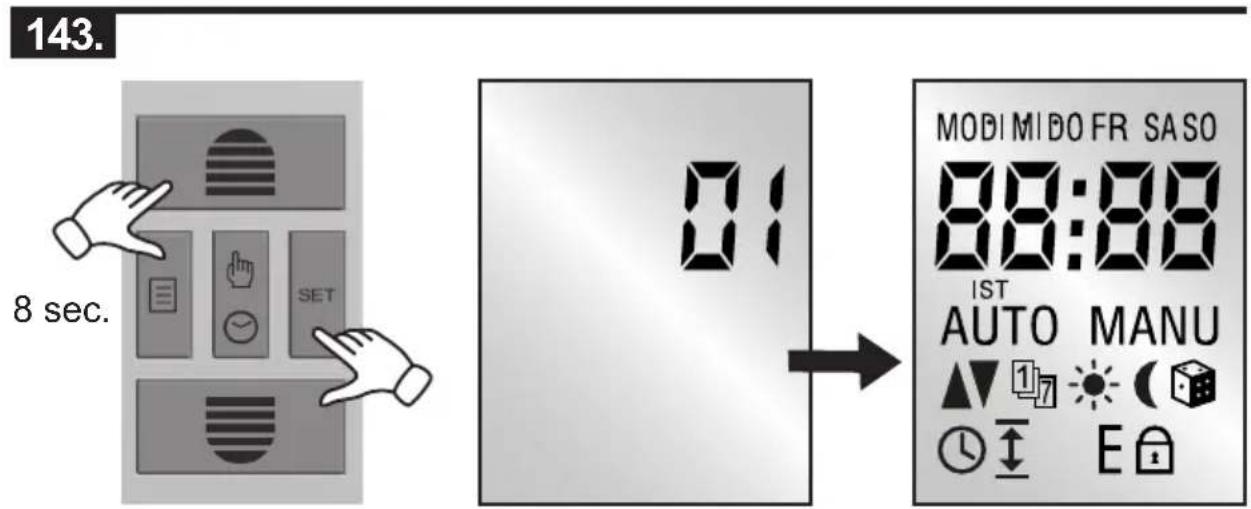
text_image
143. 8 sec. 01 MODI MIDO FR SASO 88:88 IST AUTO MANU 17 E
natural_image
Black checkmark symbol on white background (no text or additional symbols) | Bei Gewährleistung, Ersatzteilbedarf oder Fragen rund um die sachgemäße Montage Ihres Produktes, wenden Sie sich bitte an unseren Kunden-Service. | GB | For warranty claims, spare parts requests or questions regarding the proper installation of your product, please contact our Consumer Service Department.service.int@schellenberg.de |
 | Pour ce qui est des revendications de garantie, si vous avez besoin de pièces de rechange ou si vous avez des questions relatives au montage de votre produit, veuillez contacter notre service après-vente.service.int@schellenberg.de | NL | Neem bij garantie, behoefte aan onderdelen of vragen rond de vakkundige montage van uw product contact op met onze klantenservice.service.int@schellenberg.de |
 | W razie roszczeń gwarancyjnych, zapotrzebowania na części zamienne lub pytań dotyczących prawidłowego montażu produktu należy zwrócić się do naszego serwisu.service.int@schellenberg.de | IT | Per la garanzia, pezzi di ricambio o informazioni sulle operazioni di montaggio corrette del prodotto, si prega di contattare il servizio di assistenza clienti.service.int@schellenberg.de |
 | Si tiene una reclamación de garantía, necesita piezas de repuesto o tiene preguntas acerca del montaje adecuado de su producto, le rogamos se ponga en contacto con nuestro servicio de atención al cliente.service.int@schellenberg.de | PT | Em caso de garantia, necessidade de peças sobressalentes ou perguntas sobre a devida montagem do seu produto, contacte a nossa assistência técnica.service.int@schellenberg.de |
 | V případě záruky, potřeby náhradních dllů nebo dotazů ohledně odborné montáže vašeho výrobku se obrat’te na náš zákaznický servis.service.int@schellenberg.de | SK | Ak máte otázky ohľadom záruky, náhradných dielov alebo odbornej montáže produktu, obrát’te sa na náš zákaznický servis.service.int@schellenberg.de |
 | A garanciával, pótalkatrész rendelésével vagy a termék szakszerű szerelésével kapcsolatos bármilyen kérdés esetén forduljon ügyfélszolgálatunkhoz.service.int@schellenberg.de | HR | U slučaju jamstvenog zahtjeva, potrebe za zamjen-skim dijelovima ili pitanja o odgovarajućoj montaži proizvoda obratite se našoj službi za korisnike.service.int@schellenberg.de |
 | Vennligst ta kontakt med vår kundeservice ved spørsmål i forbindelse med garanti, reservedeler eller forskriftsmessig montering av produktet.service.int@schellenberg.de | RO | Takuutapauksissa, tarvitessasi varaosia tai jos sinulla on tuotteen asennukseen liittyviä kysymyksiä, käänny asiakaspalvelumme puoleen.service.int@schellenberg.de |
 | Në rast kërkesash për garancinë, në rast nevoje për pjesë këmbimi ose për pyetje të ndryshme rreth montimit të duhur të produktit tuaj, jeni të lutur t’i drejtoheni shërbimit tonë për klientin.service.int@schellenberg.de | GR | U slučaju pitanja u vezi jamstva, potrebnih rezervnih dijelova ili pitanja o ispravnoj montaži proizvoda obratite na našoj službi za korisnike.service.int@schellenberg.de |
 | Код гаранције, потребе за резервним деловима или питања око стручне монтаже вашег, производа, обратите се нашој служби за подршку корисницима.service.int@schellenberg.de | RU | Ef upp koma mál varõandi ábyrgõ, põrf á varahlutum eõa spurningar um rétta uppsetningu á võrunni skal hafa samband viõ bjónustudeild okkar.service.int@schellenberg.de |
 | Код гаранције, потребе за резервним деловима или питања око стручне монтаже вашег, производа, обратите се нашој служби за подршку корисницима.service.int@schellenberg.de | LT | Ef upp koma mál varõandi ábyrgõ, põrf á varahlutum eõa spurningar um rétta uppsetningu á võrunni skal hafa samband viõ bjónustudeild okkar.service.int@schellenberg.de |
 | Код гаранције, потребе за резервним деловима или питања око стручне монтаже вашег, производа, обратите се нашој служби за подршку корисницима.service.int@schellenberg.de | EE | Ef upp koma mál varõandi ábyrgõ, põrf á varahlutum eõa spurningar um rétta uppsetningu á võrunni skal hafa samband viõ bjónustudeild okkar.service.int@schellenberg.de |
SCHELLENBERG
SE
natural_image
Two men in a meeting room wearing face masks, one seated at a podium (no visible text or symbols)Subject to literal and print error as well as technical changes.