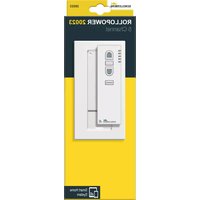
20023 - Remote control Schellenberg - Free user manual and instructions
Find the device manual for free 20023 Schellenberg in PDF.



| Product type | Radio remote control for roller shutters |
| Brand | Schellenberg |
| Model | 20023 |
| Transmission frequency | 868.4 MHz |
| Outdoor range | Up to 150 meters |
| Indoor range | Up to 20 meters |
| Power supply | 3 V DC, 2 LR03 / AAA batteries |
| Protection type | IP 20 |
| Ambient temperature | 0°C to 50°C |
| Number of channels | 5 |
| Number of motors per channel | Up to 5 |
| Number of transmitters per motor | Up to 5 |
| Main functions | Up, Stop, Down, Channel selection, Programming |
| Display | LED per channel (1 to 5) |
| Programming button | Located in the battery compartment |
| Intended use | Schellenberg approved tubular motors |
| Safety | Risk of electric shock, keep people at a distance, mandatory supervision |
| Maintenance and cleaning | Replace batteries with identical LR03/AAA, do not dispose of with household waste |
| Warranty | Contact after-sales service: service@schellenberg.de |
Frequently Asked Questions - 20023 Schellenberg
User questions about 20023 Schellenberg
0 question about this device. Answer the ones you know or ask your own.
Ask a new question about this device
Download the instructions for your Remote control in PDF format for free! Find your manual 20023 - Schellenberg and take your electronic device back in hand. On this page are published all the documents necessary for the use of your device. 20023 by Schellenberg.
USER MANUAL 20023 Schellenberg
Controller 5 Channel
natural_image
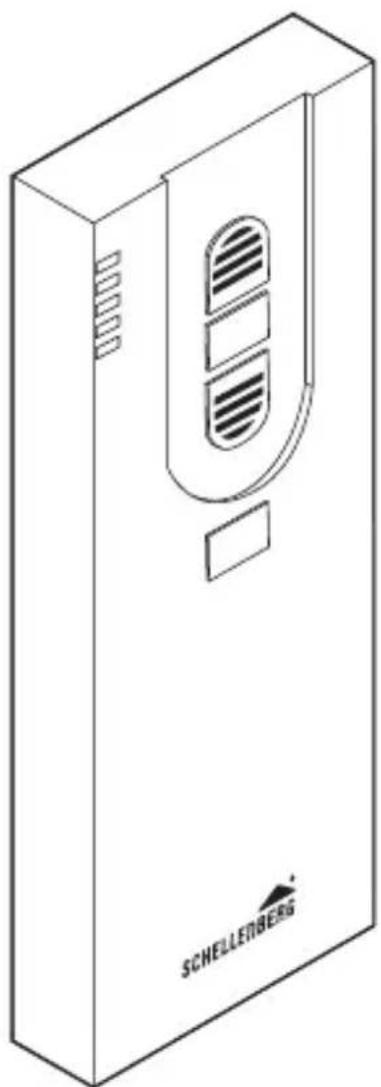
Isometric line drawing of a device casing with ventilation slots and a label 'SCHELLENBERG' (no other text or symbols)
deutsch 6 DE
english 12 GB
français 18 FR
nederlands 24 NL
polski 30 PL
italiano 36 IT
español 42 ES
português 48 PT
český 54 cz
slovenčina 60 SK
magyar 66 HU
hrvatski 72 HR
slovenski jezik 78 SI
român 84 RO
български 90 BG
ελληνικά 96 GR
türk 102 TR
русский 108 RU
український 114 UA
lietuvos 120 LT
latvijas 126 LV
eesti 132 EE
svenska 138 SE
dansk 144 DK
norsk 150 NO
suomi 156 FI
shqiptar 162 AL
bosanski 168 BA
српски 174 xs
icelandic 180 IS
INHALTSVERZEICHNIS
Safety and notices 13
Technical data 16
Display and key explanation 17
Required tools / Scope of delivery.... 186
A Installation 187
Hand-held wireless remote control programming
B Tubular motor: address assignment 190
C Programming mode start 192
D Channel selection 192
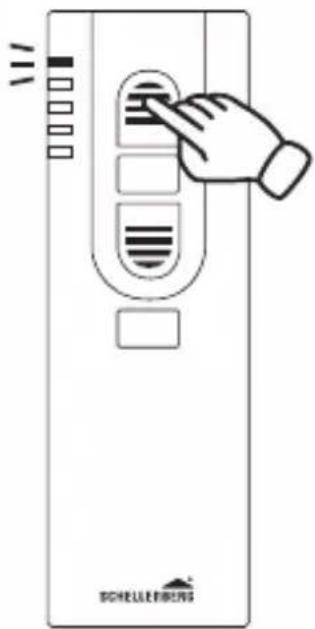
E Pairing the hand-held wireless remote control with the
tubular motor 193
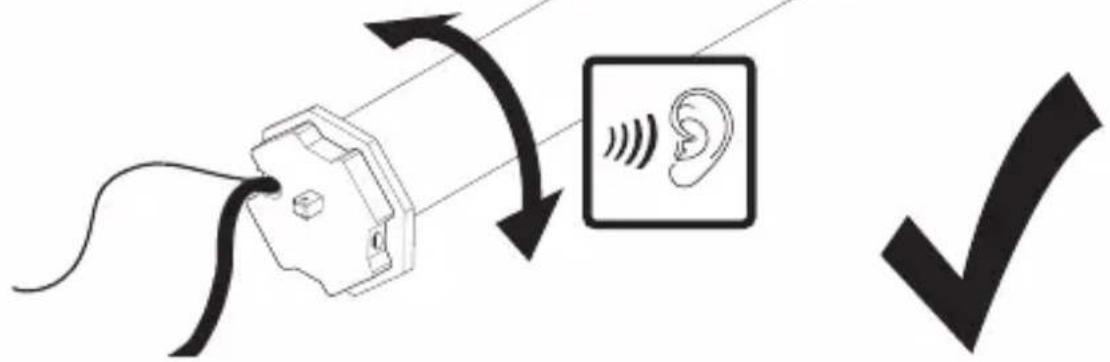
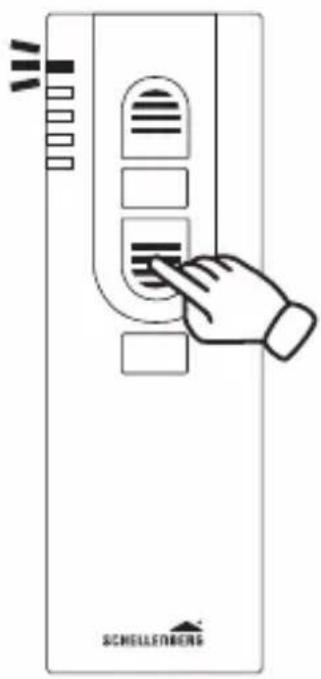
F Tubular motor rotation check 195
G Tubular motor direction change 196
H Setting the upper end position 197
I Setting the lower end position 199
J Concluding the program mode 201
K Intermediate position deletion ..... 201
L Intermediate position approach 203
M Intermediate position approach 205
N End position approach 205
O Pairing of other hand-held wireless remote controllers ..... 206
P Deleting the settings of the hand-held wireless remote
controller 209
Q Factory default reset 211
Copyright protected, 2018 Alfred Schellenberg GmbH All rights reserved. Any use, in particular reproduction, translation, processing or transmission of content into databases or other electronic media and systems beyond the authorization provided by the copyright legislation is strictly prohibited.
SAFETY AND NOTICES
Dear customers,

please completely read this instruction manual before the installation and commissioning. Observe all safety instructions before you begin executing any work. Keep the instruction manual stored at hand and advise each user about possible dangers that are related to this product. In case of a change in ownership pass on the instruction manual to the new owner. In case of damages which are caused by misuse or improper installation any legal warranty claim will be void.
SAFETY INSTRUCTIONS
There is a risk of injury from electric shock. Before
working on electrical equipment, it must be completely de-energized.
- Only operate the hand-held wireless remote control in dry rooms (IP20).
- The radio-controlled shutter system must be accessible during operation, especially when the shutter system is controlled by more than one hand-held wireless remote controller.
- Keep people away from the movement range of the roller shutter system. There is a risk of injury.
- The hand-held wireless remote control is not a toy, keep children away from it.
- There is a danger of injury and suffocation from small parts of the hand-held wireless remote controller and the packaging.
SCHELLENBERG
- When operating a shutter system via a hand-held wireless remote controller the country-specific regulations must be observed.
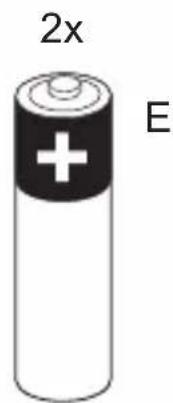
- Only replace the batteries with the same type, LR03 / AAA.
- Do not move the tubular motor beyond the end positions. Risk of damage!
CE DECLARATION AND CONFORMITY
The product (item no. DE 20016, 20023) meets the applicable requirements of the European and national guidelines. Conformity has been demonstrated. The full EU Declaration of Conformity document can be found at: http://www.schellenberg.de (under 'Download-Center', in the 'Service' tab).
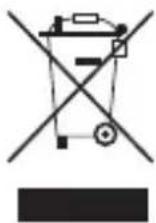
Do not dispose of together with household waste. The product is recyclable and can be deposited at a recycling centre or a collection station for electrical household waste.
RED 2014/53/EU
INTENDED USE
- Only connect the hand-held wireless remote control with devices that are approved by the manufacturer for the respective use.
- Using the hand-held wireless remote control for other purposes is considered contrary to its designated use.
- The hand-held wireless remote control may not be operated in areas with high risk or if third parties are disturbed (for example, hospitals, airports and similar facilities).
- There is no protection from interference from other properly constructed or operated radio equipment, particularly by those who work in the same frequency range.
- The roller shutter systems which are operated with the hand-held wireless remote control must be in a flawless condition.
- The Alfred Schellenberg GmbH shall not be liable for any consequential damage, property damage and personal injury due to improper use.
- The operation of the hand-held wireless remote control in the vicinity of equipment that emits electromagnetic radiation or has metal surfaces can affect the correct operation.
- The range of the hand-held wireless remote control is limited by European regulations and legislative directives.
- The range of the hand-held wireless remote control is approx. 150 meters in the open field, and 20 meters within buildings.

NOTES REGARDING THE USE
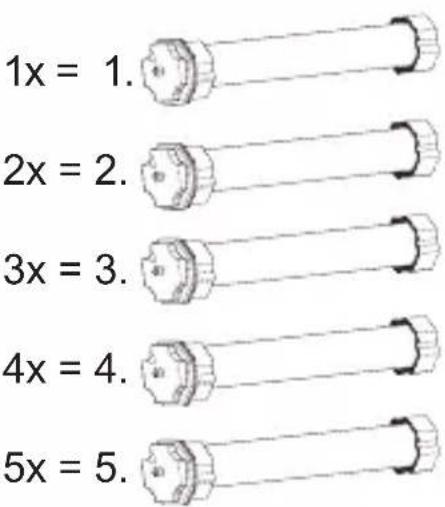
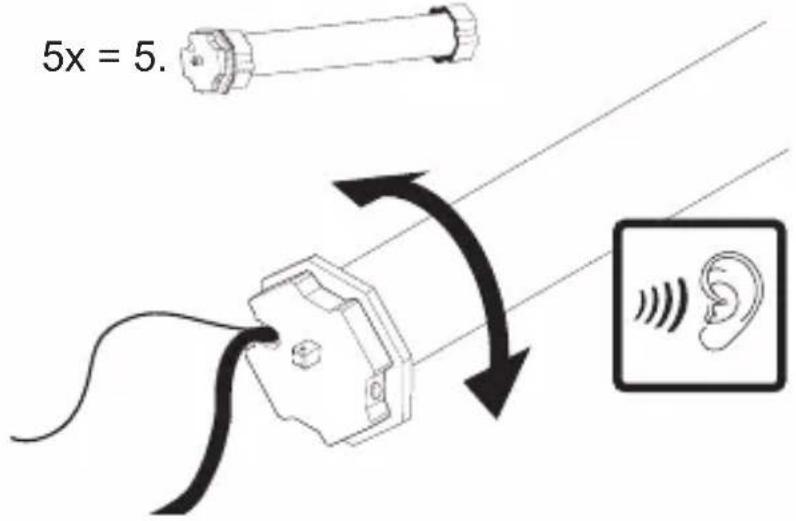
Per channel, up to 5 tubular motors can be paired. All 5 tubular motors can be controlled simultaneously via the hand-held wireless remote control. Differently programmed end positions in windows and doors will be considered, too. A single tubular motor can be paired with up to 5 hand-held wireless remote controllers.
TECHNICAL DATA
Transmission frequency 868,4 MHz
Range in the open field up to 150 meters
Range within buildings up to 20 meters
Power supply 3 V DC
Battery type 2 x LR03 / AAA
Protection class IP 20
Ambient temperature 0° to 50° Celsius

The structural conditions affect the range and function of the hand-held wireless remote control.
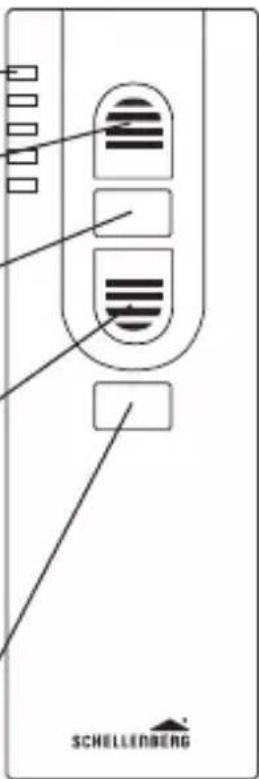
DISPLAY AND KEY EXPLANATION

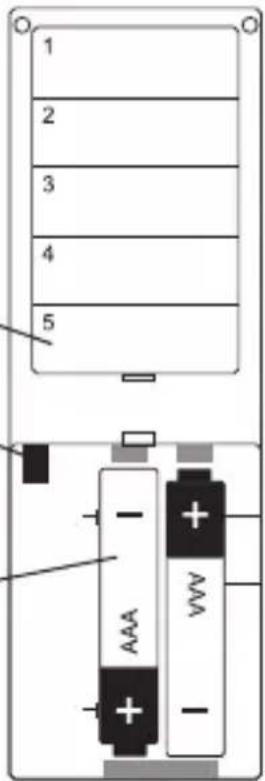
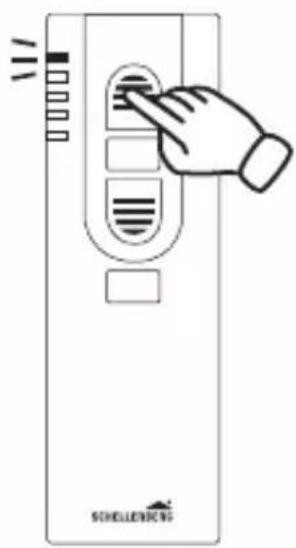
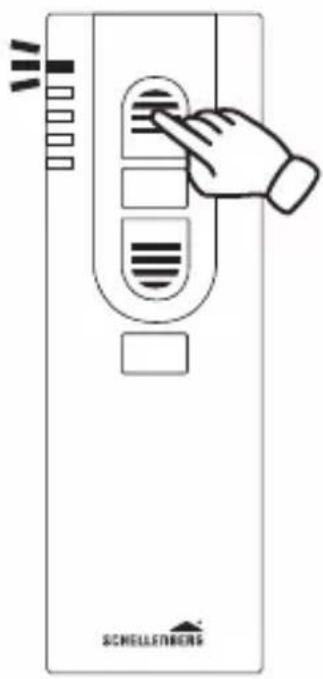
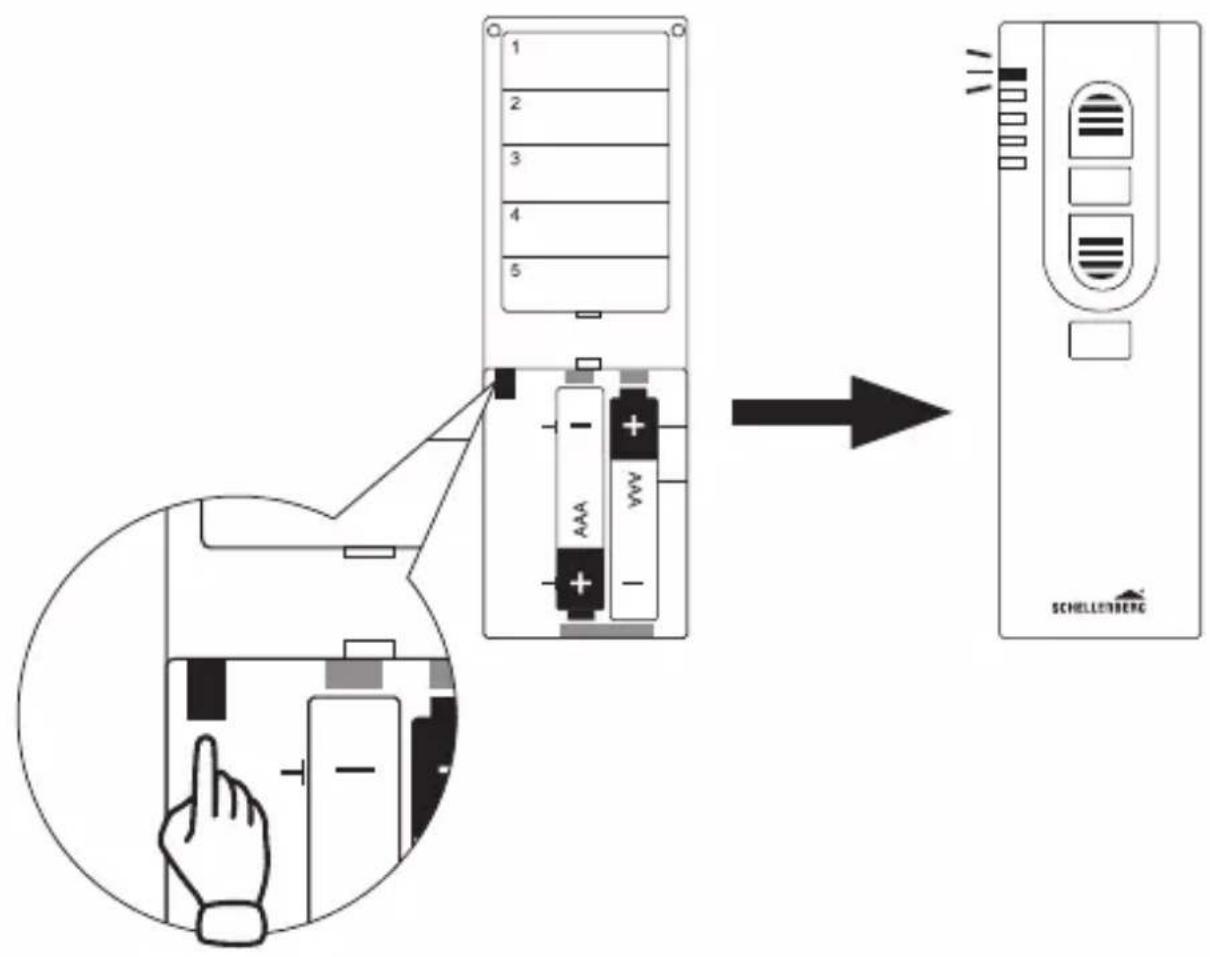
① LED display / channel 1-5 Flashes during the programming.
② open button
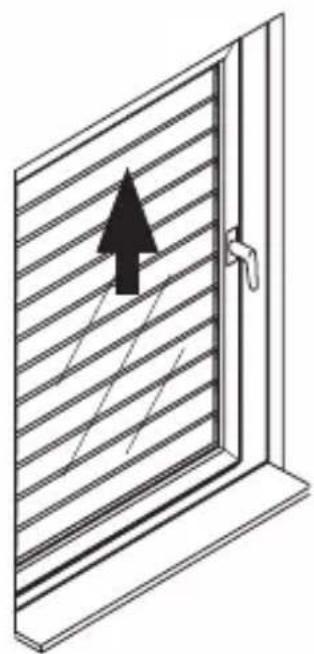
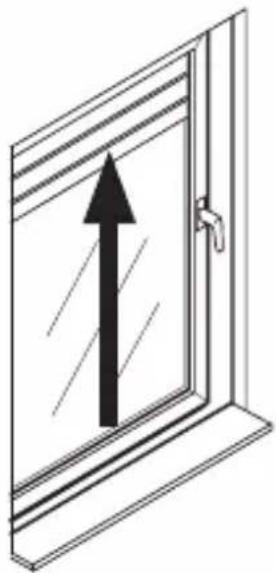
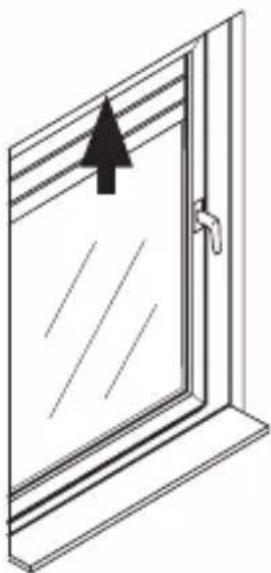
Shutter/awning moves upwards/extends.
③ stop button
Stops the up/down movement of the tubular motor.
④ close button
Shutter/awning moves downwards/retracts.
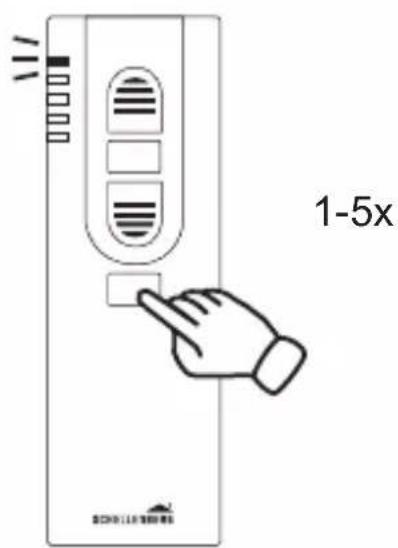
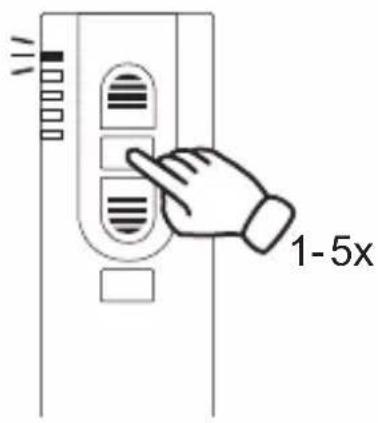
⑤ channel selection button
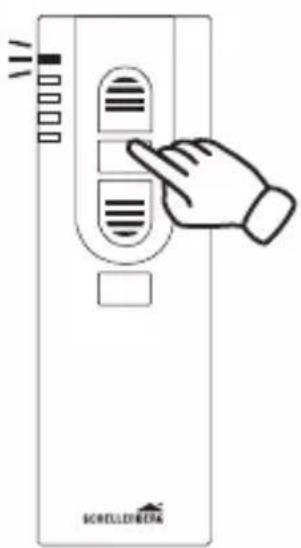
This button can be used to select the desired channel.
Front side
Rear side
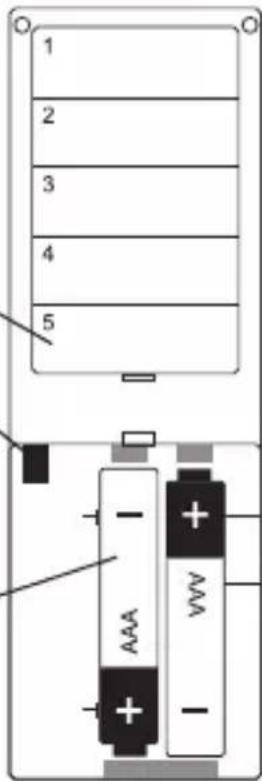
Labeling fields
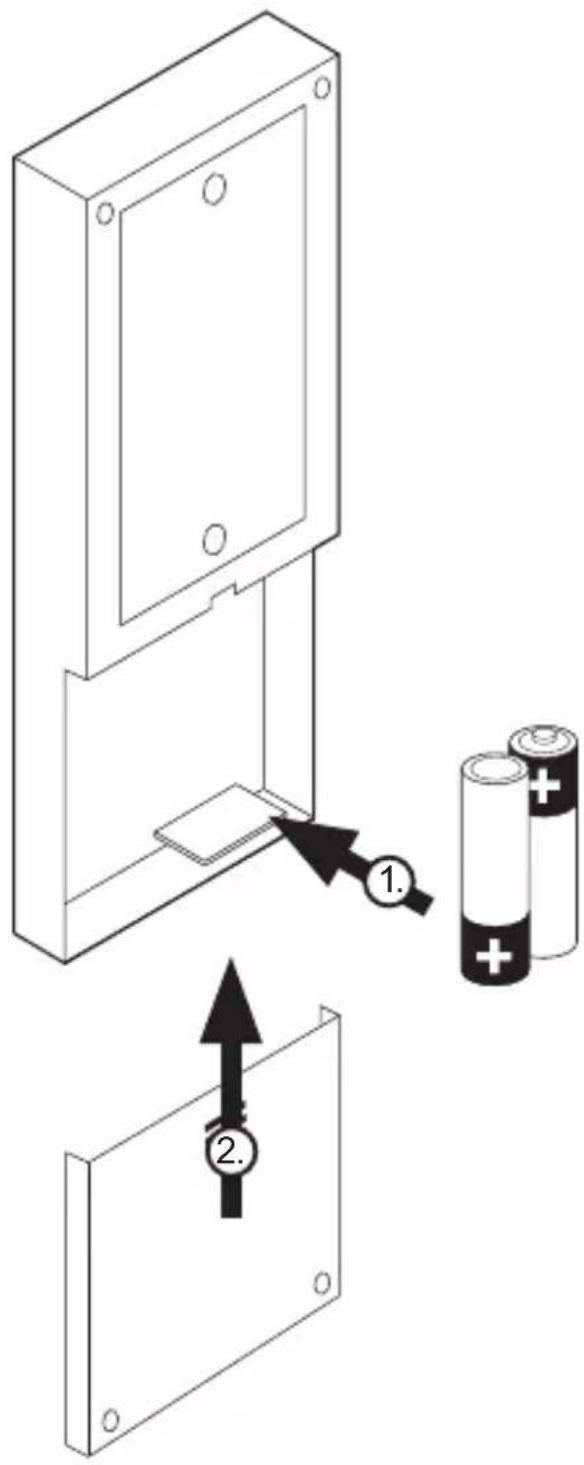
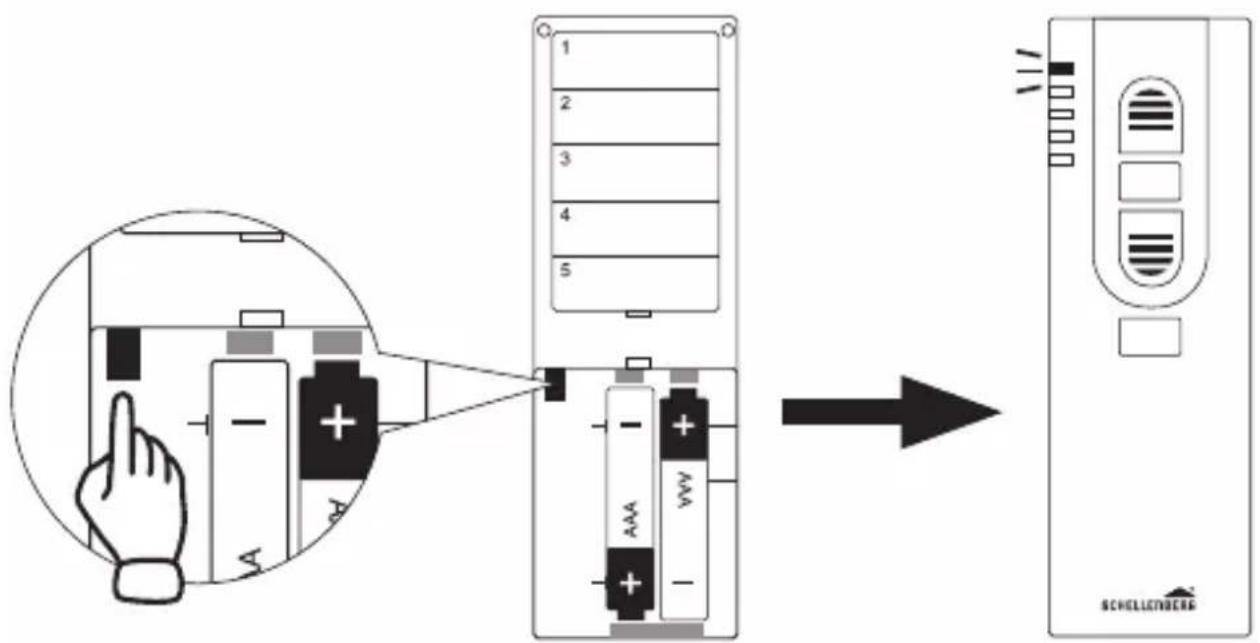
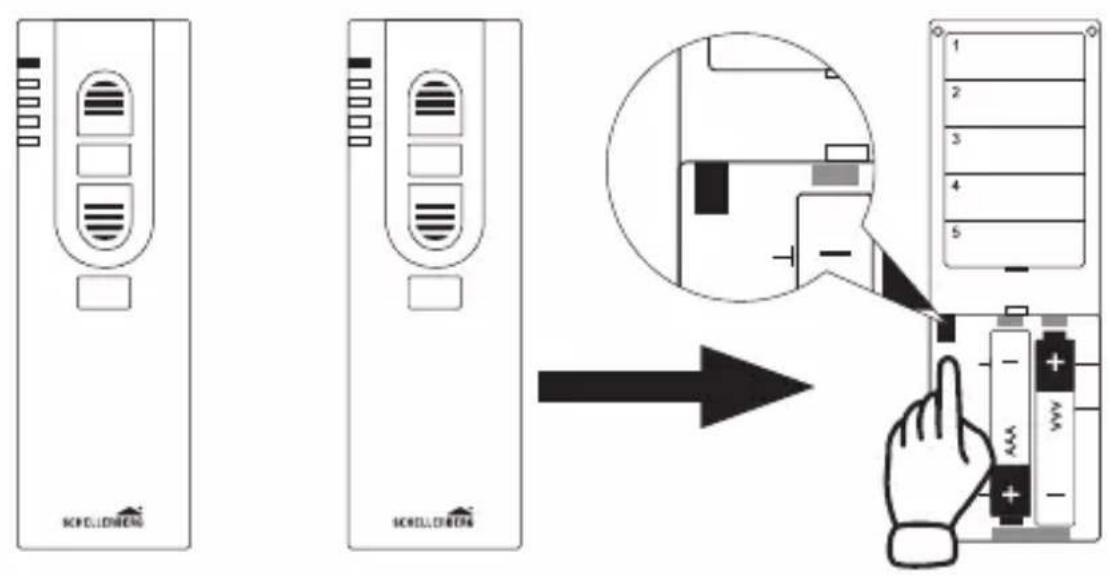
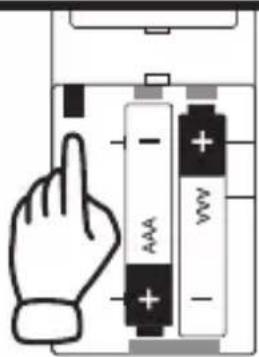
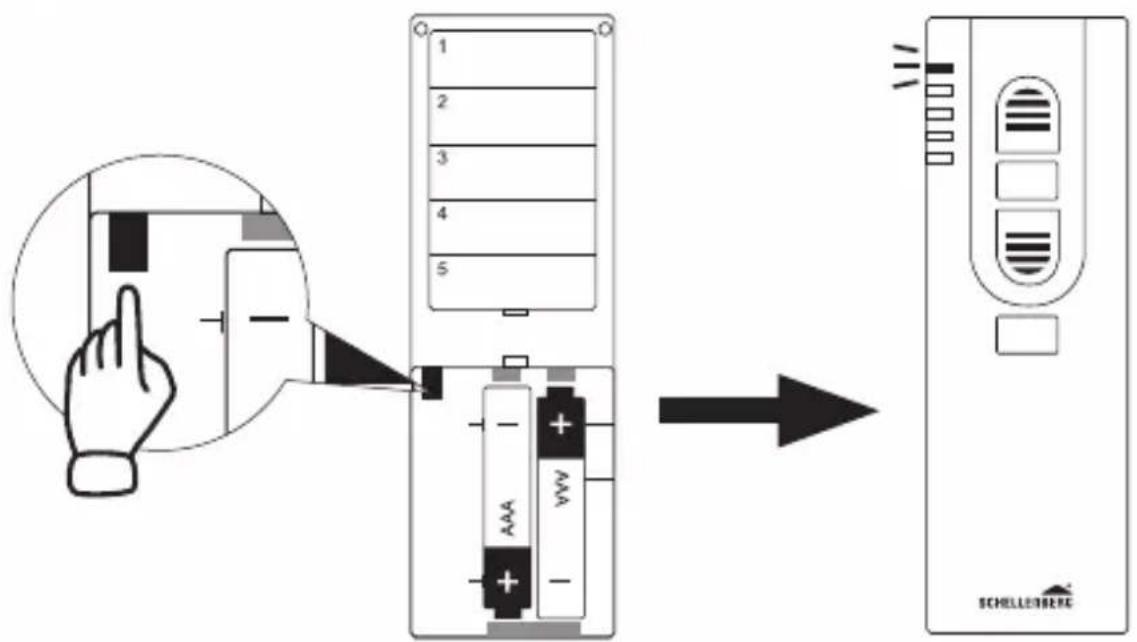
6 programming button On/off switching of the programming mode. The button is located in the battery compartment on the rear side.
Battery compartment 2x (AAA)
TABLE DES MATIÈRES
Chers clients, chères clientes,

DÉCLARATION CE ET CONFORMITÉ
ODGOVARAJUĆA UPORABA
Pingevarustus 3 V DC
Patarei tüüp 2 x LR03 / AAA
Kaitseklass IP 20
INNEHÅLLSFÖRTECKNING
P Slette sender-innstilliinger 209
Q Nullstillig 211
Takapuoli
Kirjoituskentät
SIGURNOST I INFORMACIJE
Poštovani kupče,

molimo Vas da prije montaže i puštanja u rad u potpunosti pročitate ove upute. Obratite pažnju na sve sigurnosne napomene, prije nego započnete s radom.
Sačuvajte ove upute i svakog korisnika upozorite na
eventualne opasnosti koje su povezane s ovim proizvodom.
Rafhlöðuhólf 2x (AAA)
SCHELLENBERG

natural_image
Simple icon of a screwdriver with a cross mark, no text or symbols present
natural_image
Illustration of a hand holding a soldering iron (no text or symbols)
natural_image
Simple icon of a pencil inside a rounded square frame (no text or symbols)
natural_image
Simple line drawing of a helical screw or drill bit with 6 mm scale indicator (no text or symbols beyond the label)
natural_image
Technical line drawing of a rectangular device with internal compartments and mounting holes, labeled A (no text or symbols beyond labels)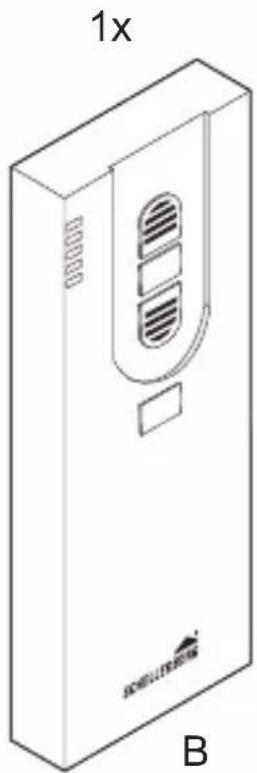
natural_image
Isometric line drawing of a rectangular device with ventilation slots and a label 'B' (no text or symbols on the device itself)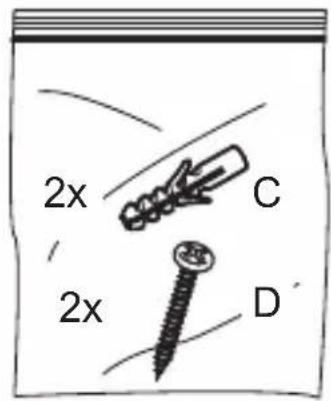
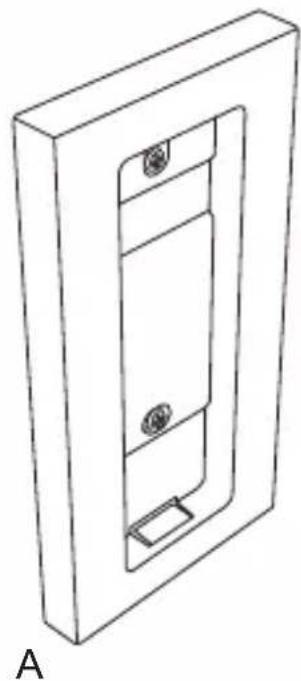
A
1.

natural_image
Simple line drawing of a pencil inside a square frame (no text or symbols)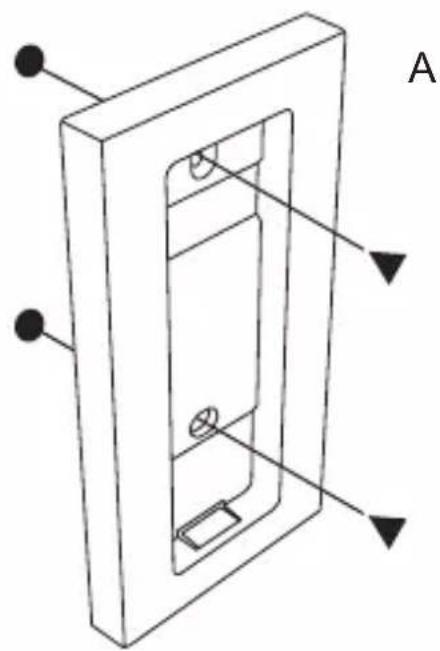
natural_image
Technical line drawing of a door or panel with labeled components (no text or symbols present)
natural_image
Illustration of a hand holding a screwdriver (no text or symbols)
natural_image
Two diagonal lines with circular endpoints and downward-pointing triangles, no text or symbols present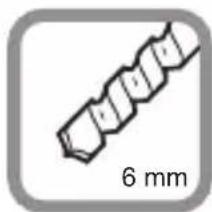
natural_image
Simple line drawing of a screw or drill bit with 6 mm scale indicator (no text or symbols beyond the scale)
natural_image
Icon of a screwdriver with a cross mark, no text or symbols present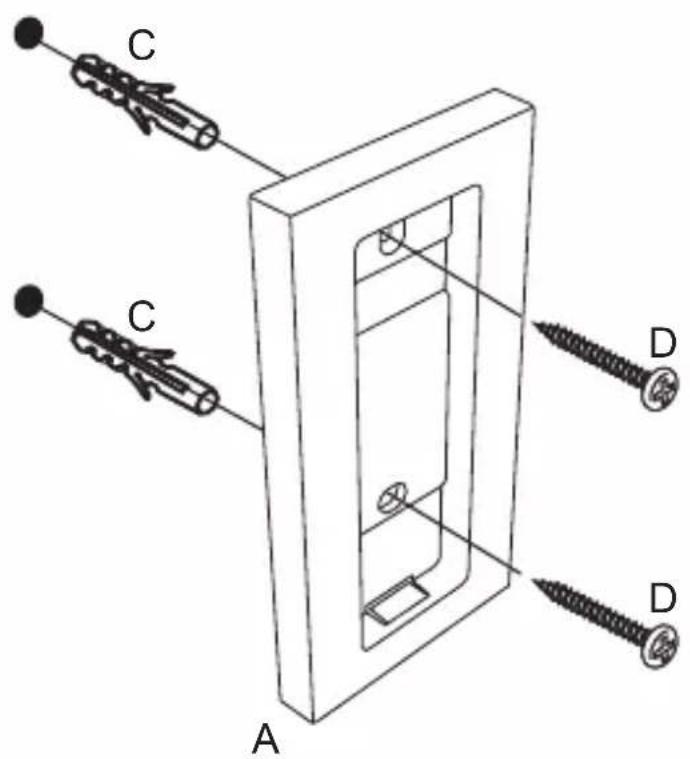
5.
natural_image
Technical line drawing of a rectangular door or cabinet with a slot and mounting bracket (no text or symbols)
natural_image
Simple black checkmark symbol on white background (no text or additional symbols)B
6.
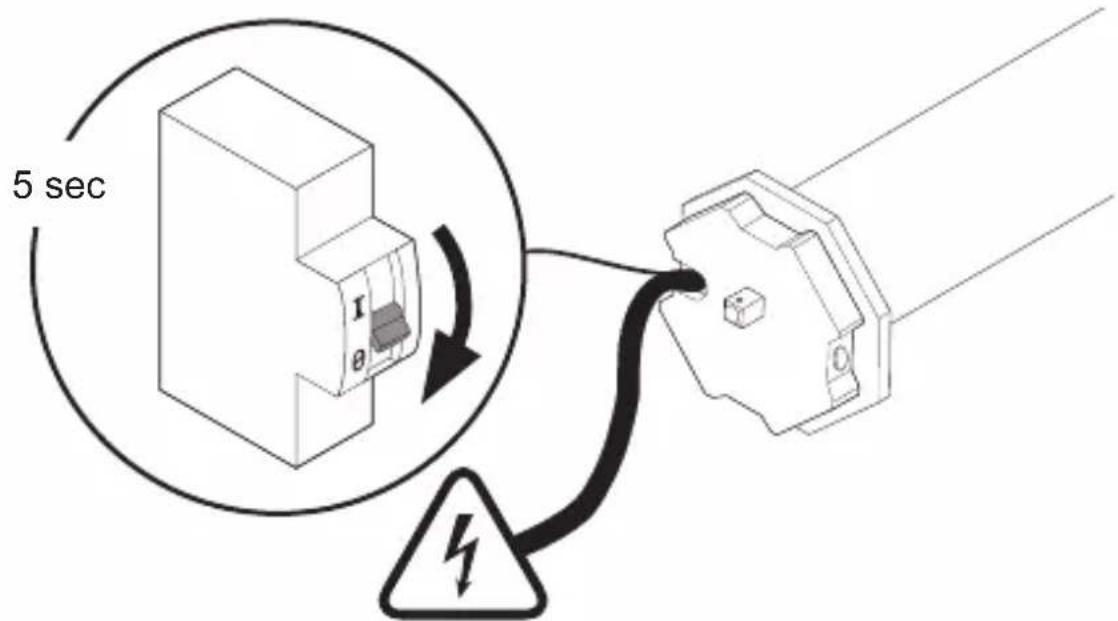
230 V, 50 Hz
7.
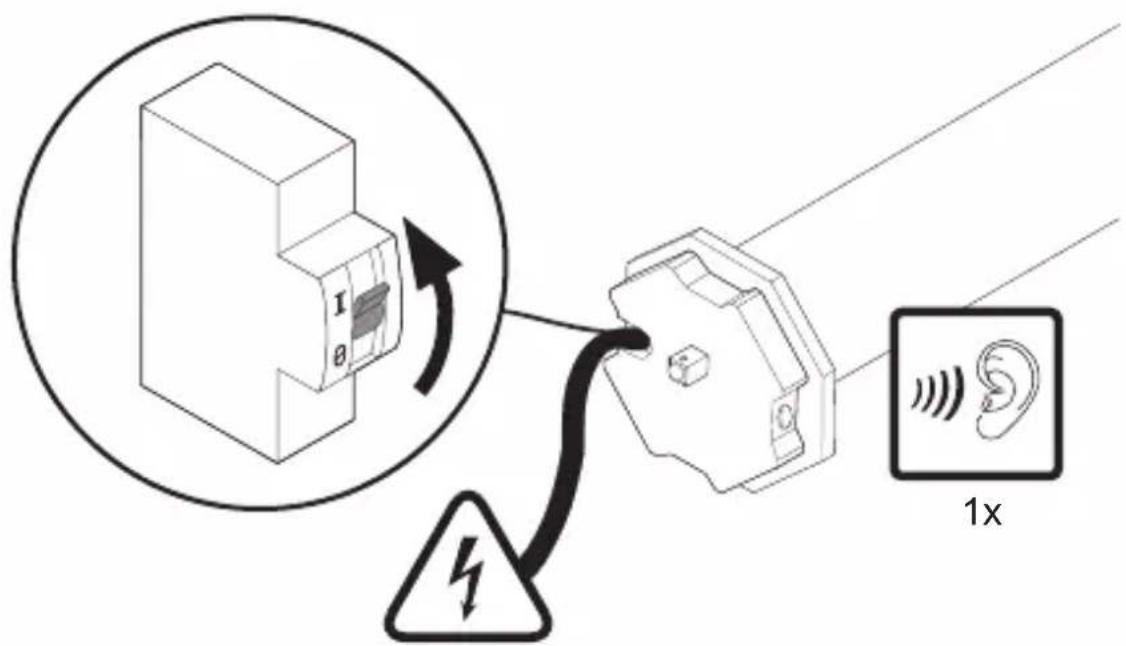
230 V, 50 Hz
natural_image
Line drawing of a hand inserting a cable into a 3D electrical socket (no text or symbols)
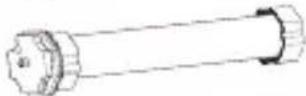
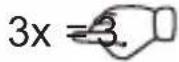
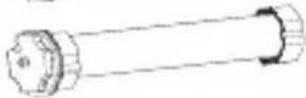
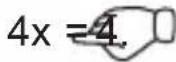

natural_image
Black checkmark symbol on white background (no text or additional symbols)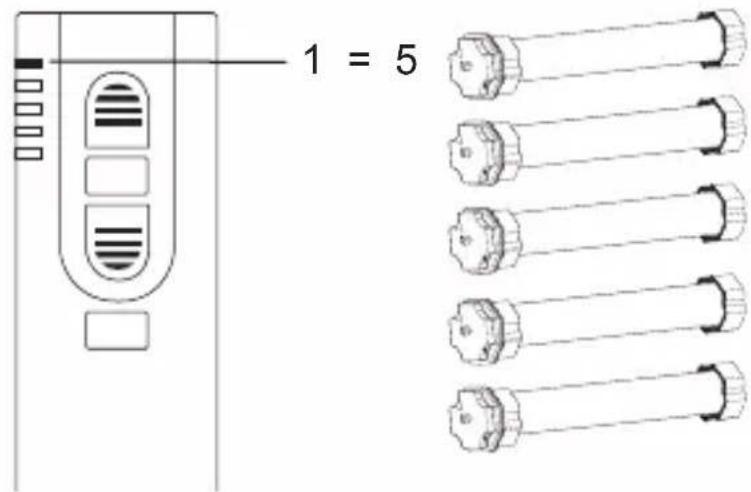
191190
C
9.
D
10.
E
11.
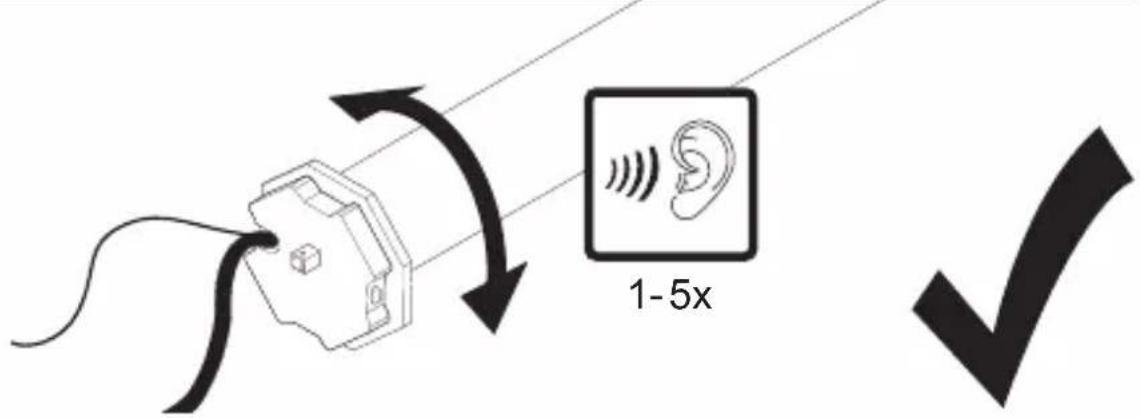
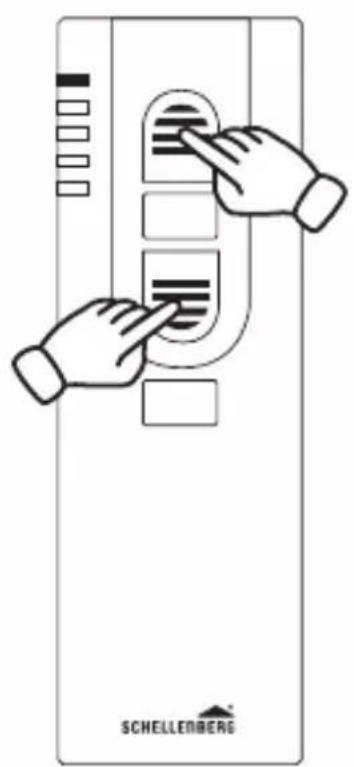
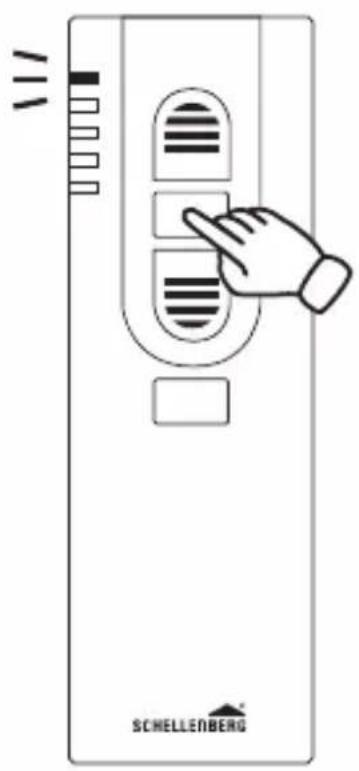
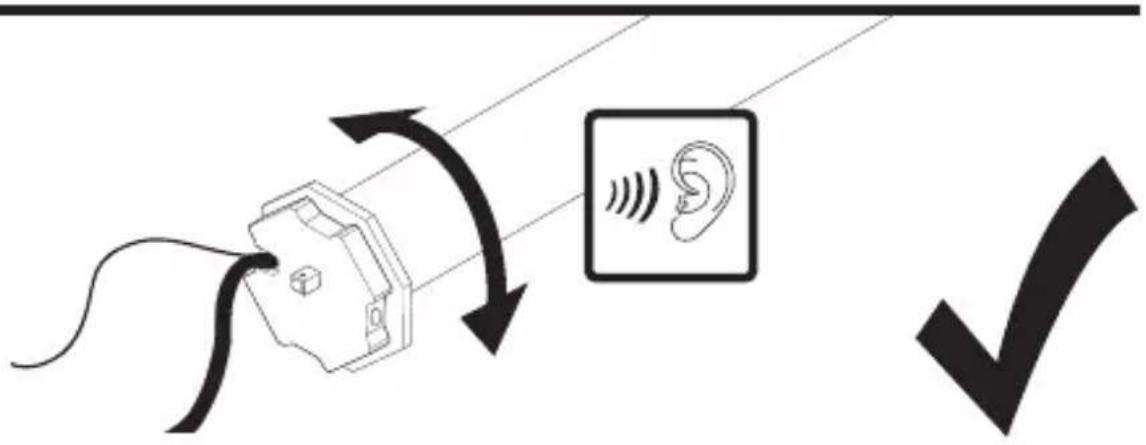
F
14.

natural_image
Diagram of a window with diagonal slats and an upward arrow, no text or symbols present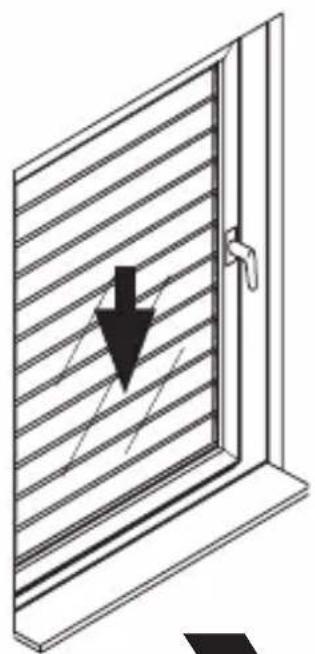
natural_image
Diagram of a window with horizontal slats and a downward arrow, no text or symbols present

natural_image
Simple line drawing of a hand holding a folded paper or document (no text or symbols)
G
15.
H
17.
90%
natural_image
Simple line drawing of a door with an upward arrow indicating direction (no text or symbols)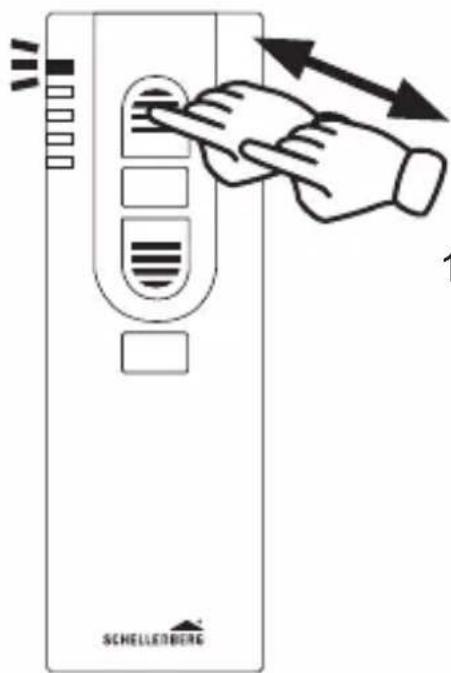
100%
natural_image
Line drawing of a window with an arrow pointing upward (no text or symbols)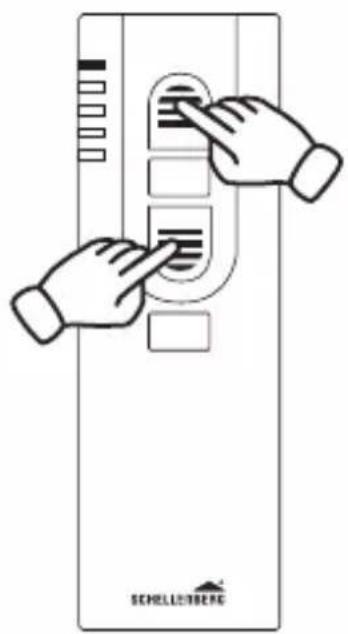
1
20.
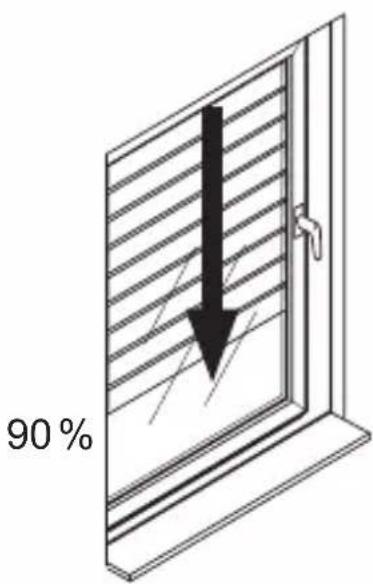
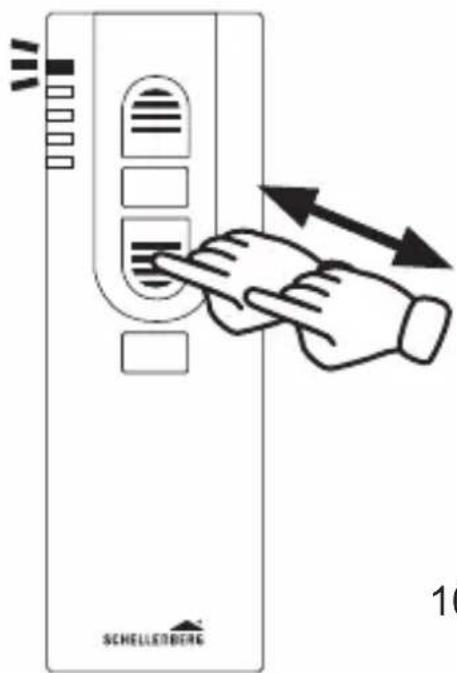
100%
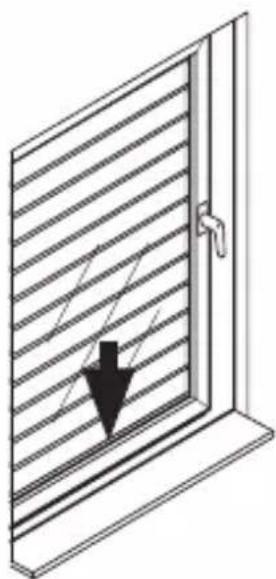
natural_image
Diagram of a window with horizontal slats and a black arrow pointing downward (no text or symbols)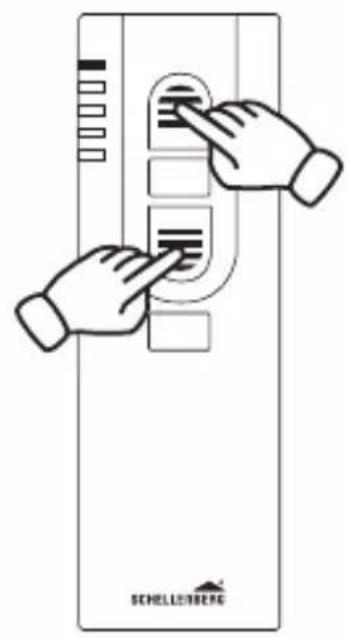
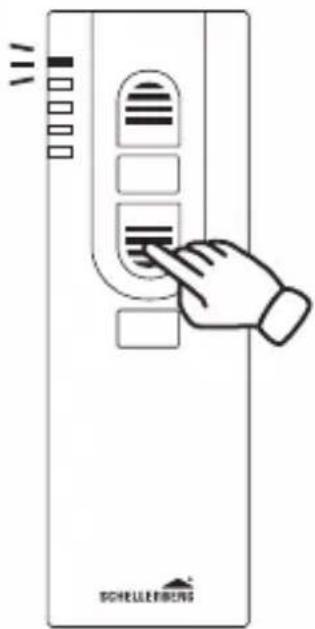
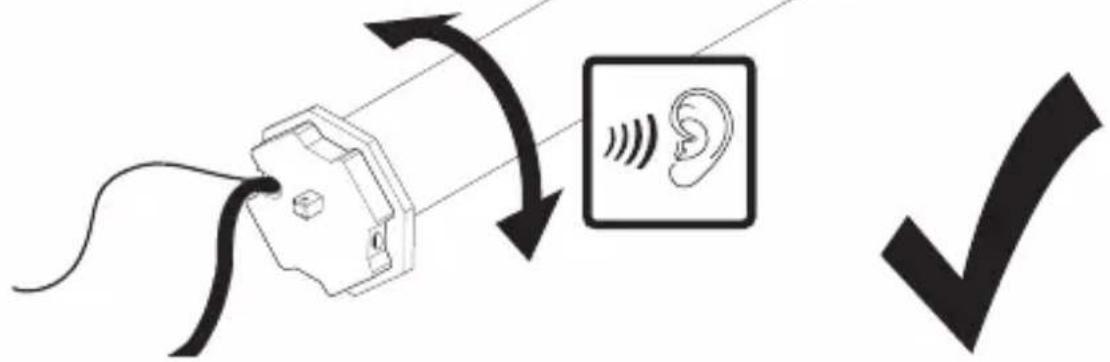
J
23.
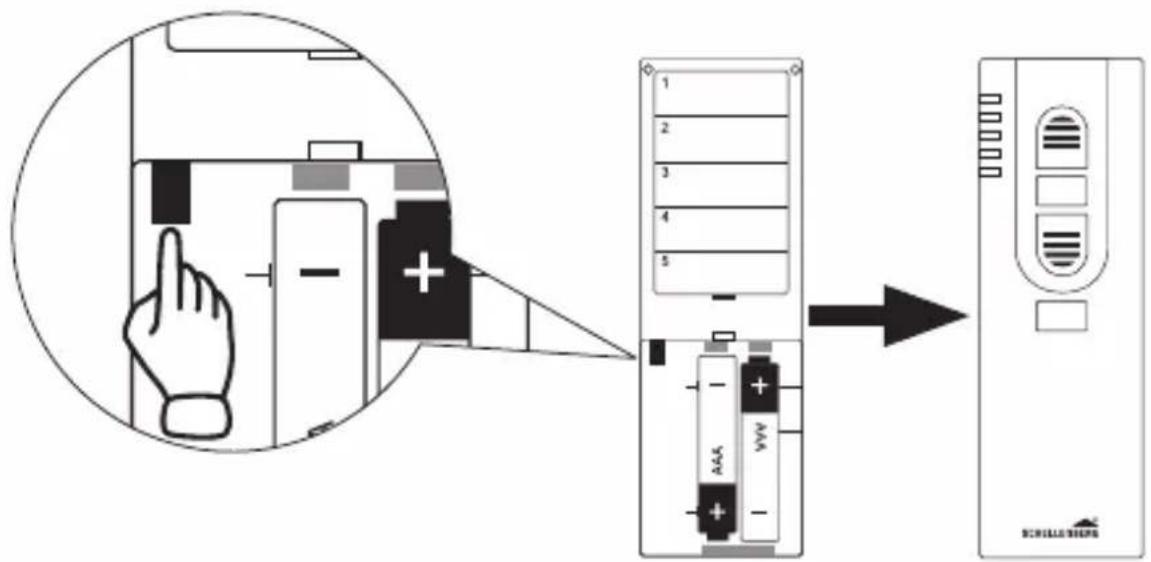
K
24.
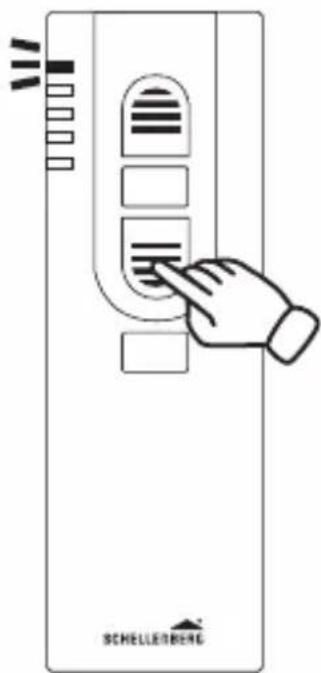
z.B. 60%
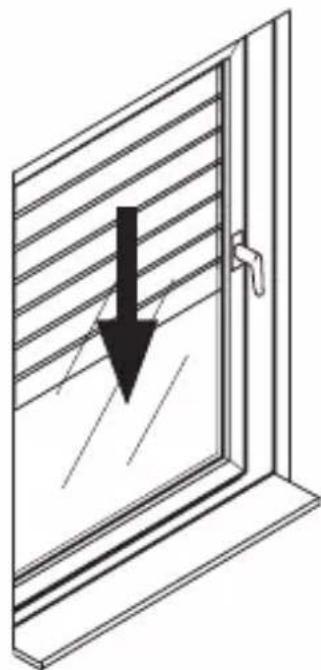
natural_image
Diagram of a window with a black downward arrow indicating compression or damage (no text or symbols present)201200
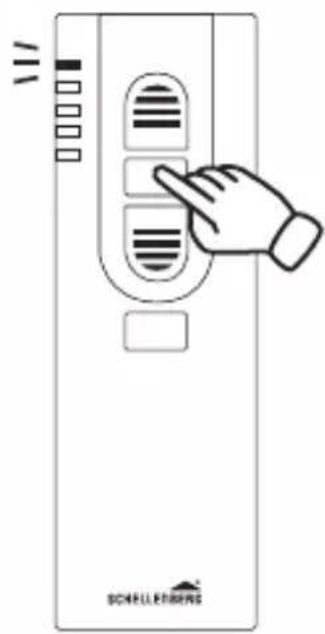
L
29.
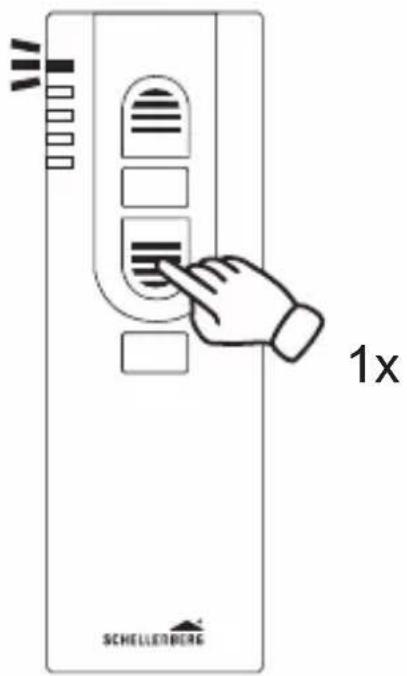
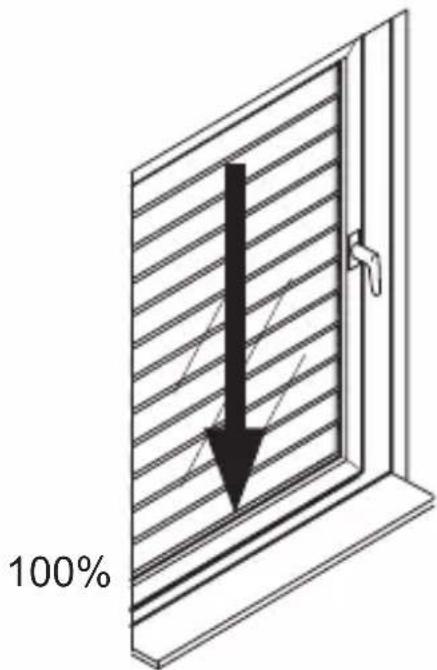
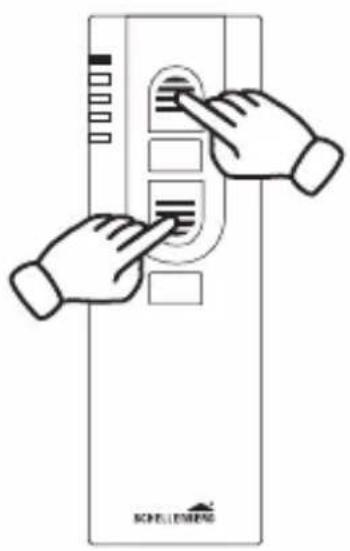
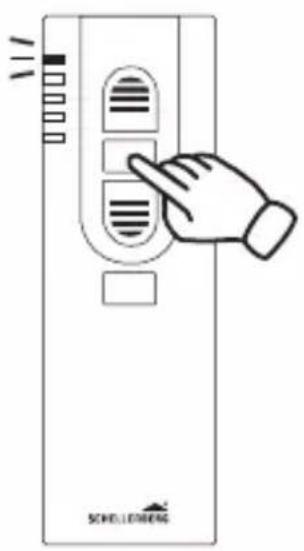
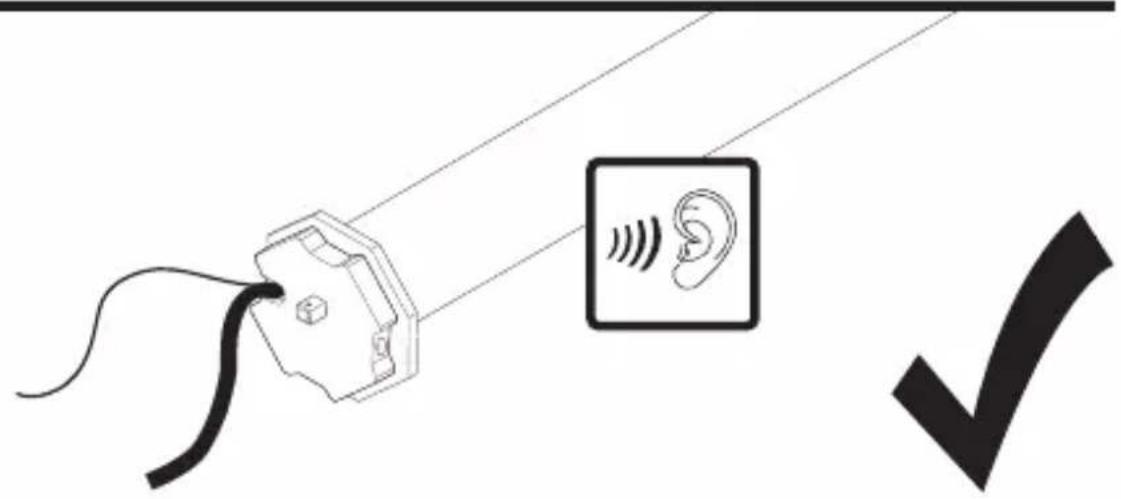
M
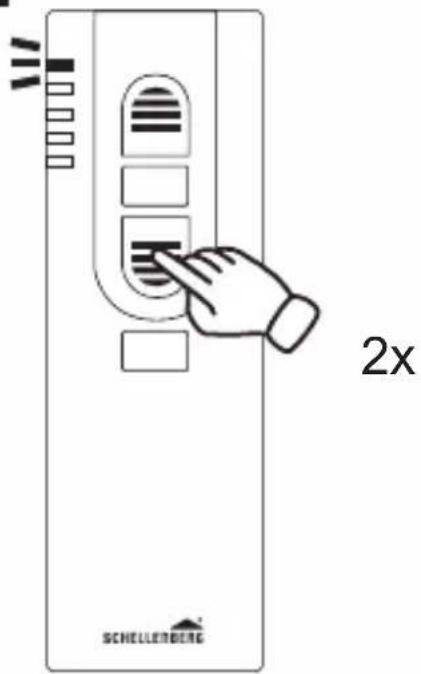
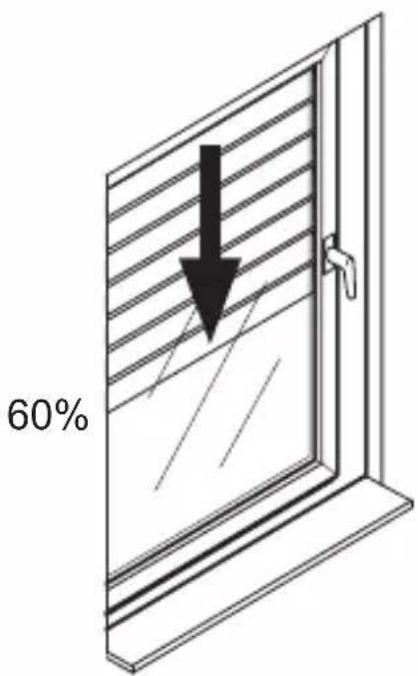
N
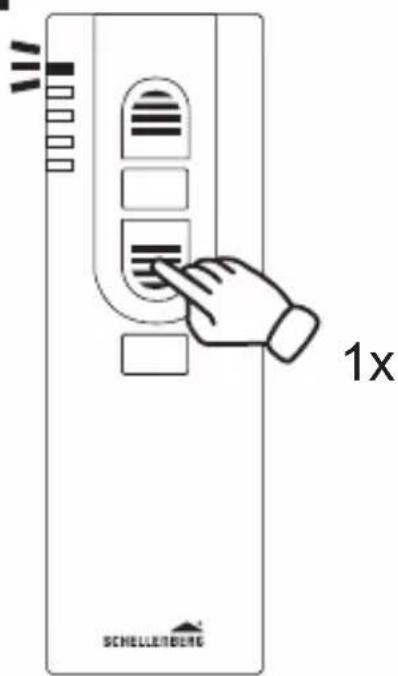
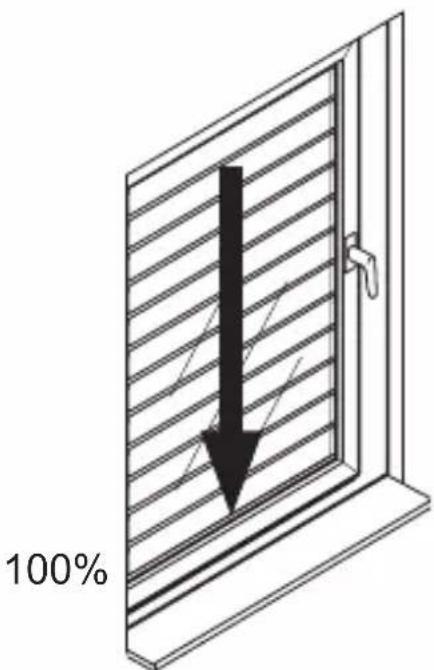
205204
O
34.
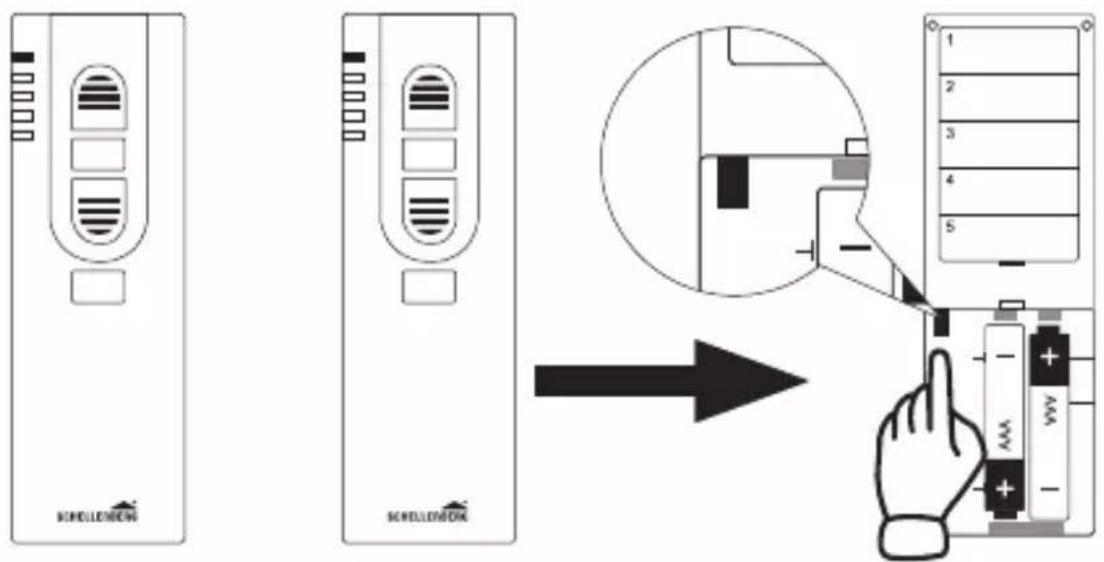
1 245 ...
35.
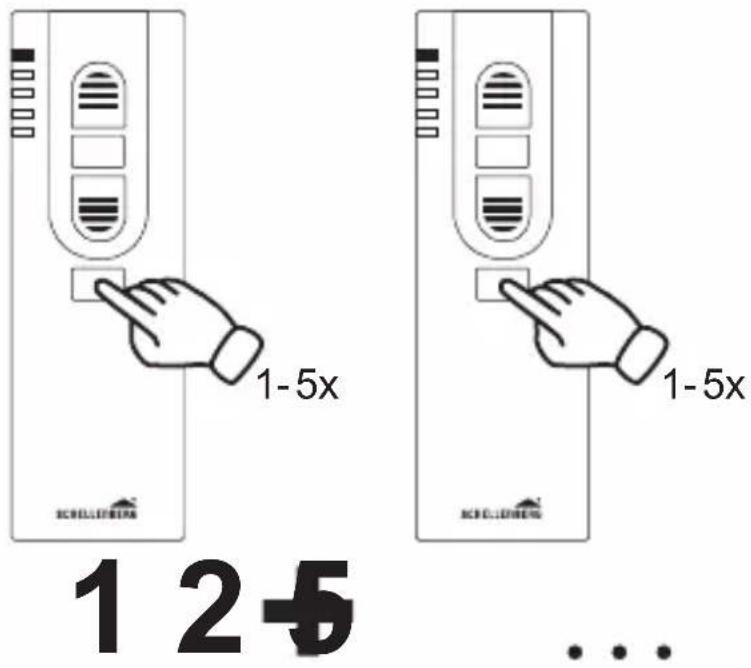
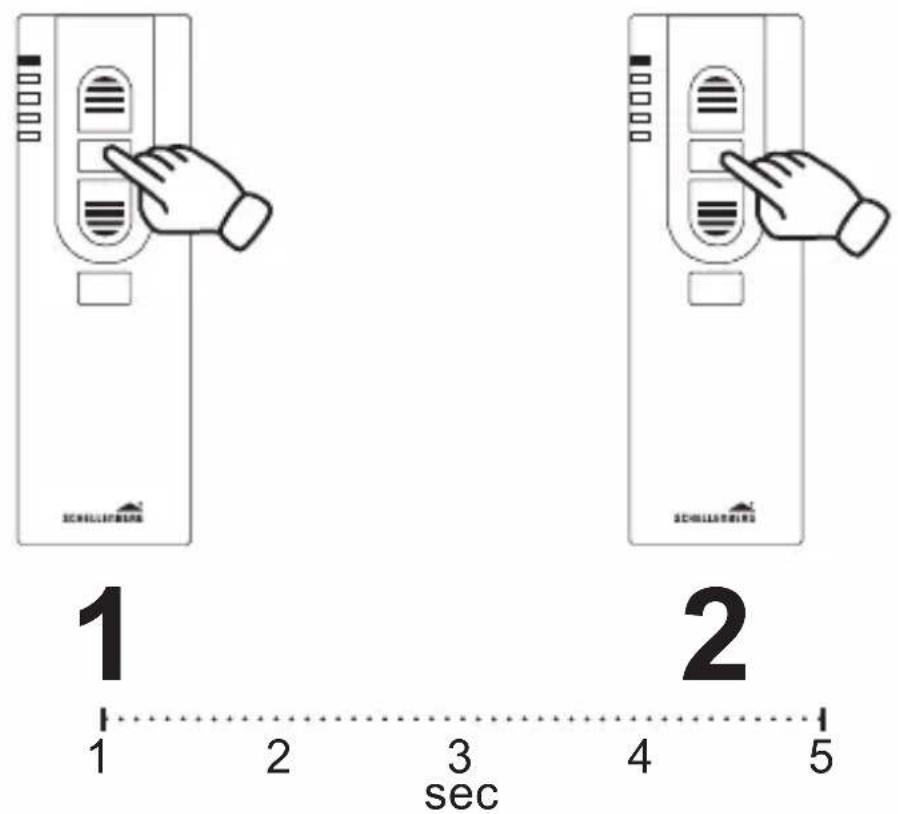
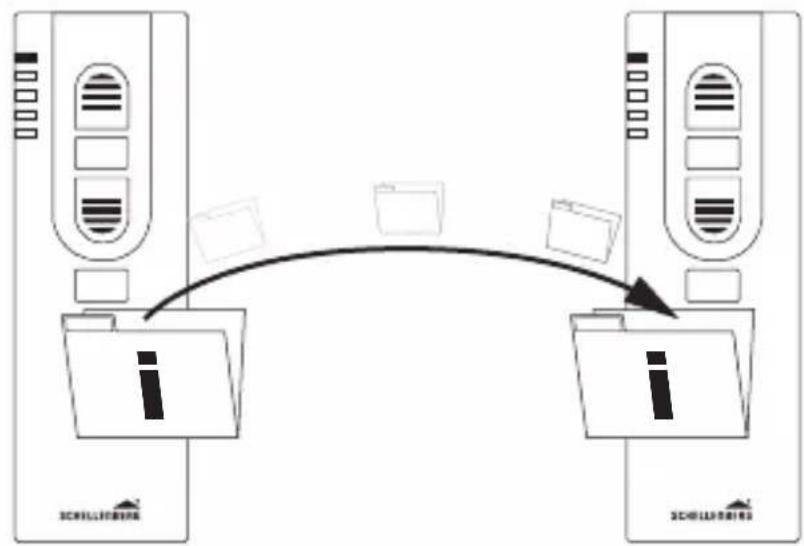
flowchart
graph TD
    A["Server 1"] -->|Data icon| B["File Icon"]
    C["Server 2"] -->|Data icon| D["File Icon"]
    B -->|Arrow| E["Data Icon"]
    D -->|Arrow| F["Data Icon"]
1
2
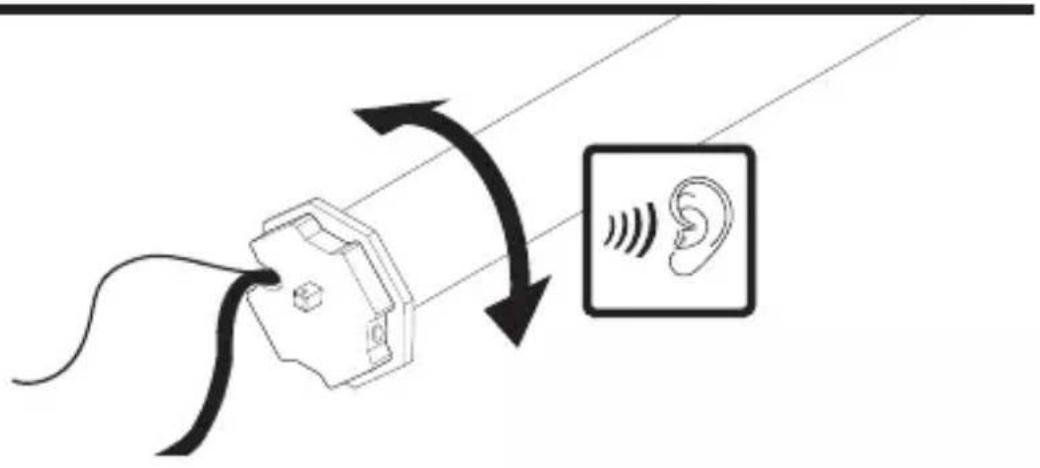
1 2+5

natural_image
Simple black checkmark symbol on white background (no text or additional symbols)P
38.
39.
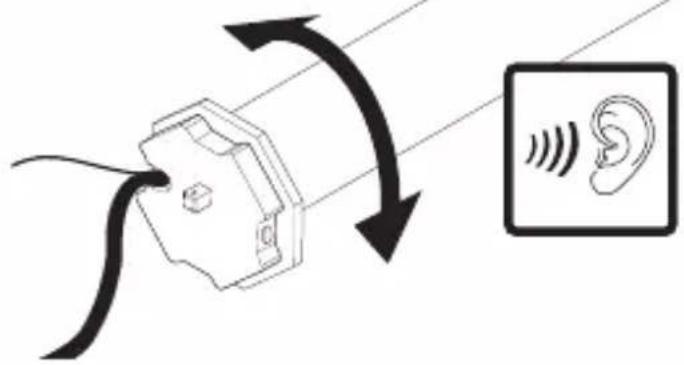
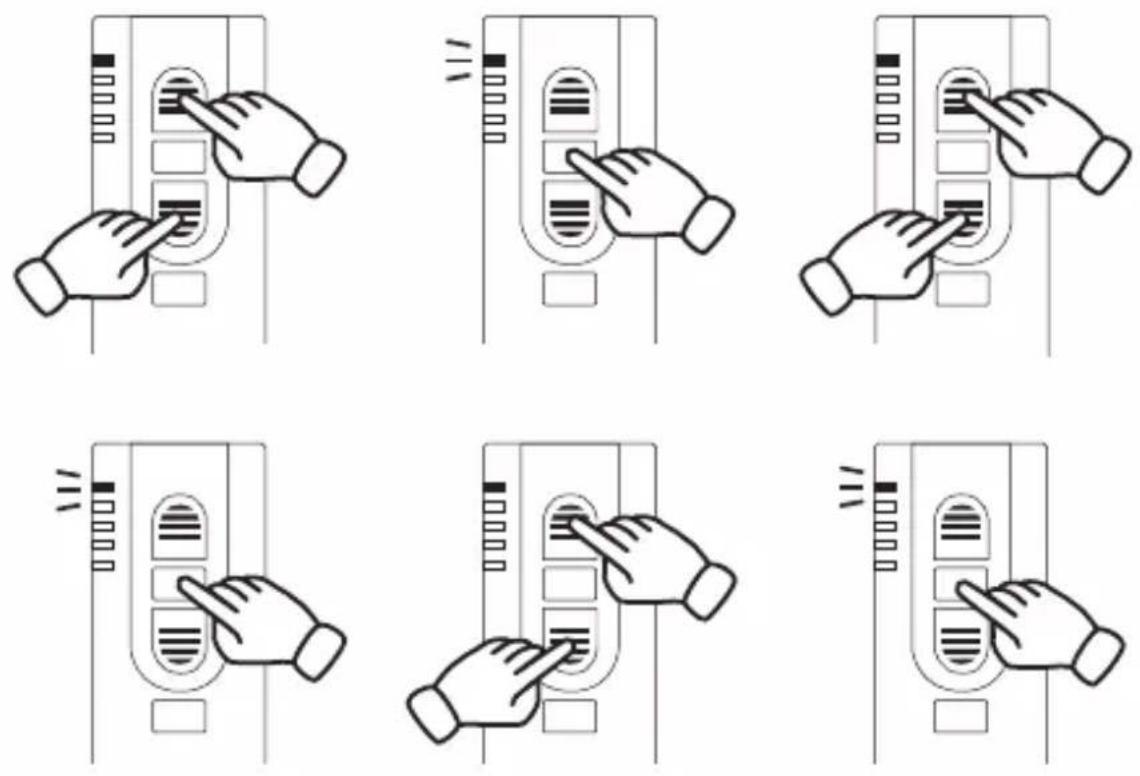
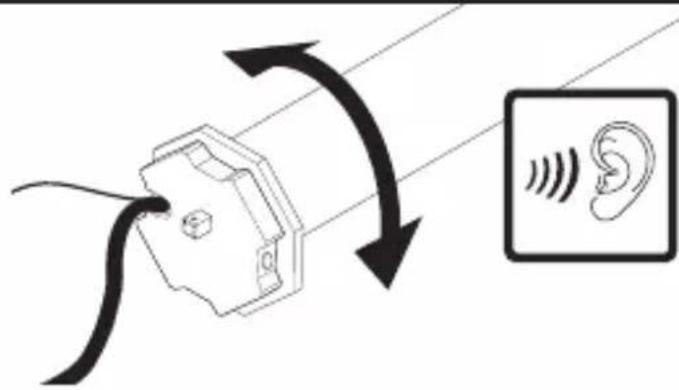
209208

natural_image
Black checkmark symbol on white background (no text or additional symbols)Q
42.
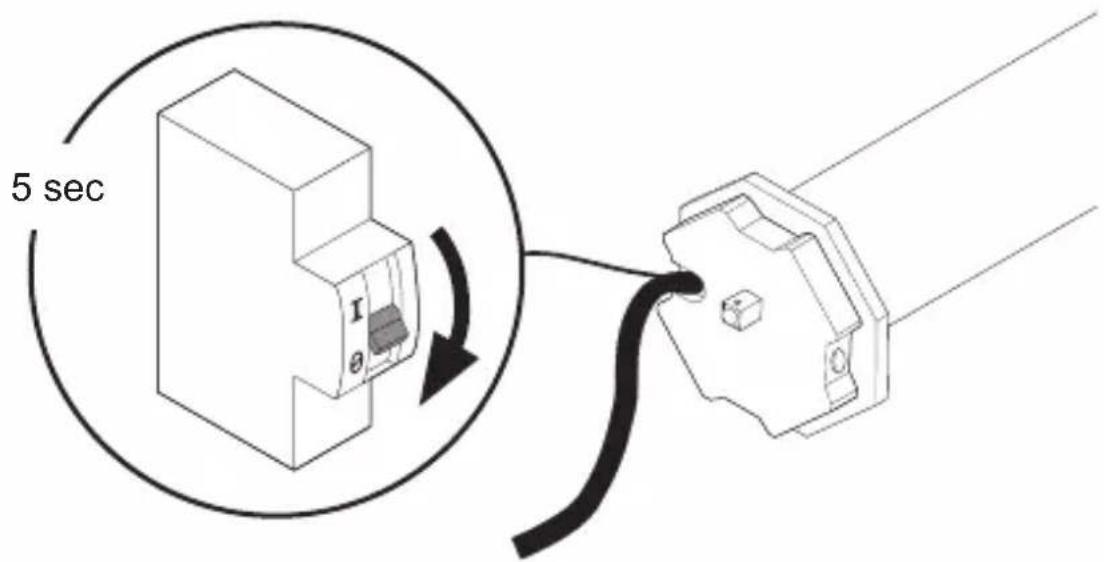
43.
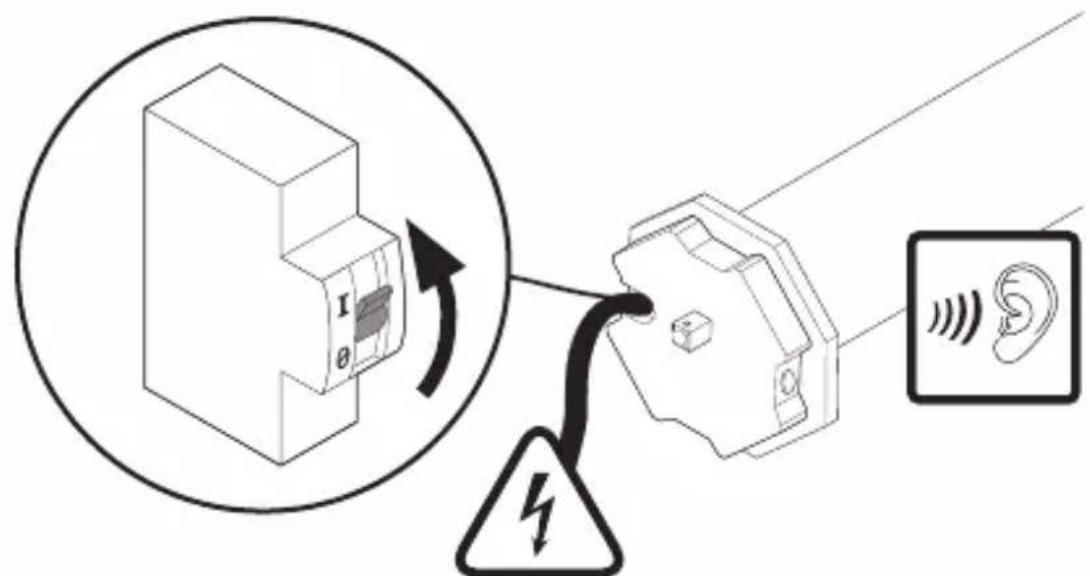
230 V, 50 Hz

natural_image
Simple black rectangle with two crossed X marks, no text or symbols present211210
212
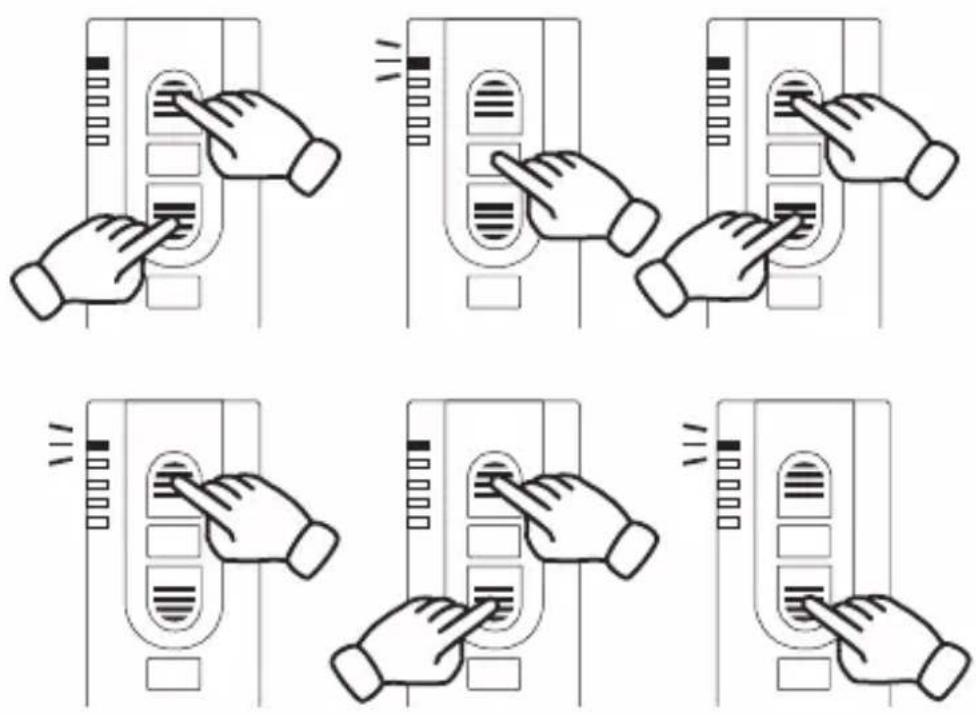
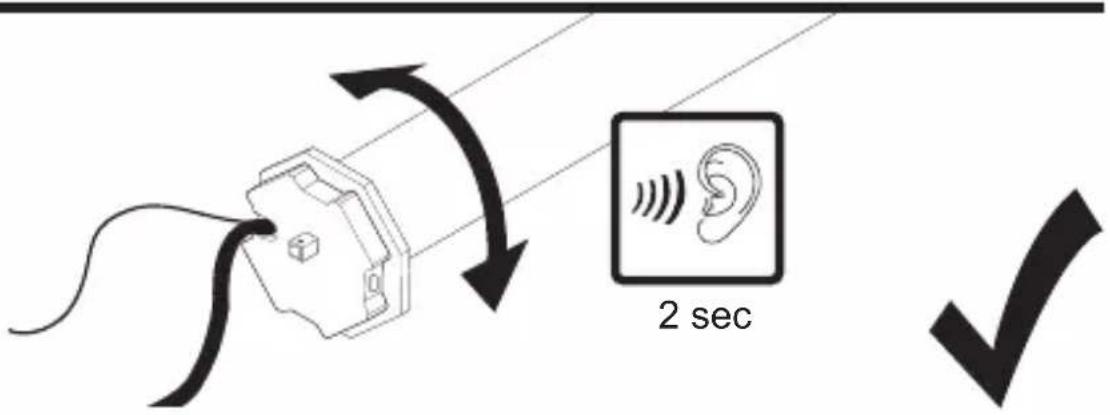
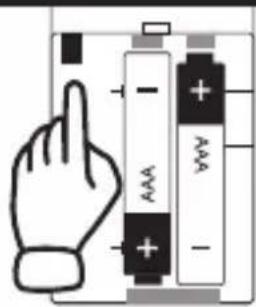
For warranty claims, spare parts requests or questions regarding the proper installation of your product, please contact our Consumer Service Department. service@schellenberg.de
natural_image
Two men standing in front of a curved structure, one looking out (no visible text or symbols)
- Controller 5 Channel
- INHALTSVERZEICHNIS
- SAFETY AND NOTICES
- SAFETY INSTRUCTIONS
- SCHELLENBERG
- CE DECLARATION AND CONFORMITY
- INTENDED USE
- NOTES REGARDING THE USE
- TECHNICAL DATA
- DISPLAY AND KEY EXPLANATION
- Labeling fields
- TABLE DES MATIÈRES
- DÉCLARATION CE ET CONFORMITÉ
- ODGOVARAJUĆA UPORABA
- INNEHÅLLSFÖRTECKNING
- Kirjoituskentät
- SIGURNOST I INFORMACIJE
- A
- 1.
- B
- 6.
- 7.
- C
- 9.
- D
- 10.
- E
- 11.
- F
- 14.
- G
- 15.
- H
- 17.
- M
- N
- O
- 34.
- 35.
- P
- 38.
- 39.
- Q
- 42.
- 43.
Brand : Schellenberg
Model : 20023
Category : Remote control