MetricStar - Hand tool Laserliner - Free user manual and instructions
Find the device manual for free MetricStar Laserliner in PDF.


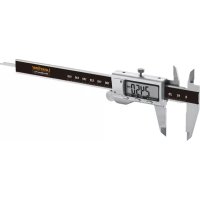
| Product Type | Digital Caliper |
| Brand | Laserliner |
| Model | MetricStar |
| Measuring Range | 0 - 150 mm |
| Resolution | 0.1 mm |
| Accuracy | ± 0.2 mm |
| Power Supply | 1 LR44 (AG13) 1.5V battery |
| Dimensions (W x H x D) | 240 x 80 x 16 mm |
| Weight (incl. battery) | 50 g |
| Display | 5-digit LCD screen |
| Measuring Functions | External, internal, depth, differential (zero setting), step |
| HOLD Function | Hold measured value |
| Auto Power Off | After approx. 5 minutes of inactivity |
| Operating Temperature | 0°C to 40°C |
| Storage Temperature | -20°C to 70°C |
| Max. Humidity | 80% RH, non-condensing |
| Max. Operating Altitude | 4000 m above sea level |
| Maintenance and Cleaning | Clean with a slightly damp cloth, no abrasive products |
| Safety Instructions | Do not use on rotating parts; measuring surfaces are sharp, hold by the handles |
| Recommended Calibration | Every 1 to 2 years |
| EU Regulations | Complies with WEEE and EMC 2014/30/EU |
| Spare Parts | Standard LR44 battery available in stores |
| Repairability | Calibration and repair by UMAREX-LASERLINER after-sales service |
Frequently Asked Questions - MetricStar Laserliner
User questions about MetricStar Laserliner
0 question about this device. Answer the ones you know or ask your own.
Ask a new question about this device
Download the instructions for your Hand tool in PDF format for free! Find your manual MetricStar - Laserliner and take your electronic device back in hand. On this page are published all the documents necessary for the use of your device. MetricStar by Laserliner.
USER MANUAL MetricStar Laserliner
Completely read through the operating instructions, the "Warranty and Additional Information" booklet as well as the latest information under the internet link at the end of these instructions. Follow the instructions they contain. This document must be kept in a safe place and passed on together with the device.
Function / application
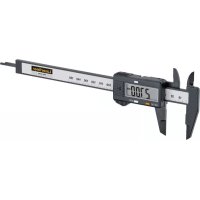
Digital calliper gauge for precise measurement of lengths
– Functions: External measurement, internal measurement, depth measurement, differential measurement through zero position, level measurement
- 5-digit display
- Measurement range: 0 ... 150 mm
General safety instructions
- The device must only be used in accordance with its intended purpose and within the scope of the specifications.
- The device and its accessories are not toys.
- The structure of the device must not be modified in any way.
- Do not expose the device to mechanical stress, extreme temperatures, moisture or significant vibration.
- When using the device outdoors, make sure that the weather conditions are appropriate and/or that suitable protection measures are taken.
- Risk of injury! Not suitable for measuring rotating workpieces.
- Risk of cuts! The measuring surfaces are sharp and pointed and may cause injuries – only hold them using the handles provided.
Safety instructions
Dealing with electromagnetic radiation
- The measuring device complies with electromagnetic compatibility regulations and limit values in accordance with EMC-Directive 2014/30/EU.
- Local operating restrictions – for example, in hospitals, aircraft, petrol stations or in the vicinity of people with pacemakers – may apply. Electronic devices can potentially cause hazards or interference or be subject to hazards or interference.
- The measuring accuracy may be affected when working close to high voltages or high electromagnetic alternating fields.
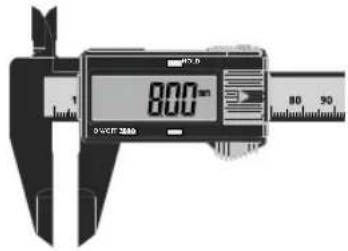
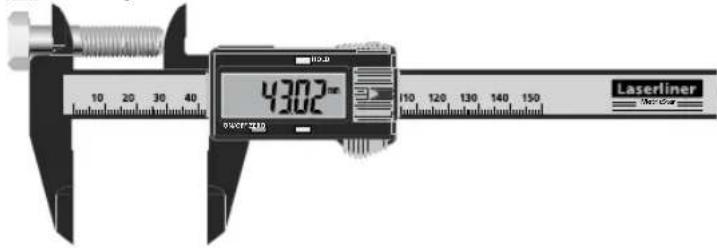
Device description (see Figure A)
1 Measuring jaws for external measurement
2 On/Off switch
3 Zeroing the digital display
4 Scale 0 ... 150 mm
5 Depth gauge
6 Measuring jaws for internal measurement
7 LC display
8 Hold function
9 Battery compartment
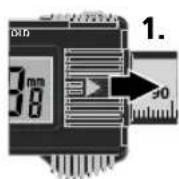
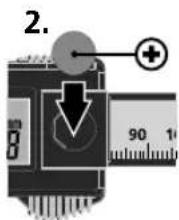
1 Inserting battery
Open the battery compartment and insert battery (1x LR44 button cell) according to the symbols. Be sure to pay attention to polarity.
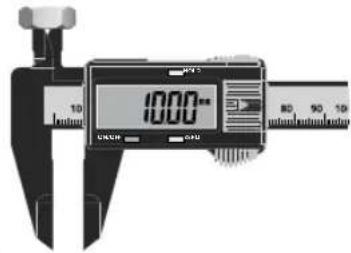
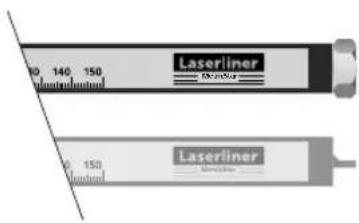
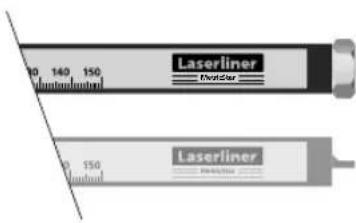
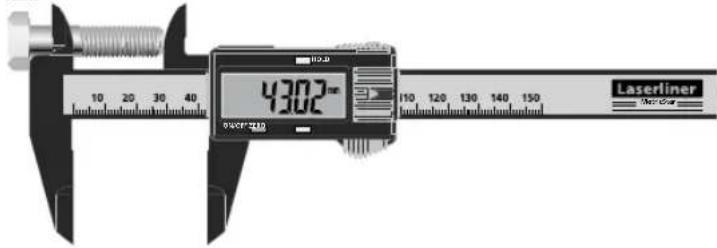
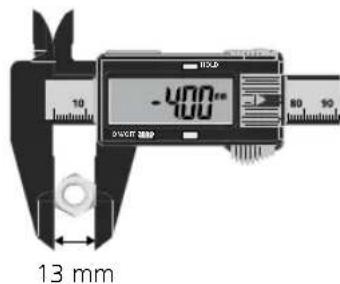
2 External measurement
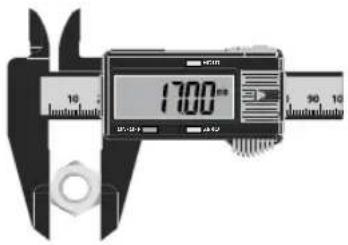
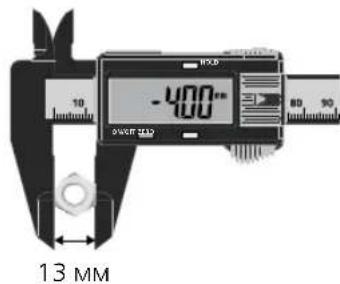
3 Internal measurement
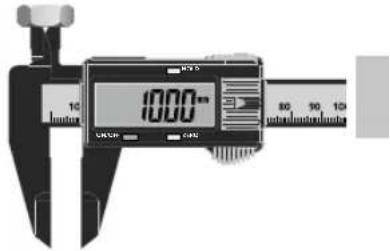
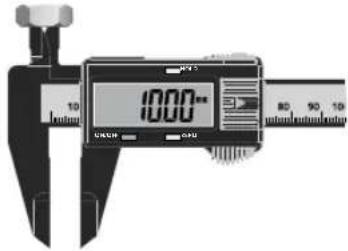
4 Depth measurement
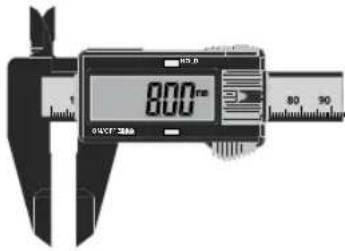
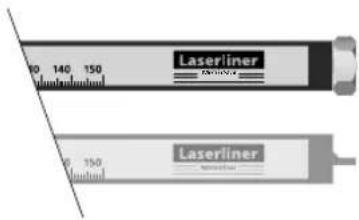
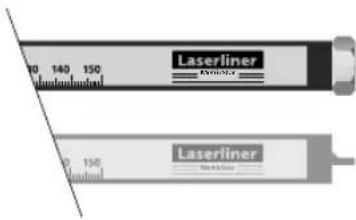
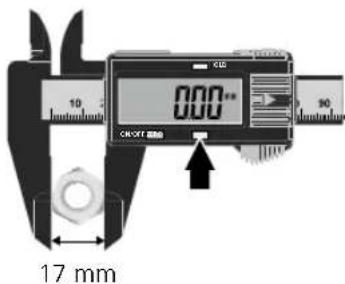
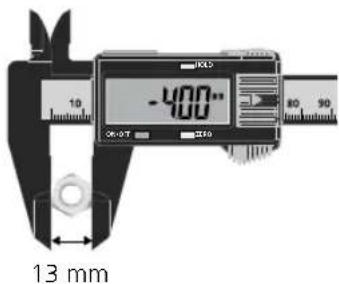
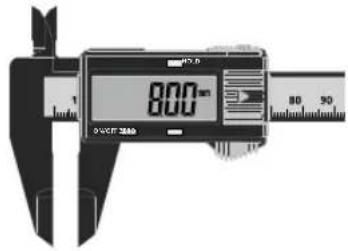
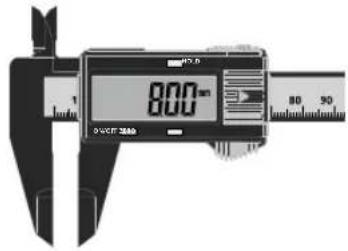
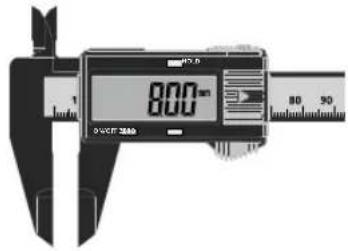
5 Differential measurement through zeroing
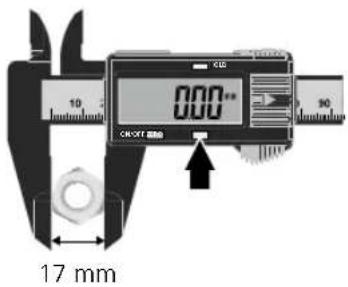
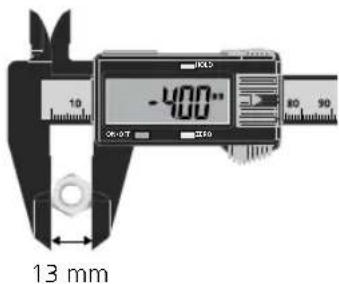
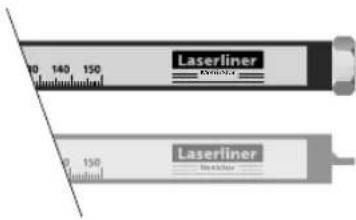
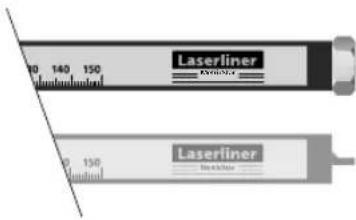
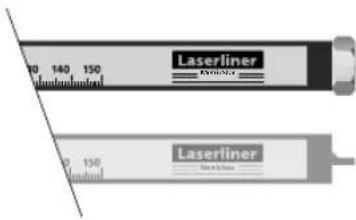
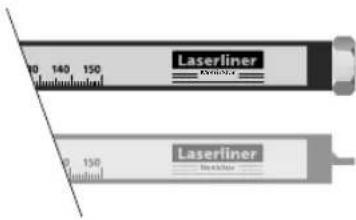
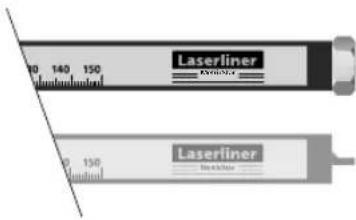
6 Level measurement
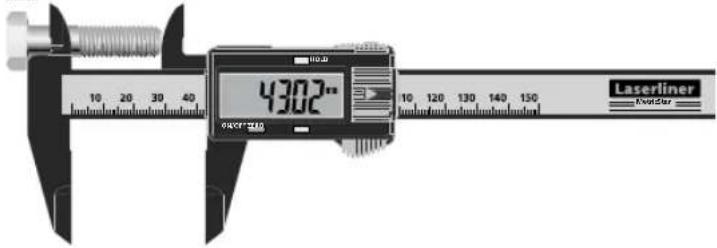
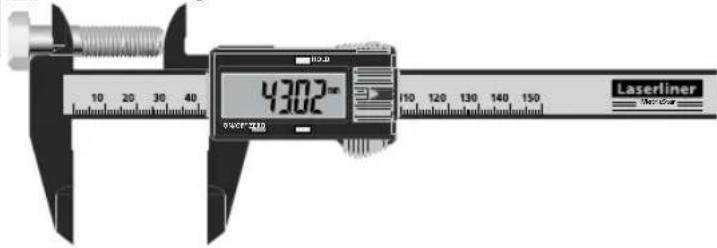
7 Hold function
Press the HOLD button (8) to keep the current measured value on the display.
Automatic switch-off
The device switches off automatically if left idle for about 5 minutes.
Error recovery
| Problem | Possible cause | Solution |
| Flashing numbers | Low voltage | Replace the battery |
| No display | Low voltage | Replace the battery |
| No display | Poor contact | Clean the battery |
| Irregular or frozen display | Internal fault | Remove the battery, wait 1 minute, insert the battery |
Laserliner
Information on maintenance and care
Clean all components with a damp cloth and do not use cleaning agents, scouring agents and solvents. Remove the battery(ies) before storing for longer periods. Store the device in a clean and dry place.
Calibration
The measuring device should be calibrated and tested on a regular basis to ensure it is accurate and working properly. We recommend the measuring device is calibrated every 1 - 2 years. If necessary, contact your distributor or the UMAREX- LASERLINER service department. The zero setting must be checked prior to every use by sliding the measuring jaws together.
Technical data
(Subject to technical changes without notice. 19W45)
| Measurement range 0 ... 150 mm | |
| Resolution 0.1 mm | |
| Accuracy ± 0.2 mm | |
| Power supply 1 x 1.5V LR44 | (AG13) |
| Operating conditions | 0°C ... 40°C, max. humidity80% rH, no condensation, max.working altitude 4000 m abovesea level |
| Storage conditions | -20°C ... 70°C,max. humidity 80% rH |
| Dimensions (W x H x D) 240 x 80 x 16 mm | |
| Weight 50 g (incl. battery) | |
EU directives and disposal
This device complies with all necessary standards for the free movement of goods within the EU. This product is an electric device and must be collected separately for disposal according to the European Directive on waste electrical and electronic equipment. Further safety and supplementary notices at: http://laserliner.com/info/?an=AlV


B Binnenmeting
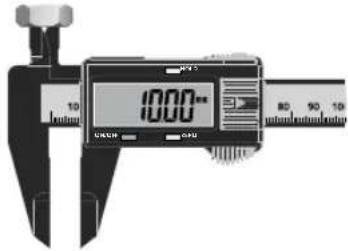
4 Dieptemeting
5 Differensmåling via nulstilling
6 Trinmåling
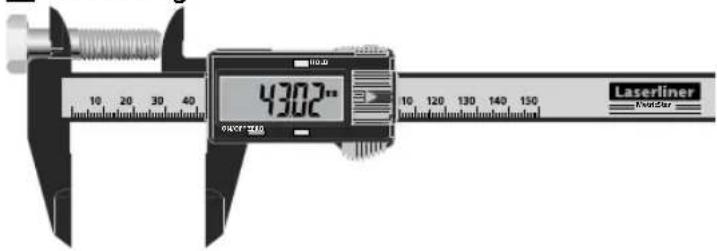
7 Hold-funktion
7 Fonction HOLD
3 Sisämitta
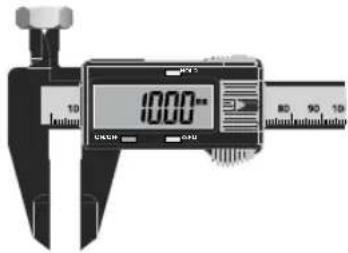
4 Syvyysmitta
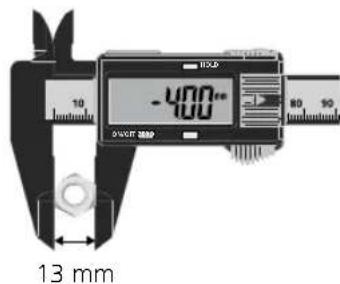
3 Inomhusmätning
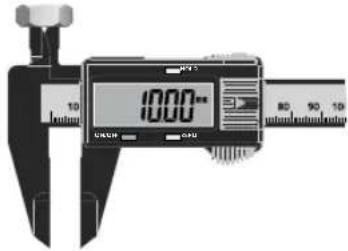
4 Djupmätning
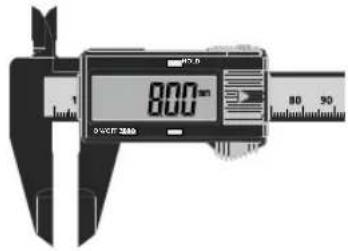
B İç ölçüm
4 Derinlik ölçümü
6 Kademe ölçümü
7 Hold Fonksiyonu
6 Astme möötmine
7 Hold-funktsioon
3 Notranja meritev
4 Meritev globine
6 Postupné meranie
7 Funkcia Hold
natural_image
Illustration of a hand holding a digital caliper in a kitchen setting (no text or symbols visible)SERVICE
Umarex GmbH & Co. KG
- Laserliner -