
GPB 18V2 C Professional - Radio BOSCH - Free user manual and instructions
Find the device manual for free GPB 18V2 C Professional BOSCH in PDF.



Pick your language and provide your email: we'll send you a specifically translated version.
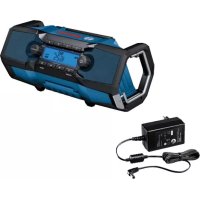
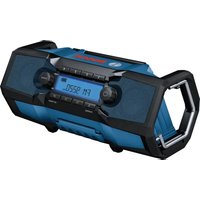
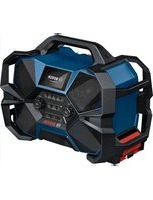
| Product Type | Portable construction site radio |
| Brand | Bosch |
| Model | GPB 18V-2 C Professional |
| Weight (with battery) | 2.8 to 3.9 kg depending on battery used |
| Power Supply | 18 V DC via Li-Ion battery (recommended: GBA 18V… / ProCORE18V…) or via mains adapter (100–240 V AC, 50/60 Hz, output 18 V DC) |
| Amplifier Power | 2 × 7.5 W |
| Radio Reception | FM (87.5–108 MHz); DAB+ (only on GPB 18V-2 SC, 174.928–239.200 MHz) |
| Bluetooth | Bluetooth® Spec. 5, range 2402–2480 MHz, max. power 10 mW |
| Audio Inputs | AUX IN (3.5 mm) and USB (charging, max. 1.2 A) |
| Main Functions | FM/DAB+ radio, Bluetooth, AUX, USB charging, Dual Speaker Sound (DSS), display with battery charge indicator, clock, 8 radio presets (4 FM + 4 FM2) |
| Battery Life | Variable depending on battery; automatic shutdown after 19 min if volume at 0 or sound muted |
| Protection | IP54 (protected against dust and water splashes) |
| Operating Temperature | -20 °C to +40 °C (charging between 0 °C and +35 °C) |
| Maintenance and Cleaning | Clean with a soft damp cloth; do not use solvents or detergents; keep ventilation slots clean |
| Safety | Detailed safety instructions (must be read before use); battery locking; protection against short circuit and overheating |
| Spare Parts and Repairability | Spare parts and diagrams available at www.bosch-pt.com; repair by an approved professional using original parts |
Frequently Asked Questions - GPB 18V2 C Professional BOSCH
How to turn the Bosch GPB 18V-2 C radio on and off?
Press the On/Off button (2) to turn the radio on. To turn it off, press the button again. The audio source active at the time of shutdown will be saved.
How to adjust the volume?
Turn the On/Off knob (2) clockwise to increase the volume, counterclockwise to decrease it. The value is displayed (0 to 30). A short press on the Mute button (8) mutes the sound.
How to connect a smartphone via Bluetooth?
Press the Source button (7) until the Bluetooth® icon appears on the screen, or briefly press the Bluetooth® button (11). On your smartphone, enable Bluetooth and select the name 'GPB 18V-2 C xxxx'. The connection is established automatically.
How to use the AUX input?
Open the cap of the connection compartment (15), plug an AUX cable (3.5 mm) into the AUX IN socket (24), then connect the other end to your audio source. Press Source (7) repeatedly until 'AUX' is displayed.
How to change the button cell (backup battery)?
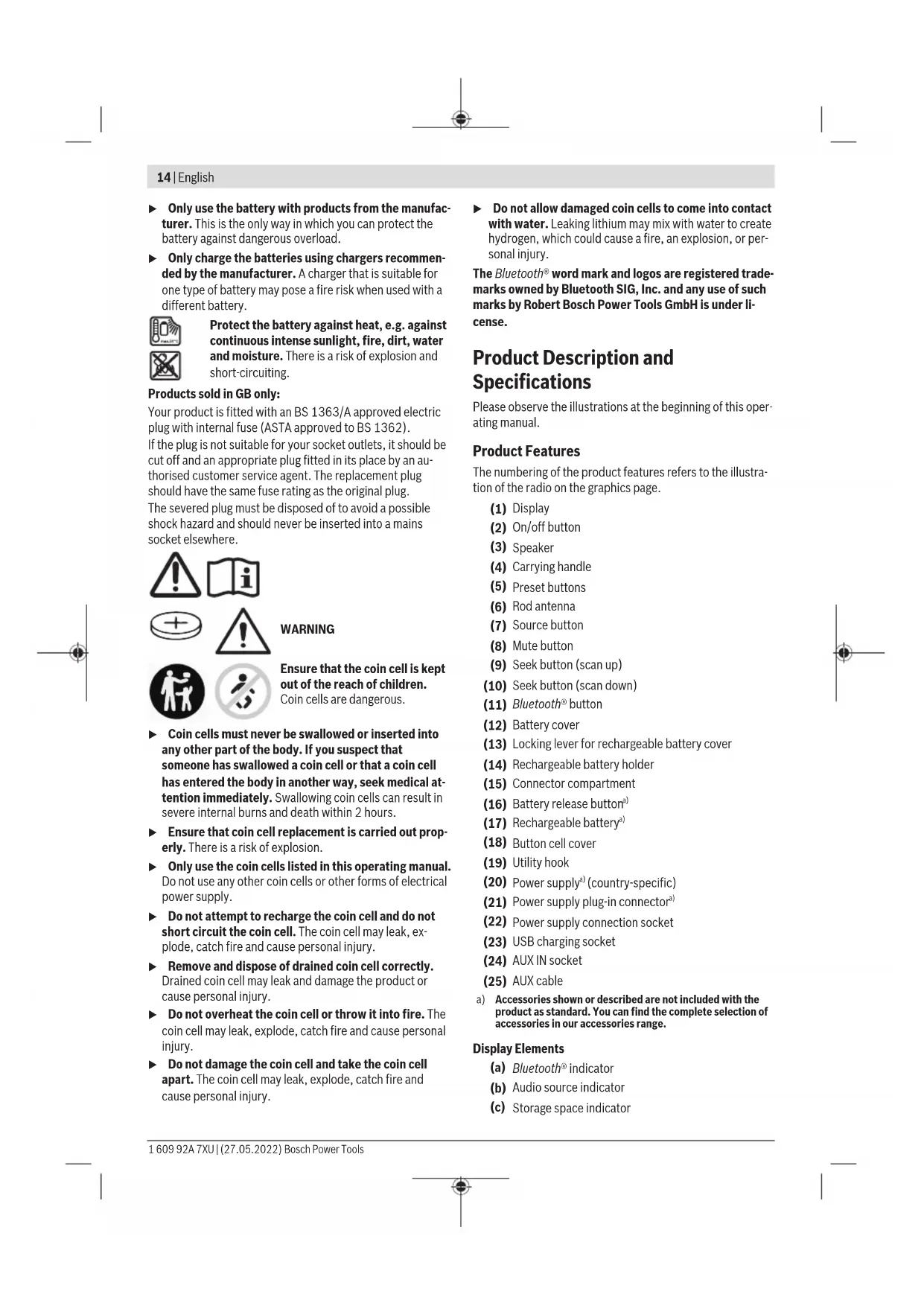
The button cell (CR 2032) retains the time and settings. Open the battery cover (12), remove the battery if present. Turn the battery cover (18) counterclockwise (with a coin) and replace the battery, respecting polarity. Reassemble and lock the cover.
How to use the Dual Speaker Sound (DSS) function?
Connect two GPB 18V-2 C (or SC) radios via Bluetooth®. On the first radio, select the Dual Speaker Sound menu and choose 'Right speaker' or 'Left speaker'. On the second radio, select the other channel. Music will be played in stereo from both radios.
How to clean the radio?
Use a soft, slightly damp cloth to wipe off dirt. Never use detergents or solvents. Keep the ventilation slots clean with a dry, soft brush.
What to do if the radio does not turn on or produces no sound?
Check that the battery is charged or the mains adapter is plugged in. Check that the volume is not at 0 and the Mute function is not activated. If the sound is cut off, press the Mute button (8) or turn the volume knob. In the case of Bluetooth, ensure the audio source is playing.
How to save a radio station?
Tune to the desired station, then long-press one of the Program buttons (5) (1 to 4) until you hear a beep and see the memory number displayed. To save another station, repeat the operation. You have 4 memories for FM and 4 for FM2.
Can I charge a phone via the radio?
Yes, plug your USB cable into the USB charging socket (23) located in the connection compartment. The maximum charging current is 1.2 A. Note that charging external devices only occurs when the radio is on (if operating on battery).
User questions about GPB 18V2 C Professional BOSCH
0 question about this device. Answer the ones you know or ask your own.
Ask a new question about this device
No questions yet. Be the first to ask one.
Download the instructions for your Radio in PDF format for free! Find your manual GPB 18V2 C Professional - BOSCH and take your electronic device back in hand. On this page are published all the documents necessary for the use of your device. GPB 18V2 C Professional by BOSCH.
USER MANUAL GPB 18V2 C Professional BOSCH


Manual assistant
Powered by Anthropic
Waiting for your message
Product information
Brand : BOSCH
Model : GPB 18V2 C Professional
Category : Radio