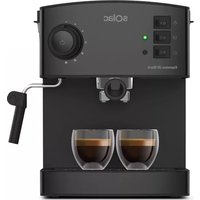
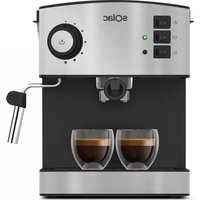
USER MANUAL CA4805 SOLAC
1 IMPORTANTE
8 INSTALACIÓN
¡IMPORTANTE!
15 DESCALCIFICACIÓN
LIMPIEZA
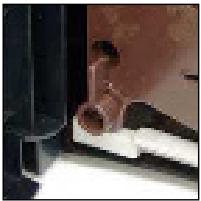
- Extraiga el grupo.
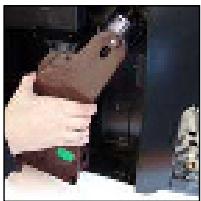
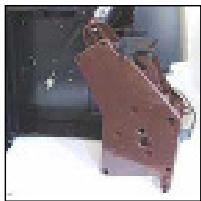
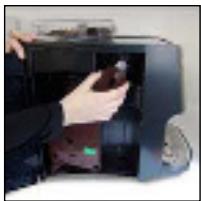
C) AUTO LIMPIEZA
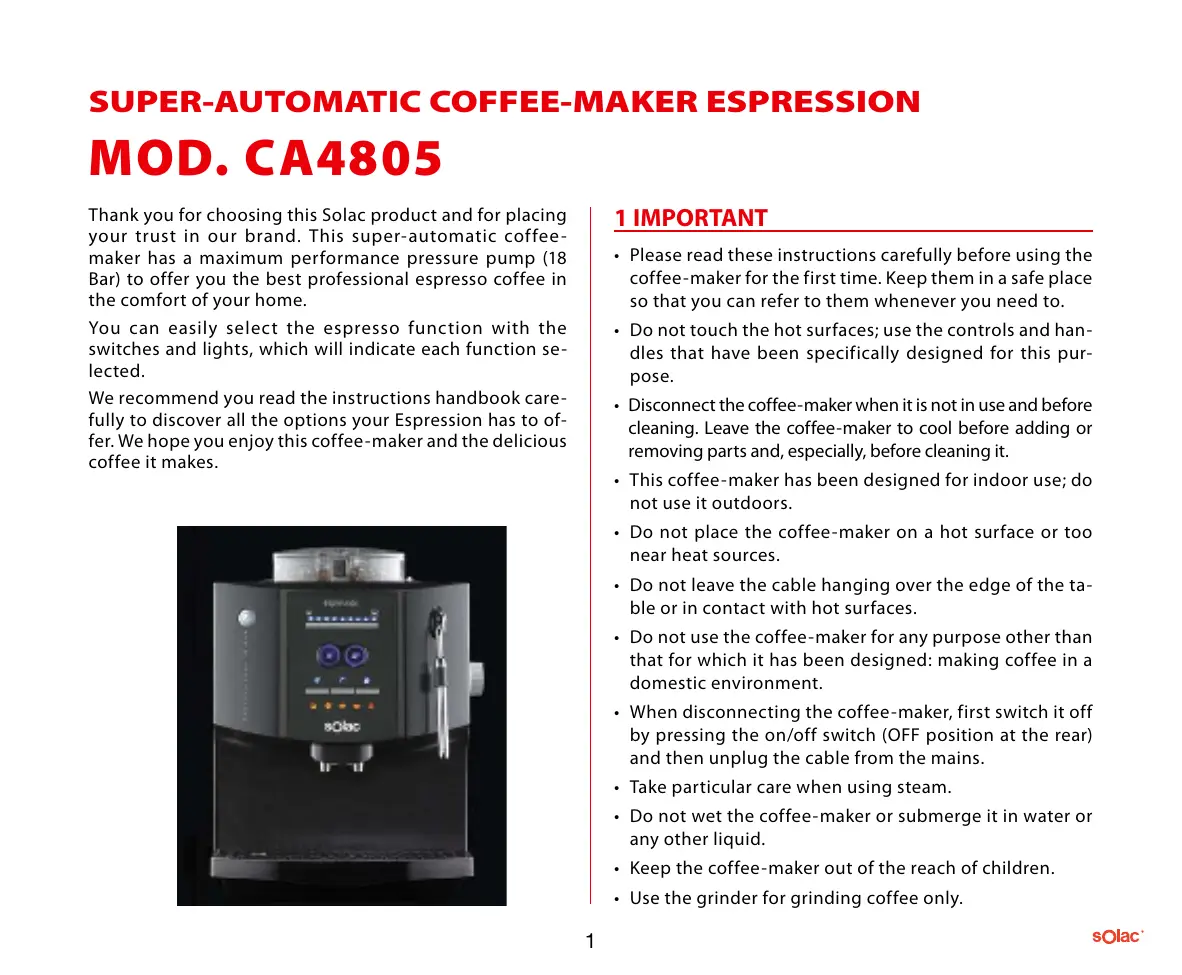
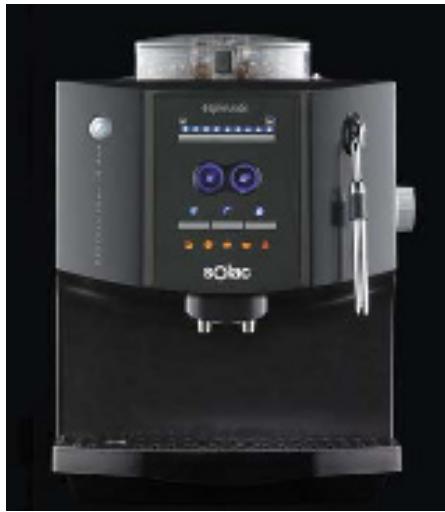
Thank you for choosing this Solac product and for placing your trust in our brand. This super-automatic coffee-maker has a maximum performance pressure pump (18 Bar) to offer you the best professional espresso coffee in the comfort of your home.
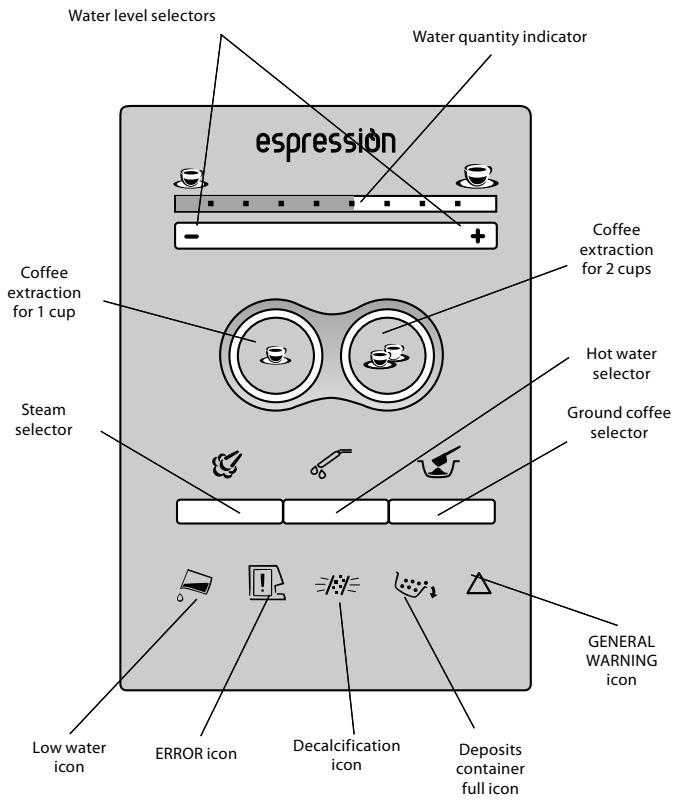
You can easily select the espresso function with the switches and lights, which will indicate each function selected.
We recommend you read the instructions handbook carefully to discover all the options your Espression has to offer. We hope you enjoy this coffee-maker and the delicious coffee it makes.
1 IMPORTANT
- Please read these instructions carefully before using the coffee-maker for the first time. Keep them in a safe place so that you can refer to them whenever you need to.
- Do not touch the hot surfaces; use the controls and handles that have been specifically designed for this purpose.
- Disconnect the coffee-maker when it is not in use and before cleaning. Leave the coffee-maker to cool before adding or removing parts and, especially, before cleaning it.
- This coffee-maker has been designed for indoor use; do not use it outdoors.
- Do not place the coffee-maker on a hot surface or too near heat sources.
- Do not leave the cable hanging over the edge of the table or in contact with hot surfaces.
- Do not use the coffee-maker for any purpose other than that for which it has been designed: making coffee in a domestic environment.
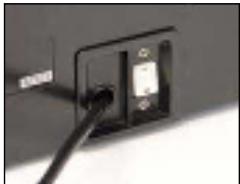
- When disconnecting the coffee-maker, first switch it off by pressing the on/off switch (OFF position at the rear) and then unplug the cable from the mains.
• Take particular care when using steam.
- Do not wet the coffee-maker or submerge it in water or any other liquid.
- Keep the coffee-maker out of the reach of children.
-
Use the grinder for grinding coffee only.
-
This appliance is not intended for use by persons (including children) with reduced physical, sensory or mental capabilities, or lack of experience and knowledge, unless they have been given supervision or instruction concerning use of the appliance by a person responsible for their safety.
- Children should be supervised to ensure that they do not play with the appliance.
CAUTION! When you want to dispose of the appliance, NEVER throw it in the rubbish bin. Take it to your nearest CLEAN POINT or the waste collection centre closest to your home for processing. You will thus be helping to take care of the environment.
2 PRECAUTION
- Remove all the used elements to protect the product during transport, as well as all material used for promotions, such as plastic bags, cardboard, stickers, etc. on both the outside and inside of the coffee-maker. Keep these elements out of the reach of children.
- If the mains cable is damaged, it must be replaced by the manufacturer or by an authorised technical service to prevent any possible danger.
- Do not use warm or hot water to fill the tank under any circumstances.
Use only water at room temperature.
- Never clean the coffee-maker with a scouring pad or a rough sponge. Use only a soft cloth moistened with water.
- To avoid lime scale deposits in the pipes in your coffeemaker, we recommend you use purified water or still mineral water.
3 IMPORTANT
The manufacturer will not accept any liability whatsoever for damage caused by:
- Inappropriate use of the coffee-maker for any purpose other than that for which it has been designed.
• Repairs carried out by unauthorised persons.
- Manipulation of the mains cable.
- Manipulation of any part of the coffee-maker.
- Use of spares or accessories that are not supplied by the manufacturer.
- Removal of lime scale from the coffee -maker using any method that is not in accordance with the instructions given in chapter 15. REMOVAL OF LIME SCALE.
In these cases, the warranty will be void.
4 SAFETY STANDARDS
In the event of an emergency:
Unplug the coffee-maker immediately.
The coffee-maker must be used only:
- Indoors.
- At a room temperature of between 10°C and 40°C .
- To make coffee, hot water, steam milk or heat liquids using steam.
- For domestic use.
- By adults who are in full possession of their physical and mental faculties.
Connect the coffee-maker to an appropriate socket; the voltage must coincide with that indicated on the specifications plate.
IMPORTANT! Check that the socket is connected to the mains.
Installation
- Place the coffee-maker on a completely flat surface. Do not place it on a hot surface under any circumstances.
-
Keep it at a distance of 10 cm from walls and heat sources (gas, oven, etc.).
-
Do not keep the coffee-maker at a room temperature of below 0° C; the coffee-maker may be damaged by the water inside freezing.
- The mains plug must be accessible at all times.
- The mains plug must not be damaged, hanging or placed on hard surfaces.
- Do not use the power cable to move the coffee-maker by pulling on it under any circumstances.
Hazards
- Do not aim the steam jet or hot water directly at anyone, since there is a risk of burns.
- Do not place any objects inside the coffee-maker under any circumstances (electrical hazard).
- Do not touch the coffee-maker if your hands are wet. Do not unplug the coffee-maker by pulling on the power cable.
Responsibilities.
- Do not use the coffee-maker if it does not work correctly or if you suspect that it may be faulty, e.g. after it has accidentally been dropped.
- Have the product repaired at an authorised centre.
- Turn off the coffee-maker before opening the side cover.
Spares
To guarantee your safety and the correct operation of your coffee -maker, use only spares and accessories that are authorised by the manufacturer.
Switch
6 ACCESSORIES
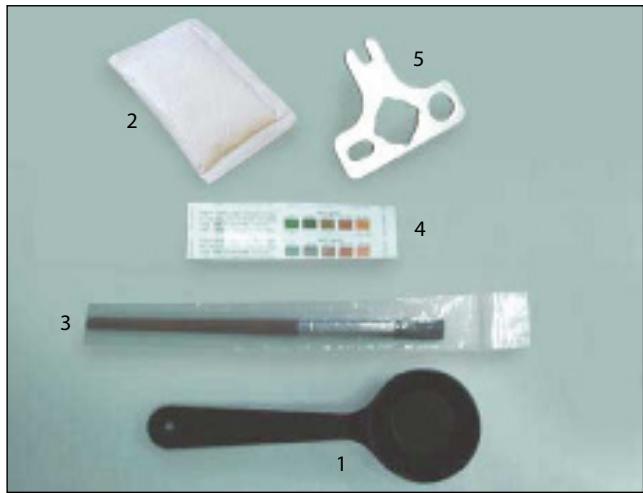
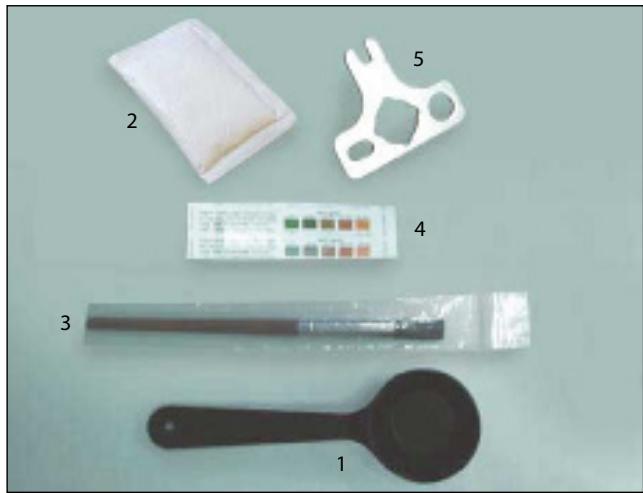
For your convenience, all the accessories are in a box with the instructions handbook:
- Ground coffee dispensing spoon. Capacity 8 g, approx.
- Lime scale remover.
- Cleaning brush.
- Strip of reagent to check water hardness. Levels 1 to 5.
- Brewing unit switch.
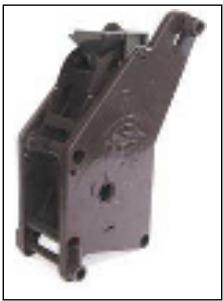
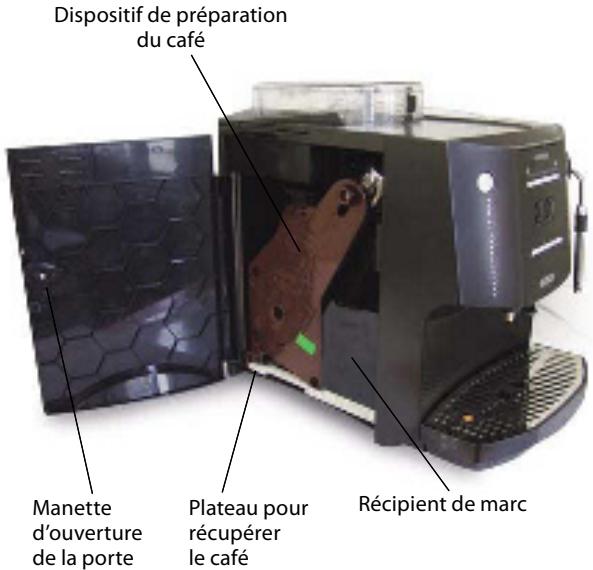
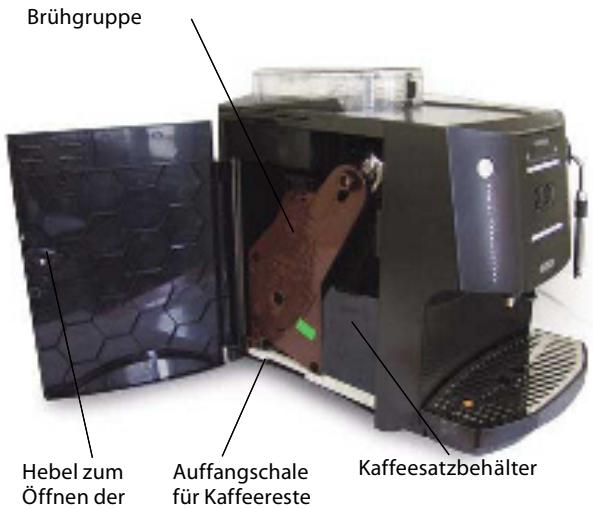
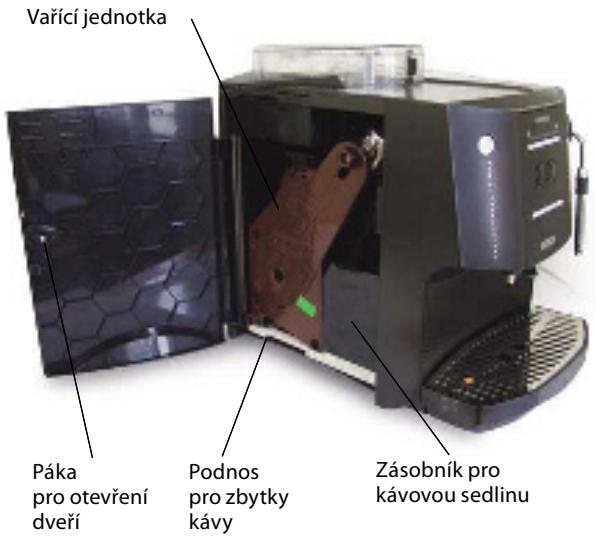
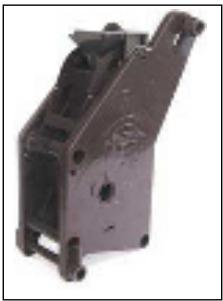
7 BREWING UNIT, THE HEART OF THE COFFEE-MAKER
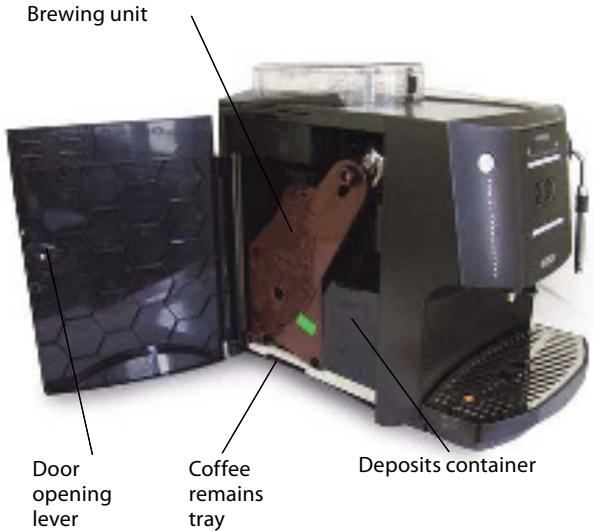
This super-automatic coffee-maker has a professional unit manufactured and developed by BIANCHI, the best manufacturer of professional machines (vending) in Italy. The brewing unit automatically prepares an excellent espresso coffee and deposits the grounds in a compartment. It has been designed for professional use and, consequently, does not require maintenance work until it has made 6,000 cups.
8 INSTALLATION
If you find coffee grounds, it is because the coffee-maker has been tested to make sure it works perfectly.
- Fill the coffee bean tank with coffee beans (the tank has a capacity for up to 250 g).
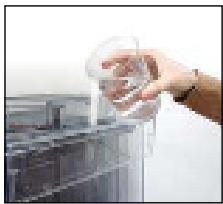
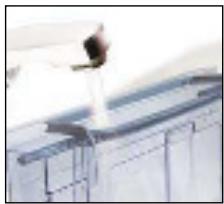
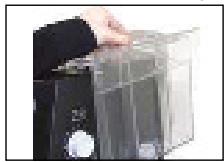
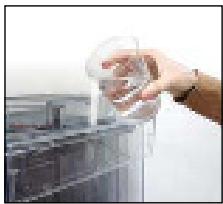
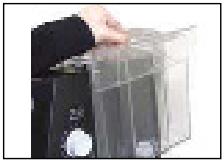
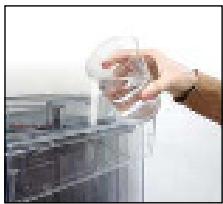
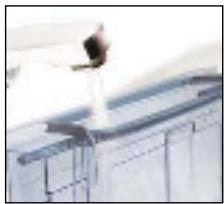
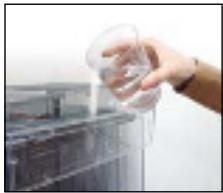
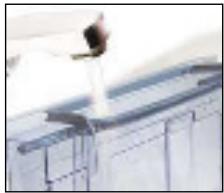
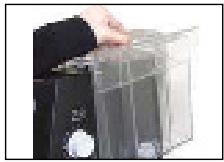
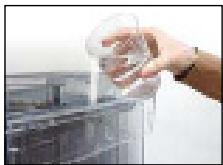
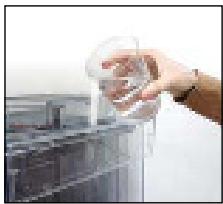
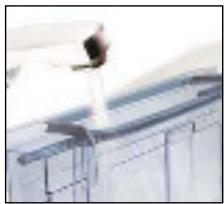
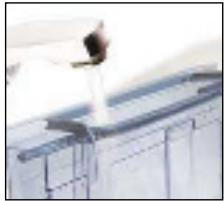
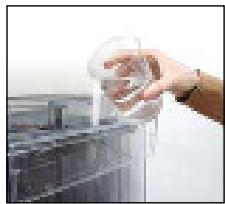
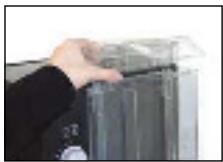
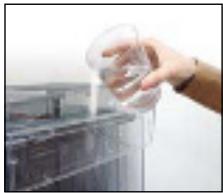
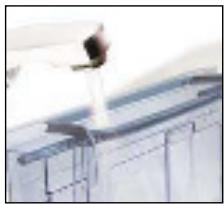
- Fill the water tank with clean, cool water. You can fill it directly (a) or under the tap (b):
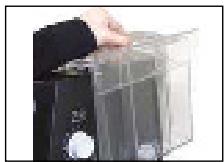
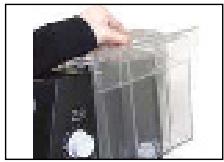
a) Lift the water tank cover.
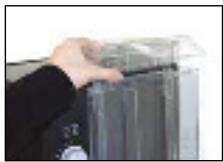
b) Remove the tank by the handle.
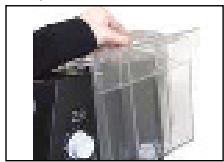
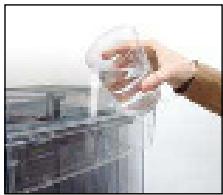
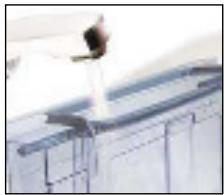
When placing the tank back in position, make sure it fits into the flap on the body, so that it is perfectly in place.
- Connect the power cable.
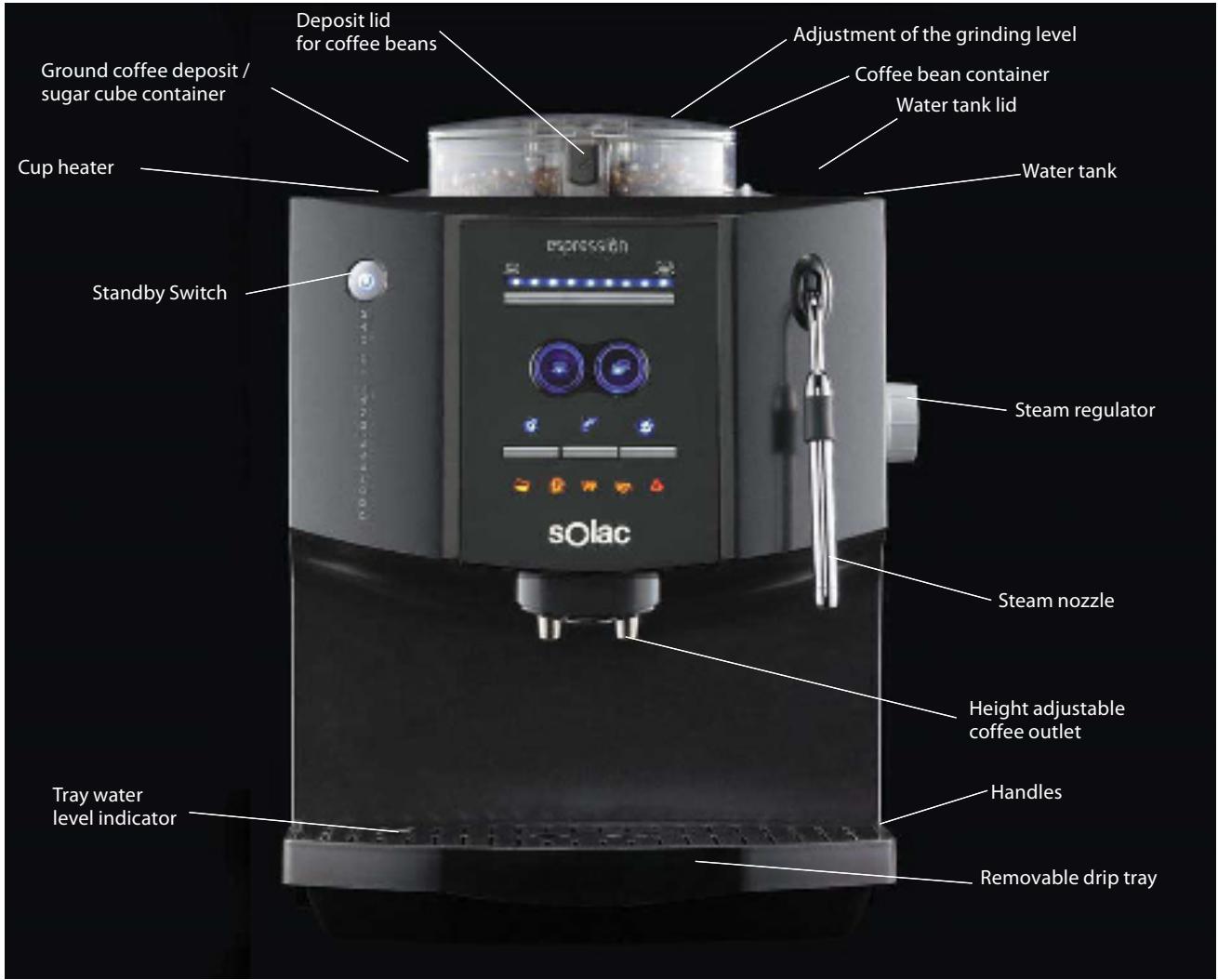
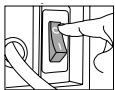
- Turn on the on/off switch at the rear of the coffee-maker. Turn it to the "I" position to switch the coffee-maker on.
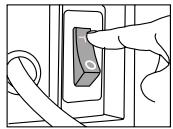
- The standby button will come on (blue).

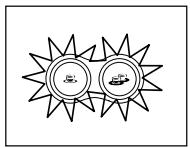
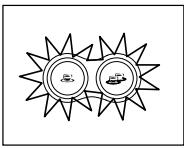
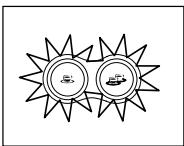
- The internal circuits must be filled with water before using the coffee machine for the first time. The steam and hot water icons will be lit.
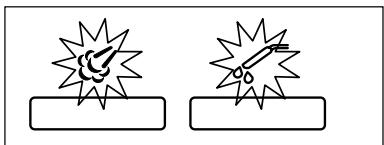
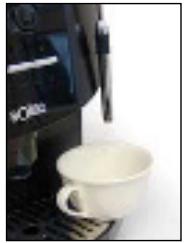
- Place the container (glass or jug) under the coffee outlet. Push both buttons at the same time to fill the system.
IMPORTANT: This operation must be carried out BEFORE carrying out any other operation.
IMPORTANT: The circuit must be filled when the steam and hot water icons are lit at the same time. This will happen when the machine is connected to the main switch.
- After pressing both buttons, they will start to flash and the circuits will be filled. This operation will be completed after the water is driven through the coffee outlet.
- This process will stop automatically when both buttons are pressed at the same time.
-
Remove the compartment with the water.
-
The coffee-maker will turn off and is ready for use. Press the standby button.

- All lights will be lit during one second and the selectors for 1 and 2 coffee cups will start to flash. When the lights stop flashing, the coffee machine is ready for use.
- The coffee-maker auto-cleans the pipes to remove possible remains of coffee or water. During this process, water comes out of the coffee outlet. This enables you enjoy a coffee made with clean, fresh water.
9 SUGAR CUBE COMPARTMENT
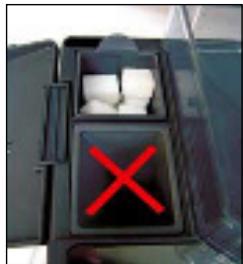
If you normally use sugar cubes, you can store them in the coffee-maker. Lift the sugar cube compartment cover and place the cubes inside. This compartment can be removed for cleaning and to make the filling process easier.
IMPORTANT! Take care not to place the sugar cubes in the ground coffee dispenser by mistake.
10 ADJUSTMENTS
A) Adjusting the grinding level.
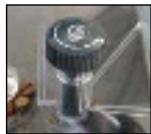
You can regulate the size of the ground coffee. This size has a direct effect on the coffee made by the coffee-maker and it is advisable to test the grinding level until you obtain the type of grind you prefer. To adjust the grinding level, use the regulator inside the coffee bean tank.
* Fine grind: The coffee will brew more slowly since it needs more time and pressure to obtain the coffee. Turn the regulator to the left (anticlockwise). The finer the grind, the creamier the coffee will be.
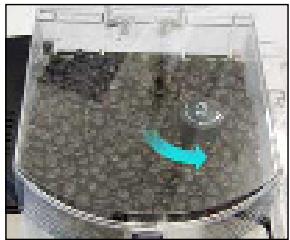
Important! If you grind the coffee too finely (grinding level regulator full to the left), the coffee will brew very slowly.
* Coarse grind: The coffee will brew more quickly. Press and turn the regulator to the right (clockwise).
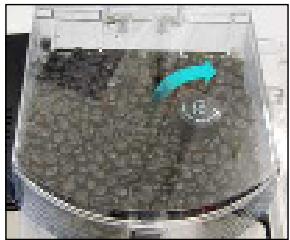
IMPORTANT!
The adjustment must be made when the grinder is in operation.
Use coffee bean blends specially prepared for espresso coffee. If you do not obtain the desired result, try different blends until you get the one you prefer. Store any coffee not placed in the tank in a hermetically closed compartment in a cool place.
IMPORTANT! Do not use high roast coffee; this type of coffee is roasted with sugar (caramelised) and may damage the coffee-maker.
B) Adjusting the coffee outlet
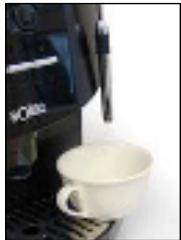
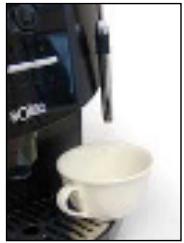
The coffee outlet can be adjusted to different heights de pending on the size of the cups that are being used:
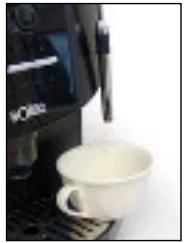
- To use large cups, slide the coffee outlet up to the top position.
- To use espresso cups, slide the coffee outlet down to the bottom position.
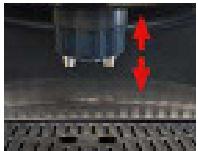
N.B. The coffee outlets can be removed for cleaning.
C) Adjusting the amount of water per cup
To adjust the quantity of water per cup (between 30ml and 150ml), press:
- To increase the quantity of water per cup
- To reduce the quantity of water per cup
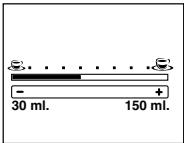
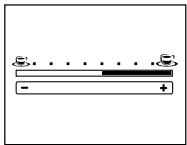
When you press any of the two buttons, the quantity of water will vary by 10ml. Likewise, you can be informed on your choice at any time, since the sections in the bar above the selector will flash or light up.
11 OBTAINING THE COFFEE
- Ensure that the coffee machine is ready, i.e., both coffee extraction selectors are lit.
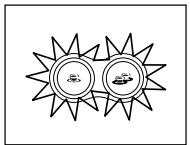
- Ensure that the coffee machine has been adjusted to obtain the coffee as desired.
- Place one or two cups under the coffee outlet.
A) Coffee with coffee beans
WARNING! The first coffee made with the machine will not be of very high quality. Pour it down the kitchen sink. This occurs because the first time the grinder starts to operate, it will not be able to load the full dose needed by the coffee brewing group.
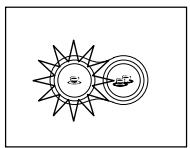
- Press the button for 1 or 2 cups, as desired. The selector that has not been chosen will turn off, so that you can clearly see your choice.
-
Next, the coffee-maker performs a preliminary infusion of the ground coffee. The coffee bar is previously injected with hot water that is evenly distributed throughout the coffee. Thanks to the preliminary infusion, all of the coffee's aroma and flavour is obtained.
-
During the coffee extraction process, the light on the bar that indicates the quantity of water will gradually disappear until the extraction process stops.
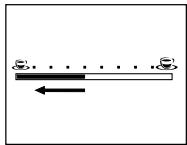
- When the coffee machine stops pouring the coffee, the two coffee extraction selectors will light up again and the light on the top bar will return to the pre-selected position.
The coffee extraction process can be stopped at any moment. Simply press the active coffee selector again.
- After pouring the coffee, the coffee machine will be ready to prepare more coffee.
B) Coffee made with previously ground coffee
The coffee machine will be prepared to use ground coffee, without the need to use a coffee grinder. This function is quite useful when you wish to prepare decaffeinated coffee.
- Open the ground coffee dispenser lid.
- Use the dosage spoon to calculate the dose of ground coffee. IMPORTANT: The maximum dose is one tea spoon (8 gr.). Next, close the lid.
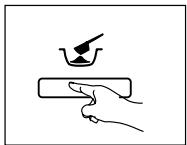
- Press the ground coffee button. The icon will light up, indicating your selection.
- Select the quantity of water desired.
Note: when you are using ground coffee, you can not prepare two cups at the same time, so that only the selector for one cup will be lit.
- When the coffee machine stops dispensing the coffee, you can pick up your cup.
- If you are not going to prepare any more coffee using ground coffee, press the ground coffee button again. The icon will turn off.
IMPORTANT: While the coffee machine is pouring the coffee, you can stop the extraction process by pressing the extraction selector for 1 coffee cup.
Note: the process will stop if you open the side door or remove the drip tray during the extraction or brewing process.
12 HOT WATER
- Ensure that the coffee machine is ready.
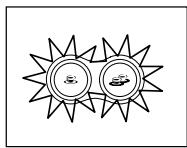
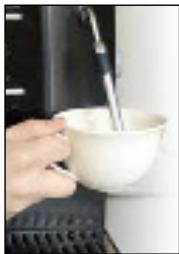
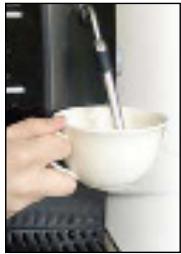
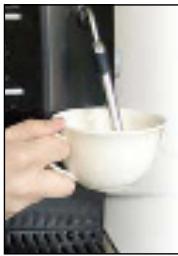
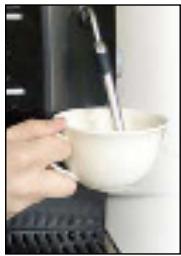
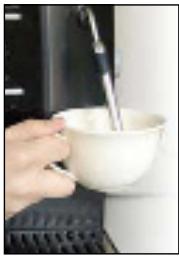
- Place a glass or cup under the steamer.
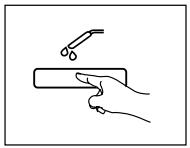
- Press the "hot water" button. The hot water icon will light up and the coffee extraction selector lights will turn off.
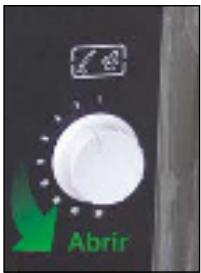
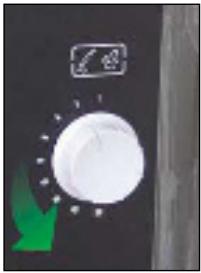
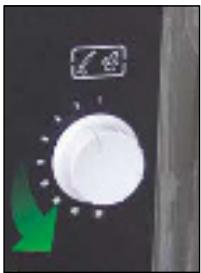
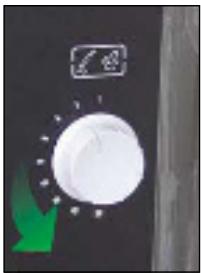
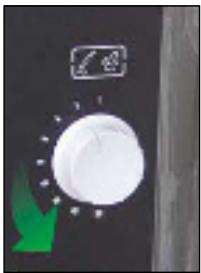
- Turn the steam regulator counter clockwise until it reaches the stop (180°). Close it when the amount of hot water desired is obtained.
- Remove the glass or cup that has been filled with hot water.
- Press the "hot water" button again to deactivate this function. The hot water icon will turn off.
- The two coffee extraction selectors will light up again, indicating that the coffee machine is ready to prepare coffee.
13 STEAM
- Ensure that the coffee machine is ready.
- Place the cup or jug under the steamer.
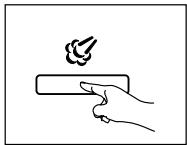
- Press the "Steam" button. The steam symbol icon will start to flash while the coffee machine is heating up and the light of the two coffee extraction selectors will turn off.
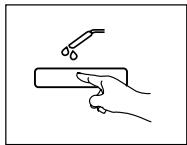
When the coffee machine is ready to obtain steam, the light will be permanently set.
The maximum steam extraction period will be 4 minutes.
- Place a container under the steamer, open it by turning the steam regulator counter clockwise to drain any residual water that could be present in the steamer. Close the steamer and remove the water.
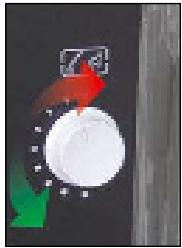
-
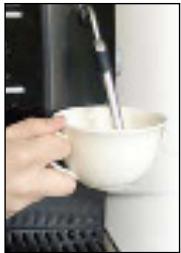
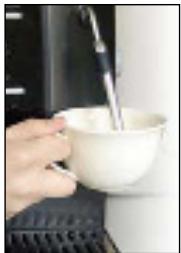
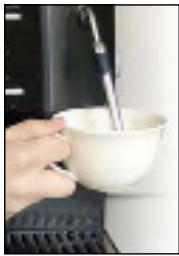
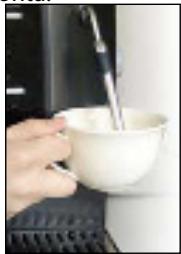
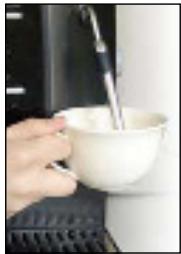
Place the cup or jug with the liquid you wish to heat. To obtain steam, turn the steam regulator counter clockwise. Close the steam regulator when you have heated the liquid. Note: To skim or heat milk, move the jug or cup in circles.
-
Remove the cup or jug with the liquid when it is hot or when the milk has been skimmed or heated.
-
Press the "steam" button again to deactivate the steam function.
-
The coffee machine will stabilise the internal system temperature automatically. This automatic process lasts approximately 25 seconds, during which time the water will be driven through the coffee outlet. During this time, the light on the steam icon will flash.
-
The coffee machine is now ready to prepare the coffee. The lights on the two coffee extraction selectors will be lit to indicate that it is ready.
14 CAPPUCCINO

- Fill 1/3 of the cup with cold milk (in a large cup).
- Ensure that you have selected the steam function and that the coffee machine is ready.
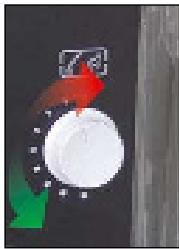
- Place the cup or jug under the steamer. Open the steam regulator to drain any residual water present in the steamer. When steam is driven through the nozzle, close the steamer.
- Place the cup with the milk under the steamer.
- Open the steamer, turning the steam regulator.
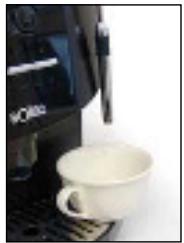
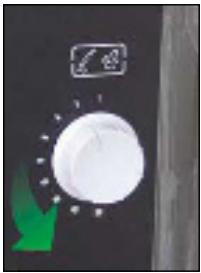
- Move the cup in circular movements to evenly heat up the milk.
- Next, skim or heat the milk. Close the steam output.
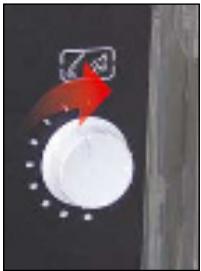
- Press the "steam" button again to deactivate the steam function.
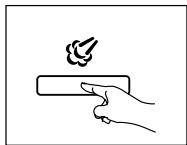
- The coffee machine will stabilise the internal system temperature automatically. This automatic process lasts approximately 25 seconds, during which time the water will be driven through the coffee outlet.
During this time, the light on the steam icon will flash.
- The coffee machine is now ready to prepare coffee. The lights on the two coffee extraction selectors will be lit to indicate that it is ready.
- Place the cup with milk under the coffee outlet.
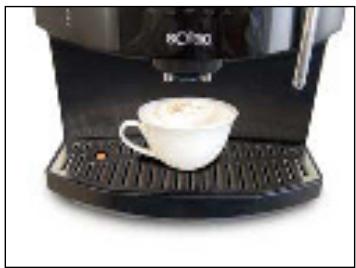
- Pour the coffee directly into the cup to obtain a delicious cappuccino.
15 LIME SCALE REMOVAL
Lime scale should be removed regularly to clean the deposits from the internal circuits of the coffee-maker. The frequency with which your coffee-maker needs to be cleaned depends on the hardness of the water you use. Consequently, you first of all need to test the hardness of the water. To do this, proceed as indicated in section 17 PROGRAMMING YOUR COFFEE-MAKER.
IMPORTANT!! DO NOT USE VINEGAR OR ANY OTHER LIME SCALE REMOVAL AGENT NOT SUPPLIED BY SOLAC UNDER ANY CIRCUMSTANCES. You will find a sachet of lime scale removal agent containing the exact amount for one removal with the accessories to your coffee-maker.
- The coffee machine will inform you whenever it is necessary to carry out the circuit decalcification process, by lighting up the orange decalcification icon.
NOTE: The decalcification process lasts approximately 35 minutes, so that it does not have to be carried out when the coffee machine turns the icon on.
The machine may be damaged if the decalcification process is not carried out and coffee is prepared.
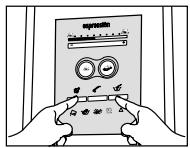
- Enter the programming menu and press the steam and ground coffee buttons at the same time during one second. The two icons will light up and the coffee extraction selection buttons will be turned off.
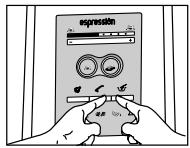
- Press the warm water and ground coffee buttons at the same time.
Do not pour water into the tank yet, since you must prepare the decalcification solution first.
- Prepare the lime scale removal solution as indicated on the sachet containing the removal agent supplied by Solac. Pour the content into the water tank and add water up to the lime scale removal mark on the tank.

- Owing to the lengthiness of this process, you need to confirm that you want to carry it out at that time. Before confirming, make sure you have poured the removal agent into the water tank.
a) to confirm that you are going to carry out the decalcification process, press the selector for 1 or 2 coffee cups.
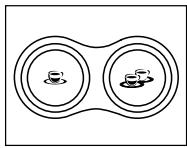
b) to abort the process, press the steam button.
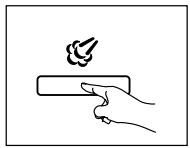
IMPORTANT! If you have poured the removal agent into the water tank, remove it to make sure you do not use it by mistake to prepare a coffee.
N.B. if you exit the lime scale removal process once it has begun, the programme will continue with the rinse cycle, (from step 11). This will prevent traces of the removal agent remaining inside the appliance.
During the decalcification process, the decalcification icon will blink.
- When the bar is fully lit up, the decalcification process will be complete.
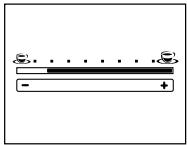
-
After completing the decalcification process, the system must be rinsed to eliminate all remains of the decalcification agent.
-
The coffee machine will inform you of the following:
- Need to fill in the water tank with clean water, while the orange "low water" icon is lit.

- Need to empty the drip tray, while the red ERROR icon is lit.

- Empty the remains of the deposit and fill it with clean water. Empty the drip tray. When carrying out these operations, press the coffee extraction selectors to continue the process.
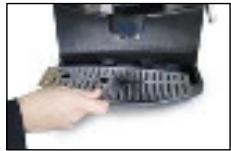
- To rinse the machine, press any of the coffee extraction selectors again.
- The coffee machine will show the start of the rinsing process, and the light on the bar will start to blink, which will be completed at the end of the process.
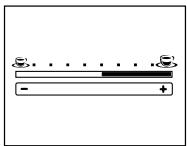
- After completing the rinsing process, the coffee machine will be ready to prepare the coffee. The two coffee extraction selectors will light up.
Note: The "low water" icon may light up during the decalcification and rinsing processes. When the water tank is full, the icon will turn off and the process will continue.
16 CLEANING AND MAINTENANCE
IMPORTANT! Do not place the coffee-maker in water or any other liquid or place any of its parts in a dishwasher.
IMPORTANT! Do not dry the coffee-maker or any of its parts in an oven and/or microwave.
A) BASIC CLEANING
- Turn off the coffee-maker (position '0').
- Unplug the coffee-maker.
- Clean the water tank.
- Remove the drip tray and empty it. Wash it with water.
- Remove the grounds compartment (used coffee) and empty it. Wash it with water.
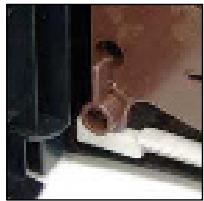
- Unscrew the steam nozzle together with the outlet and clean all the parts. If it is blocked, clean the air inlet hole of the steam nozzle with a needle to optimise the steam function. When putting it back in place, make sure that this hole is at the top of the steam nozzle.
- Eliminate the coffee remains left in the coffee dispenser with the brush.
- Remove the sugar cube compartment and wash it with water.
- Remove the coffee outlet and wash it with water.
IMPORTANT! The coffee-maker and its parts must be cleaned at least once a week.
B) BREWING UNIT
This unit is a professional unit and does not need any special maintenance until it has been operating for five years (6,000 cups), when you should take the coffee-maker for service by authorised personnel.
We recommend you clean the coffee-maker thoroughly every so often, removing and cleaning the brewing unit every 1,000 cups or whenever you consider that the coffee flow has decreased. To do this, proceed as indicated in the following section.
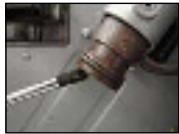
In addition, we recommend you eliminate any coffee remains that may have been left in the piston filter using the brush included in the accessories box.
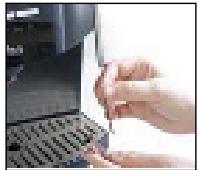
CLEANING
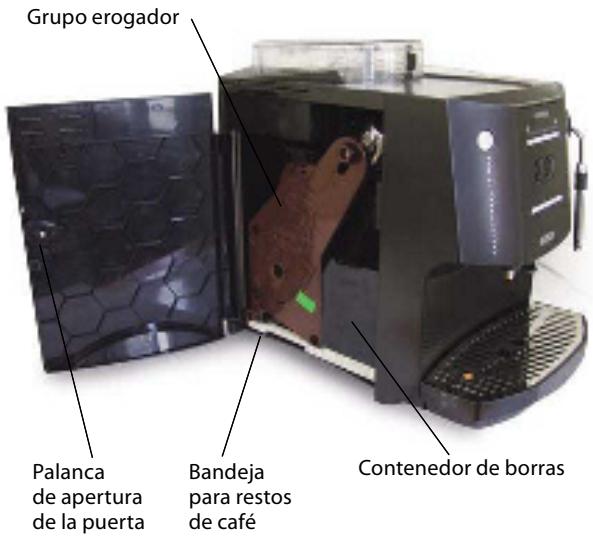
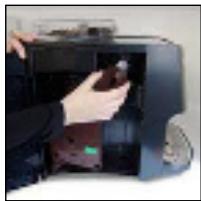
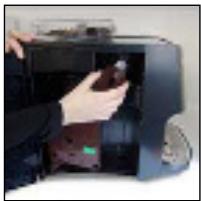
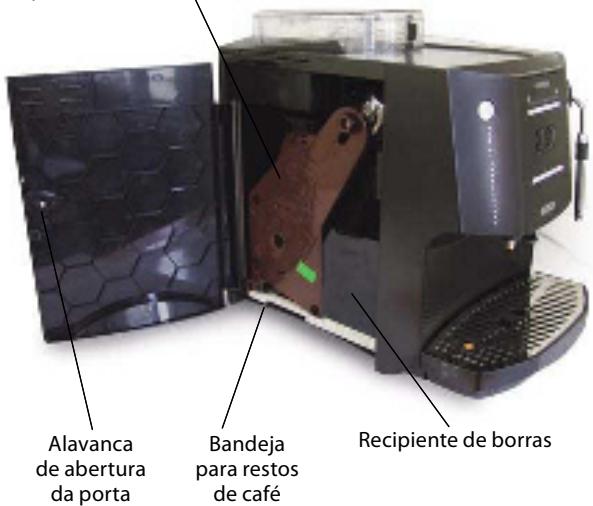
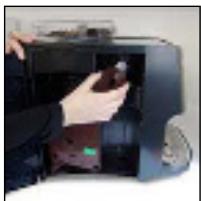
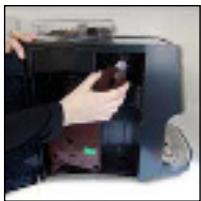
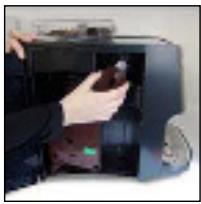
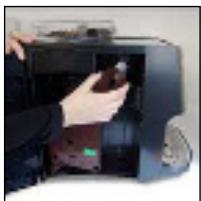
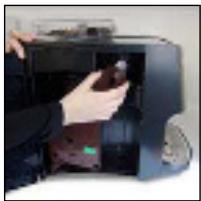
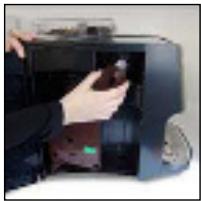
- Open the side cover.
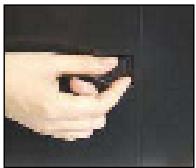
- Remove the grounds compartment.
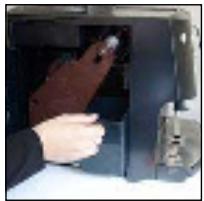
- Remove the coffee grounds collection tray.
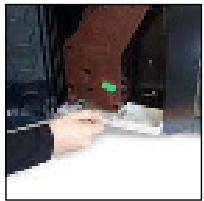
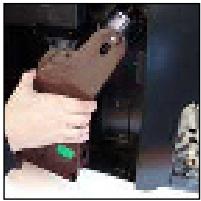
- Move the unit lever to the left.
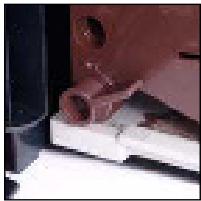
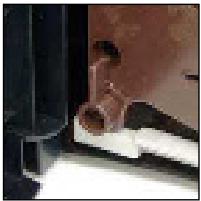
- Unscrew the top of the unit.
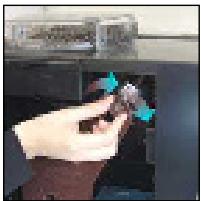
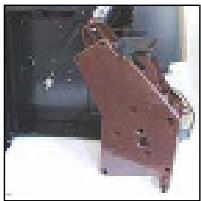
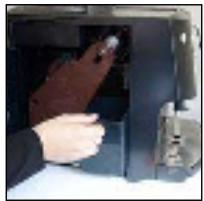
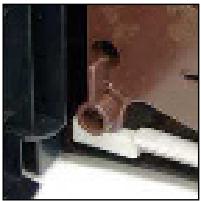
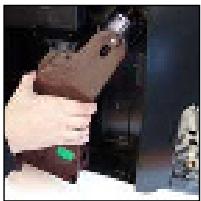
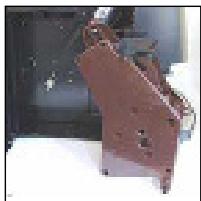
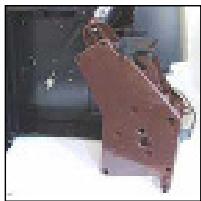
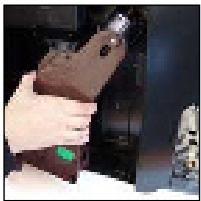
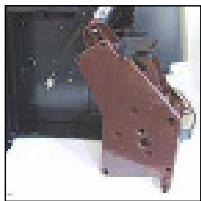
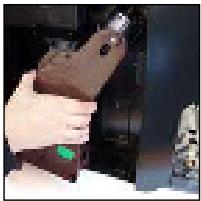
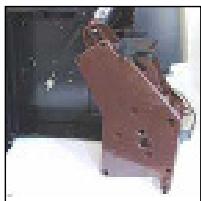
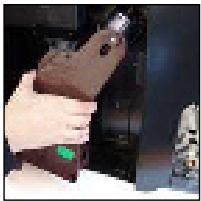
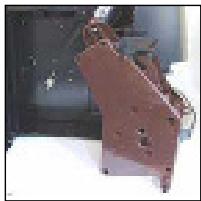
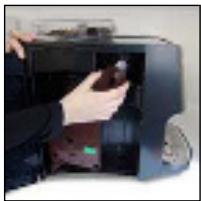
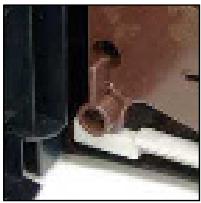
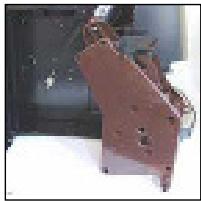
- Remove the unit.
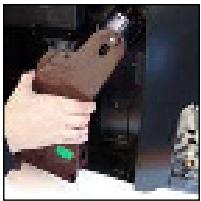
- Wash the unit under the tap with plenty of hot water.
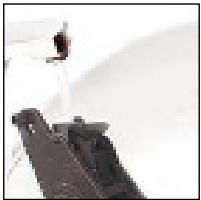
- Wait until the unit is completely dry.
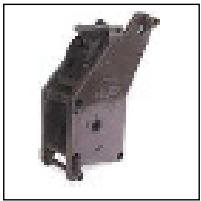
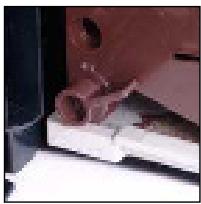
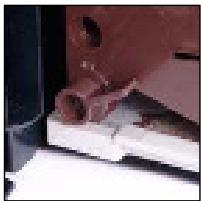
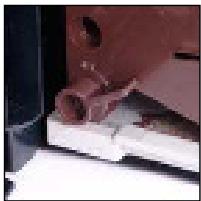
- Replace the unit, making sure the indicated points coincide.
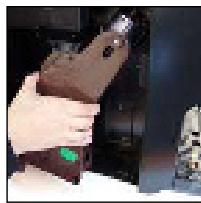
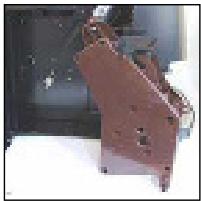
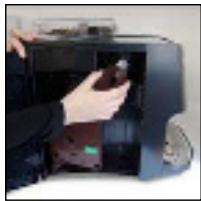
- Move the unit lever to the right.
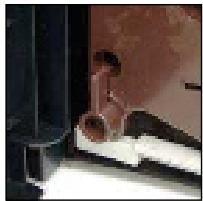
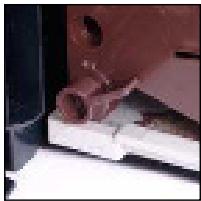
- Screw up the top of the unit.
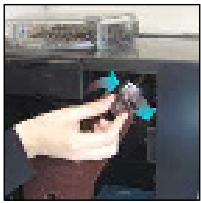
- Place the tray in position.
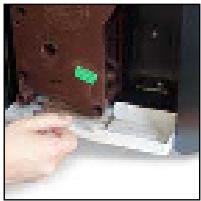
- Place the grounds compartment in position.
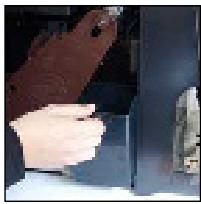
- Close the side cover.
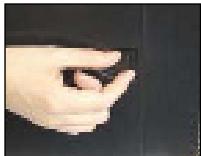
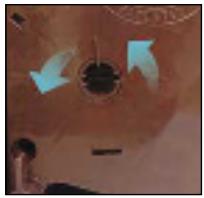
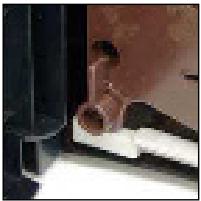
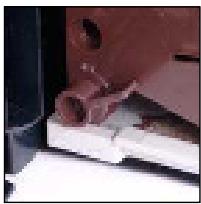
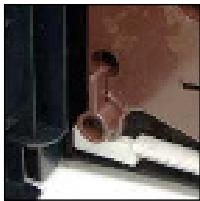
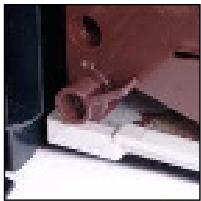
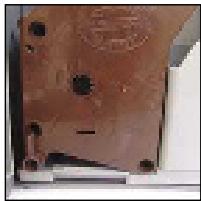
IMPORTANT! When handling the unit for cleaning, the internal system that compacts the coffee may move eas-
ily. To return it to its original position, use the brewing unit spanner supplied with the coffee-maker. Make sure that the marks on the fixed and moving parts coincide. If not, proceed as follows:
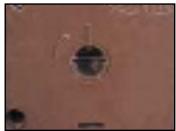
- Insert the spanner in the lock.
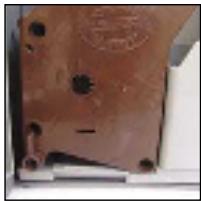
- Turn the spanner to the left (anticlockwise) until the two marks on the fixed and moving parts coincide.
C) AUTO-CLEANING FUNCTION
The coffee-maker automatically performs three system cleaning processes:
1) When you turn on the coffee-maker, it cleans the pipes with a little hot water to make sure that the coffee it makes does not contain any traces of water left in the pipes from coffee made previously.
2) Before turning off and to prevent the coffee outlet from being blocked with coffee remains, the coffee-maker expels a little water and cleans the coffee outlet. This function has been designed to save you from having to carry out this cleaning process manually.
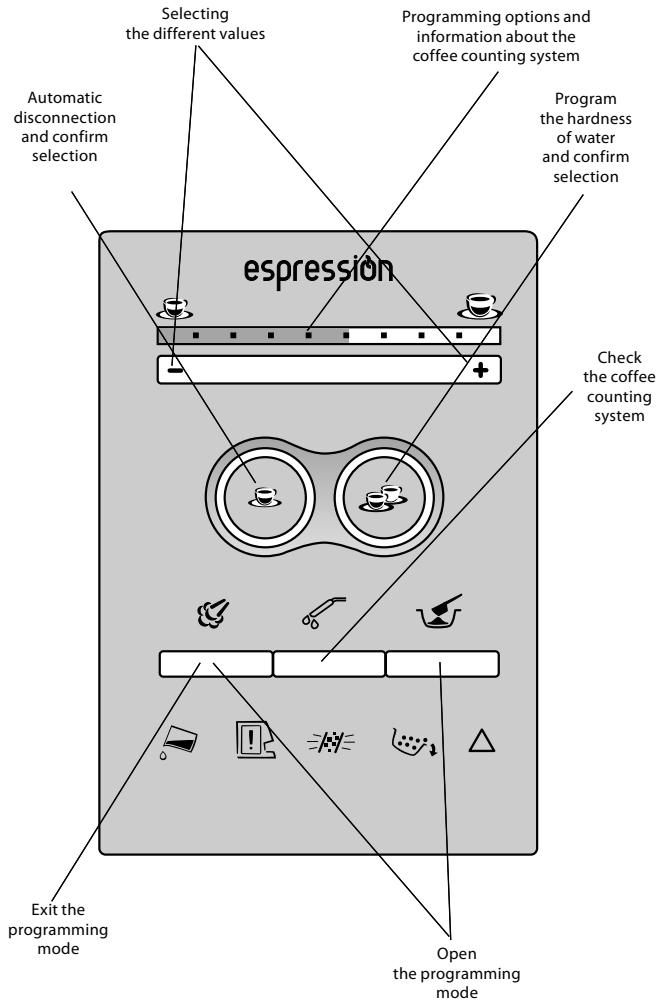
17 PROGRAMMING THE COFFEE MACHINE
To facilitate the use of the coffee machine, we have designed a simple menu which can be used to define different functions:
- The coffee machine can switch off automatically to save energy, so that you can leave your house knowing that it will switch off on its own. Depending on the use of the coffee machine, you can program the switch off time after use.
- The water in each location has a determined quantity of lime that will affect the working life of the coffee machine. You can check the hardness of the water used and program the coffee machine to warn you when the machine's decalcification process must be carried out.
- You can check the quantity of coffees made.
ACCESSING THE PROGRAMMING MODE
| Sequence | Information |
| 1. To access the different programming options, press the steam and ground coffee buttons at the same time.The icons for both buttons will flash and the coffee extraction selectors will turn off. | 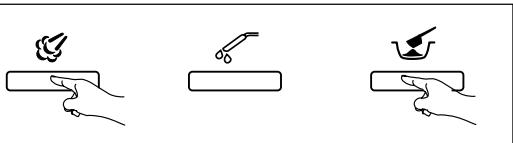 |
| 2. To exit the programming mode, simply press the steam selector. | 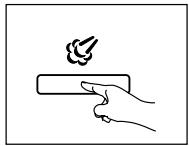 |
A) ENERGY SAVING MODE
To select the automatic switch off time after accessing the programming mode:
| Sequence | Information |
| 1. Press the extraction selector for 1 cup. | 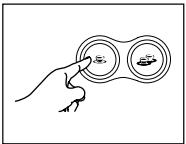 |
| 2. Select the time with the + or - buttons of the top bar. | 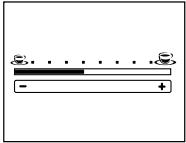 |
| 3. This bar has 5 positions:0. Deactivate the automatic disconnection1. Automatic disconnection after 1 hour (default position programmed)2. Automatic disconnection after 2 hours3. Automatic disconnection after 3 hours4. Automatic disconnection after 4 hours | 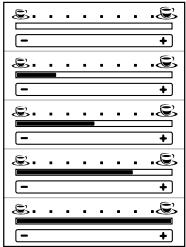 |
| 4. To confirm the selection, press the selector for 1 cup again.When you enter the programming mode, the option will be programmed. | 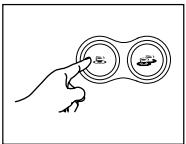 |
| 5. To exit the programming mode, press the steam button. | 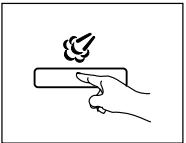 |
| 6. The coffee extraction selectors will light up again, indicating that the coffee machine is ready to prepare the coffee. | 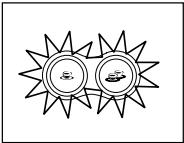 |
B) WATER HARDNESS
The hardness of tap water varies in each region, so we recommend testing the hardness of the water used with the coffee machine. After programming the coffee machine with the water hardness, the machine will warn you about the next decalcification process required by the system.
First, test the hardness of the water. Drop a reagent strip in the water during 1 second. You will see how one box on the strip changes its colour; the hardness will be equal to this colour. Please, check the packaging of this strip to see the hardness of the water.
After accessing the programming mode:
| Sequence | Information |
| 1. Press the extraction selector for 2 cups. | 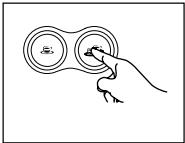 |
| 2. Select the hardness of the water with the + or - buttons of the top bar. | 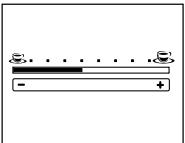 |
3. This bar has 5 positions: ppm (gpg)0. Level 11. Level 22. Level 33. Level 44. Level 5 (default option programmed) 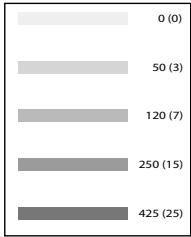 | 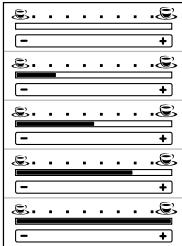 |
| 4. To confirm the selection, press the selector for 2 cups again. When you enter the programming mode, the option will be programmed. | 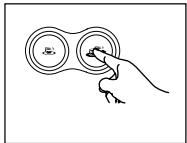 |
| 5. To exit the programming mode, press the steam button | 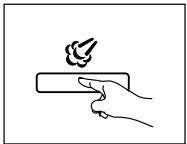 |
| 6. The coffee extraction selectors will light up again, indicating that the coffee machine is ready to prepare the coffee. | 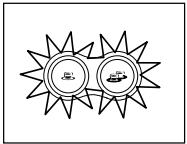 |
C) COFFEE COUNTING SYSTEM
The coffee machine has a coffee counting system to inform you about the number of coffees prepared at any time. This quantity is used for information purposes only and can not be modified.
After accessing the programming mode:
| Sequence | Information |
| 1. Press the hot water button to access the coffee cup counting system. | 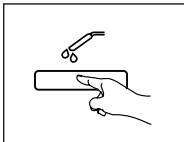 |
| 2. The information will be displayed on the lights of the water quantity bar For this function, the bar is divided in 9 sections, out of which 5 will be active (one will be off between each, to show them clearly). | 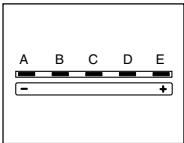 |
| 3.1. The first active section on the left represents the tens of thousands2. the second active section shows the thousands3. The third active section represents the hundreds4. The fourth active section represents the tens5. The fifth active section represents the units All sections will start to blink at the same time. When each section stops flashing, the system will stop for 3 seconds and the process will restart. | 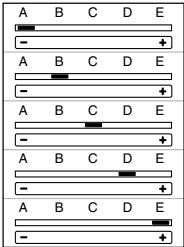 |
| 4. To know the total number of cups, the flashing period must be established for each section, so that you will have to write down the corresponding position (in other words, the last one in units, the next one in tens, etc.).A: 2 times= 2B: 3 times= 3C: 3 times= 3D: 5 times= 5E: 0 times= 0No. cups: 23,350 | 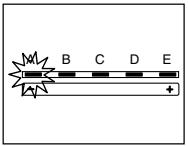 |
| 5. To exit this function, simply press the steam selector. | 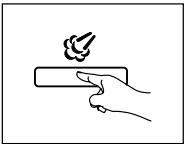 |
| 6. The coffee extraction buttons will be lit, informing the user that the coffee machine is ready again. | 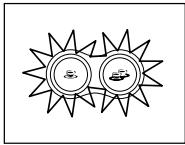 |
D) DECALCIFICATION
See section 15 DECALCIFICATION.
18 WARNING SIGNS
The different warning signs displayed by the coffee machine to indicate a problem during its normal use will be represented as follows:
| FUNCTION | MESSAGE | COMMENT |
| No water. |  | - FILL THE WATER TANK. The coffee-maker will not make any more cups of coffee until the water tank has been filled. |
| Main cover open. | 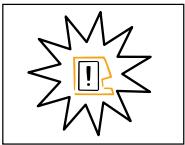 | • The coffee-maker will not make more cups of coffee until the cover is closed. |
| No brewing unit or it is not fitted. | • The coffee-maker will not make any more cups of coffee until the brewing unit has been fitted. |
| No drip tray or it is not fitted. | • The coffee-maker will not make more cups of coffee until the drip tray has been put in position. |
| The steam regulator is opened | • Turn the stream regulator, to close it. |
| Lime scale removal |  | - The coffee-maker will continue to make coffee but indicate that the lime scale needs to be removed from the machine. |
| Grounds compartment full |  | - The coffee-maker will not make any more cups of coffee until the coffee grounds have been emptied |
| Something is not working correctly |  | - RESET THE COFFEE-MAKER SOFTWARE by turning off the main switch (position ‘0’), wait a few seconds and then turn it on again. If, after turning off and turning on the coffee-maker, the symbol continues, THE COFFEE-MAKER NEEDS TO BE REPAIRED AT AN AUTHORISED TECHNICAL SERVICE CENTRE. The coffee-maker will not work until it has been repaired.. |
| Fill the system with water | 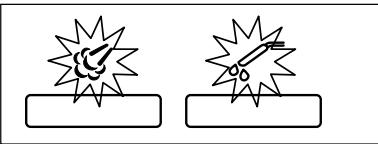 | - The coffee-maker needs to fill its internal circuits with water. Before transporting the coffee-maker, the circuits are emptied to prevent the forming of bacteria and must then be refilled |
19 TROUBLESHOOTING
| PROBLEM | CAUSE | SOLUTION |
| The coffee-maker does not come on. | The coffee-maker is not connected to the mains. | Press the switch, position 'I' (on).Check the cable and the plug.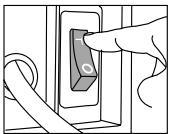 If it still does not come on, take the coffeemaker to an authorised technical service centre. If it still does not come on, take the coffeemaker to an authorised technical service centre. |
| The first coffee is of poor quality | The first time the grinder is started, it does not pour sufficient quantity into the brewing unit. | Throw the coffee away. The other coffees will always be of good quality |
| When I turn the machine on, a little dirty water comes out. | The coffee-maker automatically cleans the pipes to make sure of coffee-maker has performed the optimum quality, free from the remains of previous coffees. | Do not put the cup in position until the auto cleaning process finishes. |
| When I turn the machine off, a little dirty water comes out. | Before turning off and to prevent the coffee outlet from being blocked with coffee remains, the coffee-maker expels a little water and cleans the coffee outlet. | No solution is required; this function has been designed to prevent you from having to clean it manually |
| The coffee is not hot enough. | The cups are cold. | Preheat the cups |
| When coffee made with ground coffee, the coffee-maker pours out only water. | You have not put the ground coffee in the coffee dispenser. | Add ground coffee using the dispensing spoon (maximum one flat spoon. ful) and select the coffee again |
| Ground coffee has been used and no coffee is obtained: | Too much coffee has been placed in the dispenser.* You have not pressed the button and the coffee bean container is empty. | Clean the ground coffee dispenser. Repeat the operation using the dosage spoon and pour in a maximum of one tea spoon.Press the button again. |
| * You have poured ground coffee in the dispenser when the coffee machine was turned off. | Clean the ground coffee dispenser. Repeat the operation by pressing the button again. |
| * Part of the ground coffee is still in the inlet funnel. | Remove the coffee remains with the brush included in the accessories, or with the back of the dosage spoon. |
| - No steam or hot water is obtained. | The steam nozzle is blocked. | Clean the blocked pipe with a needle.IMPORTANT! During this operation, the steam regulator must be closed and the coffee-maker turned off. |
| - The coffee-maker needs a lot of time to make the coffee. | The grind is too fine. | Select a coarser grind. |
| - The brewing unit does not fit in place after it has been removed for cleaning. | The piston that presses down the coffee has moved. | Use the brewing unit spanner to position the piston in place (as indicated in section 16. CLEANING AND MAINTENANCE, section B) BREWING UNIT). |
| No coffee comes out of the outlets. | The coffee outlet is blocked with dry coffee remains. | Remove the coffee outlet and wash it under the tap. |
The pipes through which the coffee comes out of the coffee-maker into the outlet are blocked.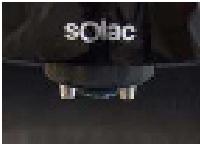 | Remove the coffee outlet. Clean the blocked pipe(s) with a needleIMPORTANT! During this operation, the coffee-maker must be turned off. |
| The coffee flow decreases or the brewing time increases. | The brewing unit needs to be cleaned. | Clean the unit as indicated in section 16 CLEANING AND MAINTENANCE. |
MACHINE A CAFE SUPER AUTOMATIQUE ESPRESSION MODÈLE CA4805
1 IMPORTANT
7 BLOC-SYSTEME DE PRÉPARATION DU CAFÉ, LE CŒUR DE LA MACHINE À CAFÉ
8 INSTALLATION
IMPORTANT!
15 DÉTARTRAGE
- Retirez le dispositif.
C) AUTO-NETTOYAGE
1 WICHTIG
7 BRÜHGRUPPE, DAS HERZ IHRER ESPRESSION
8 INBETRIEBNAHME
WICHTIG!!
15 ENTKALKUNG
C) AUTOMATISCHE REINIGUNG
1 IMPORTANTE
Grupo distribuidor
6 ACESSÓRIOS
8 INSTALAÇÃO
IMPORTANTE!
15 DESCALCIFICAÇÃO
LIMPEZA
- Abra a porta lateral.
- Retire o recipiente de borra.
- Retire o grupo.
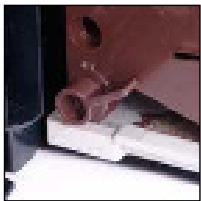
- Coloque a bandeja no respectivo lugar.
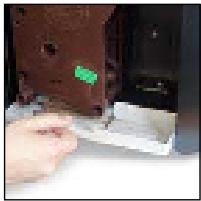
- Feche a porta lateral.
C) AUTO-LIMPEZA
19 PROBLEMA-CAUSA-SOLUÇÃO
1 IMPORTANTE
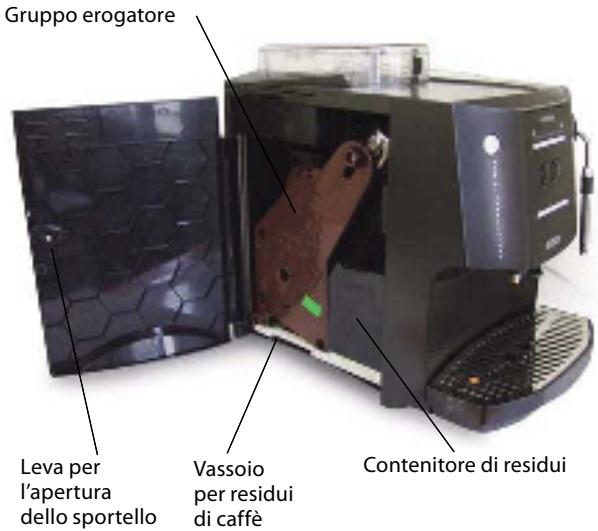
7 GRUPPO DI EROGAZIONE, IL CUORE DELLA MACCHINA PER CAFFÈ
8 INSTALLAZIONE
IMPORTANTE:
15 DISINCROSTAZIONE
PULIZIA
C) PULIZIA AUTOMATICA
1 BELANGRIJK
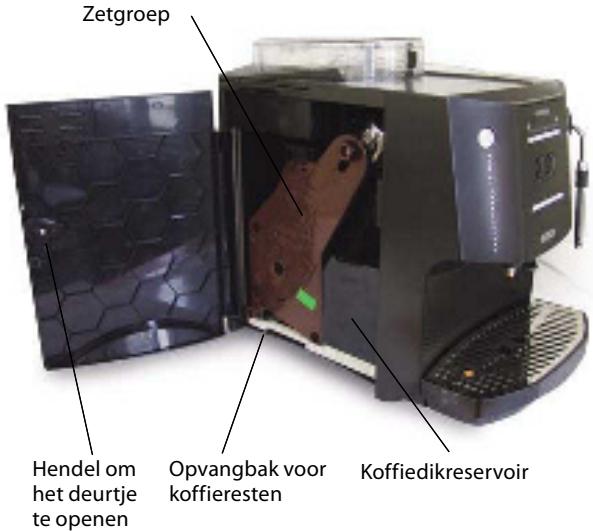
7 ZETGROEP, HET HART VAN DE EXPRESSO-MACHINE
8 INSTALLATIE
BELANGRIJK!
15 ONTKALKEN
b) druk op de knop „Stoom“ om de cyclus te annuleren.
- Neem de groep uit.
C) AUTOMATISCHE REINIGINGSFUNCTIE
18 WAARSCHUWINGSMELDINGEN
1 DŮLEŽITÉ
7 VAŘÍCÍ JEDNOTKA, SRDCE KÁVOVARU
8 INSTALACE
DŮLEŽITÉ!
15 ODSTRAŇOVÁNÍ VODNÍHO KAMENE
ČIŠTĚNÍ
- Vyjměte jednotku.
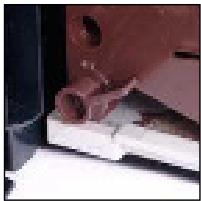
- Zavřete boční kryt.
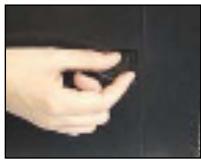
C) FUNKCE AUTOMATICKÉHO ČIŠTĚNÍ
1 WAŻNE
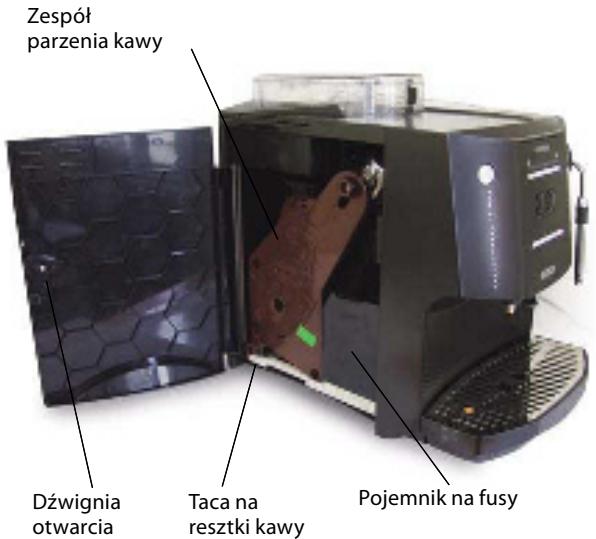
7 ZESPÓŁ PARZENIA, SERCE EKSPRESU DO KAWY
8 INSTALACJA
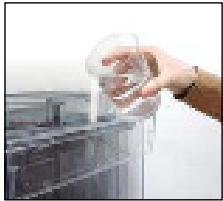
WAŻNE!
15 USUWANIE KAMIENIA
CZYSZCZENIE
- Wyjąć zespół.
C) FUNKCJA AUTOMATYCZNEGO CZYSZCZENIA
1 DÔLEŽITÉ
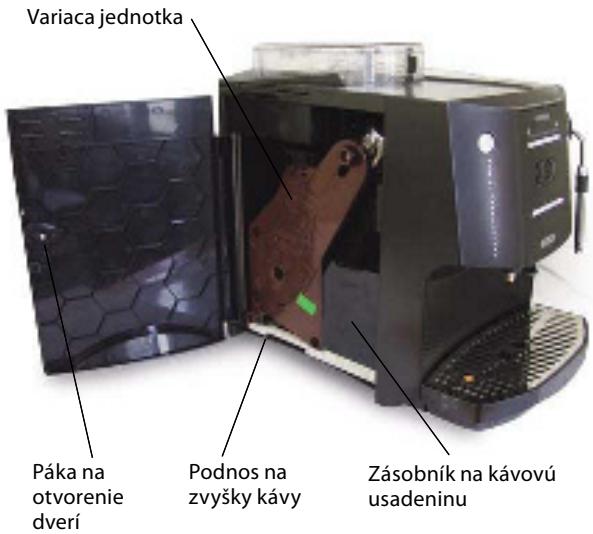
8 INŠTALÁCIA
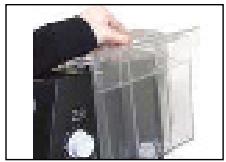
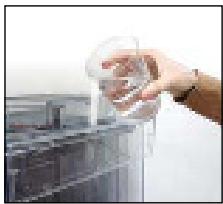
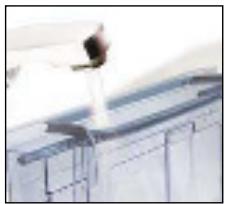
DÔLEŽITÉ!
Nastavenie musíte urobit', ked'je mlynček v činnosti.
C) Nastavenie množstva vody na jednu šálku
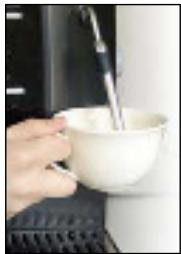
- Pod trubicou na paru vložte pohár alebo šálku.
- Stlačte tlačidlo „hot water“ (horúca voda). Ikona horúcej vody sa rozsvieti a svetlo voliča extrahovania kávy sa vypne.
15 ODSTRAŇOVANIE VODNÉHO KAMEŇA
ČISTENIE
- Otvorte bočný kryt.
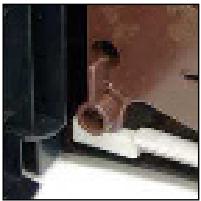
- Vyberte jednotku.
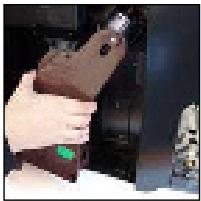
- Jednotku umyte tečúcou horúcou vodou.
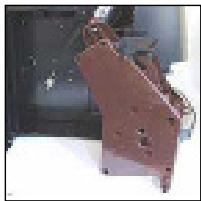
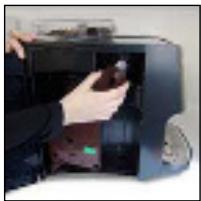
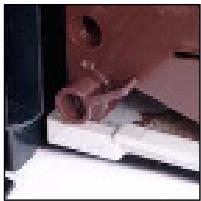
- Misku dajte na miesto.
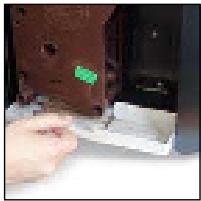
C) FUNKCIA AUTOMATICKÉHO ČISTENIA
1. FONTOS
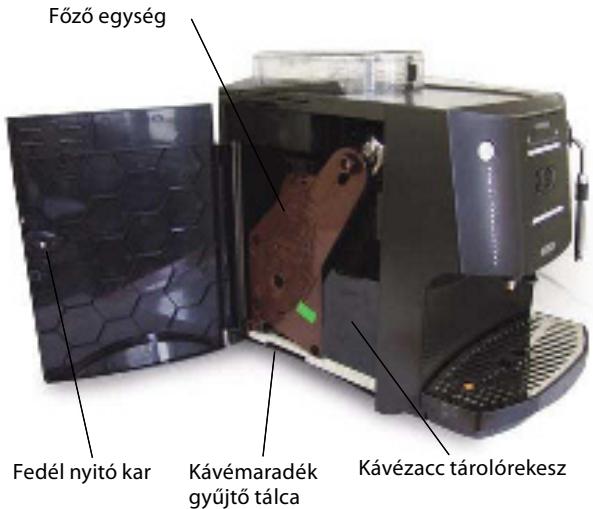
7. A FÖZÖ EGYSÉG, A KÁVÉFÖZÖ LELKE
8. ÜZEMBE HELYEZÉS
FONTOS!
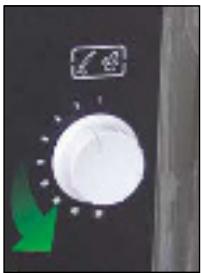
TISZTÍTÁS
- Mozgassa a kart balra.
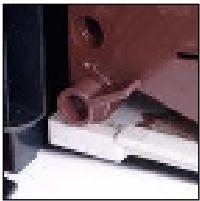
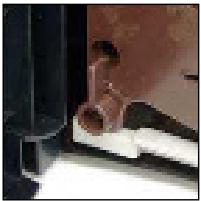
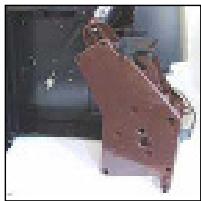
- Mozgassa a kart jobbra.
C) AUTOMATIKUS TISZTÍTÁS FUNKCIÓ
1 ВАЖНО
Модул за приготвяне
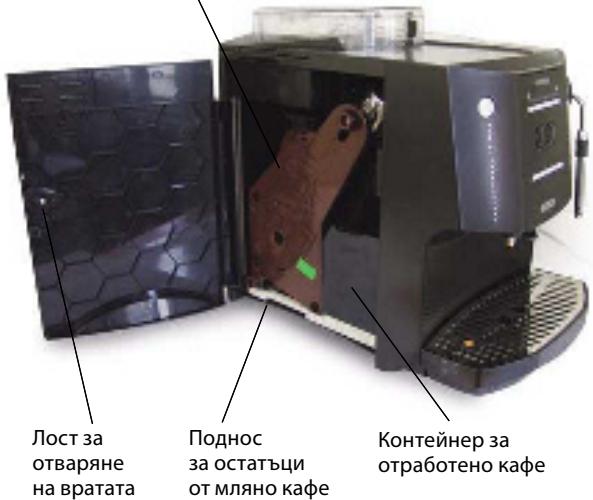
8 МОНТАЖ
ВАЖНО!
- Изберете желаното количество вода.
ПОЧИСТВАНЕ
- Свалете модула.
1 VAŽNO
6 PRIBOR
Za vašu pogodnost, sav pribor priložen je u kutiji s uputama za uporabu:
- Žlica za uzimanje mljevene kave. Kapacitet 8 g, otprilike.
- Sredstvo za uklanjanje kamenca.
- Četka za čišćenje.
- Reagens traka za provjeru tvrdoće vode. Razine od 1 do 5.
- Prekidač jedinice za pripremu kave.
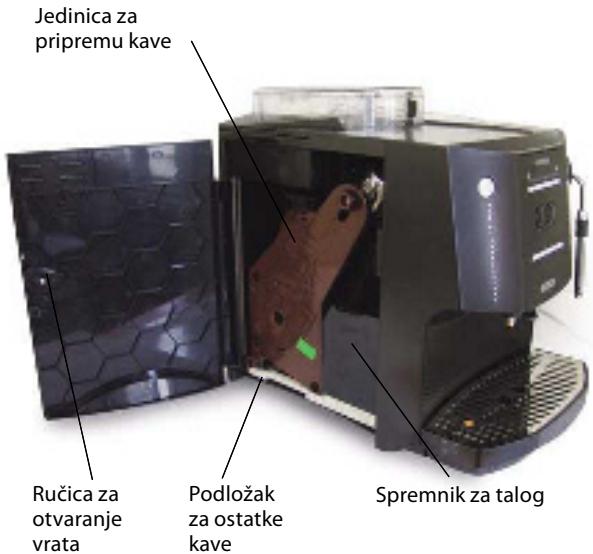
7 JEDINICA ZA PRIPREMU KAVE, SRCE APA-RATA ZA KAVU
Ovaj super automatski aparat za kavu ima profesionalnu jedinicu za pripremu kave koju je proizvela i razvila tvrtka BIANCHI, najbolji proizvođač aparata (komercijalnih) u Italiji. Jedinica za pripremu automatski priprema izvrsnu espresso kavu odlažući istovremeno ostatke kave u odjeljak. Namijenjen je za profesionalnu uporabu i nije ga potrebno održavati do nakon 5 godina (ili nakon pripremljenih 6000 šalica).
8 MONTAŽA
Ako u aparatu pronađete ostatke kave, to je zato jer je aparata testiran kako bi se osigurao njegov savršen rad.
- Napunite spremnik za kavu u zrnu zrnima kave (kapacitet spremnika je 250 g).
- Napunite spremnik za vodu čistom, hladnom vodom. Vodu možete uliti izravno (a) ili pod slavinom (b):
a) Podignite poklopac spremnika za vodu
- Postavite posudu (šalicu ili vrč) ispod otvora za kavu. Napunite sustav pritiskom na oba gumba istovremeno.
VAŽNO: Taj postupak mora se izvesti PRIJE svih drugih postupaka.
VAŽNO: Sustav se mora napuniti kada istovremeno svijetle ikona za paru i toplu vodu. Do toga dolazi kada je aparat spojen na glavnu mrežnu sklopku.
8. Nakon pritiska, oba gumba počinju svijetliti i sustavi se pune. Postupak je završen kada voda prođe kroz otvor za istjecanje kave.
- Proces se automatski zaustavlja istovremenim pritiskom na oba gumba.
- Uklonite posudu s vrućom vodom.
- Aparat za kavu se isključuje i spremna je uza rad. Pritisnite tipku za stanje mirovanja.

VAŽNO!
- Kada aparat prestane s pripremom kave, ponovno se uključuju dva indikatora pripreme kave, a lampica na gornjoj traci vraća se u početno odabrano stanje.
Pripremu kave možete zaustaviti u svakom trenu. Jednostavno ponovno pritisnite uključeni indikator pripreme kave.
- Odaberite željenu količinu vode.
-
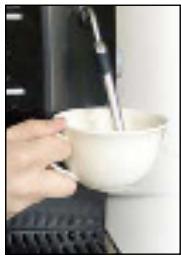
Stavite čašu ili šalicu ispod mlaznice za paru. Otvorite regulator pare kako biste iz mlaznice izbacili preostalu vodu. Zatvorite mlaznicu kada kroz nju počne izlaziti para.
-
Stavite šalicu s mlijekom ispod mlaznice za paru.
-
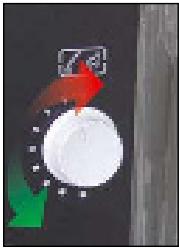
Otvorite mlaznicu okretanjem regulatora pare.
15 UKLANJANJE KAMENCA
NAPOMENA: Postupak uklanjanja kamenca traje oko 35 minuta tako da se ne treba pokrenuti odmah nakon uključivanja ikone na aparatu.
b) za prekid postupka pritisnite gumb za paru.
VAŽNO! Ako ste ulili sredstvo za uklanjanje kamenca u spremnik za vodu, uklonite ga kako ga ne biste zabunom upotrijebili prilikom pripreme kave.
-
Nakon uklanjanja kamenca isperite sustav kako biste uklonili sve ostatke sredstva za uklanjanje kamenca.
-
Aparat za kavu će vas upozoriti na sljedeće:
-
Za ispiranje aparata ponovno pritisnite bilo koji gumb za pripremu kave.
-
Aparat za kavu pokreće postupak ispiranja, a lampica na traci počinje titrati i konačno se trajno uključuje na kraju procesa.
ČIŠĆENJE
- Otvorite bočni poklopac.
- Izvadite pladnja za prikupljanje ostataka kave.
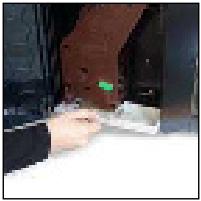
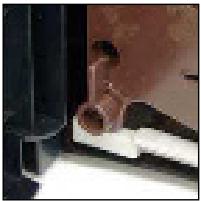
- Odvrnite vrh jedinice.
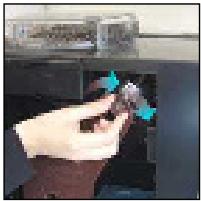
- Izvadite jedinicu.
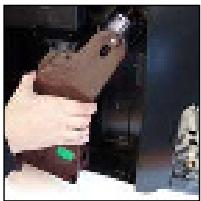
- Operite je pod slavinom s velikom količinom vruće vode.
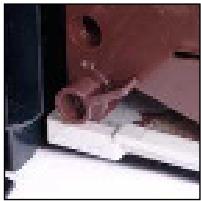
- Vratite jedinicu na mjesto pazeći na oznake.
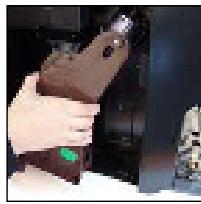
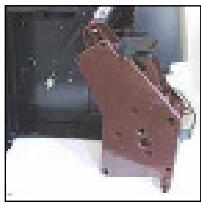
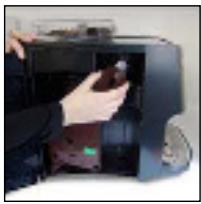
- Pomaknite ručicu jedinice udesno.
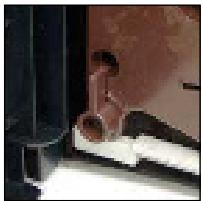
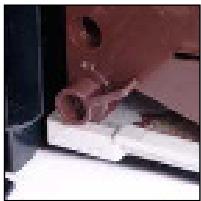
- Zavrnite vrh jedinice.
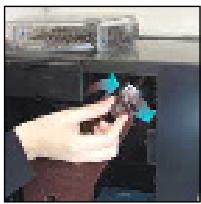
- Vratite pladanj na mjesto.
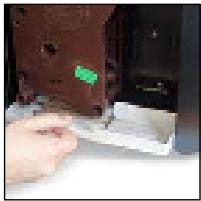
- Vratite spremnik ostatke kave na mjesto.
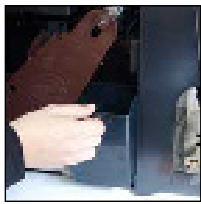
- Zatvorite bočni poklopac.
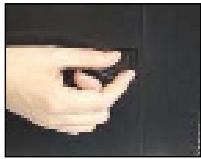
VAŽNO! Kada rukujete jedinicom prilikom čišćenja, unutarnji sustav za sabijanje kave može se lako pomjeriti. Vra-
C) FUNKCIJA AUTOMATSKOG ČIŠĆENJA
1 IMPORTANT
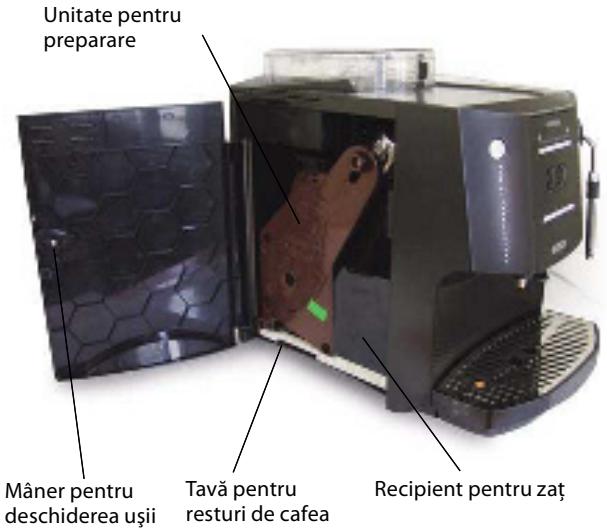
7 UNITATEA DE PREPARARE, INIMA APARA-TULUI PENTRU PREPARAREA CAFELEI
8 INSTALARE
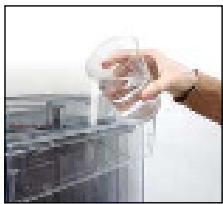
IMPORTANT!
15 ÎNDEPĂRTAREA DEPUNERILOR DE PIATRĂ
- Scoateți unitatea.
INTRAREA ÎN MODUL PROGRAMARE