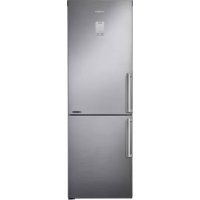
RB33J3515S9 - Refrigerator SAMSUNG - Free user manual and instructions

Find the device manual for free RB33J3515S9 SAMSUNG in PDF.

SAMSUNG RB33J3515S9 - Refrigerator
📄 234 pages English EN Download 💬 AI Question 1 questions
Notice SAMSUNG RB33J3515S9 - page 1
Pick your language and provide your email: we'll send you a specifically translated version.

User questions about RB33J3515S9 SAMSUNG

1 question about this device. Answer the ones you know or ask your own.

Ask a new question about this device

Your email remains private: it is only used to notify you if someone answers your question.

How to properly use and maintain the Samsung RB33J3515S9 refrigerator?
Frequently Asked Questions - 03/28/2026
Response Notice-Facile

To properly use and maintain your Samsung RB33J3515S9 refrigerator, follow these practical tips:

Usage

  • Installation: Place the refrigerator on a flat surface, away from heat sources and with enough space around it for ventilation.
  • Temperature setting: Plug in the appliance and set the temperature according to your needs, generally between 3 and 5 °C for the refrigerator compartment.
  • Organization: Use the different compartments to store suitable foods (vegetables, dairy products, meats, etc.) and avoid placing hot foods directly inside to not disturb the temperature.

Maintenance

  • Regular cleaning: Clean the inside with a soft sponge, warm water, and a little mild soap. Avoid abrasive or corrosive products.
  • Checking seals: Ensure that the door seals are clean and in good condition to ensure proper sealing and avoid energy loss.
  • Condenser: If accessible, dust the condenser coils located at the back or underneath the appliance to maintain good performance.
  • Defrosting: This model is generally equipped with an automatic defrosting system, but regularly check for excessive frost buildup.

Additional tips

  • Avoid opening the door frequently or for long periods to maintain the internal temperature.
  • In case of a breakdown or malfunction, first check the power supply and ensure that the door is properly closed.
Respond (be the first)

Download the instructions for your Refrigerator in PDF format for free! Find your manual RB33J3515S9 - SAMSUNG and take your electronic device back in hand. On this page are published all the documents necessary for the use of your device. RB33J3515S9 by SAMSUNG.

USER MANUAL RB33J3515S9 SAMSUNG

User servicing manual

  1. You can check where to buy replacement parts at http://samsung.com/support
  2. Visit the part purchase site and enter the model code of your product to check the parts available for purchase. The model code is labelled on the outer side of your product.
  3. You can check the model code and version on the barcode label at the bottom left of the product.
  4. For replacement parts, make sure the part name matches that of the illustration in this manual.
  5. User-serviceable parts are limited to handles (some models only), gaskets, drawers, and hinges.

NOTE

Following the repair by a non-authorised service provider, self-repair or non-professional repair of the product, Samsung is not liable for any damage to the product, any injury or any other product safety issue caused by any attempt to repair the product which does not carefully follow these repair and maintenance instructions. Any damage to the product caused by an attempt to repair the product by any person other than a Samsung certified service provider will not be covered by the warranty.

CAUTION

  • The part name listed on the site may differ from that in this manual. Please make sure you choose the right part name.
  • Replacing hinges requires extreme caution because it involves detaching the door.
  • Be sure to wear safety gloves while making repairs.

English

SAMSUNG RB33J3515S9 - CAUTION - 1

The actual image and provided parts of the refrigerator may differ, depending on the model and the country.
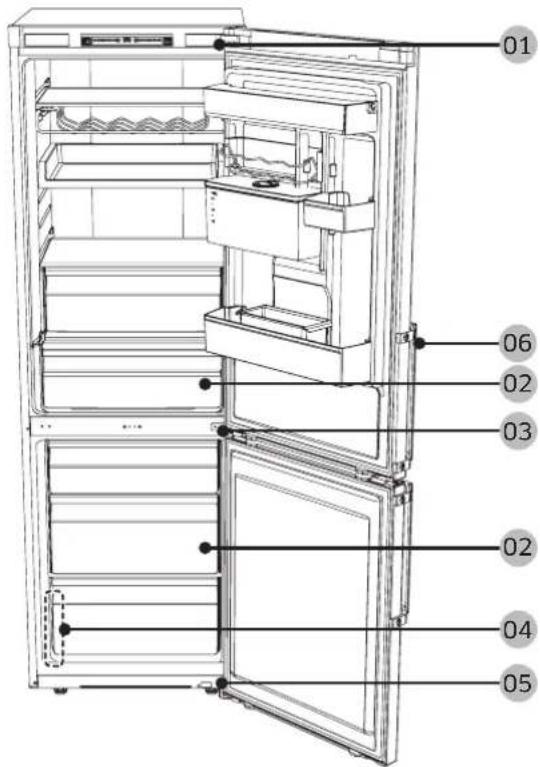
01 06 02 03 02 04 05

01 Cover hinge 02 Drawer 03 Middle hinge 04 Barcode label 05 Hinge low 06 Handles (Applicable models only)

SAMSUNG RB33J3515S9 - CAUTION - 3

Handle replacement

SAMSUNG RB33J3515S9 - Handle replacement - 1

CAUTION

  • When replacing the door handle, take care not to scratch the front of the door.
  • Firmly press the handles at the supports. Make sure there is no gap between the supports and the door.
  • Tightly fasten the screws when attaching the handle.
  • Check that the handle is firmly attached before using the product.
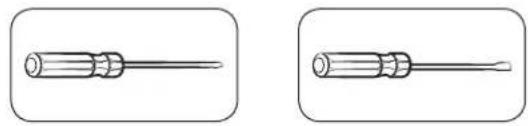
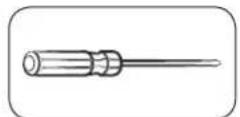
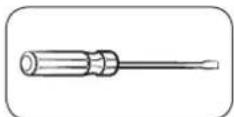
Tools required (not provided)

Two identical line drawings of a screwdriver with no text or symbols.

Phillips screwdriver, flat-head screwdriver

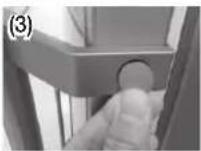
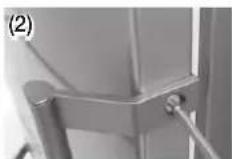
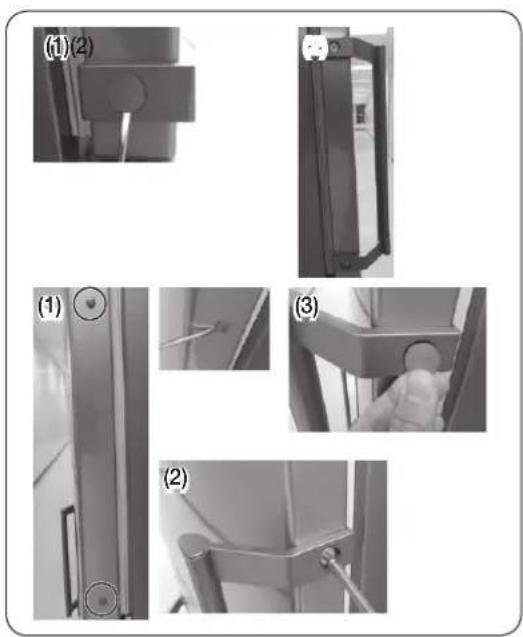
To detach the handles
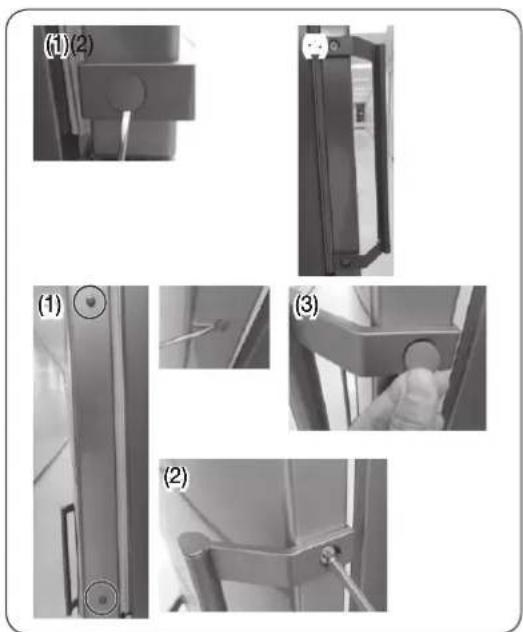
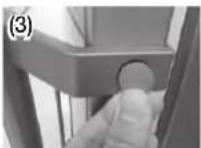
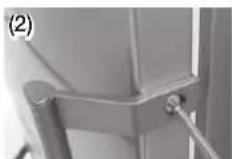
(1)(2) (1) (2) (3)

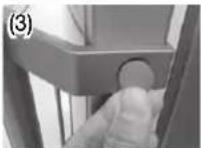
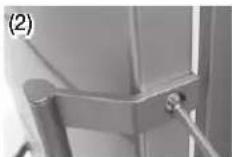
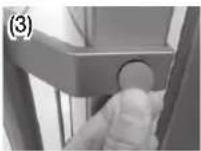
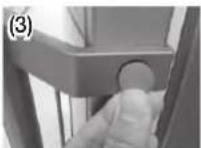
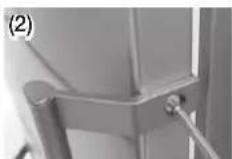
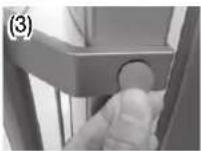
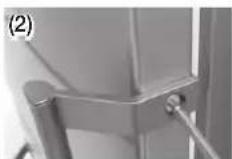
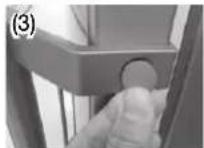
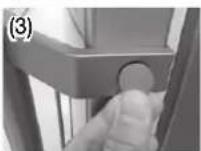
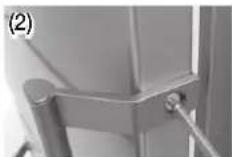
Remove the cap handle and the screws using a flat-head (-) screwdriver.

SAMSUNG RB33J3515S9 - To detach the handles - 2

NOTE

Remove the cap using a flat-head (-) screwdriver and assemble the handle and cap handle.

Gasket replacement

SAMSUNG RB33J3515S9 - Gasket replacement - 1

CAUTION

Make sure you firmly attach the gasket. Otherwise, cold air from the refrigerator may leak.

To remove the gasket
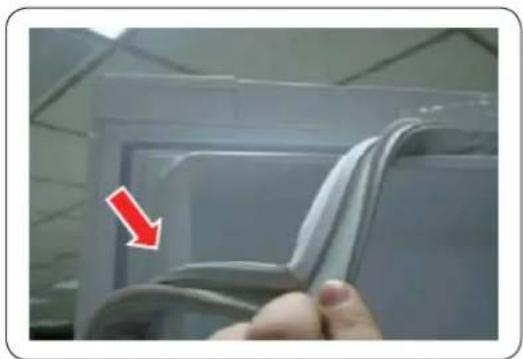
Close-up of a hand holding a white plastic sheet with a red arrow pointing to it, against a ceiling background (no text or symbols visible).

Open the door and remove the gasket from the door.

To replace the gasket

Attach a new gasket to the refrigerator door.

Make sure there is no gap between the new gasket and the door.

English

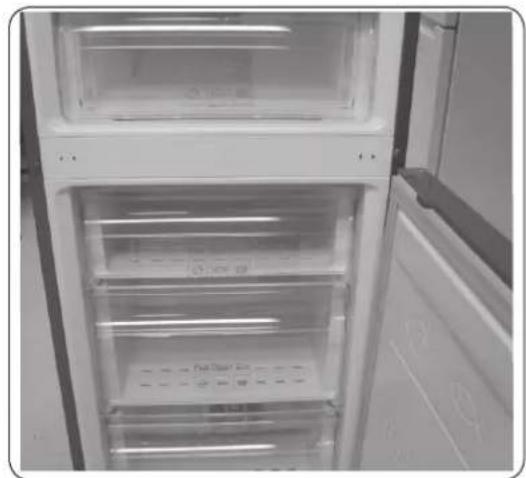
Drawer replacement

SAMSUNG RB33J3515S9 - Drawer replacement - 1

CAUTION

Check that the drawer is inserted properly into the rail during assembly.

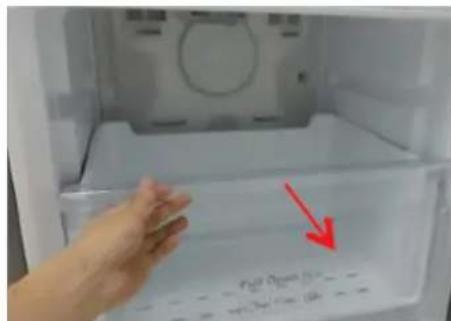
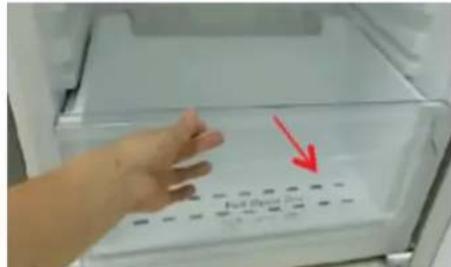
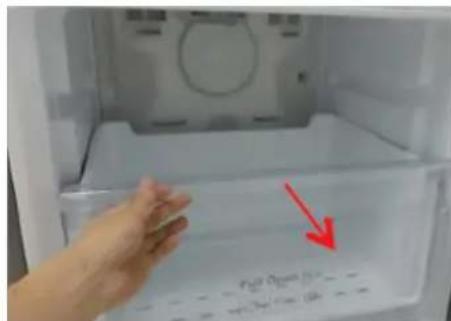
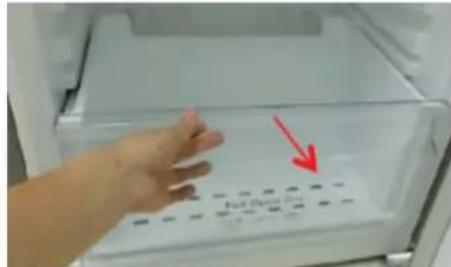
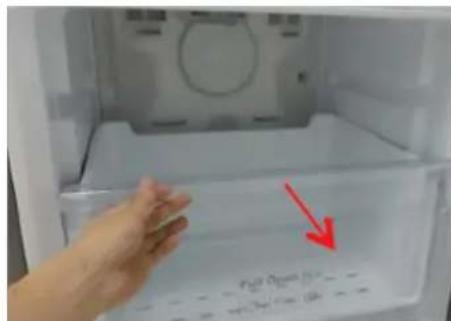
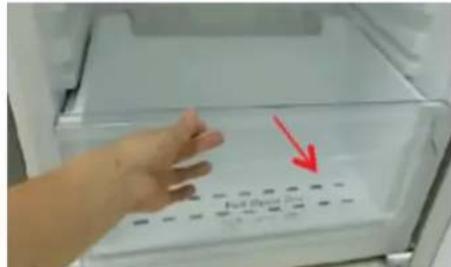
To remove the drawer
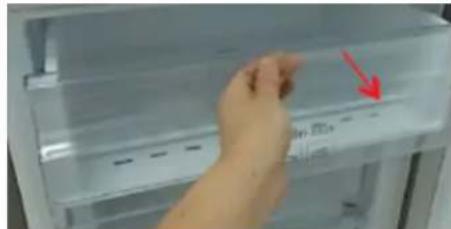
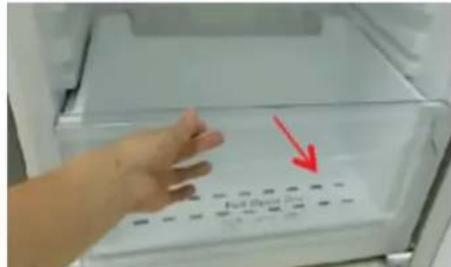
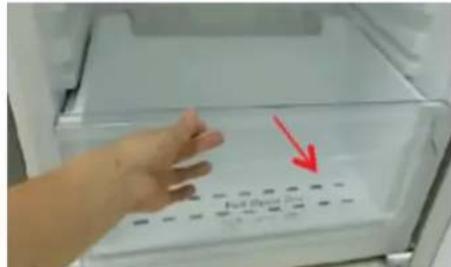
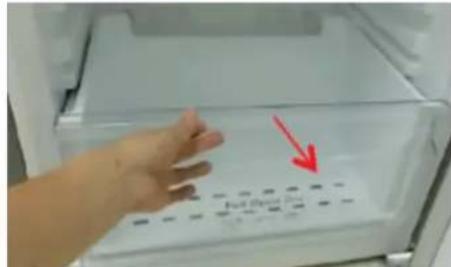
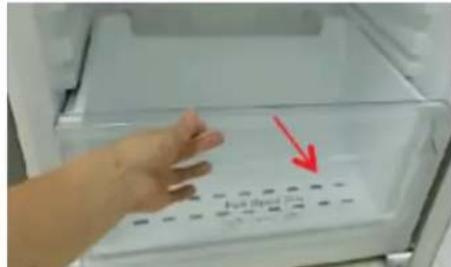
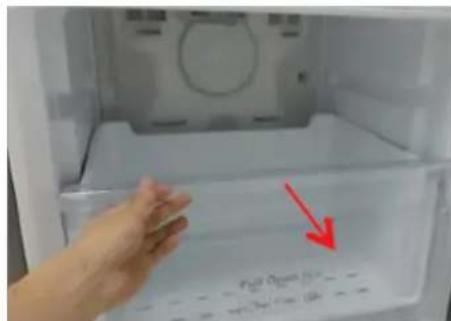
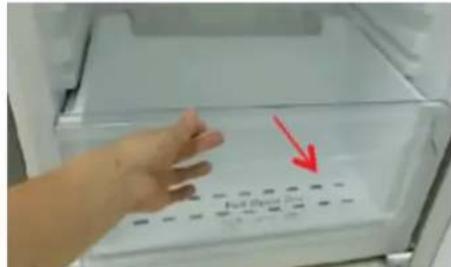
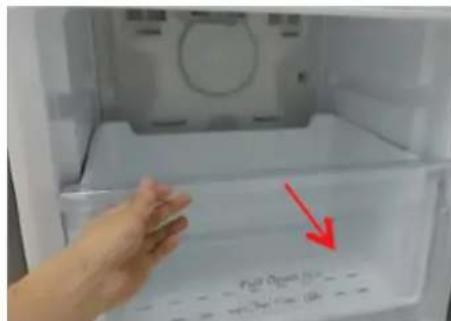
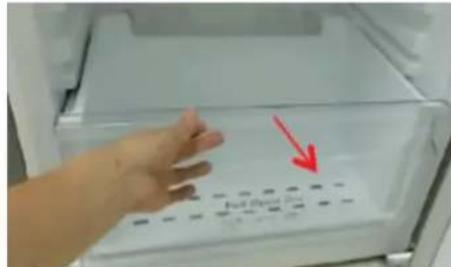
Hand placing a red arrow on a refrigerator panel (no visible text or symbols).

Polar Open (100g) Polar Closed (100g)

Full (Oral) Box

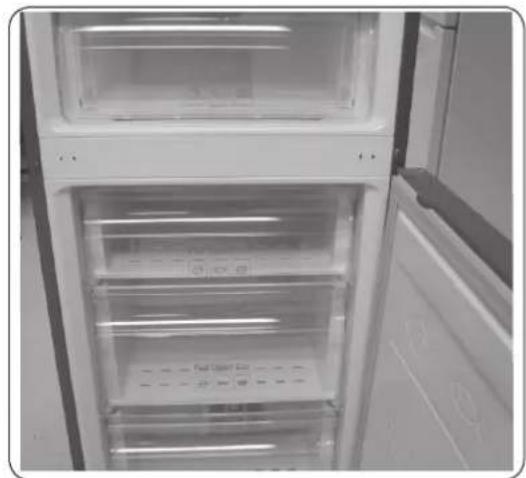
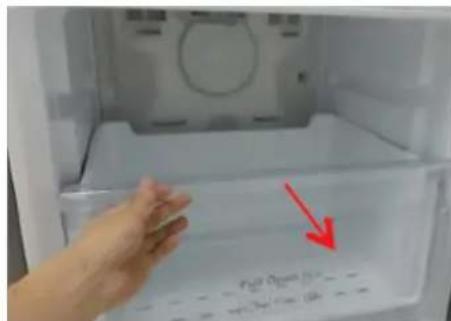
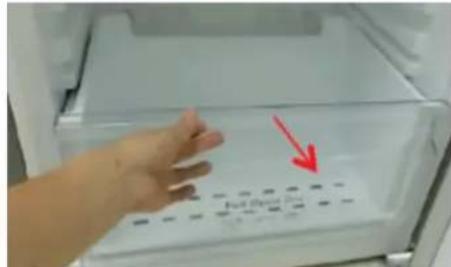
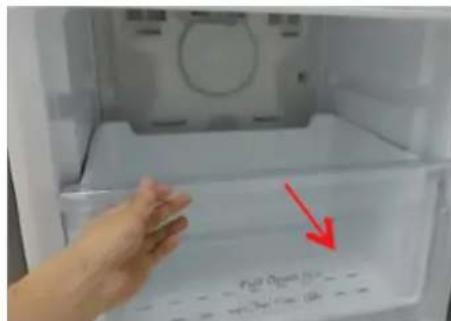
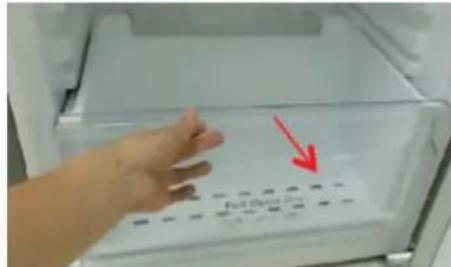
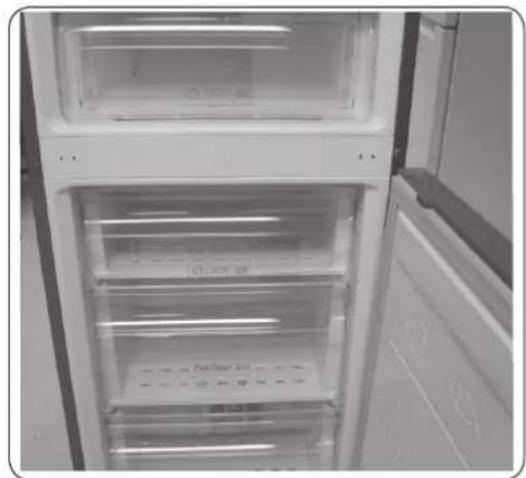
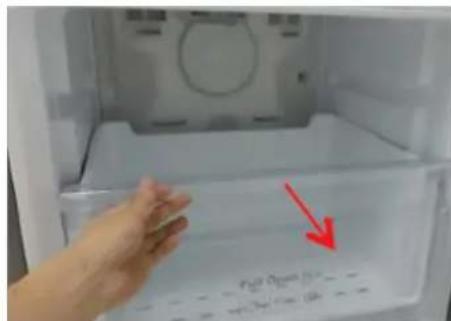
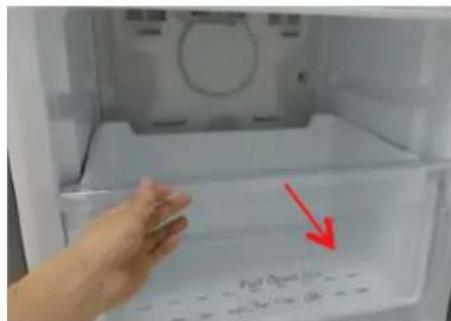
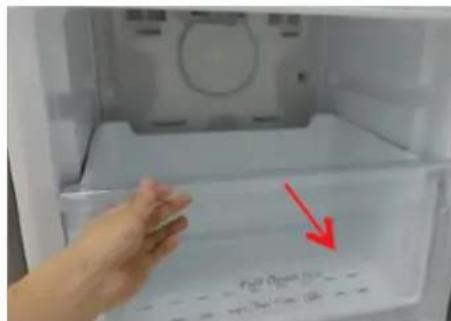
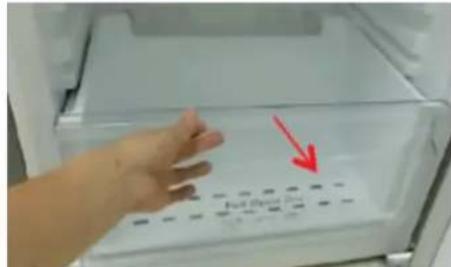
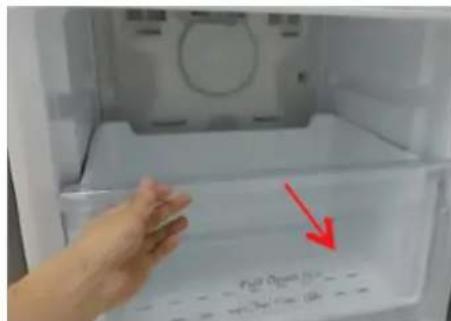
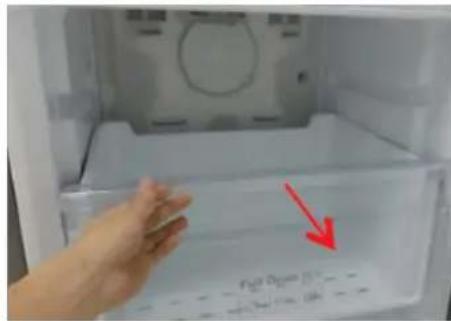
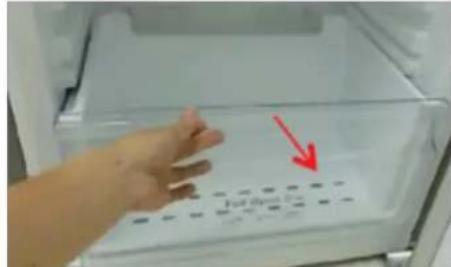
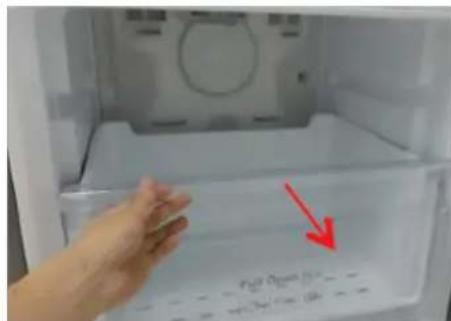
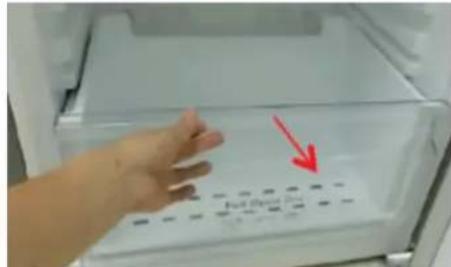
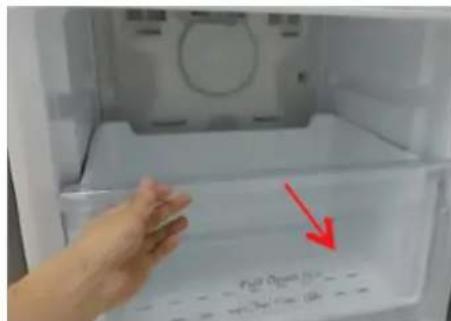
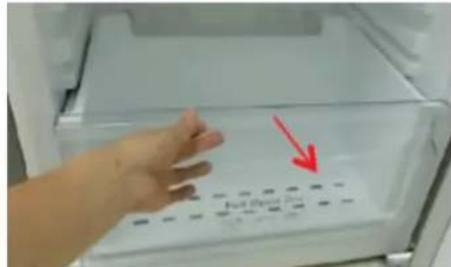
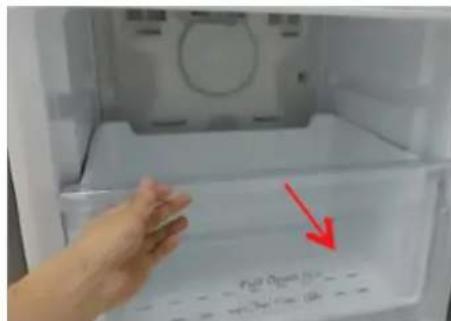
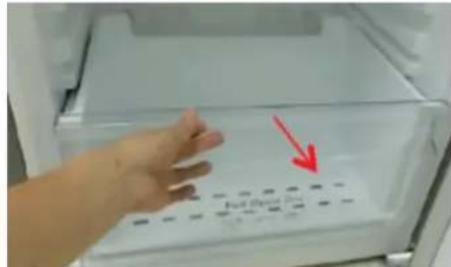
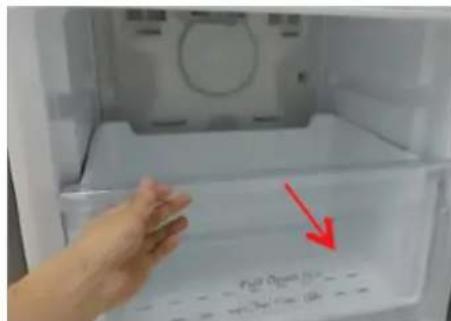
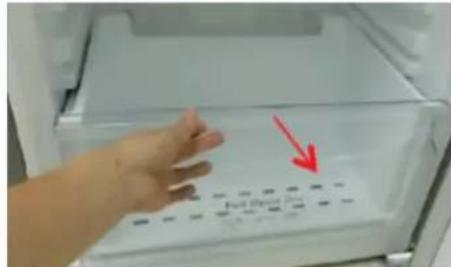
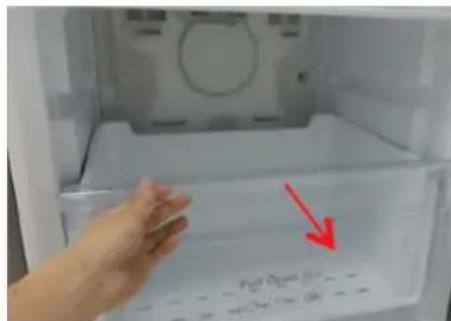
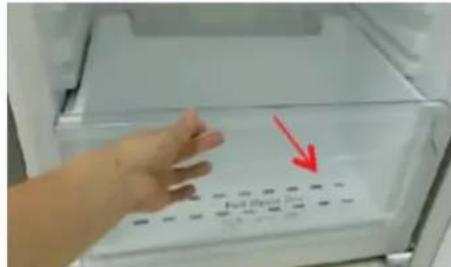
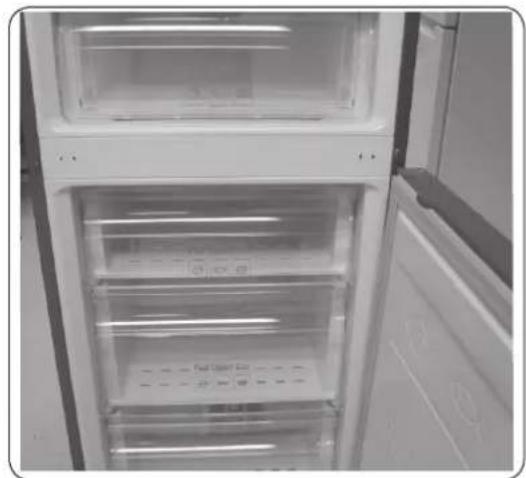
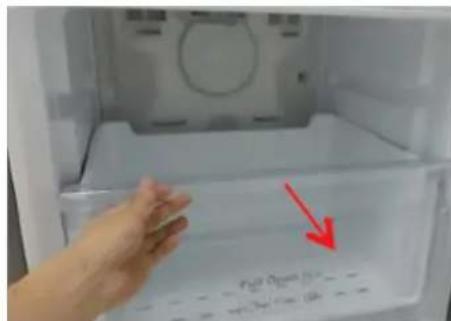
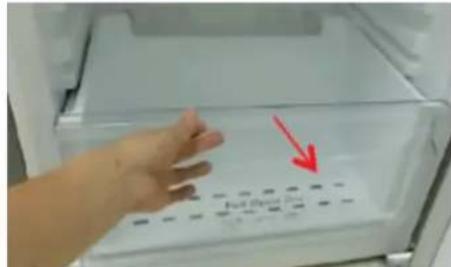
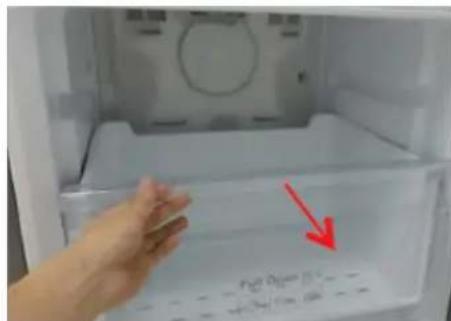
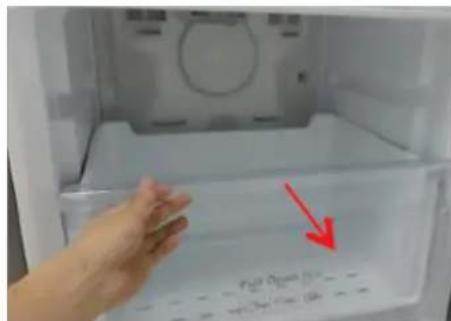
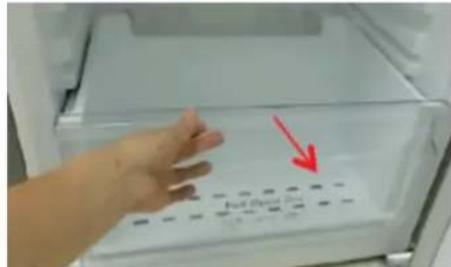
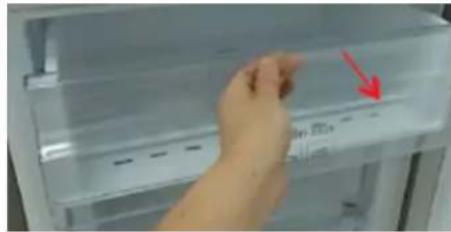
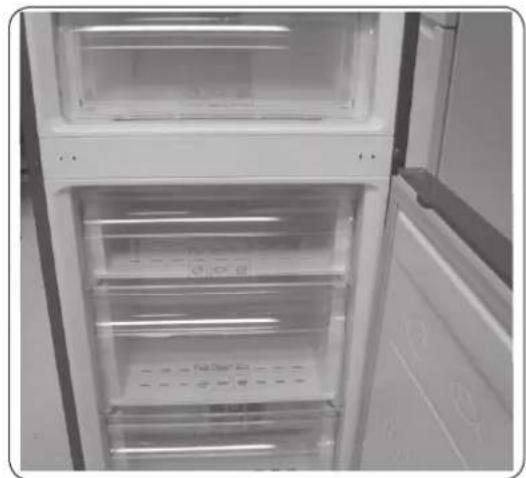
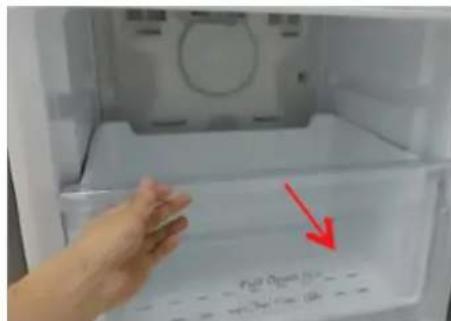
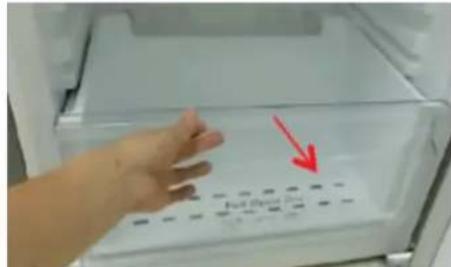
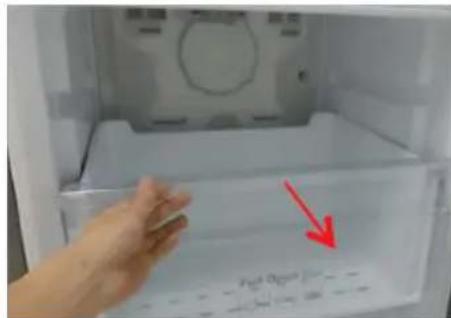
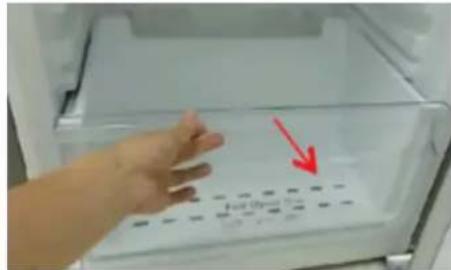
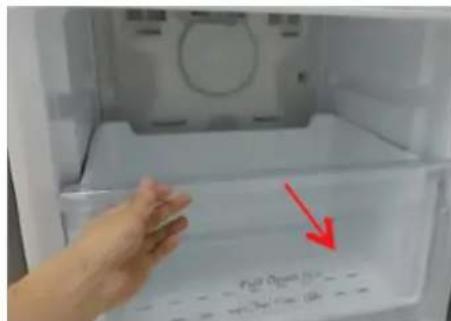
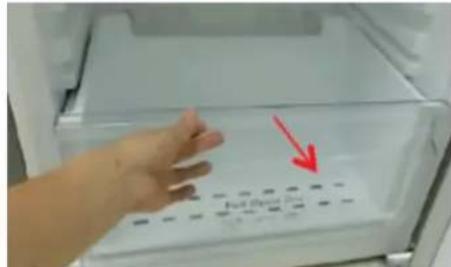
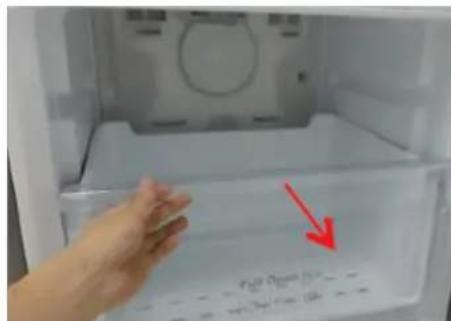
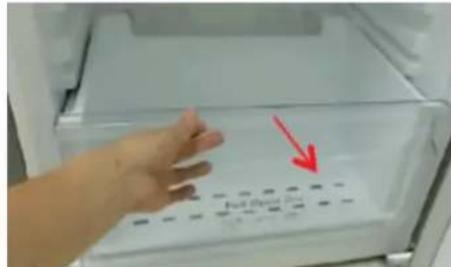
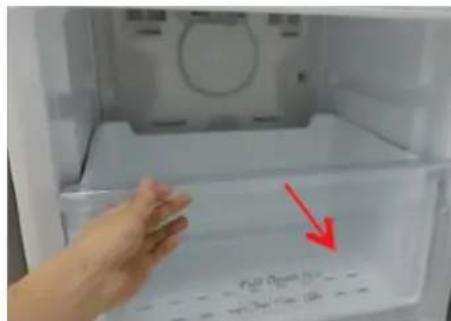
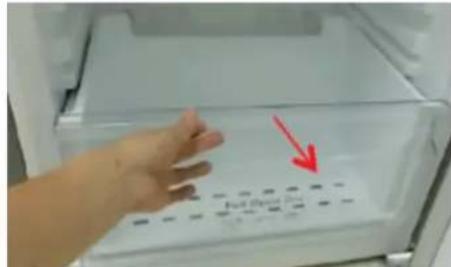
  1. Pull out the drawer as far as it goes.
  2. Tilt the drawer up and pull it out until it is removed.

To reattach the drawers

Reattaching the drawers follows the reverse order of their respective removal steps.

Hinge replacement

To replace the hinges, you must remove the doors first.

SAMSUNG RB33J3515S9 - Hinge replacement - 1

CAUTION

  • When removing the doors, take extreme caution because the doors are heavy.
  • Before replacing the hinges, put a soft pad such as cardboard on the floor to prevent scratches on the door when you place the doors down.
  • As the hinges must be handled carefully and replaced by two or more persons, we recommend you to call for professional technical service.
  • If you remove the hinge without holding the door, the door may fall and cause injury.
  • Ensure that the shaft is firmly tightened on the hinge.
  • Check that the hinge is firmly attached to the cabinet. • Make sure the wire connectors are connected properly.
  • Be careful not to damage the wires when fastening the top cover.

SAMSUNG RB33J3515S9 - CAUTION - 1

WARNING

  • Tilting or laying the refrigerator requires a minimum of 2 people.
  • Disconnect the power cord before reversing the doors.

Tools required (not provided)

SAMSUNG RB33J3515S9 - Tools required (not provided) - 1

SAMSUNG RB33J3515S9 - Tools required (not provided) - 2

SAMSUNG RB33J3515S9 - Tools required (not provided) - 3

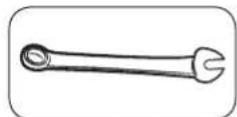
Phillips screwdriver, flat-head screwdriver, 11 mm spanner

SAMSUNG RB33J3515S9 - Tools required (not provided) - 4

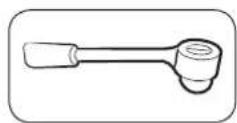
8 mm socket wrench (for bolts)

SAMSUNG RB33J3515S9 - Tools required (not provided) - 5

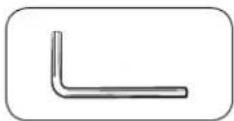
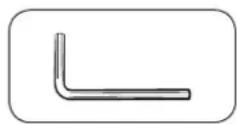
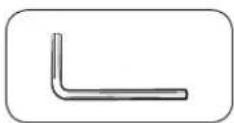
Allen wrench (5 mm)

Reversing the door

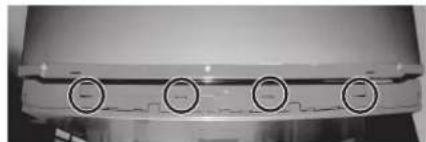
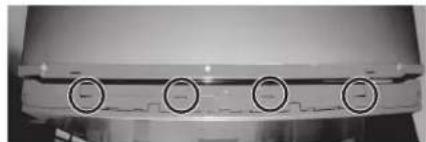
Close-up of a mechanical component with four circular buttons on its side (no visible text or symbols).

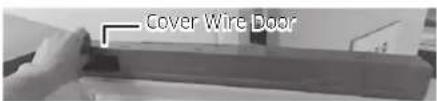
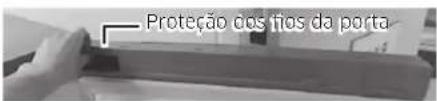
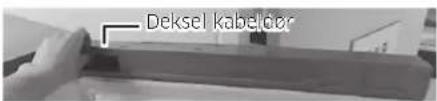
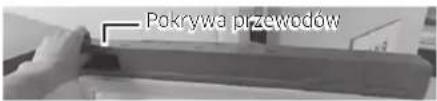
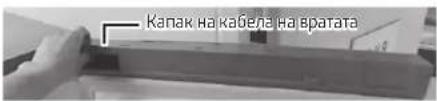
Cover Wire Door

*RB37* model only

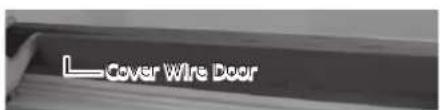
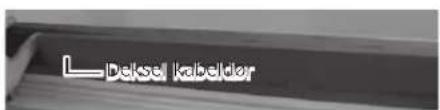
Cover Wire Door

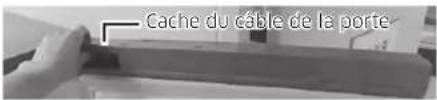
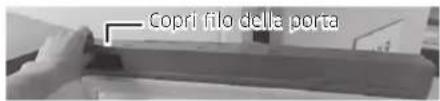
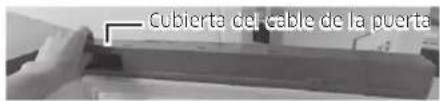
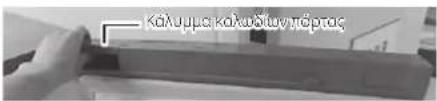
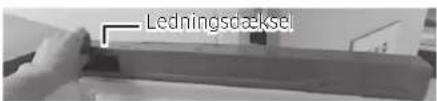
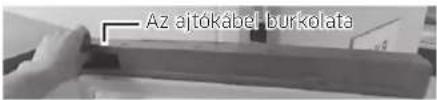
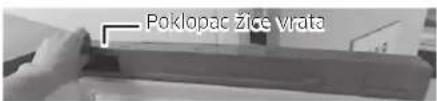
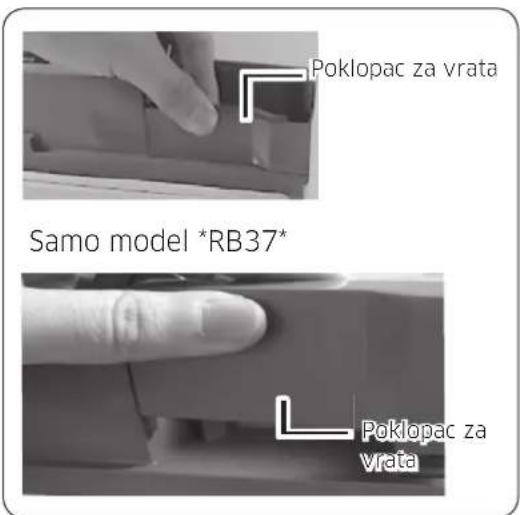
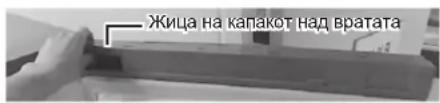
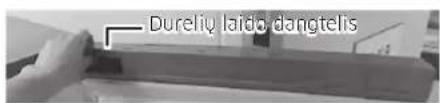
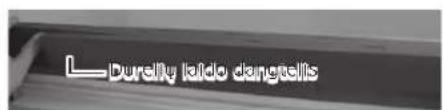
  1. Remove the Cover Wire Door.

English

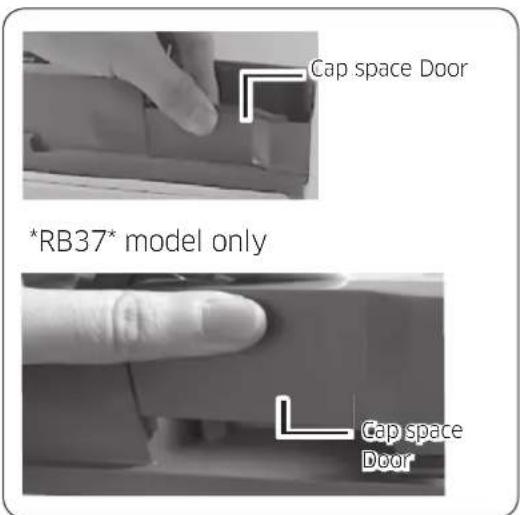
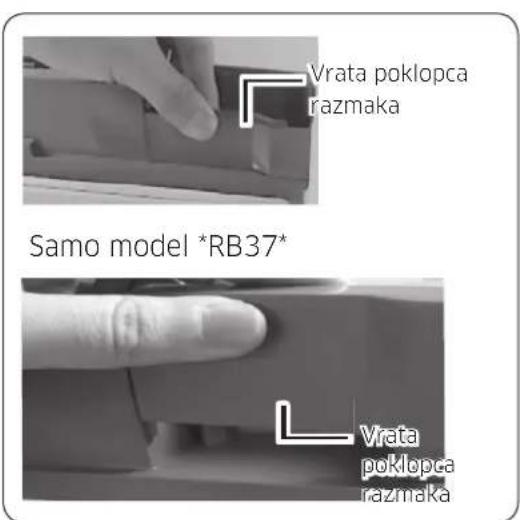
Cap space Door *RB37* model only Cap space Door

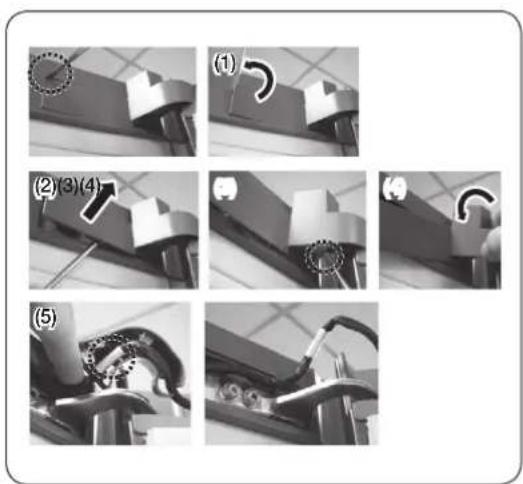
(1) (2)(3)(4) (5)

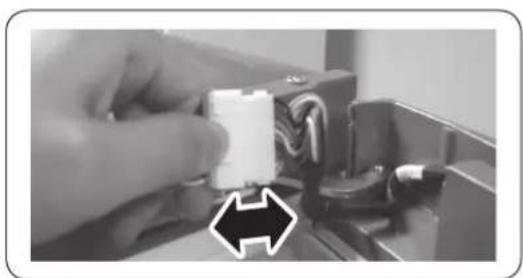
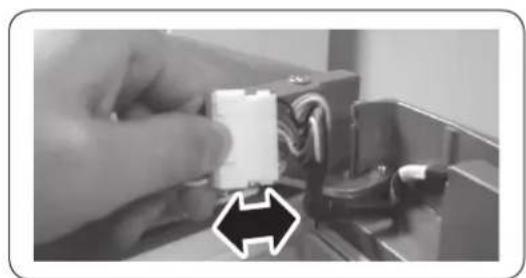
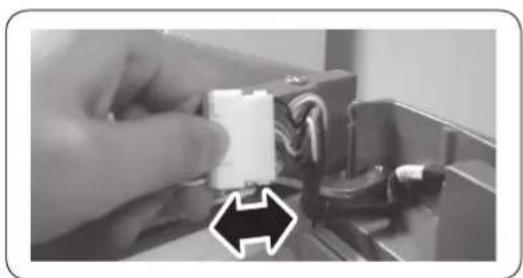
Close-up of a hand holding a white plastic connector with wires, next to a black arrow pointing to it (no text or symbols visible).

Close-up of a mechanical component with two circular inset images showing internal components (no visible text or symbols).

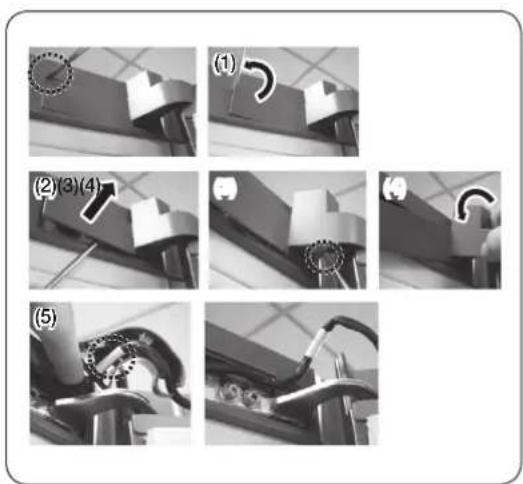
  1. Disassemble the Cap space Door.
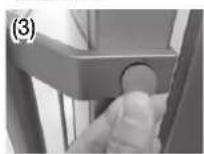
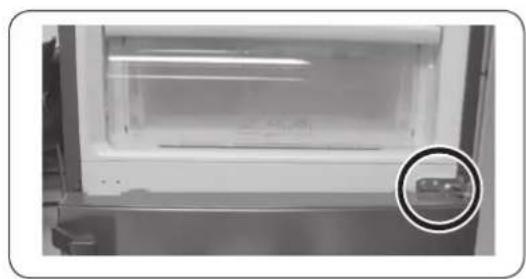
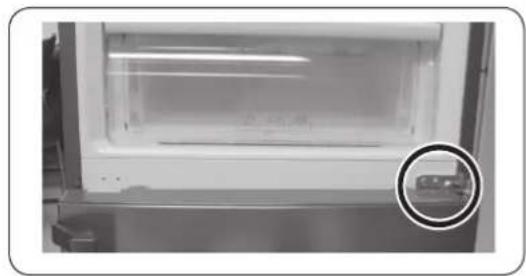
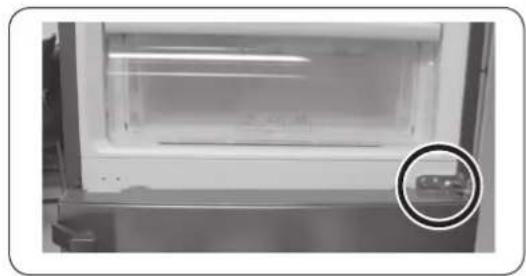
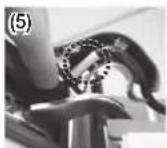
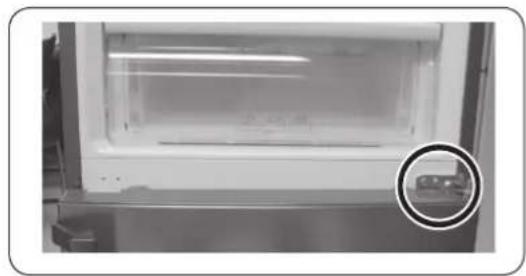
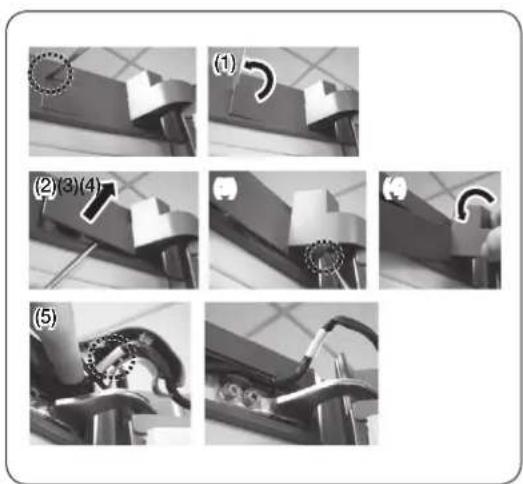
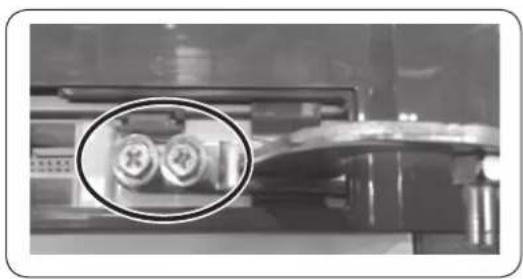
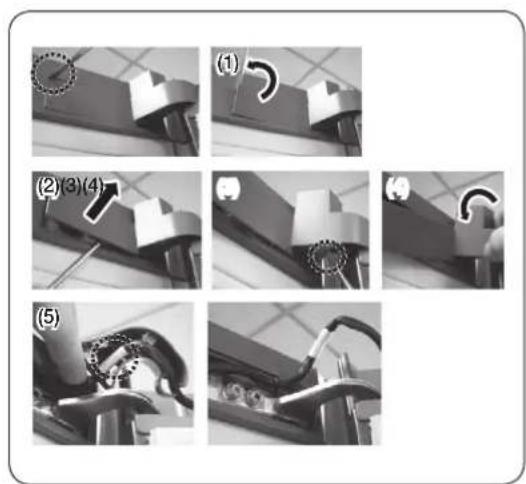
  2. Remove the Cover Hinge by pushing a hook as shown in the pictures below.

- Insert a flat-head screwdriver and put it back as shown in Figure #1.

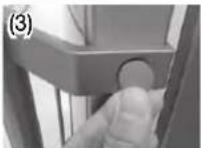
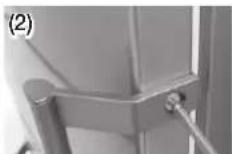
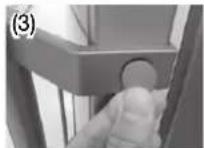
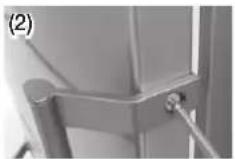
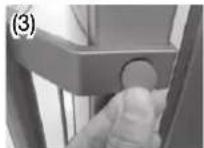
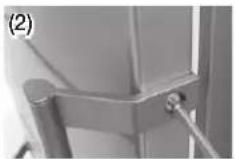
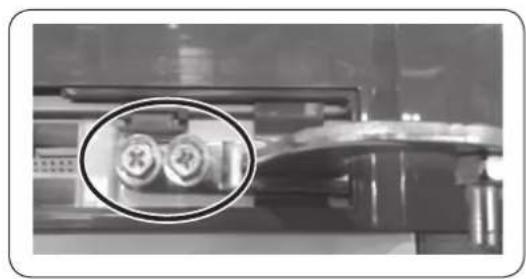
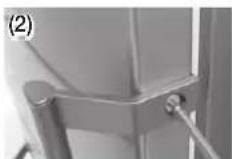
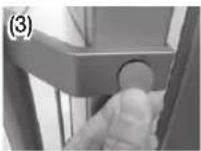
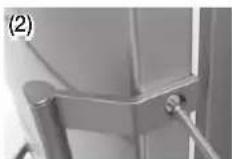
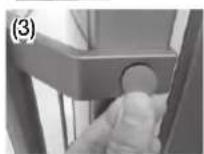
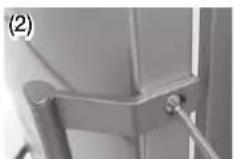
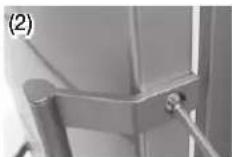
- As shown in Figure #2, lift the cover and push a hook as shown in Figure #3. (Take care not to damage the Cover Hinge Wire by pushing it too hard)

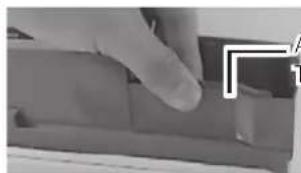
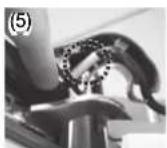
- Disassemble it by pushing the A in Figure #4 by hand as shown in Figure #5.

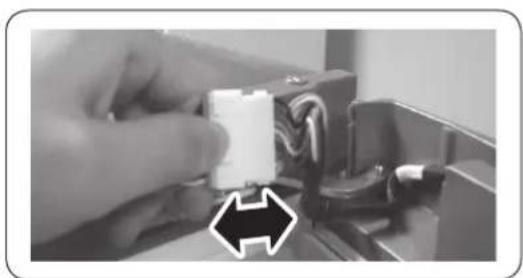
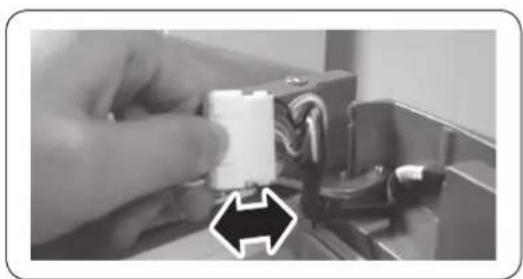
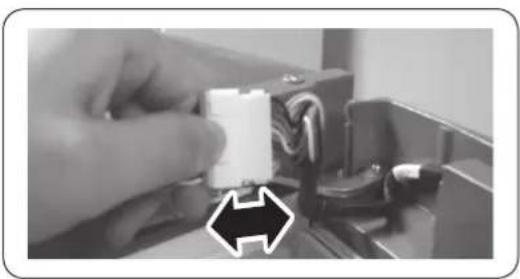
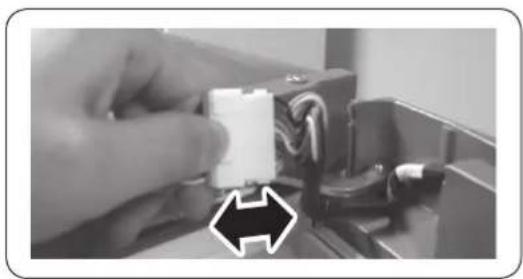
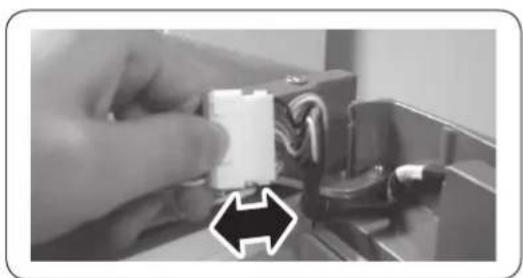
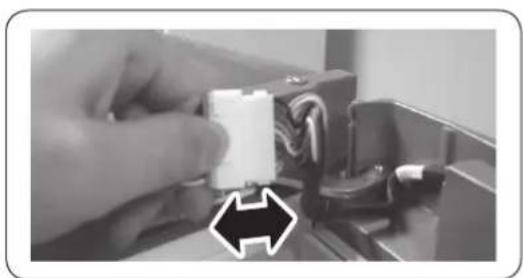
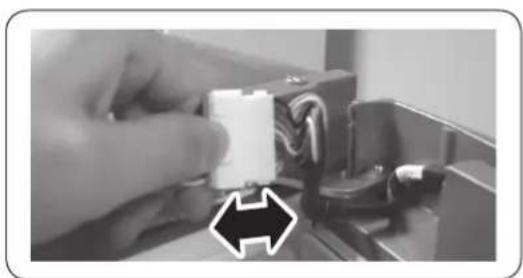
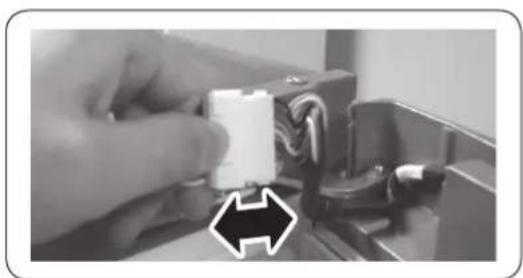
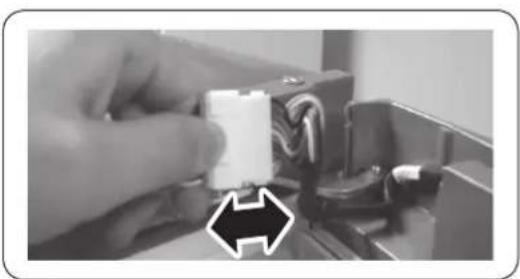
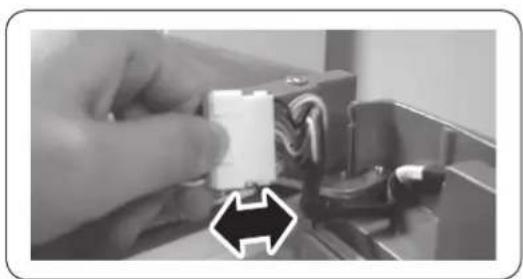
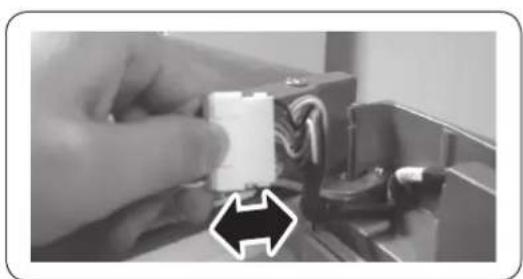
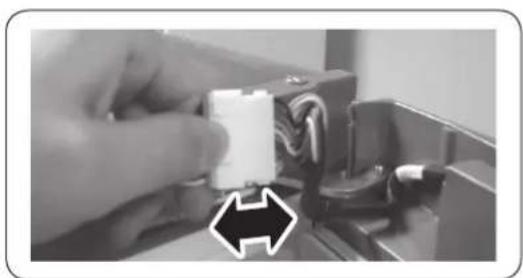
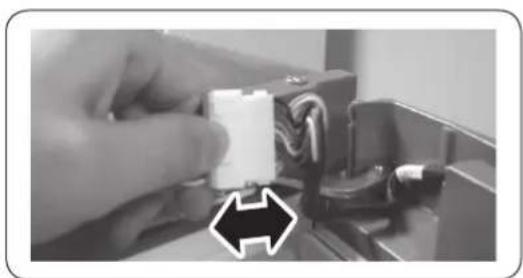
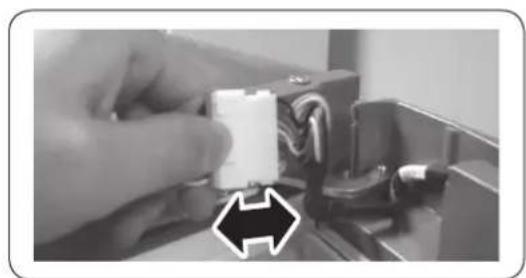
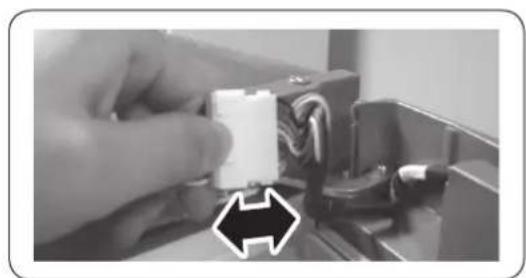
  1. Disconnect the wiring connector for the fridge door. (Only on models with external display).
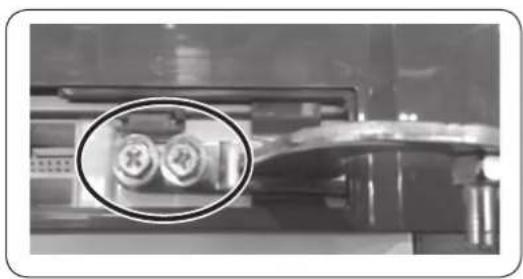
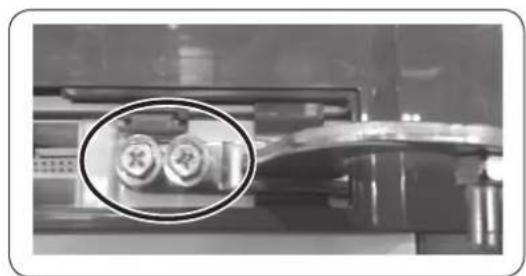
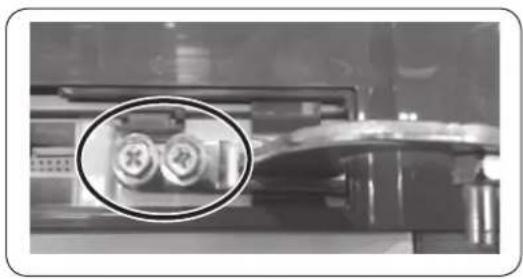
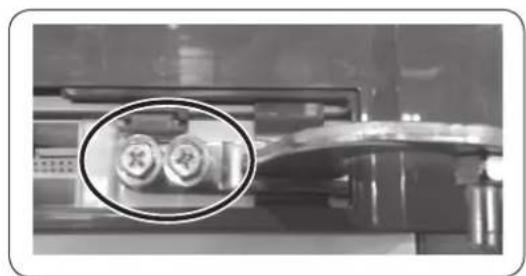
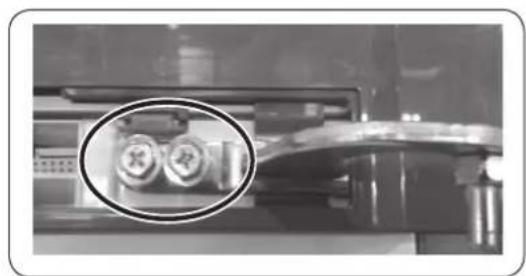
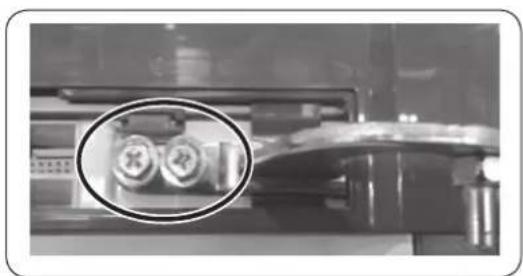
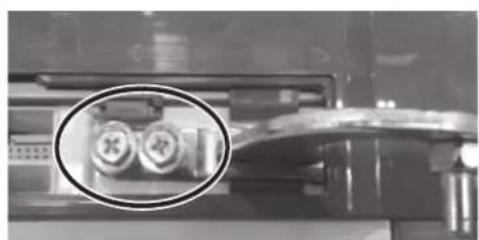
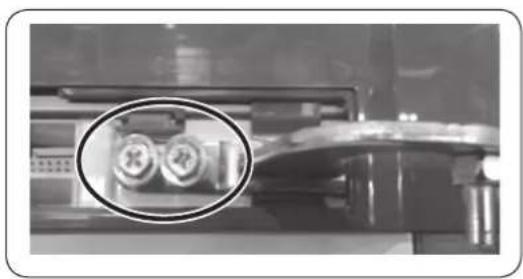
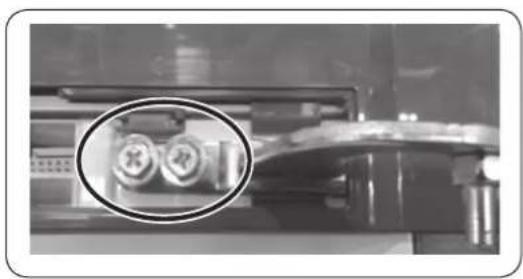
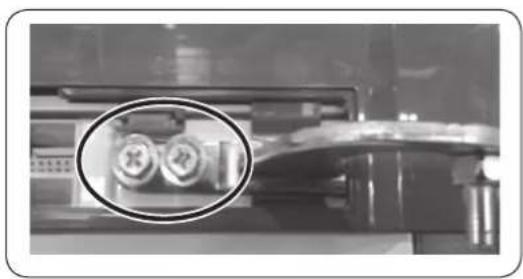
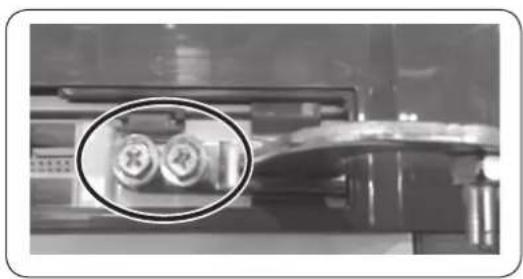
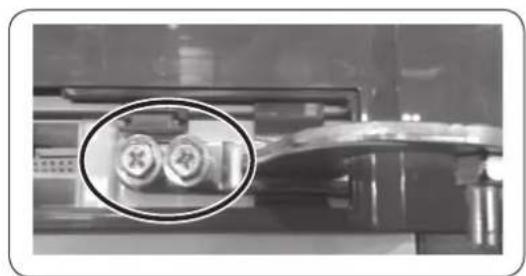
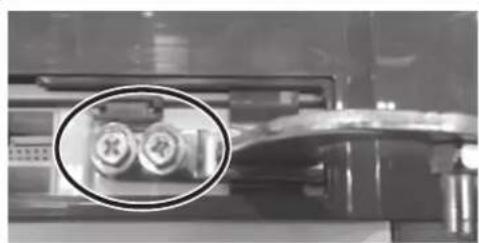
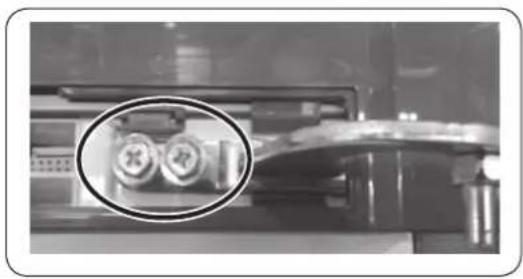
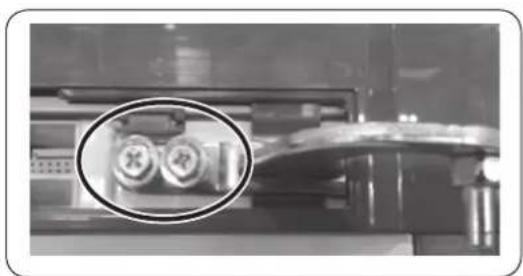
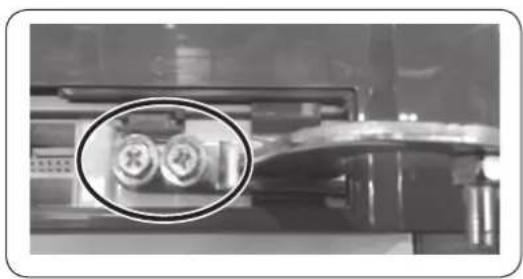
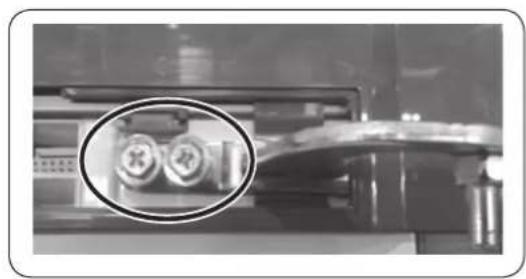
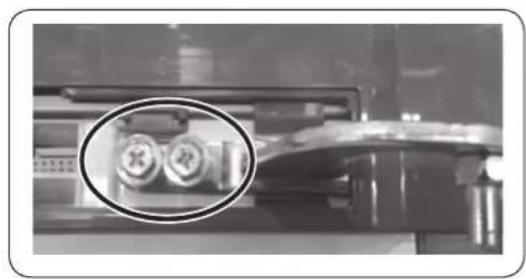
  2. Remove the screws. (Be careful not to drop the door when you disassemble it.)

Interior view of a modern refrigerator with clear glass doors and an upward arrow indicating storage or ventilation (no text or symbols visible).

Interior view of a laboratory or storage unit with a circular inset showing a small object (no visible text or symbols)

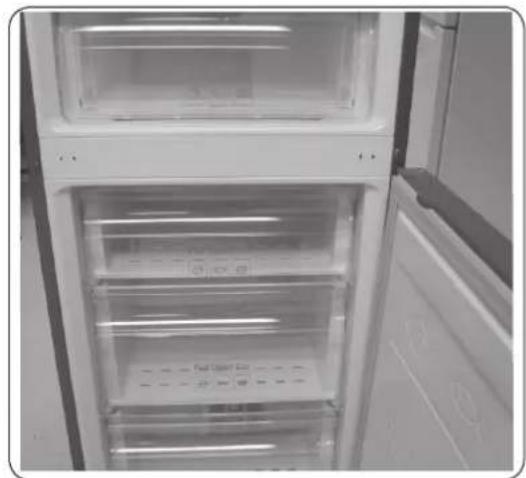
Interior view of a refrigerator with open door and closed doors (no visible text or symbols)

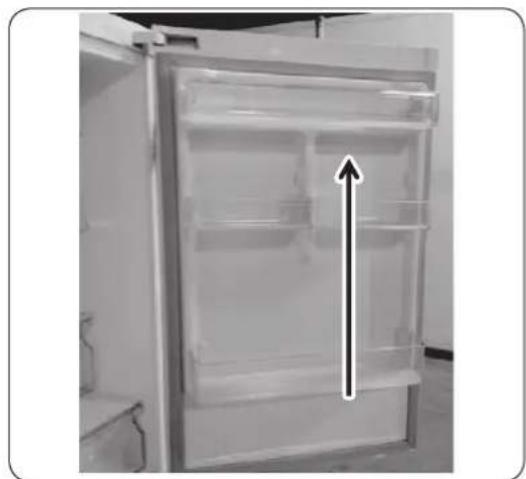
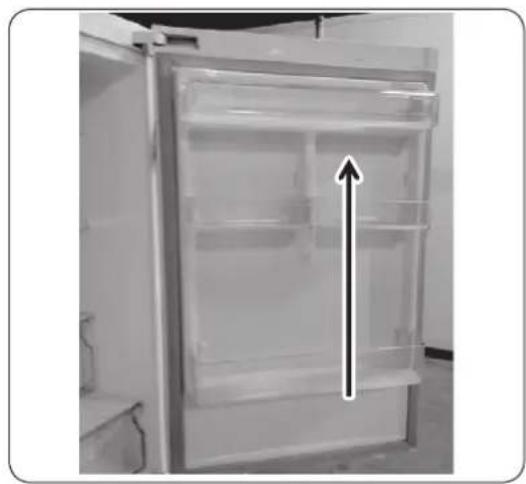
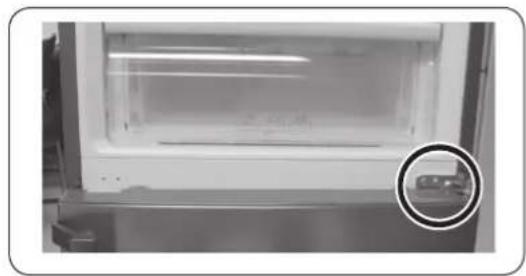
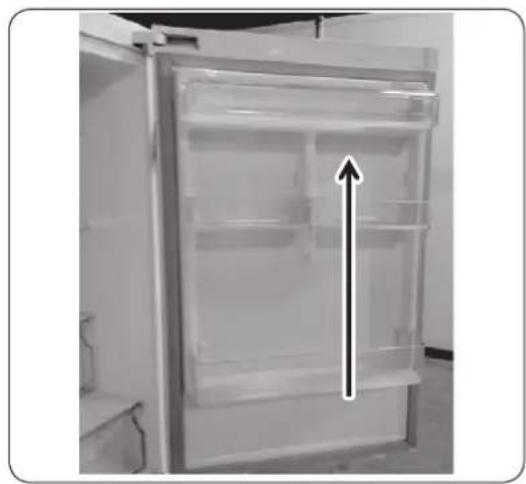
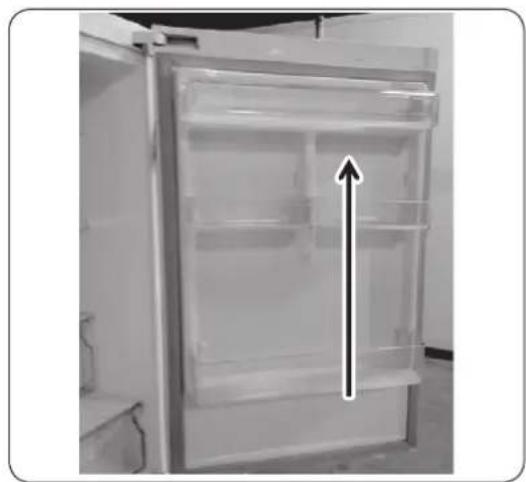
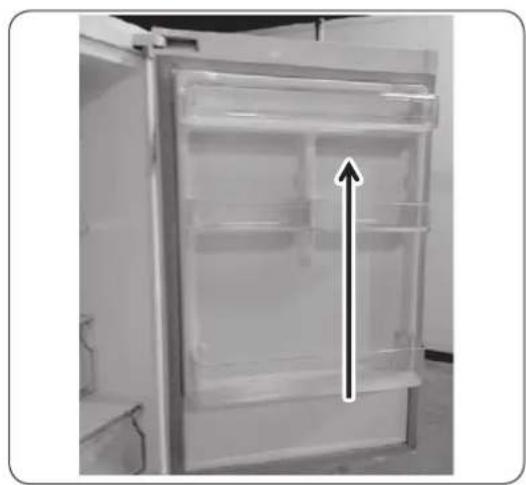
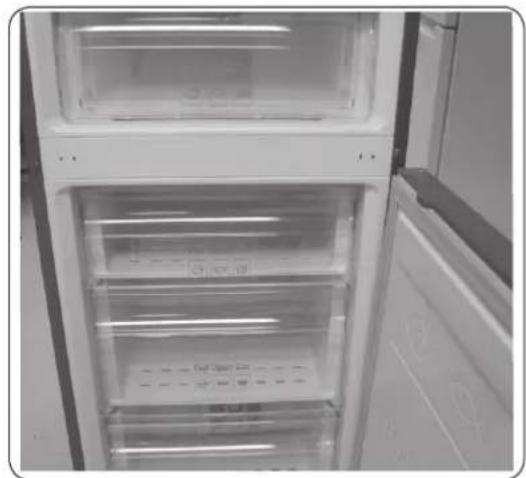
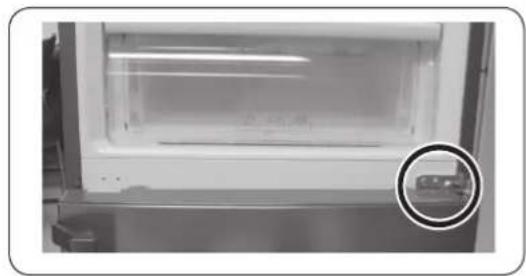
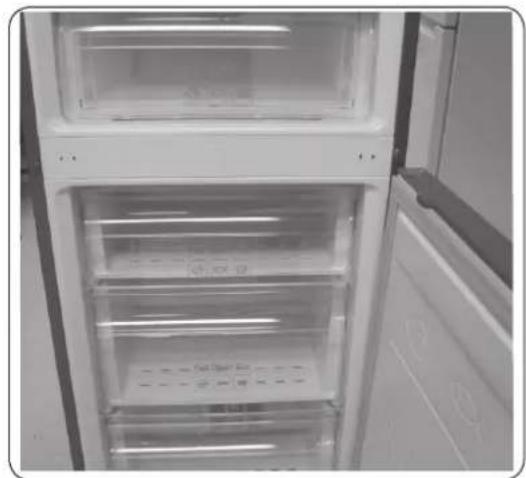
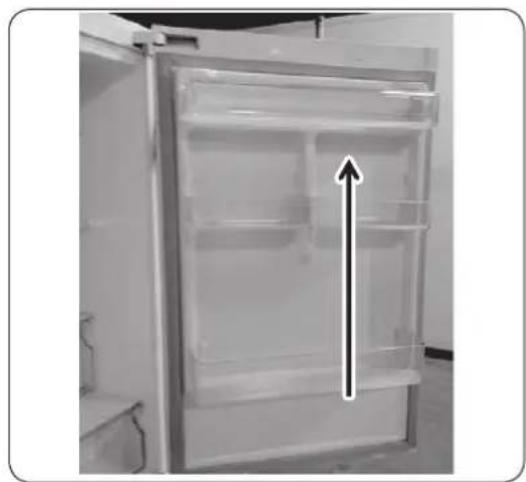
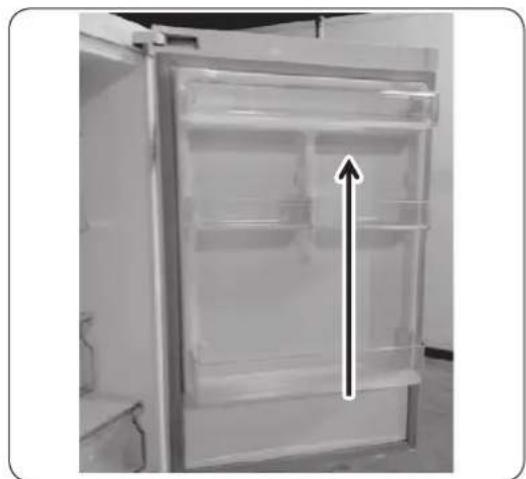
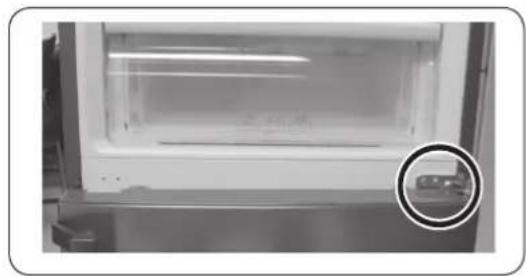
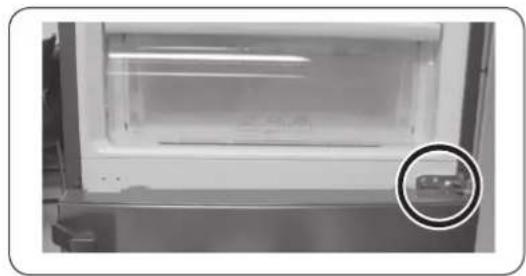
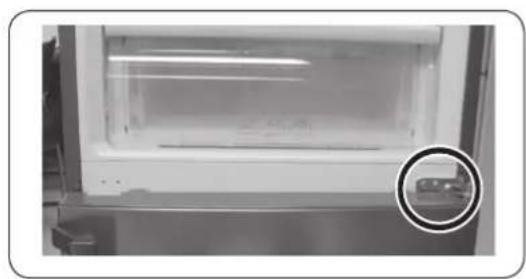
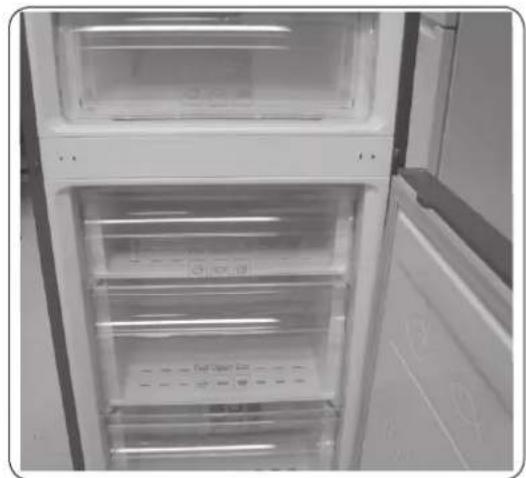
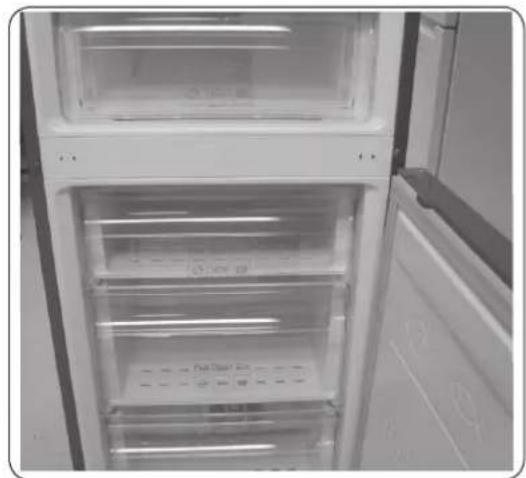
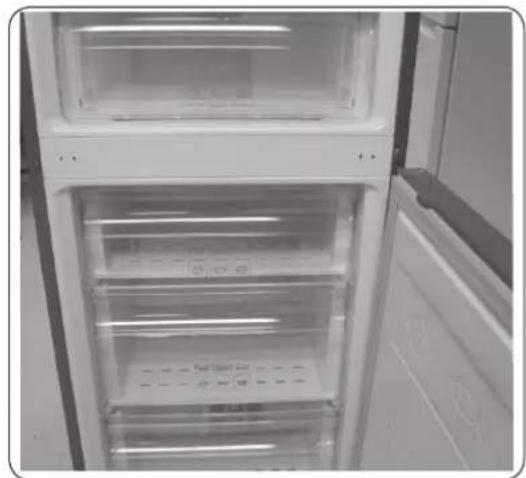
  1. Remove the fridge door from the middle hinge by carefully lifting the door straight up.

CAUTION

The door is heavy, be careful not to injure yourself when removing the door.

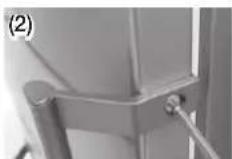
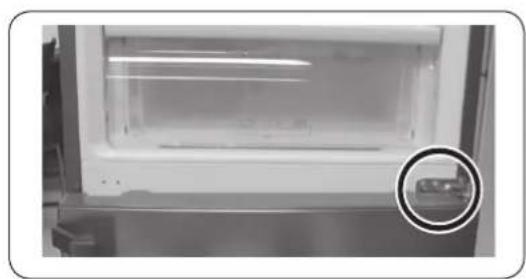
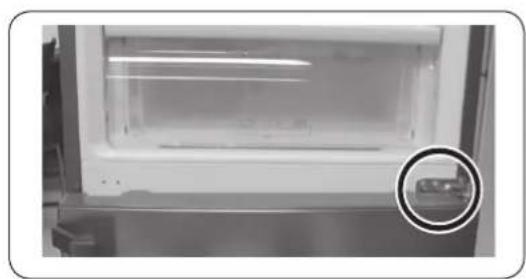
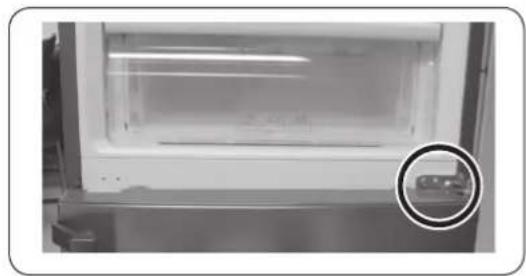
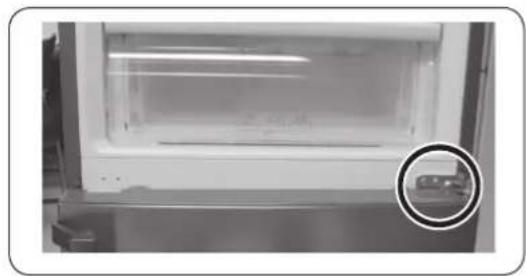
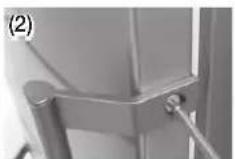
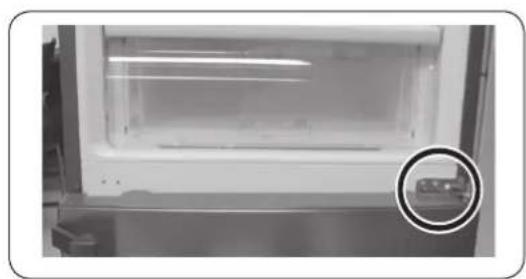
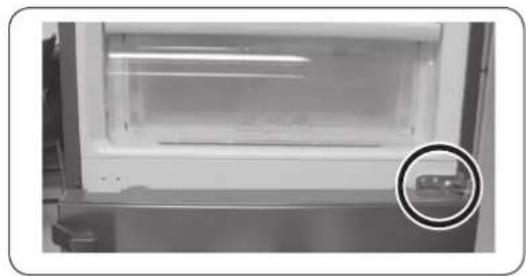
  1. Disassemble the middle hinge by removing the screws using a Phillips Head (+) screwdriver.

CAUTION

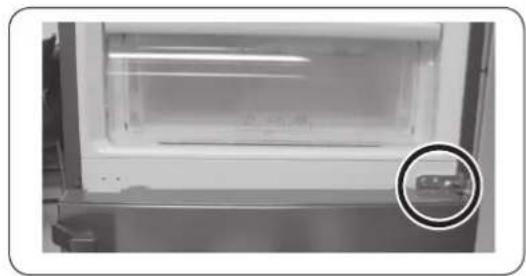
The freezer door may fall forward so please support the door.

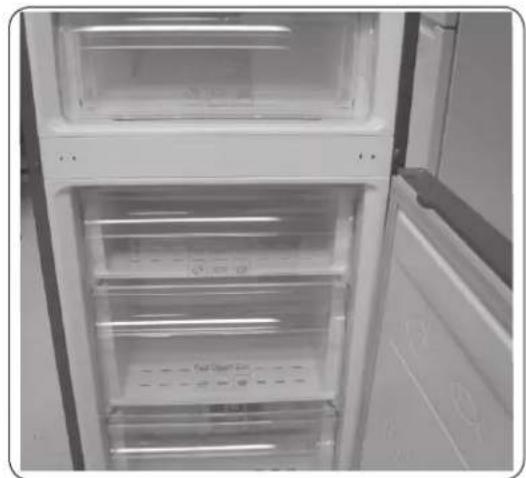
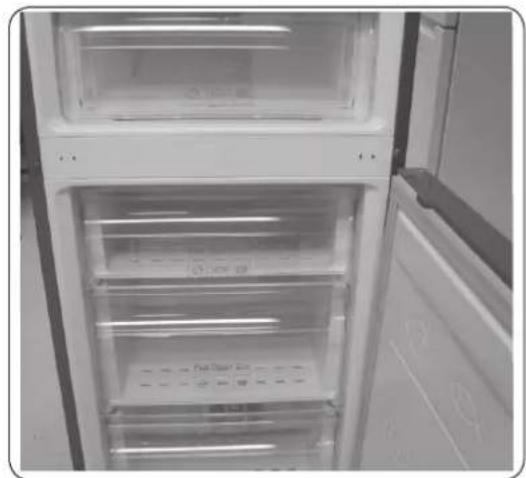
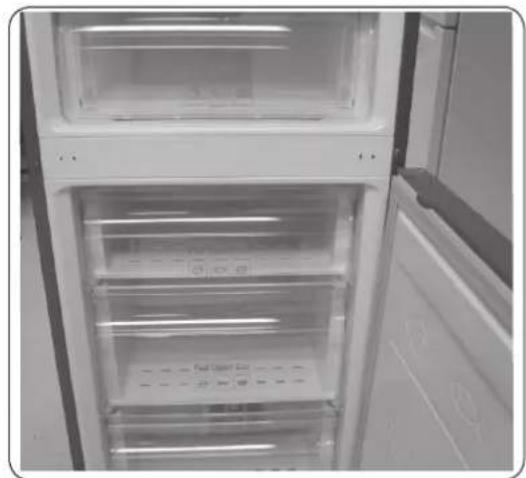
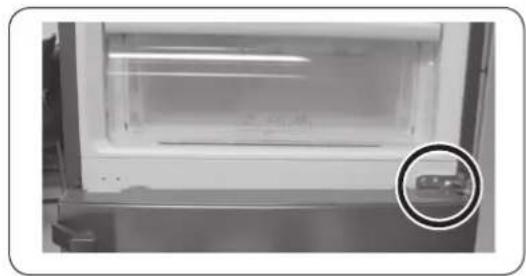
  1. Remove the freezer door from the bottom hinge by carefully lifting the door straight up.

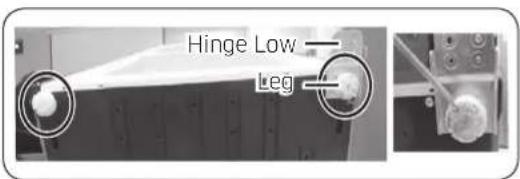
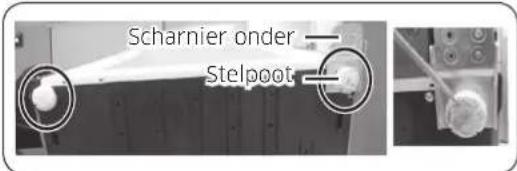
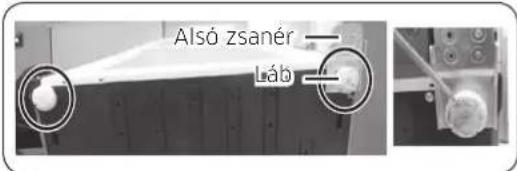
Hinge Low Leg

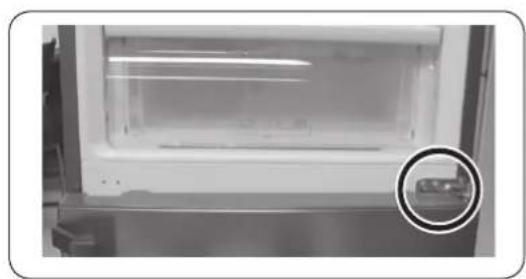
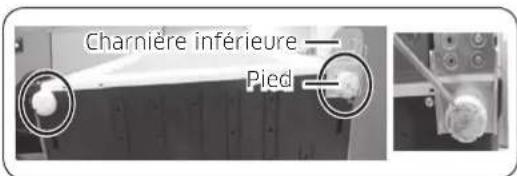
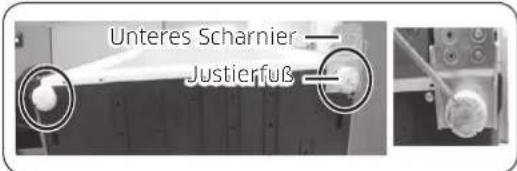
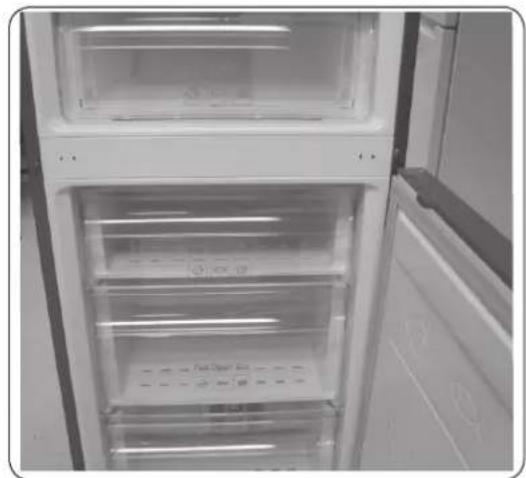
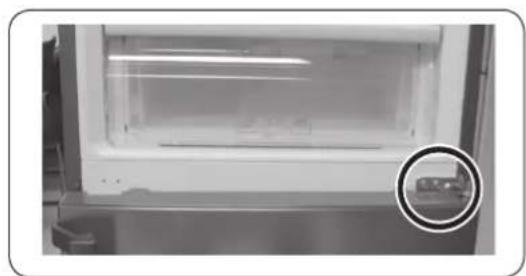
  1. Lay the refrigerator carefully on its back. Remove the leg (unscrew in an anti-clockwise direction) and the lower hinge.

NOTE

To protect the refrigerator from damage, cut a large section of the cardboard carton and place it under the refrigerator.

  1. Reassemble in the opposite order of disassembly after replacing the upper hinge, middle hinge, and/or lower hinge.

CAUTION

• Make sure the wire connectors are connected properly. - Be careful not to damage the wires when fastening the top cover.

English

Repair guide
SAMSUNG RB33J3515S9 - Repair guide - 1

Close-up of a hand holding a white plastic sheet with a red arrow pointing to it, against a ceiling background (no text or symbols visible)

Photo of a hand placing a plastic oven with handwritten text and red arrow indicating a drop or change.

Full Box 20

Close-up of a hand pressing down on a mechanical component (no visible text or symbols)

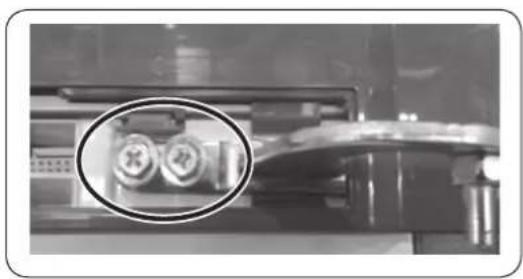
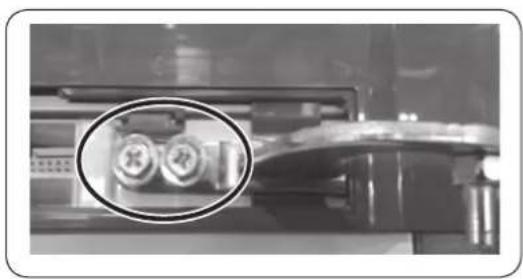
Close-up of a mechanical device with two circular components highlighted in an oval (no visible text or symbols)

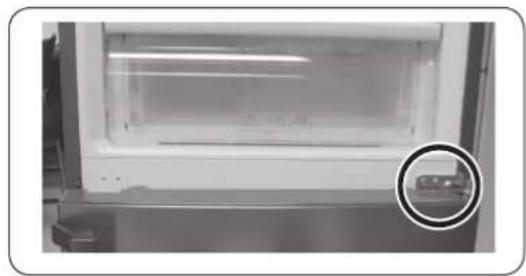
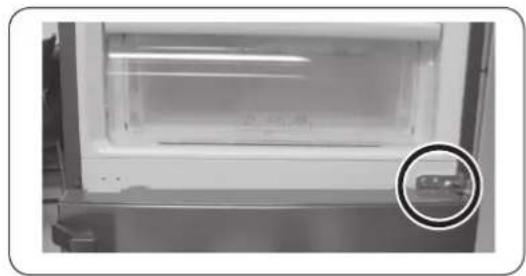
Interior view of a refrigerator with open door and visible doorrest, showing internal compartments and a black upward arrow indicating storage (no text or symbols)

Interior view of a laboratory or laboratory apparatus with a magnified circular inset showing a small object (no visible text or symbols)

Two identical illustrations of a screwdriver with a pointed tip, shown in two different angles (no text or symbols)

Photo of a hand placing a plastic oven with handwritten text and red arrow indicating a drop or change.

Full Box 20

(1) (2)(3)(4) (5)

Close-up of a hand holding a white plastic connector with wires, next to a black arrow pointing to it (no text or symbols visible)

Close-up of a mechanical component with two circular inset views showing internal components (no visible text or symbols)

Interior view of a laboratory or storage unit with a circular inset showing a small object (no visible text or symbols)

Interior view of a refrigerator with open doors and clear glass doors (no visible text or symbols)

SAMSUNG RB33J3515S9 - Repair guide - 17

Close-up of a hand holding a white plastic sheet with a red arrow pointing downward (no text or symbols visible)

Photo of a hand placing a plastic oven with handwritten text and a red arrow indicating a drop or reduction.

Full Box 20

Allen key (5 mm)SAMSUNG RB33J3515S9 - Repair guide - 21

German

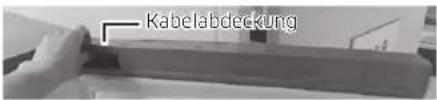
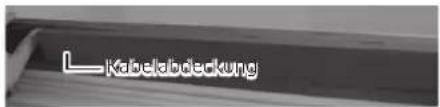
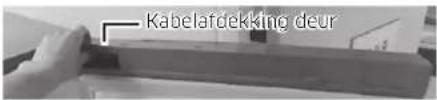
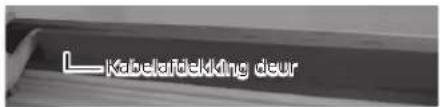
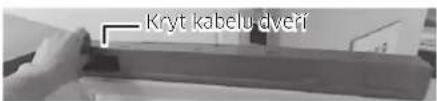
Cable cover

Only model *RB37*L Cable cover

Close-up of a finger pressing down on a mechanical component (no visible text or symbols).

Close-up of a mechanical device with two circular components highlighted in an oval (no visible text or symbols).

Interior view of a refrigerator with open door and visible door rest, showing internal compartments and a black upward arrow indicating storage (no text or symbols).

Interior view of a laboratory or laboratory apparatus with a magnified circular inset showing a small object (no visible text or symbols).

Close-up of a metallic door panel with circular components, shown in two views (1) and (2), no text or symbols present.

SAMSUNG RB33J3515S9 - Repair guide - 29

Close-up of a hand holding a white plastic sheet with a red arrow pointing downward (no text or symbols visible).

Photo of a hand placing a plastic oven with handwritten text and a red arrow indicating a drop or reduction.

Full Box 20

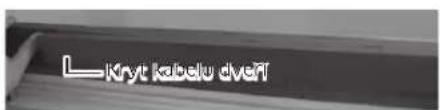
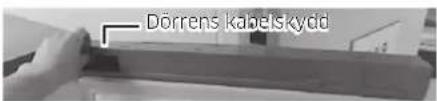
Door cable cover

Only model *RB37*
L Door cable cover

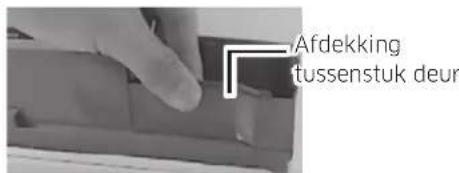
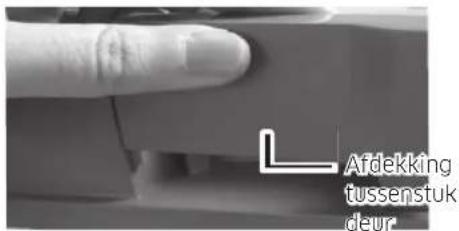
Door intermediate piece cover

Only model *RB37*
Door intermediate piece cover

SAMSUNG RB33J3515S9 - Repair guide - 37

SAMSUNG RB33J3515S9 - Repair guide - 38

SAMSUNG RB33J3515S9 - Repair guide - 39

SAMSUNG RB33J3515S9 - Repair guide - 40

SAMSUNG RB33J3515S9 - Repair guide - 41

SAMSUNG RB33J3515S9 - Repair guide - 42

Close-up of a hand holding a white connector with wires, next to a mechanical component (no visible text or symbols)

Close-up of a mechanical device with two circular components highlighted in an oval (no visible text or symbols)

Interior view of a refrigerator with an upward arrow indicating storage or ventilation (no text or symbols visible)

Interior view of a refrigerator with a highlighted glass door and a circular inset showing a small object (no visible text or symbols)

Hinge order, leveling foot

SAMSUNG RB33J3515S9 - Repair guide - 48

Close-up of a hand holding a white plastic sheet with a red arrow pointing downward (no text or symbols visible)

Photo of a hand placing a plastic oven with handwritten text and a red arrow indicating a drop or change.

Full Box 20

(1) (2)(3)(4) (5)

Close-up of a hand holding a white connector with wires, next to a black arrow pointing to it (no text or symbols visible).

Interior view of a refrigerator with open door and visible internal compartments, no text or symbols present.

Interior view of a laboratory or storage unit with a circular inset showing a small object (no visible text or symbols).

Interior view of a refrigerator with open doors and visible door covers (no text or symbols).

Phillips screwdriver Flathead screwdriver

Removing the handles
(1)(2) (1) (3) (2)

Polar Open (100g) Polar Closed (100g)

Full Brand 2014

(1) (2)(3)(4) (5)

Close-up of a hand holding a white plastic component with wires, next to a black arrow pointing to it (no text or symbols visible).

Close-up of a mechanical component with two circular inset views highlighting internal features (no text or symbols visible).

Interior view of a laboratory or storage unit with a circular inset showing a small object (no visible text or symbols).

Interior view of a refrigerator with open doors and clear glass doors (no visible text or symbols).

Full Size (mm) (100%) (25%) (30%) (40%) (50%) (60%) (70%) (80%) (90%) (100%) (110%) (120%) (130%) (140%) (150%) (160%) (170%) (180%) (190%) (200%) (210%) (220%) (230%) (240%) (250%) (260%) (270%) (280%) (290%) (300%) (310%) (320%) (330%) (340%) (350%) (360%) (370%) (380%) (390%) (400%) (410%) (420%)…

Full Box 20

Close-up of a hand holding a white connector with wires, next to an electronic device (no visible text or symbols).

Close-up of a mechanical component with two circular inset images showing internal components (no visible text or symbols).

Close-up of a white refrigerator with a glass lid and a magnified inset showing a small object (no visible text or symbols)

Interior view of a refrigerator with open doors and visible door covers (no text or symbols)

SAMSUNG RB33J3515S9 - Removing the handles - 15
Close-up of a hand holding a white plastic sheet with a red arrow pointing downward (no text or symbols visible)

Polar Open (100g) Polar Closed (100g)

Full Brand Box

Door cable cover

*RB37 model only*
L Door cable guard

Close-up of a hand inserting a white plastic component into an electrical connector (no text or symbols visible)

Close-up of a mechanical component with two circular inset images showing internal components (no visible text or symbols)

SAMSUNG RB33J3515S9 - Removing the handles - 23

Close-up of a hand holding a white plastic sheet with a red arrow pointing to it, against a ceiling background (no text or symbols visible)

Photo of a hand placing a plastic oven with handwritten text and red arrow indicating a drop or reduction.

Full Box 20

(1) (2)(3)(4) (5)

Close-up of a hand holding a white connector with wires, next to a black arrow pointing to it (no text or symbols visible)

Close-up of a mechanical component with a magnified inset showing two circular features (no visible text or symbols)

Interior view of a laboratory or storage unit with a circular inset showing a small object (no visible text or symbols)

Interior view of a refrigerator with open doors and clear glass doors (no visible text or symbols)

SAMSUNG RB33J3515S9 - Removing the handles - 32

SAMSUNG RB33J3515S9 - Removing the handles - 33

Remove the door handle and screws with a flathead (-) screwdriver.

SAMSUNG RB33J3515S9 - Removing the handles - 34

NOTE

Polar Open (100g) Polar Closed (100g)

Full Brand 2014

8 mm socket wrench (for bolts)

SAMSUNG RB33J3515S9 - NOTE - 3

Hex key (5 mm)

Reversing the door

Close-up of a mechanical component with four circular buttons on its side (no visible text or symbols)

Cable duct cover

RB37 model only
Cable duct cover

Close-up of a hand holding a white plastic connector with wires, next to a black arrow pointing to it (no text or symbols visible)

Close-up of a mechanical component with two circular features highlighted in an oval (no visible text or symbols)

Interior view of a laboratory or storage unit with a circular inset showing a small object (no visible text or symbols)

Interior view of a refrigerator with open door and closed doors (no visible text or symbols)

SAMSUNG RB33J3515S9 - Reversing the door - 8

Close-up of a hand holding a white plastic sheet with a red arrow pointing to it, against a ceiling background (no text or symbols visible)

Photo of a hand placing a plastic oven with handwritten text and a red arrow indicating a drop or change.

Full Box 20

Close-up of a mechanical component with two circular inset images showing internal components (no visible text or symbols)

Interior view of a refrigerator with a highlighted glass door and a circular inset showing a small object (no visible text or symbols)

Interior view of a refrigerator with open door and visible door, showing clear glass doors and ventilation slots (no text or symbols)

SAMSUNG RB33J3515S9 - Reversing the door - 15

Close-up of a hand holding a white plastic sheet with a red arrow pointing downward (no text or symbols visible)

Polar Open (100g) Polar Closed (100g)

Full Brand 2014

(1) (2)(3)(4) (5)

Close-up of a hand holding a white plastic component with wires, next to a black arrow pointing to it (no text or symbols visible)

Close-up of a mechanical component with two circular inset images showing internal components (no visible text or symbols)

Interior view of a laboratory or storage unit with a circular inset showing a small object (no visible text or symbols)

Interior view of a refrigerator with open door and closed doors (no visible text or symbols)

Polar Open (100g) Polar Closed (100g)

Full Brand 2014

Door cable cover

RB37 model only
(1) (2)(3)(4) (5)

Close-up of a hand holding a white plastic component with wires, next to a black arrow pointing to it (no text or symbols visible)

Close-up of a mechanical component with two circular inset images showing internal components (no visible text or symbols)

Interior view of a laboratory or storage unit with a circular inset showing a small object (no visible text or symbols)

Interior view of a refrigerator with open door and closed doors (no visible text or symbols)

Open the door and remove the gasket from it.

Installing the gasket

Attach the new gasket to the refrigerator door.

Polar Open (100g) Polar Closed (100g)

Full Brand 2014

Cable duct cover on clips

RB37 model only
(1) (2)(3)(4) (5)

Close-up of a hand holding a white plastic component with wires, next to a mechanical device (no visible text or symbols)

Close-up of a mechanical component with two circular inset images showing internal components (no visible text or symbols)

Interior view of a laboratory or storage unit with a circular inset showing a small object (no visible text or symbols)

Interior view of a refrigerator with open door and closed doors (no visible text or symbols)

Photo of a hand placing a plastic oven with handwritten text and a red arrow indicating a drop or change.

Full Box 20

Close-up of a mechanical component with two circular inset images showing internal components (no visible text or symbols).

Interior view of a white appliance with a transparent lid and a circular inset showing a small object (no visible text or symbols).

Interior view of a refrigerator with open door and side panels (no visible text or symbols).

Polar Size 100 gm 250 gm 300 gm 400 gm

Full Box 1

(1) (2)(3)(4) (5)

Close-up of a hand holding a white plastic component with wires, next to a black arrow pointing to it (no text or symbols visible)

Close-up of a mechanical component with two circular inset images showing internal components (no visible text or symbols)

Close-up of a white refrigerator with a glass lid and a circular inset showing a small object (no visible text or symbols)

Interior view of a refrigerator with open doors and visible door covers (no text or symbols)

SAMSUNG RB33J3515S9 - Installing the gasket - 21

Close-up of a hand holding a white plastic sheet with a red arrow pointing downward (no text or symbols visible)

Photo of a hand placing a plastic oven with handwritten text and red arrow indicating a drop or reduction.

Full Box 20

Close-up of a hand holding a white connector with cable, no visible text or symbols

Close-up of a mechanical component with two circular inset images showing internal components (no visible text or symbols)

Interior view of a refrigerator with an upward arrow indicating storage or ventilation (no text or symbols visible)

Interior view of a stainless steel refrigerator with a highlighted glass door and a circular inset showing a small object (no text or symbols visible)

Two identical line drawings of a screwdriver with no text or symbols

Open the door and remove the gasket from it.

To replace the gasket

Install the new gasket on the refrigerator door.

Make sure there is no gap between the new gasket and the door.

Replacing the drawer

SAMSUNG RB33J3515S9 - Replacing the drawer - 1

CAUTION

During installation, check that the drawer is correctly inserted into the guides.

To remove the drawer

Hand placing a red arrow on a refrigerator panel (no visible text or symbols)

Photo of a hand placing a plastic oven with handwritten text and red arrow indicating a drop or reduction.

Full Box 20

  1. Pull the drawer out fully.
  2. Tilt the drawer upward and pull it to remove it.

To put the drawers back

Cable cover door

Only model *RB37*

Cable cover door

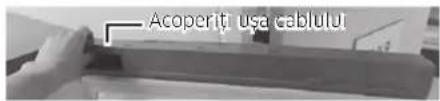
  1. Remove the cable cover door.

SAMSUNG RB33J3515S9 - To put the drawers back - 3

SAMSUNG RB33J3515S9 - To put the drawers back - 4

SAMSUNG RB33J3515S9 - To put the drawers back - 5

SAMSUNG RB33J3515S9 - To put the drawers back - 6

SAMSUNG RB33J3515S9 - To put the drawers back - 7

SAMSUNG RB33J3515S9 - To put the drawers back - 8

SAMSUNG RB33J3515S9 - To put the drawers back - 9

SAMSUNG RB33J3515S9 - To put the drawers back - 10

SAMSUNG RB33J3515S9 - To put the drawers back - 11

Close-up of a mechanical component with two circular features highlighted in an oval (no visible text or symbols)

  1. Fold the gap cover door.
  2. Remove the hinge cover to push the hook as shown in the pictures below.
  3. Insert a flathead screwdriver and turn it, as shown in figure 1.
  4. As shown in figure 2, move the cover upward and push the hook as shown in figure 3. (Be careful not to damage the cable in the hinge cover by pressing too hard.)
  5. Unfold by pushing A in figure 4, as shown in figure 5.
  6. Disconnect the refrigerator door cable connector. (Only on models with an external display.)
  7. Remove the screws. (Be careful not to drop the door when unfolding.)

Interior view of a refrigerator with clear glass doors and an upward arrow indicating storage or ventilation (no text or symbols visible)

Interior view of a white appliance with a transparent lid and a circular inset showing a small object (no visible text or symbols)

Interior view of a refrigerator with open door and side panels (no visible text or symbols)

  1. Remove the refrigerator door from the middle hinge by carefully lifting it.

CAUTION

SAMSUNG RB33J3515S9 - CAUTION - 1

Close-up of a hand holding a white plastic sheet with a red arrow pointing downward (no text or symbols visible).

Open the door and remove the door gasket.

To replace the gasket

Polar Open (100g) Polar Closed (100g)

Full Brand 2014

  1. Pull the drawer out as far as possible.
  2. Tilt the drawer upward and pull it until it is removed.

Reinstalling the drawers

Door wire cover

Model *RB37* only

Door cover (corrected)

  1. Remove the door wire cover.

Croatian

Door cover Only for model *RB37* Door cover

(1) (2)(3)(4) (5)

Close-up of a hand holding a white plastic connector with wires, next to a mechanical component (no visible text or symbols).

Close-up of a mechanical device with two circular components highlighted in black (no visible text or symbols).

Interior view of a laboratory or storage unit with a circular inset showing a small object (no visible text or symbols).

Interior view of a refrigerator with open doors and clear glass doors (no visible text or symbols).

Polar Open (100g) Polar Closed (100g)

Full Brand 2014

Cap and door hinges

Model *RB37* only

L Cap and door hinges

Interior view of a stainless steel refrigerator with a highlighted glass door (no visible text or symbols)

Interior view of a refrigerator with open door and side panels (no visible text or symbols)

  1. Remove the refrigerator door from the middle hinge by carefully lifting the door upward.

⚠️ CAUTION

Cross-head flathead screwdriver

High Open

Follow Up

(1) (2)(3)(4) (5)

Close-up of a hand holding a small white electronic component with wires, next to an electronic device (no visible text or symbols)

Close-up of a mechanical component with two circular inset views highlighting internal features (no text or symbols visible)

Interior view of a laboratory or storage unit with a circular inset showing a small object (no visible text or symbols)

Interior view of a refrigerator with open doors and visible door covers (no text or symbols)

SAMSUNG RB33J3515S9 - ⚠️ CAUTION - 8

Close-up of a hand holding a white plastic sheet with a red arrow pointing downward (no text or symbols visible)

Photo of a hand placing a plastic oven with handwritten text and red arrow indicating a drop or change.

Full Box 20

Door handle

Model *RB37* only

Door handle

(1) (2)(3)(4) (5)

Close-up of a hand holding a white plastic component with wires, next to a black arrow pointing to it (no text or symbols visible)

Close-up of a mechanical component with two circular inset images showing internal components (no visible text or symbols)

Interior view of a refrigerator with a highlighted glass door and a circular inset showing a small object (no visible text or symbols)

Interior view of a refrigerator with open door and closed doors (no visible text or symbols)

SAMSUNG RB33J3515S9 - ⚠️ CAUTION - 19

SAMSUNG RB33J3515S9 - ⚠️ CAUTION - 20

Close-up of a hand holding a white plastic sheet with a red arrow pointing downward (no text or symbols visible)

Polar Open (100g) Polar Closed (100g)

Full Brand 2014

Dureliy laido dangtels

Model *RB37* only

Dureilly laido dangells

Close-up of a hand holding a white plastic connector with wires, next to a black arrow pointing to it (no text or symbols visible)

Close-up of a mechanical component with two circular inset images showing internal components (no visible text or symbols)

Close-up of a white refrigerator with a glass lid and a circular inset showing a small object (no visible text or symbols)

Interior view of a refrigerator with open door and closed doors (no visible text or symbols)

SAMSUNG RB33J3515S9 - ⚠️ CAUTION - 30

Close-up of a hand holding a white plastic sheet with a red arrow pointing downward (no text or symbols visible)

Open the door and remove the gasket from the door.

To replace the gasket

Attach the new gasket to the refrigerator door.
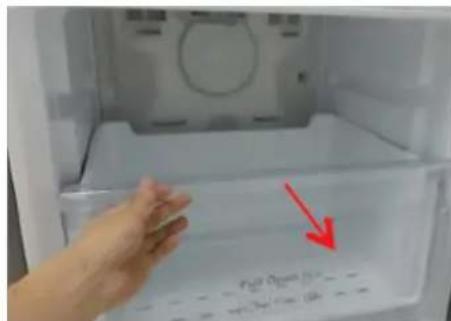
Photo of a hand placing a plastic oven with handwritten text and red arrow indicating a drop or change.

Full Box 20

Wire cover door

Only for model *RB37*

Wire cover door

  1. Remove the wire cover door.

(1) (2)(3)(4) (5)

Close-up of a hand holding a white plastic component with wires, next to a black arrow pointing to it (no text or symbols visible)

Close-up of a mechanical component with two circular inset images showing internal components (no visible text or symbols)

Interior view of a laboratory or storage unit with a circular inset showing a small object (no visible text or symbols)

Interior view of a refrigerator with open doors and clear glass doors (no visible text or symbols)

SAMSUNG RB33J3515S9 - To replace the gasket - 10

Close-up of a hand holding a white plastic sheet with a red arrow pointing downward (no text or symbols visible)

Open the door and remove the gasket from the door.

Replacing the gasket

Attach the new gasket to the refrigerator door.
Make sure there is no gap between the new gasket and the door.

Replacing the drawer

SAMSUNG RB33J3515S9 - Replacing the drawer - 1

CAUTION

Polar Open (100g) Polar Closed (100g)

Full Brand 2014

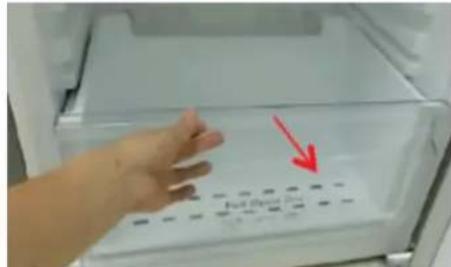
  1. Pull the drawer out fully.
  2. Tilt the drawer upward and pull it out.

Reinstalling the drawer

Door wire cover

Model *RB37* only
Door lock cover

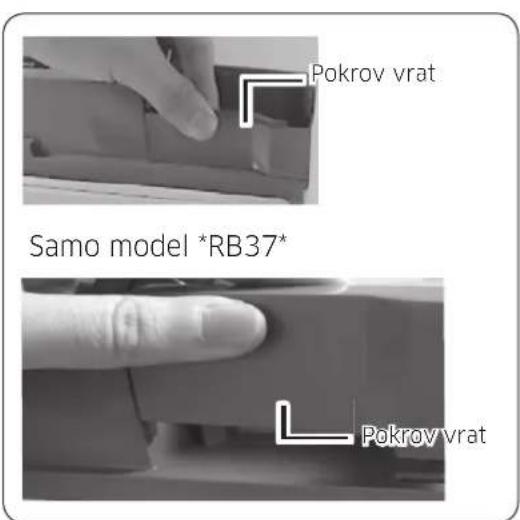
  1. Remove the wire cover in the door.

Slovenian
Door cover Only model *RB37* Door cover

(1) (2)(3)(4) (5)

Close-up of a hand holding a white plastic connector with wires, next to a mechanical component (no visible text or symbols)

Close-up of a mechanical component with two circular inset images showing internal components (no visible text or symbols)

  1. Reassemble the door cover.
  2. Remove the hinge cover to push the pin, as shown in the figure below.
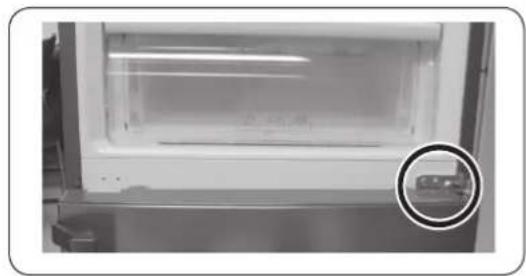
Interior view of a laboratory or storage unit with a circular inset showing a small object (no visible text or symbols)

Interior view of a refrigerator with open door and closed doors (no visible text or symbols)

Manual assistant
Powered by Anthropic
Waiting for your message
Product information

Brand : SAMSUNG

Model : RB33J3515S9

Category : Refrigerator