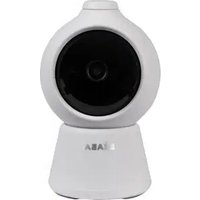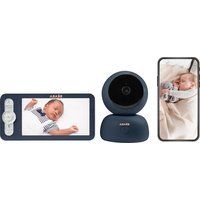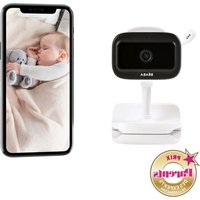
Zen Nomad - Baby monitors BEABA - Free user manual and instructions
Find the device manual for free Zen Nomad BEABA in PDF.


User questions about Zen Nomad BEABA
0 question about this device. Answer the ones you know or ask your own.
Ask a new question about this device
Download the instructions for your Baby monitors in PDF format for free! Find your manual Zen Nomad - BEABA and take your electronic device back in hand. On this page are published all the documents necessary for the use of your device. Zen Nomad by BEABA.
USER MANUAL Zen Nomad BEABA
natural_image
Front view of a white and black mobile phone with a camera lens (no visible text or symbols)EN Instructions for use
natural_image
Line drawing of a camera with labeled component (no text or symbols on the device itself)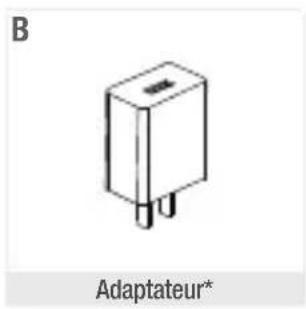
natural_image
Coiled cable with connectors, labeled 'C' and 'Câble USB-C' below (no other text or symbols)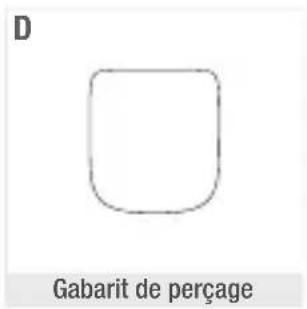
text_image
D Gabarit de perçage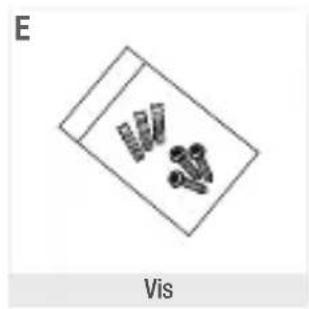
natural_image
Diagram showing a device with four pins and a label 'Vis' below (no text or symbols on the devices themselves)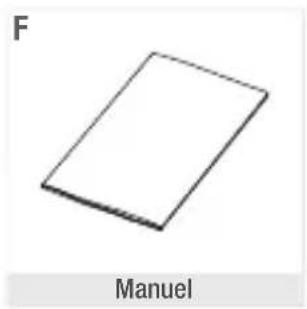
natural_image
Simple 3D rectangular block labeled 'Manuel' with letter 'F' in top-left corner (no other text or symbols)text_image
Diagram of a surveillance camera mounted on a wall, with labeled parts 1 and 2Méthode 2
text_image
Drill Template Screw hole AI: for integrative brackettext_image
Apparels + Salesforce's own-time sales" + "App store" Apparels REIT BRL BRLEtape 1 :
text_image
Configuration manue... STRN_XXXXXXXXtext_image
Mon code QR xxxxx Download to QR code your platform is common via freeAlarme intelligente
NULLITE DE LA GARANTIE
DÉCLARATION DE CONFORMITÉ
Thank you for buying our ZEN Nomad baby video monitor. You will soon be able to see and hear your baby remotely. But firstly, we invite you to read these instructions carefully in order to use our product in the best possible conditions and keep it for as long as possible.
I. WARNINGS AND PRECAUTIONS FOR USE
Read and keep these instructions. Take account of all the warnings.
1. WARNINGS
WARNINGS TO AVOID THE RISK OF STRANGULATION, IT IS ESSENTIAL TO CHECK THAT BABYCANNOTREACHTHEADAPTOR'SWIRE.PLACETHE ADAPTOR AT LEAST 1 METRE FROM THE CHILD.
ATTENTION: to avoid the risk of explosion, electric shocks, short-circuits, and overheating: Do not immerse the Parent or Baby video monitor or the charger in water and do not clean it under the tap.
- Keep the battery away from strong heat sources, such as radiators, heating systems, ovens, cookers or other appliances that produce heat. - To avoid overheating, do not cover the baby monitor with a towel, a blanket, or any other object.
- Do not touch the plug's connectors with sharp or metal objects. The baby video monitor's adapter may become hot when used constantly. This reaction is normal and should not alarm you.
2. PRECAUTIONS FOR USE
- Use this appliance only for the purpose described in this manual.
- Position the baby video monitor in such a way as to have the best view of your baby in his or her cot. Place it on a flat surface, such as a chest of drawers, a desk or a shelf. You can also clip it onto the bed rails, but the product must not be under load. Please remove the charging cable before clipping the product onto the bed rails.
- For improved performance of your baby video monitor and in order to reduce interference, we recommend that you do not connect other electrical appliances to the same power socket as your baby video monitor. (Do not use multi-socket adapters)
- Before plugging the baby video monitor into the mains, make sure that the voltage indicated on the baby video monitor adapters corresponds to the mains voltage. Do not plug in the camera near 2.4Ghz frequency appliances (Wi-Fi or Bluetooth)
- If the baby monitor is not in use, please switch it off with the ON/OFF button and unplug it if plugged in.
- The product must be installed by adults. Keep small parts out of the reach of children during assembly.
Adult supervision
- The baby video monitor is designed to offer assistance and ensure additional peace of mind. It must not be seen as a medical device or as a substitute for adult supervision. It may not in any case replace the responsible and appropriate supervision of an adult: it is strongly advised that an adult checks baby regularly in addition to the use of the baby video monitor.
- Never leave the house if your child is alone, even for a short while.
- For their safety, do not allow children to play with the baby video monitor
Storage precautions
- Use and store the baby video monitor in a place where the temperature is between 10°C and 35°C
- Keep the baby monitor out of direct sunlight
- If you think that the battery is damaged, stop using the product. Contact BEABA's aftersales service for assistance. Never use a product with a damaged battery. Do not store the adapter cable in a place where it might wear quickly (humidity/heat, etc.
Replacing equipment:
- Only use the accessories supplied by the manufacturer.
- If needed, you can use the same type of adapter supplied
II. PRODUCT VIEW
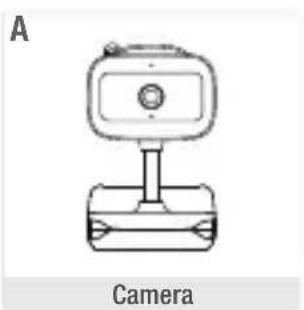
natural_image
Line drawing of a camera with a mounted device (no text or symbols)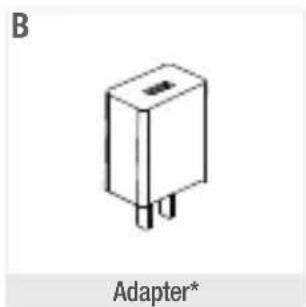
natural_image
Simple line drawing of a rectangular electronic component with two pins, labeled 'Adapter*' (no other text or symbols)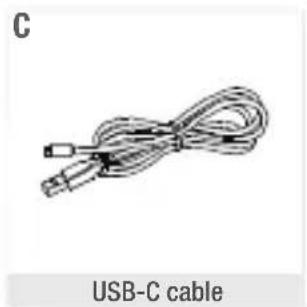
natural_image
Illustration of a USB-C cable with coiled cable (no text or symbols on the diagram itself)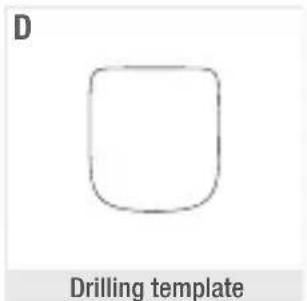
natural_image
Simple line drawing of a rounded square shape labeled 'Drilling template' (no other text or symbols)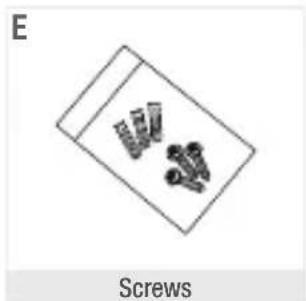
natural_image
Diagram of screw assembly with three screws inside a tray (no text or symbols on the diagram itself)
natural_image
Simple 3D rectangular block labeled 'Manual' with letter 'F' in top-left corner (no other text or symbols)A. Camera
B. Adapter
C. USB-C cable
D. Drilling template
E. Screws
F. Manual
*Mains adapter only available on the European version (not available for Switzerland, the UK, Cyprus or any other country outside Europe).
III. BEFORE USE
The camera is battery-powered, with an autonomy of 5 to 6 hours in normal use. For intensive use, the autonomy will be less. To recharge, plug the camera into the mains, and place it at least 1 metre away from baby's head, and up to 2.5 metres from baby for good image quality.
text_image
Night Light Light Microphone Reset Button ON/OFF button Night Light button Call Temperature and humidity sensor Speakers SD Card Slot USB-C port Charging lightUSB-C power port DC 5V/1A
Slot for SD* card Compatible with a SD* card (max 128 Go)
Microphone Capture sound from your video
Light
• Continuous red light: the network is not working properly
- Flashing red light: wait for the camera to connect (flashes slowly)
• Continuous blue light: the camera is working normally
Temperature and humidity sensor
Detects room temperature and humidity
Call/Pair Press the button to call (notification on mobile app); long press to pair
Reset
Press and hold for 5 seconds to reset the camera (if you have modified the settings, the default settings will be restored)
ON/ OFF button Press and hold to switch the camera on or off
Night Light button
Press to switch on or off. Set colors and effects via the Béaba Zen Connect mobile application
Charging light
- Orange light: Charging
• Green light: Receiver recharged
V. INSTALLING
WARNINGS TO AVOID THE RISK OF STRANGULATION, IT IS ESSENTIAL TO CHECK THAT BABY CANNOT REACH THE ADAPTOR'S WIRE. PLACE THE ADAPTOR AT LEAST 1 METRE FROM THE CHILD.
Method 1
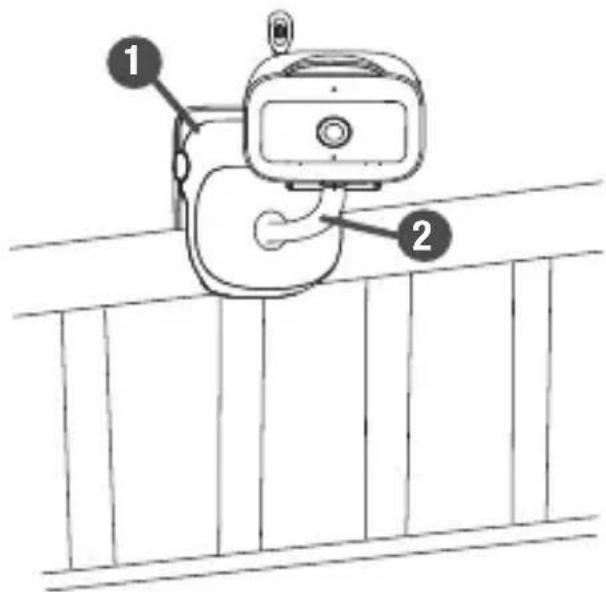
Fix the camera on the edge of the bed and turn the camera to find the ideal viewing angle.
- Press part 1 and fix the camera on the edge of the bed.
- Turn part 2 to adjust the viewing angle. Appuyer sur la partieet fixer la caméra sur le bord du lit.
text_image
Diagram of a surveillance camera mounted on a wall, with labeled parts 1 and 2Method 2
Use the supplied mounting bracket to secure the camera to a surface.
- fasten the screws to the wall, following the position of the drilling template. Don't tighten the screws all the way, as you'll need to leave some space to hang the camera.
- Insert the camera's mounting holes (at the bottom) into the screws and push the camera down until it's firmly seated.
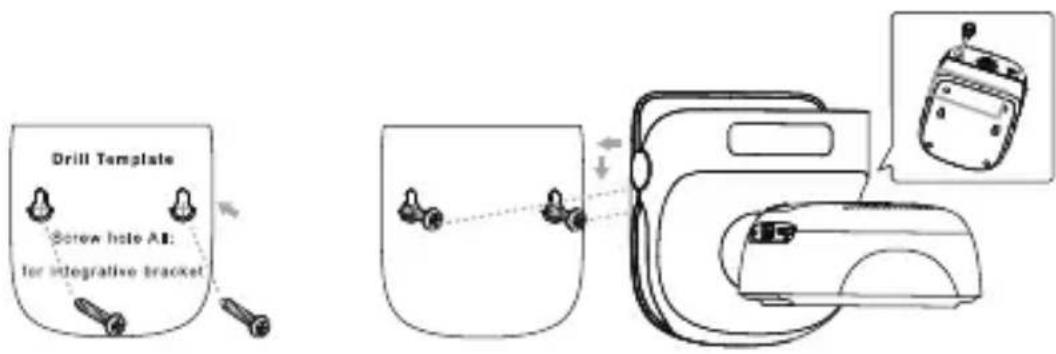
text_image
Drill Template Screw hole A8: for integrative bracketConnecting the camera to the phone
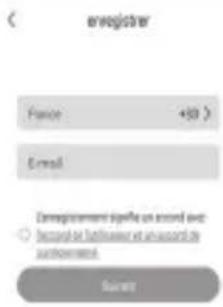
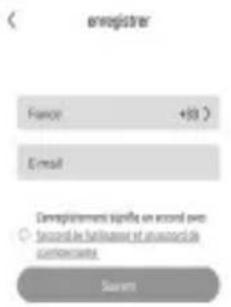
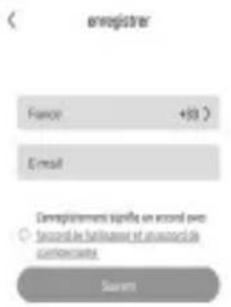
Open the BEABA ZEN CONNECT app and select "REGISTER". Enter a valid email address and accept the general terms and conditions of use. Then press "NEXT"
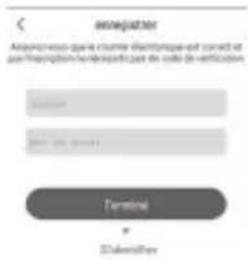
Enter a username and a password that will be used for your connection on the app then press "CONFIRM".
Pairing the camera
Some notifications before adding the device:
- This device only supports a 2.4 GHz Wi-Fi router, check that you have a Wi-Fi router and a 2.4 GHz band connection.
- Follow the instructions and check that the password has been entered correctly.
- Only one device at a time can be added to the app's account. If the device has already been added to another account, it cannot be added to another account. If you want several people to have access to the camera, you'll need to set up a connection sharing. Please refer to the «Connection sharing» page in this manual."
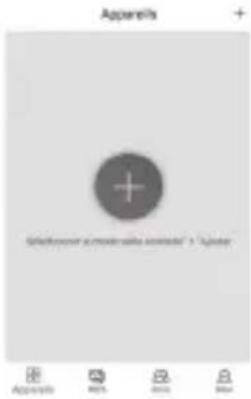
text_image
Apprents + Salesforce's mobile sales pipeline" > "Appeler" Apprents RBS BRL B24Step 1:
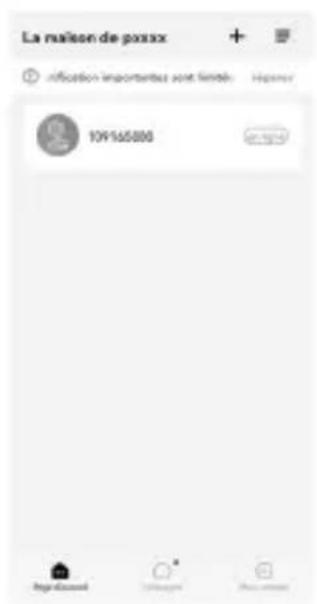
Open the BEABA ZEN CONNECT app and select "+" to add a camera
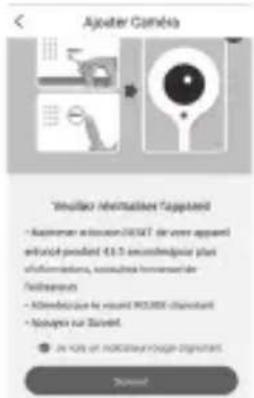
Follow the camera pairing steps on the application. Press the reset button. Hold down the reset button until the camera's LED flashes red and a tone is heard. Then click Next. Connect to the wifi network. Scan the QR code with the camera until you hear the tone, then click Next. The camera's LED is steady blue, your camera is connected to the application. If you take out a paid Cloud subscription, you'll be able to record your videos and view them at any time.
text_image
Screenshot of a mobile app interface with Chinese UI elements and status bar icons belowStep 3:
If the device is detected by the app, just add it and press fi nish to see it appear in the "MY DEVICES" category. Just select the device in question to see the video appear on your screen.
Note:
If you have any problems with pairing, you can visit our YouTube page to view the tutorial video and the troubleshooting - FAQ section of this manual
Manual pairing
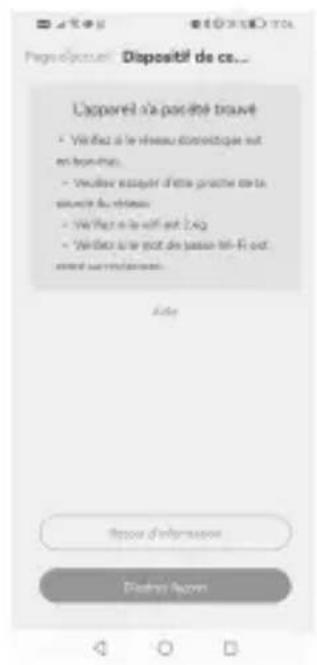
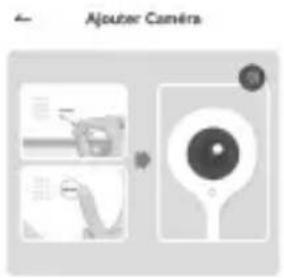
If pairing fails with the QR code method, at the end of the countdown, you'll be prompted to try manual pairing.
natural_image
Simple line drawing of a camera with lens and screen (no text or symbols)Youlliez allumer fapparel.
- Point application in Skulverst
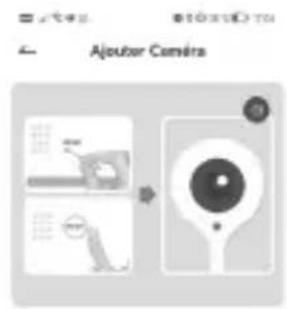
Reset the camera by pressing the reset button on the back of the camera, then press next and follow the instructions.
Enter your password and press Next.
Connect the camera to your own wifi network (STRN_XXXXXXX) and return to finalize pairing.
text_image
Ajouter Camératext_image
Configuration manue... STEN_XXXXXXXTo enable several people to view the baby on the mobile app, you'll need to set up a shared connection. The camera is linked to the first account/ phone paired.
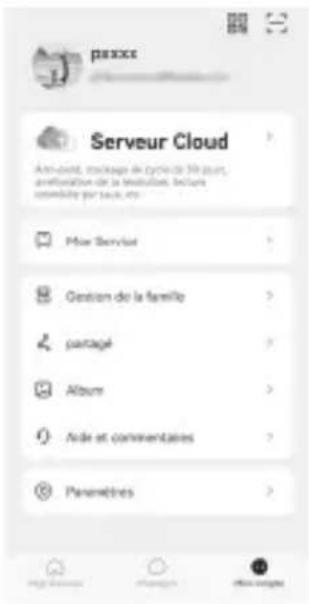
To share the camera, go to the mobile app to: my account >shared, tap on the desired device, then «add member».
You can :
- Enter the email address of the member you wish to add
- Or scan the QR code of the phone you wish to add. To display the QR code of the phone you wish to add, open the Béaba Zen Connect application on the phone you wish to add, go to my account and press:
text_image
Mon code QR xxxxx Download to QR code your platform is common via freeAlarms
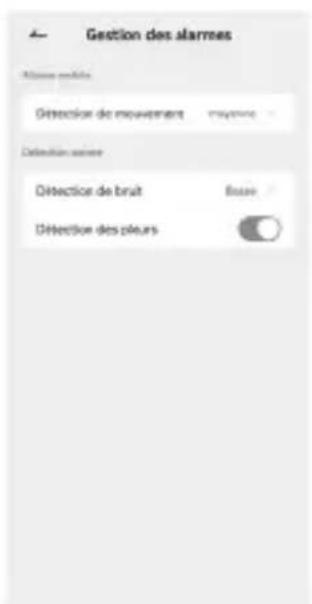
You can set alarms for motion, noise and crying detection. Once activated, you'll receive notifications on your phone.
To activate these alarms, press on the device
Set the desired alarms
| Problems Possible causes Solutions | ||
| Unable to find the pairing button | The pairing button is the reset button | Press and hold the button for 3 seconds, then follow the instructions on the mobile application. |
| Why can't the camera identify the SD* card? | Check that the SD* card is correctly inserted | The format must be FAT32 |
| Why can't I receive notifications from my phone's application when I connect the camera to my phone? | Notifications are probably disabled on the phone | Please check that the application is running on the phone and that the corresponding notifications have been activated. |
| I can't connect my camera to the mobile application | Please scan this QR code to view the tutorial video explaining how to connect the camera to the mobile application. | |
VII. CLEANING AND MAINTENANCE
This device has been designed and manufactured with high-quality materials and components such as Lithium batteries that can be recycled and reused. - Do not dispose of this product with ordinary household waste. Seek information about the provisions in force in your region concerning the separate collection of electrical and electronic appliances. Take this product to a collection point for the recycling of electrical and electronic equipment.»
WARRANTY
The BEABA ZEN Nomad baby video monitor benefits from a 24-month warranty from the dat of purchase. During this period, we guarantee the free repair of any defect resulting from a material defect or a manufacturing defect. This warranty is subject to the final evaluation of the importer. The warranty does not cover normal wear and tear of the battery. If you require assistance or additional information, consult the Beaba website or contact the Beaba consumer service.»
- If you notice a fault, first consult the user manual.
- If you can't find a clear answer in the manual, contact the supplier of this video baby monitor via the www.beaba.com website.
INVALIDATION OF THE WARRANTY
- In the case of inappropriate use, a connection error, the use of non-original parts or accessories, negligence, and in the case of faults caused by humidity, fire, floods, lightning, or natural disasters:
• In the case of unauthorised modifications and/or repairs by third parties:
- In the case of the unsuitable transport of the device without appropriate packaging, as well as in the case of this warranty card or proof of purchase being absent. The warranty does not cover connection cables and batteries. All other responsibility, in particular in terms of indirect damages, is excluded. For further information, download the Beaba & Moi app on the App Store or Google Play
DECLARATION OF CONFORMITY
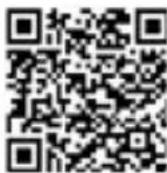
To view the declaration of conformity, please scan the following QR code
DE
INHALTSVERZEICHNIS
natural_image
Simple line drawing of two stacked objects inside a rectangular frame (no text or symbols)Schrauben
F
natural_image
Simple 3D rectangular shape with no text or symbolsAnleitung
A. Kamera
B. Netzadapter
C. USB-C-Kabel
D. Bohrschablone
E. Schrauben
F. Anleitung
text_image
Diagram of a surveillance camera mounted on a wall, labeled with parts 1 and 2Methode 2
text_image
Drill Template Screw hole A1: for integrative brackettext_image
Appends + Salesover your own website: www + Appends OK Cancel HelpSchritt 1:
text_image
Screenshot of a mobile app interface with Chinese UI elements and status bar icons belowSchritt 3:
text_image
Mon code QR XXXX Sundering the QR code your partner is opening up thisIntelligenter Alarm
natural_image
Simple line drawing of a tray with two rows of small objects (no text or symbols)Schroef
F
natural_image
Simple 3D rectangular shape with no text or symbolsHandleiding
A. Camera
B. Netstroom-adapter
C. USB-C kabel
D. Boormal
E. Schroef
F. Handleiding
text_image
Diagram of a mobile phone mounted on a wall, labeled with parts 1 and 2Méthode 2
text_image
Drill Template Screw holo AI: for integrative brackettext_image
Apprents + Select user a push-up app into "A" apperStap 1:
text_image
Configuration manue... @5-01 STEN_XXXXXXXtext_image
Mon code QR xxxxx Sawms to QR code your package is opening up thisIntelligente meldingen
natural_image
Line drawing of a vintage camera with top and front views, labeled 'Cámara' at bottom (no other text or symbols)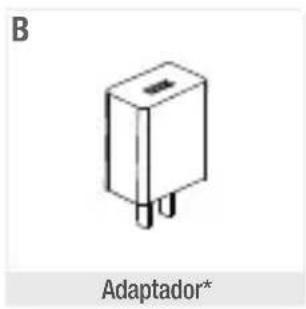
natural_image
Simple line drawing of a rectangular electronic component with three pins, labeled 'Adaptador*' below (no other text or symbols)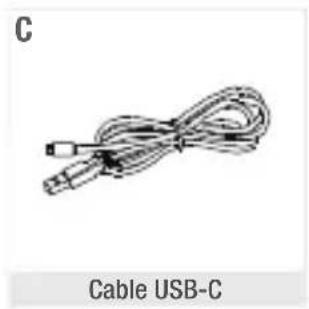
natural_image
Coiled cable with connectors, labeled 'C' and 'Cable USB-C' below (no other text or symbols)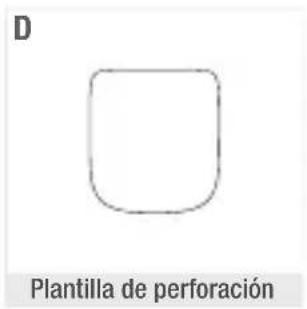
natural_image
Simple 3D rectangular block labeled 'Manual' with letter 'F' in top-left corner (no other text or symbols)text_image
Diagram of a surveillance camera mounted on a wall, with labeled parts 1 and 2Método 2
text_image
Drill Template Screw hole A1: for integrative brackettext_image
Apparels + Salesforce's own-time sales" + "App store" Apparels REIT BRL BRL1^a Etapa:
natural_image
Two grayscale images showing a baby lying on the floor, one with a camera icon and the other with app icons (no text or symbols in the image itself)3^a Etapa:
text_image
Configuration manue... STEN_XXXXXXXtext_image
Mon code QR xxxxx Sawling to QR code your platform is common free free.Alarma inteligente
natural_image
Line drawing of a camera with labeled component (no text or symbols on the device itself)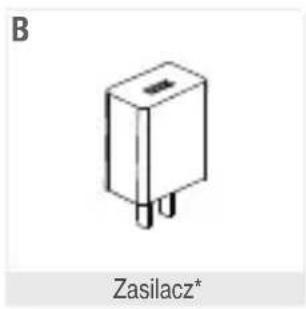
natural_image
Simple line drawing of a Zasilacz component (no text or symbols on the object itself)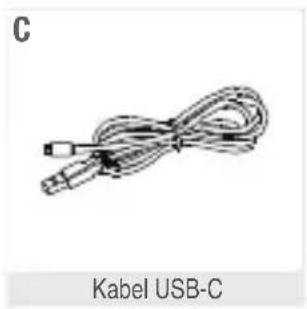
natural_image
Coiled cable with connector, labeled 'Kabel USB-C' at bottom (no other text or symbols)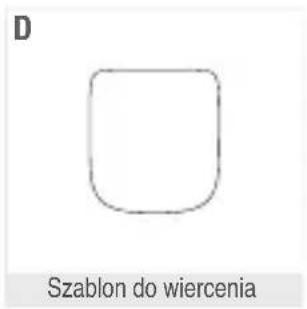
natural_image
Diagram showing two sets of screws inside a container labeled 'Śruba', with no text or symbols beyond the label.
natural_image
Simple 3D rectangular block diagram labeled 'Instrukcja obsługi' at the bottom (no other text or symbols)A. Kamera
B. Zasilacz
C. Kabel USB-C
text_image
Diagram of a surveillance camera mounted on a wall, with labeled parts 1 and 2Metoda nr 2
text_image
Drill Template Screw hole A1: for integrative brackettext_image
Appends + Salesover your own website: www + Appends OK Cancel HelpEtap 1:
text_image
Mon code QR XXXX Daiming the QR code your partner is opening away fromInteligentny alarm
natural_image
Line drawing of a camera with labeled component (no text or symbols on the device itself)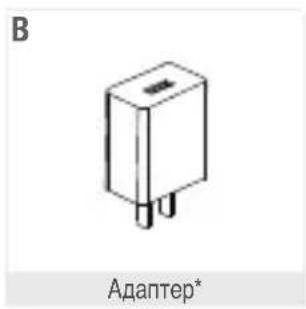
text_image
B Адаптер*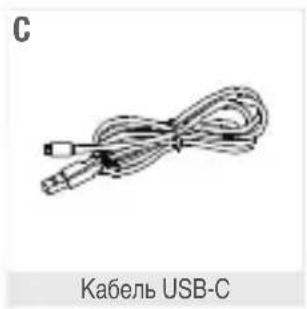
natural_image
Coiled USB cable with connector, labeled 'Кабель USB-C' below (no other text or symbols)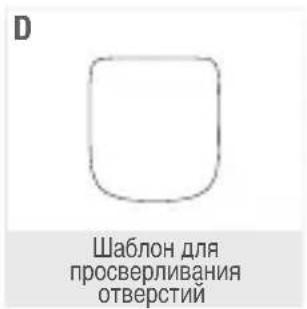
text_image
Diagram of a surveillance camera mounted on a wall, with labeled parts 1 and 2Способ 2
text_image
Drill Template Screw hole All: for integrative brackettext_image
engagement Asservise quick online e-mailing or to send it for subscription request to date of verification Terminal F SubscriptionsЭтап 2.
text_image
Apparels + Salesforce's move with salesforce + 12%+.apparelsЭтап 1.
text_image
Configuration manue... BPM_xxxxxxxxxxtext_image
Mon code QR xxxxx Davimms to QR code your partner is always read free.«Умный сигнал».
natural_image
Simple line drawing of a tray with several small cylindrical objects (no text or symbols)Vite Vite
F
natural_image
Simple 3D rectangular shape with no text or symbolsManuale
text_image
Diagram of a surveillance camera mounted on a wall, with labeled parts 1 and 2Metodo 2
text_image
Drill Template Screw holo AI: for integrative brackettext_image
Apprents + Goodwill account with success' in 'Apprent' Apprents REIT BIO BARtext_image
Configuration manue... STRN_XXXXXXXtext_image
Mon code QR xxxxx Davimms to QR code your partner is open to freeAllarme intelligente
natural_image
Line drawing of a camera with labeled 'Câmara' at the bottom (no other text or symbols)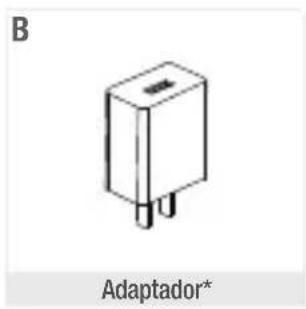
natural_image
Simple line drawing of an adaptor component with no text or symbols on the body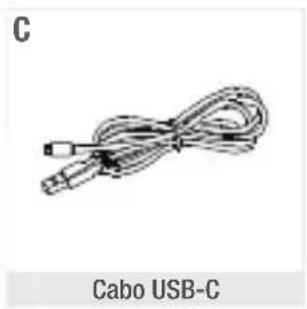
natural_image
Coiled cable with connector, labeled 'Cabo USB-C' at bottom (no other text or symbols)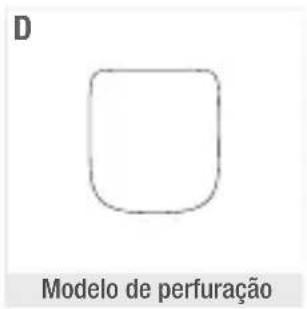
text_image
E Parafuso
natural_image
Simple 3D rectangular block labeled 'Manual' with letter 'F' in top-left corner (no other text or symbols)text_image
Diagram of a surveillance camera mounted on a wall, with labeled parts 1 and 2Método 2
text_image
Drill Template Screw hole A1: for integrative brackettext_image
Appends + Salesforce's mobile sales pipeline" + "Appels" Appends OK Add Help1.º passo:
text_image
Configuration manue... STRN_XXXXXXXXtext_image
Mon code QR xxxxx Download to QR code your platform is common via freeAlarme inteligente
natural_image
Line drawing of a camera with labeled head (no text or symbols on the device itself)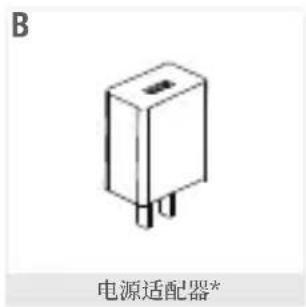
text_image
B 电源适配器*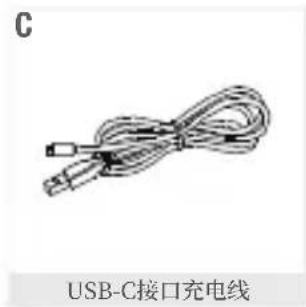
text_image
C USB-C接口充电线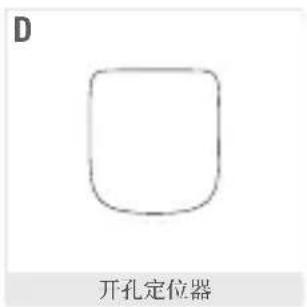
text_image
D 开孔定位器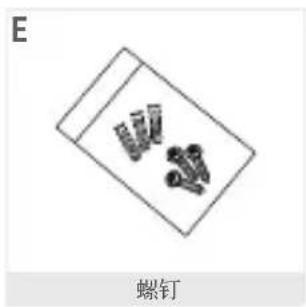
text_image
E 螺钉
natural_image
Simple 3D rectangular shape labeled 'Manuel' with letter 'F' in top-left corner (no other text or symbols)A. 摄像头
D. 开孔定位器
B. 电源适配器
E. 螺钉
C. USB-C接口充电线
F. 说明书
text_image
Diagram of a surveillance camera mounted on a wall, with labeled parts 1 and 2方法2
text_image
Drill Template Screw hole A1: for integrative bracket将摄像头连接到手机
text_image
Apprents + Salesforce's mobile sales promotion" + "Apprent" Apprents RBS BAS BAR第1步:
text_image
2016-03-07 App Store App Store App Store第3步:
text_image
Configuration manue... STEN_XXXXXXXtext_image
Mon code QR xxxxx Davimms to QR code your partner is opening your free.智能警报
natural_image
Simple line drawing of a box with four small objects inside (no text or symbols)螺釘
F
natural_image
Simple 3D rectangular shape with no text or symbols說明書
A. 攝影機
D. 開孔定位器
B. 電源適配器
E. 螺釘
C. USB-C充電線
F. 說明書
text_image
Diagram of a mobile phone mounted on a wall, labeled with parts 1 and 2方法2
text_image
Drill Template Screw hole A1: for integrative bracket將攝影機連線到電話
text_image
Apprents + Salesforce's mobile sales promotion" + "Apprent" Apprents RBS BAS BAR第一步:
natural_image
Diagram of a Ajouter Camera showing front, side, and top views (no text or symbols)
text_image
Ajouter Camera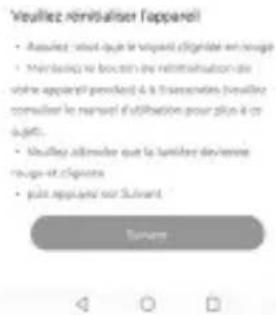
text_image
Configuration manue... STEN_XXXXXXXtext_image
Mon code QR xxxxx Download to QR code your platform is common via free智慧型警報
natural_image
Simple line drawing of two stacked objects inside a rectangular frame (no text or symbols)برغي
F
natural_image
Blank rectangular sheet or panel with no visible text, symbols, or markingsپدوي
A. اریمالکلا
B. يئابرەك لوحم
C. يس-يې سا وى لېاك
D. بيقيثت ليلد
E. ي غرب
F. يودي
text_image
Diagram of a device mounted on a wall, labeled with parts 1 and 2text_image
Drill Template Screw hote A1: for integrative bracket
text_image
Mon code QR PAXOX Dowling to QR code your code again to scan your codeمنبه ذكي