
DC300 - USB C Dock ASUS - Free user manual and instructions
Find the device manual for free DC300 ASUS in PDF.
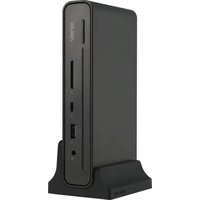


| Product Type | USB-C Triple Display Docking Station |
| Brand and Model | ASUS DC300 |
| Dimensions (L x W x H) | 160 x 80 x 32 mm |
| Main product weight | 514 ± 5 g |
| Support weight | 95 ± 5 g |
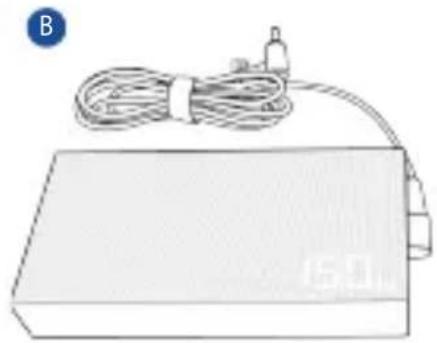
| Power adapter weight | 330 ± 5 g |
| Integrated USB-C cable length | 650 mm |
| Input power | 100-240 V AC, 50-60 Hz, 2.5 A |
| Output power | 20 V DC, 7.5 A (150 W max.) |
| Upstream ports | 1 x USB-C 3.2 Gen 2 (up to 90 W charging) |
| Front downstream ports | 1 x 3.5 mm audio jack, 1 x USB-A 3.2 Gen 2 (10 Gb/s, 2.4 A), 1 x USB-C 3.2 Gen 2 (10 Gb/s, 3 A), 1 x SD UHS-II card reader |
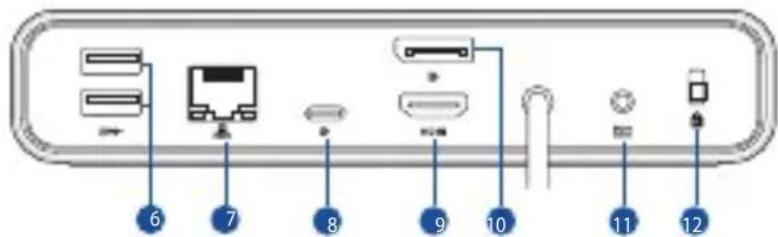
| Rear downstream ports | 2 x USB-A 3.2 Gen 1 (5 Gb/s), 1 x RJ-45 Gigabit, 1 x USB-C (DP 1.4), 1 x HDMI 2.0, 1 x DisplayPort 1.4, 1 x DC-in, 1 x Kensington lock |
| Maximum display resolution | Single/dual: 4K@60 Hz, triple: 4K@30 Hz (with DSC support) |
| Compatible operating systems | Windows 10 or later, macOS |
| Operating temperature | 0°C to 35°C |
| Storage temperature | -30°C to 70°C |
| Care and cleaning | Use a dry, soft cloth. Do not use liquids or abrasive products. |
| Safety | Use only the provided power adapter. Do not expose to moisture or extreme temperatures. Plug into a grounded outlet. |
| Spare parts and repairability | No user-serviceable parts. Contact ASUS support for any service. |
| General information | Triple display, up to 90 W laptop charging, firmware update available at asus.com. |
Frequently Asked Questions - DC300 ASUS
User questions about DC300 ASUS
0 question about this device. Answer the ones you know or ask your own.
Ask a new question about this device
Download the instructions for your USB C Dock in PDF format for free! Find your manual DC300 - ASUS and take your electronic device back in hand. On this page are published all the documents necessary for the use of your device. DC300 by ASUS.
USER MANUAL DC300 ASUS
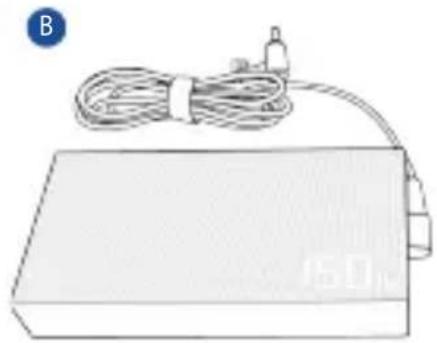
B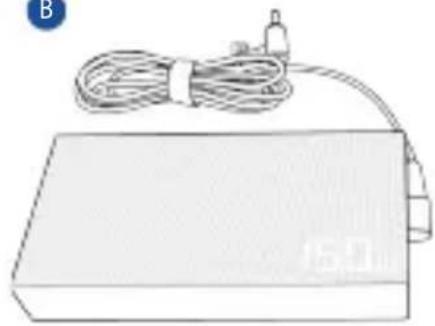
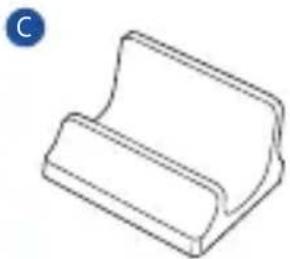
C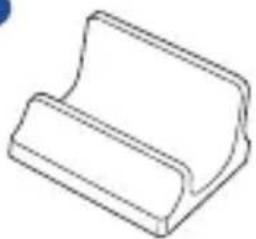
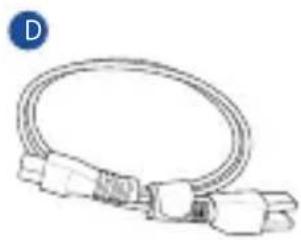
D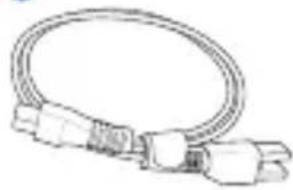
E
F
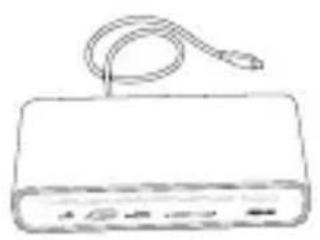
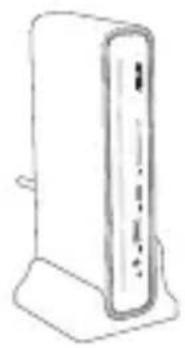
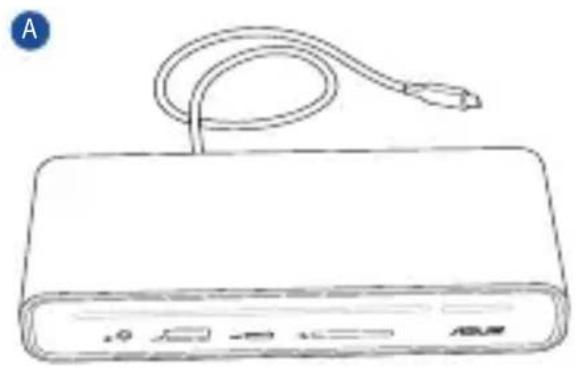
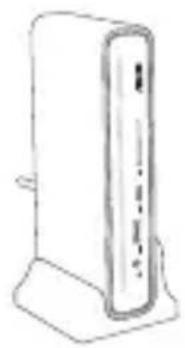
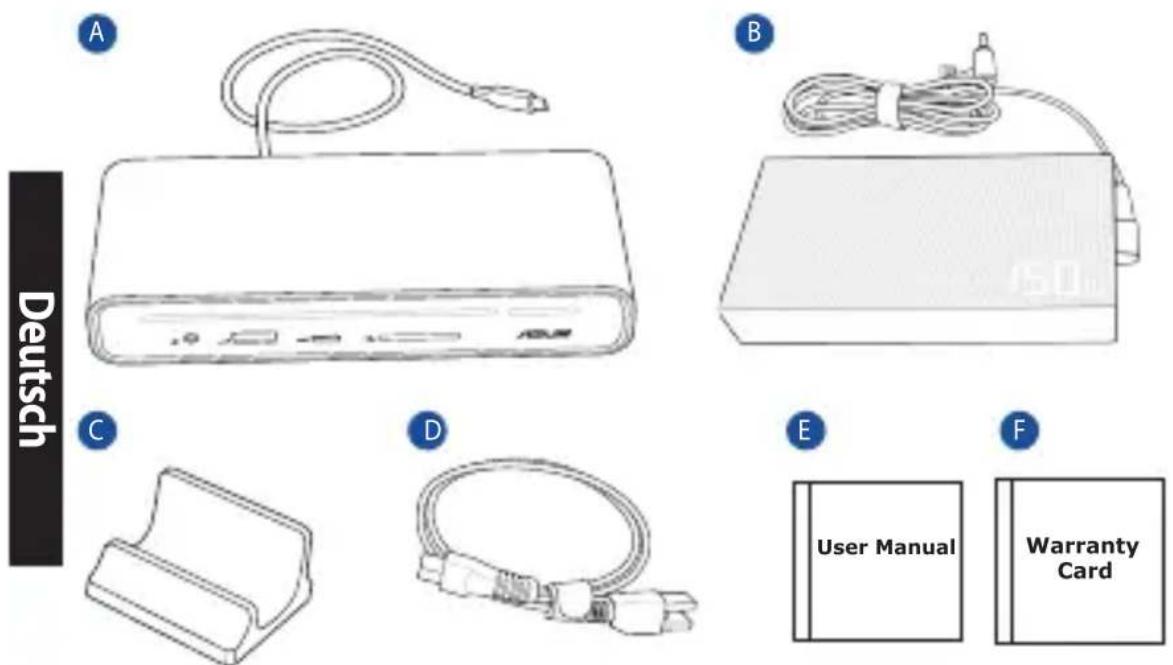
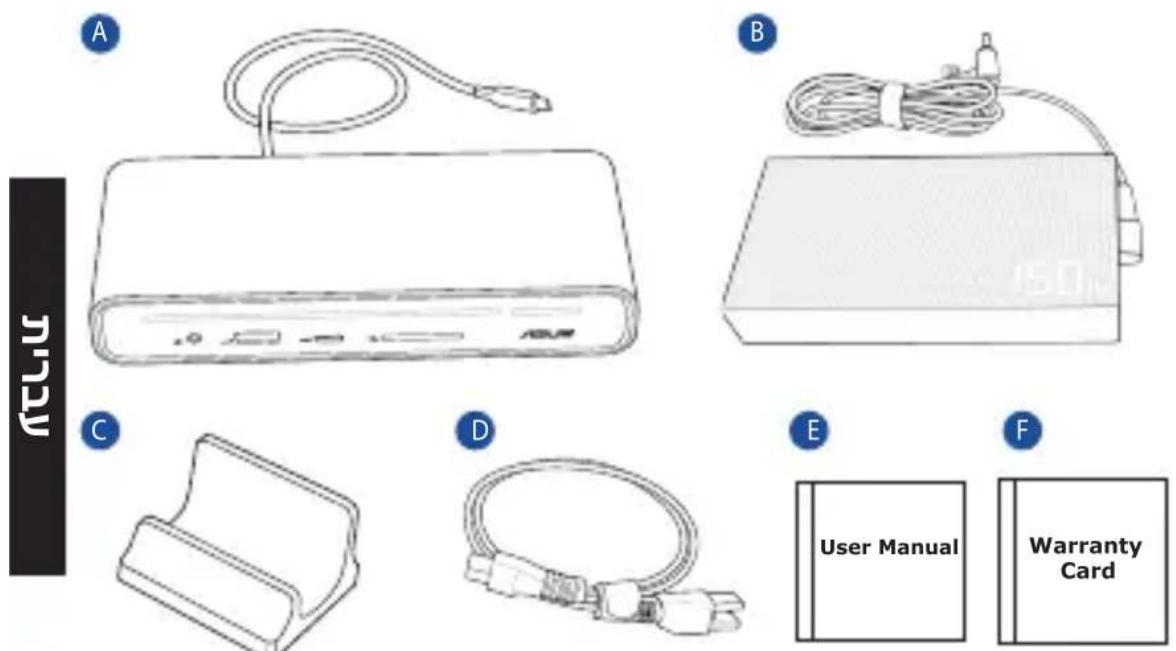
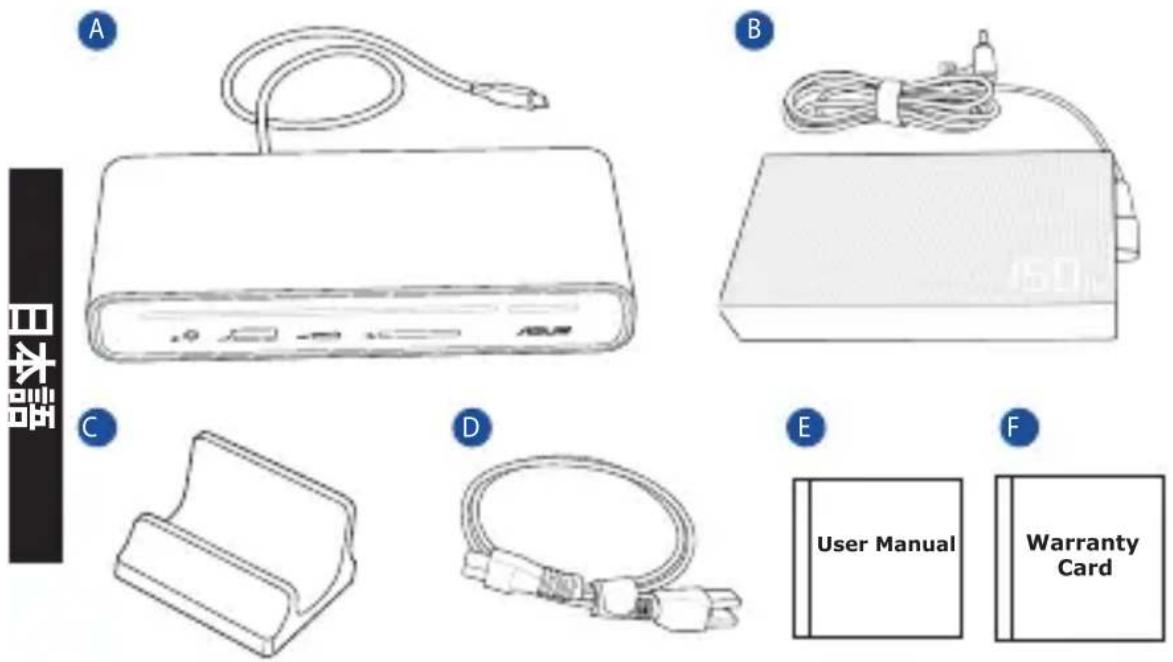
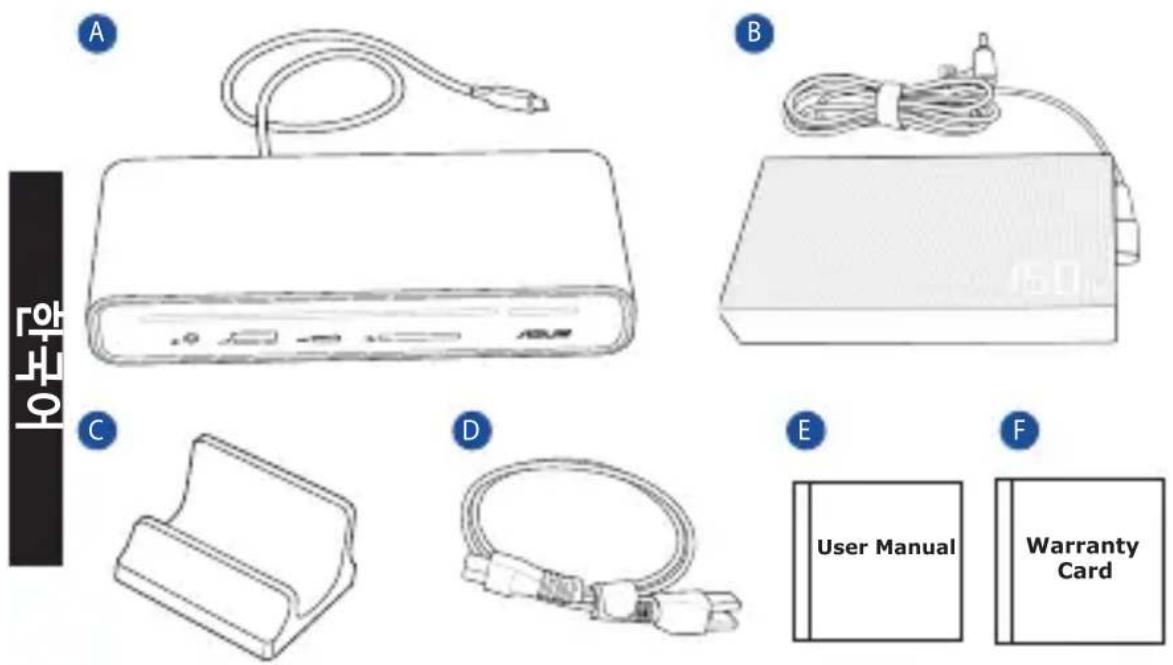
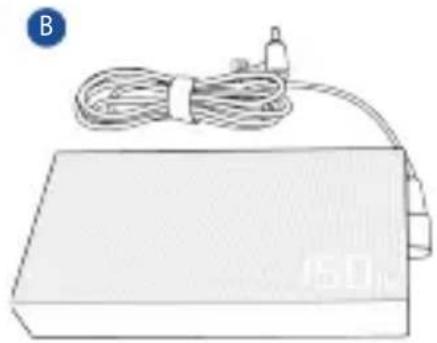
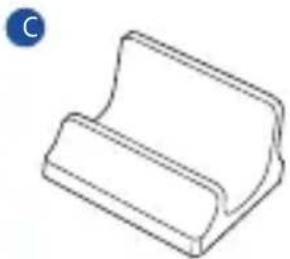
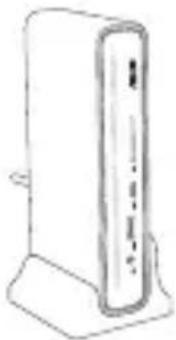
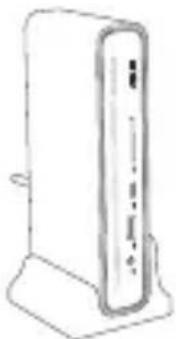
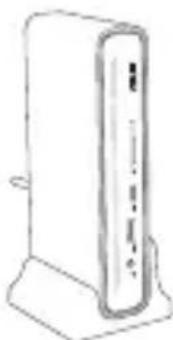
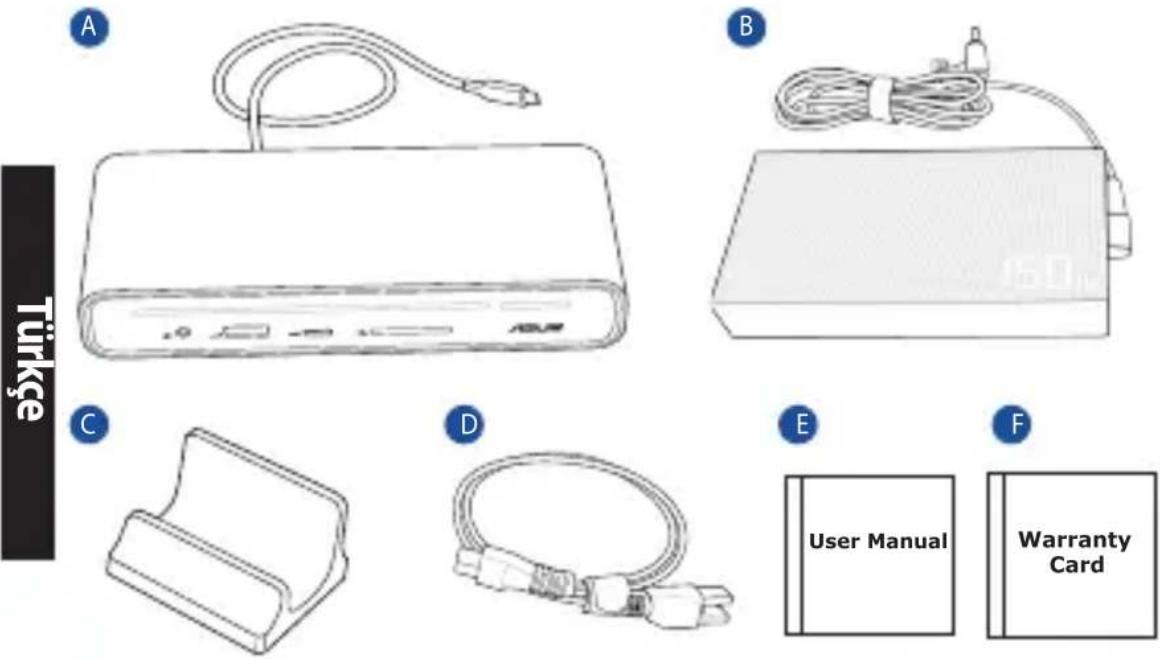
A. ASUS Triple Display USB-C Dock B. 150W adapter C. Docking stand
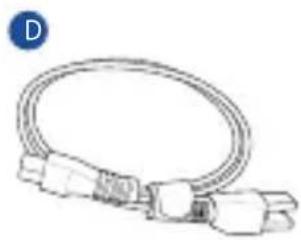
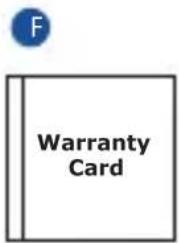
D. Power cord E. User Manual F. Warranty Card
Product Overview
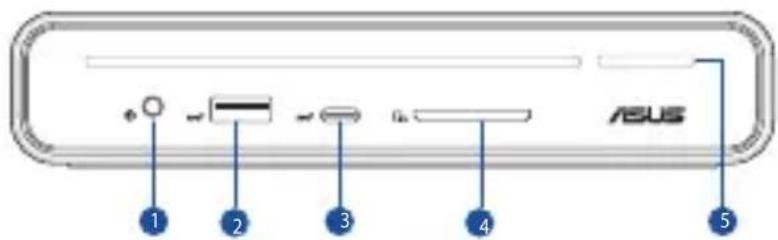
- 3.5mm audio combo jack
- USB 3.2 Gen 2 Type-A port (10Gbps/5.0V = 2.4A)
- USB 3.2 Gen 2 Type-C® port (10Gbps/5.0V == 3.0A)
- SD card reader
- Power Key & LED indicator
- USB 3.2 Gen 1 Type-A ports (5Gbps)
- LAN (RJ-45) port (10/100/1000 Mbps)
- USB 3.2 Gen 2 Type-C® port (DP1.4 only)
- HDMI™ 2.0 port
- DisplayPort 1.4 port
- Power (DCIN) jack
- Kensington® lock
LED indicator
| Dock with adapter Notebook status Power Key Status | ||
| Connected to power supply | N/A | Solid orange |
| Shutdown (S5) | ||
| Hibernate (S4) | ||
| Suspend (S3) | ||
| Powered on Solid white | ||
| Disconnected from power supply | N/A | Off |
| Shutdown (S5) | ||
| Hibernate (S4) | ||
| Suspend (S3) | ||
Specifications
ASUS Triple Display USB-C Dock
| Dimension | 160 (L) x 80 (W) x 32 (H) mm | |
| Cable length | 650mm | |
| Weight | Main product: 514 ± 5g; Docking stand: 95 ± 5gAdapter without power cord: 330 ± 5g | |
| Upstream port | 1 x USB 3.2 Gen 2 (10Gbps) Type-C® cable with Power Delivery up to 90W (5.0V/ 9.0V/ 15.0V=3.0A, up to 20.0V 4.5A 90.0W) | |
| Downstream ports | Front1. 3.5mm audio combo jack2. USB 3.2 Gen 2 Type-A port (10Gbps/5.0V=2.4A)3. USB 3.2 Gen 2 Type-C® port (10Gbps/5.0V=3.0A)4. Smart card reader, SD4.0, UHS-II5. Power Key & LED indicator | Back6. USB 3.2 Gen 1 Type-A ports (5Gbps)7. RJ-45 port (10/100/1000 Mbps)8. USB 3.2 Gen 2 Type-C® port (DP1.4)9. HDMITM 2.0 port (3840 × 2160@60P)10. DisplayPort 1.4 port (3840 × 2160@60P)11. Power (DCIN) jack (20.0V=7.5A, 150.0W)12. Kensington® lock |
| Operation temperature | 0 °C ~ 35 °C | |
| Storage temperature | -30 °C ~ 70 °C | |
| Supported Operating System | Windows® OS (Windows® 10 or above)/MacOS | |
| Display resolution | Single display: up to 4K@60Hz / Dual display: up to 4K@60HzTriple display: up to 4K@30Hz* It's recommended that you connect screen from the low resolution one.** As some MACs do not support MST function, please contact the manufacturer for more details.*** When the DSC (Display Stream Compression) standard of your device and monitor supports a compression ratio of 3:1, the dock supports a resolution of up to 4K@60Hz in dual display mode (USB-C® + HDMITM 2.0 or USB-C® + DisplayPort 1.4) and supports up to 4K@30Hz in triple display mode.**** Both modes support the MST function and are backward compatible. | |
Adapter
| Dimension | 138mm x 68.5mm x 23.5mm | Input current | 2.5A |
| Input voltage | 100-240Vac | Input frequency | 50-60Hz |
| Rating output voltage | 20.0V | Rating output current | 7.5A max. (150.0W) |
Using your ASUS Triple Display USB-C Dock
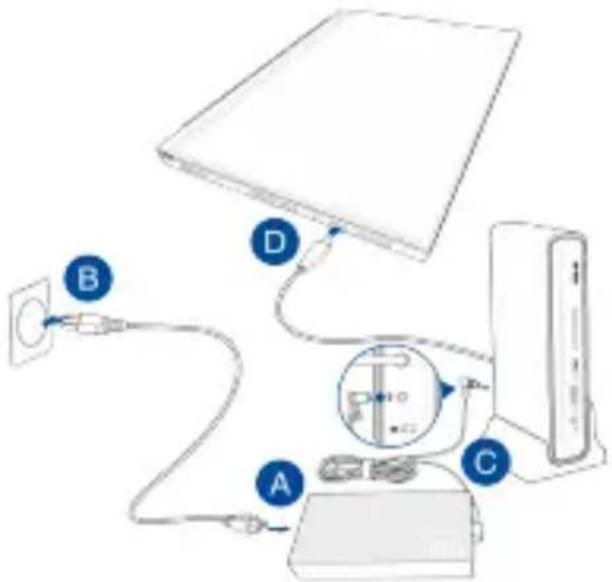
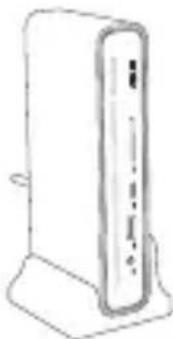
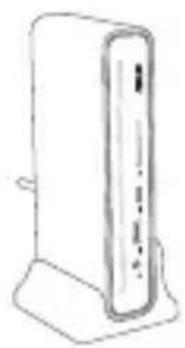
To use your ASUS Triple Display USB-C Dock:
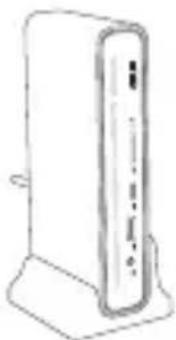
A. Connect the AC power cord to the AC/DC adapter. B. Plug the AC power adapter into a 100V~240V power source. C. Connect the DC power plug into the power (DCIN) port of your ASUS Triple Display USB-C Dock. D. Connect the USB Type-C® cable to your Notebook PC.
NOTES:
• Before using the docking stand for the first time, please go to www.asus.com, search ASUS Triple Display USB-C Dock and download the latest firmware under Support > Driver & Utility of product information. - For the best user experience, please ensure that the USB Type-C® port on your device (Notebook PC/Tablet/Mobile Phone) offers full functionality (charging/data transfer/video output). • Make sure that the USB Type-C® port on your Notebook PC supports Alt Mode Display. - Use only the bundled power adapter to charge the battery pack and supply power to your Notebook PC. - Visit the ASUS website for the product compatibility list.
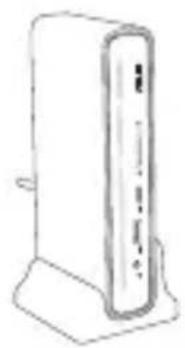
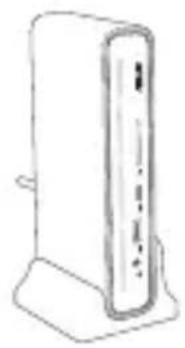
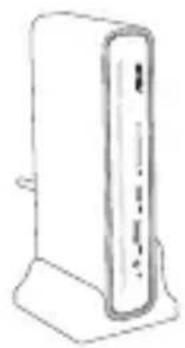
Positioning your ASUS Triple Display USB-C Dock
English
Package contents
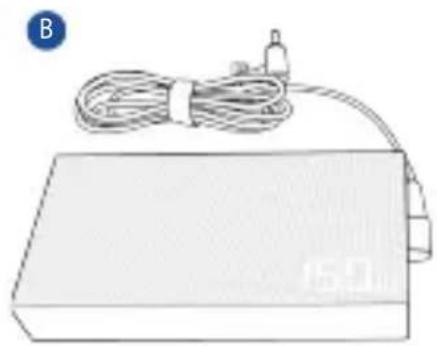
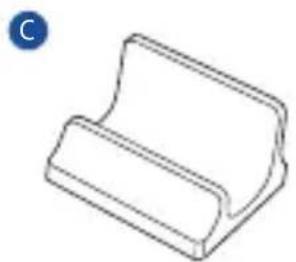
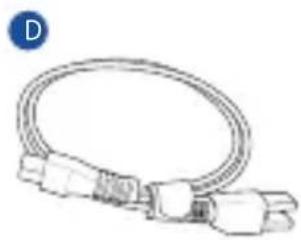

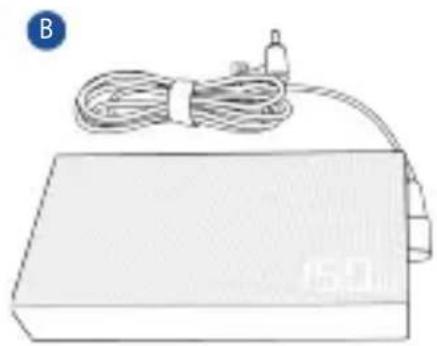
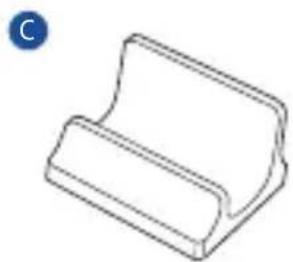
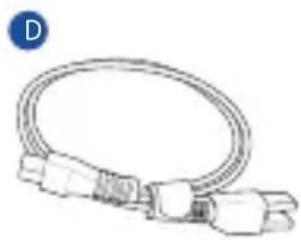


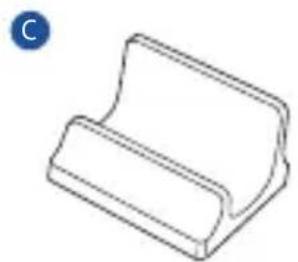
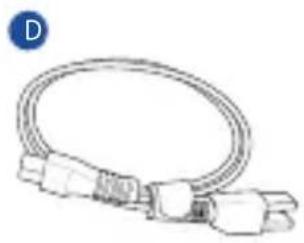

Power cable - D, User manual - E, Warranty card - F
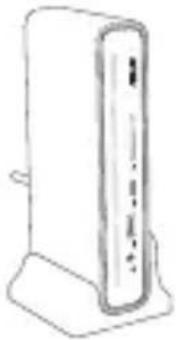
Package contents
A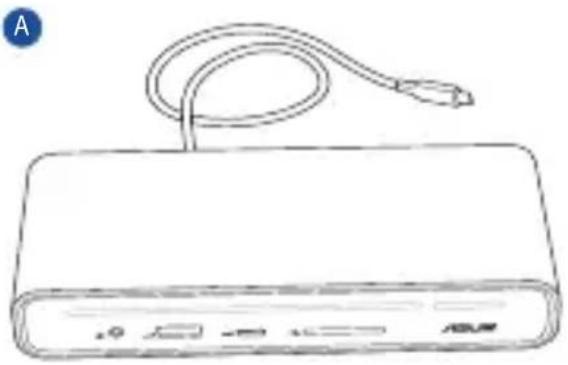
B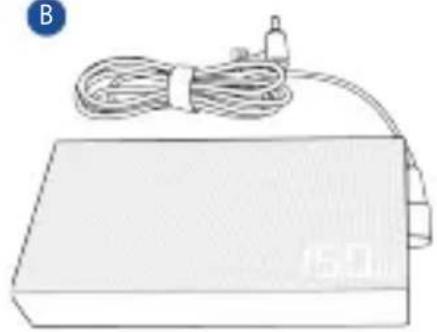
C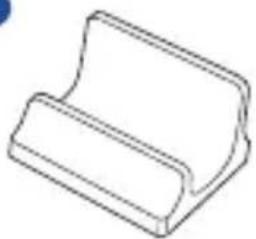
D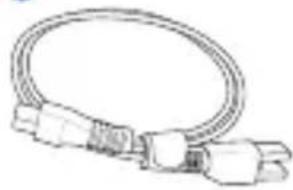
E
F
Package contents
A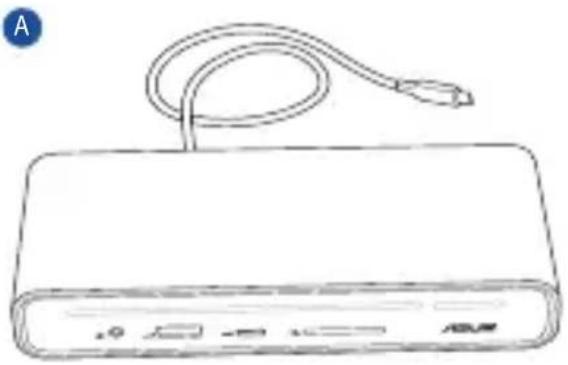
C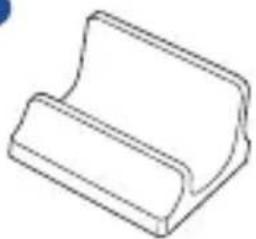
D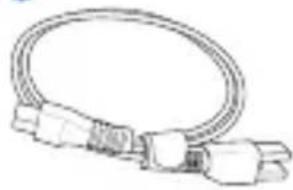
E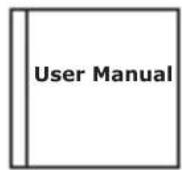
F
Package contents
B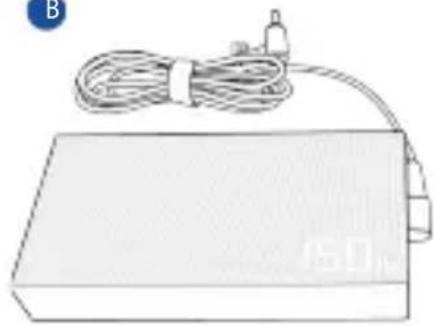
C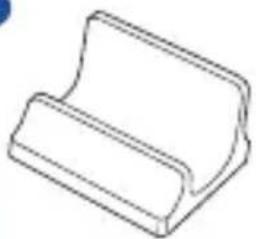
D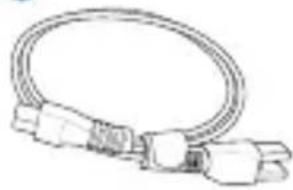
E
F
A. ASUS triple-display USB-C dock B. 150W adapter C. Docking station stand
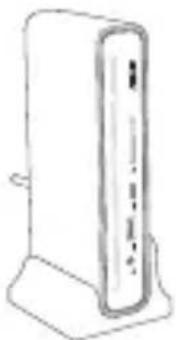
Package contents
Package contents

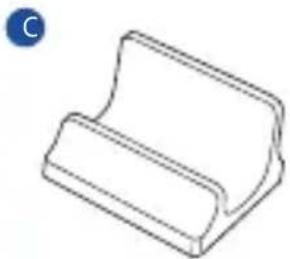
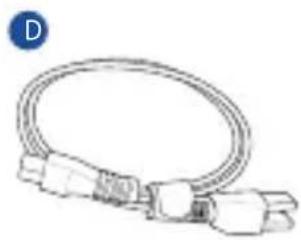

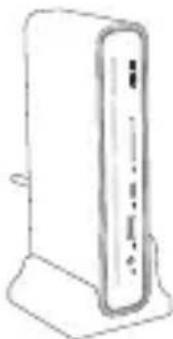

Package contents
Package contents
A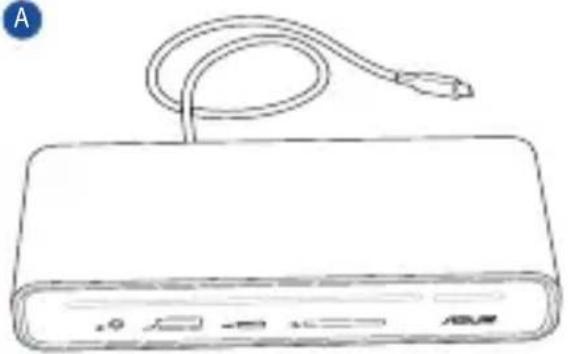
B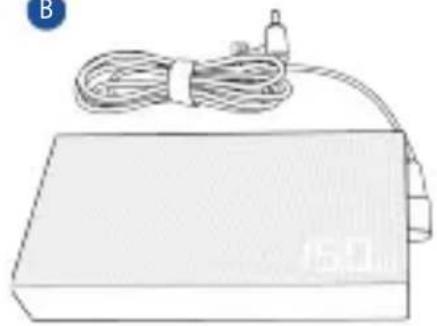
C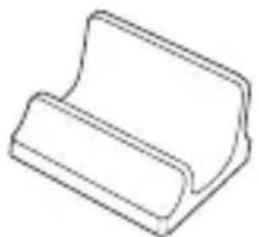
D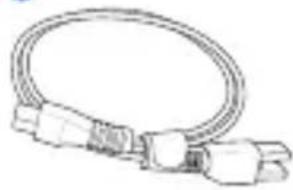
E
F
B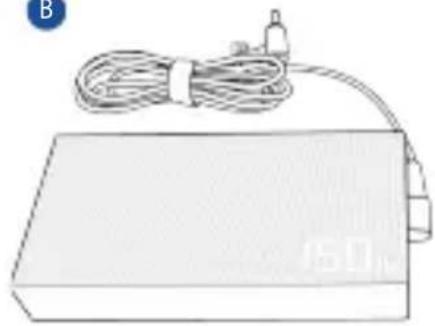
C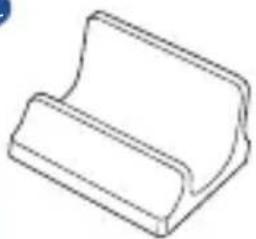
D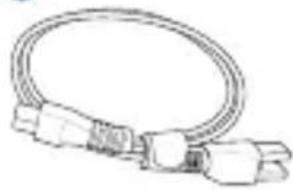
E
F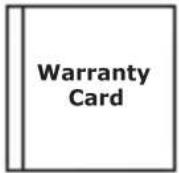
A. ASUS USB-C Dock with triple screen B. 150 W adapter C. Docking station stand
D. Power cord E. User manual F. Warranty card
To use the ASUS USB-C Dock with triple screen:
Package contents
Slovak
A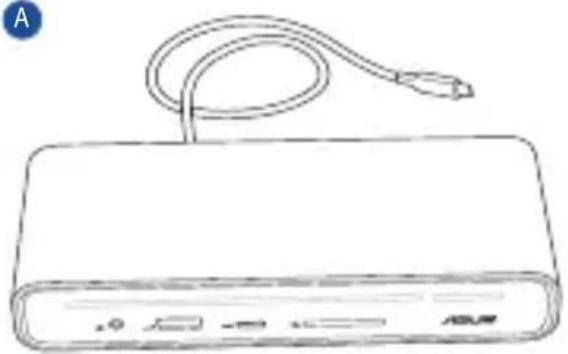
B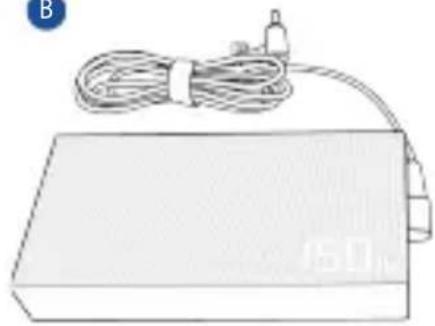
C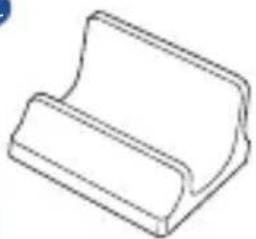
D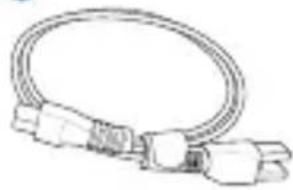
E
F
A. ASUS Triple Display USB-C docking station B. 150 W adapter C. Docking stand
Package contents
Package contents

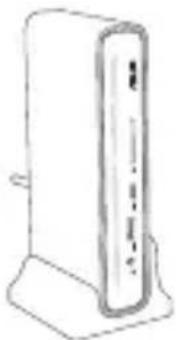
Federal Communications Commission Statement
This device has been tested and found to comply with the limits for a Class B device, pursuant to Part 15 of the FCC Rules.
These limits are designed to provide reasonable protection against harmful interference in a residential installation.
This equipment generates, uses and can radiate radio frequency energy and, if not installed and used in accordance with manufacturer's instructions, may cause harmful interference to radio communications.
However, there is no guarantee that interference will not occur in a particular installation. If this equipment does cause harmful interference to radio or television reception, which can be determined by turning the equipment off and on, the user is encouraged to try to correct the interference by one or more of the following measures:
- Reorient or relocate the receiving antenna.
- Increase the separation between the equipment and receiver.
- Connect the equipment to an outlet on a circuit different from that to which the receiver is connected.
- Consult the dealer or an experienced radio/TV technician for help.
This device complies with Part 15 of the FCC Rules. Operation is subject to the following two conditions:
• This device may not cause harmful interference; and - This device must accept any interference received, including interference that may cause undesired operation.
NOTE: Any changes or modifications not expressly approved by the grantee of this device could void the user's authority to operate the equipment.

CE Mark Warning
This is a Class B product. In a domestic environment, this product may cause radio interference, in which case the user may be required to take adequate measures.
English Simplified EU Declaration of Conformity
ASUSTeK Computer Inc. hereby declares that this device is in compliance with the essential requirements and other relevant provisions of related Directives. Full text of EU declaration of conformity is available at: www.asus.com/support
Simplified UKCA Declaration of Conformity
ASUSTek Computer Inc. hereby declares that this device is in compliance with the essential requirements and other relevant provisions of related Regulations. Full text of UKCA declaration of conformity is available at: https://www.asus.com/support/.
ASUS Recycling/Takeback Services
ASUS recycling and takeback programs come from our commitment to the highest standards for protecting our environment. We believe in providing solutions for you to be able to responsibly recycle our products, batteries, other components, as well as the packaging materials. Please go to http://csr.asus.com/english/Takeback.htm for the detailed recycling information in different regions.
DO NOT throw the product in municipal waste. This product has been designed to enable proper reuse of parts and recycling. This symbol of the crossed out wheeled bin indicates that the product (electrical and electronic equipment) should not be placed in municipal waste. Check local regulations for disposal of electronic products.
When the device supplies power to other devices via a non-detachable USB Type-C cable, the other devices shall be provided fire enclosure.
Per FCC Part 2 Section 2.1077

Responsible Party: Asus Computer International
Address: 48720 Kato Rd, Fremont, CA 94538
Phone/Fax No: (510)739-3777/(510)608-4555
hereby declares that the product
Product Name : ASUS Triple Display USB-C Dock
Model Number : DC300
compliance statement:
This device complies with part 15 of the FCC Rules. Operation is subject to the following two conditions: (1) This device may not cause harmful interference, and (2) this device must accept any interference received, including interference that may cause undesired operation.
Ver. 180620
Authorised distributors in Turkey
PENTA TEKNOLOJI URUNLERI DAGITIM TICARET A.S.
Address, City: DUDULLU ORGANIZE SANAYI
BOLGESI NATO YOLU 4.CAD. NO:1
DUDULLU UMRANIYE 34775 ISTANBUL TURKEY
Distributor Tel: 0216 645 82 00
Country: TURKEY
Authorized representative in United Kingdom
ASUSTEK (UK) LIMITED
Address: 1st Floor, Sackville House, 143-149 Fenchurch Street, London, EC3M 6BL, England, United Kingdom
Manufacturer: ASUSTeK COMPUTER INC.
Address: 1F., No. 15, Lide Rd., Beitou Dist., Taipei City 112
Manufacturer Tel: 886-2-2894-3447
Authorized Representative in Europe
ASUS COMPUTER GmbH
Address: Harkortstrasse 21-23, 40880 Ratingen, Germany
C5 Elektronik Sanayi Ve Ticaret A.Ş.
Address: Sahrayicedit Mah. Omca Sok. Golden Plaza No:33 E Blok Kat: 2
Kadıköy/İSTANBUL
Distributor Tel: +90 (216) 411 44 00
- PRODUCT OVERVIEW
- LED INDICATOR
- SPECIFICATIONS
- ASUS TRIPLE DISPLAY USB-C DOCK
- ADAPTER
- USING YOUR ASUS TRIPLE DISPLAY USB-C DOCK
- NOTES
- POSITIONING YOUR ASUS TRIPLE DISPLAY USB-C DOCK
- PACKAGE CONTENTS
- SLOVAK
- FEDERAL COMMUNICATIONS COMMISSION STATEMENT
- CE MARK WARNING
- ENGLISH SIMPLIFIED EU DECLARATION OF CONFORMITY
- SIMPLIFIED UKCA DECLARATION OF CONFORMITY
- ASUS RECYCLING/TAKEBACK SERVICES
- AUTHORISED DISTRIBUTORS IN TURKEY
- PENTA TEKNOLOJI URUNLERI DAGITIM TICARET A.S
- AUTHORIZED REPRESENTATIVE IN UNITED KINGDOM
- ASUSTEK (UK) LIMITED
- AUTHORIZED REPRESENTATIVE IN EUROPE
- ASUS COMPUTER GMBH
- C5 ELEKTRONIK SANAYI VE TICARET A.Ş
Brand : ASUS
Model : DC300
Category : USB C Dock