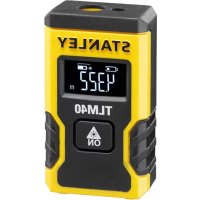
STHT77666 - Rangefinder STANLEY - Free user manual and instructions
Find the device manual for free STHT77666 STANLEY in PDF.

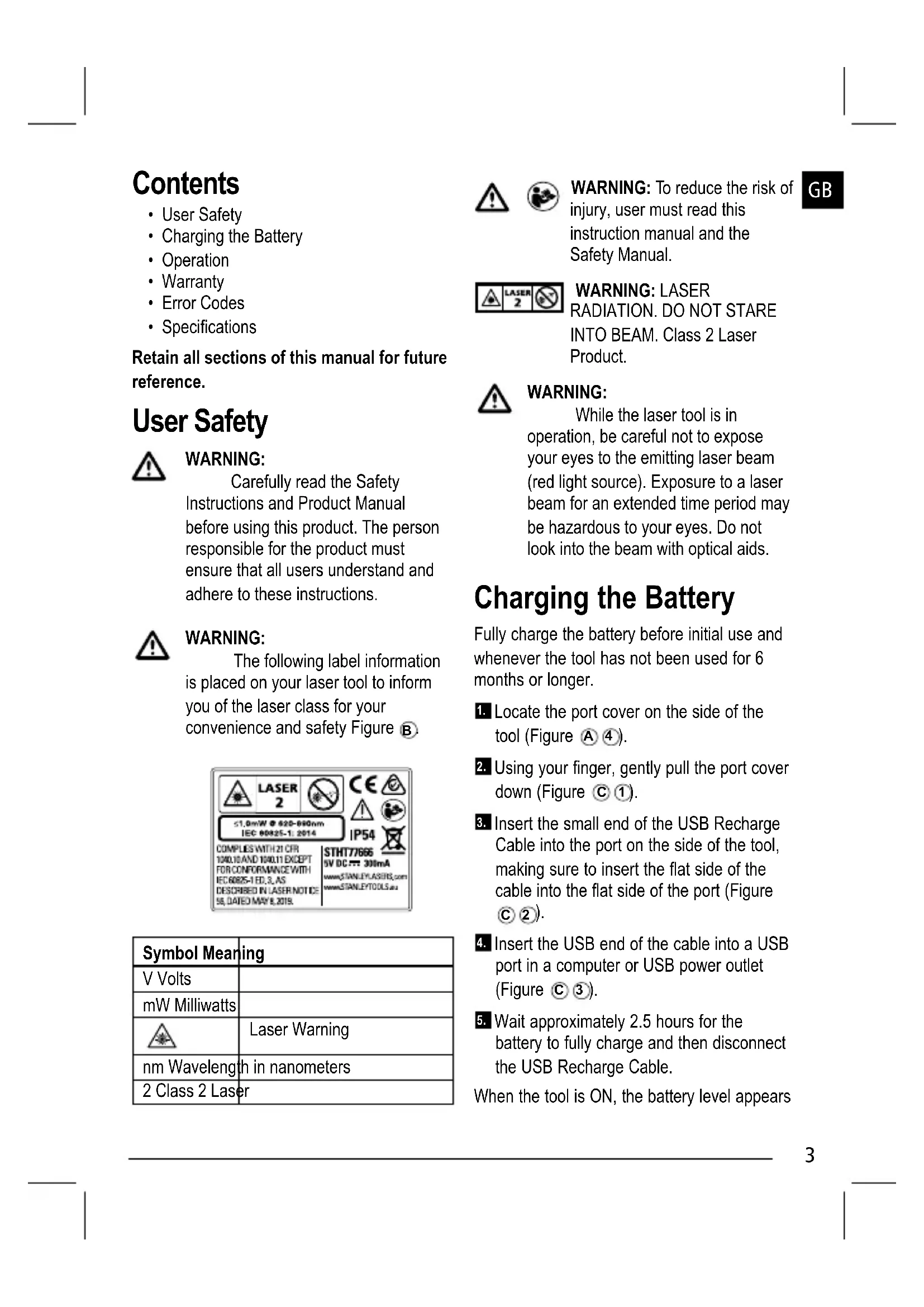


| Product Type | Laser Range Finder |
| Brand | Stanley |
| Model | STHT77666 |
| Dimensions (H x D x L) | 62 x 17.5 x 32 mm |
| Weight | 31.75 g |
| Power Supply | Rechargeable battery via USB |
| Measurement Range | 16.5 cm to 12 m |
| Accuracy | ±6 mm (normally) |
| Display Resolution | 1 mm or 1/16 inch |
| Laser Class | Class 2 (IEC/EN60825-1:2014) |
| Laser Wavelength | 620-690 nm, ≤1.0 mW |
| Auto Power Off | After 120 seconds |
| Battery Life | Up to 3,000 measurements or 30 days |
| Protection Rating | IP54 |
| Operating Temperature | 0°C to +40°C |
| Storage Temperature | -10°C to +60°C |
| Warranty | See www.2helpU.com |
| Main Functions | Distance measurement, unit change (m, ft, in), auto power off |
| Safety | Laser class 2 - do not look directly into the beam |
| Maintenance and Cleaning | Clean with a soft, dry cloth. Do not use solvents. |
Frequently Asked Questions - STHT77666 STANLEY
User questions about STHT77666 STANLEY
0 question about this device. Answer the ones you know or ask your own.
Ask a new question about this device
Download the instructions for your Rangefinder in PDF format for free! Find your manual STHT77666 - STANLEY and take your electronic device back in hand. On this page are published all the documents necessary for the use of your device. STHT77666 by STANLEY.
USER MANUAL STHT77666 STANLEY
Please read these instructions before operating the product.
Figures


©

E

Contents
- User Safety
- Charging the Battery
- Operation
- Warranty
- Error Codes
- Specifications
Retain all sections of this manual for future reference.
User Safety

WARNING:
Carefully read the Safety Instructions and Product Manual before using this product. The person responsible for the product must ensure that all users understand and adhere to these instructions.

WARNING:
The following label information is placed on your laser tool to inform you of the laser class for your convenience and safety Figure B.

| Symbol Meaning | |
| V Volts | |
| mW Milliwatts | |
| Laser Warning | |
| nm Wavelength in nanometers | |
| 2 Class 2 Laser | |


WARNING: To reduce the risk of injury, user must read this instruction manual and the Safety Manual.
GB
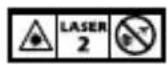
WARNING: LASER RADIATION. DO NOT STARE INTO BEAM. Class 2 Laser Product.

WARNING:
While the laser tool is in operation, be careful not to expose your eyes to the emitting laser beam (red light source). Exposure to a laser beam for an extended time period may be hazardous to your eyes. Do not look into the beam with optical aids.
Charging the Battery
Fully charge the battery before initial use and whenever the tool has not been used for 6 months or longer.
- Locate the port cover on the side of the tool (Figure A 4).
- Using your finger, gently pull the port cover down (Figure ①).
- Insert the small end of the USB Recharge Cable into the port on the side of the tool, making sure to insert the flat side of the cable into the flat side of the port (Figure C 2).
- Insert the USB end of the cable into a USB port in a computer or USB power outlet (Figure ③③).
- Wait approximately 2.5 hours for the battery to fully charge and then disconnect the USB Recharge Cable.
When the tool is ON, the battery level appears
GB
in the display window (Figure ①).
Operation
- Point the laser at the top of the tool (Figure A ①) toward the wall whose distance you need to measure (Figure E ①).
- Click (Figure A 3) to turn the tool on and display a laser dot on the wall (Figure E 1).
- When the bottom of the tool is positioned at the correct distance from the wall, click to take the measurement (Figure E ②).
- View the measurement on the display window (Figure D ③).
Changing the Unit of Measure
Once the current measurement is taken, you can change the unit of measure from decimal ft (6.21 ft) to fractional ft (6'02"9/16), fractional ft to meters (1.894 m), meters to inches (74 9/16 in), or inches to decimal ft.
To change the unit of measurement, press and hold ⚙️ until you see the measurement change (3 seconds).
NOTE: If you continue to hold 🎨 after the measurement changes, the tool will turn off.
Re-measuring
- When you need to take a new measurement, point the laser toward the wall whose distance you need to measure.
2. Click .
- The previous measurement (Figure D 3) will be cleared from the display window.
-
will change to in the display window (Figure D 2).
-
When the bottom of the tool is positioned at the correct distance from the wall, click to take the measurement (Figure E ②).
Turning Off the Tool
The tool can be turned off in either of these ways:
• After taking a measurement, press and hold 🌐 for 5 seconds (until the display window clears).
- If you do not use the tool for 120 seconds, it will automatically turn off.
Warranty
Go to www.2helpU.com for the latest warranty information.
End of Life
DO NOT dispose of this product with household waste.
ALWAYS dispose of batteries per local code.
PLEASE RECYCLE in line with local provisions for the collection and disposal of electrical and electronic waste under the WEEE Directive.

Specifications
| Range 16.5 cm to 12m (6.5in to 40ft) | |
| Measuring Accuracy* Typically ± 6mm (± 1/4in)* | |
| Resolution** 1mm (1/16in)** | |
| Laser Class Class 2 (IEC/EN60825-1: 2014) | |
| Laser Wavelength ≤ 1.0mW @ 620-690nm | |
| Automatic Power Switch-off After 120s | |
| Battery Life Up to 3000 Measurements | or 30 days (if the tool is not used) |
| Dimension (H x D x W) 62 x 17.5 x 32mm (2.44 x .69 x 1.25in) | |
| Weight 31.75g (1.12oz) | |
| IP Rating IP54 | |
| Storage Temperature Range -10°C ~ +60°C (14°F ~ 140°F) | |
| Operating Temperature Range 0°C ~ +40°C (32°F ~ 104°F) | |
| *Measuring Accuracy depends on the current conditions. Under favorable conditions (good target surface, low background illumination, and good room temperature) up to 30ft (10m). The measurement error can increase by up to ± 0.5mm/m for distances over 30ft (10m). **Resolution is the finest measurement you can see. In inches, that is 1/16". In mm, that is 1mm. | |
GB
Inhalt
D
© 2020 Stanley Tools
Stanley Europe, Egide Walschaertsstraat 14-16, 2800 Mechelen, Belgium
224160
December 2020
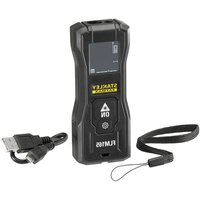

Brand : STANLEY
Model : STHT77666
Category : Rangefinder