EC6 Pro - Mirrorless cameras IMILAB - Free user manual and instructions
Find the device manual for free EC6 Pro IMILAB in PDF.


User questions about EC6 Pro IMILAB
0 question about this device. Answer the ones you know or ask your own.
Ask a new question about this device
Download the instructions for your Mirrorless cameras in PDF format for free! Find your manual EC6 Pro - IMILAB and take your electronic device back in hand. On this page are published all the documents necessary for the use of your device. EC6 Pro by IMILAB.
USER MANUAL EC6 Pro IMILAB
text_image
QR code image containing encoded data, no visible human-readable textScan the QR code for the tutorial on how to use the camera.
Please read this manual carefully before using the device and retain it for future reference.
CONTENTS
English 01-13
Français 14-25
Deutsch 26-37
Italiano 38-49
Español 50-61
Português 62-73
Polskie 74-85
Русский 86-97
Українська 98-109
日本語 110-121
한국어 122-133
ภาษาไทย 134-145
Tiếng Việt 146-157
繁體中文 158-169
العربية 170-181
text_image
QR code image containing encoded data, no visible human-readable textScan the QR code with your mobile phone to read the manual in more languages.
Product Introduction
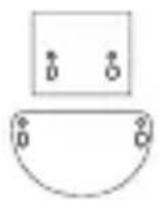
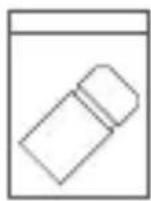
- Package List
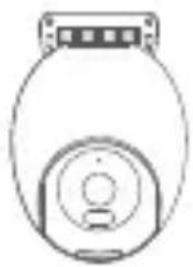
natural_image
Simple line drawing of a mechanical component or housing (no text or symbols)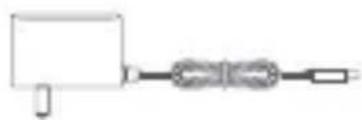
natural_image
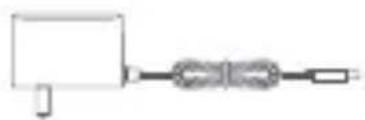
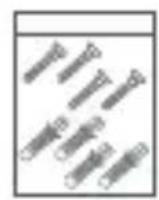
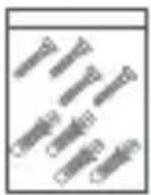
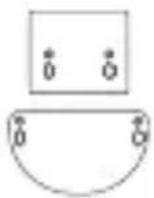
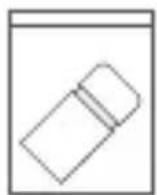
Simple line drawing of a mechanical or electrical component with no text or symbolsPower adapterIMILAB EC6 Pro
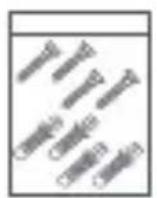
Wall mounting pack
Mounting sticker
Waterproof kit

Warning stickerUser ma
• Product Appearance

text_image
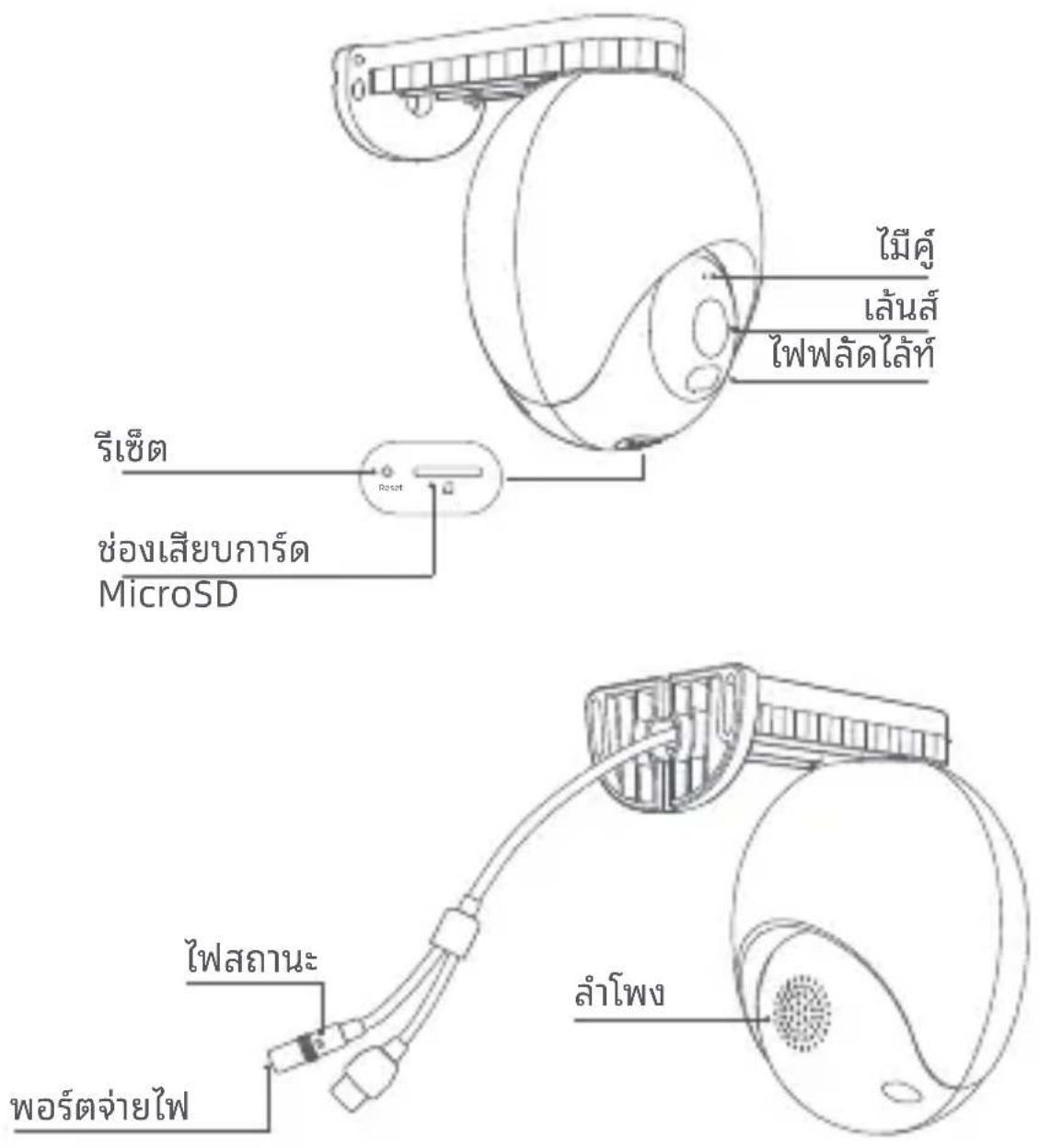
Mic Lens Floodlight Reset MicroSD card slot Indicator light Power port SpeakerConnect to Power Source
- Power On
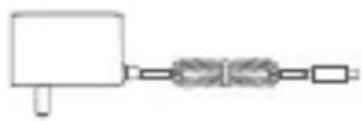
Insert the power supply cable into the camera's power supply port.

natural_image
Pure electrical circuit lines without any symbolsNote: Do not twist the camera's dome to force it to rotate after it is turned on. If the lens positioning is inaccurate, calibrate it with the app.
- Indicator Light
Solid green: Successful connection/normal status
Flashing green: Waiting for connection/network exception
Connecting Network Video Recorder (NVR)
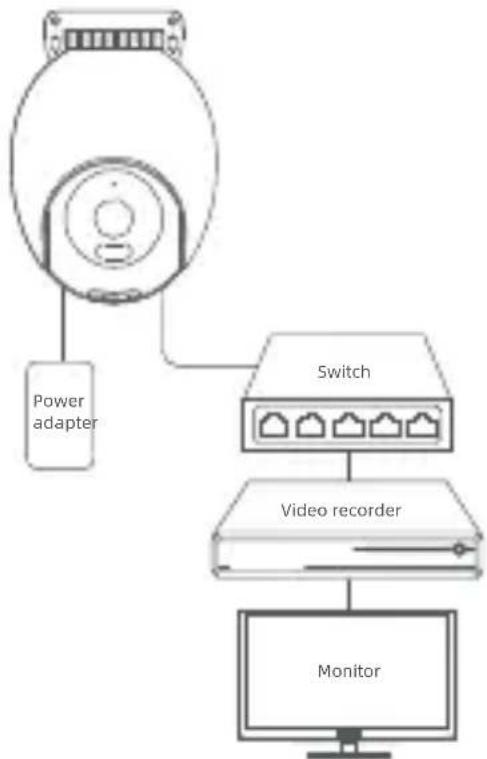
This product supports the onvif protocol and can be connected to mainstream brands of onvif compatible network video recorders.
• Network Video Recorder Connection
flowchart
graph TD
    A["Power adapter"] --> B["Switch"]
    B --> C["Video recorder"]
    C --> D["Monitor"]
The camera can be connected as illustrated and operated by logging in to the web interface using Internet Explorer and setting a password on the same LAN.
- Login to the web interface
Note: Make sure your computer and device are on the same LAN and in the same network segment. In case you cannot enter the web interface of the device or forgot your password, etc., please restore the device to factory settings and then operate it again.
Step 1: Open the IE browser, enter the IP address and suffix of the device in the address bar, e.g. https://192.168.X.X:54333, and press [ENTER] key.
Step 2: Set the password and click Login.
For more information on NVR connection guidance, please check out: https://www.imilabglobal.com/pages/user-manual
Connecting to Xiaomi/Mi Home App
- Scan the QR code to download and install the app, sign up and log in.
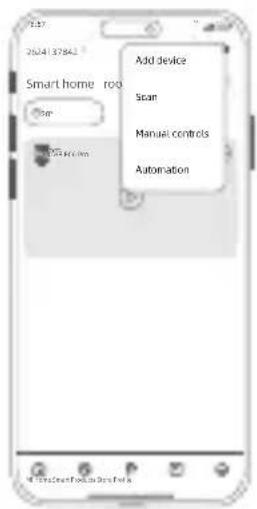
- Connect the camera to the app. Make sure the network is smooth when connecting, and the camera is turned on normally, the indicator light flashes quickly in green.
When connection is successful, the indicator light turns to solid green.

text_image
QR code image with a central logo, likely linking to a digital resource or website.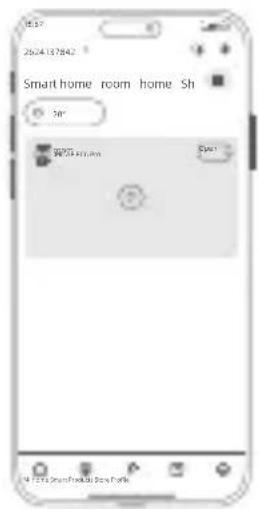
text_image
2024127842 Smart home room home Sh 50° SPOT SpotOpen the Xiaomi Home App and tap the "+" at the top right corner.
text_image
2024137842 Smart home roof Top Add device Scan Manual controls AutomationSelect "Scan" and scan the QR code on the camera body. Follow the step-by-step instructions to add the device.
- Reset the device if required
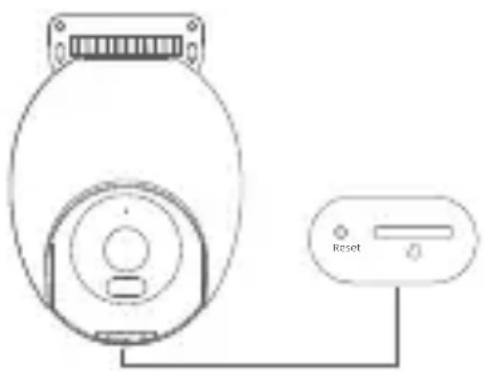
Use a pin to press and hold the reset pinhole for about 7 seconds until the indicator light flashes green and the camera restores factory settings successfully. Then, reconnect to the app.
Note: Restoring the factory settings will not delete the contents of the MicroSD card.
Installing the Device
• Installing the MicroSD card
Ensure that the camera is disconnected from the power supply. Remove the protective case and expose the MicroSD card slot. Insert the MicroSD card into the card slot in the direction as illustrated.
natural_image
Line drawing of a device with a circular head and a switch connected to a labeled control panel (no text or symbols beyond the label)Note:
- MicroSD card needs to be purchased separately. The camera can be used without a MicroSD card.
- When inserting or removing the MicroSD card, please disconnect the camera from the power supply. Use a MicroSD card from IMILAB or another reputable manufacturer (up to 256GB). The recommended read and write speed of the MicroSD card is at least U1/Class 10.
- After installing the MicroSD card or resetting the device, close the waterproof cover tightly before using it.
• FAQ
Scan the QR code for Frequently Asked Questions.
• Installing the Device
The device can be mounted on walls, ceilings, or poles.
- Wall mounting
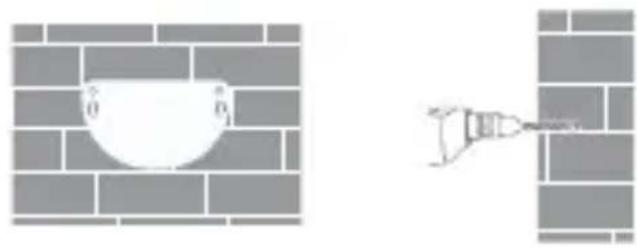
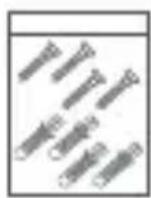
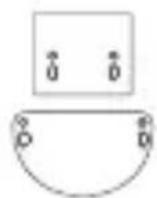
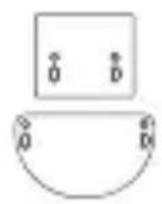
- Attach the wall mounting positioning sticker on the desired installation location on a wall. Drill two holes at the positions indicated on the sticker. The drilling diameter should be around 6.0 mm with a depth of around 30 mm.
natural_image
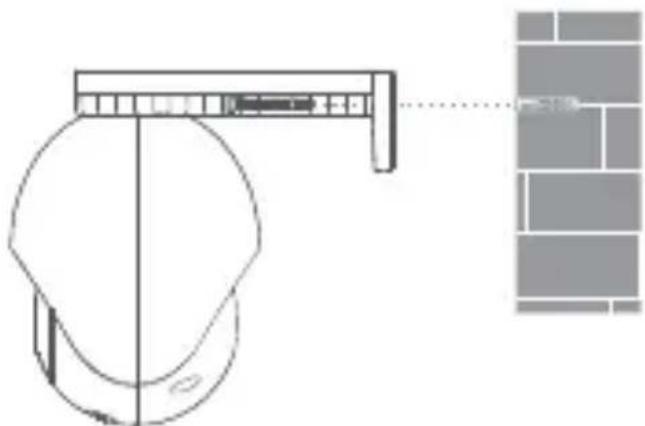
Two wall corner diagrams: one showing a bowl with height 0, the other showing a tool near a wall (no text or symbols)- Insert two plastic expansion nuts into the wall. Put the base plate on the wall. Secure the base plate by inserting the screws into the expansion nuts. Note: The product must be hung horizontally after installation (see below).
natural_image
Technical line drawing of a mechanical component with a close-up view of its assembly (no text or symbols)- Ceiling mounting
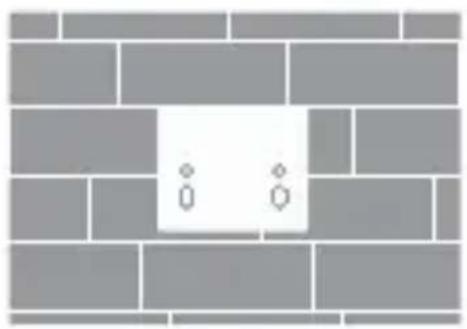
- Attach the ceiling mounting positioning sticker on the desired installation location on the ceiling. Drill two holes at the positions indicated on the sticker. The drilling diameter should be around 6.0 mm with a depth of around 30 mm.
natural_image
Diagram of a brick wall with two small circular symbols (two and one) at the center, no text or labels present.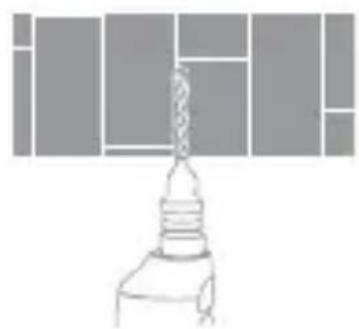
natural_image
Simple line drawing of a lamp with a lit bulb and filament (no text or symbols)- Insert two plastic expansion nuts into the wall. Put the base plate on the ceiling. Secure the base plate by inserting the screws into the expansion nuts.
Note: The product must be hung horizontally after installation (see below).
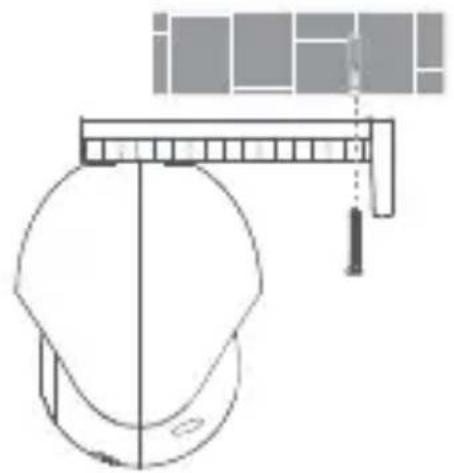
natural_image
Simple line drawing of a helmet with a ruler and abstract geometric shapes above (no text or symbols)- Pole mounting
Note: The product must be hung horizontally after installation (see below).
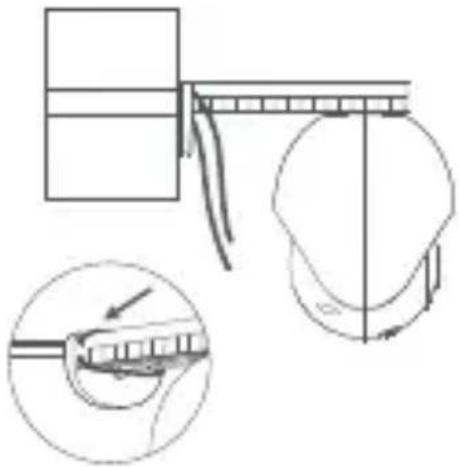
natural_image
Technical line drawing of a mechanical assembly with an inset showing a close-up of a component being inserted (no text or symbols present)Notes on wall mounting:
- The wall on which the device is mounted must have a loading capacity of at least 3 times the weight of the device.
- To avoid any damages or injuries, the device must be securely fastened to the floor/wall as specified in the installation instructions.
- Waterproofing kit
The camera has a LAN port and a power supply port. Waterproofing must be done on both these ports.
Note: The camera waterproof sleeve can effectively prevent rain and water seepage at the network interface location. The warranty does not cover any damage caused by improper installation. Please follow the instructions.

natural_image
Pure electrical circuit lines without any symbolsUsing a waterproofing sleeve on the LAN port
Basic Parameters
Product name: IMILAB EC6 Pro
Dimensions: 161 × 105 × 150 mm
Model: CMSXJ120A
Net Weight: 532g
Operating Temperature: -30°C\~60°C
Wireless Connectivity: Wi-Fi IEEE 802.11 a/b/g/n/ac/ax 2.4 GHz/5 GHz, Bluetooth 5.4
Wi-Fi Maximum Output Power:
2400-2483.5 MHz, <20 dBm
5150-5350 MHz, <20 dBm
5470-5725 MHz, <20 dBm
5725-5850 MHz, <14 dBm
Bluetooth Maximum Output Power: 2402-2480 MHz, <10 dBm
Power input: 12V=1A
Video code: H.265
Resolution: 3840*2160
Storage: MicroSD card (up to 256GB)
FCC ID: 2APA9-CMSXJ120A
Precautions
- The working temperature of the device is -30^ to 60^ . Do not use the device when the temperature is too high or too low.
- For better results, avoid placing the camera in front of or next to a glass surface, a white-colored wall or other reflective surfaces as this may cause the recording to have uneven lighting between the foreground and background or be overexposed.
- Please ensure that the device is within Wi-Fi signal coverage. Place it at a location with good Wi-Fi signal strength.
- Try to avoid placing the device near a metallic object, a microwave oven or other objects that may cause signal interference.
- Under normal use of condition, this equipment should be kept a separation distance of at least 20 cm between the antenna and the body of the user.
Changes or modifications not expressly approved by the party responsible for compliance could void the user's authority to operate the equipment. This device complies with Part 15 of the FCC Rules.
Operation is subject to the following two conditions:
(1) This device may not cause harmful interference, and
(2) This device must accept any interference received, including interference that may cause undesired operation.
Note: This equipment has been tested and found to comply with the limits for a Class B digital device, pursuant to Part 15 of the FCC Rules. These limits are designed to provide reasonable protection against harmful interference in a residential installation. This equipment generates, uses, and canradiate radio frequency energy, and if not installed and used in accordance with the instructions, may cause harmful interference to radio communications.
However, there is no guarantee that interference will not occur in a particular installation. If this equipment does cause harmful interference to radio or television reception, which can be determined by turning the equipment off and on, the user is encouraged to try to correct the interference by one or more of the following measures:
-Reorient or relocate the receiving antenna.
-Increase the separation between the equipment and receiver.
-Connect the equipment into an outlet on a circuit different from that to which the receiver is connected.
-Consult the dealer or an experienced radio/TV technician for help.
FCC 20cm Statement: This equipment complies with FCC radiation exposure limits set forth for an uncontrolled environment. This equipment should be installed and operated with a minimum distance of 20cm between the radiator & your body. This transmi er must not be co-located or operating in conjunction with any other antenna or transmier.
The frequency stability of all transmission frequencies of U-NII-1, U-NII 2A, U-NII 2C and U-NII-3 meets the requirements of 47 CFR FCC Part15.407(g), and the manufacturer declares that their transmission is maintained at Band U-NII-1, U-NII 2A, U-NII 2C and U-NII-3.
WEEE Information
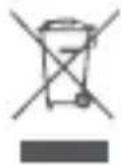
All products bearing this symbol are waste electrical and electronic equipment (WEEE as in directive 2012/19/EU) which should not be mixed with unsorted household waste. Instead, you should protect human health and the environment by handing over your waste equipment to a designated collection point for the recycling of waste electrical and electronic equipment, appointed by the government or local authorities. Correct disposal and recycling will help prevent potential negative consequences to the environment and human health. Please contact the installer or local authorities for more information about the location as well as terms and conditions of such collection points.
EU Declaration of Conformity
Hereby, Shanghai Imilab Technology Co., Ltd. declares that the radio equipment type IMILAB EC6 Pro is in compliance with Directive 2014/53/EU. The full text of the EU declaration of conformity is available at the following internet address: https://www.imilabglobal.com/pages/eu-declaration-of-conformity
For detailed e-manual, please go to
https://www.imilabglobal.com/pages/user-manual
External AC Adapter Specifications
Manufacturer: Dong Guan City GangQi Electronic Co., Ltd, Shenzhen AMC Technology Co., Ltd
Model Identifier: GQ12-120100-CG, AD-0121200100EU-6
Input Voltage: 100-240 Vac
Input AC Frequency: 50/60 Hz
Output Voltage: 12 V
Output Current: 1 A
Output Power: 12 W
Average Active Efficiency: ≥ 82.96%
Efficiency at Low Load (10%): >73%
No-load Power Consumption: <0.1 W
Restrictions in the 5 GHz band:
According to Article 10 (10) of Directive 2014/53/EU, the packaging shows that this radio equipment will be subject to some restrictions when placed on the market in Belgium (BE), Bulgaria (BG), the Czech Republic (CZ), Denmark (DK), Germany (DE), Estonia (EE), Ireland (IE), Greece (EL), Spain(ES), France (FR), Croatia (HR), Italy (IT), Cyprus (CY), Latvia (LV), Lithuania(LT), Luxembourg (LU), Hungary (HU), Malta (MT),
Netherlands (NL), Austria(AT), Poland (PL), Portugal (PT), Romania (RO), Slovenia (SI), Slovakia (SK), Finland(FI), Sweden (SE), Türkiye (TR), Norway(NO), Switzerland (CH), Iceland (IS), Liechtenstein (LI), and Northern Ireland (NI).
The WLAN function for this device is restricted to indoor use only when operating in the 5150-5250/5250-5350 MHz frequency range.
 | BE EE | HR IT CY | LV LT | ||||
| BG IE | LU HU MT NL AT | ||||||
| CZ EL | PL PT RO SI SK | ||||||
| DK ES | FI SE | DE | FR LI | ||||
| NO IS | CH TR | UK(NI) | |||||
The product complies with UK PSTI regulations, and we are committed to providing security updates and support for our products and applications for at least three years from their initial market release.
The full Declaration of Conformity can be found at https://www.imilabglobal.com/pages/psti-declaration. For any issues, please contact us at help@imilab.com or submit the Issue Feedback Form via the link above.
natural_image
Simple line drawing of a mechanical component or device (no text or symbols)IMILAB EC6 Pro
natural_image
Pure electrical circuit lines without any symbolsnatural_image
Pure electrical circuit lines without any symbolstext_image
QR code image with a central logo, likely linking to a digital resource or website.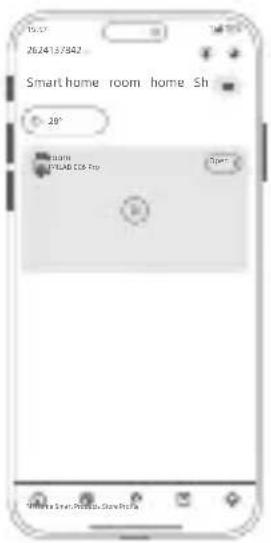
text_image
20/24/13/942 Smart home room home Sh 28° HOME EPLAB CO6 Pro Open 100% 100% Smart Home Roomtext_image
Add device Scan Manual controls Automationnatural_image
Simple line drawing of a device with a circular base and a switch connected to a labeled control panel (no text or symbols beyond the label)Remarque :
natural_image
Diagram showing a brick wall with a bowl and a hand holding a tool, no text or symbols presentnatural_image
Diagram of a mechanical device with a bracket and a close-up of a grid structure (no text or symbols)natural_image
Diagram of a brick wall with two small circular symbols (D and O) at the center, no text or labels present.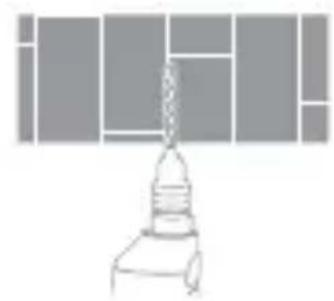
natural_image
Simple line drawing of a lamp with a bulb mounted on a stand (no text or symbols)natural_image
Diagram of a mechanical device with a pulley and lever, no text or symbols present- Montage sur mât
natural_image
Technical diagram showing a mechanical assembly with a ruler and a close-up of a tool interacting with a component (no text or symbols present)natural_image
Pure electrical circuit lines without any symbolsFabricant: Dong Guan City GangQi Electronic Co., Ltd,
Shenzhen AMC Technology Co., Ltd
natural_image
Simple line drawing of a mechanical component with no text or symbols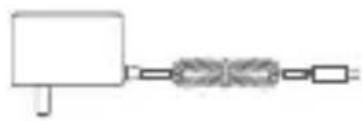
natural_image
Pure electrical circuit lines without any symbolsnatural_image
Pure electrical circuit lines without any symbolstext_image
QR code image with a central logo, likely linking to a digital resource or website.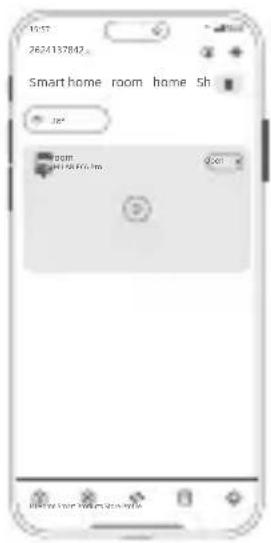
text_image
15:57 26/24/137842 Smart home room home sh 30° 00:00 24/15/07/19 2:01 HAPPY NEW HOME SEAtext_image
2624137802 Smart home roof Add device Scan Manual controls Automationnatural_image
Diagram of a device with a circular component connected to a control panel labeled 'Reset' (no text or symbols on the device itself)Hinweis:
natural_image
Diagram showing a white bowl mounted on a brick wall and a tool inserted into a corner (no text or symbols)natural_image
Diagram showing a device mounted on a wall with a close-up of its screen (no text or symbols present)- Deckenbefestigung
natural_image
Two abstract geometric diagrams: one showing a brick wall pattern with small circular cutouts, the other depicting a simple lamp or lamp mounted on a stand (no text or symbols)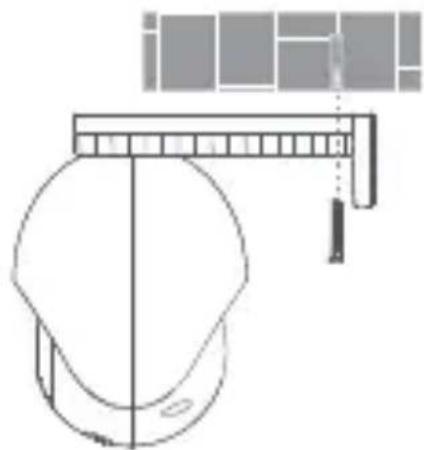
natural_image
Technical line drawing of a mechanical component with a ruler and bracket (no text or symbols)
natural_image
Technical diagram showing a mechanical assembly with an inset close-up of a component being inserted (no text or symbols present)natural_image
Pure electrical circuit lines without any symbolsnatural_image
Simple line drawing of a mechanical component with circular and rectangular features (no text or symbols)IMILAB EC6 Pro
natural_image
Pure electrical circuit lines without any symbolsnatural_image
Pure electrical circuit lines without any symbolstext_image
QR code with central logo, likely linking to a digital service or website
text_image
2624137842 Smart home room home Sh 28° 00:00 PULAB 106.1ns D 5 hours every day is every daytext_image
2624137842 Smart home room Add device Scan Manual controls Automationnatural_image
Line drawing of a device with a circular component and a connected control panel (no text or symbols)Nota:
natural_image
Diagram showing a white dome-shaped object and a mechanical tool inserted into a brick wall (no text or symbols)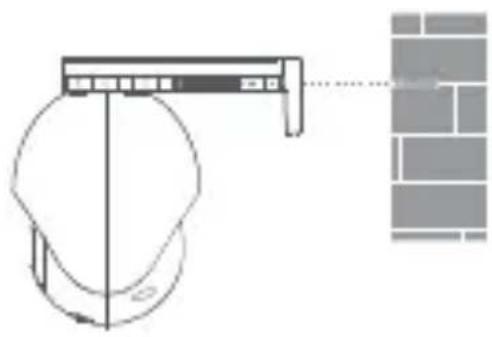
natural_image
Diagram showing a mechanical device interacting with a wall-mounted component (no text or symbols present)natural_image
Two abstract geometric diagrams: one showing a brick wall pattern with a small white square and two small circles, the other depicting a lampshade (no text or symbols)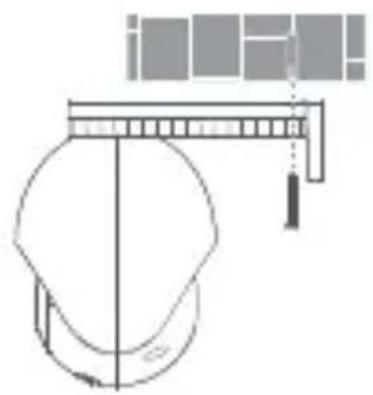
natural_image
Technical line drawing of a helmet with a suspended object above it (no text or symbols)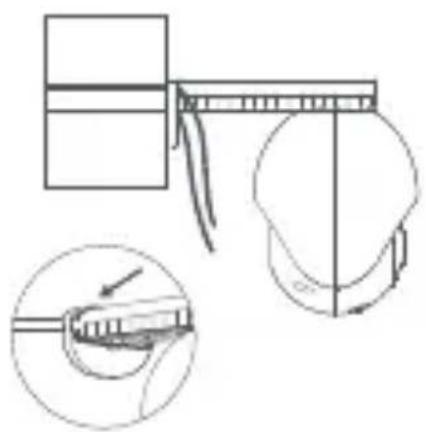
natural_image
Technical line drawing of a mechanical assembly with an inset showing a close-up of a component (no text or symbols present)
natural_image
Pure electrical circuit lines without any symbolsnatural_image
Simple line drawing of a mechanical component with circular and rectangular features (no text or symbols)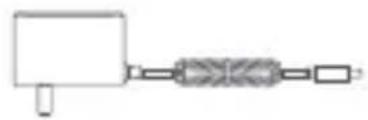
natural_image
Simple line drawing of a mechanical or electrical component with no text or symbolsnatural_image
Pure electrical circuit lines without any symbolstext_image
QR code image with a central logo, likely linking to a digital resource or website.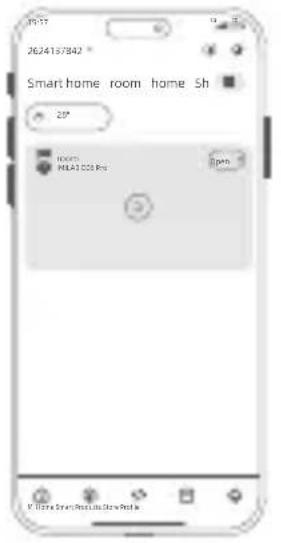
text_image
2624157842 * Smart home room home Sh 25° 2000 MILK1000 Pcs 3pm © © © © © © © © © © © © © © © © © © © © © © © © © © © © © © © © © © © © © © © © © © © © © © © © © © © © © © © © © © © © © © © © © © © © © © © © © © © © © © © © © © © © © © © © © © © © © © © © © © © © ©© ©©©©©©©©©©©©©©©©©©©©©©©©©©©©©©©©©©©©©©©©©©©©©©©©©©©©©©©©©©©©©©©©©©©©©©©©©©©©©©©©©©©©©©©©©©©©©©©©©©©©©® © © © © © © © © © © © © © © © © © © © © © © © © © © © © © © © © © © © © © © © © © © © © © © © © © © © © © © © © © © © ®natural_image
Line drawing of a device with a circular head and a control panel connected to a button labeled 'Reset' (no text or symbols on the device itself)Nota:
natural_image
Two diagrams showing a bowl on a brick wall and a hand holding a tool near a wall (no text or symbols)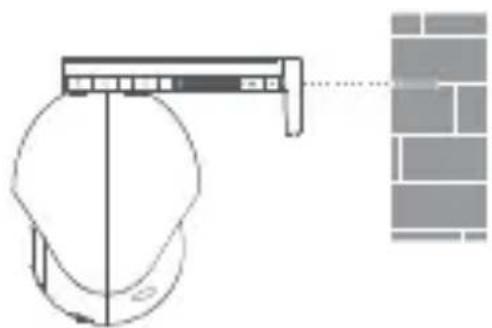
natural_image
Diagram showing a helmet with a mounted device and a brick wall pattern (no text or symbols)• Montaje en techo
natural_image
Diagram showing a brick wall with two small windows and a lamp on a stand (no text or symbols)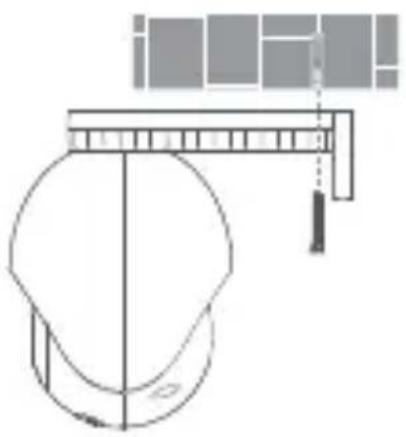
natural_image
Technical line drawing of a mechanical assembly with a measuring tool and component (no text or symbols)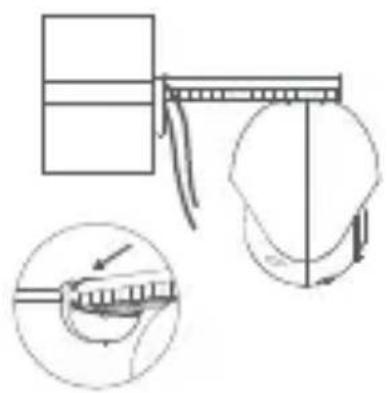
natural_image
Diagram showing a mechanical assembly with a ruler and a close-up of a tool interacting with a component (no text or symbols present)
natural_image
Pure electrical circuit lines without any symbolsnatural_image
Simple line drawing of a mechanical component or housing (no text or symbols)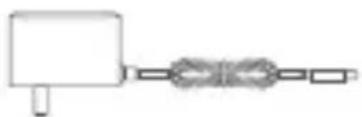
natural_image
Simple line drawing of a mechanical or electrical component with no text or symbolsTransformadorIMILAB EC6 Pro
natural_image
Pure electrical circuit lines without any symbolstext_image
QR code with a central logo, likely linking to a digital resource or website.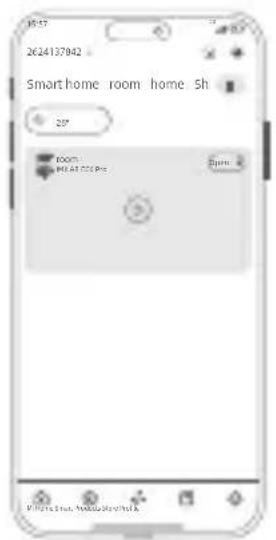
text_image
2624137942 Smart home room home 5h 20° ROOM1 ROOM2 E-mail: E-mail: E-mail: E-mail: E-mail: E-mail: E-mail: E-mail: E-mail: E-mail: E-mail: E-mail: E-mail: E-mail: E-mail: E-mail: E-mail: E-mail: E-mail: E-mail: E-mail: E-mail: E-mail: E-mail: E-mail: E-mail: E-mail: E-mail: E-mail: E-mail: E-mail: E-mail: E-mail: E-mail: E-mail: E-mail: E-mail: E-mail: E-mail: E-mail: E-mail: E-mail: E-mail: E-mail: E-mail: E-mail: E-mail: E-mail: E-mail: E-mail: E-mail:natural_image
Simple line drawing of a device with a circular component and a connected button labeled 'Reset' (no text or symbols beyond basic labels)Nota:
natural_image
Diagram showing a bowl of liquid inside a brick wall and a syringe inserted into a wall (no text or symbols)natural_image
Diagram of a showerhead with a vertical bar and a close-up of a grid pattern (no text or symbols)• Montagem no teto
natural_image
Two abstract geometric diagrams: one showing a brick wall pattern with a small white square and two small squares, the other depicting a stylized chair or bench (no text or symbols)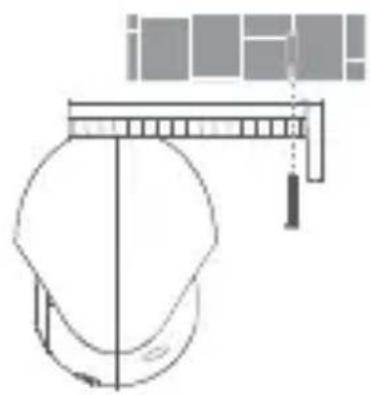
natural_image
Technical line drawing of a helmet with a horizontal bar and tassel, no text or symbols present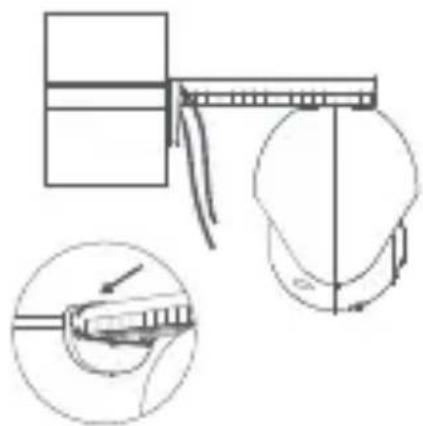
natural_image
Technical diagram showing a mechanical assembly with a magnified inset of a component detail (no text or symbols)
natural_image
Pure electrical circuit lines without any symbolshttps://www.imilabglobal.com/pages/eu-declaration-of-conformity
natural_image
Simple line drawing of a mechanical component or housing (no text or symbols)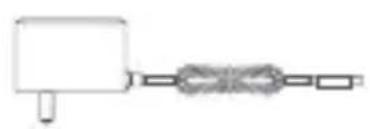
natural_image
Simple line drawing of a mechanical component with a spring and shaft (no text or symbols)ZasilaczIMILAB EC6 Pro
natural_image
Pure electrical circuit lines without any symbolstext_image
QR code with a central logo, likely linking to a digital resource or website.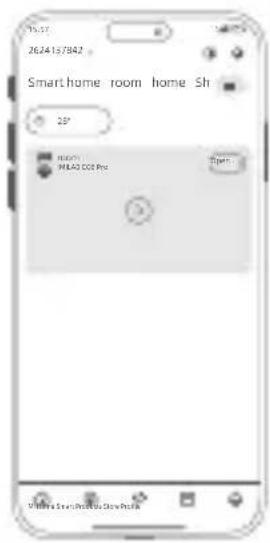
text_image
19:37 2624157842 Smarthome room home Sh 2P H0071 MEAG 100 Pro Open... Vine Sveni Shen Shentext_image
19:57 26/24/13/842 Smart home - roo Add device Scan Manual controls Automationnatural_image
Line drawing of a device with a circular component and a connected control panel labeled 'Reset' (no text or symbols on the device itself)Uwaga:
natural_image
Two grayscale illustrations of a bowl and a tool on a brick wall (no text or symbols)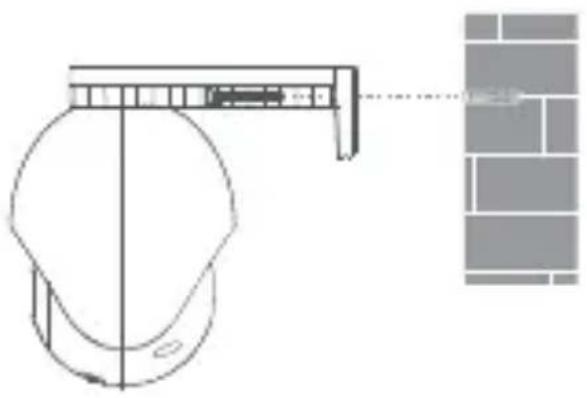
natural_image
Technical line drawing of a mechanical component with a close-up view of its assembly (no text or symbols)- Montaż na suficie
natural_image
Pure electrical circuit lines without any symbolshttps://www.imilabglobal.com/pages/eu-declaration-of-conformity
Producent: Dong Guan City GangQi Electronic Co., Ltd,
Shenzhen AMC Technology Co., Ltd
ldentyfikator modelu: GQ12-120100-CG, AD-0121200100EU-6
natural_image
Simple line drawing of a mechanical component or housing (no text or symbols)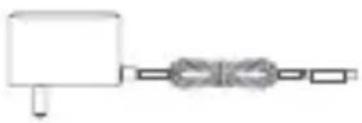
natural_image
Simple line drawing of a mechanical component with a block and a coiled spring (no text or symbols)natural_image
Pure electrical circuit lines without any symbolstext_image
QR code image with a central logo, likely linking to a digital resource or website.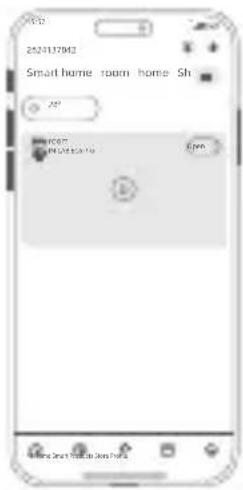
text_image
2523137842 Smart home room home Sh 100 100 100 100 100 100 100 100 100 100 100 100 100 100 100 100 100 100 100 100 100 100 100 100 100 10 10 10 10 10 10 10 10 10 10 10 10 10 10 10 10 10 10 10 10 10 10 10 10 10 10 10 10 10 10 10 10 10 12345679999999999999999999999999999999999999999999999999999999999999999999999999999999999999999999999999999text_image
2624137842 Smart home: roof Aed device Scan Manual controls Automationnatural_image
Line drawing of a device with a circular component and a connected control panel labeled 'Reset' (no text or symbols on the device itself)Примечание.
natural_image
Two diagrams showing a bowl placed on a brick wall and a magnified view of a pointed object inside (no text or symbols)natural_image
Diagram of a mechanical device with a bracket and a grid-patterned wall (no text or symbols)• Потолочный монтаж
natural_image
Two abstract geometric diagrams: one showing a white square with small circles, the other showing a simple lamp or lamp mounted on a stand (no text or symbols)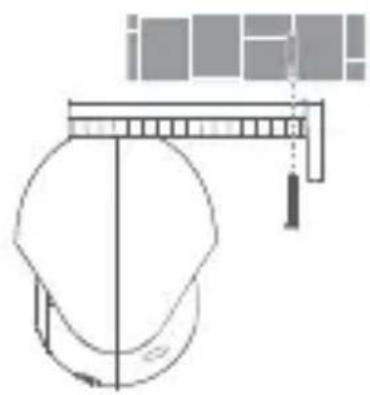
natural_image
Technical line drawing of a helmet with a horizontal bar and tassel, no text or symbols present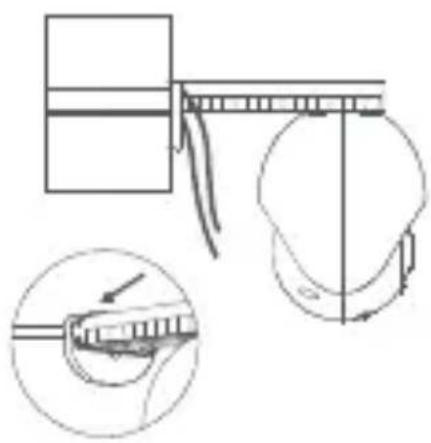
natural_image
Technical line drawing showing a mechanical assembly with an inset close-up of a tool interacting with a component (no text or symbols present)
natural_image
Pure electrical circuit lines without any symbolsnatural_image
Simple line drawing of a mechanical component or housing (no text or symbols)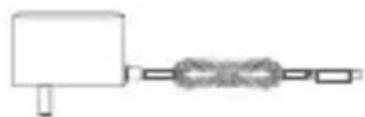
natural_image
Simple line drawing of a mechanical assembly with a block and chain (no text or symbols)natural_image
Pure electrical circuit lines without any symbolstext_image
QR code image with a central logo, likely linking to a digital resource or website.
text_image
1627 2624137842 Smart home: room: home Sh 20° Home OK Pill Star Smart Room Open Windowtext_image
16:37 2624157842 Smart home roo - 20° Add device Scan Manual controls Automationnatural_image
Simple line drawing of a device with a circular head and a control panel connected to a button labeled 'Reset' (no text or symbols beyond basic labels)Примітка.
natural_image
Diagram showing a circular object with labeled points and an arrow pointing to it, against a brick wall background (no text or symbols)natural_image
Diagram of a mechanical device with a bracket and a grid pattern, no text or symbols presentnatural_image
Two abstract geometric diagrams: one showing a brick wall pattern with small symbols, the other showing a light bulb-like structure (no text or labels)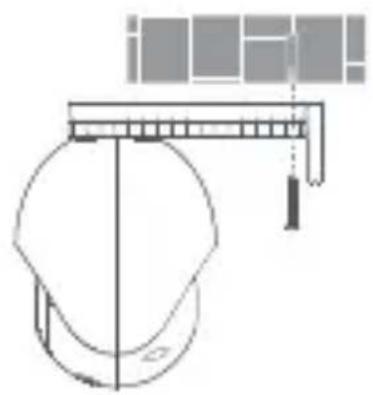
natural_image
Technical line drawing of a mechanical assembly with a central component and a suspended load (no text or symbols)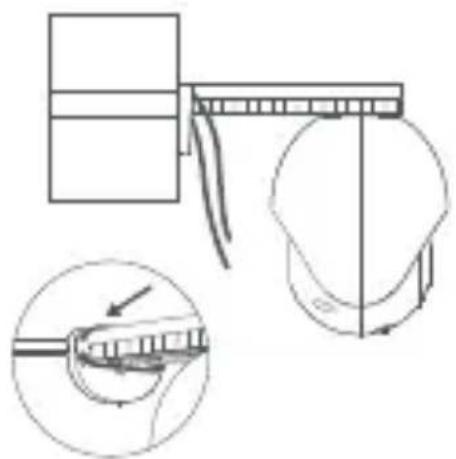
natural_image
Technical line drawing of a mechanical assembly with an inset showing a close-up of a component (no text or symbols present)
natural_image
Pure electrical circuit lines without any symbolsВикористання
водонепроникного чохла
на порті LAN
Основні параметри
natural_image
Simple line drawing of a cylindrical object with a circular base and top rim (no text or symbols)IMILAB EC6 Pro
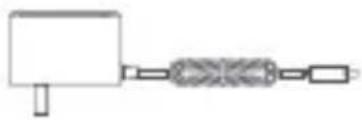
natural_image
Pure mechanical diagram showing a block connected to a spring-like component (no text or symbols)電源アダプター
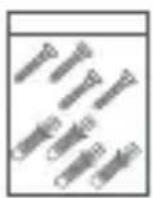
壁取り付けパック
取り付けステッカー
防水キット
警告ステッカーユーザーマ:
- 製品の外観
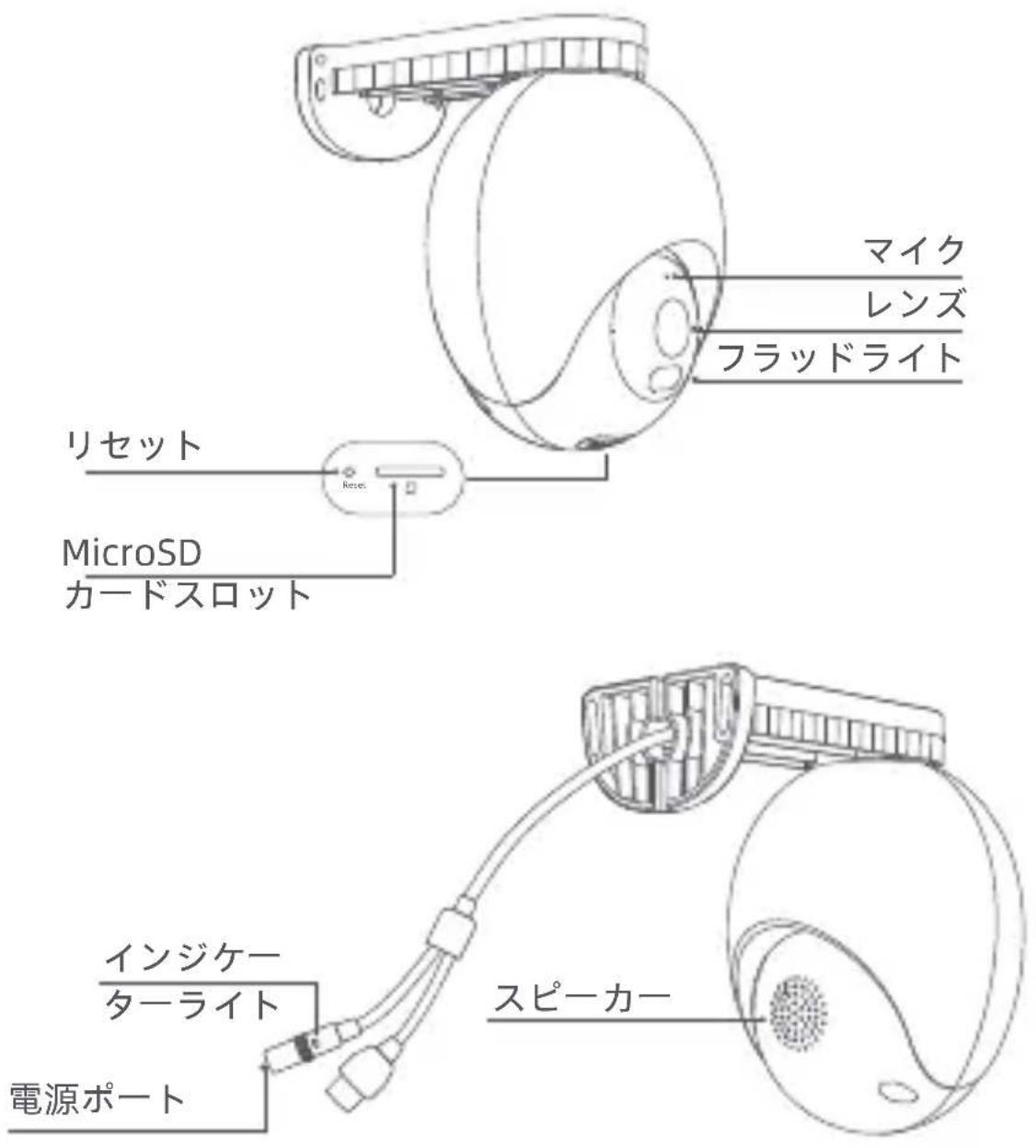
natural_image
Pure electrical circuit lines without any symbolstext_image
QR code with central logo, likely linking to a digital resource or website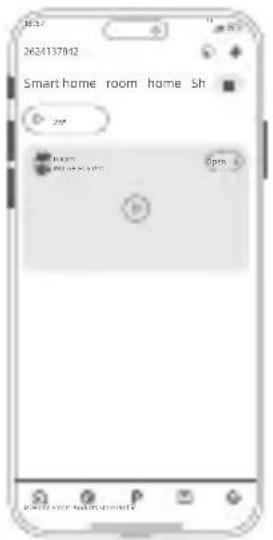
text_image
2624137812 Smart home room home Sh Opentext_image
262#137842 Smart home room Add device Scan Manual controls Automationnatural_image
Simple line drawing of a device with a circular component and a connected button labeled 'Reset' (no text or symbols beyond basic labels)注:
natural_image
Diagram showing a white bowl on a brick wall and a hand holding a tool near a wall (no text or symbols)natural_image
Diagram of a mechanical device with a bracket and a grid-patterned panel, no text or symbols present- 天井への取り付け
natural_image
Pure electrical circuit lines without any symbolsLANポートに防水スリーブを使用
基本パラメータ
https://www.imilabglobal.com/pages/eu-declaration-of-conformity
電子マニュアルの詳細については、
natural_image
Simple line drawing of a mechanical component with circular and rectangular features (no text or symbols)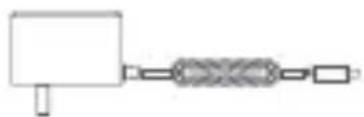
natural_image
Simple line drawing of a mechanical or electrical component with no text or symbolsnatural_image
Pure electrical circuit lines without any symbolstext_image
QR code with central logo, likely linking to a digital service or website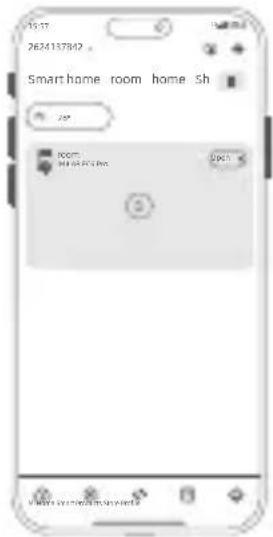
text_image
15:17 2624137842 . Smarthome room home sh 250 ROOM: 94 05 2023.06.0 2023text_image
13:57 2624137842 Smart home - 3oo Add device Scan Manual controls Automationnatural_image
Diagram of a device with a circular component connected to a control switch labeled 'Reset' (no text or symbols beyond the label)주의:
natural_image
Diagram showing a circular object with labeled points and a hand holding a tool, against a brick wall background (no text or symbols)natural_image
Diagram showing a helmet mounted on a wall-mounted bracket with a close-up of its side panel (no text or symbols present)-천장설치
natural_image
Diagram of a brick wall with a central white square containing three small symbols (no text or labels)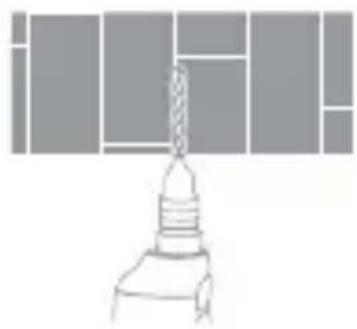
natural_image
Simple line drawing of a mechanical component with no text or symbolsnatural_image
Technical line drawing of a mechanical component with no visible text or symbols-기둥 설치
natural_image
Technical diagram showing a mechanical assembly with an inset close-up of a component being inserted (no text or symbols present)벽 장착에 대한 참고 사항:
natural_image
Pure electrical circuit lines without any symbols랜 포트에 방수 슬리브 사용
기본 매개 변수
제조자: Dong Guan City GangQi Electronic Co., Ltd, Shenzhen AMC Technology Co., Ltd
모델 식별명: GQ12-120100-CG, AD-0121200100EU-6
입력 전압:100-240Vac
입력 AC 주파수: 50/60 Hz
출력 전압:12V
출력 전류:1A
출력 파워:12W
평균 활성 효율:≥82,96%
저부하(10%)효율: >73%
무부하 파워 소비: < 0,1 W
5 GHz 대역 제한 사항:
natural_image
Simple line drawing of a mechanical component with a circular base and top component (no text or symbols)IMILAB EC6 Pro

natural_image
Pure mechanical diagram showing a block connected to a spring and shaft (no text or symbols)อะแคปเตอร์ะ ปลังไฟ
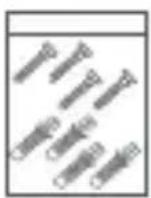
ชุดติดตั้งผนัง
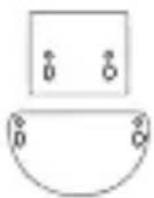
สติกเกอร์ติดผนัง

ชุดกันน้ำ
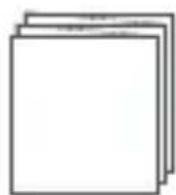
คู่มือผู้ใช้งาน
สติกเกอร์คําเตือน
- รป ลักษณ์ผลิตภัณฑ์
natural_image
Pure electrical circuit lines without any symbolstext_image
QR code with a central logo, likely linking to a digital security or security app.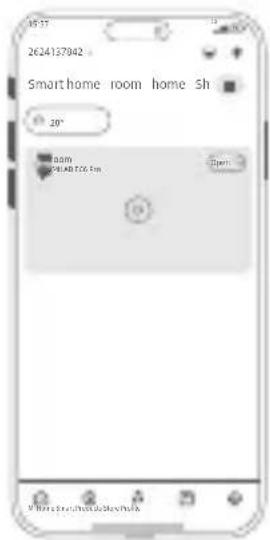
text_image
45:17 2624137042 Smarthome room home sh 20° 0:00 20148706 Tin Controltext_image
2624137842 Smart home roo Add device Scan Manual controls Automationnatural_image
Line drawing of a device with a circular component and a connected control panel labeled 'Reset' (no text or symbols beyond basic labels)หมายเหตุ:
natural_image
Diagram showing a circular object with diameter 2 and a mechanical tool inserted into a brick wall (no text or symbols)natural_image
Diagram of a smart home control panel with a wall-mounted sensor and a close-up of the sensor (no text or symbols)natural_image
Diagram of a brick wall with two small symbols (diamond and square) at the center, no text or labels present.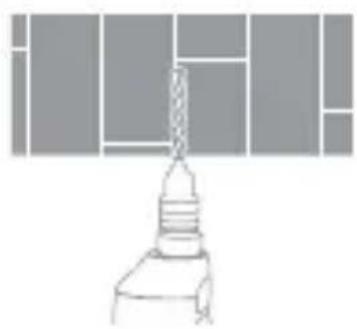
natural_image
Simple line drawing of a mechanical component with no text or symbolsnatural_image
Technical line drawing of a mechanical assembly with a pulley and lever (no text or symbols)- การติดตั้งกับเสา
natural_image
Technical line drawing of a mechanical assembly with an inset showing a close-up of a component being inserted (no text or symbols present)natural_image
Pure electrical circuit lines without any symbolshttps://www.imilabglobal.com/pages/eu-declaration-of-conformity
natural_image
Simple line drawing of a cylindrical device with a circular base and top tabs (no text or symbols)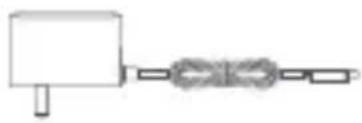
natural_image
Simple line drawing of a mechanical assembly with a block and chain (no text or symbols)natural_image
Pure electrical circuit lines without any symbolstext_image
QR code image with a central logo, likely linking to a digital resource or website.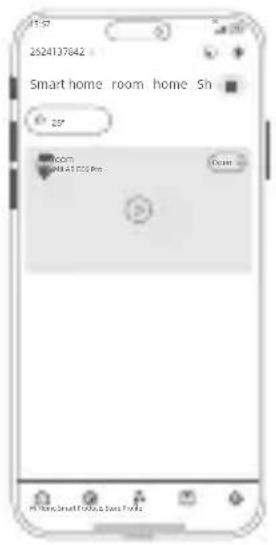
text_image
2524137642 Smart home room home Sh 25" Room 2841000 Pin Enter P Home, Small Phone, Smart Phonenatural_image
Simple line drawing of a device with a circular connector and a labeled 'Reset' button connected to it (no text or symbols beyond the label)Lưu ý:
natural_image
Diagram showing a wall-mounted device mounted on a brick wall and a hand holding a tool, both without any text or symbols.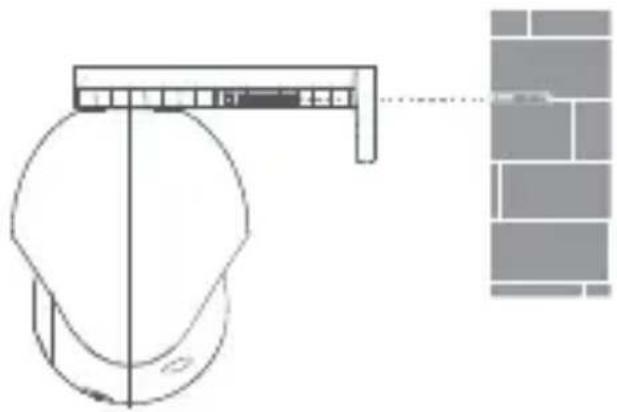
natural_image
Technical line drawing of a mechanical component with a close-up view of its top view (no text or symbols)• Lắp trên trần
natural_image
Diagram of a brick wall with two small circular symbols (0 and 0) at the center, no text or labels present.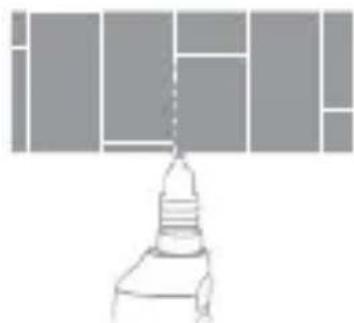
natural_image
Simple line drawing of a mechanical component or tool with no visible text or symbolsnatural_image
Technical line drawing of a mechanical component with a pulley and lever assembly (no text or symbols)• Lắp trên cột
natural_image
Technical diagram showing a mechanical assembly with a bracket and a close-up of a tool interacting with a component (no text or symbols present)natural_image
Pure electrical circuit lines without any symbolshttps://www.imilabglobal.com/pages/eu-declaration-of-conformity
natural_image
Simple line drawing of a mechanical component with a circular base and rectangular top (no text or symbols)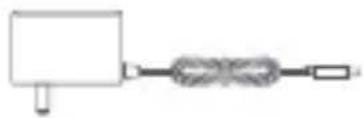
natural_image
Simple line drawing of a mechanical or electrical component with no text or symbols電源適配器IMILAB EC6 Pro
掛牆配件包
安裝貼紙
防水套件
警告貼紙使用說明書
- 產品外觀
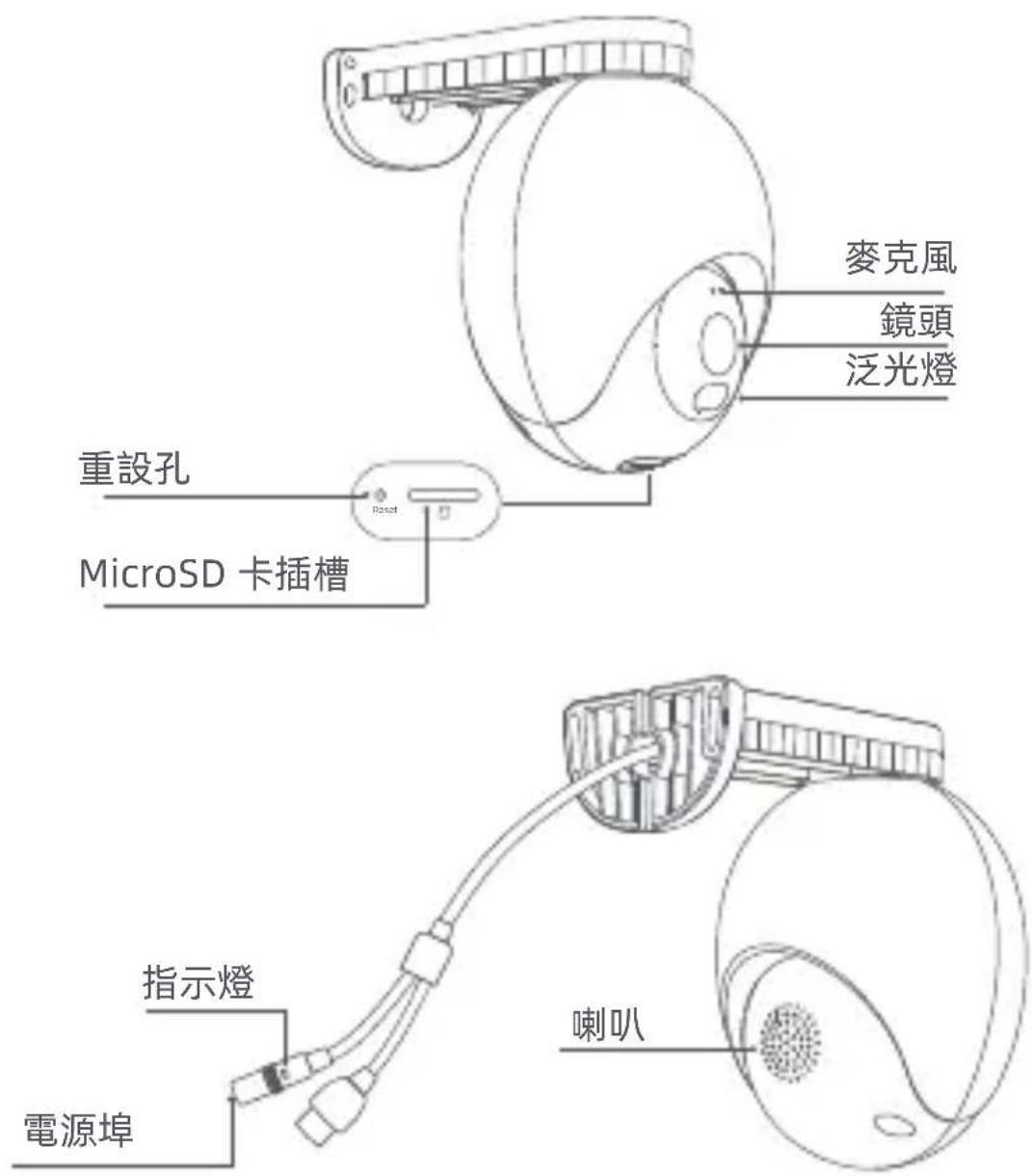
natural_image
Pure electrical circuit lines without any symbolstext_image
QR code with central logo, likely linking to a digital service or website
text_image
2624137942 * Smarthome room home Sh 26° 100000 MILKOS FCS Box 5000 S: Rare's, 80% in SowMedianatural_image
Diagram of a device with a circular component connected to a control panel labeled 'Reset' (no text or symbols on the diagram itself)注意:
natural_image
Simple diagram of a white circular object on a gray brick wall, no text or symbols present.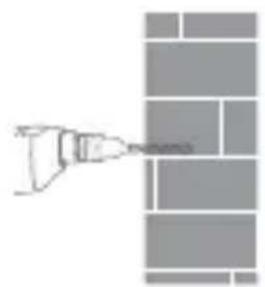
natural_image
Simple line drawing of a tool interacting with a grid-like object (no text or symbols)natural_image
Diagram of a mechanical device with a bracket and a brick wall, no text or symbols present- 吸頂安裝
natural_image
Diagram of a brick wall with a central white square containing two small symbols (no text or labels)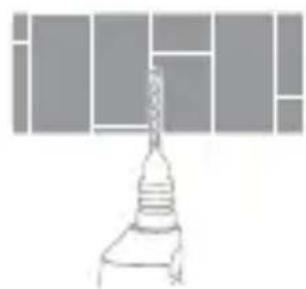
natural_image
Simple line drawing of a lamp with a base, no text or symbols presentnatural_image
Technical line drawing of a mechanical component with no visible text or symbols- 環抱安裝
natural_image
Technical diagram showing mechanical assembly with a bracket and a close-up of a component detail (no text or symbols)掛牆安裝注意事項:
natural_image
Pure electrical circuit lines without any symbols網路線接口處安裝防水套件
基本參數
儲存功能: MicroSD card (up to 256GB)
natural_image
Simple line drawing of a mechanical component with no text or symbolsIMILAB EC6 Pro
natural_image
Simple line drawing of a mechanical assembly with a block and chain (no text or symbols)محول الطاقة
natural_image
Pure electrical circuit lines without any symbolstext_image
QR code with central logo, likely linking to a digital resource or websitenatural_image
Line drawing of a device with a circular head and connected to a control panel labeled 'Reset' (no text or symbols on the device itself)natural_image
Simple diagram of a white semicircular shape on a gray brick wall, no text or symbols present.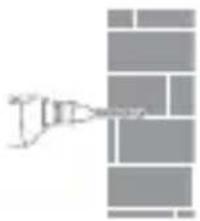
natural_image
Abstract geometric pattern with gray rectangles and a small arrowhead (no text or symbols)natural_image
Technical line drawing of a mechanical component with a close-up view of its assembly (no text or symbols)natural_image
Diagram showing a brick wall pattern with a central white square and a stylized lamp or fixture (no text or symbols)الثبيت بالسف
natural_image
Technical line drawing of a mechanical component with no visible text or symbolsnatural_image
Technical line drawing of a mechanical assembly with a ruler and cross-section view (no text or symbols)natural_image
Pure electrical circuit lines without any symbolsتثبيت الجهاز
Manufacturer: Shanghai Imilab Technology Co., Ltd.
Address: Room 001A, Floor 11, Block 1, No. 588 Zixing Road, Minhang District, Shanghai, China
For further information, please go to www.imilabglobal.com.
Support: help@imilab.com
Warranty: https://www.imilabglobal.com/pages/warranty

MADE IN CHINA
7011AA016211

