
EC5 - Mirrorless cameras IMILAB - Free user manual and instructions
Find the device manual for free EC5 IMILAB in PDF.


User questions about EC5 IMILAB
0 question about this device. Answer the ones you know or ask your own.
Ask a new question about this device
Download the instructions for your Mirrorless cameras in PDF format for free! Find your manual EC5 - IMILAB and take your electronic device back in hand. On this page are published all the documents necessary for the use of your device. EC5 by IMILAB.
USER MANUAL EC5 IMILAB
Please read this manual carefully before using the device and retain it for future reference.
CONTENTS
English 01-11
12-23Deutsche
24-35Español
36-47Italiano
48-59Français
60-71Русский
72-83Polski
84-95Türkçe
96-107čeština
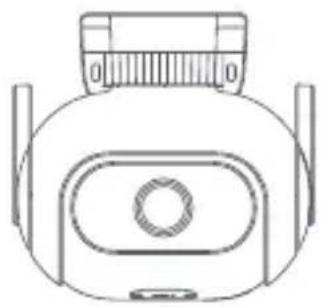
- Package list
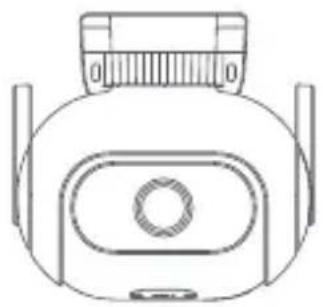
natural_image
Line drawing of a mechanical device with measurement markings (no text or symbols)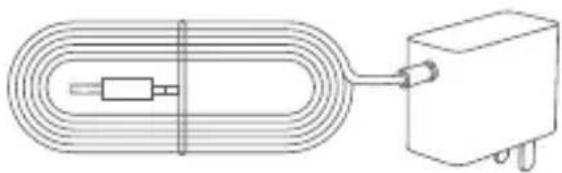
natural_image
Pure electrical circuit lines without any symbolsIMILAB EC5 Floodlight Camera Power adapter
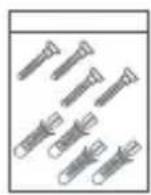
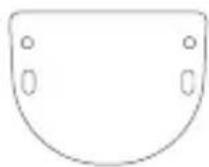

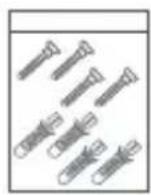
Wall mounting pack Wall/ceiling mounting positioning stickers
User manual
• Product Appearance
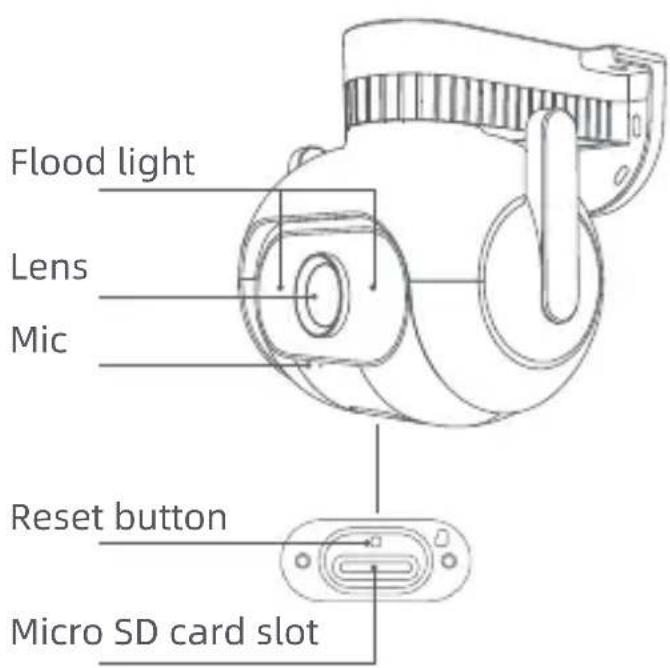
text_image
Flood light Lens Mic Reset button Micro SD card slot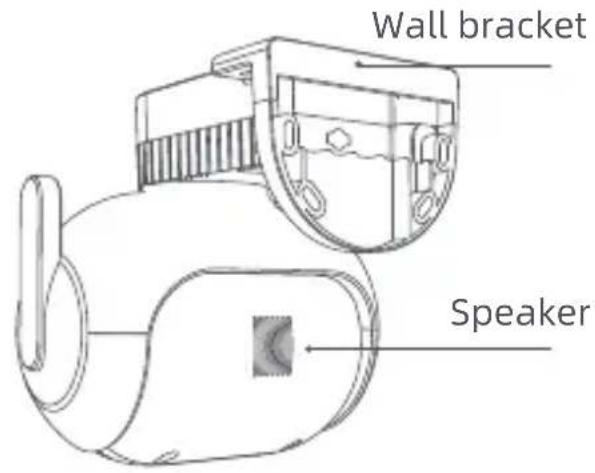
text_image
Wall bracket SpeakerThe device can be wall mounted, ceiling mounted or tied around a support.
- Wall mounting
- Attach the wall mounting positioning sticker on the desired installation location on a wall. Drill two holes at the positions indicated on the sticker. Drilling diameter of around 6.0 mm; drilling depth of around 30mm.
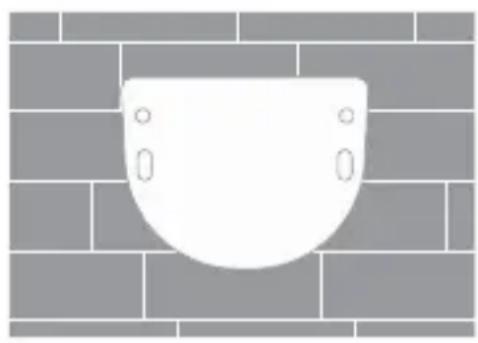
natural_image
White dome-shaped object mounted on a brick wall, no text or symbols present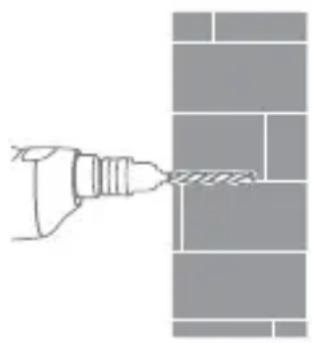
natural_image
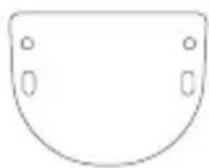
Simple line drawing of a hand using a tool to cut or mark a brick wall pattern (no text or symbols)- Insert two plastic expansion nuts into the wall. Put the base plate on the wall. Secure the base plate by inserting the screws into the expansion nuts.
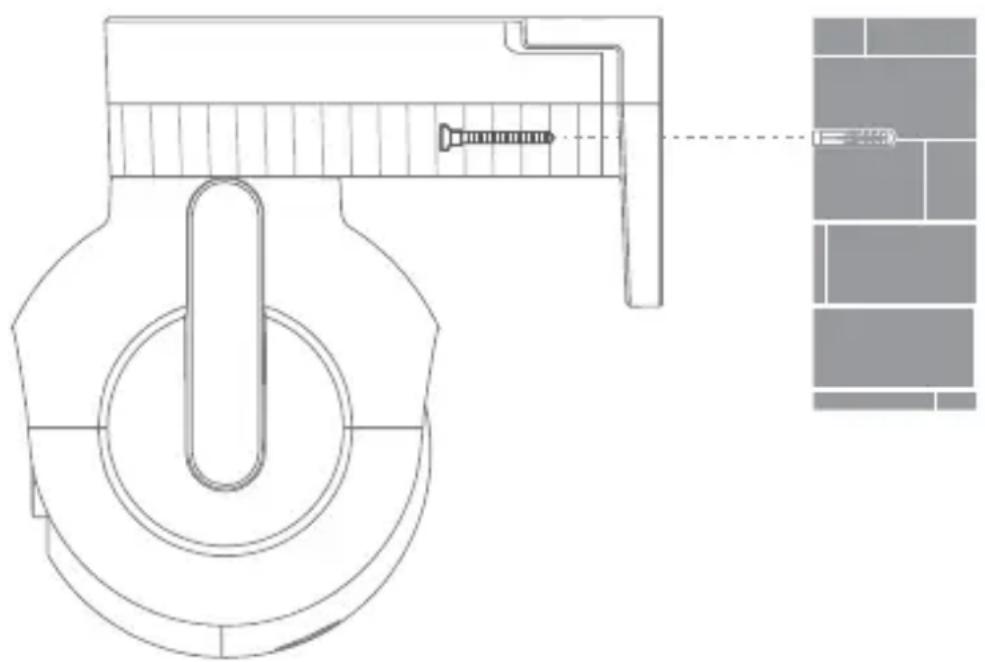
natural_image
Technical line drawing of a mechanical component with screw and mounting bracket (no text or symbols)- Ceiling mounting
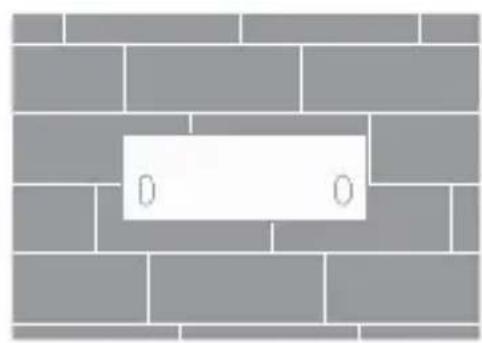
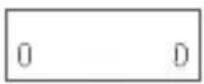
- Attach the ceiling mounting positioning sticker on the desired installation location on the ceiling. Drill two holes at the positions indicated on the sticker. Drilling diameter of around 6.0 mm; drilling depth of around 30mm.
natural_image
Diagram of a brick wall with a white rectangular label containing 'D' (no text or symbols beyond the label)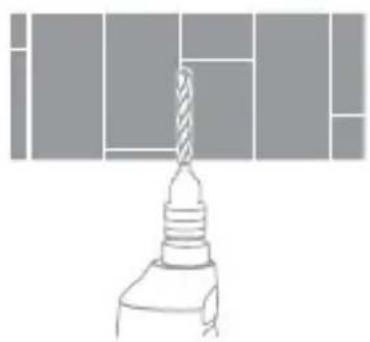
natural_image
Simple line drawing of a screwdriver with a base, no text or symbols present- Insert two plastic expansion nuts into the wall. Put the base plate on the ceiling. Secure the base plate by inserting the screws into the expansion nuts.
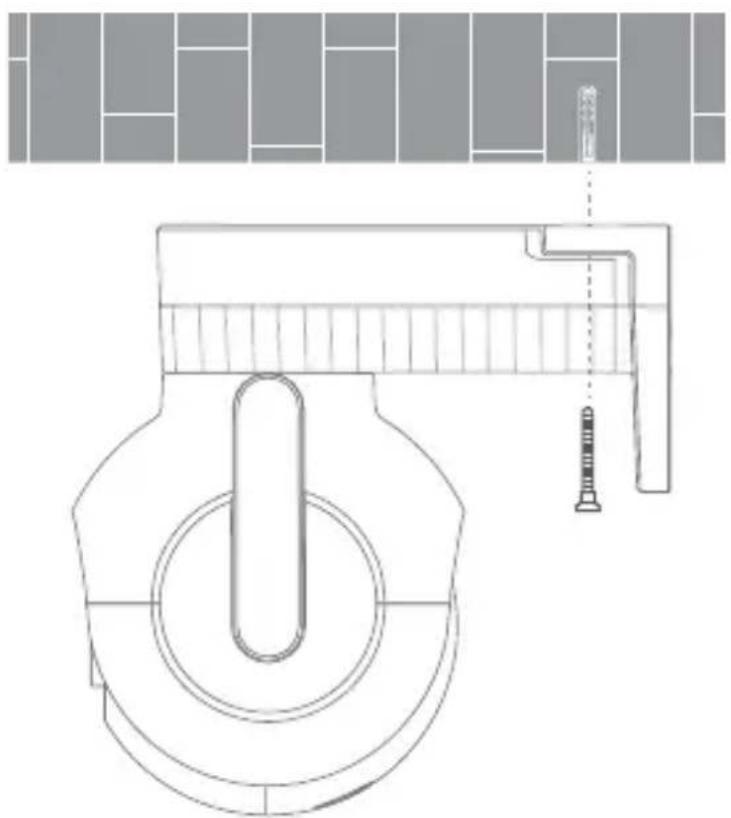
natural_image
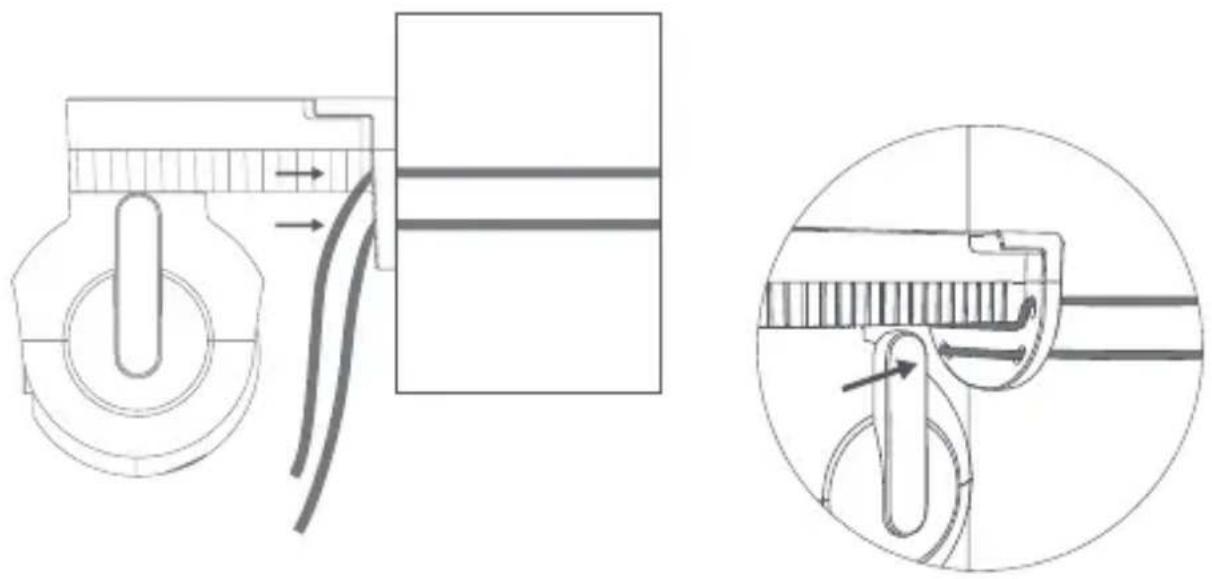
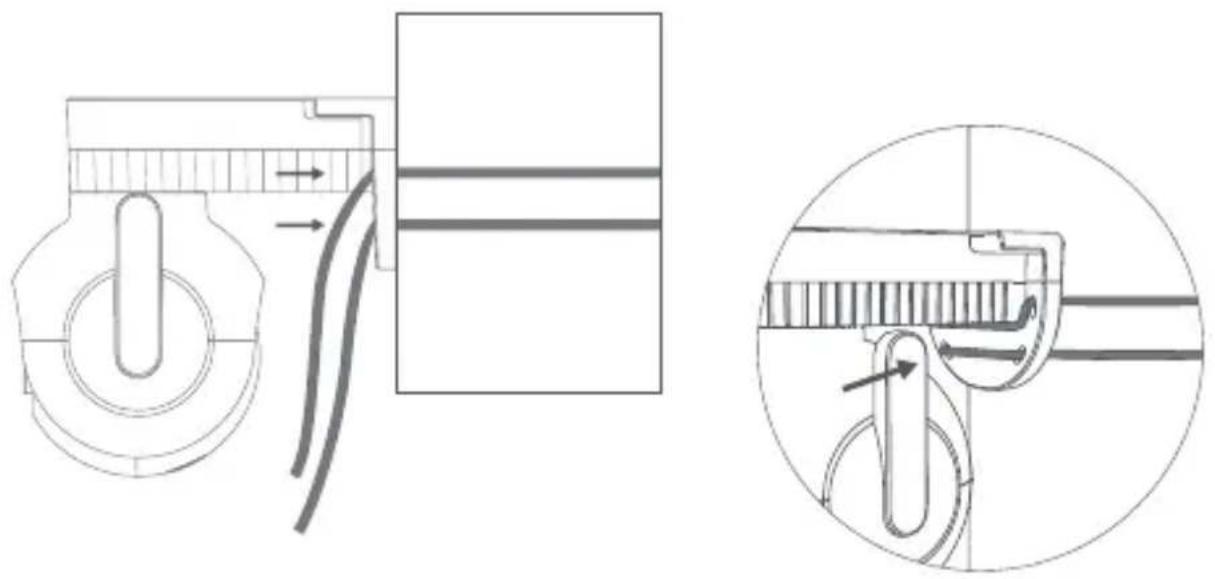
Technical line drawing of a mechanical component with a central shaft and mounting bracket (no text or symbols)- Pole mounting
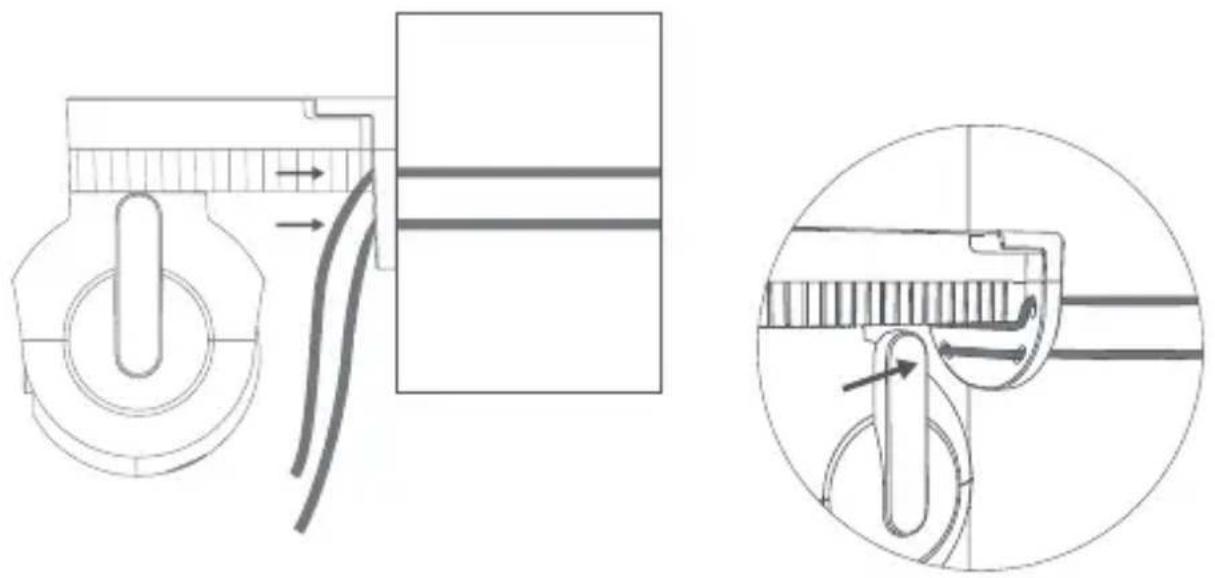
Connecting the Device
- Turn on the camera
Insert the power supply cable into the camera's power supply port. Connect the other end of the power supply cable to a power source.
- Insert a micro SD card.
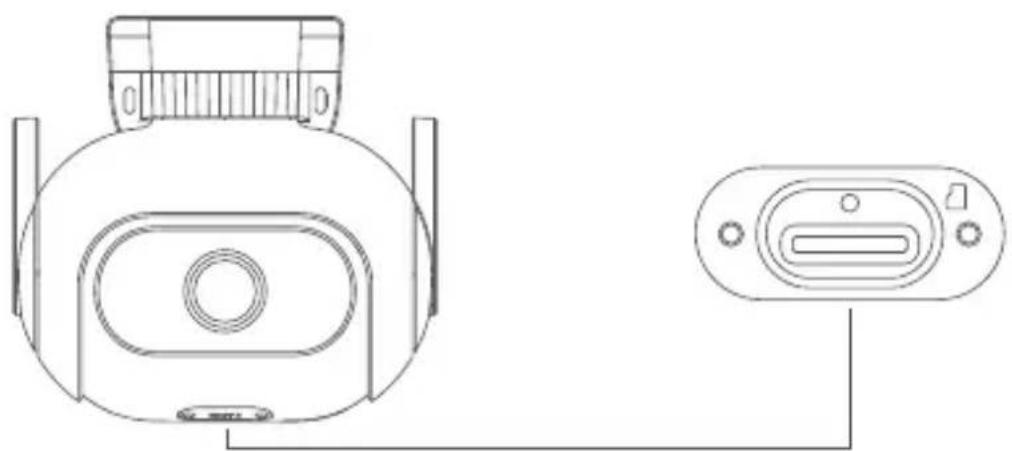
Ensure that the camera is disconnected from the power supply. Use a screwdriver to remove the protective case and expose the micro SD card slot.
The contact points of the micro SD card should be facing down. Insert the micro SD card into the slot.
natural_image
Technical line drawing of a device rear view and side view (no text or symbols)Note:
When inserting or removing the micro SD card, please disconnect the camera from the power supply. Please use a micro SD card from a reputable manufacturer (up to 256GB). The recommended read and write speed of the micro SD card is at least U1/Class 10.
• Restoring factory settings
Press and hold the reset button to restore the factory settings. The content inside the micro SD card will not be deleted.
Connecting to Mi Home App
This product works with Mi Home and can be controlled using the Mi Home app.
Scan the QR code to download and install the Mi Home app. If you already have Mi Home app installed, you will be directed to the device connection page. You can also search for "Mi Home" in an app store to download and install the Mi Home app. Open the Mi Home app. Tap "+" at the top right corner and following the on-screen instructions to add the device.

text_image
QR code with central logo, likely linking to a digital resource or website64295C5D
Note: Actual operation may differ due to Mi Home app update. Please follow the on-screen instructions of the Mi Home app.
“works with mijia” signifies that the product herein is designed to connect and interact with Mi Home app or Mi AI. Please be noted that the product herein is certified by the app interaction only. Xiaomi and Mijia are not responsible for any of the product manufacturing, safety and regulatory standards, or quality supervision.

text_image
works with mijiaSpecifications
Name: IMILAB EC5 Floodlight Camera
Model: CMSXJ55A
Input: 12V—1A
Resolution: 2304 x 1296
Operating Temperature: -30°C \~ 60°C
Wireless Connectivity: Wi-Fi IEEE 802.11 b/g/n 2.4GHz
Dimensions: 139 x 128 x 135 mm
Net Weight: 630 g
Viewing Angle: 95°
Aperture: F2.1
IP rating: IP66
FCC ID: 2APA9-CMSXJ55A
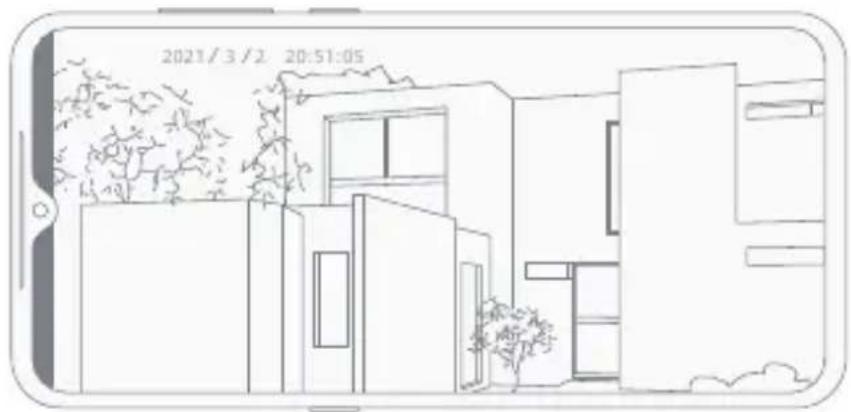
The light sensor can automatically switch the device to night vision mode through IR-CUT based on changes in the lighting of the environment. Built-in high power exposure light can present colorful images even in the darkness.
natural_image
Line drawing of a modern building with trees and windows, no text or symbols presentNight vision effect illustration
Video Playback
Past videos can only be viewed when a compatible micro SD card is inserted in IMILAB EC5 Floodlight Camera. After inserting a micro SD card and turning
on the device, the camera will automatically start recording.
In the control interface for IMILAB EC5 Floodlight Camera in the Mi Home app, tap the playback button to enter the video playback page. You can also view a recording by selected a time period.
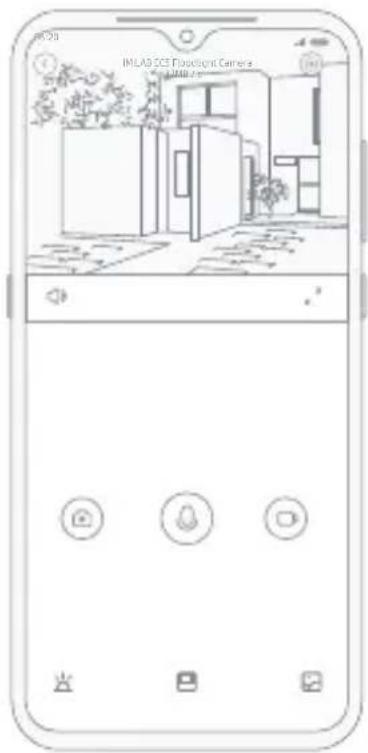
text_image
IMLAB 3CS Floodcort Camera 3.100mmIn the control interface for IMILAB EC5 Floodlight Camera in the Mi Home app, you can set the device as a shared device in the settings menu and invite others to watch the recordings. Users must download the Mi Home app and login to their Xiaomi account in order to view the recordings of the shared device.
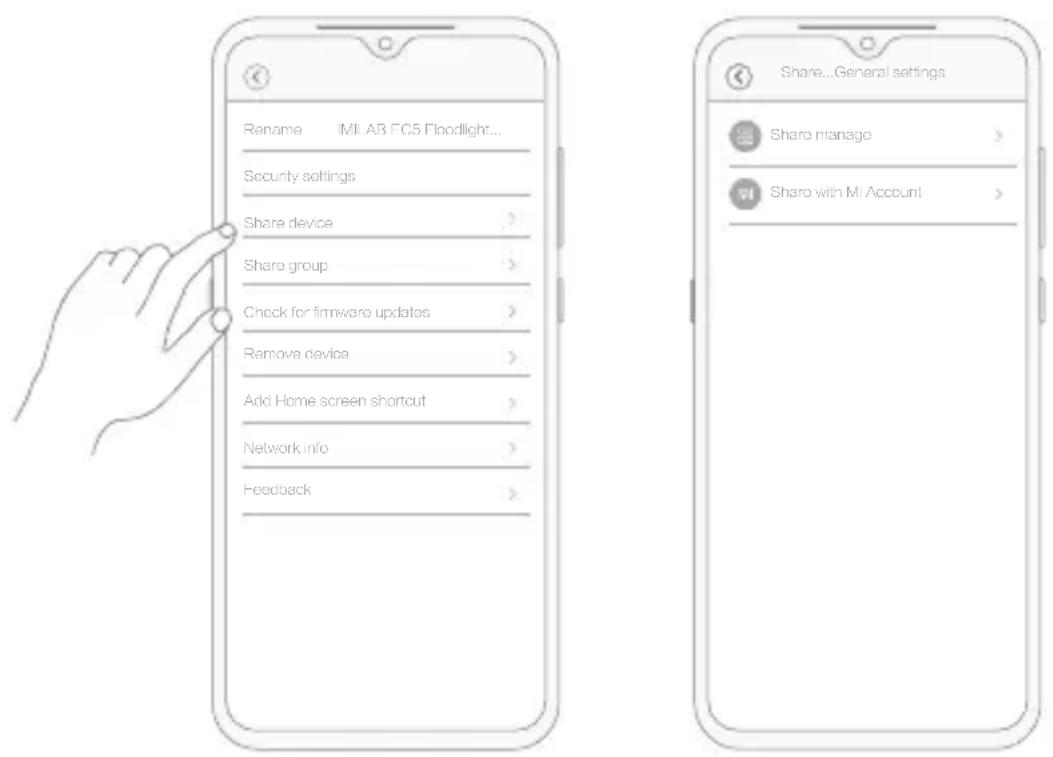
text_image
Rename IMI AB FC5 Floodlight... Security settings Share device > Share group > Check for firmware updates > Remove device > Add Home screen shortcut > Network info > Feedback >Note:
The illustrations are for reference only. The pages may differ based on actual Mi Home app version and mobile phone operating system.
The Home Security function can be turned on/off in the control interface for IMILAB EC5 Floodlight Camera in the Mi Home app.
The device can detect and record movements within the viewing angle and push the recording to the client. Users can set the surveillance time, alert sensitivity, alert interval, etc.
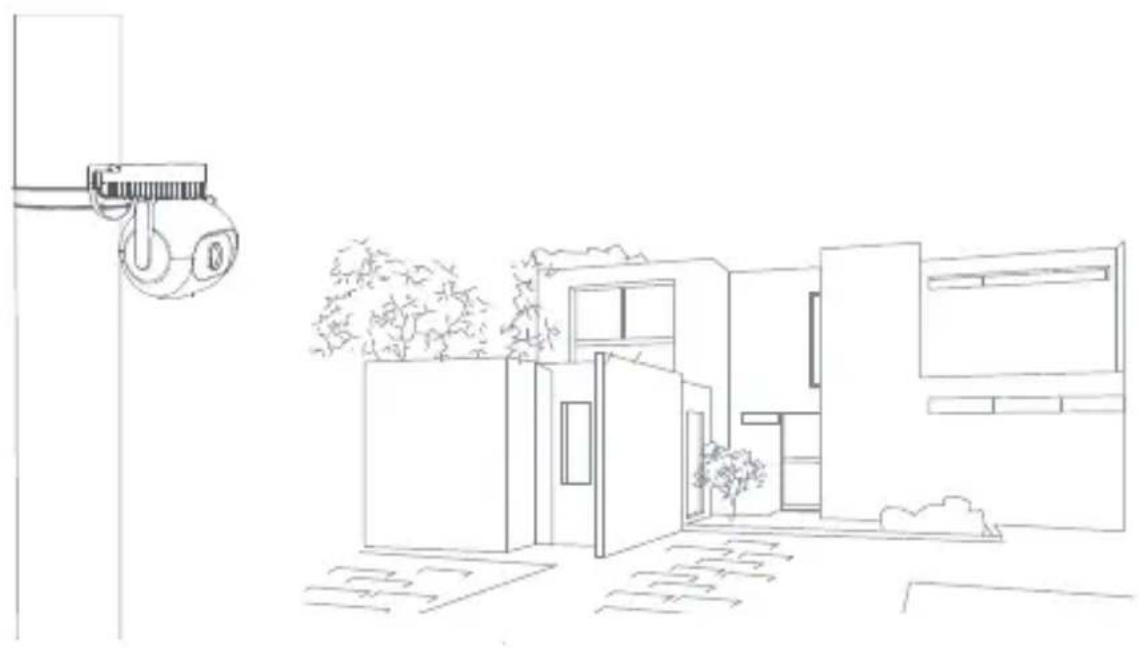
natural_image
Line drawing of a modern house with a hanging control unit and landscaping (no text or symbols)Note:
The illustrations are for reference only. The pages may differ based on actual Mi Home app version and mobile phone operating system.
- The working temperature of the device is -30^ to 60^ . Do not use the device when the temperature is too high or too low.
- For better results, avoid placing the camera in front of or next to a glass surface, a white-colored wall or other reflective surfaces as this may cause the recording to have un-even lighting between the foreground and background or be over-exposed.
- Please ensure that the device is within Wi-Fi signal coverage.
- Place it at a location with good Wi-Fi signal strength.
- Try to avoid placing the device near a metallic object, a microwave oven or other objects that may cause signal interference.
FCC Statement
Changes or modifications not expressly approved by the party responsible for compliance could void the user's authority to operate the equipment. This device complies with Part 15 of the FCC Rules.
Operation is subject to the following two conditions:
(1) This device may not cause harmful interference, and
(2) This device must accept any interference received, including interference that may cause undesired operation.
Note: This equipment has been tested and found to comply with the limits for a Class B digital device, pursuant to Part 15 of the FCC Rules. These limits are designed to provide reasonable protection against harmful interference in a residential installation. This equipment generates, uses, and can radiate radio frequency energy, and if not installed and used in accordance with the instructions, may cause harmful interference to radio communications.
However, there is no guarantee that interference will not occur in a particular installation. If this equipment does cause harmful interference to radio or television reception, which can be determined by turning the equipment off and on, the user is encouraged to try to correct the interference by one or more of the following measures:
-Reorient or relocate the receiving antenna.
-Increase the separation between the equipment and receiver.
-Connect the equipment into an outlet on a circuit different from that to which the receiver is connected.
-Consult the dealer or an experienced radio/TV technician for help.
FCC 20cm Statement: This equipment complies with FCC radiation exposure limits set forth for an uncontrolled environment. This equipment should be installed and operated with a minimum distance of 20cm between the radiator & your body. This transmi er must not be co-located or operating in conjunction with any other antenna or transmier.
WEEE Disposal and Recycling Information
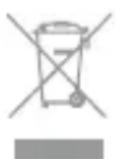
All products bearing this symbol are waste electrical and electronic equipment (WEEE as in directive 2012/19/EU) which should not be mixed with unsorted household waste. Instead, you should protect
human health and the environment by handing over your waste equipment to a designated collection point for the recycling of waste electrical and electronic equipment, appointed by the government or local authorities. Correct disposal and recycling will help prevent potential negative consequences to the environment and human health. Please contact the installer or local authorities for more information about the location as well as terms and conditions of such collection points.
Adaptor Statements
Hereby, Shanghai Imilab Technology Co., Ltd. declares that the radio equipment type IMILAB EC5 Floodlight Camera is in compliance with Directive 2014/53/EU.
The full text of the EU declaration of conformity is available at the following internet address: https://www.imilabglobal.com/pages/eu-declaration-of-conformity
CE
• Verpackungsliste
natural_image
Line drawing of a mechanical device with measurement markings (no text or symbols)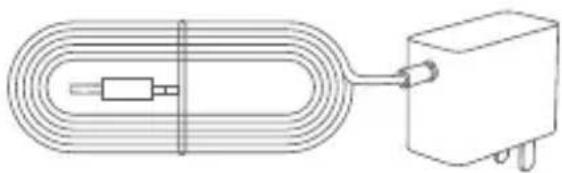
natural_image
Pure electrical circuit lines without any symbolsnatural_image
Diagram of a hand using a tool to connect a brick wall (no text or symbols)natural_image
Technical line drawing of a mechanical component with screw and housing, alongside a detailed close-up of a grid structure (no text or symbols)- Deckenbefestigung
natural_image
Diagram of a brick wall with a central white rectangular area containing two small '0' symbols (no text or labels)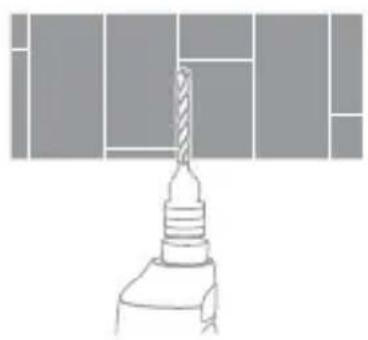
natural_image
Technical line drawing of a drill bit with a drill bit inserted into a base (no text or symbols)natural_image
Technical line drawing of a mechanical component with no visible text or symbolsnatural_image
Technical line drawing of a device rear view and side view (no text or symbols)Hinweis:
text_image
QR code with central logo, likely linking to a digital service or website64295C5D
text_image
works with mijiaSpezifikationen
Name: IMILAB EC5 Floodlight Camera
Modell: CMSXJ55A
Eingang: 12V—1A
natural_image
Line drawing of a modern house with trees and windows, no text or symbols presenttext_image
Rename IMLAB EC5 Floodlight... Security settings Share device > Share group > Check for firmware updates > Remove device > Add Home screen shortcut > Network info > Feedback > Share...General settings: Share manage > Share with M Account >Hinweis:
natural_image
Line drawing of a modern house with a wall-mounted camera and landscaping (no text or symbols)Hinweis:
natural_image
Line drawing of a camera lens with measurement scale (no text or symbols)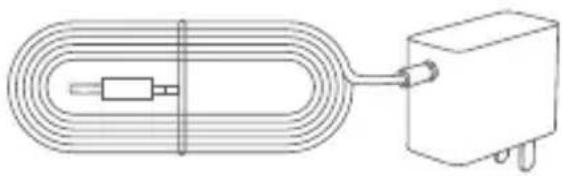
natural_image
Pure electrical circuit lines without any symbolsIMILAB EC5 Floodlight Camera Adaptador de corriente
natural_image
Diagram showing a white helmet on a brick wall and a hand using a tool near it (no text or symbols)natural_image
Technical line drawing of a mechanical component with screw and housing, alongside a detailed close-up of a grid pattern (no text or symbols)- Montaje en techo
natural_image
Diagram of a brick wall with a central white rectangular block and two small '0' symbols, no text or labels present.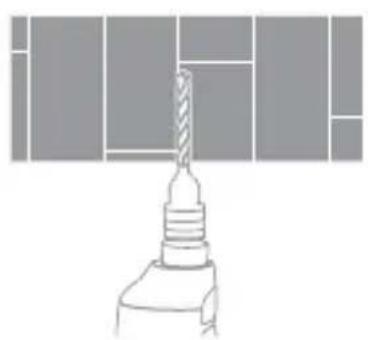
natural_image
Technical line drawing of a drill bit with a drill bit inserted into a base (no text or symbols)natural_image
Technical line drawing of a mechanical component with no visible text or symbolsnatural_image
Technical line drawing of a device rear panel and internal connector (no text or symbols)Nota:
text_image
QR code with central logo, likely linking to a digital resource or website64295C5D
text_image
works with mijiaEspecificaciones
Nombre: IMILAB EC5 Floodlight Camera
Modelo: CMSXJ55A
Entrada: 12V = 1A
natural_image
Line drawing of a modern building with trees and windows, displayed on a smartphone screen (no text or symbols)text_image
IMLAB DCS Wireless Camera -100%text_image
Rename IMLAB FCS Floodlight... Security settings Share device > Share group > Check for firmware updates > Remove device > Add Home screen shortcut > Network info > Feedback > Share...General settings Share manage > Share with MI Account >Nota:
natural_image
Line drawing of a modern building exterior with a wall-mounted sensor and landscaping (no text or symbols)Nota:
natural_image
Line drawing of a mechanical device with measurement markings (no text or symbols)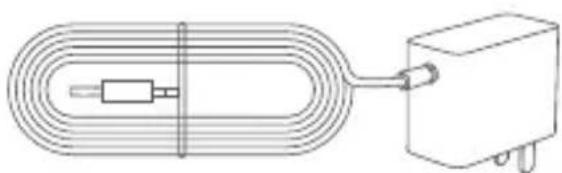
natural_image
Pure electrical circuit lines without any symbolsnatural_image
Diagram showing a white helmet on a brick wall and a hand using a tool near it (no text or symbols)natural_image
Technical line drawing of a mechanical component with screw and housing, alongside a detailed close-up of a grid structure (no text or symbols)natural_image
Diagram of a brick wall with a central white rectangular block containing two small '0' symbols (no text or labels)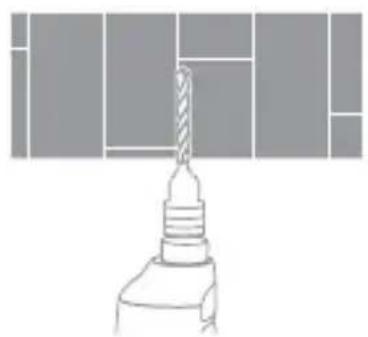
natural_image
Diagram of a drill bit with a screw head and base, no text or symbols presentnatural_image
Technical line drawing of a mechanical component with no visible text or symbols• Montaggio su palo
natural_image
Technical diagram showing mechanical assembly with two views: top shows a pulley mechanism, bottom shows a cable or spring mechanism (no text or labels)natural_image
Technical line drawing of a device rear panel and internal connector (no text or symbols)Nota:
text_image
QR code with central logo, likely linking to a digital service or website64295C5D
text_image
works with mijiaSpecifiche
Nome: IMILAB EC5 Floodlight Camera
Modello: CMSXJ55A
Ingresso: 12V = 1A
natural_image
Line drawing of a modern house with trees and windows, no text or symbols presenttext_image
Rename IMLAB FCS Floodlight... Security settings Share device > Share group > Check for firmware updates > Remove device > Add Home screen shortcut > Network info > Feedback > Share...General settings Share manage > Share with MI Account >Nota:
natural_image
Line drawing of a modern building exterior with a hanging crane and landscaping (no text or symbols)Nota:
natural_image
Line drawing of a mechanical device with measurement scale and central circular feature (no text or symbols)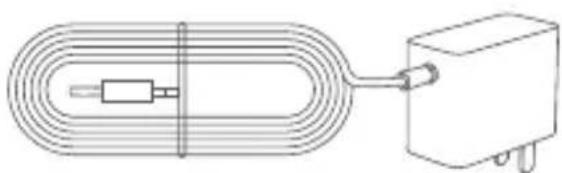
natural_image
Pure electrical circuit lines without any symbolsnatural_image
Diagram showing a white helmet on a brick wall and a hand holding a tool near a wall (no text or symbols)natural_image
Technical line drawing of a mechanical component with screw and housing, alongside a detailed close-up of a grid layout (no text or symbols)natural_image
Diagram of a brick wall with a central white rectangular block and two small '0' symbols, no text or labels present.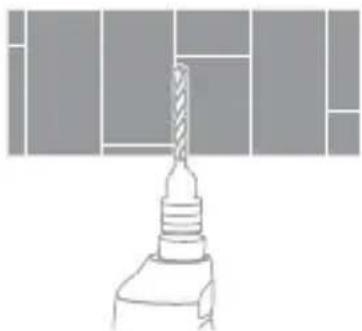
natural_image
Technical line drawing of a drill bit with no visible text or symbolsnatural_image
Technical line drawing of a mechanical component with no visible text or symbols• Montage sur mât
natural_image
Technical line drawing of a device rear view and side view (no text or symbols)Note :
text_image
QR code with central logo, likely linking to a digital service or website64295C5D
text_image
works with mijiaCaractéristiques
Nom : IMILAB EC5 Floodlight Camera
Modèle : CMSXJ55A
Entrée : 12 V = 1 A
natural_image
Line drawing of a modern house with trees and windows, no text or symbols presenttext_image
Rename IMI A3 FC5 Floodlight... Security settings Share device > Share group > Check for firmware updates > Remove device > Add Home screen shortcut > Network info > Feedback Share...General settings Share manage > Share with MI Account >Note :
natural_image
Line drawing of a modern building exterior with a wall-mounted camera and landscaping (no text or symbols)Note :
natural_image
Line drawing of a camera lens with no text or symbols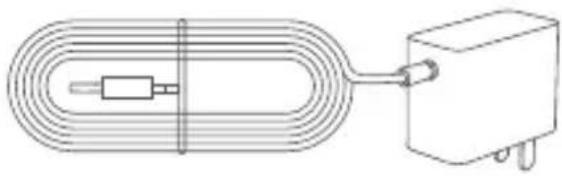
natural_image
Pure electrical circuit lines without any symbolsIMILAB EC5 Floodlight Camera Блок питания
natural_image
Diagram showing a toilet and a tool inserted into a brick wall (no text or symbols)natural_image
Technical line drawing of a mechanical component with screw and shaft, alongside a detailed close-up of a grid structure (no text or symbols)• Потолочный монтаж
natural_image
Diagram of a brick wall with a white rectangular plaque and two small circular cutouts at the top (no text or symbols)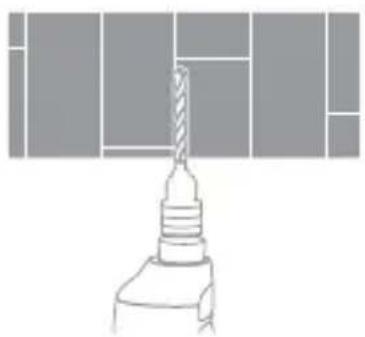
natural_image
Pure technical line drawing of a drill bit with no text or symbolsnatural_image
Technical line drawing of a mechanical component with no visible text or symbols• Мачтовый монтаж
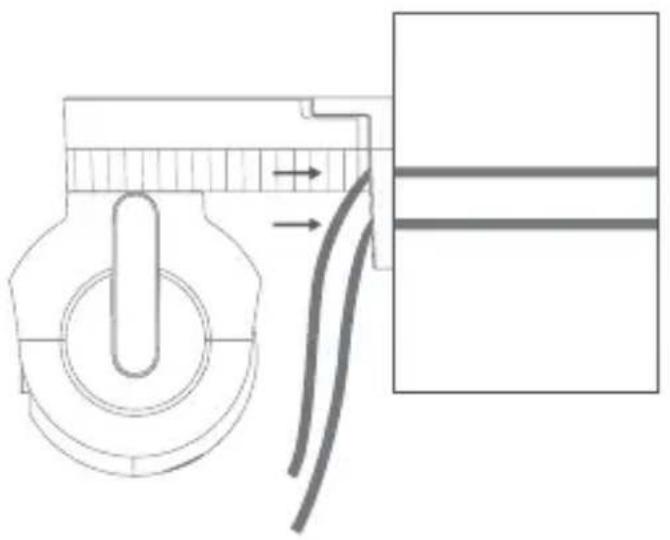
natural_image
Pure mechanical diagram showing a knob and pipe connection without any text or symbols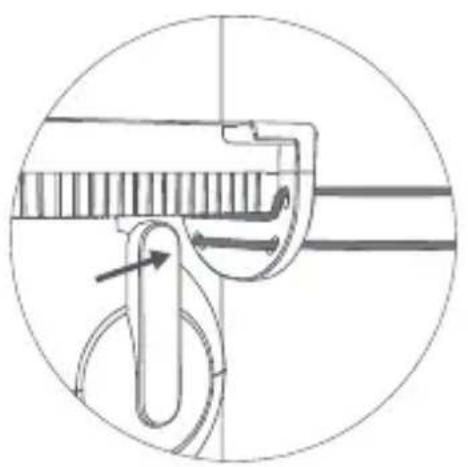
natural_image
Technical diagram of a mechanical clamp or hook assembly with directional arrows indicating movement (no text or labels)natural_image
Technical line drawing of a device rear panel and internal component (no text or symbols)Примечание:
text_image
QR code with central logo, likely linking to a digital service or website64295C5D
text_image
works with mijianatural_image
Line drawing of a modern building exterior with trees and windows, no text or symbols presenttext_image
Rename IMLAB EC5 Floodlight... Security settings Share device > Share group > Check for firmware updates > Remove device > Add Home screen shortcut > Network info > Feedback >Примечание:
natural_image
Line drawing of a modern building exterior with a hanging crane and landscaping (no text or symbols)Примечание:
natural_image
Line drawing of a mechanical device with no text or symbols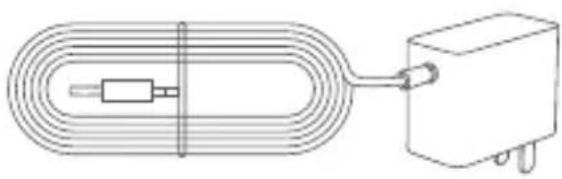
natural_image
Pure electrical circuit lines without any symbolsIMILAB EC5 Floodlight Camera Zasilacz
natural_image
Diagram showing a toilet and a tool inserted into a brick wall (no text or symbols)natural_image
Technical line drawing of a mechanical component with screw and mounting bracket, alongside a grid layout diagram (no text or symbols)natural_image
Diagram of a brick wall with a central white rectangular block and two small circular cutouts (no text or symbols)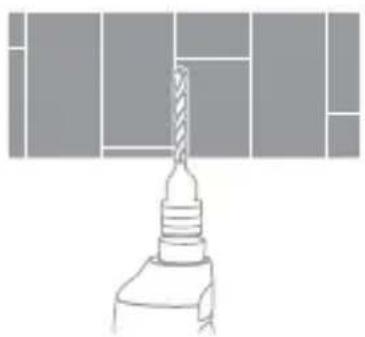
natural_image
Pure technical line drawing of a drill bit with no text or symbolsnatural_image
Technical line drawing of a mechanical component with no visible text or symbols- Montaż na słupie
natural_image
Technical line drawing of a device rear panel and internal connector (no text or symbols)Uwaga:
text_image
QR code with central logo, likely linking to a digital resource or website64295C5D
text_image
works with mijiaSpecyfikacje
Nazwa: IMILAB EC5 Floodlight Camera
Model: CMSXJ55A
Wejście: 12V—1A
natural_image
Line drawing of a modern building exterior with trees and windows, no text or symbols presenttext_image
IMLA0 DCS Roadlight Camera 3D ROADLIGHT Cameratext_image
Rename IMLAB EC5 Floodlight... Security settings Share device > Share group > Check for firmware updates > Remove device > Add Home screen shortcut > Network info > Feedback Share...General settings Share manage > Share with MI Account >Uwaga:
natural_image
Line drawing of a modern house with a hanging crane and landscaping (no text or symbols)Uwaga:
natural_image
Line drawing of a mechanical device with no text or symbols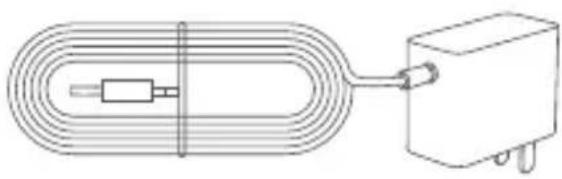
natural_image
Pure electrical circuit lines without any symbolsIMILAB EC5 Floodlight Kamera Güç adaptörü
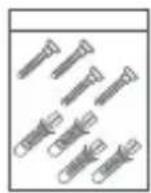
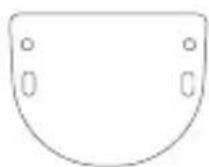
Montaj paketi
natural_image
Diagram showing a toilet and a tool inserted into a brick wall (no text or symbols)natural_image
Technical line drawing of a mechanical component with screw and housing, alongside a detailed close-up of a grid structure (no text or symbols)• Tavana monte etme
natural_image
Diagram of a brick wall with two white rectangular cutouts at the bottom (no text or symbols)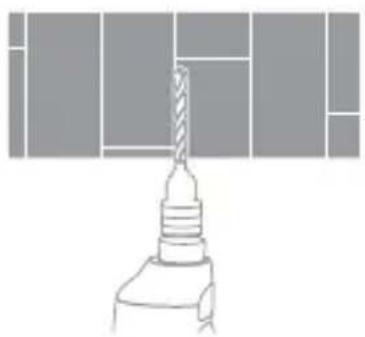
natural_image
Technical line drawing of a drill bit mounted on a base, showing no text or symbolsnatural_image
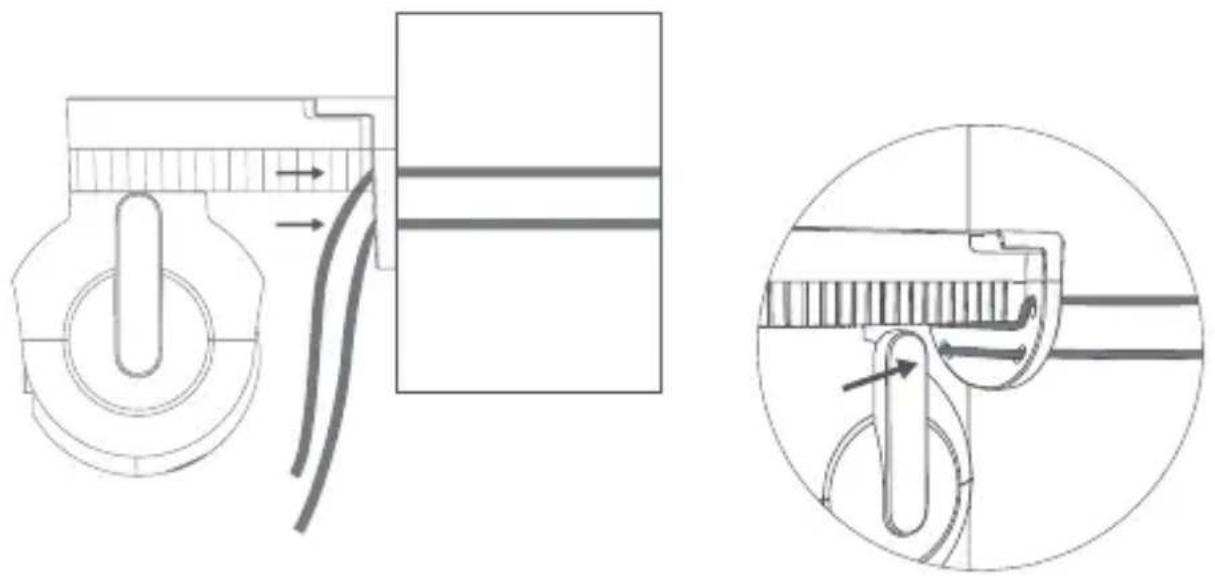
Technical line drawing of a mechanical component with no visible text or symbols- Direği Monte Etme
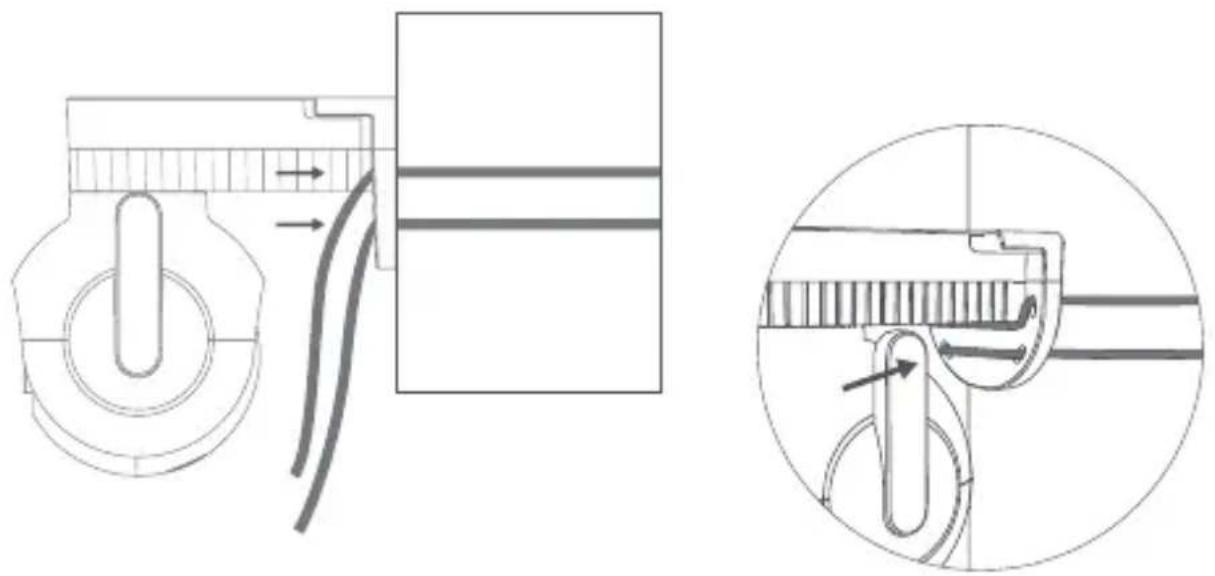
Cihazın Bağlanması
- Kamerayı açın
natural_image
Technical line drawing of a device rear panel and internal connector (no text or symbols)Not:
text_image
QR code with central logo, likely linking to a digital resource or website64295C5D
text_image
works with mijiaTeknik Özellikler
Adı: IMILAB EC5 Floodlight Kamera
Model: CMSXJ55A
Giriş: 12V—1A
natural_image
Line drawing of a modern building with trees and windows, no text or symbols presenttext_image
IMLA0 DCE Roadlight Camera IMLA0 DCE Roadlight Cameratext_image
Rename IMLAB ECS Floodlight... Security settings Share device > Share group > Check for firmware updates > Remove device > Add Home screen shortcut > Network info > Feedback Share...General settings Share manage > Share with MI Account >Not:
natural_image
Line drawing of a modern building exterior with a hanging crane and landscaping (no text or symbols)Not:
natural_image
Line drawing of a mechanical component with no text or symbols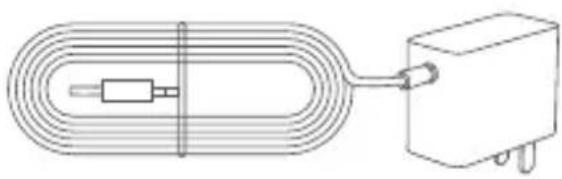
natural_image
Pure electrical circuit lines without any symbolsnatural_image
Diagram showing a toilet and a tool inserted into a brick wall (no text or symbols)natural_image
Technical line drawing of a mechanical component with screw and mounting bracket, alongside a grid layout diagram (no text or symbols)natural_image
Diagram of a brick wall with a central white rectangular block and two small circular cutouts (no text or symbols)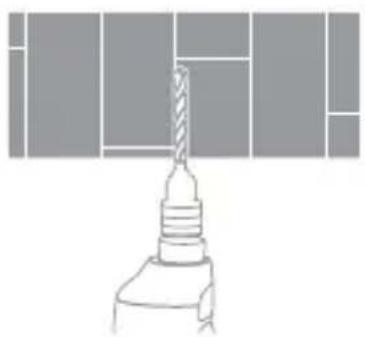
natural_image
Pure technical line drawing of a drill bit with no text or symbolsnatural_image
Technical line drawing of a mechanical component with no visible text or symbols• Montáž na sloup
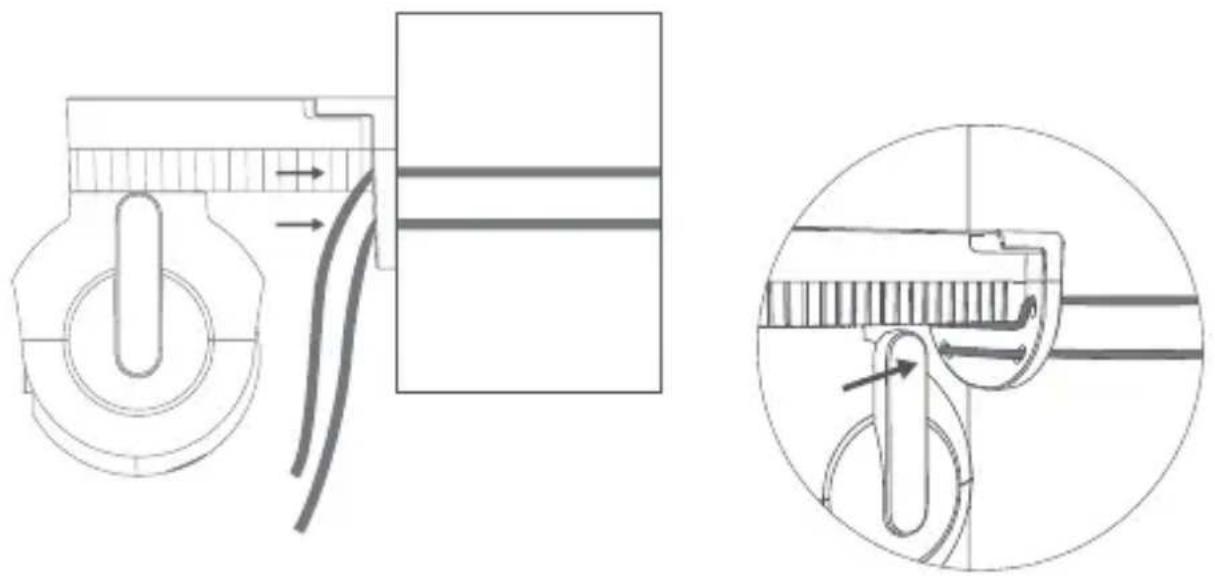
Připojení zařízení
- Zapněte kameru.
natural_image
Technical line drawing of a device rear panel and internal connector (no text or symbols)Poznámka:
text_image
QR code with central logo, likely linking to a digital resource or website64295C5D
text_image
works with mijiaSpecifikace
Název: IMILAB EC5 Kamera s reflektorem
Model: CMSXJ55A
Vstup: 12V—1A
natural_image
Line drawing of a modern building exterior with trees and windows, no text or symbols presenttext_image
Ranamo IMLAB ECS Floodlight.... Security settings Share device > Share group > Check for firmware updates > Removo device > Add Home screen shortcut > Network info > Feedback > Share...General settings Share manage > Share with MI Account >Poznámka:
natural_image
Line drawing of a modern building exterior with a hanging crane and landscaping (no text or symbols)Poznámka:
This product can expose you to chemical Lead which is known to the state of California to cause cancer.
For more information, go www.P65Wamings.ca.gov.
Manufacturer: Shanghai Imilab Technology Co., Ltd.
Address: Room 001A, Floor 11, Block 1, No. 588 Zixing
Road, Minhang District, Shanghai, China
For further information, please go to www.imilab.com.
Support: help@imilab.com
www.imilabhelp.com
