Beoplay Portal PC PS - Earphones BANG & OLUFSEN - Free user manual and instructions
Find the device manual for free Beoplay Portal PC PS BANG & OLUFSEN in PDF.


| Product type | Wireless over-ear headphones |
| Brand | Bang & Olufsen |
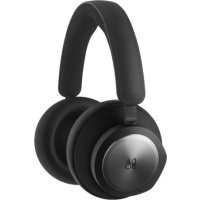
| Model | Beoplay Portal PC PS |
| Category | Gaming headset and earphone |
| Weight | Approximately 282 g |
| Dimensions | Approximately 18.5 x 18.5 x 5 cm (folded) |
| Available colours | Black, Anthracite, Grey, Beige |
| Materials | Aluminium, calf leather, polymer fabric |
| Connectivity | Wireless Bluetooth 5.1 and dedicated USB-C dongle |
| Bluetooth audio codecs | SBC, AAC, aptX Adaptive |
| Battery life | Up to 12 hours with ANC activated |
| Charging time | Approximately 2 hours (USB-C) |
| Active noise cancellation (ANC) | Yes, adjustable and adaptive via the app |
| Transparency mode | Yes, with ambient volume adjustment |
| Own Voice technology | Yes, adjustment of filtered voice level |
| Dolby Atmos for Headphones | Yes, with license via Dolby Access app |
| Connectors | USB-C for charging and dongle, 3.5 mm jack (not included) |
| Touch controls | Left and right touch pads for volume, ANC, calls |
| Physical buttons | Left button (Bluetooth), right button (dongle) |
| Microphone | Yes, built-in with touch mute |
| Compatibility | PC, PlayStation, Nintendo Switch, mobile |
| Dedicated app | Bang & Olufsen (iOS and Android) |
| Maintenance | Clean with a soft, dry cloth |
| Repairability | Spare parts available from customer service |
Frequently Asked Questions - Beoplay Portal PC PS BANG & OLUFSEN
User questions about Beoplay Portal PC PS BANG & OLUFSEN
0 question about this device. Answer the ones you know or ask your own.
Ask a new question about this device
Download the instructions for your Earphones in PDF format for free! Find your manual Beoplay Portal PC PS - BANG & OLUFSEN and take your electronic device back in hand. On this page are published all the documents necessary for the use of your device. Beoplay Portal PC PS by BANG & OLUFSEN.
USER MANUAL Beoplay Portal PC PS BANG & OLUFSEN
Svenska (Swedish), 31
Deutsch (German), 45
Français (French), 73
Español (Spanish), 87
Italiano (Italian), 101
Русский (Russian), 129
日本語 (Japanese), 143
한국어(Korean),157
简体中文 (Simplified Chinese), 171
繁體中文(Traditional Chinese),185
DOWNLOAD BANG & OLUFSEN APP
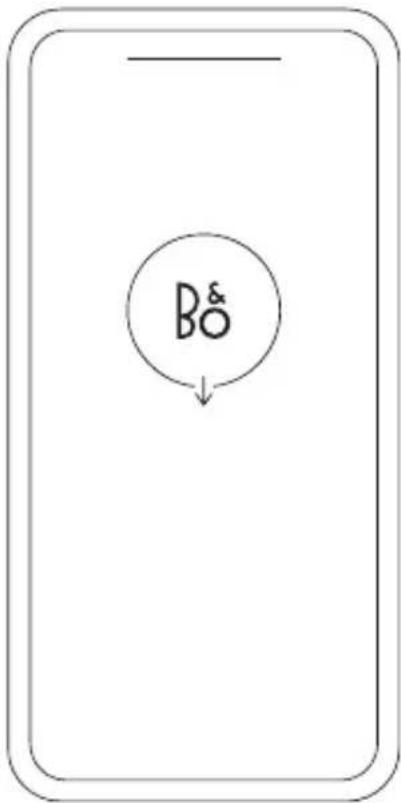

To set up your product, download the Bang & Olufsen App from the Google Play Store or Apple App Store.
From this app you can set up your product and get the full Bang & Olufsen experience. Unlock the full product experience of audio personalisation, product support and new features at your fingertips.
When you first start the Bang & Olufsen App, you will be asked to create a user account.
To set up your headphones, click to add a new product. If you already have an account this can be found under settings.
GET STARTED
natural_image
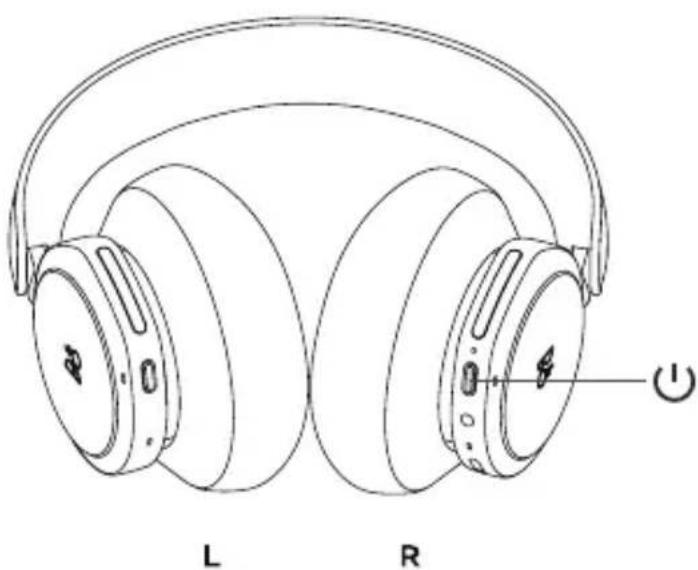
Line drawing of a pair of headphones labeled L and R, showing earbuds and headband structure (no text or symbols beyond labels)Turn on your new Beoplay Portal PC PS by short pressing the button on the right earcup. Next, go to the Bang & Olufsen app to set up your product, connect to Bluetooth and personalise your headphones.
Once your Beoplay Portal PC PS is turned on, you will be able to find them in the Bluetooth settings of your device.
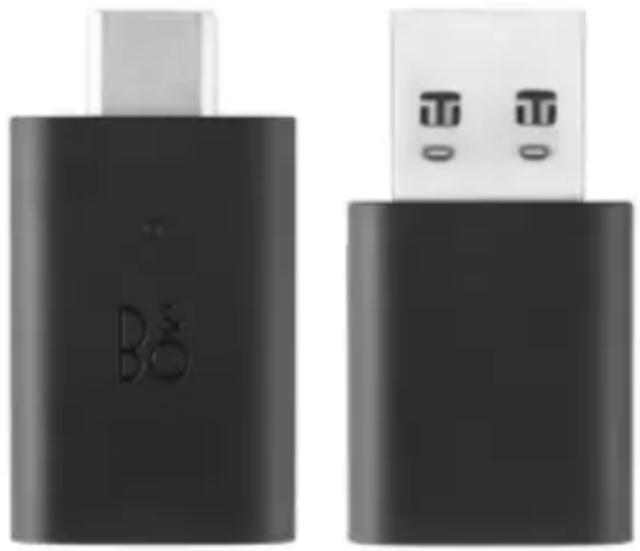
Beoplay Portal PC PS include a dongle which is paired with the headphones. This means that when the dongle is inserted into a USB port, and Beoplay Portal PC PS are switched on, the two will automatically connect to each other.
ACTIVATION OF DOLBY ATMOS FOR HEADPHONES
natural_image
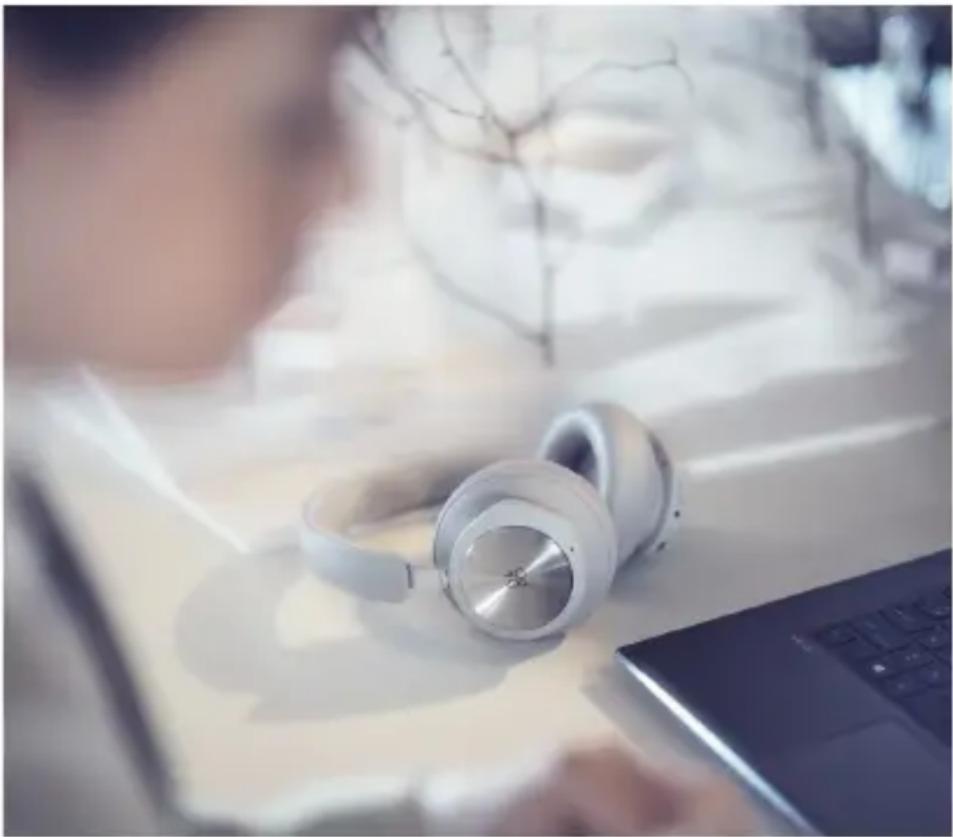
Person using a laptop with white headphones on a desk, blurred background with no visible text or symbolsDolby Atmos for headphones allows for a most immersive and precise audio experience on PC. Adding extra layers of dimension, distance and realism, the virtual surround sound technology ensures improved accuracy, reduced latency and personalisation of the EQ for games, movies and music.
HOW TO ACTIVATE
- Download the Dolby Access app from Microsoft Store
- Register your Beoplay Portal PC PS to unlock the license
- Enjoy the virtual surround sound
MUSIC
natural_image
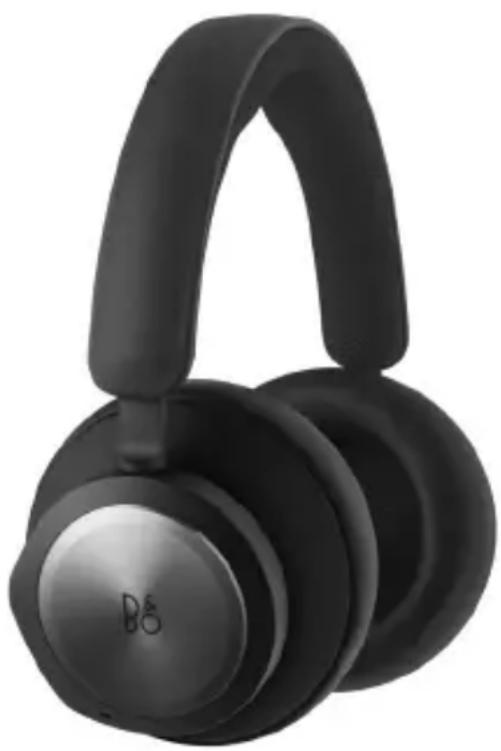
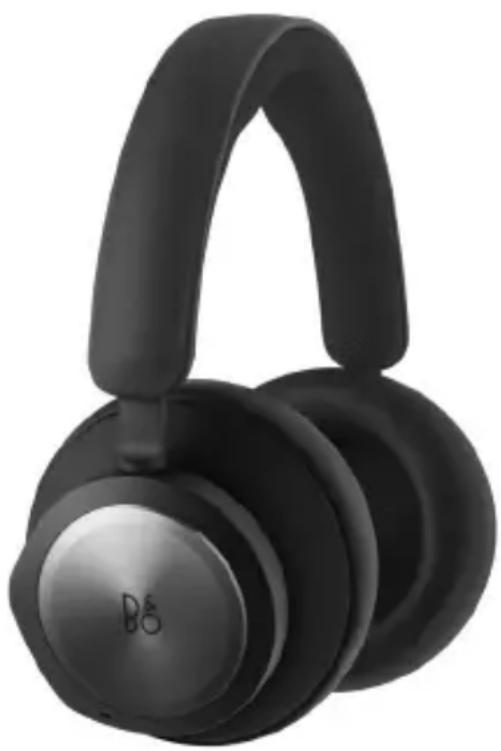
Black and white photo of a B&G audio headset with adjustable head and neck (no text or symbols visible)Use touch controls on the left and right ear cups (L/R) to operate your Beoplay Portal PC PS. "Music" actions are when connect to Bluetooth
Action Gesture
Play/Pause Double tap left disc
Next track Double tap right disc
Volume up Swipe up right slider
Volume down Swipe down right slider
Active Noise
Swipe down left slider
Cancellation
Transparency Swipe up left slider
Disconnect Bluetooth Short press left button
Bluetooth pairing Long press left button
Connect Dongle Short press R button
CALLS
natural_image
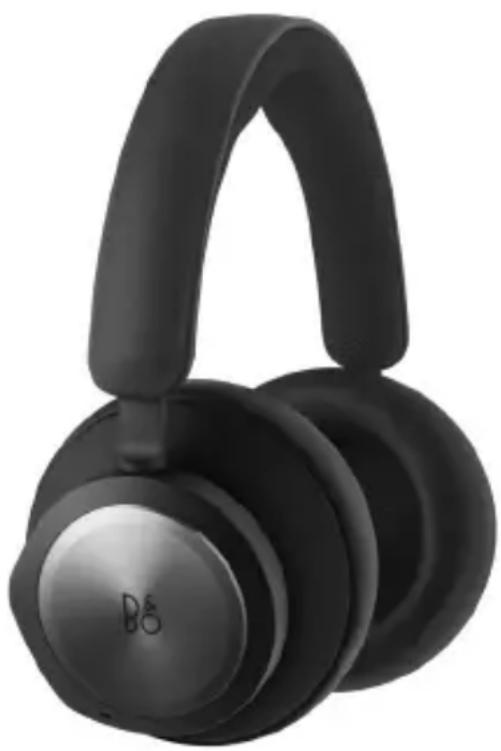
Black and white photo of a B&G audio headset with adjustable head and neck (no text or symbols visible)Use touch controls on the left and right ear cups (L/R) to operate your Beoplay Portal PC PS. "Call" actions are when connected to Bluetooth call.
Action Gesture
Accept call Double tap right disc
Reject call Double tap left disc
Terminate call Double tap left disc
Mute/ unmute microphone
Double tap right disc
Volume up Swipe up right slider
Volume down Swipe down right slider
Active Noise Cancellation
Swipe down left slider
Adjust Own Voice Swipe up left slider
natural_image
Black and white photo of a B&G audio headset with adjustable head and neck (no text or symbols visible)Use touch controls on the left and right ear cups (L/R) to operate your Beoplay Portal PC PS. "Gaming" actions are when connected to the B&O Dongle
Action Gesture
Toggle EQ modes Double tap left disc
Mute /unmute microphone
Double tap right disc
Volume up Swipe up right touch bar
Volume down Swipe down right touch bar
Adjust Own Voice Swipe up left touch bar
Active Noise Cancellation
Swipe down left touch bar
Connect Bluetooth Short press left button
Disconnect Dongle Short press right button
DUAL MODE
Use touch controls on the left and right ear cups (L/R) to operate your Beoplay Portal PC PS. “Dual mode” actions are when connected to both the B&O Dongle and Bluetooth at the same time.
Gaming Gesture
Toggle EQ modes Double tap left disc
Mute /unmute microphone
Double tap right disc
Volume up Swipe up right touch bar
Volume down Swipe down right touch bar
Adjust Own Voice Swipe up left touch bar
Active Noise Cancellation
Swipe down left touch bar
Disconnect Bluetooth Short press left button
Disconnect Dongle Short press right button
Incoming call Gesture
Accept call Double tap right disc
Reject call Double tap left disc
In a call Gesture
Terminate call Double tap left disc
Mute/unmute microphone
Double tap right disc
DONGLE
natural_image
Two black USB devices with visible port labels, one with a white cable and the other with two white ports (no text or symbols on the devices themselves)Action Gesture
Trigger manual pairing Short press
Start new pairing Double press
Factory reset to forget Long press 5 seconds connected Portal
BLUETOOTH PAIRING
natural_image
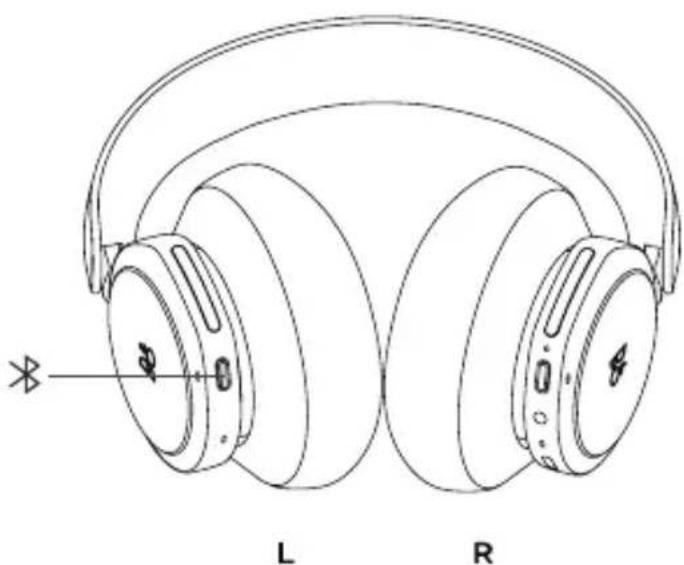
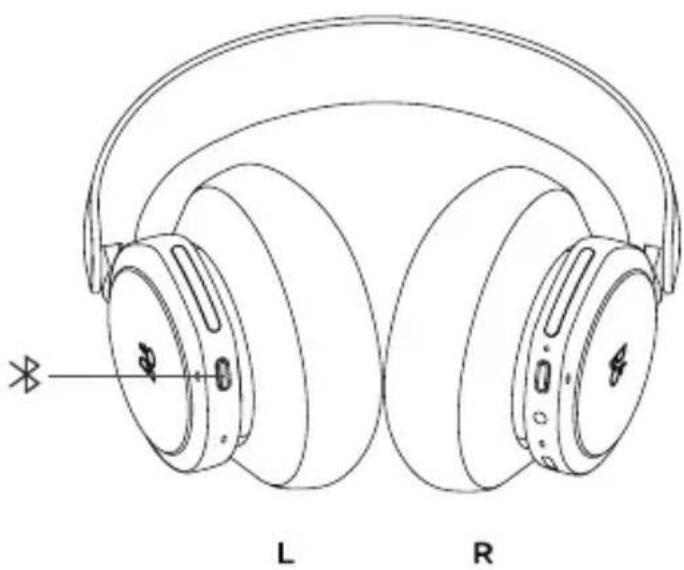
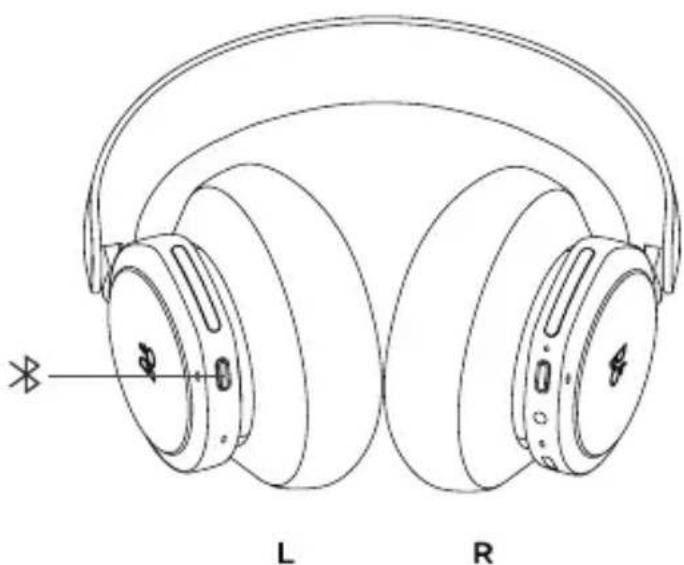
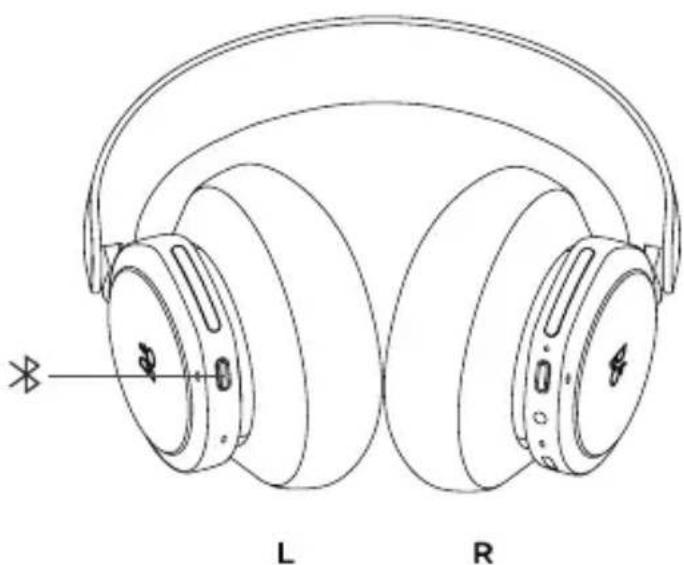
Line drawing of a pair of outdoor headphones labeled L and R (no text or symbols on the headphones themselves)To activate Bluetooth, press the Bluetooth pairing button on the left earcup.
Release when you hear a sound prompt. The light indicator will blink blue and your headphones will be ready for pairing.
USE APP WHILE GAMING
natural_image
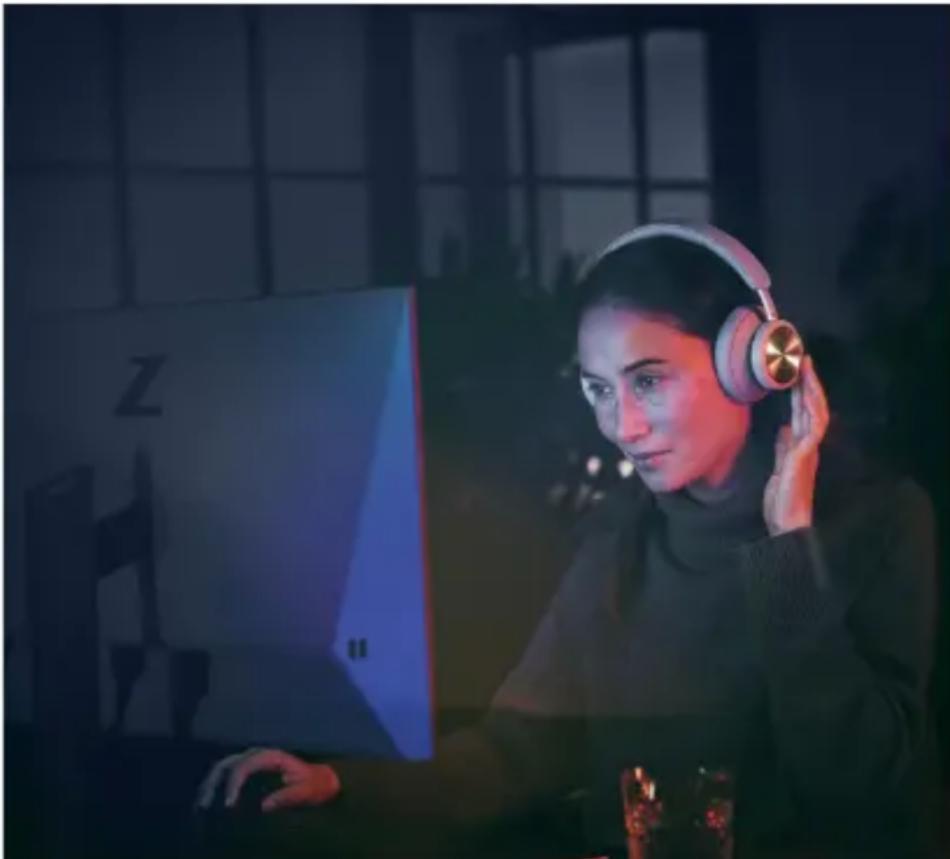
Woman wearing headphones at a computer in a dimly lit room (no visible text or symbols)Make sure your phone or tablet has Bluetooth turned on in order for the App to talk to and control your Beoplay Portal PC PS.
Your device doesn't have to be Bluetooth connected to your headphones, as long as BLE (Bluetooth Low Energy) is active.
ACTIVE NOISE CANCELLATION
natural_image
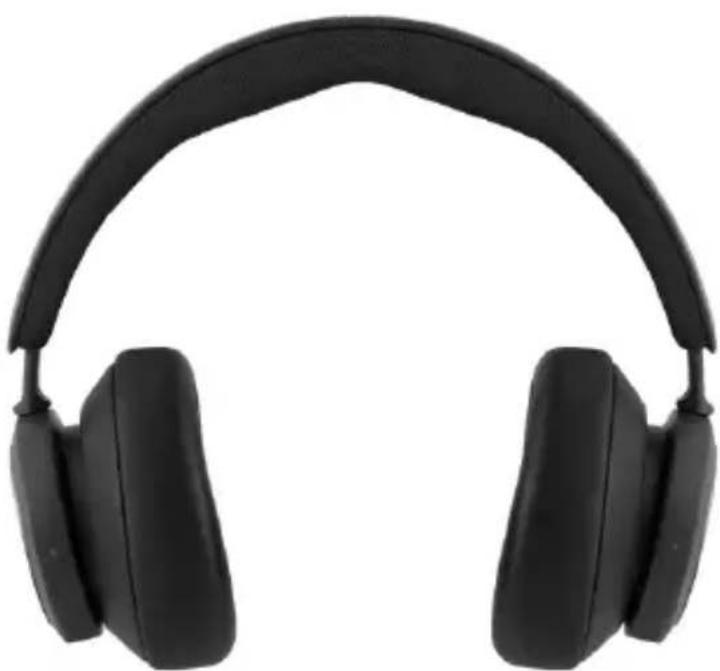
Black headband headphones with black earbuds and black straps (no text or symbols visible)Noise Cancellation lets you tune out your surroundings and focus on your game, music, podcast or simply enjoy silence.
Activate and adjust the level of Active Noise Cancellation by swiping down on the left slider.
You can also control ANC on the product page in the Bang & Olufsen App, where you have the option of automatically adjust the ANC level according to your environment.
TRANSPARENCY MODE
natural_image
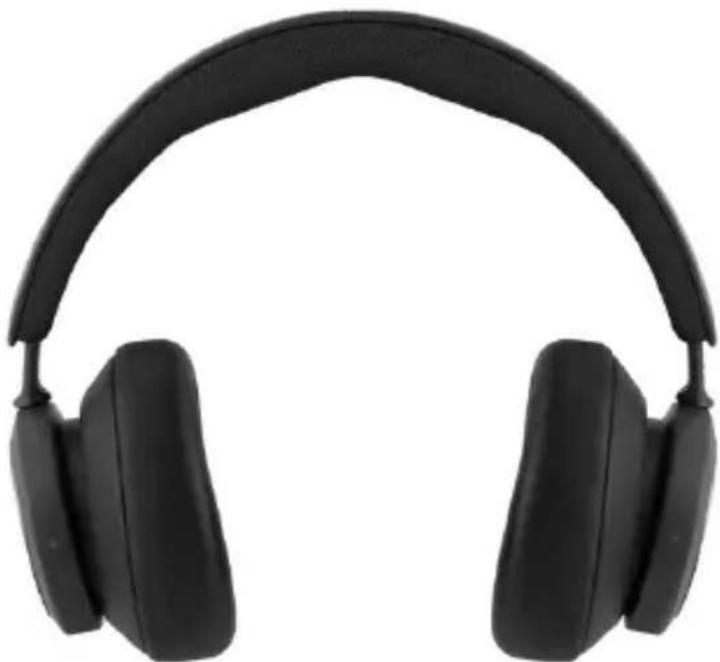
Black headband with earbuds and black plastic case (no text or symbols visible)Transparency Mode lets you hear the world aroundyou without taking off your Beoplay Portal PC PS.
Activate and adjust how much of the outside world to let as in as you listen to music or game by swiping up on the left slider.
You can also control Transparency Mode on the product page in the Bang & Olufsen App.
OWN VOICE
natural_image
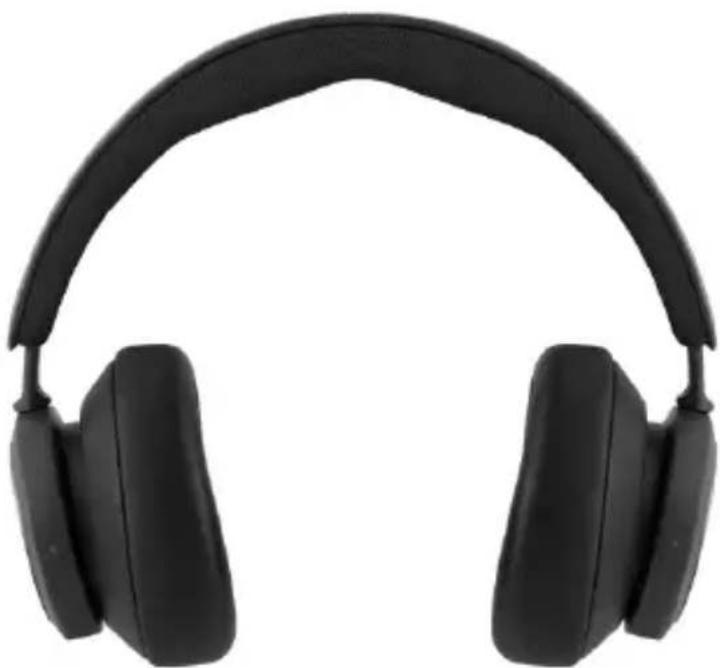
Black outdoor headphones with black earbuds and black headband (no text or symbols visible)Own Voice technology captures and adjusts the volume of your voice, while also filtering out background noises, so that you have a clear and true representation of how you sound.
Yow can switch Own Voice on and off, or adjust the levels, by swiping up on the left slider. You can also control it on the product page in the Bang & Olufsen App.
FACTORY RESET
natural_image
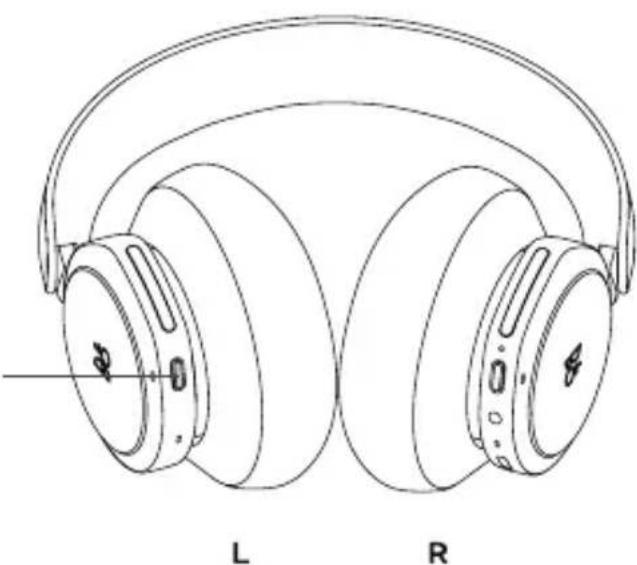
Line drawing of two rear-to-front headphones with labeled front and back (L and R), showing ear structure and headband (no text or symbols on the headphones themselves)To restore your headphones to the factory settings, do a very long press (more than 8 seconds) on the button on the left earcup, until the LED indicator flashed red. Then wait for the headphones to turn off before starting the set-up process again.
Note, this will remove all paired devices including the Dongle).
DOWNLOAD BANG & OLUFSEN- APPEN
For at indstille dit produkt skal du downloade Bang & Olufsen-appen fra Google Play eller Apple App Store.
natural_image
Line drawing of a pair of headphones labeled L and R, showing earbuds and headband structure (no text or symbols beyond labels)natural_image
Person wearing white headphones and a laptop, focused on work at a desk (no visible text or symbols)natural_image
Black and white photo of a B8 audio headset with adjustable head and neck (no text or symbols visible)natural_image
Black and white photo of a B&G audio headset with adjustable head and neck (no text or symbols visible)natural_image
Black and white photo of a B8 audio headset with adjustable head and neck (no text or symbols visible)natural_image
Two black USB devices with visible port labels, one with a white cable and the other with two white ports (no text or symbols on the devices themselves)Handling Bevægelse
natural_image
Line drawing of a pair of outdoor headphones labeled L and R (no text or symbols on the head surfaces)Du aktiverer Bluetooth ved at trykke på knappen til Bluetooth-parring på den venstre ørekop.
natural_image
Woman wearing headphones at a computer in a dimly lit room (no visible text or symbols)Sørg for, at Bluetooth er slået til på din telefon eller tablet, så appen kan kommunikere med og kontrollere dine Beoplay Portal PC PS-hovedtelefoner.
natural_image
Black headband headphones with black plastic covers and earbuds (no text or symbols visible)natural_image
Black headband with earbuds and black plastic case (no text or symbols visible)natural_image
Black outdoor headphones with black earbuds and black headband (no text or symbols visible)natural_image
Line drawing of two rear-to-front headphones with labeled front and rear (no text or symbols on the headphones themselves)natural_image
Line drawing of a pair of headphones labeled L and R, showing front and rear ear structures (no text or symbols beyond labels)natural_image
Person wearing white headphones and a laptop, focused on work at a desk (no visible text or symbols)natural_image
Black and white photo of a modern audio headset with a logo on the head (no visible text or symbols beyond branding)natural_image
Black and white photo of a modern audio headset with a logo on the head (no visible text or symbols beyond branding)natural_image
Black and white photo of a modern audio headset with a logo on the head (no visible text or symbols beyond branding)natural_image
Close-up of a black cylindrical object with embossed text 'B&O' on its body (no other visible text or symbols)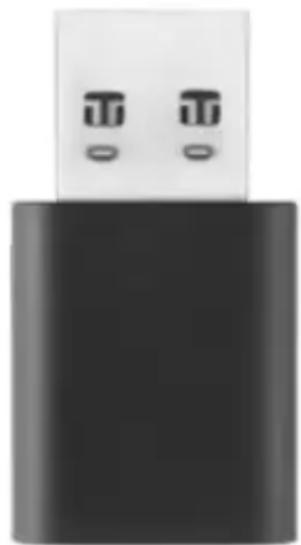
natural_image
Close-up of a black USB flash drive with two small metallic buttons (no text or symbols visible)Åtgärd Gest
Aktivera manuell parkoppling
Tryck snabbt
Starta ny parkoppling Dubbeltryck
natural_image
Line drawing of a pair of outdoor headphones labeled L and R (no text or symbols on the headphones themselves)natural_image
Woman wearing headphones at a computer in a dimly lit room (no visible text or symbols)natural_image
Black headband headphones with black plastic case, no text or symbols visiblenatural_image
Black headband with earbuds and black plastic case (no text or symbols visible)natural_image
Black headband headphones with black earbuds and black straps (no text or symbols visible)natural_image
Line drawing of two rear-to-front headphones with labeled front and back (L and R), showing ear structure and headband (no text or symbols on the headphones themselves)natural_image
Line drawing of a pair of headphones labeled L and R, showing earbuds and headband structure (no text or symbols beyond labels)natural_image
Person wearing white headphones and a laptop, focused on work at a desk (no visible text or symbols)natural_image
Black and white photo of a modern audio headset with a logo on the head (no visible text or symbols beyond branding)natural_image
Black and white photo of a modern audio headset with a black head strap (no visible text or symbols)natural_image
Black and white photo of a modern audio headset with a black head strap (no visible text or symbols)natural_image
Close-up of a black cylindrical object with embossed text 'B & O' on its body (no other visible text or symbols)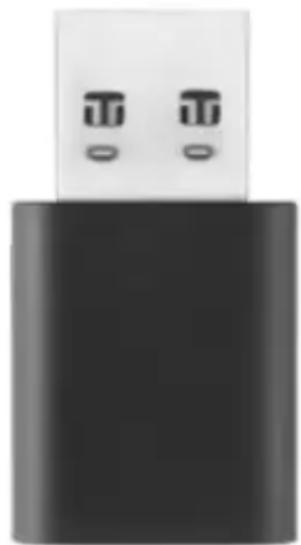
natural_image
Close-up of a black USB flash drive with two small metallic buttons (no text or symbols visible)natural_image
Line drawing of a pair of outdoor headphones labeled L and R (no text or symbols on the head surfaces)natural_image
Woman wearing headphones using a computer at night, with a monitor displaying 'Z' in the background (no readable text on screen or equipment)natural_image
Black headband headphones with black plastic case, no text or symbols visiblenatural_image
Black headband with earbuds and black plastic case (no text or symbols visible)natural_image
Black headband headphones with black earbuds and black straps (no text or symbols visible)natural_image
Line drawing of two rear-to-front headphones with labeled front and back (L and R), showing ear structure and headband (no text or symbols on the headphones themselves)Download de Bang & Olufsen-app uit de Google Play Store of de Apple App Store om uw product te configureren.
natural_image
Line drawing of a pair of headphones labeled L and R, showing earbuds and headband structure (no text or symbols beyond labels)natural_image
Person wearing white headphones and a laptop, focused on work at a desk (no visible text or symbols)natural_image
Black and white photo of a B5 headphones (no text or symbols visible on the headset body)natural_image
Black and white photo of a B5 headphones (no text or symbols visible on the headset body)natural_image
Black and white photo of a modern black audio headphones (no visible text or symbols)natural_image
Close-up of a black cylindrical object with a white top and embossed 'BO' text (no other visible text or symbols)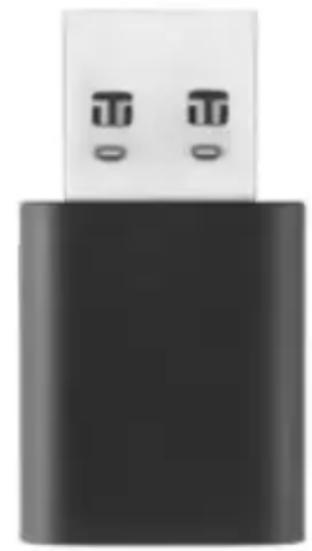
natural_image
Black USB flash drive with two small ports, no visible text or symbolsActie Gebaar
Handmatige pairing inschakelen
Kort indrukken
natural_image
Line drawing of a pair of outdoor headphones labeled L and R (no text or symbols on the headphones themselves)natural_image
Woman wearing headphones at a computer desk in a dimly lit room (no visible text or symbols)natural_image
Black headband headphones with black earbuds and black straps (no text or symbols visible)natural_image
Black headband with earbuds and black plastic case (no text or symbols visible)natural_image
Black outdoor headphones with black earbuds and black headband (no text or symbols visible)natural_image
Line drawing of two rear-to-front headphones with labeled front and back (L and R), showing ear structure and headband (no text or symbols on the headphones themselves)natural_image
Line drawing of a pair of headphones labeled L and R, showing earbuds and headband structure (no text or symbols beyond labels)natural_image
Person using a laptop with white headphones on a desk, blurred background with no visible text or symbolsnatural_image
Black and white photo of a B6 audio headset with adjustable head (no text or symbols visible)natural_image
Black and white photo of a modern black audio headphones (no visible text or symbols)natural_image
Black and white photo of a B6 audio headset with adjustable head (no text or symbols visible)natural_image
Close-up of a black cylindrical object with embossed text 'B & O' on its body (no other visible text or symbols)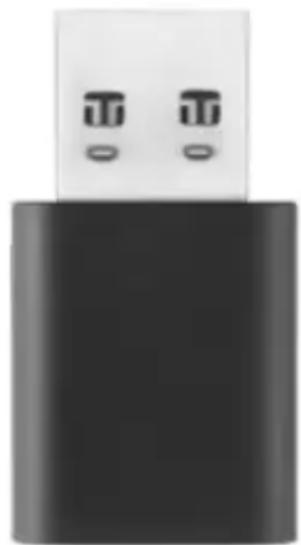
natural_image
Close-up of a black USB flash drive with two small metallic buttons (no text or symbols visible)Action Geste
ASSOCIATION BLUETOOTH
natural_image
Line drawing of a pair of outdoor headphones labeled L and R (no text or symbols on the head surfaces)natural_image
Woman wearing headphones using a computer at night, with a monitor displaying 'Z' in the background (no readable text on screen or equipment)natural_image
Black headband headphones with black earbuds and black straps (no text or symbols visible)natural_image
Black headband with earbuds and black plastic case (no text or symbols visible)natural_image
Black headband headphones with black earbuds and black straps (no text or symbols visible)natural_image
Line drawing of two rear-to-front headphones with labeled front and back (L and R), showing ear structure and headband (no text or symbols on the headphones themselves)natural_image
Line drawing of a pair of headphones labeled L and R, showing earbuds and headband structure (no text or symbols beyond labels)natural_image
Person wearing white headphones and a laptop, focused on a desk with blurred background (no visible text or symbols)natural_image
Black and white photo of a B5 headphones (no text or symbols visible on the headset body)natural_image
Black and white photo of a modern audio headset with a black head strap (no visible text or symbols)natural_image
Black and white photo of a B5 headphones (no text or symbols visible on the headset body)natural_image
Close-up of a black cylindrical object with a white top and embossed 'BO' text (no other visible text or symbols)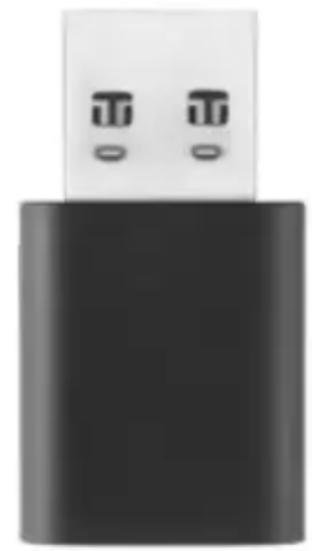
natural_image
Black USB flash drive with two small ports, no visible text or symbolsAcción Gesto
natural_image
Line drawing of a pair of outdoor headphones labeled L and R (no text or symbols on the headphones themselves)natural_image
Woman wearing headphones at a computer in a dimly lit room (no visible text or symbols)natural_image
Black headband headphones with black earbuds and black straps (no text or symbols visible)natural_image
Black headband with earbuds and black plastic case (no text or symbols visible)natural_image
Black headband headphones with black earbuds and black straps (no text or symbols visible)natural_image
Line drawing of two rear-to-front headphones with labeled front and back (L and R), showing ear structure and headband (no text or symbols on the headphones themselves)natural_image
Line drawing of a pair of headphones labeled L and R, showing earbuds and headband structure (no text or symbols beyond labels)natural_image
Person wearing white headphones and a laptop, focused on work at a desk (no visible text or symbols)natural_image
Black and white photo of a B5 headphones (no text or symbols visible on the headset body)Active Noise Cancellation
natural_image
Black and white photo of a B5 headphones (no text or symbols visible on the headset body)Active Noise Cancellation
natural_image
Black and white photo of a B5 headphones (no text or symbols visible on the headset body)natural_image
Close-up of a black cylindrical object with embossed text 'B&O' on its body (no other visible text or symbols)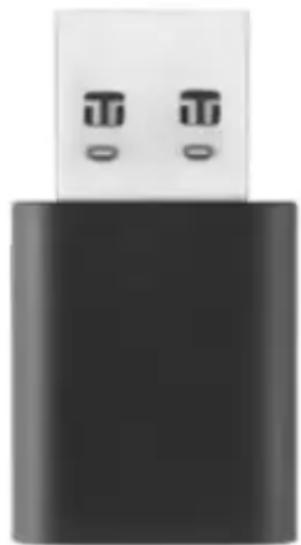
natural_image
Close-up of a black USB flash drive with two small metallic buttons (no text or symbols visible)Azione Gesto
natural_image
Line drawing of a pair of outdoor headphones labeled L and R (no text or symbols on the head surfaces)natural_image
Woman wearing headphones at a computer in a dimly lit room (no visible text or symbols)natural_image
Black headband headphones with black earbuds and black straps (no text or symbols visible)natural_image
Black headband with earbuds and black plastic case (no text or symbols visible)natural_image
Black headband headphones with black earbuds and black straps (no text or symbols visible)natural_image
Line drawing of two rear-to-front headphones labeled L and R (no text or symbols on the headphones themselves)natural_image
Line drawing of a pair of headphones labeled L and R, showing earbuds and headband structure (no text or symbols beyond labels)natural_image
Person wearing white headphones and a laptop, focused on a desk with blurred background (no visible text or symbols)natural_image
Black and white photo of a B6 audio headset with adjustable head (no text or symbols visible)natural_image
Black and white photo of a B5 headphones (no text or symbols visible on the headset body)natural_image
Black and white photo of a B5 headphones (no text or symbols visible on the headset body)natural_image
Close-up of a black cylindrical object with a white top and embossed 'BO' text (no other visible text or symbols)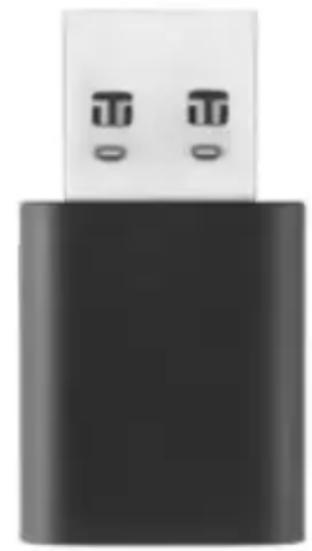
natural_image
Black USB flash drive with two small ports, no visible text or symbolsAção Gesto
Acionar o emparelhamento manual
natural_image
Line drawing of a pair of outdoor headphones labeled L and R (no text or symbols on the head surfaces)natural_image
Woman wearing headphones at a computer in a dimly lit room (no visible text or symbols)natural_image
Black headband headphones with black earbuds and black straps (no text or symbols visible)natural_image
Black headband with earbuds and black plastic case (no text or symbols visible)natural_image
Black headband with earbuds and black plastic case (no text or symbols visible)natural_image
Line drawing of two rear-to-front headphones labeled L and R (no text or symbols on the headphones themselves)natural_image
Line drawing of a pair of headphones with labeled front and rear plates (no text or symbols on the head structure)natural_image
Person using a laptop with white headphones on a desk, blurred background with no visible text or symbolsnatural_image
Black and white photo of a B6 audio headset with adjustable head (no text or symbols visible)natural_image
Black and white photo of a B5 headphones (no text or symbols visible on the headset body)natural_image
Black and white photo of a modern audio headset with a logo on the head (no visible text or symbols beyond branding)natural_image
Two black USB devices with visible port labels, one with a white cable and the other with two white ports (no text or symbols on the devices themselves)natural_image
Line drawing of a pair of headphones labeled L and R (no text or symbols on the head surfaces)natural_image
Woman wearing headphones using a computer at night, with a monitor displaying 'Z' in the background (no readable text on screen or equipment)natural_image
Black outdoor headphones with black earbuds and black headband (no text or symbols visible)natural_image
Black headband with earbuds and black plastic case (no text or symbols visible)natural_image
Black headband headphones with black earbuds and black straps (no text or symbols visible)natural_image
Line drawing of two rear-to-front headphones labeled L and R (no text or symbols on the headphones themselves)natural_image
Line drawing of a pair of headphones labeled L and R, showing ear structure and adjustment knob (no text or symbols beyond labels)natural_image
Person wearing white headphones and a laptop, focused on a desk with blurred background (no visible text or symbols)natural_image
Black and white photo of a B8 audio headset with adjustable head and neck (no text or symbols visible)natural_image
Black and white photo of a B8 audio headset with adjustable head and neck (no text or symbols visible)natural_image
Black and white photo of a B&G audio headset with adjustable head and neck (no text or symbols visible)natural_image
Two black USB devices with visible ports and branding (no text or symbols on the devices themselves)作業 ジェスチャー
手動ペアリングを起動 短押し
新しいペアリングを開始2回押す
natural_image
Line drawing of a pair of headphones labeled L and R (no text or symbols on the head surfaces)natural_image
Woman wearing headphones using a computer at night, with a monitor displaying 'Z' in the background (no readable text on screen or equipment)natural_image
Black headband headphones with black plastic case, isolated on white background (no text or symbols)natural_image
Black headband with earbuds and black plastic case (no text or symbols visible)natural_image
Black headband headphones with black plastic covers and earbuds (no text or symbols visible)natural_image
Line drawing of two rear-to-front headphones with labeled front and rear (L) and side (R) sections, showing ear structure and headband (no text or symbols on the headphones themselves)natural_image
Line drawing of a pair of headphones labeled L and R, showing ear structure and headband (no text or symbols beyond labels)natural_image
Person using a laptop with white headphones on a desk, blurred background with no visible text or symbolsnatural_image
Black and white photo of a B&G audio headset with adjustable head and neck (no text or symbols visible)natural_image
Black and white photo of a B&G audio headset with adjustable head and neck (no text or symbols visible)natural_image
Black and white photo of a B&G audio headset with adjustable head and neck (no text or symbols visible)natural_image
Two black USB devices with two small white port designs, one labeled 'BO' and the other showing a simple graphic (no text or symbols on device body)조치 제스처
수동 페어링 실행 짧게 누름
새로운 페어링 시작 두 번 누르기
출고 시설정으로 복원해
5초간 길게 누르기
연결된 Portal 지우기
블루투스 연결
natural_image
Line drawing of a pair of outdoor headphones labeled L and R (no text or symbols on the headphones themselves)natural_image
Woman wearing headphones using a computer at night, with a monitor displaying 'Z' in the background (no readable text on screen or equipment)natural_image
Black headband headphones with black plastic covers and earbuds (no text or symbols visible)natural_image
Black headband with earbuds and black plastic case (no text or symbols visible)natural_image
Black headband headphones with black plastic covers and earbuds (no text or symbols visible)natural_image
Line drawing of two rear-to-front headphones labeled L and R (no text or symbols on the headphones themselves)natural_image
Line drawing of a pair of outdoor headphones labeled L and R, showing ear structure and adjustment knob (no text or symbols beyond labels)natural_image
Person wearing white headphones and a laptop, focused on a desk with blurred background (no visible text or symbols)natural_image
Black and white photo of a B&G audio headset with adjustable head and neck (no text or symbols visible)natural_image
Black and white photo of a B&G audio headset with adjustable head and neck (no text or symbols visible)natural_image
Black and white photo of a B&G audio headset with adjustable head and neck (no text or symbols visible)natural_image
Two black USB devices with two small white port designs, one labeled 'BO' and the other showing a simple graphic (no text or symbols on device body)操作 手势
触发手动配对 短按
启动新的配对 按两下
恢复出厂设置,遗忘所连接的门户
长按 5 秒钟
蓝牙配对
natural_image
Line drawing of a pair of outdoor headphones labeled L and R (no text or symbols on the headphones themselves)natural_image
Woman wearing headphones using a computer at night, with a monitor displaying 'Z' in the background (no readable text on screen or equipment)natural_image
Black headband headphones with black plastic covers and earbuds (no text or symbols visible)natural_image
Black headband with earbuds and black plastic case (no text or symbols visible)natural_image
Black headband headphones with black plastic covers and earbuds (no text or symbols visible)natural_image
Line drawing of two rear-to-front headphones with labeled front and rear (L) and side (R) sections, showing ear structure and headband (no text or symbols on the headphones themselves)S
natural_image
Line drawing of a pair of headphones labeled L and R, showing earbuds and headband structure (no text or symbols beyond labels)natural_image
Person wearing white headphones and a laptop, focused on a desk with blurred background (no visible text or symbols)natural_image
Black and white photo of a B&G audio headset with adjustable head and neck (no text or symbols visible)natural_image
Black and white photo of a B84 headband headset (no text or symbols visible on the device body)natural_image
Black and white photo of a B8 audio headset with adjustable head and neck (no text or symbols visible)natural_image
Two black USB devices with two small white port designs, one labeled 'BO' and the other showing a simple graphic (no text or symbols on device body)動作手勢
觸發手動配對 短按
開始新配對 按兩下