Earset i3 - Earphones BANG & OLUFSEN - Free user manual and instructions
Find the device manual for free Earset i3 BANG & OLUFSEN in PDF.



| Brand | Bang & Olufsen |
| Model | Earset i3 |
| Product type | Wired earphone with remote |
| Earbud dimensions | Approx. 20 x 15 x 20 mm (per earbud) |
| Total weight | Approx. 18 g |
| Cable length | 1.2 m |
| Connector | 3.5 mm jack plug |
| Main functions | Play/pause control, track skip, fast forward/reverse, volume control, call management, VoiceOver |
| Compatibility | Apple devices and others with a jack plug |
| Number of buttons | 3 (central, +, -) |
| Care and cleaning | Clean the earbuds and ear cushions with a soft, lint-free cloth. Do not use harsh liquids. |
| Safety instructions | Prolonged listening at high volume can damage hearing. Use at a moderate level. |
| Spare parts available | Replacement ear cushions (sold separately) |
| Repairability | Repair possible by an authorized Bang & Olufsen service center |
| Environmental information | Do not dispose of with household waste. Follow local recycling guidelines (WEEE). |
| Warranty | 2 years (depending on country) |
| Box contents | Earphones, additional ear cushions (if provided), user manual |
Frequently Asked Questions - Earset i3 BANG & OLUFSEN
User questions about Earset i3 BANG & OLUFSEN
0 question about this device. Answer the ones you know or ask your own.
Ask a new question about this device
Download the instructions for your Earphones in PDF format for free! Find your manual Earset i3 - BANG & OLUFSEN and take your electronic device back in hand. On this page are published all the documents necessary for the use of your device. Earset i3 by BANG & OLUFSEN.
USER MANUAL Earset i3 BANG & OLUFSEN
Subject to change without notice!
Use your headset
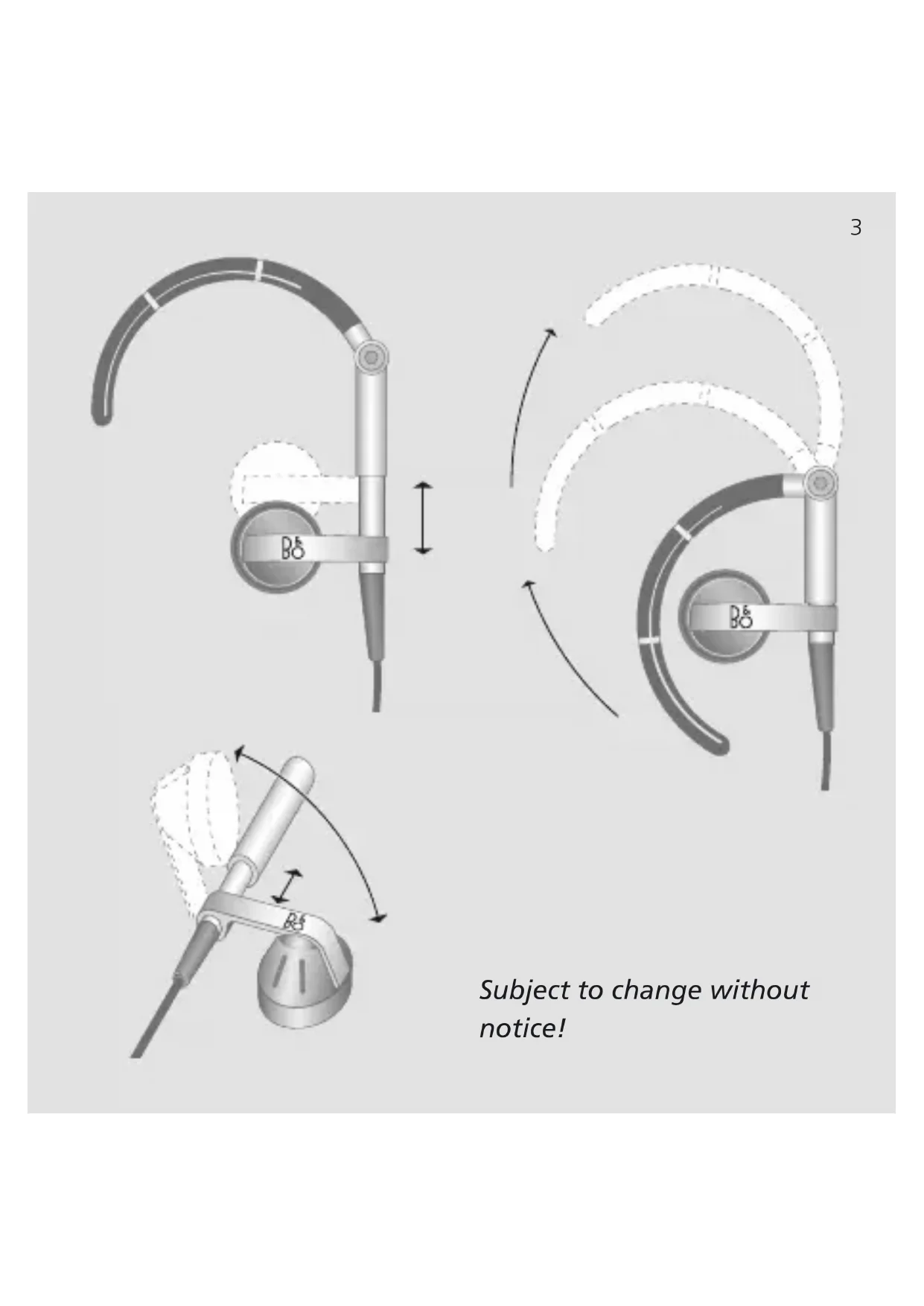
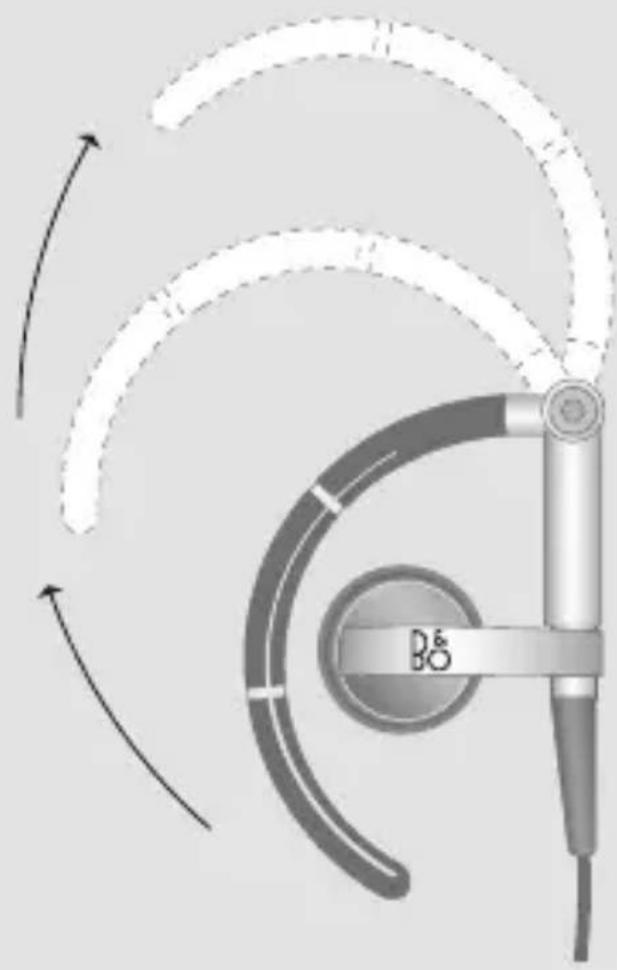
To obtain maximum sound quality, we recommend that you put the two enclosed ear pads on the earset, and then place the earset correctly in your ear.
Note: Prolonged listening at a high volume level may cause hearing damages.
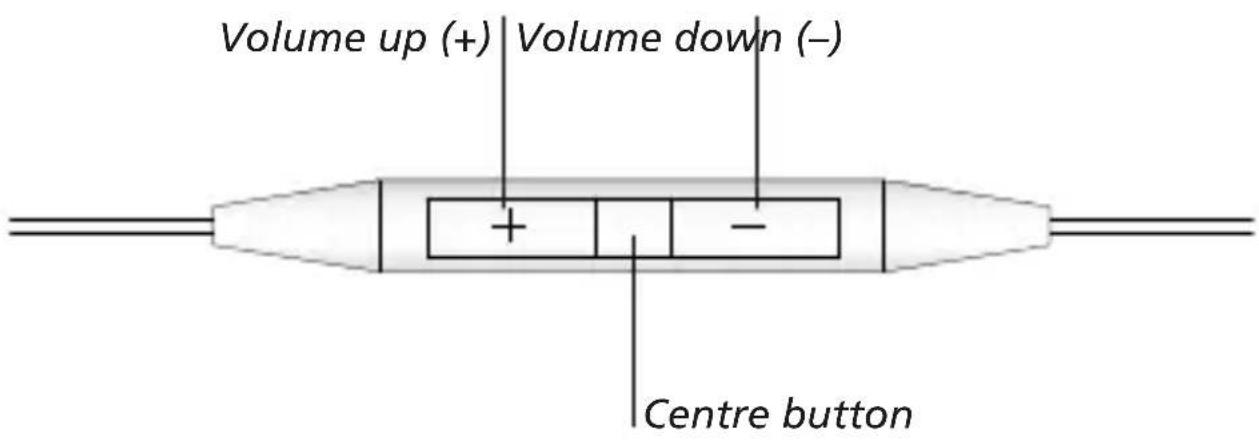
Music/video operation
To play or pause a song/video ...
Press the centre button once.
Press again to resume playback.
To go to the next song/chapter ...
Press the centre button twice quickly.
To go to the previous song/chapter ...
Press the centre button three times quickly.
To fast-forward ...
Press the centre button twice quickly and hold.
To rewind ...
Press the centre button three times quickly and hold.
To operate VoiceOver ...
Hold the centre button down to hear the song title/ artist name.
Keep holding down the centre button until you hear a tone, then release the button.
The current playlist is announced and then all your playlists.
Press the centre button when the playlist you want is announced.
Press the +/ - button to step quickly through the playlists.
Call operation
To answer or end a call ...
Press the centre button once to answer.
Press again to end the call.
To decline an incoming call ...
Hold down the centre button for two seconds and let go.
Two low beeps confirm that you have declined the call.
To switch to an incoming/on-hold call and put the current call on hold ...
Press the centre button.
Press again to switch back to the first call.
To switch to an incoming/on-hold call and end the current call ...
Hold down the centre button for two seconds and let go.
Two low beeps confirm that you have ended the first call.
Not all features and functions described in this guide are available on all connectable devices.
Brug EarSet 3i
English - Waste of Electrical and Electronic Equipment (WEEE)
Electrical and electronic equipment, parts and batteries marked with this symbol must not be disposed of with normal household wastage, it must be collected and disposed of separately to protect the environment.
Your Bang & Olufsen retailer will advise you of the correct way of disposal in your country.
If a product is too small to be marked with the symbol, it will appear in the User Guide, on the Guarantee certificate, or on the packaging.
All Bang & Olufsen products comply with applicable environmental legislation throughout the world.


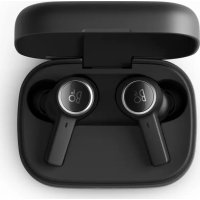
Brand : BANG & OLUFSEN
Model : Earset i3
Category : Earphones