
Puslefire Raid - Mouse HYPERX - Free user manual and instructions
Find the device manual for free Puslefire Raid HYPERX in PDF.


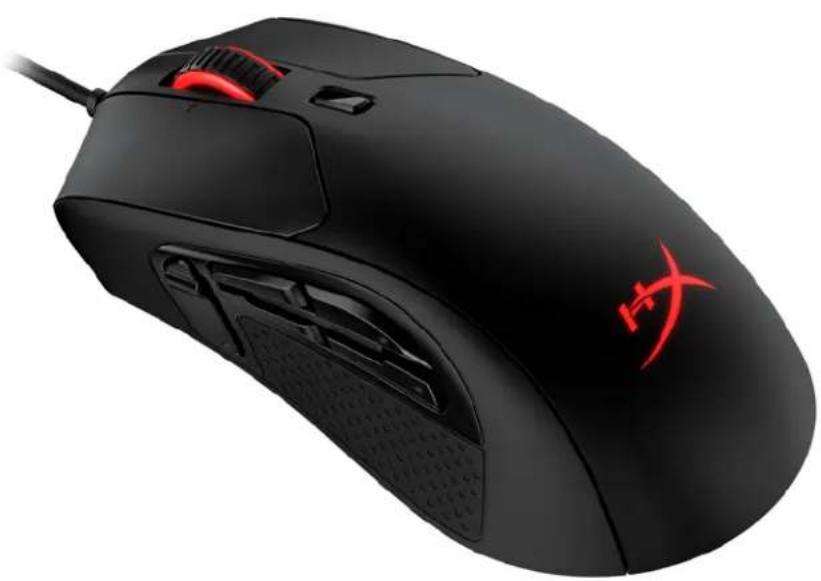
| Product type | Wired gaming mouse |
| Brand | HyperX |
| Model | Pulsefire Raid |
| Shape | Ergonomic (right-handed) |
| Sensor | Pixart PMW3389 optical |
| Maximum resolution | 16,000 DPI |
| DPI presets | 800, 1600, 3200 DPI |
| Tracking speed | 450 IPS |
| Acceleration | 50 G |
| Number of buttons | 11 (8 programmable) |
| Left/right switches | Omron (20 million clicks) |
| Backlighting | RGB 16.7 million colors, 2 zones |
| Onboard memory | 1 profile |
| Polling rate | 1000 Hz |
| Connection type | USB 2.0 |
| Cable length | 1.8 m (braided) |
| Weight (without cable) | 95 g |
| Weight (with cable) | 125 g |
| Dimensions (L x W x H) | 12.8 x 7.2 x 4.0 cm (estimated) |
| Power | Via USB port (5V, 100 mA) |
| Software | HyperX NGENUITY (free download) |
| Compatibility | PC, PS4, Xbox One |
| Maintenance and cleaning | Wipe with a slightly damp soft cloth |
| Safety | Do not expose to moisture or shocks |
| Spare parts | Mouse feet available as replacement |
Frequently Asked Questions - Puslefire Raid HYPERX
User questions about Puslefire Raid HYPERX
0 question about this device. Answer the ones you know or ask your own.
Ask a new question about this device
Download the instructions for your Mouse in PDF format for free! Find your manual Puslefire Raid - HYPERX and take your electronic device back in hand. On this page are published all the documents necessary for the use of your device. Puslefire Raid by HYPERX.
USER MANUAL Puslefire Raid HYPERX
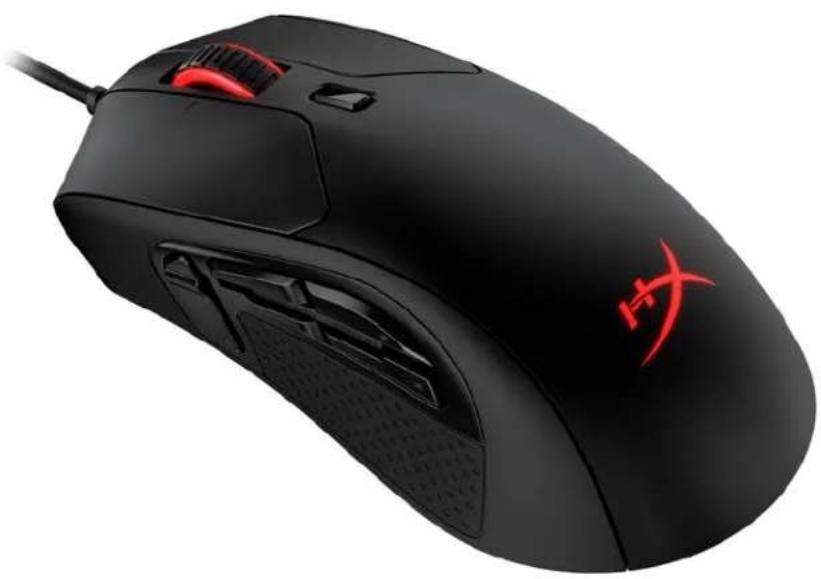
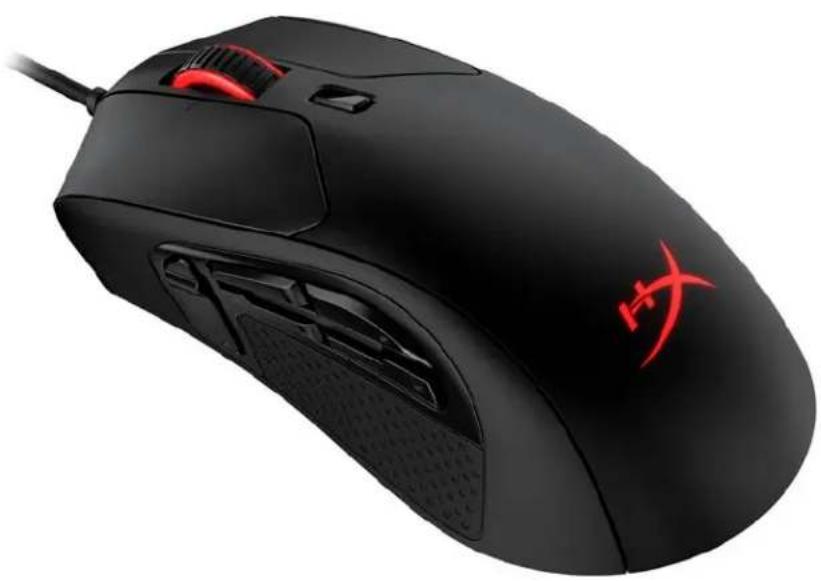
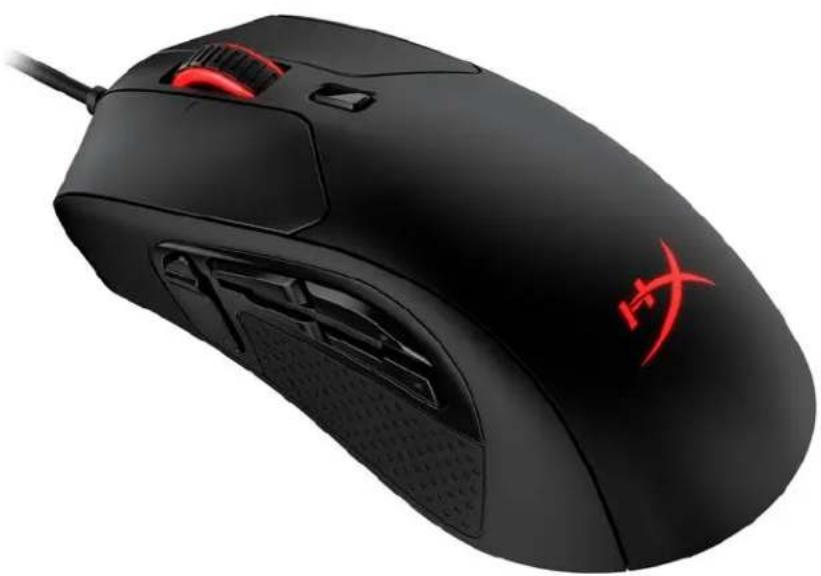
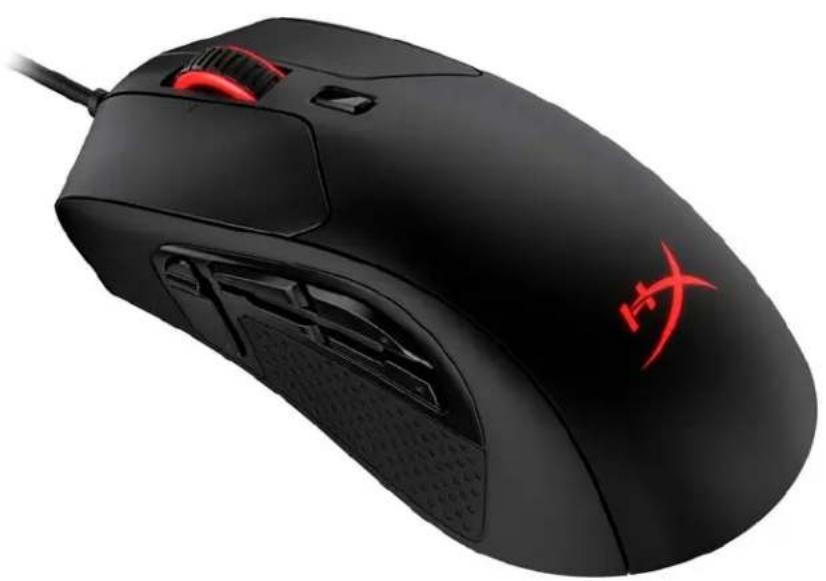
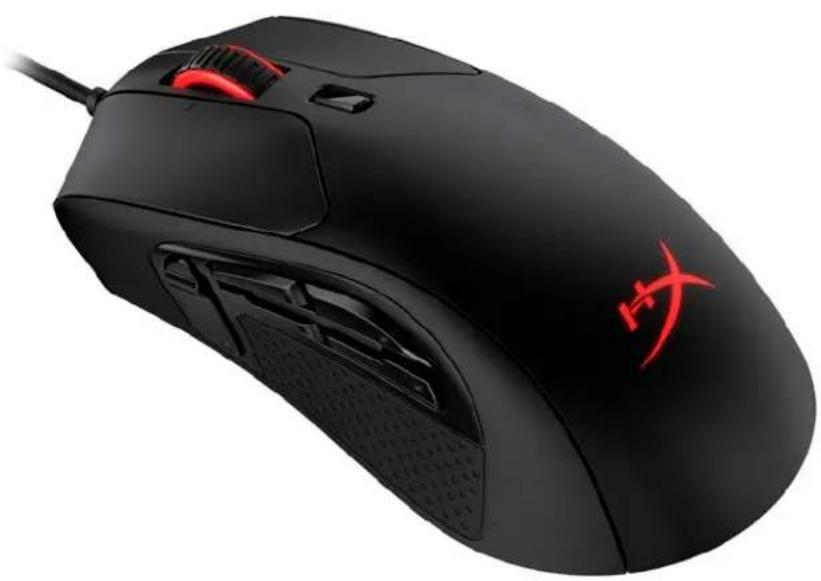
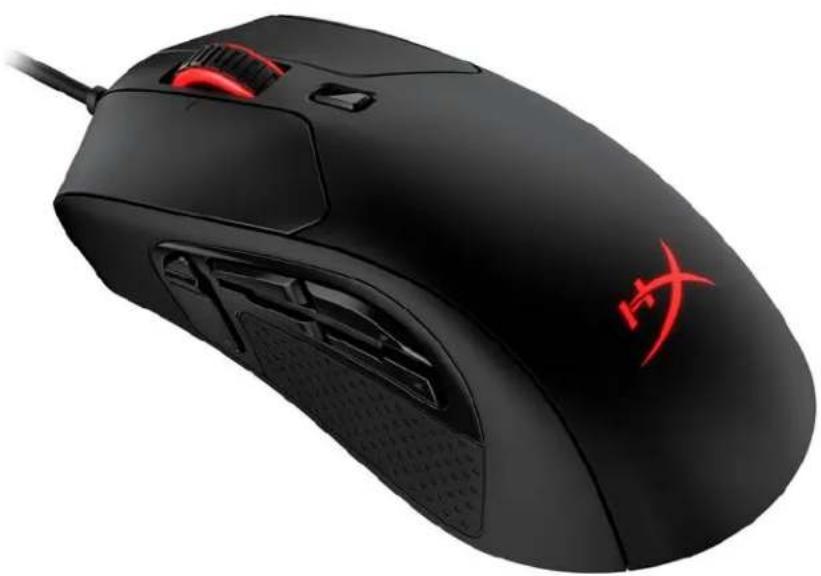
HyperX Pulsefire Raid
Find the language and latest documentation for your HyperX Pulsefire Raid here.
HyperX Pulsefire Raid Installation Guide
For instructions in English Para instrucciones en Español Für Anleitungen in Deutsch Pour des instructions en Français ...... Per le istruzioni in Italiano Por as instruções em Português Instrukcje w języku Polskim Для инструкции на Русском C. Turkce talimatlar icin 日本語マニュアル用 한국어 안내 ......คำแนะนำภาษาไทย Đế xem hướng dẫn bằng tiếng Việt
Simplified Chinese ..... 简体中文说明书
Traditional Chinese ....繁體中文說明
HyperX Pulsefire Raid™
Part Number
HX-MC005B
TABLE OF CONTENTS
Overview....3
Specifications....4
Installation....5
Function Keys .... 5
HyperX NGENUITY Software 5
Using with Console....5
Factory Reset 5
Overview
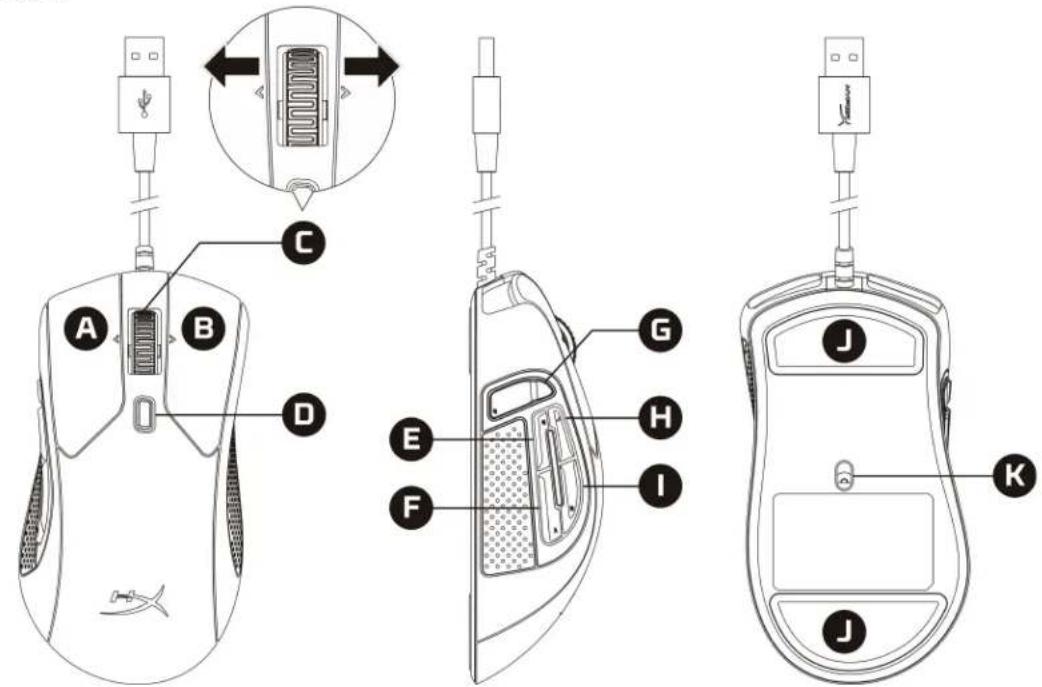
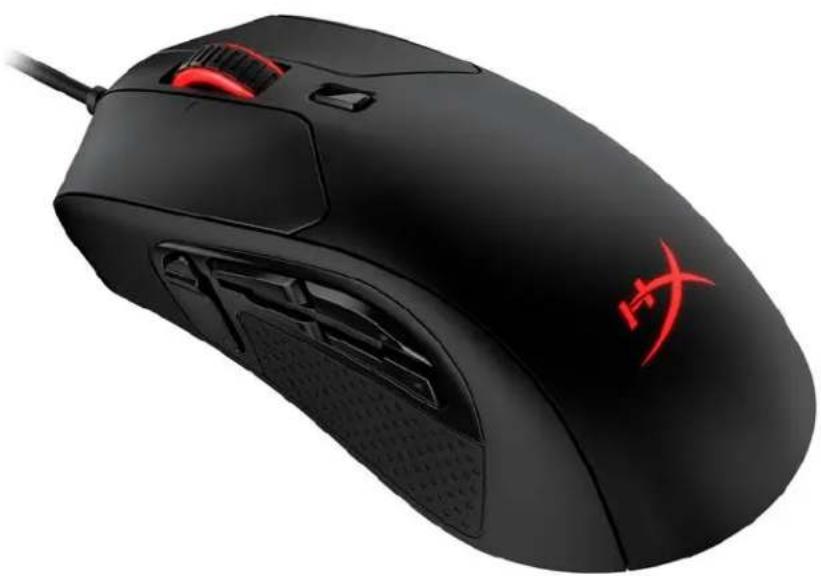
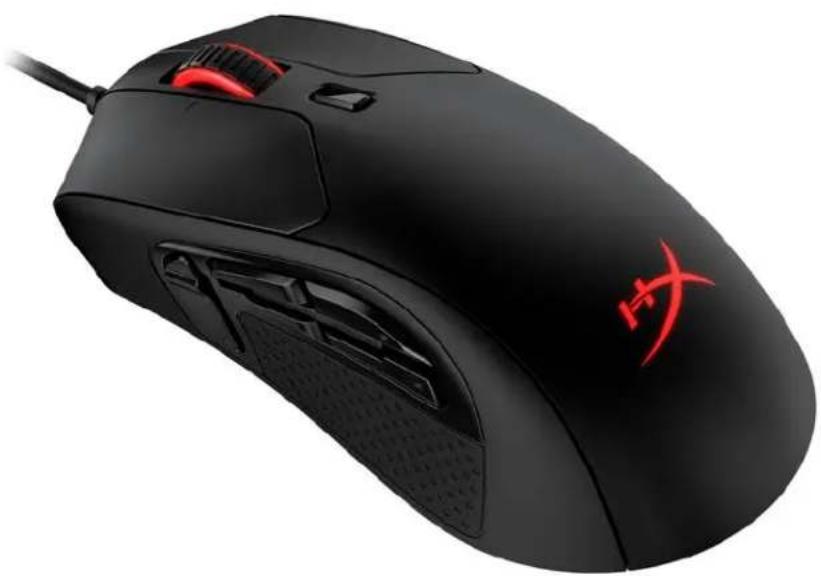
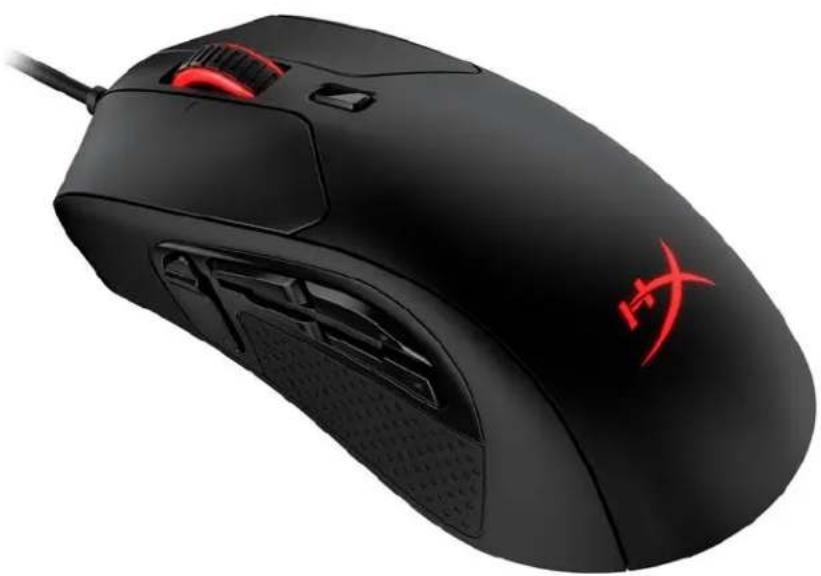
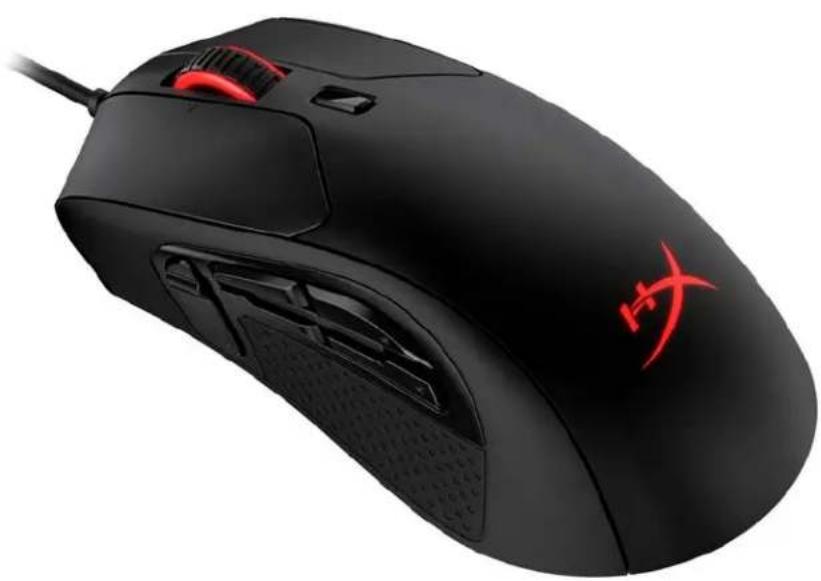
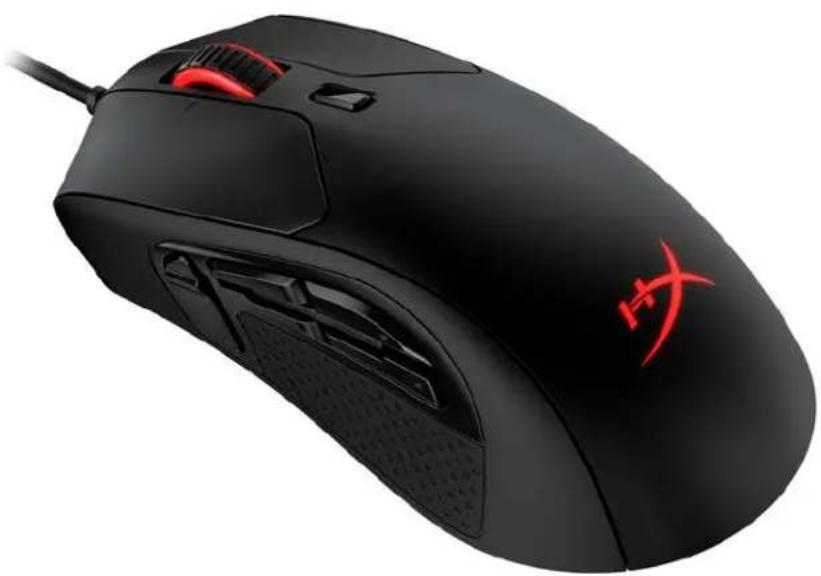
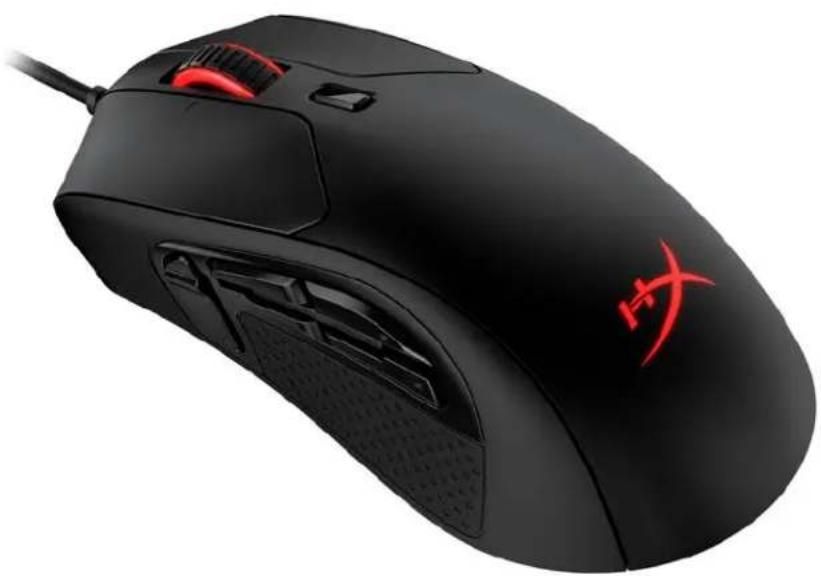
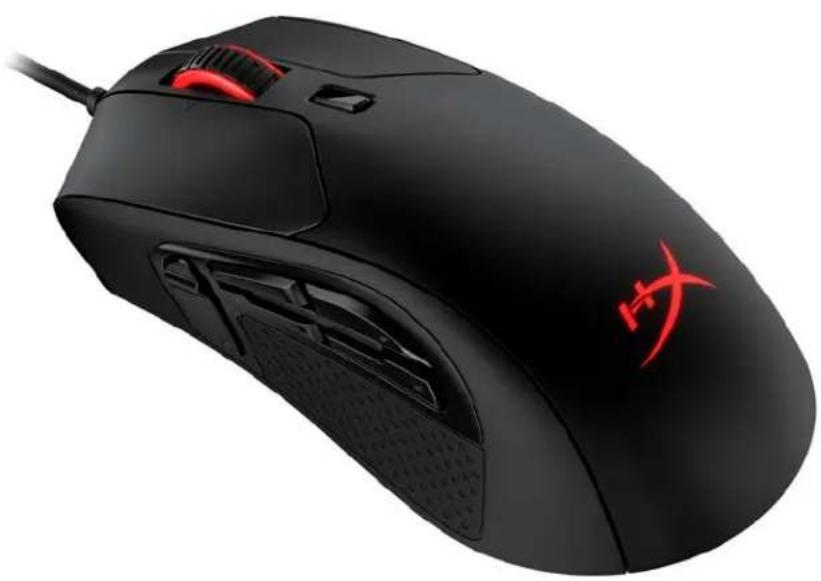
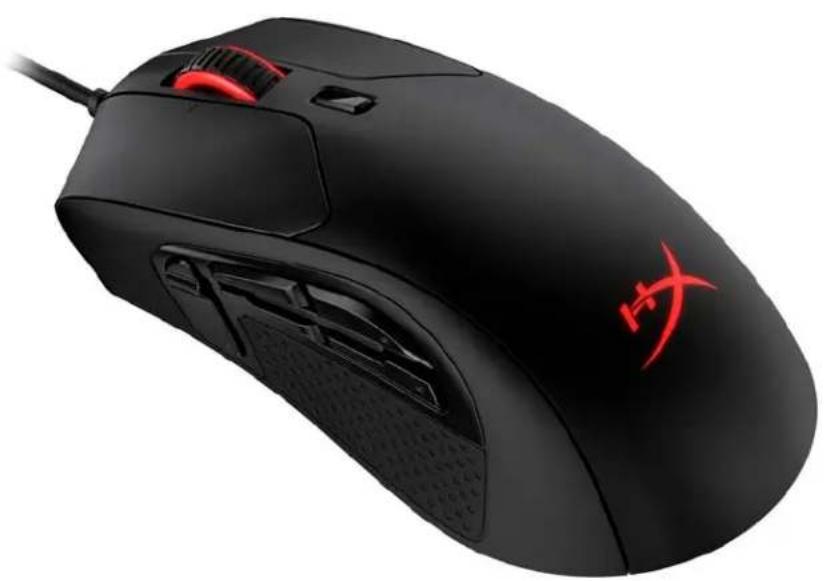
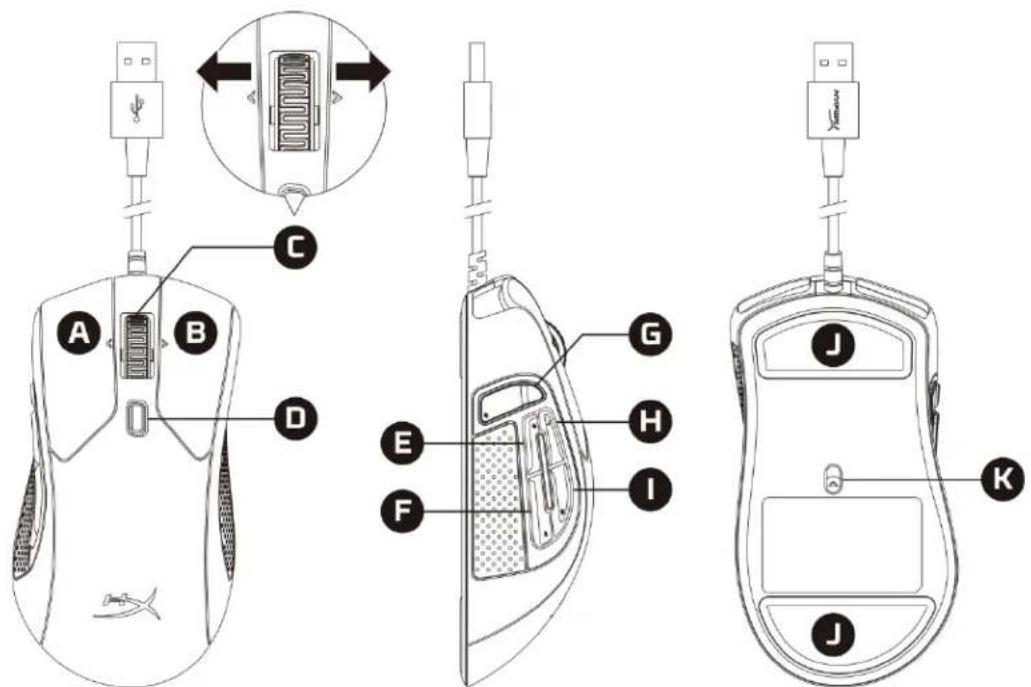
A. Left click button B. Right click button C. Wheel tilt left/right* - Previous/Next Track D. DPI button E. Button 5 – Forward click F. Button 4 – Backward click G. Button 8* - Mute H. Button 7* – Increase volume I. Button 6* – Decrease volume J. Mouse skates K. Optical gaming sensor
*Requires HyperX NGENUITY Software for programmable functionality
Specifications
Shape: Ergonomic
Sensor: Pixart PMW3389
Resolution: Up to 16,000 DPI
DPI presets: 800 / 1600 / 3200 DPI
Speed: 450 IPS
Acceleration: 50G
Buttons: 11
Left / Right buttons switches: Omron
Left / Right buttons durability: 20 million clicks
Backlight: RGB (16,777,216 colors)
Light effects: 2 RGB lighting zones
Onboard memory: 1 profile
Connection type: USB 2.0
Polling rate: 1000Hz
Cable type: Braided
Dimensions (L x W x H): 127.8mm x 71.0mm x 41.5mm
Cable length: 1.8m
Weight (without cable) 1 : Approximately 95g
Weight (with cable): Approximately 125g
Software: HyperX NGENUITY
1 Please see our Support Page for more information regarding the weight.
Installation
Connect the USB connector to the computer.
Function Keys
| Function Keys | Secondary Feature |
| DPI button | Change between DPI presets. Default values are:- 800 DPI (blue).- 1600 DPI (yellow).- 3200 DPI (green). |
HyperX NGENUITY Software
To customize lighting, DPI, and macro settings, download the HyperX NGENUITY Software here: hyperxgaming.com/ngenuity.
Using with Console
Connect the USB connector to PS4 or Xbox One to use with console.
Factory Reset
If you are experiencing any issue with the mouse, you can perform a factory reset. Onboard memory will be cleared, and all settings will revert back to default.
| Function Keys | Secondary Feature |
| Hold DPI button + mouse wheel button down for 5 seconds | Perform a factory reset on the mouse. |
Questions or Setup Issues?
Contact the HyperX support team at: hyperxgaming.com/support/
HyperX Pulsefire Raid™
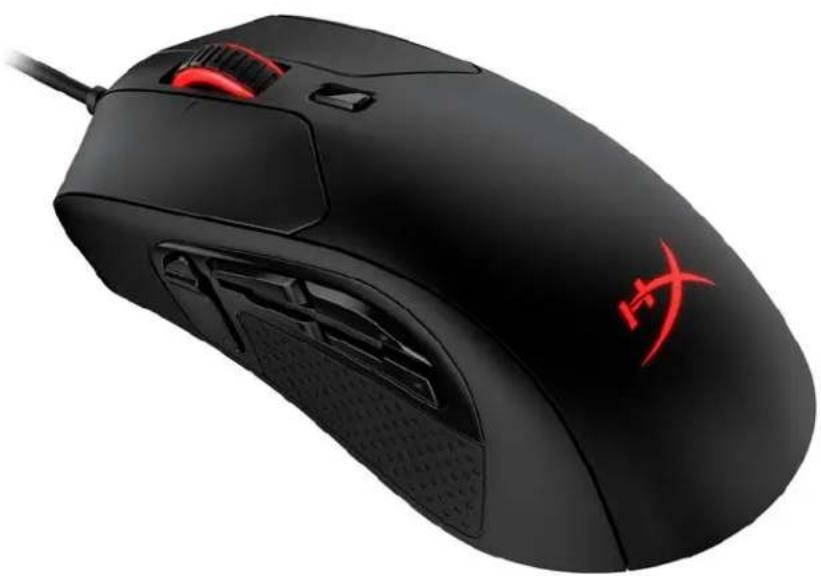
HyperX Pulsefire Raid™
Artikelnummer
HX-MC005B
INHALTSVERZEICHNIS
Übersicht 3
Spezifikationen 4
Installation.... 5
HyperX Pulsefire Raid™
Reference
HX-MC005B
TABLE OF CONTENTS
Introduction.... 3
Specifications 4
Installation....5
Dimensions (L x W x H): 127.8mm x 71.0mm x 41.5mm
HyperX Pulsefire Raid™
Part number
HX-MC005B
INDEX
HyperX Pulsefire Raid™
Product Code
HX-MC005B
INDEX
Overview 3
HyperX Pulsefire Raid™
Part number
HX-MC005B
TABLE OF CONTENTS
Introduction.... 3
Specifications 4
Installation 5
HyperX Pulsefire Raid™
Part number
HX-MC005B
CONTENTS
Overview 3
HyperX Pulsefire Raid™
Part Number
HX-MC005B
CONTENTS
Overview 3
Specifications 4
Installation....5
Function Keys 5
HyperX Pulsefire Raid™
Part Number
HX-MC005B
Table of Contents
Overview 3
Specifications 4
Installation....5
Function key 5
HyperX Pulsefire Raid™
Part number
HX-MC005B
Table of contents
Overview 3
Specifications 4
Installation 5
Function keys 5
Download at hyperxgaming.com/ngenuity.
Software usage
HyperX Pulsefire Raid™
Part number
HX-MC005B
Table of contents
Overview 3
HyperX Pulsefire Raid™
Product number
HX-MC005B
TABLE OF CONTENTS
Overview 3
Dimensions (L x W x H): 127.8mm x 71.0mm x 41.5mm
HyperX Pulsefire Raid™
Product number
HX-MC005B
Table of Contents
Overview 3
Specifications 4
Installation 5
Function keys....5
HyperX NGENUITY Software 5
Using with Console....5
Factory Reset 5
Overview
HyperX Pulsefire Raid™
Product Model
HX-MC005B
Table of Contents
Overview 3
Specifications 4
Installation 5
Function Key Descriptions....5
HyperX NGENUITY Software 5
Using with Game Console 5
Restore Factory Settings....5
Overview
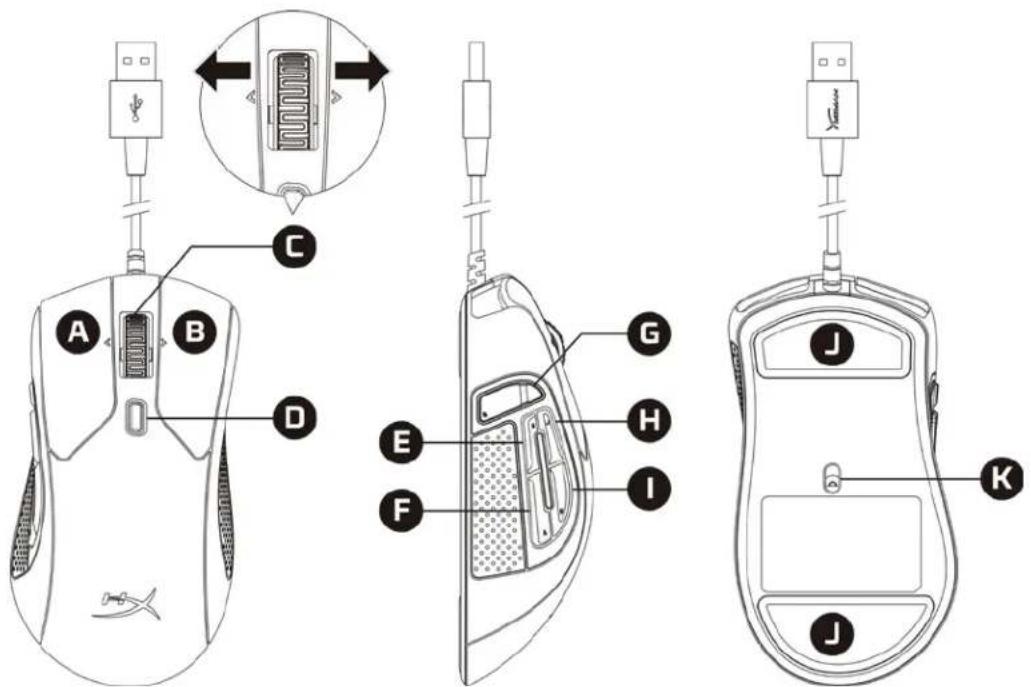
A. Left button B. Right button C. Scroll wheel tilt left/right* - previous/next track D. DPI button E. Button 5 - forward F. Button 4 - back G. Button 8* - mute H. Button 7* - increase volume I. Button 6* - decrease volume J. Mouse feet K. Optical sensor
*Requires customization via HyperX NGENUITY software
Specifications
Shape: Right-handed ergonomic design
Sensor: Pixart PMW3389
Resolution: Up to 16,000 DPI
DPI presets: 800 / 1600 / 3200 DPI
Speed: 450 IPS
Acceleration: 50G
Number of buttons: 11
Left/right button micro switches: Omron
Left/right button durability: 20 million clicks
hyperxgaming.com/ngenuity.
For use with game consoles
HyperX Pulsefire Raid™
Part Number
HX-MC005B
Table of Contents
.hyperxgaming.com/ngenuity
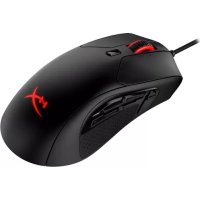
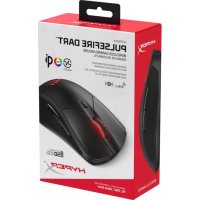
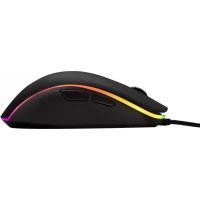
- HYPERX PULSEFIRE RAID
- HYPERX PULSEFIRE RAID INSTALLATION GUIDE
- HYPERX PULSEFIRE RAID™
- PART NUMBER
- TABLE OF CONTENTS
- OVERVIEW
- SPECIFICATIONS
- INSTALLATION
- HYPERX NGENUITY SOFTWARE
- USING WITH CONSOLE
- FACTORY RESET
- QUESTIONS OR SETUP ISSUES
- ARTIKELNUMMER
- INHALTSVERZEICHNIS
- REFERENCE
- INDEX
- PRODUCT CODE
- CONTENTS
- SOFTWARE USAGE
- FOR USE WITH GAME CONSOLES
Brand : HYPERX
Model : Puslefire Raid
Category : Mouse