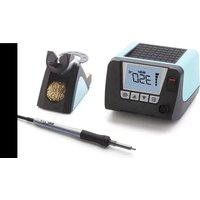
WT 1010 - Welding machine Weller - Free user manual and instructions
Find the device manual for free WT 1010 Weller in PDF.


| Product Type | Soldering Station |
| Brand | Weller |
| Model | WT 1010 |
| Mains Voltage | 230 V / 50 Hz or 120 V / 60 Hz depending on version |
| Power Consumption | 95 W (WT 1) / 150 W (WT 1H) – WT 1010 model similar |
| Temperature Range | 50 °C - 450 °C / 550 °C depending on tool |
| Temperature Accuracy | ± 9 °C / ± 17 °F |
| Temperature Stability | ± 2 °C / ± 4 °F |
| Protection Class | I (antistatic housing), tool class III |
| Display | LCD with adjustable brightness |
| Main Functions | Temperature control, lock function, process window, stand-by temperature |
| Safety Instructions | Protection against electric shock, burns, fire |
| Maintenance and Cleaning | Disconnect before servicing, allow to cool, use original Weller parts |
| Spare Parts and Repairability | Repairs reserved for personnel trained by Weller, original spare parts |
| Warranty | 12 months after delivery |
| Certifications | CE, UK conformity mark |
| Recycling | WEEE – separate collection, collection points |
Frequently Asked Questions - WT 1010 Weller
User questions about WT 1010 Weller
0 question about this device. Answer the ones you know or ask your own.
Ask a new question about this device
Download the instructions for your Welding machine in PDF format for free! Find your manual WT 1010 - Weller and take your electronic device back in hand. On this page are published all the documents necessary for the use of your device. WT 1010 by Weller.
USER MANUAL WT 1010 Weller
GB Translation of the original instructions
natural_image
Circular icon with a lowercase 'i' in the center, commonly used to denote information (no additional text or symbols)
www.weller-tools.com
![Weller® [1] [2] [3] [4] [5] [6] [7] [8] [9] [10] [11] [12] [13] [14] [15] [16] [17] [18] [19] [20] [21] [22] [23] [24] [25] [26] [27] [28] [29] [30] [31] [32] [33] [34] [35] [36] [37] [38] [39] [40] [41] [42] [43] [44] [45] [46] [47] [48] [49] [50] [51] [52] [53] [54] [55] [56] [57] [58] [59] [60] [61] [62] [63] [64] [65] [66] [67] [68] [69] [70] [71] [72] [73] [74] [75] [76] [77] [78] [79] [80] [81] [82] [83] [84] [85] [86] [87] [88] [89] [90] [91] [92] [93] [94] [95] [96] [97] [98] [99] [100]](/content/2026/04/670579/images/a84eaf42d755b2c8f0fe83f745d635a3b650cb6de96930b26eeacb5c487a9d6c.jpg)
MANUAL FAQ

VIDEO

WT 1 WT 1H
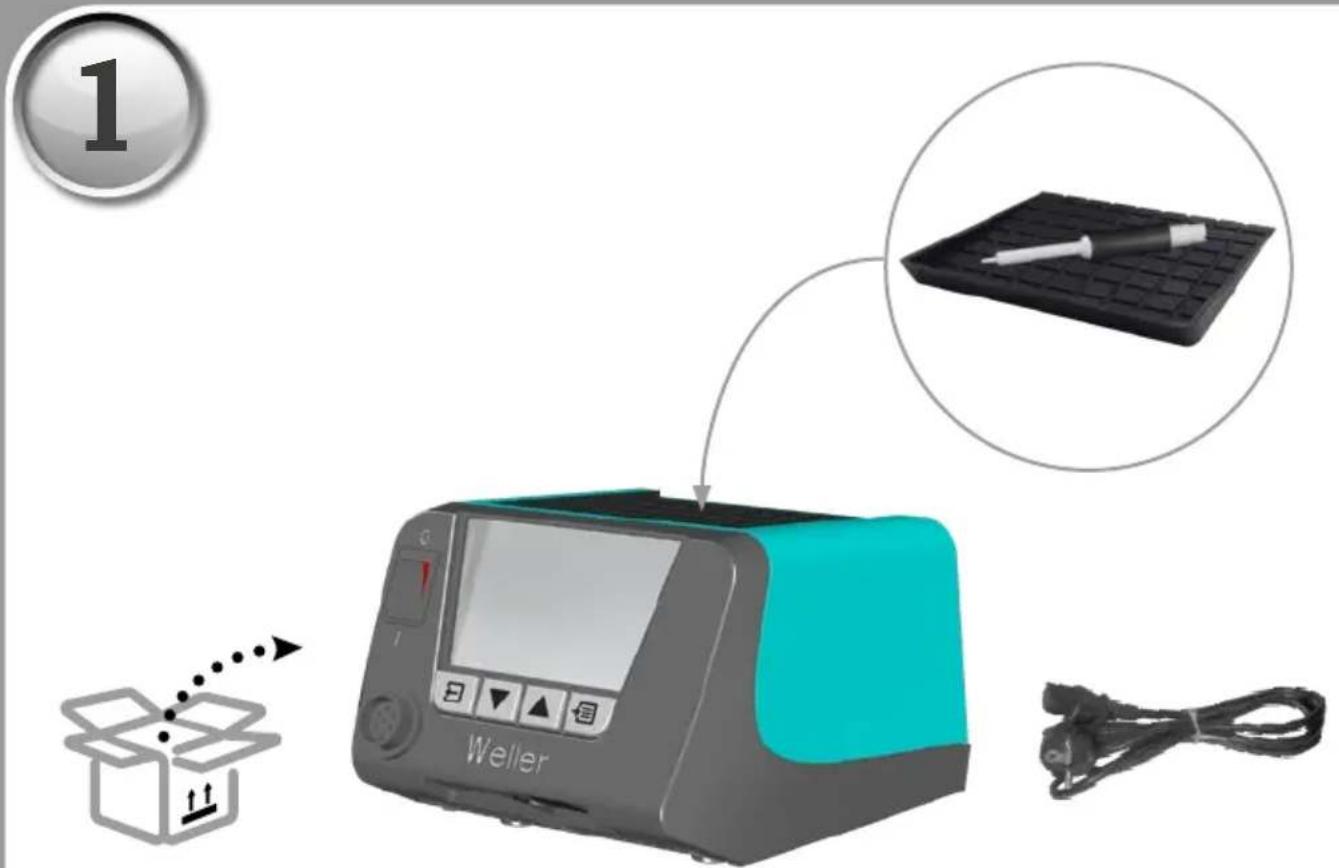
WT 1H WT 1
WT 1
WT 1H
WTP 90 SET
T0052922399
WP 80 SET
T0052918199
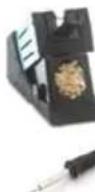
WSP 80 SET
T0053312599
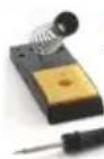
WT 1H
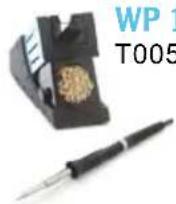
WP 120 SET
T0052919499
natural_image
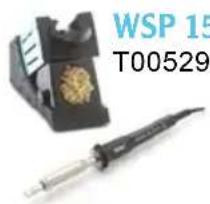
Close-up of a soldering iron and a small electronic component (no visible text or symbols)WSP 150 SET
T0052918999
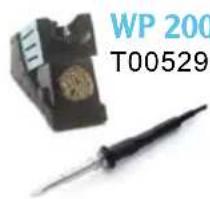
WP 200 SET
T0052920099

200 - 600 °F
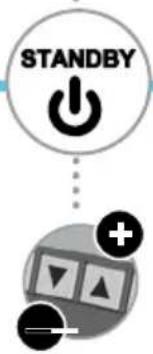
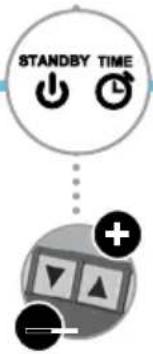
flowchart
graph TD
    A["STANDBY TIME"] --> B["↓"]
    A --> C["←"]
    D["+"] --> E["↓"]
    F["-"] --> G["←"]

1 - 99 min100 - 300 °C - 999 min
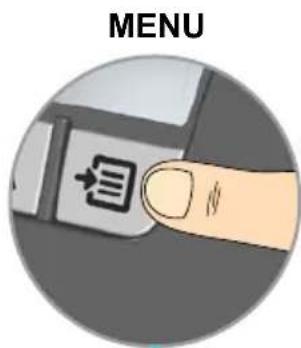
3 sec
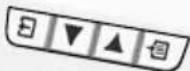
EXIT
natural_image
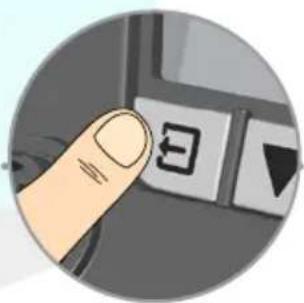
Close-up of a finger pressing a button with an arrow icon (no text or symbols visible)
100 - 300 °C
200 - 600 °F
DE Standby Temperatur
EN Standby Temperature
ES Temperatura standby
EN temperature units
SL Enote temperature
EN Fixed temperature
ES Temperatura fij
FR Température fix
IT Temperatura fiss
PT Temperatura fix
PT (BRA) Temperatura fix
EN LCD background brightness
ES LCD Brillo
Read these instructions and the safety guidelines carefully before starting up the unit and starting work.
Failure to observe the safety regulations results in a risk to life and limb.
Keep these instructions in a place that is accessible to all users. Please adhere to the operating instructions of the connected devices.
Safety information
This appliance can be used by children aged from 8 years and above and persons with reduced physical, sensory or mental capabilities or lack of experience and knowledge if they have been given supervision or instruction concerning use of the appliance in a safe way and understand the hazards involved. Children shall not play with the appliance.
Cleaning and user maintenance shall not be made by children without supervision.
Keep other persons well away from your workplace.
The work area is out of bounds for children and unauthorised persons. Never allow other persons to touch the soldering tool or cable.
WARNING
Electrical shock
Connecting the control unit incorrectly poses a risk of injury due to electric shock and can damage the device.
- Carefully read the attached safety information, the safety information accompanying these operating instructions as well as the operating instructions for your control unit before putting the control unit into operation and observe the safety precautions specifie therein.
- Only connect WELLER tools.
If the device is faulty, active electrical conductors may be bare or the PE conductor may not be functional.
• Repairs must always be referred to a Weller-trained specialist.
- If the electrical tool's power supply cord is damaged, this must be replaced with a specially prefabricated power supply cord available through the customer service organisation.
Protect yourself against electric shocks. The handles on soldering tools with an antistatic design are conductive.
- Avoid touching earthed objects such as pipes, heaters, cookers and refrigerators.
- Do not use the soldering tool in a damp or wet environment.
- Never work on voltage-carrying parts.
WARNING
Risk of burns
Risk of burns from the soldering tool while the control unit is operating. Tools may still be hot long after they have been switched off.
- Always place the soldering tool in the safety rest while not in use. Make sure the safety holder is stable.
- Only replace solder tips when cold
Risk of burning through liquid solder. Protect yourself against solder splashes.
- Wear appropriate protective clothing to protect yourself against burns. Protect your eyes by wearing eye protectors.
- When working with adhesives, special attention must be paid to the warning information provided by the adhesive manufacturer.
WARNING
Fire hazard
Covering the soldering iron or the safety holder poses a fire hazard. Always keep objects well away from the soldering iron and safety holder.
• Always keep objects well away from the soldering iron and safety holder.
- Keep all combustible objects, liquids or gases well away from the hot soldering tool.
Store your soldering tool in a safe place. When not in use, units and tools should be stored in a dry, high or locked area out of the reach of children. Make sure that unused soldering tools are free of voltage and de-pressurised.
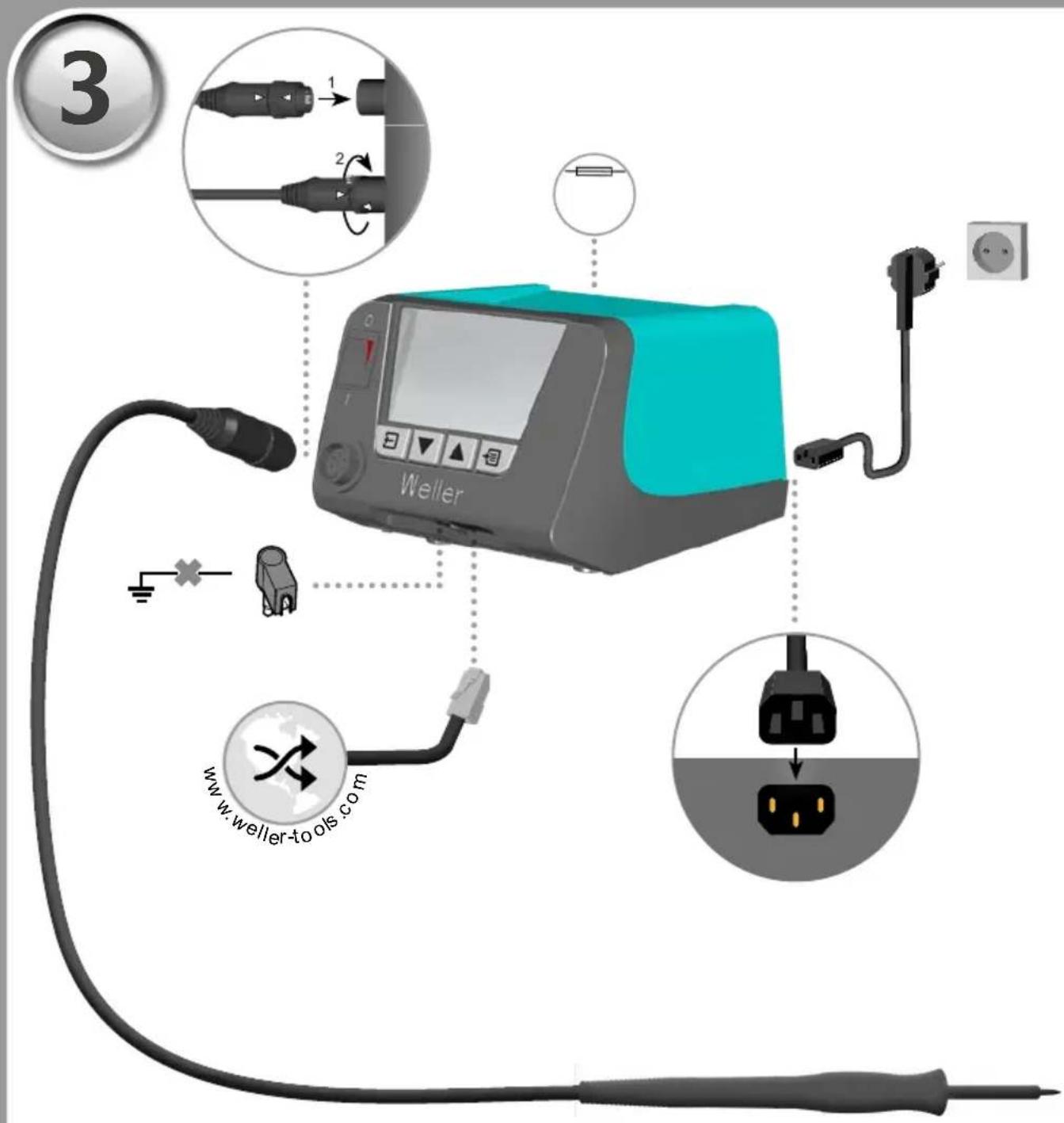
The mains cable must only be plugged into the mains socket or adapter approved for this purpose. Check to see if the mains voltage matches the ratings on the nameplate. Make sure the machine is switched off before plugging in.
Do not use the cable for purposes other than those for which it is intended. Never carry the unit by the cable. Do not use the cable to pull the plug out of the socket. Protect the cable against heat, oil and sharp edges.
Be alert. Pay attention to what you are doing. Be smart when using the unit. Do not use the soldering tool if you are having difficult concentrating.
Avoid abnormal posture. Arrange your work station in an ergonomically correct way. Avoid bad posture when using the unit, as this can lead to postural problems.
The soldering tool must be operated only in perfect technical working order. Safety devices must not be deactivated.
Faults and defects must be repaired immediately.
Before using the unit / tool, safety devices must be carefully checked to make sure that they are functioning properly and in the manner intended. Check that moving parts are functioning properly and are not sticking, and whether parts are damaged. All parts must be correctly fitted and must satisfy all the requirements necessary to guarantee troublefree operation of the unit.
Use the correct tool. Use only accessories or auxiliary devices which are included in the list of accessories or approved for use by the manufacturer. Use WELLER accessories or auxiliary devices on original WELLER equipment only. The use of other tools and other accessories can cause injury.
Secure the tool. Use clamping fixture to hold the workpiece.
Use a solder fume extraction unit. If appliances for connecting solder fume extraction units are available, ensure that they are connected and used properly.
Specified Conditions Of Use
Supply unit for WELLER soldering tools. Use the soldering station only for the purpose of soldering, as specific in the Operating Instructions.
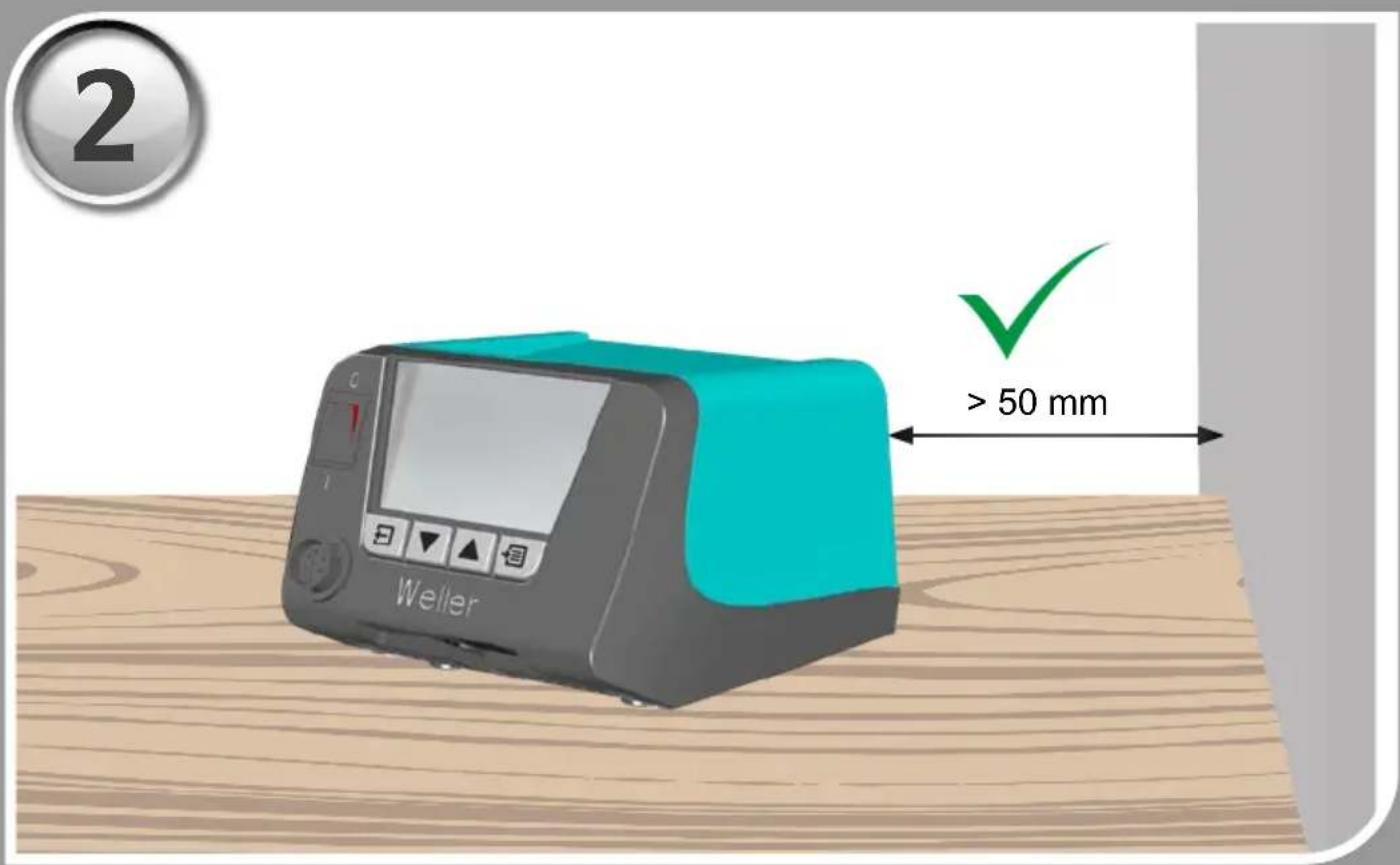
This device may only be used at room temperature and indoors. Protect against moisture and direct sunlight.
User groups
Due to differing degrees of risk and potential hazards, several work steps may only be performed by trained experts.
| Work step User groups | |
| Default soldering parameters | Specialist personnel with technical training |
| Replacing electrical replacement parts | Electricians |
| Default maintenance intervals | Safety expert |
| Operation Non-specialists | |
| OperationReplacing electrical replacement parts | Technical trainees under the guidance and supervision of a trained expert |
Care and maintenance
WARNING
Before doing any work on the machine, pull the plug out of the socket. Leave the unit to cool down.
Check all connected cables and hoses on a regular basis. If power tools are damaged, they must be immediately removed from use.
Repairs must always be referred to a Weller-trained specialist.

Use original replacement parts only.
Warranty
Claims by the buyer for physical defects are time-barred after a period of one year from delivery to the buyer. This does not apply to claims by the buyer for indemnification in accordance with §§ 478, 479 BGB (German Federal Law Gazette).
We shall only be liable for claims arising from a warranty furnished by us if the quality or durability warranty has been furnished by use in writing and using the term „Warranty“.
The warranty shall be void if damage is due to improper use and if the device has been tampered with by unauthorised persons.
For more information please visit
www.weller-tools.com.
Technical Data
Soldering station WT 1 WT 1H
| Dimensions L x W x H (mm) (Inch) | 150 x 130 x 1015.91 x 5.12 x 3.98 | ||
| Fuse 230 V (mA) | 120 V (A) | T500T1 | T800T1,6 |
| Weight (kg) 1,9 3,0 | |||
| Mains supply voltage (V / Hz) | 230 / 50120 / 60100 / 50/60 | ||
| Power consumption (W) 95 150 | (200) | ||
| Safety class | I, antistatic housingIII, Soldering tool | ||
| Temperature range (°C)Tool dependent (°F) | 50 - 450 / 550150-850 / 950 | ||
| Temperature accuracy (°C/°F) | ± 9 / ± 17 | ||
| Temperature stability (°C/°F) | ± 2 / ± 4 | ||
Symbols

Caution!

Warning! Risk of burns!

Read the operating instructions!
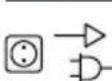
Before performing work of any kind on the unit, always disconnect the power plug from the socket.

ESD-compatible design and ESD-compatible workstation
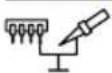
Equipotential bonding

CE mark of conformity

British Conformity Mark

Fuse

Safety transformer
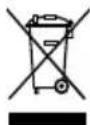
Disposal
Waste light sources have to be removed from equipment. Check with your local authority or retailer for recycling advice and collection point. According to local regulations retailers may have an obligation to take back waste electrical and electronic equipment free of charge. Your contribution to re-use and recycling of waste electrical and electronic equipment helps to reduce the demand of raw materials. Waste electrical and electronic equipment contain valuable, recyclable materials, which can adversely impact the environment and the human health, if not disposed of in an environmentally compatible manner. Delete personal data from waste equipment, if any.
Contaminated filter must be treated as special waste. Dispose of replaced equipment parts, filter or old devices in accordance with the rules and regulations applicable in your country.

Loddestationer WT 1 WT 1H
4D0R1089/1
WT 1H
EN EC declaration of conformity
We hereby declare that the products described herein comply with the following guidelines:
Authorised to compile technical documentation.
Autoriza la recopilación de la documentación técnica. autorise à réunir les documentations techniques.
UK declaration of conformity
We hereby declare that the products described herein comply with the following guidelines:
SI 2016 No.1101, SI 2016 No.1091, SI 2012 No.3032
Besigheim, 2023-08-30
Philippe Buidin
Managing director
Authorised to compile technical documentation.
Apex Tool Group UK Ltd
Registered in England,
Company Number 14127816
Registered Office:
C/O TMF Group 13th Floor,
One Angel Court, London,
EC2R 7HJ, United Kingdom
Product Registration
www.weller-tools.com/registration
GERMANY
Weller Tools GmbH
Carl-Benz-Straße 2
74354 Besigheim
Tel: +49 (0) 7143 580-0
CHINA
Apex Tool Group
Room 302A,
NO 177 Bibo Road
Shanghai, 201202
Tel: +86 (21) 60880288
info@weller-tools.com
www.weller-tools.com
THE NETHERLANDS
Apex Tool Group B. V.
Apex Tool Group UK Ltd
Registered in England,
Company Number 14127816
Registered Office:
C/O TMF Group 13th Floor,
One Angel Court, London,
EC2R 7HJ, United Kingdom
Tel: +44 740 8836 404
USA
Apex Tool Group, LLC.
Weller Professional Tools Division
1000 Lufkin Road
Apex, NC 27539
Tel: +866-498-0484
Weller