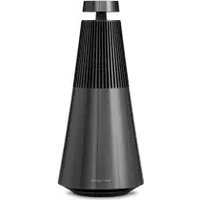
Beosound 2 3rd Generation - Speaker BANG & OLUFSEN - Free user manual and instructions
Find the device manual for free Beosound 2 3rd Generation BANG & OLUFSEN in PDF.


| Brand | Bang & Olufsen |
| Model | Beosound 2 3rd Generation |
| Category | Speaker |
| Product type | Wireless connected speaker |
| Sound type | 360° sound |
| Power supply | Mains (cable included) |
| Wireless connectivity | Bluetooth, Wi-Fi, AirPlay 2, Chromecast |
| Wired connectivity | Ethernet, USB-C (for maintenance or external audio with mini-jack adapter) |
| Main functions | Streaming playback, Active Room Compensation, multiroom (Beolink), stereo pairing, automatic updates |
| Controls | Touch volume ring, play/pause buttons, Bluetooth, microphone, navigation, favorites (4 buttons) |
| Light indicators | Product (white, orange, green), Bluetooth (blue), microphone (red, white, off) |
| Microphone | Built-in, can be disabled (sliding switch or long press) |
| Voice assistant | Not specified (compatible with Bang & Olufsen app) |
| Compatibility | Bang & Olufsen app (iOS and Android) |
| Software update | Automatic via Wi-Fi (configurable, up to 10 minutes) |
| Settings | Initial setup via mobile app required |
| Care and cleaning | Soft dry cloth (do not use abrasive products) |
| Safety | Indoor use only, do not expose to humidity |
| Box contents | Beosound 2 speaker, power cable, mini-jack adapter (USB-C to mini-jack), documentation |
| Repairability | Not specified (spare parts not mentioned) |
Frequently Asked Questions - Beosound 2 3rd Generation BANG & OLUFSEN
User questions about Beosound 2 3rd Generation BANG & OLUFSEN
0 question about this device. Answer the ones you know or ask your own.
Ask a new question about this device
Download the instructions for your Speaker in PDF format for free! Find your manual Beosound 2 3rd Generation - BANG & OLUFSEN and take your electronic device back in hand. On this page are published all the documents necessary for the use of your device. Beosound 2 3rd Generation by BANG & OLUFSEN.
USER MANUAL Beosound 2 3rd Generation BANG & OLUFSEN
Beosound 2 3rd Generation
User Guide
Svenska (Swedish), 22
Deutsch (German), 31
Français (French), 49
Español (Spanish), 58
Italiano (Italian), 67
Русский (Russian), 85
日本語 (Japanese), 94
한국어 (Korean), 103
简体中文 (Simplified Chinese), 112
繁體中文 (Traditional Chinese), 121
Table of Contents
Getting Started, 4
Download the Bang & Olufsen app, 5
Daily Use, 6
Favourites, 7
Multiroom, 8
Set Up Stereo Speakers, 9
Light Indicators, 10
Buttons and Connections, 11
Factory Reset and Wi-Fi Setup, 12
ENGLISH
GETTING STARTED
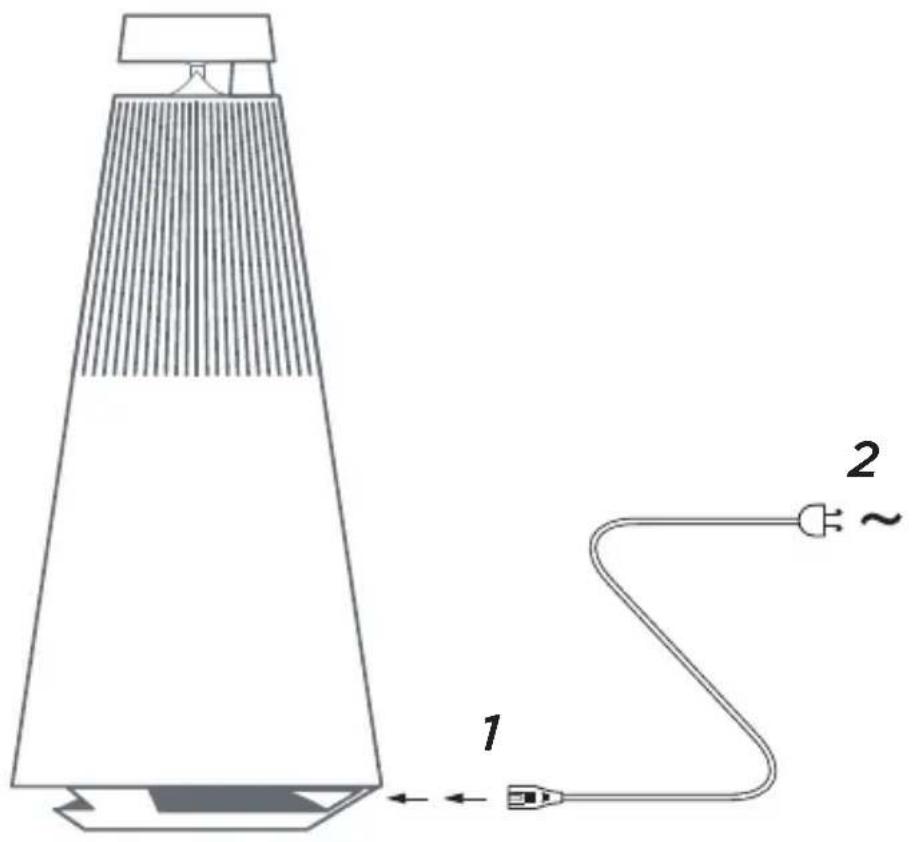
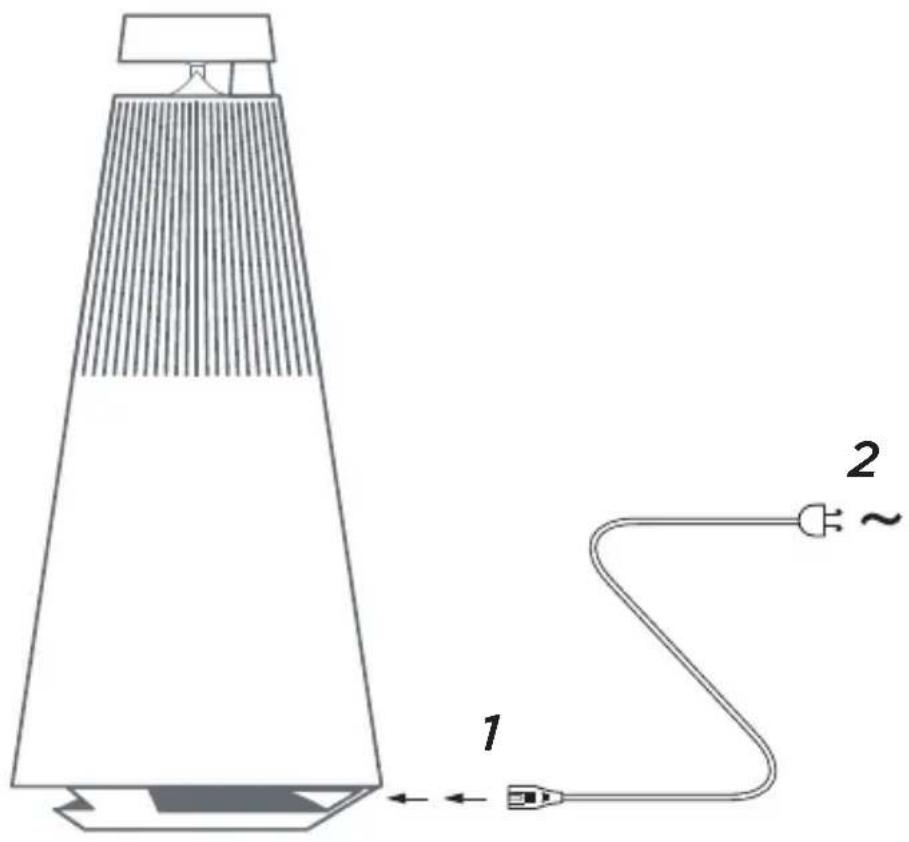
Unpack Beosound 2, connect it to the mains with the enclosed power cord and place it in its position. Wait up to two minutes to allow it to start and boot all necessary services.
DOWNLOAD THE BANG & OLUFSEN APP





To set up your product and get the full Bang & Olufsen experience, download the Bang & Olufsen app. You can personalise your experience and access new features and product support from this app.
When you open the Bang & Olufsen app, you will be asked to create a user account. Once logged in, tap + to set up the new speaker.
Software update
By default, Beosound 2 is set up for automatic software updates. Updates are carried out at night, if the product is connected to the mains and the Internet. We recommend this setting to ensure that your speaker always has the latest features and improvements
The setting can be changed in the Bang & Olufsen app.
When the software is updating, the ▷indicator will flash green. The update will take up to 10 minutes to complete.
ACTIVE ROOM COMPENSATION
Beosound 2 features Active Room Compensation. It is a feature optimising the sound performance to the speaker's placement in the room. We recommend running Active Room Compensation each time the speaker is moved. It is accessed from the Bang & Olufsen app.
DAILY USE
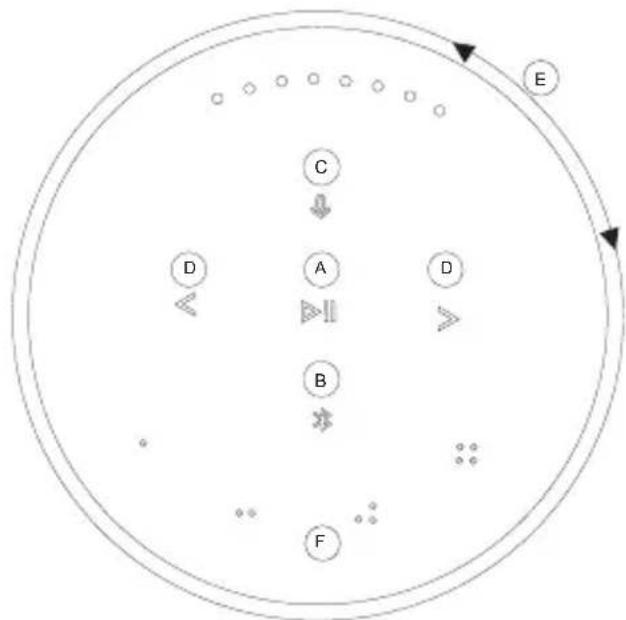
Start playback - open your Bang & Olufsen app to start streaming, or press ▷to start playback of the last played integrated source.
flowchart
graph TD
    A["A"] --> B["B"]
    B --> C["C"]
    C --> D["D"]
    D --> E["E"]
    style A fill:#fff,stroke:#000
    style B fill:#fff,stroke:#000
    style C fill:#fff,stroke:#000
    style D fill:#fff,stroke:#000
    style E fill:#fff,stroke:#000
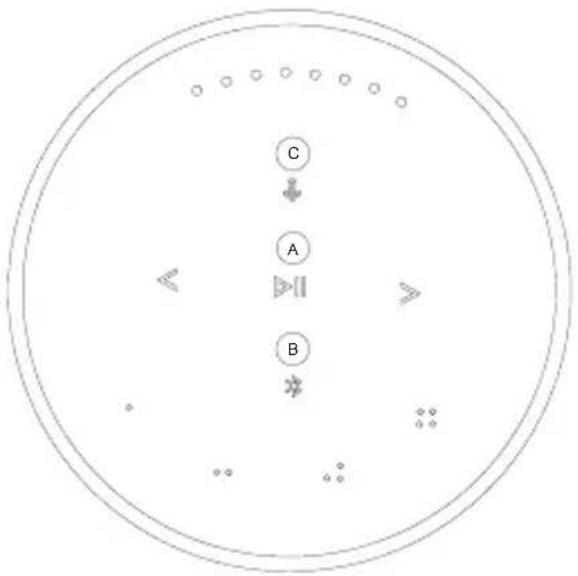
The proximity sensors in Beosound 2 will detect when your hand approaches the speaker, and the buttons will light up.
Play/pause music - Press▶(A).
Join - Press and hold ▷(A) for two seconds to join in on another listening experience in a Beolink Multiroom setup.
Bluetooth pairing - Press and hold *(B) for two seconds. When it starts flashing blue, turn on Bluetooth on your smartphone and select “Beosound 2 3^rd Generation” in the menu.
Mute/unmute microphone - Press and hold ♡ (C) for two seconds
Previous and next track or radio station - Press<(D).
Volume control - Turn the top ring (E) clockwise to increase volume and counter-clockwise to lower volume. Light indicators on the front will show the volume level.
Favourites - There are four favourite buttons, o , o p , p o o o (F) for one-touch access to your preferred sources.
FAVOURITES
Beosound 2 has four favourite buttons, providing one-touch access to e.g., your preferred Bang & Olufsen radio station or Spotify playlist.
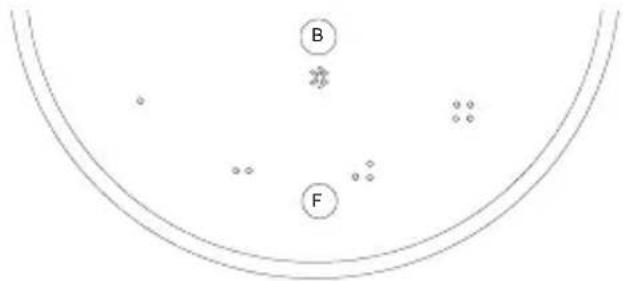
When your speaker is set up through the Bang & Olufsen app, the favourite buttons will automatically add the four most popular radio stations in your location. You can change to your preferred favourites using the app. Start playback with a single touch.
MULTIROOM
natural_image
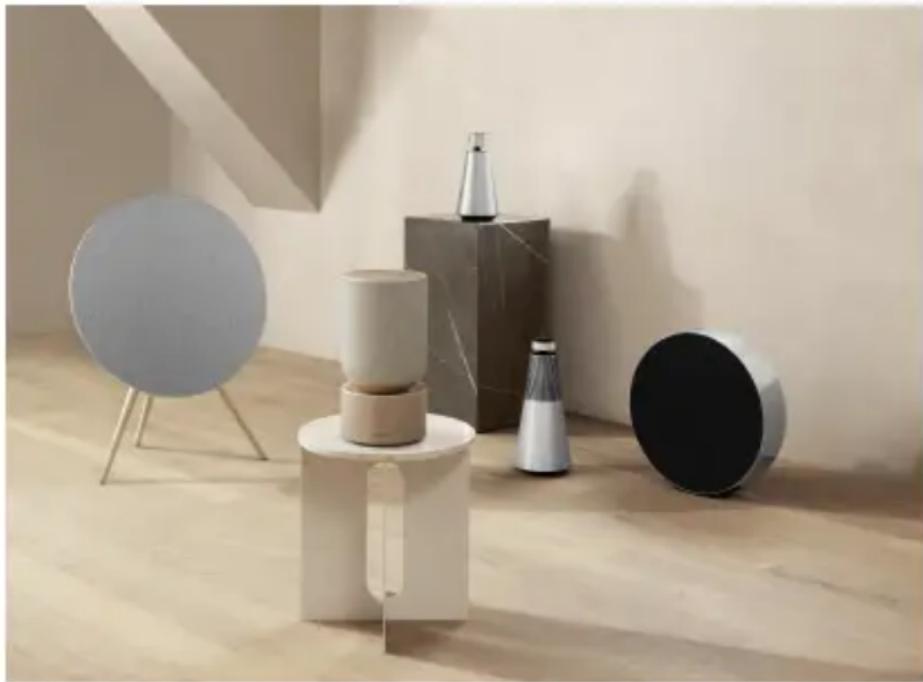
Modern minimalist interior scene with geometric shapes and a circular panel, no visible text or symbolsUse the Bang & Olufsen app to add compatible speakers to create a Beolink Multiroom group and play your music simultaneously in different rooms. Alternatively, stream to more speakers using AirPlay 2 or Chromecast.
Join or start playback in a Beolink Multiroom setup by pressing and holding ▷ for two seconds until you hear audible feedback.
SET UP STEREO SPEAKERS
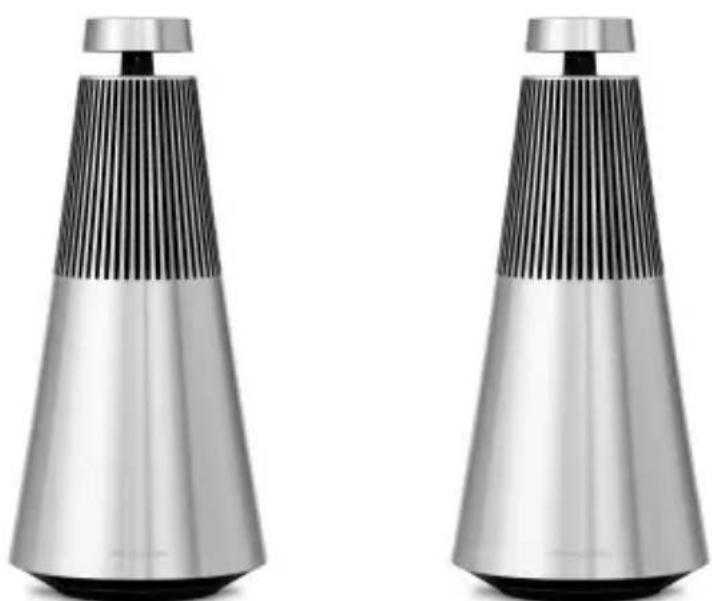
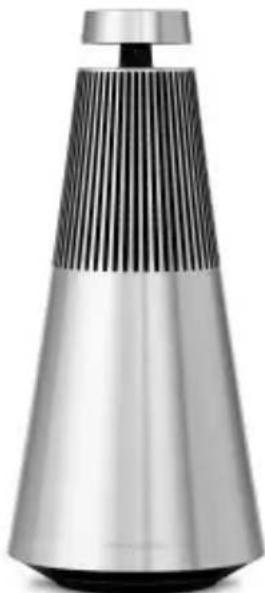
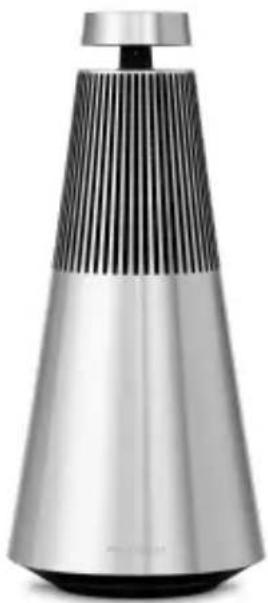
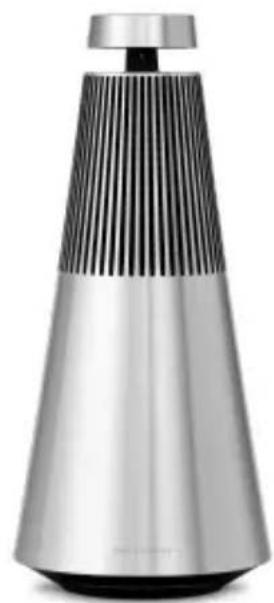
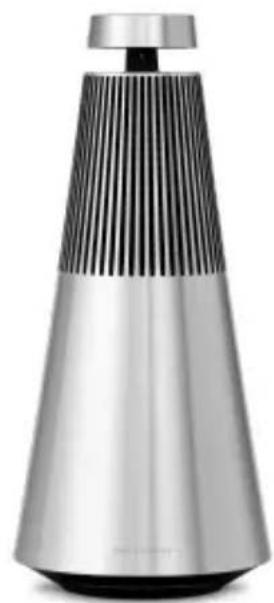
Beosound 2 can be set up as a stereo speaker playing either the left or right channel. You need two same-generation Beosound 2.
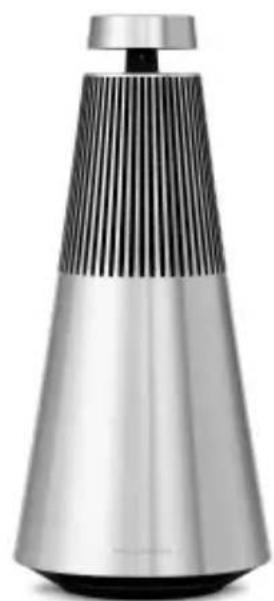
Once you have carried out the first-time setup for each of the two Beosound 2 speakers, select stereo pairing in the Bang & Olufsen app under Sound Settings and follow the procedure. Await audible feedback.
natural_image
Two modern, conical metallic speakers with vertical ridges and a black lid, shown against a white background (no text or symbols visible)Left channel Right channel
Once stereo pairing is carried out, the two products merge into one.
LIGHT INDICATORS
flowchart
graph TD
    A["A"] --> B["B"]
    B --> C["C"]
    C --> A
    style A fill:#fff,stroke:#000
    style B fill:#fff,stroke:#000
    style C fill:#fff,stroke:#000
    style A fill:#fff,stroke:#000
    style B fill:#fff,stroke:#000
    style C fill:#fff,stroke:#000
| A - Product indicator Meaning | |
| White dimmed Standby | |
| White flashing Product is | starting up |
| Amber flashing Ready for | network setup |
| Amber pulsing Connecting to network | |
| Amber No network connection | |
| Green pulsing Software update in progress | |
| B - Bluetooth indicator | |
| Blue solid Bluetooth pairing complete | |
| Blue pulsing Open for Bluetooth pairing | |
| C - Microphone indicator | |
| Red Microphone muted | |
| White Microphone on | |
| Off Microphone off | (switch in the connection panel) |
BUTTONS AND CONNECTIONS
natural_image
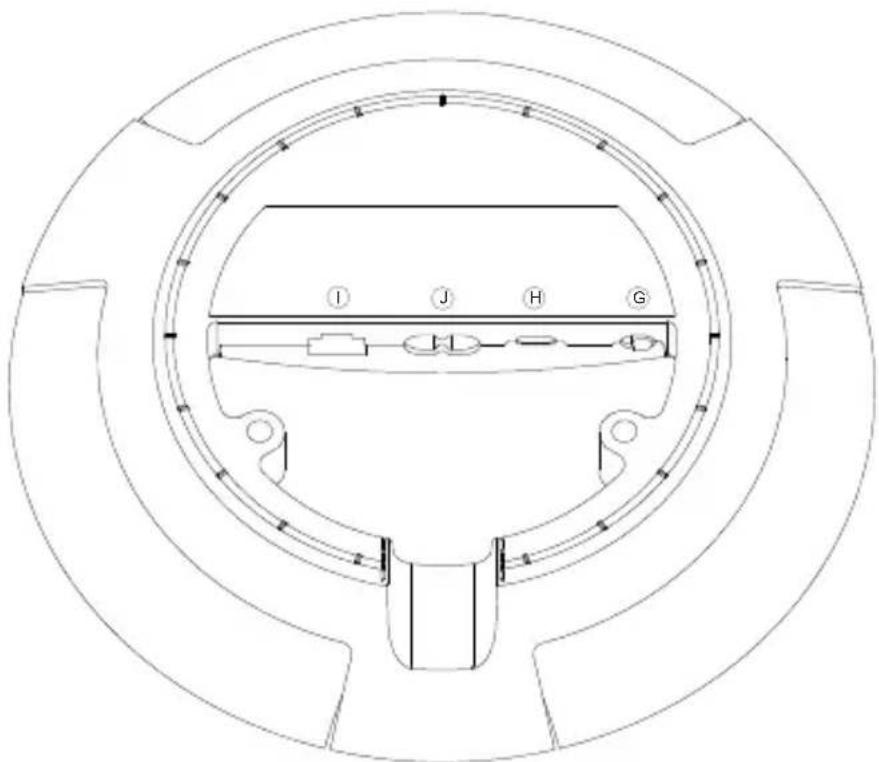
Technical line drawing of a circular mechanical component with labeled sections I, J, H, G (no text or symbols beyond labels)G: Slider to switch on/off microphone.
H: USB-C for service or connection of external audio sources, using the enclosed mini-jack adaptor.
J: Power connection for enclosed mains cable.
I: Ethernet socket for wired network connection
FACTORY RESET & WI-FI SETUP
natural_image
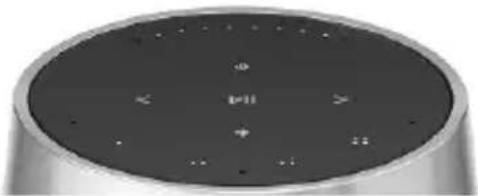
Close-up of a metallic cylindrical electronic device with a circular top and control buttons (no visible text or symbols)You can restore factory settings by pressing and holding <> simultaneously and awaiting audible feedback - keep holding for eight seconds until you hear the second audible feedback. Beosound 2 is now factory reset, and you can start first-time setup.
The speaker enters Wi-Fi setup mode when pressing and holding <for three seconds, and setup can be completed in the Bang & Olufsen app. The product indicator turns solid white when the setup is complete.
KOM GODT I GANG
natural_image
Modern minimalist interior scene with geometric shapes and a circular panel, no visible text or symbolsnatural_image
Two modern, conical metallic speakers with vertical ridges and black lids, displayed against a white background (no text or symbols visible)Venstre kanal Højre kanal
natural_image
Technical line drawing of a circular mechanical component with labeled sections I, J, H, G (no text or symbols beyond labels)natural_image
Close-up of a metallic cylindrical electronic device with a circular top and control buttons (no visible text or symbols)natural_image
Modern minimalist interior scene with geometric shapes and a circular panel, no visible text or symbolsSTÄLL IN STEREOHÖGTALARE
natural_image
Modern stainless steel conical lamp with vertical slats and a black lid (no text or symbols visible)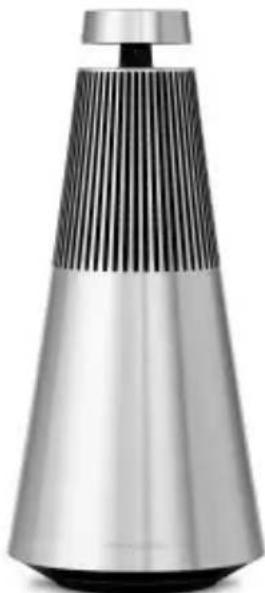
natural_image
Modern stainless steel conical lamp with black slatted top and silver body (no text or symbols visible)Vänster kanal Höger kanal
natural_image
Technical line drawing of a circular mechanical component with labeled sections I, J, H, G (no text or symbols beyond labels)natural_image
Close-up of a metallic cylindrical electronic device with a circular top and control buttons (no visible text or symbols)natural_image
Modern minimalist interior scene with geometric shapes and a circular panel, no visible text or symbolsnatural_image
Technical line drawing of a circular mechanical component with labeled sections I, J, H, G (no text or symbols beyond labels)natural_image
Close-up of a metallic cylindrical electronic device with a circular top and control buttons (no visible text or symbols)natural_image
Modern minimalist interior scene with geometric shapes and a circular panel, no visible text or symbolsnatural_image
Modern stainless steel conical lamp with vertical slats and a black lid (no text or symbols visible)Linkerkanaal
natural_image
Modern stainless steel conical lamp with vertical ridges and a black top (no text or symbols visible)Rechterkanaal
natural_image
Technical line drawing of a circular mechanical component with labeled sections I, J, H, G (no text or symbols beyond labels)natural_image
Close-up of a modern cylindrical electronic device with a black top panel and indicator lights (no visible text or symbols)natural_image
Modern minimalist interior scene with geometric shapes and a circular panel, no visible text or symbolsnatural_image
Modern stainless steel conical lamp with black slatted grille and metallic body (no text or symbols visible)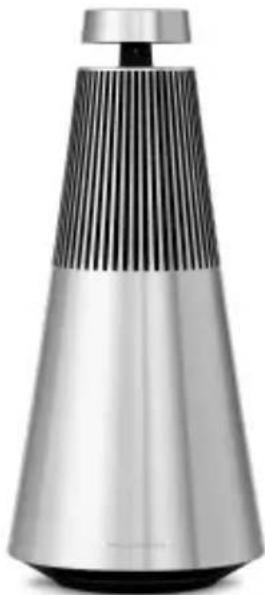
natural_image
Modern stainless steel conical device with vertical ridges and a black lid (no text or symbols visible)natural_image
Technical line drawing of a circular mechanical component with labeled sections I, J, H, G (no text or symbols beyond labels)natural_image
Close-up of a metallic cylindrical electronic device with a circular top and control buttons (no visible text or symbols)natural_image
Modern minimalist interior scene with geometric shapes and a circular panel, no visible text or symbolsnatural_image
Two modern, conical metallic speakers with vertical ridges and black lids, displayed against a white background (no text or symbols visible)natural_image
Technical line drawing of a circular mechanical component with labeled sections I, J, H, G (no text or symbols beyond labels)natural_image
Close-up of a metallic cylindrical electronic device with a circular top and control buttons (no visible text or symbols)natural_image
Modern minimalist interior scene with geometric shapes and a circular panel, no visible text or symbolsnatural_image
Two modern, conical metallic speakers with vertical ridges and black lids, displayed side by side (no text or symbols visible)natural_image
Technical line drawing of a circular mechanical component with labeled sections I, J, H, G (no text or symbols beyond labels)natural_image
Close-up of a metallic cylindrical electronic device with a circular top and control buttons (no visible text or symbols)natural_image
Modern minimalist interior scene with geometric shapes and a circular panel, no visible text or symbolsnatural_image
Modern stainless steel conical lamp with vertical slats and a black lid (no text or symbols visible)Canal esquerdo
natural_image
Modern stainless steel conical lamp with vertical slats and a black lid (no text or symbols visible)Canal direito
natural_image
Technical line drawing of a circular mechanical component with labeled sections I, J, H, G (no text or symbols beyond labels)natural_image
Close-up of a modern cylindrical electronic device with a black top panel and indicator lights (no visible text or symbols)


natural_image
Modern minimalist interior scene with geometric shapes and a circular panel, no visible text or symbolsnatural_image
Modern stainless steel and black conical device with vertical stripes (no text or symbols visible)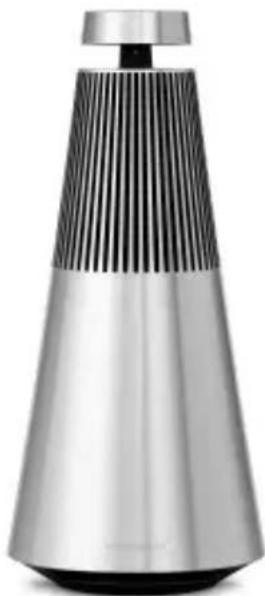
natural_image
Modern conical lamp with black and silver striped body (no text or symbols visible)natural_image
Technical line drawing of a circular mechanical component with labeled sections I, J, H, G (no text or symbols beyond labels)natural_image
Close-up of a metallic cylindrical electronic device with control buttons and indicator lights (no visible text or symbols)


natural_image
Modern minimalist interior scene with geometric shapes and a circular panel, no visible text or symbolsnatural_image
Two modern, conical metallic speakers with vertical ridges and black lids, displayed side by side (no text or symbols visible)左チャンネル 右チャンネル
natural_image
Technical line drawing of a circular mechanical component with labeled sections I, J, H, G (no text or symbols beyond labels)natural_image
Close-up of a metallic cylindrical device with a circular top and control buttons (no visible text or symbols)natural_image
Modern minimalist interior scene with geometric shapes and a circular panel, no visible text or symbolsnatural_image
Modern stainless steel conical lamp with vertical slats and a black lid (no text or symbols visible)왼쪽 채널 오른쪽 채널
natural_image
Modern stainless steel and silver conical device with vertical slats (no visible text or symbols)natural_image
Close-up of a metallic cylindrical electronic device with a circular top and control buttons (no visible text or symbols)


natural_image
Modern minimalist interior scene with geometric shapes and a circular panel, no visible text or symbolsnatural_image
Modern stainless steel conical lamp with vertical slats and a black top (no visible text or symbols)左声道
natural_image
Modern stainless steel conical lamp with vertical slats and a black lid (no text or symbols visible)右声道
flowchart
graph TD
    A["A"] --> B["B"]
    B --> C["C"]
    C --> A
    style A fill:#fff,stroke:#000
    style B fill:#fff,stroke:#000
    style C fill:#fff,stroke:#000
    style A stroke:#000,stroke-width:2px
    style B stroke:#000,stroke-width:2px
    style C stroke:#000,stroke-width:2px
natural_image
Technical line drawing of a circular mechanical component with labeled sections I, J, H, G (no text or symbols beyond labels)G: 用于打开/关闭麦克风的拨动开关。
natural_image
Close-up of a metallic cylindrical electronic device with a circular top and control buttons (no visible text or symbols)


natural_image
Modern minimalist interior scene with geometric shapes and a table, no visible text or symbolsnatural_image
Modern stainless steel conical lamp with vertical slats and a black top (no visible text or symbols)左聲道
natural_image
Modern stainless steel conical lamp with vertical slats and a black lid (no text or symbols visible)右聲道
flowchart
graph TD
    A["A"] --> B["B"]
    B --> C["C"]
    C --> A
    style A fill:#fff,stroke:#000
    style B fill:#fff,stroke:#000
    style C fill:#fff,stroke:#000
    style A stroke:#000,stroke-width:2px
    style B stroke:#000,stroke-width:2px
    style C stroke:#000,stroke-width:2px
natural_image
Technical line drawing of a circular mechanical component with labeled sections I, J, H, G (no text or symbols beyond labels)G:用於打開/關閉麥克風的滑桿。