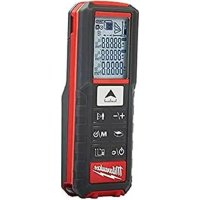
LDM 50 - Rangefinder MILWAUKEE - Free user manual and instructions
Find the device manual for free LDM 50 MILWAUKEE in PDF.



| Product type | Laser distance meter |
| Brand | Milwaukee |
| Model | LDM 50 |
| Laser class | 2 (λ 650 nm, <1 mW) |
| Maximum range | 50 m |
| Minimum range | 0.05 m |
| Absolute accuracy (<10 m) | ±1.5 mm |
| Repeatability accuracy (<10 m) | ±1.5 mm (max 2σ) |
| Repeatability accuracy (>10 m) | ±0.25 mm/m (max 2σ) |
| Measurement time | 0.5 s |
| Display | LCD (22.7 mm x 31 mm) |
| Power supply | 2 AAA alkaline batteries |
| Battery life | 10,000 individual measurements |
| Automatic device shut-off | 180 seconds |
| Automatic laser shut-off | 30 seconds |
| Operating temperature range | -10°C to +50°C |
| Storage temperature range | -25°C to +70°C |
| Weight (without batteries) | 80 g |
| Protection rating | IP54 (dust and water splash) |
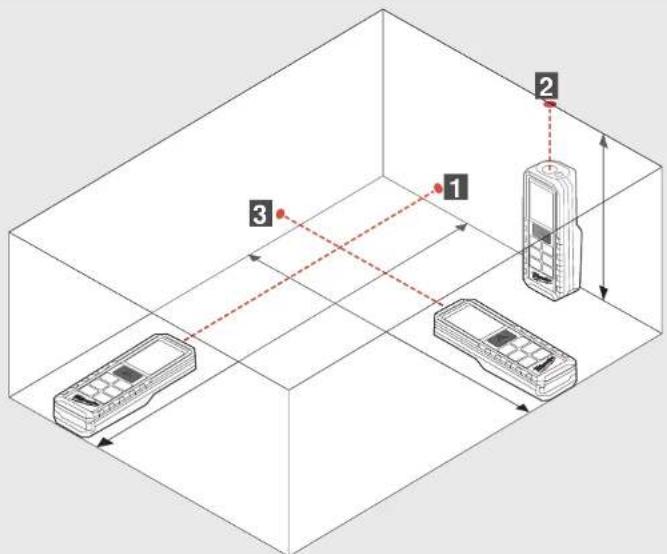
| Main functions | Distance, area, volume measurement, Pythagoras (1, 2, 3), continuous measurement, min/max, addition/subtraction, timer, memory (20 values), measuring plane (front, rear, multifunction tip) |
| Maintenance and cleaning | Clean with a soft, dry cloth. Do not use aggressive solvents. |
| Safety | Do not look directly into the laser beam. Do not point at eyes. Use according to instructions. |
Frequently Asked Questions - LDM 50 MILWAUKEE
User questions about LDM 50 MILWAUKEE
0 question about this device. Answer the ones you know or ask your own.
Ask a new question about this device
Download the instructions for your Rangefinder in PDF format for free! Find your manual LDM 50 - MILWAUKEE and take your electronic device back in hand. On this page are published all the documents necessary for the use of your device. LDM 50 by MILWAUKEE.
USER MANUAL LDM 50 MILWAUKEE
Important safety instructions ....1
Specified Conditions of Use 2
Error Code Table....2
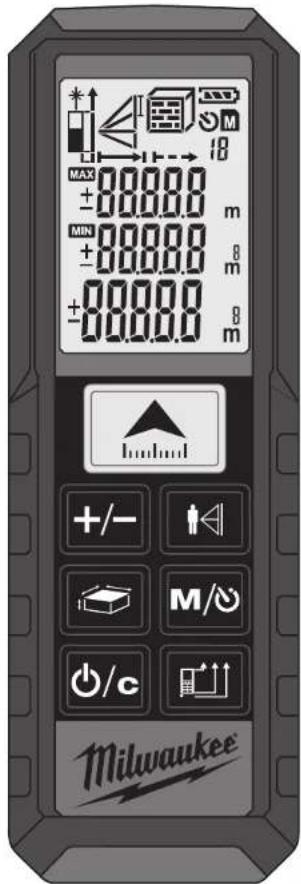
Overview....3
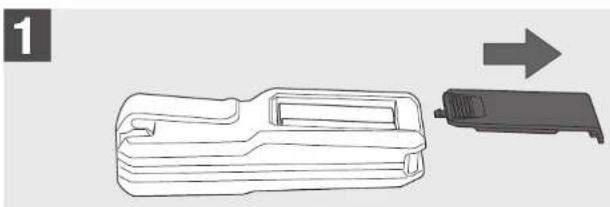
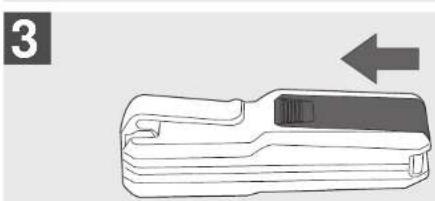
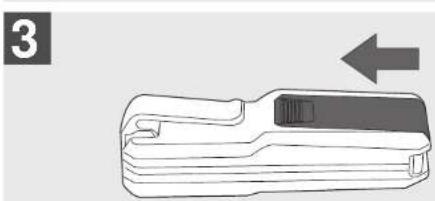
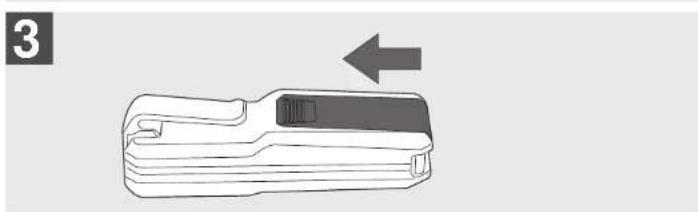
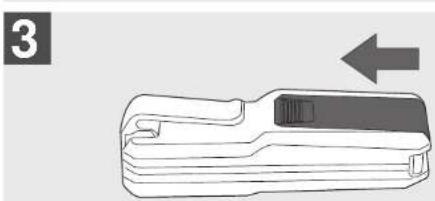
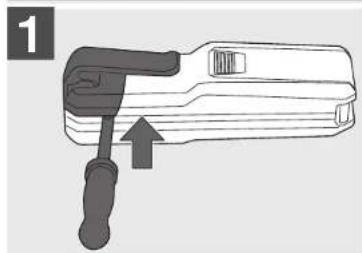
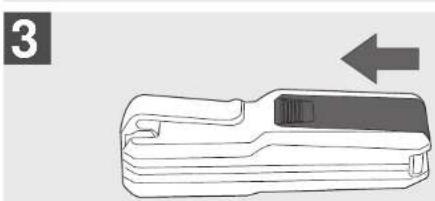
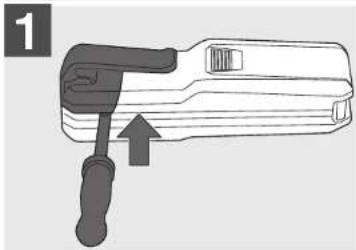
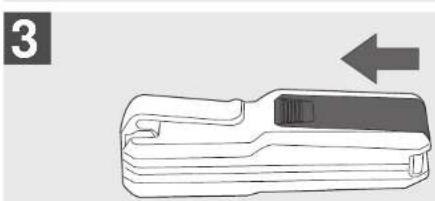
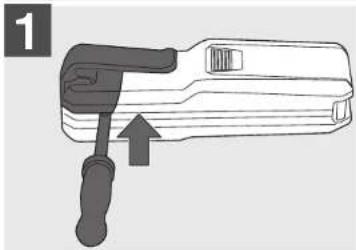
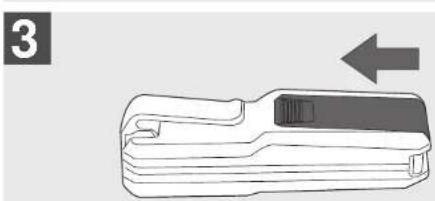
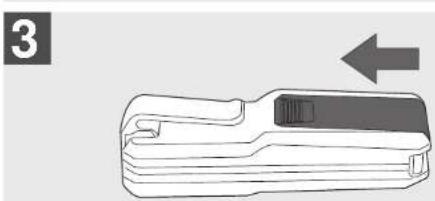
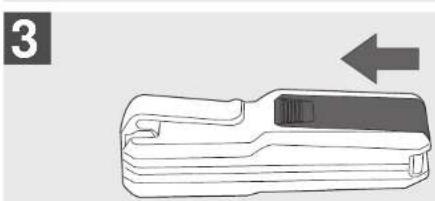
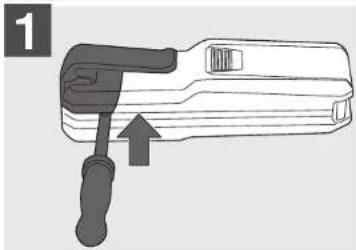
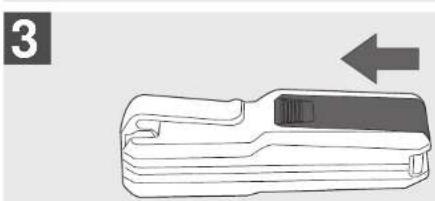
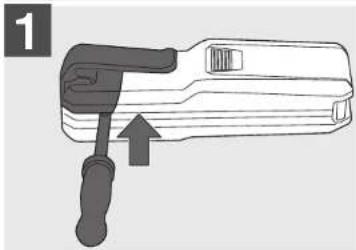
Change batteries....4
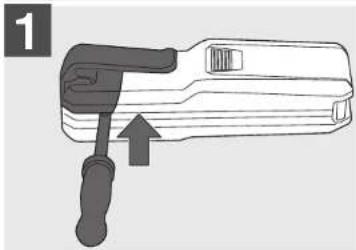
Corner Pin 4
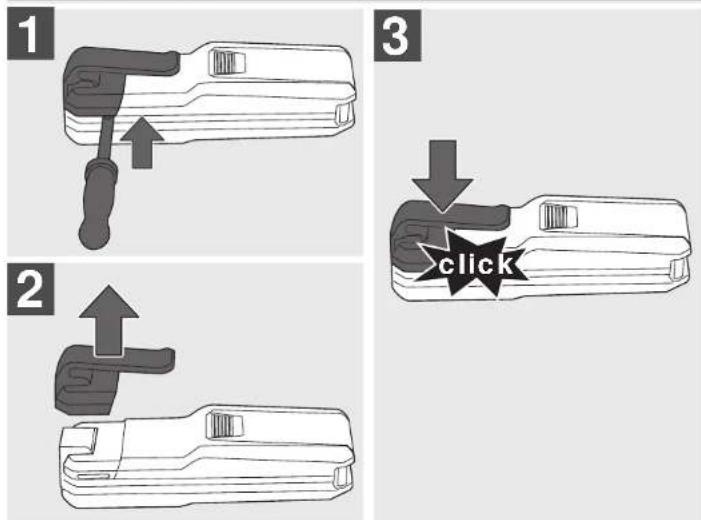
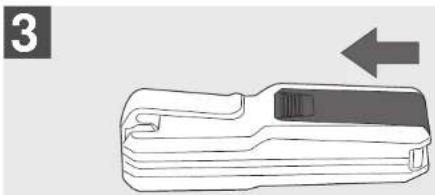
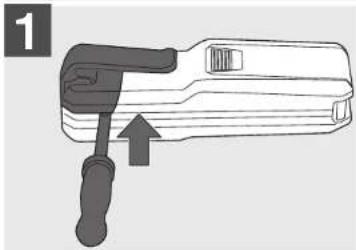
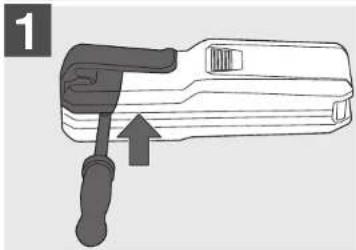
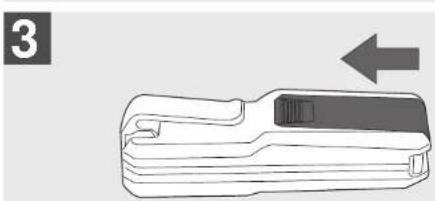
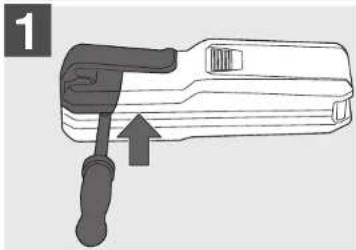
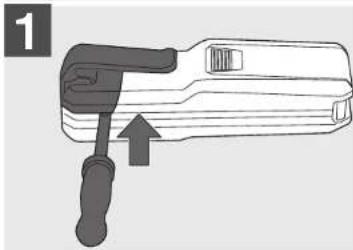
Belt Clip 4
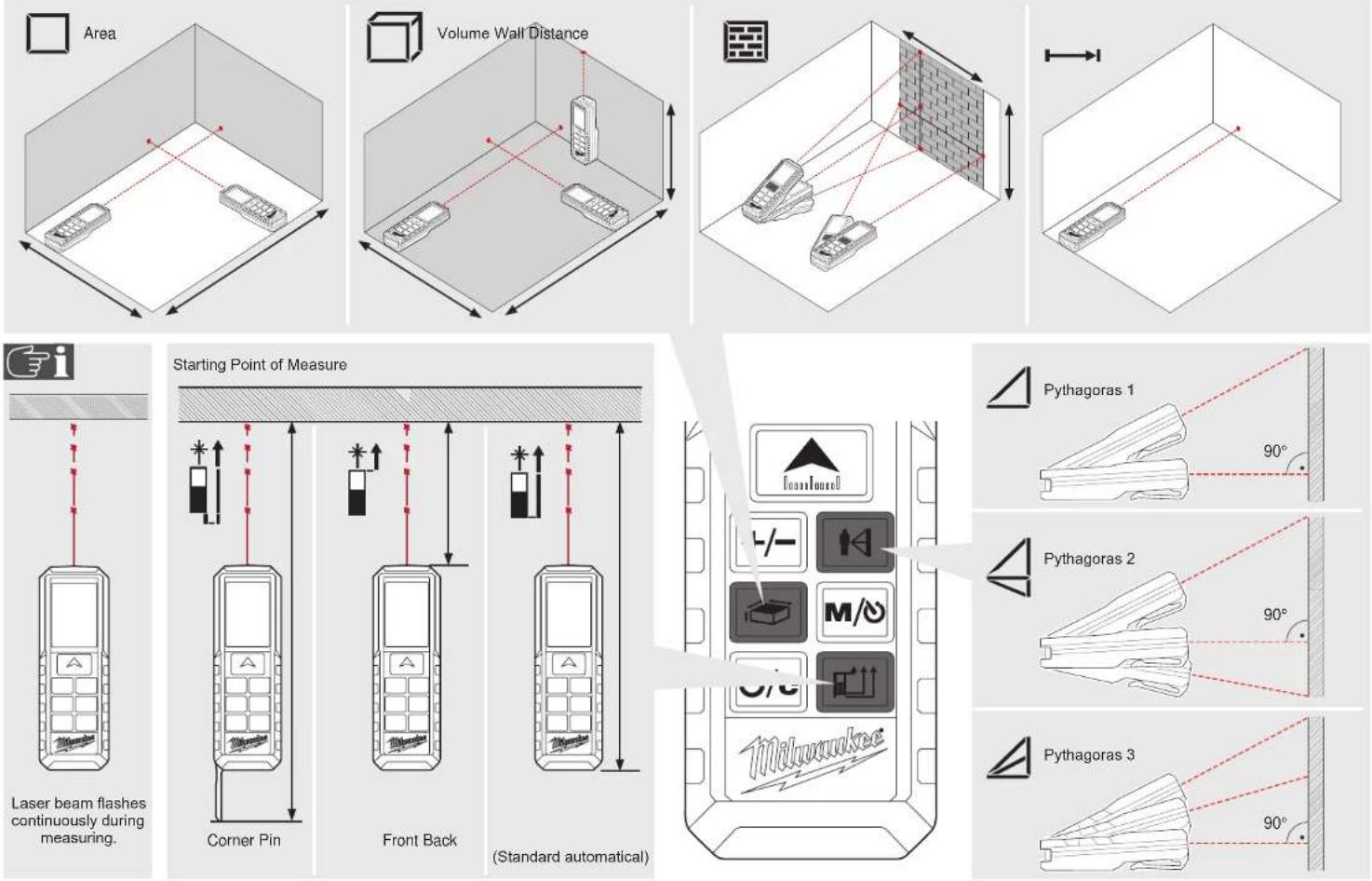
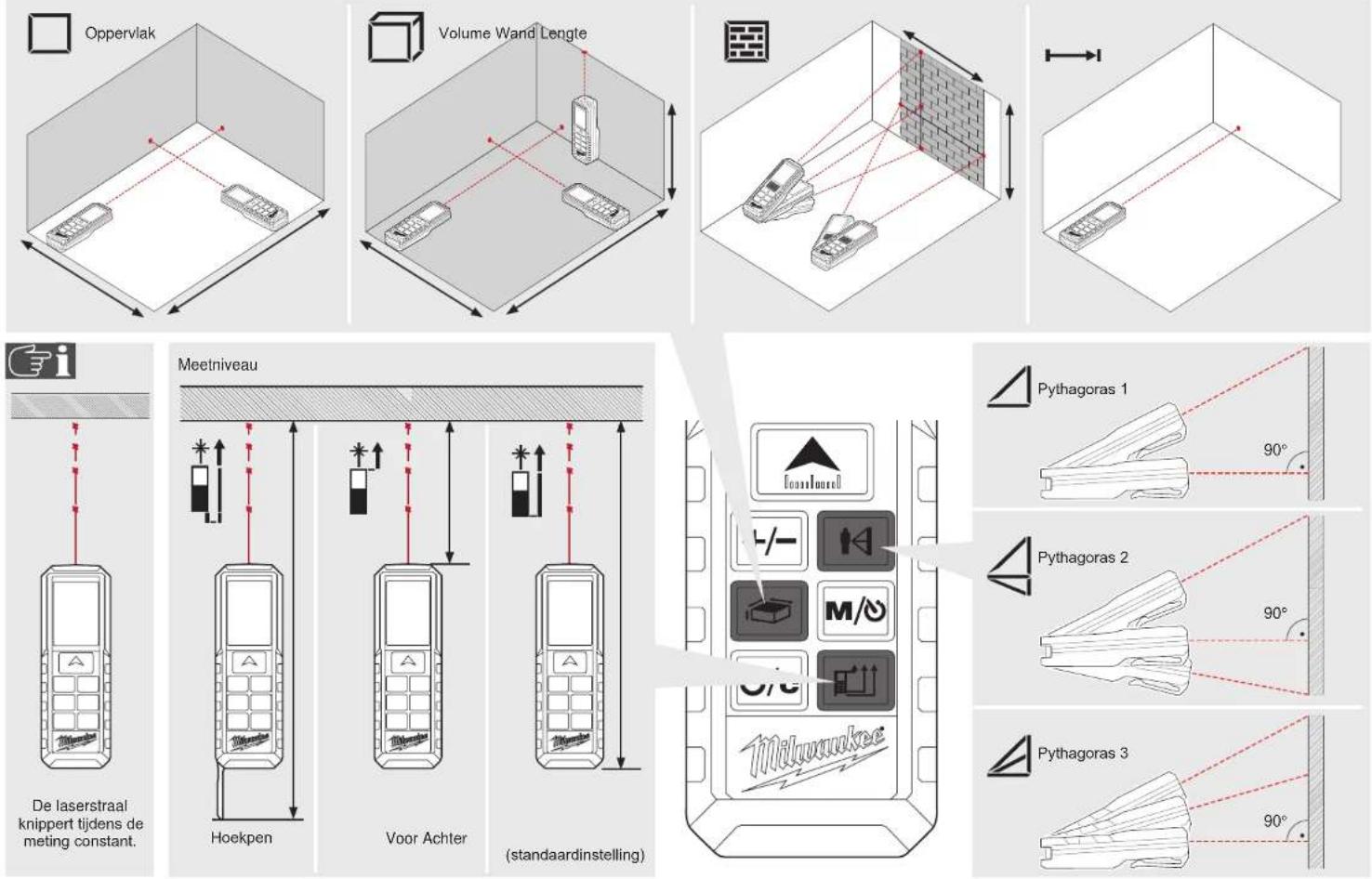
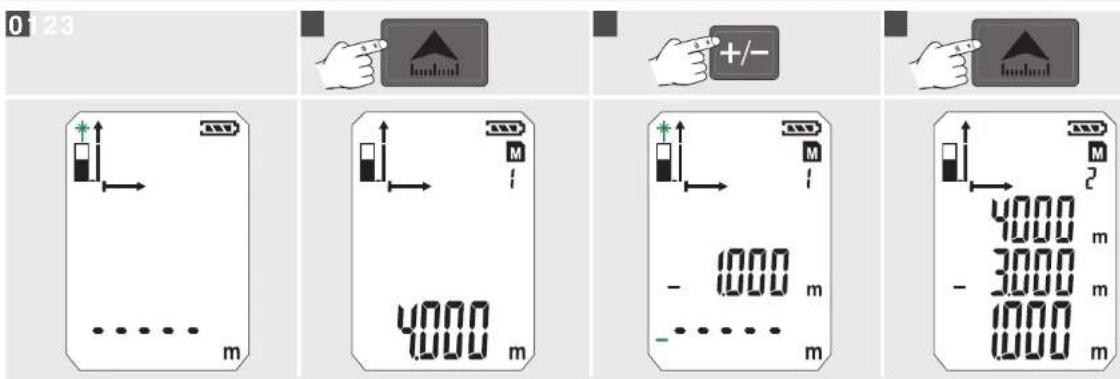
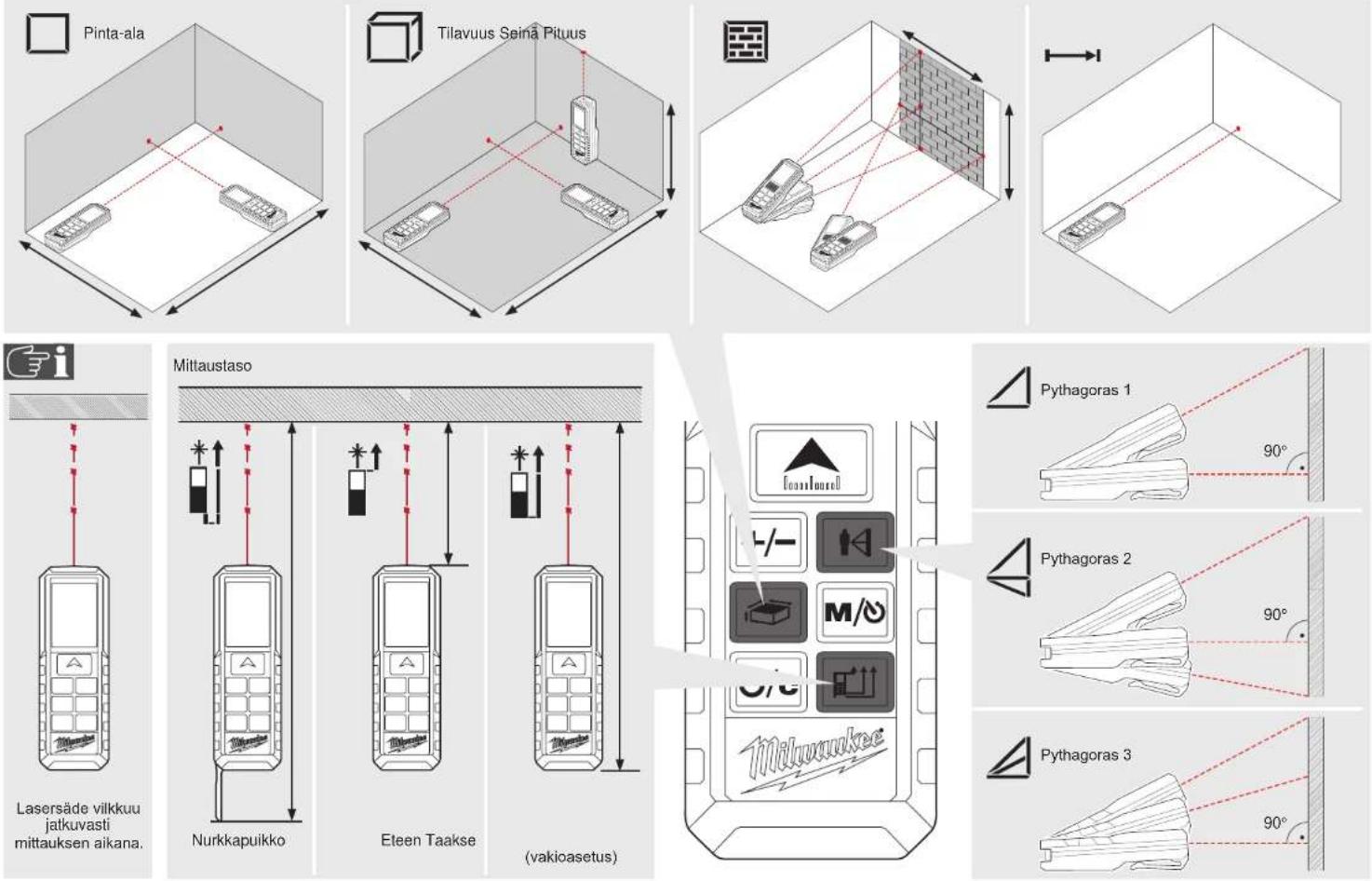
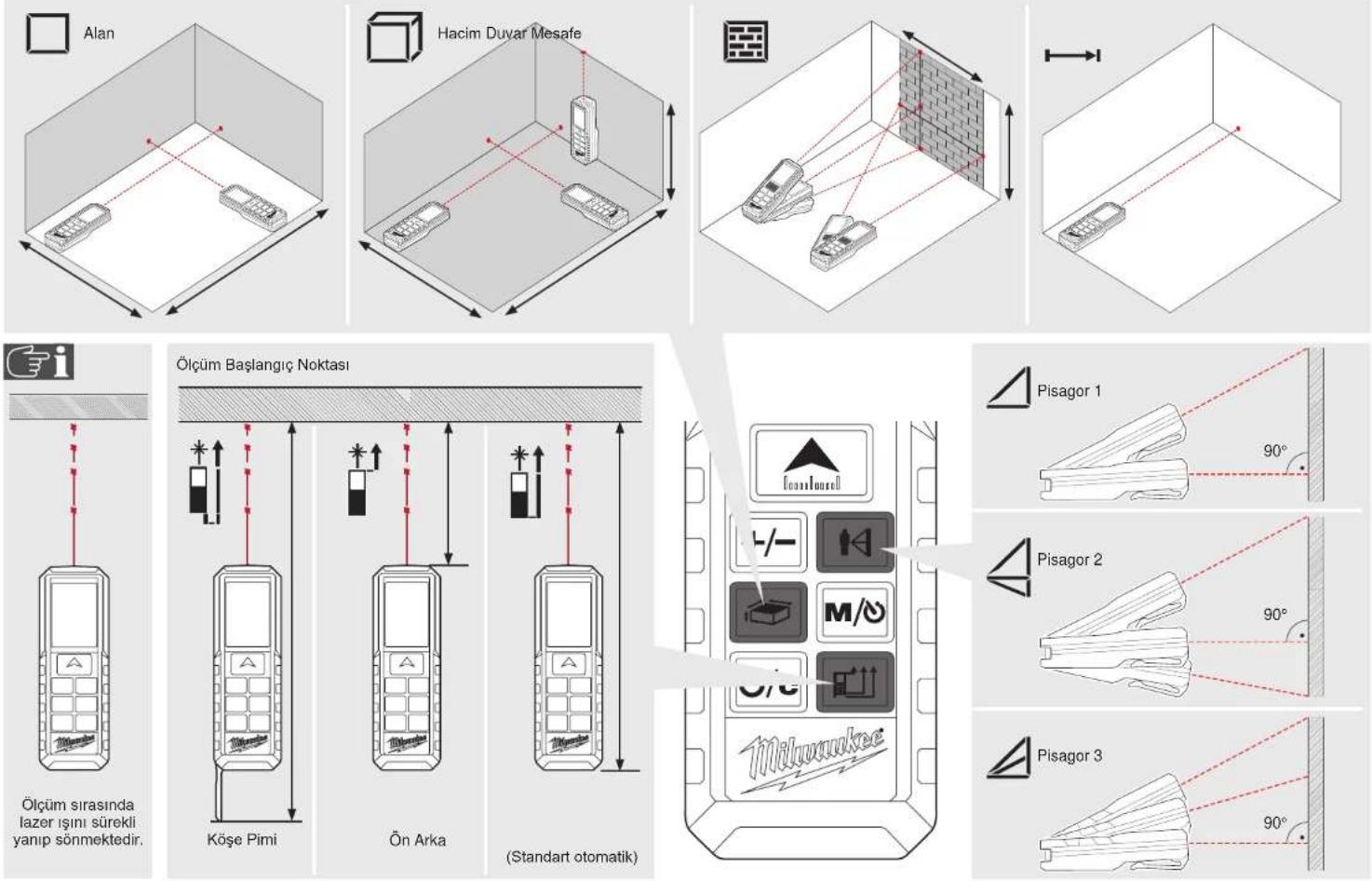
Function Switch, Measuring Reference, Pythagoras......5
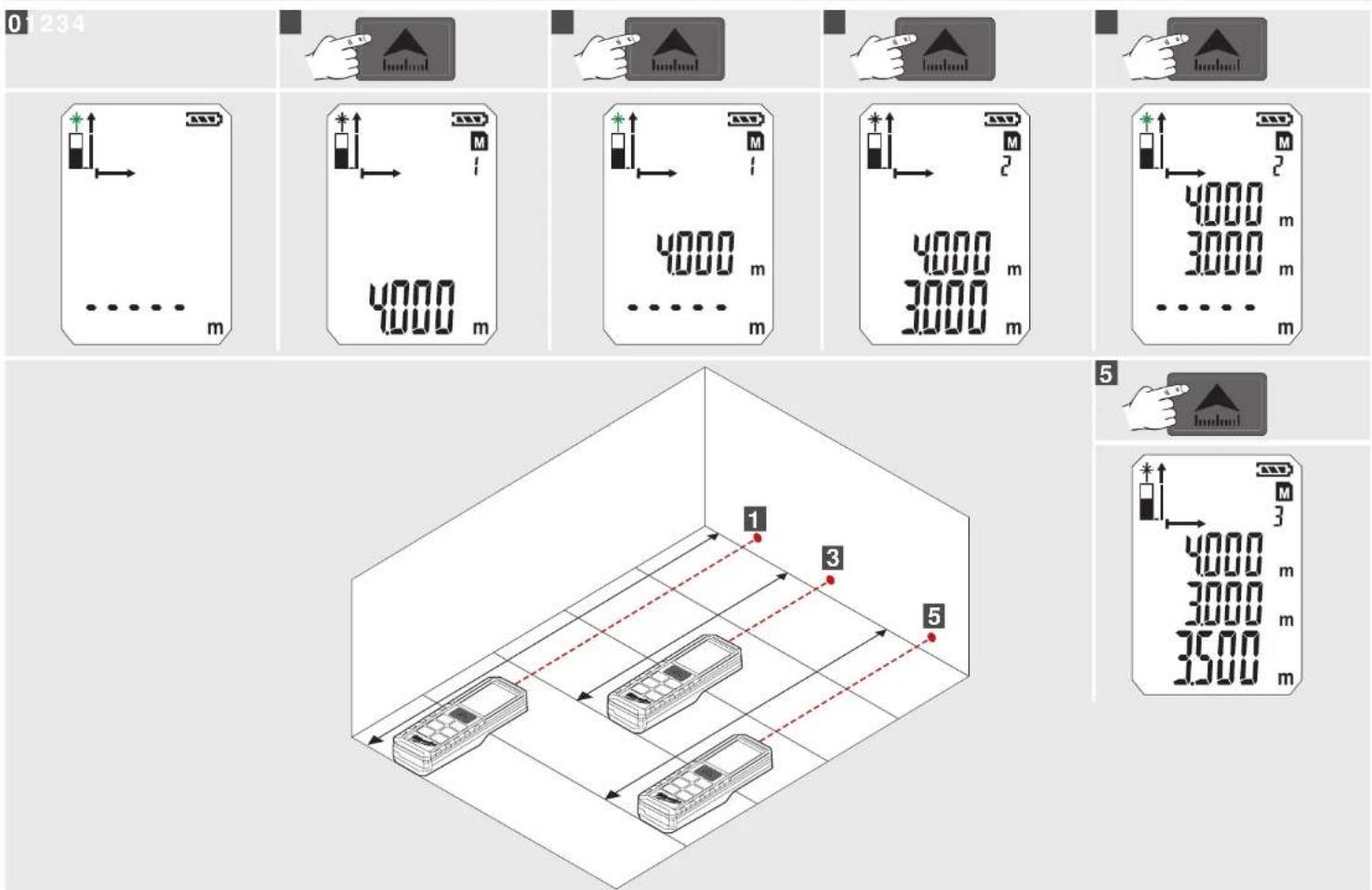
Single Distance Measuring 6
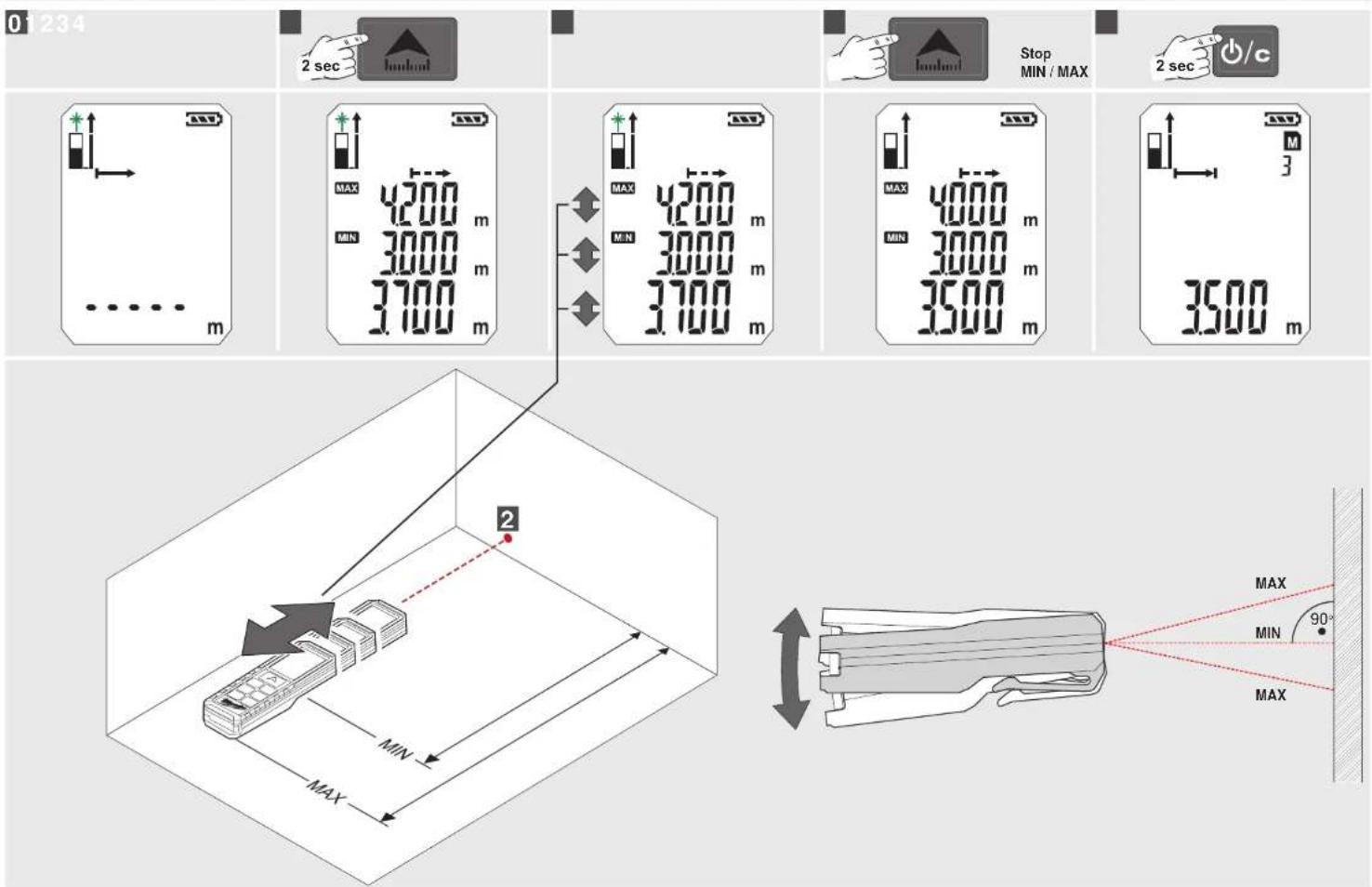
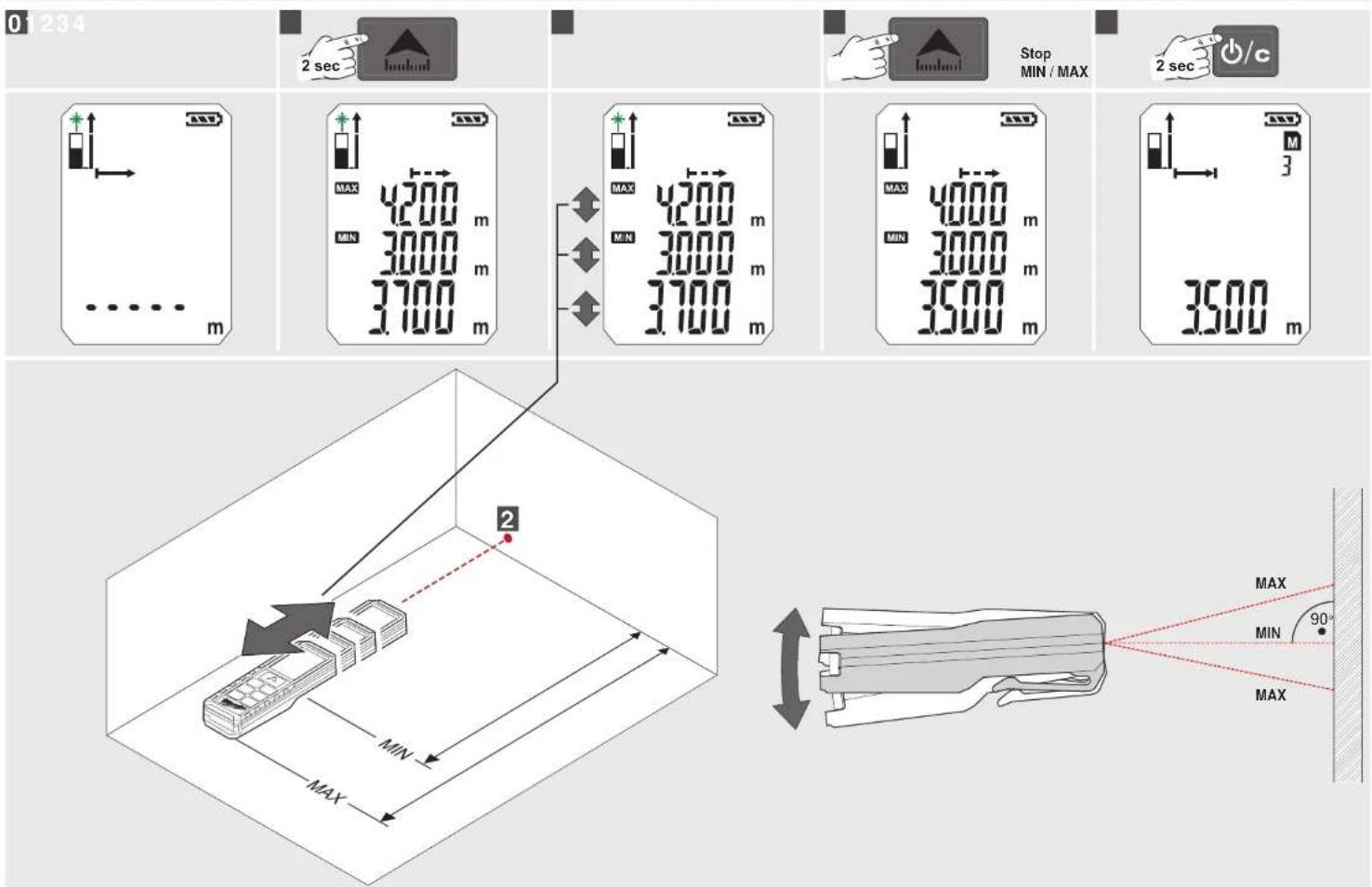
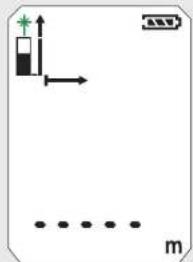
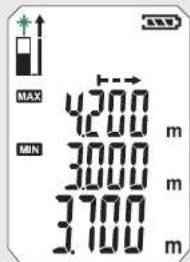
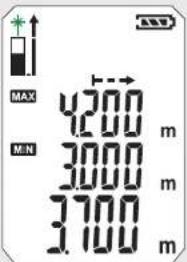
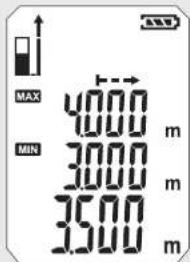
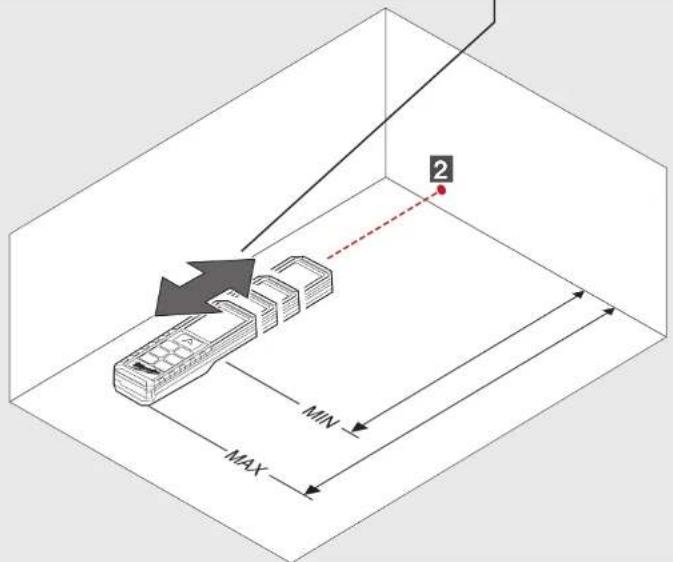
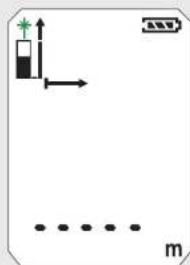
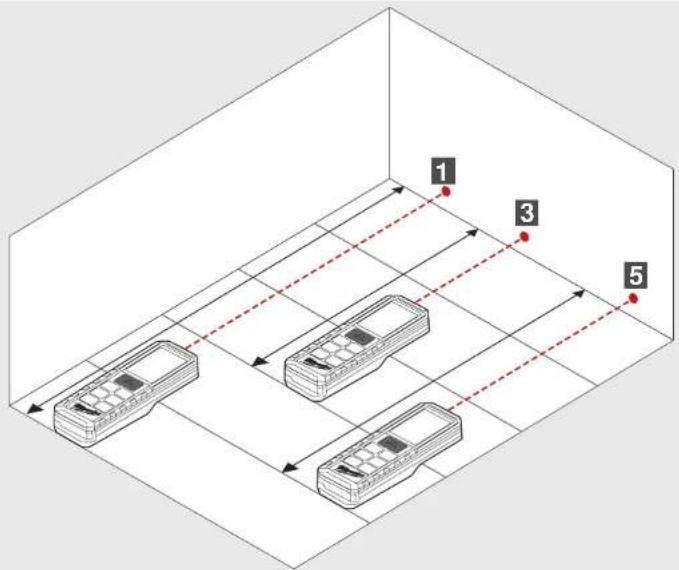
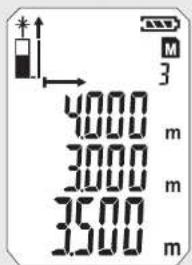
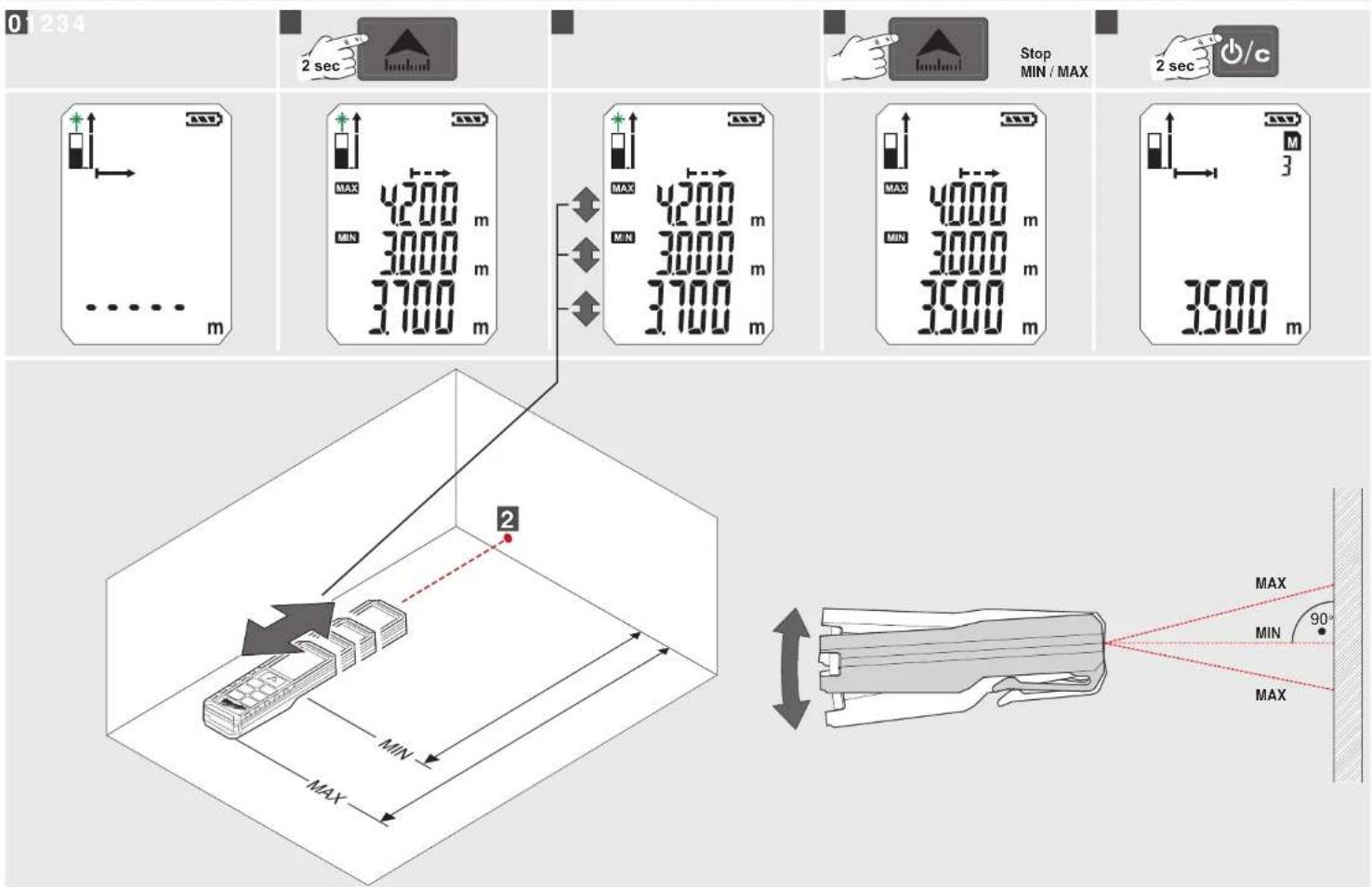
Permanent / Minimum-Maximum Measuring 7
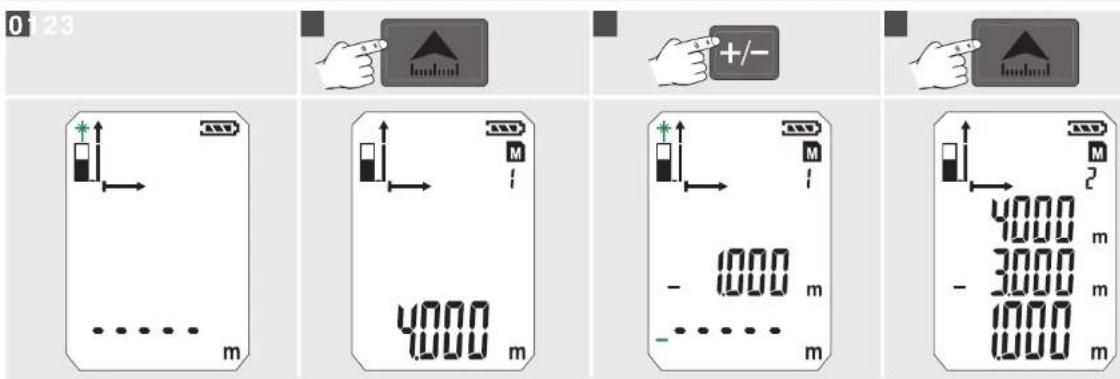
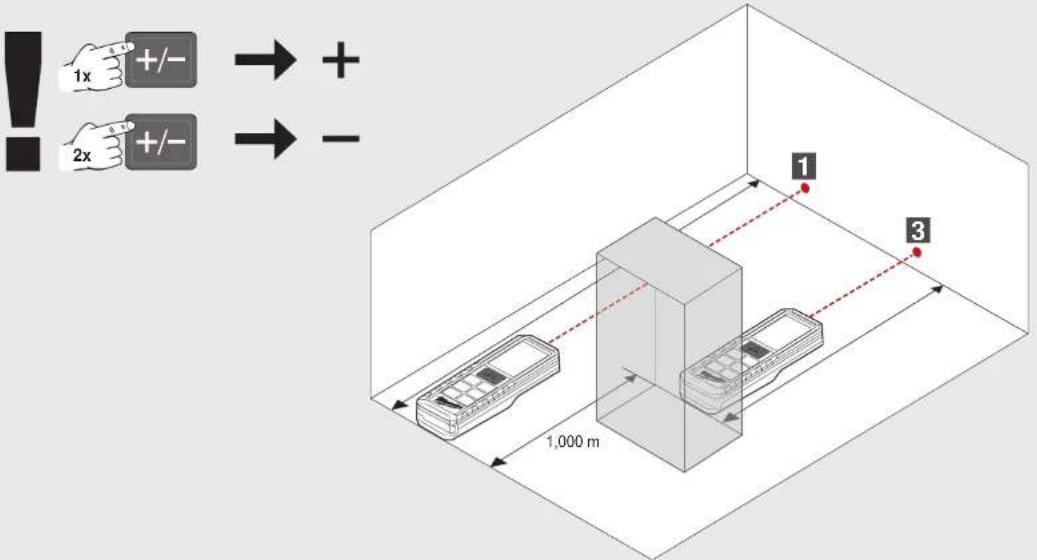
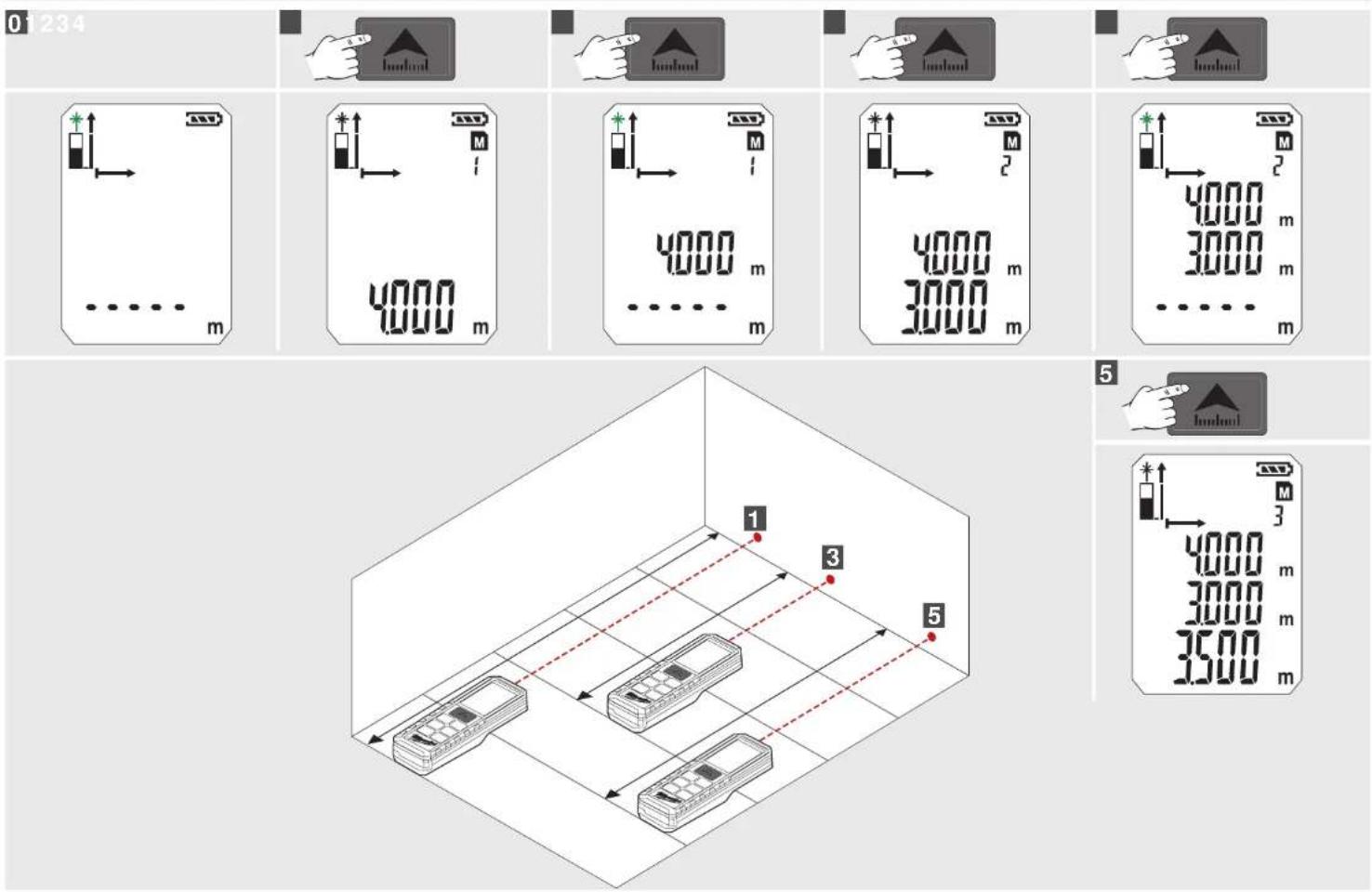
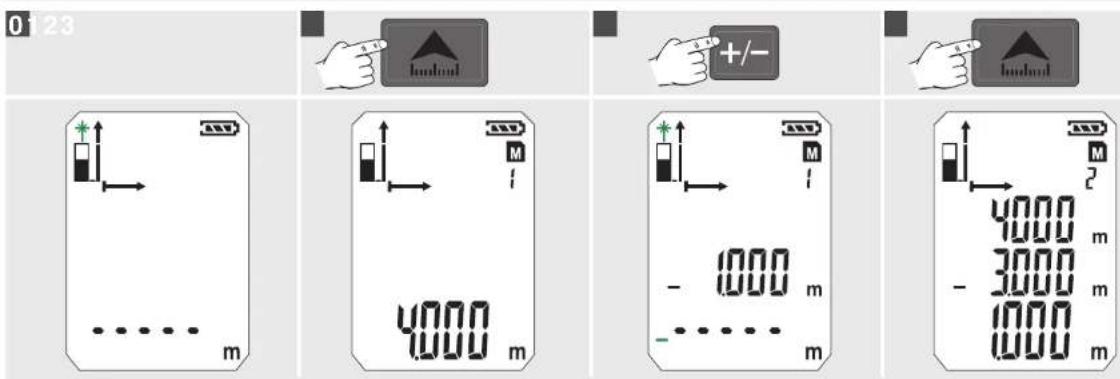
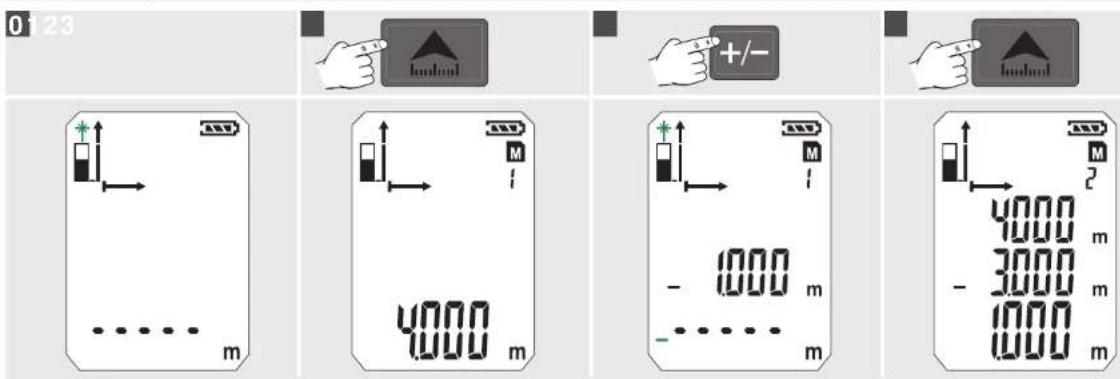
Add / Subtract Measuring 8
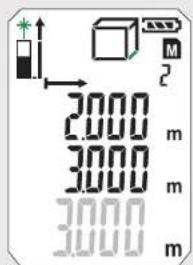
Area Measuring 9
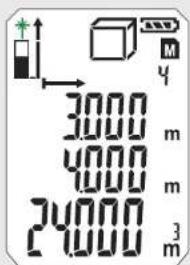
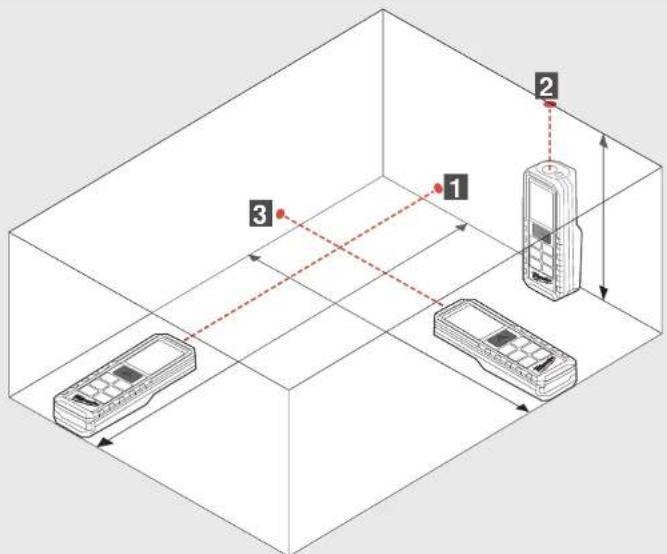
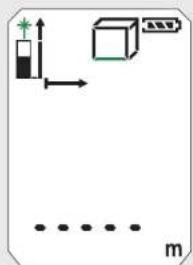
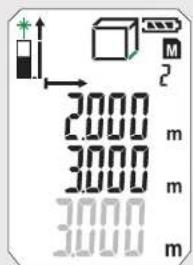
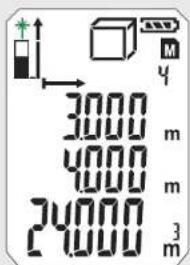
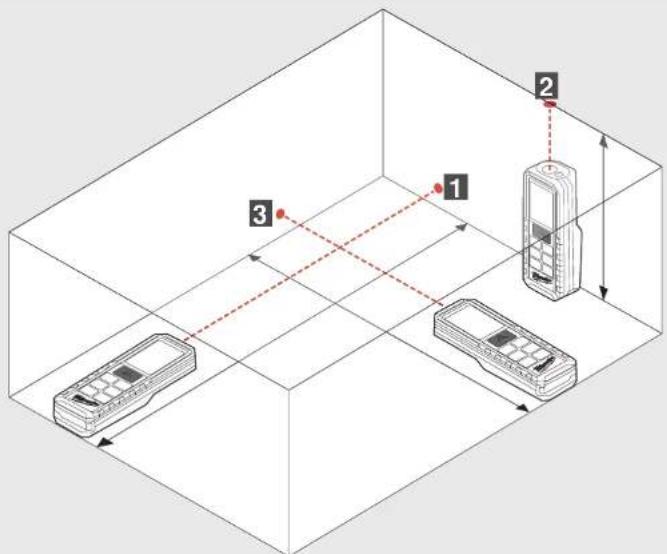
Volume Measuring....10
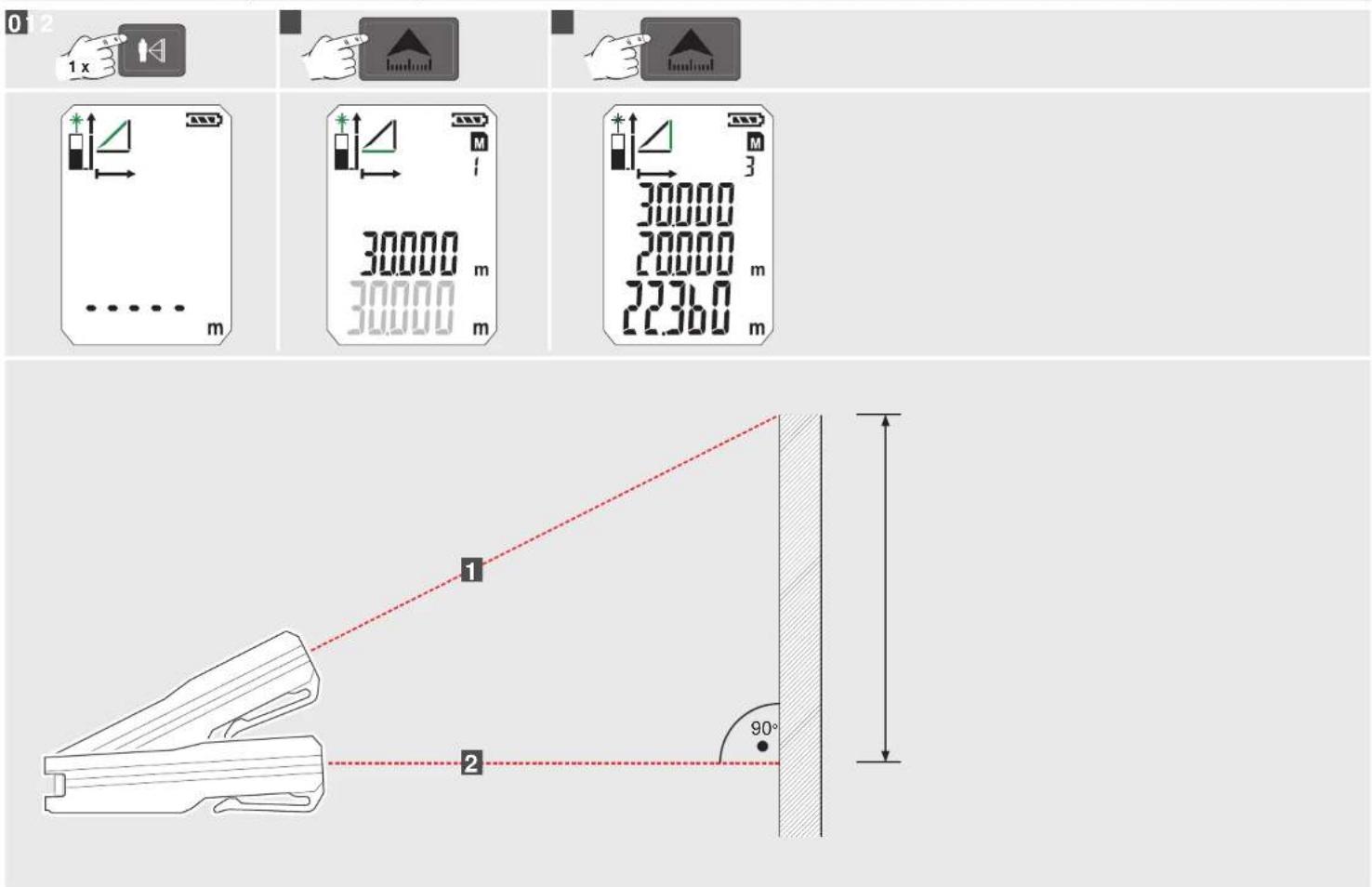
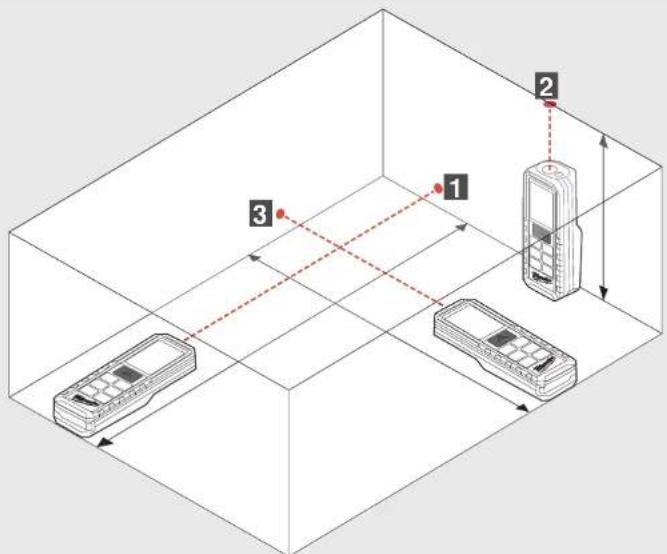
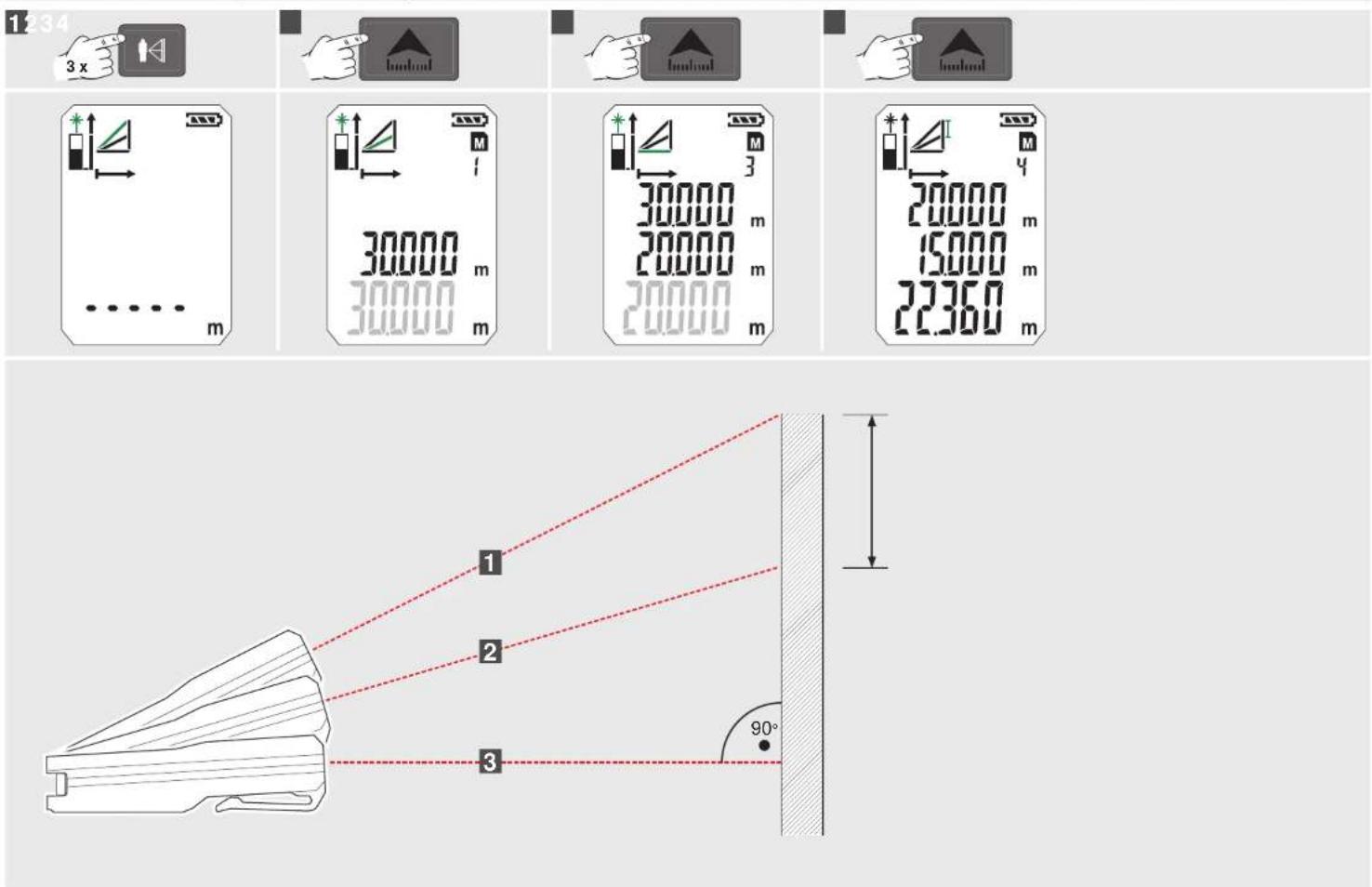
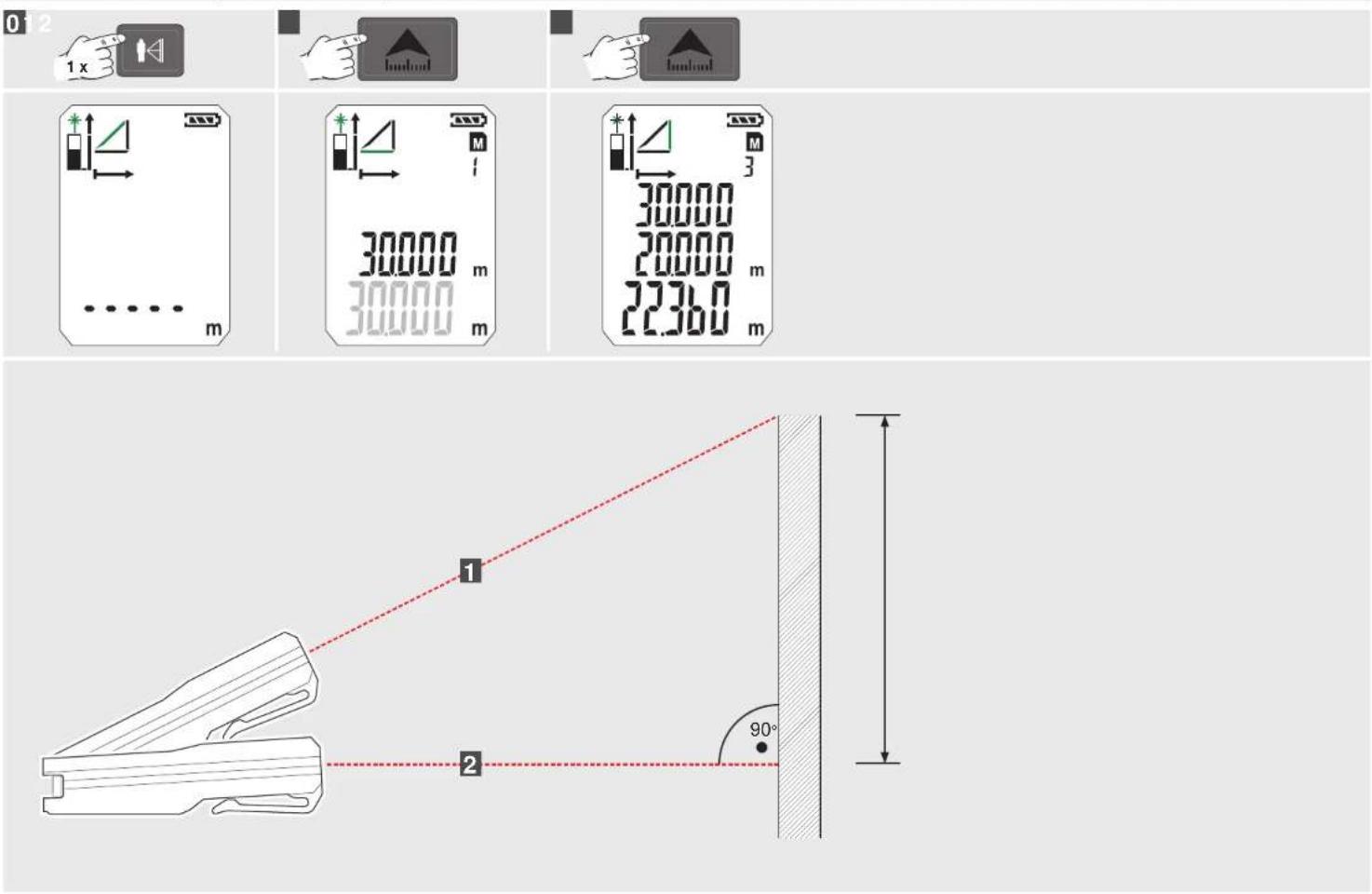
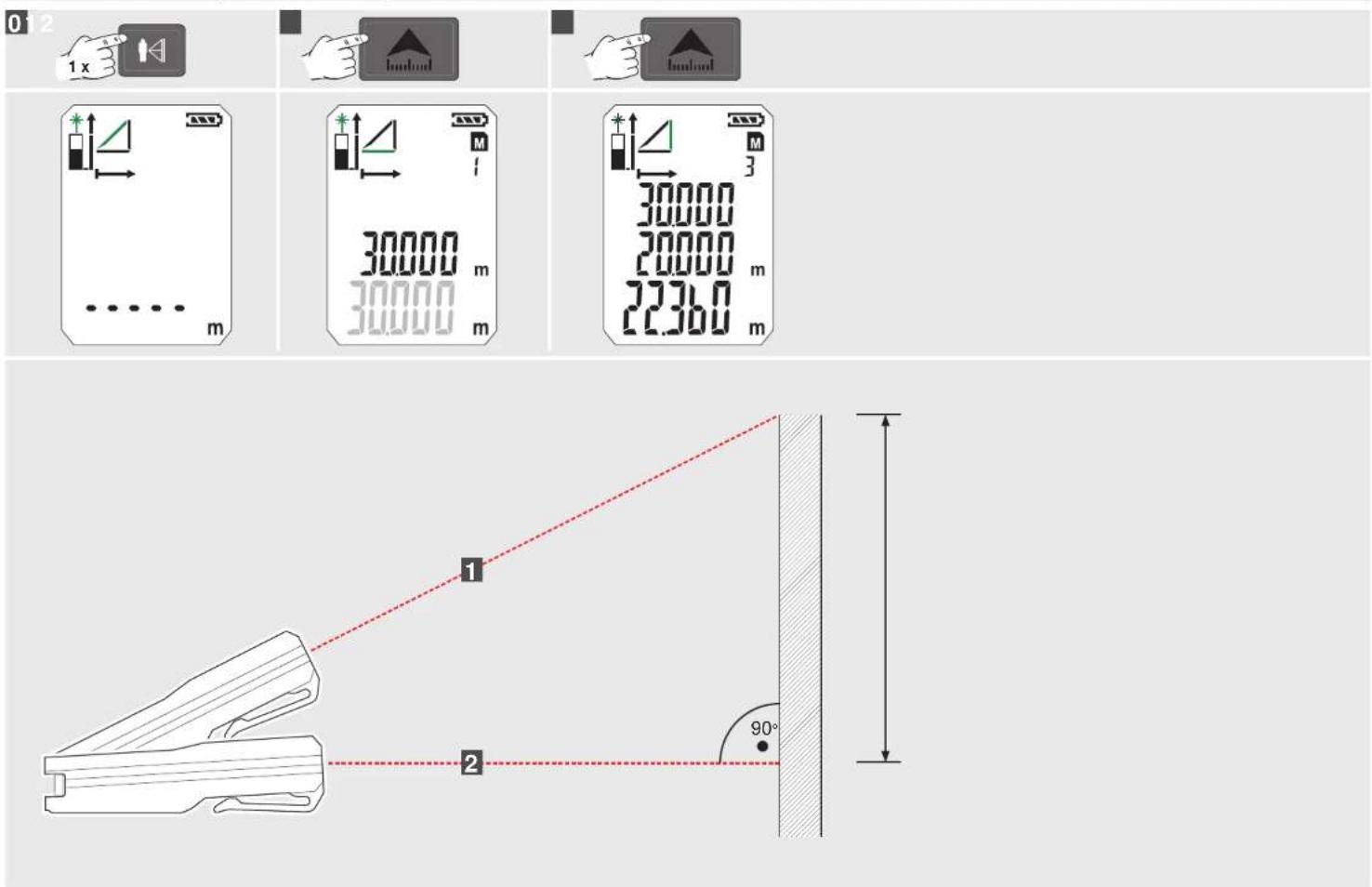
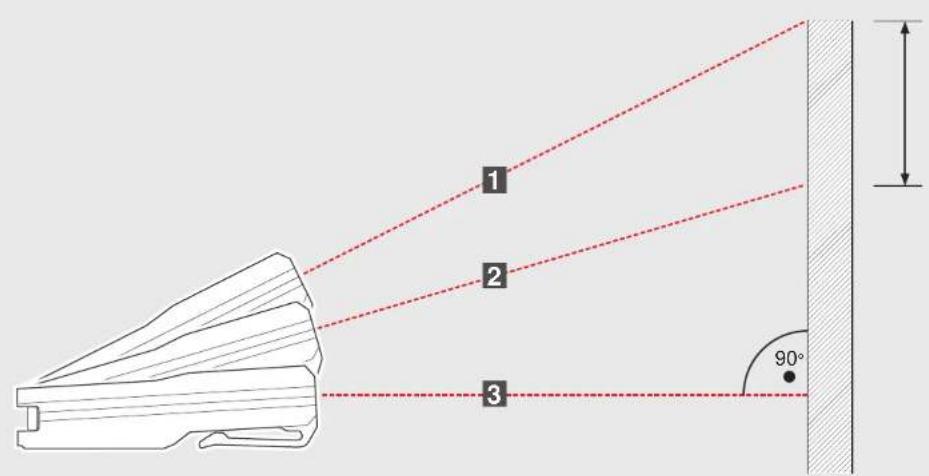
Indirect Measuring (Pythagoras 1)....11
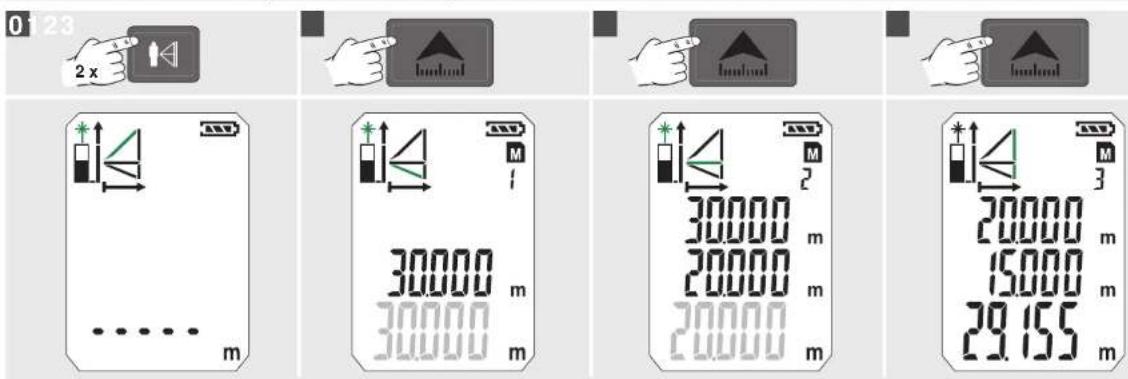
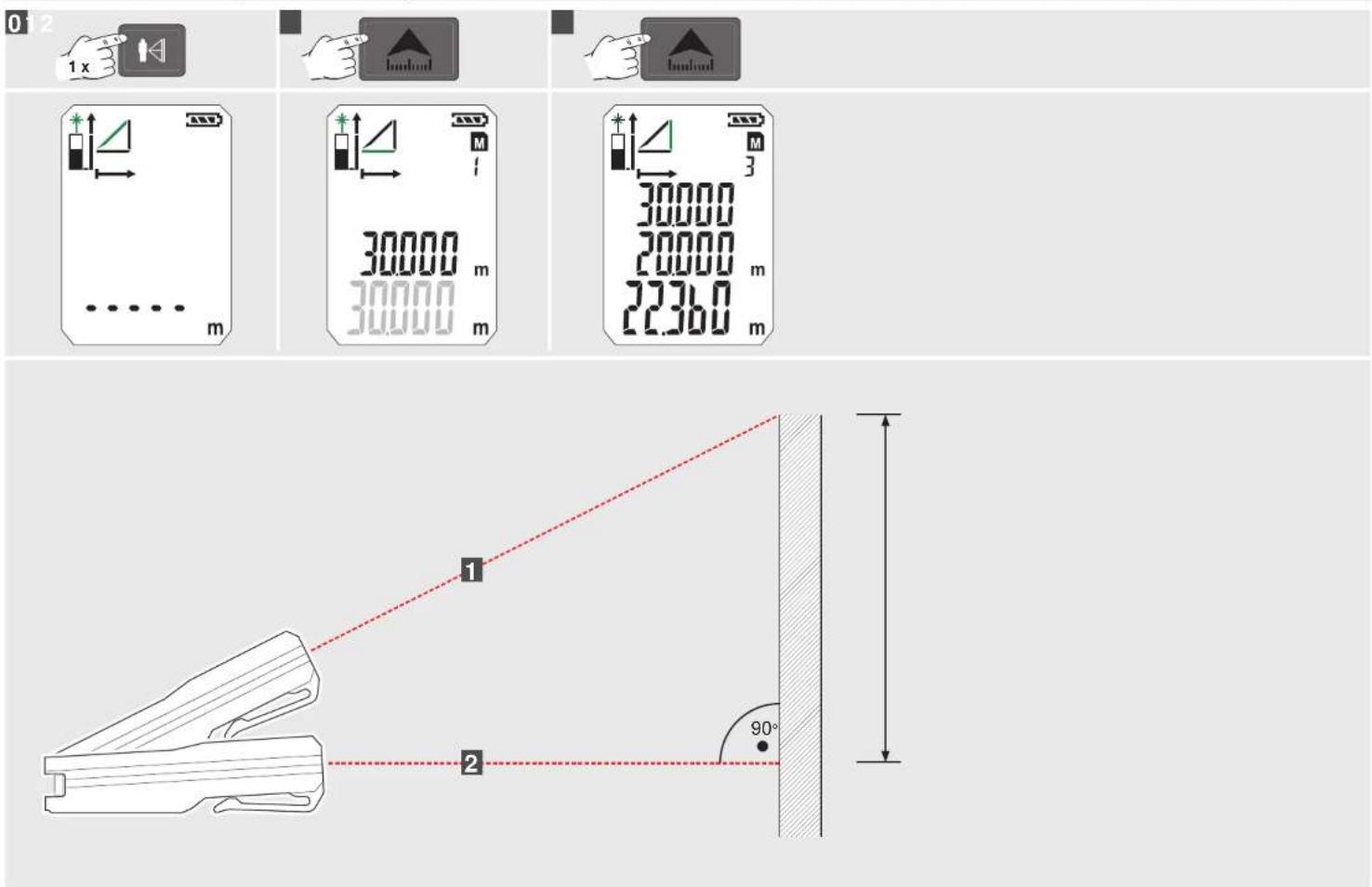
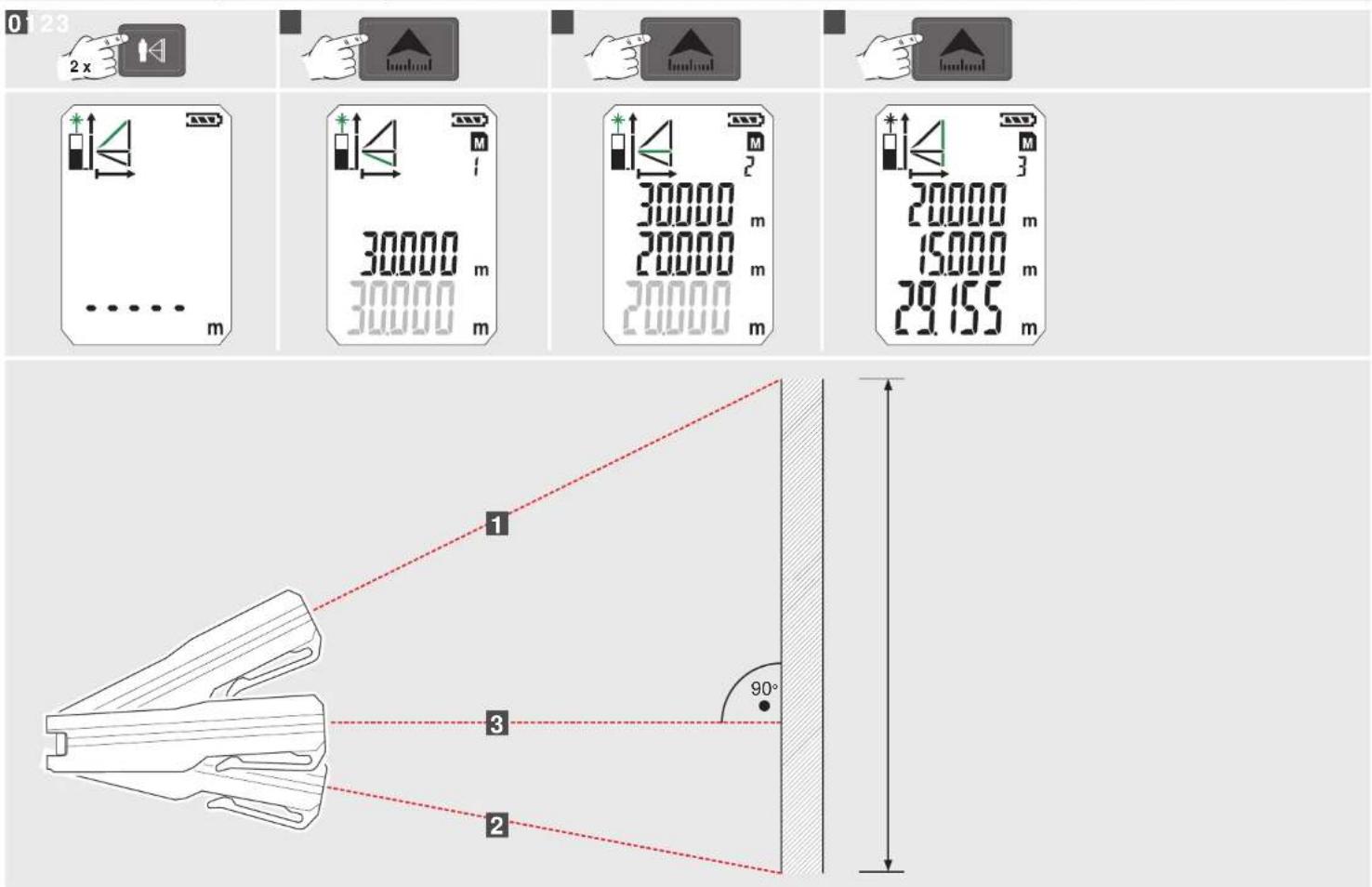
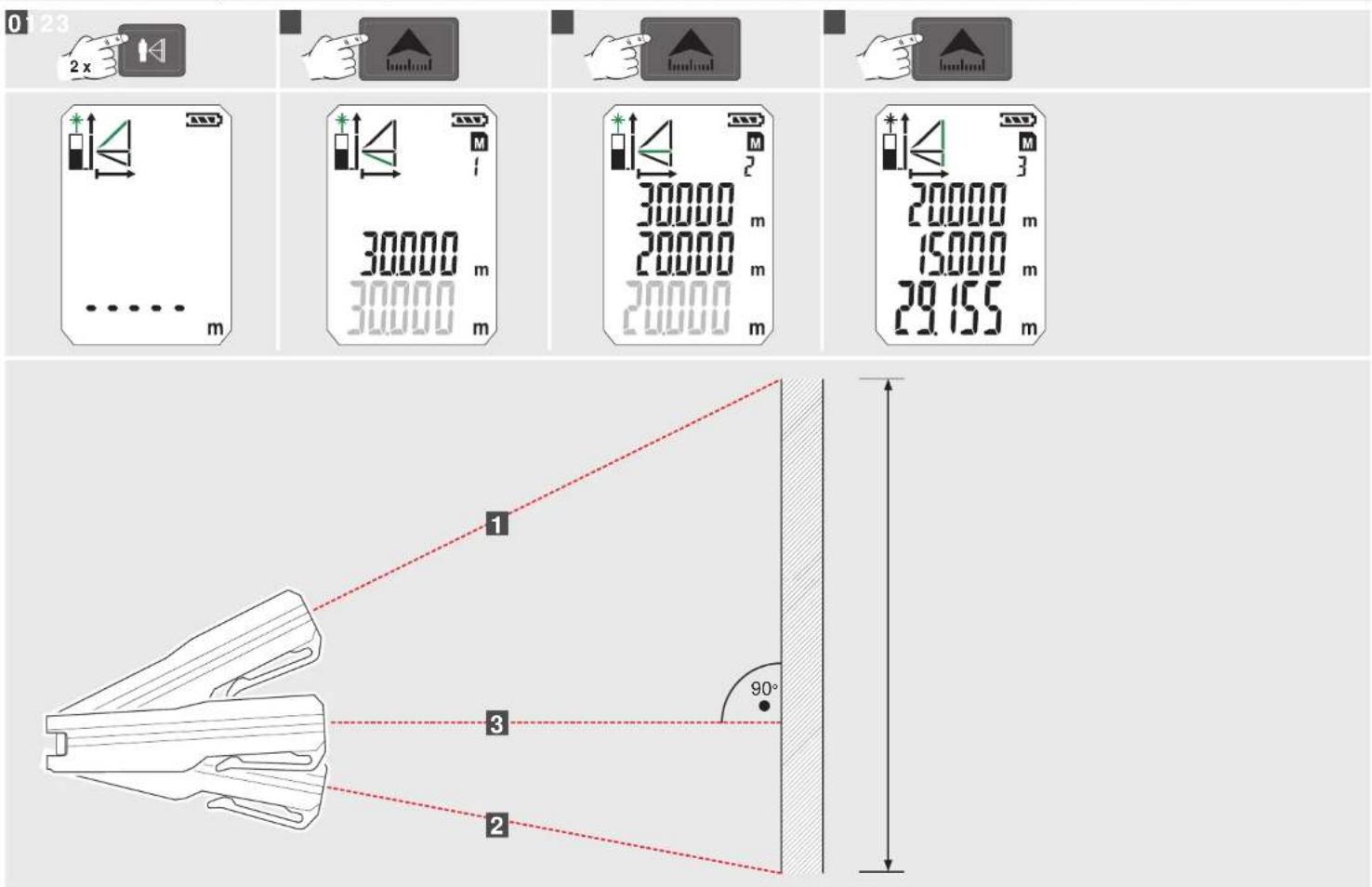
Indirect Measuring (Pythagoras 2)....12
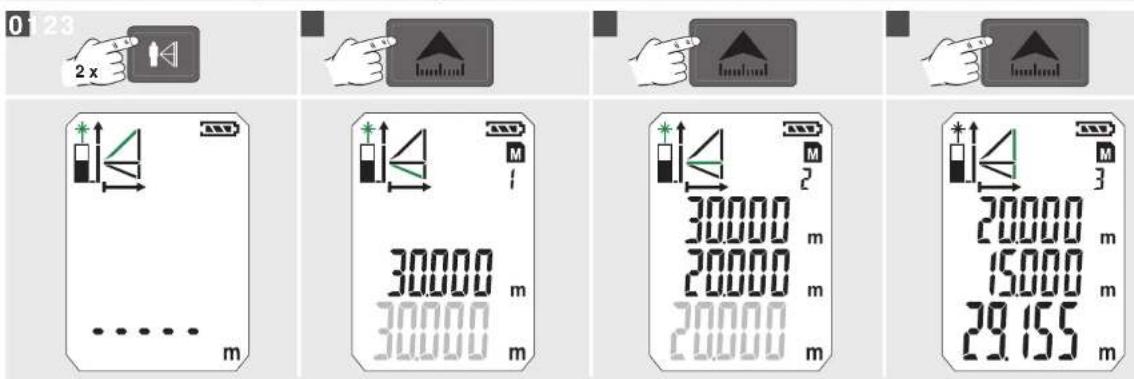
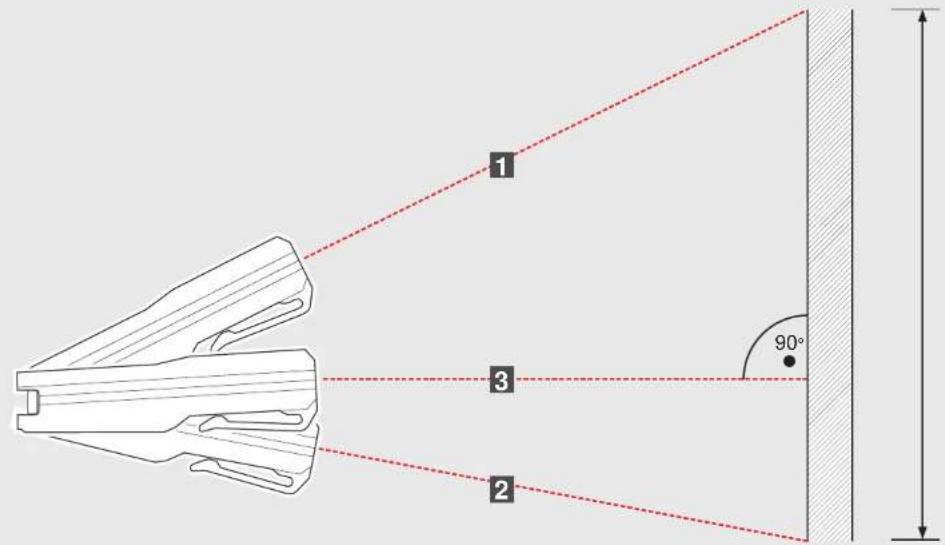
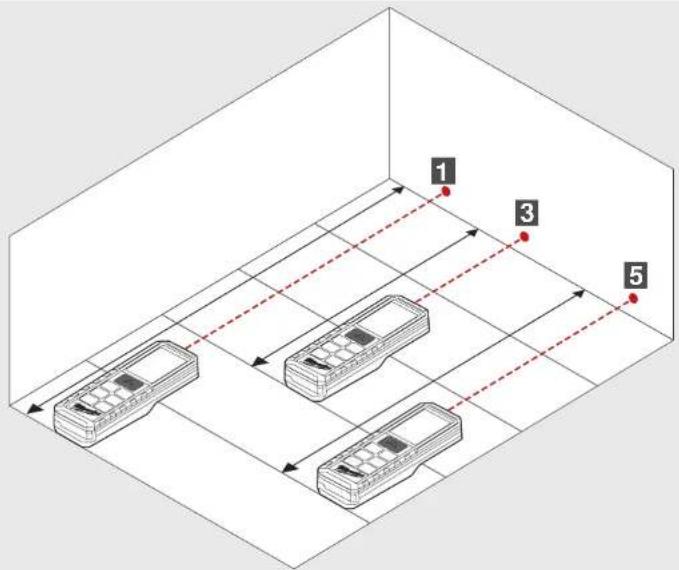
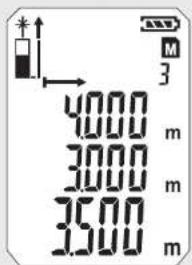
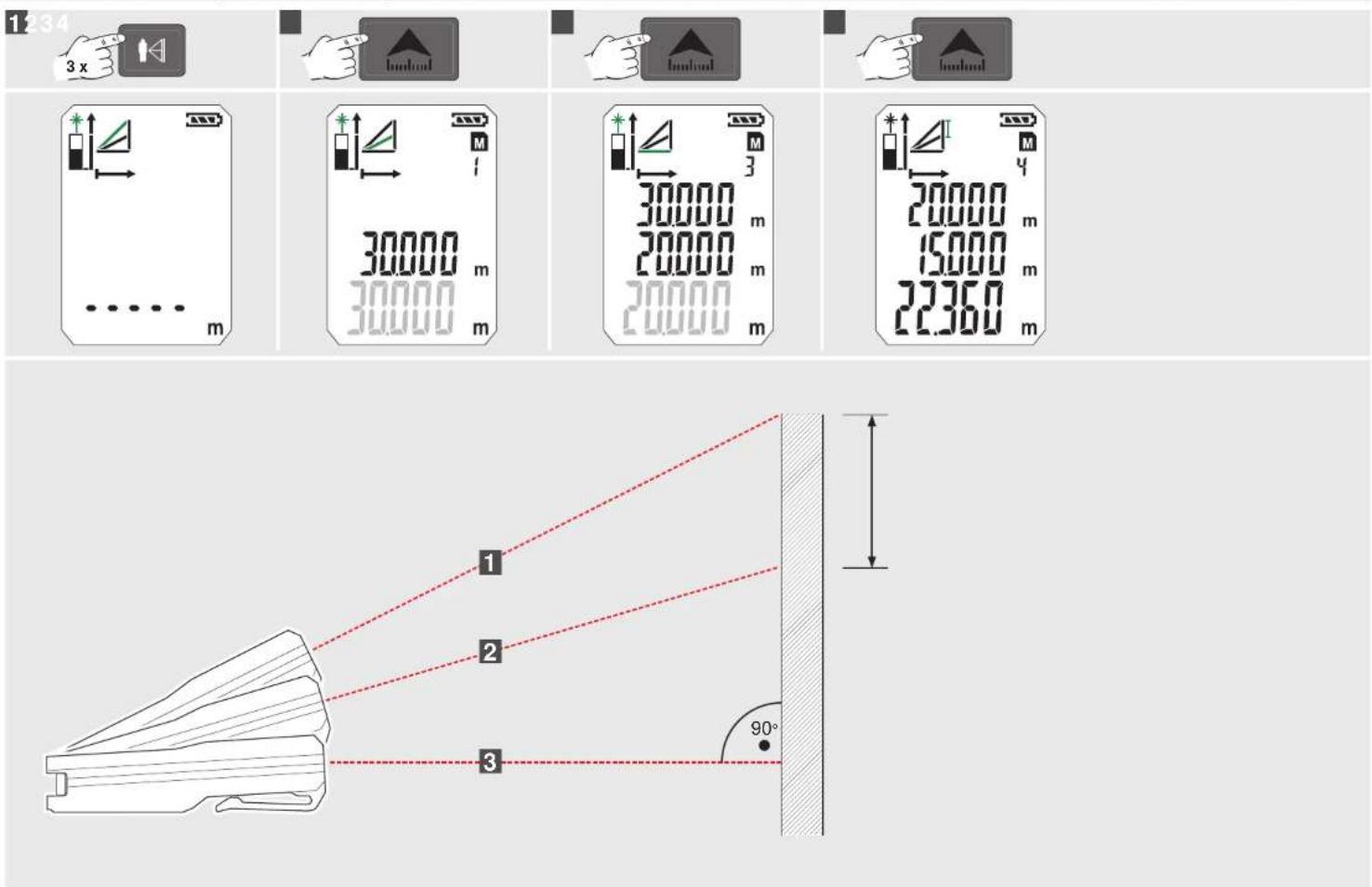
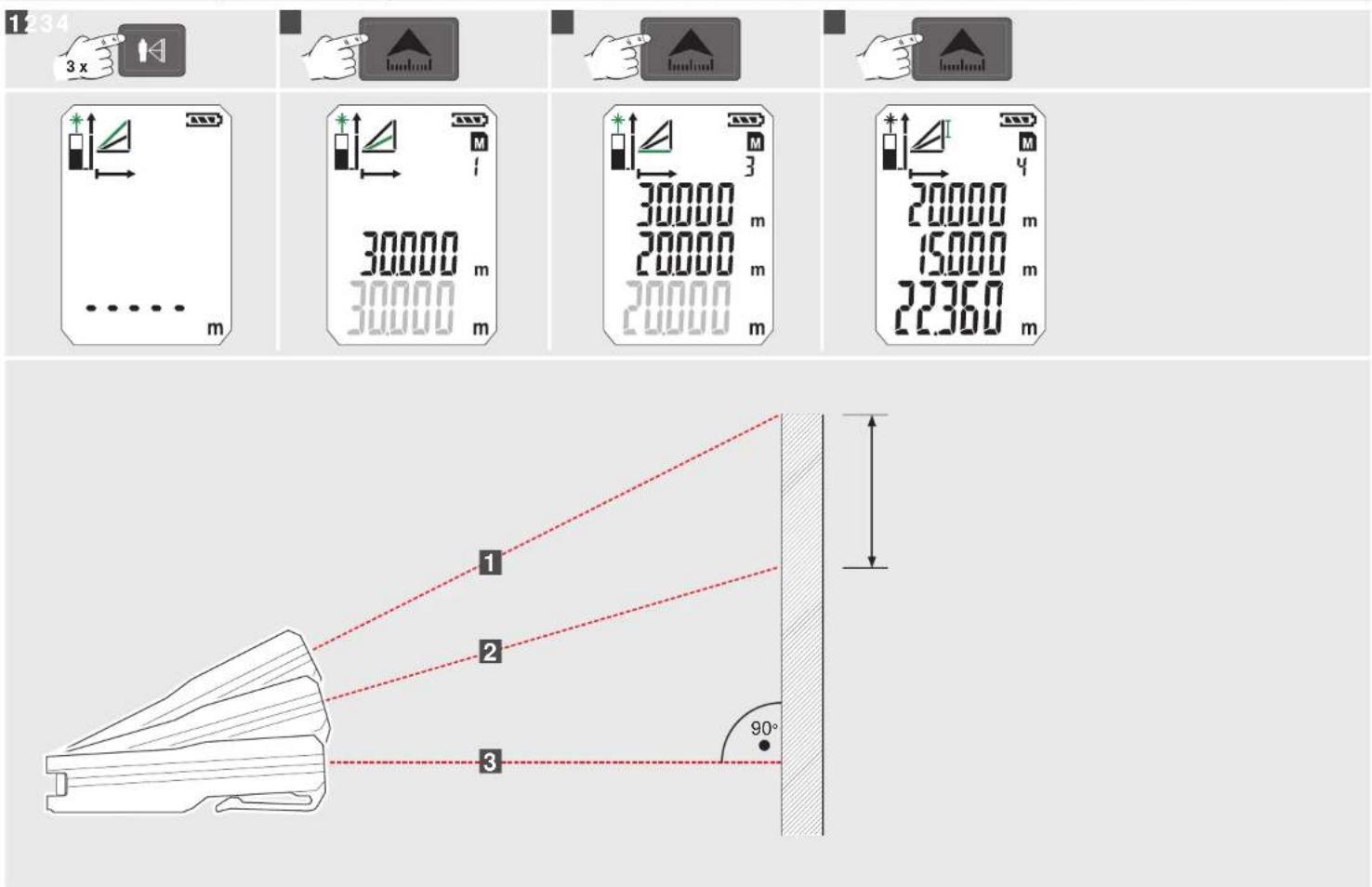
Indirect Measuring (Pythagoras 3)....13
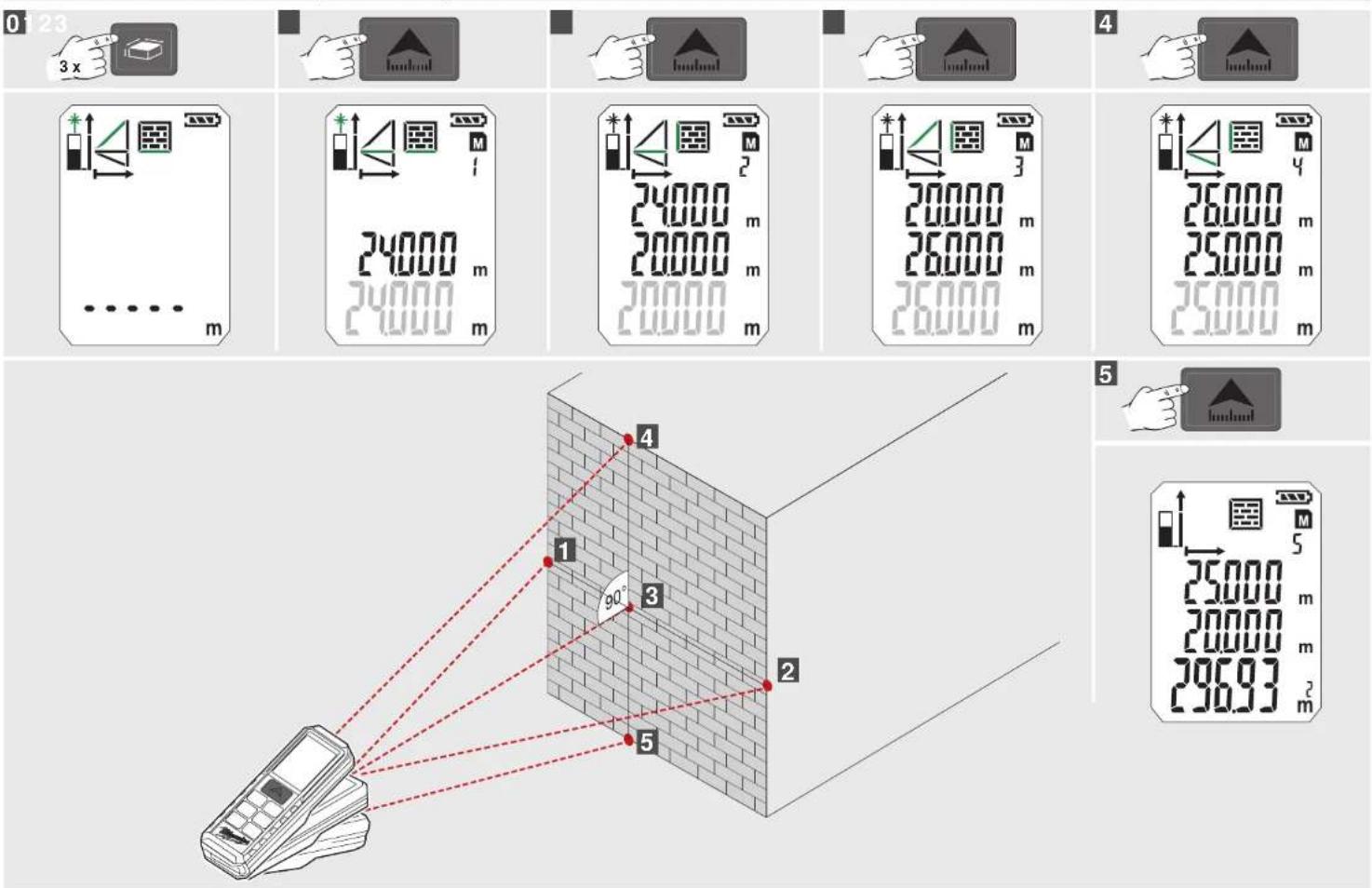
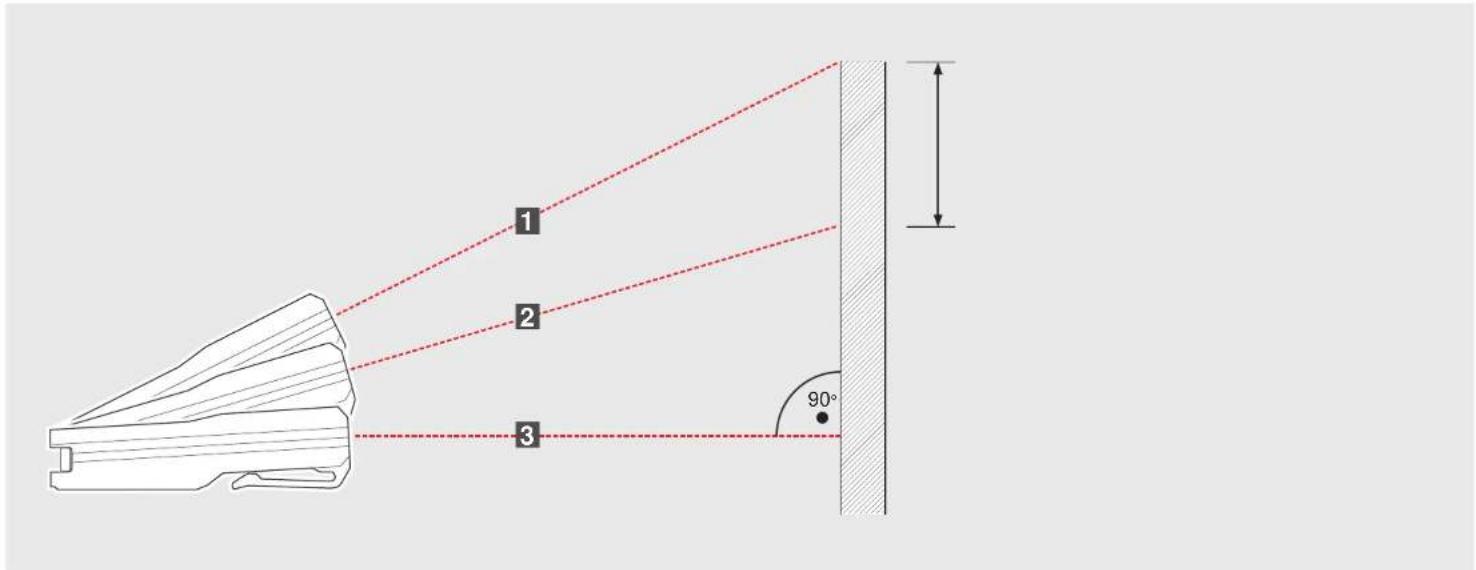
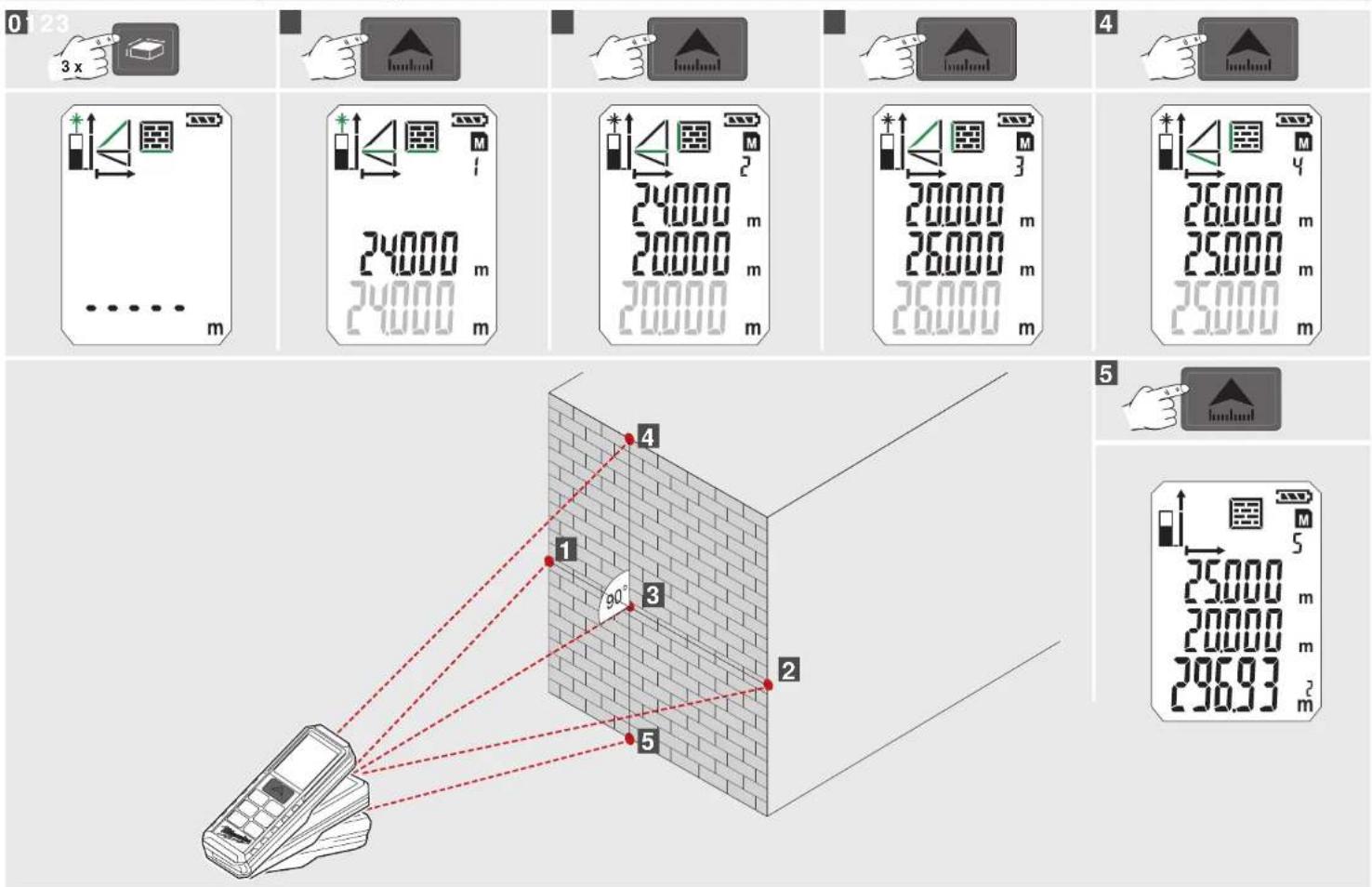
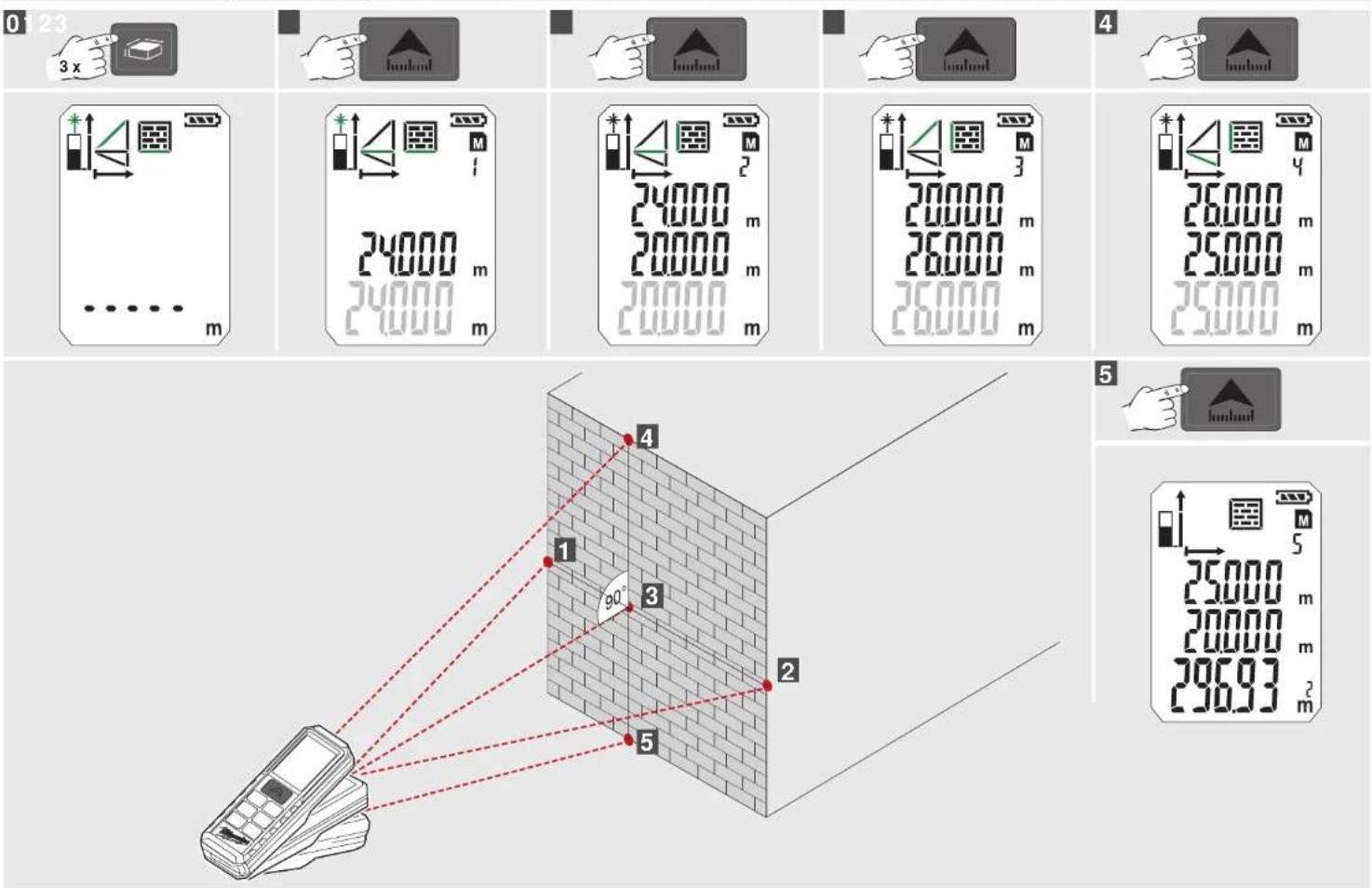
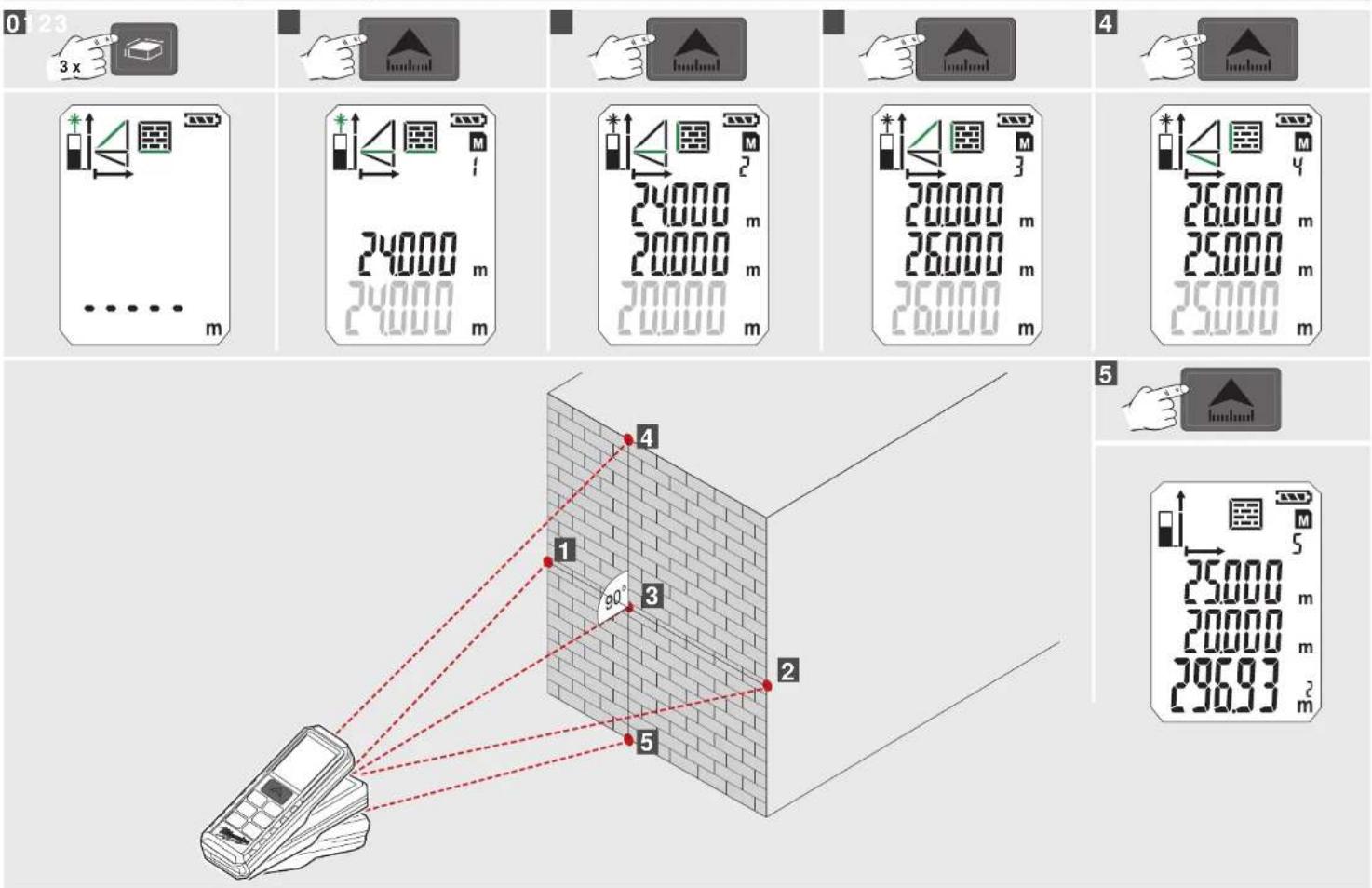
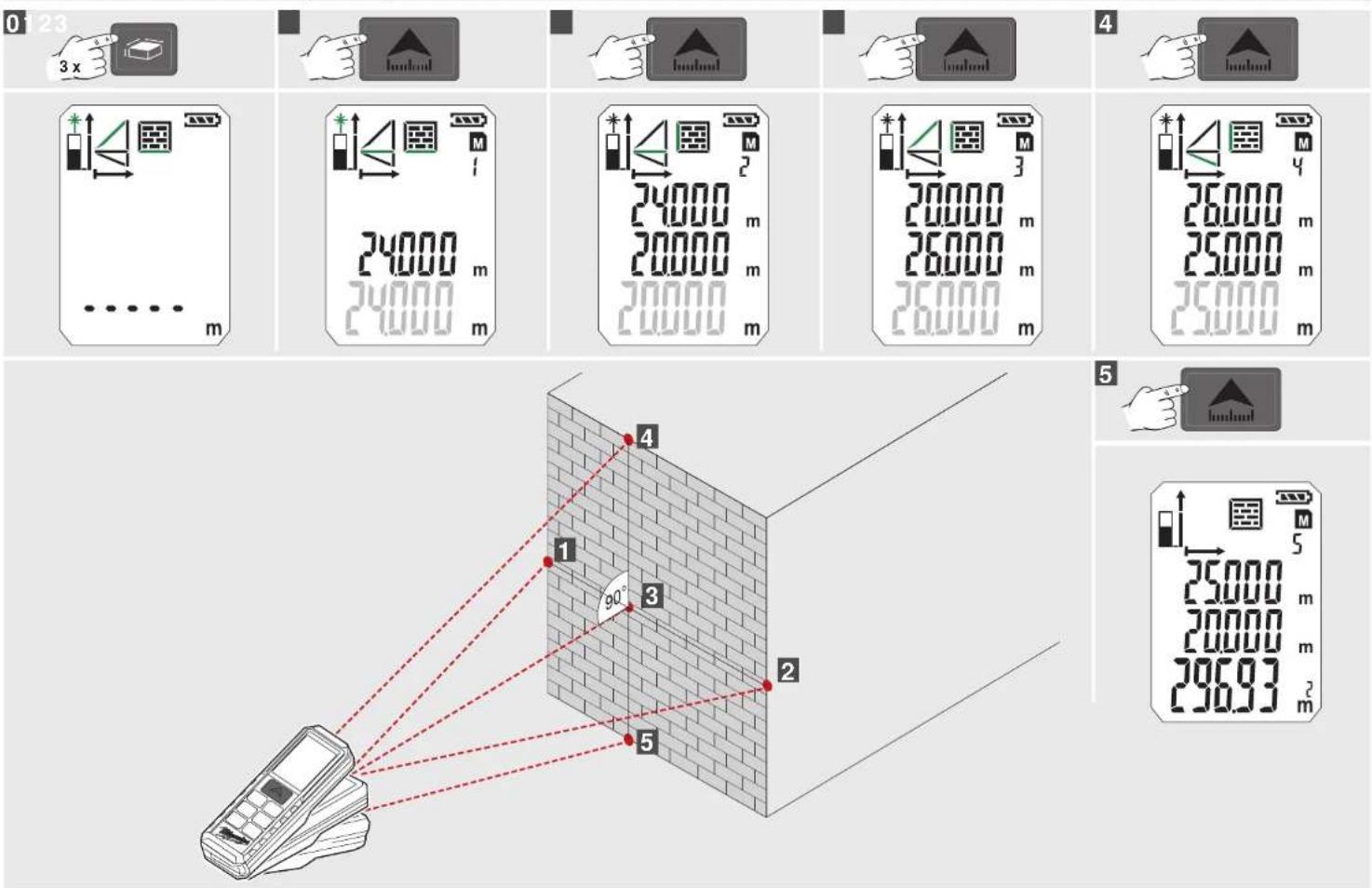
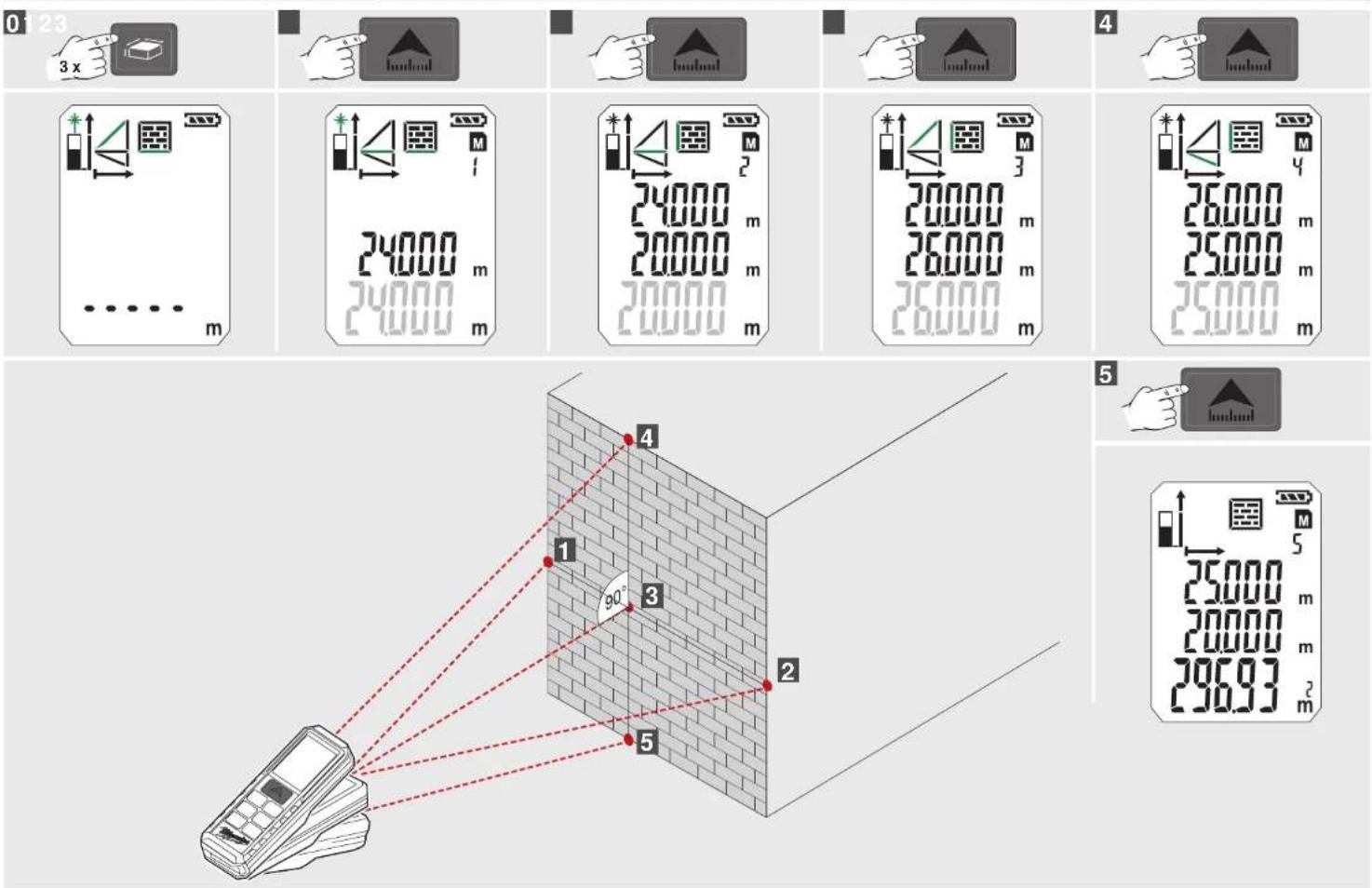
Wall Area Measuring (Scenario 1)....14
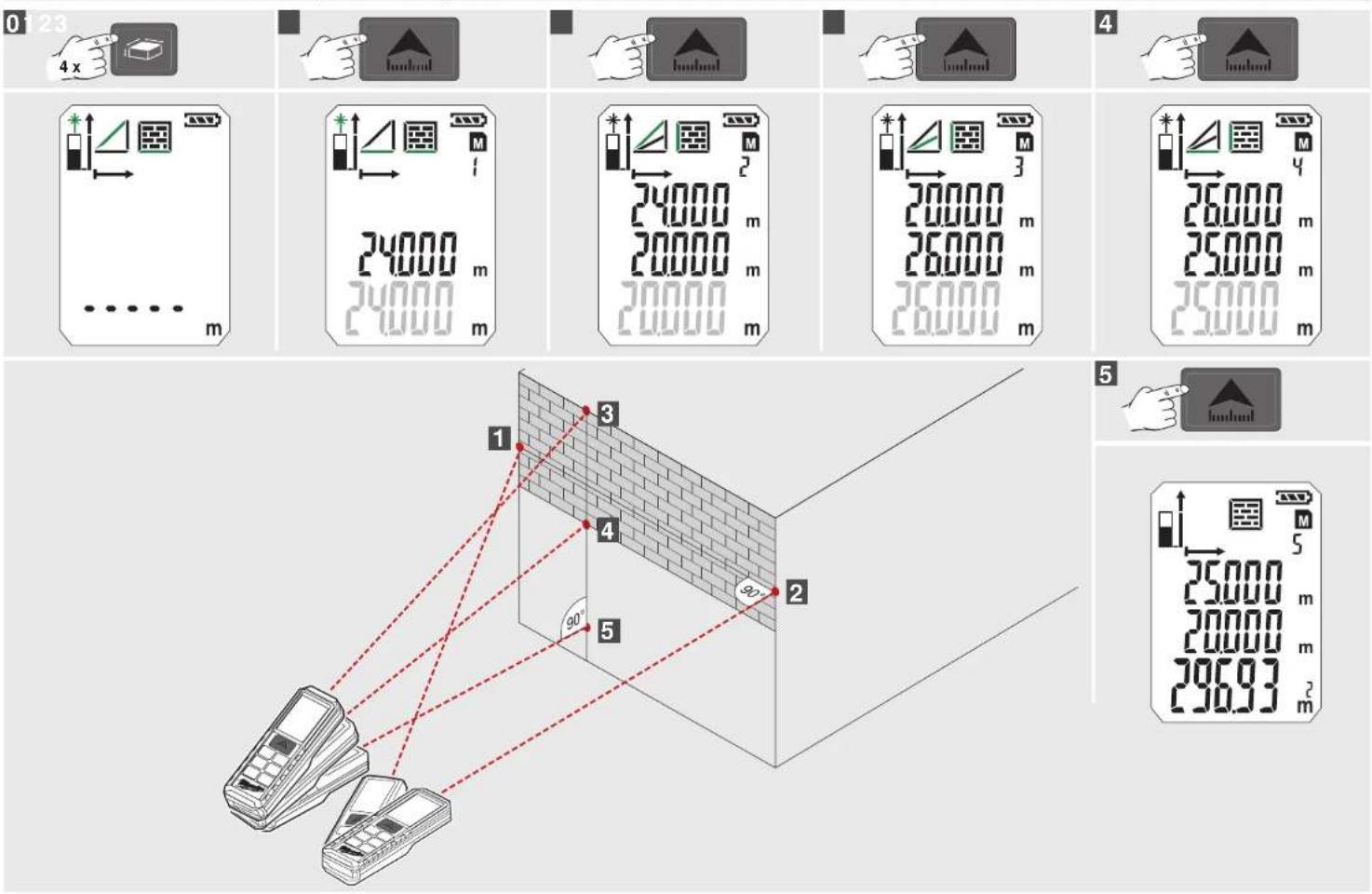
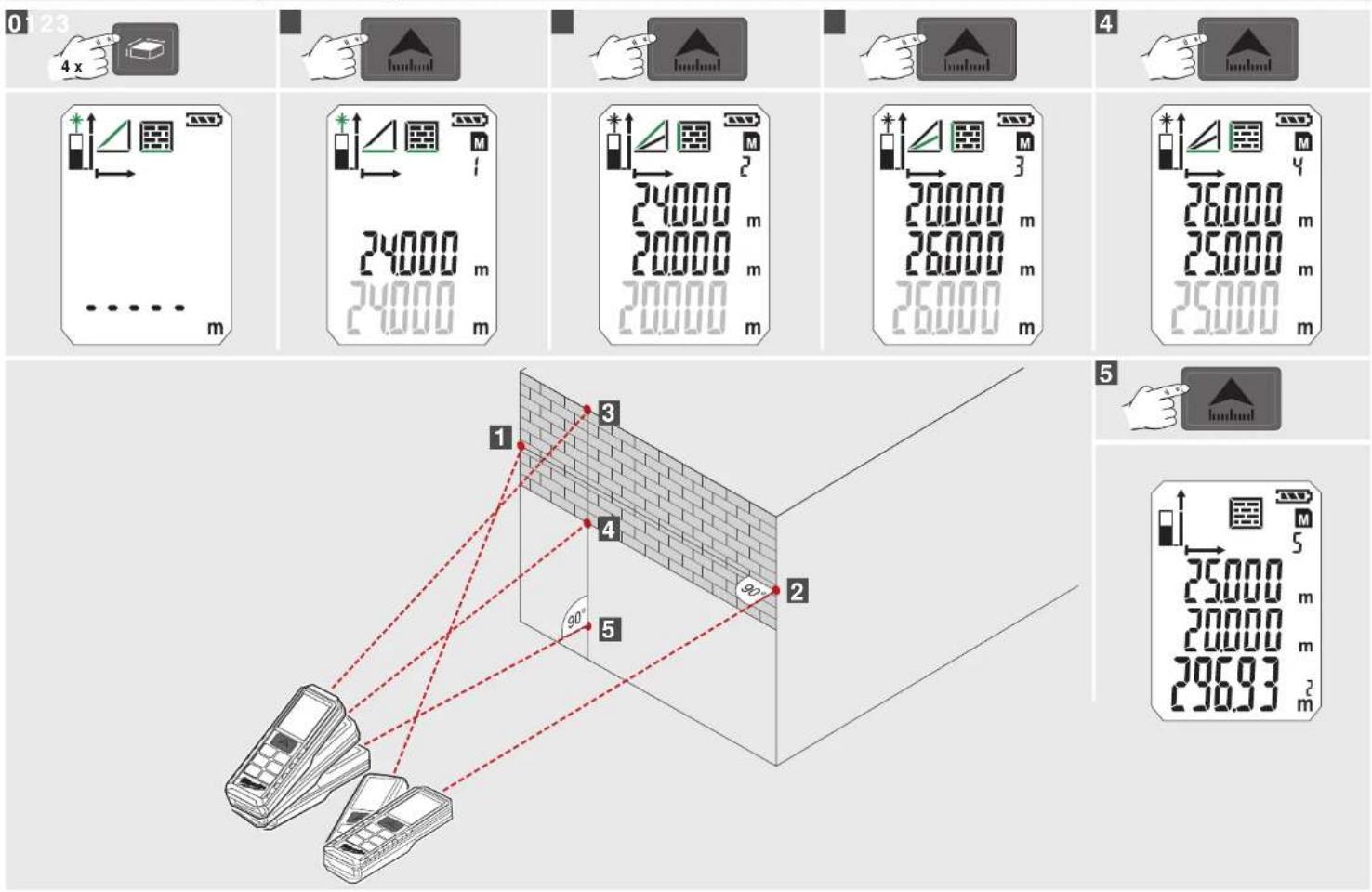
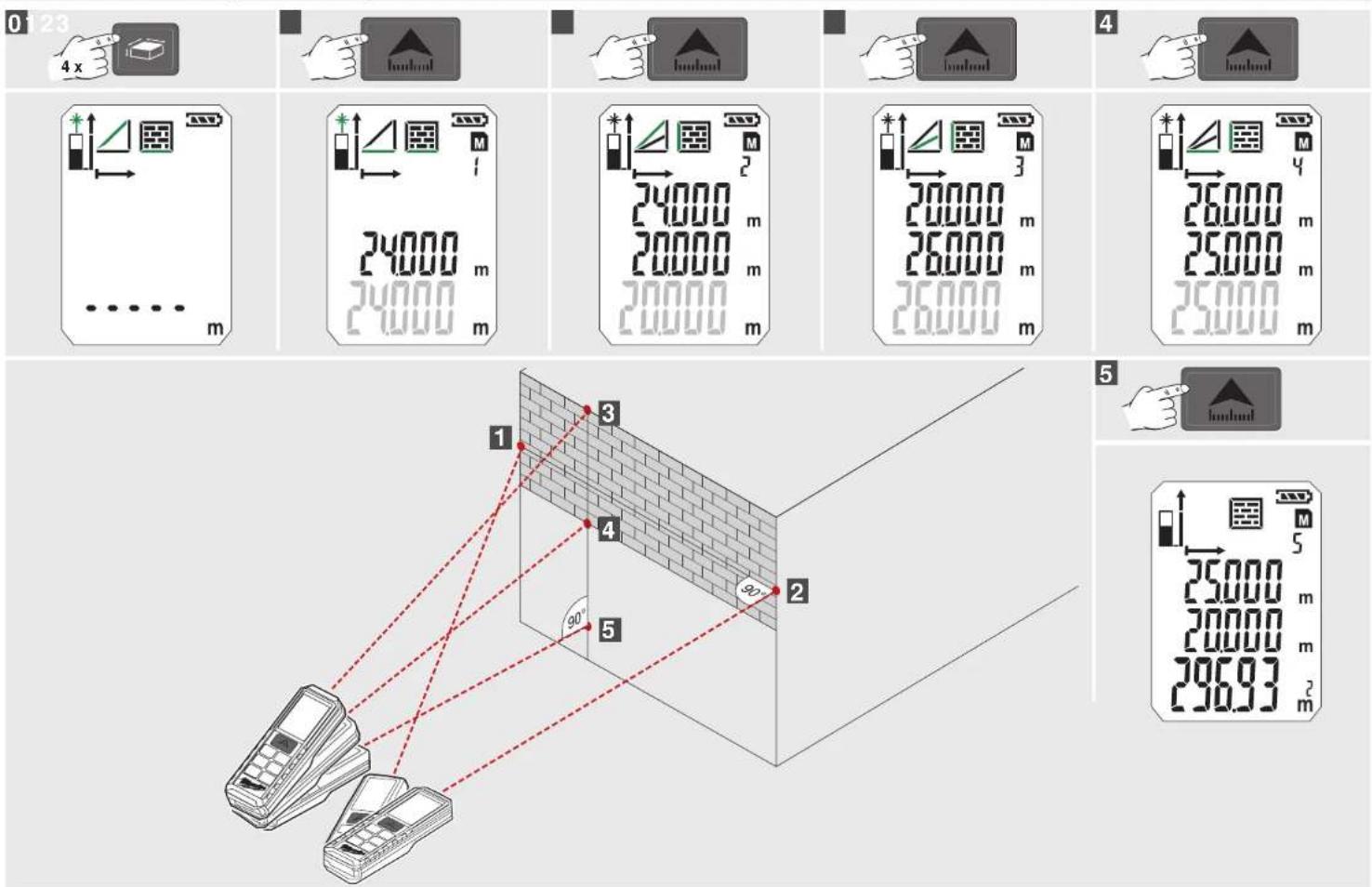
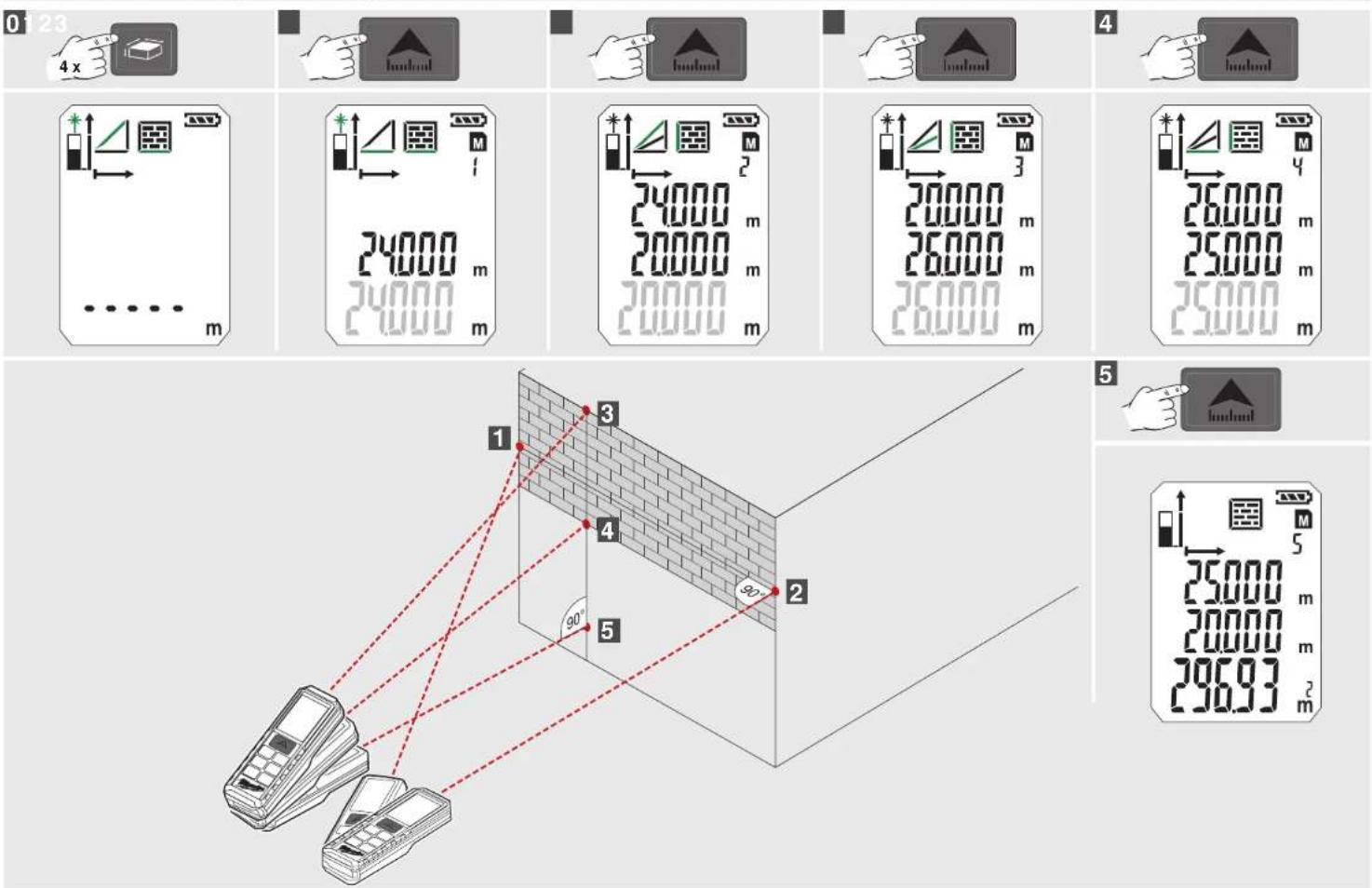
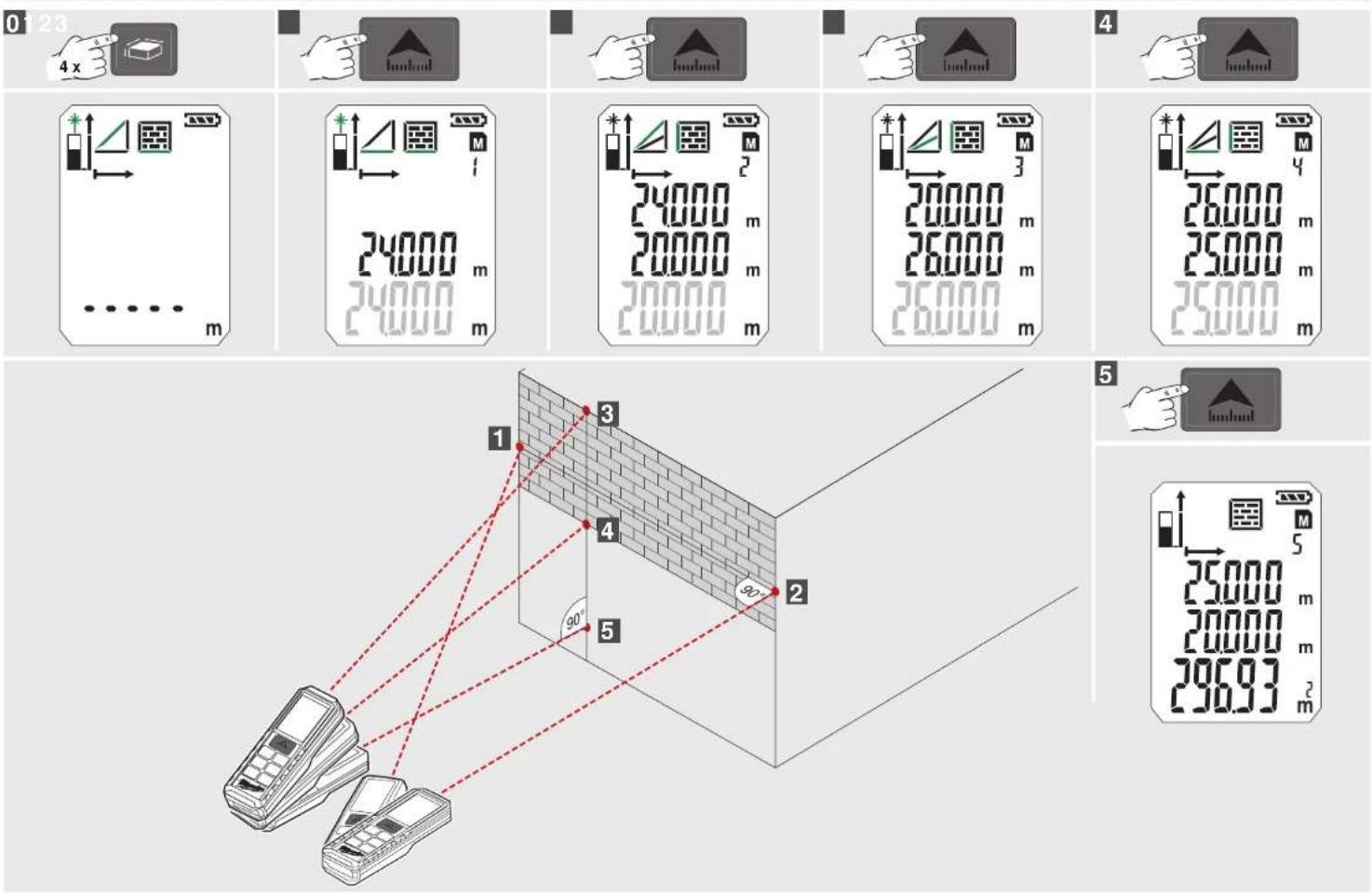
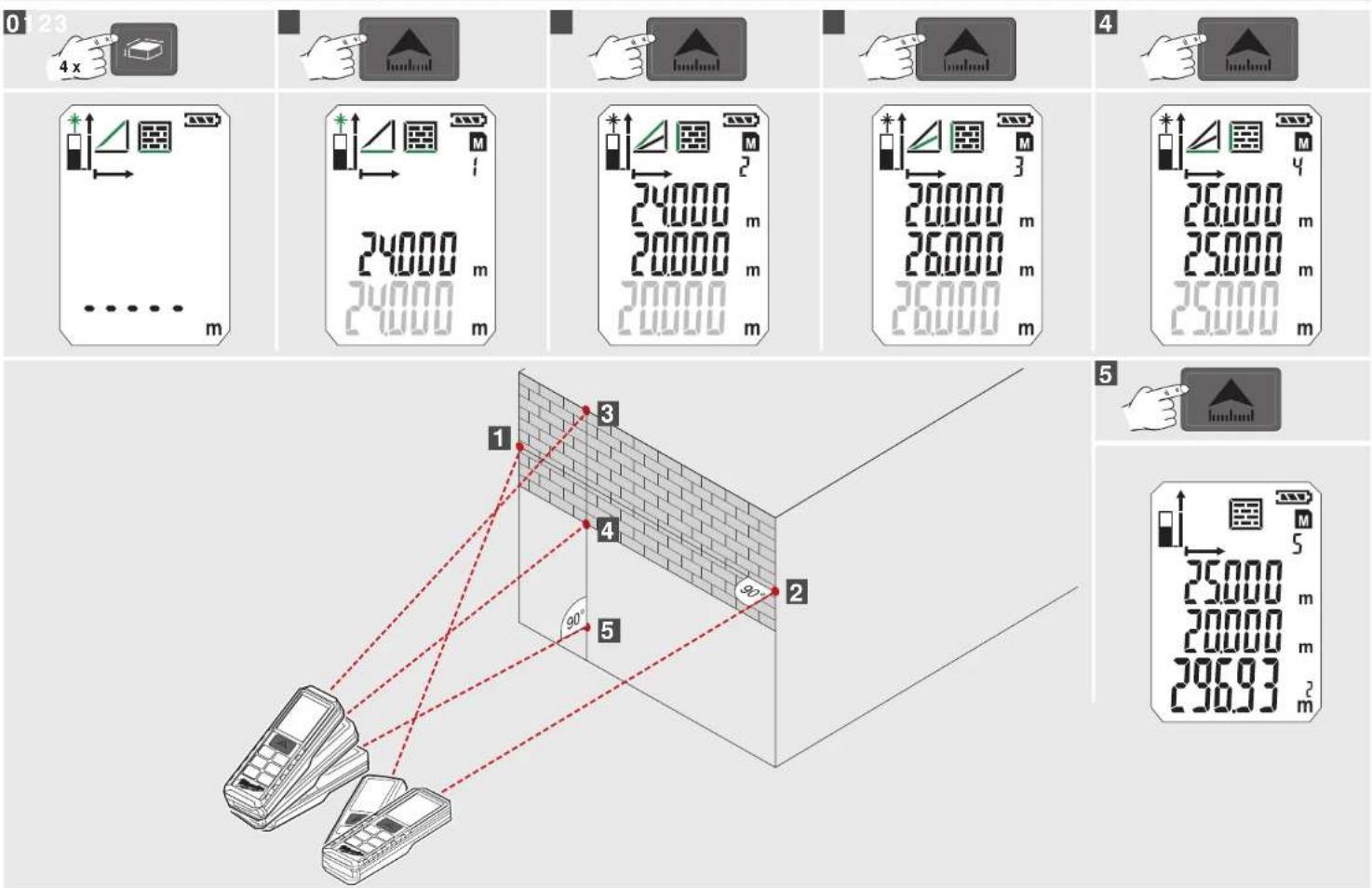
Wall Area Measuring (Scenario 2)....15
Timer 16
Memory 16
Basic Description on example of Area measuring (1)....17
Basic Description on example of Area measuring (2)....18
IMPORTANT SAFETY INSTRUCTIONS

Do not use the product before you have studied the Safety instructions and the User Manual.
Laser Classification
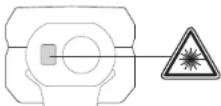
WARNING:
It is a Class 2 laser product in accordance
with EN60825-1:2014.

λ 650 nm P<1 mW
WARNING:
Avoid direct eye exposure. The laser beam can cause flash blindness.
Do not stare into the laser beam or direct it towards other people unnecessarily.
Don't dazzle other individuals.
WARNING:
Do not operate the tool around children or allow children to operate the tool.
The reflective surface could reflect the beam back at the operator or other persons.
Keep extremities in a safe distance from the moving parts.
Carry out periodic test measurements. Particularly before, during and after important measurements.
Watch out for erroneous measurements if the product is defective or if it has been dropped or has been misused or modified.
WARNING: Use of controls, adjustments, or the performance of procedures other than those specified in the manual may result in hazardous radiation exposure.
The laser distance measurer has limits of use. (Refer to the "Technical data" section). Attempts to measure outside the maximum and minimum range will cause inaccuracy. Use in adverse conditions including too hot, too cold, very bright sunlight, rain, snow, fog, or other vision restricting conditions will result in inaccurate readings.
When the laser distance measurer is brought into a warm environment from very cold conditions, or vice versa, allow it to come to the surrounding temperature before use.
Always store the laser distance measurer indoors, avoid exposing the tool to shock, continuous vibration or extreme temperatures.
Always keep the tool away from dust, liquids and high humidity. These may damage internal components or affect accuracy.
Do not use aggressive cleaning agents or solutions. Use only a clean, soft cloth for cleaning.
Avoid heavy impact to or dropping of the measuring tool. The accuracy of the tool should be checked before use if it has been dropped or subjected to other mechanical stresses.
Any repair required on this laser product should be performed only by authorised service personnel.
Do not operate the product in explosion hazardous areas or in aggressive environments.
Only use chargers recommended by the manufacturer to charge the batteries.

Do not dispose of waste batteries, waste electrical and electronic equipment as unsorted municipal waste. Waste batteries and waste electrical and electronic equipment must be collected separately.
Waste batteries, waste accumulators and light sources have to be removed from equipment.
Check with your local authority or retailer for recycling advice and collection point.
According to local regulations retailers may have an obligation to take back waste batteries and Waste electrical and electronic equipment free of charge.
Your contribution to re-use and recycling of waste batteries and waste electrical and electronic equipment helps to reduce the demand of raw materials.
Waste batteries, in particular containing lithium and waste Electrical and electronic equipment contain valuable, recyclable materials, which can adversely impact the environment and the human health, if not disposed of in an environmentally compatible manner.
Delete personal data from waste equipment, if any.

European Conformity Mark

British Conformity Mark

Ukraine Conformity Mark

EurAsian Conformity Mark
TECHNICAL DATA
| Dust and Water resistance IP54 | |
| Receiving Lens 14 mm | |
| Focus 35 mm | |
| Maximum Measuring Range 50 meters (Tolerance : 55m) | |
| Minimum Measuring Range 0.05 meters | |
| Absolute Accuracy @ < 10m ± 1.5 mm (Max) | |
| Repeatability Accuracy @ < 10m ± 1.5 mm (Max Typical, 2σ) | |
| Repeatability Accuracy @ > 10m Increase ± 0.25 mm / meter (Max Typical, 2σ) | |
| Measurement Time 0.5 s | |
| Display Type LCD ( 22.7 mm x 31 mm ) | |
| Power Type AAA 2x (Alkaline Battery) | |
| Battery Life 10000 (Single Measure) | |
| Laser Output Power 0.6 mW ~ 0.95 mW (Class 2, 650nm ) | |
| Laser Spot Size | 25 x 30 mm @ 16 m (Max) |
| Laser Class 2 | |
| Laser Type | 650 nm, < 1 mW |
| Laser Radiation Vertical Angle | +1 degree |
| Laser Radiation Horizontal Angle | ±1 degree |
| Device auto off time | 180 seconds |
| Laser auto off time | 30 seconds |
| Operating Temperature Range | -10°C to +50°C |
| Storage Temperature Range | -25°C to +70°C |
| Weight without Battery | 80 g |
SPECIFIED CONDITIONS OF USE
The laser distance measurer can be used for measuring distances and tilts.
Do not use this product in any other way as stated for normal use.
ERROR CODE TABLE
| Code | Description | Solution |
| Err01 | Out of measuring range | Measure in a proper range |
| Err02 | Reflect signal is too weak | Choose a better surface |
| Err03 | Out of display range (max value: 99.999) e.g. result of area or volume is out of display range | Check and verify values and steps are correct |
| Err04 | Pythagorean calculation error | Check and verify values and steps are correct |
| Err05 | Battery is low | Install new batteries |
| Err06 | Out of working temperature | Measure in an environment with the specified working temperature |
| Err07 | Ambient light is too strong | Measure in a darker place (shadow target) |
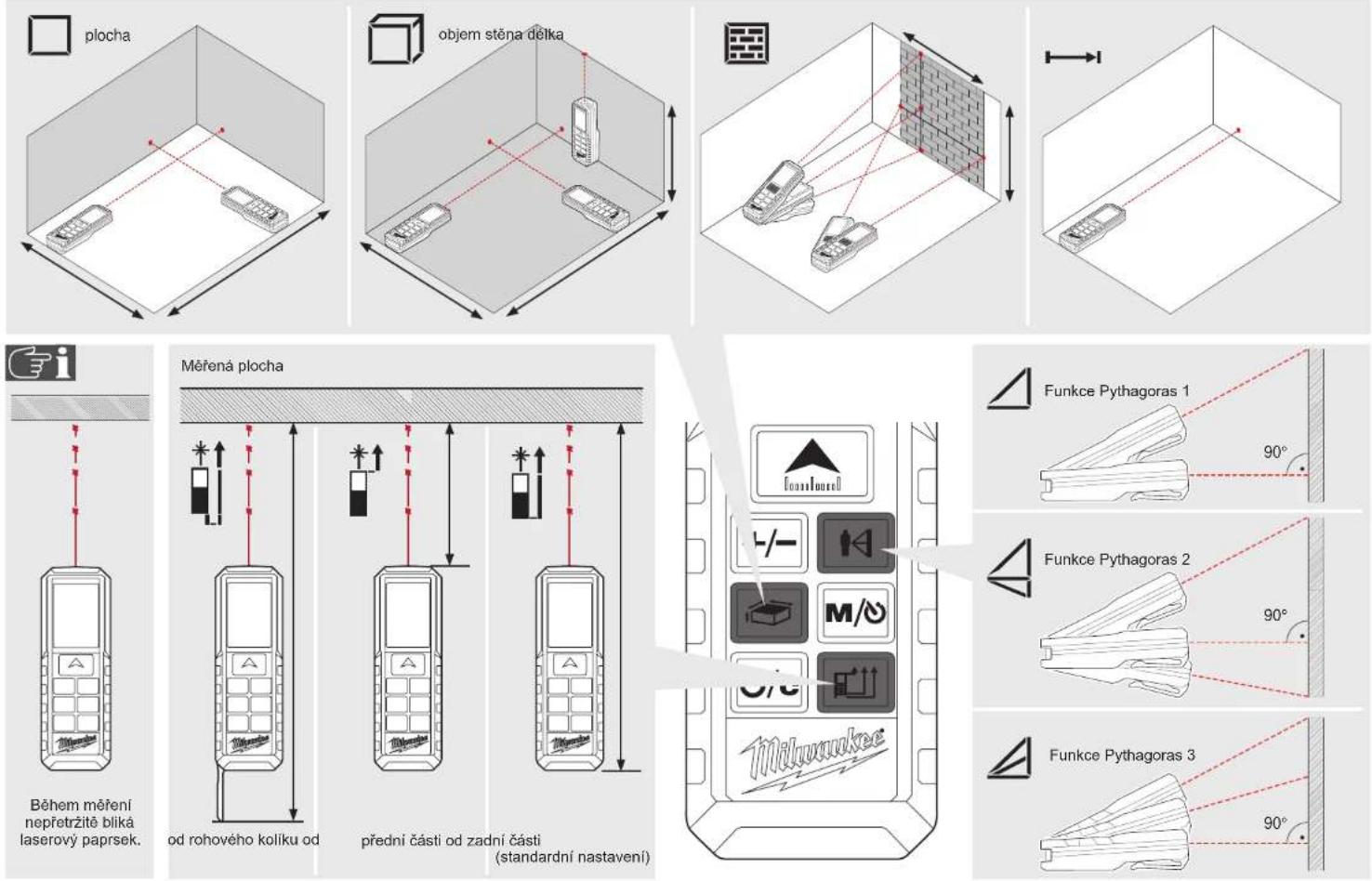
OVERVIEW
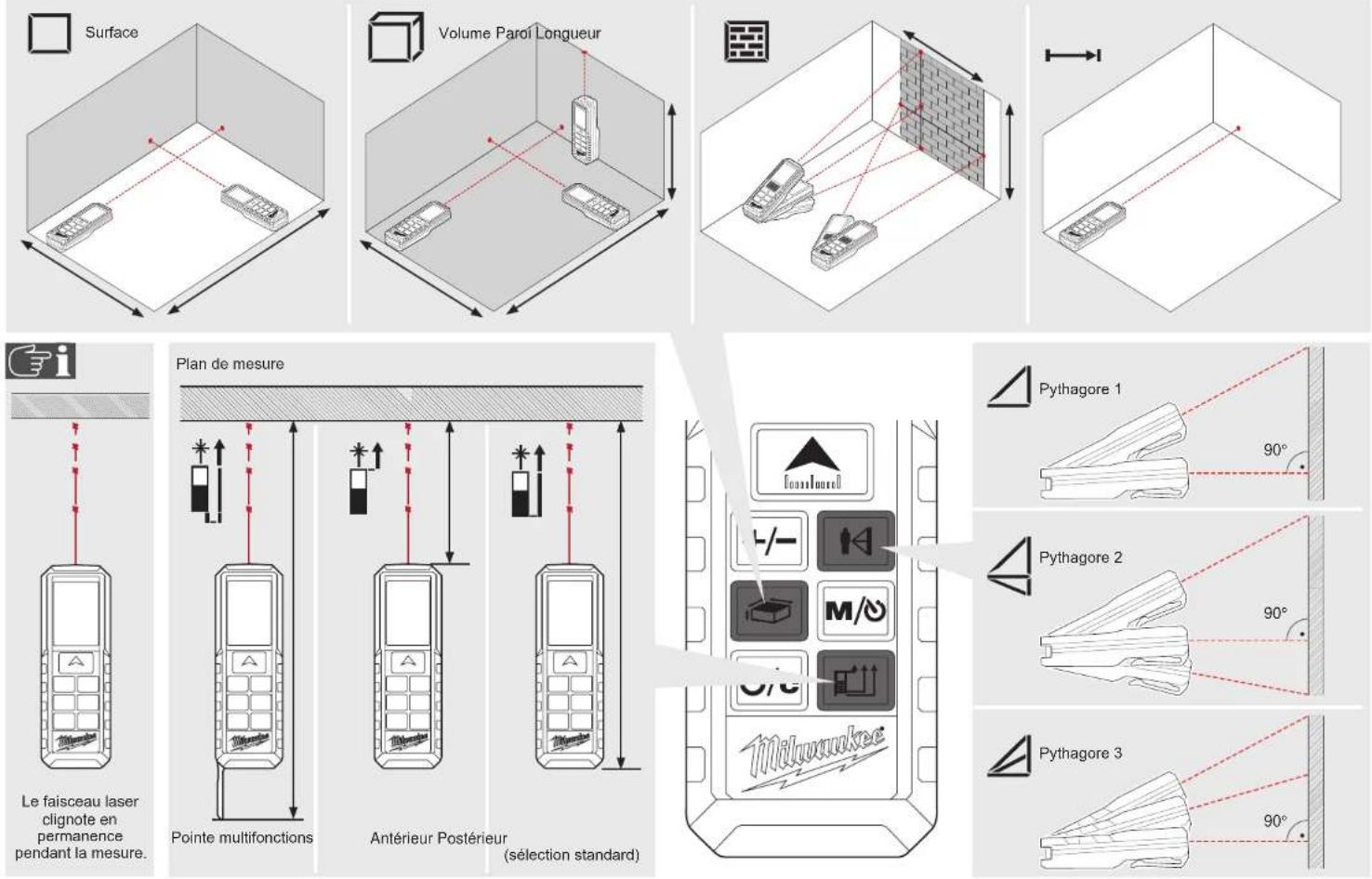
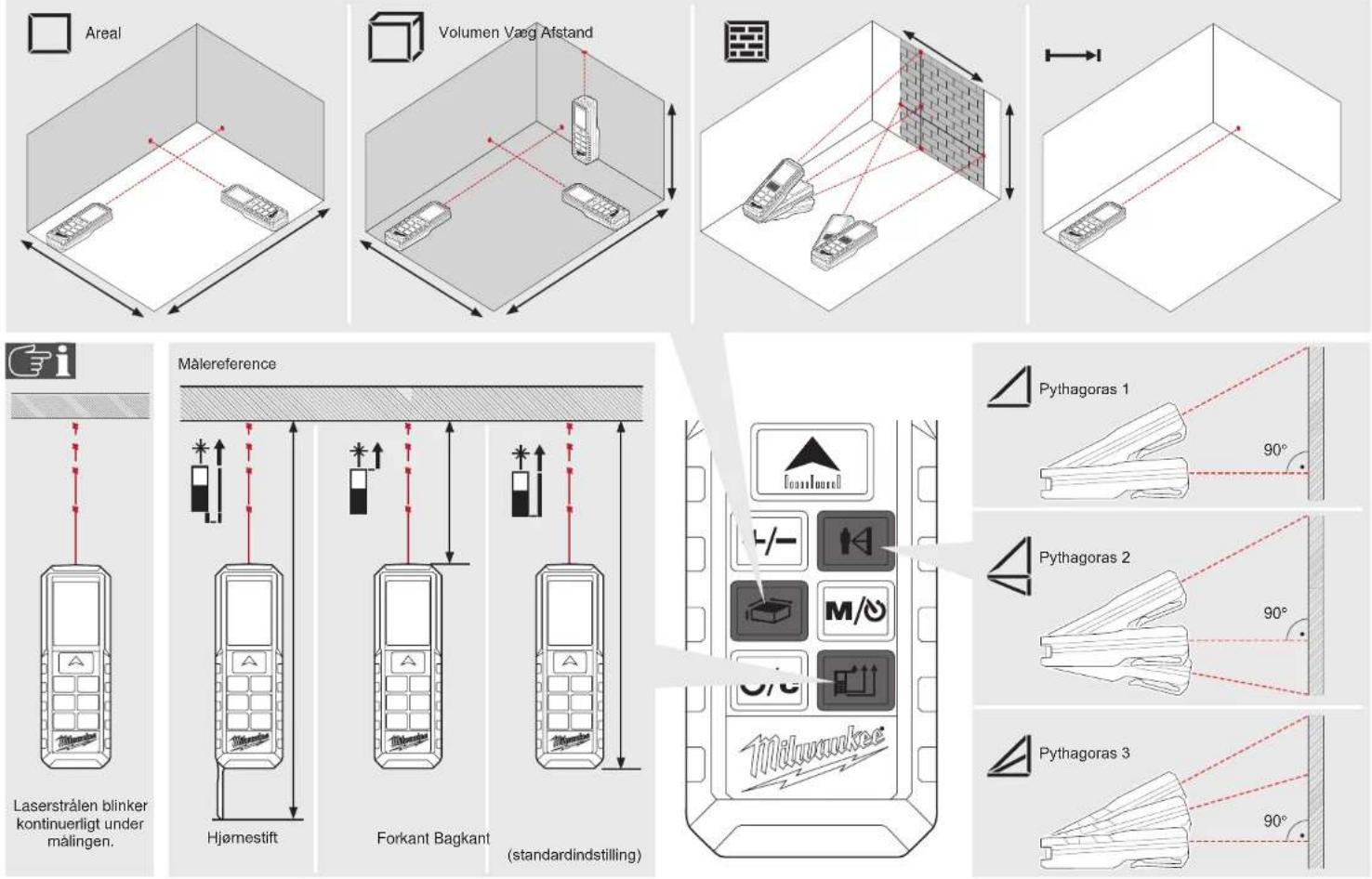
Single Pythagoras Height difference
Measuring Reference
Normal Measuring Mode
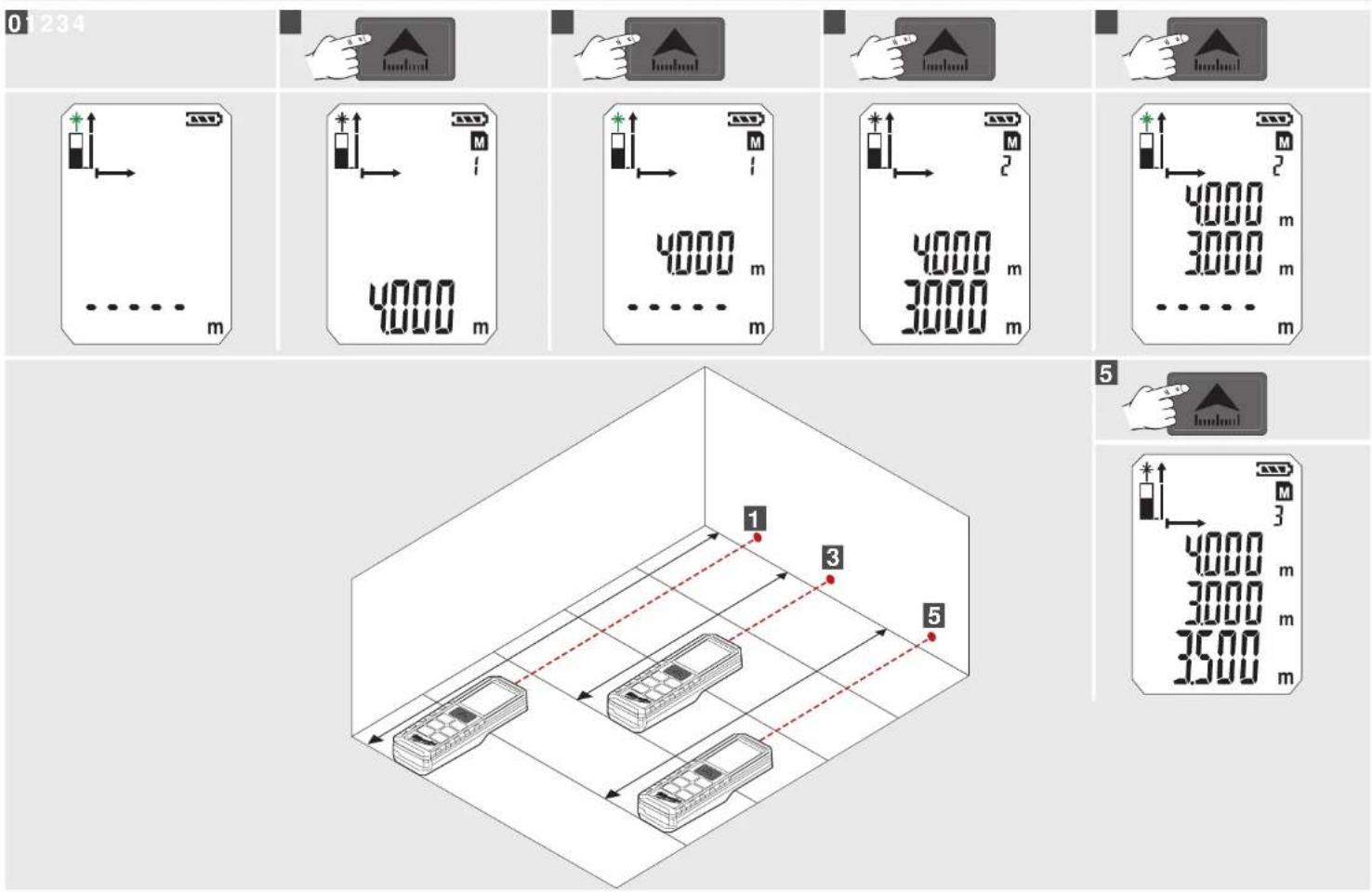
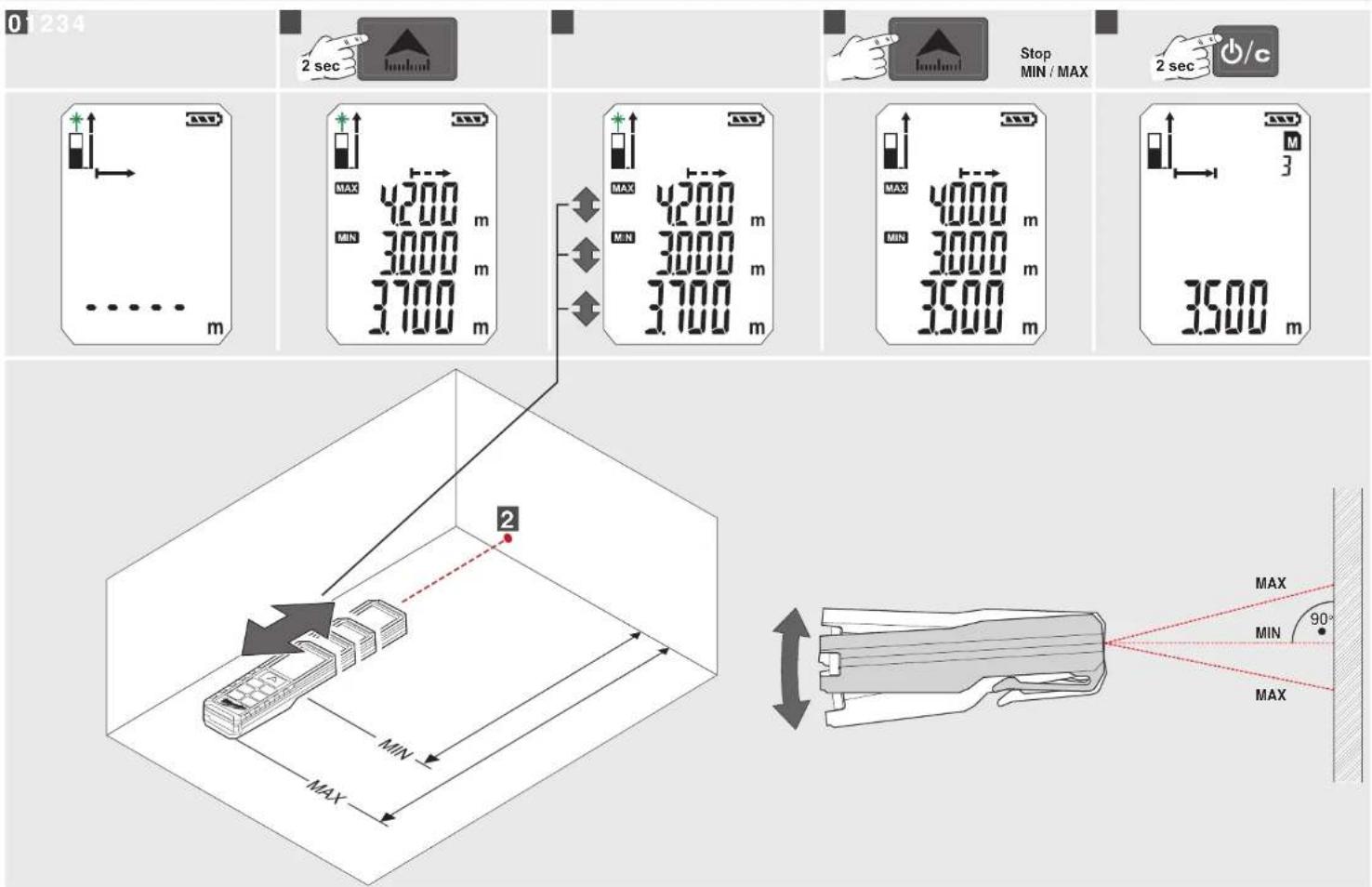
Minimum / Maximum for continuous Measure
Addition / Subtraction
ON / MEASURE
▶ On
▶ Measure
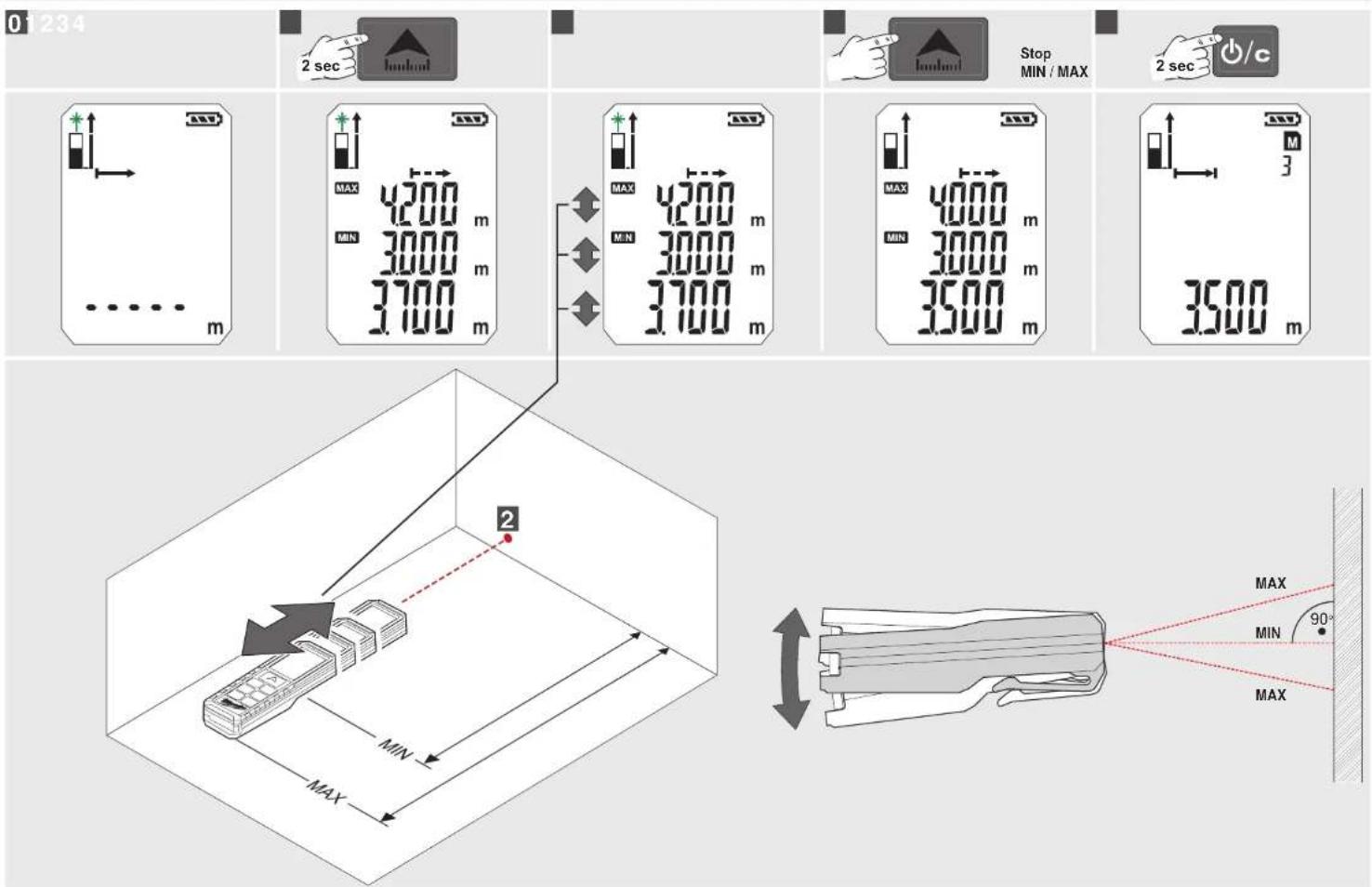
▶ Continuous Measurement (push 2 sec)
+ Min / Max Function
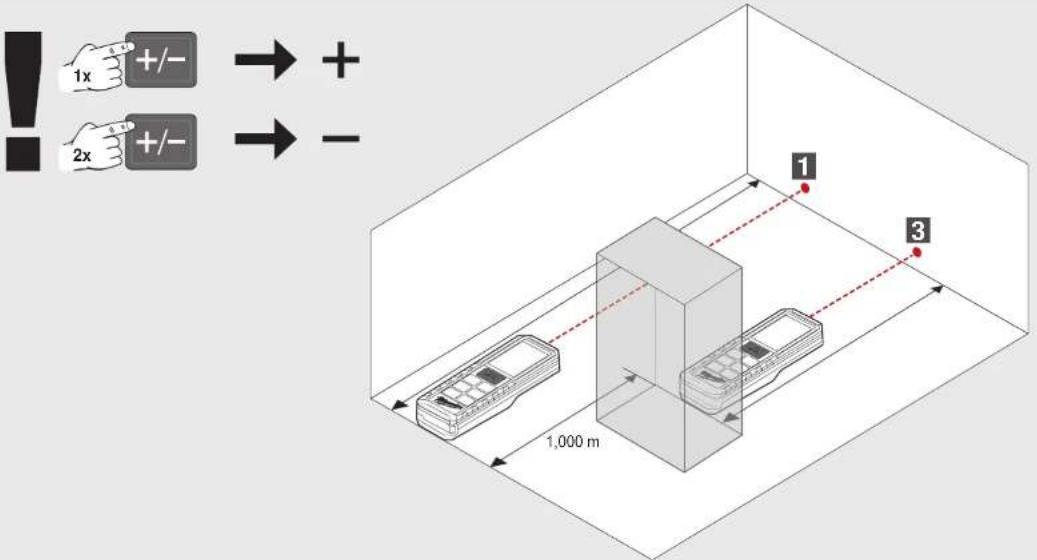
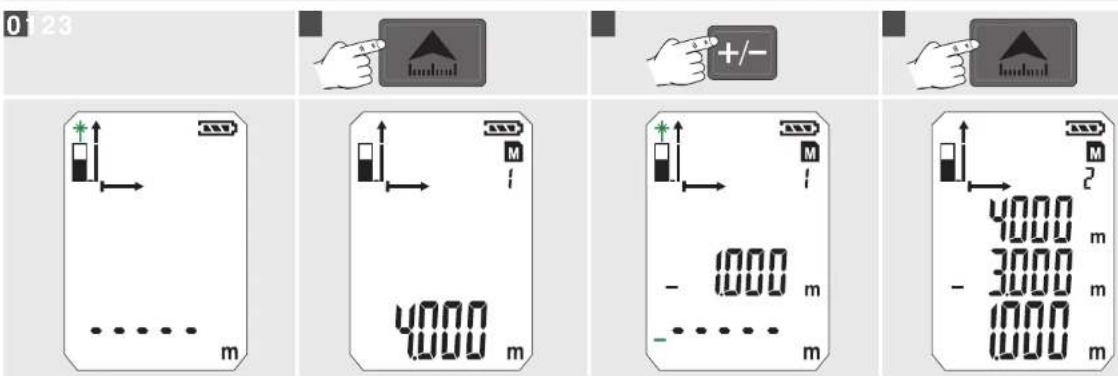
ADD / SUBSTRACT
▶ Add value
▶ Subtract value
AREAS / VOLUMES
Area/ Volume Indirect Surface Measurement
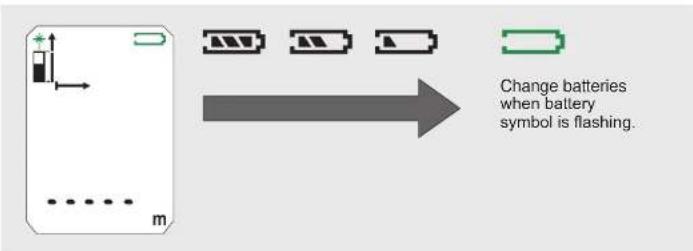
Battery Status
Memory
Timer
Continuous measure mode
Among Values
Main Value
PYTHAGORAS
CHANGE POINT OF MEASURE
▶ Front
▶ Back (Standard automatic)
▶ Corner pin
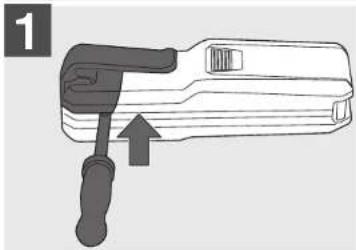
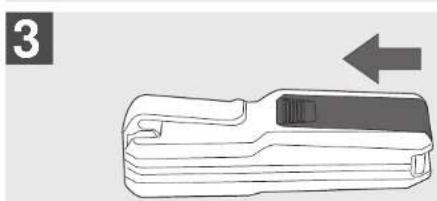
CHANGE BATTERIES CORNER PIN
natural_image
Line drawing of a device with a handle and a separate black component, no text or symbols present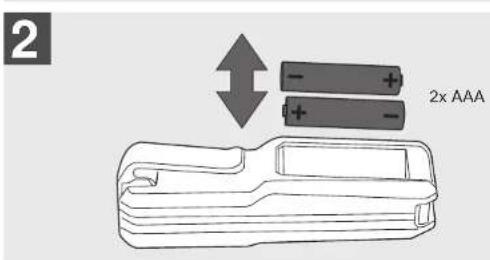
natural_image
Illustration of a handheld device with a black handle and an arrow pointing to it (no text or symbols)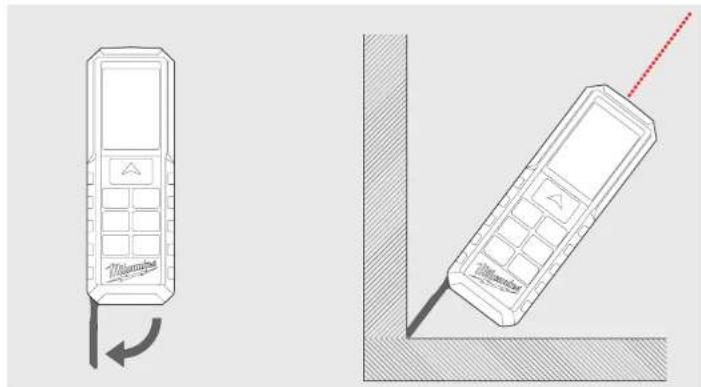
natural_image
Two technical line drawings of mobile phones with a red dotted line indicating the right side (no text or symbols present)BELT CLIP
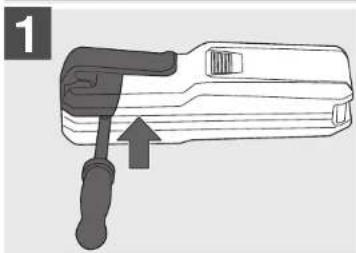
natural_image
Illustration of a tool with a handle and arrow indicating direction (no text or symbols)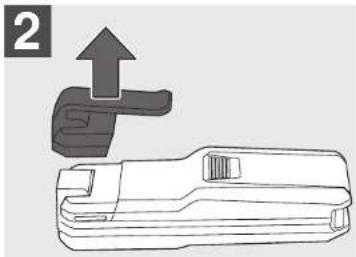
natural_image
Technical line drawing of a mechanical tool with an upward arrow indicating motion (no text or symbols)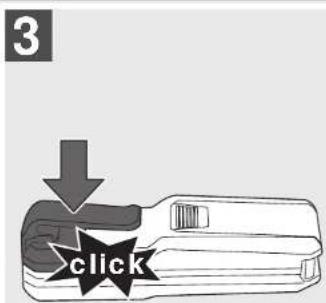
FUNCTION SWITCH, MEASURING REFERENCE, PYTHAGORAS
SINGLE DISTANCE MEASURING
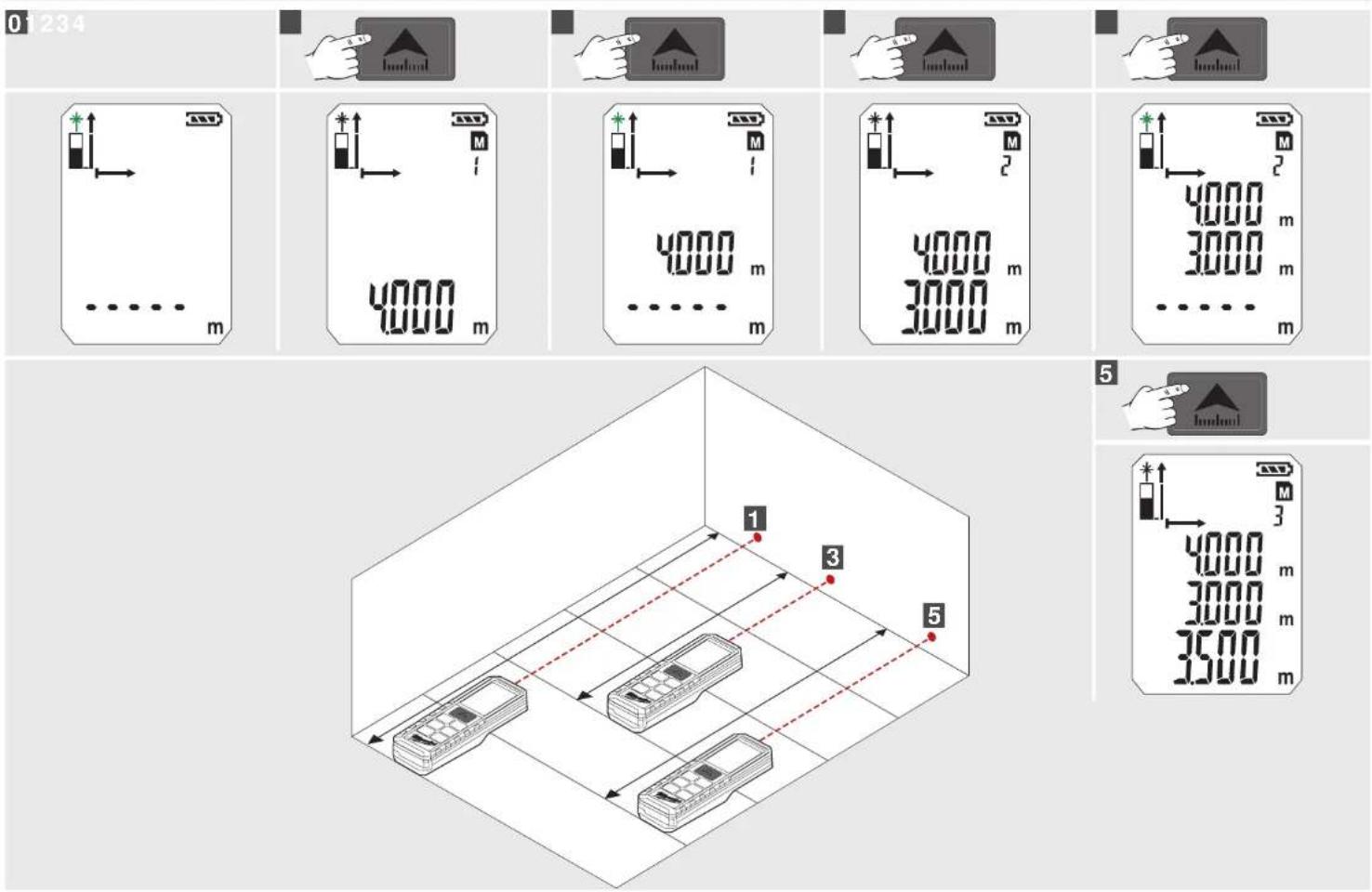
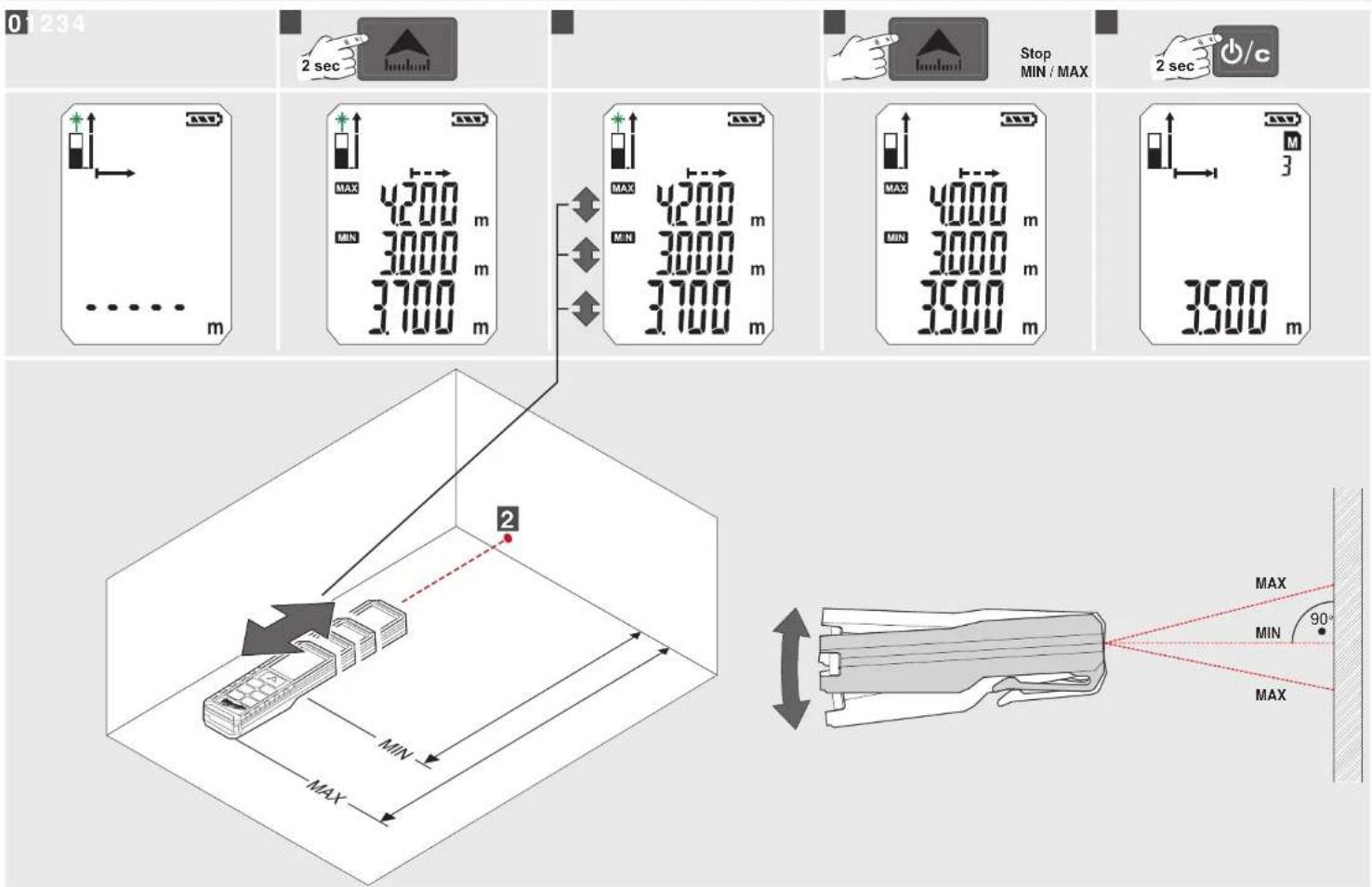
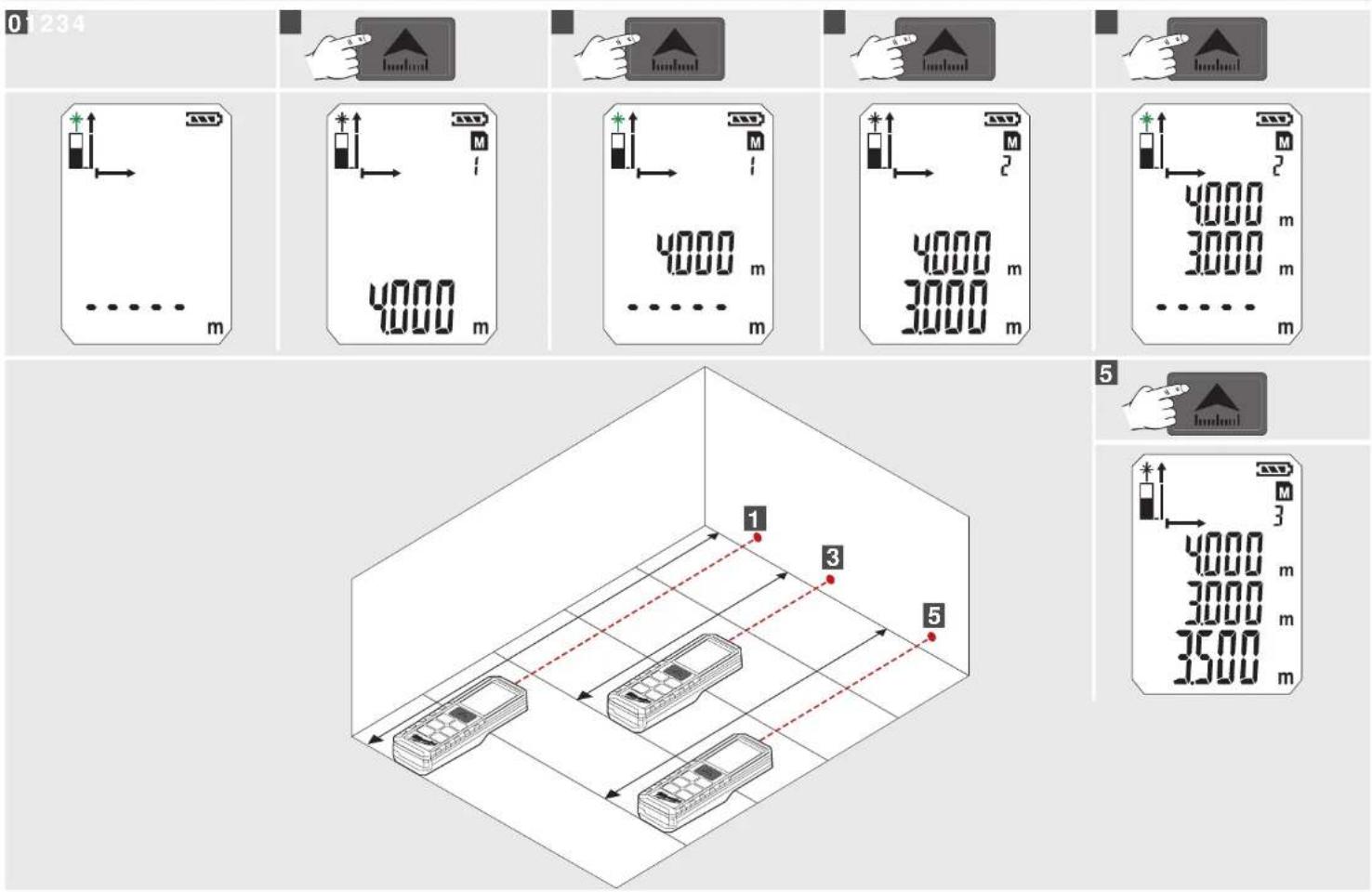
PERMANENT / MINIMUM-MAXIMUM MEASURING
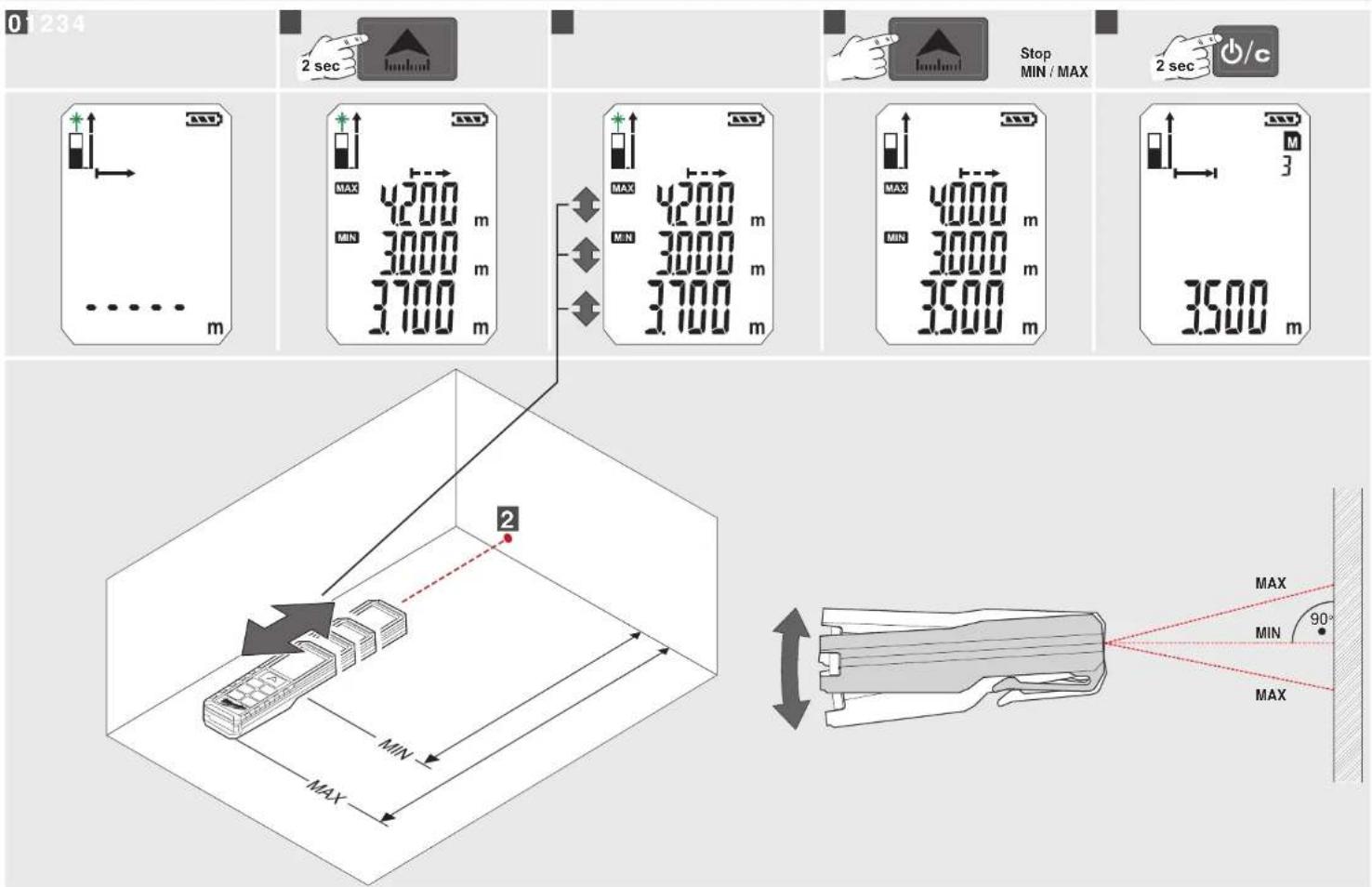
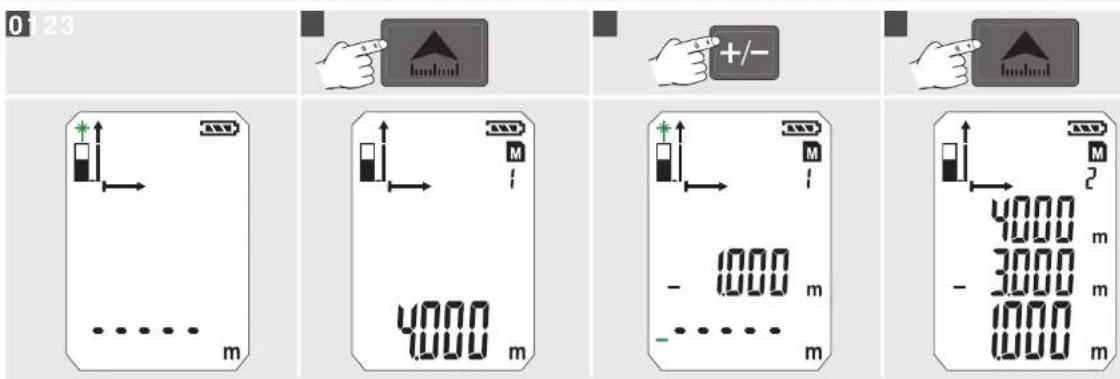
ADD / SUBTRACT MEASURING
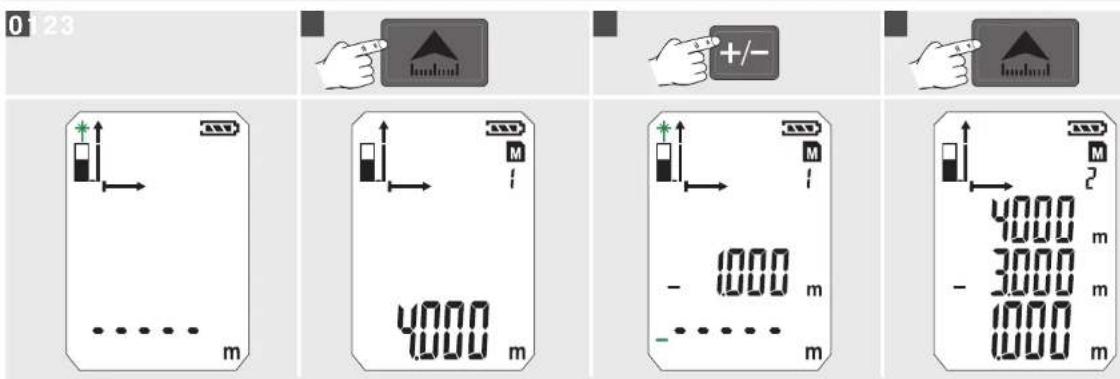
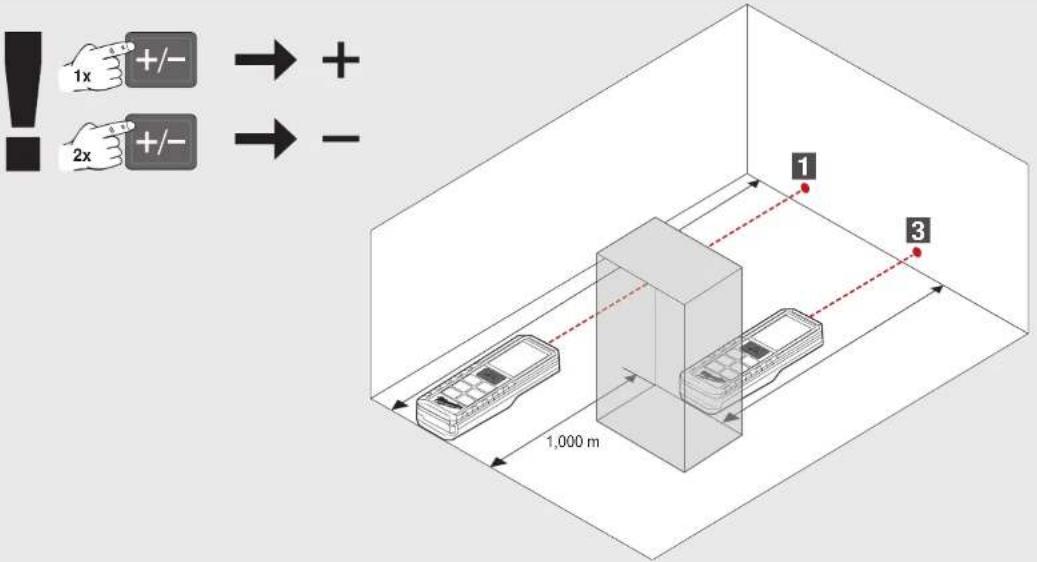
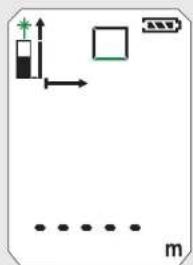
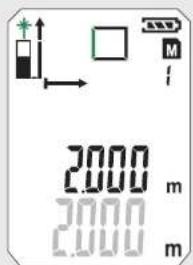
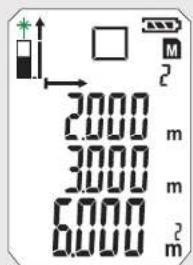
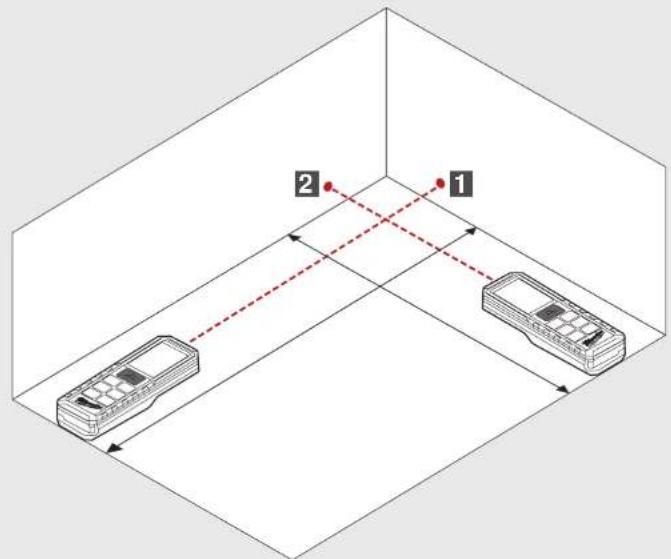
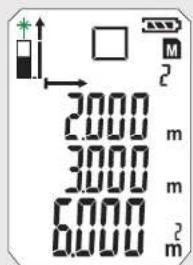
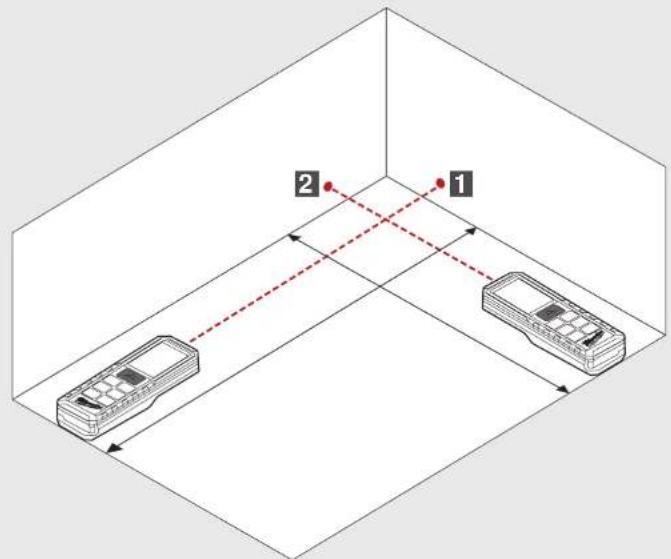
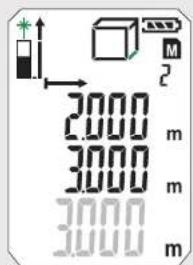
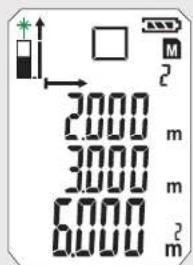
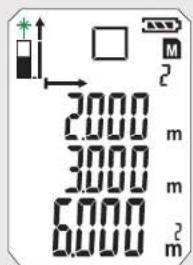
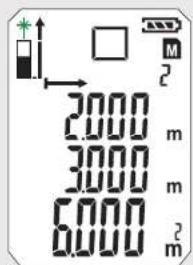
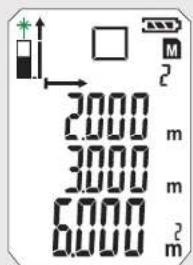
AREA MEASURING
0



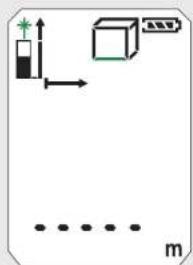
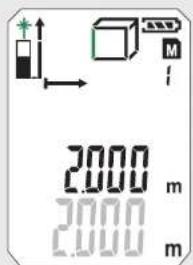
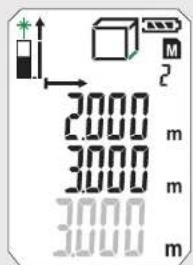
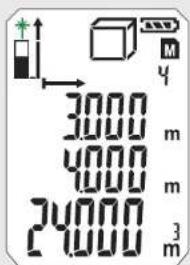
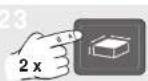
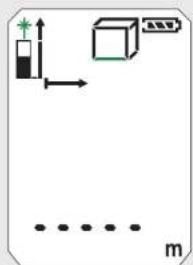
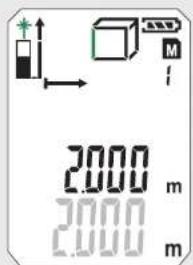
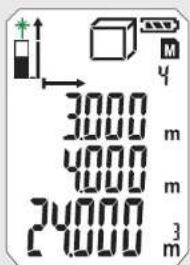
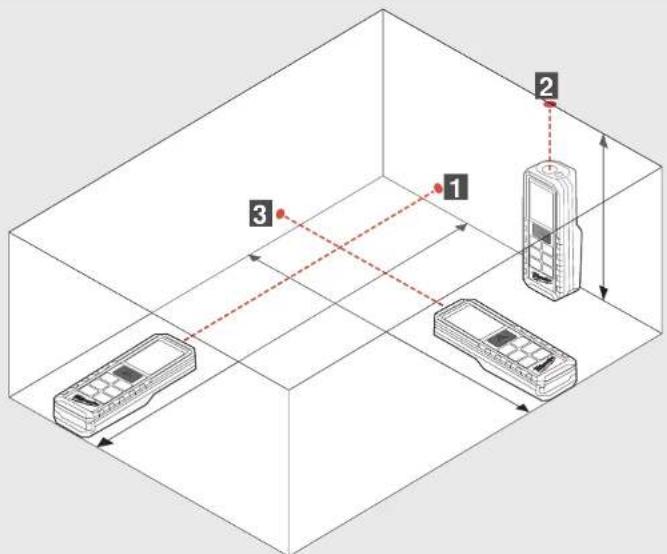
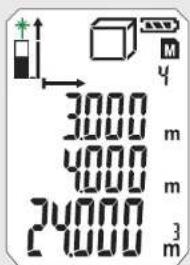
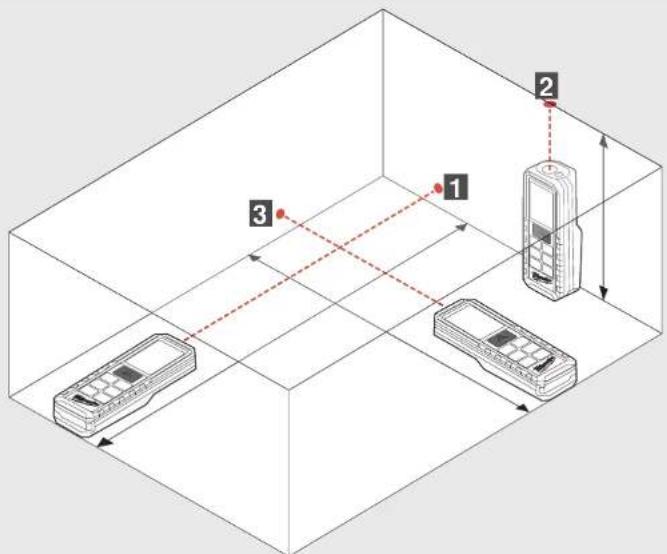
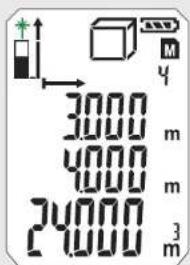
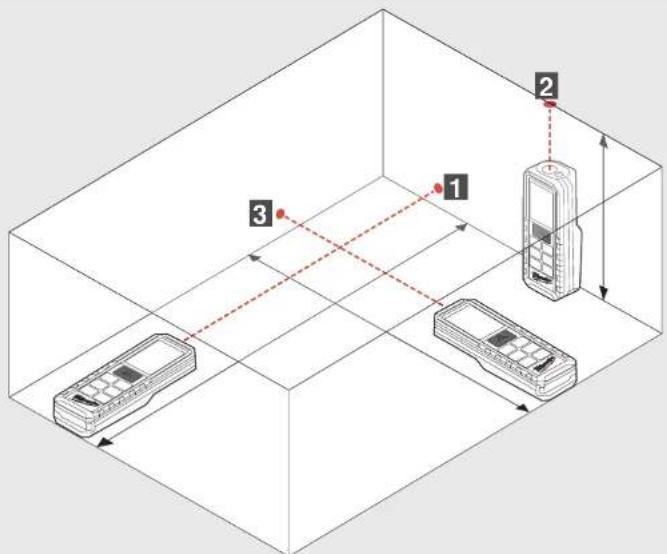
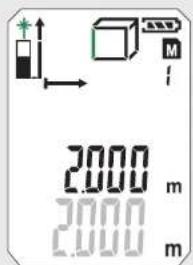
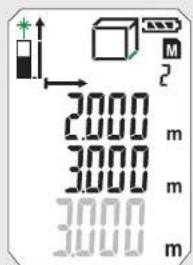
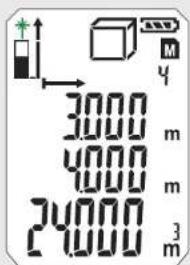
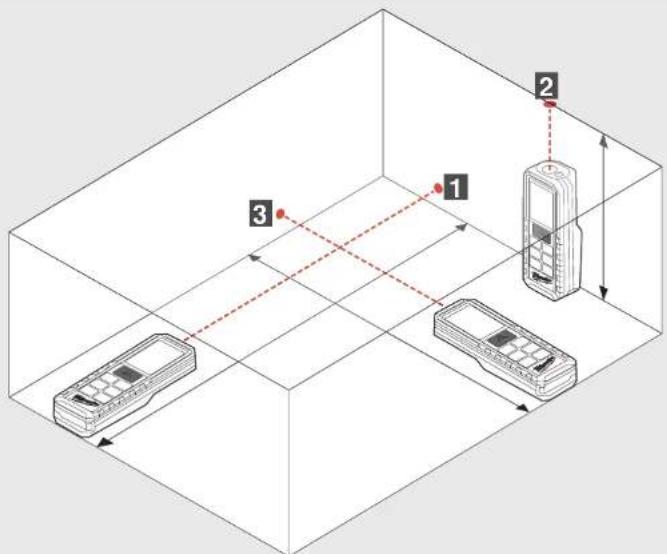
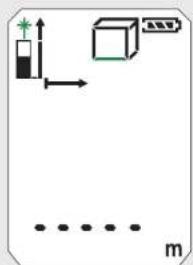
VOLUME MEASURING
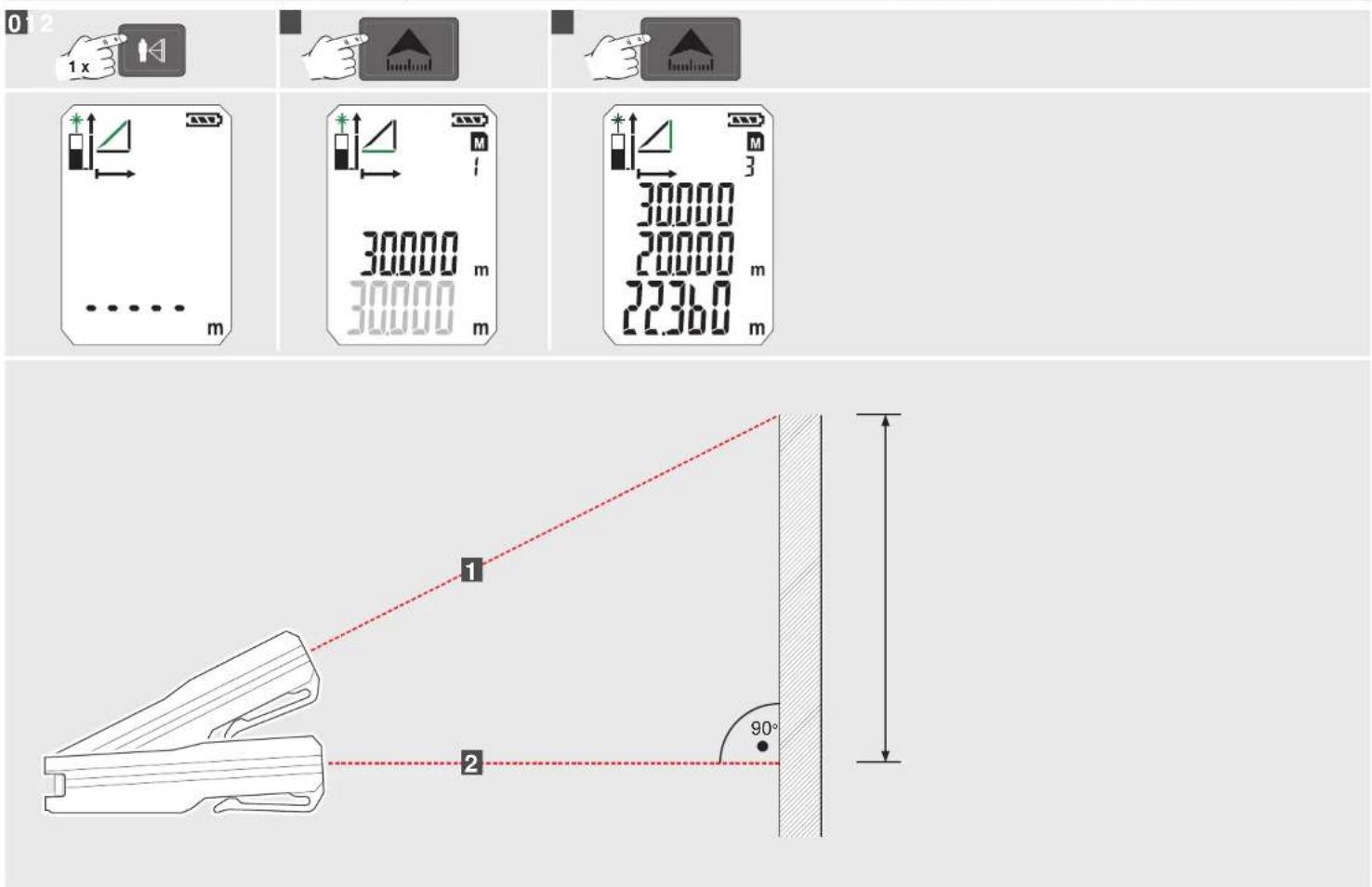
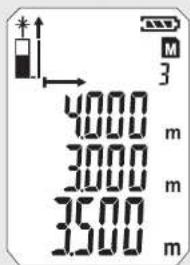
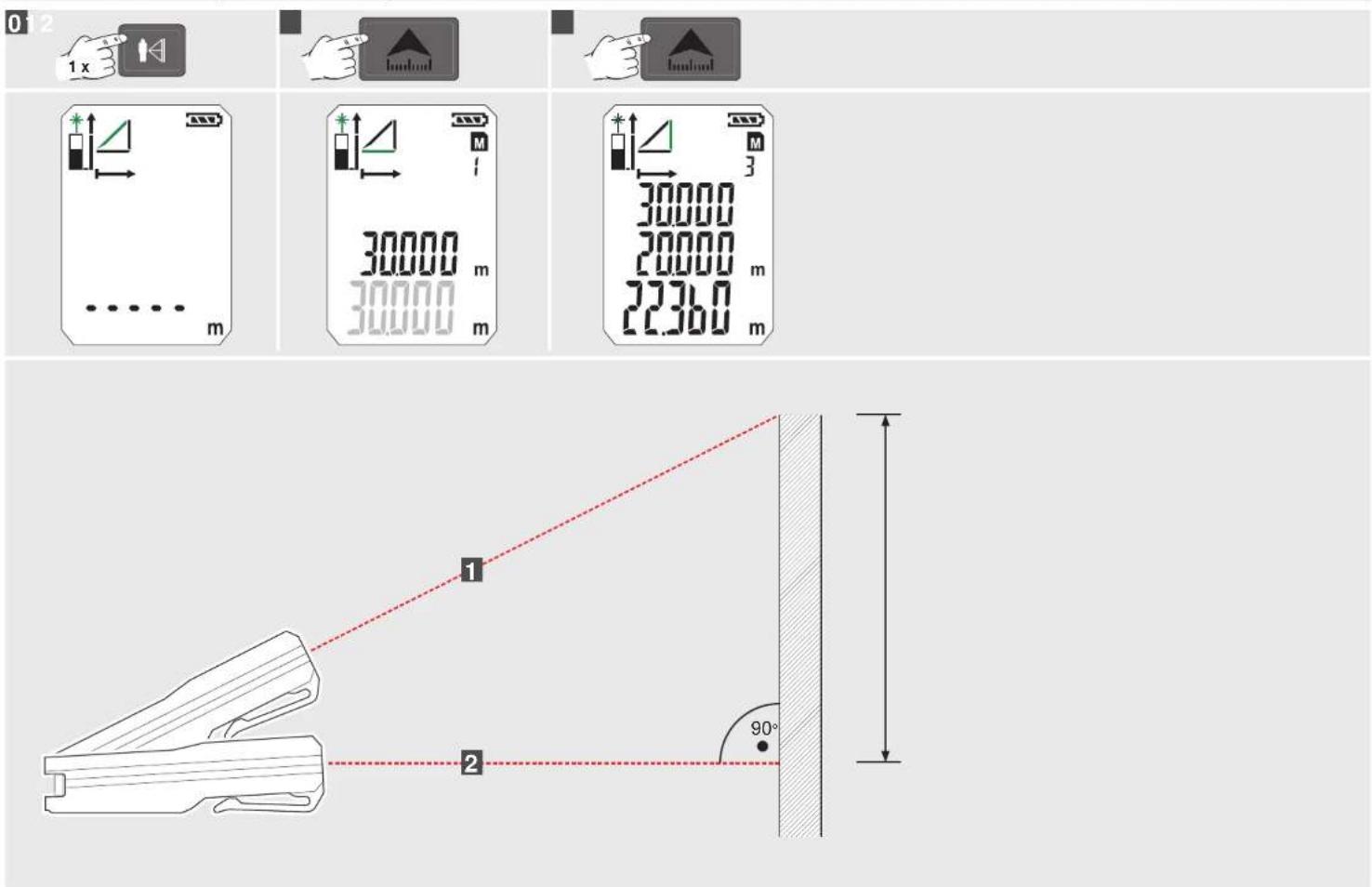
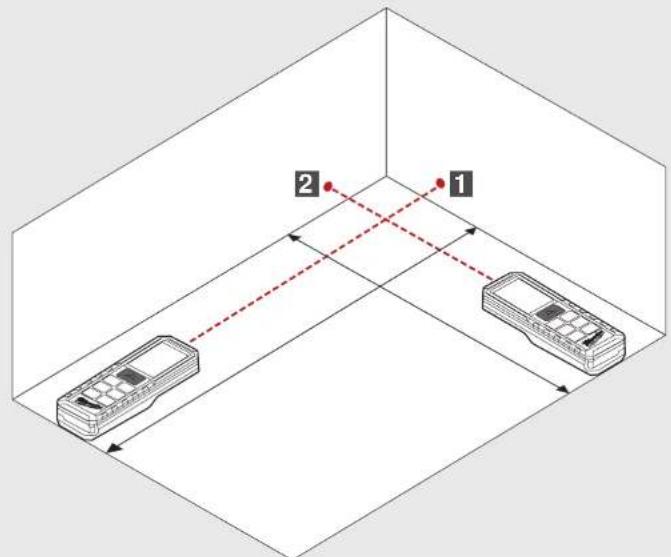
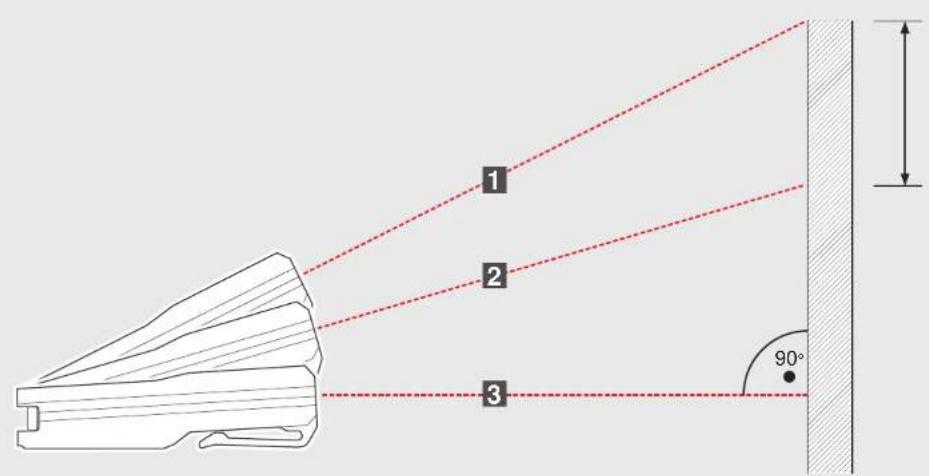
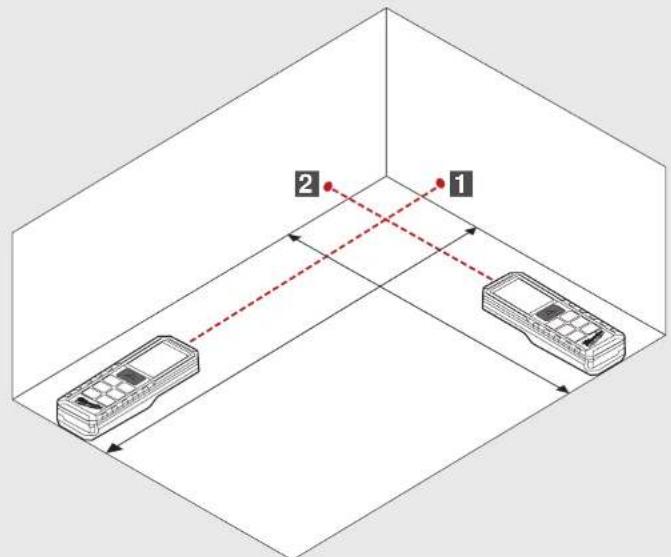
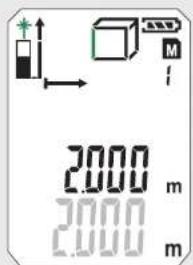
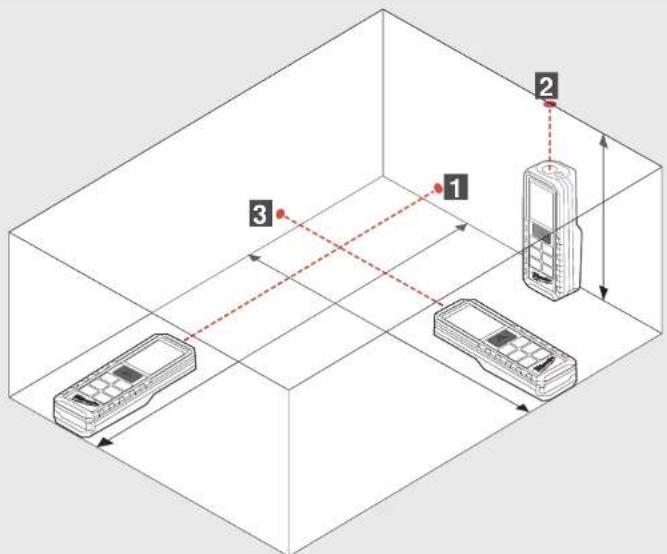
INDIRECT MEASURING (PYTHAGORAS 1)
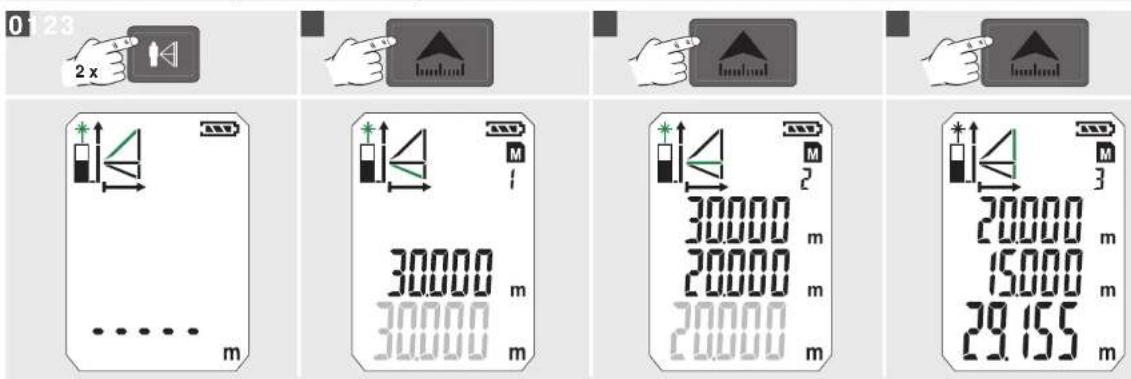
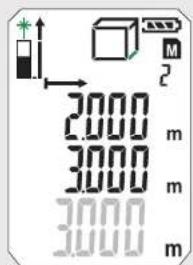
INDIRECT MEASURING (PYTHAGORAS 2)
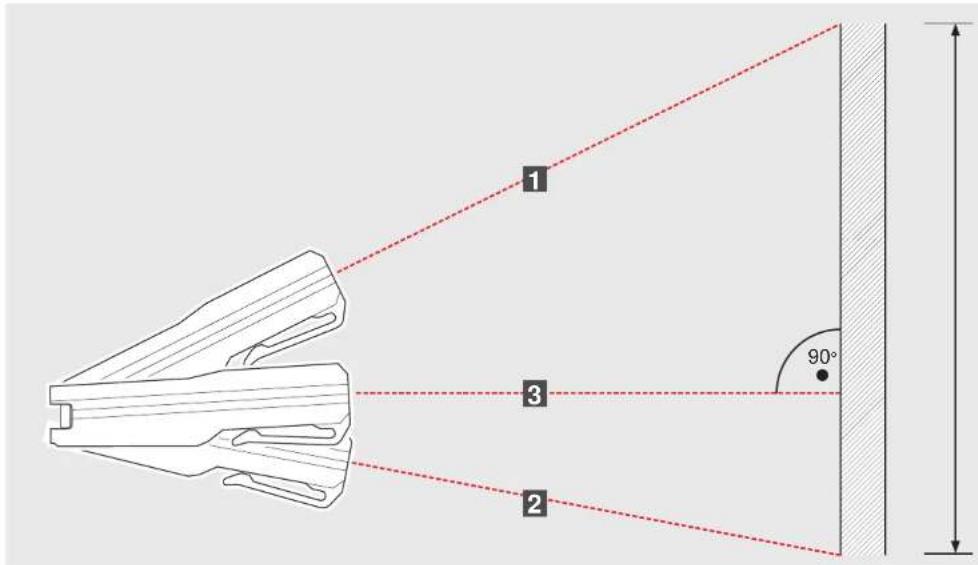
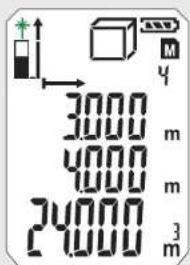
INDIRECT MEASURING (PYTHAGORAS 3)
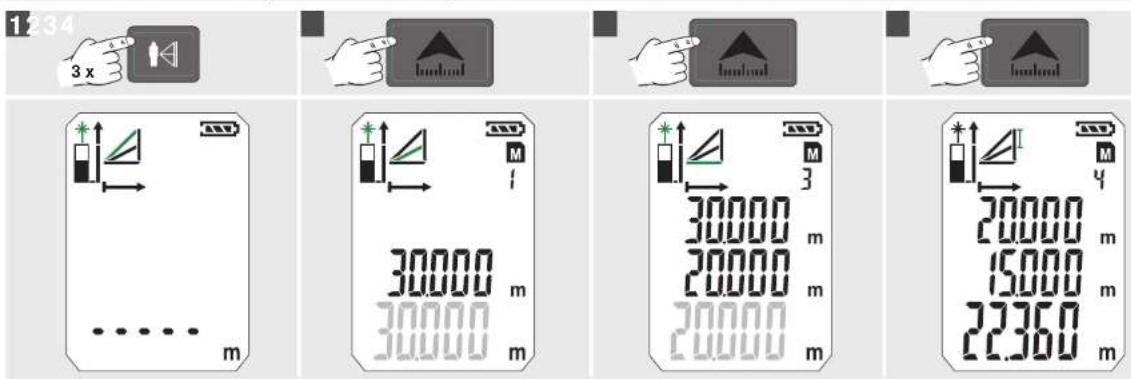
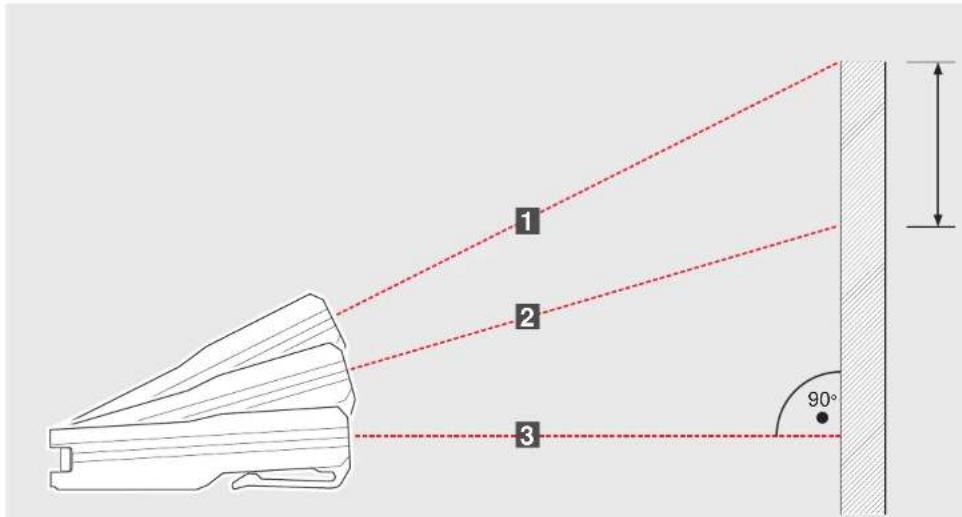
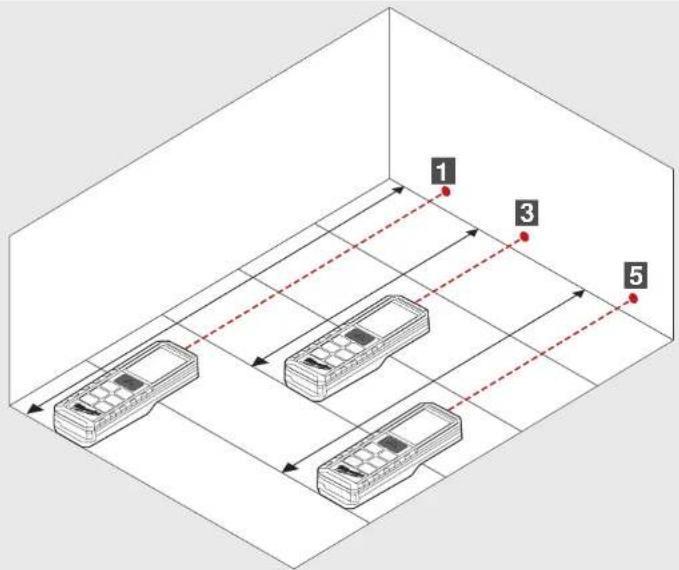
WALL AREA MEASURING (SCENARIO 1)
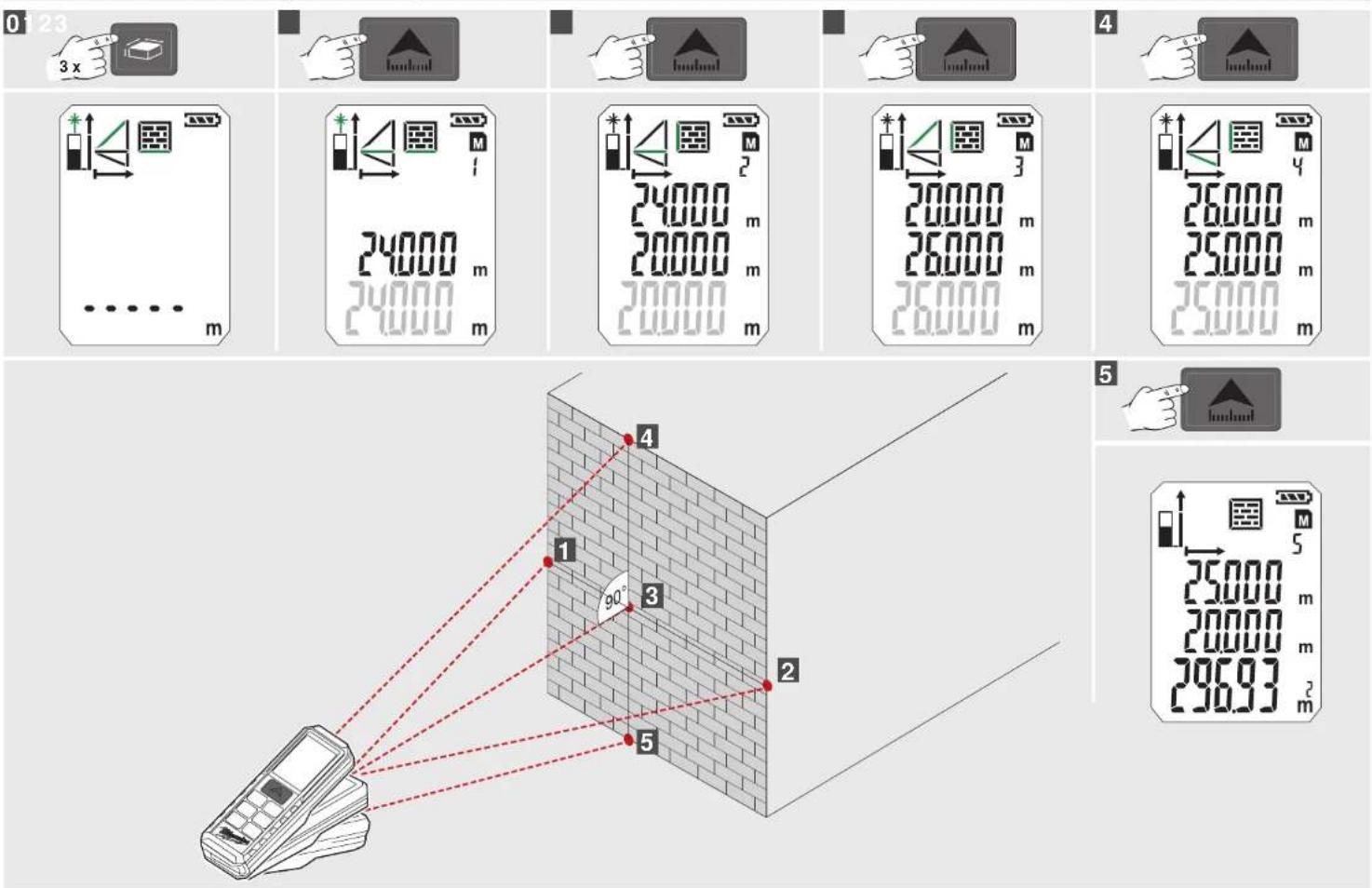
WALL AREA MEASURING (SCENARIO 2)
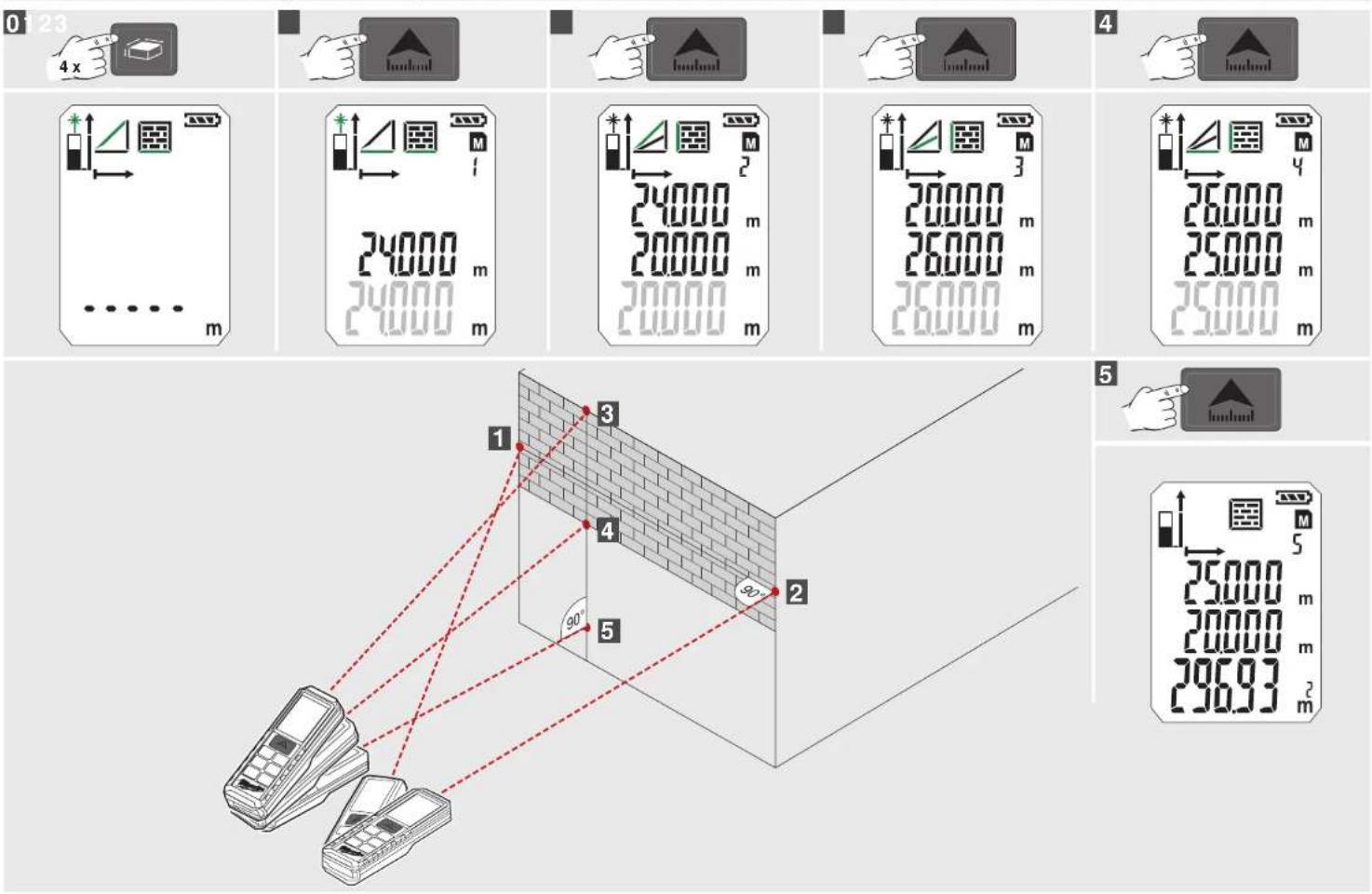
TIMER MEMORY
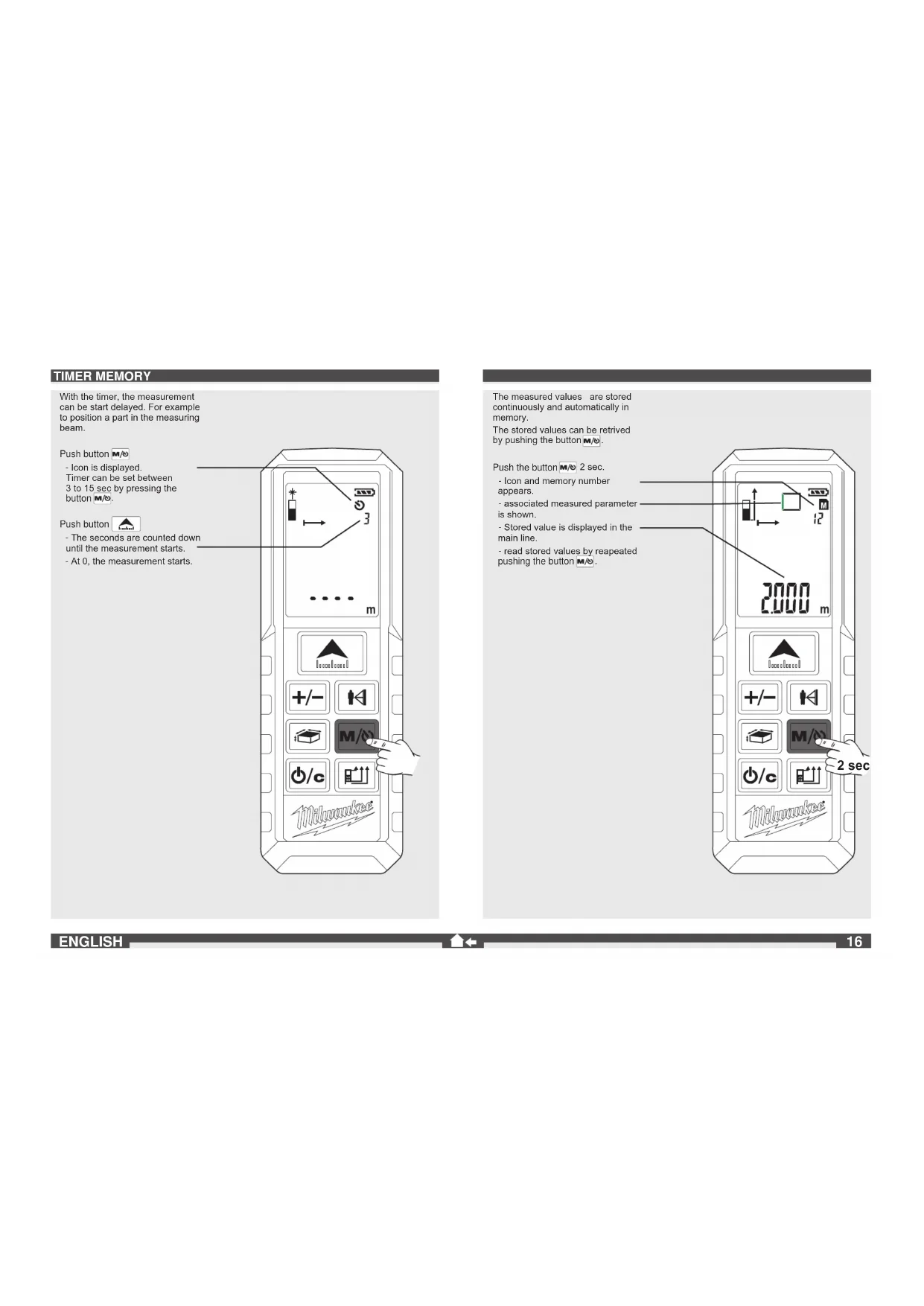
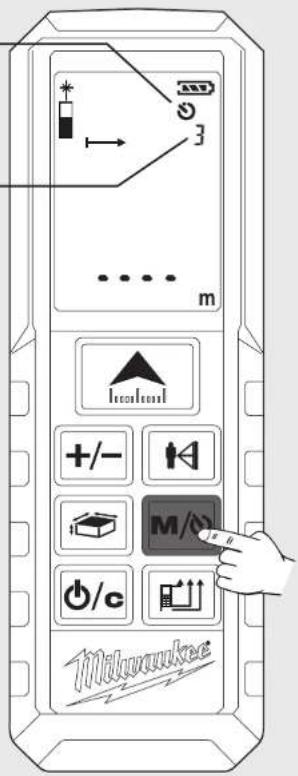
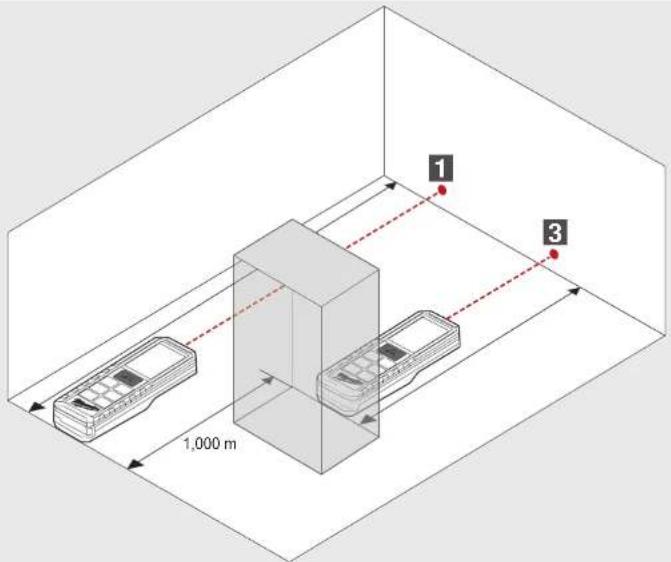
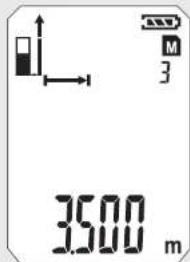
With the timer, the measurement can be start delayed. For example to position a part in the measuring beam.
Push button M/O
- Icon is displayed.
Timer can be set between
3 to 15 sec by pressing the button M/O.
Push button

- The seconds are counted down until the measurement starts.
- At 0, the measurement starts.
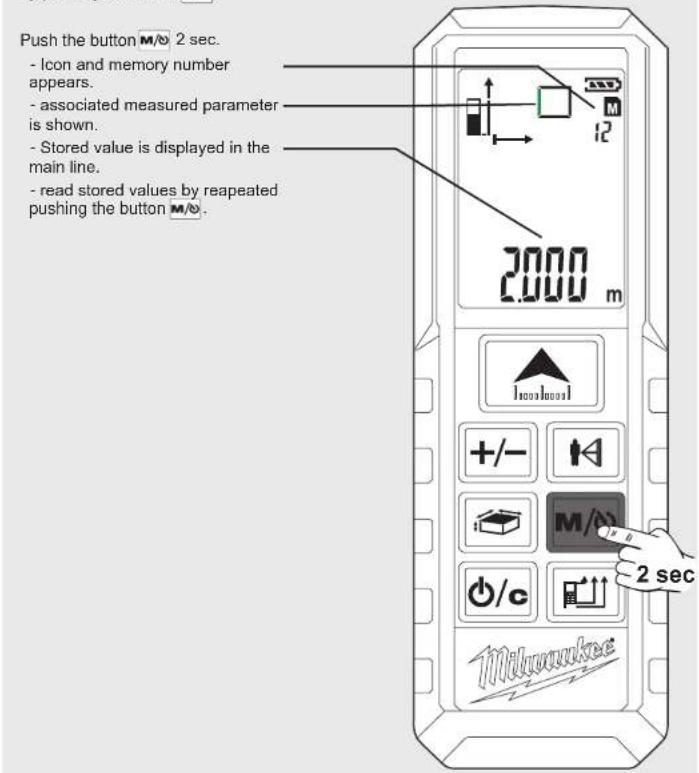
The measured values are stored continuously and automatically in memory.
The stored values can be retrieved by pushing the button M/N.
Push the button M/2 sec.
- Icon and memory number appears.
- associated measured parameter is shown.
- Stored value is displayed in the main line.
- read stored values by reapeated pushing the button M/O.
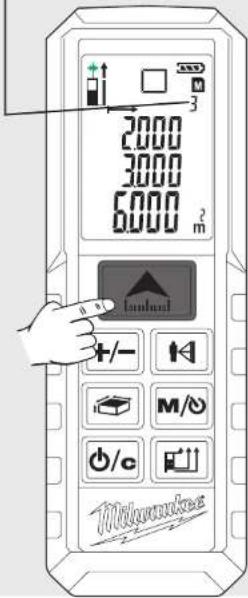
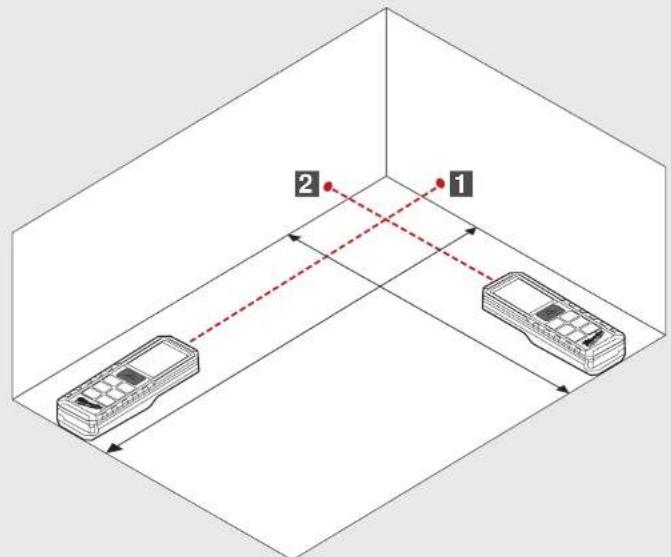
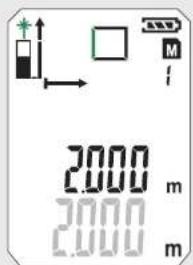
BASIC DESCRIPTION ON EXAMPLE OF AREA MEASURING (1)
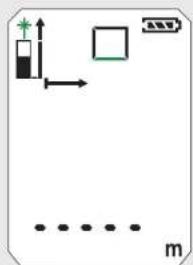
1 Turn On
Push Button

Attention! Laser on! Do not point it at a person!
2 Choose Measuring Reference
Standard after turning on: Bottom
Push 1x -> Corner Pin
Push 2x -> Top Push 3x -> Bottom
3 Choose Function
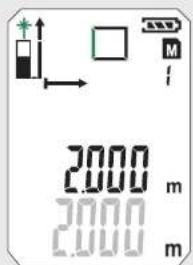
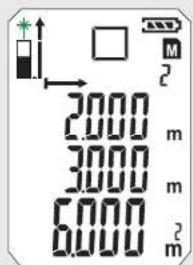
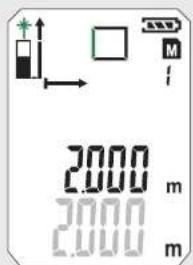
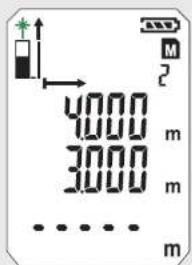
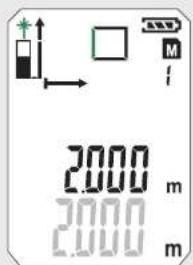
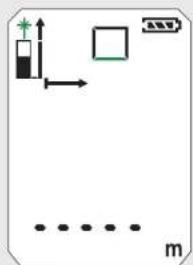
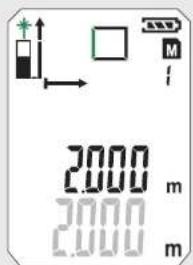
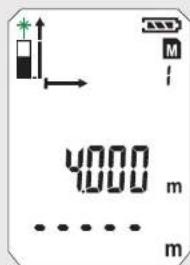
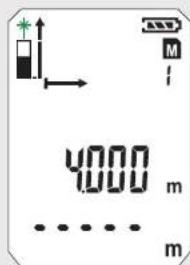
After switching on the device is always on single distance measurement Push 1x - Area Measurement.
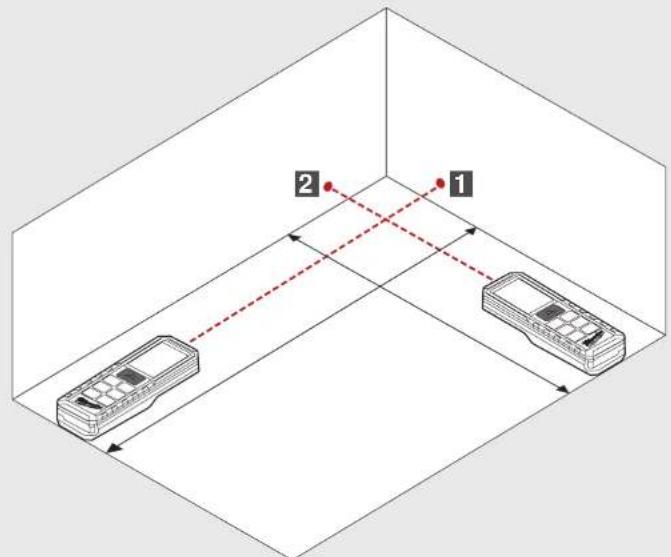
4 Measure length
Level the device
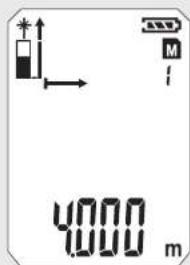
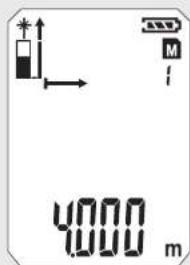
a
b

5 Measure width
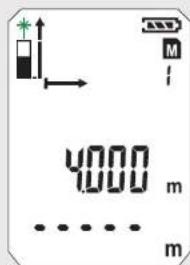
Level the device and push

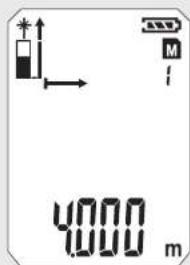
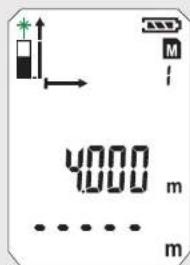
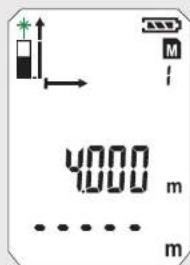
-- Lasericon flashes (flashing green illustrated).
- Icon is displayed.
- Icon appears.
- - Measured parameter flashes (flashing green illustrated)
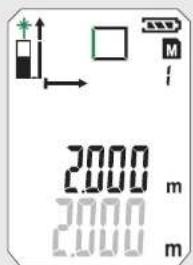
- Measured value appears briefly in the main line.
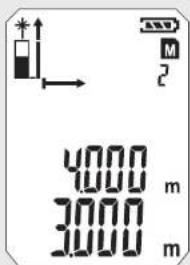
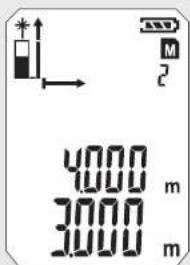
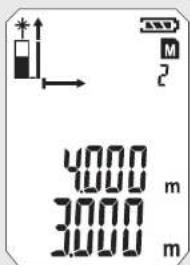
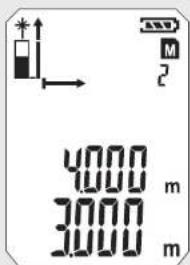
- Measured value jumps by 1 sec in line above.
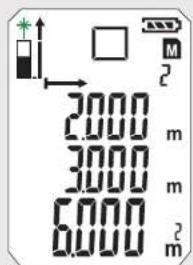
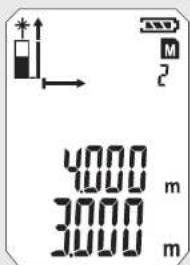
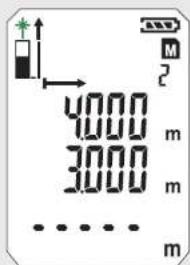
- Measured value appears briefly in the base line.
- Measured value jumps by 1 sec in line above.
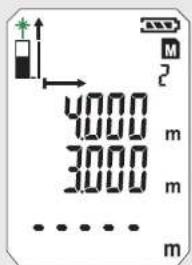
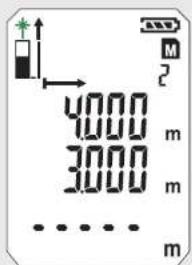
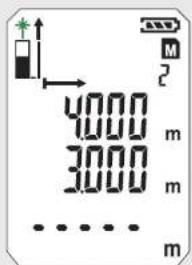
- Measured value is stored in memory at consecutive numbers. - Second measured parameter flashes.
Device ready for measurement of the second value.
- Measured value is stored in memory at consecutive numbers. - Result is displayed in the main line and stored in memory at consecutive numbers.
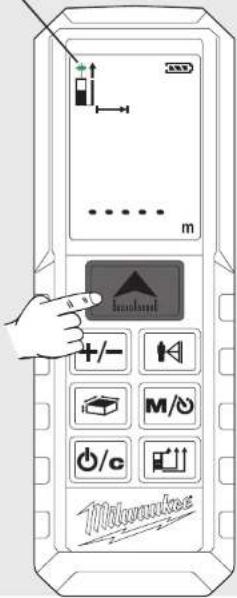
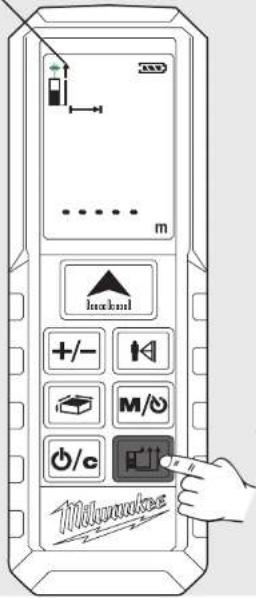
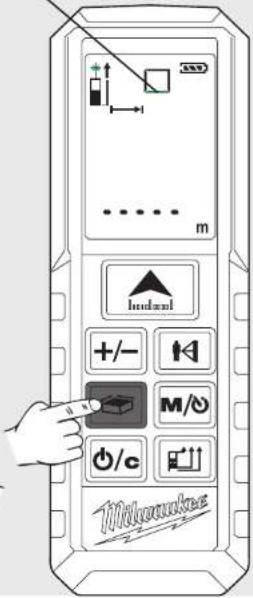
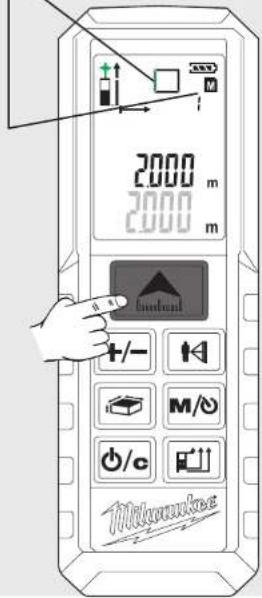
BASIC DESCRIPTION ON EXAMPLE OF AREA MEASURING (2)
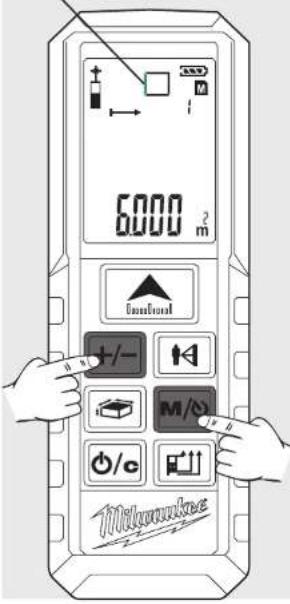
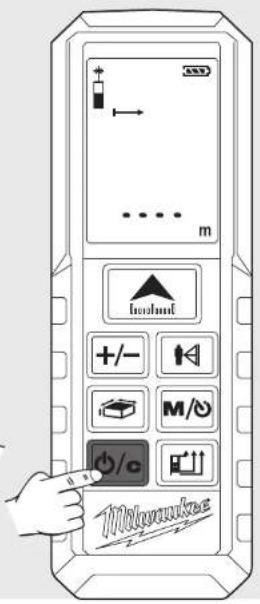
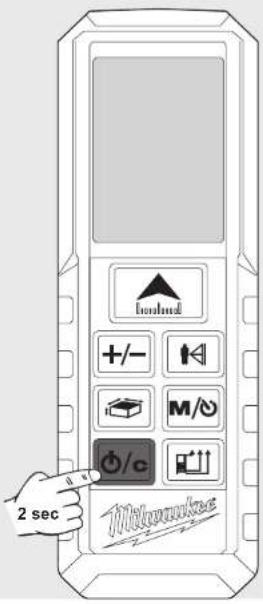
| 6 View stored values | 7 Exit memory | 8 Switch off | |
| Push button M/sec. Push button M/o repaeted | Push button 6/e | Push button 62 sec (Memory must be exited before) | |
| - Stored values appears in the main line. - Associated icon appears and measured parameter flashes (flashing green illustrated) | - Device switches off. - If no button is pressed, the device switches off automatically after 3 minutes. | ||
 |  |  | |
INHALT
natural_image
Line drawing of a device with a handle and a separate black component, no text or symbols present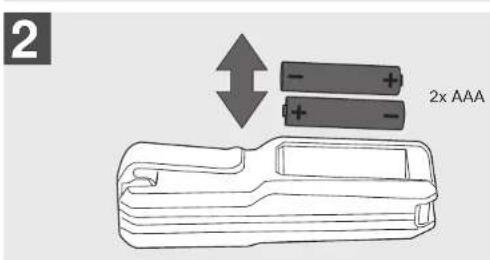
natural_image
Illustration of a handheld device with a black handle and an arrow pointing to it (no text or symbols)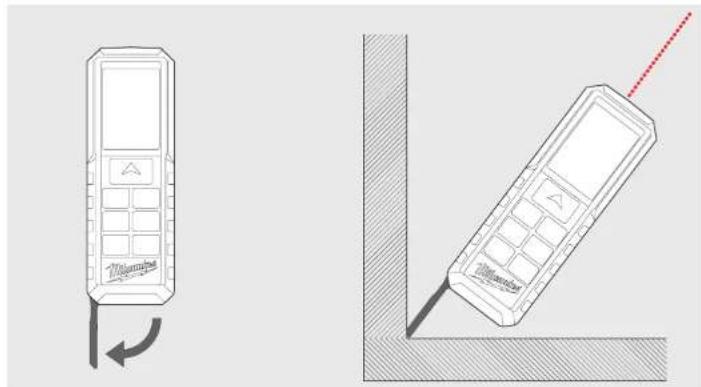
natural_image
Two technical line drawings of mobile phones with a red dotted line indicating the right side (no text or symbols present)GÜRTELHALTER
natural_image
Illustration of a handheld tool with a handle and arrow indicating insertion or positioning (no text or symbols)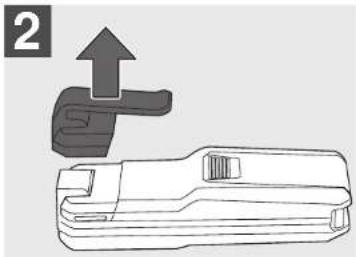
natural_image
Technical line drawing of a mechanical tool with an upward arrow indicating motion (no text or symbols)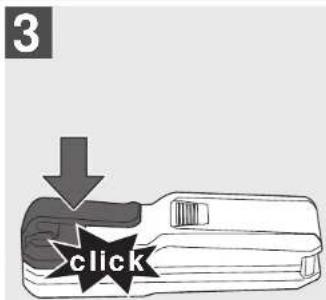
FUNKTIONSTASTE, MESSEBENE, PYTHAGORAS,
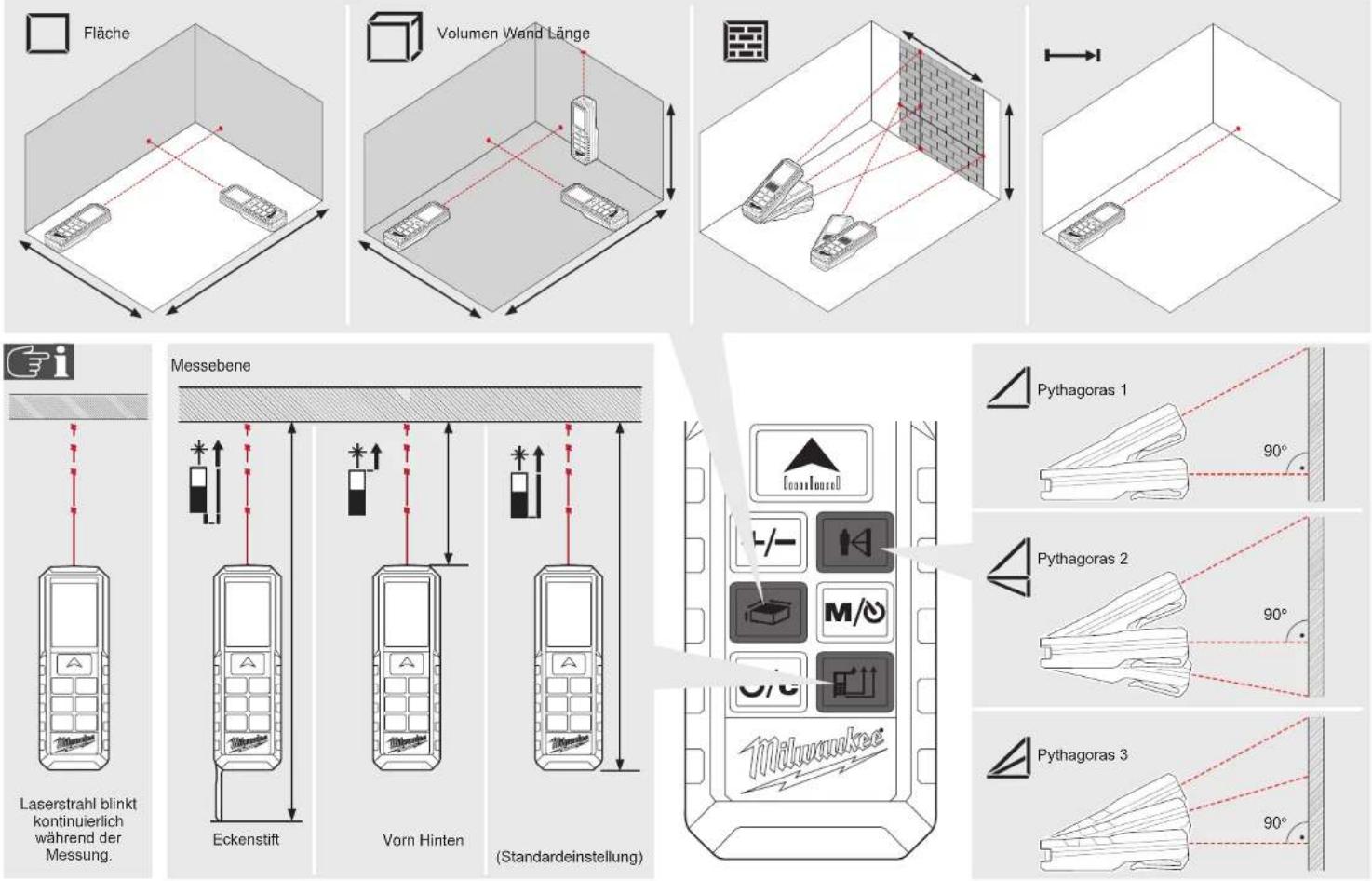
FLÄCHENMESSUNG
0



VOLUMENMESSUNG
0



INDIREKTE MESSUNG (PYTHAGORAS 1)
INDIREKTE MESSUNG (PYTHAGORAS 2)
INDIREKTE MESSUNG (PYTHAGORAS 3)
natural_image
Line drawing of a device with a black arrow pointing to its right side (no text or symbols present)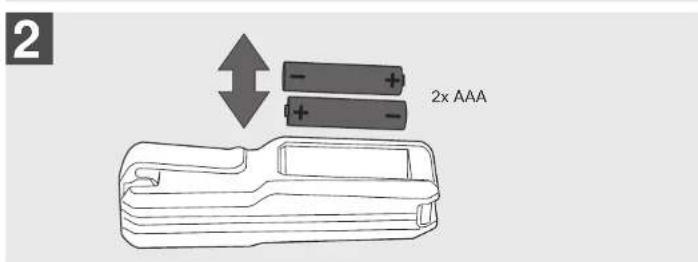
natural_image
Diagram of a mechanical device with an arrow indicating direction (no text or symbols)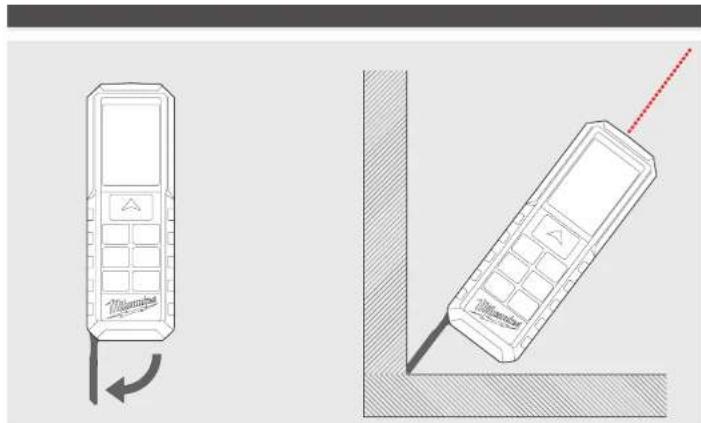
natural_image
Line drawing of two mobile phones with one showing a curved arrow and the other a dotted line extending from a corner (no text or symbols)CLIP À CEINTURE
TOUCHE FONCTION, PYTHAGORE, PLAN DE MESURE
MESURE LONGUEUR SIMPLE
MESURE CONTINU / MESURE MIN. / MAX.
MESURE PAR ADDITION / SOUSTRACTION
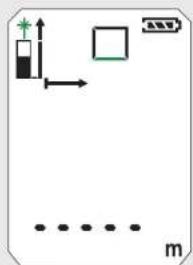
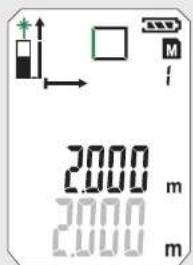
MESURE SURFACE
0



MESURE VOLUME
0



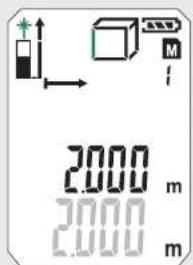
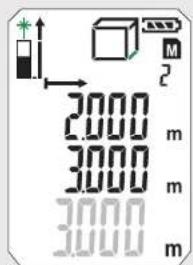
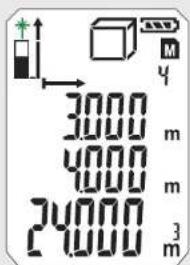
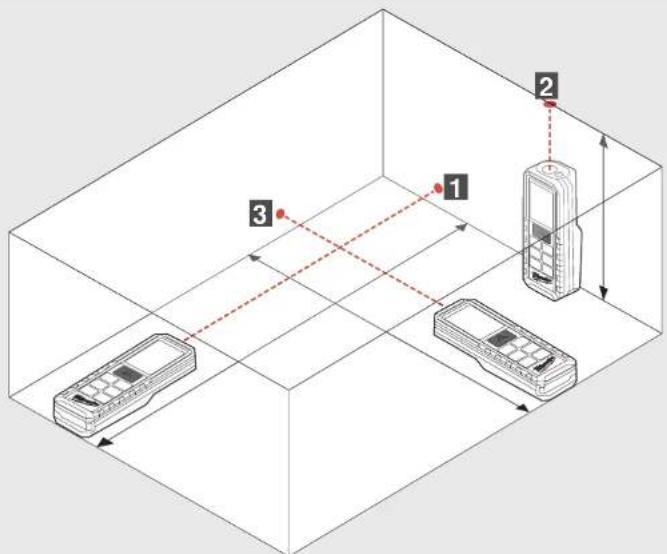
MESURE INDIRECTE (PYTHAGORE 1)
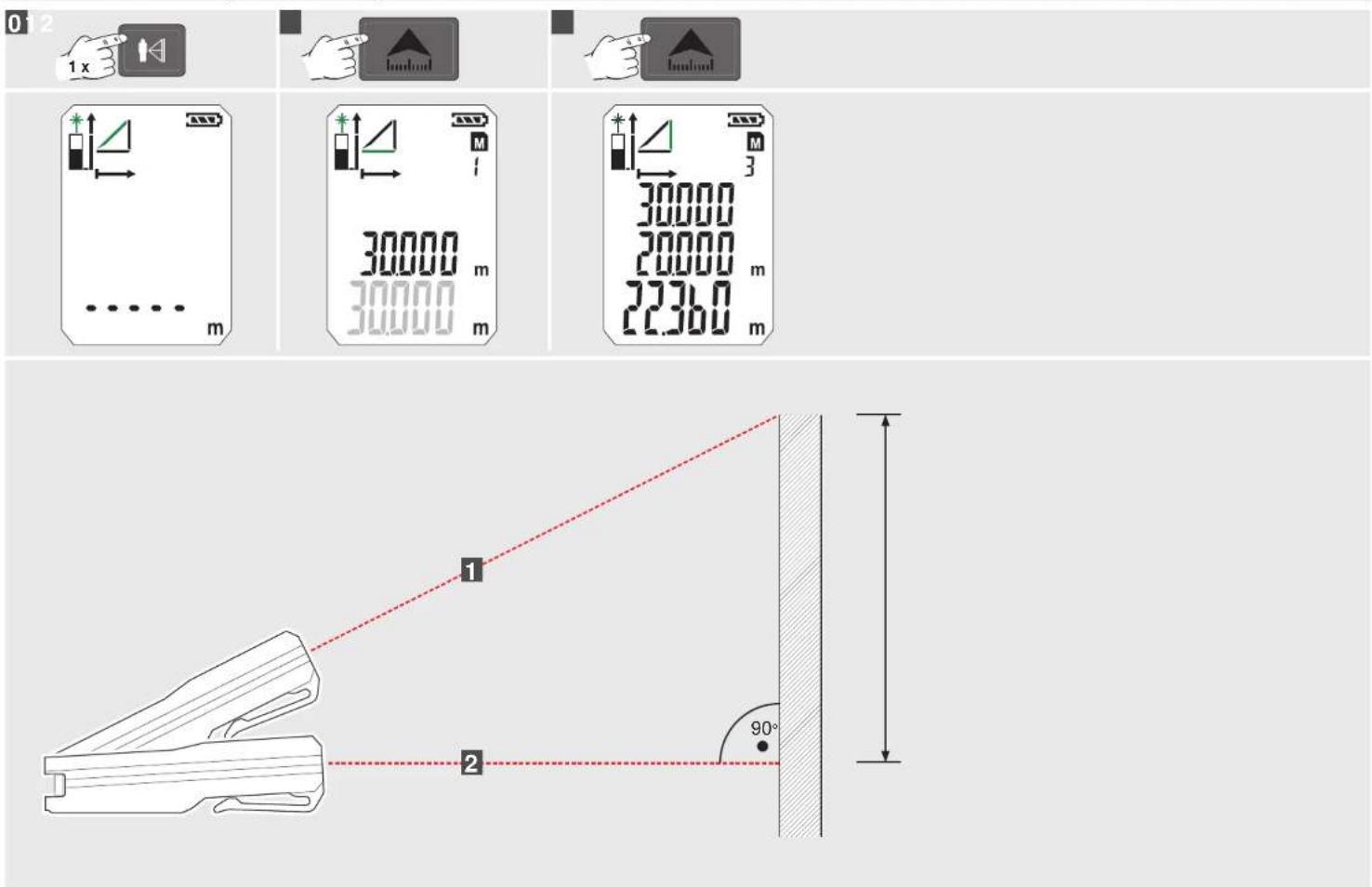
MESURE INDIRECTE (PYTHAGORE 2)
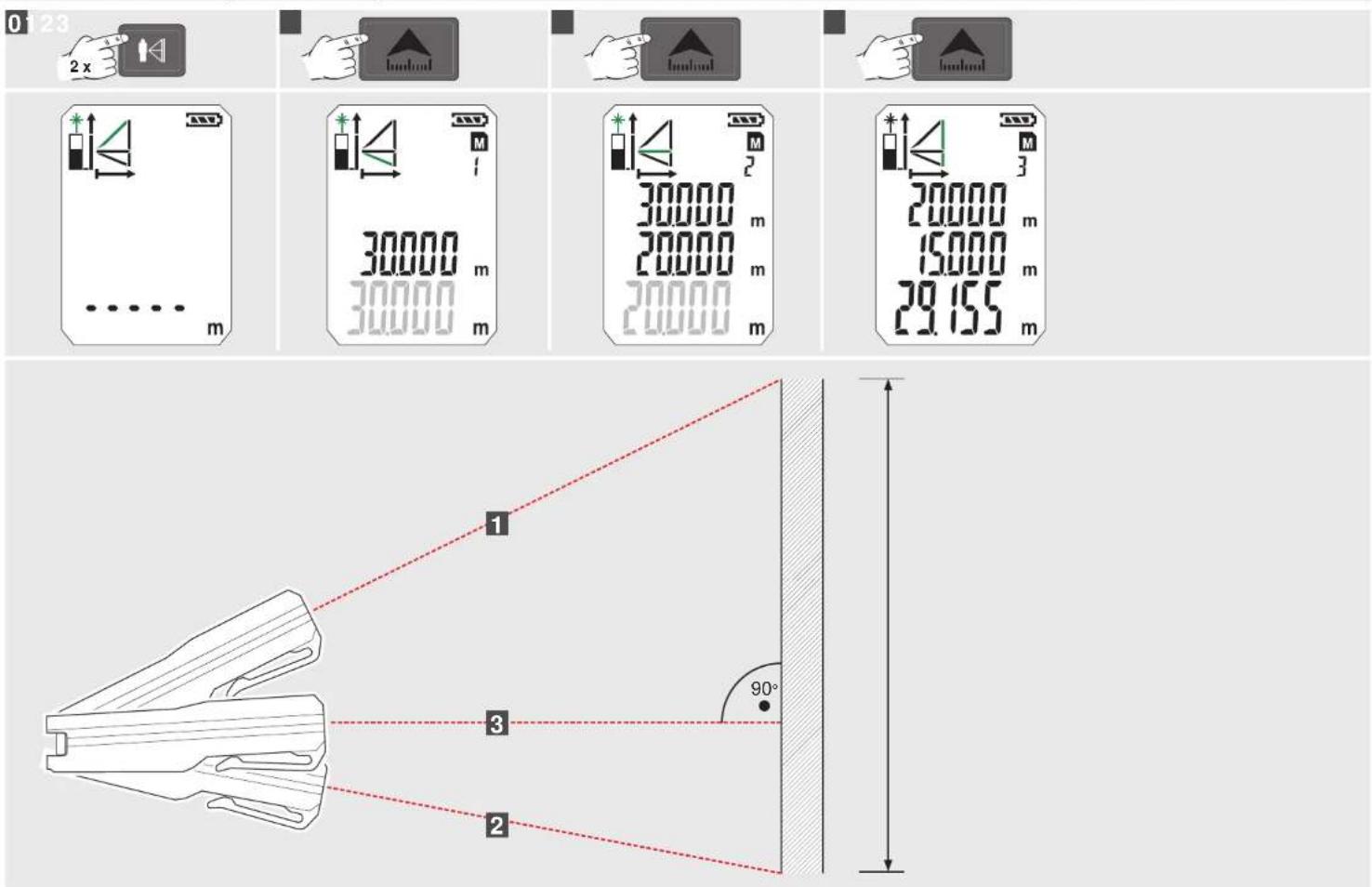
MESURE INDIRECTE (PYTHAGORE 3)
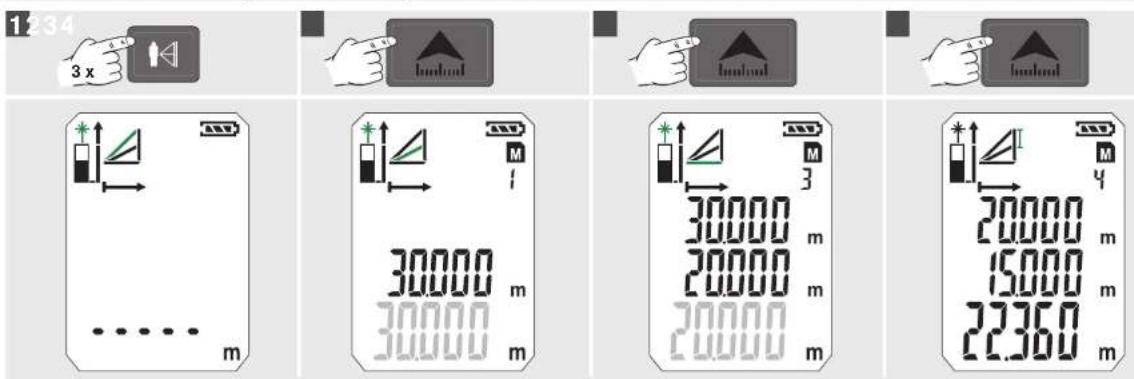
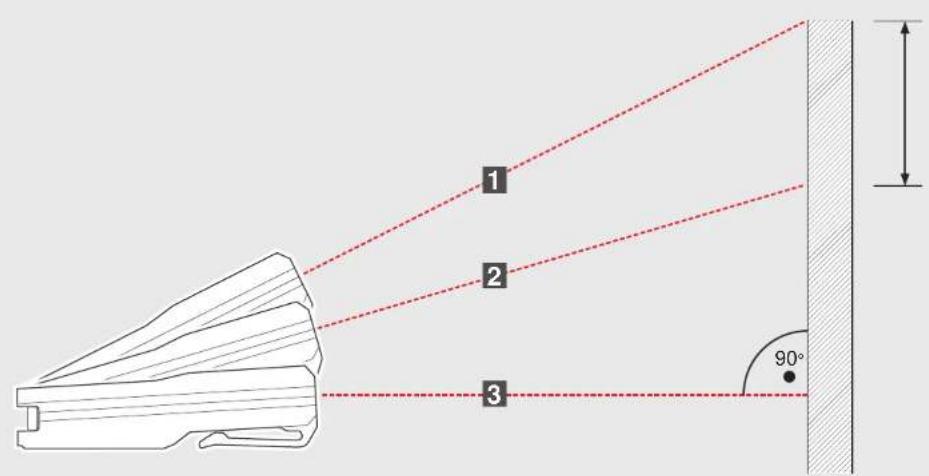
MESURE SURFACE PAROI (SCÈNE 1)
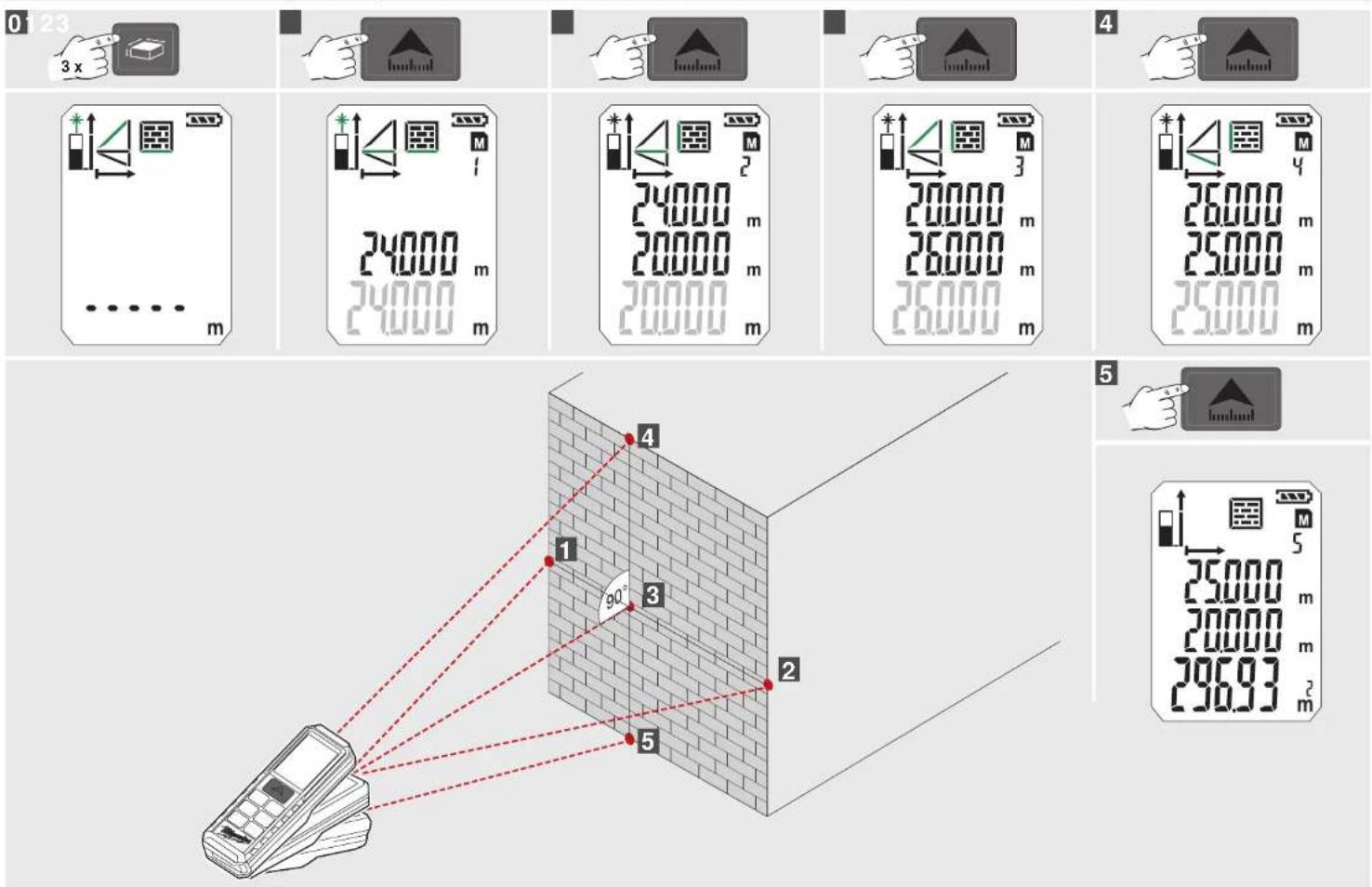
MESURE SURFACE PAROI (SCÈNE 2)
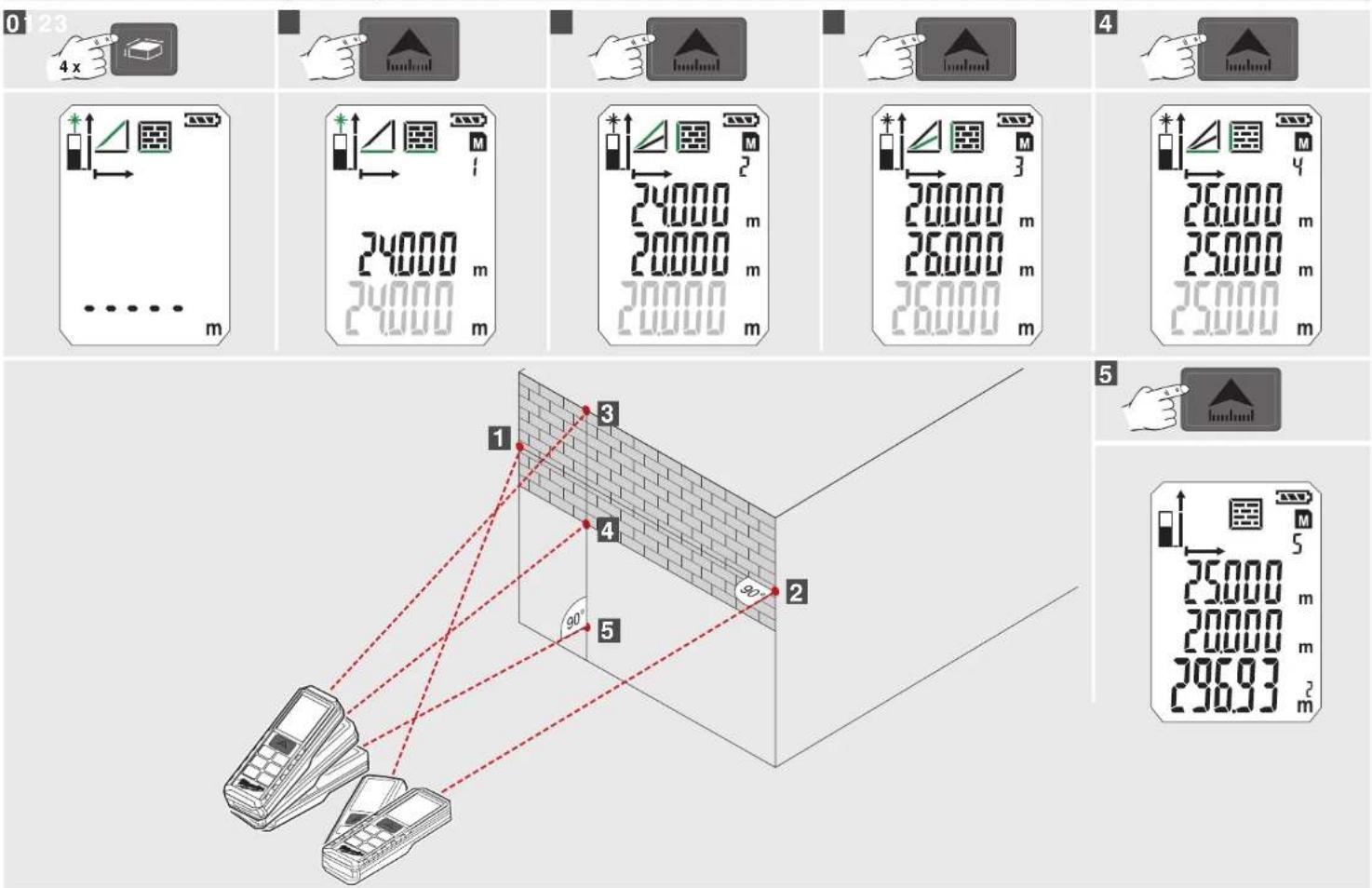
TIMER MÉMOIRE
natural_image
Line drawing of a device with a handle and a separate black component, no text or symbols present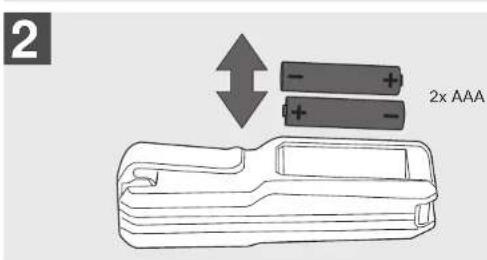
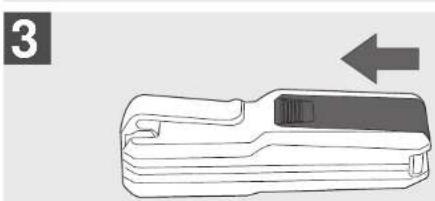
natural_image
Illustration of a handheld device with a black handle and an arrow pointing to it (no text or symbols)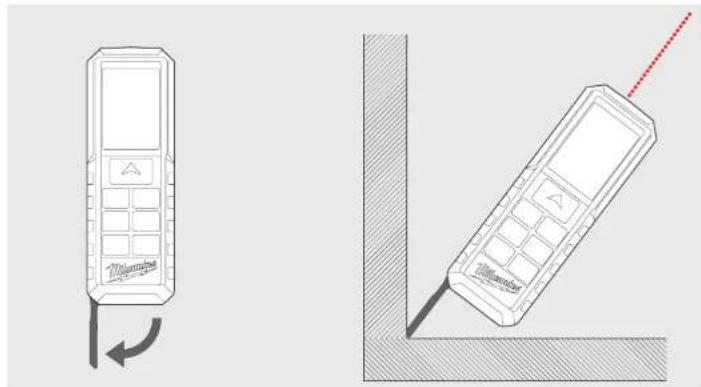
natural_image
Technical line drawing of two mobile phones with a red dotted line indicating the right side (no text or symbols present)CLIP PER CINTA
natural_image
Illustration of a handheld tool with a handle and arrow indicating insertion or positioning (no text or symbols)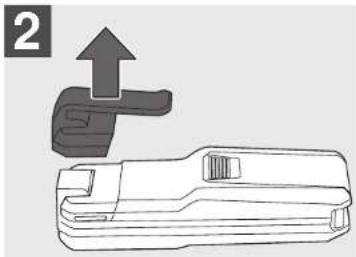
natural_image
Technical line drawing of a mechanical tool with an upward arrow indicating motion (no text or symbols)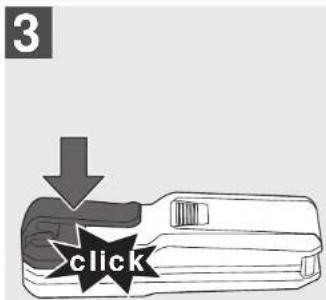
MISURAZIONE INDIRETTA (PITAGORA 1)
natural_image
Line drawing of a device with a handle and a separate black component, no text or symbols present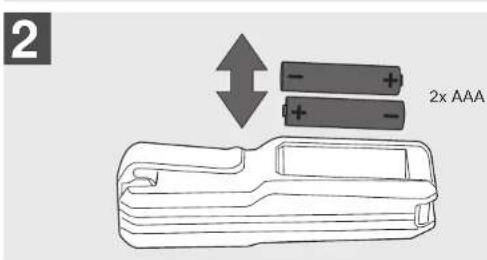
natural_image
Illustration of a handheld device with an arrow pointing to it (no text or symbols present)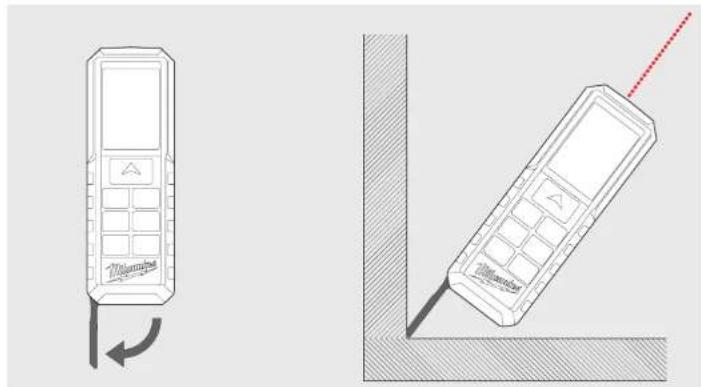
natural_image
Two technical line drawings of mobile phones with a red dotted line indicating the right side (no text or symbols present)natural_image
Illustration of a tool with a handle and arrow indicating direction (no text or symbols)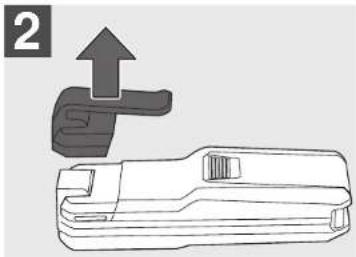
natural_image
Technical line drawing of a mechanical tool with an upward arrow indicating motion (no text or symbols)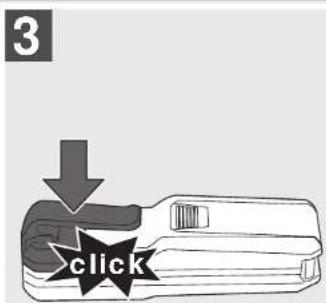




flowchart
graph TD
    A["1"] --> B["2"]
    C["3"] --> D["4"]
    E["5"] --> F["6"]
    style A fill:#f9f,stroke:#333
    style C fill:#f9f,stroke:#333
    style E fill:#f9f,stroke:#333
    style B fill:#ccf,stroke:#333
    style D fill:#ccf,stroke:#333
    style F fill:#ccf,stroke:#333
5

natural_image
Line drawing of a device with a black arrow pointing to it, no text or symbols present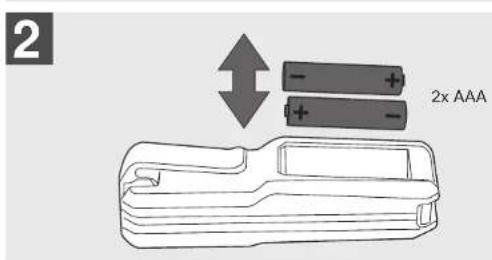
natural_image
Illustration of a mechanical device with a handle and arrow indicator (no text or symbols)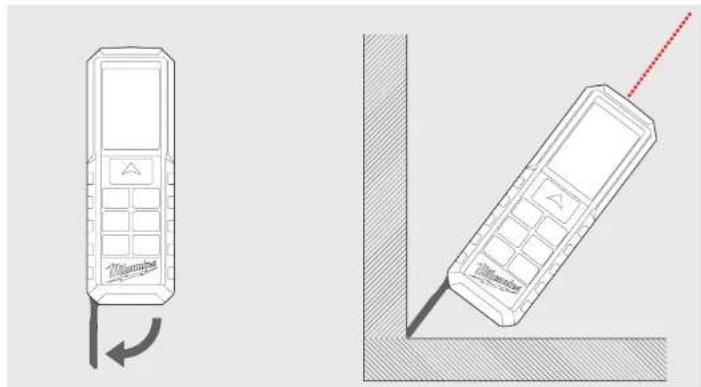
natural_image
Two technical line drawings of mobile phones with a red dotted line indicating the right side (no text or symbols present)CLIP DE CINTO
natural_image
Illustration of a tool with a handle and arrow indicating direction (no text or symbols)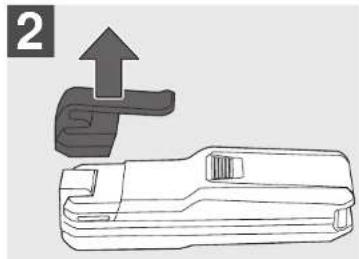
natural_image
Technical line drawing of a mechanical component with an upward arrow indicating motion (no text or symbols)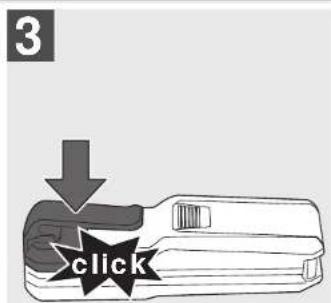




flowchart
graph TD
    A["1"] --> B["2"]
    C["3"] --> D["4"]
    E["5"] --> F["6"]
    style A fill:#f9f,stroke:#333
    style C fill:#f9f,stroke:#333
    style E fill:#f9f,stroke:#333
    style B fill:#ccf,stroke:#333
    style D fill:#ccf,stroke:#333
    style F fill:#ccf,stroke:#333
5

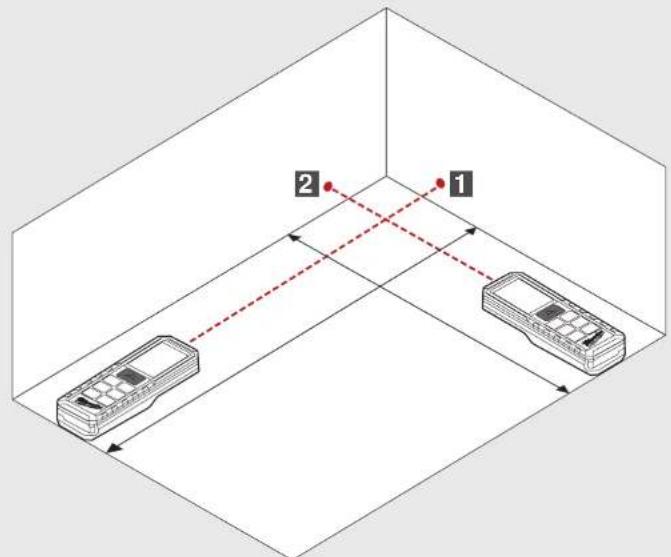
MEDIÇÃO DO VOLUME
0
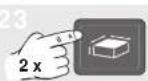



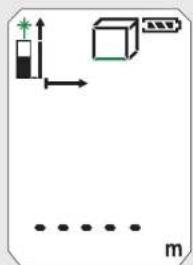
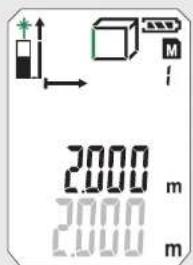
natural_image
Line drawing of a device with a handle and a separate black component, no text or symbols present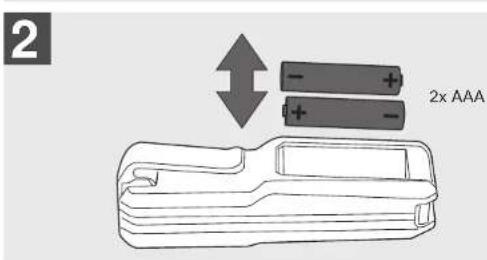
natural_image
Line drawing of a handheld device with an arrow indicating direction (no text or symbols)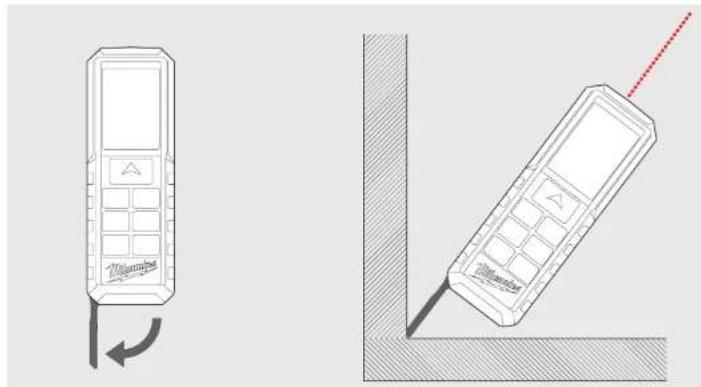
natural_image
Technical line drawing of two mobile phones with a red dotted line indicating the right side (no text or symbols present)RIEMHOUDER
natural_image
Illustration of a handheld tool with a handle and arrow indicating insertion or positioning (no text or symbols)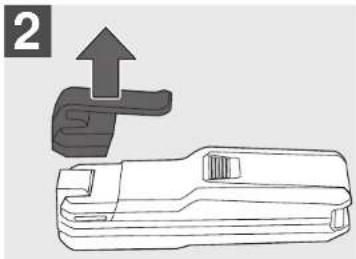
natural_image
Technical line drawing of a mechanical tool with an upward arrow indicating motion (no text or symbols)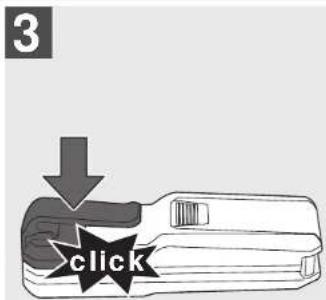
FUNCTIETOETS, PYTHAGORAS, MEETNIVEAU
EENVOUDIGE LENGTEMETING
CONSTANTE METING / MINIMUM-/MAXIMUM-METING
OPTEL-/AFTREKMETING







OPPERVLAKTEMETING
0


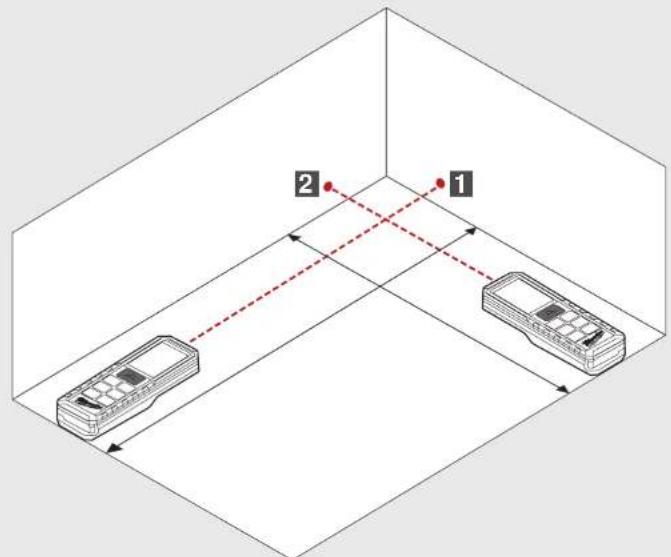
VOLUMEMETING
0


INDIRECTE METING (PYTHAGORAS 1)
INDIRECTE METING (PYTHAGORAS 2)
INDIRECTE METING (PYTHAGORAS 3)
WANDOPPERVLAKTEMETING (SCENARIO 1)
WANDOPPERVLAKTEMETING (SCENARIO 2)
TIMER GEHEUGEN
PRINCIPIÈLE WERKING AAN DE HAND VAN EEN OPPERVLAKTEMETING (1)
1 Inschakelen
PYTHAGORAS
▶ Pythagoras 1 (tryk 1x)
▶ Pythagoras 2 (tryk 2x)
▶ Pythagoras 3 (tryk 3x)
HUKOMMELSE
natural_image
Line drawing of a device with a handle and a separate black component, no text or symbols present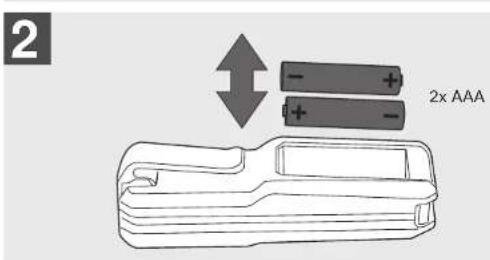
natural_image
Illustration of a handheld device with a black handle and an arrow pointing to it (no text or symbols)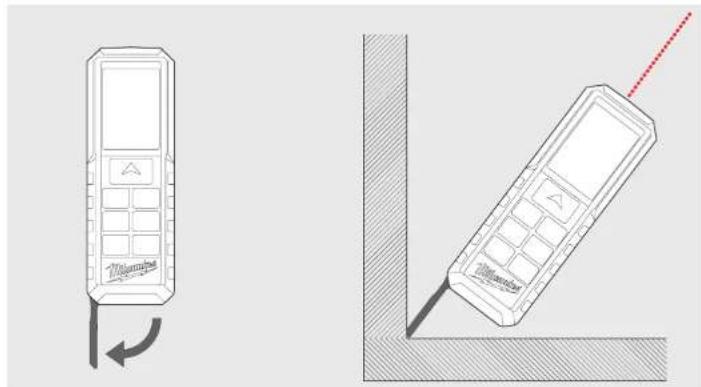
natural_image
Line drawings of two mobile phones with one showing a curved arrow and the other a diagonal line (no text or symbols)BAELTECLIPS
natural_image
Illustration of a handheld tool with a handle and arrow indicating insertion or positioning (no text or symbols)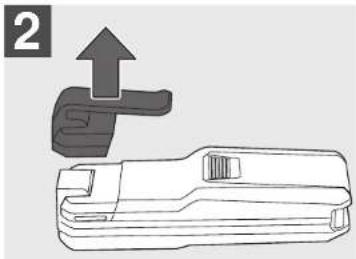
natural_image
Technical line drawing of a mechanical tool with an upward arrow indicating motion (no text or symbols)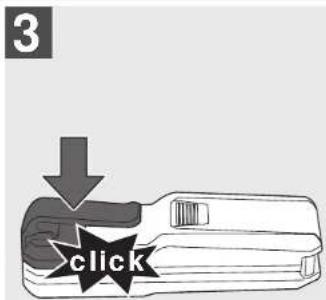
FUNKTIONSTAST, PYTHAGORAS, MÄLEREFERENCE
ENKELT AFSTANDSMÄLING
KONSTANT MÅLING / MINIMUM-MAKSIMUM MÅLING
ADDITIONS- / SUBTRAKTIONSMÄLING






AREALMÄLING
0


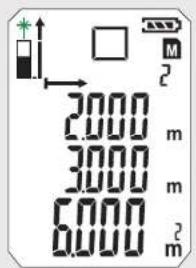
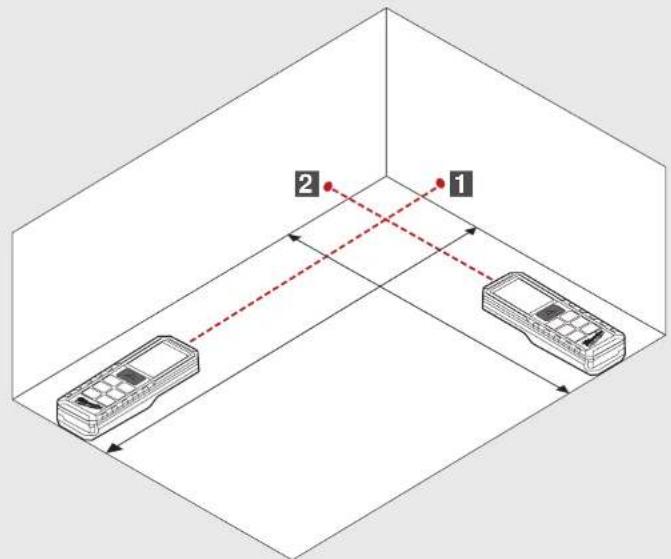
VOLUMENMÄLING
0



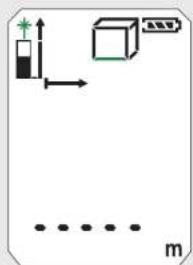
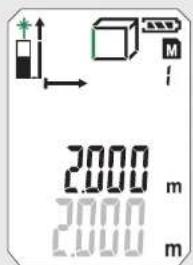
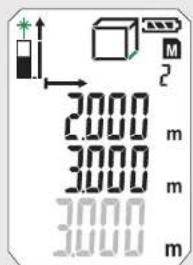
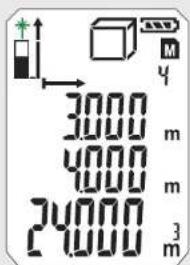
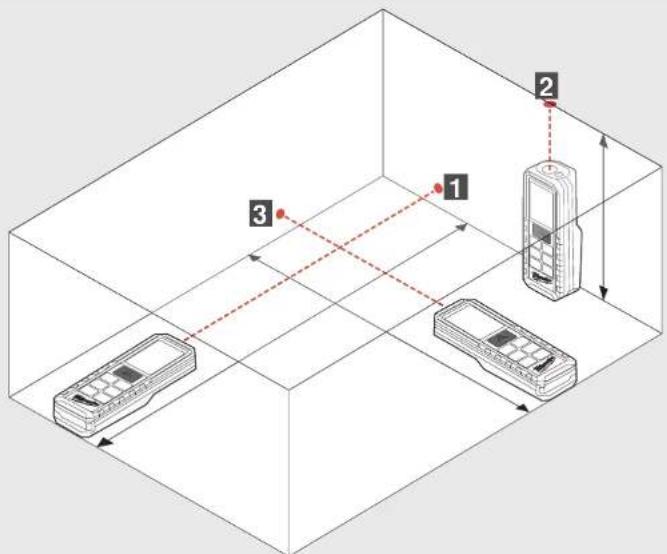
INDIREKTE MÅLING (PYTHAGORAS 1)
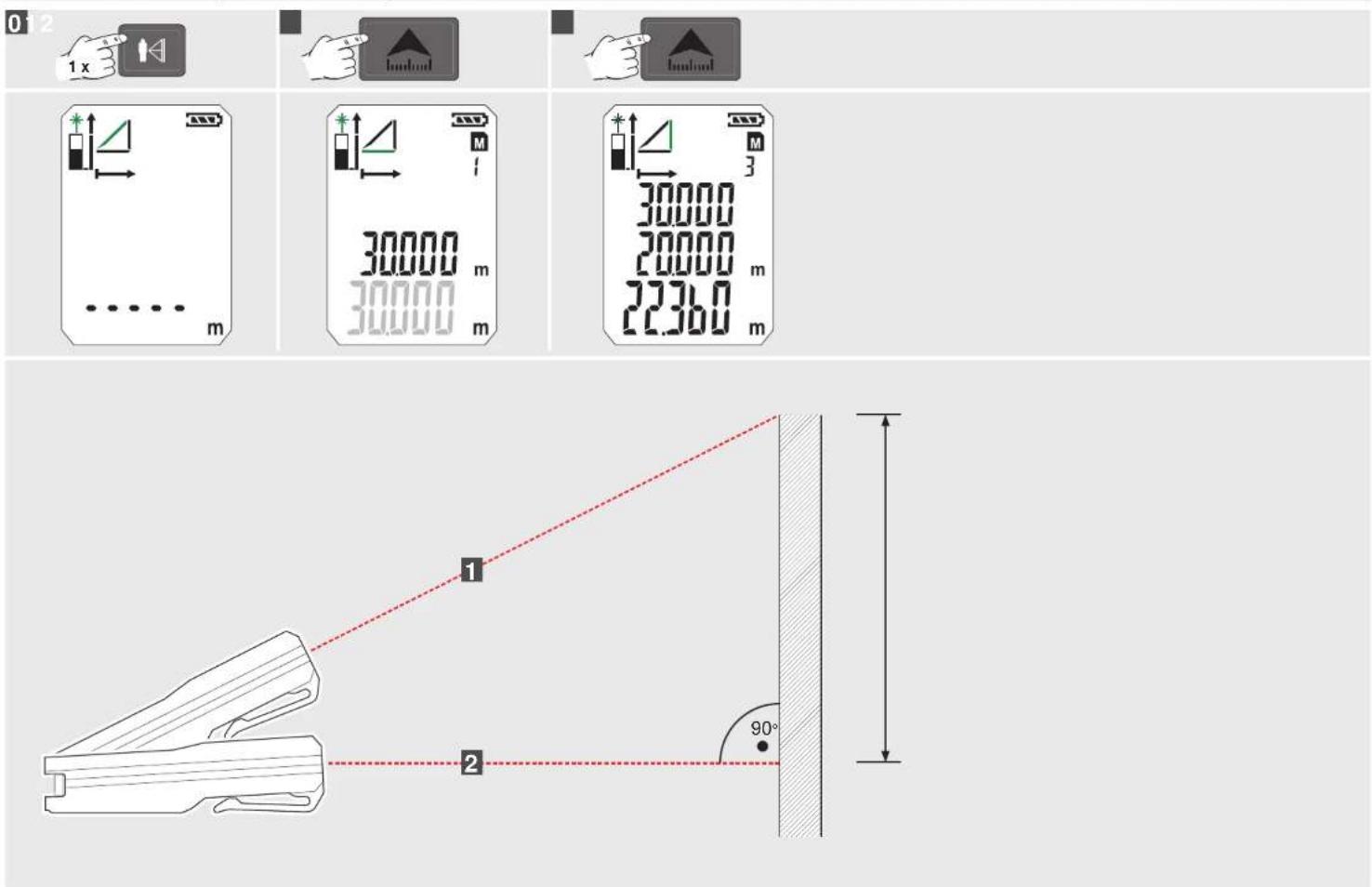
INDIREKTE MÅLING (PYTHAGORAS 2)
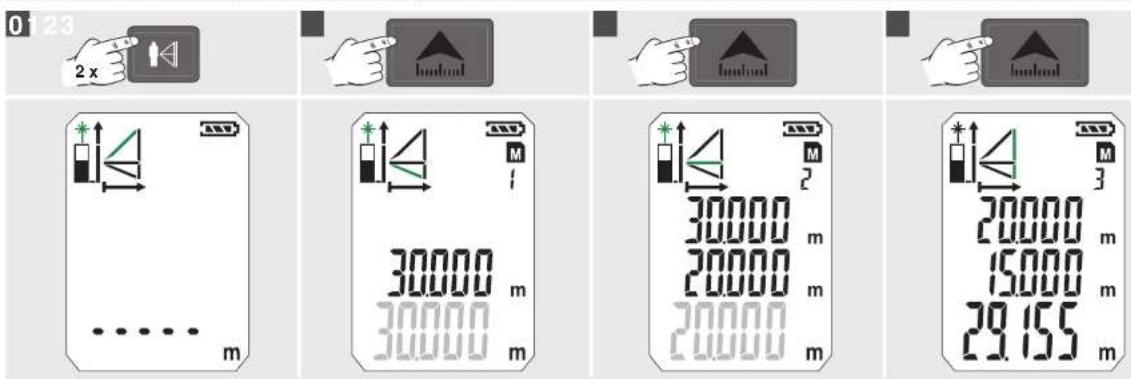
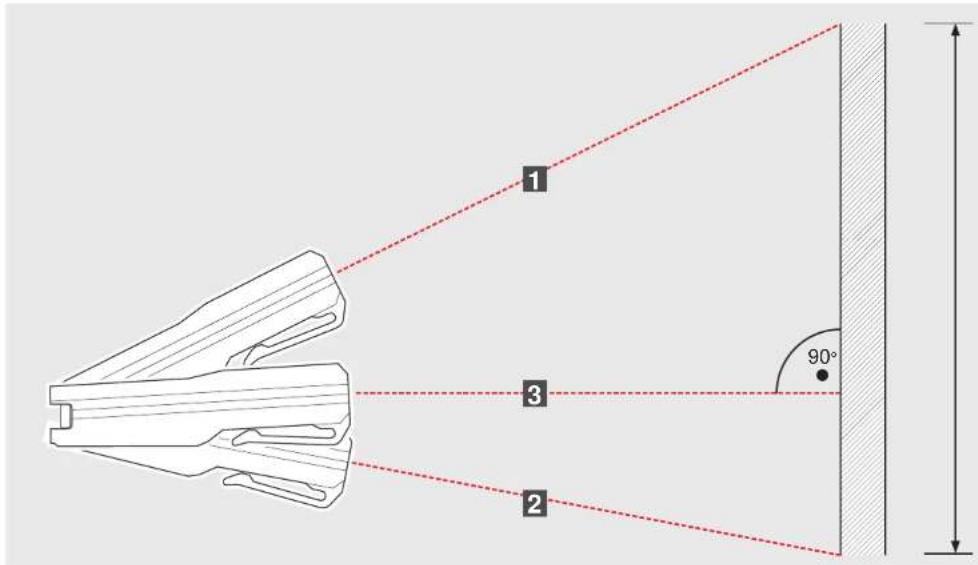
INDIREKTE MÅLING (PYTHAGORAS 3)
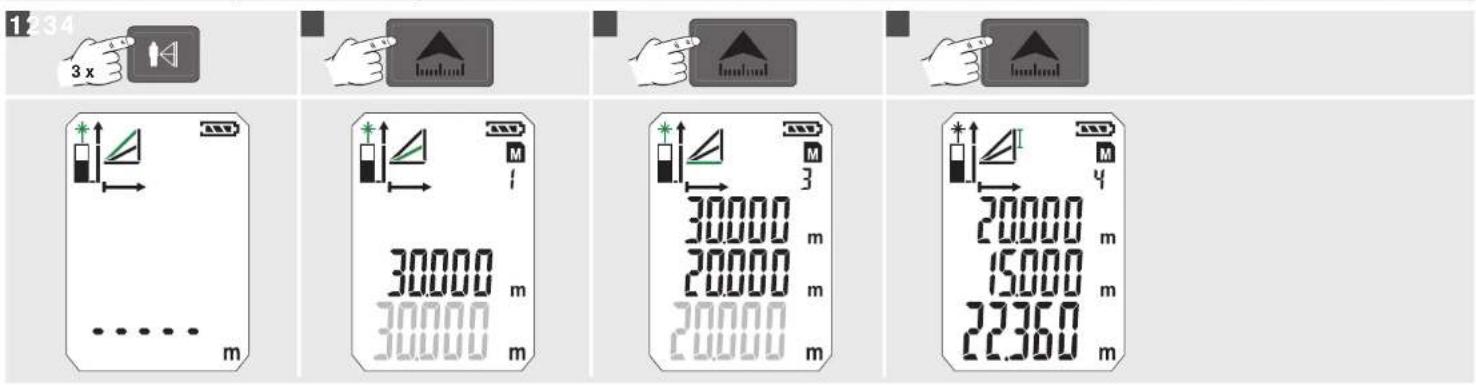
MÅLING AF VÆGAREAL (SCENARIO 1)
MÅLING AF VÆGAREAL (SCENARIO 2)
TIMER HUKOMMELSE
Med timeren kan målingen startes forsinket, sådan at der f.eks. kan placeres en komponent i målestrålen.
Tryk pá tasten M/∅
- Symbolet vises
Timeren kan indstilles på mellem 3 og 15 sek., när der trykkes på tasten M/S.
Tryk pá tasten
natural_image
Line drawing of a device with a handle and a separate black component, no text or symbols present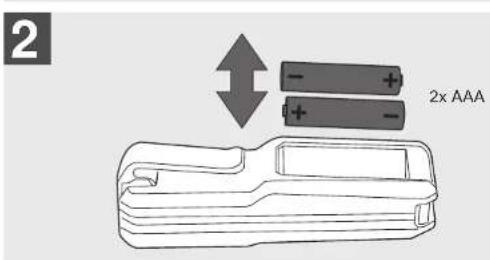
natural_image
Illustration of a handheld device with a black handle and an arrow pointing to it (no text or symbols)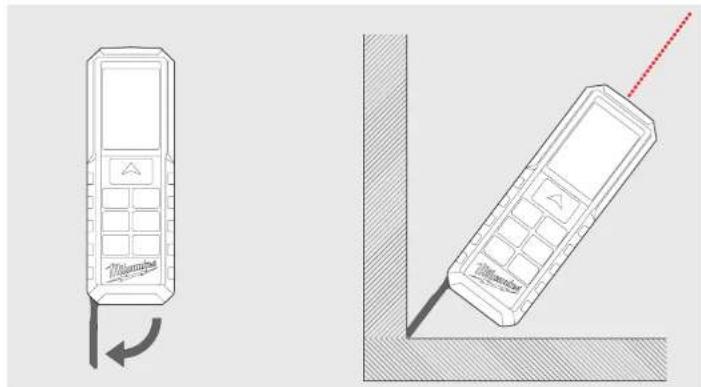
natural_image
Two line drawings of mobile phones with a red antenna, one showing a left-hand rule and the other a right-hand rule (no text or symbols present)BELTEHOLDER
natural_image
Illustration of a handheld tool with a handle and arrow indicating insertion or positioning (no text or symbols)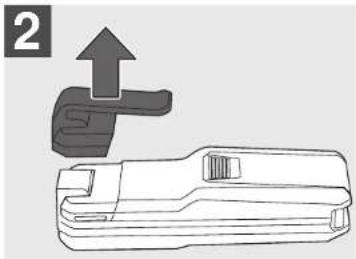
natural_image
Technical line drawing of a mechanical tool with an upward arrow indicating motion (no text or symbols)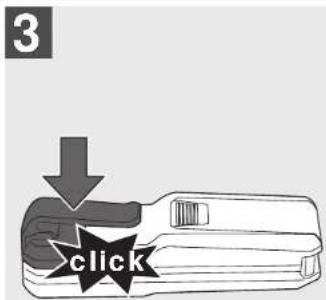
FUNKSJONSTAST, PYTHAGORAS, MÅLE NIVÅ
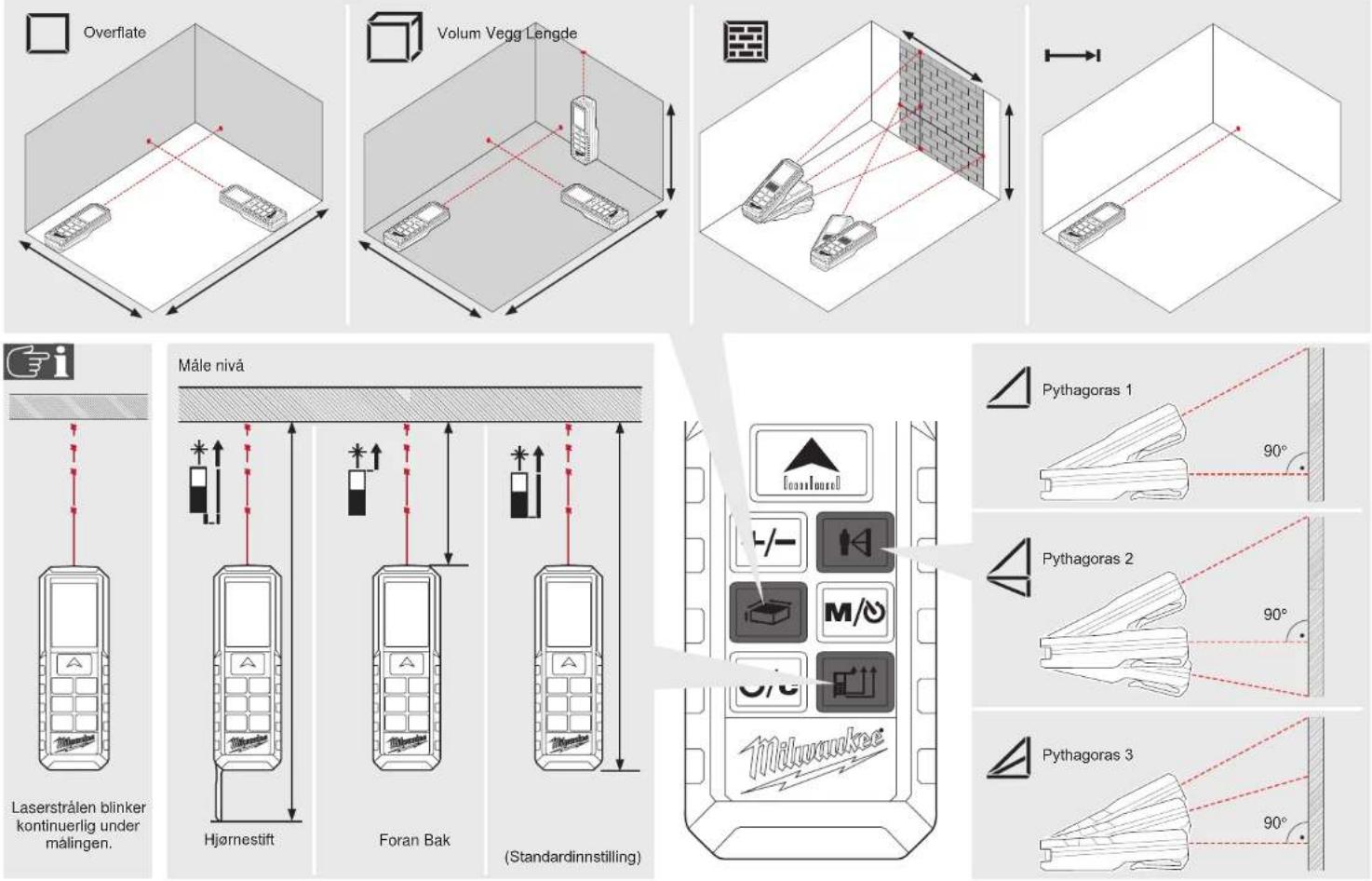
ENKEL LENGDEMÄLING
01234
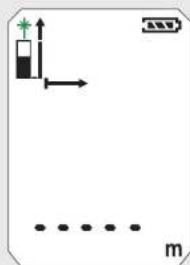

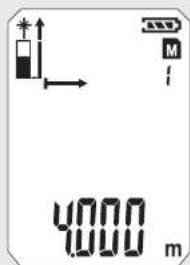



flowchart
graph TD
    A["1"] --> B["2"]
    C["3"] --> D["4"]
    E["5"] --> F["6"]
    style A fill:#f9f,stroke:#333
    style C fill:#f9f,stroke:#333
    style E fill:#f9f,stroke:#333
    style B fill:#ccf,stroke:#333
    style D fill:#ccf,stroke:#333
    style F fill:#ccf,stroke:#333
5

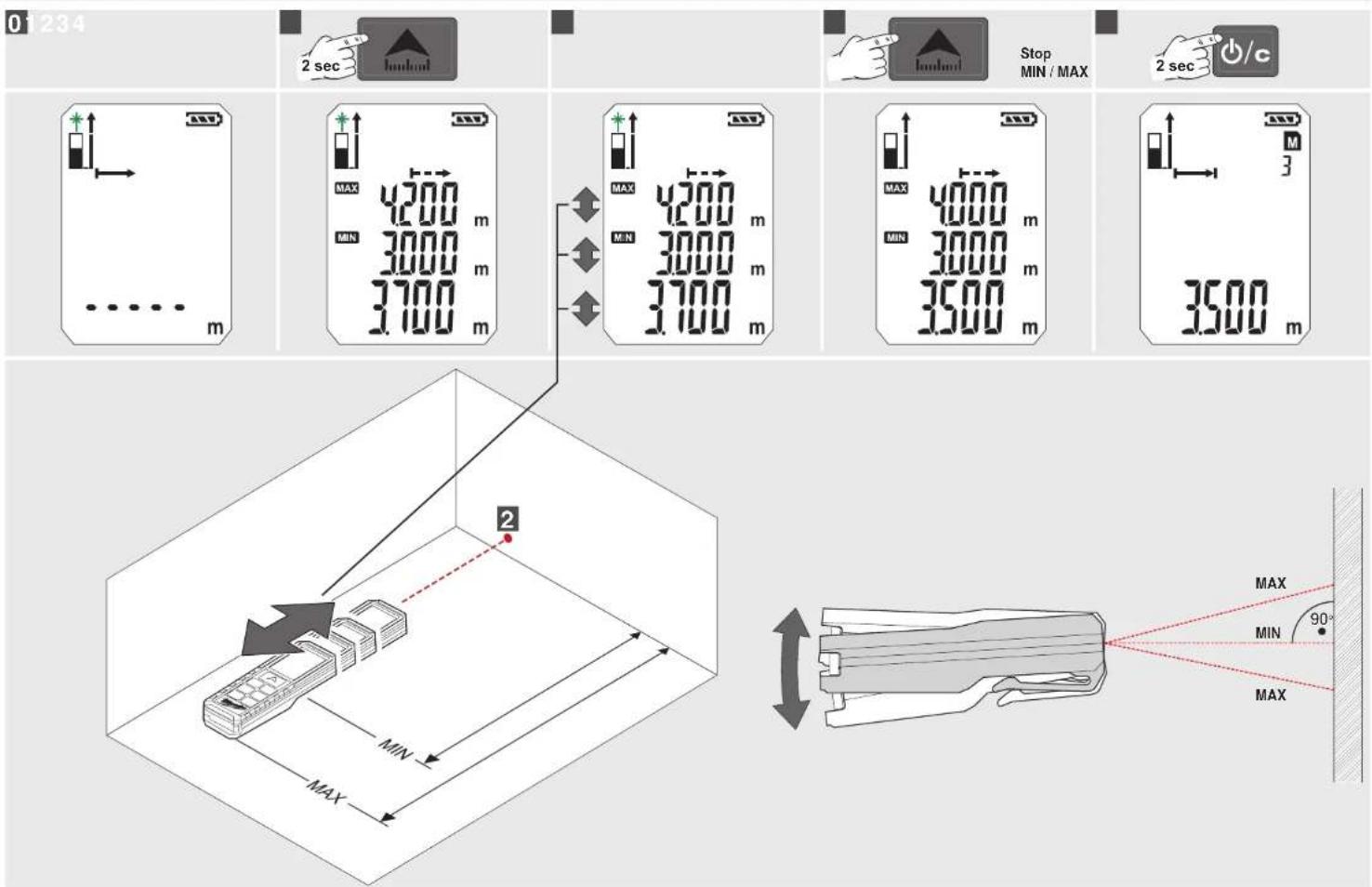
KONTINUERLIG MÅLING / MINIMUM-MAKSIMUM MÅLING
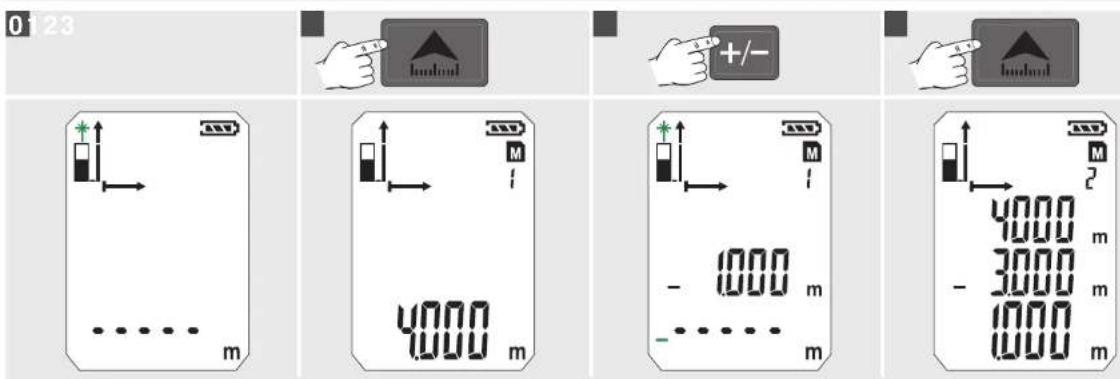
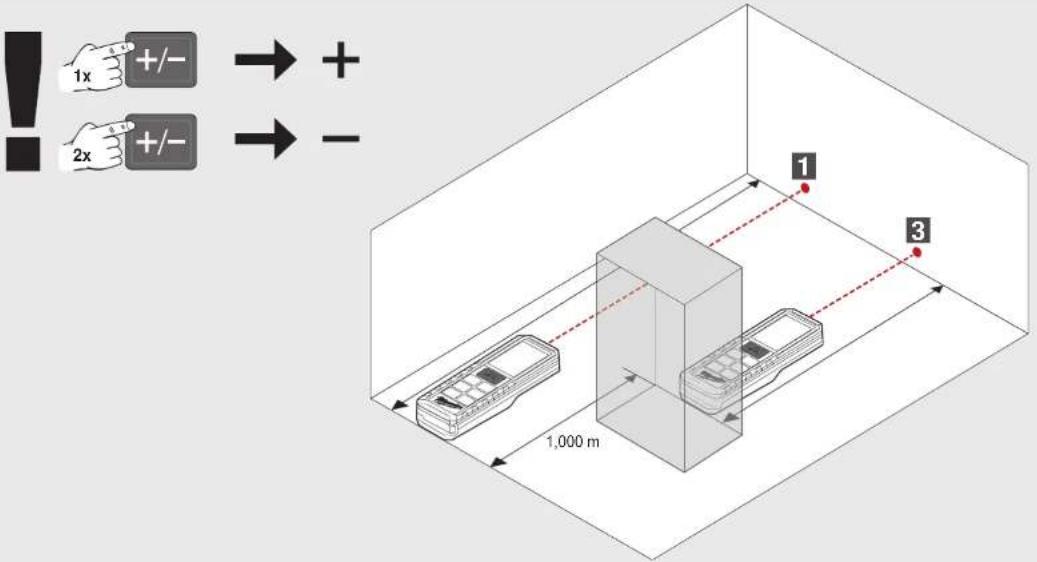
ADDISJONS- / SUBTRAKSJONSMÅLING
OVERFLATEMÄLING
0



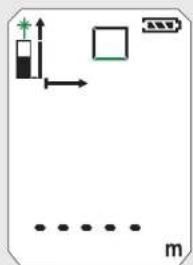

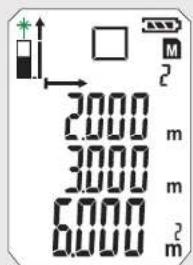
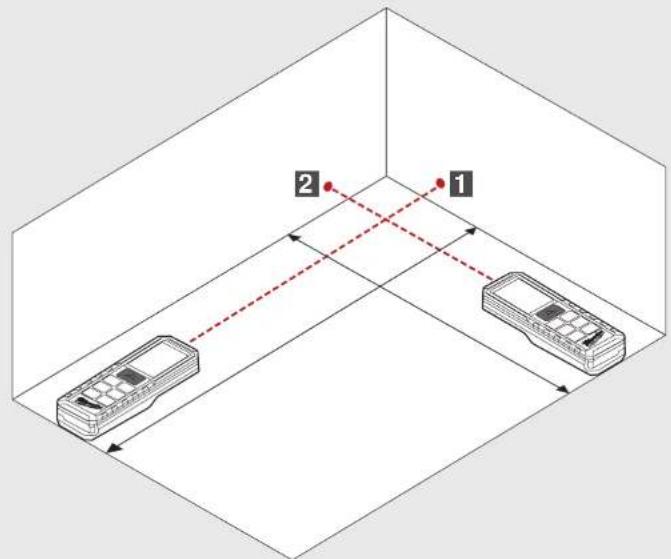
VOLUMMALING
0


INDIREKTE MÅLING (PYTHAGORAS 1)
INDIREKTE MÅLING (PYTHAGORAS 2)
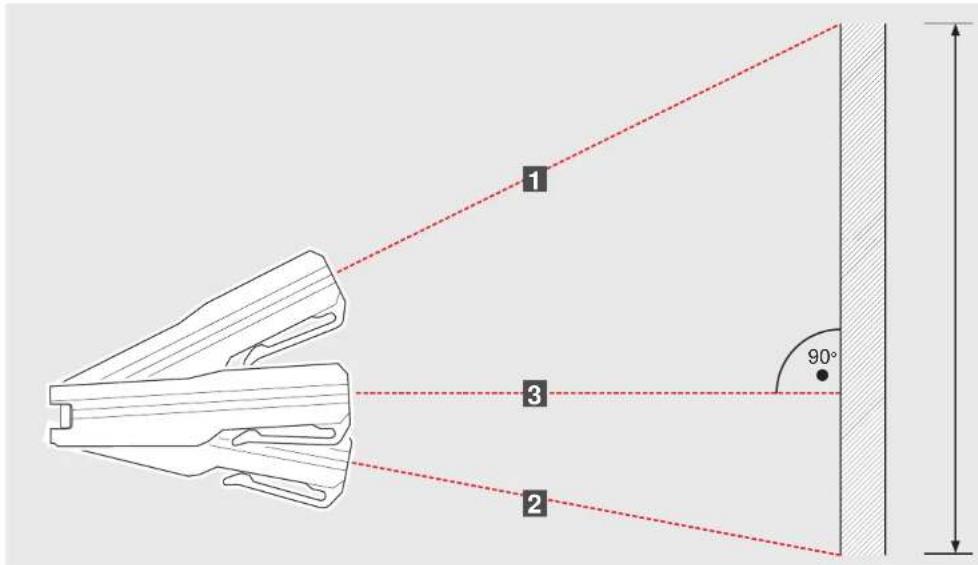
INDIREKTE MÅLING (PYTHAGORAS 3)
VEGGFLATE MÄLING (SCENARIO 1)
VEGGFLATE MÄLING (SCENARIO 2)
TIDSINNSTILLER MINNE
natural_image
Line drawing of a device with a handle and a separate black component, no text or symbols present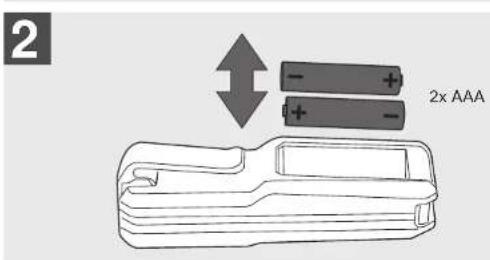
natural_image
Illustration of a handheld device with a black handle and an arrow pointing to it (no text or symbols)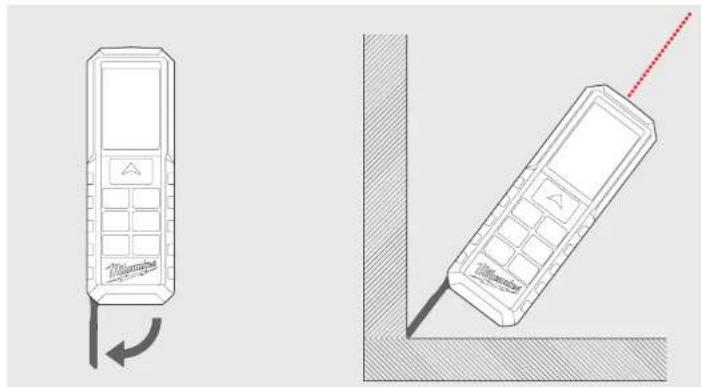
natural_image
Line drawings of two mobile phones with one showing a curved arrow and the other a diagonal line (no text or symbols)BÄLTESHÄLLARE
natural_image
Illustration of a handheld tool with a handle and arrow indicating insertion or positioning (no text or symbols)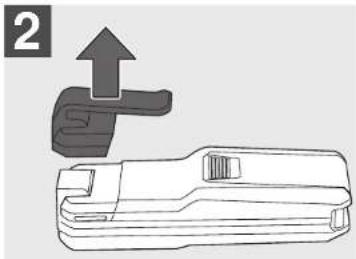
natural_image
Technical line drawing of a mechanical tool with an upward arrow indicating motion (no text or symbols)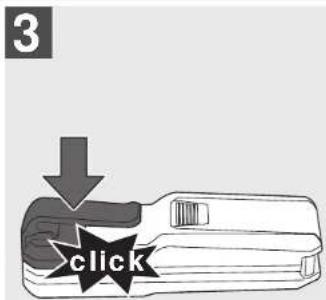
FUNKTIONSKNAPP, PYTHAGORAS, MÄTNIVÄ
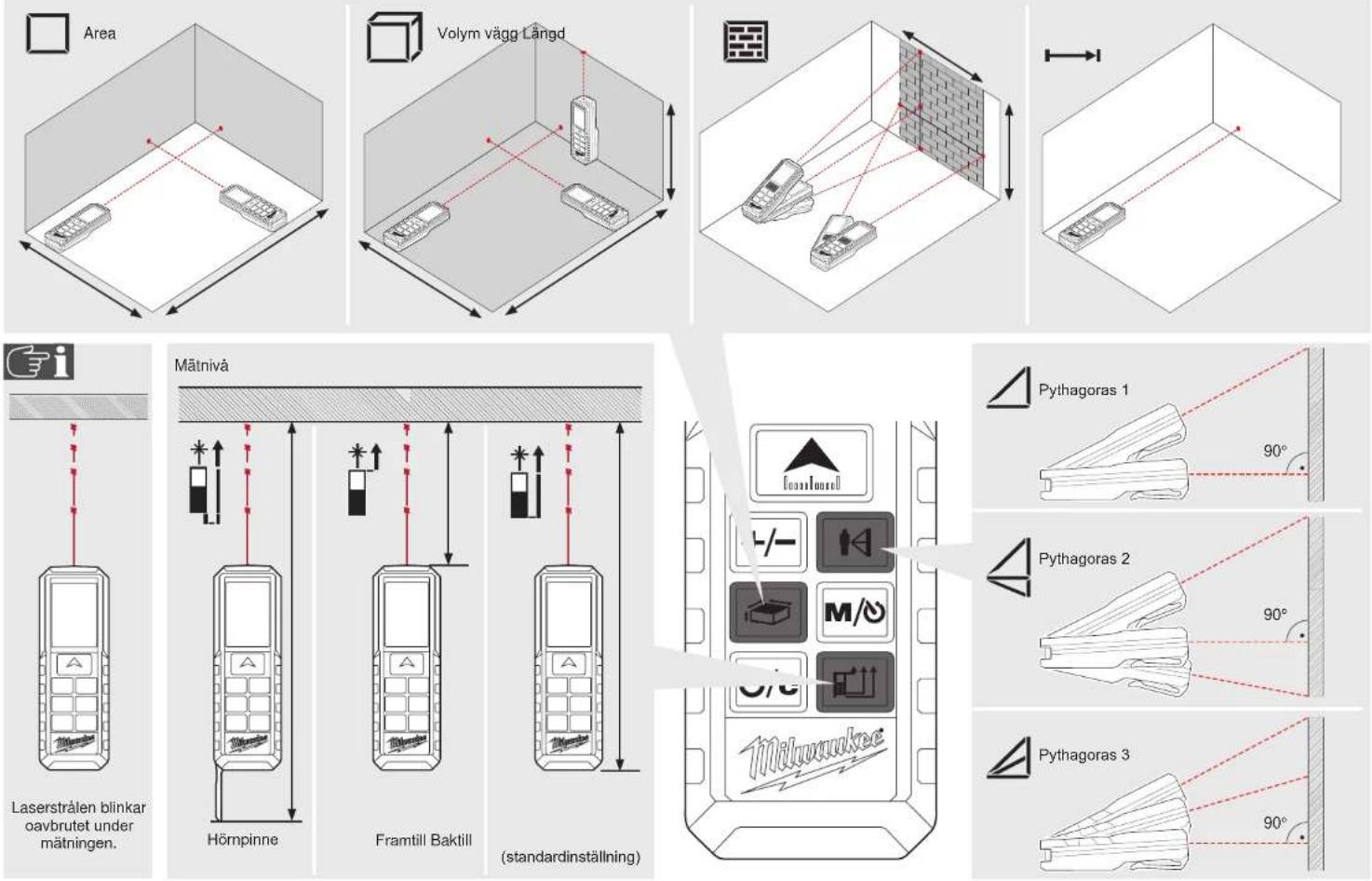
ENKEL LÄNGDMÄTNING
01234





flowchart
graph TD
    A["1"] --> B["2"]
    C["3"] --> D["4"]
    E["5"] --> F["6"]
    style A fill:#f9f,stroke:#333
    style C fill:#f9f,stroke:#333
    style E fill:#f9f,stroke:#333
    style B fill:#ccf,stroke:#333
    style D fill:#ccf,stroke:#333
    style F fill:#ccf,stroke:#333
KONTINUERLIG MÄTNING/MINIMUM-MAXIMUM MÄTNING
ADDITIONS- / SUBTRAKTIONSMESSUNG
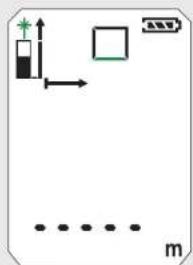
AREAMÄTNING
0


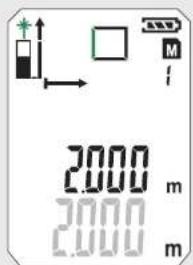
VOLYMMÄTNING
0



INDIREKT MÄTNING (PYTHAGORAS 1)
INDIREKT MÄTNING (PYTHAGORAS 2)
INDIREKT MÄTNING (PYTHAGORAS 3)
1
The image is too blurry to recognize any text content.


The image is too blurry to recognize any text content.

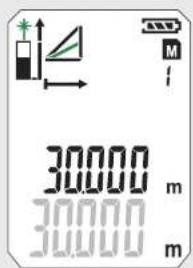
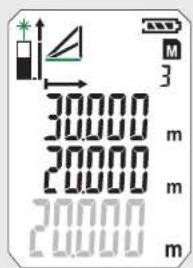
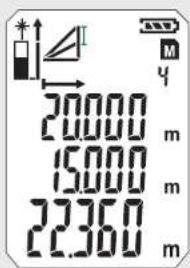
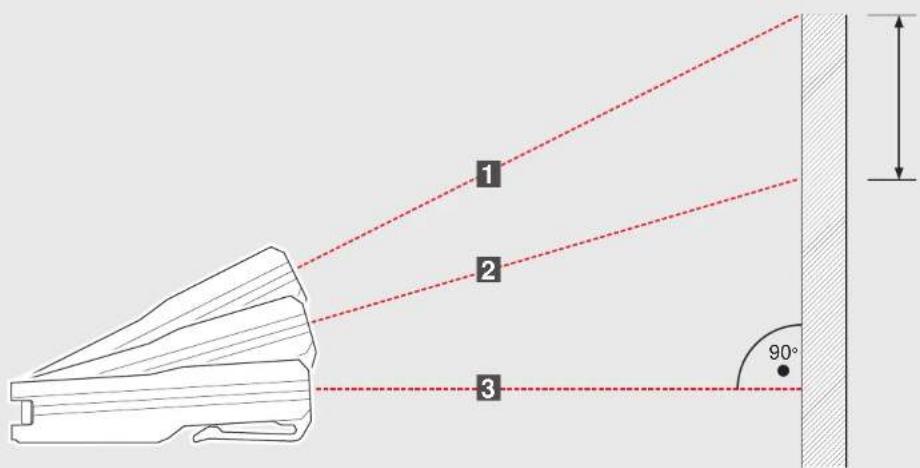
MÄTNING VÄGGAREA (SCENARIO 1)
MÄTNING VÄGGAREA (SCENARIO 2)
TIMER MINNE
natural_image
Line drawing of a device with a handle and a separate black component, no text or symbols present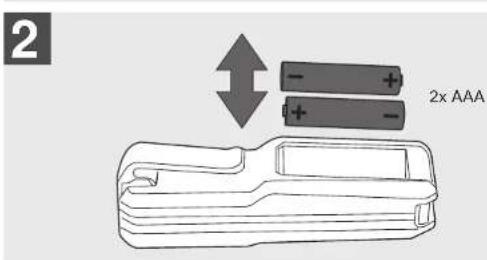
natural_image
Illustration of a handheld device with a black handle and an arrow pointing to it (no text or symbols)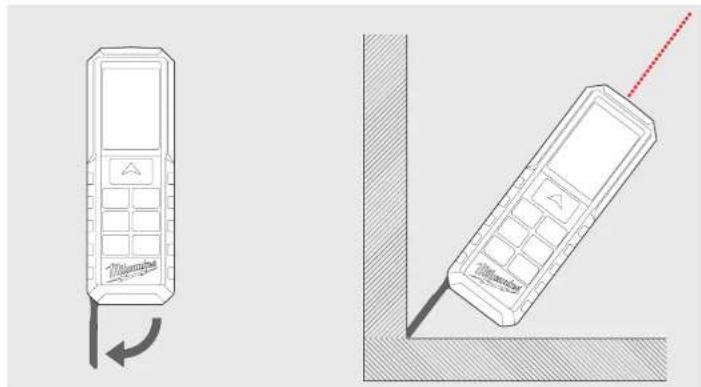
natural_image
Line drawings of two mobile phones with one showing a curved arrow and the other a diagonal line (no text or symbols)VYÖKANNATIN
natural_image
Illustration of a handheld tool with a handle and arrow indicating insertion or positioning (no text or symbols)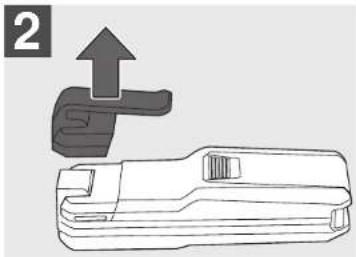
natural_image
Technical line drawing of a mechanical tool with an upward arrow indicating motion (no text or symbols)
TOIMINTONÄPPÄIN, PYTHAGORAS, MITTAUSTASO
YKSINKERTAINEN PITUUSMITTAUS
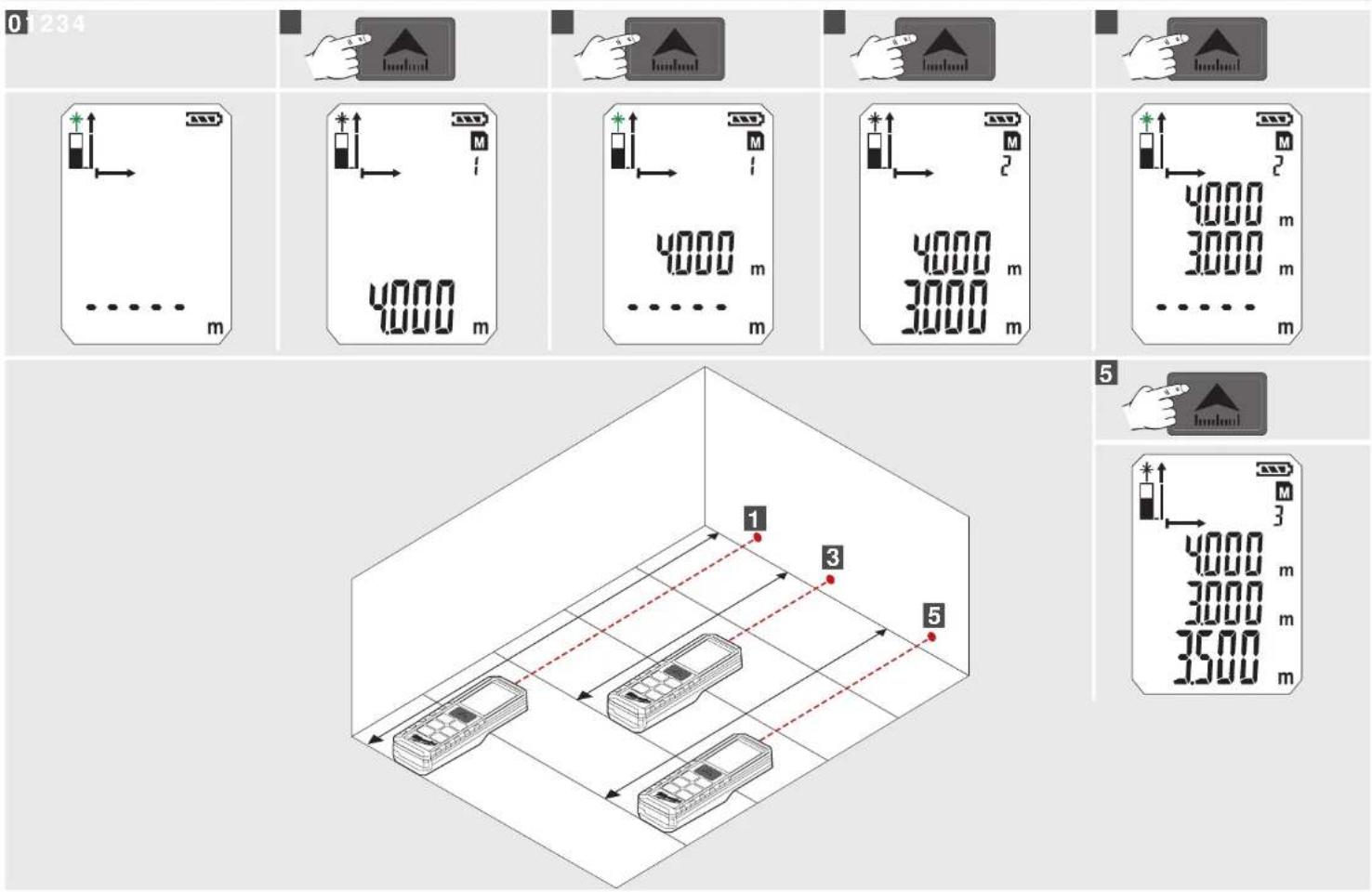
JATKUVA MITTAUS / MINIMI-MAKSIMI-MITTAUS
0
[Unreadable]
m = 311


Stop
MIN / MAX


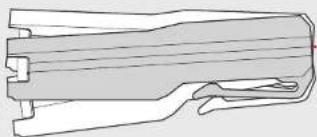
natural_image
Technical line drawing of a mechanical component with no visible text or symbolsMAX

MAX
LISÄYS- / VÄHENNYSMITTAUS
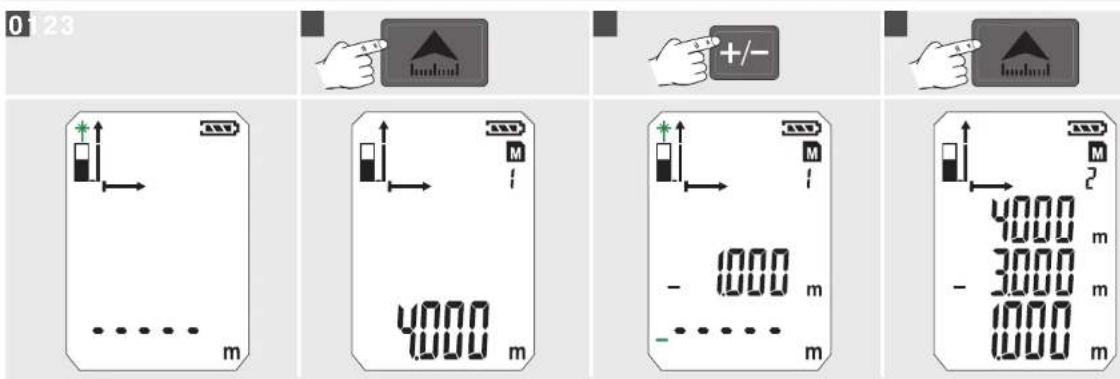
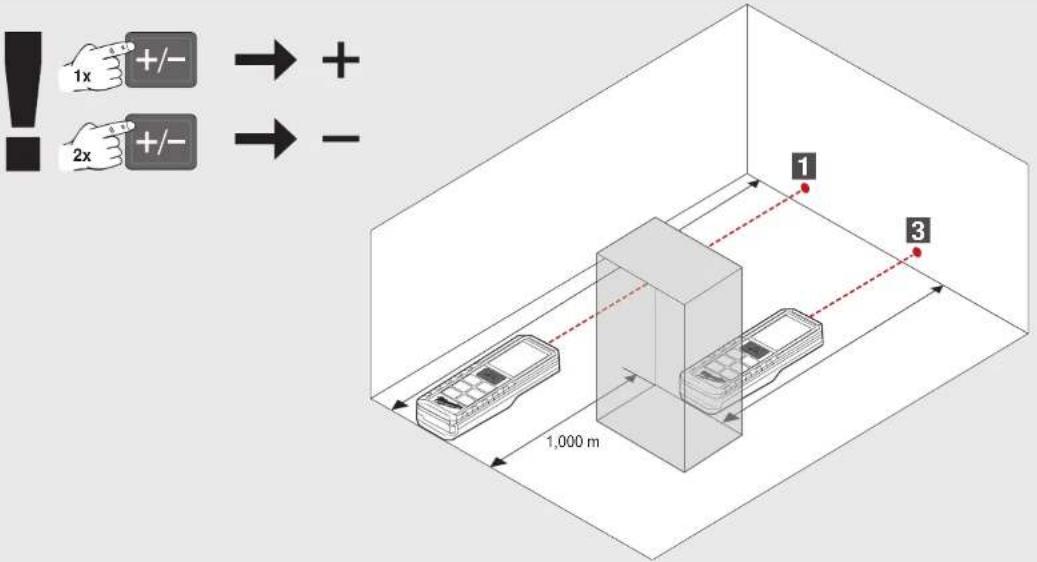
PINTA-ALAMITTAUS
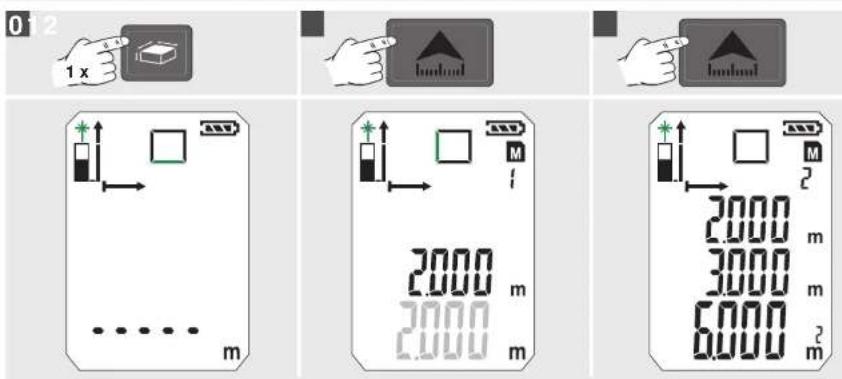
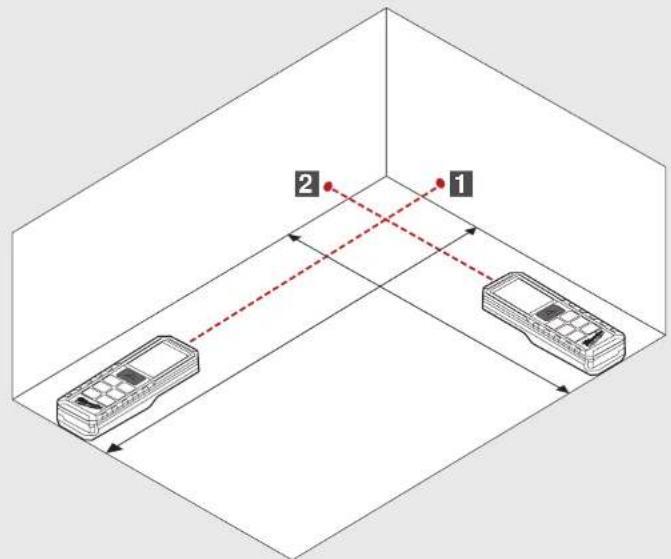
TILAVUUSMITTAUS
0


EPÄSUORA MITTAUS (PYTHAGORAS 1)
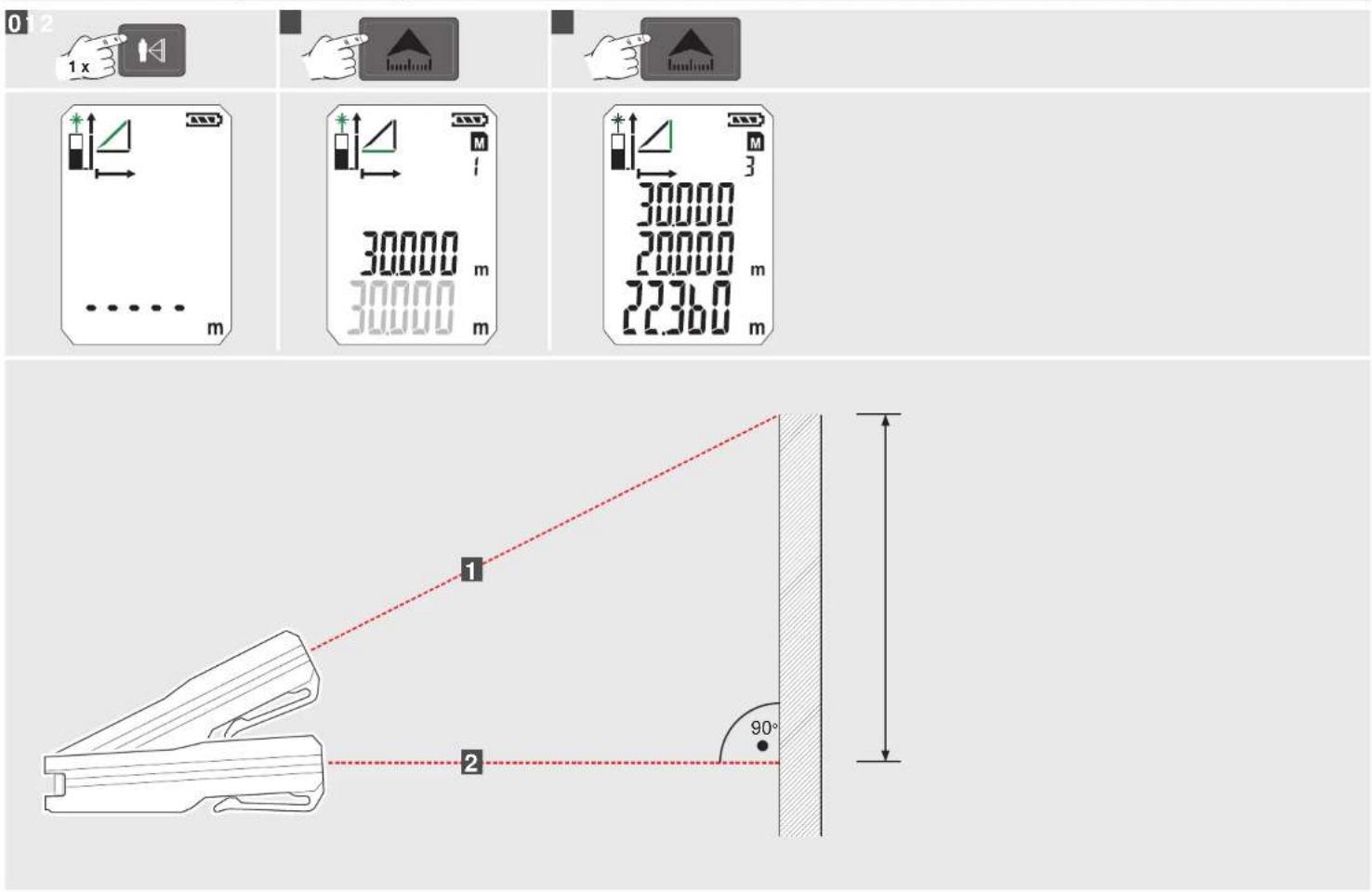
EPÄSUORA MITTAUS (PYTHAGORAS 2)
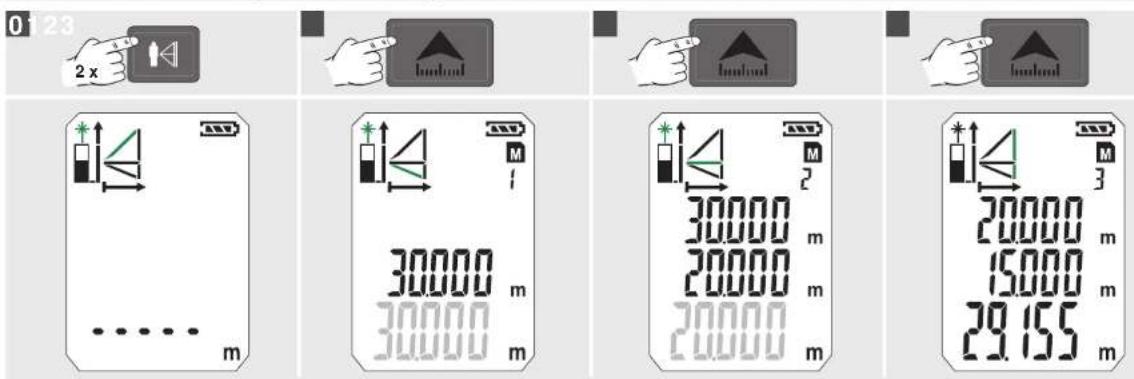
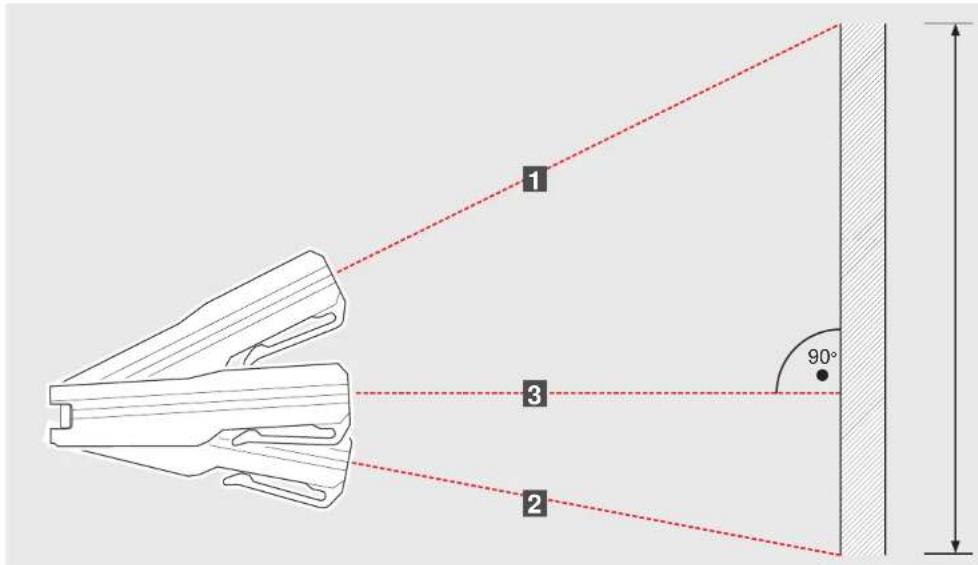
EPÄSUORA MITTAUS (PYTHAGORAS 3)
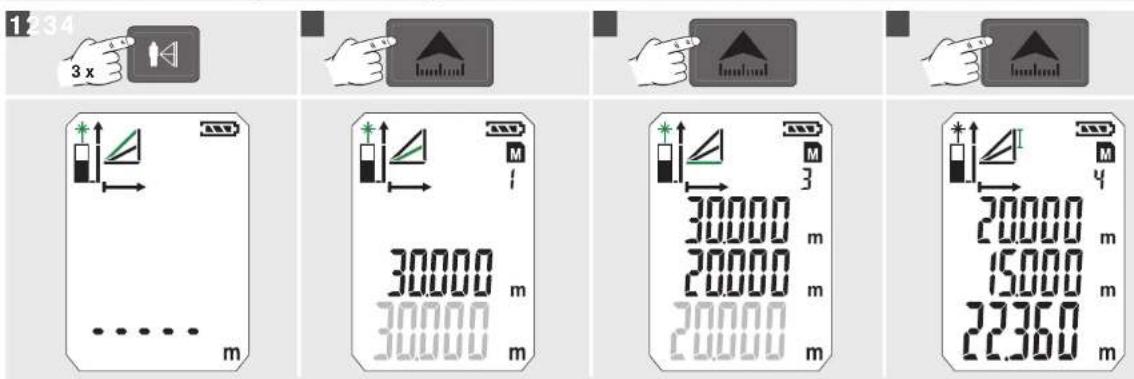
SEINÄN PINTA-ALAMITTAUS (MALLI 1)
SEINÄN PINTA-ALAMITTAUS (MALLI 2)
AJASTIN MUISTI
natural_image
Line drawing of a device with a handle and a separate black component, no text or symbols present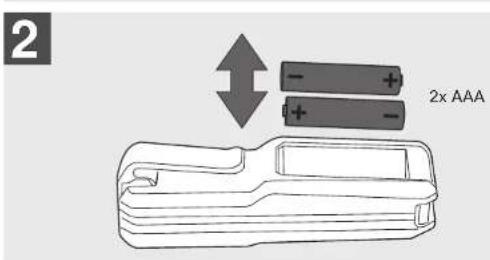
natural_image
Illustration of a handheld device with a black handle and an arrow pointing to it (no text or symbols)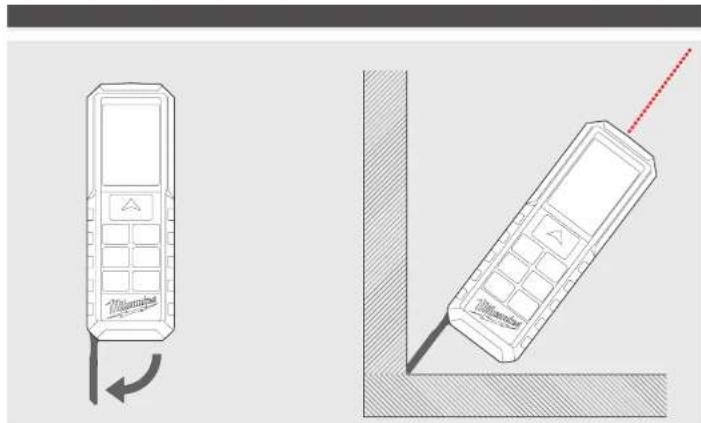
natural_image
Technical line drawing of a mobile phone with a left-side panel and a right-side screen, showing no text or symbols.ΚΛΙΠ ΖΩΝΗΣ
natural_image
Illustration of a handheld tool with a handle and arrow indicating insertion or positioning (no text or symbols)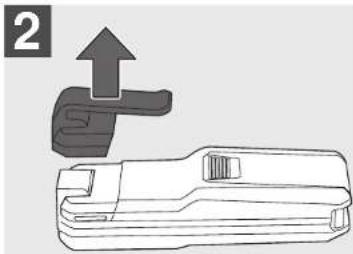
natural_image
Technical line drawing of a mechanical tool with an upward arrow indicating motion (no text or symbols)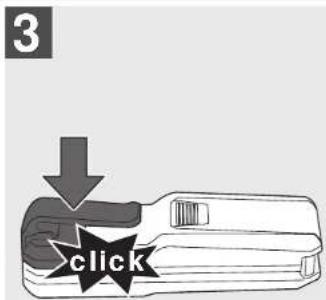
ΜΕΤΡΗΣΗ ΕΠΙΦΑΝΕΙΑΣ
0


ΜΕΤΡΗΣΗ ΟΓΚΟΥ
0



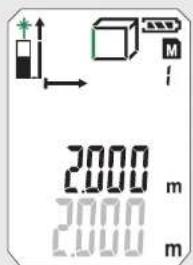
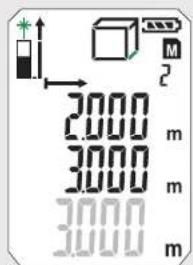
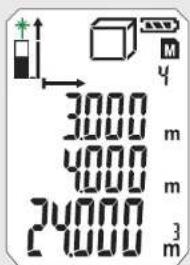
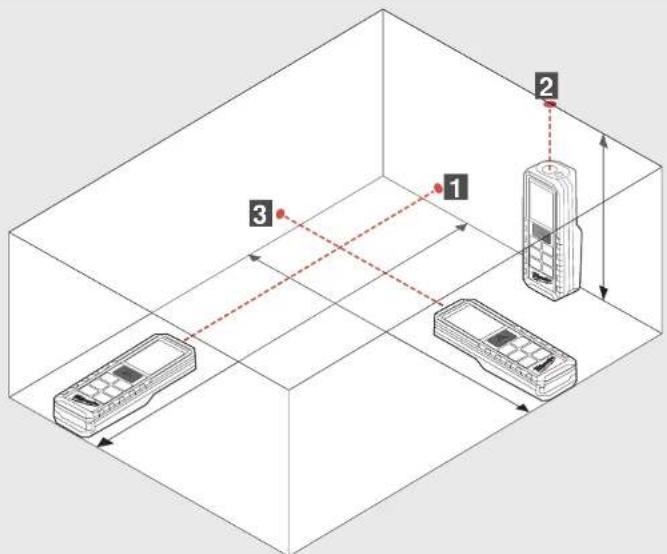
natural_image
Line drawing of a device with a handle and a separate black component, no text or symbols present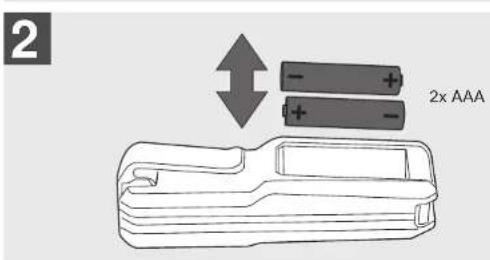
natural_image
Illustration of a handheld device with a black handle and an arrow pointing to it (no text or symbols)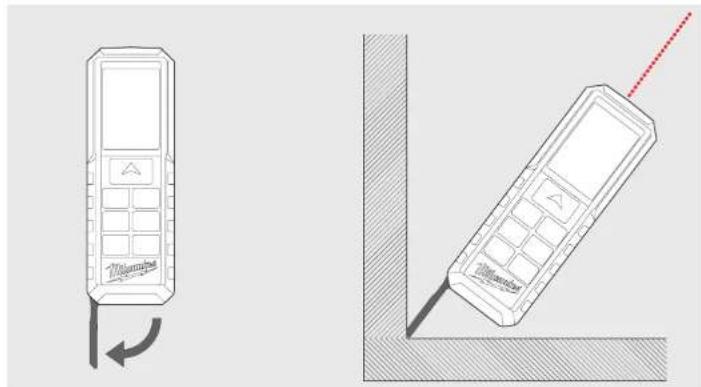
natural_image
Two technical line drawings of mobile phones with a red antenna, one showing a left-hand rule and the other a right-hand rule (no text or symbols present)KEMER KLIPSI
natural_image
Illustration of a handheld tool with a handle and arrow indicating insertion or positioning (no text or symbols)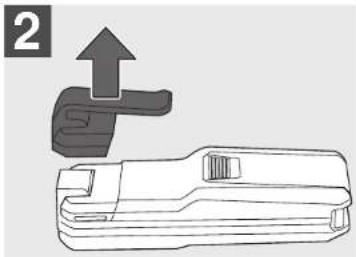
natural_image
Technical line drawing of a mechanical tool with an upward arrow indicating motion (no text or symbols)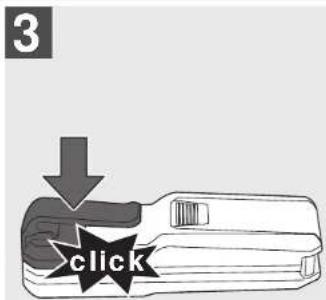
FONKSIYON DÜĞMESI, PISAGOR, ÖLÇÜM REFERANSI
MUNFERIT MESAFE OLCUMU
01234




flowchart
graph TD
    A["1"] --> B["2"]
    C["3"] --> D["4"]
    E["5"] --> F["6"]
    style A fill:#f9f,stroke:#333
    style C fill:#f9f,stroke:#333
    style E fill:#f9f,stroke:#333
    style B fill:#ccf,stroke:#333
    style D fill:#ccf,stroke:#333
    style F fill:#ccf,stroke:#333
    style G fill:#cfc,stroke:#333
5

SÜREKLI / MINIMUM-MAKSİMUM ÖLÇÜM
EKLEMELI / ÇIKARMALI ÖLÇÜM
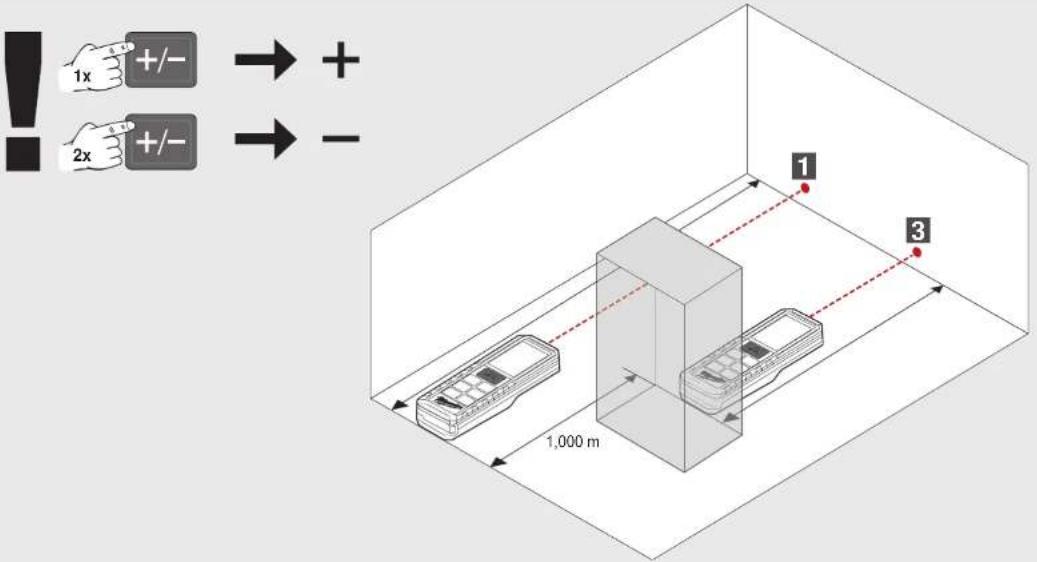
ALAN ÖLCÜMÜ
0


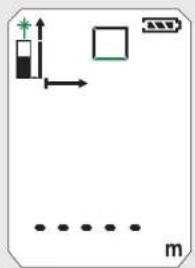
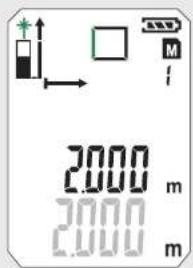
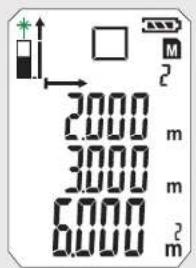
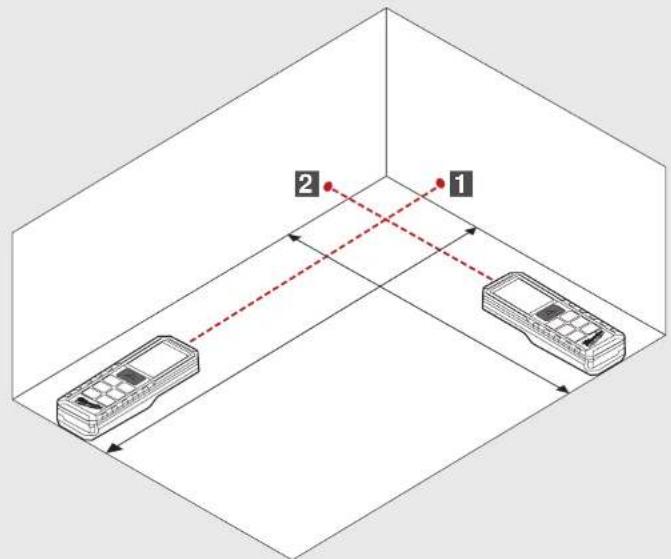
HACIM OLCUMU
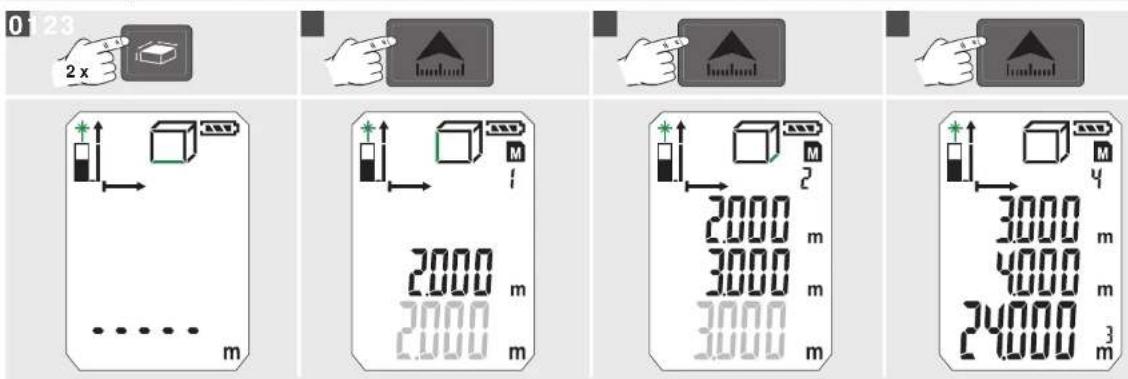
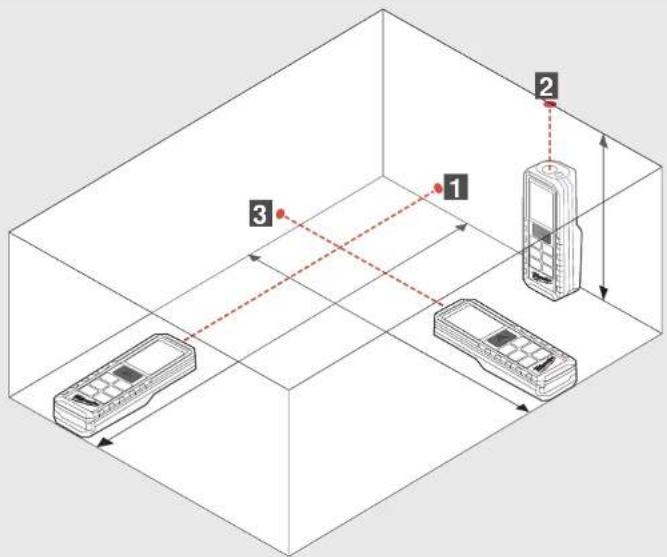
DOLAYLI ÖLÇÜM (PISAGOR 1)
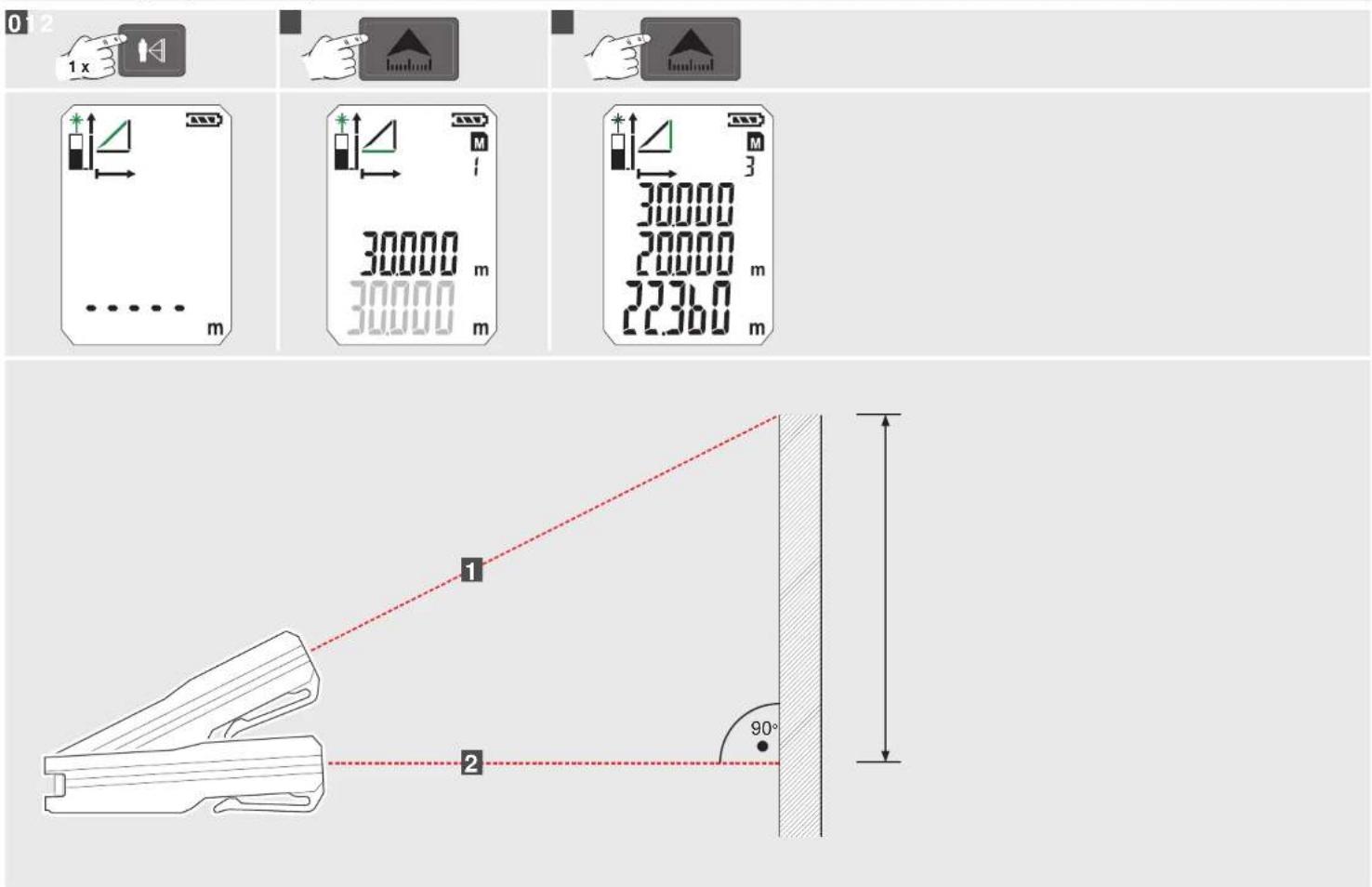
DOLAYLI ÖLÇÜM (PISAGOR 2)
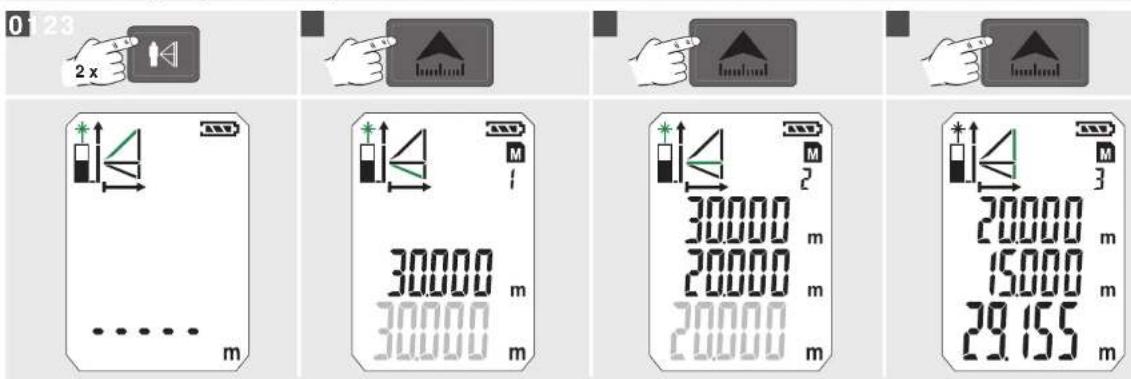
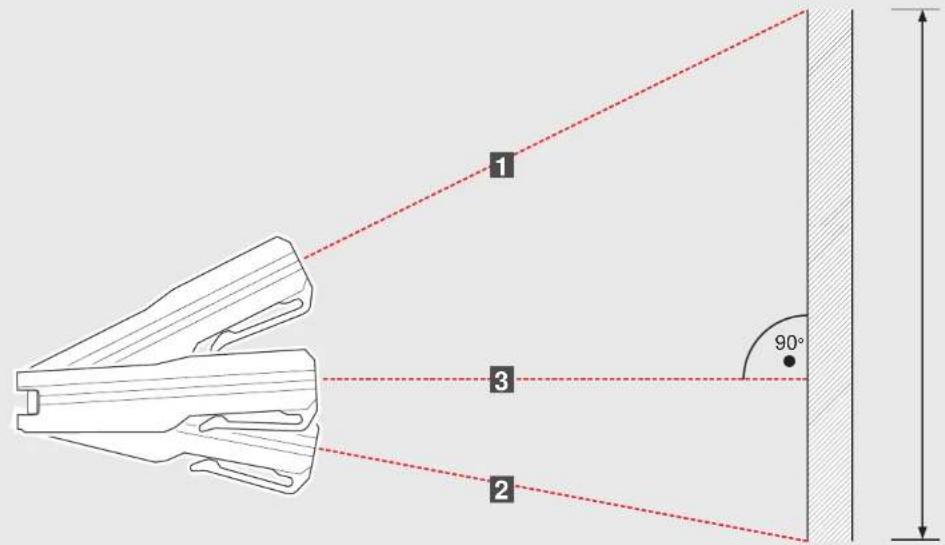
DOLAYLI ÖLÇÜM (PISAGOR 3)
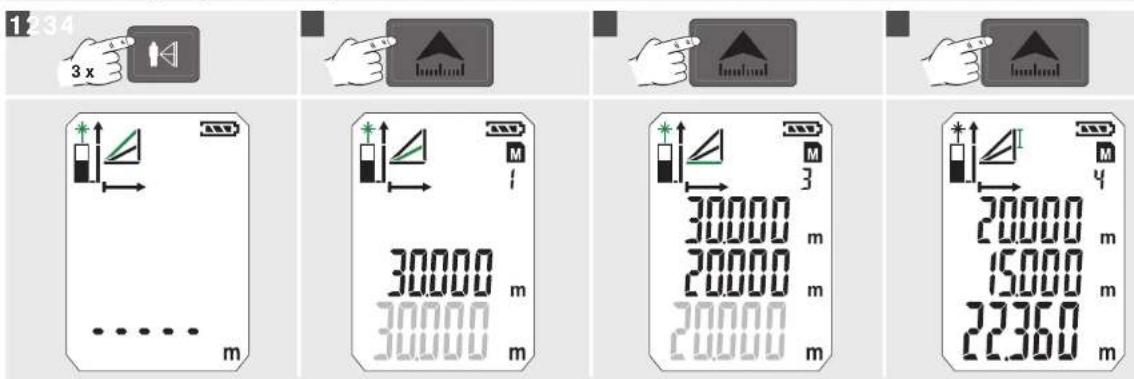

DUVAR ALANI ÖLÇÜMÜ (SENARYO 1)
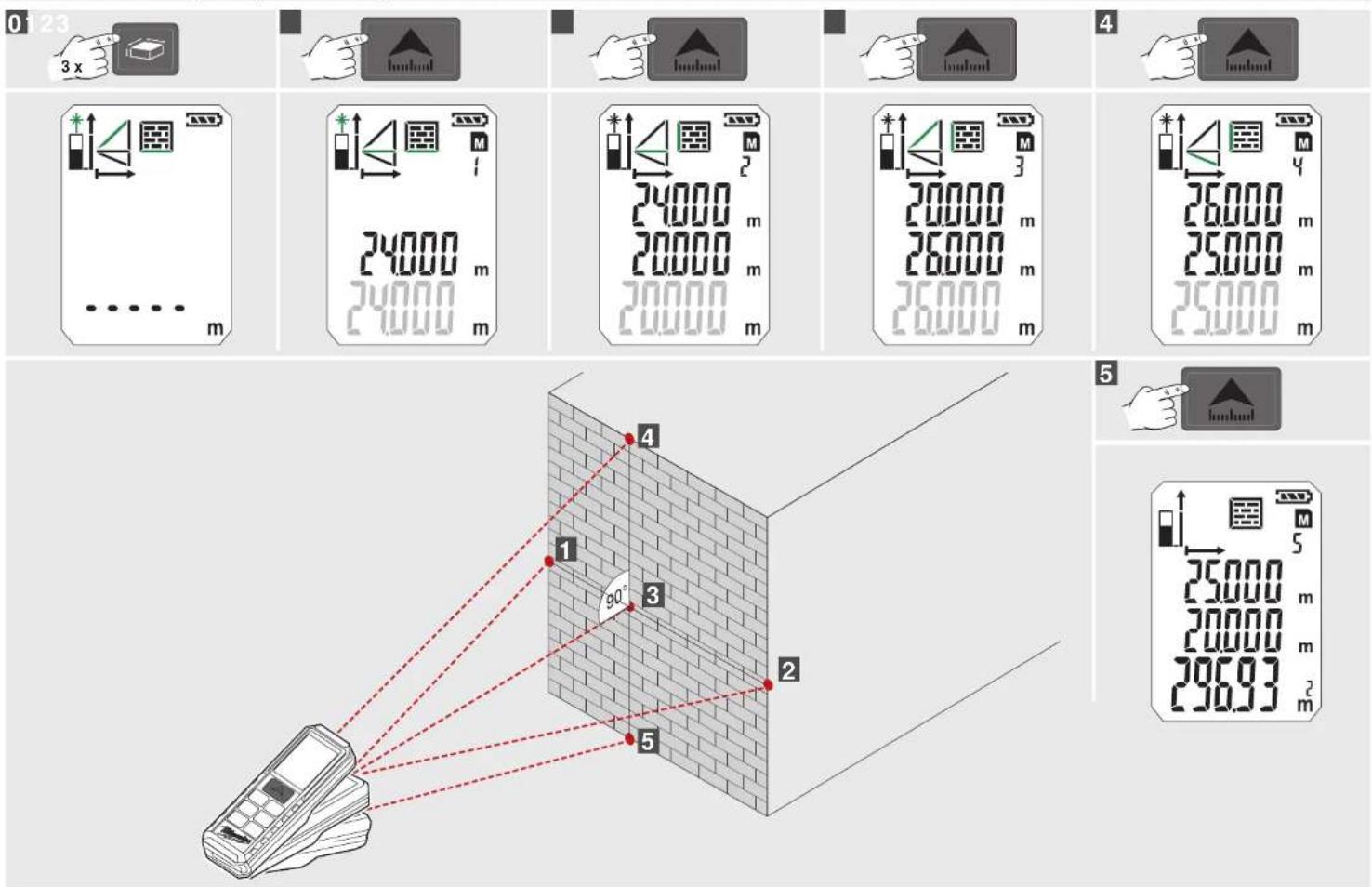
DUVAR ALANI ÖLÇÜMÜ (SENARYO 2)
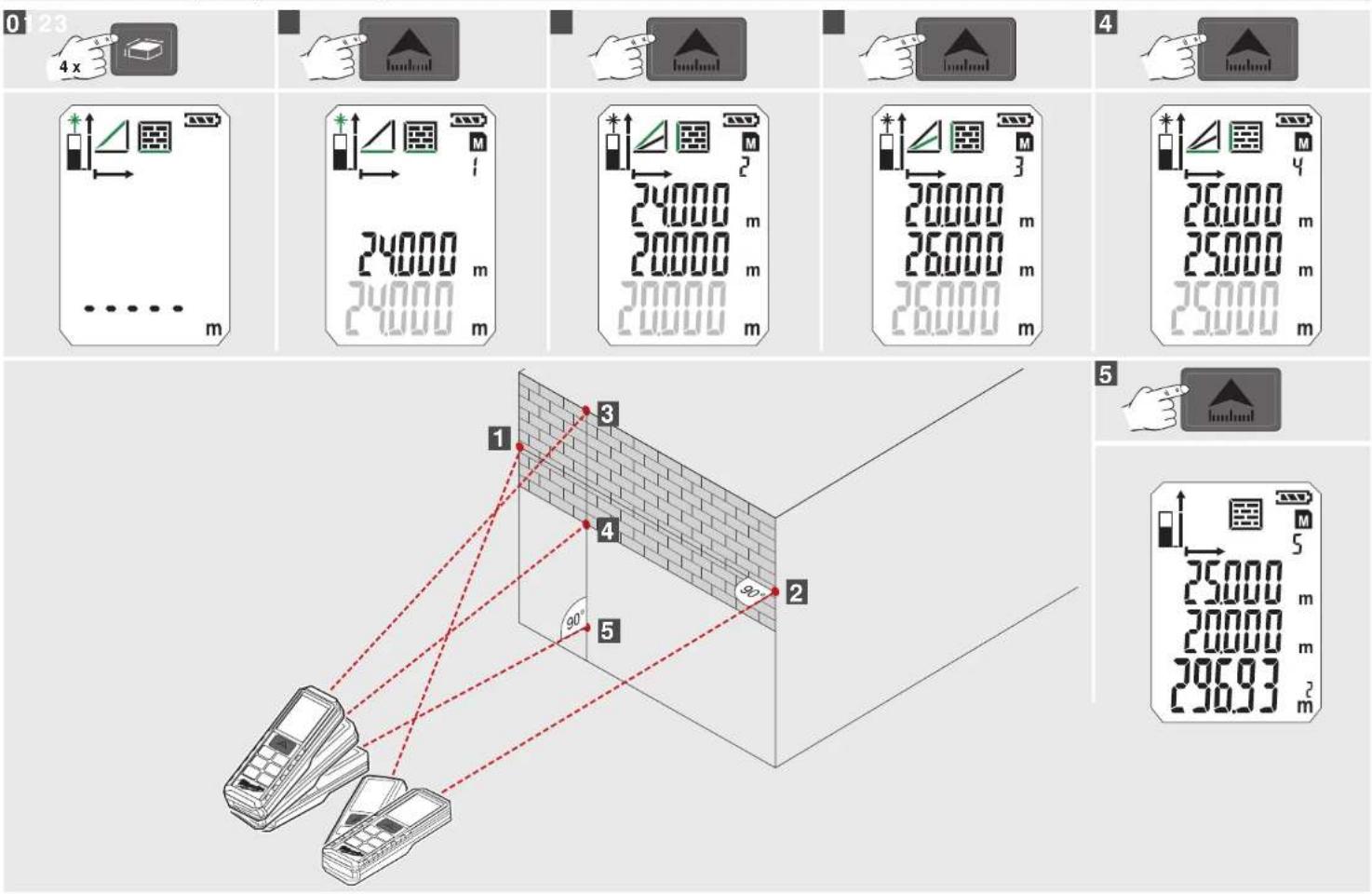
ZAMANLAYICI BELLEK
ALAN ÖLÇÜMÜ ÖRNEĞI (1) ILE ILGILI TEMEL AÇIKLAMA
natural_image
Line drawing of a device with a handle and a separate black component, no text or symbols present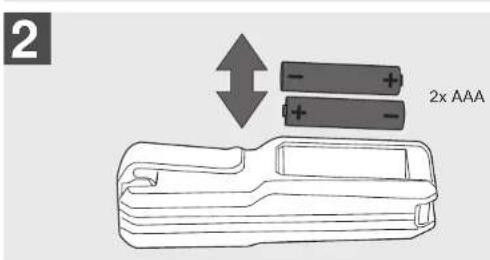
natural_image
Illustration of a handheld device with a black handle and an arrow pointing to it (no text or symbols)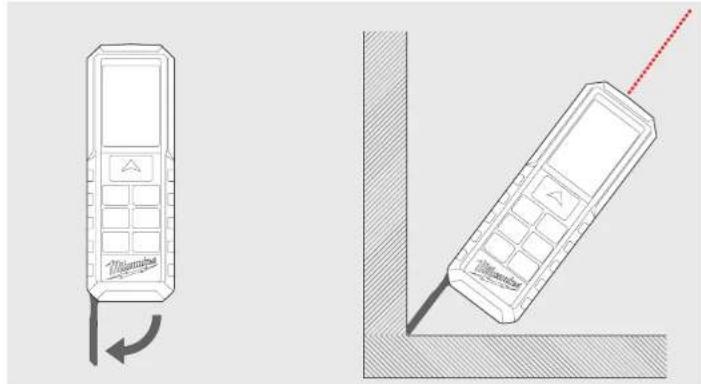
natural_image
Technical line drawing of two mobile phones with a red antenna, one showing a left-side rotation and the other a corner panel (no text or symbols)DRŽÁK NA OPASEK
natural_image
Illustration of a handheld tool with a handle and arrow indicating insertion or positioning (no text or symbols)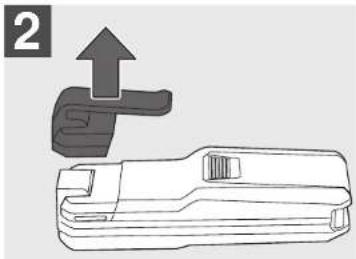
natural_image
Technical line drawing of a mechanical tool with an upward arrow indicating motion (no text or symbols)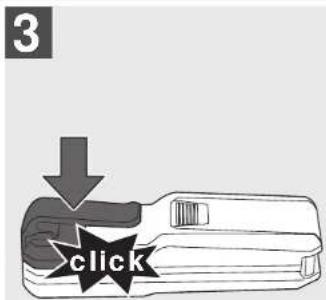
FUNKČNÍ TLAČÍTKO, FUNKCE PYTHAGORAS, ÚROVEN MĚRENÍ
JEDNODUCHÉ MĚŘENÍ DĚLKY
KONTINUÁLNI MĚŘENÍ / MĚŘENÍ MINIMA - MAXIMA
MÈRENI PRIPOĆITANIM / MÈRENI ODPOĆITANIM
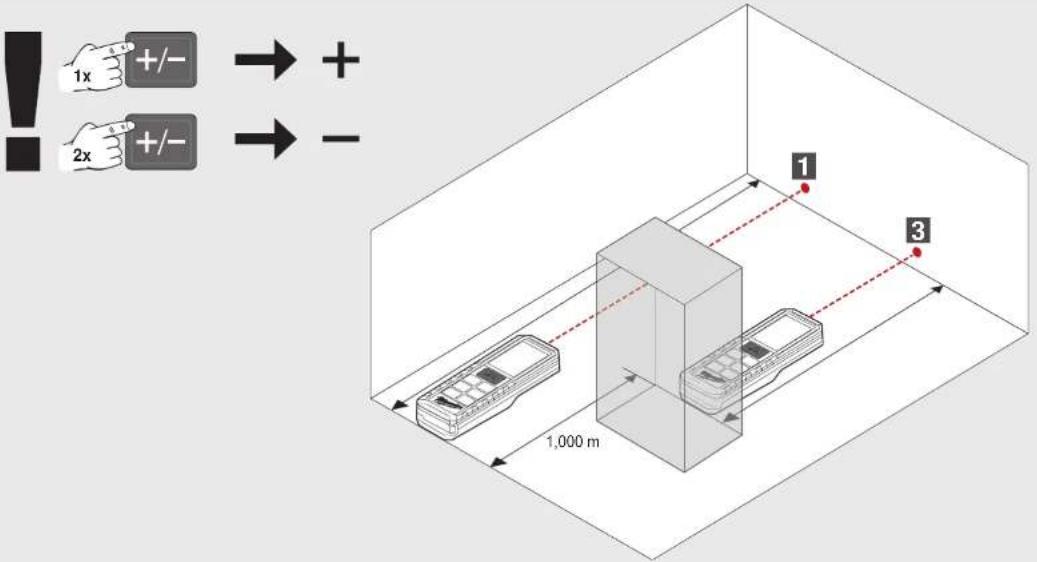
MĚŘENÍ PLOCHY
0


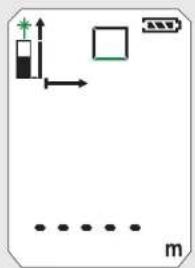
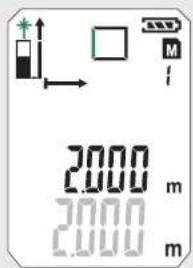
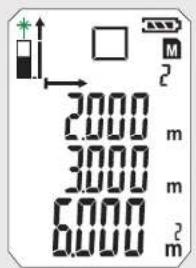
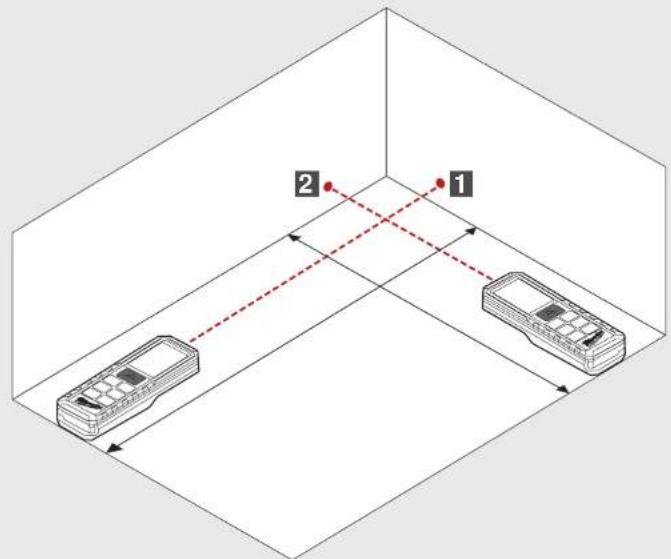
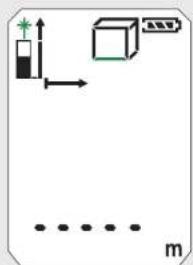
MĚŘENÍ OBJEMU
0



NEPRIMÉ MĚŘENÍ (FUNKCE PYTHAGORAS 1)
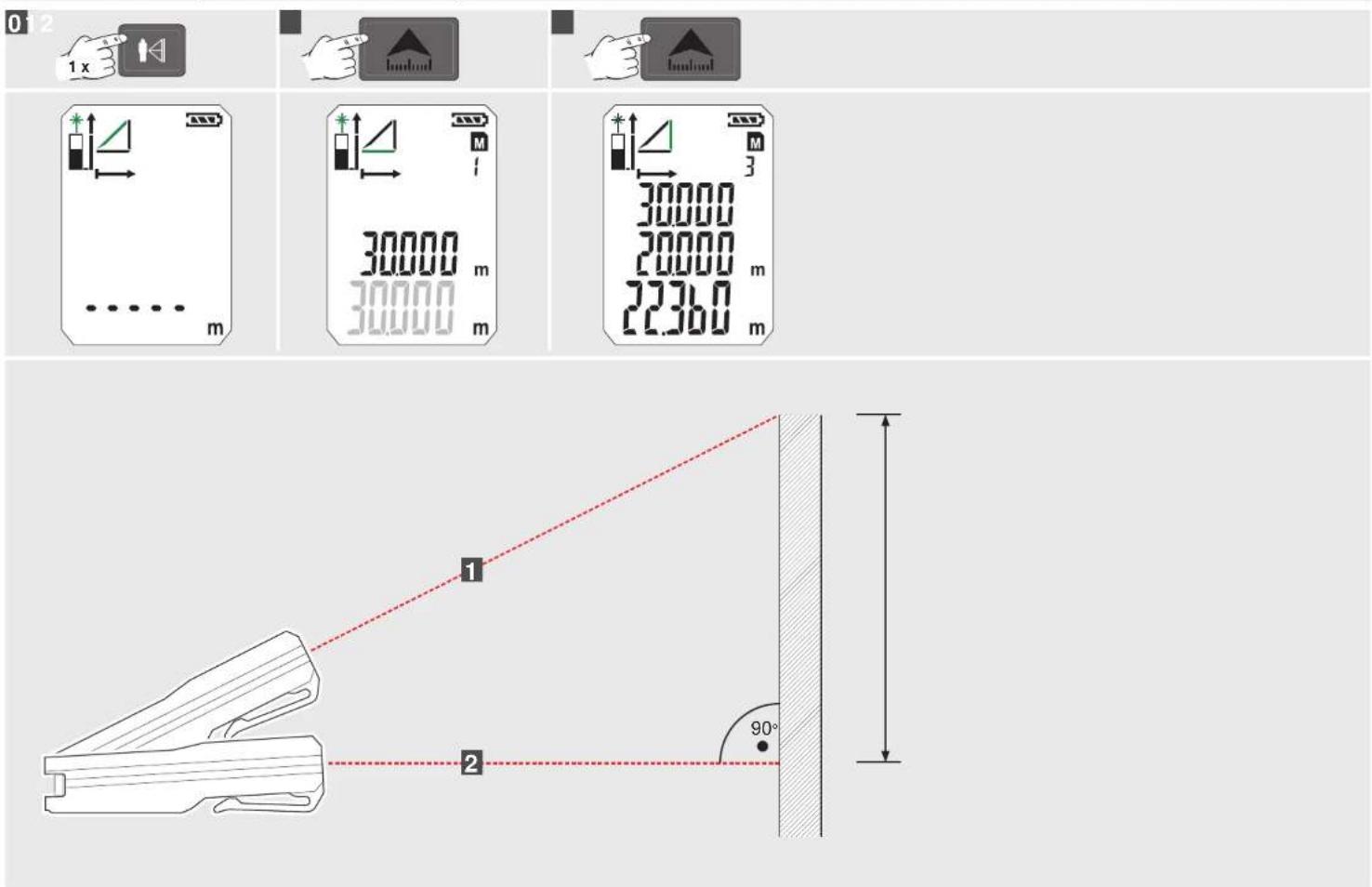
NEPRIMÉ MĚŘENÍ (FUNKCE PYTHAGORAS 2)
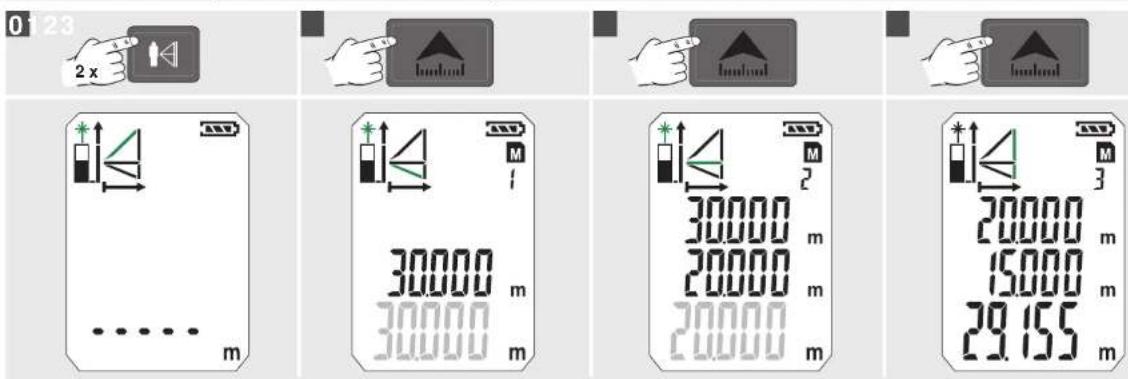
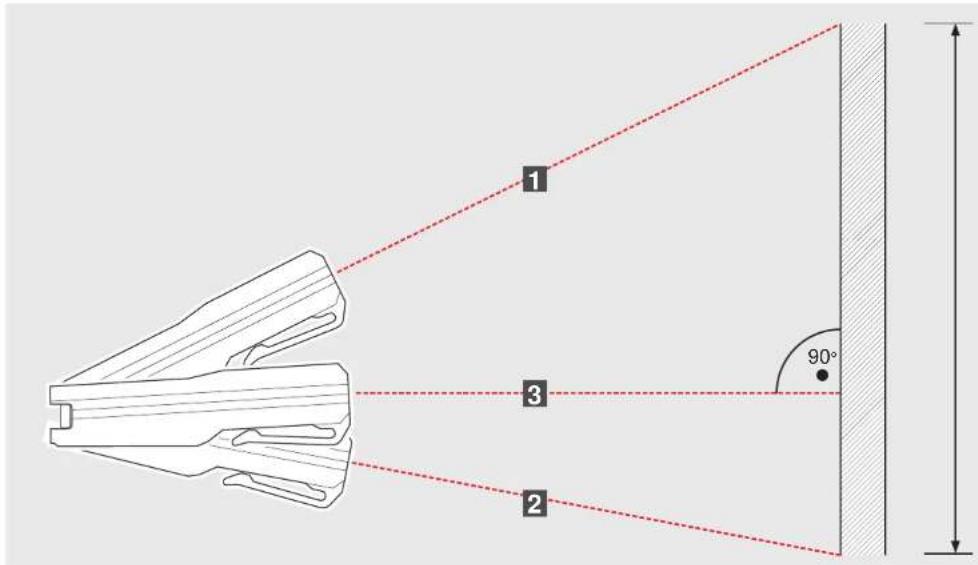
NEPRIMÉ MĚŘENÍ (FUNKCE PYTHAGORAS 3)
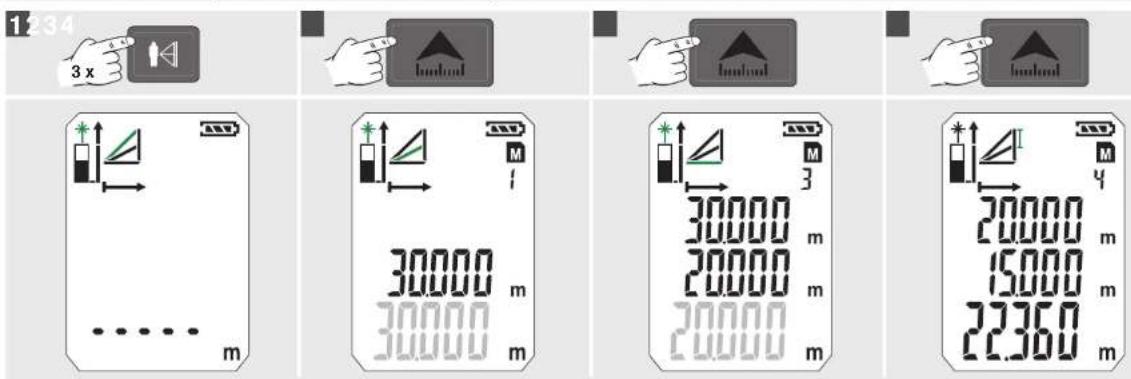
MĚŘENÍ PLOCHY STĚNY (SCÉNÁR 1)
MĚŘENÍ PLOCHY STĚNY (SCÉNÁR 2)
CASOVAC PAMET
- IMPORTANT SAFETY INSTRUCTIONS
- Laser Classification
- WARNING:
- SPECIFIED CONDITIONS OF USE
- OVERVIEW
- ON / MEASURE
- ADD / SUBSTRACT
- AREAS / VOLUMES
- PYTHAGORAS
- CHANGE POINT OF MEASURE
- AREA MEASURING
- TIMER MEMORY
- BASIC DESCRIPTION ON EXAMPLE OF AREA MEASURING (1)
- Turn On
- Choose Measuring Reference
- Choose Function
- Measure length
- Measure width
- INHALT
- FLÄCHENMESSUNG
- MESURE SURFACE
- TIMER MÉMOIRE
- OPPERVLAKTEMETING
- TIMER GEHEUGEN
- PRINCIPIÈLE WERKING AAN DE HAND VAN EEN OPPERVLAKTEMETING (1)
- Inschakelen
- HUKOMMELSE
- AREALMÄLING
- TIMER HUKOMMELSE
- OVERFLATEMÄLING
- VOLUMMALING
- TIDSINNSTILLER MINNE
- AREAMÄTNING
- TIMER MINNE
- AJASTIN MUISTI
- ΜΕΤΡΗΣΗ ΕΠΙΦΑΝΕΙΑΣ
- ALAN ÖLCÜMÜ
- ZAMANLAYICI BELLEK
- MĚŘENÍ PLOCHY
- MĚŘENÍ OBJEMU
- CASOVAC PAMET
Brand : MILWAUKEE
Model : LDM 50
Category : Rangefinder