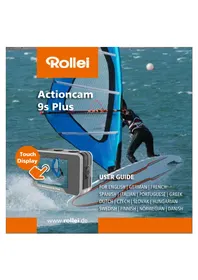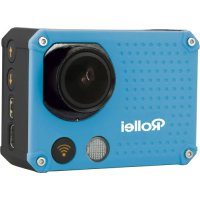
Actioncam 6s Plus - Camcorder ROLLEI - Free user manual and instructions
Find the device manual for free Actioncam 6s Plus ROLLEI in PDF.



Frequently Asked Questions - Actioncam 6s Plus ROLLEI
User questions about Actioncam 6s Plus ROLLEI
0 question about this device. Answer the ones you know or ask your own.
Ask a new question about this device
Download the instructions for your Camcorder in PDF format for free! Find your manual Actioncam 6s Plus - ROLLEI and take your electronic device back in hand. On this page are published all the documents necessary for the use of your device. Actioncam 6s Plus by ROLLEI.
USER MANUAL Actioncam 6s Plus ROLLEI
- This product is a high-precision product, do not drop or hit it.
- Do not place the camera near to strong magnetism, such as magnets and motors. Please avoid to place the product near anything emitting strong radio waves, a strong magnetic field may cause the product to malfunction or damage the image and sound.
- Do not place the camera at high temperatures or direct sunlight.
- Use brand Micro SD cards as ordinary cards do not guarantee the proper use.
- Do not use Micro SD cards in or near magnetic places to avoid loss of data.
- During the charging process, if there is overheating, smoke or odor, please unplug the power immediately and stop charging to avoid fire.
- Please keep away the camera and its accessories from children to avoid choking or electric shocks.
- Store the product in a cool and dry place.
- Do not use the camera when it is low power or in charging.
- Do not attempt to open the case of the camera or modify it in any way, the warranty will be lost.
Product Features
- 4K@30 fps, 2.7K@30 fps, 1080P@120 fps, 720P@240 fps
- 2" Touch screen
- Waterproof housing to a depth of 10 meters
- Replaceable Li-Ion battery
- Supports Micro SD memory cards up to 64GB
- WiFi connection by App to control the camera
- Remote control included
- Video mode: normal, slow-motion, loop, time-lapse
- Photo mode: single, time lapse, burst, timer
Camera Description
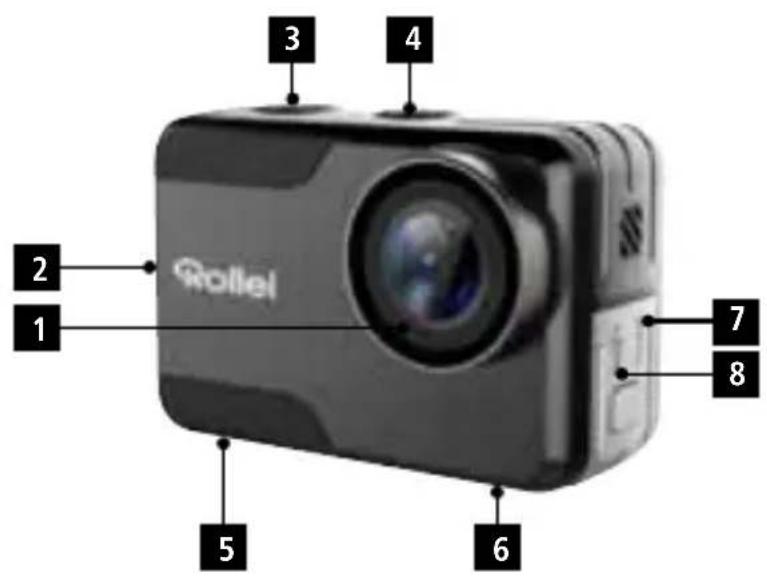
3
1 Lens
2 Power/Mode Button
3 Shutter/Select Button
4 Mode Button
5 Battery and Micro SD Slot
6 Tripod Mount
7 Micro HDMI Slot
8 Micro USB Slot
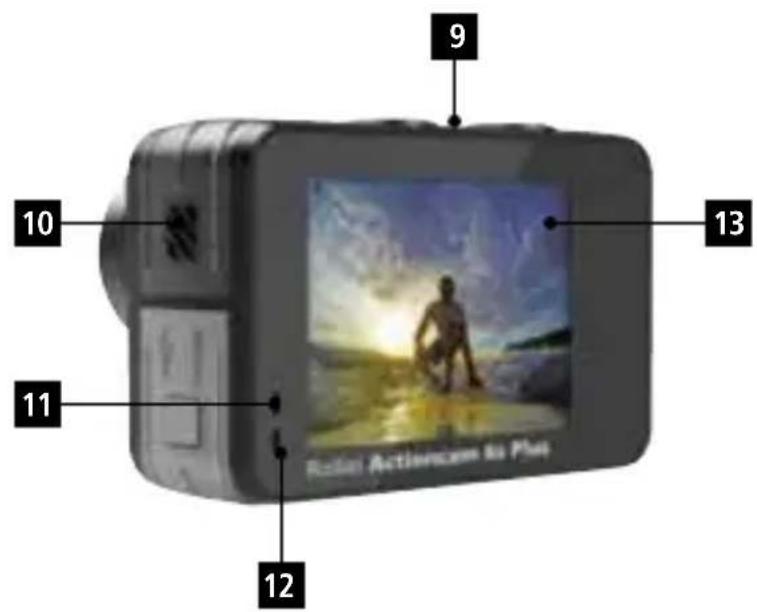
9 Built-In Microphone
10 Built-In Speaker
11 Charging Indicator
12 Operation Indicator
13 Touch Display Screen
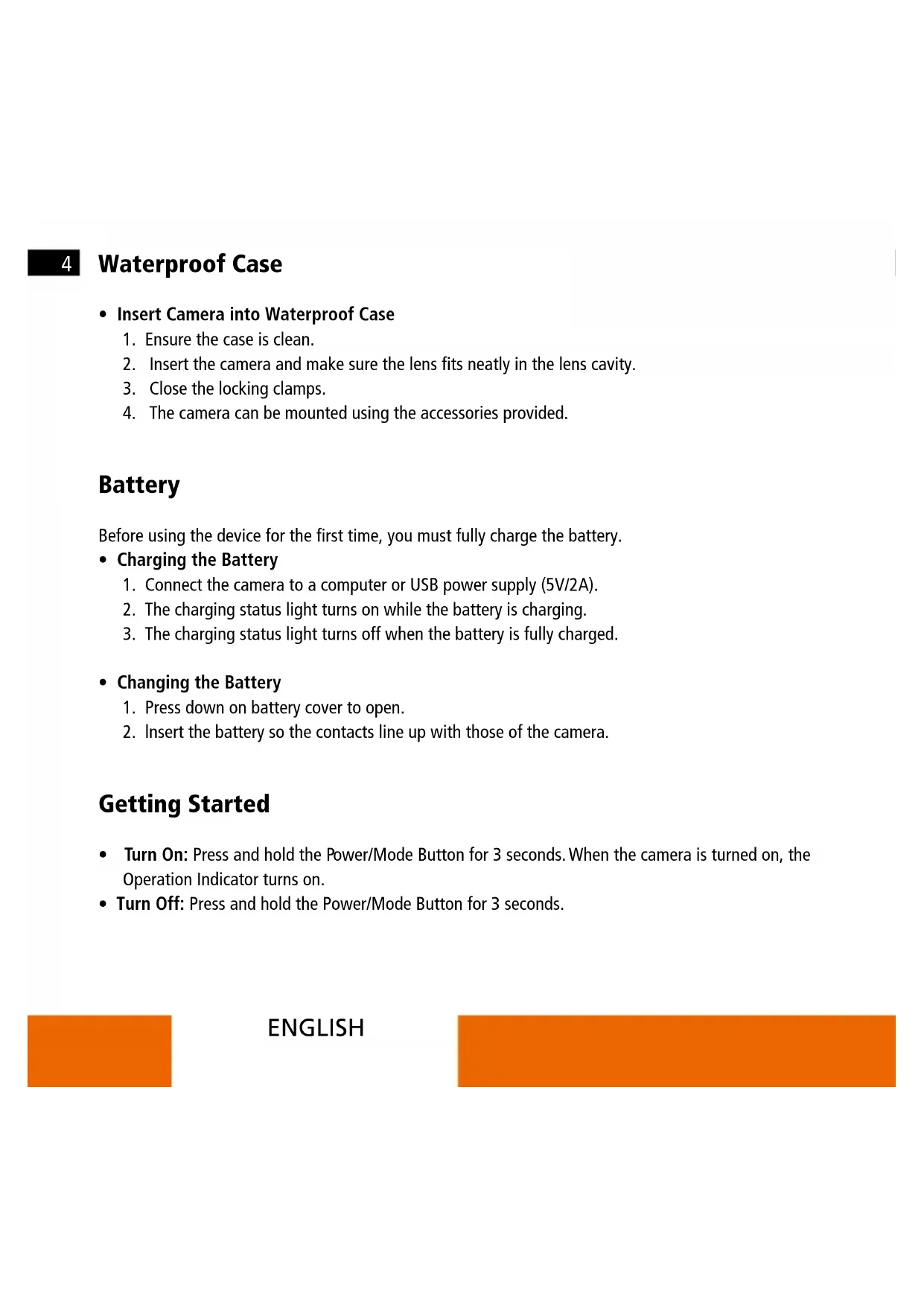
4 Waterproof Case
-
Insert Camera into Waterproof Case
-
Ensure the case is clean.
- Insert the camera and make sure the lens fits neatly in the lens cavity.
- Close the locking clamps.
- The camera can be mounted using the accessories provided.
Battery
Before using the device for the first time, you must fully charge the battery.
-
Charging the Battery
-
Connect the camera to a computer or USB power supply (5V/2A).
- The charging status light turns on while the battery is charging.
-
The charging status light turns off when the battery is fully charged.
-
Changing the Battery
-
Press down on battery cover to open.
- Insert the battery so the contacts line up with those of the camera.
Getting Started
- Turn On: Press and hold the Power/Mode Button for 3 seconds. When the camera is turned on, the Operation Indicator turns on.
- Turn Off: Press and hold the Power/Mode Button for 3 seconds.
Button Function
Overview Menu
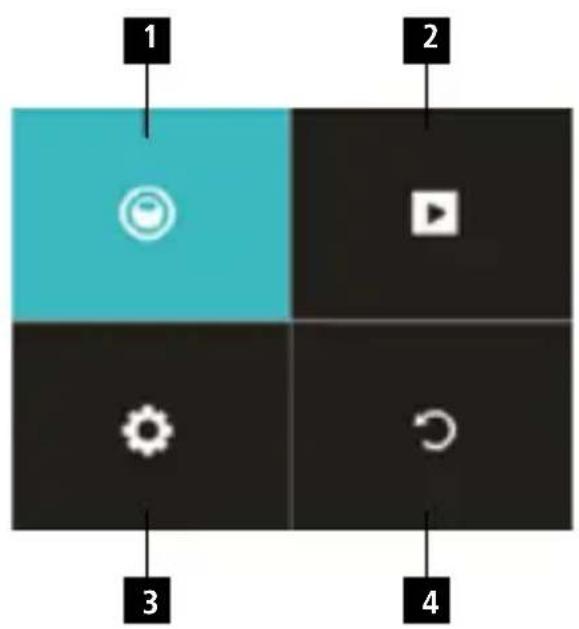
Turn the camera on and briefly press the Mode button to access the following camera menu. To select a mode, briefly press the Shutter/Select Button:
- Mode Menu: Video or Photo
- Playback video and photo
- System Settings
- Return to previous screen
To exit the menu, press the Power/Mode Button or press the Shutter/Select Button in the fourth tab.
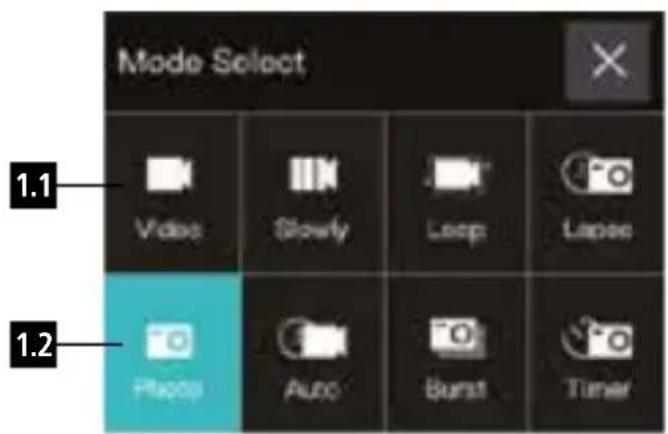
1. Mode Menu
Here you can choose the different video (1.1) or photo (1.2) modes. Select the requested option by pressing the Shutter/Select Button. To choose between video mode and photo mode, press the Power/Mode Button.
6 Button Function
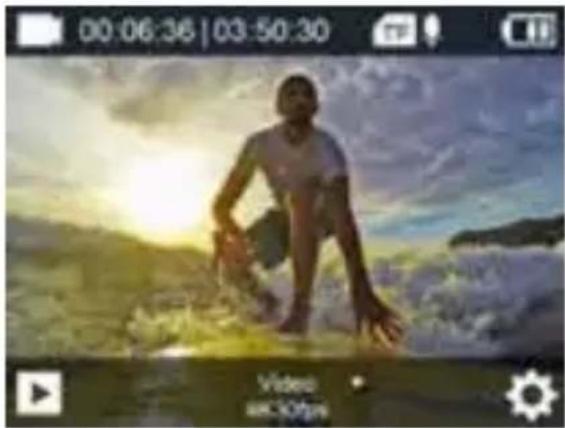
1.1 Video Mode:
Press the Shutter/Select Button to start recording. The camera symbol on the screen gets red while recording. Press Shutter/Select Button again to stop recording.
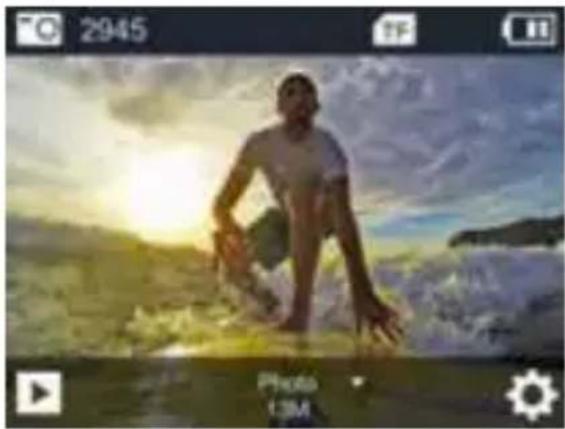
1.2 Photo Mode:
Press the Shutter/Select Button to take a single picture.
2.Playback Video and Photo
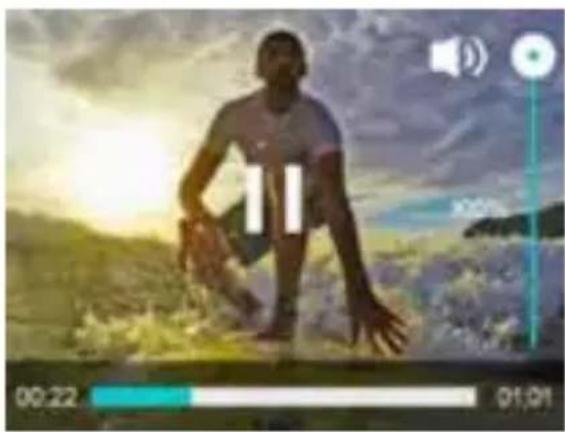
In the playback mode you can preview the videos and photos taken.
Button Function
Playback Files on Camera
Make sure the camera is in Video or Photo Playback menu. Press the Mode Button to cycle the videos or photos, then press the Shutter/Select Button to playback and pause the videos. Press the Power/Mode Button to go back.
Delete Files on Camera
Press and hold the Shutter/Select Button for seconds to delete the optional file. Switch with the Mode Button to confirm, then confirm with the Shutter/Select Button.
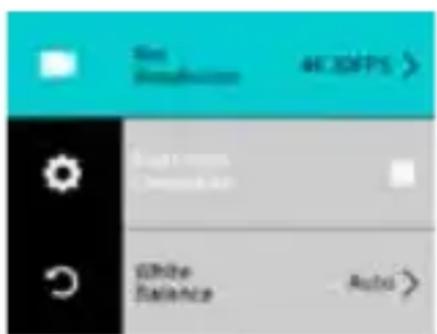
3. System Settings:
In the System Setting mode you can enter the settings for the system and choose different parameters for the camera.
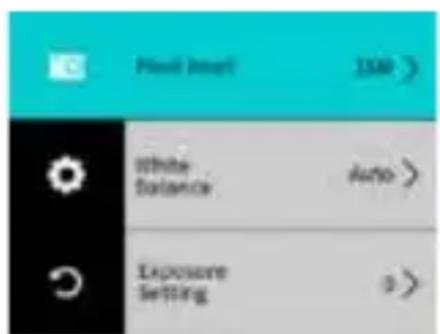

4. Return to Previous Screen
Press the Shutter/Select Button to exit the menu or press the Power/Mode Button.
Touch Function
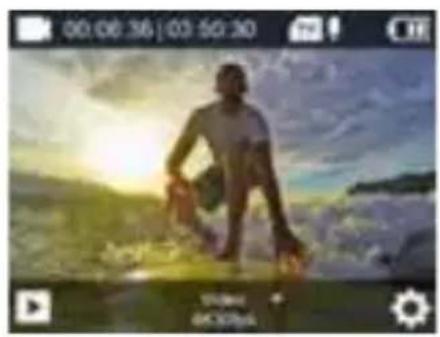
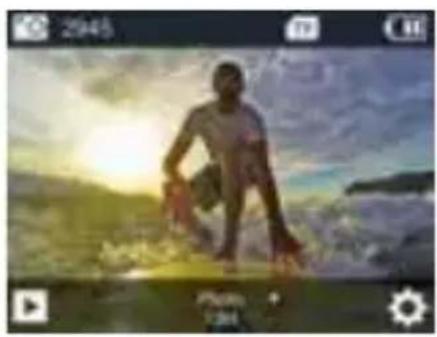

You can use the touch screen to access the functions of the camera.
- Swipe to the left or right to change between the video mode and the photo mode.
- In the video or photo mode you can access the playback mode via the symbol in the left lower corner and the settings with the symbol in the right lower corner.
- During playback, click to play and pause playback video. The finger slides up and down to adjust the volume.
In playback mode, wipe down to retrieve the file information.
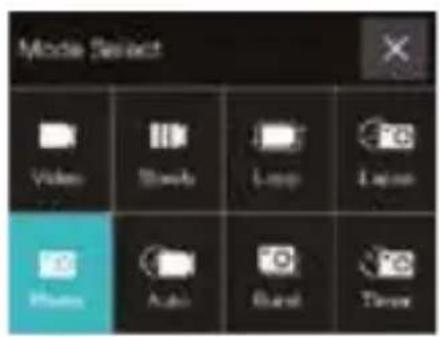

Touch Function
- Swipe up to access the mode menu of video and photo.
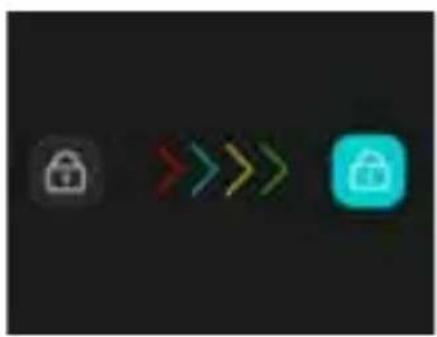
- Swipe down to open shortcuts to WiFi, sound, lock and power off for quick operations. With the lower symbol you can exit the shortcut menu.
- To unlock touch the display and swipe from left to right, following the arrows or press the Shutter/Select Button.
Remote Control
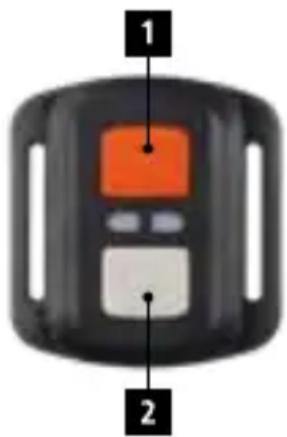
With the included remote control you can operate the action cam from a distance. There are two shutter buttons, one for the photo mode and one for the video mode, which take a photo (1) or start and end the recording of a video (2).
Radio frequency of the remote control: 2.412 - 2.472 GHz;
transmitting power: 10mW
Storage / Micro Cards
This camera is compatible with 8GB, 16GB, 32GB and 64GB capacity Micro SD and Micro SDHC memory card. You must use a micro SD card with a U3 or V30 speed rating at least. We recommend using brand-name memory cards for maximum reliability in high vibration activities.
Tips:
Memory card is not included in the standard package, you will need to buy an extra memory card.
- Please format the Micro SD, Micro SDHC memory card on the camera before using.
- Please restart the camera after formatting.
- Please insert the memory card in correct way, otherwise the card slot maybe damaged.
WiFi Setting
You can connect your camera with your smartphone by using the integrated WiFi connection. Open the video mode and go to the recording parameter settings. Select the WiFi option and press OK, or just press the Shutter/Select Button for 3 seconds to activate WiFi. It will show the WiFi network and password "1234567890". Download and install to your phone the free app "Rollei 5s/6s Plus" from Google play or Apple App store. After installing it, open the app and select the camera network from the list. You will see the camera on the phone's screen. To exit WiFi mode press the Shutter/Select Button shortly.
Frequency: 2.412 - 2.472 GHz; transmitting power: 10 mW
Disposal

Dispos of packaging: For disposal, separate packaging into different types. Cardboard and board must be disposed of as paper and foil must be recycled.
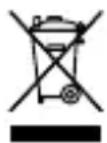
Disposal of Waste Electrical and Electronic Equipment and/or Battery by users in private households in the European Union.
This symbol on the product or on the packaging indicates that this cannot be disposed of as a household waste. You must dispose of your waste equipment and/or battery by handling it over to the applicable take-back scheme for the recycling of electrical and electronic equipment and/or battery. For more information about recycling of this equipment and/or battery, please contact your city office, the shop where you purchased the equipment or your household waste disposal service. The recycling of materials will help to conserve natural resources and ensure that it is recycled in a manner that protects human health and environment.
Battery warning
- Never dismantle, crush, or pierce the battery, or allow the battery to short-circuit. Do not expose battery being placed in high temperature environment, if battery leaks or bulges, stop continue to use.
- Always charge using the charger. Risk of explosion if battery is replaced by an incorrect type.
- Keep the battery out of reach of children.
- Batteries may explode if exposed to naked fire. Never dispose of batteries in a fire.
- Disposed of used batteries observing local regulations.
- Before disposing the device, please remove the battery.
Conformity
The Rollei GmbH & Co. KG herewith declares, that the action camera "Rollei Actioncam 6s Plus" complies with the directive 2014/53/EU:
2011/65/EC RoHs Directive
2014/53/EU RED-Directive

The complete text of the EU Declaration of Conformity can be downloaded at the following Internet address: www.rollei.com/EGK/AC6sPlus
Achtung
Stockage / Micro-cartes
CharacteristicdoProduco
Sernica RoHs c. 2011/65/ES
Smernica o rádiovych zariadeniach (RED) Č. 2014/53/EÜ

Uplny text vyhlasenia o zhode EU si mozete stiahnut na tejto internetovej adrese: www.rollei.com/EGK/AC6sPlus