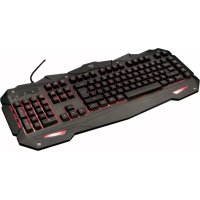



If your TRUST GXT 840 MYRA keyboard does not turn on, it is usually because the LED backlighting is not activated or the keyboard is not properly detected by your computer. Here are the steps to follow to resolve this issue.
Start by checking the USB connection: make sure that the USB cable is fully inserted into an available USB port on your computer and into the keyboard's connection socket. If the keyboard has indicator LEDs, try unplugging and then replugging the keyboard to see if the LEDs light up briefly. If no light appears, test another USB port on your computer, as the port you are using may be faulty or not providing enough power.
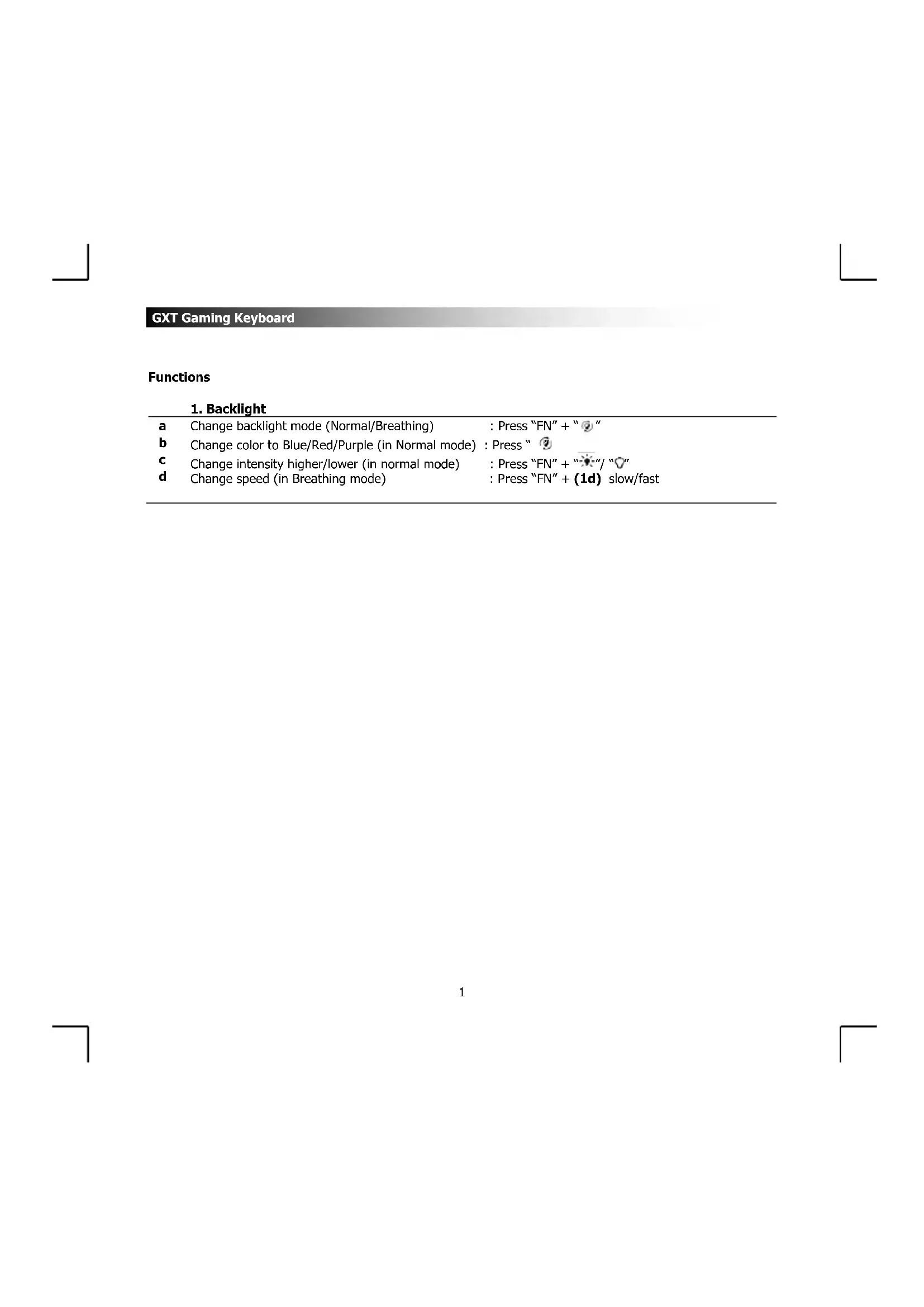
If the keyboard seems to be detected by your computer (you can type and the keys respond) but the backlighting is not on, you may be in macro recording mode. Press the "REC" key to exit this mode, after which the LEDs should respond normally. Then, activate the backlighting by pressing "FN" + Spacebar to change the backlighting mode (Normal or Breathing). You can also adjust the brightness with "FN" + up/down arrow keys.
If after these checks the keyboard is still not detected and you see no visual indication, try connecting the keyboard to another computer to determine if the problem lies with the keyboard or your system. Also, restart your computer, as the USB ports may simply not have recognized the device. On Windows, check that the keyboard appears in Device Manager under "Keyboards"; on Mac, check the "Keyboard" section in System Preferences.
It is important to note that the GXT 840 MYRA keyboard connects directly via USB and does not require any additional drivers or batteries: it is the USB cable that provides all the power, including for the backlighting LEDs. If no LED ever lights up and you have tested multiple USB ports on different computers, the keyboard is likely defective. In this case, contact Trust support at www.trust.com/21973/faq.GXT Gaming Keyboard or return the keyboard to your point of sale with proof of purchase, as Trust offers a replacement warranty during the coverage period.