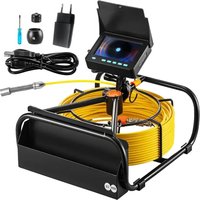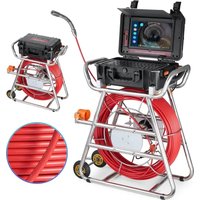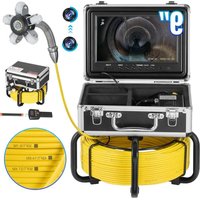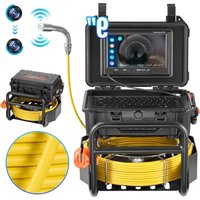
WP9612FT - Video camera Vevor - Free user manual and instructions
Find the device manual for free WP9612FT Vevor in PDF.


| Product Type | Drain Inspection Camera |
| Brand | Vevor |
| Model | WP9612FT |
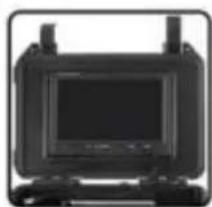
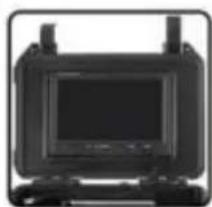
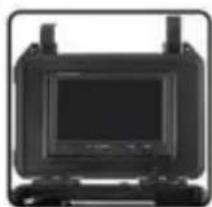
| Screen | 9-inch TFT Color LCD Monitor |
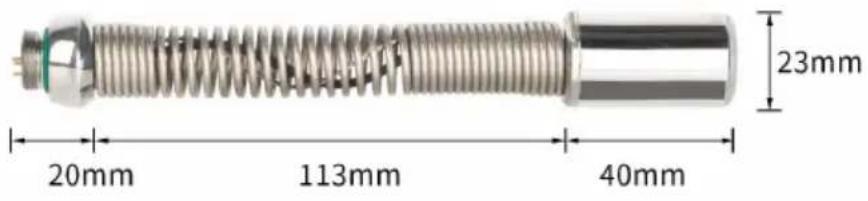
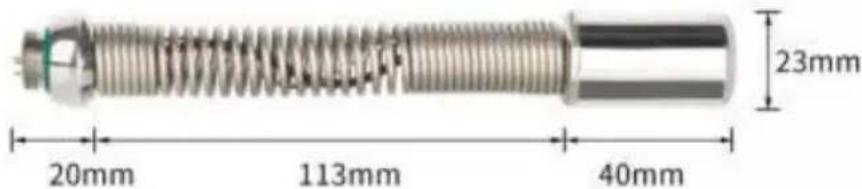
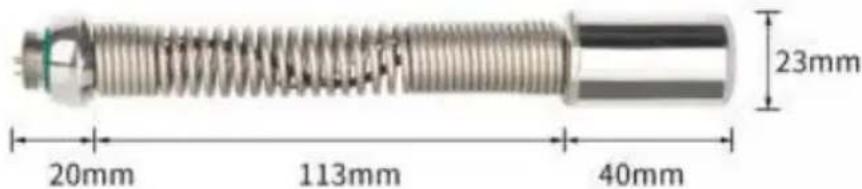
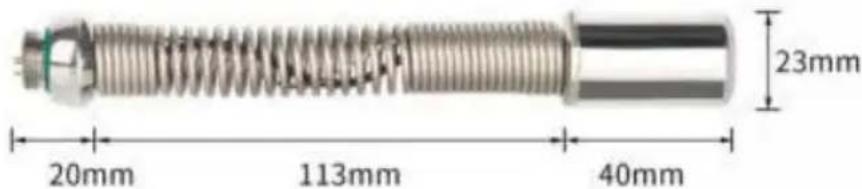
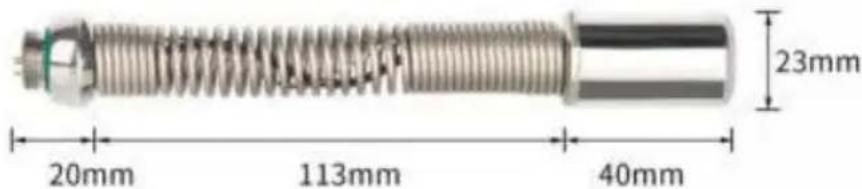
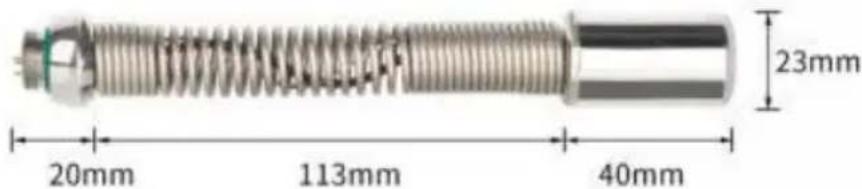
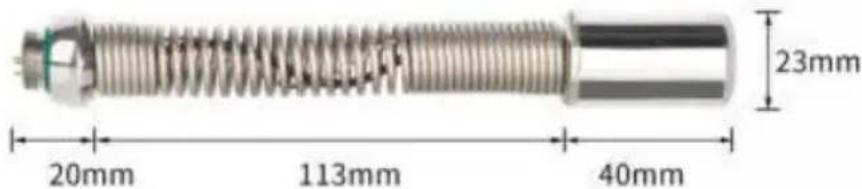
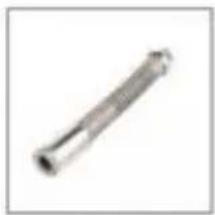
| Camera Diameter | 23 mm |
| Minimum Pipe Diameter That Can Be Inspected | 25 mm |
| Available Cable Length | 30 m, 50 m or 70 m (depending on version) |
| Cable Material | High-strength fiber, waterproof, anti-corrosion, anti-freeze, anti-pull |
| Power Supply | 12V 4500mAh Lithium Battery |
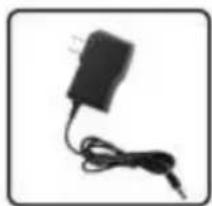
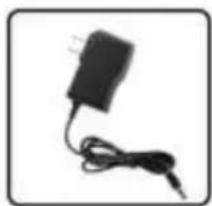
| Charger | AC 100-240V → DC 12.6V |
| Battery Life | Approximately 6 hours |
| Light Source | Super bright white LED, adjustable intensity |
| Assistance Functions | Auto-leveling (self-balancing), 512Hz locator |
| Camera Resolution | High definition (color) |
| Recording | Video and photo, storage on TF card (not included) |
| Waterproof Rating | IP68 (camera and cable) |
| Camera Housing Material | Stainless steel |
| Protection Parts Material | Plastic-steel |
| Menu Languages | Multilingual |
| Application Areas | Water pipes, air conditioning, cables, drains, buildings, buried pipelines |
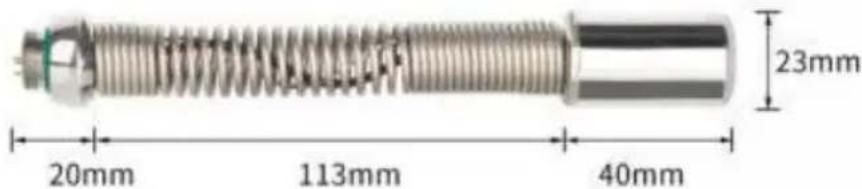
| Camera Protection Unit Dimensions | 29mm × 40mm / 40mm × 90mm |
| Weight | Approximately 15 kg (complete case) |
| Warranty | Warranty void if disassembled or intentionally damaged |
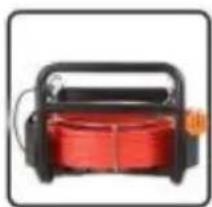
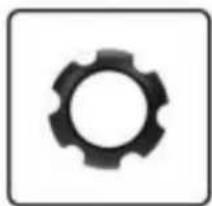
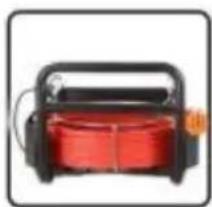
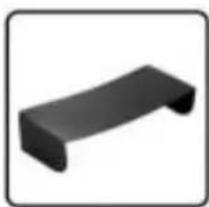
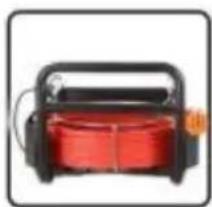
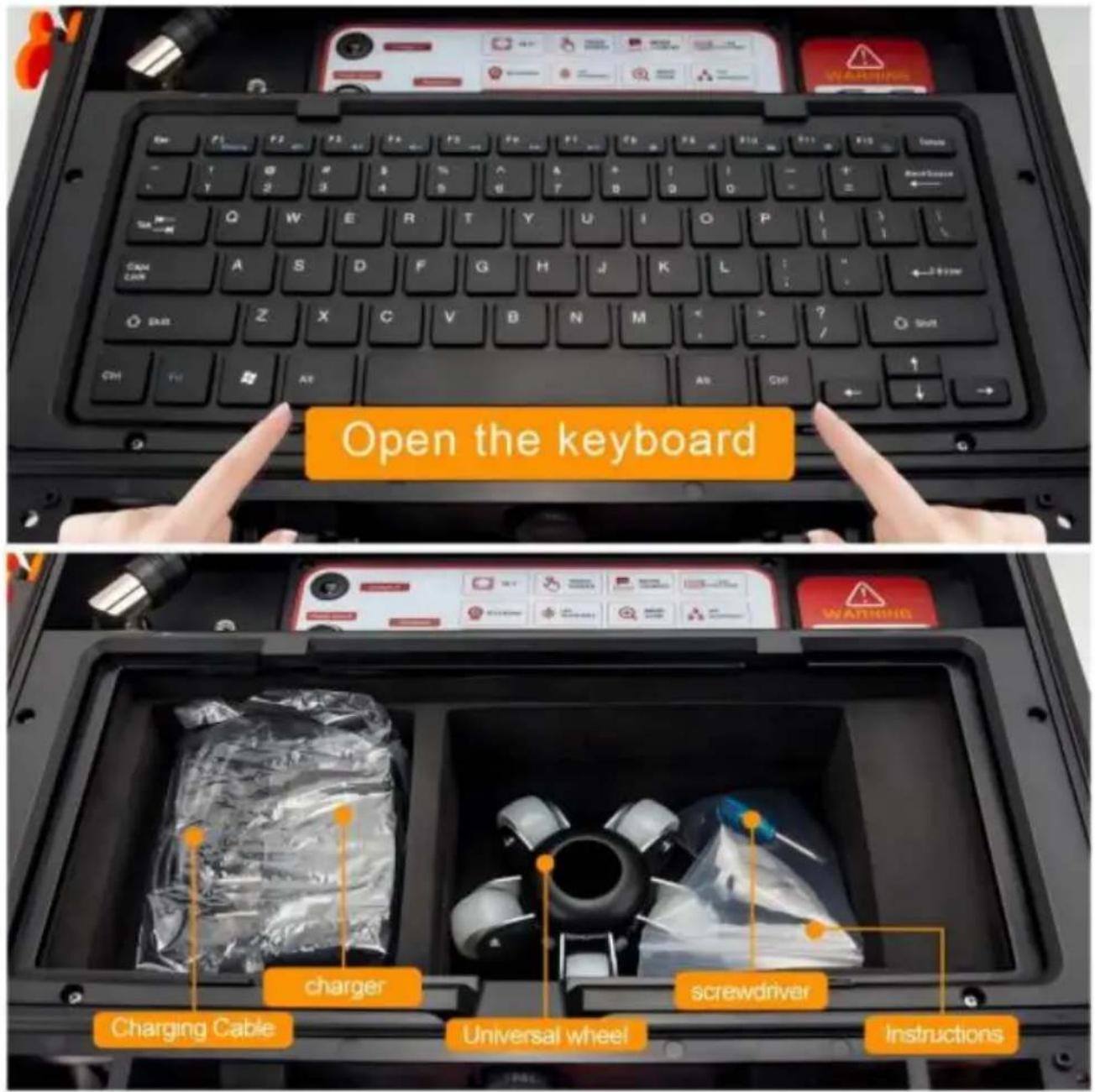
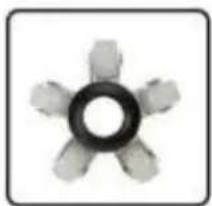
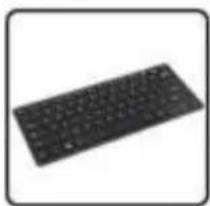
| Included Accessories | Push rod cable, guide wheel, sunshade, reel support, measuring case, charger, adapters |
| Maintenance | Clean with a clean dry cloth after use, turn off power before cleaning |
Frequently Asked Questions - WP9612FT Vevor
User questions about WP9612FT Vevor
0 question about this device. Answer the ones you know or ask your own.
Ask a new question about this device
Download the instructions for your Video camera in PDF format for free! Find your manual WP9612FT - Vevor and take your electronic device back in hand. On this page are published all the documents necessary for the use of your device. WP9612FT by Vevor.
USER MANUAL WP9612FT Vevor
Affordable. Reliable. Home Improvement.
Pipe Inspection System
Model: WP9612FT
natural_image
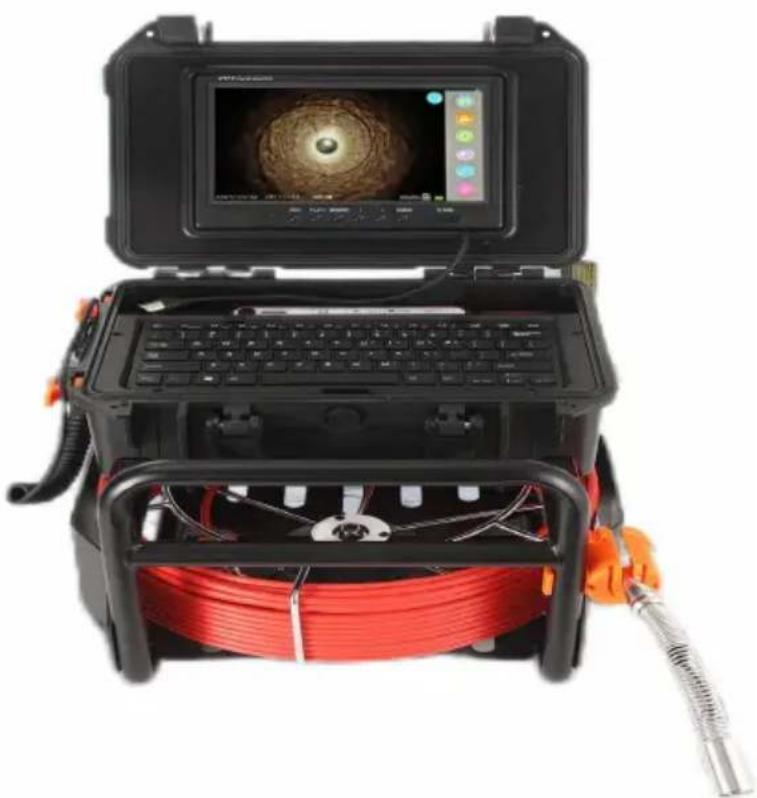
Exterior view of a portable scientific instrument with open case, keyboard, and red coiled cable (no visible text or symbols)This is the original instruction, please read all manual instructions care before operating. VEVOR reserves a clear interpretation of our user manual. The appearance of the product shall be subject to the product received. Please forgive us that we won't inform you again if there are technology or software updates on our product.
Please read this manual carefully before use!
Attentions
- Please read the manual carefully before using it.
- Handle it carefully during operation, avoid throwing down or pressing it he
- If the users disassemble or deliberately damage the machine, it will beyond warranty.
- Please keep distance from the system when charging
-
After being used, turn off the display and pull out all the connection joint
-
Due to the version upgrades, if mentioned in this manual content does not accord with your machine, please refer to our machine.
Description
- 9" Color TFT LCD Screen.
- High resolution camera, clear picture
- Video taking and photo function
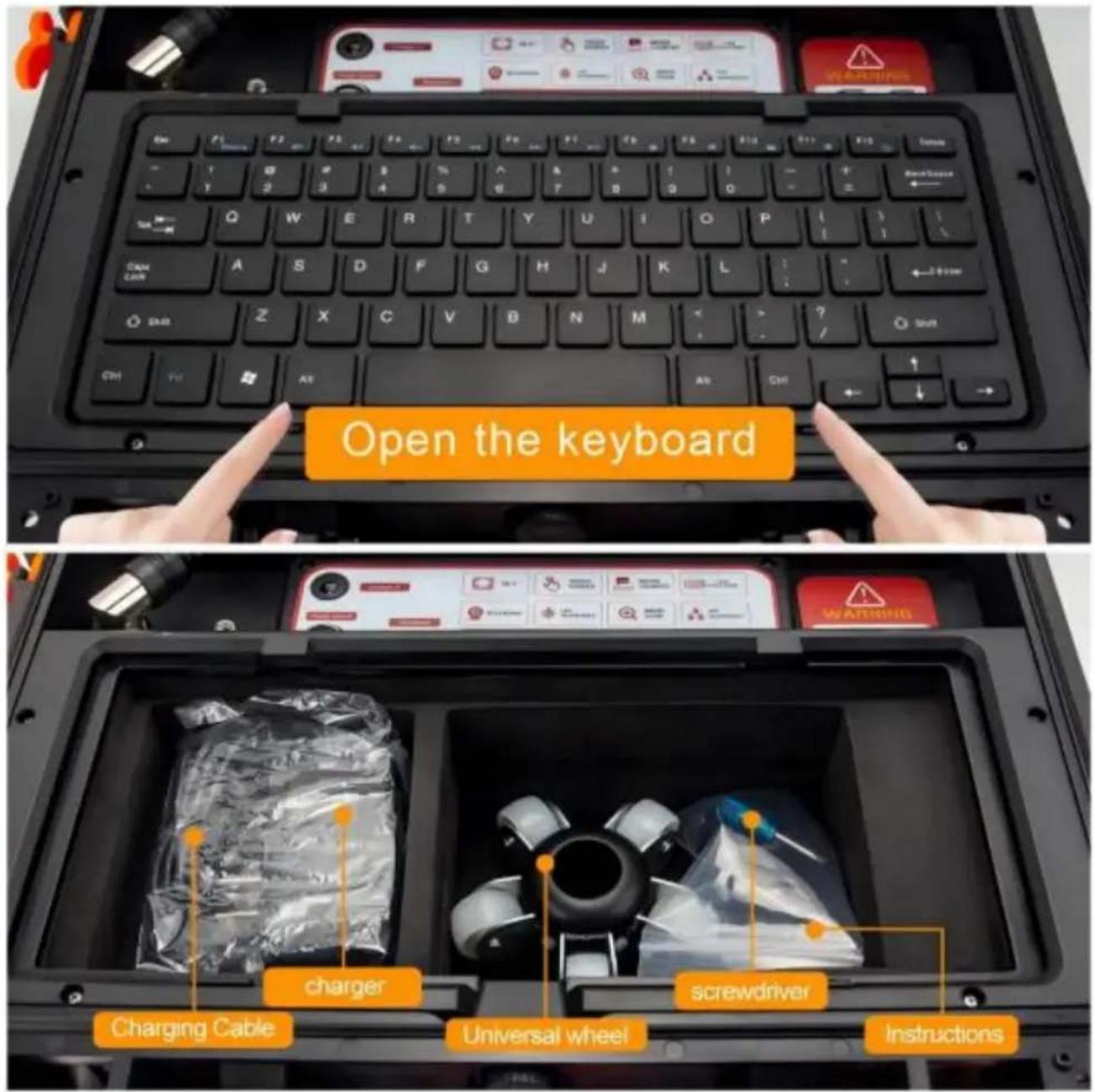
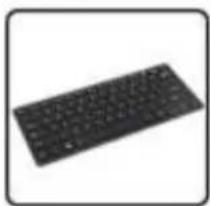
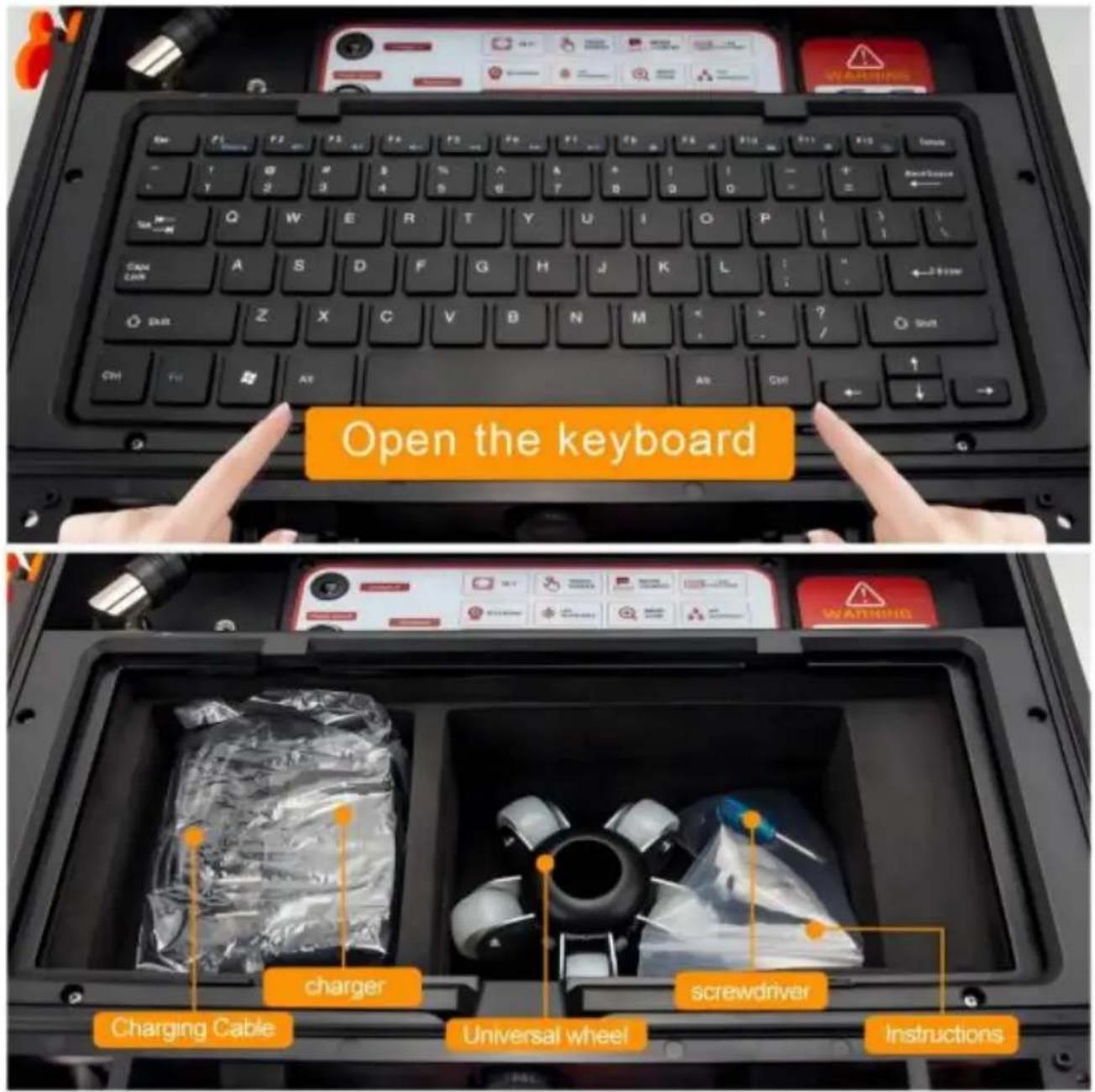
- Support keyboard input
- With meter counting function, the depth of the camera into the pipe can shown on the display
- One-button start
- Super bright white LED adjustable
- Waterproof durable suitcase
- High quality special cable, waterproof and anti-corrosion/cold/tensile.
- 12V4500MA lithium battery.
- The lights can on/off.night lights adjustable.
- Range of Application: Water-supply pipe/ Air-conditioner pipe/ Cable pipe/Pipeline vacuum system/ PLUNBIN pipe/ Buildings/ Sunken pipe
- Cable diameter: 5mm/7mm
- Camera: 512Hz Self-Leveling
exploded view of the finished product
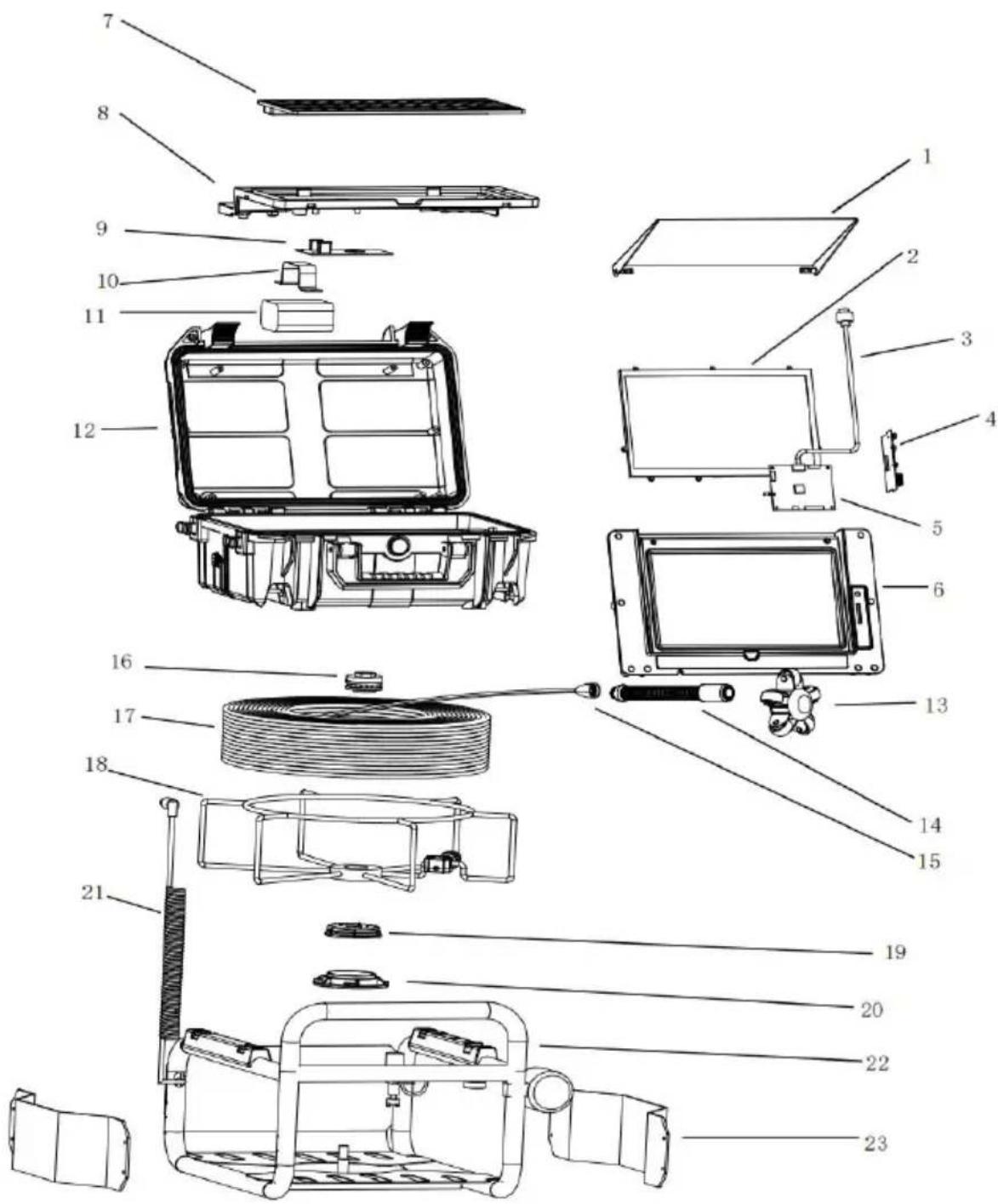
| NO. | accessory name |
| 1 | Sunshade |
| 2 | Screen |
| 3 | Screen cable |
| 4 | TF card holder board |
| 5 | Screen motherboard |
| 6 | Upper shell |
| 7 | Keyboard |
| 8 | Lower shell |
| 9 | Power board |
| 10 | Battery clip |
| 11 | Battery |
| 12 | Enclosure |
| 13 | Guide wheel |
| 14 | Camera |
| 15 | Bullet head + gold-plated plate |
| 16 | Bearing nut |
| 17 | Push rod cable |
| 18 | Wire reel bracket |
| 19 | Top pin metering case |
| 20 | Gold-plated metering case |
| 21 | Signal connection spring wire |
| 22 | Shelf |
| 23 | Side panel |
Product Specification
| Item: | parameter |
| Charger: | AC100-240V DC12.6V |
| Battery: | Lithium battery 12V |
| Continuous use time for battery: | Approximate 6h |
| Investigation depth: | 30m 50m 70m( selectable line leng |
| Material: | Fiber tube with /high intensity |
| Camera light source: | With high while light |
| Camera material: | Stainless steel |
| Menu languages | Multi-language |
| Camera picture: | Color |
Instruction for Product
1. product manual
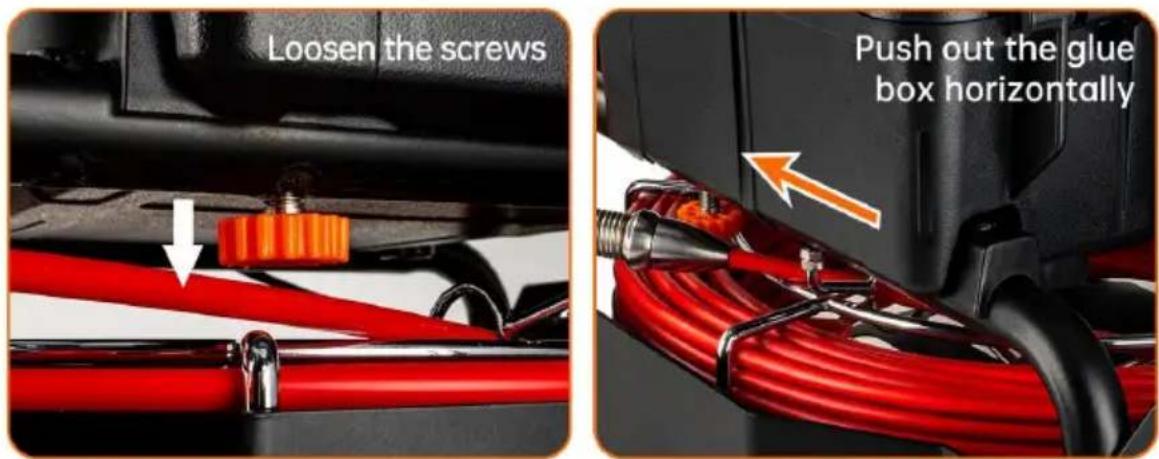
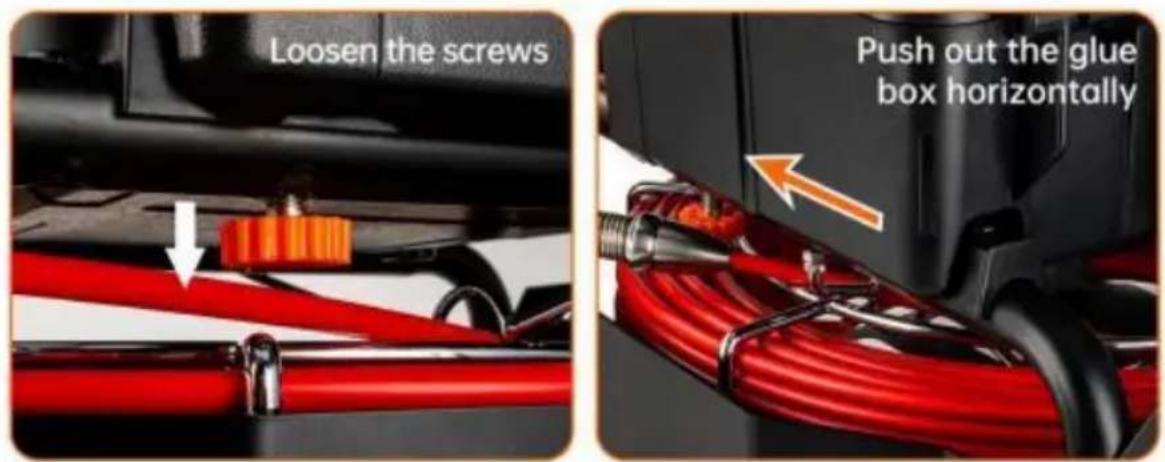
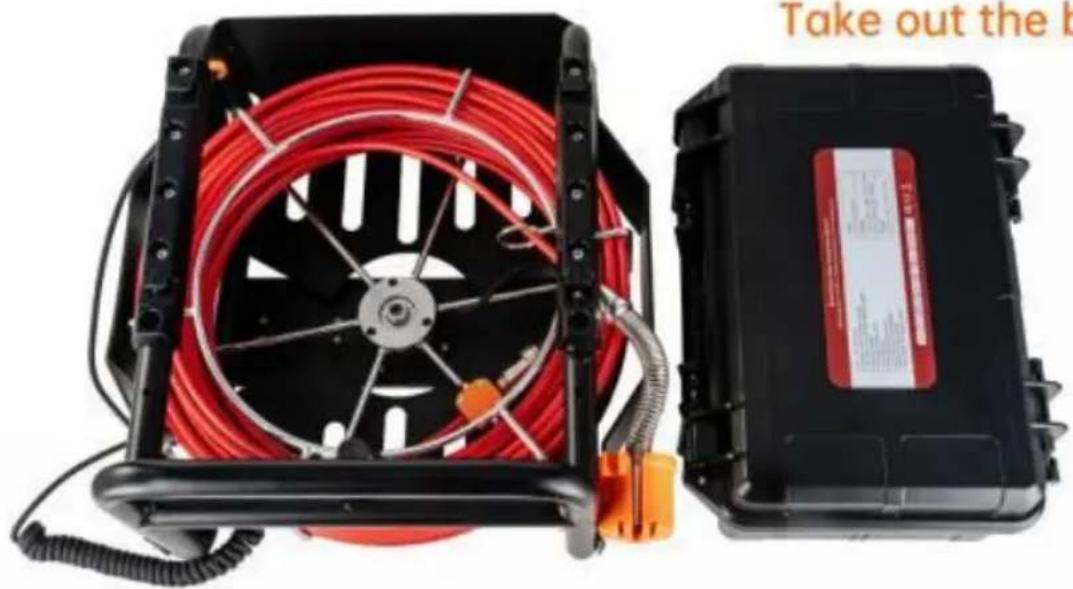
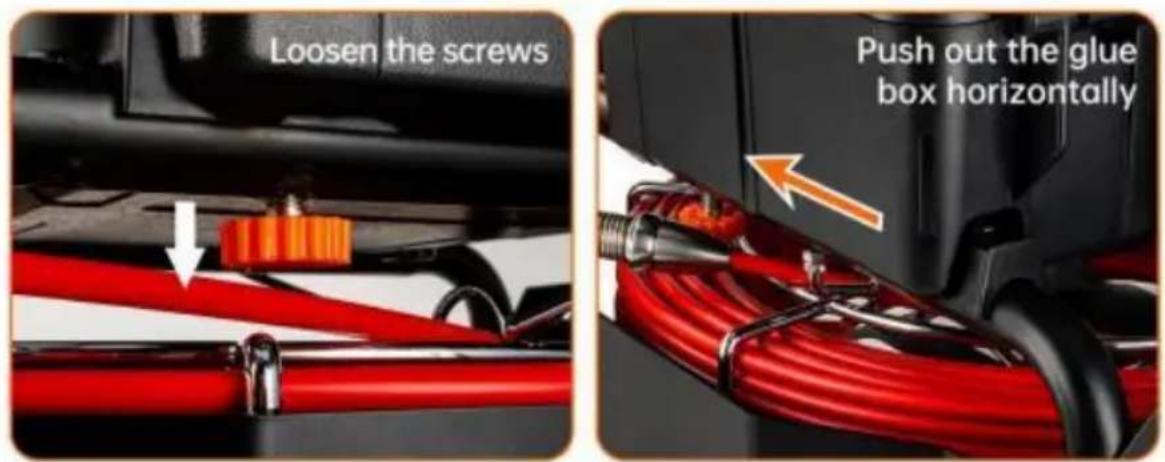
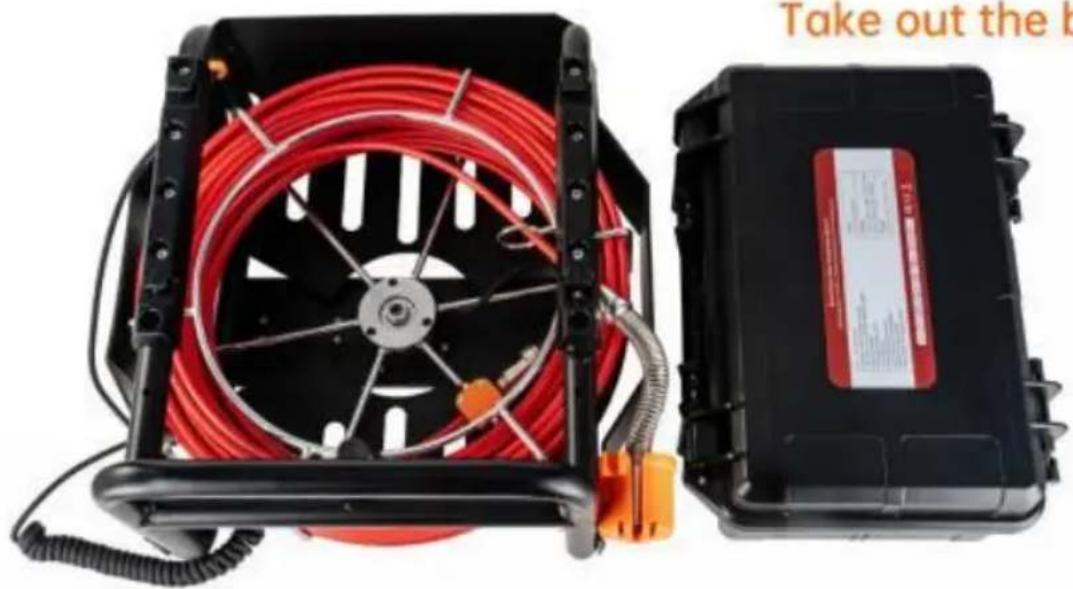
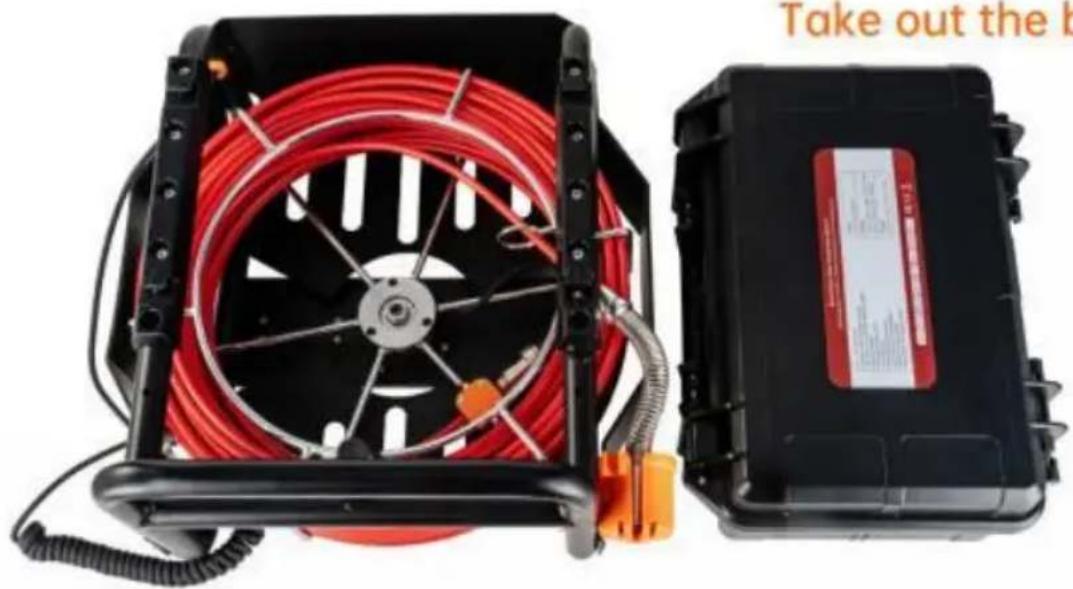
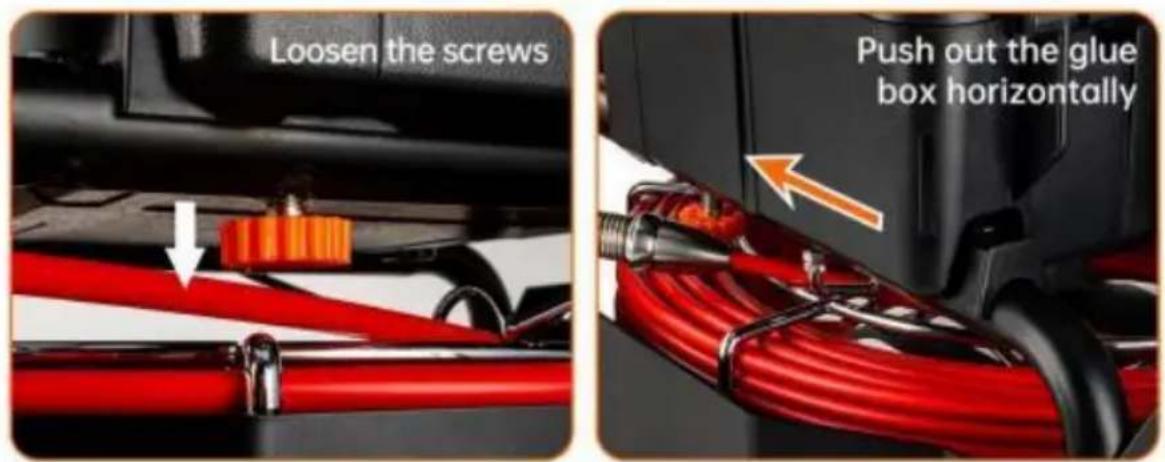
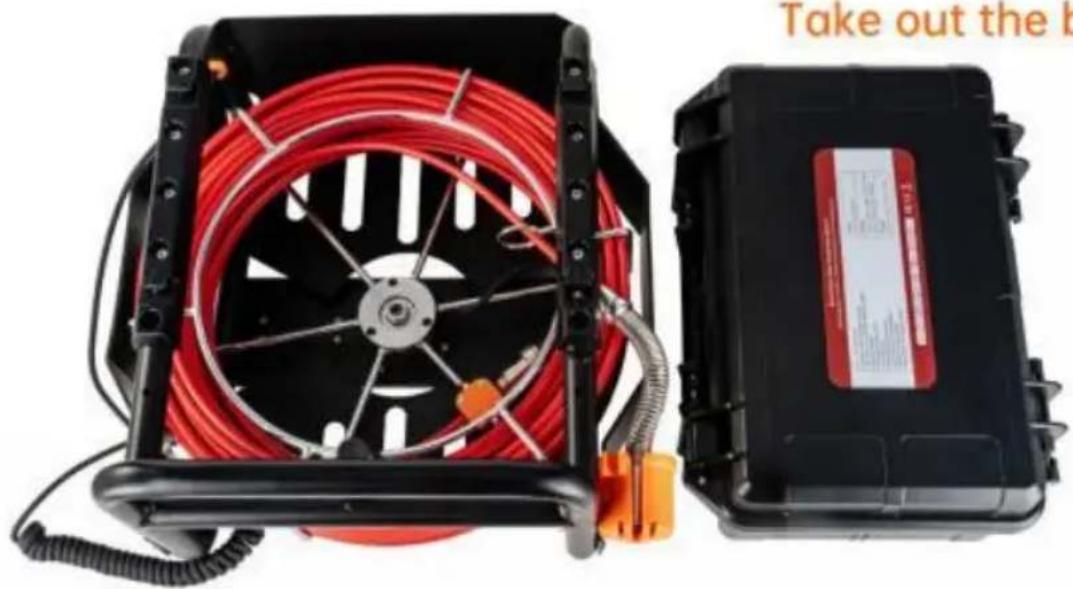
PLASTIC BOX DISASSEMBLY METHOD
Take out the box
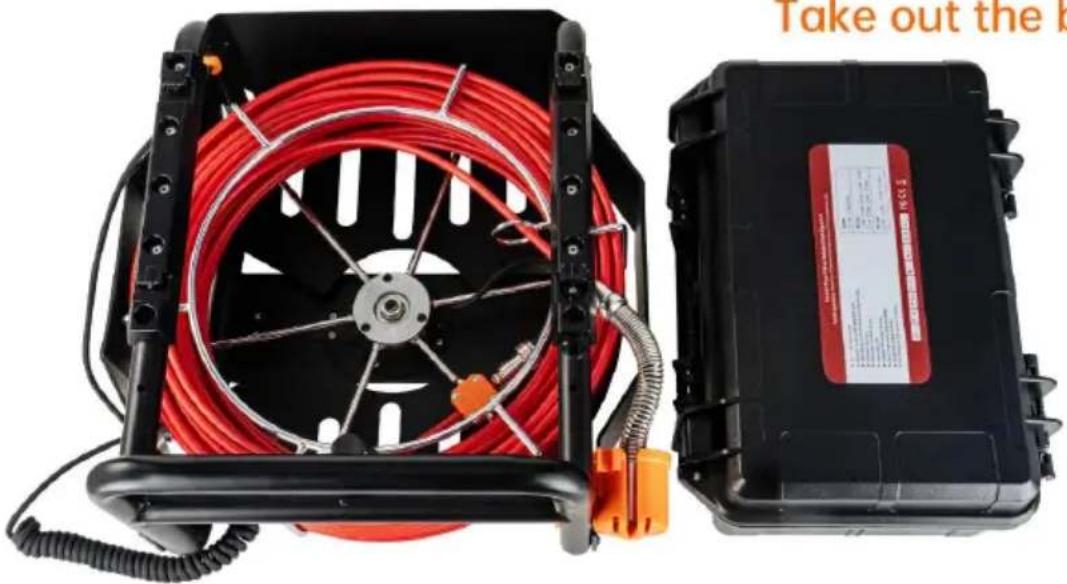
natural_image
Two electronic devices: a black-and-white portable fan with red coiled cable and a black-and-white compact device labeled 'Take out the k' (no visible text on main components)Camera
natural_image
Close-up of a metallic threaded bolt or connector (no text or symbols visible)23mm
natural_image
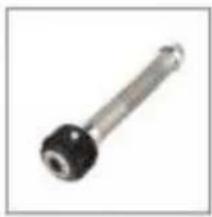
Close-up of a metallic cylindrical tool with black and white ends (no visible text or symbols)38mm
natural_image
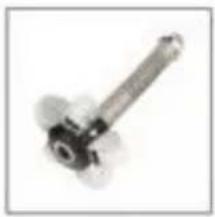
Close-up of a mechanical pulley or screw with metallic blades and central shaft (no text or symbols visible)90mm
Product Specification
| Item: | parameter |
| Camera diameter: | 23mm |
| With the tube diameter: | >25mm |
| Camera working voltage: | 5V |
| Lights working voltage: | 12V |
| Camera assist function: | self-balancing |
| Camera assist function: | 512Hz |
| Water proof: | IP68 |
| Camera material: | stainless steel |
| Camera size: | 23mm |
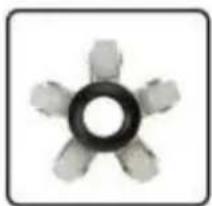
| Camera protective cover parts material: | plastic-steel |
| Camera protective cover parts size 1: | 29mm* 40mm |
| Camera protective cover parts size 2: | 40mm* 90mm |
Monitor
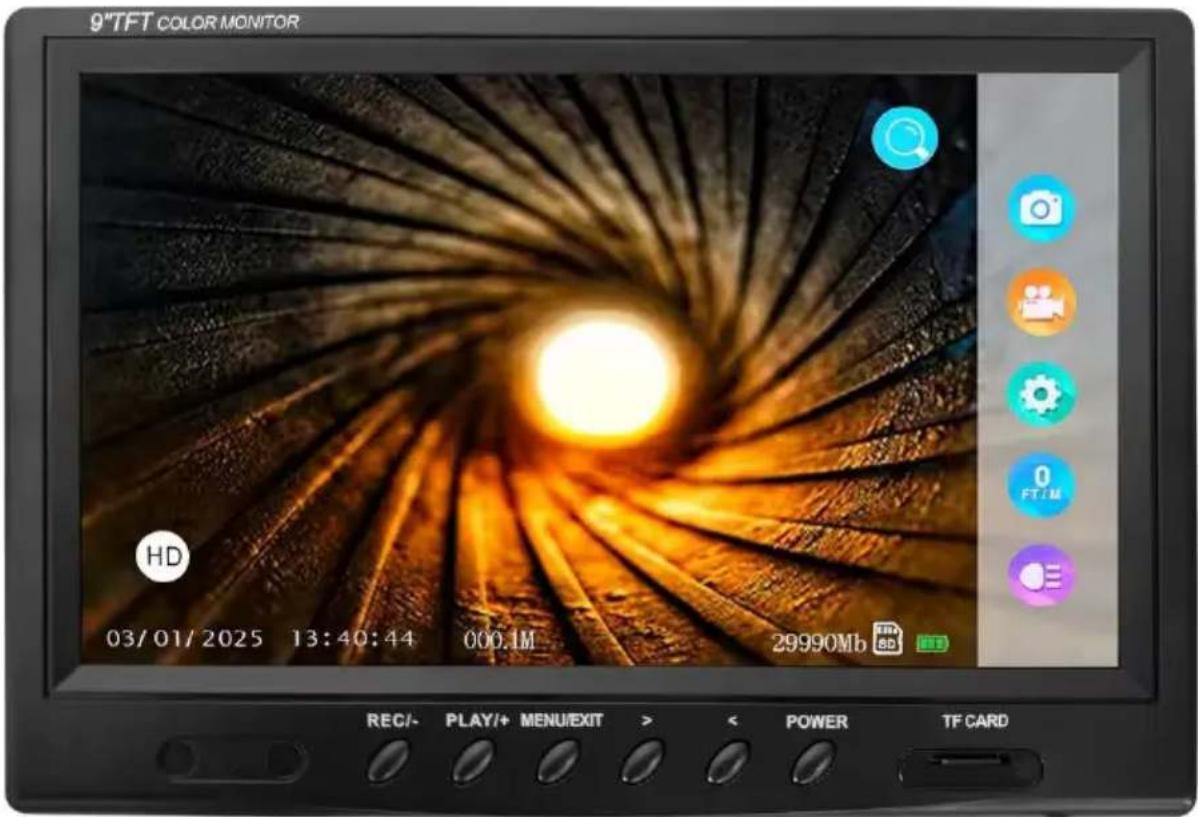
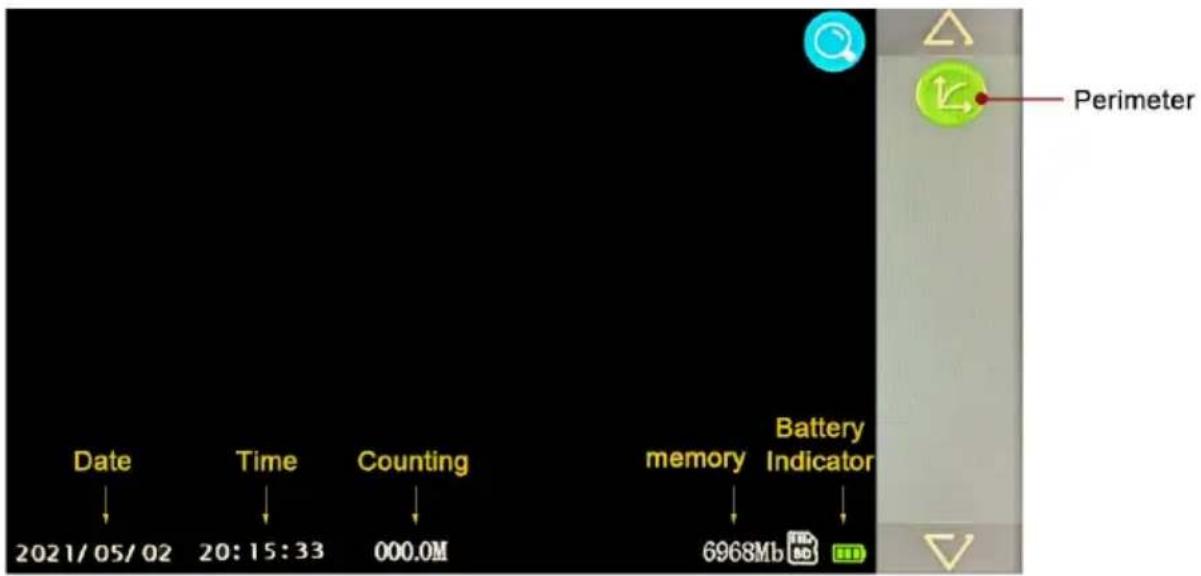
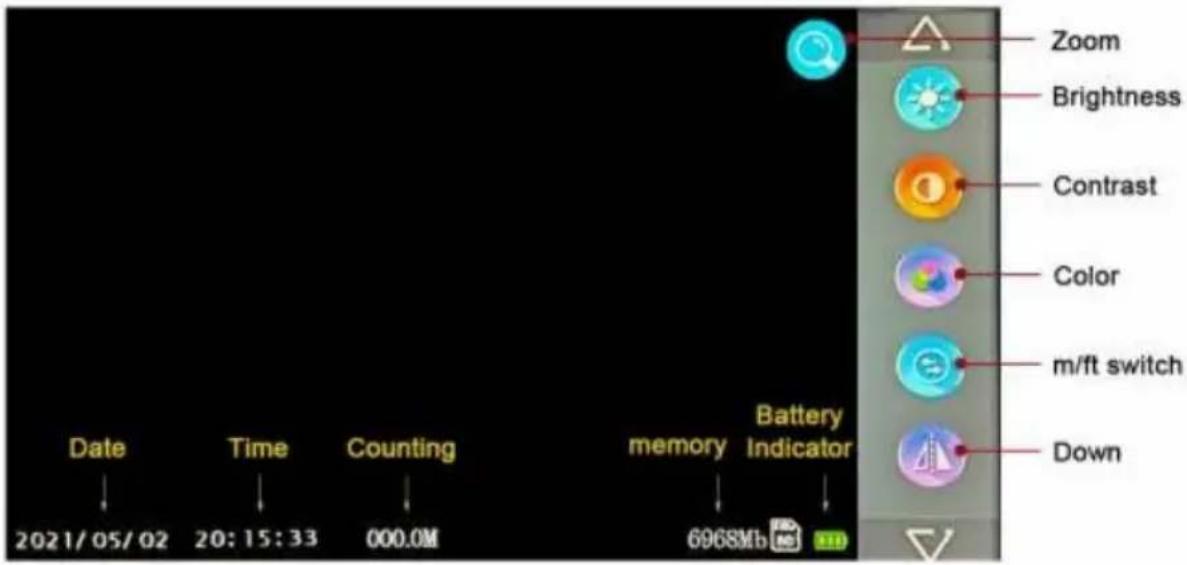
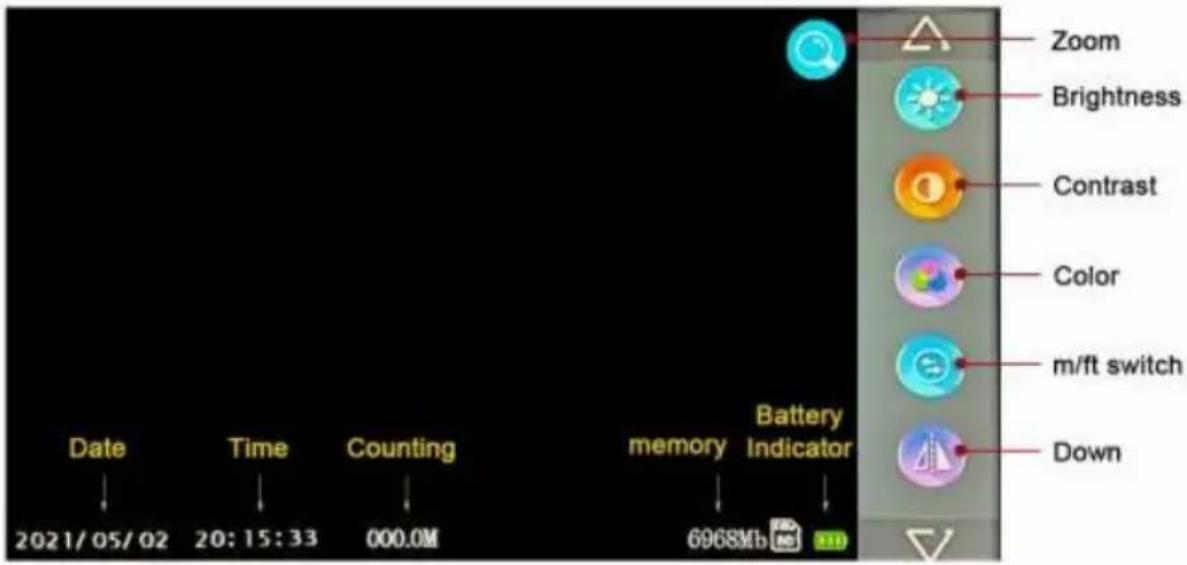
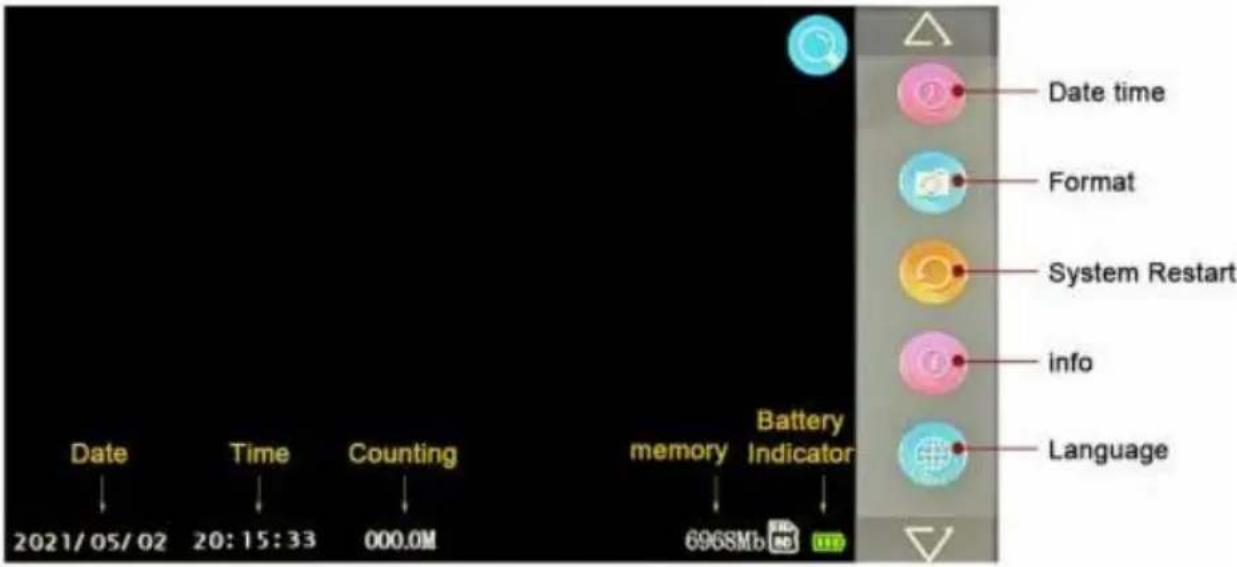
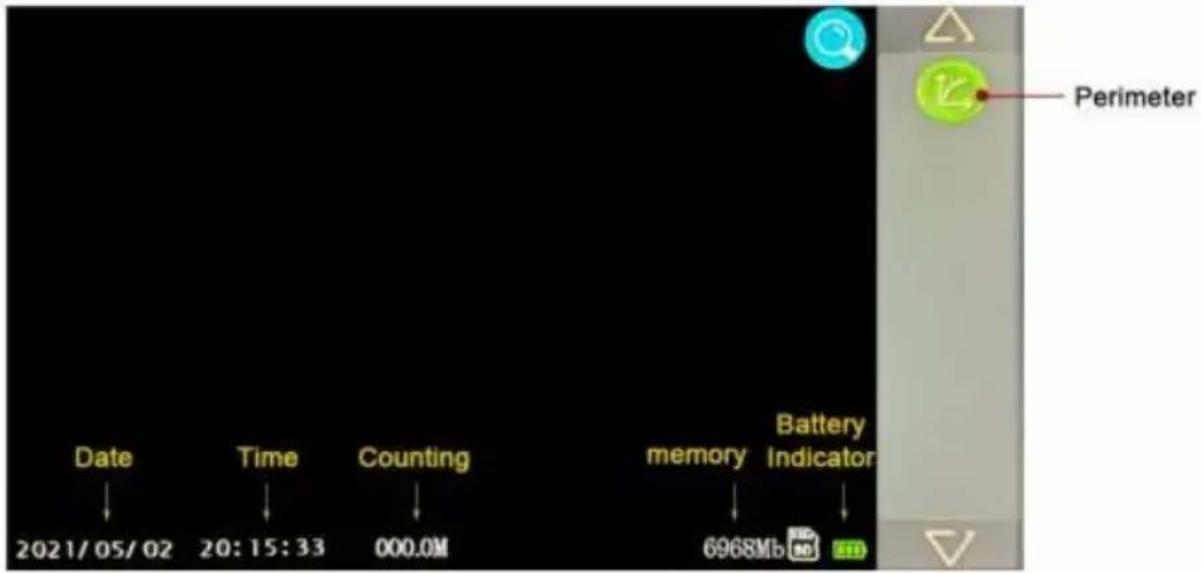
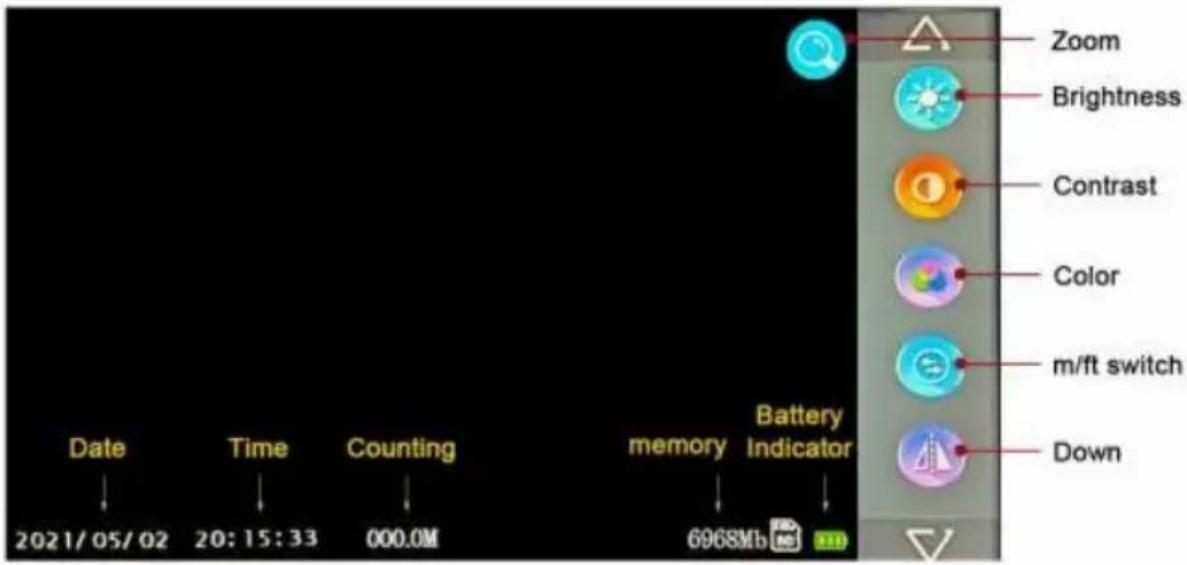
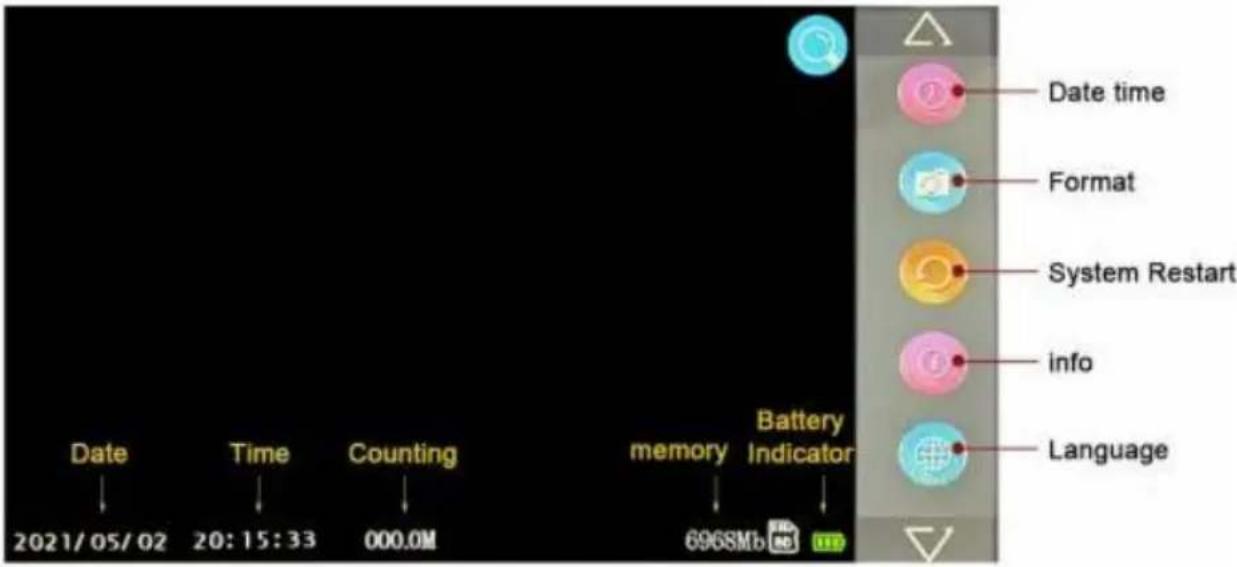
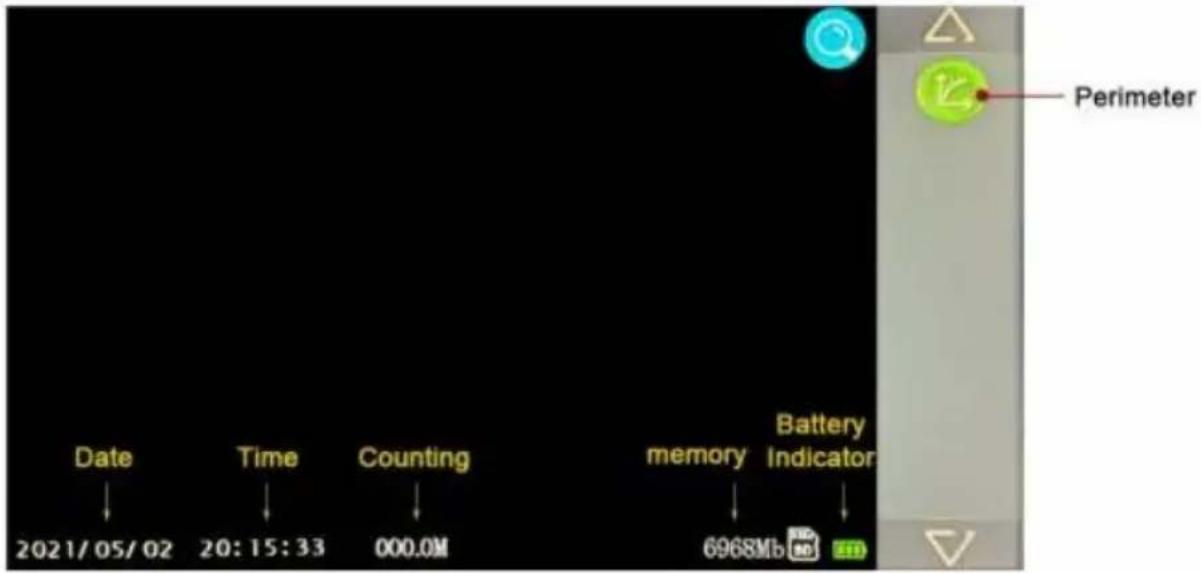
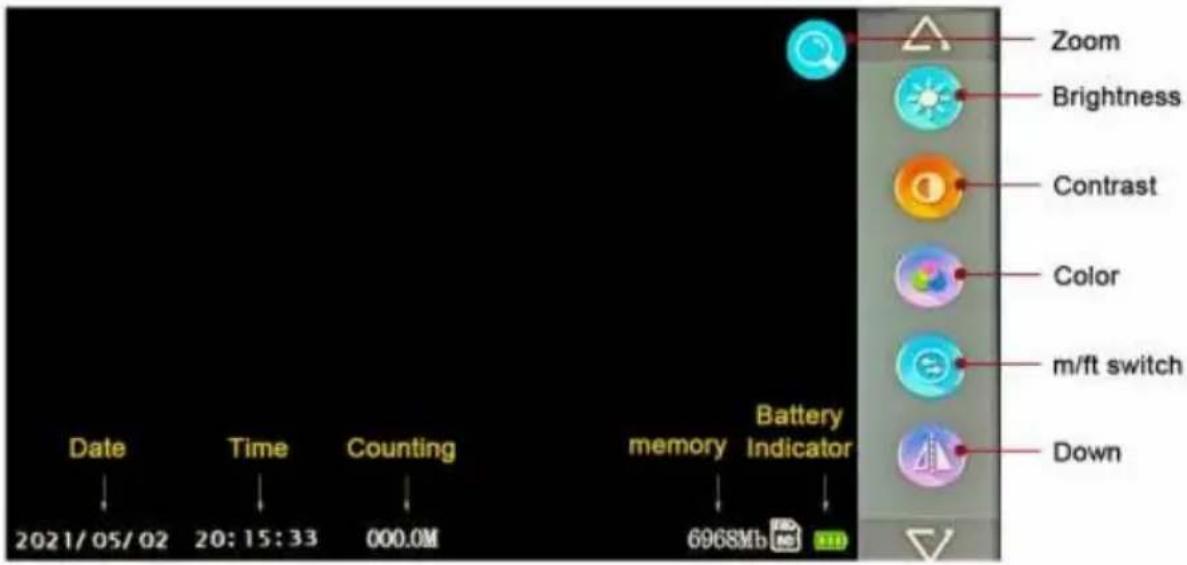
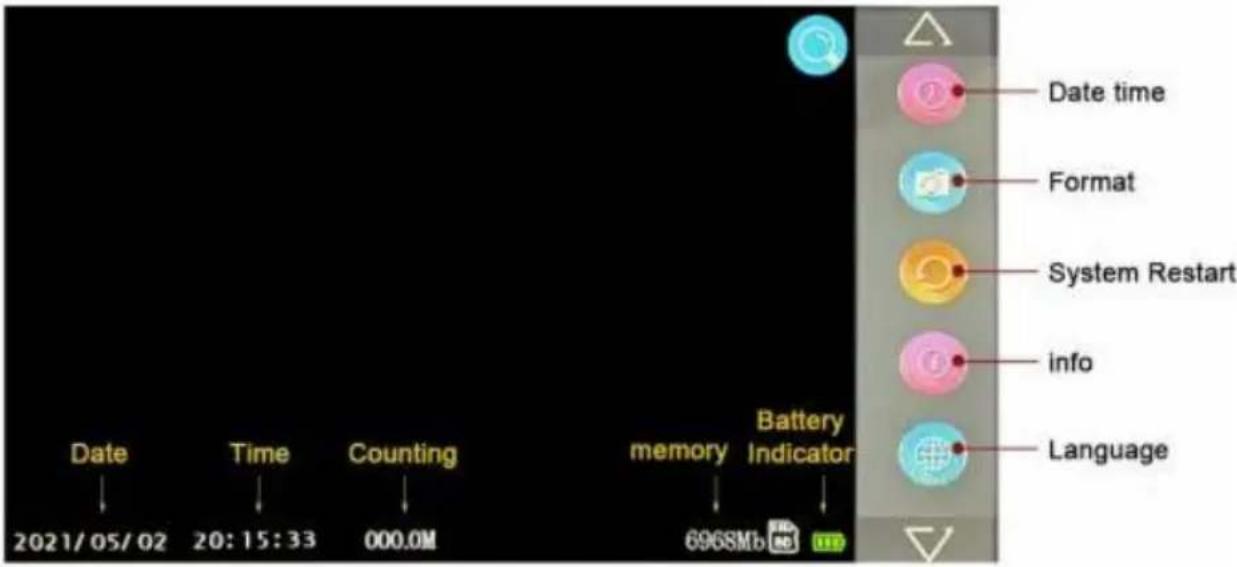
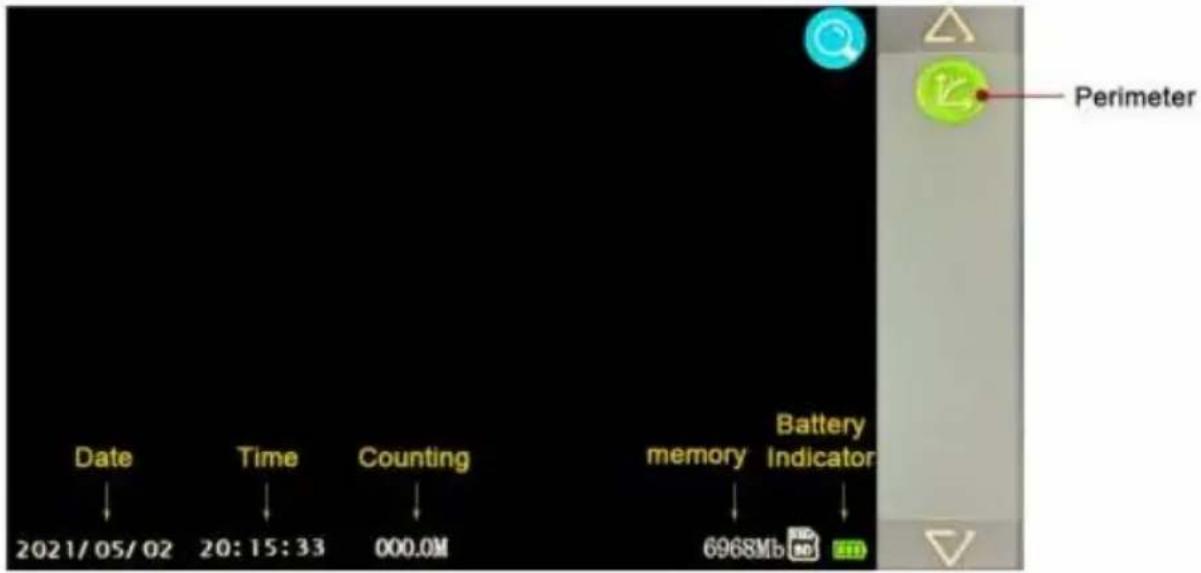
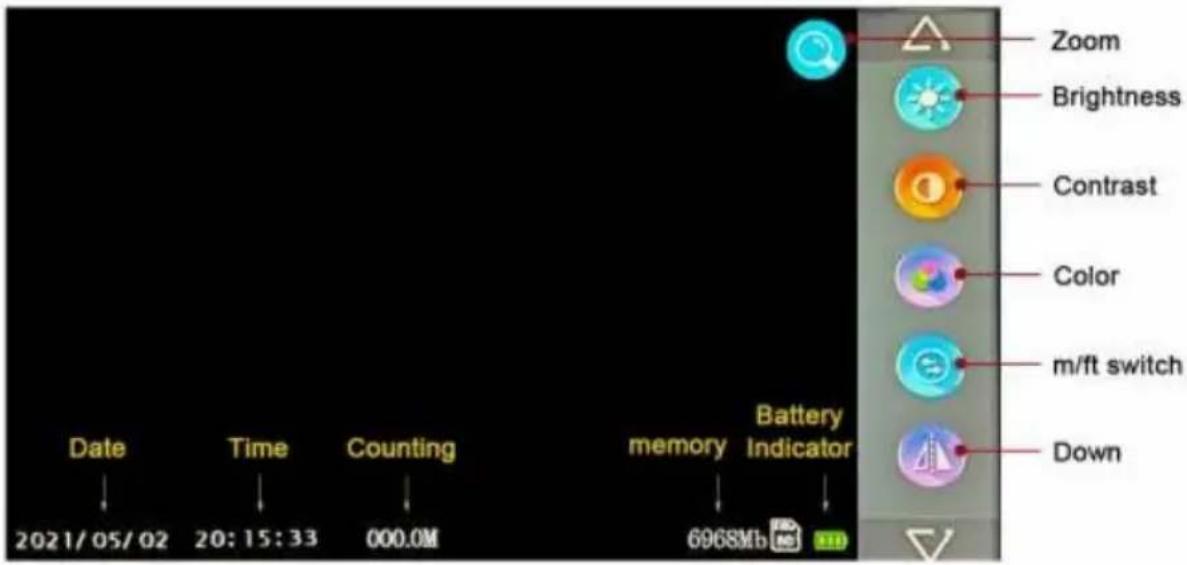
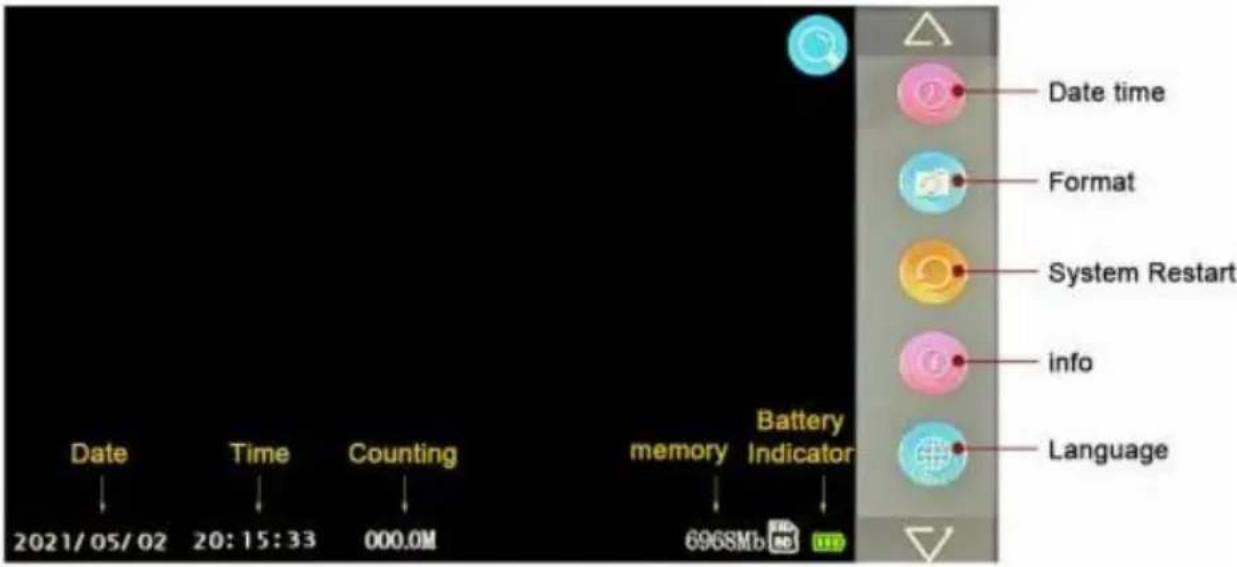
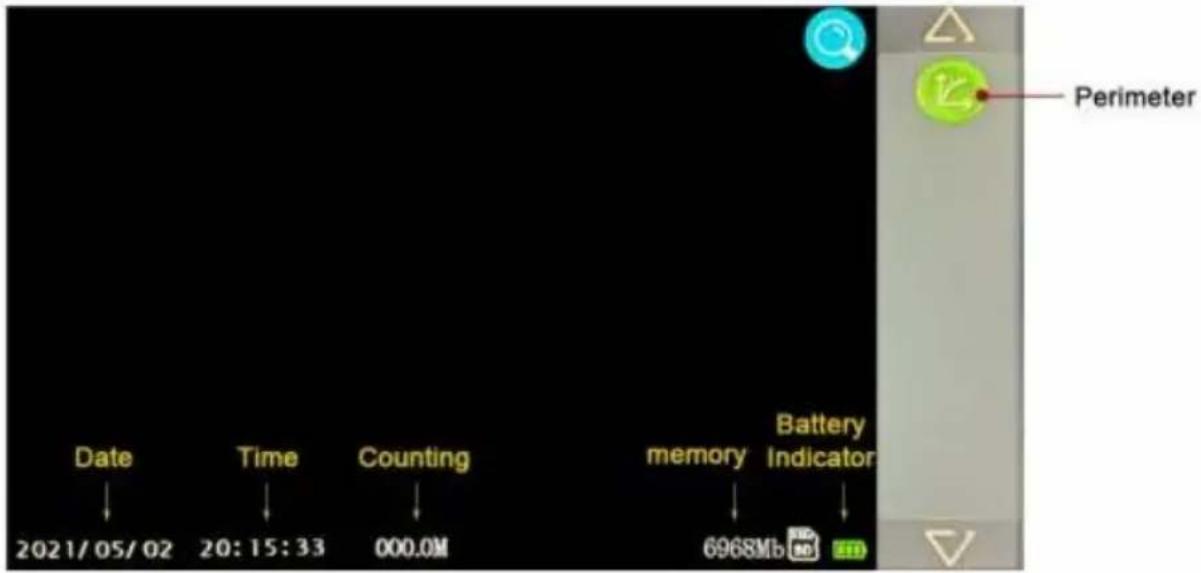
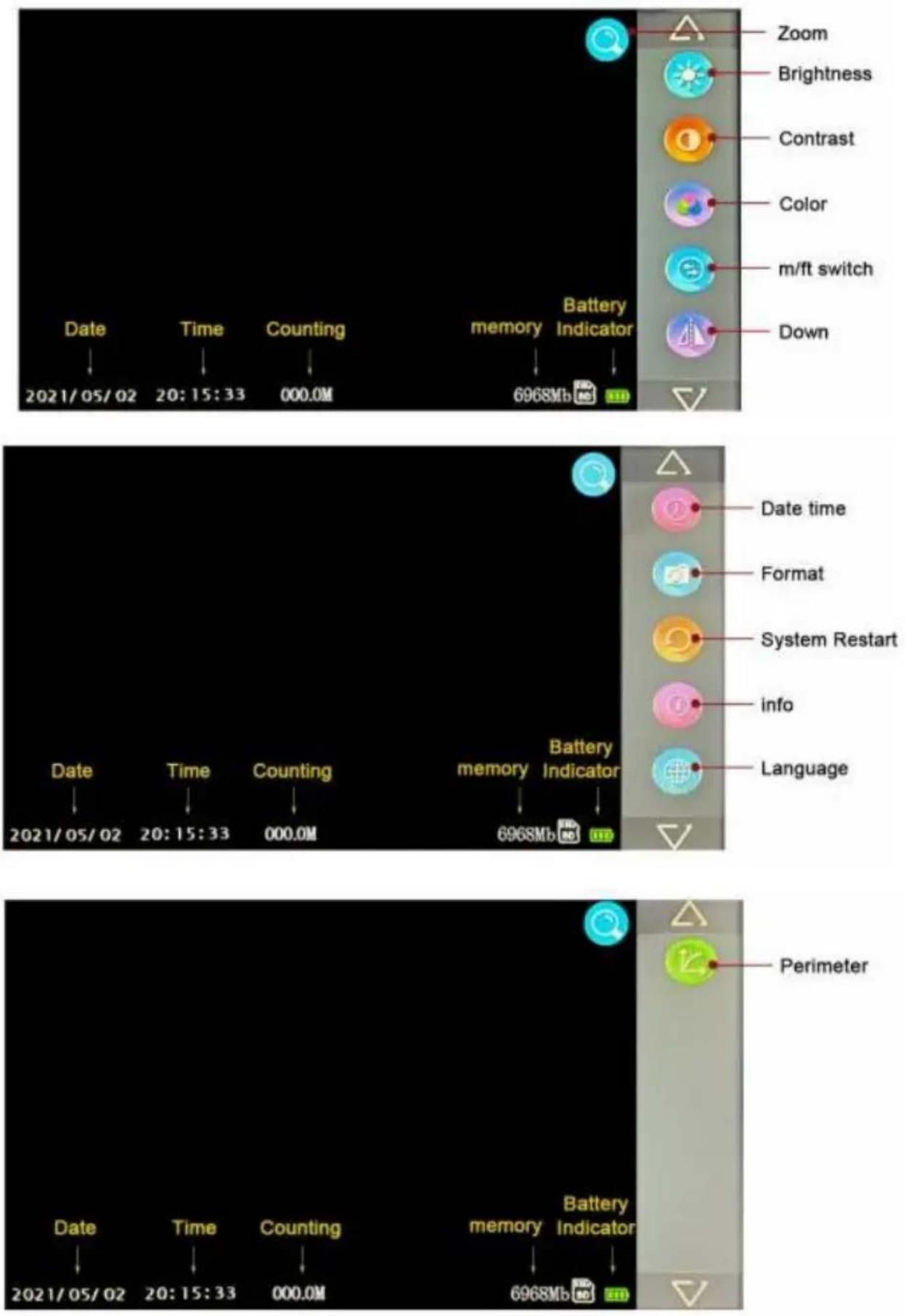
- REC/- Key: (1) Short press to take a photo (2) Lo press to start/stop recording (3) Enter time settings, brightness settings, meter perimeter settings, and adjust downwards in a loop.
- PLAY/+ Key: (1) Short press to view photos (2) Lo press to view recordings (3) Enter time settings, brightt settings, meter perimeter settings, and adjust upwards in loop.
- MENU/EXIT Key: (1) Short press to enter menu
settings/exit.
-
Key: (1) Short press to zoom in and out (2) Lo press to reset the meter count (3) Cycle through optio when entering the menu.
- < Key: (1) Adjust the brightness of the light (2) Co when entering the menu.
- POWER Key: Power on/power off.
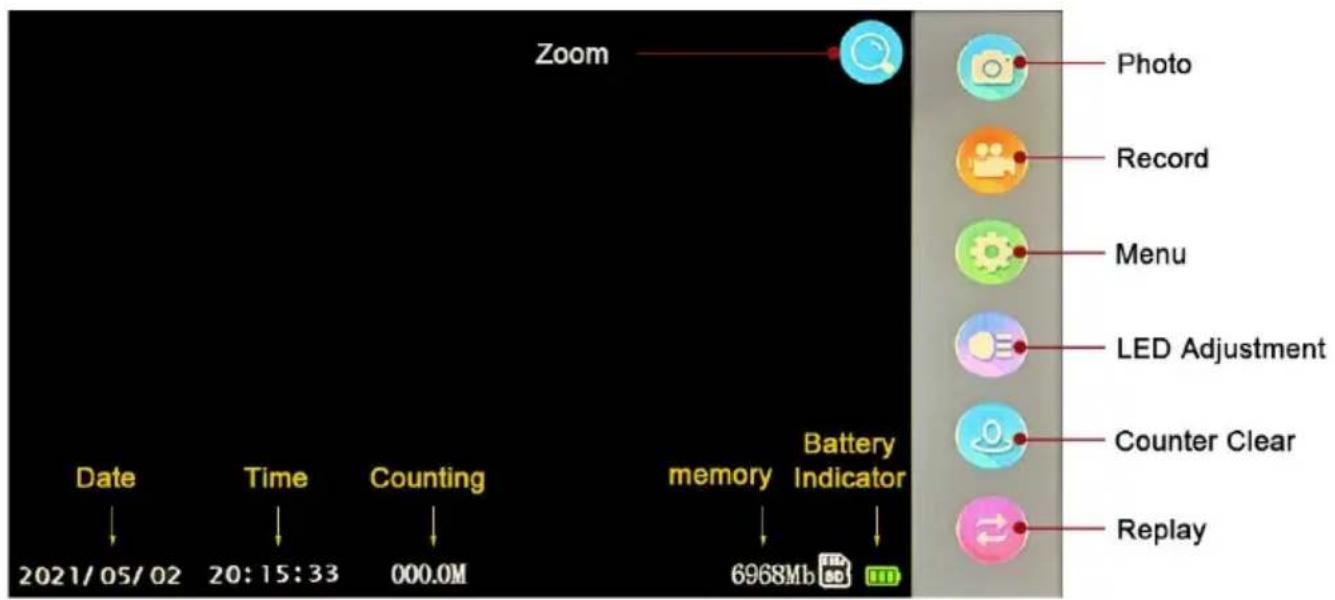
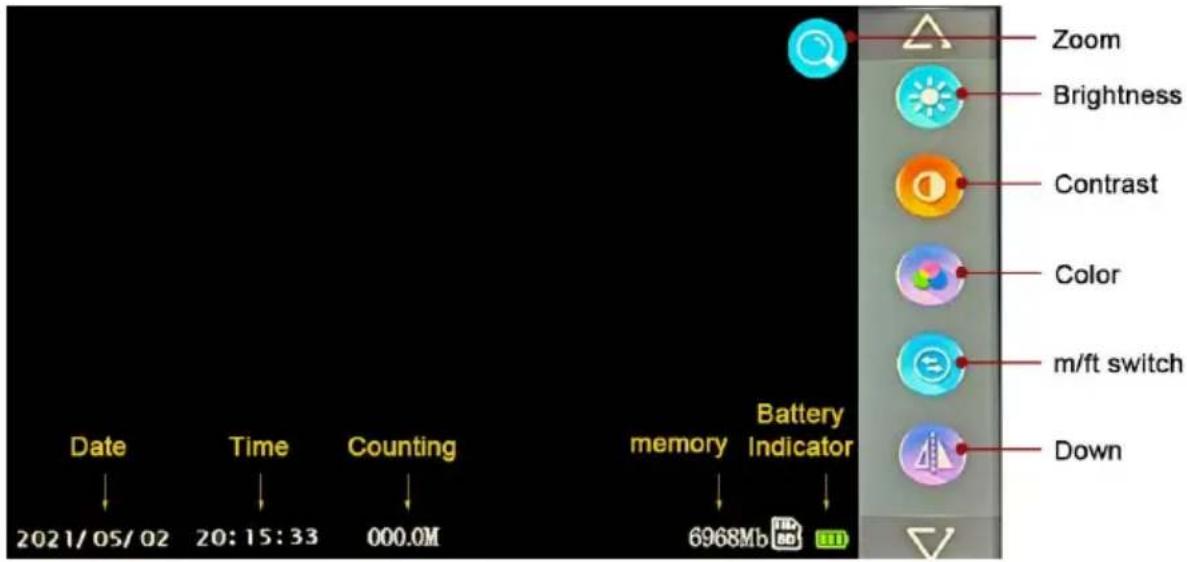
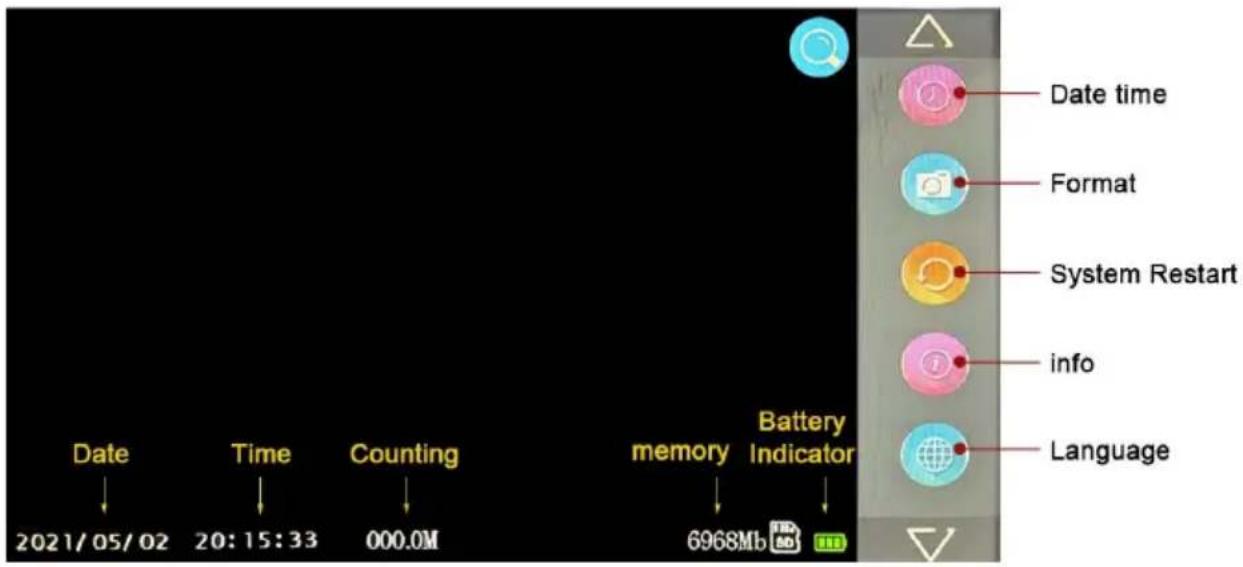
Coil
High quality fiberglass
detection cable
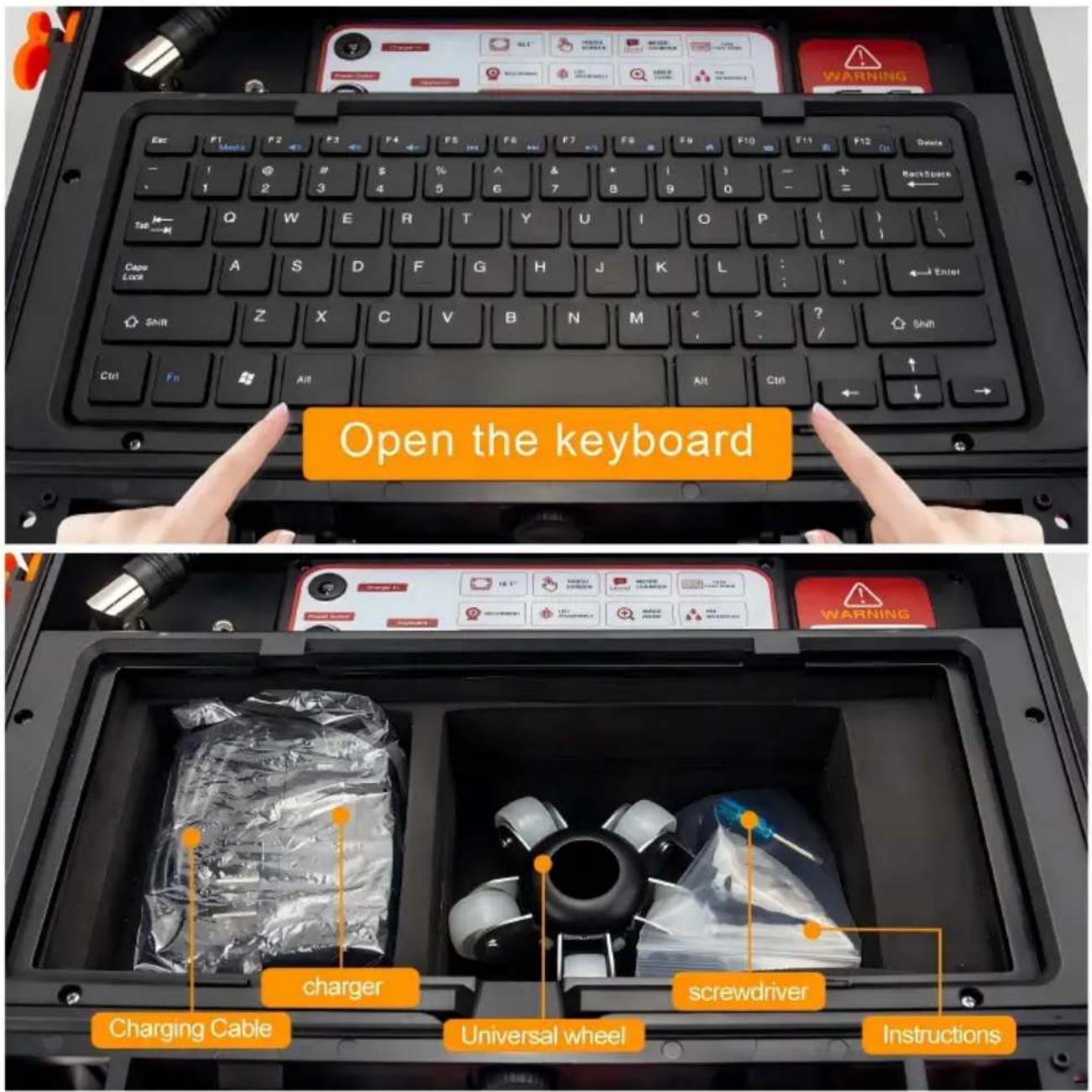
Product accessories
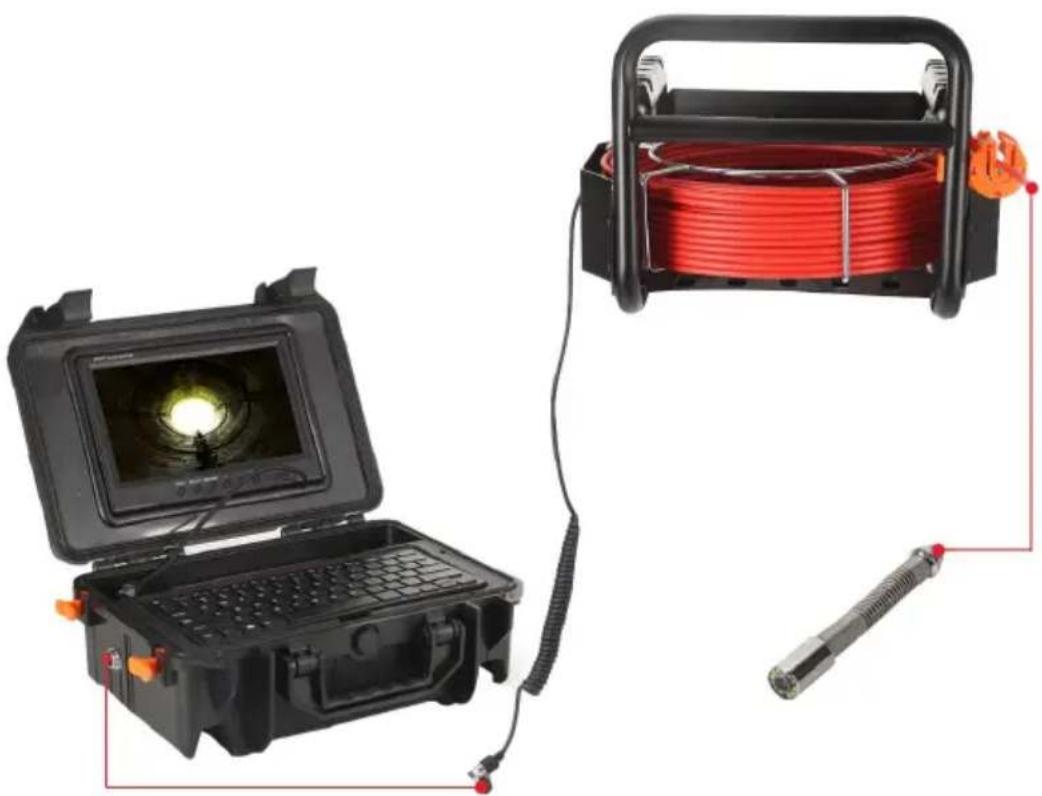
System Installation
- Vital: turn off the power switch, connect the video camera and the monitor the video camera and the monitor may be damaged.
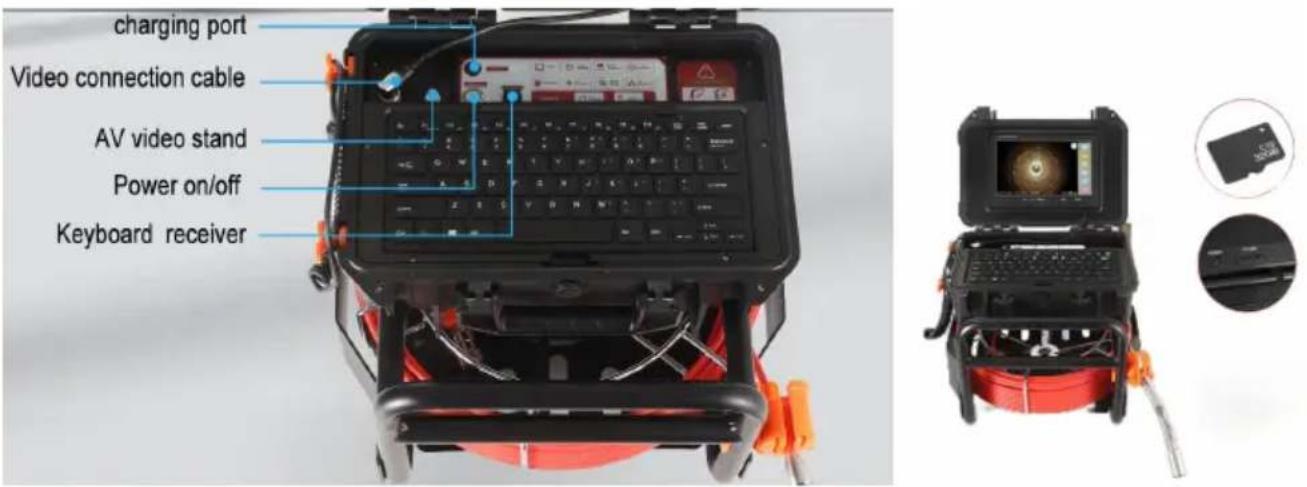
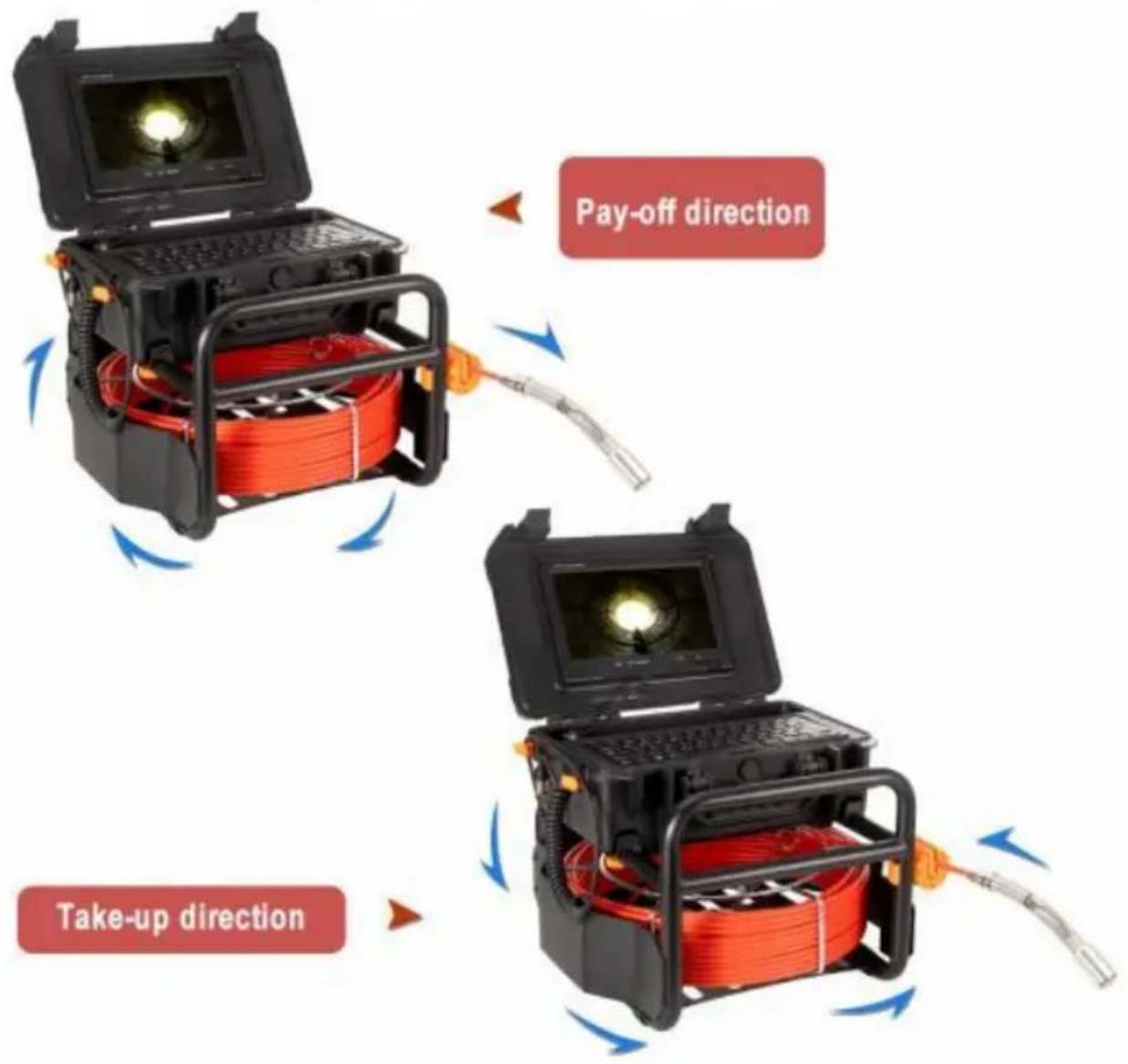
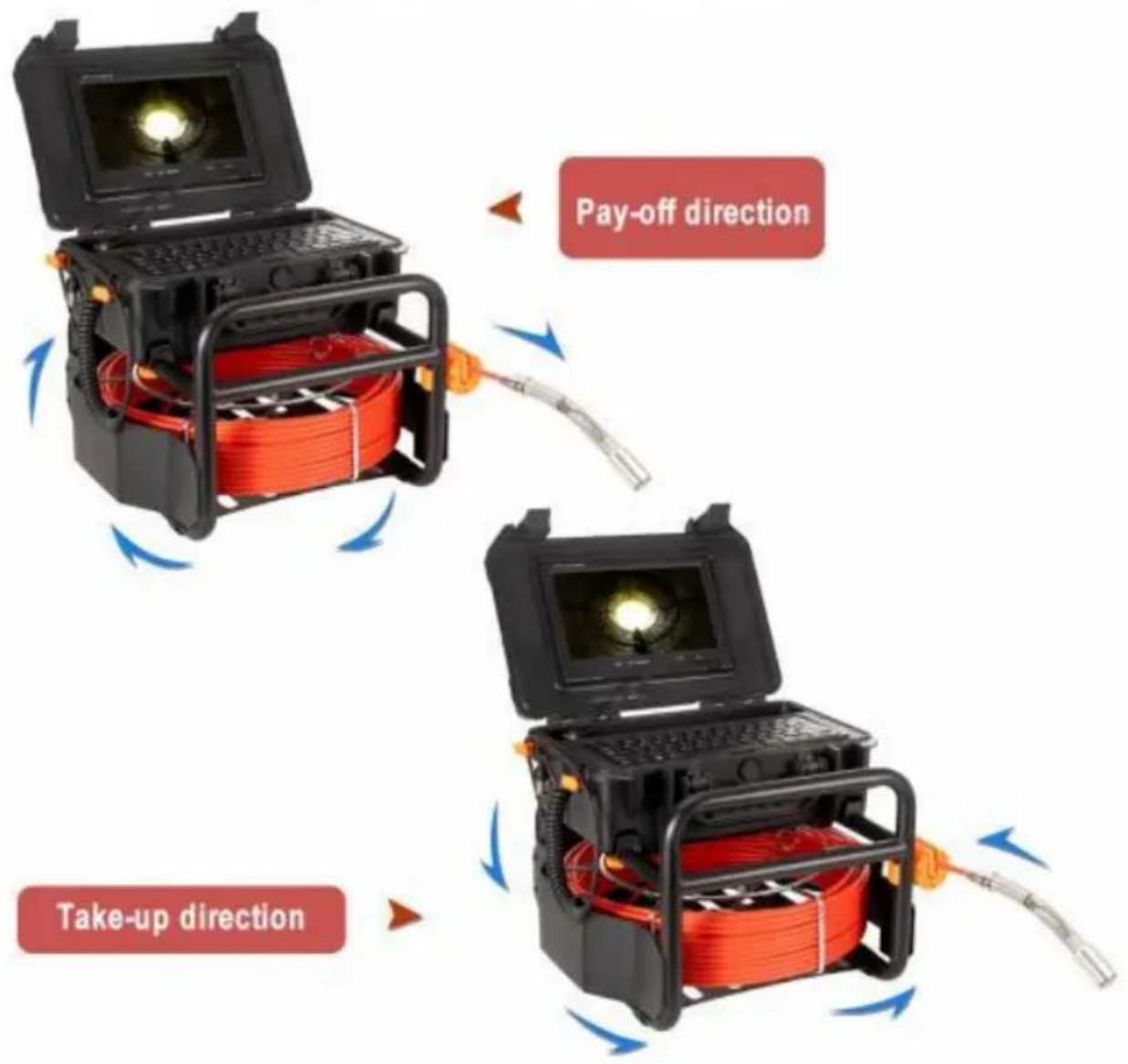
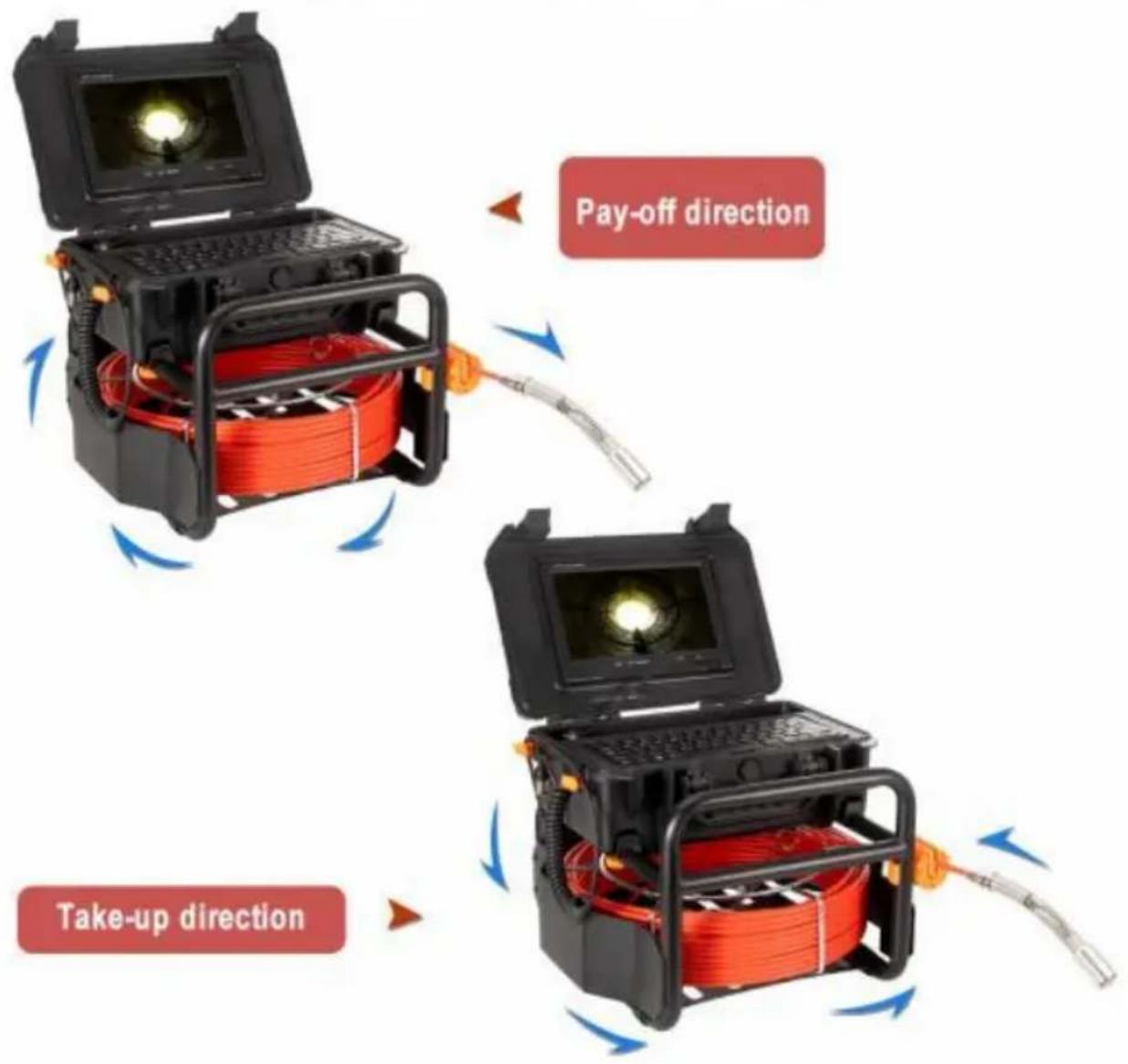
- Connect camera -coil -cell box -monitor (Pic)
- Turn on the power switch in the power box, the indicator light on the moon, the switchboard starts.
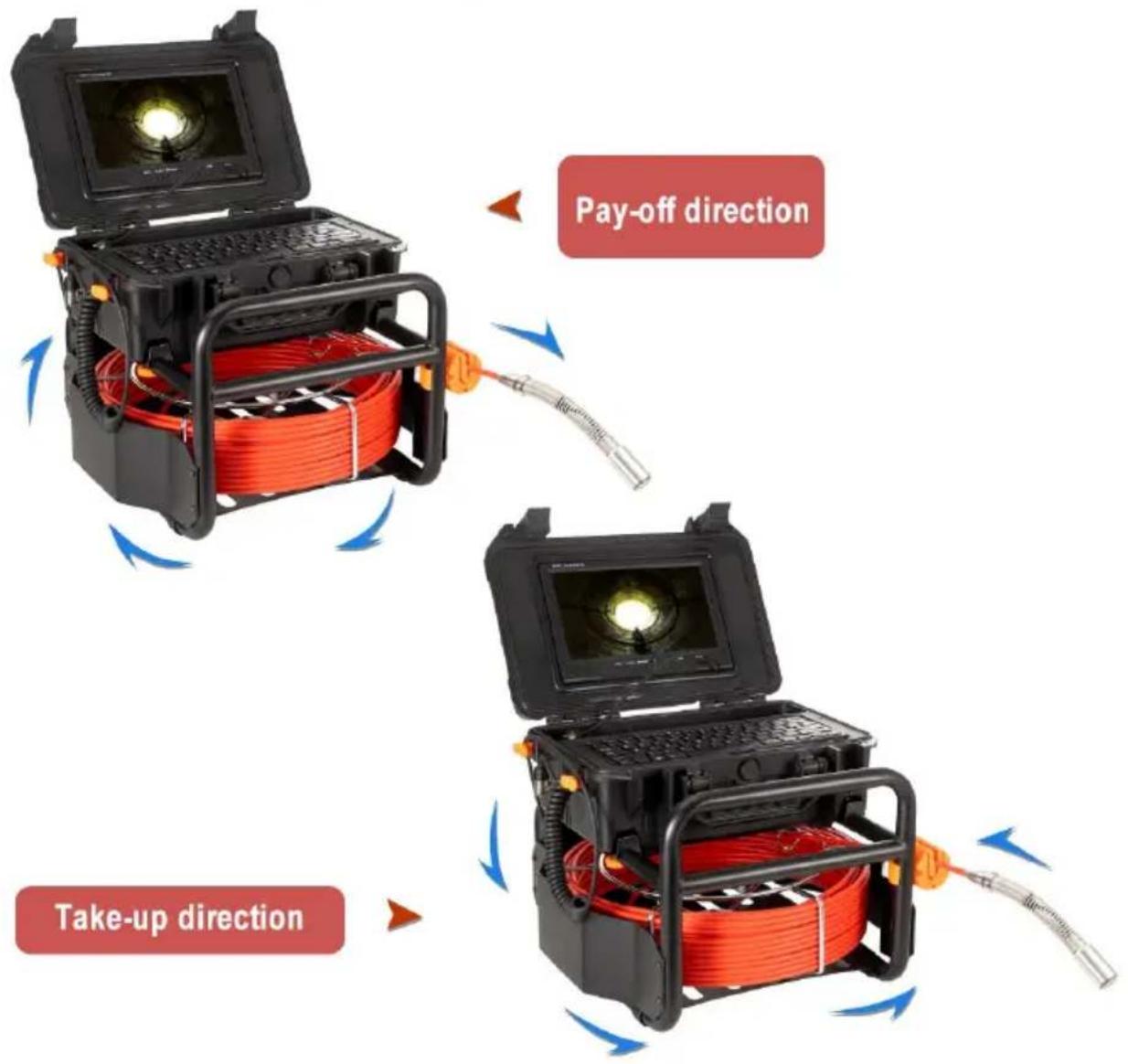
- Install the video camera with the protective cover slightly and put it into 1 rotate coil to proper depth.
-
Adjust LED light degree adjuster to proper light degree.
-
For videotape, refer to the DVR operation details (display operation: Recording Type)
-
Switch video to another large screen through video line.
-
After utilization, mover the camera from the pipe carefully, take clean, soft dry cloth to clear up it and put it back.
Product connection
natural_image
Two electronic devices: a black open case with a glowing screen and a red coiled cable, connected by wires (no visible text or symbols)Charging
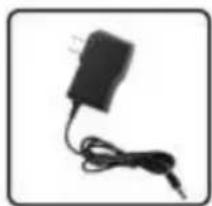
When the battery power is low, it needs charging, and the method is as be
- Take out the charger from the box.
- Connect the charger to the battery.
- Connect the charger to the alternating current of 100-240v. The red indica means charging.
- The green indicator means finishing charging.
Notes: to make sure the battery using age longer, please recharge it timely; otherwise, it will make it can not recharged.
Battery recharge
12V 4500mah Super Hiht Capacity battery
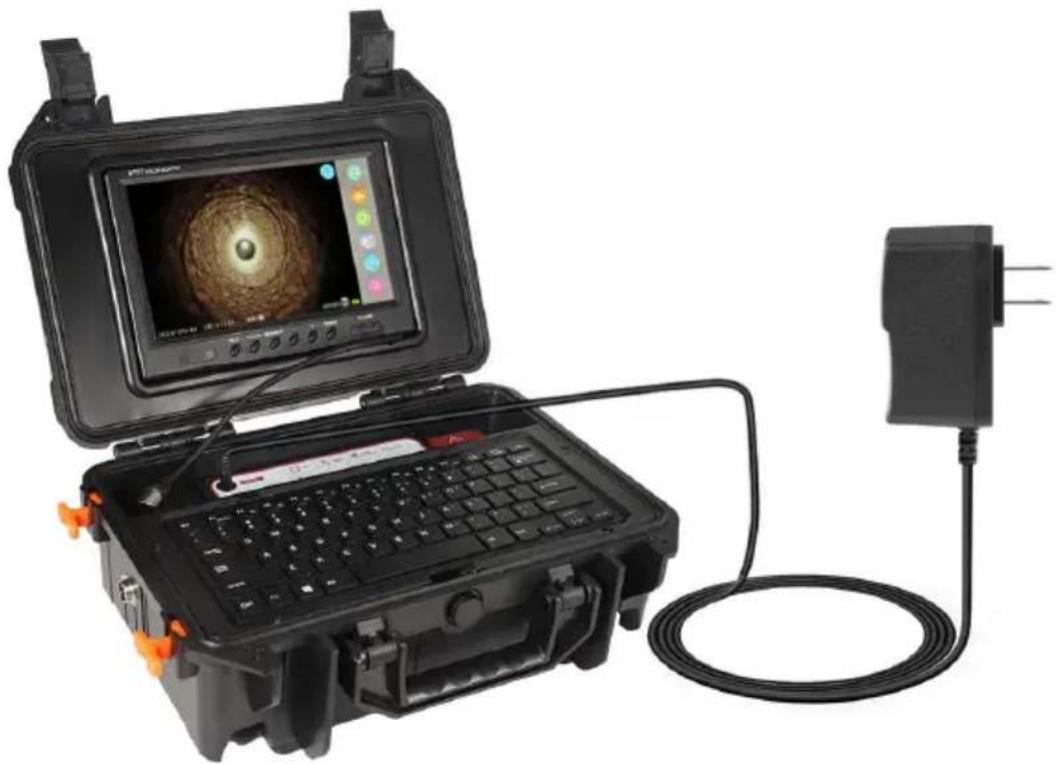
natural_image
Exterior view of a portable electronic device with a central touchscreen display and connected cable (no visible text or symbols)The red indicator means charging. The green indicator means finishing charging
Product components and accessories
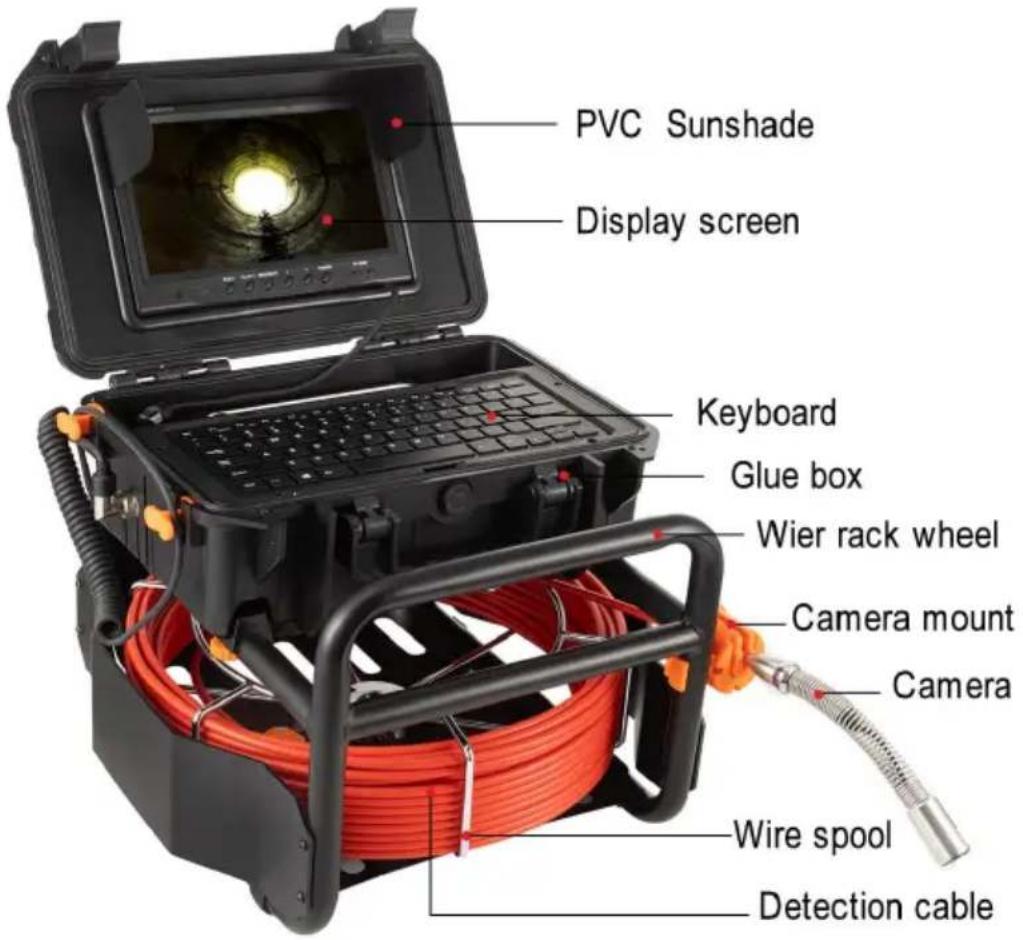
Product Components
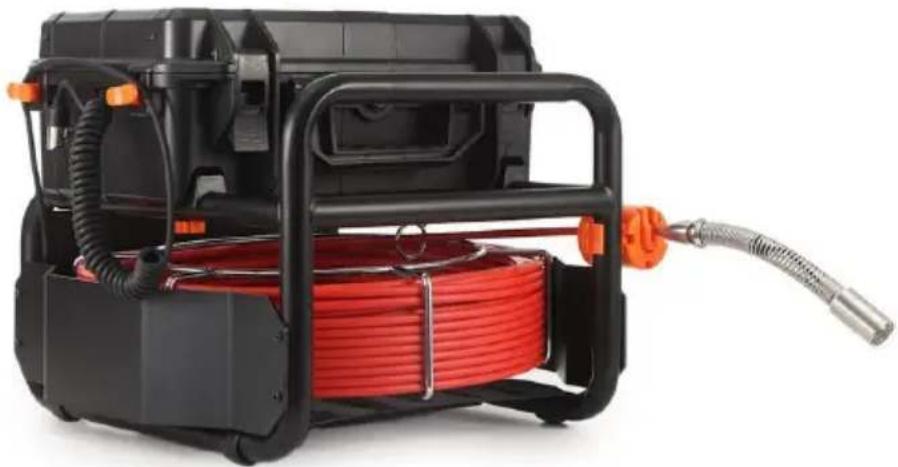
natural_image
Exterior view of a black industrial gas pump with red coiled cable and orange hose (no text or symbols visible)
natural_image
Close-up of a metallic threaded bolt or connector (no text or symbols visible)Camera
natural_image
Front view of a black electronic device with a screen and antenna (no visible text or symbols)TFT LCD Screen
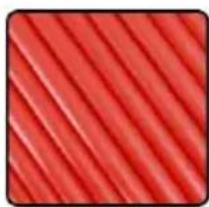
natural_image
Close-up of red diagonal striped fabric texture (no text or symbols)Detection cable
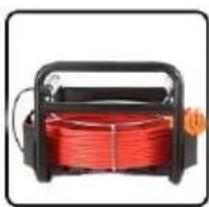
natural_image
Exterior view of a black industrial electrical device with red coiled cable (no text or symbols visible)Wire rack wheel
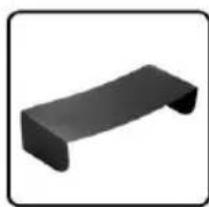
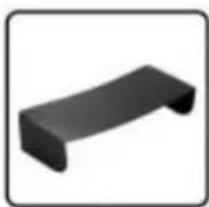
natural_image
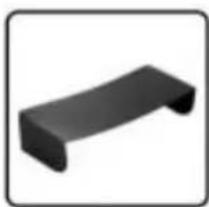
Simple black 3D rectangular object with rounded ends, resembling a bent or folded structure (no text or symbols)PVC Sunshade
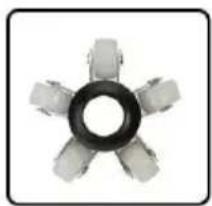
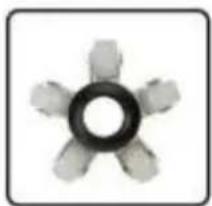
natural_image
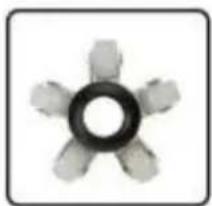
Top-down view of a mechanical component with six arms and a central circular hole (no text or symbols visible)Protector 1
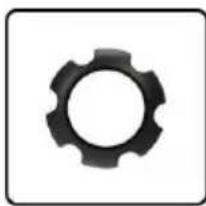
natural_image
Black gear icon on white background (no text or symbols)Protector 2
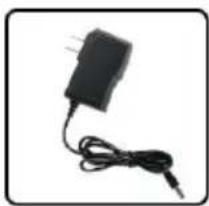
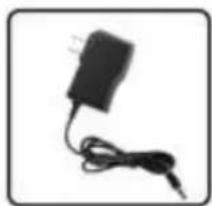
natural_image
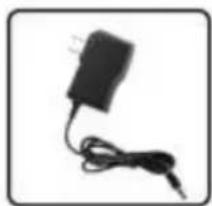
Black rectangular electronic device with a cable and power plug, no visible text or symbolsCharger
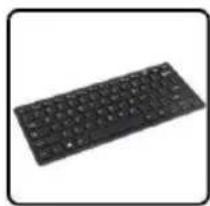
natural_image
Black keyboard with standard design (no visible text or symbols)keyboard
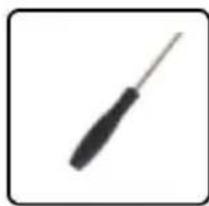
natural_image
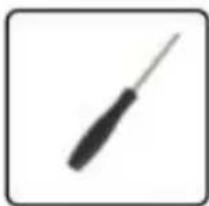
Simple illustration of a screwdriver with a black handle (no text or symbols)Screwdriver
Pipe Failure Analysis
- Ensure that each interface is properly connected during installation.
-
During the installation process, when a blue screen appears, it means that camera, battery box and display screen are not connected successfully
① Check whether the camera is loose, and tighten the camera.
② Check whether the camera video cable is in full contact with the battery
③ Check whether the video cable of the display screen and the power cable complete contact. -
During use, pay attention to charging in time when the battery power light the
last grid of power to prevent the battery from being lost and unable to be - The cable should not be knotted when used, and the cable should not be less than 90^ .
- Do not drop the product violently to prevent the cable from being broken!
- Please turn off the power before removing and inserting the memory card
| Failure analysis | Fault reasons and precautions |
| Blue screen | 1. Check if camera connector is loose, and if came loose, caused poor contact.2. Check if cable and power supply connected loose3. Check if monitor is connected with power supply normally.4. Check if cable is broken.5. Check if there is water leak to the front of the if camera is damaged.6. When using the camera, put on the protective co protect camera not to collide with hard objects and damage, cause unable to display images |
| LED light not on | 1. Read the manual to get the correct way to turn light.2. check if there is water in the camera, the water damage the camera LED. |
| No Power | 1. Check if battery is fully charged.2. Check if display screen is damaged.3. check the power box and screen connecting, to it is right. |
| Cannot format | 1. The memory card is damaged. Replace the mem card. |
| Unable to charge | 1. Check if charging port is with foreign matters or deformation.2. Check whether the charger is damaged.3. If the power is too low, it should be charged in prevent the battery loss and unable to charge |
| Photo/video cannot be saved | 1. Check if memory card is damaged. Replace the card,.2. Check if memory card slot with foreign objects of deformation. |
| Broken cable | 1. It is recommended to use the cable on pipes with diameter ≥ 60mm. Pay attention to the force of pus cable to avoid breaking cable.2. This product is only used for pipeline detection inspection, and cannot be used for other purposes. |
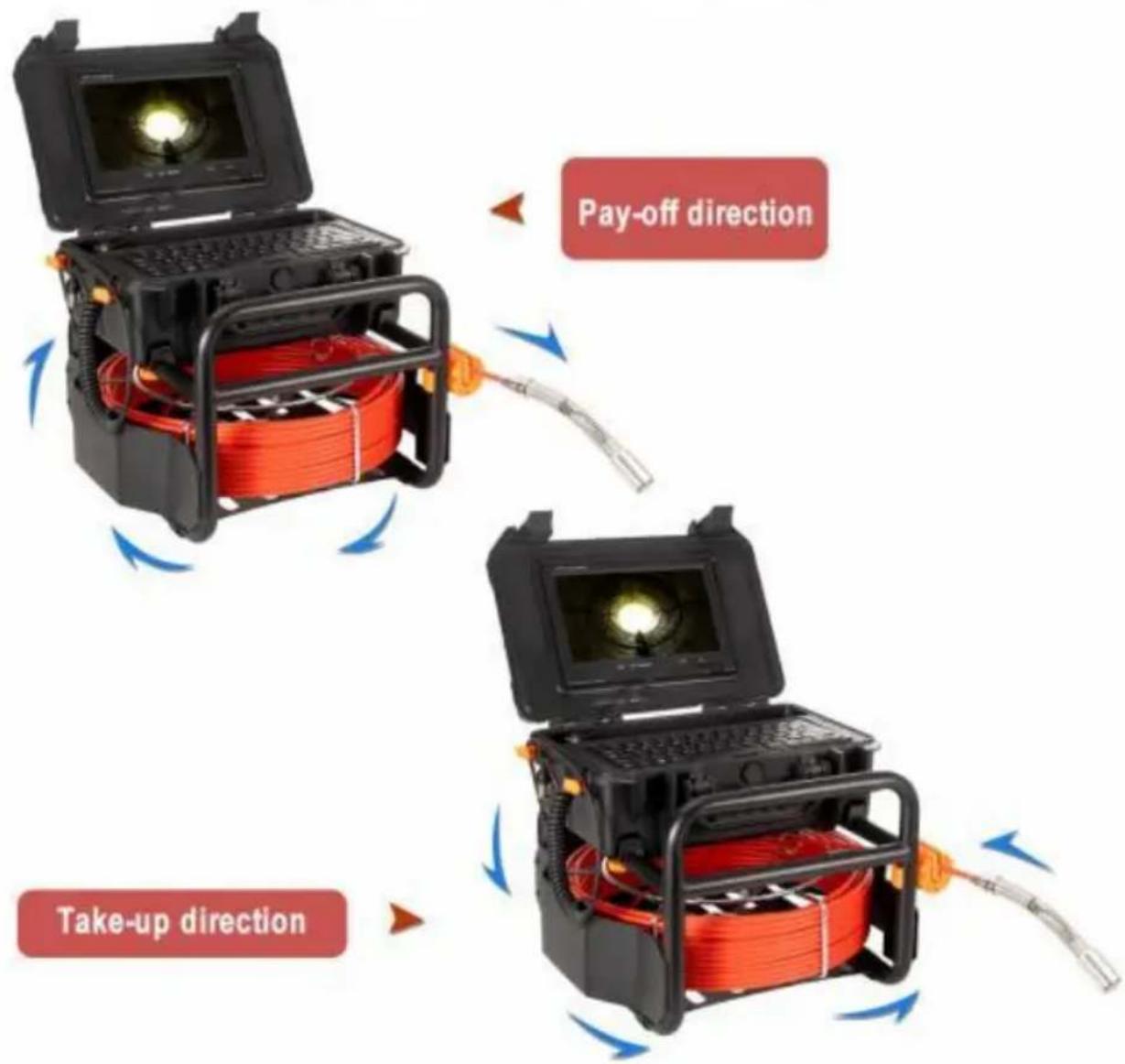
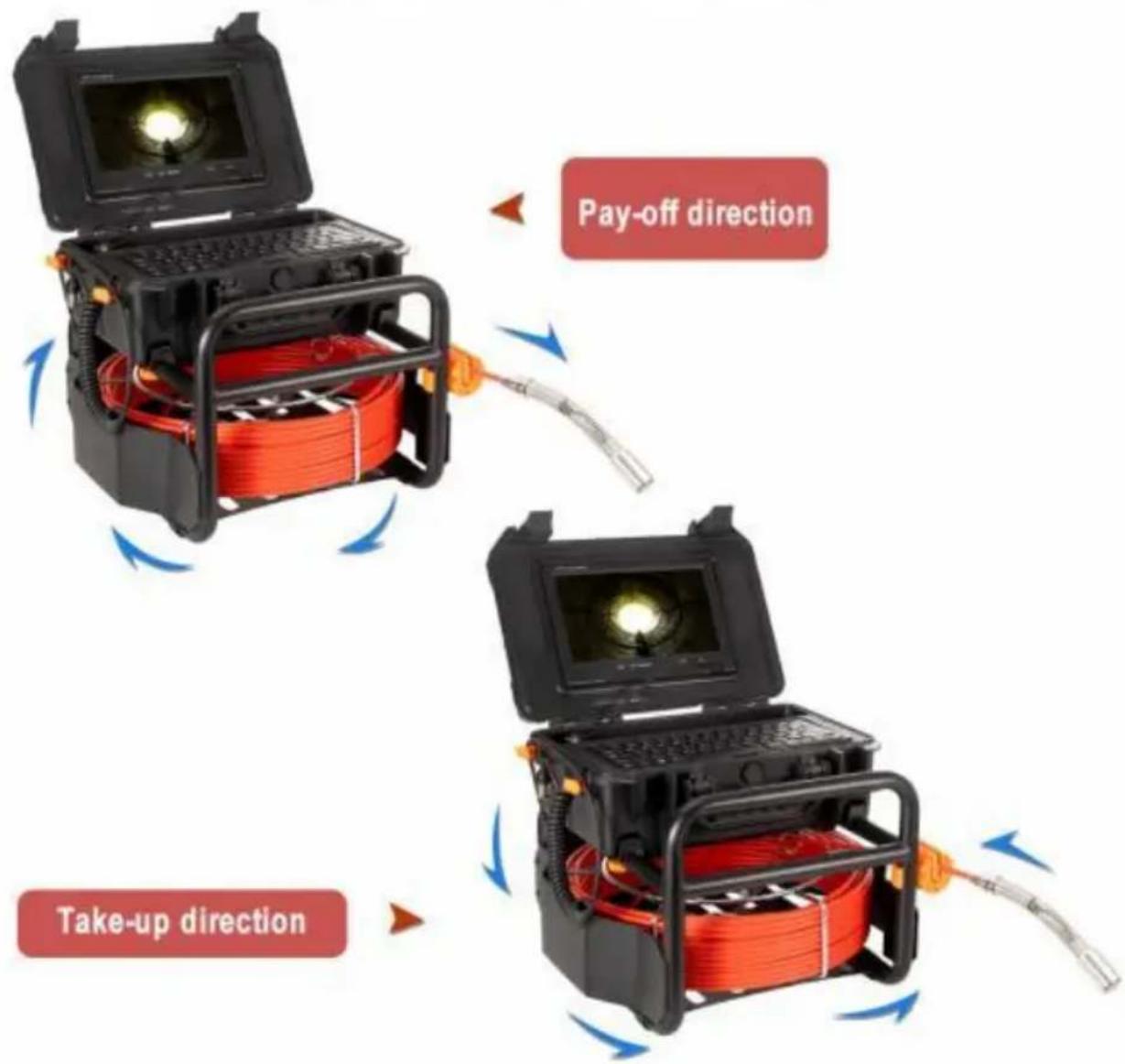
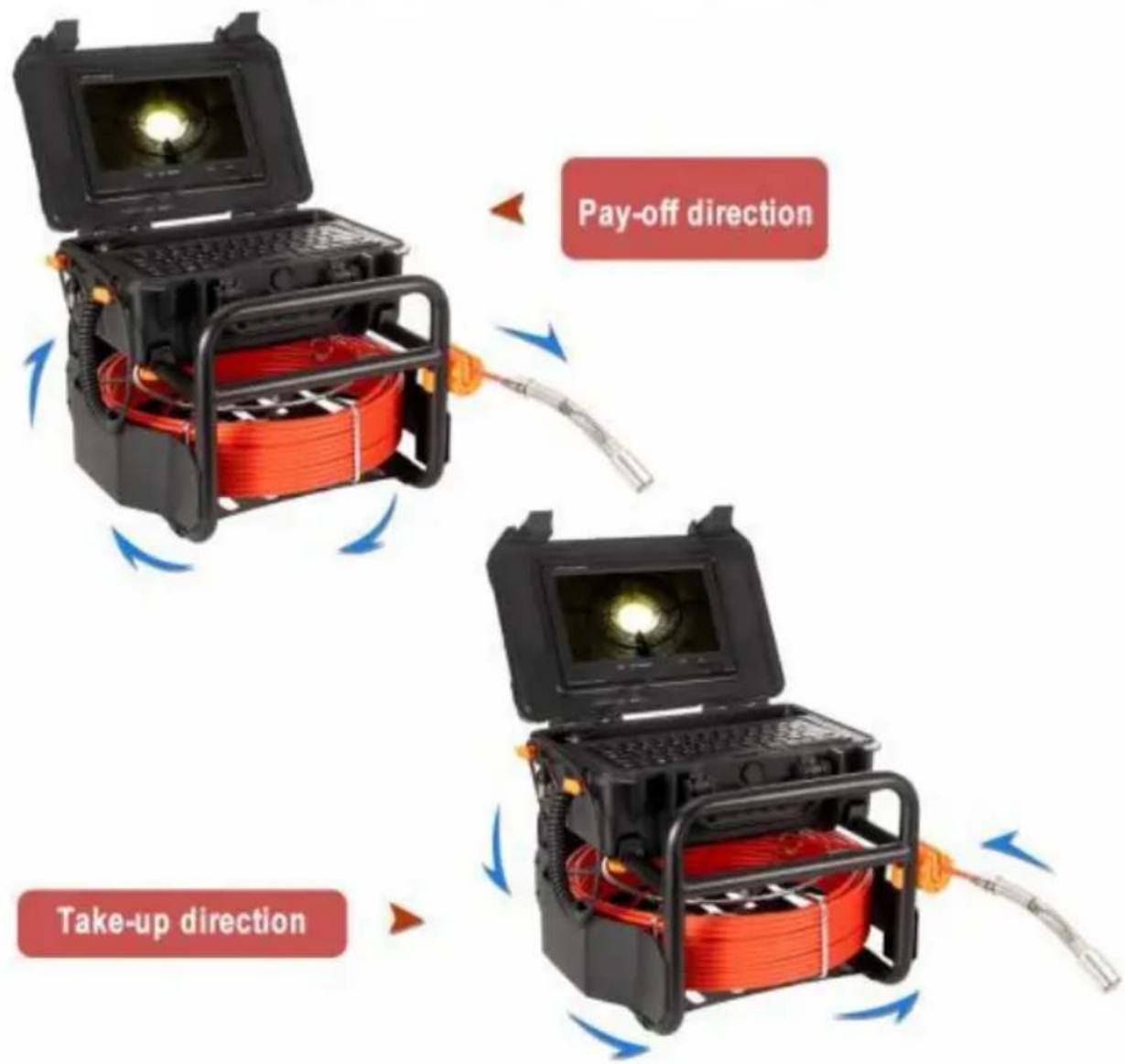
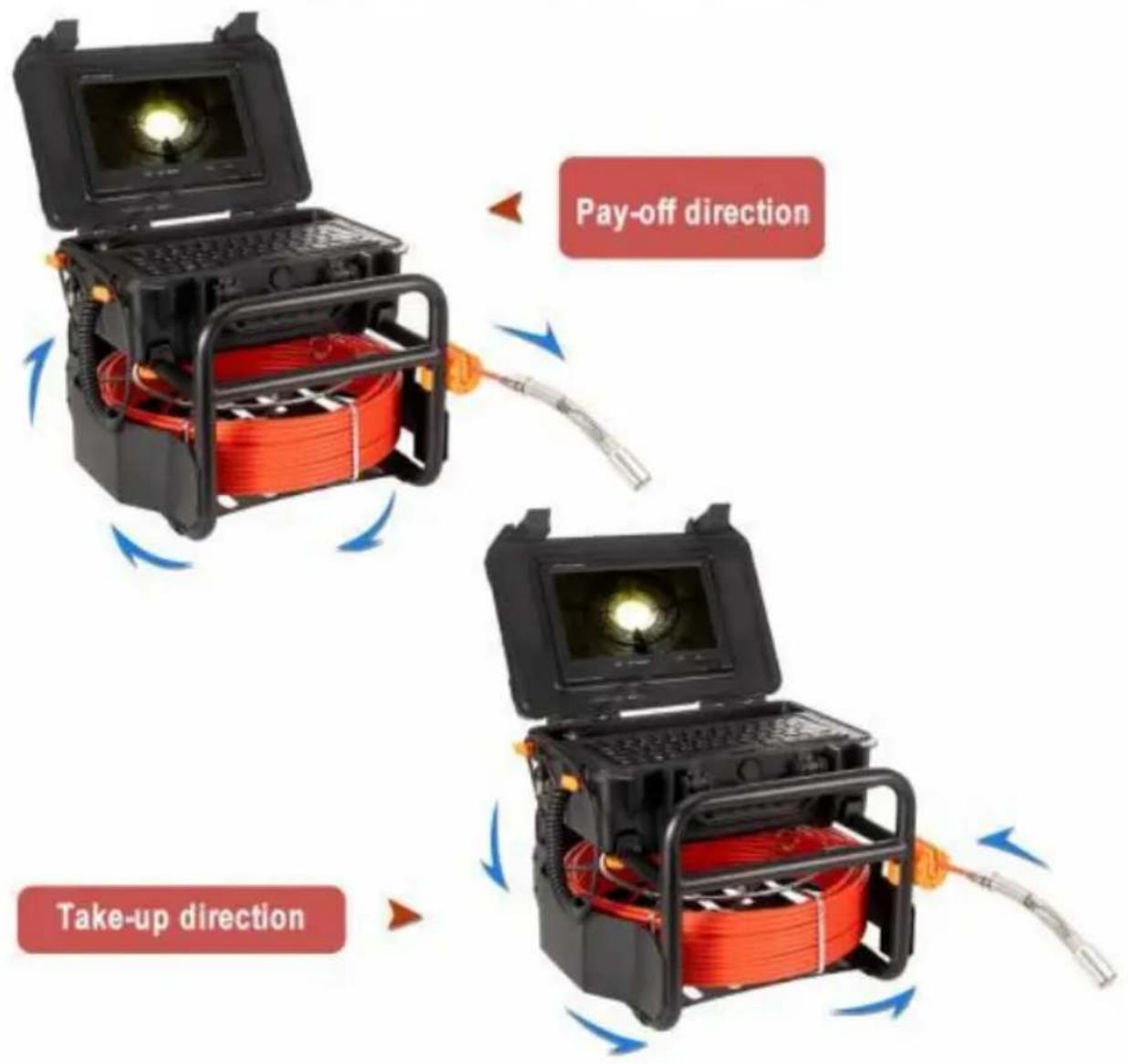
| Cable knotting | 1. When retracting and releasing cables, the cables not be crossed and knotted, and the bending arc should not be less than 90 degrees2. When retracting the cable, pay attention to the retract with the rotating iron frame, and do not use violently |
| Equipment cleaning | 1. When cleaning the equipment, turn off the power cleaning to avoid damage to the equipment. |
| Note | If the fault cannot be solved, do not disassemble it Please contact the after-sales service team. |
FCC Information
CAUTION: Changes or modifications not expressly approved by the party responsible for compliance could void the user's authority to operate the equipment!
This device complies with Part 15 of the FCC Rules. Operation is subject to following two conditions:
1) This product may cause harmful interference.
2) This product must accept any interference received, including interference that may cause undesired operation.
WARNING: Changes or modifications to this product not expressly approved by the party.responsible for compliance could void the user's authority to operate product.
Note: This product has been tested and found to comply with the limits for B digital device pursuant to Part 15 of the FCC Rules, These limits are des provide reasonable protection against harmful interference in a residential installation.
This product generates, uses and can radiate radio frequency energy, and if installed and used in accordance with the instructions, may cause harmful interference to radio communications. However, there is no guarantee that interference will not occur in a particular installation. If this product does cause harmful interference to radio or television reception, which can be determined by turning the product off and on, the user is encouraged to try to correct the interference by one or more of the following measures.
- Reorient or relocate the receiving antenna.
- Increase the distance between the product and receiver.
- Connect the product to an outlet on a circuit different from that to which receiver is connected.
- Consult the dealer or an experienced radio/TV technician for assistance.
Disposal information:
This product is subject to the provision of European Directive 2012/19/EU. The symbol showing a wheelie bin crossed through indicates that the product requires separate refuse collection in the European Union. This applies to the product and all accessories
marked with this symbol. Products marked as such may not be discarded with normal domestic waste, but must be taken to a collection point for recycling electrical and electronic devices.
Manufacturer: Shanghaimuxinmuyeyouxiangongsi
Address: Shuangchenglu 803nong11hao1602A-1609shi, baoshanqu, shanghai 200000 CN.
Imported to AUS: SIHAO PTY LTD. 1 ROKEVA STREETEASTWOOD NSW 2122 Australia
Imported to USA: Sanven Technology Ltd. Suite 250, 9166 Anaheim Place, Rancho Cucamonga, CA 91730
| UK | REP |
YH CONSULTING LIMITED.
C/O YH Consulting Limited Office 147,
Centurion House, London Road,
Staines-upon-Thames, Surrey, TW18 4AX
| EC | REP |
E-CrossStu GmbH
Mainzer Landstr.69,
60329 Frankfurt am Main.

VEVOR
Affordable. Reliable. Home Improvement.
natural_image
Black-and-white photo of a portable scientific instrument with red coiled cable, keyboard, and display screen (no visible text or symbols)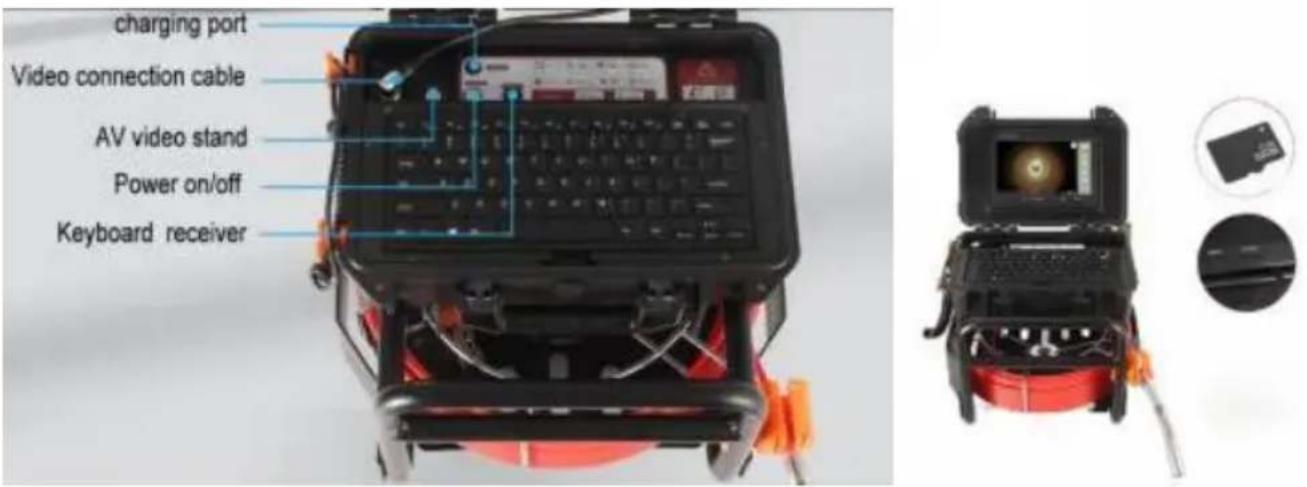
PLASTIC BOX DISASSEMBLY METHOD
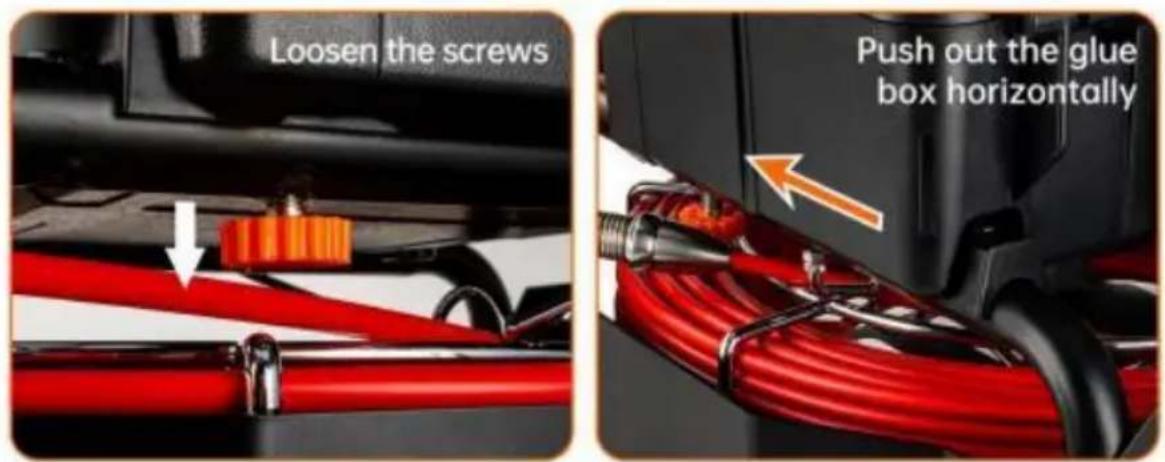
Take out the box
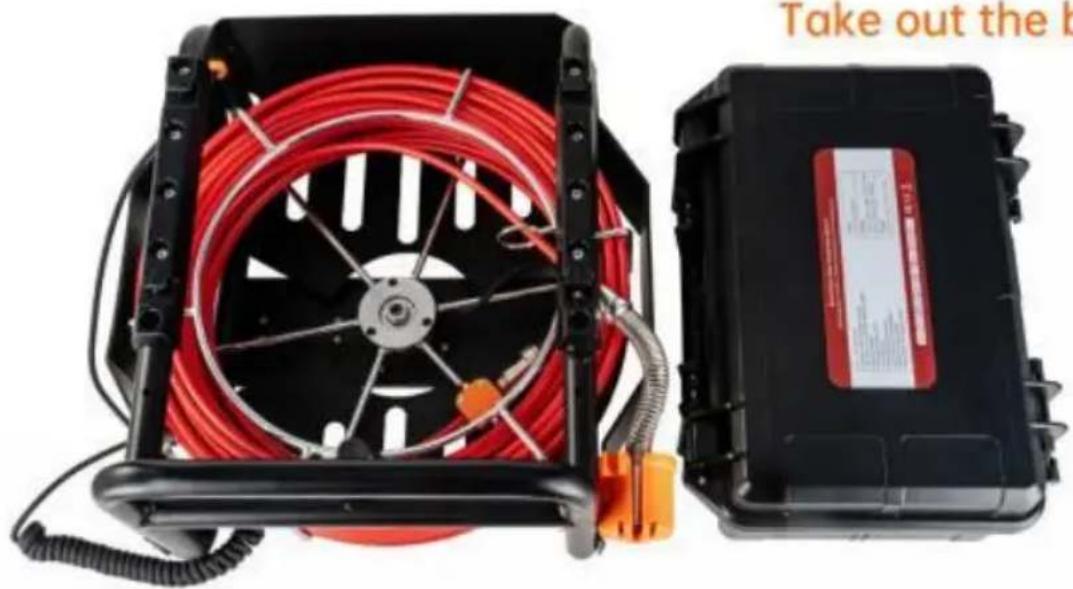
natural_image
Two electronic devices: a black hard drive with red coiled cable and orange connectors, and a black compact device with a red label (no visible text or symbols on the devices themselves)Caméra
natural_image
Metal rod-shaped object with a cylindrical end, isolated on white background (no text or symbols)23mm
natural_image
Close-up of a metallic cylindrical tool with a black and white end cap (no text or symbols visible)38mm
natural_image
Close-up of a mechanical lever component (no visible text or symbols)90mm
Bobine
High quality fiberglass
detection cable
natural_image
Two electronic devices: a black open case with a glowing light source and a red coiled cable with orange wires, connected by wires (no visible text or symbols)Chargement
natural_image
Exterior view of a black-and-white portable electronic device with a cable and power outlet connected to it (no visible text or symbols)The red indicator means charging. The green indicator means finishing charging
natural_image
Black and red portable air purifier with coiled red hose and orange connectors (no visible text or symbols)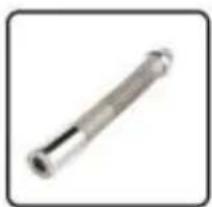
natural_image
Metal cylindrical rod or mechanical component with a flanged end (no visible text or markings)Camera
natural_image
Front view of a black electronic device with a monitor and antenna (no visible text or symbols)TFT LCD Screen
natural_image
Red diagonal striped pattern with no text or symbolsDetection cable
natural_image
Red industrial electrical fuse device with black casing and coiled cable (no visible text or symbols)Wire rack wheel
natural_image
Simple 3D-rendered black rectangular object with rounded ends, no text or symbols visiblePVC Sunshade
natural_image
Close-up of a mechanical component with six arms and a central circular hole (no text or symbols visible)Protector 1
natural_image
Simple gear icon with no text or symbolsProtector 2
natural_image
Black rectangular electronic device with a cable and power plug, no visible text or symbolsCharger
natural_image
Black keyboard with no visible text or symbols on its surfacekeyboard
natural_image
Simple illustration of a screwdriver with a black handle (no text or symbols)Screwdriver
C/O YH Consulting Limited Office 147,
Centurion House, London Road,
Staines-upon-Thames, Surrey, TW18 4AX
| EC | REP |
E-CrossStu GmbH
Mainzer Landstr.69,
60329 Frankfurt am Main.

VEVOR
Affordable. Reliable. Home Improvement.
natural_image
Black-and-white photo of a portable scientific instrument with a central display and red coiled cable, no visible text or symbols.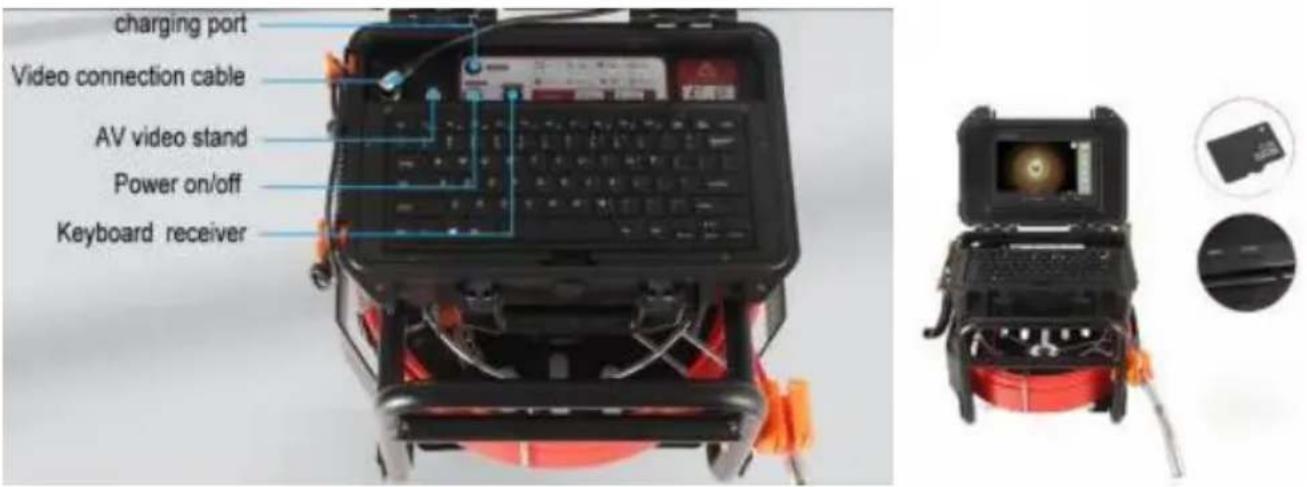
PLASTIC BOX DISASSEMBLY METHOD
Take out the box
natural_image
Two electronic devices: a black hard drive with red coiled cable and orange connectors, and a black compact device with a red label (no visible text or symbols on the devices themselves)Kamera
natural_image
Metal rod-shaped object with a cylindrical end, isolated on white background (no text or symbols)23mm
natural_image
Close-up of a metallic cylindrical tool with a black and white knob (no text or symbols visible)38mm
natural_image
Mechanical component with a cylindrical shaft and flanged end (no visible text or symbols)90mm
Spule
High quality fiberglass
detection cable
Produktzubehör
Systeminstallation
natural_image
Two electronic devices: a black open case with a glowing light source and a red coiled cable inside, connected by wires (no visible text or symbols)Laden
natural_image
Black-and-white photo of a portable electronic device with a display screen and connected cable, no visible text or symbols.The red indicator means charging. The green indicator means finishing charging
natural_image
Black and red portable air purifier with coiled red hose and orange connectors (no visible text or symbols)
natural_image
Metal cylindrical mechanical part with a flanged end (no text or symbols visible)Camera
natural_image
Front view of a black electronic device with a monitor and antenna (no visible text or symbols)TFT LCD Screen
natural_image
Red diagonal striped pattern with no text or symbolsDetection cable
natural_image
Red industrial electrical fuse box with black casing and coiled cable (no visible text or symbols)Wire rack wheel
natural_image
Simple 3D-rendered black rectangular object with rounded ends, no text or symbols visiblePVC Sunshade
natural_image
Close-up of a mechanical component with six arms and a central ring (no text or symbols visible)Protector 1
natural_image
Simple gear icon with no text or symbolsProtector 2
natural_image
Black rectangular electronic device with a cable and power plug, no visible text or symbolsCharger
natural_image
Black keyboard with no visible text or symbols on its surfacekeyboard
natural_image
Simple illustration of a screwdriver with a black handle (no text or symbols)Screwdriver
Rohrausfallanalyse
C/O YH Consulting Limited Office 147, Centurion House, London Road, Staines-upon-Thames, Surrey, TW18 4AX
E-CrossStu GmbH
EC REP
Mainzer Landstr.69, 60329 Frankfurt am Main.
natural_image
Black-and-white photo of a portable scientific instrument with a central display and red coiled cable, no visible text or symbols.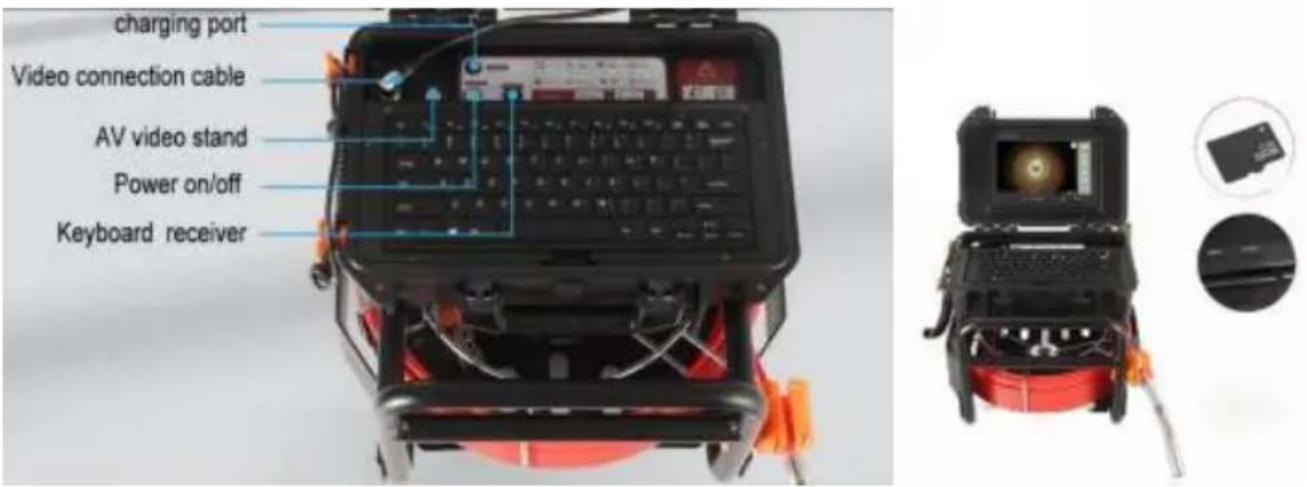
PLASTIC BOX DISASSEMBLY METHOD
Take out the box
natural_image
Two electronic devices: a black hard drive with red coiled cable and orange connectors, and a black compact device with a red label (no visible text or symbols on the devices themselves)Telecamera
natural_image
Metal rod-shaped object with a slightly extended tip, isolated on white background (no text or symbols)23mm
natural_image
Close-up of a metallic tool with a black circular end and a cylindrical shaft (no text or symbols visible)38mm
natural_image
Mechanical pulley or saw blade assembly (no visible text or symbols)90mm
Bobina
High quality fiberglass
detection cable
natural_image
Two electronic devices: a black open case with a glowing light source and a red coil device with a probe inserted (no visible text or symbols)Ricarica
natural_image
Exterior view of a portable electronic device with a circular display and connected cable (no visible text or symbols)The red indicator means charging. The green indicator means finishing charging
natural_image
Black and red portable air purifier with coiled red hose and orange connectors (no visible text or symbols)
natural_image
Metal cylindrical rod or mechanical component with a flanged end (no visible text or markings)Camera
natural_image
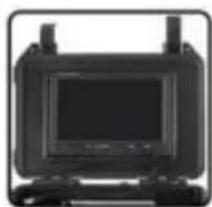
Front view of a black electronic device with a monitor and antenna (no visible text or symbols)TFT LCD Screen
natural_image
Red diagonal striped pattern with no text or symbolsDetection cable
natural_image
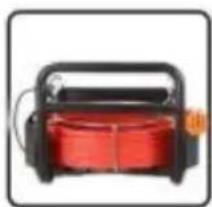
Red industrial electrical fuse device with black casing and coiled cable (no visible text or symbols)Wire rack wheel
natural_image
Simple 3D-rendered black rectangular object with rounded ends, no text or symbols visiblePVC Sunshade
natural_image
Close-up of a mechanical component with six arms and a central circular hole (no text or symbols visible)Protector 1
natural_image
Simple gear icon with no text or symbolsProtector 2
natural_image
Black rectangular electronic device with a cable and power plug, no visible text or symbolsCharger
natural_image
Black keyboard with no visible text or symbols on its surfacekeyboard
natural_image
Simple illustration of a screwdriver with a black handle (no text or symbols)Screwdriver
Importato in AUS: SIHAO PTY LTD. 1 ROKEVA STREETEASTWOOD NSW 2122 Australia
Importato negli USA: Sanven Technology Ltd. Suite 250, 9166 Anaheim Plac Rancho Cucamonga, CA 91730
| UK | REP |
YH CONSULTING LIMITED.
C/O YH Consulting Limited Office 147,
Centurion House, London Road,
Staines-upon-Thames, Surrey, TW18 4AX
| EC | REP |
E-CrossStu GmbH
Mainzer Landstr.69,
60329 Frankfurt am Main.

VEVOR
Affordable. Reliable. Home Improvement.
natural_image
Black-and-white photo of a portable scientific instrument with red coiled cable, open case, and display screen (no visible text or symbols)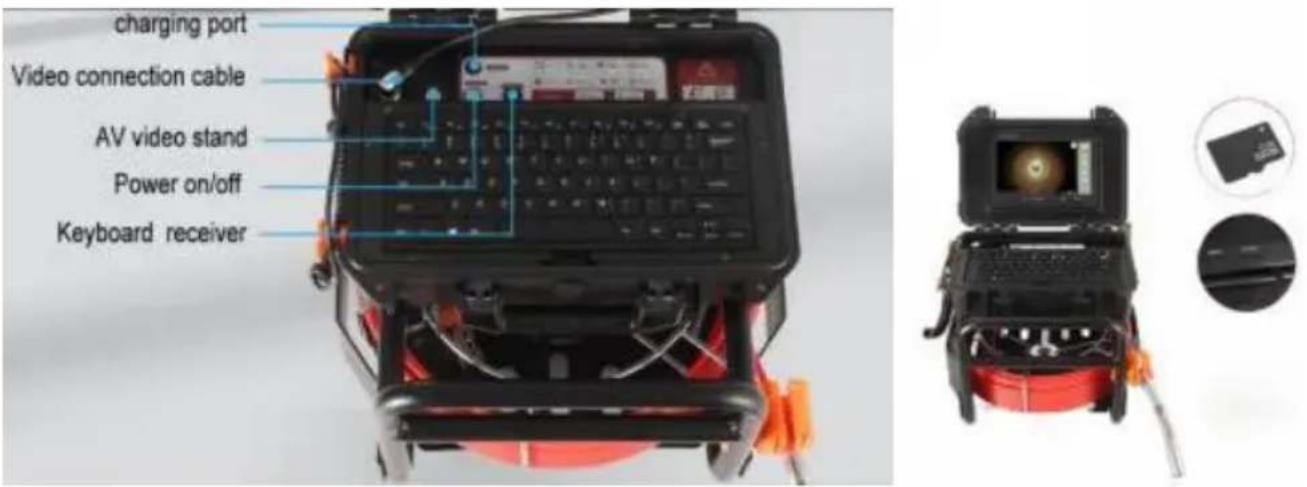
PLASTIC BOX DISASSEMBLY METHOD
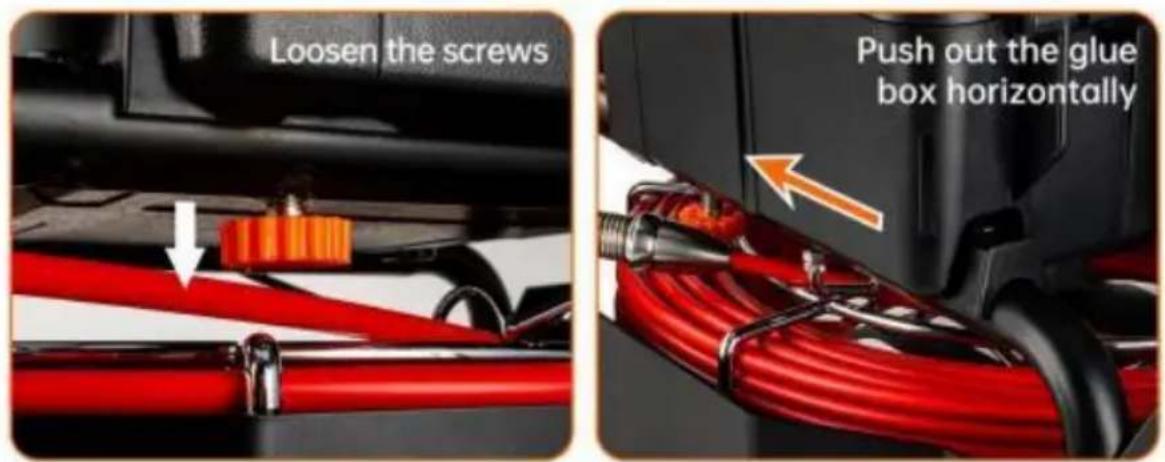
Take out the box
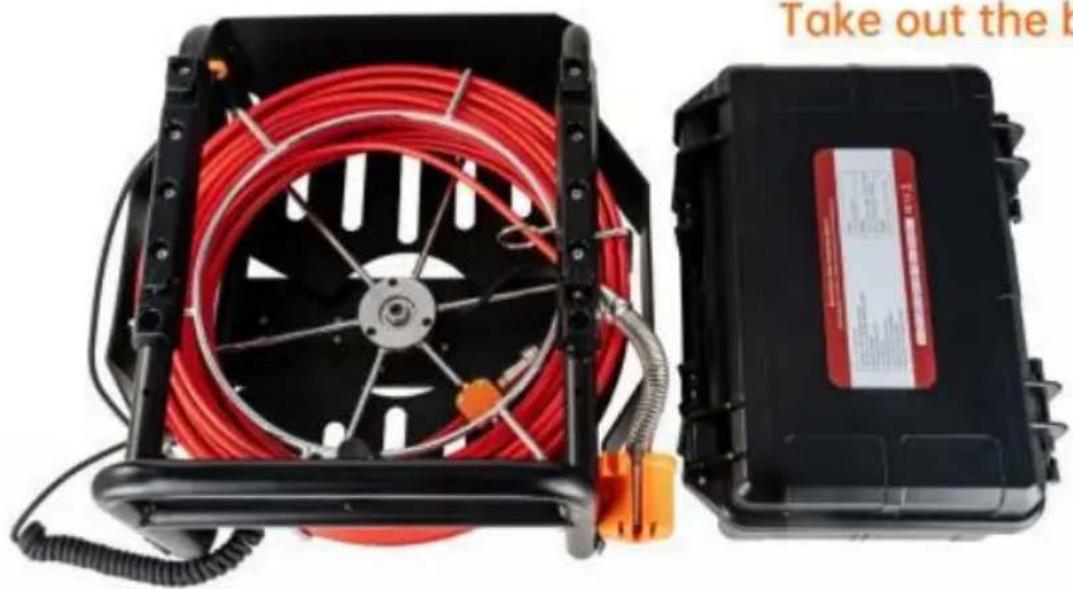
natural_image
Two electronic devices: a black hard drive with red coiled cable and orange connectors, and a black compact device with a red label (no visible text or symbols on the devices themselves)Cámara
natural_image
Metal rod-shaped object with rounded ends, isolated on white background (no text or symbols)23mm
natural_image
Close-up of a metallic cylindrical tool with black and white end caps (no text or symbols visible)38mm
natural_image
Close-up of a mechanical pulley or lever component (no visible text or symbols)90mm
Bobina
High quality fiberglass
detection cable
natural_image
Two electronic devices: a black open case with a glowing light source and a red coil device with a probe inserted (no visible text or symbols)Cargando
natural_image
Black-and-white photo of a portable electronic device with a display screen and connected cable, no visible text or symbols.The red indicator means charging. The green indicator means finishing charging
natural_image
Black and red portable air purifier with coiled red hose and orange connectors (no visible text or symbols)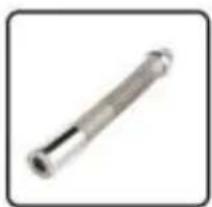
natural_image
Metal cylindrical rod or mechanical component with a flanged end (no visible text or markings)Camera
natural_image
Front view of a black electronic device with a monitor and antenna (no visible text or symbols)TFT LCD Screen
natural_image
Red diagonal striped pattern with no text or symbolsDetection cable
natural_image
Red industrial electrical fuse device with black casing and coiled cable (no visible text or symbols)Wire rack wheel
natural_image
Simple 3D-rendered black rectangular object with rounded ends, no text or symbols visiblePVC Sunshade
natural_image
Close-up of a mechanical component with six arms and a central circular hole (no text or symbols visible)Protector 1
natural_image
Simple gear icon with no text or symbolsProtector 2
natural_image
Black rectangular electronic device with a cable and power plug, no visible text or symbolsCharger
natural_image
Black keyboard with no visible text or symbols on its surfacekeyboard
natural_image
Simple illustration of a screwdriver with a black handle (no text or symbols)Screwdriver
C/O YH Consulting Limited Office 147,
Centurion House, London Road,
Staines-upon-Thames, Surrey, TW18 4AX
| EC | REP |
E-CrossStu GmbH
Mainzer Landstr.69,
60329 Frankfurt am Main.

VEVOR
Affordable. Reliable. Home Improvement.
natural_image
Black-and-white photo of a portable scientific instrument with open lid, keyboard, and red coiled cable (no visible text or symbols)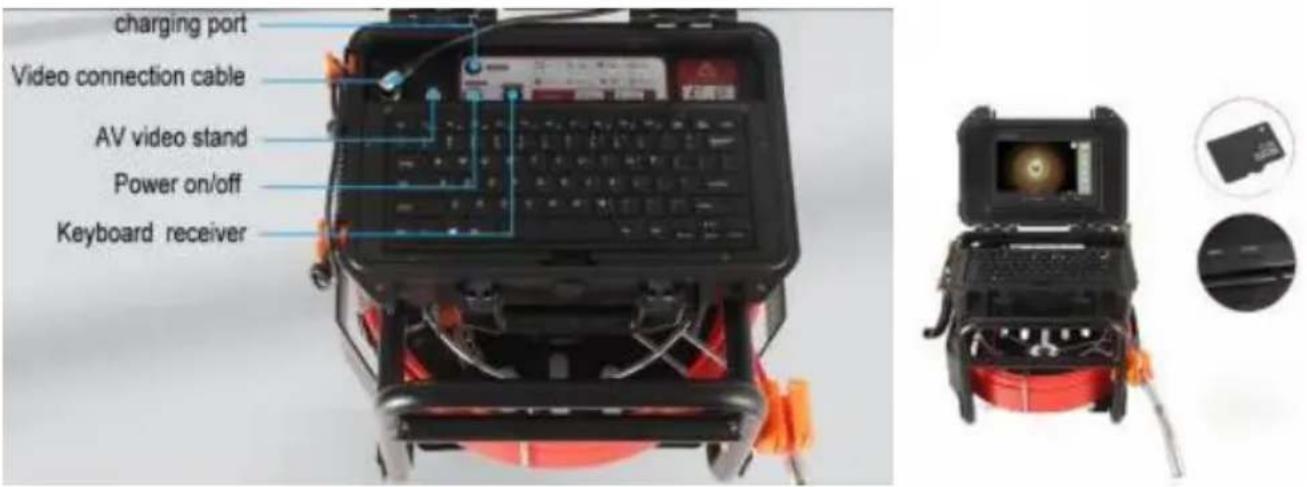
PLASTIC BOX DISASSEMBLY METHOD
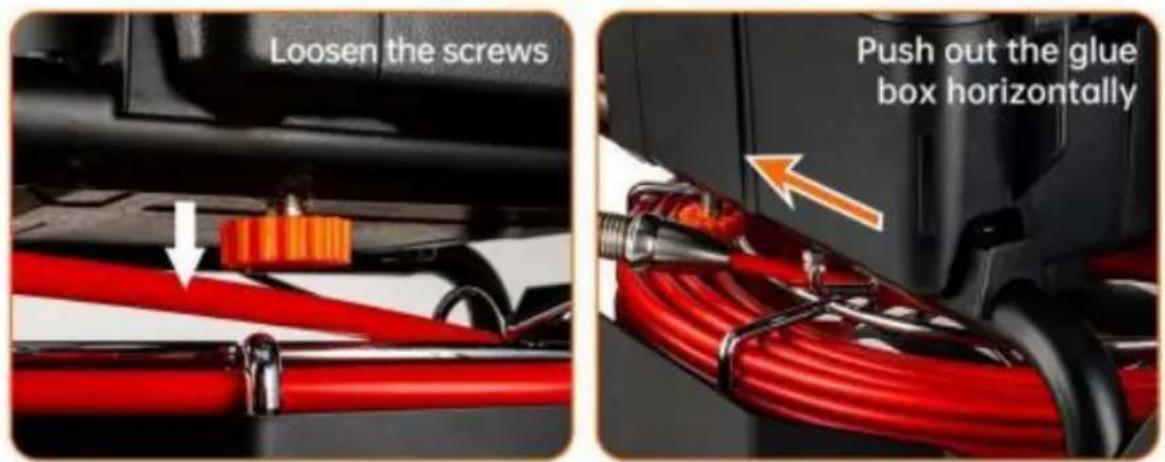
Take out the box
natural_image
Two electronic devices: a black hard drive with red coiled cable and orange connectors, and a black compact device with a red label (no visible text or symbols on the devices themselves)Kamera
natural_image
Simple metallic rod or cylindrical component with no visible text or markings23mm
natural_image
Close-up of a metallic cylindrical tool with a black and white knob (no text or symbols visible)38mm

natural_image
Mechanical component with a cylindrical shaft and flanged end (no visible text or symbols)90mm
Cewka
High quality fiberglass
detection cable
Instalacja systemu
natural_image
Two electronic devices: a black open case with a glowing light source and a red coil device with a probe inserted (no visible text or symbols)Ładowanie
natural_image
Exterior view of a portable electronic device with a circular display and connected cable (no visible text or symbols)The red indicator means charging. The green indicator means finishing charging
natural_image
Black and red portable air purifier with coiled red hose and orange connectors (no visible text or symbols)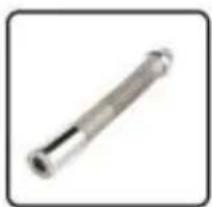
natural_image
Metal cylindrical rod or mechanical component with a flanged end (no visible text or markings)Camera
natural_image
Front view of a black electronic device with a monitor and antenna (no visible text or symbols)TFT LCD Screen
natural_image
Red diagonal striped pattern with no text or symbolsDetection cable
natural_image
Red industrial electrical fuse with black casing and coiled cable (no visible text or symbols)Wire rack wheel
natural_image
Simple 3D-rendered black rectangular object with rounded ends, no text or symbols visiblePVC Sunshade
natural_image
Close-up of a mechanical component with six arms and a central circular hole (no text or symbols visible)Protector 1
natural_image
Simple gear icon with no text or symbolsProtector 2
natural_image
Black rectangular electronic device with a cable and power plug, no visible text or symbolsCharger
natural_image
Black keyboard with no visible text or symbols on its surfacekeyboard
natural_image
Simple illustration of a screwdriver with a black handle (no text or symbols)Screwdriver
Analiza awarii rur
C/O YH Consulting Limited Office 147, Centurion House, London Road,
Staines-upon-Thames, Surrey, TW18 4AX
| EC | REP |
E-CrossStu GmbH
Mainzer Landstr.69,
60329 Frankfurt am Main.

VEVOR
Affordable. Reliable. Home Improvement.
natural_image
Black-and-white photo of a portable scientific instrument with red coiled cable, open case, and display screen (no visible text or symbols)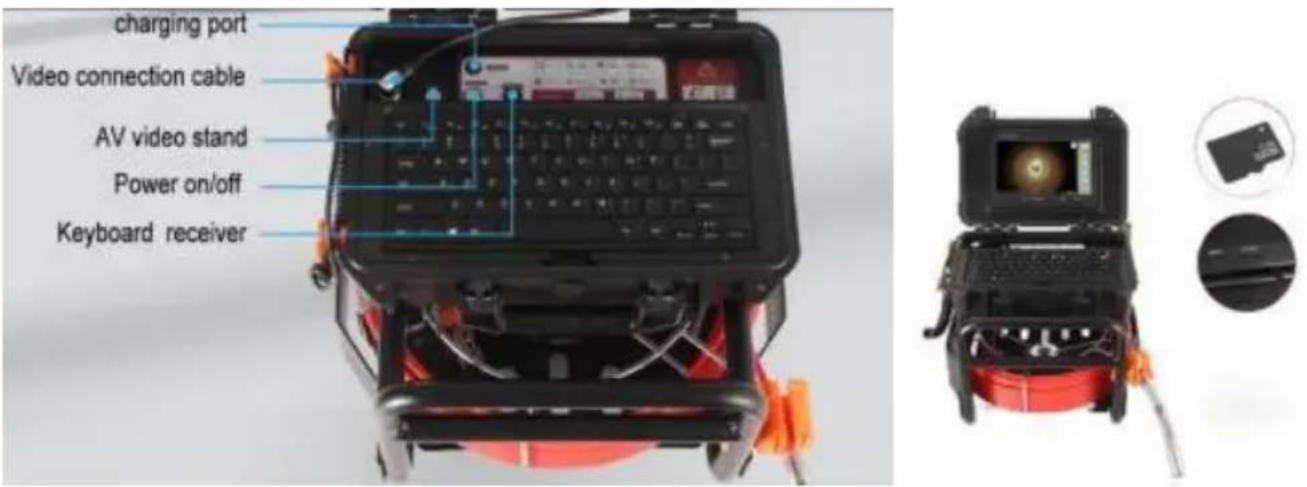
PLASTIC BOX DISASSEMBLY METHOD
Take out the box
natural_image
Two electronic devices: a black hard drive with red coiled cable and orange connectors, and a black compact device with a red label (no visible text or symbols on the devices themselves)Camera
natural_image
Metal rod-shaped object with a cylindrical shaft (no text or symbols visible)23mm
natural_image
Close-up of a metallic cylindrical tool with a black and white knob (no text or symbols visible)38mm
natural_image
Mechanical component with a cylindrical shaft and flanged end (no visible text or symbols)90mm
Productspecificatie
Spoel
High quality fiberglass
detection cable
Productaccessoires
Systeeminstallatie
natural_image
Two electronic devices: a black open case with a glowing light source and a red coiled cable with orange wires, connected by wires (no visible text or symbols)Opladen
natural_image
Exterior view of a portable electronic device with a circular display and connected cable (no visible text or symbols)The red indicator means charging. The green indicator means finishing charging
Productcomponenten en accessoires
Product Components
natural_image
Black and red portable air purifier with coiled red hose and orange connectors (no visible text or symbols)
natural_image
Metal cylindrical rod or mechanical component with a flanged end (no visible text or markings)Camera
natural_image
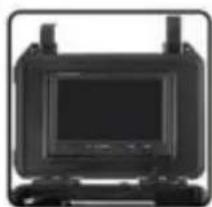
Front view of a black electronic device with a monitor and antenna (no visible text or symbols)TFT LCD Screen
natural_image
Red diagonal striped pattern with no text or symbolsDetection cable
natural_image
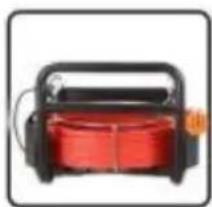
Red industrial electrical fuse with black casing and coiled cable (no visible text or symbols)Wire rack wheel
natural_image
Simple black 3D rectangular object with rounded ends, isolated on white background (no text or symbols)PVC Sunshade
natural_image
Close-up of a mechanical component with six arms and a central circular hole (no text or symbols visible)Protector 1
natural_image
Simple gear icon with no text or symbolsProtector 2
natural_image
Black rectangular electronic device with a cable and power plug, no visible text or symbolsCharger
natural_image
Black keyboard with no visible text or symbols on its surfacekeyboard
natural_image
Simple illustration of a screwdriver with a black handle (no text or symbols)Screwdriver
C/O YH Consulting Limited Office 147,
Centurion House, London Road,
Staines-upon-Thames, Surrey, TW18 4AX
| EC | REP |
E-CrossStu GmbH
Mainzer Landstr.69,
60329 Frankfurt am Main.

VEVOR
Affordable. Reliable. Home Improvement.
natural_image
Black-and-white photo of a portable scientific instrument with a central display and red coiled cable, no visible text or symbols.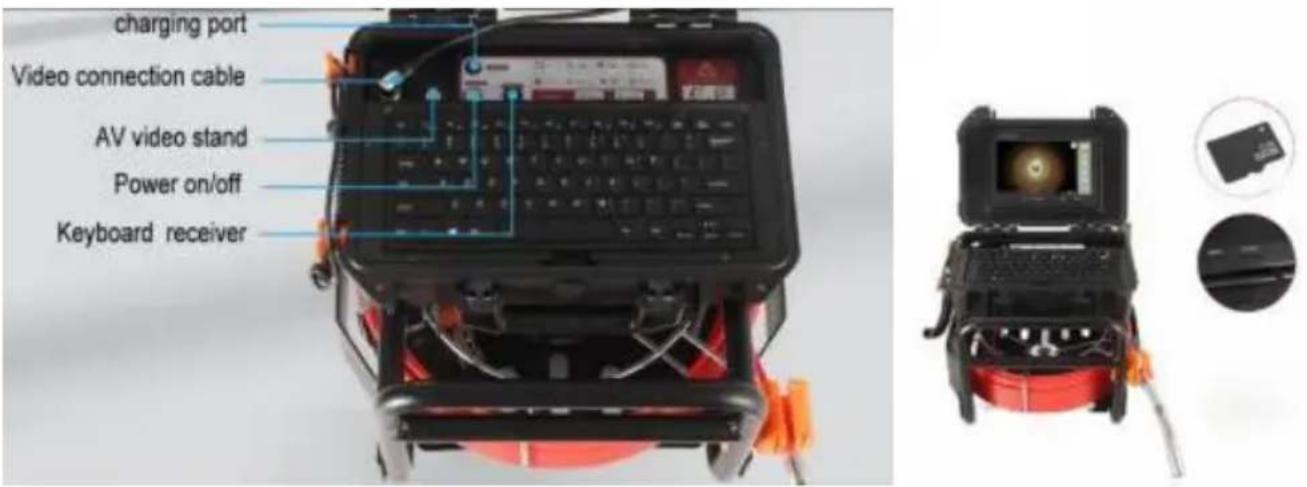
PLASTIC BOX DISASSEMBLY METHOD
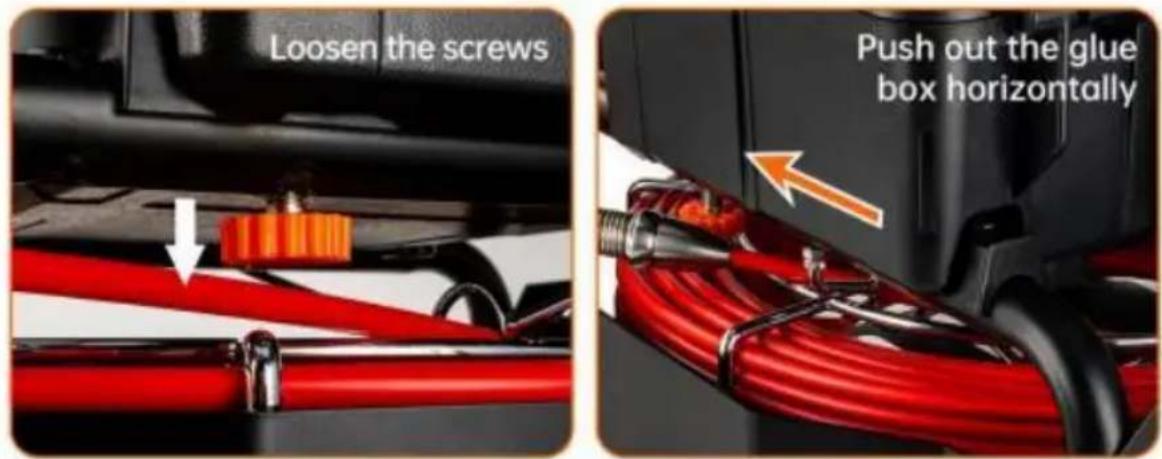
Take out the box

natural_image
Two electronic devices: a black hard drive with red coiled cable and orange connectors, and a black compact device with a red label (no visible text or symbols on the devices themselves)Kamera
natural_image
Metal rod-shaped object with a cylindrical end, isolated on white background (no text or symbols)23mm
natural_image
Close-up of a metallic cylindrical tool with a black and white knob (no text or symbols visible)38mm
natural_image
Mechanical component with a cylindrical shaft and flanged end (no visible text or symbols)90mm
Produktspecifikation
Spole
High quality fiberglass
detection cable
Produkttillbehör
Systeminstallation
natural_image
Two electronic devices: a black open case with a glowing light source and a red coiled cable with orange wires, connected by wires (no visible text or symbols)Laddning
natural_image
Exterior view of a black-and-white portable electronic device with a cable and power outlet connected to it (no visible text or symbols)The red indicator means charging. The green indicator means finishing charging
natural_image
Black and red portable air purifier with coiled orange cable and hose, no visible text or symbols
natural_image
Metal cylindrical rod or mechanical shaft with a flanged end (no text or symbols visible)Camera
natural_image
Front view of a black electronic device with a monitor and antenna (no visible text or symbols)TFT LCD Screen
natural_image
Red diagonal striped pattern with no text or symbolsDetection cable
natural_image
Red and black industrial device with coiled cable (no visible text or symbols)Wire rack wheel
natural_image
Simple black 3D rectangular object with rounded ends, isolated on white background (no text or symbols)PVC Sunshade
natural_image
Close-up of a six-petal flower-like object with a central black ring (no text or symbols visible)Protector 1
natural_image
Simple black gear icon on white background (no text or symbols)Protector 2
natural_image
Black-and-white photo of a flat-screen charger with a coiled cable (no text or symbols visible)Charger
natural_image
Black keyboard with no visible text or symbols on its surfacekeyboard
natural_image
Simple illustration of a screwdriver (no text or symbols)Screwdriver
Analys av rörfel
C/O YH Consulting Limited Office 147,
Centurion House, London Road,
Staines-upon-Thames, Surrey, TW18 4AX
| EC | REP |
E-CrossStu GmbH
Mainzer Landstr.69,
60329 Frankfurt am Main.