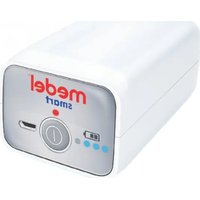
Smart - Inhaler Medel - Free user manual and instructions
Find the device manual for free Smart Medel in PDF.


| Product type | Inhaler (aerosol therapy system) |
| Brand | Medel |
| Model | Smart |
| Dimensions | 210 x 220 x 240 mm |
| Weight | 200 g |
| Power supply | Lithium polymer battery 3.7 V / 2570 mAh; charger 100-240 V AC, 50-60 Hz, output 5 V DC 2 A |
| Filling volume | Min. 2 ml, max. 6 ml |
| Nebulization rate | 0.25 ml/min |
| Operating pressure | 0.25 - 0.5 bars |
| Noise level | 45 dBA |
| Expected lifespan | 400 hours |
| Particle size (MMAD) | 4.12 µm |
| Intermittent use | 30 min on, 30 min off |
| Included accessories | Nebulizer, mouthpiece, adult mask, child mask, nasal cannula, air tube, replacement filters, micro USB cable, power adapter, carrying case |
| Air filter replacement | Every 500 hours or annually |
| Nebulizer replacement | Every 6 months to 1 year |
| Protection class | Class II, type BF applied part |
| Applied standards | IEC EN 60601-1, IEC EN 60601-1-2, Directive 93/42/EEC (MD class IIa) |
| Cleaning | Nebulizer components: wash with water then boil for 5 min; tube and masks: do not boil |
| Warranty | 2 years |
Frequently Asked Questions - Smart Medel
User questions about Smart Medel
0 question about this device. Answer the ones you know or ask your own.
Ask a new question about this device
Download the instructions for your Inhaler in PDF format for free! Find your manual Smart - Medel and take your electronic device back in hand. On this page are published all the documents necessary for the use of your device. Smart by Medel.
USER MANUAL Smart Medel
MANUALE D' USO USER MANUAL
medel®
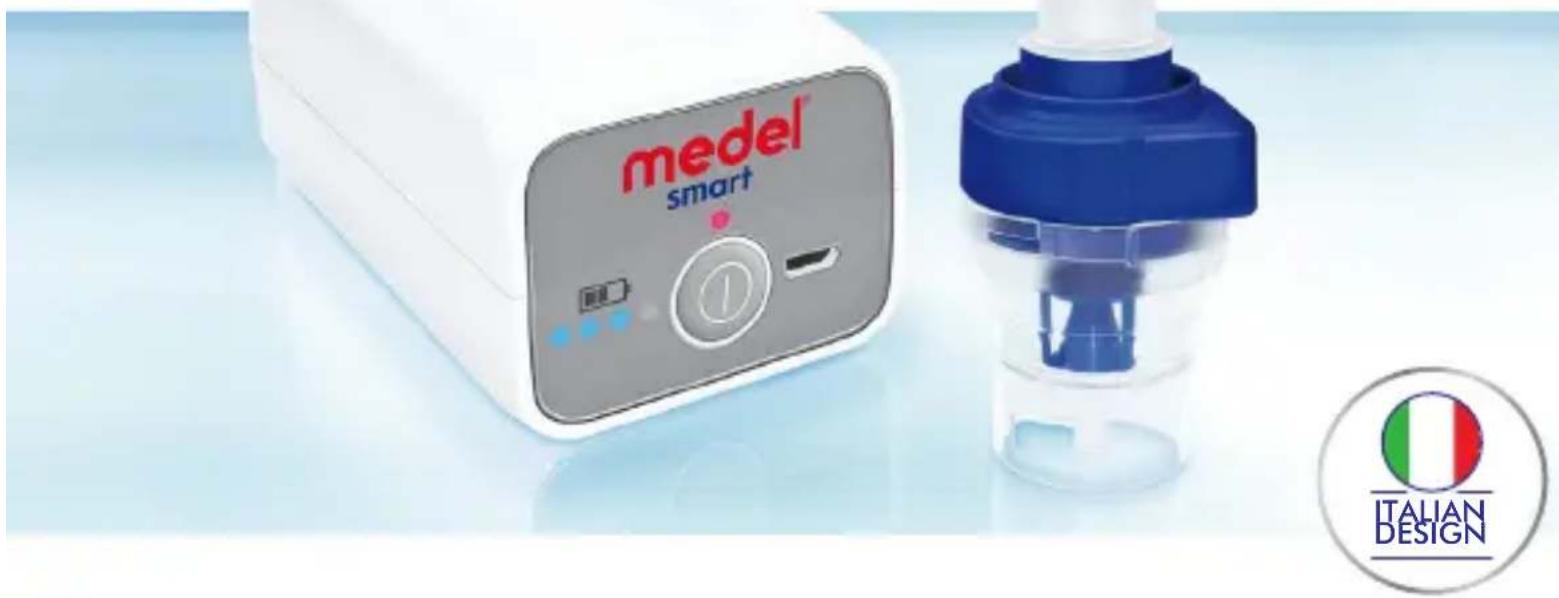
SMART AEROSOL
AEROSOL PORTATILE A MICROCOMPRESSORE / MICRO-COMPRESSOR PORTABLE NEBULIZER
natural_image
Blue square icon with a white circular symbol and a diagonal line crossing it, representing no text or symbols.Senza fili Wireless
natural_image
Blue square icon with white USB device and plug symbol (no text or numbers)Si ricarica come uno smartphone Rechargeable as a smartphone

natural_image
Blue square icon with a white briefcase containing the letters 'KIT' (no additional text or symbols)natural_image
Blue square icon with a white battery symbol and lightning bolt inside (no text or numbers)natural_image
Close-up of a blue and white laboratory pipette with a small inset component (no visible text or symbols)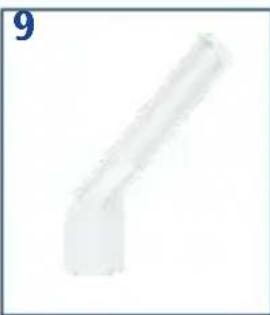
natural_image
Pure geometric shape resembling a bent pipe or bracket (no text or symbols)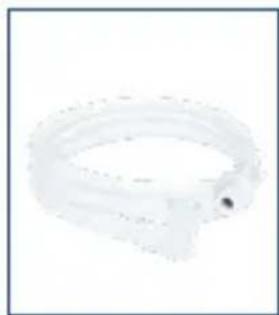
natural_image
Close-up of a transparent plastic ring with a small circular end (no text or symbols visible)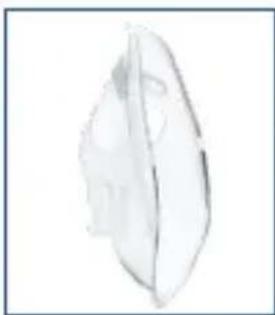
natural_image
Simple line drawing of a leaf with visible vein structure (no text or symbols)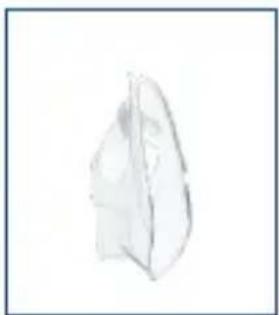
natural_image
Simple line drawing of a folded paper or plastic sheet (no text or symbols)
natural_image
Simple illustration of a cylindrical object with three horizontal bands, no text or symbols present.
natural_image
Coiled white cable with two connectors, no visible text or symbols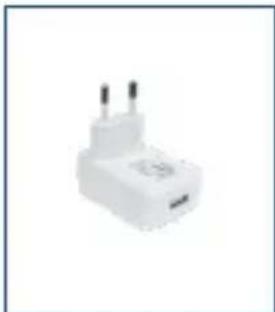
natural_image
White plastic electrical plug with two terminal pins (no visible text or symbols)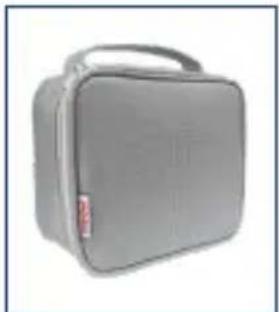
natural_image
Gray medical box with a handle and label, no visible text or symbols on the device itself.COMPONENTI - (FIG. A)
natural_image
Close-up of a blue and white plastic device with circular arrows indicating rotation or movement (no text or symbols)natural_image
Close-up of a blue and white plastic device with a blue cap and arrow pointing to a component (no visible text or symbols)natural_image
Close-up of a light bulb with a blue arrow pointing to its interior (no text or symbols visible)natural_image
Close-up of a blue and white plastic device with circular arrows indicating rotation or motion (no text or symbols)natural_image
Close-up of a hand holding a medical device with an upward arrow indicating force or pressure (no text or symbols visible)natural_image
Close-up of a metallic connector with a blue arrow pointing to a circular component (no text or symbols visible)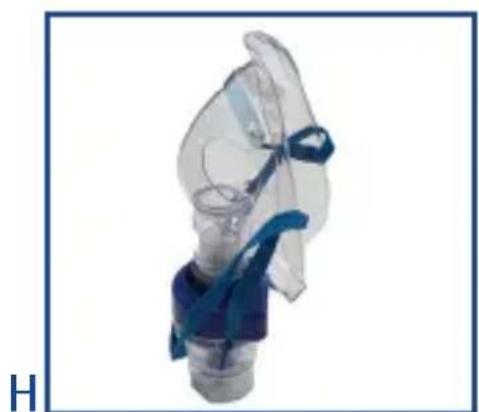
natural_image
Close-up of a medical or respiratory device with blue tubing and transparent casing (no visible text or symbols)natural_image
Close-up of a blue and white plastic bottle with a small blue object inside (no text or symbols visible)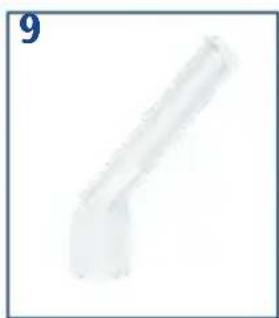
natural_image
Simple 3D rendering of a bent pipe or duct with no text or symbols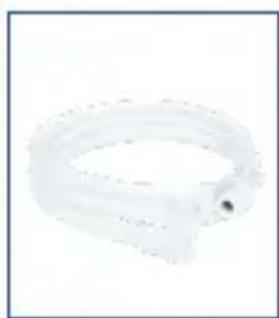
natural_image
Close-up of a translucent, curved object with a small dark spot on its side (no text or symbols visible)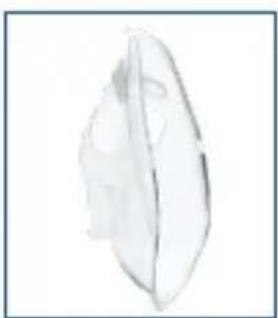
natural_image
Simple line drawing of a leaf with visible internal structure (no text or symbols)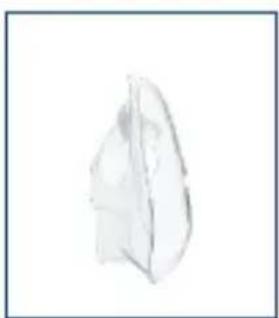
natural_image
Simple line drawing of a folded paper or plastic sheet (no text or symbols)
natural_image
Stacked cylindrical objects on a plain background (no text or symbols)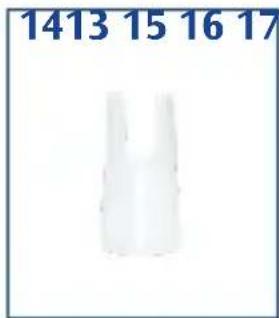

natural_image
Coiled white cable or connector with two connectors, no visible text or symbols
natural_image
White electrical plug with two leads, no visible text or symbols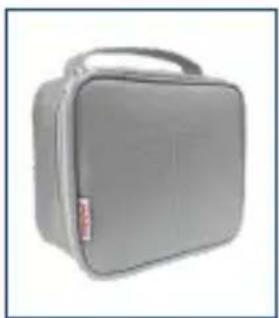
natural_image
Gray rectangular medical device with a handle and label (no visible text or symbols)COMPONENTS-(FIG. A)
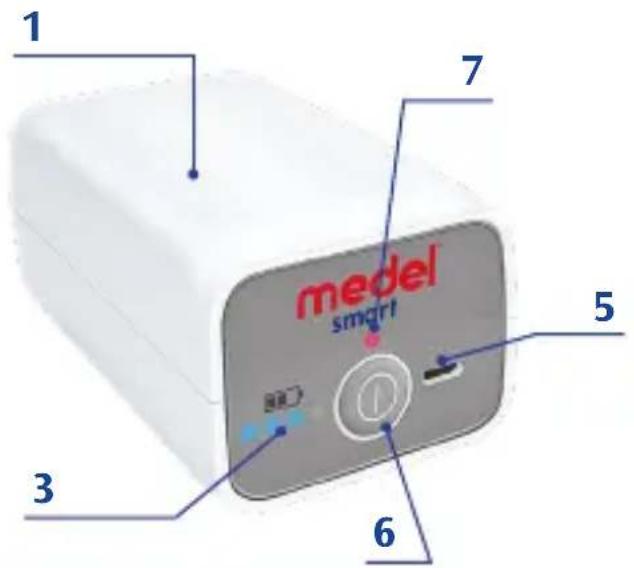
- Compressor housing
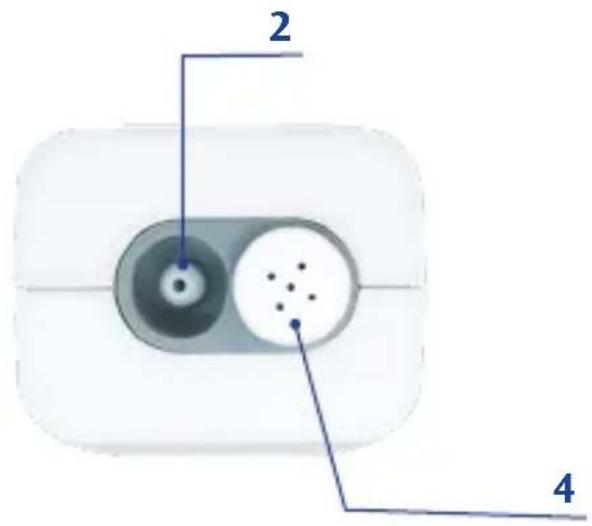
- Air outlet
- Battery level indicators
- Filter compartment
- Micro USB port
- ON/OFF button
- Switching on LED
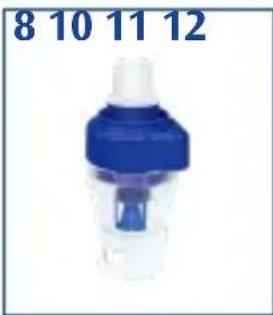
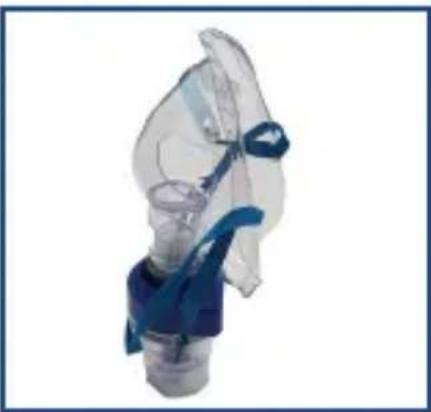
- Nebulizer
-
Mouthpiece
-
Air tube
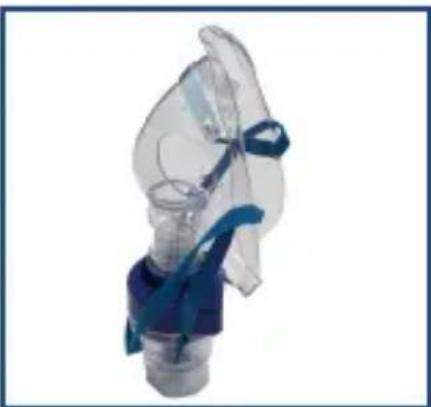
- Adult mask
- Pediatric mask
- 5 Replacement filters
- Nosepiece
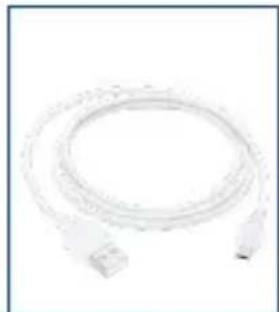
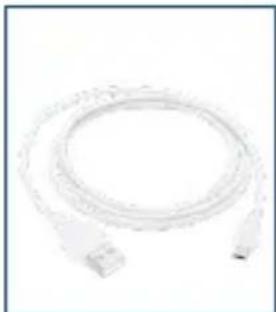
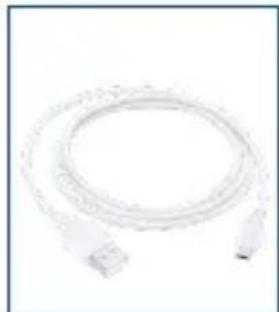
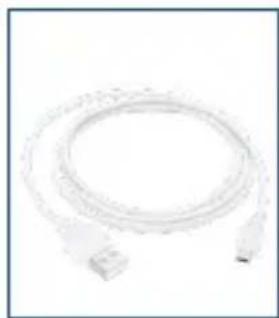
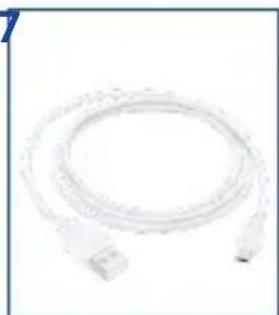
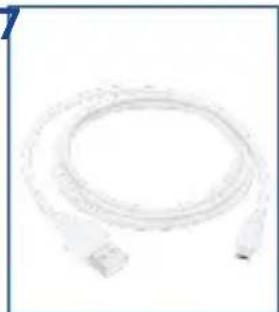
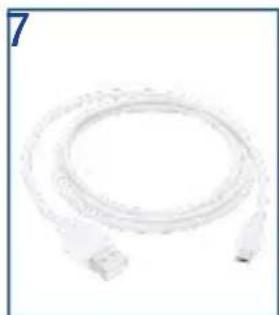
- Micro USB cable
- Power adapter
- Storage bag

IMPORTANT:
Read the instructions carefully before use.
INTENDED USE
MEDEL Smart is an aerosol therapy system indicated for home use.

WARNINGS
-
Use the device only as described in this manual, therefore as an aerosol therapy system, and follow the directions provided by your physician. Any use different from the intended one is to be considered improper and hence dangerous; the manufacturer cannot be held liable for any damage caused by improper, incorrect and/or unreasonable use, or if the equipment is connected to electrical installations which do not comply with current safety regulations.
-
Keep this manual for future reference.
- Do not use the device in the presence of any anaesthetic mixture inflammable with oxygen or nitrogen protoxide.
- The correct operation of the device may be affected by electromagnetic interferences that exceed the limits indicated by the European standards in force. In case this device interferes with other electrical devices, move it and plug it to a different power socket.
- In case of failure and/or malfunction of the device, read the "TROUBLESHOOTING" section. Do not tamper with or open the compressor's housing.
- For repairs address only to a technical service centre authorised by the manufacturer and always request the use of
original spare parts. failure to comply with the above mentioned indications can compromise the safety of the device.
-
Comply with the safety regulations concerning the electrical devices and in particular:
-
use only original accessories and components;
- never immerse the device in water;
- never wet the device, it is not protected against water penetration;
- never touch the device with wet or moist hands;
- do not leave the device exposed to atmospheric agents;
- the use of this device by children and disabled people always requires the close supervision by an adult with full mental faculties;
-
do not pull the power cord or the device itself to unplug it from the power socket;
-
The device operates on batteries. You can also use the device plugged to the mains.
- Before connecting the power plug, ensure that the electrical data shown on the rating plate on the bottom of the unit, matches the nominal data of the mains.
- If the plug supplied with the appliance is not compatible with the mains electricity socket, contact qualified staff to replace the plug with a suitable one. Mainly, it is not advisable to use adaptors, either single or multiple, and/or extension leads. If the use thereof is necessary, you must use types conform to safety standards, being however careful not to exceed the maximum specified power limits that are written on the adaptors and the extension leads.
EN
- Never leave the appliance plugged when not used: unplug the device form the mains outlet when the device is not in use or has fully charged.
- The installation has to be carried out by qualified personnel following the instructions of the manufacturer. Incorrect installation can cause damage to people, animals or property, for which the manufacturer cannot be deemed liable.
- The USB cable and the power supply adapter of this device must not be replaced by the user. In case of damage, have them replaced by a service centre authorised by the manufacturer.
- It is recommended to fully extend the power cord, throughout its entire length, to avoid dangerous overheating.
- Before performing any cleaning and/or maintenance operation, switch off the device and unplug it.
- Some parts of the device are so small that they can be swallowed by children; keep the device out of the reach of children.
- Should you decide not to use the device, it is recommended to dispose it of in accordance with the current regulations.
- Make sure to:
- use this device only with medicines prescribed by your doctor;
- carry out the treatment only using the accessory indicated by your doctor depending on the pathology;
- use the nosepiece accessory only if expressly indicated by your doctor and be careful to NEVER introduce the
bifurcations in the nose, but only bring them as close as possible to it.
- Check in the medicine package leaflet for any contraindications for use with common aerosol therapy systems.
- Do not place the device so that it is difficult to unplug.
-
To prevent strangulation and suffocation, keep the power cord and the air hose out of the reach of children.
-
The accessories are to be used for a single patient. It is not recommended to use them on several patients.
HOW TO USE THE DEVICE
The device must be checked before each use in order to identify any malfunctions and/or damage caused during transportation and/or storage. During inhalation, sit upright and relaxed to avoid compressing the airways and impairing treatment effectiveness.
- After unpacking the device, check it for visible damages or defects; pay particular attention to cracks in the plastic housing, which may expose electrical components. Check if the accessories are intact.
- Before using the device, proceed with the cleaning operations as described in the chapter «CLEANING AND MAINTENANCE».
B
natural_image
Close-up of a blue and white plastic device with circular arrows indicating rotation or movement (no text or symbols)C
natural_image
Close-up of a blue plastic container with a blue lid and arrow pointing to a small internal component (no text or symbols visible)D
natural_image
Close-up of a light bulb with a blue arrow pointing to its interior (no text or symbols visible)E
natural_image
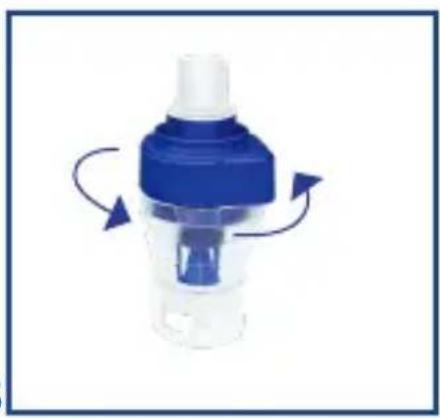
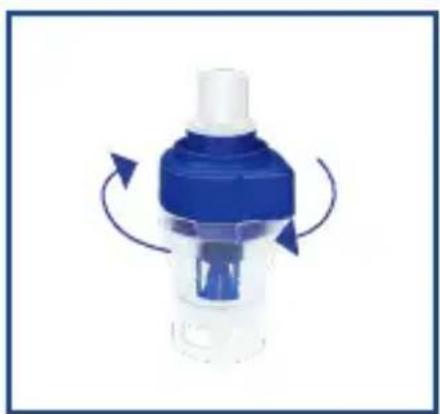
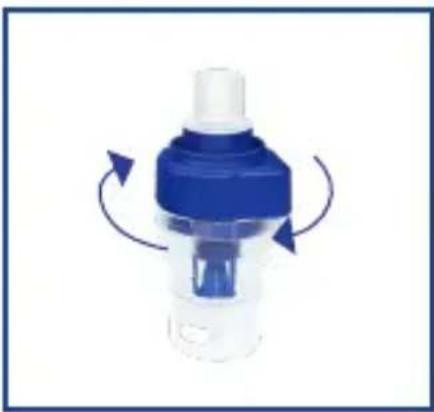
Close-up of a blue and white plastic device with circular arrows indicating rotation or motion (no text or symbols)- Open the nebulizer by turning counterclockwise the top (Pic. B).
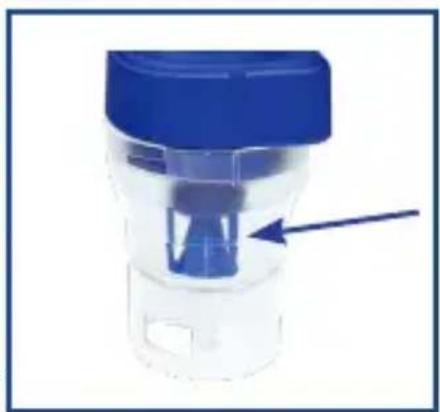
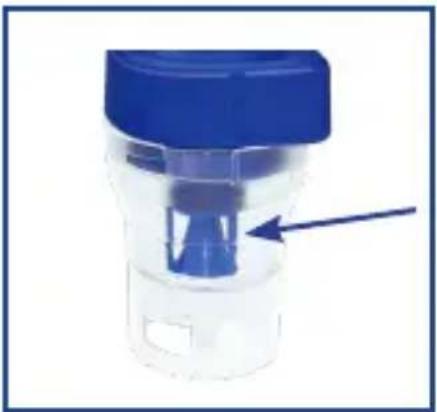
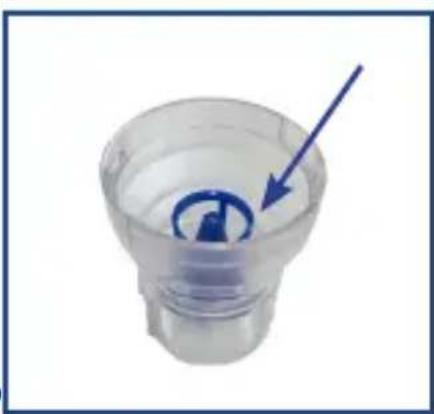
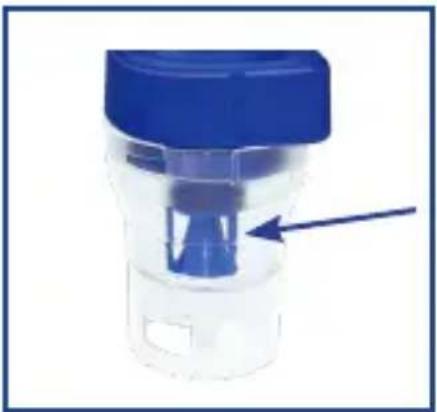
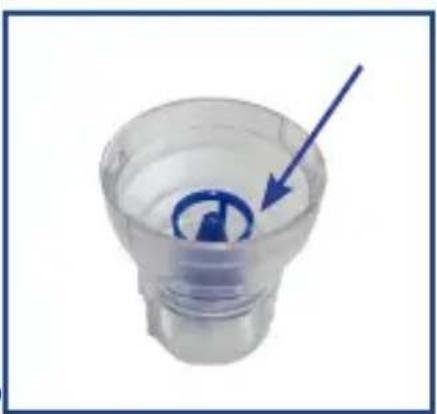
- Make sure that the medicine conduction cone is properly fitted on the air conduction cone inside the nebulizer (Pic. C).
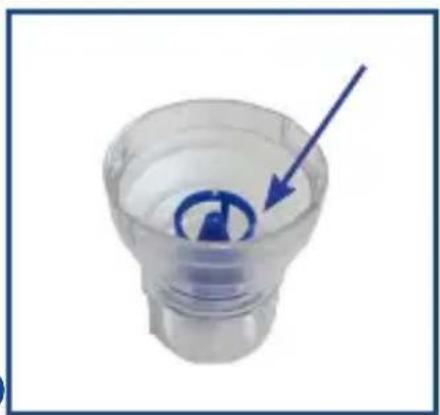
- Pour into the nebuliser the amount of medicine indicated by your doctor (Pic. D).
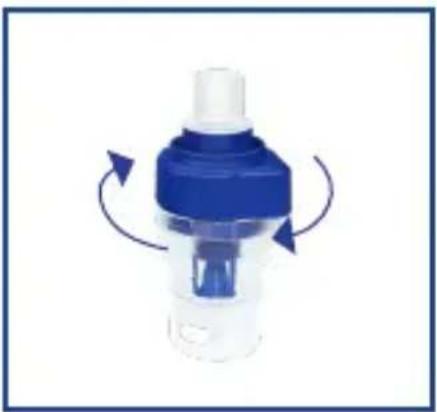
- Close the nebulizer by turning clockwise the two parts making sure that they are properly sealed (Pic. E)
natural_image
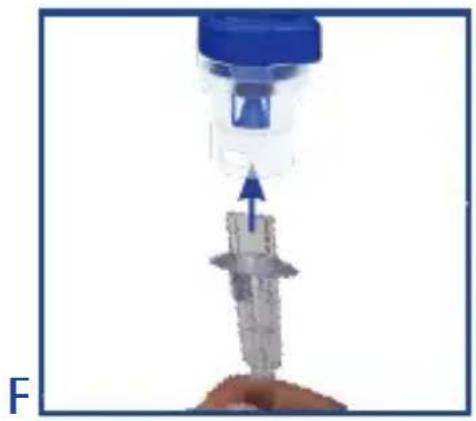
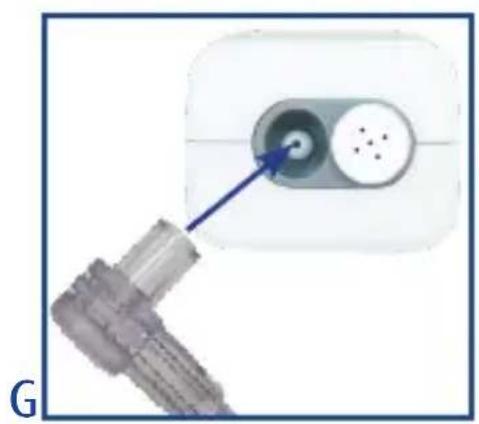
Close-up of a medical device with a blue cap and arrow indicating force or movement (no text or symbols visible)- Connect one end of the air tube to the dedicated outlet at the bottom of the nebulizer (Pic. F) and the other end to the air outlet (Pic. G) on the device
natural_image
Close-up of a white electrical plug with two circular ports and a blue arrow pointing to a connector (no text or symbols visible)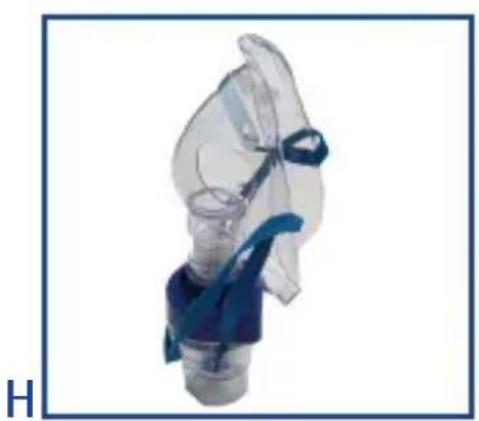
natural_image
Close-up of a transparent medical device with blue surgical cap and bulb (no visible text or symbols)- If you need to use the mask, insert it directly onto the nebulizer (Pic. H).
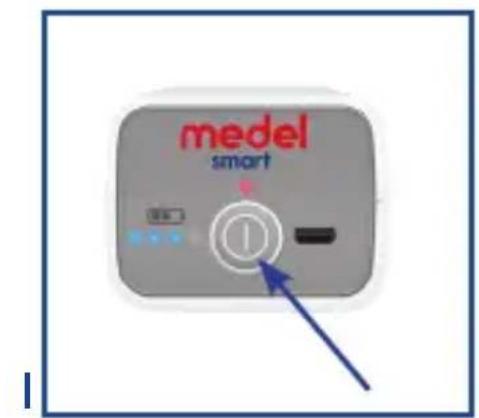
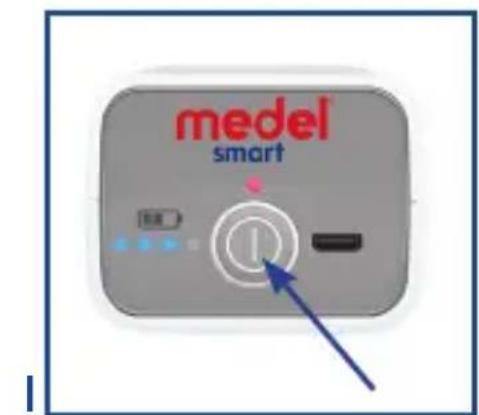
- To start treatment, press the I/O switch and make sure the orange LED above the power button is steadily lit (PIC.I)
EN
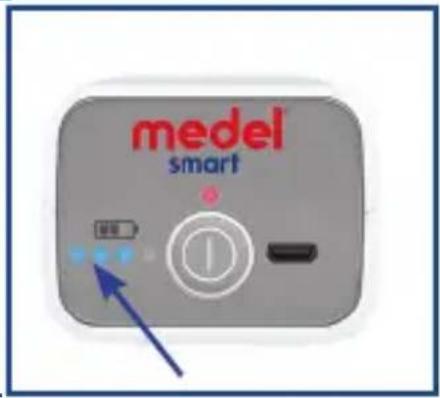
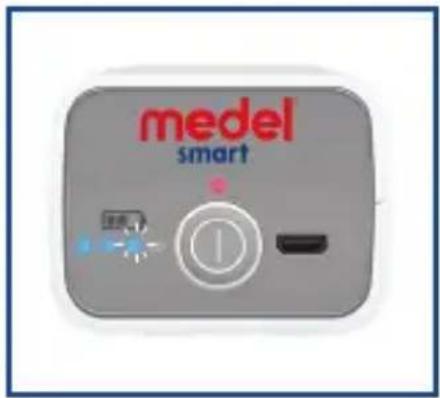
- The battery inside the device is indicated by the blue LED below the battery icon (PIC.L)
M
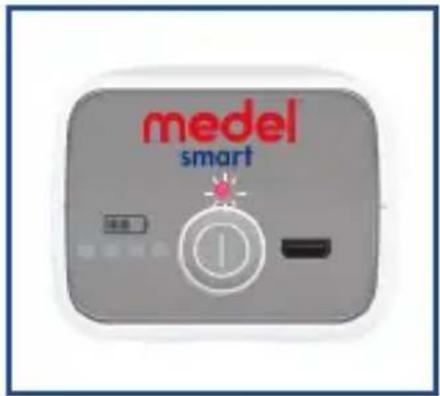
- If the battery is empty, the blue LEDs are not lit and the orange LED above the I/O switch flashes (PIC.M)
N
natural_image
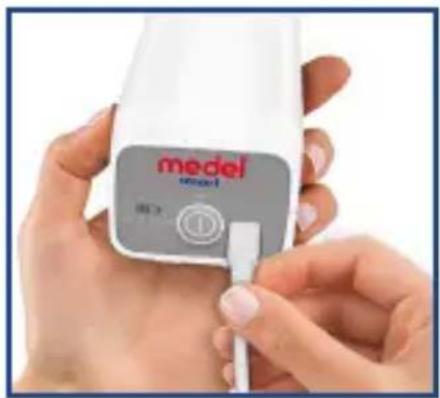
Close-up of hands using a medical device labeled 'model smart' with a button (no additional text or symbols visible)- When the battery is empty, plug the device to the mains outlet and wait a few minutes before you switch it on(PIC.N)
0
-
While charging, the blue LED flashes (PIC.O).
-
In case of prolonged non-use, we recommend that you charge the battery completely every 3 months to ensure
maximum performance of the same.
CAUTION! The device is designed for intermittent use
- Inhale the aerosol solution using the prescribed accessory.
- Once you have finished the treatment, switch the appliance off by pressing the I/O switch.
- Clean the nebulizer and its accessories following the steps in the «CLEANING AND MAINTENANCE» section.
- The device requires no calibration.
- Tampering with the device is absolutely forbidden.
CLEANING AND MAINTENANCE
The device must be cleaned with a soft dry cloth and non-abra-sive cleaners.

CAUTION!
During cleaning operations, make sure the internal parts of the device are not in contact with liquids and that the power plug is disconnected.

Cleaning and disinfection of the accessories
Follow the directions on cleaning and disinfection of the accessories as they are critical to product performance and therapy success.
1. Upon first use and at the end of each application:
Disassemble the nebulizer by turning the top counterclockwise and remove the medication conduction cone. Wash the components of the disassembled nebulizer, the mouthpiece and nosepiece with tap water. Finally, dip them in boiling water for
EN
5 minutes. Reassemble all parts of the nebulizer and connect it to the air outlet (Pic. G) and switch on the device for 10-15

minutes.
Do not boil or autoclave the air hose the masks.
2. Disinfection:
Cold disinfecting solutions can be used, instead of boiling water, according to manufacturer's instructions.
NEBULIZER REPLACEMENT
The nebulizer must be replaced after a long period of inactivity, in case it shows deformations or breakings, or when the nebulizer nozzle is obstructed by dry medicine, dust, etc.. MEDEL recommends to replace the nebulizer after a period between 6 months and 1 year, depending on the usage.
Use original nebulizers only.
The device is only compatible with the MedelJet Smart Accessories

kit.
FILTER REPLACEMENT
In normal usage conditions, the air filter must be replaced approximately after 500 working hours or once a year. Medel recommends to periodically check the air
filter (10 – 12 treatments) and, if the filter shows a grey or brown colour or is wet, replace it. Remove the filter (Pic. A-4) and replace it with a new one. Do not attempt to clean the filter to

reuse it.
Only use original filters.
Do not use the device without the filter.
TROUBLESHOOTING
| Problem Possible solution | |
| The device fails to switch on • Make sure the battery is charged (if empty, charge it as indicated in this owner's manual and switch the device on after 5 minutes.• Make sure the plug is properly inserted in the power outlet. | |
| The device does not nebulize or nebulizes weakly. | Make sure the air hose fittings are properly inserted in the compressor and the nebulizer connections.Make sure the nebulizer is not empty or that it has been filled with the correct amount of medication (MAX. 6 ml). Make sure that the nebulizer nozzle is not clogged. |
| The device is noisy. Make sure that the filter is mounted properly. | |
In the event that the equipment does not resume correctly, please contact MEDEL CUSTOMER SERVICE.
MAINTENANCE AND REPAIRS
In case of failure, contact qualified personnel authorised by Medel International Srl. Never open the device. The device has no user-serviceable parts within and does not need internal maintenance or lubrication.
TECHNICAL SPECIFICATIONS
Model: Medel Smart
Electrical power supply: Internal lithium polymer (Li-Pol) battery 3.7 V-2570 mAh
Power supply adapter:
Input: 100-240 V AC, 50-60 Hz 0.5 A
Output: 5V DC 2A
Minimum filling volume: 2 ml
Maximum filling volume: 6 ml
Nebulization rate: 0.25 ml/min
Operating Pressure: 0.25 \~ 0.5 bar
Weight: 200 g
Dimensions: 45 x 53 x 98 mm
Noise level: 45 dBA
Expected service life of the device: 400 hours.
• Class II device referred to protection against electric shock.
- Nebulizer, mouthpiece, masks, and fork are type BF applied parts
• Device for intermittent use (30 min on - 30 min off)
- Device not suitable for anaesthesia and lung ventilation systems.
- Device not suitable for use in the presence of any anaesthetic mixture inflammable with oxygen or nitrogen protoxide.
Technical specifications subject to change without notice.
The internal batteries cannot be replaced by the user.
AEROSOL CHARACTERISTICS IN ACCORDANCE WITH REGULATION EN 13544-1 APPENDIX CC
Aerosol output: 0.15 ml.
Aerosol output rate: 0.03 ml/min.
Particle size (MMAD): 4.12 μm
Standards applied:
Electric safety standards CEI EN 60601-1 Electromagnetic compatibility according to CEI EN 60601-1-2 The device is a Class IIa medical device according to Directive 93/42/EEC “Medical devices”.
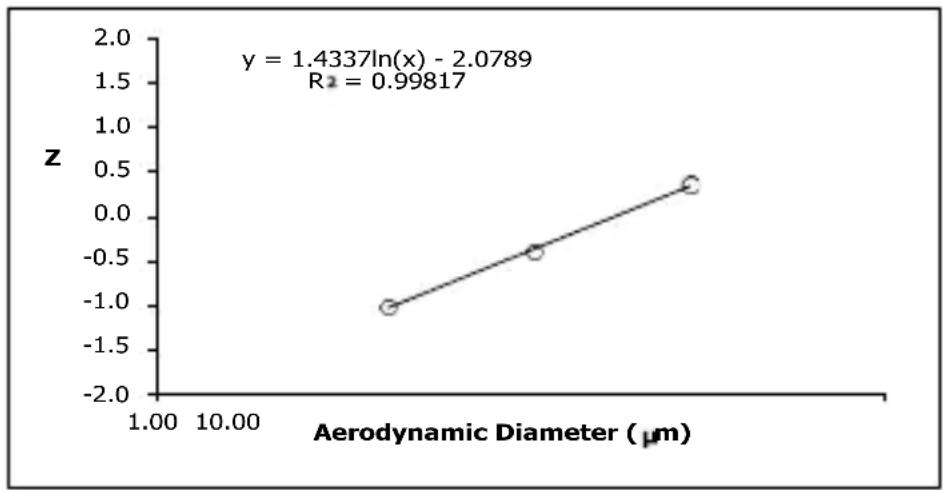
line
| Aerodynamic Diameter (μm) | z | | ------------------------- | ---- | | 1.00 | -1.0 | | 10.00 | 0.0 |ENVIRONMENTAL CONDITIONS
Storage and Transport
Temperature: MIN -20°C - MAX +60°C
Humidity: MIN 10%RH - MAX 95%RH
Atmospheric pressure: 700 hPa - 1060 hPa
Operation
Temperature: MIN +10°C - MAX +40°C
Humidity: MIN 10%RH - MAX 95%RH
Atmospheric pressure: 700 hPa - 1060 hPa
SYMBOLS AFFIXED TO THE DEVICE
| | | ON |
| ○ | OFF |
| TYPE BF. | |
| CLASS II | |
| ~ | ALTERNATING CURRENT |
| ATTENTION | |
| REF | PRODUCT CODE |
| SN | SERIAL NUMBER |
| ID | NUMBER THAT IDENTIFIES THE PRODUCTION BATCH |
| MANUFACTURER | |
| RELATIVE HUMIDITY | |
| READ THE INSTRUCTIONS | |
| CE 0123 | European Community Directive 93/42/EEC |
| IP21 | Protection rating of device casing against the penetration of external solid and liquid agents |
CORRECT DISPOSAL OF THE PRODUCT (waste electrical & electronic equipment) (Applicable in the European Union and countries with separate collection systems). The symbol on the product/ documents indicates that the product complies with legislation on electrical and electronic equipment and it must not be disposed of as household waste. The user is responsible for taking the device to an appropriate waste disposal centre at the end of its service life, subject to administrative penalties and fines, provided for by the current legislation on waste. For more detailed information on available collection systems, refer to the local waste disposal service.
The product contains a rechargeable battery covered by the European Directive 2006/66/EC,
which cannot be disposed of as regular municipal waste. Please inform yourself about the local rules on separate collection of batteries.
TERMS AND CONDITIONS OF WARRANTY
The device is guaranteed for 2 years from the date of original purchase against any defect in materials or workmanship.
The warranty consists in the replacement and/or repair, free of charge, of originally defective components.
The warranty does not cover the accessories supplied and the parts subject to normal wear and tear. The device may only be repaired by authorised technical service centres.
The appliance must be sent to MEDEL CUSTOMER SERVICE for repairs.
The transport costs shall be borne by the user.
Any repair out of warranty shall be borne by the user. The warranty lapses if the device has been tampered with, if the defect was caused by improper use or in case the damage is not due to the manufacturer (accidental fall, incorrect transport etc.).
The warranty does not involve any direct or indirect damages of any kind to people or property during the period of inefficiency of the product.
The warranty is valid from the date of purchase certified by the receipt or invoice that must be attached to the warranty coupon.
COUPON TO BE RETURNED IN CASE OF REPAIRS THE WARRANTY IS ONLY VALID IF YOU ATTACH YOUR RECEIPT
Device Type:
Model:
Serial Number:
Date of purchase: ____
BUYER'S DATA Full Name:
Address:
Telephone:
Description of fault:
Signature for acceptance of the warranty conditions
I authorize the use of the above information according to law 675/96 on Privacy.
| Guidance and manufacturer's declaration - Electromagnetic emissions | ||
| The Medel Smart is intended for use in the electromagnetic environment specified below. The customer or the user of the Medel Smart should assure that it is used in such an environment | ||
| Emission test Compliance Electromagnetic environment – guidance | ||
| Emissions RF CISPR 11 | Group 1 The Device uses RF energy only for its internal function. Therefore, its RF emissions are very low and are not likely to cause any interference in nearby electronic equipment. | |
| RF Emissions CISPR 11 | Class [B] The Device is suitable for use in all establishments Including domestic and those directly connected to the public low-voltage power supply network that supplies buildings used for domestic purposes. | |
| Harmonic emissions IEC 61000-3-2 | Class A | |
| Voltage fluctuations/ flicker emissions IEC 61000-3-3 | Complies | |
| Guidance and manufacturer's declaration - electromagnetic immunity | |||
| The Medel Smart is intended for use in the electromagnetic environment specified below. The customer or the user of the Medel Smart should assure that it is used in such an environment | |||
| Immunity test IEC 60601 Test level Compliance level Electromagnetic environment - guidance | |||
| Electrostatic discharge (ESD)IEC 61000-4-2 | ±8 kV contact±15 kV air | ±8 kV contact±15 kV air | Floors should be wood, concrete or ceramic tile.If floors are covered with synthetic material, the relative humidity should be at least 30 % |
| Electrical fast transient/burstIEC 61000-4-4 | Power supply lines :±2 kV input/output lines:±1 kV | Power supply lines :±2 kV | Mains power quality should be that of a typical commercial or hospital environment. |
| Guidance and manufacturer's declaration - electromagnetic immunity | ||||
| The Medel Smart is intended for use in the electromagnetic environment specified below. The customer or the user of the Medel Smart should assure that it is used in such an environment | ||||
| Immunity test IEC | 60601 Test level Compliance level Electromagnetic | environment - guidance | ||
| SurgeIEC 61000-4-5 | line(s) to line(s): ±1 kVline(s) to earth: ±2 kV100 kHz repetition frequency | line(s) to line(s): ±1 kV100 kHz repetition frequency | Mains power quality should be that of a typical commercial or hospital environment. | |
| Voltage dips, short interruptions and voltage variations on power supply input linesIEC 61000-4-11 | 5% UT(>95% dip in UT)for 0.5 cycle40% UT(60% dip in UT)for 5 cycle70% UT(30% dip in UT)for 25 cycle<5% UT(>95% dip in UT)for 5s | 5% UT(>95% dip in UT)for 0.5 cycle40% UT(60% dip in UT)for 5 cycle70% UT(30% dip in UT)for 25 cycle<5% UT(>95% dip in UT)for 5s | Mains power quality should be that of a typical commercial or hospital environment. | |
| Power frequency (50/60Hz)magnetic fieldIEC 61000-4-8 | 30 A/m50Hz/60Hz | 30 A/m50Hz/60Hz | Power frequency magnetic fields should be at levels characteristic of a typical location in a typical commercial or hospital environment. | |
| NOTE UT is the a.c. mains voltage prior to application of the test level. | ||||
| Guidance and manufacturer's declaration - electromagnetic immunity | ||||
| The Medel Smart is intended for use in the electromagnetic environment specified below. The customer or the user of the Device should assure that it is used in such an environment | ||||
| Immunity test | IEC 60601 Test level | Compliance level | Electromagnetic environment - guidance | |
| Conduced RF IEC61000-4-6 | 150KHz to 80MHz:3Vrms6Vrms (in ISM and amateur radio bands)80% Am at 1kHz | 150KHz to 80MHz:3Vrms6Vrms (in ISM and amateur radio bands)80% Am at 1kHz | Portable and mobile RF communications equipment should be used no closer to any part of the Device, including cables, than the recommended separation distance calculated from the equation appropriate for the frequency of the transmitter. Recommended separation distances: d=1.2 ; d=2 | |
| Radiated RF IEC61000-4-3 | 10V/m | 10V/m | 80 MHz to 800MH: d=1.2 800 MHz to 2.7 GHz: d=2.3 | Where P is the maximum output power rating of the transmitter in watts (W) according to the transmitter manufacturer, d is the recommended separation distance in meters (m) Field strengths from fixed RF transmitters, as determined by an electromagnetic site survey^a , should be less than the compliance level in each frequency range^b . Interference may occur in the vicinity of equipment marked with the following symbol: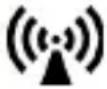 |
| NOTE 1 At 80 MHz and 800 MHz, the higher frequency range applies.NOTE 2 These guidelines may not apply in all situations. Electromagnetic propagation is affected by absorption and reflection from structures, objects and people. | ||||
| a Field strengths from fixed transmitters, such as base stations for radio (cellular/cordless) telephones and land mobile radios, amateur radio, AM and FM radio broadcast and TV broadcast cannot be predicted theoretically with accuracy. To assess the electromagnetic environment due to fixed RF transmitters, an electromagnetic site survey should be considered. If the measured field strength in the location in which the Medel Smart is used exceeds the applicable RF compliance level above, the Medel Smart should be observed to verify normal operation. If abnormal performance is observed, additional measures may be necessary, such as re-orienting or relocating the Medel Smart.b Over the frequency range 150 kHz to 80 MHz, field strengths should be less than 3 V/m.Recommended separation distances between portable and mobile RF communications equipment and the Medel Smart | ||||
| The Medel Smart is intended for use in an electromagnetic environment in which radiated RF disturbances are controlled. The customer or the user of the Device can help prevent electromagnetic interference by maintaining a minimum distance between portable and mobile RF communications equipment (transmitters) and the Device as recommended below, according to the maximum output power of the communications equipment. | ||||
| Rated maxi-mum output power of transmitter W | Separation distance according to frequency of transmitter m | |||
| 150 kHz to 80 MHz (out ISM and amateur radio bands) d=1.2√p | 150 kHz to 80 MHz (in ISM and amateur radio bands) d=2√p | 80MHz to 800MHz d=1.2√p | 800MHz to 2.7GHz d=2.3√p | |
| 0,01 0.12 0 | 2 0.12 0.23 | |||
| 0,1 0.38 0.632 0.38 0.73 | ||||
| 1 1.2 2 1.2 2.3 | ||||
| 10 3.8 6.32 3.8 7.3 | ||||
| 100 12 20 12 23 | ||||
| For transmitters rated at a maximum output power not listed above, the recommended separation distance d in metres (m) can be estimated using the equation applicable to the frequency of the transmitter, where P is the maximum output power rating of the transmitter in watts (W) according to the transmitter manufacturer.NOTE 1 At 80 MHz and 800 MHz, the separation distance for the higher frequency range applies.NOTE 2 These guidelines may not apply in all situations. Electromagnetic propagation is affected by absorption and reflection from structures, objects and people. | ||||
Guidance and manufacturer's declaration - electromagnetic immunity
| The Medel Smart is intended for use in the electromagnetic environment specified below. The customer or the user of the Device should assure that it is used in such an environment | |||||||
| Radiated RF IEC61000-4-3 (Test specifications for ENCLOSURE PORT IMMU-NITY to RF wireless communications equipment) | Test Frequency (MHz) | Band a) (MHz) | Service a) Modulation b) | Modulation b) (W) | Distance (m) | IMMUNITY TEST LEVEL (V/m) | |
| 385 380 -390 | TETRA 400 Pulse | modulation b) 18 Hz | 1,8 0,3 27 | ||||
| 450 380 -390 | GMRS 460, | FRS 460 | FM c) ± 5 kHz deviation 1 kHz sine | 2 0,3 28 | |||
| 710 704 - | 787 | LTE Band 13,17 | Pulse modulation b) 217 Hz | 0,2 0,3 9 | |||
| 745 | |||||||
| 780 | |||||||
| 810 800 - | 960 | GSM 800/900, TETRA 800, iDEN 820, CDMA 850, LTE Band 5 | Pulse modulation b) 18 Hz | 2 0,3 28 | |||
| 870 | |||||||
| 930 | |||||||
| 1720 1 700 - | 1 990 | GSM 1800; CDMA 1900; GSM 1900; DECT; LTE Band 1, 3, 4, 25; UMTS | Pulse modulation b) 217 Hz | 2 0,3 28 | |||
| 1845 | |||||||
| 1970 | |||||||
| 2450 2 400 - | 2 570 | Bluetooth, WLAN, 802.11 b/g/n, RFID 2450, LTE Band 7 | Pulse modulation b) 217 Hz | 2 0,3 28 | |||
| 5240 5 100 - | 5 800 | WLAN 802.11 a/n | Pulse modulation b) 217 Hz | 0,2 0,3 9 | |||
| 5500 | |||||||
| 5785 | |||||||
EN
| NOTE If necessary to achieve the IMMUNITY TEST LEVEL, the distance between the transmitting antenna and theME EQUIPMENT or ME SYSTEM may be reduced to 1 m. The 1 m test distance is permitted by IEC 61000-4-3. |
| a) For some services, only the uplink frequencies are included.b) The carrier shall be modulated using a 50 % duty cycle square wave signal.c) As an alternative to FM modulation, 50 % pulse modulation at 18 Hz may be used because while it does notrepresent actual modulation, it would be worst case. |
| The MANUFACTURER should consider reducing the minimum separation distance, based on RISK MANAGEMENT, and using higher IMMUNITY TEST LEVELS that are appropriate for the reduced minimum separation distance. Minimum separation distances for higher IMMUNITY TEST LEVELS shall be calculated using the following equation:E=6/d √PWhere P is the maximum power in W, d is the minimum separation distance in m, and E is the IMMUNITY TEST LEVEL in V/m. |
FIG. A
natural_image
Close-up of a blue and white plastic device with a blue internal component, labeled 8-12 (no text or symbols on the device itself)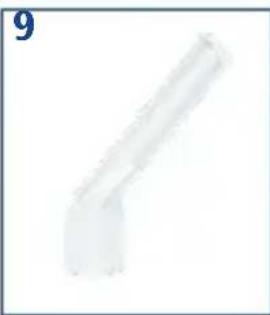
natural_image
Pure geometric shape resembling a bent pipe or support structure (no text or symbols)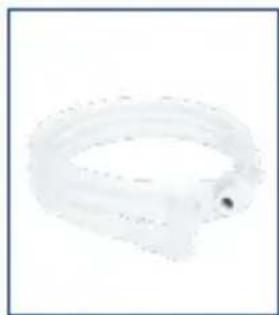
natural_image
Close-up of a translucent, curved plastic ring with a small dark spot (no text or symbols visible)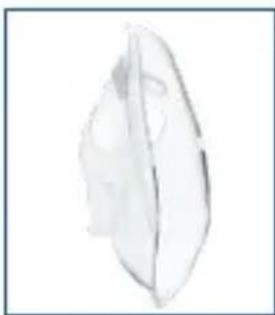
natural_image
Simple line drawing of a leaf with visible internal structure (no text or symbols)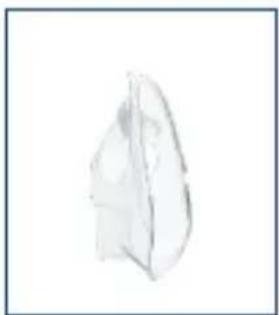
natural_image
Simple line drawing of a folded paper or plastic sheet (no text or symbols)
natural_image
Stacked cylindrical objects on a plain background (no text or symbols)
natural_image
Coiled white cable or connector with two connectors, no visible text or symbols
natural_image
White electrical plug with two leads (no visible text or symbols)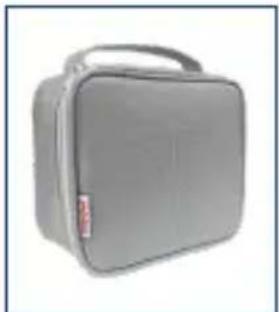
natural_image
Gray rectangular medical box with a handle and label (no visible text or symbols)COMPONENTES - (FIG. A)
natural_image
Close-up of a blue and white plastic device with circular arrows indicating rotation or movement (no text or symbols)natural_image
Close-up of a blue and white plastic device with a blue cap and arrow pointing to a component (no visible text or symbols)natural_image
Close-up of a light bulb with a blue arrow pointing to its interior (no text or symbols visible)natural_image
Close-up of a blue and white plastic device with circular arrows indicating rotation or motion (no text or symbols)natural_image
Hand holding a medical device with an arrow pointing to a mechanical component (no text or symbols visible)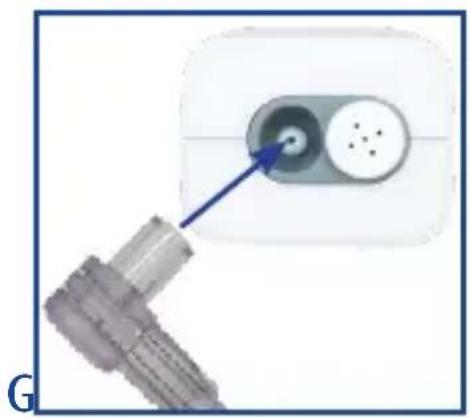
natural_image
Close-up of a plug inserted into a socket socket, with a blue arrow pointing to the socket (no text or symbols visible)natural_image
Close-up of a transparent medical device with blue surgical clips, no visible text or symbolsnatural_image
Close-up of a blue and white plastic device with a blue internal component, labeled 8-12 (no text or symbols on the device itself)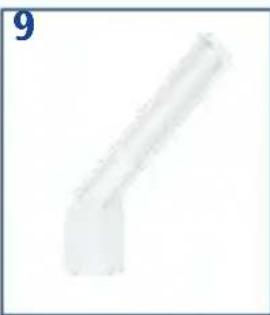
natural_image
Pure geometric shape resembling a bent pipe or angle, no text or symbols present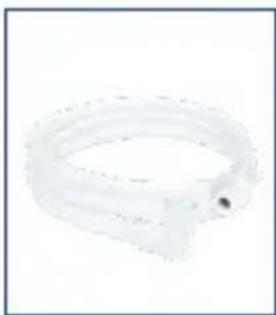
natural_image
Close-up of a transparent plastic ring with a small circular end (no text or symbols visible)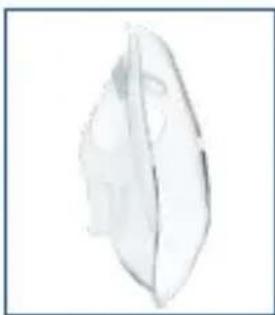
natural_image
Simple line drawing of a leaf-like shape with no text or symbols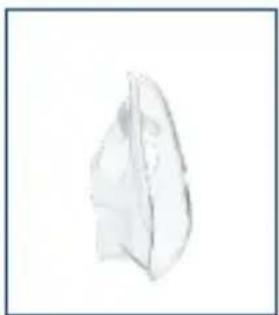
natural_image
Sketch of a leaf-like object with shading (no text or symbols)
natural_image
Stack of three white cylindrical objects on a plain background (no text or symbols)
natural_image
Coiled white cable with connectors, no visible text or symbols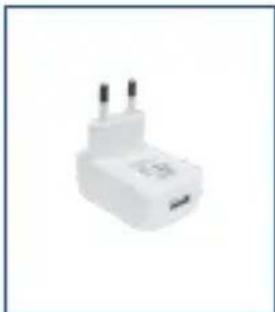
natural_image
White plastic electrical plug with two terminal pins (no visible text or symbols)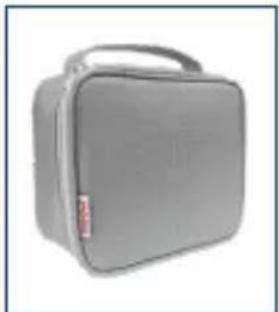
natural_image
Gray rectangular medical device with a handle and label (no visible text or symbols)KOMPONENTEN - (ABB. A)
natural_image
Close-up of a blue and white plastic device with circular arrows indicating rotation or movement (no text or symbols)natural_image
Close-up of a blue and white plastic device with a blue cap and arrow pointing to a component (no visible text or symbols)natural_image
Close-up of a light bulb with a blue arrow pointing to its interior (no text or symbols visible)natural_image
Close-up of a blue and white plastic device with circular arrows indicating rotation or motion (no text or symbols)natural_image
Close-up of a hand holding a medical device with a blue cap and arrow indicating upward motion (no text or symbols visible)natural_image
Close-up of a metallic connector with a blue arrow pointing to a circular component (no text or symbols visible)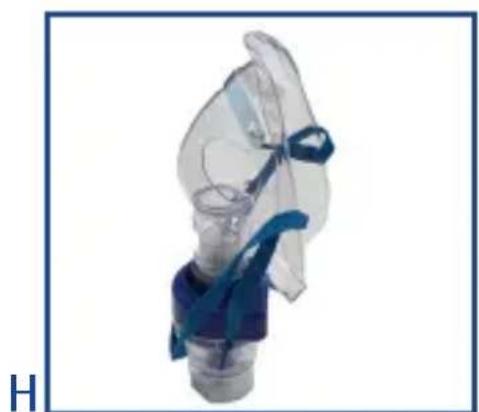
natural_image
Close-up of a medical device with blue surgical cap and transparent tubing (no visible text or symbols)natural_image
Close-up of a blue and white plastic bottle with a small blue object inside, labeled 8, 10, 11, 12 (no other text or symbols visible)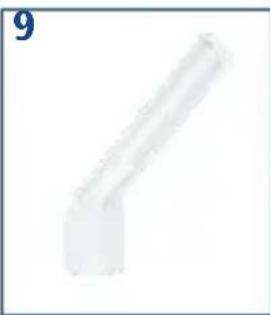
natural_image
Pure geometric shape resembling a bent pipe or support structure (no text or symbols)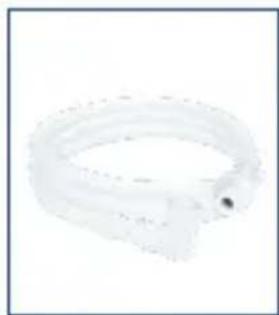
natural_image
Close-up of a transparent, curved object with a small dark spot on its side (no text or symbols visible)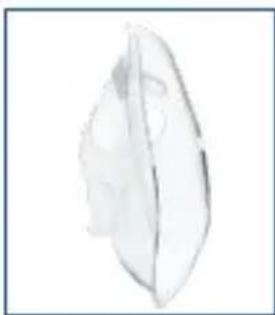
natural_image
Simple line drawing of a single leaf with visible internal structure (no text or symbols)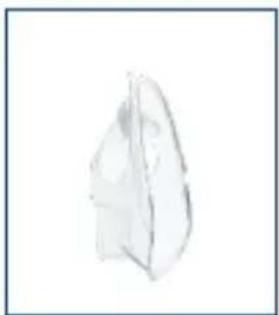
natural_image
Simple line drawing of a folded paper or sheet (no text or symbols)
natural_image
Simple illustration of a cylindrical container (no text or symbols)
natural_image
Coiled white cable with connectors, no visible text or symbols
natural_image
White electrical plug with two leads, isolated on white background (no text or symbols)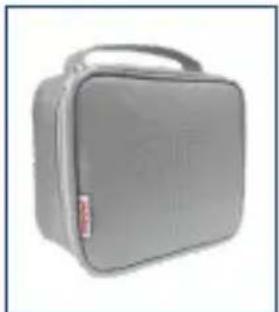
natural_image
Gray rectangular medical device with a handle and label (no visible text or symbols)COMPOSANTS - (FIG. A)
natural_image
Hand holding a medical device with an arrow pointing to a mechanical component (no text or symbols visible)natural_image
Close-up of a plug inserted into a socket socket, with a blue arrow pointing to the socket (no text or symbols visible)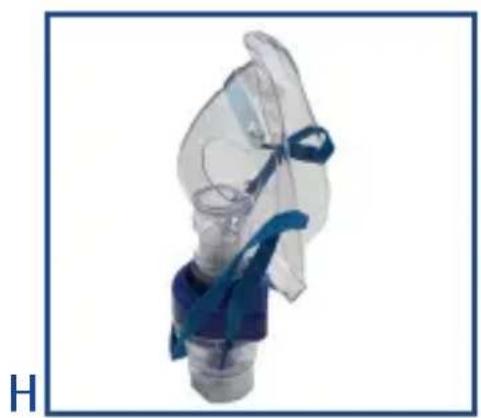
natural_image
Close-up of a transparent medical device with blue surgical clips, no visible text or symbolsREPLACEMENT DU FILTRE
CONDITIONS DE GARANTIE
natural_image
Close-up of a blue and white plastic bottle with a blue internal component (no text or symbols visible)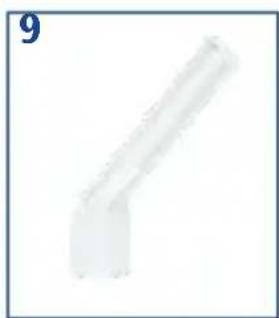
natural_image
Pure geometric shape resembling a bent pipe or bracket (no text or symbols)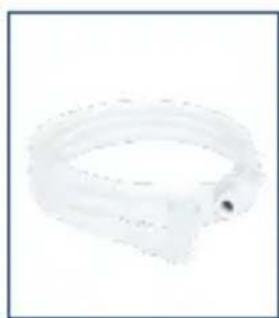
natural_image
Close-up of a transparent plastic ring with a small dark spot, no text or symbols visible.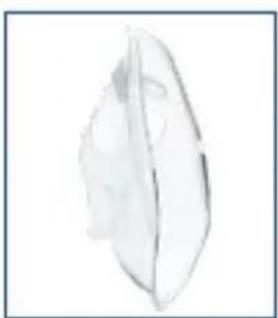
natural_image
Simple line drawing of a leaf with visible internal structure (no text or symbols)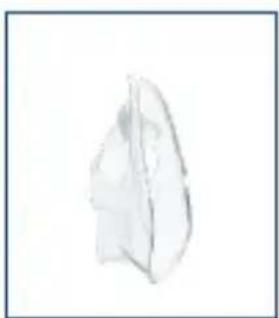
natural_image
Simple sketch of a folded paper or plastic sheet (no text or symbols)
natural_image
Simple illustration of a stack of three white cylindrical objects on a plain background (no text or symbols)
natural_image
Coiled white cable or connector with two connectors, no visible text or symbols
natural_image
Empty white square with a thin gray border (no text or symbols)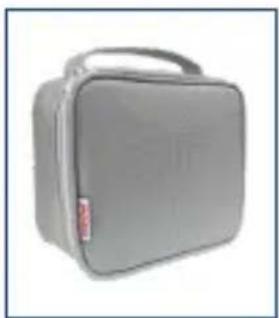
natural_image
Gray rectangular medical device with a handle and label (no visible text or symbols)COMPONENTES - (FIG. A)
natural_image
Close-up of a hand holding a medical device with an upward arrow indicating force or pressure (no text or symbols visible)natural_image
Close-up of a metallic connector with a blue arrow pointing to a circular component (no text or symbols visible)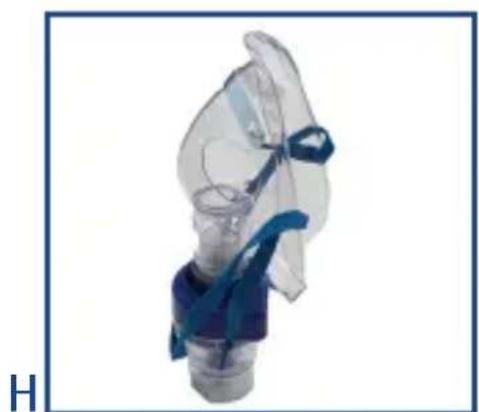
natural_image
Close-up of a medical device with blue surgical cap and transparent tubing (no visible text or symbols)- Para utilizar a máscara, insira-a diretamente no nebulizador (Fig. H).
natural_image
Five medical device images showing different shapes and components, labeled 8 to 12 (no text or symbols on devices)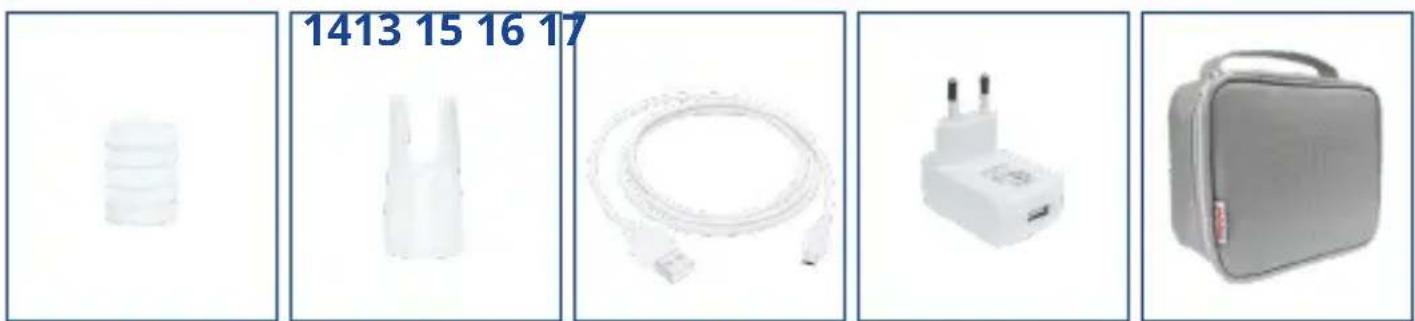
ELEMENTY SKŁADOWE - (RYS. A)
natural_image
Close-up of a blue and white plastic device with circular arrows indicating rotation or movement (no text or symbols)C
natural_image
Close-up of a blue and white plastic device with a blue cap and arrow pointing to a component (no visible text or symbols)D
natural_image
Close-up of a light bulb with a blue arrow pointing to its interior (no text or symbols visible)E
natural_image
Close-up of a blue and white plastic device with circular arrows indicating rotation or movement (no text or symbols)natural_image
Close-up of a hand holding a medical device with an arrow pointing to a metallic component (no visible text or symbols)natural_image
Close-up of a plug inserted into a socket socket, with a blue arrow pointing to the socket (no text or symbols visible)natural_image
Close-up of a transparent medical device with blue surgical clips, no visible text or symbolsKONSERWACJA I NAPRAWA
natural_image
Close-up of a blue and white plastic mechanical component with no visible text or symbols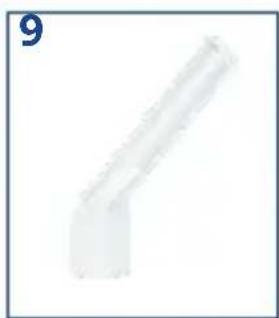
natural_image
Simple 3D rendering of a bent pipe or support structure (no text or symbols)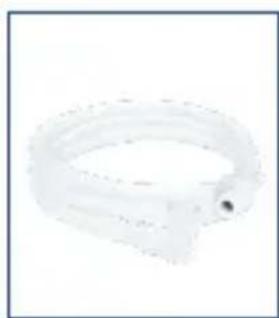
natural_image
Close-up of a white plastic ring or strap with a small dark spot, no visible text or symbols.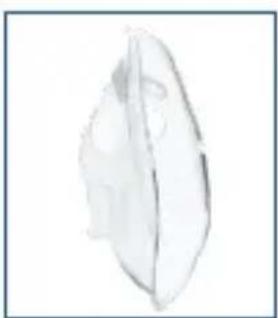
natural_image
Simple line drawing of a leaf with visible internal structure (no text or symbols)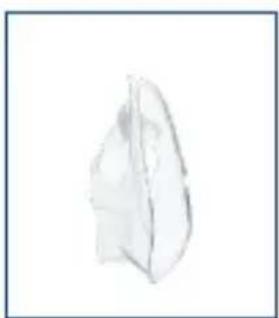
natural_image
Simple line drawing of a folded paper or plastic sheet (no text or symbols)
natural_image
Simple illustration of a cylindrical object with three horizontal bands, no text or symbols present.
natural_image
Coiled white cable with connectors, no visible text or symbols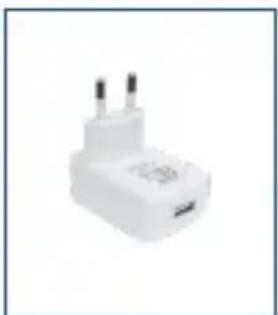
natural_image
White plastic electrical plug with two terminal pins (no visible text or symbols)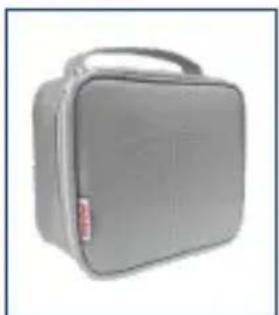
natural_image
Gray rectangular medical device with a handle and label (no visible text or symbols)COMPONENTE - (FIG. A)
natural_image
Close-up of a blue and white plastic device with circular arrows indicating rotation or movement (no text or symbols)C
natural_image
Close-up of a blue and white plastic device with a blue cap and arrow pointing to a component (no visible text or symbols)D
natural_image
Close-up of a light bulb with a blue arrow pointing to its interior (no text or symbols visible)E
natural_image
Close-up of a blue and white plastic device with circular arrows indicating rotation or motion (no text or symbols)natural_image
Close-up of a hand holding a medical device with an upward arrow indicating force or pressure (no text or symbols visible)natural_image
Close-up of a metallic plug with a blue arrow pointing to a circular component (no text or symbols visible)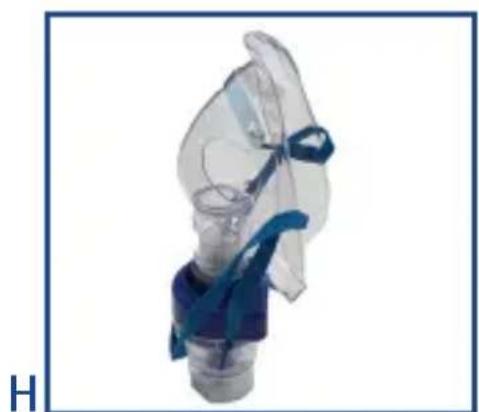
natural_image
Close-up of a medical or respiratory device with blue tubing and transparent casing (no visible text or symbols)natural_image
Five medical device images with numbered labels (8, 10, 11, 12) showing different views: a blue cap, a rod-shaped tube, a ring, a transparent leaf-like object, and a folded paper-like shape.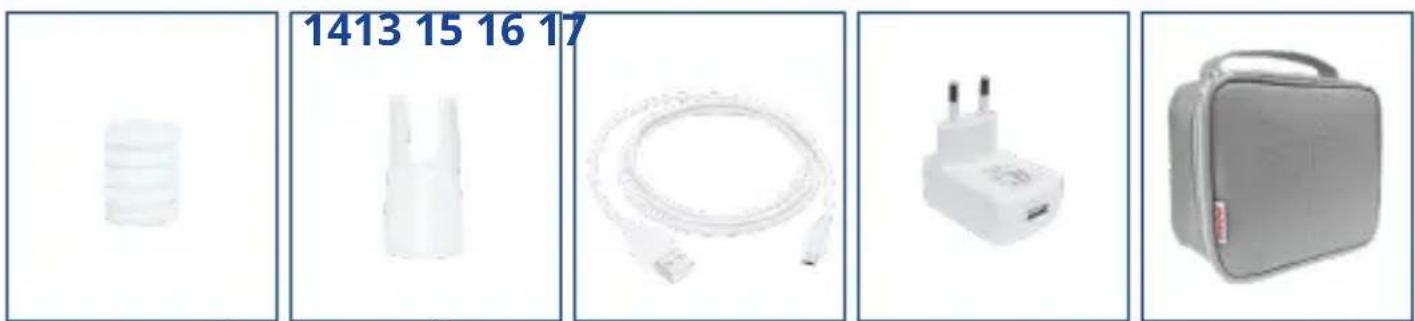
natural_image
Product display image showing four white electronic devices: a battery, a plastic connector, a cable with plug, and a gray medical kit (no visible text or symbols)ALKATRÉSZEK - (ÁBR. A)
natural_image
Close-up of a hand holding a medical device with a blue cap and arrow indicating upward motion (no text or symbols visible)natural_image
Close-up of a plug inserted into a socket socket, with a blue arrow pointing to the socket (no text or symbols visible)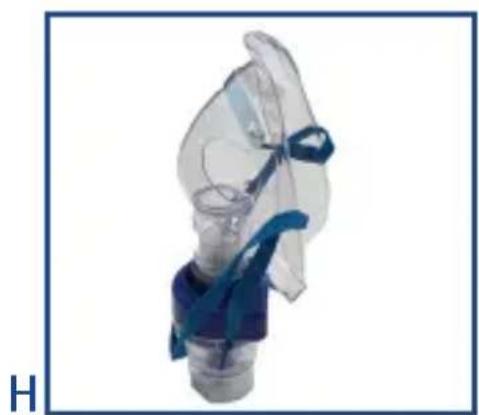
natural_image
Close-up of a medical inhaler device with blue tubing and transparent casing (no visible text or symbols)(30 perc on - 30 perc off)
natural_image
Close-up of a blue and white laboratory pipette with a blue internal component, labeled 8 to 12 (no text or symbols on the device itself)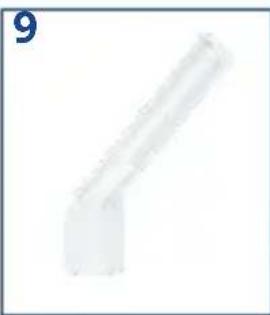
natural_image
Pure geometric shape resembling a bent pipe or bracket (no text or symbols)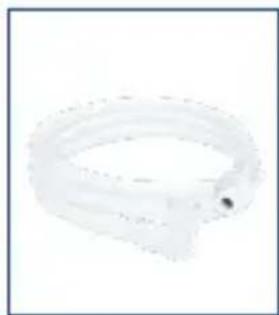
natural_image
Close-up of a transparent plastic ring with a small hole, no text or symbols visible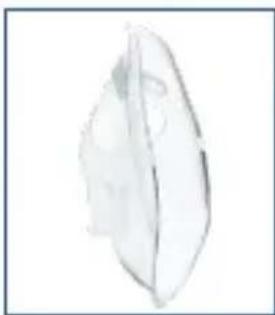
natural_image
Simple line drawing of a leaf with visible internal structure (no text or symbols)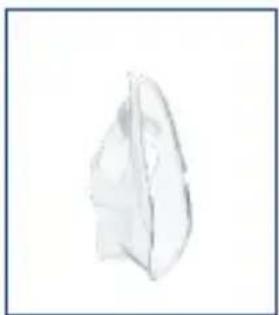
natural_image
Simple line drawing of a leaf-like shape (no text or symbols)
natural_image
Simple illustration of a cylindrical object with horizontal bands, no text or symbols present.

natural_image
Coiled white cable with connectors, no visible text or symbols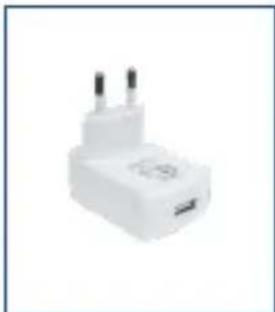
natural_image
White plastic electrical plug with two leads (no visible text or symbols)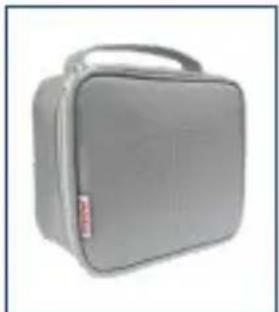
natural_image
Gray rectangular medical device with a handle and label (no visible text or symbols)natural_image
Close-up of a hand holding a medical device with an upward arrow indicating force or pressure (no text or symbols visible)natural_image
Close-up of a metallic plug with a blue arrow pointing to a circular component (no text or symbols visible)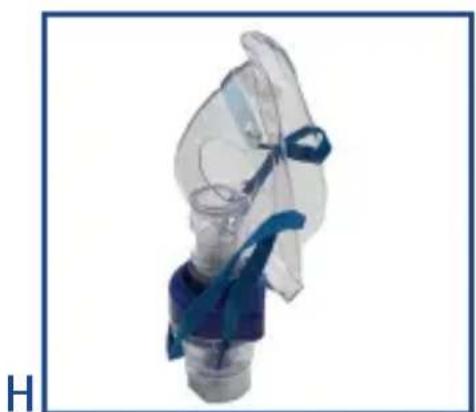
natural_image
Close-up of a transparent medical device with blue surgical cap and bulb (no visible text or symbols)natural_image
Close-up of a blue and white plastic bottle with a blue cap, labeled 8-12 (no other text or symbols visible)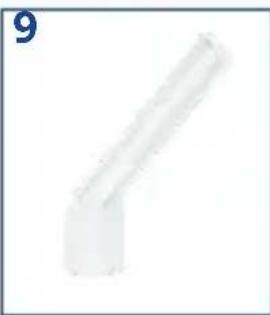
natural_image
Close-up of a thin, curved plastic pipe fitting (no text or symbols visible)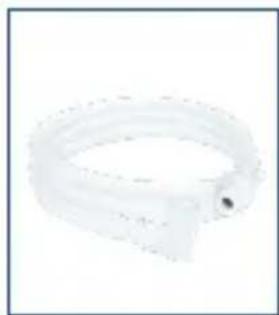
natural_image
Close-up of a white plastic ring or tube with a small dark spot, no visible text or symbols.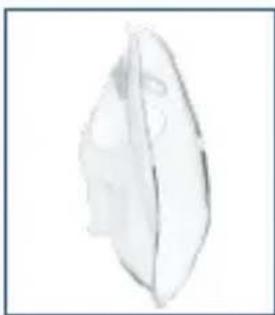
natural_image
Simple line drawing of a leaf with visible vein structure (no text or symbols)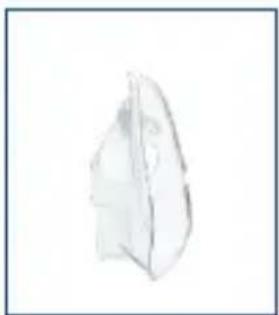
natural_image
Simple line drawing of a folded paper or plastic sheet (no text or symbols)
natural_image
Stacked cylindrical objects on a plain background (no text or symbols)
natural_image
Coiled white cable with connectors, no visible text or symbols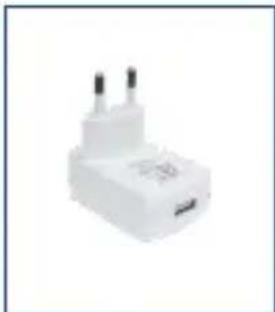
natural_image
White plastic electrical plug with two terminal pins (no visible text or symbols)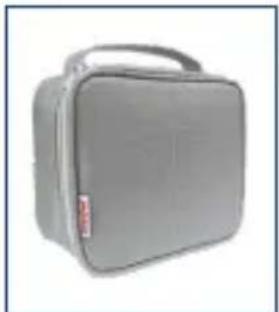
natural_image
Gray rectangular medical device with a handle and label (no visible text or symbols)natural_image
Close-up of a hand holding a medical device with an upward arrow indicating force or pressure (no text or symbols visible)natural_image
Close-up of a metallic plug with a blue arrow pointing to a circular component (no text or symbols visible)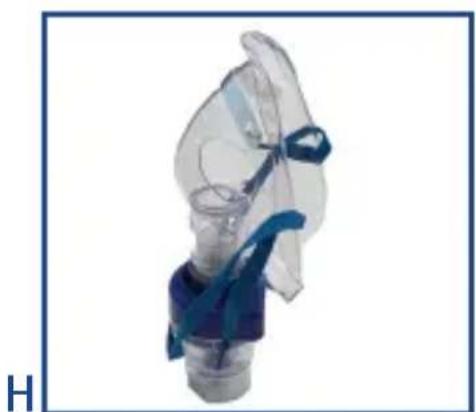
natural_image
Close-up of a transparent medical device with blue surgical cap and bulb (no visible text or symbols)natural_image
Close-up of a blue and white plastic bottle with a small blue object inside, labeled '8 10 11 12' above (no other text or symbols)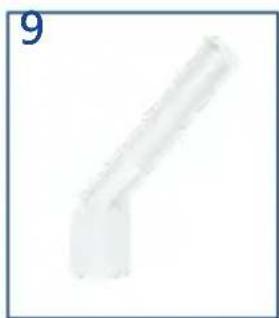
natural_image
Simple 3D rendering of a bent pipe or support structure (no text or symbols)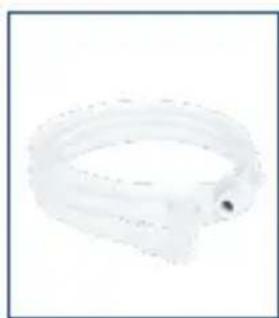
natural_image
Close-up of a white plastic ring with a small dark spot at the bottom (no text or symbols visible)
natural_image
Simple line drawing of a leaf with visible vein structure (no text or symbols)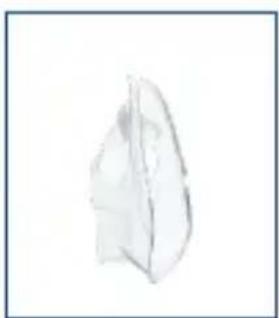
natural_image
Simple sketch of a folded paper or sheet (no text or symbols)
natural_image
Stacked cylindrical objects on a plain background (no text or symbols)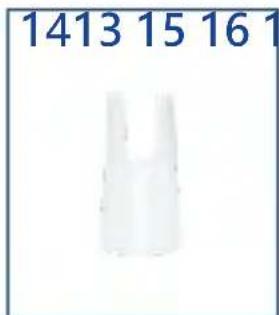
natural_image
Coiled white cable with connectors, no visible text or symbols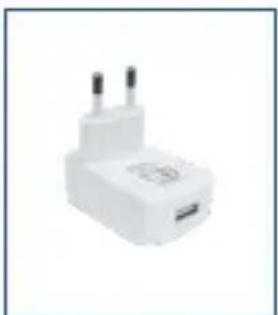
natural_image
White plastic electrical plug with two terminal leads (no visible text or symbols)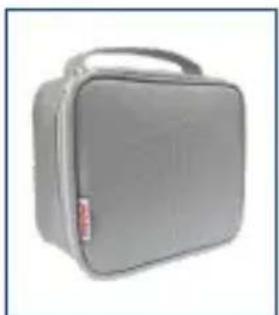
natural_image
Gray rectangular medical or dental kit case with a handle and label (no visible text or symbols)元件 - (图.A)
natural_image
Close-up of a hand holding a medical device with a blue cap and arrow indicating force or movement (no text or symbols visible)natural_image
Close-up of a white electronic device with a blue arrow pointing to a circular button (no text or symbols visible)H
natural_image
Medical device with blue surgical band and transparent casing, no visible text or symbolsnatural_image
Close-up of a blue and white plastic bottle with a small blue object inside, labeled 8, 10, 11, 12 (no other text or symbols visible)
natural_image
Simple 3D rendering of a bent pipe or support structure (no text or symbols)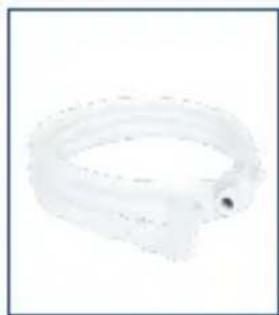
natural_image
Close-up of a transparent plastic ring with a small dark spot, no text or symbols visible.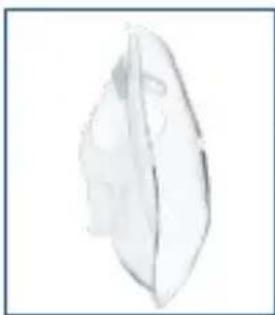
natural_image
Simple line drawing of a leaf-like shape with no text or symbols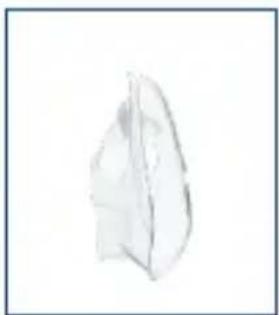
natural_image
Simple sketch of a folded paper or plastic sheet (no text or symbols)
natural_image
Stacked cylindrical objects on a plain background (no text or symbols)
natural_image
Coiled white cable with connectors, no visible text or symbols
natural_image
White plastic electrical plug with two leads (no visible text or symbols)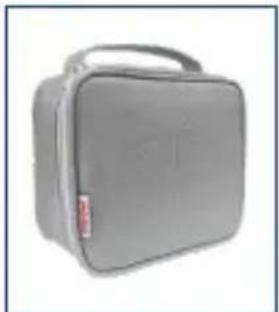
natural_image
Gray rectangular medical device with a handle and label (no visible text or symbols)元件 - (圖A)
natural_image
Close-up of a hand holding a medical device with a blue cap and arrow indicating force (no text or symbols visible)natural_image
Close-up of a plug inserted into a socket socket, with a blue arrow pointing to the socket (no text or symbols visible)H
natural_image
Close-up of a medical device with blue surgical cap and transparent body (no visible text or symbols)natural_image
Close-up of a blue and white plastic mechanical component (no visible text or symbols)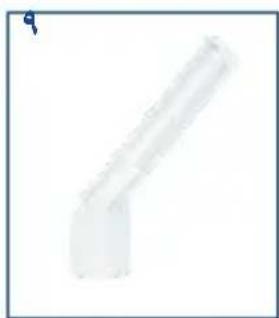
natural_image
Pure geometric shape resembling a bent pipe or support structure (no text or symbols)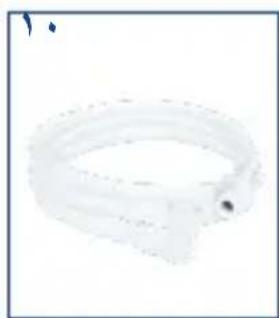
natural_image
Simple line drawing of a ring-shaped object with a small dot at the end (no text or symbols)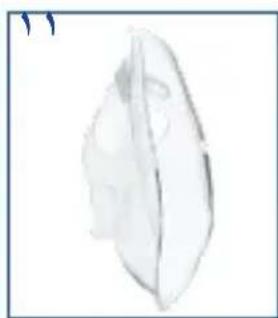
natural_image
Simple line drawing of a leaf with visible internal structure (no text or symbols)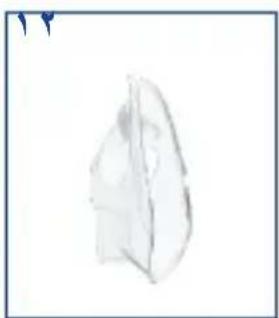
natural_image
Simple line drawing of a folded paper or plastic sheet (no text or symbols)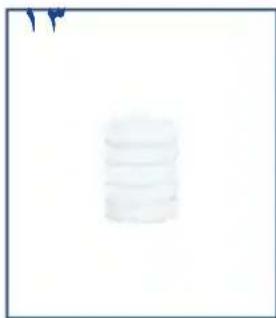
natural_image
Stacked cylindrical objects on a plain background (no text or symbols visible)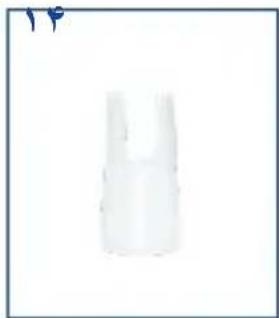
natural_image
White plastic bottle with a narrow neck and slight cap, isolated on white background (no text or symbols)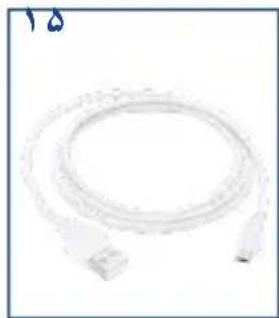
natural_image
Coiled white cable or connector with two connectors, no visible text or symbols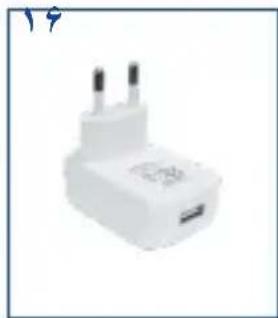
natural_image
White plastic electrical plug with two terminal pins (no visible text or symbols)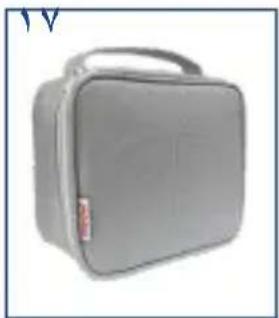
natural_image
Gray rectangular medical device with a handle and label (no visible text or symbols)قطعات-تصوير الف
natural_image
Close-up of a medical or electronic device with a blue arrow pointing to a circular component (no visible text or symbols)natural_image
Close-up of a blue and white plastic bottle with a small protrusion (no text or symbols visible)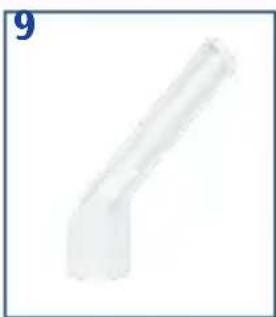
natural_image
Pure geometric shape resembling a bent pipe or elbow joint (no text or symbols)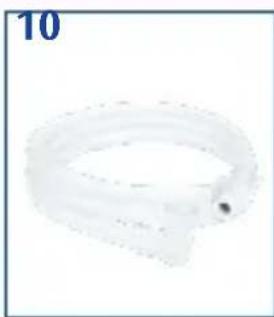
natural_image
Close-up of a transparent plastic ring with a small dark spot, labeled '10' in the top-left corner (no other text or symbols)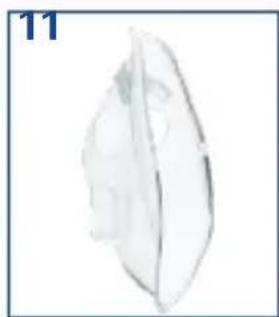
natural_image
Simple line drawing of a leaf-like object with no text or symbols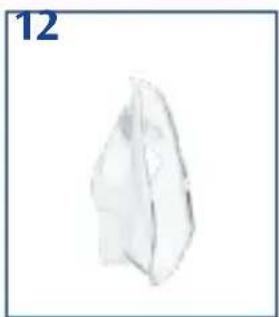
natural_image
Simple 3D geometric shape resembling a folded paper or prism, no text or symbols present
natural_image
Simple 3D-rendered cylindrical object with no visible text or symbols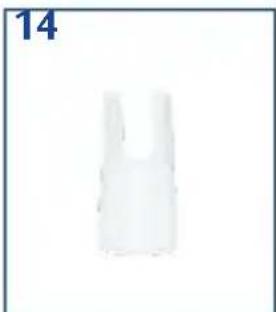
natural_image
White plastic bag or container with a single number '14' in the top-left corner (no other text or symbols)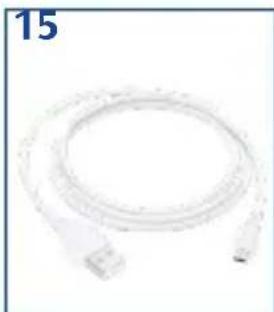
natural_image
Coiled white cable with connectors, no visible text or symbols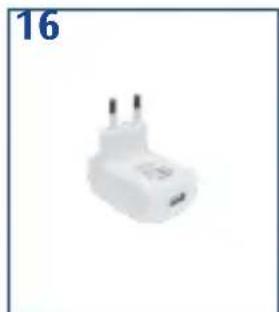
natural_image
White electrical plug with two leads, labeled '16' in top-left corner (no other text or symbols)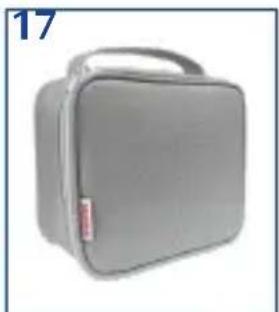
natural_image
Gray rectangular medical device with a handle and label '17' in the top-left corner (no other text or symbols visible)(Α الشكل - الأجزاء)
natural_image
Close-up of a medical or laboratory procedure showing a blue cap and arrow pointing to a mechanical component (no text or symbols visible)natural_image
Close-up of a white electrical plug with a blue arrow pointing to a circular component (no text or symbols visible)G
natural_image
Five medical device images with numbered labels (8, 10, 11, 12) showing different shapes: a blue cap, a rod-shaped tube, a ring, a leaf-like structure, and a folded paper-like shape.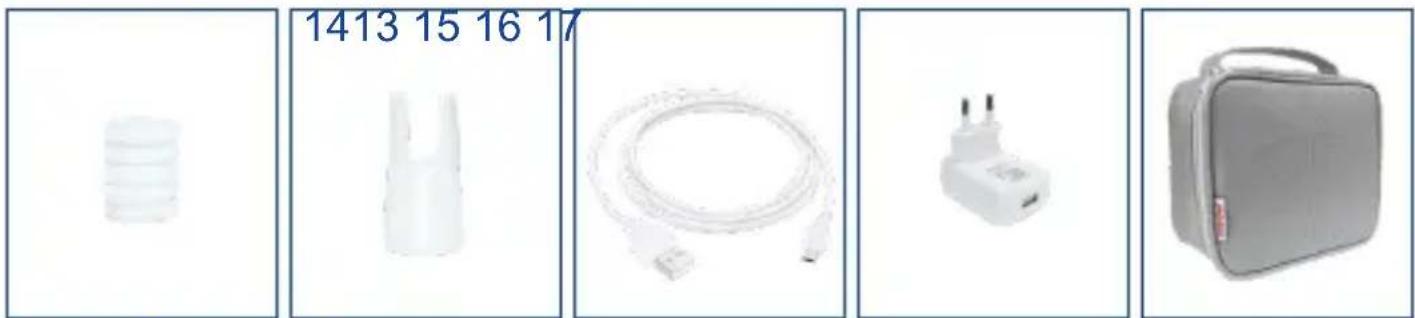
natural_image
Five product images: plastic containers, plastic bottles, cable, plug, and first-case box (no text or symbols visible)부속품-(그림.A)
natural_image
Close-up of a blue and white plastic device with directional arrows indicating rotation or movement (no text or symbols)natural_image
Close-up of a blue and white plastic device with a blue cap and arrow pointing to a component (no visible text or symbols)natural_image
3D rendering of a light bulb with a blue arrow pointing to its interior (no text or symbols)natural_image
Close-up of a blue and white plastic device with directional arrows indicating rotation or movement (no text or symbols)natural_image
Close-up of a medical device with a blue cap and arrow indicating insertion or positioning (no text or symbols visible)natural_image
Close-up of a medical or electronic device with a blue arrow pointing to a circular component (no visible text or symbols)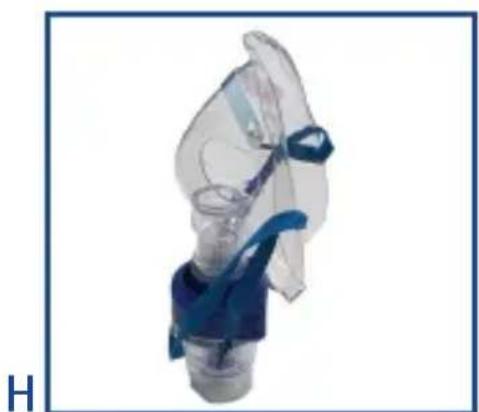
natural_image
Close-up of a transparent medical device with blue connectors and a small blue component, labeled 'H' in the corner (no text or symbols on the device itself)natural_image
Close-up of hands holding a medical device with a button labeled 'model insert' (no visible text beyond label)EC REP EC- Representative:
Donawa Lifescience Consulting Srl
Piazza Albania, 10
00153 Rome / Italy
Distributed by:
Medel International Srl
Via Villapizzone 26 - 20156 Milano / Italy

Manufacturer:
Globalcare Medical Technology Co., Ltd
7th Building, 39 Middle Industrial Main Road, European
Industrial Zone, Xiaolan Town 528415 Zhongshan City,
Guangdong Province PEOPLE'S REPUBLIC OF CHINA
CE0123
- MANUALE D' USO USER MANUAL
- medel®
- SMART AEROSOL
- COMPONENTI - (FIG. A)
- COMPONENTS-(FIG. A)
- IMPORTANT:
- INTENDED USE
- WARNINGS
- EN
- HOW TO USE THE DEVICE
- M
- N
- 0
- CAUTION! The device is designed for intermittent use
- CLEANING AND MAINTENANCE
- CAUTION!
- Cleaning and disinfection of the accessories
- Upon first use and at the end of each application:
- Disinfection:
- NEBULIZER REPLACEMENT
- FILTER REPLACEMENT
- MAINTENANCE AND REPAIRS
- TECHNICAL SPECIFICATIONS
- AEROSOL CHARACTERISTICS IN ACCORDANCE WITH REGULATION EN 13544-1 APPENDIX CC
- Standards applied:
- ENVIRONMENTAL CONDITIONS
- Storage and Transport
- Operation
- SYMBOLS AFFIXED TO THE DEVICE
- TERMS AND CONDITIONS OF WARRANTY
- COUPON TO BE RETURNED IN CASE OF REPAIRS THE WARRANTY IS ONLY VALID IF YOU ATTACH YOUR RECEIPT
- COMPONENTES - (FIG. A)
- KOMPONENTEN - (ABB. A)
- COMPOSANTS - (FIG. A)
- REPLACEMENT DU FILTRE
- CONDITIONS DE GARANTIE
- ELEMENTY SKŁADOWE - (RYS. A)
- KONSERWACJA I NAPRAWA
- COMPONENTE - (FIG. A)
- ALKATRÉSZEK - (ÁBR. A)
- (30 perc on - 30 perc off)
- 元件 - (图.A)
- H
- 元件 - (圖A)
- قطعات-تصوير الف
- 부속품-(그림.A)
Brand : Medel
Model : Smart
Category : Inhaler