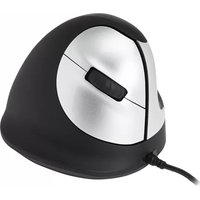
RGOHELE - Mouse R-Go Tools - Free user manual and instructions
Find the device manual for free RGOHELE R-Go Tools in PDF.


User questions about RGOHELE R-Go Tools
0 question about this device. Answer the ones you know or ask your own.
Ask a new question about this device
Download the instructions for your Mouse in PDF format for free! Find your manual RGOHELE - R-Go Tools and take your electronic device back in hand. On this page are published all the documents necessary for the use of your device. RGOHELE by R-Go Tools.
USER MANUAL RGOHELE R-Go Tools
natural_image
Line drawing of a mechanical device with no text or symbolsR-Go HE Break
RGOHE, RGOHELE, RGOHELA, RGOHELELA
| English manual |  | .2 |
| Deutsche Anleitung p.10 |  | |
| Manuel en français p.18 |  | |
| Nederlandse handleiding p.26 |  | |
| Polski podręcznik |  | p.34 |
| Manual en español p.42 |  | |
| Manual em português p.50 |  | |
| Manuale italiano |  | p.58 |
| Svensk manual |  | .66 |
natural_image
Line drawing of a helmet with a collar and seat, no text or symbols present
ergonomic mouse
R-Go HE Break
RGOHE, RGOHELE, RGOHELA, RGOHELELA
small | medium | large
wired
left | right
Product overview 5
Setup
R-Go Break
Maintenance 8
Troubleshooting
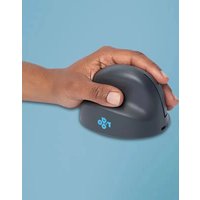
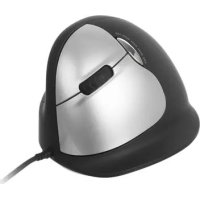
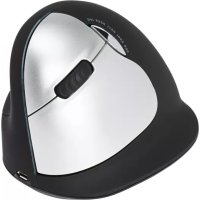
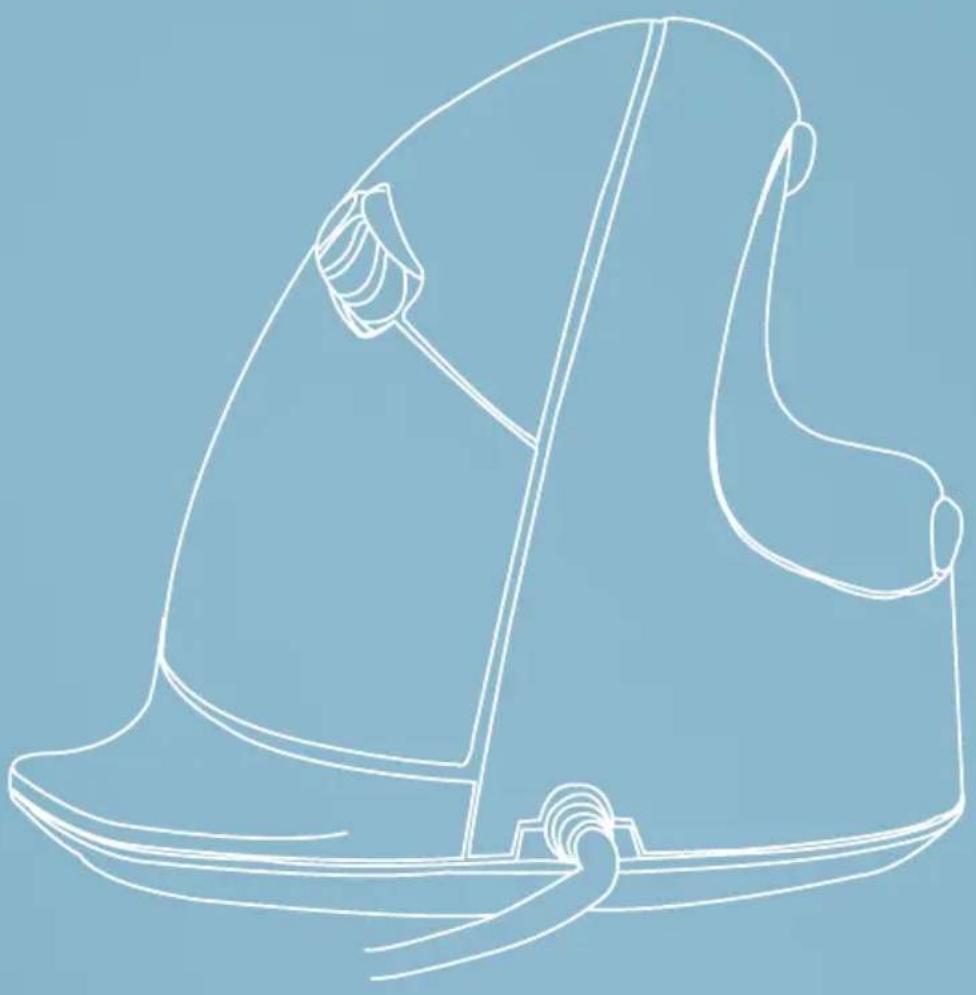
Our ergonomic R-Go HE mouse has a vertical grip that ensures a natural, relaxed position of your hand and wrist. The mouse stimulates movements from the forearm instead of the wrist, which prevents RSI. This comfortable mouse supports your thumb and fingers and is as lightweight as possible, hereby reducing the muscle tension. HE is the way to a healthy life! #stayfit
System requirements/Compatibility: Windows XP/Vista/10/11, MacOS
text_image
QR code image with no visible text or symbols beyond the matrix patternFor more information about this product, scan the QR code! https://r-go.tools/hewired_web_en
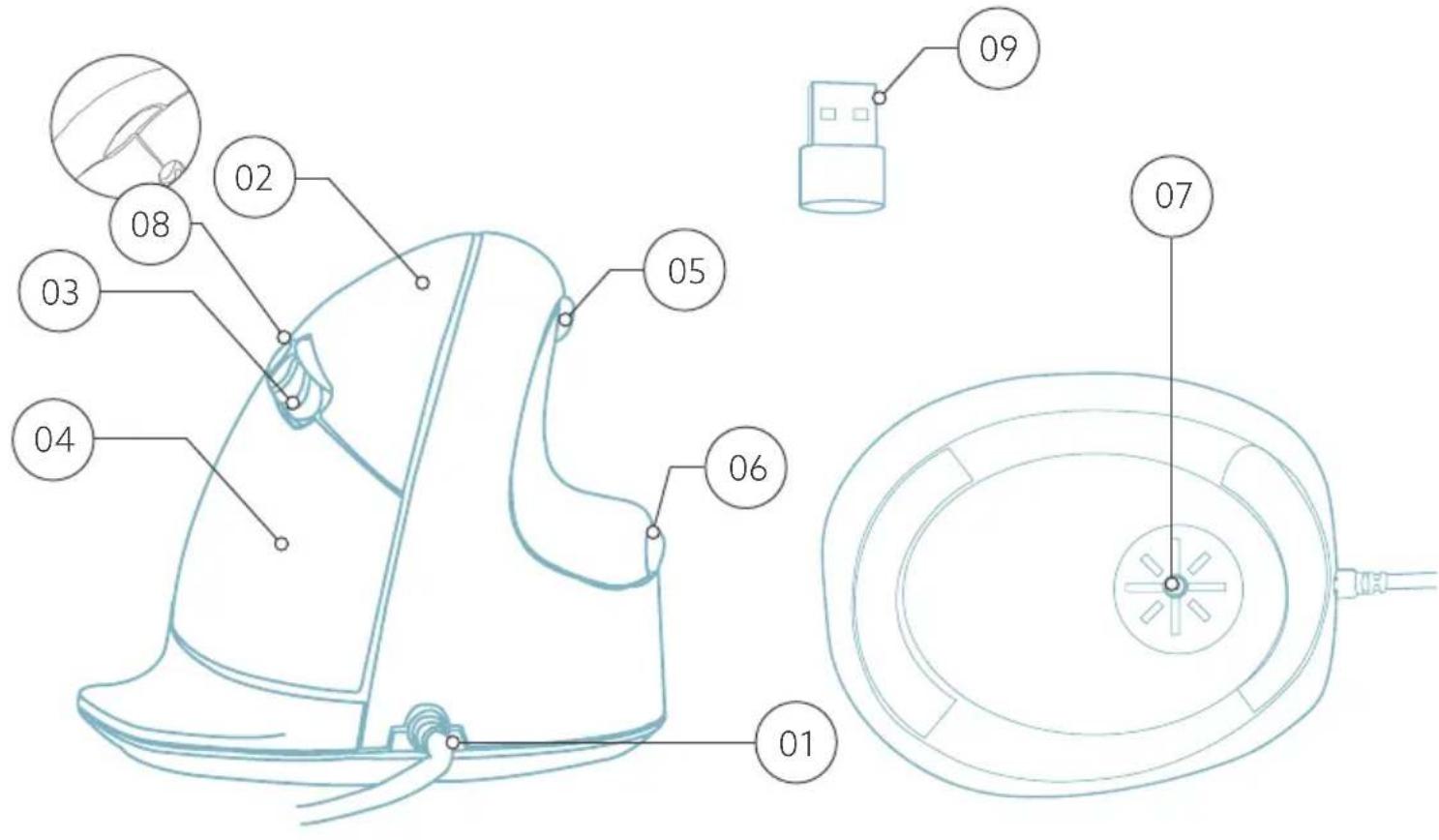
01 Cable
02 Left (primary) button
03 Scroll wheel
04 Right (secondary) button
05 Forward (not for MacOS)
06 Backward (not for MacOS)
07 Sensor
08 DPI switch
09 USB-C to USB-A converter
text_image
Technical diagram of a device with numbered parts, including a top view and internal components labeled 01 to 09.* Right version is shown in these illustrations
Connect the USB Cable 01 to your computer.
DPI switch
Cycle through the DPI-mode by clicking the DPI switch button 08.
DPI means Dots Per Inch. With a low DPI, you will have to make larger movements to get the cursor move the same distance on your screen compared to a higher DPI. We recommend a lower DPI setting, so you will move the mouse with your arm instead of your wrist in order to prevent RSI.
Note: The mouse buttons work correctly when the mouse settings in your computer system are set for right-handed use!
Download the R-Go Break software at https://r-go.tools/bs
The R-Go Break software is compatible with all R-Go HE Break mice and keyboards. It gives you insight into your work behaviour and gives you the possibility to customize your mouse buttons.
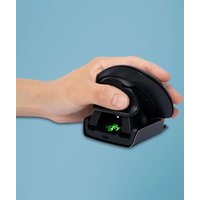
The R-Go Break is a software tool that helps you to remember to take breaks from your work. As you work, the R-Go Break software controls the LED light on your Break mouse or keyboard. This break indicator changes color, like a traffic light. When the light turns green, it means you are working healthily. Orange indicates that it is time for a short break and red indicates that you have been working too long. This way you receive feedback on your break behavior in a positive way.
text_image
QR code image with no visible text or symbols beyond the matrix patternFor more information about the R-Go Break software, scan the QR code! https://r-go.tools/break_web_en
- Do not bring the mouse in contact with water. Water could damage the electronic parts inside the mouse. To clean the mouse, disconnect the device from your PC. Do not clean the mouse with alcohol or with water and soap. This will damage the coating of the mouse. If you want to clean the mouse, use a water-based damp cloth.
- Do not remove any of the rubber parts on the bottom of the mouse. You will not be able to place them back and your mouse will not move smoothly as before.
- Do not obstruct the laser on the bottom of the mouse.
Is your mouse not working properly, or do you experience problems while using it? Please follow the steps mentioned below.
- Check if the mouse is connected using the correct connectors and cables (page 4-6).
- Connect the mouse to another USB port of your computer.
- Connect the mouse directly to your computer if you are using an USB hub.
- Restart your computer.
- Test the mouse on another device, if it is still not working contact us via info@r-go-tools.com.
natural_image
Line drawing of a person wearing a hat and holding a small object, against a solid blue background (no text or symbols)
Ergonomische Maus
R-Go HE Break
RGOHE, RGOHELE, RGOHELA, RGOHELELA
text_image
QR code image with no visible text or symbols beyond the matrix patterntext_image
Technical diagram of a device with numbered parts, including a top view and internal components labeled 01 to 09.text_image
QR code image with no visible text or symbols beyond the matrix patternnatural_image
Line drawing of a person wearing a hat and holding a small object, against a solid blue background (no text or symbols)
souris ergonomique
R-Go HE Break
RGOHE, RGOHELE, RGOHELA, RGOHELELA
text_image
QR code image with no visible text or symbols beyond the matrix patterntext_image
Technical diagram of a device with numbered parts, including a top view and internal components labeled 01 to 09.text_image
QR code image with no visible text or symbols beyond the matrix patternnatural_image
Line drawing of a stylized helmet or hat with a curved handle and seat, against a solid blue background (no text or symbols)
ergonomische muis
R-Go HE Break
RGOHE, RGOHELE, RGOHELA, RGOHELELA
klein | middel | groot bedraad links | rechts
Productoverzicht
Setup
R-Go Break
Onderhoud
Problemen oplossen 33
text_image
QR code image with no visible text or symbols beyond the matrix patternhttps://r-go.tools/hewired_web_nl
text_image
Technical diagram of a device with numbered parts, including a top view and internal components labeled 01 to 09.https://r-go.tools/bs
text_image
QR code image with no visible text or symbols beyond the matrix patternnatural_image
Line drawing of a stylized helmet or hat with a curved handle and seat, against a solid blue background (no text or symbols)
ergonomiczna mysz
R-Go HE Break
RGOHE, RGOHELE, RGOHELA, RGOHELELA
text_image
QR code image with no visible text or symbols beyond the matrix patternhttps://r-go.tools/hewired_web_pl
text_image
Technical diagram of a device with numbered parts, including a top view and internal components labeled 01 to 09.text_image
QR code image with no visible text or symbols beyond the matrix patternnatural_image
Line drawing of a person wearing a hat and holding a small object, against a solid blue background (no text or symbols)
ratón ergonómico
R-Go HE Break
RGOHE, RGOHELE, RGOHELA, RGOHELELA
text_image
QR code image with no visible text or symbols beyond the matrix patterntext_image
Technical diagram of a device with numbered parts, including a top view and internal components labeled 01 to 09.text_image
QR code image with no visible text or symbols beyond the matrix patternnatural_image
Line drawing of a stylized helmet or seat with a handle, against a solid blue background (no text or symbols)
rato ergonómico
R-Go HE Break
RGOHE, RGOHELE, RGOHELA, RGOHELELA
text_image
QR code image with no visible text or symbols beyond the matrix patterntext_image
Technical diagram of a device with numbered parts, including a top view and internal components labeled 01 to 09.text_image
QR code image with no visible text or symbols beyond the matrix patternnatural_image
Line drawing of a person wearing a hat and holding a small object, against a solid blue background (no text or symbols)
mouse ergonomico
R-Go HE Break
RGOHE, RGOHELE, RGOHELA, RGOHELELA
text_image
QR code image with no visible text or symbols beyond the matrix patterntext_image
Technical diagram of a device with numbered parts, including a top view and internal components labeled 01 to 09.text_image
QR code image with no visible text or symbols beyond the matrix patternnatural_image
Line drawing of a person wearing a helmet and holding a small object, against a solid blue background (no text or symbols)
Ergonomisk mus
R-Go HE Break
RGOHE, RGOHELE, RGOHELA, RGOHELELA
text_image
QR code image with no visible text or symbols beyond the matrix patternFör mer information om om denna produkt, skanna QR-koden! https://r-go.tools/hewired_web_se
text_image
Technical diagram of a device with numbered parts, including a top view and internal components labeled 01 to 09.* Rätt version visas i dessa illustrationer
Anslut USB-kabeln till din dator 01.
DPI-omkopplare
text_image
QR code image with no visible text or symbols beyond the matrix patternFör mer information om programvaran R-Go Break, skanna QR-koden! https://r-go.tools/break_web_se