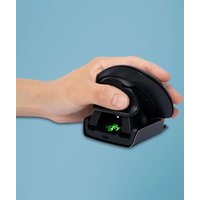
Twister - Mouse R-Go Tools - Free user manual and instructions
Find the device manual for free Twister R-Go Tools in PDF.


| Product Type | Ambidextrous vertical ergonomic mouse |
| Brand | R-Go Tools |
| Model | Twister |
| Connectivity | Bluetooth and wired (USB-C) |
| Power | Rechargeable lithium-ion battery via USB-C |
| Compatibility | Windows XP/Vista/10/11, macOS |
| Switch & Fold function | Allows switching between left-handed and right-handed mode |
| Foldable | Yes, folds flat for transport |
| DPI adjustment | Yes, via button under the mouse |
| Buttons | 6 buttons (left, right, scroll wheel, on/off, pairing, DPI) |
| LED indicator | Yes, for pairing, DPI and notifications from R-Go Break software |
| Compatible software | R-Go Break (break monitoring) |
| Thumb and pinky support | Yes, with additional cushions |
| Included cable | USB-C to USB-A with converter |
| Operating systems | Windows and macOS |
| Maintenance | Clean with a dry cloth, avoid creams/disinfectants |
| Safety | Lithium-ion battery, do not expose to heat/humidity, do not open |
| Additional accessories | Cushions for small and medium hands |
| Use | Ambidextrous (for left-handed and right-handed users) |
Frequently Asked Questions - Twister R-Go Tools
User questions about Twister R-Go Tools
0 question about this device. Answer the ones you know or ask your own.
Ask a new question about this device
Download the instructions for your Mouse in PDF format for free! Find your manual Twister - R-Go Tools and take your electronic device back in hand. On this page are published all the documents necessary for the use of your device. Twister by R-Go Tools.
USER MANUAL Twister R-Go Tools
FAQ (Frequently Asked Questions) 7
How to use
R-Go Break software 10
Maintenance 11
Troubleshooting
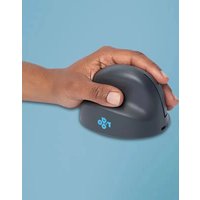
This vertical mouse is ambidextrous, meaning it is suitable for both left- and right-handed users. Thanks to the patented Switch & Fold-system, the Twister can be changed from a left-handed to a right-handed mouse and vice versa with one move. By regularly alternating between your left and right hand, you distribute the load on both hands and prevent annoying complaints such as RSI. In addition, the mouse is foldable, so it is easy to take with you. This way you can work ergonomically anywhere. Let's do the twister!
System requirements/Compatibility:
Windows XP/Vista/10/11, MacOS
For more information
about this product,
scan the QR code!
https://r-go.tools/twister_web_en
Watch this video and
let's do the twister!

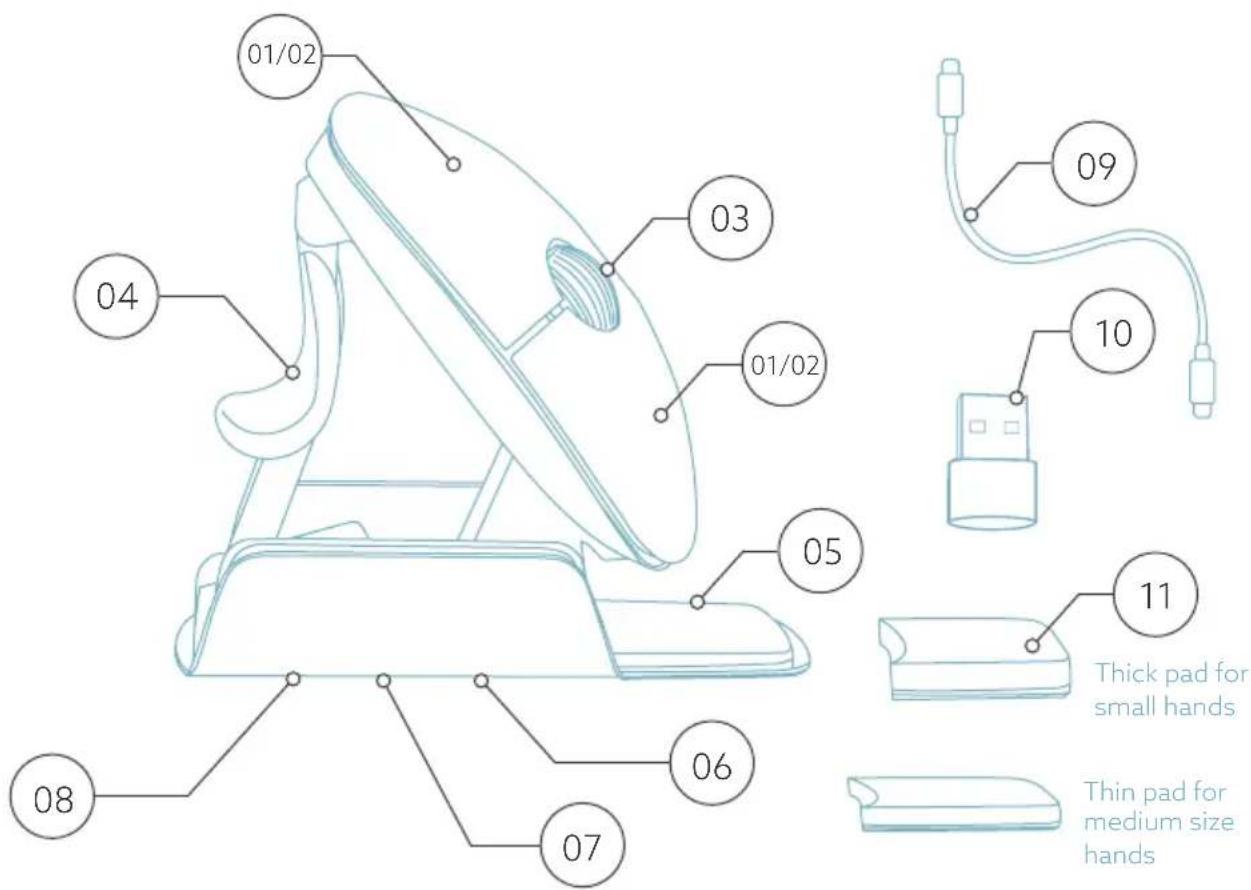
01/02 Left (primary) button / Right (secondary) button*
03 Scroll wheel
04 Thumb support
05 Hand support
06 On/off button
07 Pair button
08 DPI button
09 USB-C cable (for charging and wired use)
10 USB-C to USB-A converter
11 Extra pads for Small & Medium size hand support
For Bluetooth operation
Step 1 Check if your PC/laptop has Bluetooth.
Step 2 At the bottom of your mouse you find the on/off switch (08). Turn it to "on".
Step 3 Press the pair button (10) for more than 3 seconds. A blue light on the bottom of the mouse will start blinking.
Step 4 Search for "Bluetooth" on your computer. Make sure Bluetooth is activated. If not, slide to "on".
Step 5 Click on "add device" and then "Bluetooth". Select "R-Go Break mouse".
Step 6 Your mouse will now automatically be connected via Bluetooth to your PC/laptop.
Note: The mouse buttons work correctly when the mouse settings on your device are set for right-handed use!
DPI settings
To adjust the speed at which your mouse pointer moves press and release the DPI button (11) on the bottom of the mouse. The light on the bottom will flash to indicate the DPI has been changed.
There is no dongle with my mouse. Is that correct?
Yes, that is correct. Our wireless products work via Bluetooth. You only need to pair your mouse and your computer once.
How do I pair my mouse with my computer?
- From the Windows menu, go to 'Settings' and click on 'Devices'.
- Switch Bluetooth to 'on'.
- Ensure that your new device is sufficiently charged.
- Press and hold the pair button ⑦ on the bottom of the mouse until the blue light blinks.
- Select the mouse from the displayed row on the computer screen to connect it to the computer
Can I use my Twister both wired and wireless with Bluetooth?
Yes. A cable is included, which you easily plug into your mouse and connect to your computer. The Twister can be used alternately with or without a cable without any problems. For wireless use, you only have to connect Bluetooth once: you don't have to do this every time you use the mouse with a cable.
My Twister does not work in folded position. Is that correct?
Yes, that is correct. The Twister can only be used as vertical mouse in unfolded position.
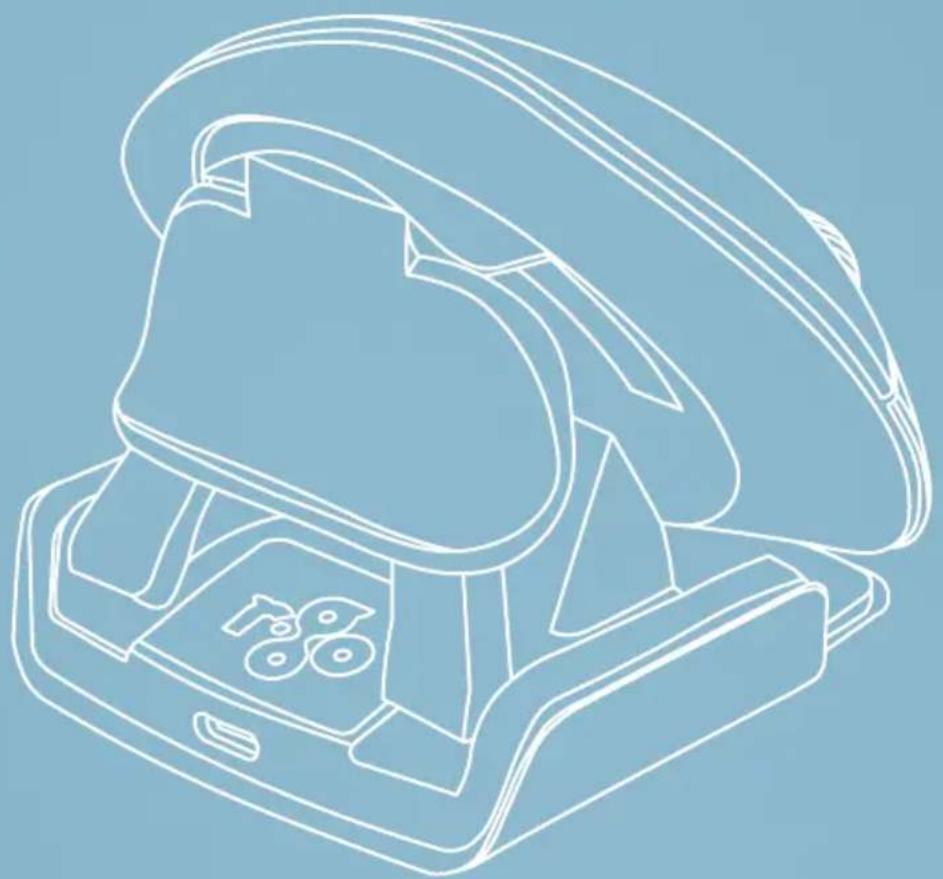
For alternating left and right handed mouse use.
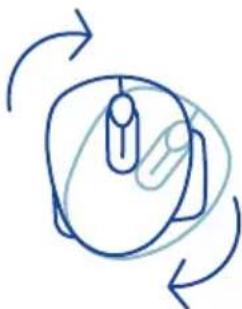
Step 1
To switch from right-handed position to left-handed position, turn the shell clock-wise 180 degrees until it clicks.
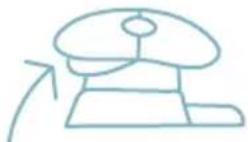
Step 2
By lifting the shell on the side of the thumb support, the mouse will click into position. Your mouse is ready for transport!

Step 3
Squeeze the thumb support of the mouse, in order to fold the mouse back into flat position.
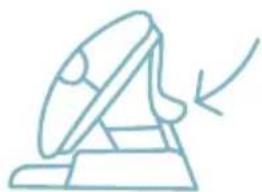

Note: The mouse does not work in flat position!
Step 4 (optional)
To support small and medium size hands and prevent them from sliding down, choose one of the extra pads ① and stick it on the little finger support ⑤ permanently. Your mouse is ready for use!
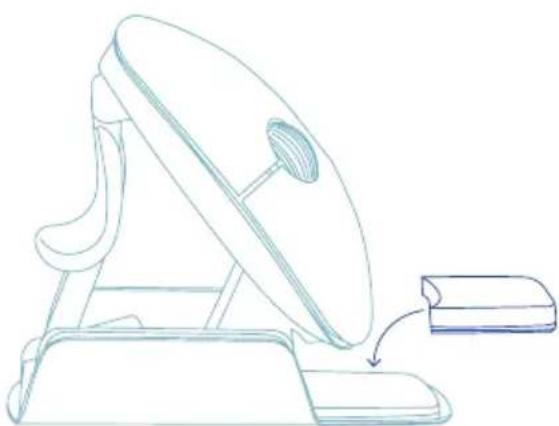
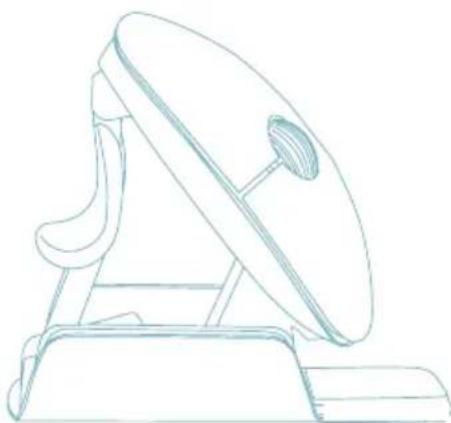
- Stick the thicker pad onto the hand support for Small hand size.
** Stick the thinner pad onto the hand support for Medium hand size.
Download the R-Go Break software at www.r-go-break.com
The R-Go Break software is compatible with the R-Go Twister mouse and all R-Go HE Break mice and keyboards.
The R-Go Break is a software tool that helps you to remember to take breaks from your work. As you work, the R-Go Break software controls the LED light on your Break mouse or keyboard. This break indicator changes color, like a traffic light. When the light turns green, it means you are working healthily. Orange indicates that it is time for a short break and red indicates that you have been working too long. This way you receive feedback on your break behavior in a positive way.
For more information about the R-Go Break software, scan the QR code!
https://r-go.tools/break_web_en
Warnings
- This device is not a toy and not suitable for children. Before use read and follow all instructions and warnings in this manual.
- CHOKING HAZARD: This device contains small parts that can be swallowed by children under 3. Keep out of reach of children.
- DO NOT attempt to open, repair of modify this device yourself. By doing so you risk electrical shock or other safety concerns.
- Before use inspect the device and the USB cable. In case of any damage, contact R-Go Technical Support team before you resume use.
- Keep the device away from moisture. Do not use with wet hands. A wet device may cause electrical shock.
- This device contains a lithium-ion battery. Make sure to keep it away from heat sources.
Product care
- Only use the USB cable provided with this product.
- Try to avoid contact with hand creams/sanitizer whilst using your mouse.
-
Regularly remove dust and dirt build-up from the bottom of your mouse to ensure a smooth glide movement.
-
Clean the device with a dry and soft cloth.
- Do not dispose of your device to fire or water.
- In case of disposal look for a WEEE recycling location in your area which will collect your mouse and handle further recycling procedures.
If your mouse isn't working properly, or you experience problems while using it, please perform the following actions:
- Make sure your mouse is charged via the (undamaged) USB-C charging cable (09).
- Make sure the on/off switch on the bottom of your mouse (08) is switched to "on".
- In case you're using it via the connection dongle, make sure the dongle is firmly plugged into the USB port of you PC. Tip: unplug the dongle, then plug it back in or use a different USB port.
- In case you're using it via Bluetooth, remove the mouse from your list of Bluetooth devices on your PC/laptop, then re-add following the For Bluetooth operation steps above.
- Even with this plug-and-play mouse, you should regularly update your computer for the latest drivers/ operating software for pointing devices.
- Test your mouse on another PC/laptop, if it still isn't working please contact info@r-go-tools.com.
Ergonomische Maus
R-Go Twister
RGOTWBMWLBL
alleGroßen
Bluetooth & kabelgebunden
links & rechts
Produktübersicht 17
For alternating left and right handed mouse use.
Schritt 1


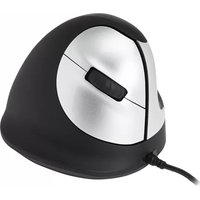
Brand : R-Go Tools
Model : Twister
Category : Mouse