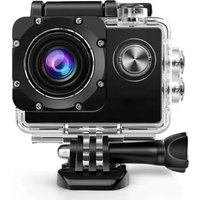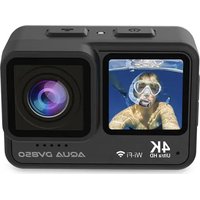
Aqua DV850 - Action camera Prixton - Free user manual and instructions
Find the device manual for free Aqua DV850 Prixton in PDF.


| Brand | Prixton |
| Model | Aqua DV850 |
| Category | Sports Cam |
| Product Type | Waterproof Action Camera |
| Dimensions | 66 x 35 x 46.3 mm |
| Weight | Approximately 100 g (estimated) |
| Battery | Lithium 1000 mAh, rechargeable |
| Power Supply | 5 V / 1 A (USB) |
| Video Battery Life | Up to 110 minutes |
| Charging Time | Approximately 2.5 hours |
| Display | 2.0" IPS touch + 1.3" IPS front |
| Waterproof Depth | 5 meters (with cover properly closed) |
| Max Video Resolution | 4K at 60 fps |
| Max Photo Resolution | 24 megapixels (interpolated) |
| Viewing Angle | 170 degree wide angle |
| Memory | Micro SD card (Class 10) up to 128 GB |
| Wi-Fi | Yes, with XDV PRO app |
| Remote Control | Included (wireless) |
| Included Accessories | Mounts (bike, helmet), adhesives, USB cable, cloth |
| Video Modes | Video, Slow Motion, Loop, Timelapse |
| Photo Modes | Single Photo, Auto, Burst, Timer |
| Image Stabilization | EIS (electronic) can be enabled |
| Distortion Correction | Yes |
| Care and Cleaning | Clean with a soft dry cloth; avoid solvents |
| Safety | Do not expose to excessive heat; stop immediately if overheating or smoke |
| Spare Parts and Repairability | Contact Prixton customer service via www.prixton.com |
| Warranty | Complies with the legislation of the country of purchase |
Frequently Asked Questions - Aqua DV850 Prixton
User questions about Aqua DV850 Prixton
0 question about this device. Answer the ones you know or ask your own.
Ask a new question about this device
Download the instructions for your Action camera in PDF format for free! Find your manual Aqua DV850 - Prixton and take your electronic device back in hand. On this page are published all the documents necessary for the use of your device. Aqua DV850 by Prixton.
USER MANUAL Aqua DV850 Prixton
natural_image
Line drawing of a digital camera with front and back views (no text or symbols)ACTION CAM 4K
INDEX
ES 3
EN 12
FR 21
IT 30
DE 39
PT 48
NL 57
¡GRACIAS!
natural_image
Blue background with four white icons: Wi-Fi, LED, lock, and power button, plus a horizontal line and a minus sign below (no readable text or symbols)natural_image
Skier in yellow jacket skiing on a snowy slope with trees and blue sky background (no text or symbols visible)Grabación de video
natural_image
Skier in a snowy landscape with trees and sun in the background (no visible text or symbols)Grabación lenta
natural_image
Skier in yellow jacket on snowy slope under blue sky, no visible text or symbolsGrabación en bucle
natural_image
Skier in action on a snowy slope, wearing a yellow jacket and winter gear (no visible text or symbols)natural_image
Skier in a bright yellow jacket carving on a snowy slope under a clear blue sky (no text or symbols visible)Foto
natural_image
Skier in a snowy landscape with trees and blue sky (no text or symbols visible)Automático
natural_image
Skier in a snowy slope with trees and clear blue sky (no text or symbols visible)Ráfaga
natural_image
Skier in a snowy landscape with trees and sun in the background (no text or symbols visible)Temporizador
CONFIGURACIÓN
natural_image
Four black square icons: circular head, play button, gear, and refresh symbol (no text or labels)Ajuste de modo
Reproducción
Foto
Conexión WIFI:
Thank you for your purchase of the action camera. Please carefully read this manual and all safety instructions prior to using the product. It is important to retain the manual for future reference.
Warning
- Ensure the camera is kept secure to prevent accidental dropping or falls.
- Keep the camera away from strong magnetic interference objects, such as electrical machines, to avoid potential damage to the product and potential disruption to the sound or image quality caused by strong radio waves.
- Avoid exposing the camera directly to high temperatures and intense sunlight.
- For optimal performance, please use a high-quality Micro SD Card (Class 10).
- To prevent data errors, avoid placing your Micro SD card near strong magnetic objects.
- If the device overheats, emits smoke, or produces an unpleasant smell, immediately disconnect it from the power outlet to prevent any potential fire hazards.
- Ensure the camera is kept out of reach of children while charging.
- Store the device in a cool, dry, and dust-free location.
Product Features
• The device supports you to film 5 meters under water scene.
- 2.0" Touch IPS+1.3" IPS screen display for convenient videos and image playback
- Allows for video recording while charging.
• 4K video resolution.
- Impressive 24 megapixels photo resolution.
• Supports WiFi functionality.
• Supports memory expansion through a Micro SD card, with a maximum capacity of 128GB.
• Supports multiple video recording formats, including 4K, 2.7K, 1080P, and 720P.
• Supports MP4 recording format.
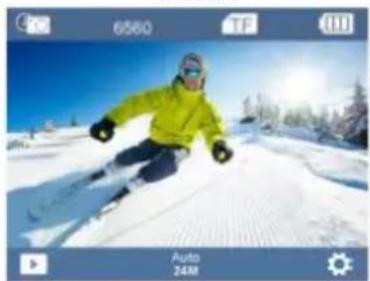
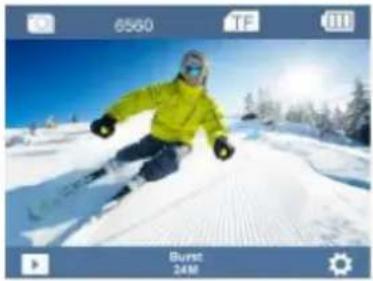
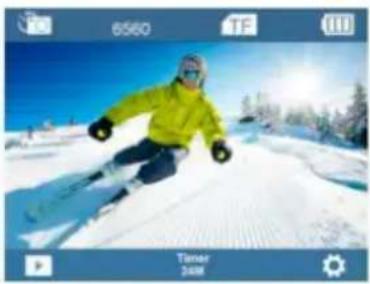
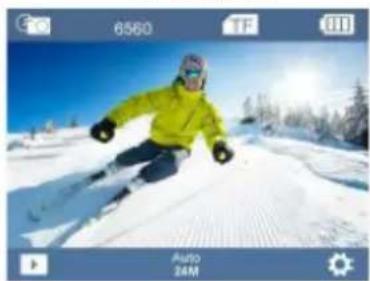
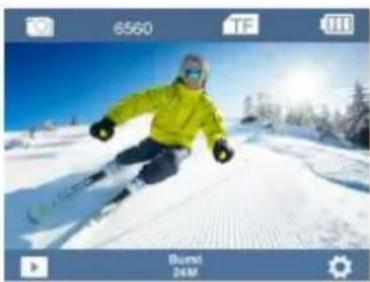
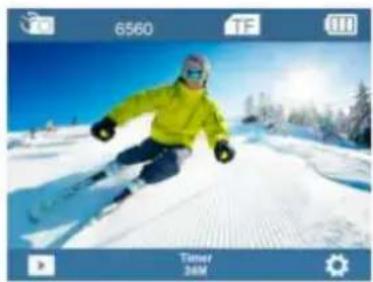
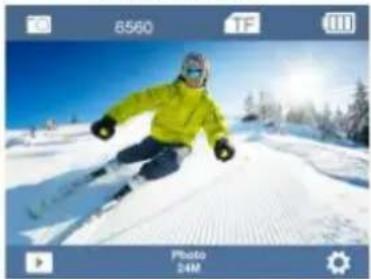
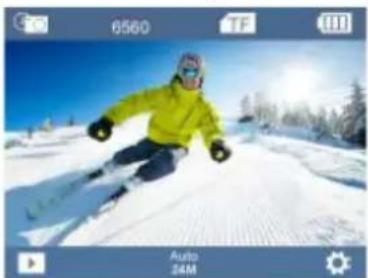
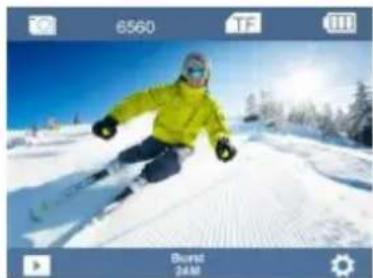
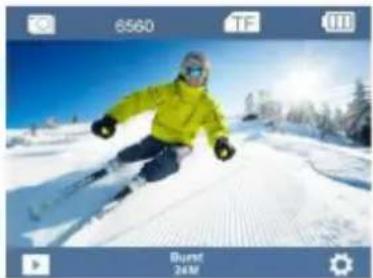
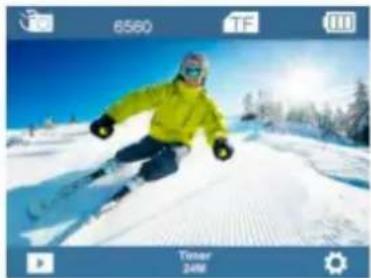
- Various photo shooting modes are available, including Photo, Auto, Burst, Timer.
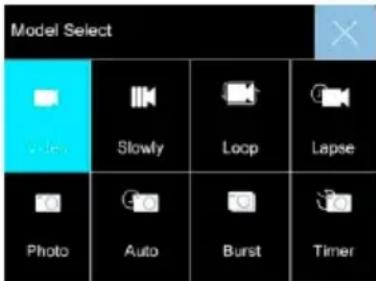
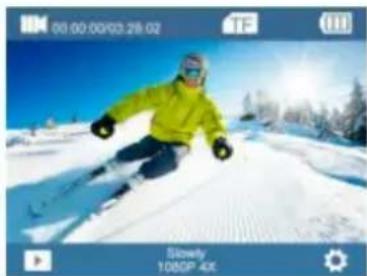
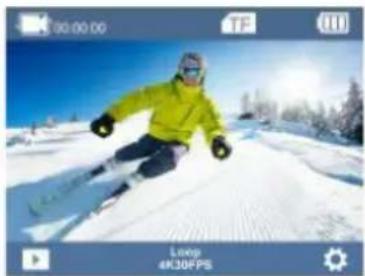
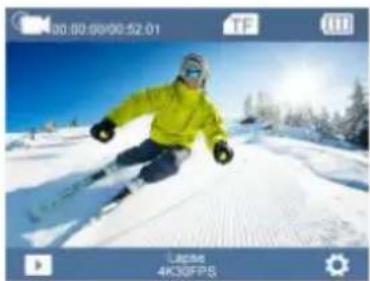
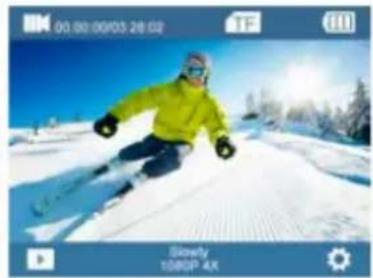
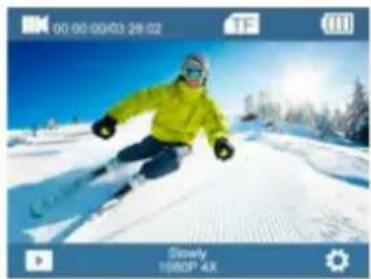
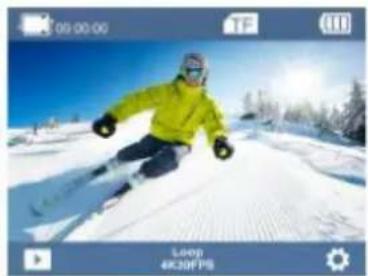
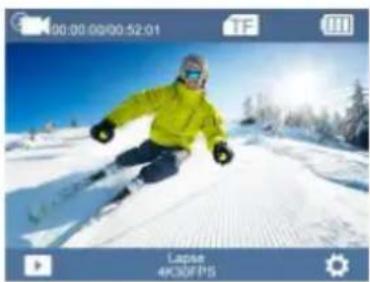
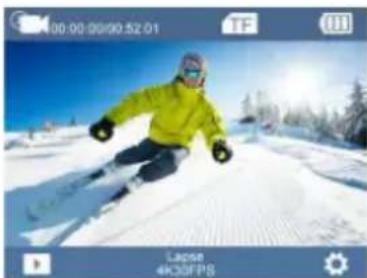
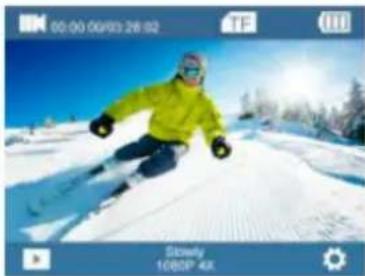
- Offers multiple video shooting modes, such as Video, Slowly, Loop, Lapse.
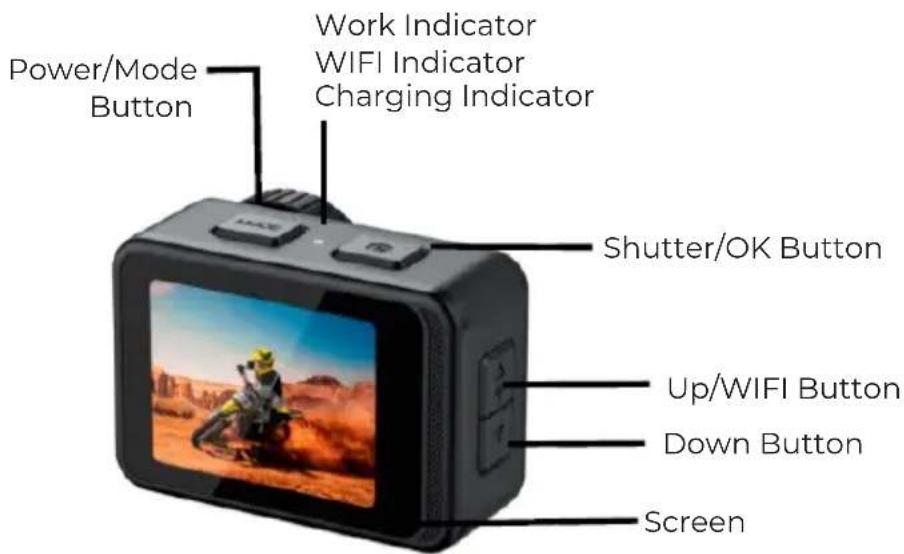
The Diagram of Product
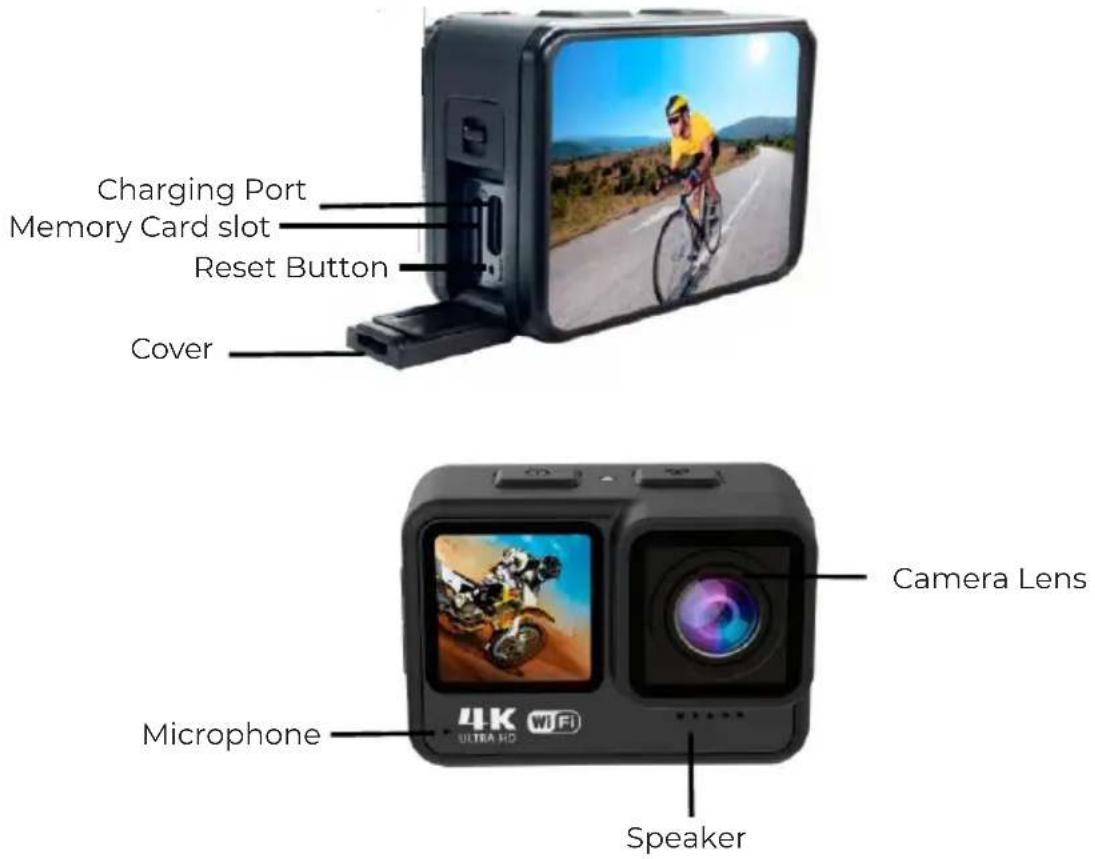
Waterproof
WARNING: It is imperative to securely fasten the cover on the camera before submerging it in water. Failure to do so may cause leaks that could potentially harm or render your camera inoperable. Please be advised that any water damage resulting from user error is not covered under warranty.
Accessories:
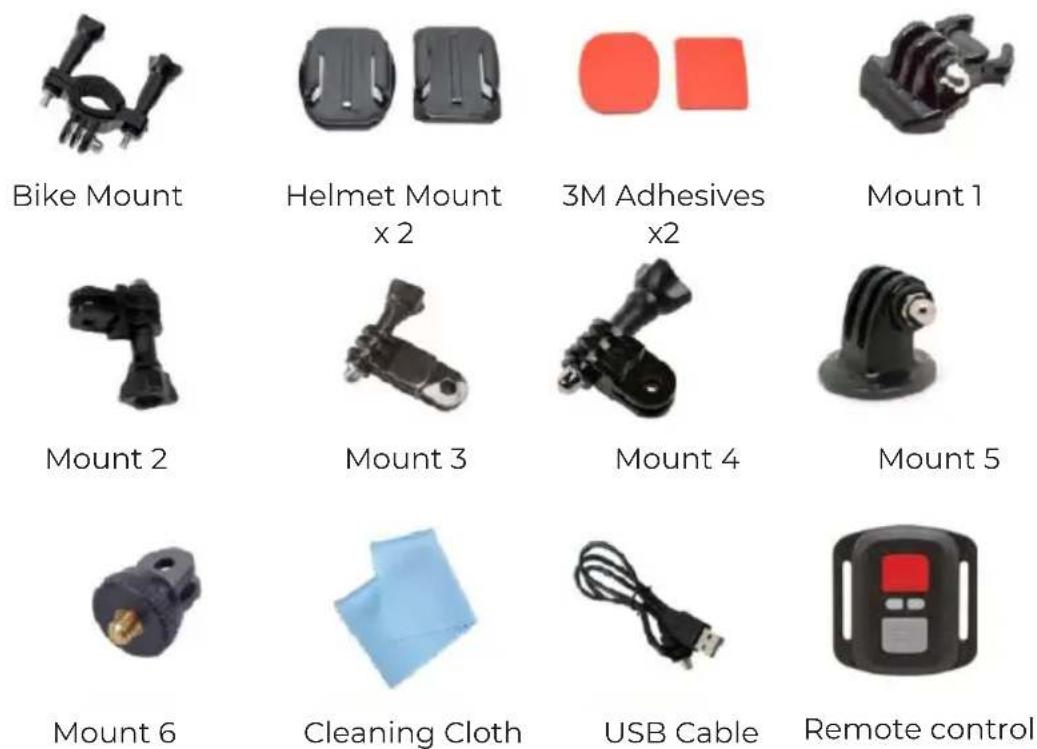
The availability of accessories may vary depending on the production date. Please check the contents of your package or consult your dealer to confirm availability.
Getting Started
Power On: Press and hold the Power/Mode Button for 3 seconds.
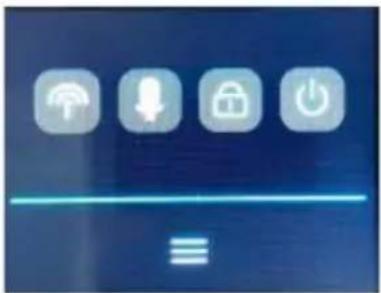
Power Off: Press and hold the Power/Mode Button again for 3 seconds. Or slide from up to down and touch the Power Off icon.
natural_image
Digital kitchen control buttons including Wi-Fi, keyboard, lock, and power button (no text or symbols on icons)OVERVIEW
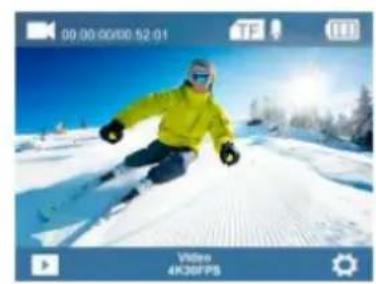
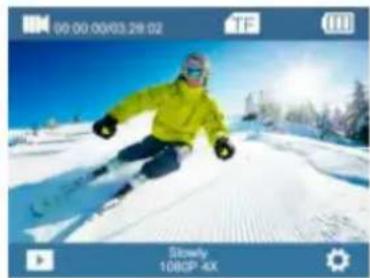
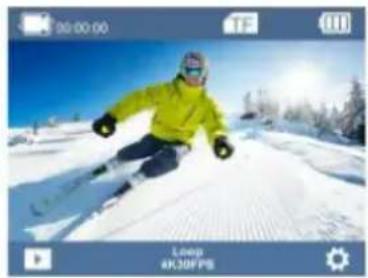
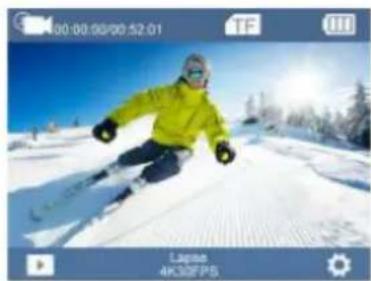
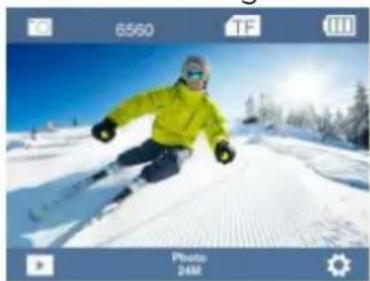
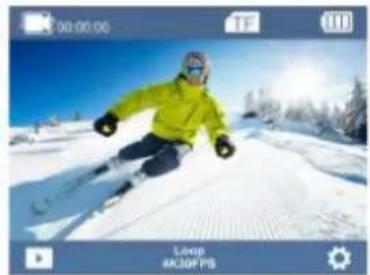
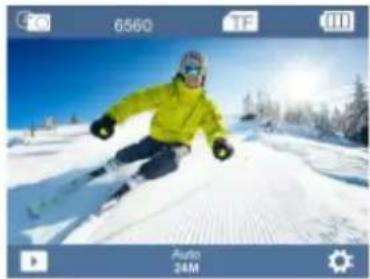
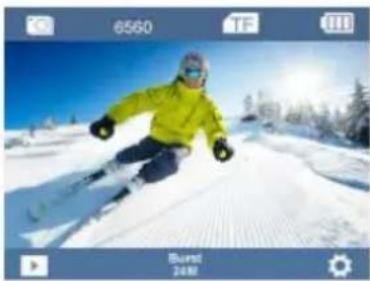
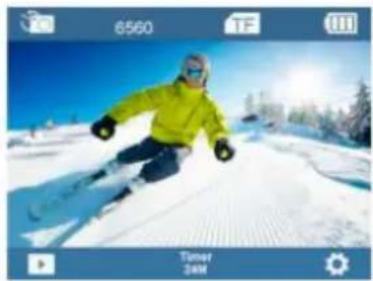
Turn the camera ON and repeatedly press the Power/Mode Button to cycle through camera modes and setting. The modes will appear in following order:
natural_image
Skier in action on a snowy slope under blue sky, no visible text or symbolsVideo Recording
natural_image
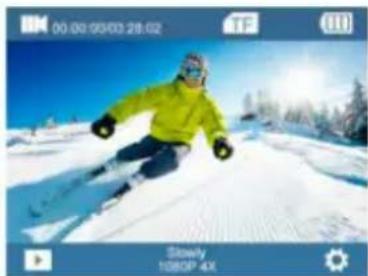
Skier in a snowy landscape with trees and clear blue sky (no text or symbols visible)Slowly Recording
natural_image
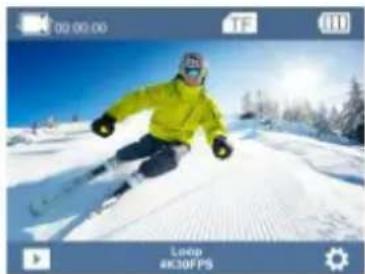
Skier in a bright yellow jacket carving on a snowy slope under a clear blue sky (no text or symbols visible)Loop Recording
natural_image
Skier in a snowy mountain slope with trees and clear blue sky (no text or symbols visible)Lapse Recording
natural_image
Skier in a bright yellow jacket skiing on a snowy slope under clear blue sky (no text or symbols visible)Photo
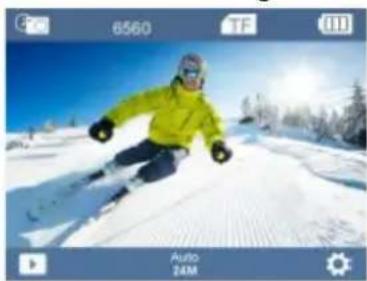
natural_image
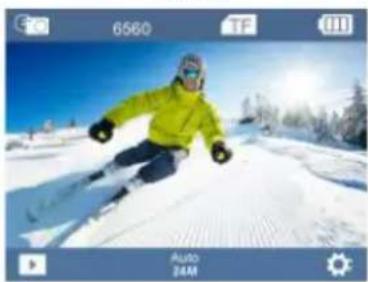
Skier in a bright yellow jacket carving a snowy slope under a clear blue sky (no text or symbols visible)Auto
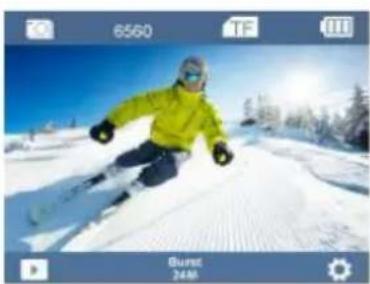
natural_image
Skier in a snowy mountain slope with trees and clear blue sky (no text or symbols visible)Burst
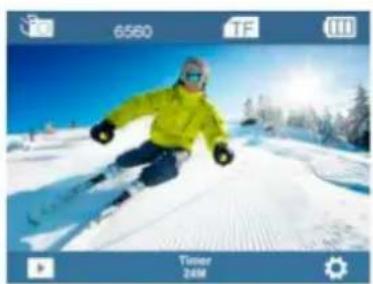
natural_image
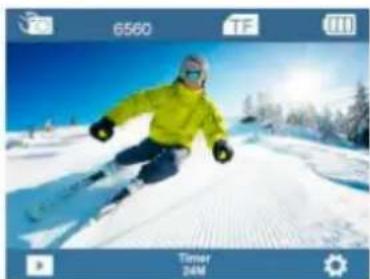
Skier in a bright yellow jacket skiing on a snowy slope under a clear blue sky (no text or symbols visible)Timer
SETTING
Press and hold the OK Button to enter the settings menu. Repeatedly press the Up/Down Button to cycle through options and press the OK Button to select desired option.
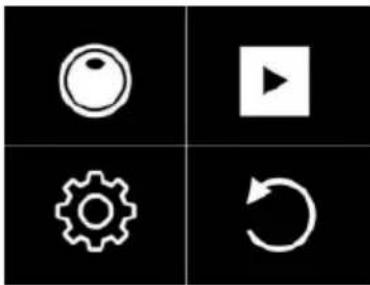
natural_image
Four black square icons: circular head, play button, gear, and refresh symbol (no text or labels)Mode Setting
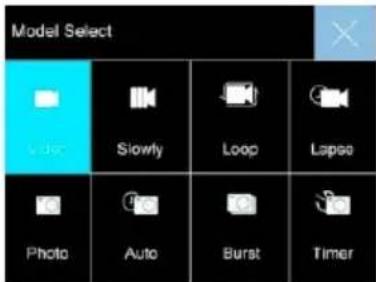
Choose the "☐" to enter mode setting and press Up/Down Button to cycle through Video/Photo Mode. Or click the bottom of the screen in the Video/Photo Mode, then mode setting will display for your choosing.
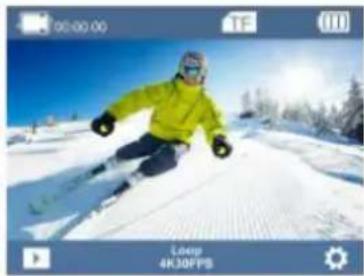
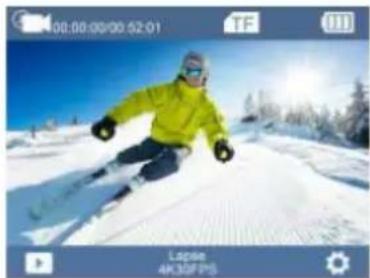
Video Mode: Video/Slowly/Loop/Lapse
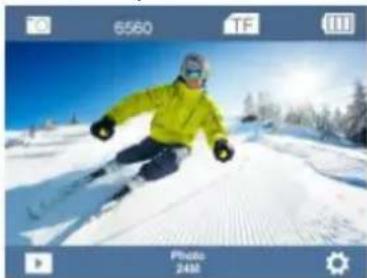
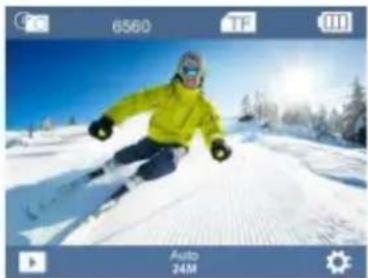
Photo Mode: Photo/Auto/Burst/Timer
PlayBack
Playing back videos and photos:
(1) Verify the camera is in Playback menu " ▶".
(2) Press Up/Down Button to select files, press OK Button to playback video or photo.
Or Click the “▶” on the bottom of the screen in the Video/Photo Mode to enter, then touch the left/right arrow to select files.
System Setting
If need to set the Video/Photo setting, verify it is in Video/Photo interface correspondingly, long press OK Button and choose the “💡” to enter setting interface. When the Setting interface appears, repeatedly press the Up/Down Button to cycle through main options, press the OK button to select your preferred option.
Press Mode Button to select Video/Photo setting mode, System setting mode or Exit. Or you can touch the “💡” on the bottom of screen in the Video/Photo Mode to enter setting interface. Slip to cycle through main options, then click your preferred option to select.
4G Remote Control
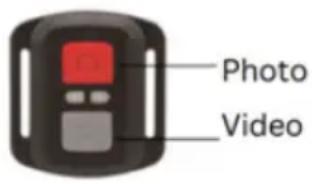
Video
Press the gray video button on the remote control to start video recording. The camera will emit a beep and the blue indicator will flash, indicating that recording is in progress.
Press the gray video button again to stop recording; the blue indicator will stop flashing, indicating that recording has ended.
Photo
Press the red photo button on the remote control to capture a photo.
The camera will register the image with a single shutter sound.
Video Setting
| Video Resolution | 4K60FPS,4K30FPS,2.7K30FPS,1080P120/60/30FPS, 720P120/60/30FPS |
| Slowly Rec Resolution | 1080P4X, 1080P 2X, 720P 8X,720P 4X, |
| Loop Video Length 2min, 3min, 5min | |
| Time-lapse Rec Interval | 0.5s/1s/2s/5s/10s/30s/60s |
| EIS | On/Off(4K30FPS,2.7K30FPS,1080P60FPS, 1080P30FPS support ) |
| Distortion Correction | On/Off(4K30FPS,2.7K30FPS,1080P60FPS, 1080P30FPS,720P60FPS,720P30FPS support ) |
| White Balance Auto/Sunny/Cloudy/Incandescent/Fluorescence | |
| Exposure Setting -3, -2, | -1, 0, 1, 2, 3 |
| Video Quality High/Middle/Low | |
| ISO Auto/100/200/400/800/1600/3200/6400 | |
| Time Watermark On/Off | |
| Rec Audio On/Off | |
Photo Settings
| Pixel Inset 24/20/16/12/10M | |
| Auto Photo Interval 3s/10s/15s/20s/30s | |
| Burst Photo Frequency | 3P/S, 5P/S, 10P/S |
| Timer Countdown 3S/ 5S/ 10S/ 20S | |
| White Balance Auto/Sunny/Cloudy/Incandescent/Fluorescence | |
| Exposure Setting | -3, -2, -1, 0, 1, 2, 3 |
| ISO | Auto/100/200/400/800/1600/3200/6400 |
| Time Watermark | On/Off |
System Settings
| Image Rotation On/Off | |
| WIFI On/Off | |
| WIFI Information WIFI ID and WIFI Password | |
| Reset WIFI Confirm/Cancel | |
| Light Source Frequency Auto/ 50Hz/ 60Hz | |
| LED Indicator On/Off | |
| Auto Screen Saver Off/30S/1 Minute/2 Minutes | |
| Auto Power Off Off/3 Minutes/ 5 Minutes/ 10 Minutes | |
| Button Prompt High/Middle/Low/Off | |
| Driving Mode On/Off | |
| Language | English/German/French/Spanish/Italian/Traditional Chinese/Simplified Chinese/Japanese/Russian/Korean/Polish/Portuguese/Thai |
| Time Format | YYYY/MM/DD, MM/DD/YYYY, DD-MM-YYYY |
| Time Set Hour/Minute/Second | |
| Date Set | Year/Month/Day |
| Format | Format/ Cancel |
| Device Info | Product Model/Software Version/ Update Time |
| Factory Reset | Confirm/ Cancel |
Press Mode Button to select the last option “○” and press OK Button to exit the Settings Menu.
Insert Micro SD card
Please select the brand Micro SD card Class 10 max 128GB, formatted on the computer and then insert the Micro SD card slot.
Battery Charging:
- Connect the computer or the power adapter can be charged.
- Connect to the car charger can be charged in the car.
- Can be charged while in video function.
Indicator light
Working LED light: Blue light
Charging LED right: Red light, keep constant red when in charging, and will be off when charging full.
Video Mode
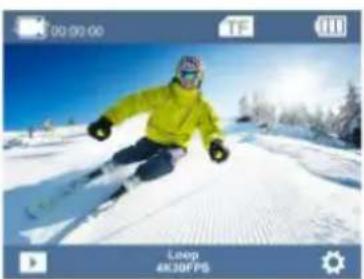
- To record video, verify the camera is in Video mode.
- If the video icon displays "■" on screen, press the OK Button to start video recording accompanied with the blue light flashing.
- Press OK Button again to stop the video, the blue light will stop flashing and emit a beep sound.
Photo Mode
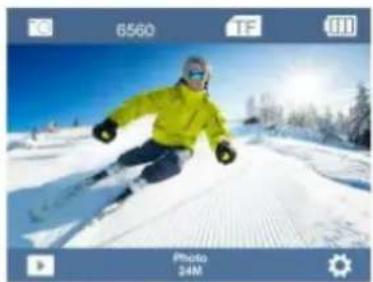
- To take photo, verify the camera is in Photo Mode.
- If the photo icon " [O] " displays on screen, press OK Button to take photos.
Back & Front Screen Switching
Long press Down Button, Back screen and Front screen can be switched to the video and photo, the back screen goes off after switching the front screen display, and the front screen goes off after switching the back screen display.
Connect PC
Connect camera to PC and turn on camera, screen will display 3 mode: USB Mode, PC Camera, Charging Mode, press up and down button to choose the mode you desire.
USB Mode: Press OK Button to enter this mode for playback the video and photo PC Camera: Press OK Button to work as PC camera
Charging Mode: Press OK Button for charging.
Install APP and use of the WIFI
Before using WIFI function, please install "XDV PRO" APP program on the smart phone:
- Scan below QR code to download APP or search "XDV PRO".
- Android smart phone need to download it on Google play store, IOS smart phone need to download it on Apple APP store.

WIFI Connection:
- After camera is power on, have 2 ways to connect wifi function
Way 1: Long press the Up Button for 3 seconds, WIFI information will display.
Way 2: Go to the System Setting, then Turn on Wifi function
- Search the WIFI ID "X17-xxxx" in your smart phone or tablet, and enter the password "1234567890".
- Open "XDV-PRO" APP program, you can preview the shooting screen on the APP, videos and photos can be remote, files can be play backed/ downloaded/ deleted/ shared.
- For APP installation, your phone system requires to be Android 4.1 and above or IOS 7 or more.
Parameter
| LCD | 2.0” IPS +1.3” IPS Screen |
| LENS | 170 degree wide Angle lens |
| Language | English/German/French/Spanish/Italian/Traditional Chinese/Simplified Chinese/Japanese/Russian/Korean/Polish/Portuguese/Thai |
| Video | 4K60FPS,4K30FPS,2.7K30FPS,1080P120/60/30FPS,720P120/60/30FPS |
| Video format | MP4 |
| Compression format | H.264 |
| Photo | 24/20/16/12/10M |
| Memory | Micro SD up to 128GB |
| Video mode | Video/ Slowly/ Loop / Lapse |
| Picture mode | Photo/ Auto / Burst/ Timer |
| WIFI | Support |
| Light source frequency | Auto/50HZ/60HZ |
| USB | USB 2.0 |
| Power | 5V 1A |
| Battery | 1000mAh |
| Video time | Up to 110 mins |
| Charge time | About 2.5 hours |
| System | Windows XP/VistaorAbove/WIN7/Mac os |
| Size | 66*35*46.3mm |
Warranty policy
This product complies with the warranty law in force in the country of purchase. When you have a problem that you can not solve, you must access the web www.prixton.com and click on the contact option to send us your assistance form.
These technical and electrical specifications are those of typical units and may be changed without prior notice in order to provide improved equipment.
Simplified EU Declaration Of Conformity
We, La Trastienda Digital located in Avenida Cervantes 49, módulo 25, Basauri 48970, Bizkaia hereby declare that the following goods, imported and selling at European market:
| BRAND | MODEL NAME DESCRIPTION | CATEGORY | |
| Prixton | AQUA DV850 | ACTION CAM 4K | Leisure |
Are in compliance with the EC Council Directive of 2014/53/EU (EM DIRECTIVE) and harmonized standards and with the board of the 16th of April 2014.
The complete text of the UE Declaration of conformity is available anytime at this website address:
www.prixton.com
LA TRASTIENDA DIGITAL
Avertissement
natural_image
Blue background with four white icons: Wi-Fi, plug, lock, and power button, plus a horizontal line and a minus sign below (no readable text or symbols)APERÇU
natural_image
Skier in a snowy landscape with trees and clear blue sky (no text or symbols visible)natural_image
Skier in action on snowy slope under blue sky (no text or symbols visible)Enregistrement lent
natural_image
Skier in a snowy slope under clear blue sky, no visible text or symbolsnatural_image
Skier in a bright yellow jacket carving on a snowy slope under a clear blue sky (no text or symbols visible)Enregistrement en intervalle (Timelapse)
natural_image
Skier in a snowy mountain slope, wearing a green jacket and winter gear, with no visible text or symbols.Photo
natural_image
Skier in a snowy landscape with trees and clear blue sky (no text or symbols visible)Automatique
natural_image
Skier in a snowy mountain slope, wearing a green jacket and winter gear, with trees and sun in the background (no visible text or symbols)Rafale
natural_image
Skier in a snowy slope with trees and sun in the background (no text or symbols visible)Minuterie
PARAMÈTRES
natural_image
Four black square icons: circular head, play button, gear, and refresh symbol (no text or labels)Paramètre du mode
Lecture
Photo
Connexion WIFI :
natural_image
Digital display screen showing four app icons (hair, speaker, lock, power) with a horizontal line below containing the letter '三' (three times), no readable text or symbols beyond icons.PANORAMICA
natural_image
Skier in yellow jacket skiing on a snowy slope under blue sky (no text or symbols visible)Registrazione video
natural_image
Skier in a snowy landscape with trees and clear sky (no text or symbols visible)Registrazione lenta
natural_image
Skier in a bright yellow jacket carving a snowy slope against a clear blue sky (no text or symbols visible)natural_image
Skier in a snowy mountain slope with trees and clear sky (no visible text or symbols)natural_image
Skier in a yellow jacket skiing down a snowy slope under a clear blue sky (no text or symbols visible)Foto
natural_image
Skier in a snowy mountain slope under clear blue sky, no visible text or symbolsAuto
natural_image
Skier in a snowy mountain slope, wearing a yellow jacket and winter gear, with trees and snow in the background (no visible text or symbols)Scatto continuo
natural_image
Skier in a bright yellow jacket skiing on a snowy slope under a clear blue sky (no text or symbols visible)Timer
IMPOSTAZIONI
natural_image
Four black-and-white grid icons: circular, play button, gear, and refresh symbol (no text or labels)Riproduzione
Foto
Connessione WIFI:
natural_image
Digital icon set showing four connected icons (wifi, battery, lock, power) above a blue grid bar with a '≡' below, no readable text or symbols.ÜBERSICHT
natural_image
Skier in action on a snowy slope, wearing a green jacket and goggles (no visible text or symbols)Videoaufzeichnung
natural_image
Skier in a snowy landscape with clear blue sky and distant sun (no text or symbols visible)Langsame Aufnahme
natural_image
Skier in yellow jacket carving a snowy slope under blue sky (no text or symbols visible)Schleifenaufna hme
natural_image
Skier in a bright yellow jacket carving a snowy slope, with trees and blue sky in background (no text or symbols visible)Zeitrafferaufna hme
natural_image
Skier in a snowy landscape wearing a green jacket and black pants, with trees and sun in the background (no visible text or symbols)Foto
natural_image
Skier in a snowy mountain slope under clear blue sky, no visible text or symbolsAutomatisch

natural_image
Skier in a snowy mountain slope with trees and clear blue sky (no text or symbols visible)Serienaufnahme
natural_image
Skier in a bright yellow jacket skiing on a snowy slope under a blue sky (no text or symbols visible)Timer
EINSTELLUNGEN
natural_image
Four black square icons: circular head, play button, gear, and refresh symbol (no text or labels)Moduseinstellung
Wiedergabe
Foto
Long press Down Button, Back screen and Front screen can be switched to the video and photo, the back screen goes off after switching the front screen display, and the front screen goes off after switching the back screen display.
Connect PC
WIFI-Verbindung:
natural_image
Blue background with four white icons: Wi-Fi, battery, lock, and power button, plus a horizontal line and a minus sign below (no readable text or symbols)VISÃO GERAL
natural_image
Skier in a snowy mountain slope with blue sky background (no visible text or symbols)Gravação de Vídeo
natural_image
Skier in a snowy slope with trees and blue sky background (no text or symbols)Gravação Lenta
natural_image
Skier in a bright yellow jacket carving on a snowy slope under a clear blue sky (no text or symbols visible)Gravação em Loop
natural_image
Skier in a bright yellow jacket gliding on a snowy slope under a clear blue sky (no text or symbols visible)natural_image
Skier in a snowy landscape with trees and sun in the background (no text or symbols visible)Foto
natural_image
Skier in a snowy landscape wearing a yellow jacket and winter gear, with trees and clear blue sky (no text or symbols visible)Auto
natural_image
Skier in a snowy slope with trees and sun in the background (no text or symbols visible)Modo Burst

natural_image
Skier in a snowy slope with trees and sun in the background (no text or symbols visible)Timer
CONFIGURAÇÃO
natural_image
Four black square icons: circular head, play button, gear, and refresh symbol (no text or labels)Reprodução
Foto
Conexão WIFI:
natural_image
Blue background with four white icons: Wi-Fi, plug-in, lock, and power button, plus a horizontal line and a minus sign below (no readable text or symbols)OVERZICHT
natural_image
Skier in a bright yellow jacket carving on a snowy slope, with trees and blue sky background (no text or symbols visible)Video-opname
natural_image
Skier in a snowy landscape with blue sky and trees (no visible text or symbols)Langzame opname
natural_image
Skier in yellow jacket carving a snowy slope under blue sky, no visible text or symbolsLoop-opname
natural_image
Skier in yellow jacket skiing on a snowy slope with trees and sun in background (no text or symbols)Time-lapse opname
natural_image
Skier in a snowy landscape with trees and sun in the background (no visible text or symbols)Foto
natural_image
Skier in a snowy landscape with trees and clear blue sky (no text or symbols visible)Auto
natural_image
Skier in a snowy mountain slope with trees and clear blue sky (no text or symbols visible)Burst
natural_image
Skier in a snowy landscape with trees and blue sky (no text or symbols visible)Timer
INSTELLINGEN
natural_image
Four black square icons: circular, play button, gear, and refresh symbol (no text or labels)Modusinstelling
Video Mode: Video/Langzaam/Loop/Time-lapse
Photo Mode: Foto/Auto/Burst/Timer