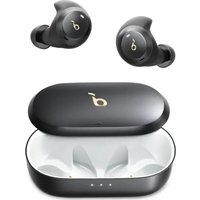
Life P3 - Earphones soundcore - Free user manual and instructions
Find the device manual for free Life P3 soundcore in PDF.


| Product Type | True Wireless Earbuds |
| Brand | Soundcore |
| Model | Life P3 |
| Bluetooth Version | V 5.0 |
| Bluetooth Range | 15 m |
| Battery Life (without ANC) | Up to 7 hours (35 hours with charging case) |
| Battery Life (with ANC) | Up to 6 hours (30 hours with charging case) |
| Charging Time | 3 hours |
| Battery Capacity | 63 mAh x 2 (earbuds); 800 mAh (charging case) |
| Driver Size | 11 mm x 2 |
| Frequency Response | 20 Hz - 20 kHz |
| Impedance | 16 Ω |
| Waterproof Rating | IPX5 |
| Input | 5 V = 0.35 A |
| Noise Cancellation Modes | Transport, Outdoor, Indoor |
| Dedicated App | Soundcore (customization, equalizer, firmware update) |
| Controls | Touch (play/pause, track, call, voice assistant) |
| Mono Mode | Yes (single earbud use) |
| Reset | Press and hold the button on the case for 10 seconds |
| Safety | Dry the earbuds and USB port before charging; use a certified USB-C cable and charger |
| Spare Parts | 5 pairs of ear tips (XS, S, M, L, XL) |
| Maintenance | Clean the ear tips regularly |
Frequently Asked Questions - Life P3 soundcore
User questions about Life P3 soundcore
0 question about this device. Answer the ones you know or ask your own.
Ask a new question about this device
Download the instructions for your Earphones in PDF format for free! Find your manual Life P3 - soundcore and take your electronic device back in hand. On this page are published all the documents necessary for the use of your device. Life P3 by soundcore.
USER MANUAL Life P3 soundcore
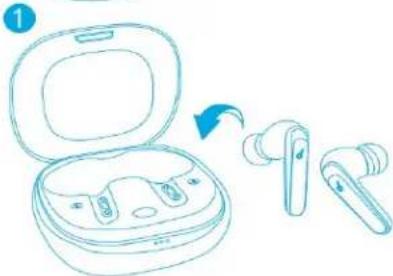
natural_image
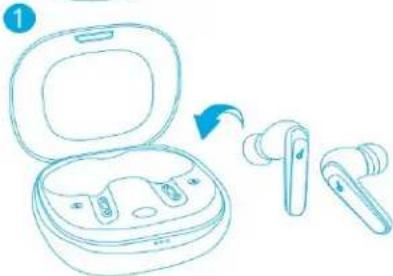
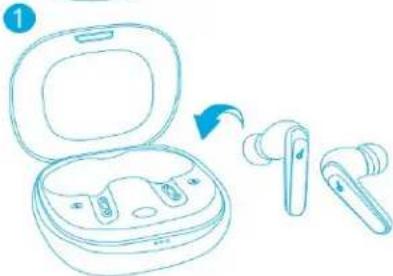
Line drawing of two wireless earbuds with blue logos, no text or symbols present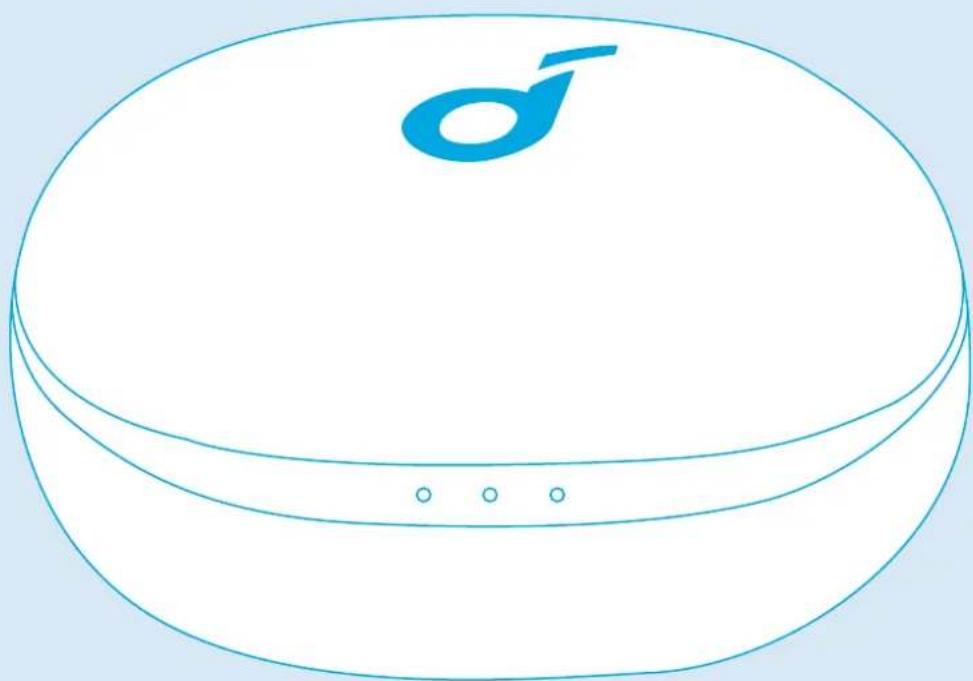
natural_image
Simple line drawing of a circular electronic device with a blue logo and three dots on its side (no text or symbols)Soundcore Life P3
USER MANUAL
English 01
Čeština 08
Dansk 15
Deutsch 22
ελληνικά 29
Español 36
Suomi 43
Français 50
Magyar 57
Italiano 64
Nederlands 71
Norsk 78
Język polski 85
Português 92
Русский 99
Slovenský Jazyk 106
Slovenski Jezik 113
Svenska 120
Portugues do Brasil 127
Türkçe 134
日本語 141
한국어 149
简体中文 156
繁體中文 163
لعربيبة 170
178
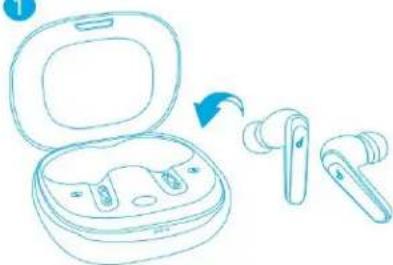
Charging
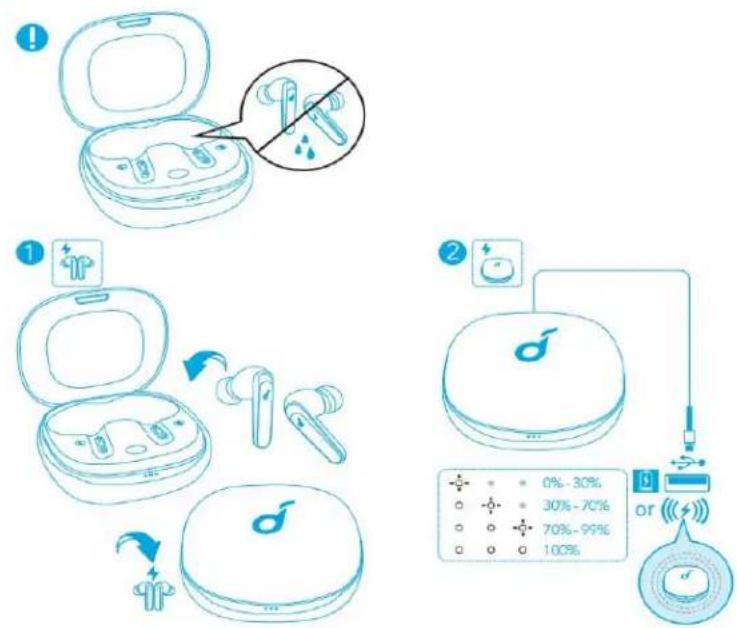
• Fully dry off the earbuds and the USB port before charging.
• Use a certified USB-C charging cable and charger to prevent any damage.
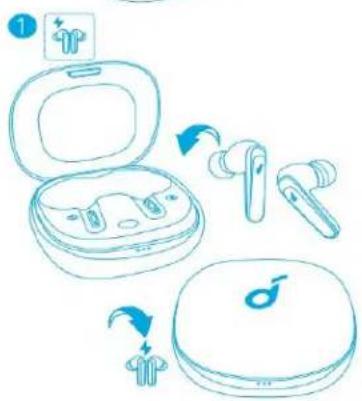
• Fully charge both the earbuds and the charging case before the first use.
-
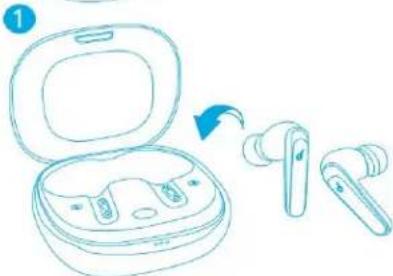
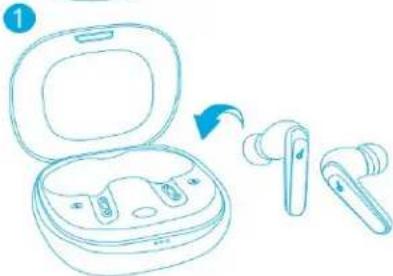
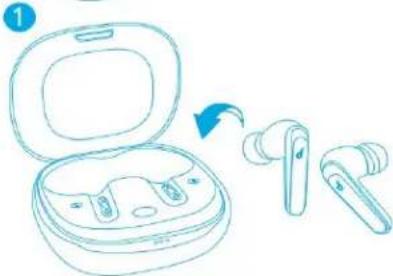
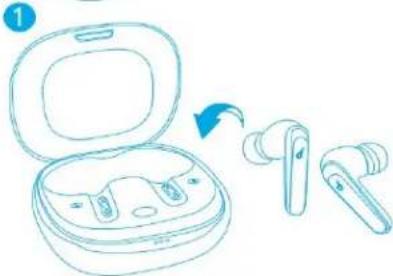
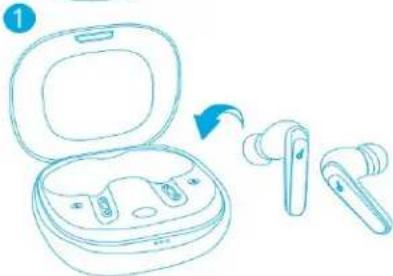
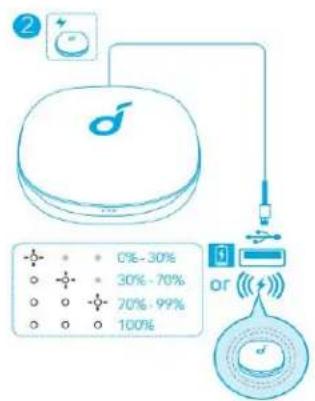
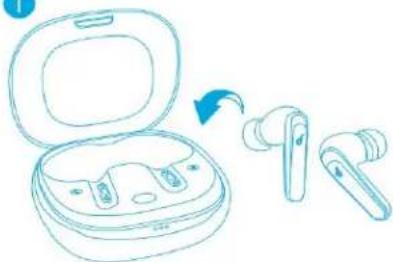
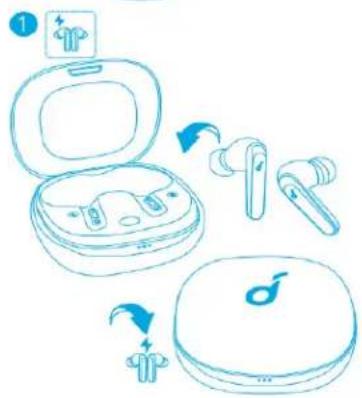
Place the earbuds in the charging case and close it.
-
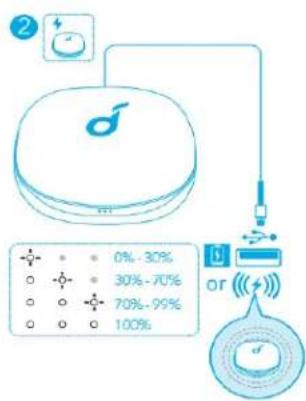
Connect the charging case to the power supply by using a USB-C charging cable. Alternatively, position the charging case at the center of your wireless charger for wireless charging.
• The LED indicators on the charging case indicate the charging status.
Wearing
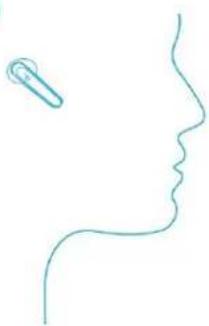
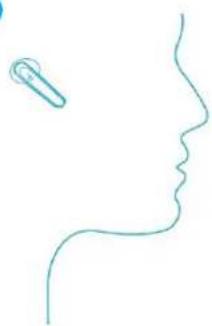
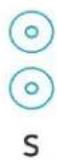
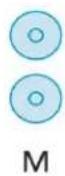
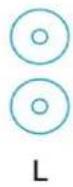
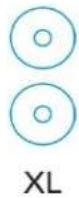
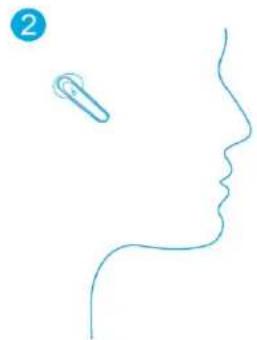
- Choose the EarTips that fit your ears best.
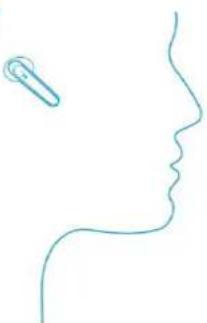
- Insert the earbuds into the inner canal of your ears and turn gently until you find the most comfortable and secure position.
1

XS

S

M

L

XL
2
natural_image
Simple line drawing of a human head profile with a small object near the top (no text or symbols)- Your earbuds come with multiple pairs of EarTips, among which Medium-sized are pre-installed.
Powering On/Off
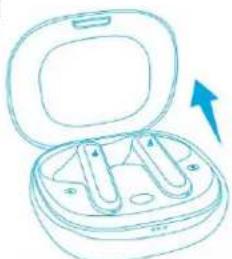
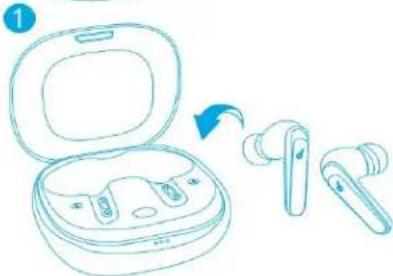
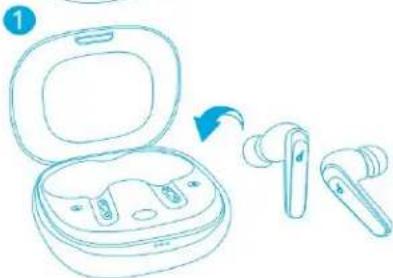
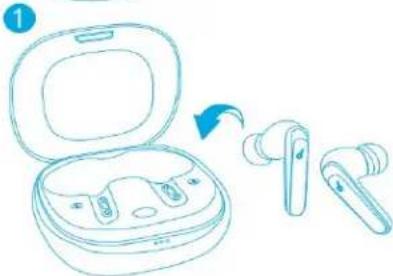
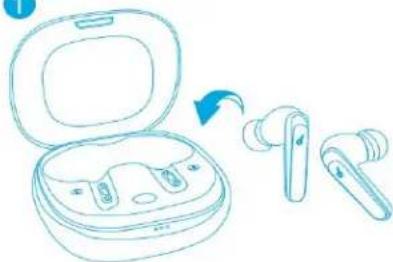
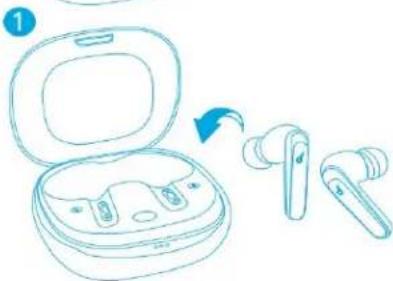
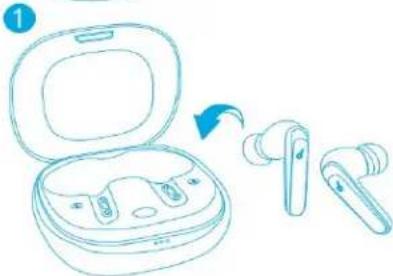
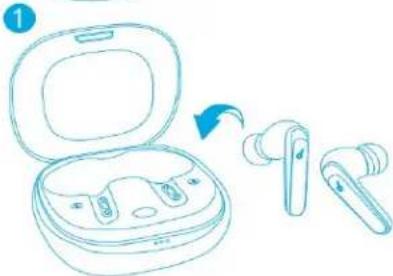
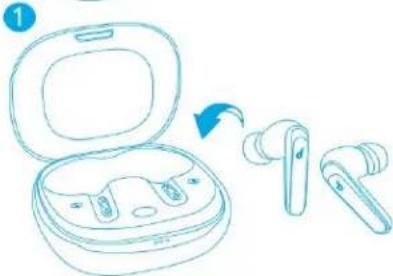
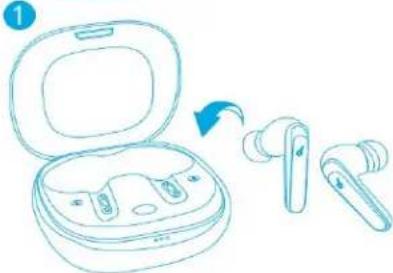
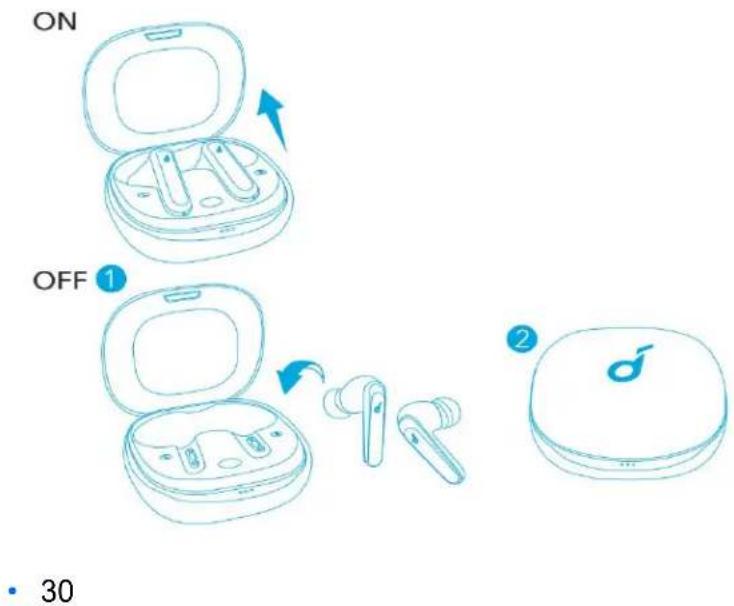
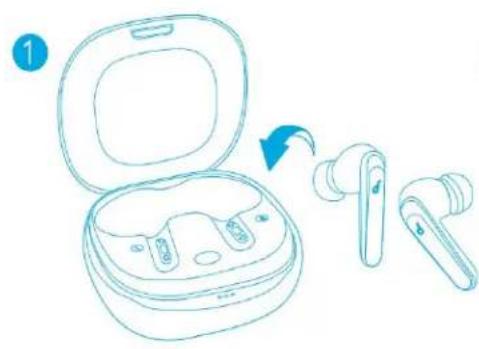
Open the charging case, the earbuds will automatically power on. To power off, place the earbuds in the charging case and close it.
ON
natural_image
Line drawing of an open dental appliance with two cutouts and a blue arrow indicating rotation (no text or symbols)OFF
natural_image
Line drawing of an open wireless earbuds with one ear being transferred (no text or symbols)2
- The earbuds will automatically power off after 30 minutes if no device is connected.
Bluetooth Pairing
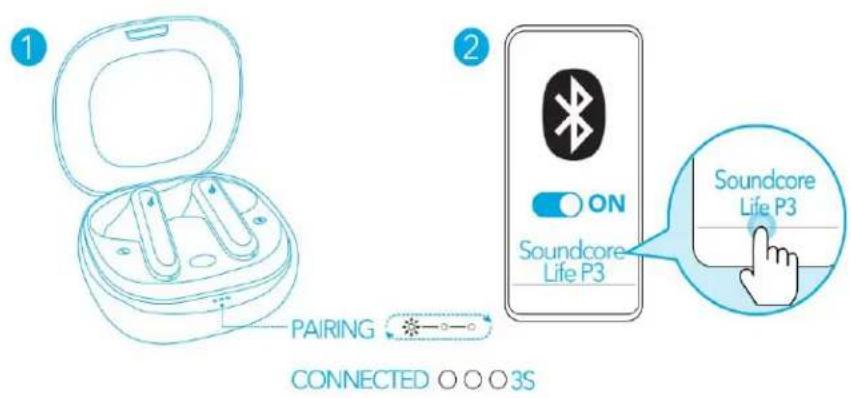
- Open the charging case, the earbuds will automatically enter the Bluetooth pairing mode.
- The 3 LED indicators on the charging case will flash white in sequence continuously.
- Select "Soundcore Life P3" on your device's Bluetooth list to connect. When successfully connected, the LED indicators on the charging case will turn white for 3 seconds.
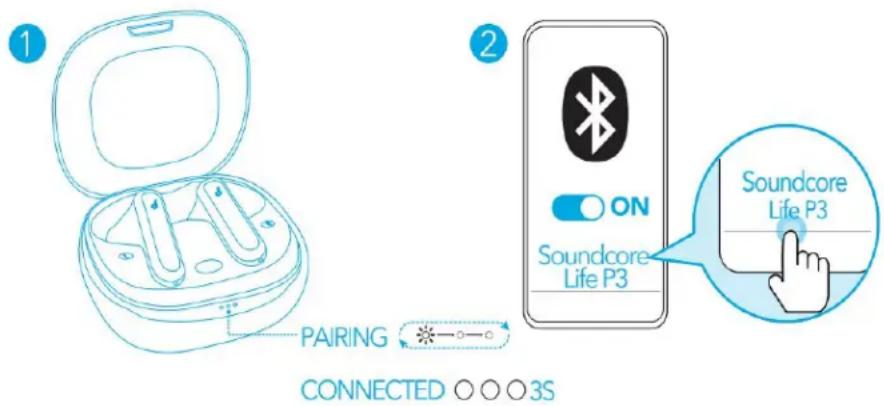
- Pairing with another device: Place the earbuds in the charging case and leave the case open. To enter pairing mode, press and hold the button on the case for 3 seconds until the 3 LED indicators flash white in sequence continuously.
• Each time you power on your Soundcore earbuds, they will automatically connect to your last successfully connected device if available within the Bluetooth range. - Mono mode: When Bluetooth connected, you can use either one of the earbuds only by placing the other one into the charging case.
- When powered on and connected, if either one of the earbuds is out of battery and powered off, you can keep using the other one.
- When you are on a call, place either one of the earbuds into the charging case, and the microphone in the other earbud will be activated.
Controls
natural_image
Illustration of a finger pressing a button with a hand cursor (no text or symbols)
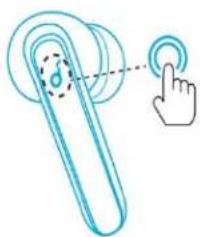
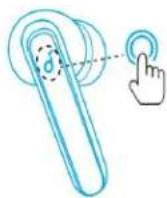
| Play/Pause | Press twice (R) |
| Next track | Press twice (L) |
| Switch ambient sound modes (Noise Cancellation/Normal) | Press and hold for 2 secor (L/R) |

| Answer a call | Press twice (L/R) |
| Answer a second incoming call and put the current call on hold | |
| End/Reject a call | Press and hold for 2 secor (L/R) |
| Switch between a call on hold and an acti |
Mono mode
| Play/Pause | Press twice |
| Answer a call | Press twice |
| End/Reject a call | Press and hold for 2 secor |
| Activate Siri or other voice assistant softwar | Press and hold for 2 secor |
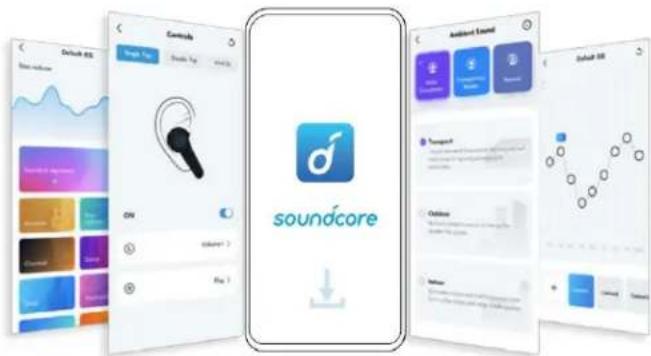
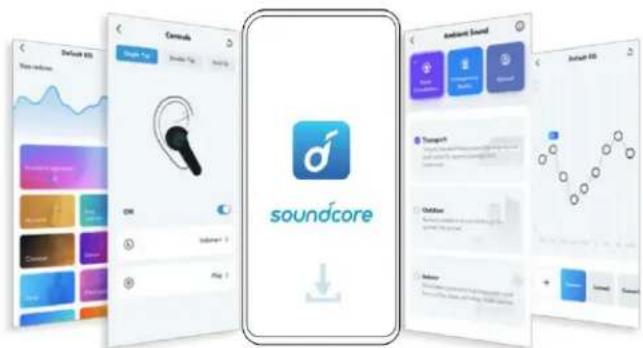
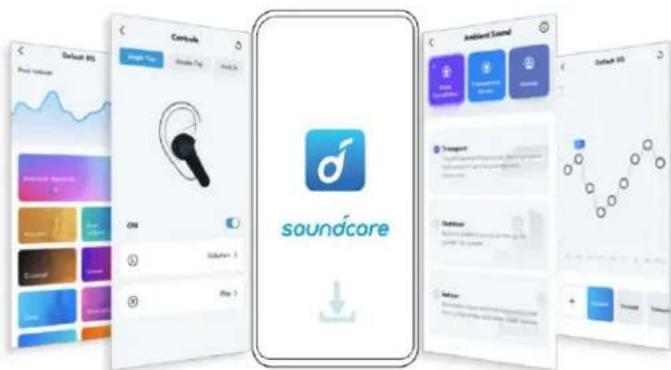
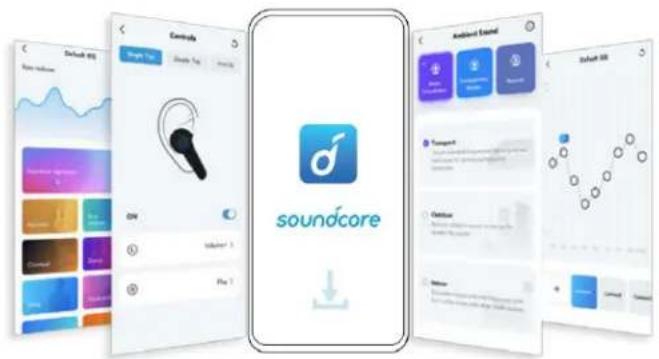
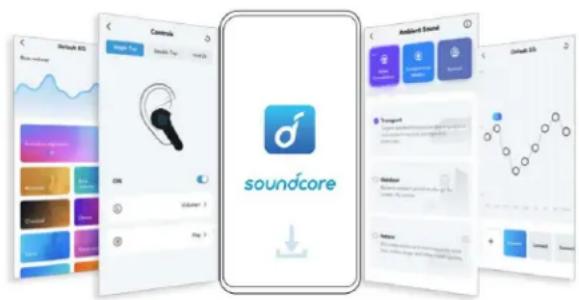
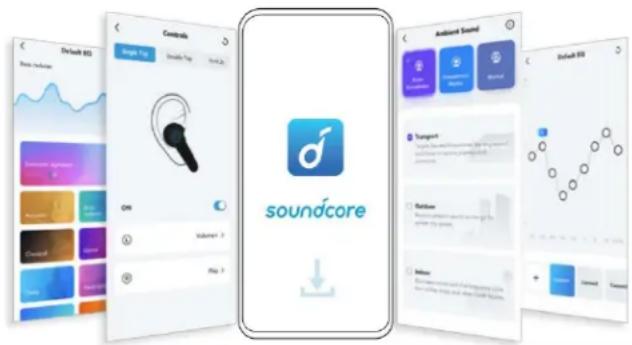
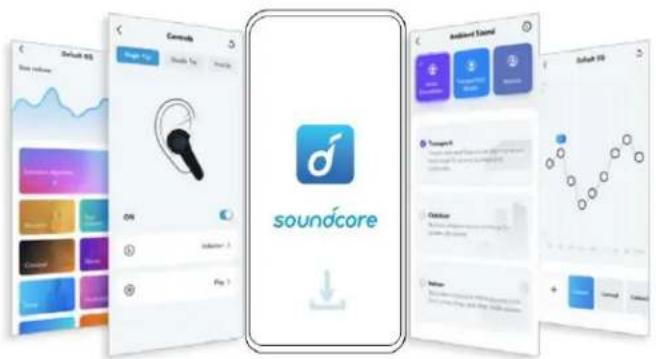
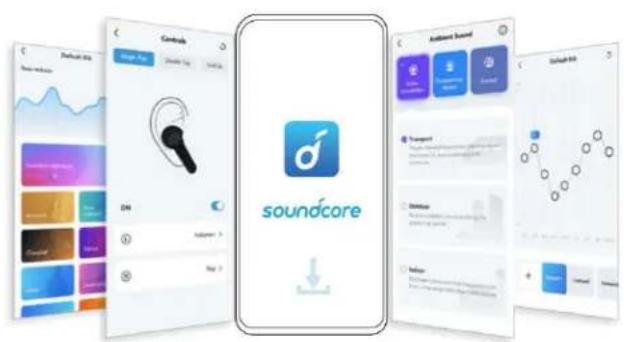
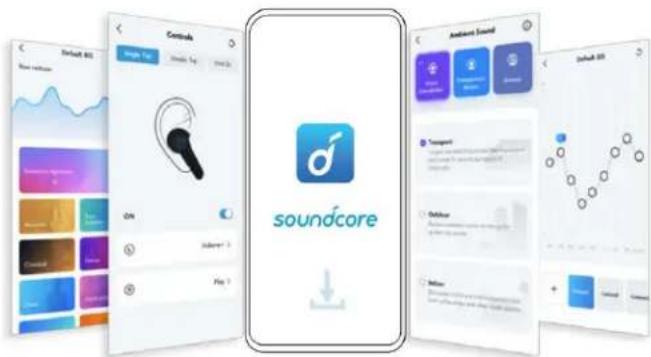
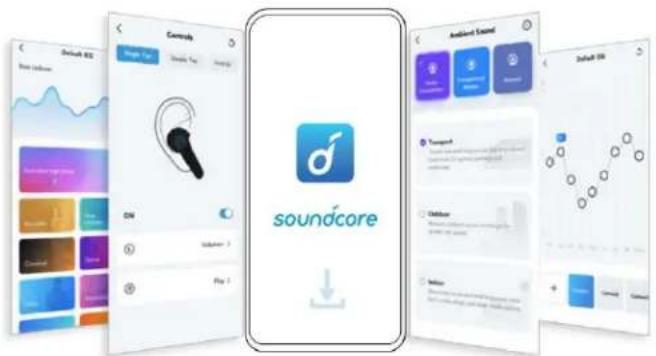
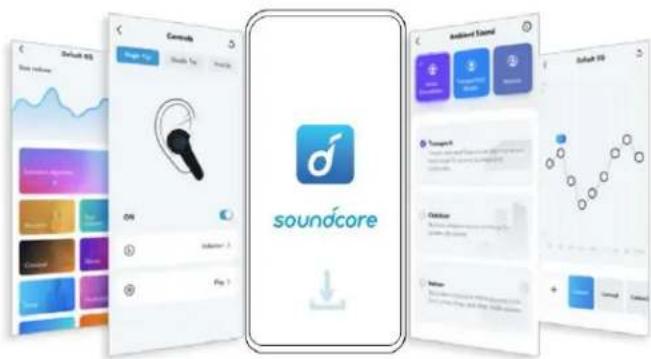
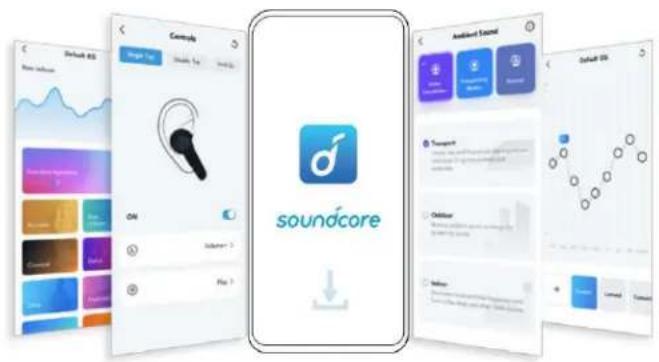
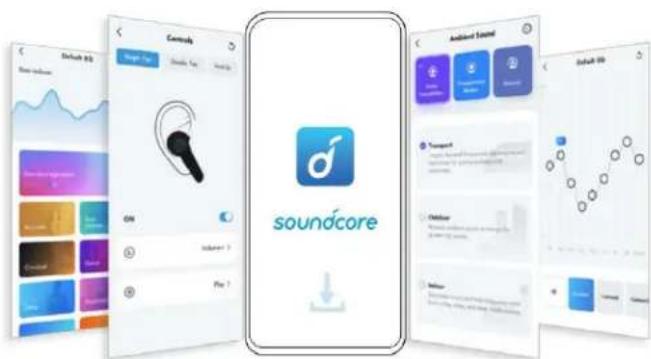
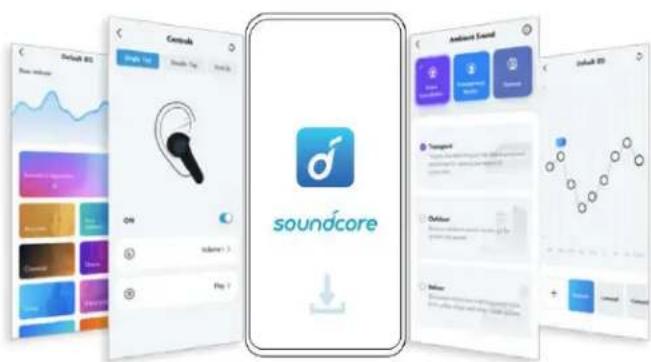
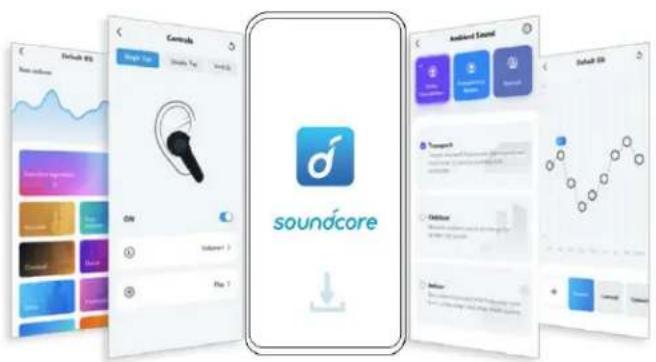
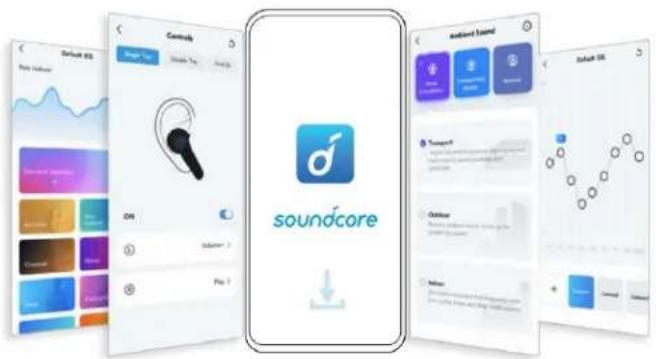
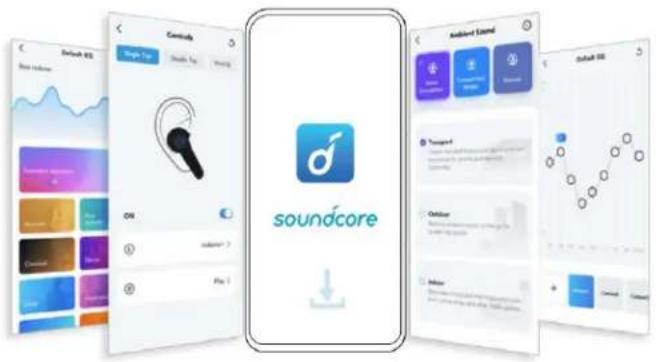
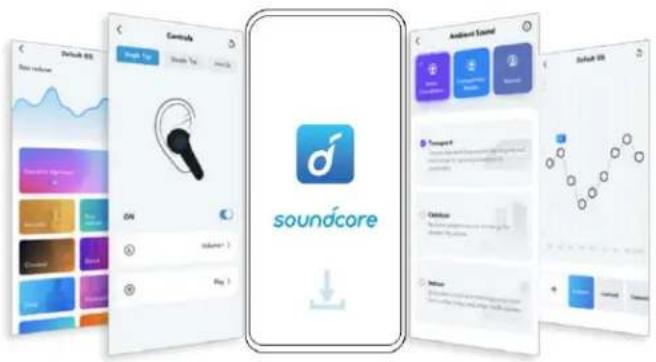
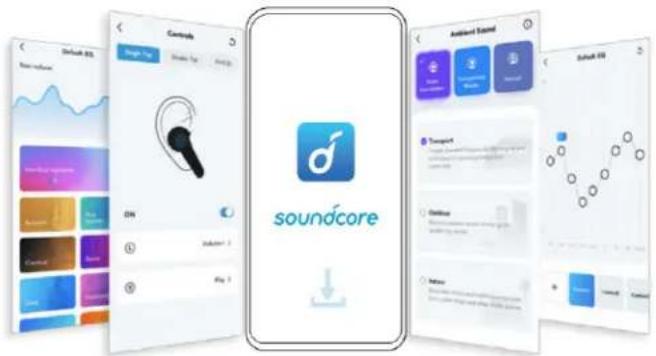
Soundcore App
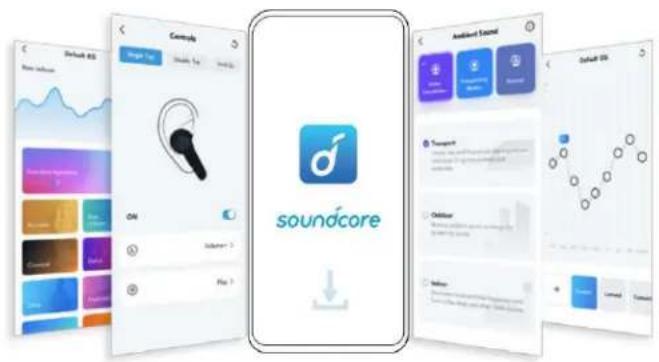
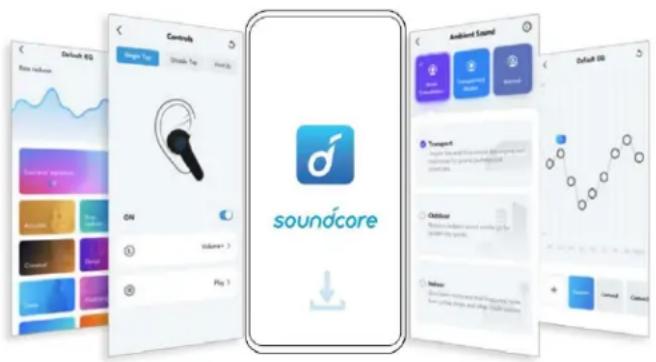
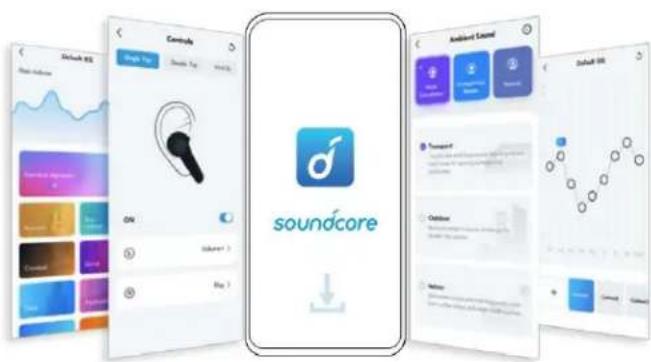
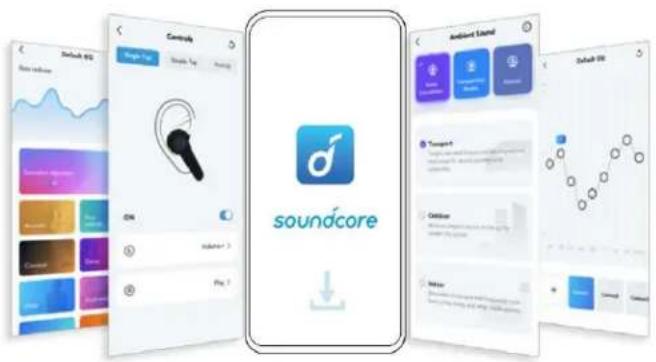
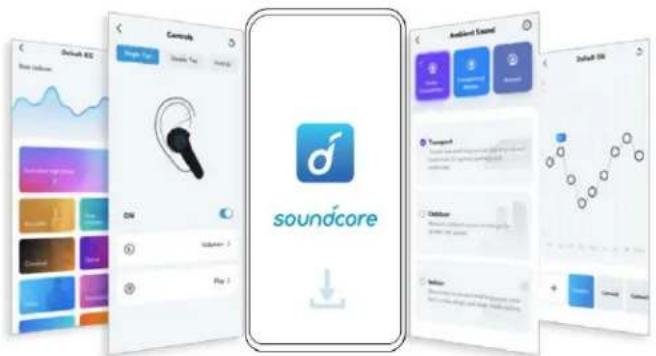
Download the Soundcore app to enhance your experience.
User interface customization: In stereo mode, all of the controls (e.g. adjust volume, control playback, activate Siri) can be customized in the app.
EQ settings: There are more than 20 EQ settings you can choose from in the app to optimize your experience while enjoying different music genres.
Noise cancellation: Choose an active noise cancellation mode to reduce ambient noise according to your surroundings.
- Transport: Targets low-end frequencies like engine and road noise for peaceful journeys and commutes.
• Outdoor: Reduces ambient sounds in cities for less distractions. - Indoor: Reduces voices and mid-frequency noise from coffee shops and other inside spaces.
Earbuds firmware upgrade: You will be informed once the new version of firmware is detected when you connect the earbuds with the app. Ensure the earbuds are placed in the charging case and the case remains open until the firmware upgrade is completed. During the upgrade, ensure the earbuds are being charged and avoid any operation.

Google Play and the Google Play logo are trademarks of Google Inc.
Apple and the Apple logo are trademarks of Apple Inc.
Reset
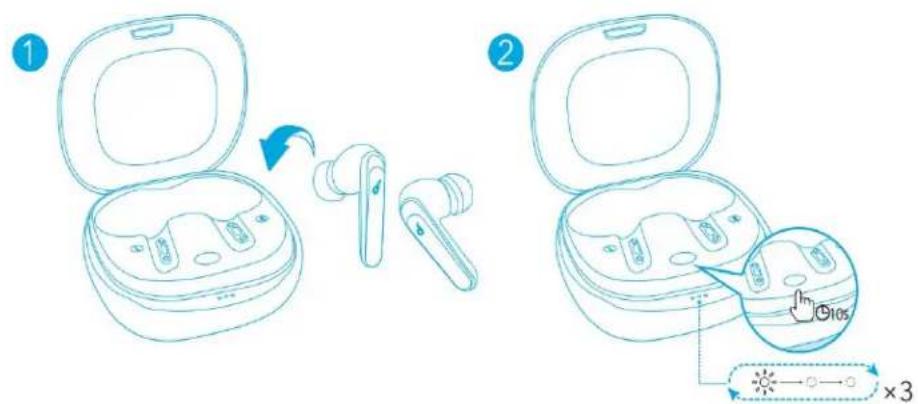
You might need to reset the earbuds if you experience any connectivity problems or function issues.
- Place the earbuds in the charging case and leave the case open.
- Press and hold the button on the case for 10 seconds until the 3 LED indicators flash white for 3 times and then flash white in sequence continuously. This confirms that the reset was successful and your earbuds can be connected normally.
Specifications
- Specifications are subject to change without notice.
| Input | 5V == 0.35A |
| Battery capacity | 63 mAh x 2 (earbuds);800 mAh (charging case) |
| Charging time | 3 hours |
| Playtime (varies by volume level content) | Up to 7 hours (Total 35 hours with charging case) |
| Playtime (with ANC mode turned) | Up to 6 hours (Total 30 hours with charging case) |
| Driver size | 11 mm x 2 |
| Frequency response | 20 Hz - 20 kHz |
| Impedance | 16 Ω |
| Waterproof level | IPX5 |
| Bluetooth version | V 5.0 |
| Bluetooth range | 15 m / 49 ft |
Nabíjení
natural_image
Simple line drawing of a human head profile with a small object on the left (no text or symbols)natural_image
Line drawing of an open dental appliance case with two compartments and a blue arrow indicating direction (no text or symbols)OFF
natural_image
Line drawing of an open wireless earbuds with a blue arrow indicating the change (no text or symbols present)2
natural_image
Illustration of a finger pressing a button with a dotted line indicating motion (no text or symbols)
Resetování
Specifikace
natural_image
Simple line drawing of a human head profile with a small object on the left (no text or symbols)natural_image
Line drawing of an open dental appliance case with two compartments and a blue arrow indicating direction (no text or symbols)OFF
natural_image
Line drawing of an open wireless earbuds with a blue arrow indicating the process (no text or symbols)2
natural_image
Illustration of a finger pressing a button with a droplet symbol (no text or labels)
Nulstil
Specifikationer
Das Tragen
natural_image
Simple line drawing of a human head profile with a small object on the left (no text or symbols)natural_image
Line drawing of an open dental appliance with a blue arrow indicating direction (no text or symbols)OFF
natural_image
Line drawing of an open wireless earbuds with a blue arrow indicating the process (no text or symbols)2
natural_image
Illustration of a finger pressing a button with a dotted line indicating motion (no text or symbols)

Google Play and the Google Play logo are trademarks of Google Inc.
Apple and the Apple logo are trademarks of Apple Inc.
Zurücksetzen
Technische Daten
Διαδικασία χρήσης
natural_image
Simple line drawing of a human head profile with a small object on the left side (no text or symbols)natural_image
Simple line drawing of a finger pressing a button with a hand icon (no text or symbols)
Download on the App Store
Google Play and the Google Play logo are trademarks of Google Inc.
Apple and the Apple logo are trademarks of Apple Inc.
Επαναφορά
Προδιαγραφές
natural_image
Simple line drawing of a human head profile with a small object on the left (no text or symbols)natural_image
Line drawing of an open dental appliance case with two compartments and a blue arrow indicating direction (no text or symbols)OFF
natural_image
Line drawing of an open wireless earbuds with a blue arrow indicating the process (no text or symbols)2
natural_image
Illustration of a finger pressing a button with a droplet symbol (no text or labels)
Google Play and the Google Play logo are trademarks of Google Inc.
Apple and the Apple logo are trademarks of Apple Inc.
Restablecimiento
Especificaciones
Käyttö
natural_image
Simple line drawing of a human head profile with a small object on the left (no text or symbols)natural_image
Line drawing of an open dental appliance case with two internal compartments and a blue arrow indicating direction (no text or symbols)OFF
natural_image
Line drawing of an open wireless earbuds with a blue arrow indicating the process (no text or symbols)2
natural_image
Illustration of a finger pressing a button with a dotted line indicating motion (no text or symbols)
Google Play and the Google Play logo and trademarks of Google Inc.

Apple and the Apple logo are trademarks of Apple Inc.
Nollaaminen
Tekniset tiedot
natural_image
Simple line drawing of a human head profile with a small object near the top (no text or symbols)natural_image
Line drawing of an open dental appliance case with a blue arrow indicating direction (no text or symbols)OFF
1
natural_image
Line drawing of an open wireless earbuds with a blue arrow indicating the process (no text or symbols)2
natural_image
Illustration of a finger pressing a button with a droplet symbol (no text or labels)
Réinitialisation
Spécifications
Használat
natural_image
Simple line drawing of a human head profile with a small object on the left (no text or symbols)natural_image
Line drawing of an open dental appliance case with two internal compartments and a blue arrow indicating direction (no text or symbols)OFF 1
natural_image
Line drawing of an open wireless earbuds with a blue arrow indicating the process (no text or symbols)2
d
natural_image
Illustration of a finger pressing a button with a droplet symbol (no text or labels)
Visszaállítás
Műszaki adatok
Utilizzo
natural_image
Simple line drawing of a human head profile with a small object on the left (no text or symbols)natural_image
Illustration of a finger pressing a button with a droplet symbol (no text or labels)
Google Play and the Google Play logo are trademarks of Google Inc.
Apple and the Apple logo are trademarks of Apple Inc.
Ripristino
Specifiche
Dragen
natural_image
Simple line drawing of a human head profile with a small object near the top (no text or symbols)natural_image
Line drawing of an open dental appliance case with a blue arrow indicating direction (no text or symbols)OFF
natural_image
Line drawing of an open wireless earbuds with a blue arrow indicating the process (no text or symbols)2
natural_image
Illustration of a finger pressing a button with a droplet symbol (no text or labels)
Resetten
Specifications
Bruke
natural_image
Simple line drawing of a human head profile with a small object on the left (no text or symbols)natural_image
Line drawing of an open dental appliance case with two compartments and a blue arrow indicating direction (no text or symbols)OFF 1
natural_image
Line drawing of an open wireless earbuds with a blue arrow indicating the process (no text or symbols)2
natural_image
Illustration of a finger pressing a button with a droplet symbol (no text or labels)
Google Play and the Google Play logo and trademarks of Google Inc.

Apple and the Apple logo are trademarks of Apple Inc.
Tilbakestilling
Spesifikasjoner
natural_image
Simple line drawing of a human head profile with a small object on the left (no text or symbols)natural_image
Line drawing of an open dental appliance case with two compartments and a blue arrow indicating direction (no text or symbols)OFF
natural_image
Line drawing of an open wireless earbuds with a blue arrow indicating the process (no text or symbols)2
natural_image
Illustration of a finger pressing a button with a droplet symbol (no text or labels)
Resetowanie
Dane techniczne
Utilização
natural_image
Simple line drawing of a human head profile with a small object on the left side (no text or symbols)natural_image
Line drawing of an open dental appliance with a blue arrow indicating rotation (no text or symbols)OFF
natural_image
Line drawing of an open wireless earbuds with a blue arrow indicating the process (no text or symbols)2
natural_image
Illustration of a finger pressing a button with a droplet symbol (no text or labels)
Repor
Especificações
Ношение
natural_image
Simple line drawing of a human head profile with a small object on the left side (no text or symbols)natural_image
Line drawing of an open dental appliance with a blue arrow indicating direction (no text or symbols)OFF
natural_image
Line drawing of two wireless earbuds with open case, showing earpland and charging device (no text or symbols)2
natural_image
Illustration of a finger pressing a button with a droplet symbol (no text or labels)

Google Play and the Google Play logo are trademarks of Google Inc.
Apple and the Apple logo are trademarks of Apple Inc.
Сброс
natural_image
Simple line drawing of a human head profile with a small object on the left (no text or symbols)natural_image
Line drawing of an open dental appliance case with two compartments and a blue arrow indicating direction (no text or symbols)OFF
natural_image
Line drawing of an open wireless earbuds with a blue arrow indicating the process (no text or symbols)2
natural_image
Illustration of a finger pressing a button with a droplet symbol (no text or labels)
Resetovanie
Technické údaje
Uporaba
- Izberite ušesna vstavka, ki se najbolje prilegata obliki vašega ušesa.
- Vstavite slušalki v ušesa in ju nežno zavrtite, da najdete najbolj udoben in varen položaj.
1

XS

S

M

L

XL
2
natural_image
Simple line drawing of a human head profile with a small object on the left (no text or symbols)natural_image
Line drawing of an open dental appliance case with two internal compartments and a blue arrow indicating direction (no text or symbols)OFF
natural_image
Line drawing of an open wireless earbuds with a blue arrow indicating the process (no text or symbols)2
natural_image
Illustration of a finger pressing a button with a droplet symbol (no text or labels)
| Predvajanje/zaustavitev | Dvakrat pritisnite (D) |
| Naslednja skladba | Dvakrat pritisnite (L) |
| Preklop med načini zvoka iz okolice (Odpravljanje šumov/običajno) | Pritisnite in držite 2 sekundi (L/D) |

Ponastavitev
Tehnični podatki
natural_image
Simple line drawing of a human head profile with a small object near the top (no text or symbols)natural_image
Line drawing of an open dental appliance with a blue arrow indicating direction (no text or symbols)OFF
natural_image
Line drawing of an open wireless earbuds with a blue arrow indicating the process (no text or symbols)2
natural_image
Illustration of a finger pressing a button with a droplet symbol (no text or labels)
Google Play and the Google Play logo are trademarks of Google Inc.
Apple and the Apple logo are trademarks of Apple Inc.
Återställning
Specifikationer
Como usar
natural_image
Simple line drawing of a human head profile with a small object on the left (no text or symbols)natural_image
Line drawing of an open dental appliance case with two compartments and a blue arrow indicating direction (no text or symbols)OFF
natural_image
Line drawing of an open wireless earbuds with a blue arrow indicating the process (no text or symbols)2
natural_image
Illustration of a finger pressing a button with a droplet symbol (no text or labels)
Google Play and the Google Play logo are trademarks of Google Inc.
Apple and the Apple logo are trademarks of Apple Inc.
Reiniciar
Especificações
Takma
natural_image
Simple line drawing of a human head profile with a small object on the left (no text or symbols)natural_image
Line drawing of an open dental appliance case with three tubes, no text or symbols presentOFF
natural_image
Line drawing of an open wireless earbuds with a blue arrow indicating the process (no text or symbols)2
natural_image
Illustration of a finger pressing a button with a droplet symbol (no text or labels)
Google Play and the Google Play logo are trademarks of Google Inc.
Apple and the Apple logo are trademarks of Apple Inc.
Sifirlama
Teknik Özellikler
装着
natural_image
Simple line drawing of a human head profile with a small paperclip nearby (no text or symbols)natural_image
Illustration of a finger pressing a button with a hand icon (no text or symbols)
Google Play and the Google Play logo are trademarks of Google Inc.
Apple and the Apple logo are trademarks of Apple Inc.
リセット
製品の仕様

2
natural_image
Simple line drawing of a human head profile with a small object on the side (no text or symbols)/
Bluetooth
- Bluetooth 3 LED
- Bluetooth "Soundcore Life P3"
LED 3
3 LED
3
- Soundcore
Bluetooth
- : Bluetooth

| / | (R). |
| (L). | |
| ( | 2 |

| (L/R). | |
| 1 | 2 |
| / | . |
| . | |
| / | 2 |
| Siri | 2 |
Soundcore
Soundcore


Google Play and the Google Play logo are trademarks of Google Inc.
Apple and the Apple logo are trademarks of Apple Inc.
1.
2.3 LED
3
10
natural_image
Line drawing of an open wireless earbuds with a blue arrow indicating the process (no text or symbols)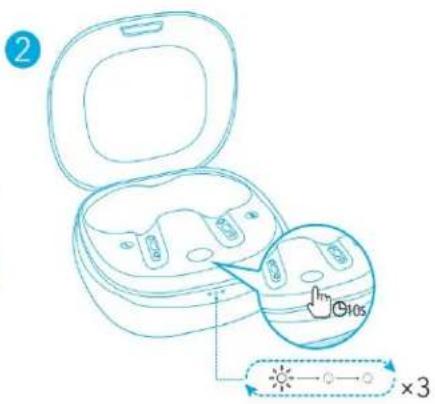
| 5V = 0.35A | |
| 63mAh x 2( )800mAh( ) | |
| 3 | |
| ( ) | 7 ( 35 ) |
| (ANC) | 6 ( 30 ) |
| 11mm x 2 | |
| 20Hz - 20kHz | |
| 16Ω | |
| IPX5 | |
| Bluetooth | V 5.0 |
| Bluetooth | 15m/49ft |
充电
natural_image
Simple line drawing of a human head profile with a small paperclip nearby (no text or symbols)natural_image
Illustration of a finger pressing a button with a droplet symbol (no text or labels)Download on the App Store
Google Play and the Google Play logo are trademarks of Google Inc.
Apple and the Apple logo are trademarks of Apple Inc.
重置
规格
- 规格如有变更,恕不另行通知。
穿戴
natural_image
Simple line drawing of a human head profile with a small paperclip nearby (no text or symbols)natural_image
Line drawing of an open dental appliance with three slots and a blue arrow indicating direction (no text or symbols)OFF 1
natural_image
Line drawing of an open wireless earbuds with a blue arrow indicating the process (no text or symbols)2

natural_image
Illustration of a finger pressing a button with a hand icon (no text or symbols)
Google Play and the Google Play logo are trademarks of Google Inc.
Apple and the Apple logo are trademarks of Apple Inc.
重設
規格
- 規格可能隨時變更,恕不另行通知。
ختر أطراف السماع 1
natural_image
Simple line drawing of a human head profile with a small object near the nose (no text or symbols)natural_image
Illustration of a finger pressing a button with a hand icon (no text or symbols)Google Play and the Google Play logo are trademarks of Google Inc.

Apple and the Apple logo are trademarks of Apple Inc.
المواصفات
• غیر دون إشعار.
. USB-C is not to be a good way, but it is not
הכלהה, USB-C is one of the first three years.
natural_image
Simple line drawing of a human head profile with a small object beside it (no text or symbols).הכלה 30
הַרְׁבָר Bluetooth
Bluetooth 1.
natural_image
Illustration of a finger pressing a button with a circular motion indicator (no text or symbols)
Google Play and the Google Play logo are trademarks of Google Inc.

Apple and the Apple logo are trademarks of Apple Inc.

019'X
בְרַעָה