
DE0892 - Laser level DEWALT - Free user manual and instructions
Find the device manual for free DE0892 DEWALT in PDF.

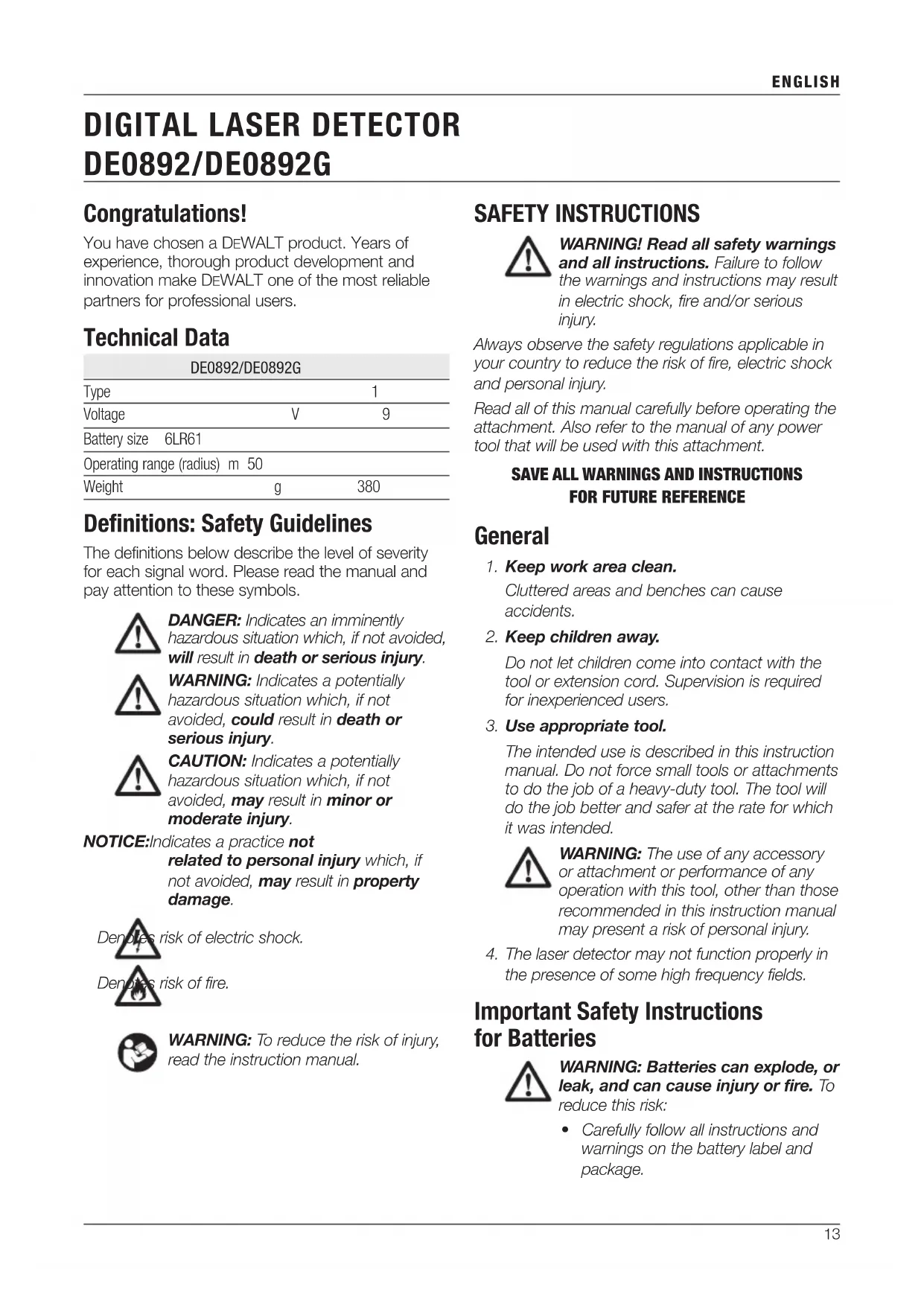


| Product Type | Digital Laser Detector |
| Brand | DEWALT |
| Model | DE0892 / DE0892G |
| Supply Voltage | 9 V (battery 6LR61) |
| Range (detection radius) | 50 m |
| Weight | 380 g |
| Accuracy | Narrow and wide settings |
| Signals | Visual (LCD screen) and audible (speaker) |
| Power Supply | 9V battery included |
| Functions | Laser beam detection, auto-off (5 min), alignment indicators |
| Usage | Indoor and outdoor, with or without clamp |
| Mounting | Clamp for grade rod, magnets for metal rails |
| Compatibility | DEWALT line lasers DW088, DW089, DW0811, DW0822, DW0851, DCE088, DCE089, DCE0811 |
| Safety | Read manual mandatory, do not use in wet environment or near flammable gases |
| Maintenance and cleaning | Clean with a soft non-metallic cloth; do not immerse |
| Warranty | 30-day satisfaction, 1 year free maintenance, 1 year comprehensive |
| Environmental protection | Selective collection – do not dispose of with household waste |
| Included accessories | Detector, mounting point, battery, instruction manual |
Frequently Asked Questions - DE0892 DEWALT
User questions about DE0892 DEWALT
0 question about this device. Answer the ones you know or ask your own.
Ask a new question about this device
Download the instructions for your Laser level in PDF format for free! Find your manual DE0892 - DEWALT and take your electronic device back in hand. On this page are published all the documents necessary for the use of your device. DE0892 by DEWALT.
USER MANUAL DE0892 DEWALT
English (original instructions)
DIGITAL LASERDETEKTOR DE0892/DE0892G
Tillykke!
You have chosen a DEWALT product. Years of experience, thorough product development and innovation make DEWALT one of the most reliable partners for professional users.
Technical Data
| DE0892/DE0892G | ||
| Type | 1 | |
| Voltage | V | 9 |
| Battery size 6LR61 | ||
| Operating range (radius) m 50 | ||
| Weight | g | 380 |
Definitions: Safety Guidelines
The definitions below describe the level of severity for each signal word. Please read the manual and pay attention to these symbols.

DANGER: Indicates an imminently hazardous situation which, if not avoided, will result in death or serious injury.

WARNING: Indicates a potentially hazardous situation which, if not avoided, could result in death or serious injury.

CAUTION: Indicates a potentially hazardous situation which, if not avoided, may result in minor or moderate injury.
NOTICE: Indicates a practice not related to personal injury which, if not avoided, may result in property damage.

risk of electric shock.
Denotes risk of fire.

WARNING: To reduce the risk of injury, read the instruction manual.

SAFETY INSTRUCTIONS

WARNING! Read all safety warnings and all instructions. Failure to follow the warnings and instructions may result in electric shock, fire and/or serious injury.
Always observe the safety regulations applicable in your country to reduce the risk of fire, electric shock and personal injury.
Read all of this manual carefully before operating the attachment. Also refer to the manual of any power tool that will be used with this attachment.
SAVE ALL WARNINGS AND INSTRUCTIONS FOR FUTURE REFERENCE
General
- Keep work area clean.
Cluttered areas and benches can cause accidents.
- Keep children away.
Do not let children come into contact with the tool or extension cord. Supervision is required for inexperienced users.
- Use appropriate tool.
The intended use is described in this instruction manual. Do not force small tools or attachments to do the job of a heavy-duty tool. The tool will do the job better and safer at the rate for which it was intended.

WARNING: The use of any accessory or attachment or performance of any operation with this tool, other than those recommended in this instruction manual may present a risk of personal injury.
- The laser detector may not function properly in the presence of some high frequency fields.
Important Safety Instructions for Batteries

WARNING: Batteries can explode, or leak, and can cause injury or fire. To reduce this risk:
- Carefully follow all instructions and warnings on the battery label and package.
- Always insert batteries correctly with regard to polarity (+ and -), marked on the battery and the equipment.
- Do not short battery terminals.
- Do not charge batteries.
- Do not mix old and new batteries. Replace all of them at the same time with new batteries of the same brand and type.
- Remove dead batteries immediately and dispose of per local codes.
- Do not dispose of batteries in fire.
- Keep batteries out of reach of children.
- Remove batteries if the device will not be used for several months.
Package Contents
The package contains:
1 Digital laser detector
1 Clamp
1 Battery
1 Instruction manual
- Check for damage to the tool, parts or accessories which may have occurred during transport.
• Take the time to thoroughly read and understand this manual prior to operation.
Description (fig. 1, 2)
WARNING: Never modify this attachment or any part of it. Damage or personal injury could result.
a. LCD display window
b. Speaker
c. Battery compartment cover
d. Marking notches
e. Power button
f. Volume button
g. Accuracy button
h. Magnets
i. Sensor window
j. Clamp latch
k. Tracks
I. Rail
m. Latch
n. Latch hole
o. Clamp knob
The detector gives both visual signals through the LCD display window (a) and audio signals through the speaker (b) to indicate the location of the laser beam.
The DEWALT Digital Laser Detector can be used with or without the detector clamp. When used with the clamp, the detector can be positioned on a grade rod, leveling pole, stud or post.
INTENDED USE
The DEWALT Digital Laser Detector helps in locating a laser beam emitted by the laser in bright light conditions or over long distances. The detector can be used in both indoor and outdoor situations where it is difficult to see the laser beam.
The detector is designed exclusively for use with the DW088, DW089, DW0811, DW0822, DW0851 DCE088R/G; DCE089R/G; DCE0811R/G (Line) line laser and other compatible DEWALT line lasers. It is not for use with rotating lasers.
DO NOT use under wet conditions or in presence of flammable liquids or gases.
The digital laser detector is a professional laser accessory.
DO NOT let children come into contact with the attachment and laser. Supervision is required when inexperienced operators use this laser.
ASSEMBLY AND ADJUSTMENTS

WARNING: Refer to the manual of the tool to be used with this attachment.
Batteries (fig. 1)
The digital laser detector is powered by a 9-volt battery. To install the battery provided, lift up on the battery compartment cover (c). Place the 9-volt battery in the compartment, aligning the battery as shown on the embossed icon.
Detector Controls (fig. 1)
The detector is controlled by the power button (e) and the volume button (f).
When the power button is pushed once, the detector is turned on. The top of the sensor window shows the ON icon and the volume icon.
The DEWALT Digital Laser Detector also has an auto shut-off feature. If a laser beam does not strike the beam detection window, or if no buttons are pressed, the detector will shut itself off in about 5 minutes.
To turn off the audible signal push the button again; the volume icon will disappear.
The detector powers up in the narrow accuracy setting (icon appears in the lower left corner). Press the accuracy button (g) once to change to wide accuracy setting (icon now appears in the lower right corner).
Accuracy
The detector provides two accuracy settings, wide and narrow. In the wide setting, the detector provides a larger tolerance for indicating that the detector is “on grade”. In the narrow setting, this tolerance is reduced for more accurate indication of “on grade”.
For the most accurate results, start the work using the wide setting and finish in the narrow setting.
Magnets
The magnets (h) allow the detector to be mounted to the metal tracks during the installation of a suspended ceiling.
OPERATION
Instructions for Use

• Always observe the safety instructions and applicable regulations.
- Before first use, remove and discard the protective tape from the screens.
Detector Operation (fig. 1)
- Set up and position the laser.
- Turn the detector on by pressing the power button (e).
- Position the detector so that the sensor window (i) is facing the laser beam. Move the detector up or down within the approximate area of the beam, until you have centred the detector. For information about the display window indicators and the audible signal indicators, refer to the table titled Indicators.
INDICATORS
| Above Grade | Slightly Above Grade | On Grade | Slightly Below Grade | Below Grade | |
| audible signals | fast beep | fast beep | steady tone | slow beep | slow beep |


natural_image
Two abstract geometric shapes: a downward-pointing triangle above a horizontal line and a horizontal line below (no text or symbols)

- Use the marking notches (d) to accurately mark the position of the laser beam.
Mounting on a Grade Rod (fig. 1, 2)
- To secure your detector to a grade rod, first attach the detector to the clamp by pushing in on the clamp latch (j). Slide the tracks (k) on the clamp around the rail (l) on the detector until the latch (m) on the clamp pops into the latch hole (n) on the detector.
- Open the jaws of the clamp by turning the clamp knob (o) counterclockwise.
- Position the detector at the height needed and turn the clamp knob clockwise to secure the clamp on the rod.
- To make adjustments in height, slightly loosen the clamp, reposition and retighten.
MAINTENANCE
Your attachment has been designed to operate over a long period of time with a minimum of maintenance. Continuous satisfactory operation depends upon proper tool care and regular cleaning.
Detector Service
Except for batteries, there are no user serviceable parts in the Digital Laser Detector. Do not disassemble the unit. Unauthorised tampering with the laser detector will void all warranties.
Detector Cleaning and Storage
- Dirt and grease may be removed from the exterior of the detector using a cloth or soft, non-metallic brush.
- The DEWALT digital laser detector is rain resistant but not immersible. Do not pour water on the unit or submerge it under water.
- The best storage place is one that is cool and dry—away from direct sunlight and excess heat or cold.
Detector Troubleshooting
THE DETECTOR WILL NOT TURN ON
- Press and release the power button.
- Check to see that the battery is in place and in the proper position.
- If the detector is very cold, allow it to warm up in a heated area.
- Replace the 9-volt battery. Turn the unit on.
- If the detector still does not turn on, take the detector to a DEWALT service centre.
THE DETECTOR'S SPEAKER MAKES NO SOUND
- Ensure that the detector is on.
- Press the volume button. It will toggle on and off.
- Ensure that the laser is turned on and that it is emitting a laser beam.
- If the detector is still not making any sound, take it to a DEWALT service centre.
THE DETECTOR DOES NOT RESPOND TO THE BEAM FROM ANOTHER LASER UNIT
- The DEWALT Digital Laser Detector has been designed to work only with the DW088, DW089, DW0811, DW0822, DW0851 DCE088R/G; DCE089R/G; DCE0811R/G (Line) and certain other compatible line lasers.
THE DETECTOR GIVES OFF A TONE BUT THE LCD DISPLAY WINDOW DOES NOT FUNCTION
- If the detector is very cold, allow it to warm up in a heated area.
- If the LCD display window is still not functioning, take the detector to a DEWALT service centre.
BRIGHT LIGHT SHINING ON DETECTOR CAUSES CONTINUOUS "ON-GRADE" SIGNAL
- In the presence of very intense ambient light, the detector may give a false or erratic indication of level.
- Reposition the detector out of the intense light or shade the sensor window (i) to resume normal operation.
Protecting the Environment

Separate collection. This product must not be disposed of with normal household waste.
Should you find one day that your DEWALT product needs replacement, or if it is of no further use to you, do not dispose of it with household waste. Make this product available for separate collection.

Separate collection of used products and packaging allows materials to be recycled and used again. Re-use of recycled materials helps prevent environmental pollution and reduces the demand for raw materials.
Local regulations may provide for separate collection of electrical products from the household, at municipal waste sites or by the retailer when you purchase a new product.
DEWALT provides a facility for the collection and recycling of DEWALT products once they have reached the end of their working life. To take advantage of this service please return your product to any authorised repair agent who will collect them on our behalf.
You can check the location of your nearest authorised repair agent by contacting your local DEWALT office at the address indicated in this manual. Alternatively, a list of authorised DEWALT repair agents and full details of our after-sales service and contacts are available on the Internet at: www.2helpU.com.

Batteries
When disposing batteries, think of the protection of the environment. Check with your local authorities for an environmentally safe way of battery disposal.
GUARANTEE
DEWALT is confident of the quality of its products and offers an outstanding guarantee for professional users of the product. This guarantee statement is in addition to and in no way prejudices your contractual rights as a professional user or your statutory rights as a private non-professional user. The guarantee is valid within the territories of the Member States of the European Union and the European Free Trade Area.
• 30 DAY NO RISK SATISFACTION GUARANTEE •
If you are not completely satisfied with the performance of your DEWALT tool, simply return it within 30 days, complete with all original components, as purchased, to the point of purchase, for a full refund or exchange. The product must have been subject to fair wear and tear and proof of purchase must be produced.
• ONE YEAR FREE SERVICE CONTRACT •
If you need maintenance or service for your DEWALT tool, in the 12 months following purchase, you are entitled to one service free of charge. It will be undertaken free of charge at an authorised DEWALT repair agent. Proof of purchase must be produced. Includes labour. Excludes accessories and spare parts unless failed under warranty.
• ONE YEAR FULL WARRANTY •
If your DEWALT product becomes defective due to faulty materials or workmanship within 12 months from the date of purchase, DEWALT guarantees to replace all defective parts free of charge or – at our discretion – replace the unit free of charge provided that:
• The product has not been misused;
- The product has been subject to fair wear and tear;
- Repairs have not been attempted by unauthorised persons;
• Proof of purchase is produced;
- The product is returned complete with all original components.
If you wish to make a claim, contact your seller or check the location of your nearest authorised DEWALT repair agent in the DEWALT catalogue or contact your DEWALT office at the address indicated in this manual. A list of authorised DEWALT repair agents and full details of our after-sales service is available on the Internet at: www.2helpU.com.
DETECTOR DE LÁSER DIGITAL DE0892/DE0892G
¡Enhorabuena!
BEWAAR ALLE WAARSCHUWINGEN EN INSTRUCTIES ALS TOEKOMSTIG REFERENTIEMATERIAAL
Algemeen
Detector Regeling (afb. 1)
DETEKTORN KOPPLAS INTE PÅ

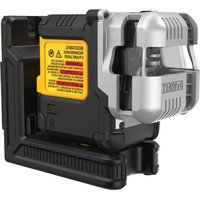
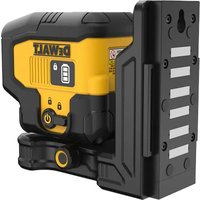

- DIGITAL LASERDETEKTOR DE0892/DE0892G
- Tillykke!
- Definitions: Safety Guidelines
- SAFETY INSTRUCTIONS
- SAVE ALL WARNINGS AND INSTRUCTIONS FOR FUTURE REFERENCE
- General
- Important Safety Instructions for Batteries
- Package Contents
- Description (fig. 1, 2)
- INTENDED USE
- ASSEMBLY AND ADJUSTMENTS
- Batteries (fig. 1)
- Detector Controls (fig. 1)
- Accuracy
- Magnets
- OPERATION
- Instructions for Use
- Detector Operation (fig. 1)
- Mounting on a Grade Rod (fig. 1, 2)
- MAINTENANCE
- Detector Service
- Detector Cleaning and Storage
- Detector Troubleshooting
- THE DETECTOR WILL NOT TURN ON
- THE DETECTOR'S SPEAKER MAKES NO SOUND
- THE DETECTOR DOES NOT RESPOND TO THE BEAM FROM ANOTHER LASER UNIT
- THE DETECTOR GIVES OFF A TONE BUT THE LCD DISPLAY WINDOW DOES NOT FUNCTION
- BRIGHT LIGHT SHINING ON DETECTOR CAUSES CONTINUOUS "ON-GRADE" SIGNAL
- Protecting the Environment
- Batteries
- GUARANTEE
- • 30 DAY NO RISK SATISFACTION GUARANTEE •
- • ONE YEAR FREE SERVICE CONTRACT •
- • ONE YEAR FULL WARRANTY •
- DETECTOR DE LÁSER DIGITAL DE0892/DE0892G
- ¡Enhorabuena!
- BEWAAR ALLE WAARSCHUWINGEN EN INSTRUCTIES ALS TOEKOMSTIG REFERENTIEMATERIAAL
- Algemeen
- Detector Regeling (afb. 1)
- DETEKTORN KOPPLAS INTE PÅ
Brand : DEWALT
Model : DE0892
Category : Laser level