 ManualGo.com
 WD 218 - Vacuum Cleaner Kärcher - Free user manual and instructions
Find the device manual for free WD 218 Kärcher in PDF.



Download the instructions for your Vacuum Cleaner in PDF format for free! Find your manual WD 218 - Kärcher and take your electronic device back in hand. On this page are published all the documents necessary for the use of your device. WD 218 by Kärcher.
USER MANUAL WD 218 Kärcher
WD 2-18 / WD 3-18 / WD 3-18 S
121A 2B C D E F G H I J K L M 3N O P Q R S
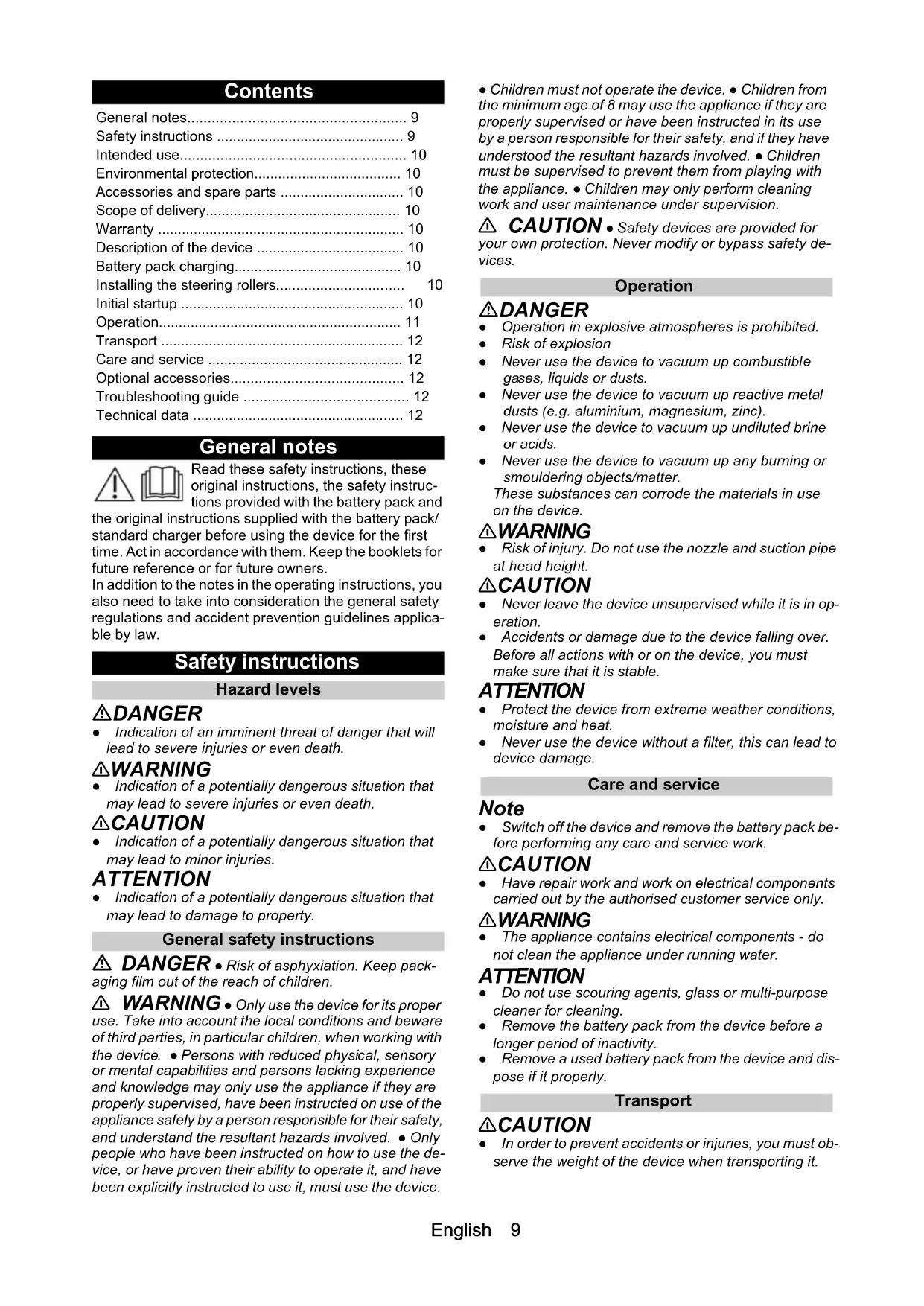
Gerät schaltet selbstständig ab Gerät / Akkupack überhitzt. Warten, bis Gerät / Akkupack abgekühlt sind. Nachlassende Saugleistung Das Zubehör, der Saugschlauch oder die Saugrohre sind verstopft. Die Verstopfung mit einem geeigneten Hilfsmittel entfernen. Der Filterbeutel ist voll. Filterbeutel ersetzen. Der Schaumstofffilter / Patronenfilter ist verschmutzt. Schaumstofffilter / Patronenfilter reinigen (siehe Ka- pitel Schaumstofffilter / Patronenfilter reinigen). Der Schaumstofffilter / Patronenfilter ist beschädigt. Schaumstofffilter / Patronenfilter ersetzen. Technische Daten Technische Änderungen vorbehalten. WD 2-18 WD 3-18 Elektrischer Anschluss Schutzart IPX4 IPX4 Schutzklasse III III Akkuspannung V 18 18 Nennleistung W 245 245 Füllmenge Behälterinhalt l 12 17 Leistungsdaten Gerät Betriebszeit bei voller Akku- ladung im Normalbetrieb min 10 18English 9 Contents General notes Read these safety instructions, these original instructions, the safety instruc- tions provided with the battery pack and the original instructions supplied with the battery pack/ standard charger before using the device for the first time. Act in accordance with them. Keep the booklets for future reference or for future owners. In addition to the notes in the operating instructions, you also need to take into consideration the general safety regulations and accident prevention guidelines applica- ble by law. Safety instructions Hazard levels DANGER ● Indication of an imminent threat of danger that will lead to severe injuries or even death. 몇 WARNING ● Indication of a potentially dangerous situation that may lead to severe injuries or even death. 몇 CAUTION ● Indication of a potentially dangerous situation that may lead to minor injuries. ATTENTION ● Indication of a potentially dangerous situation that may lead to damage to property. General safety instructions DANGER ● Risk of asphyxiation. Keep pack- aging film out of the reach of children. 몇 WARNING ● Only use the device for its proper use. Take into account the local conditions and beware of third parties, in particular children, when working with the device. ● Persons with reduced physical, sensory or mental capabilities and persons lacking experience and knowledge may only use the appliance if they are properly supervised, have been instructed on use of the appliance safely by a person responsible for their safety, and understand the resultant hazards involved. ● Only people who have been instructed on how to use the de- vice, or have proven their ability to operate it, and have been explicitly instructed to use it, must use the device. ● Children must not operate the device. ● Children from the minimum age of 8 may use the appliance if they are properly supervised or have been instructed in its use by a person responsible for their safety, and if they have understood the resultant hazards involved. ● Children must be supervised to prevent them from playing with the appliance. ● Children may only perform cleaning work and user maintenance under supervision. 몇 CAUTION ● Safety devices are provided for your own protection. Never modify or bypass safety de- vices. Operation DANGER ● Operation in explosive atmospheres is prohibited. ● Risk of explosion ● Never use the device to vacuum up combustibl
ses, liquids or dusts. ● Never use the device to vacuum up reactive meta
- dusts (e.g. aluminium, magnesium, zinc). ● Never use the device to vacuum up undiluted brine or acids. ● Never use the device to vacuum up any burning or smouldering objects/matter. These substances can corrode the materials in use on the device. 몇 WARNING ● Risk of injury. Do not use the nozzle and suction pipe at head height. 몇 CAUTION ● Never leave the device unsupervised while it is in op- eration. ● Accidents or damage due to the device falling over. Before all actions with or on the device, you must make sure that it is stable. ATTENTION ● Protect the device from extreme weather conditions, moisture and heat. ● Never use the device without a filter, this can lead to device damage. Care and service Note ● Switch off the device and remove the battery pack be- fore performing any care and service work. 몇 CAUTION ● Have repair work and work on electrical components carried out by the authorised customer service only. 몇 WARNING ● The appliance contains electrical components - do not clean the appliance under running water. ATTENTION ● Do not use scouring agents, glass or multi-purpose cleaner for cleaning. ● Remove the battery pack from the device before a longer period of inactivity. ● Remove a used battery pack from the device and dis- pose if it properly. Transport 몇 CAUTION ● In order to prevent accidents or injuries, you must ob- serve the weight of the device when transporting it. General notes p. 9
- Safety instructions p. 9
- Intended use p. 10
- Environmental protection p. 10
- Accessories and spare parts p. 10
- Scope of delivery p. 10
- Warranty p. 10
- Description of the device p. 10
- Battery pack charging p. 10
- Installing the steering rollers p. 10
- Initial startup p. 10
- Operation p. 11
- Transport p. 12
- Care and service p. 12
- Optional accessories p. 12
- Troubleshooting guide p. 12
- Technical data English Intended use Only use the device in private households. In accordance with the descriptions and the safety infor- mation in these operating instructions, the device is in- tended for use as a wet and dry vacuum cleaner. Cold ashes may only be vacuumed with suitable acces- sories. Protect the device from rain and do not store it outdoors. For operation, a battery pack of the KÄRCHER Battery Power (+) platform with 18 V nominal voltage and a suit- able KÄRCHER charger with 18 V nominal voltage is re- quired. Battery packs/chargers that are not supplied in the scope of delivery or are additionally required are availa- ble as accessories. Environmental protection The packing materials can be recycled. Please dispose of packaging in accordance with the en- vironmental regulations. Electrical and electronic appliances contain valu- able, recyclable materials and often components such as batteries, rechargeable batteries or oil, which - if handled or disposed of incorrectly - can pose a potential threat to human health and the environ- ment. However, these components are required for the correct operation of the appliance. Appliances marked by this symbol are not allowed to be disposed of togeth- er with the household rubbish. Notes on the content materials (REACH) Current information on content materials can be found at: www.kaercher.com/REACH Accessories and spare parts Only use original accessories and original spare parts. They ensure that the appliance will run fault-free and safely. Information on accessories and spare parts can be found at www.kaercher.com. Scope of delivery The scope of delivery for the appliance is shown on the packaging. Check the contents for completeness when unpacking. If any accessories are missing or in the event of any shipping damage, please notify your deal- er. Warranty The warranty conditions issued by our relevant sales company apply in all countries. We shall remedy possi- ble malfunctions on your appliance within the warranty period free of cost, provided that a material or manufac- turing defect is the cause. In a warranty case, please contact your dealer (with the purchase receipt) or the next authorised customer service site. (See overleaf for the address) Description of the device Depending on the model selected, there are differences in the equipment. The specific equipment is described on the device packaging. For the illustrations, refer to the graphics page. Illustration A 1 Suction hose connection 2 Turn switch 3 Parking position handle / accessory holder 4 Foldable carrying handle 5 Storage area 6 Hose storage, both sides 7 Container closure 8 Battery pack/mount for battery pack 9 Type plate with technical data (e.g. container size) 10 Blowing function 11 Parking position for floor nozzle 12 Accessory holder (4x) 13 Steering roller (4x) 14 Filter bag 15 Foam filter 16 Cartridge filter 17 Suction hose (WD 2-18) 18 Removable handle (WD 3-18 / WD 3-18 S) 19 Suction hose with connection piece (WD 3-18 / WD 3-18 S) 20 Suction pipes 2 x 0.5 m 21 Crevice nozzle 22 Floor nozzle 23 * Battery pack (18 V / 2.5 Ah) 24 * Battery pack (18 V / 5.0 Ah) 25 * Standard charger (BC 18 V) 26 * Quick charger (BC 18 V) p. 1210
- optional Battery pack charging
1. Charging the battery pack (see operating instruc-
tions and safety instructions for the battery pack and the charger). Illustration G Illustration H Installing the steering rollers
1. Before initial startup, remove contents from the con-
tainer. Illustration B Illustration C Note For devices with stainless steel containers, the acces- sories are not in the container, they are outside of it. Initial startup ATTENTION Vacuuming without a foam or cartridge filter Device damage Always ensure that the foam or cartridge filter is insert- ed, for both wet vacuuming and dry vacuuming.English 11 Inserting the filter bag
1. Fully unfold the filter bag.
2. Attach the filter bag to the device connection and
press it on firmly. Illustration D
3. Fit and lock the device head.
Illustration E Note We recommend using a filter bag to vacuum fine dust. Installing the hose, pipes, floor nozzle
1. Connect the suction hose.
2. Connect the suction hose to the handle.
Illustration I Note For convenient vacuuming in confined spaces, the han- dle can be removed, and the accessories plugged di- rectly onto the suction hose. To release the handle, the grey areas on both sides of the handle must be pressed, and the handle pulled from the hose.
3. Install the floor nozzle.
Install the insert in the floor nozzle. Connect the floor nozzle to the suction pipes. Illustration J Fitting the battery pack ● Push the battery pack into the battery pack mount from above until the battery pack latches into place. ATTENTION Only use battery packs from the KÄRCHER Battery Power (+) platform with 18 V nominal voltage. Illustration K Starting up the device Set the trigger into the desired position. Illustration L ● Position "1 ON": The suction / blowing function is ac- tivated. ● Position "0 OFF": The device is switched off. Operation Notes on operation ATTENTION Dirt/dust in the area of the battery holder If dirt/dust accumulates in the area of the battery holder, it may not be possible to properly insert or remove the battery pack. Keep the battery holder area clean. ATTENTION Static charge of the metal container The metal container can become statically charged when vacuuming large amounts of fine dust particles and then discharge upon contact. Note Pay attention to the latest part numbers when purchas- ing and installing filter bags and cartridge filters. Information on accessories and spare parts can be found at www.kaercher.com. Dry vacuuming ATTENTION Vacuuming cold ashes Device damage Only vacuum cold ash with an ash pre-separator. ATTENTION Defective or wet foam filter / cartridge filter Device damage Before starting up, check the foam filter / cartridge filter for damage, and replace it if necessary. Only vacuum with a dry foam filter / cartridge filter. Depending on the equipment variant, a foam filter or a cartridge filter is included. For devices with a foam filter: Always use the filter bag in addition to the foam filter when dry vacuum- ing. For devices with a cartridge filter: Always use the fil- ter bag in addition to the cartridge filter when vacu- uming fine dust. Note Replace the filter bag in good time, as a filter bag that is too full could be damaged. The fill degree of the filter bag depends on the amount of dirt vacuumed. The filter bag should be replaced more frequently when vacuum- ing fine dust, sand, etc. Wet vacuuming ATTENTION Wet vacuuming with a filter bag Device damage Do not use a filter bag when vacuuming wet. ATTENTION Operation with full container When the container is full, a float switch closes the suc- tion opening and the device runs at a higher speed. Switch off the device immediately and empty the con- tainer. Note If the device falls over, the float can also close. To make the device capable of vacuuming again, set up the de- vice, switch it off, wait 5 seconds and then switch it on again. Blower function The blower function can be used to clean areas that are difficult to reach or where vacuuming is not possible, e.g. leaves in a gravel bed. Insert the suction hose into the blower connection. The blower function is now activated. Illustration M Interrupting operation
1. Set the trigger to "0 OFF".
The device is switched off.
2. Variant 1: Place the handle of the suction hose in the
intermediate parking position. Illustration N Variant 2: Attach the floor nozzle in the parking po- sition. Illustration O Ending operation
1. Set the trigger to "0 OFF".
The device is switched off.
2. Pull out the mains plug.
3. Remove the device head.
5. Storage possibility:
Illustration T12 Français Note The suction hose can be wrapped around the device head and attached to the device head with the help of the hose collar.
6. Store the device in a dry and frost-proof room.
Removing the battery pack Note During longer work breaks, remove the battery pack from the device and secure it against unauthorised use. ● Push the battery pack upwards and remove it from the device. Illustration P Transport 몇 CAUTION Failure to observe the weight Risk of injury and damage Be aware of the weight of the device during transportation. Manual transport
1. Lift and carry the device by the carrying handle.
Transport in vehicles
1. Secure the device against slipping and tipping over.
Care and service General care instructions Clean the device and plastic accessory parts with a commonly available plastic cleaner. Rinse the container and accessories with water, as necessary, and dry them before further use. Clean the foam filter / cartridge filter
1. If necessary, the foam filter / cartridge filter can be
cleaned under running water. To do this, remove the foam filter from the filter basket. The cartridge filter can be unlocked and removed by turning it towards the symbol .
2. Do not rub or scrub the foam filter / cartridge filter
3. Allow the foam filter / cartridge filter to dry complete-
ly before using it again.
4. Depending on the filter type, reinsert as follows:
Foam filter: Pull the filter over the filter basket and ensure that it is fixed correctly. Cartridge filter: Install the filter on the filter basket, turn it towards the symbol and ensure that it is fixed correctly. Illustration R Illustration S Optional accessories Note For variants with a foam filter, a cartridge filter can be purchased later as a special accessory and used in- stead of the foam filter.
1. Before inserting the cartridge filter, remove the black
cover cap and keep it with the foam filter for later use.
2. Put on the cartridge filter and screw it tight.
Illustration R Troubleshooting guide Malfunctions often have simple causes that you can remedy yourself using the following overview. When in doubt, or in the case of malfunctions not mentioned here, please contact your authorised Customer Service. Device not running Battery pack not correctly seated in the battery pack mounting.
1. Push the battery pack into the battery pack mount-
ing until it latches into place. Note If necessary, remove the battery pack again and reinsert it until it latches into place. Charging state of the battery pack (see display) too low.
1. Charge the battery pack.
Defective battery pack or charger.
1. Replace the battery pack or charger.
Accupack of oplaadapparaat defect.