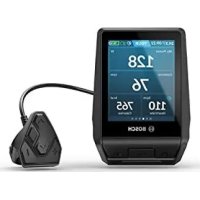
Intuvia 100 - Counter BOSCH - Free user manual and instructions
Find the device manual for free Intuvia 100 BOSCH in PDF.



Pick your language and provide your email: we'll send you a specifically translated version.
User questions about Intuvia 100 BOSCH
0 question about this device. Answer the ones you know or ask your own.
Ask a new question about this device
No questions yet. Be the first to ask one.
Download the instructions for your Counter in PDF format for free! Find your manual Intuvia 100 - BOSCH and take your electronic device back in hand. On this page are published all the documents necessary for the use of your device. Intuvia 100 by BOSCH.
USER MANUAL Intuvia 100 BOSCH
natural_image
Exterior view of a square electronic device with a black screen and 'BOSA' branding (no additional text or symbols)

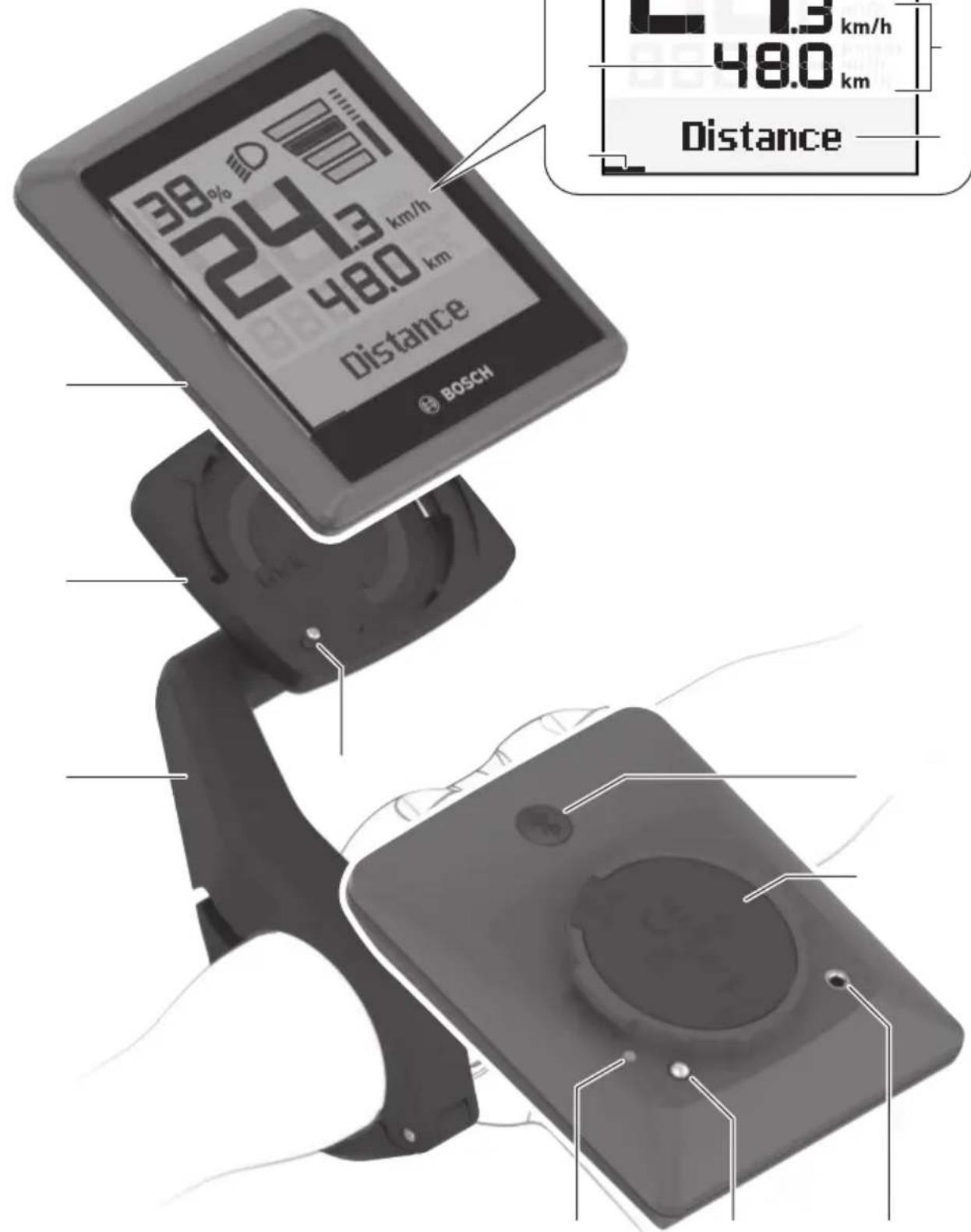
text_image
38% 52 24.3 km/h 48.0 km distance BOSCH 1.3 km/h 48.0 km Distance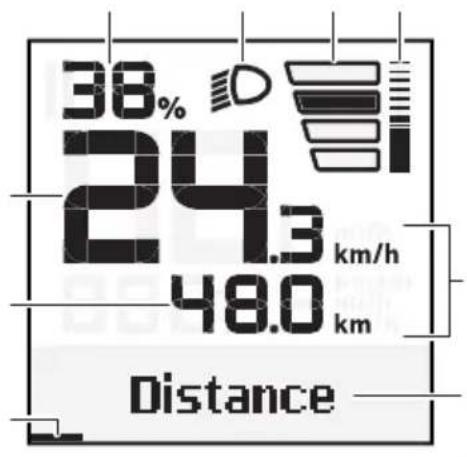
bar
| Metric | Value | | :--- | :--- | | Percentage (%) | 38% | | Distance (km) | 24.3 km/h | | Distance (km) | 48.0 km |A
natural_image
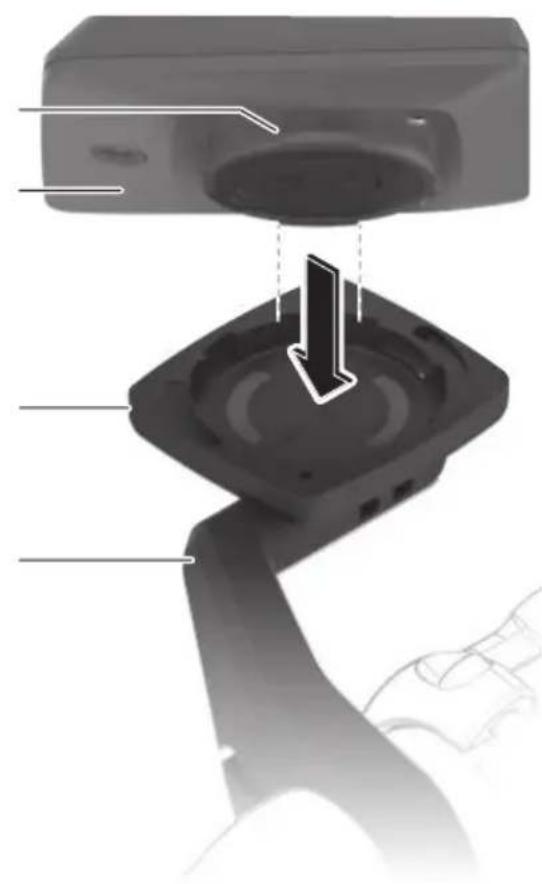
Diagram of a device's internal components, showing a speaker base and cable assembly with no visible text or symbols.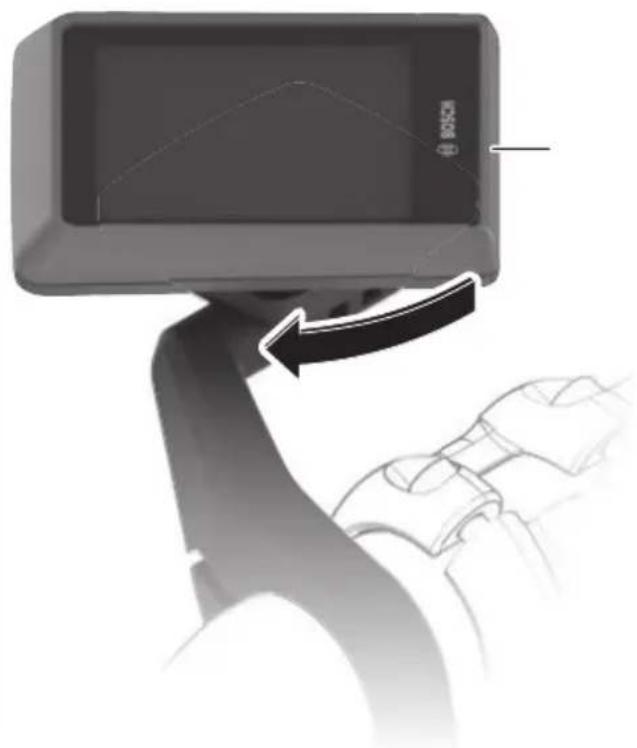
natural_image
Close-up of a hand gripping a device with a black arrow indicating motion (no text or symbols visible)B
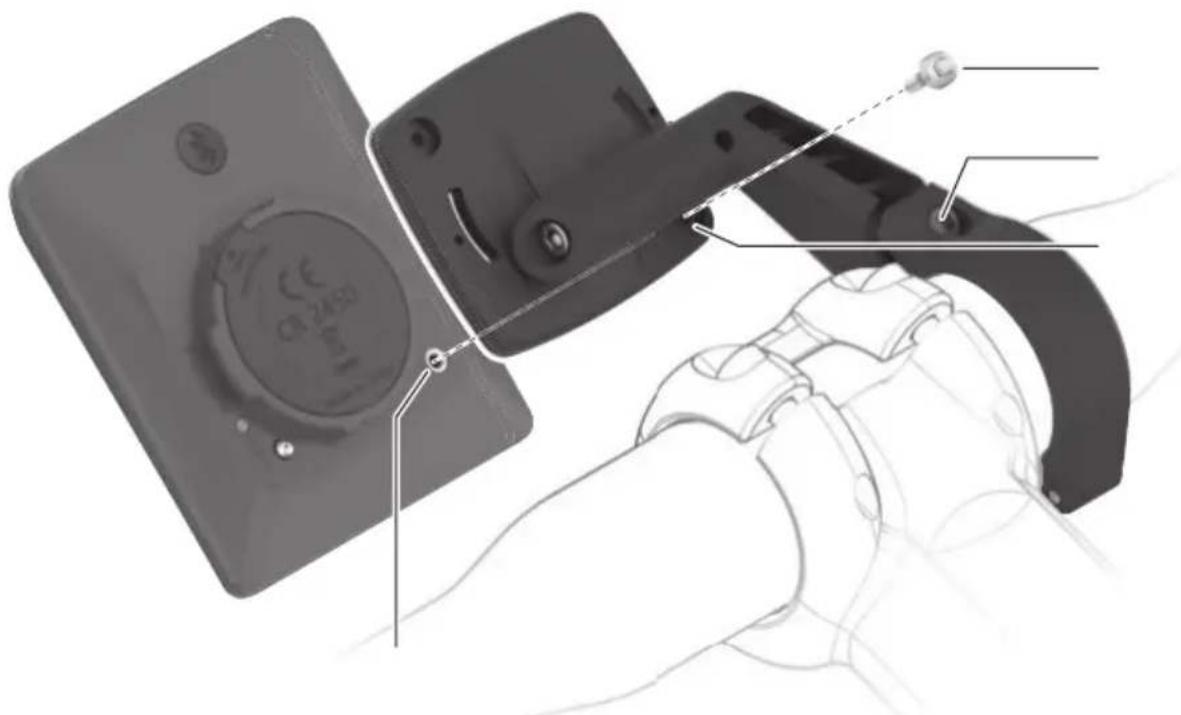
text_image
Technical diagram showing a device with labeled components and a hand holding a device, including a circular component with '24-30' and a dotted line indicating assembly.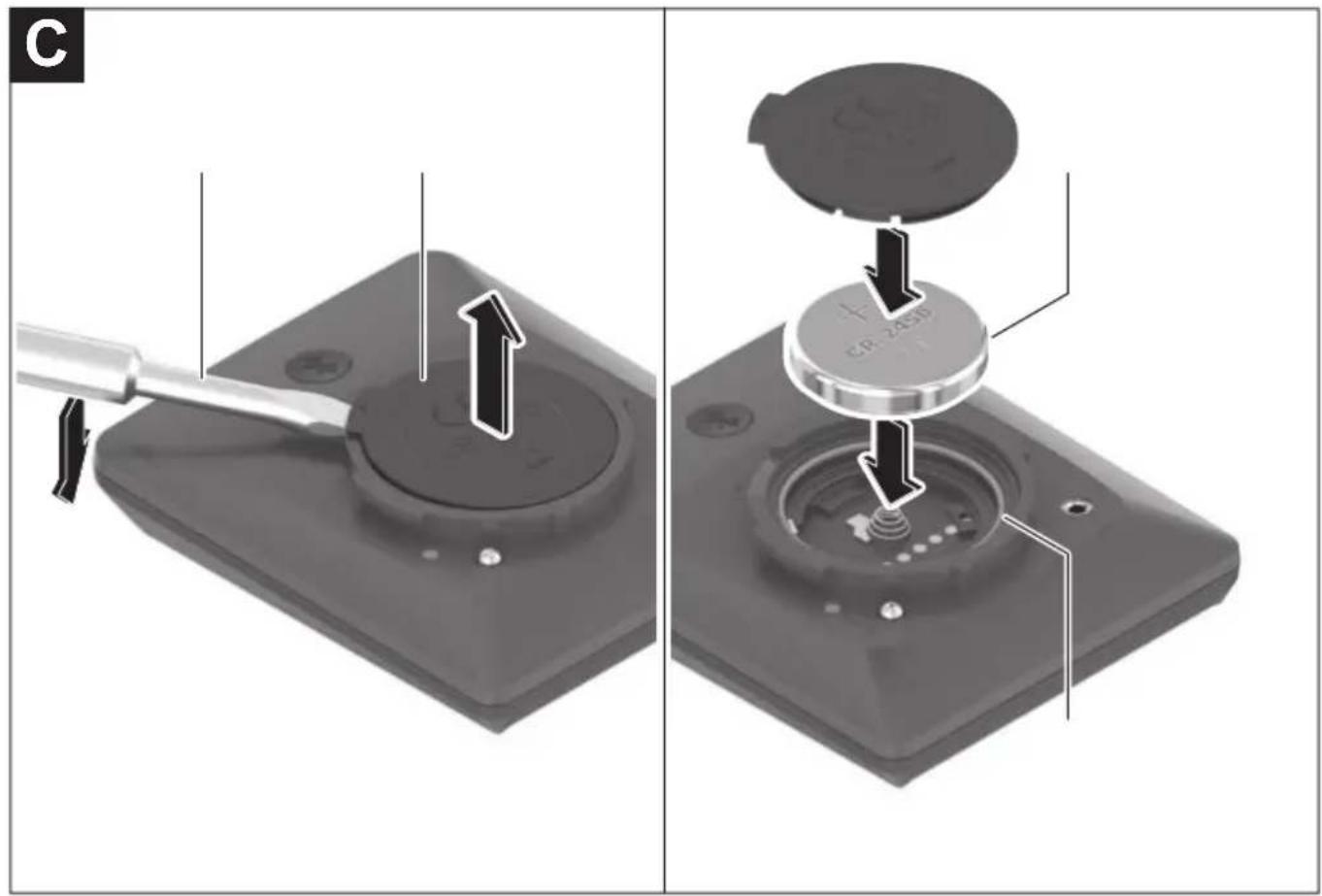
text_image
C CP-2350
natural_image
Pure horizontal lines and a gray bar on the right, no text or symbols present
natural_image
Abstract geometric pattern with horizontal lines and a central shaded rectangle (no text or symbols)
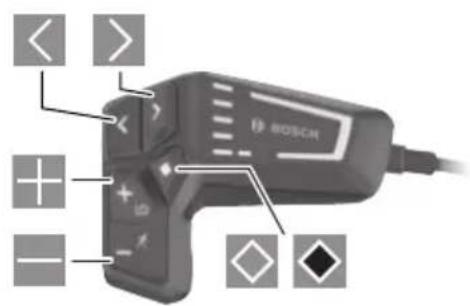
text_image
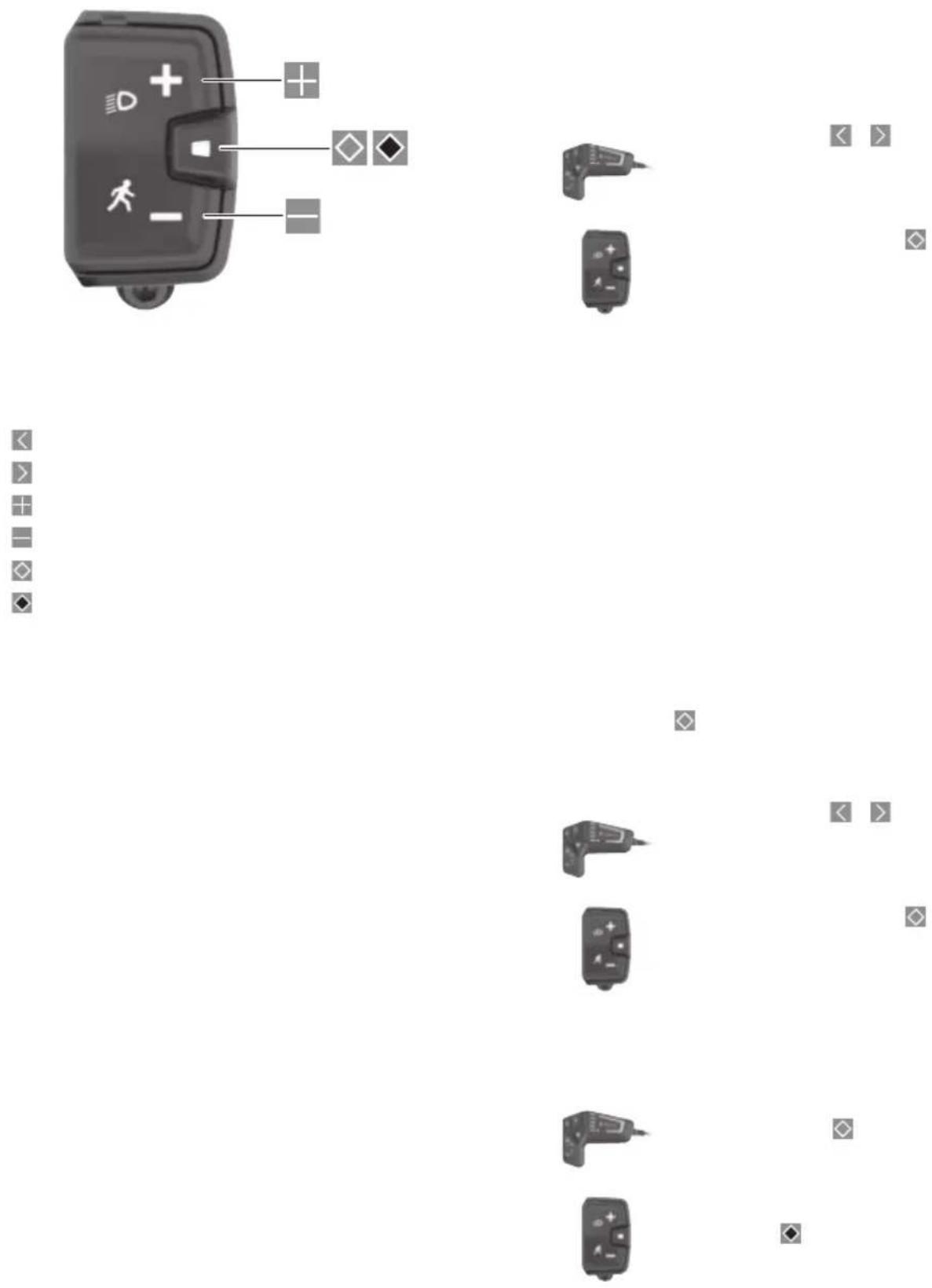
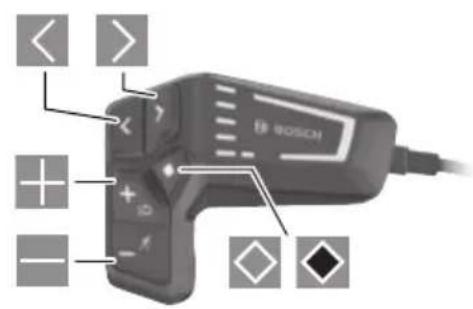
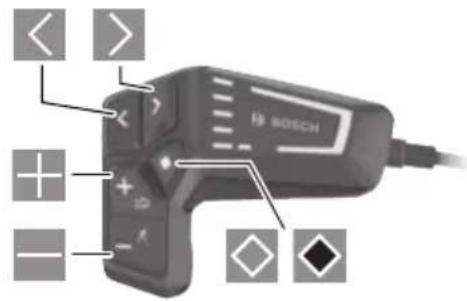
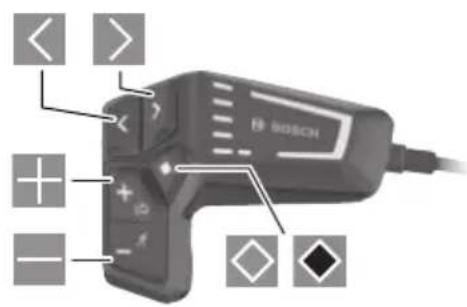
< > + + - - BOSCH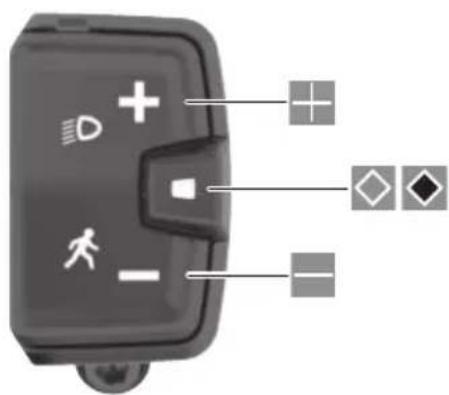
text_image
Diagram of a device control panel with labeled icons and connection points







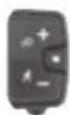

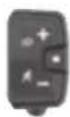



natural_image
Blank white image with no visible content, text, or symbols































































































UKCA
text_image
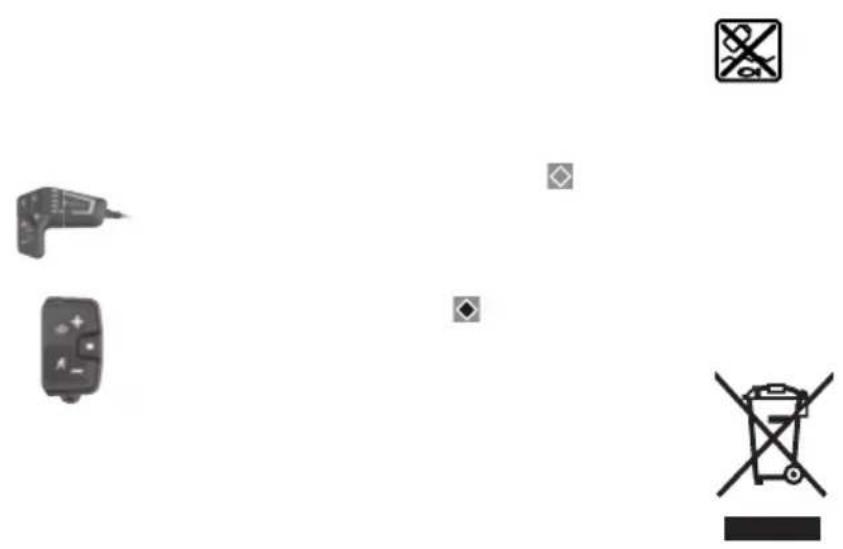
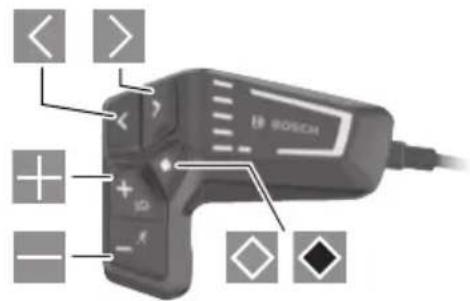
< > + + - + - + - BOSCH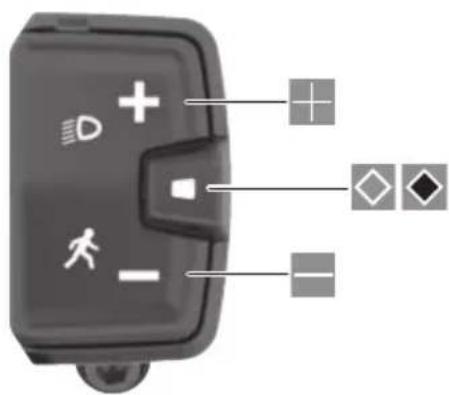
text_image
Diagram of a device control panel with labeled icons and connection points













natural_image
Blank white image with no visible content, text, or symbols





























































































natural_image
Pure horizontal lines and a gray bar on white background, no text or symbols present
natural_image
Pure horizontal lines with a single shaded vertical bar at the center (no text or symbols)
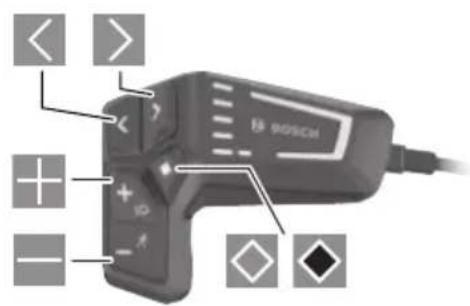
text_image
< > + - + ID BOSCH
text_image
Diagram of a device control panel with icons for mode, status, and function labels









FR
natural_image
Blank white image with no visible content, text, or symbols





























































































natural_image
Pure horizontal lines and a gray rectangular bar on the right, no text or symbols present
natural_image
Pure horizontal lines with a single shaded vertical bar at the center (no text or symbols)
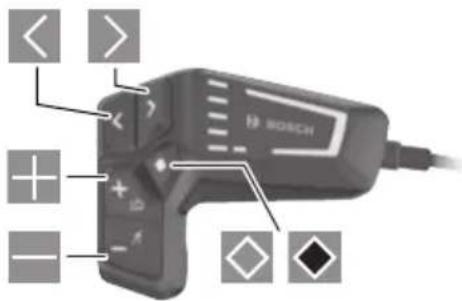
text_image
< > + + - - ◇ BOSCH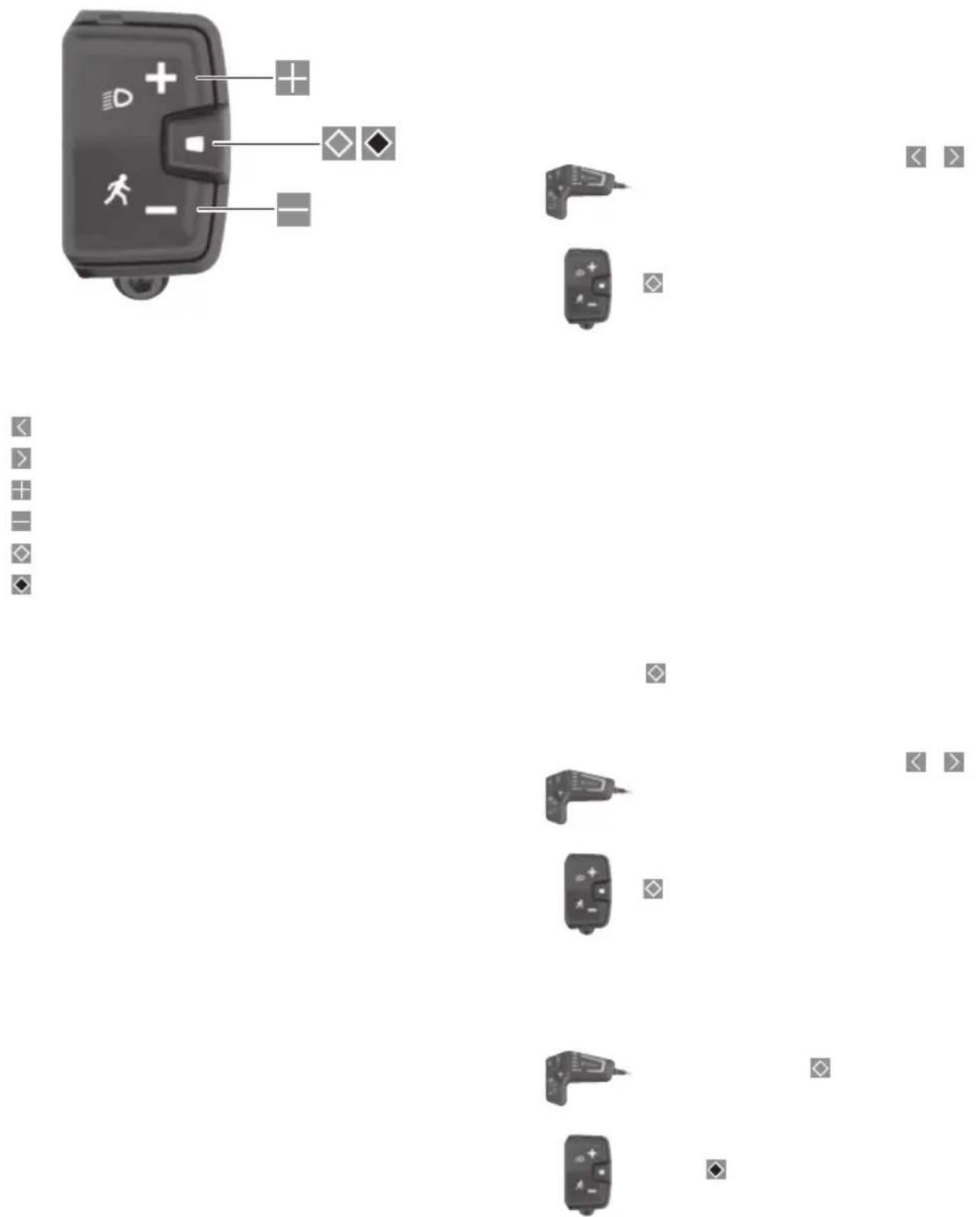



natural_image
Blank white image with no visible content, text, or symbols





























































































natural_image
Pure horizontal lines and a gray rectangular bar on the right, no text or symbols present
natural_image
Pure horizontal lines with a single shaded vertical bar at the center (no text or symbols)
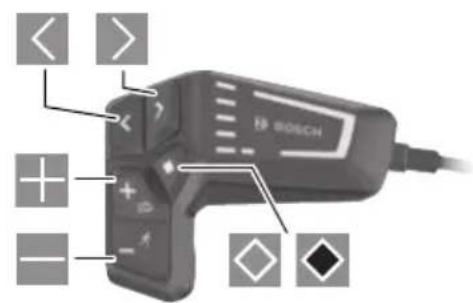
text_image
< > + + - - BOSCH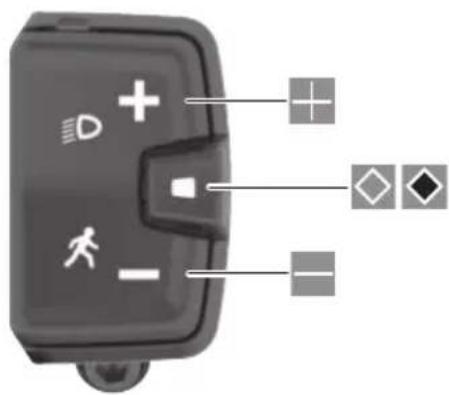
natural_image
Close-up of a black electronic device with icons and connections (no readable text or symbols)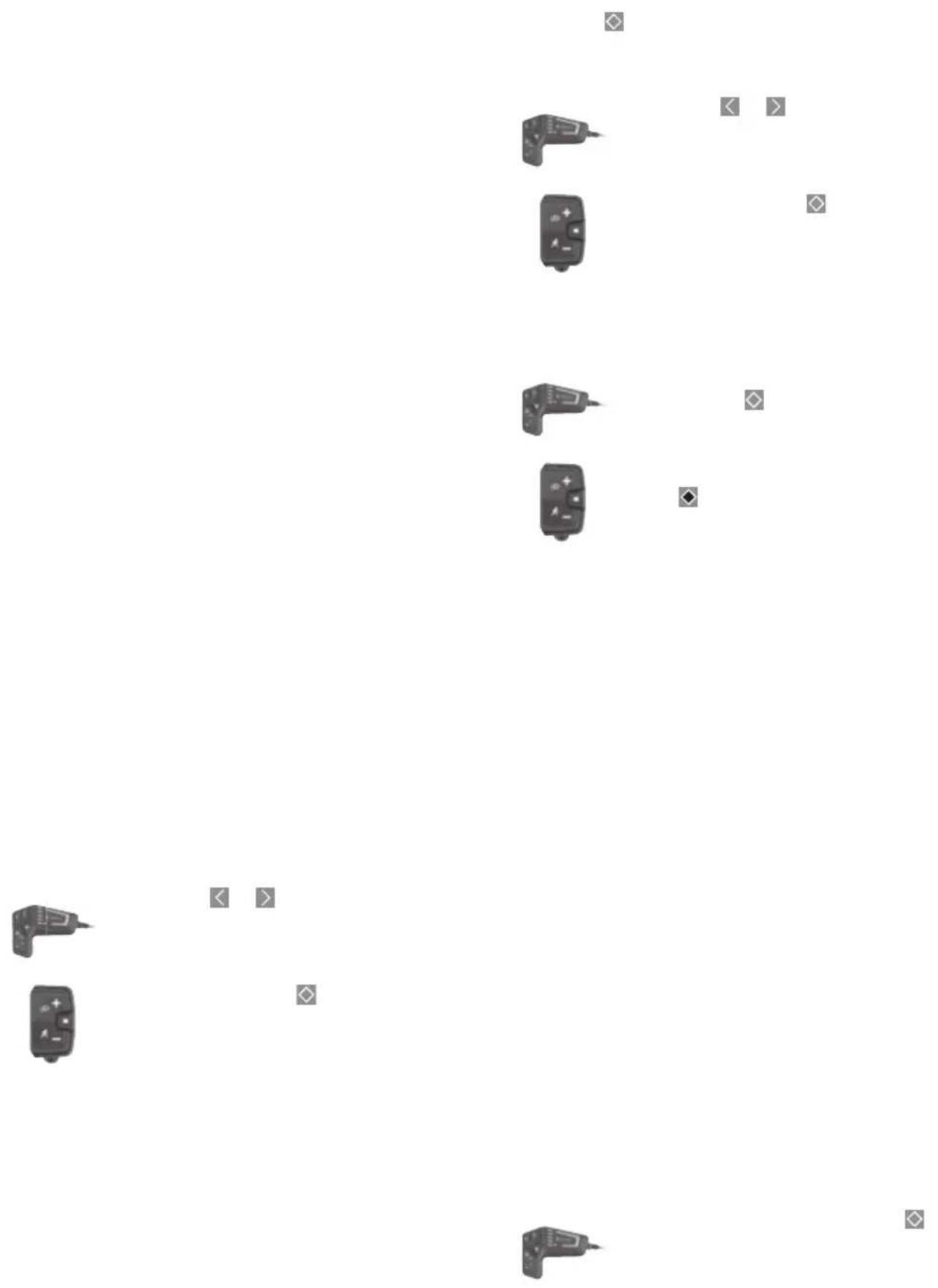



natural_image
Blank white image with no visible content, text, or symbols





























































































natural_image
Pure horizontal lines and a gray bar on the right, no text or symbols present
natural_image
Simple diagram with horizontal lines and a shaded rectangle, no text or symbols present
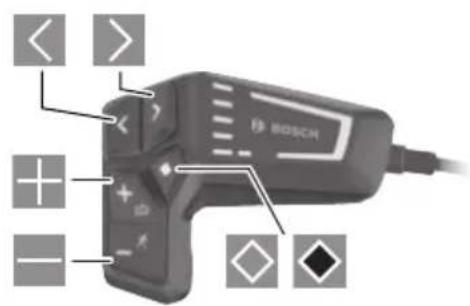
text_image
< > + - BOSCH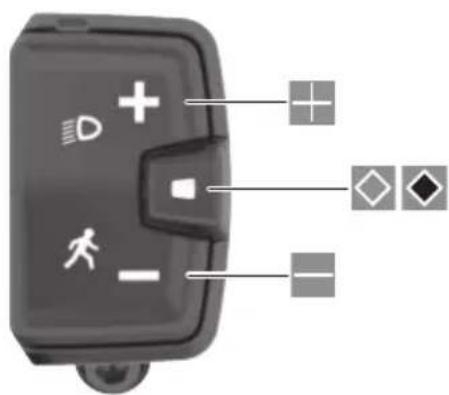
text_image
Diagram of a device control panel with labeled icons and connection points










natural_image
Blank white image with no visible content, text, or symbols





























































































natural_image
Pure horizontal lines and a gray rectangular bar on the right, no text or symbols present
natural_image
Pure horizontal lines with a single shaded vertical bar at the center (no text or symbols)
text_image
< > + + - - BOSCH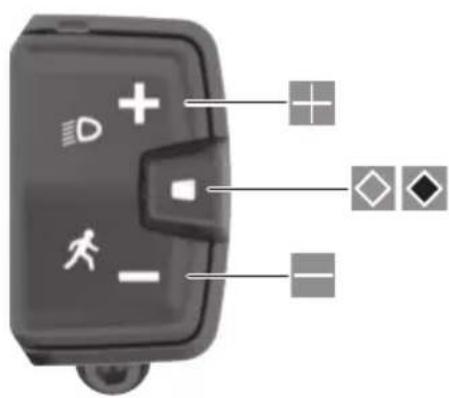
text_image
Diagram of a device control panel with icons for display, function, and status indicators
natural_image
Abstract diagram with multiple camera icons and scattered square markers on a white background (no text or symbols)

natural_image
Blank white image with no visible content, text, or symbols






























































































natural_image
Abstract geometric composition with horizontal lines and a shaded rectangle (no text or symbols)
natural_image
Pure horizontal lines with a single shaded vertical bar at the center (no text or symbols)
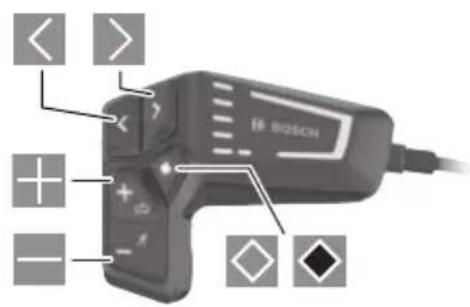
text_image
< > + - BOSCH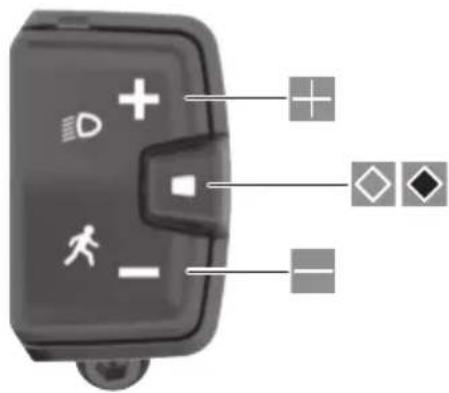
text_image
Diagram of a device control panel with icons for motion, navigation, and display indicators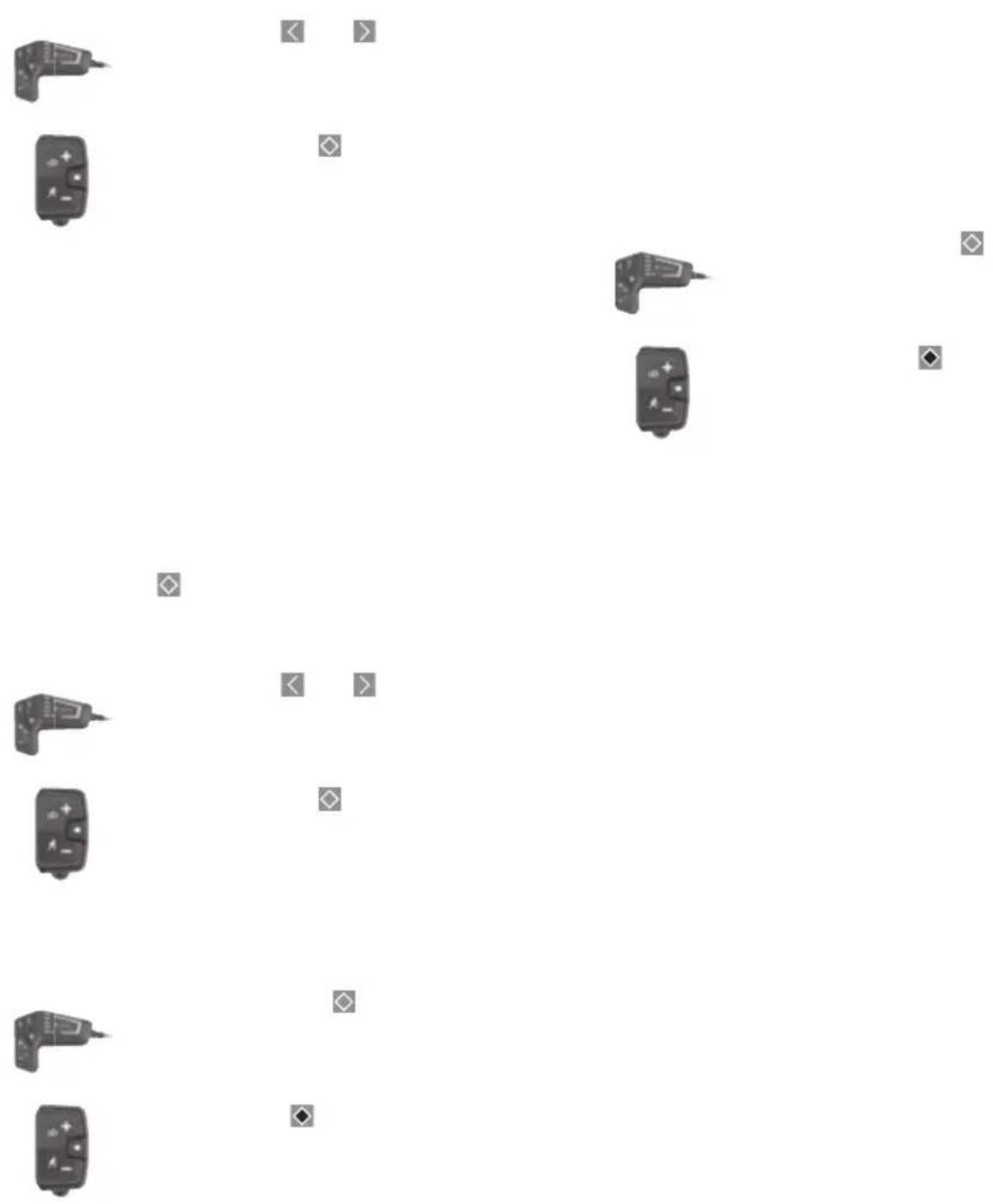


natural_image
Blank white image with no visible content, text, or symbols





























































































natural_image
Abstract diagram with horizontal lines and shaded rectangular blocks, no text or symbols present
text_image
< > + + - - SOSCH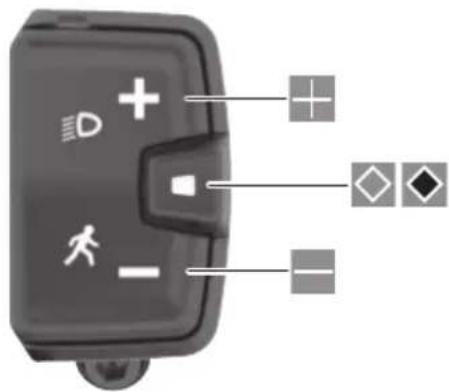
text_image
Diagram of a device control panel with icons for mode, status, and function labels
natural_image
Grid of small electronic devices and symbols on a white background, no text or labels visible

natural_image
Blank white image with no visible content, text, or symbols





























































































natural_image
Abstract diagram with horizontal lines and shaded rectangular blocks, no text or symbols present
text_image
< > + - BOSCH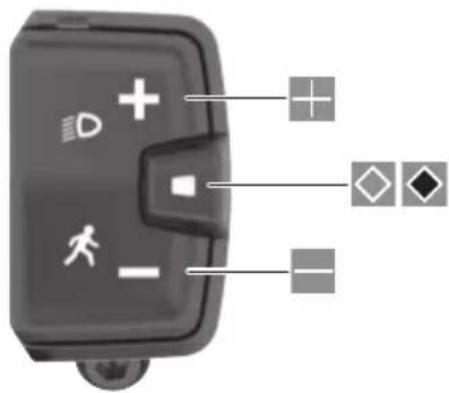
text_image
Diagram of a device control panel with icons for mode, status, and function labels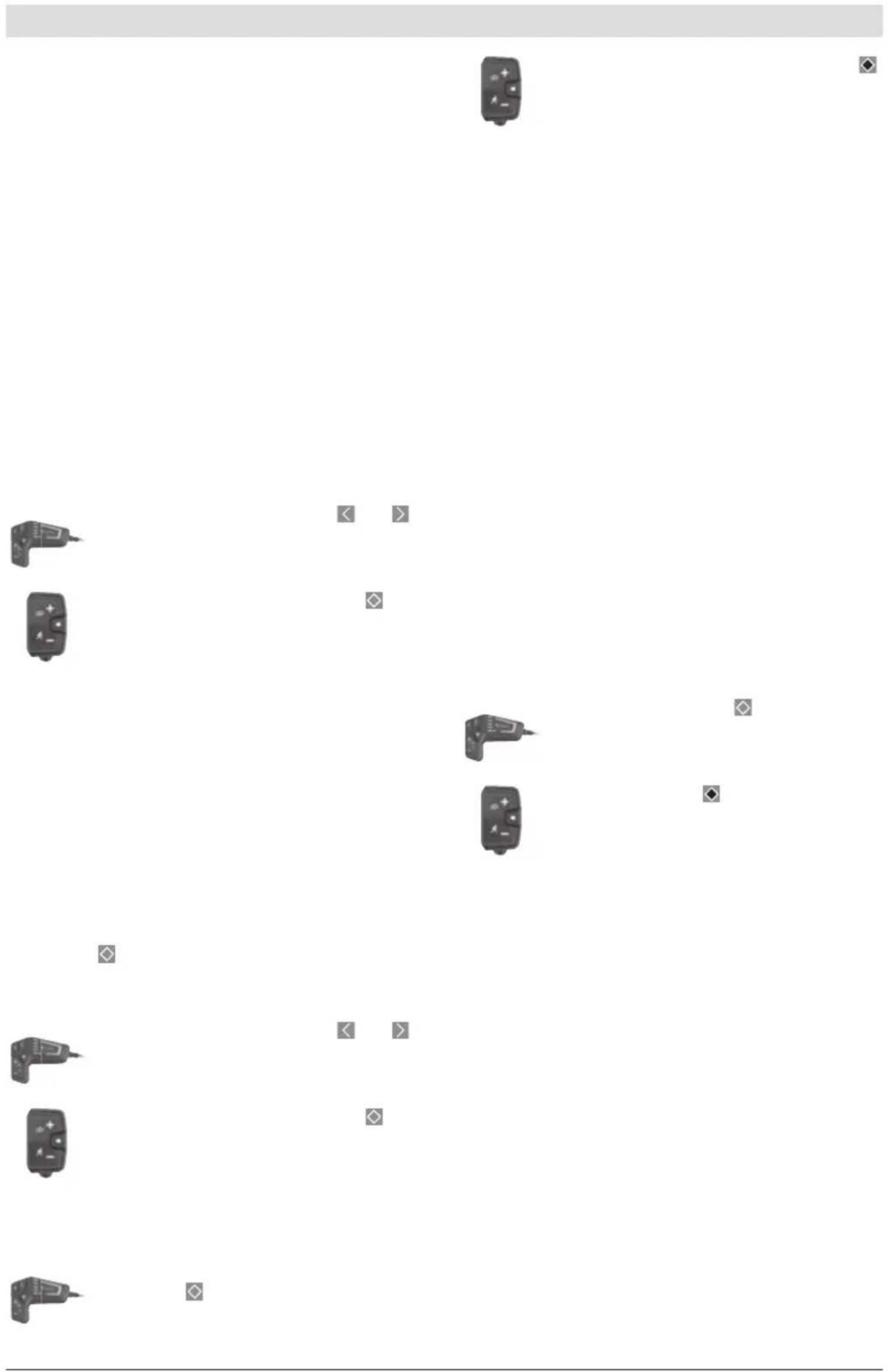
natural_image
Grid of small electronic devices and symbols on a white background, no text or labels visible

natural_image
Blank white image with no visible content, text, or symbols






























































































natural_image
Abstract diagram with horizontal lines and shaded rectangular blocks, no text or symbols present

text_image
< > + - BOSCH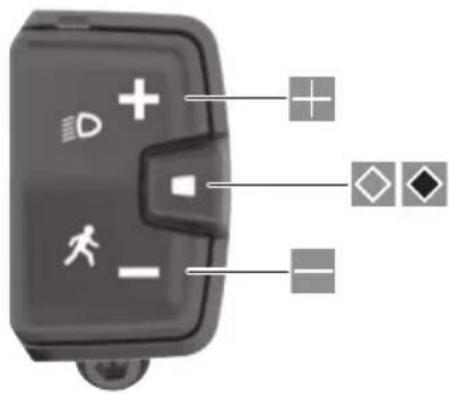
text_image
Diagram of a device control panel with icons for mode, status, and function labels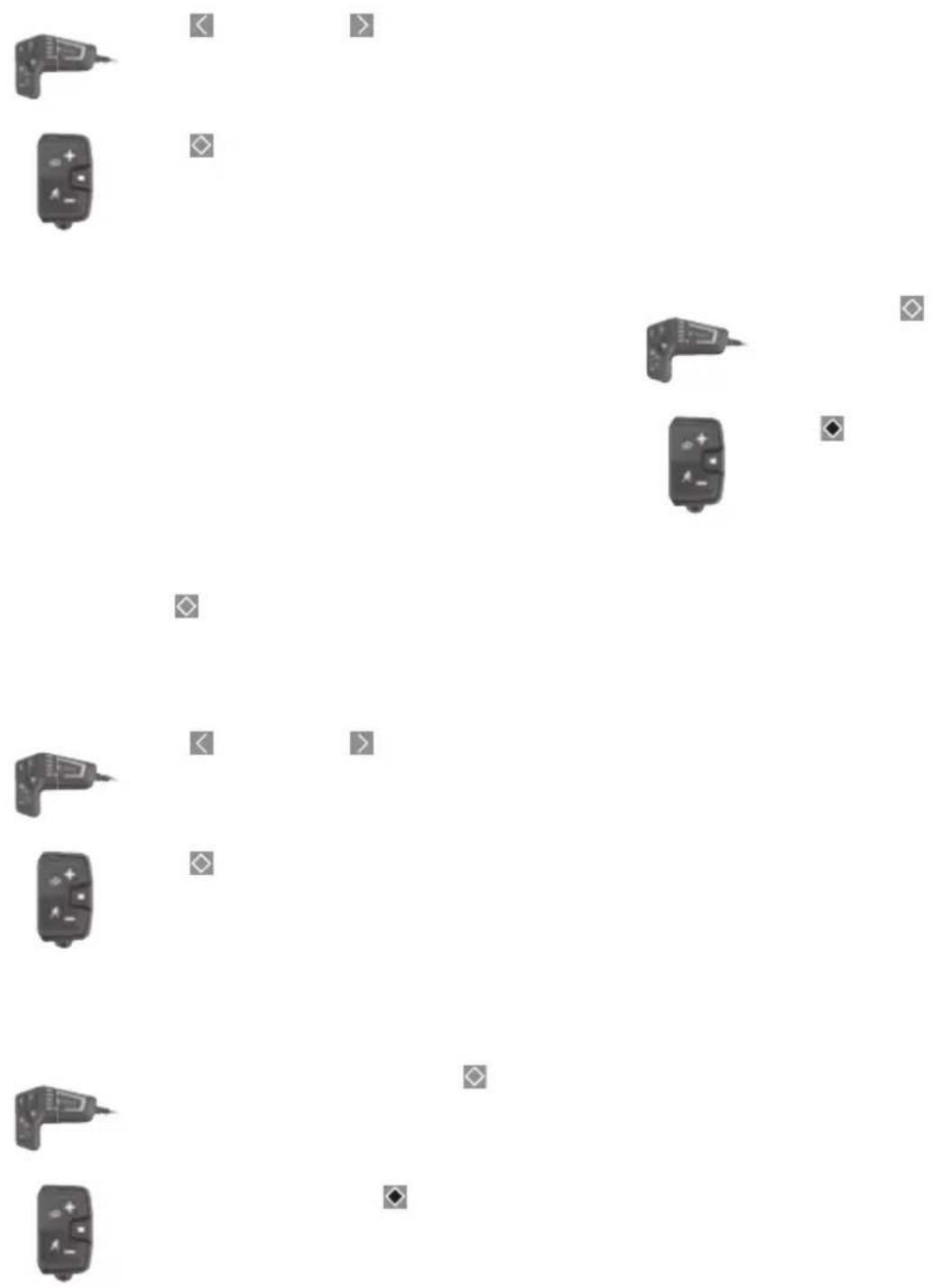


natural_image
Blank white image with no visible content, text, or symbols





























































































natural_image
Pure horizontal lines with a gray vertical bar at the center (no text or symbols)
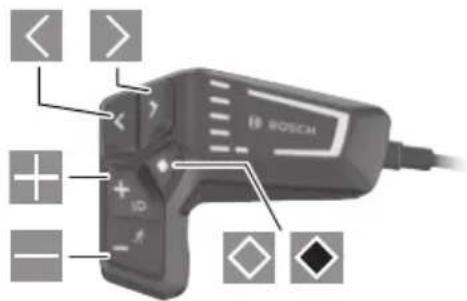
text_image
< > + - + ID - ROSCH