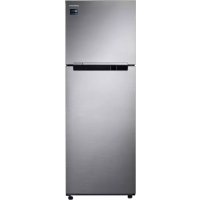
RT32K5035S9 - Freezer SAMSUNG - Free user manual and instructions
Find the device manual for free RT32K5035S9 SAMSUNG in PDF.



User questions about RT32K5035S9 SAMSUNG
0 question about this device. Answer the ones you know or ask your own.
Ask a new question about this device
Download the instructions for your Freezer in PDF format for free! Find your manual RT32K5035S9 - SAMSUNG and take your electronic device back in hand. On this page are published all the documents necessary for the use of your device. RT32K5035S9 by SAMSUNG.
USER MANUAL RT32K5035S9 SAMSUNG
User servicing manual
- You can check where to buy replacement parts at http://samsung.com
-
Visit the part purchase site and enter the model code of your product to check the parts available for purchase. The model code is labelled on the outer side of your product.
-
You can check the model code and version on the barcode label at the bottom left of the product.
-
For replacement parts, make sure the part name matches that of the illustration in this manual.
- User-serviceable parts are limited to handles (some models only), gaskets, drawers, and hinges.
NOTE
Following the repair by a non-authorised service provider, self-repair or non-professional repair of the product, Samsung is not liable for any damage to the product, any injury or any other product safety issue caused by any attempt to repair the product which does not carefully follow these repair and maintenance instructions. Any damage to the product caused by an attempt to repair the product by any person other than a Samsung certified service provider will not be covered by the warranty.
CAUTION
- The part name listed on the site may differ from that in this manual. Please make sure you choose the right part name.
- Replacing hinges requires extreme caution because it involves detaching the door.
- Be sure to wear safety gloves while making repairs.
English
The actual image and provided parts of the refrigerator may differ, depending on the model and the country.
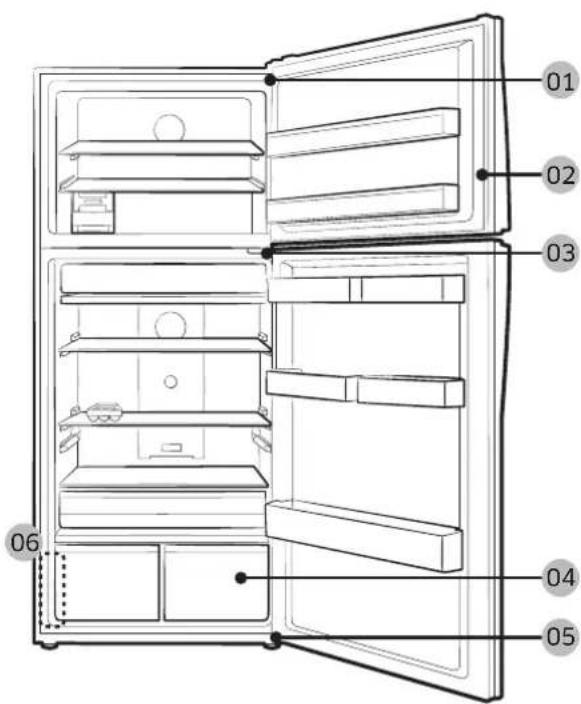
01 Hinge Up 02 Gasket
03 Hinge Mid 04 Drawer
05 Hinge Low 06 Barcode label
English
Handle replacement
CAUTION
- When replacing the door handle, take care not to scratch the front of the door.
- Firmly press the handles at the supports. Make sure there is no gap between the supports and the door.
- Tightly fasten the screws when attaching the handle.
- Check that the handle is firmly attached before using the product.
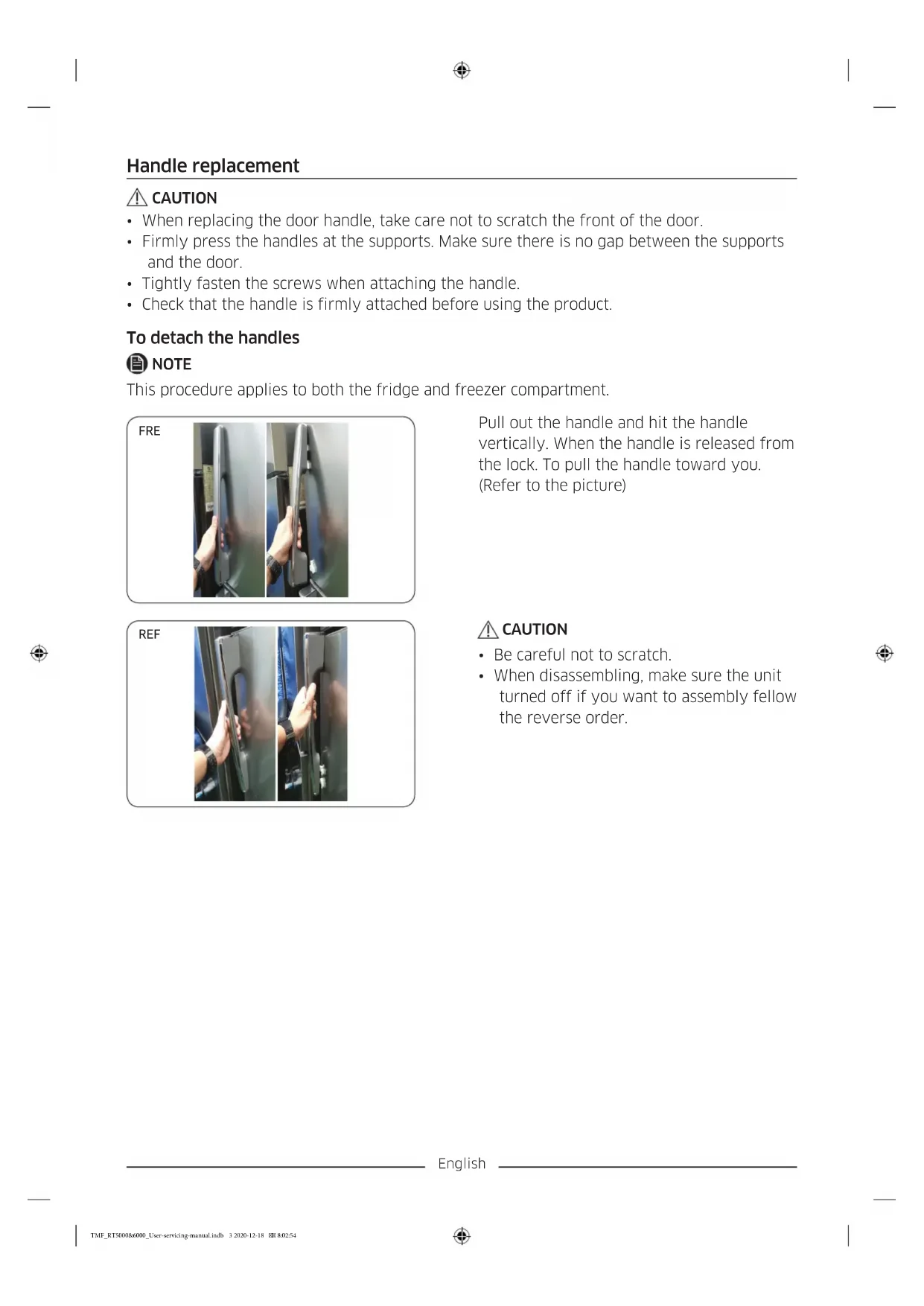
To detach the handles
NOTE
This procedure applies to both the fridge and freezer compartment.
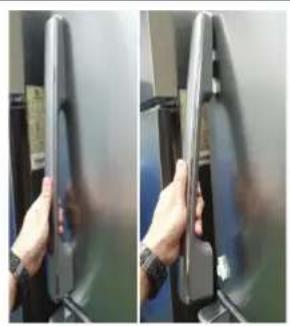
FRE
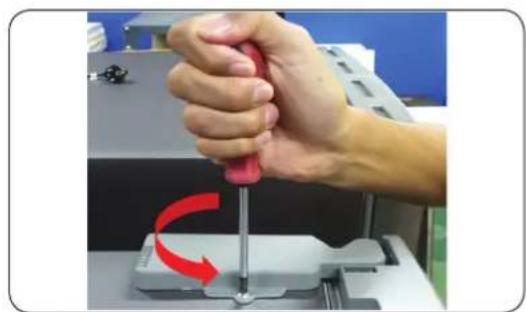
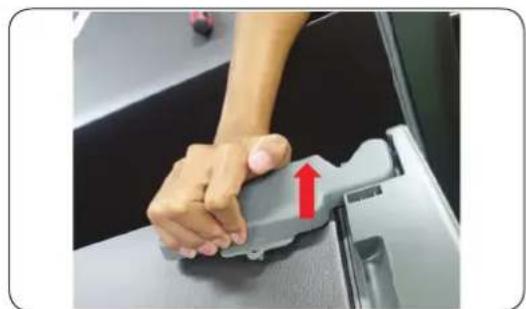
Pull out the handle and hit the handle vertically. When the handle is released from the lock. To pull the handle toward you. (Refer to the picture)
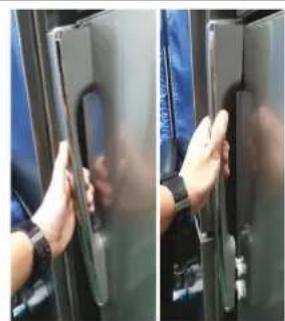
REF
CAUTION
- Be careful not to scratch.
- When disassembling, make sure the unit turned off if you want to assembly fellow the reverse order.
English
Gasket replacement
CAUTION
Make sure you firmly attach the gasket. Otherwise, cold air from the refrigerator may leak.
To remove the gasket
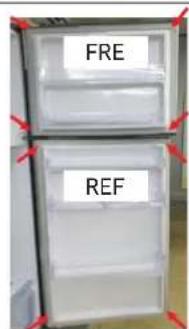
- Pull the 4 corners of gasket Fre & Ref.
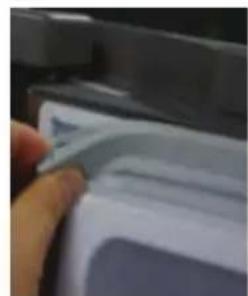
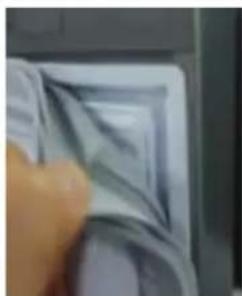
- Pull the center of gasket.
To replace the gasket
Attach a new gasket to the refrigerator door. Make sure there is no gap between the new gasket and the door.
English
Drawer replacement
CAUTION
Check that the drawer is inserted properly into the rail during assembly.
To remove the drawer
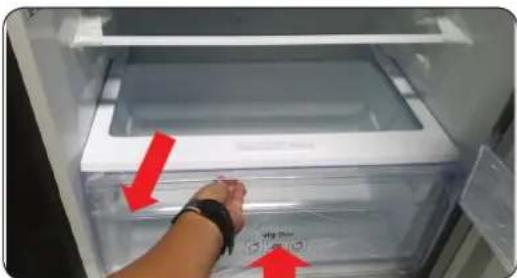
Remove the drawer by pulling the roller part and lifting it up.
To reattach the drawers
Reattaching the drawers follows the reverse order of their respective removal steps.
English
Hinge replacement
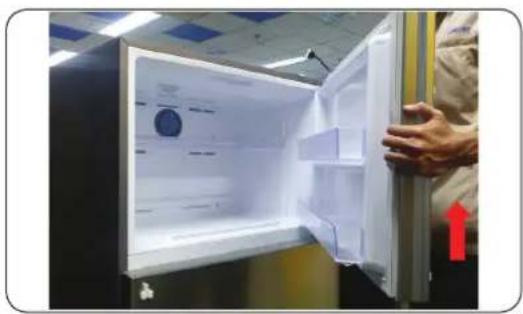
To replace the hinges, you must remove the doors first.

CAUTION
- When removing the doors, take extreme caution because the doors are heavy.
- Before replacing the hinges, put a soft pad such as cardboard on the floor to prevent scratches on the door when you place the doors down.
- As the hinges must be handled carefully and replaced by two or more persons, we recommend you to call for professional technical service.
If you remove the hinge without holding the door, the door may fall and cause injury. - Ensure that the shaft is firmly tightened on the hinge.
- Check that the hinge is firmly attached to the cabinet.
- Make sure the wire connectors are connected properly.
- Be careful not to damage the wires when fastening the top cover.

WARNING
- Tilting/laying the refrigerator requires a minimum of 2 people.
- Disconnect the power cord before reversing the doors.
Tools required (not provided)
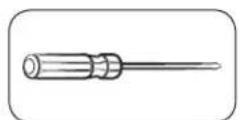
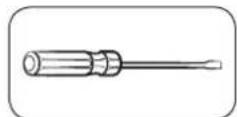
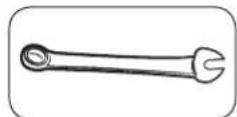
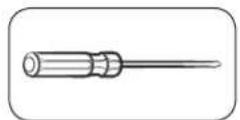
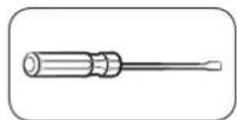
Phillips screwdriver Flat-head screwdriver 11 mm spanner
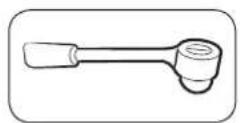
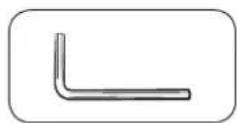
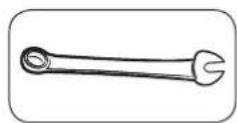
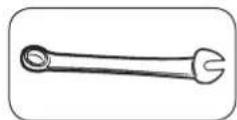
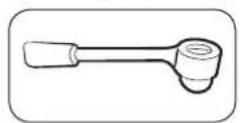
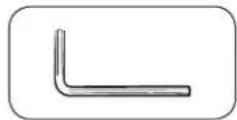
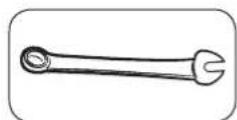
10 mm socket wrench Allen wrench (5 mm) 10 mm spanner
English
Reversing the door
Hinge Up
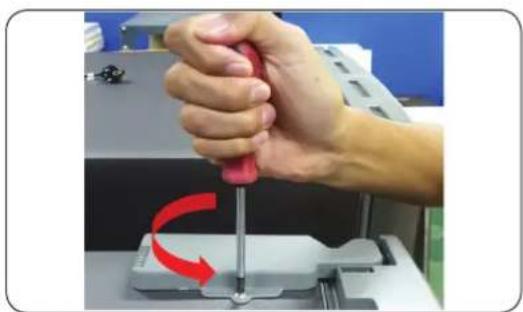
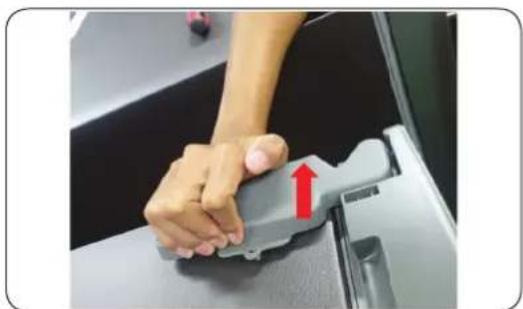
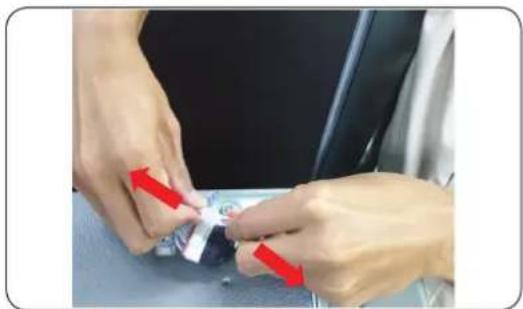
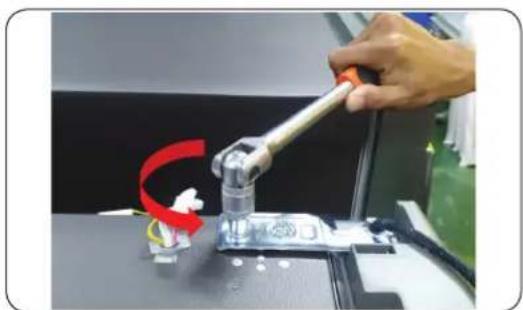
- Remove screw 1 ea Cover hinge with the (+) screwdriver and Open.
- Pull the hooks and lift Cover hinge.
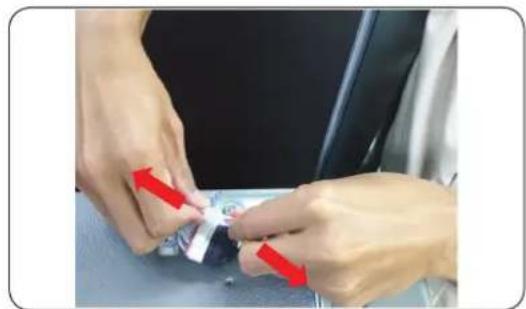
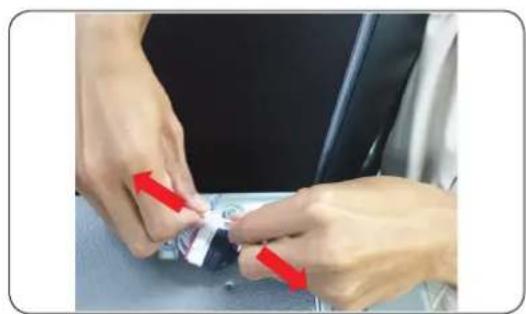
- Disconnect the wire connector on the hinge up.
CAUTION
Be sure to unplug the power cord before performing the operation above.
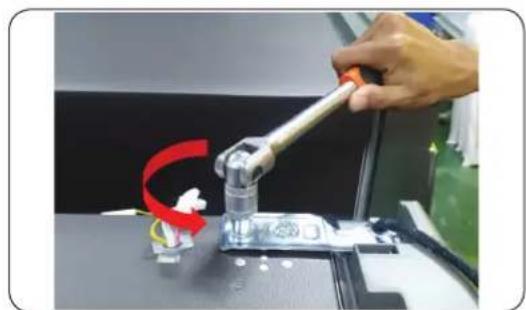
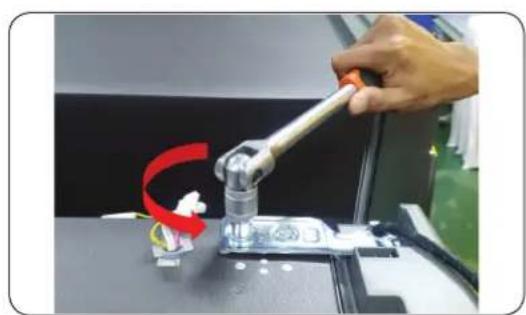
- Remove the 2 hex bolts that hold the hinge on the top of the refrigerator with the 10mm socket wrench.
English
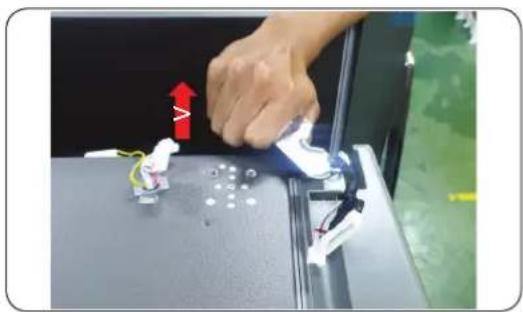
-
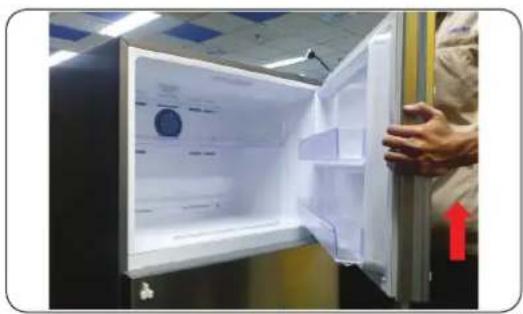
Remove Hinge up R/L.
-
Remove Door.
CAUTION
Must working more than 2 people. One person grab the door to prevent falling door.
English
Hinge Mid
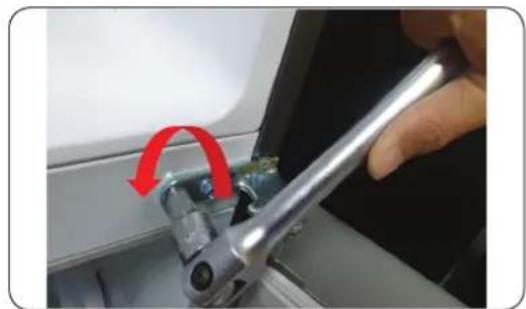
- Remove the 2 hex bolts that hold the hinge with the 8mm socket Wrench or using (+) screwdriver.
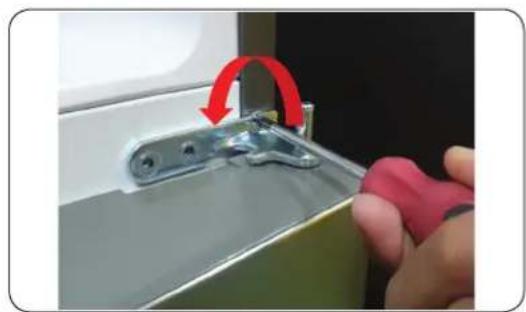
- Remove the screw 1 ea the hinge With (+) screwdriver.
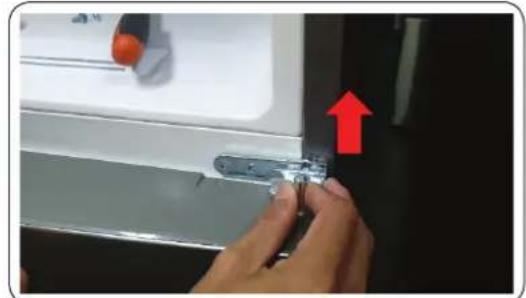
- Disassembly hinge mid from door ref up.
CAUTION
- Must working more than 2 people.
- Be sure to unplug the power cord before performing the operation above.
English
Hinge Low
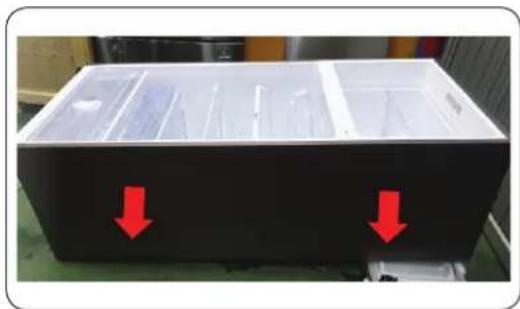
- Lay down product (Refer picture).
CAUTION
- Must to a pad underneath to protect the back of the product from being damaged.
- Must working more than 2 people.
-
Be sure to unplug the power cord before performing the operation above.
-
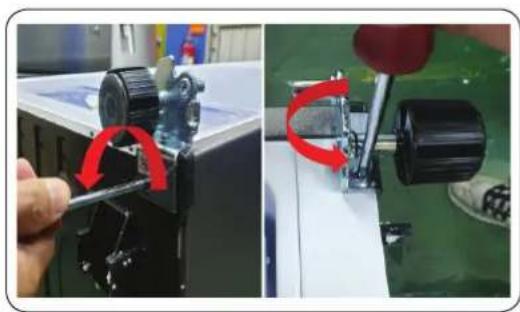
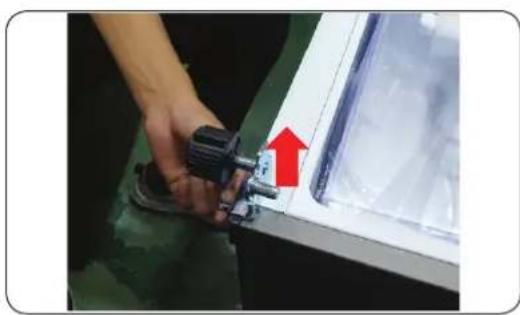
Remove the 3 hex bolts that hold the hinge with the 8mm socket Wrench or using (+) screwdriver.
-
Remove Hinge Low.
- Reassemble in the opposite order of disassembly after replacing the top, middle, and/or bottom hinge.
CAUTION
- Make sure the wire connectors are connected properly.
- Be careful not to damage the wires when fastening the top cover
English
Guide de réparation
- Povucite 4 kuta brtve Frei Ref.
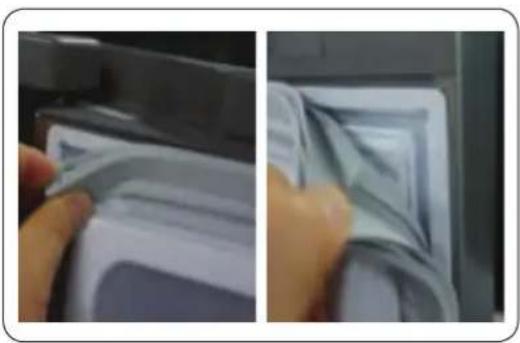
- Povucite sredin brte.
Za zamjenu brtve
Celed kriket 10 mm Celed hekzagonal (5 mm) Celed dadosh 10 mm
Shqip
Anasjellja e deres Mentesha e siperme
I P E D U N P E D U B A H E
- HabanyBaBe/nerHyBaBe Ha pprnKepeo 6apa Hajmky Dbaia.
- Otkaute ro ka6enot 3a Hanoivbahe nped npeBpTyBahe Ha BpaTne.
Iotppe6Hn aanaTn (He ce ncnopaahn)
Kpctau Plochat wpaep Knyu 11 mm
KpkaJIO 10 mm Im6yc (5 mm) Knyu 10 mm
MaKeDoHcKn
3aBpTyBaHe Ha BpaTata
Topha wapka
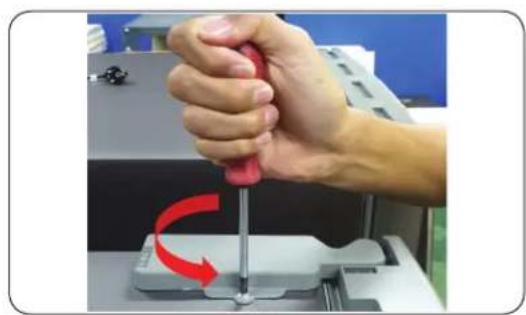
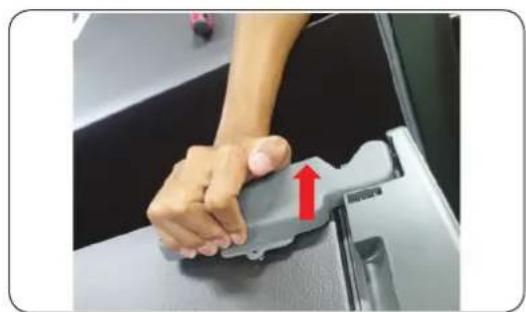
- OtctpaHete ro 1-nOT wpaΦ Ha KanaKoT Ha Wapkata co (+) wpaΦuRrep n OTbOpTe.
2.Поваче Г КкгпЕ И NOДИНЕТЕ Г KANAKOT Ha shapkata. - NcKnyHeTe ro npNKnyyOKOT 3a Ka6eH a rOpHaTa Wapka.
BHIMAHNE
OcnypeTe ce deKa cTe ro ncknyuHne Ka6eIOT 3a HanojyBaHe nped da ja na 3BpUIne pa6oTaT a norope.
4.ИЗваде ти 2-Te wecToarOJIHn 3aBpTKI WTO jaДржAT wapkata Ha roPHiOT DeJ Od ФпЖнepoT co KpUkaNo 10mm.
MaKeDoHcKn
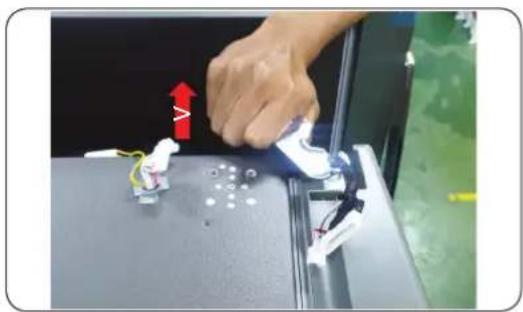
- OtctpaHete ja rohpata wapka I/II.