IREX050BK - Remote control NEDIS - Free user manual and instructions
Find the device manual for free IREX050BK NEDIS in PDF.



User questions about IREX050BK NEDIS
0 question about this device. Answer the ones you know or ask your own.
Ask a new question about this device
Download the instructions for your Remote control in PDF format for free! Find your manual IREX050BK - NEDIS and take your electronic device back in hand. On this page are published all the documents necessary for the use of your device. IREX050BK by NEDIS.
USER MANUAL IREX050BK NEDIS
IR Remote Control Extender to operate equipment which is out of sight
IREX050BK
text_image
QR code image containing encoded data, no visible human-readable text
ned.is/irex050bk
EN Quick start guide 5
DE Kurzanleitung 8
FR Guide de démarrage rapide 12
NL Verkorte handleiding 16
IT Guida rapida all'avvio 20
ES Guía de inicio rápido 24
PT Guia de iniciação rápida 28
SV Snabbstartsguide 32
FI Pika-aloitusopas 35

Hurtigguide 39

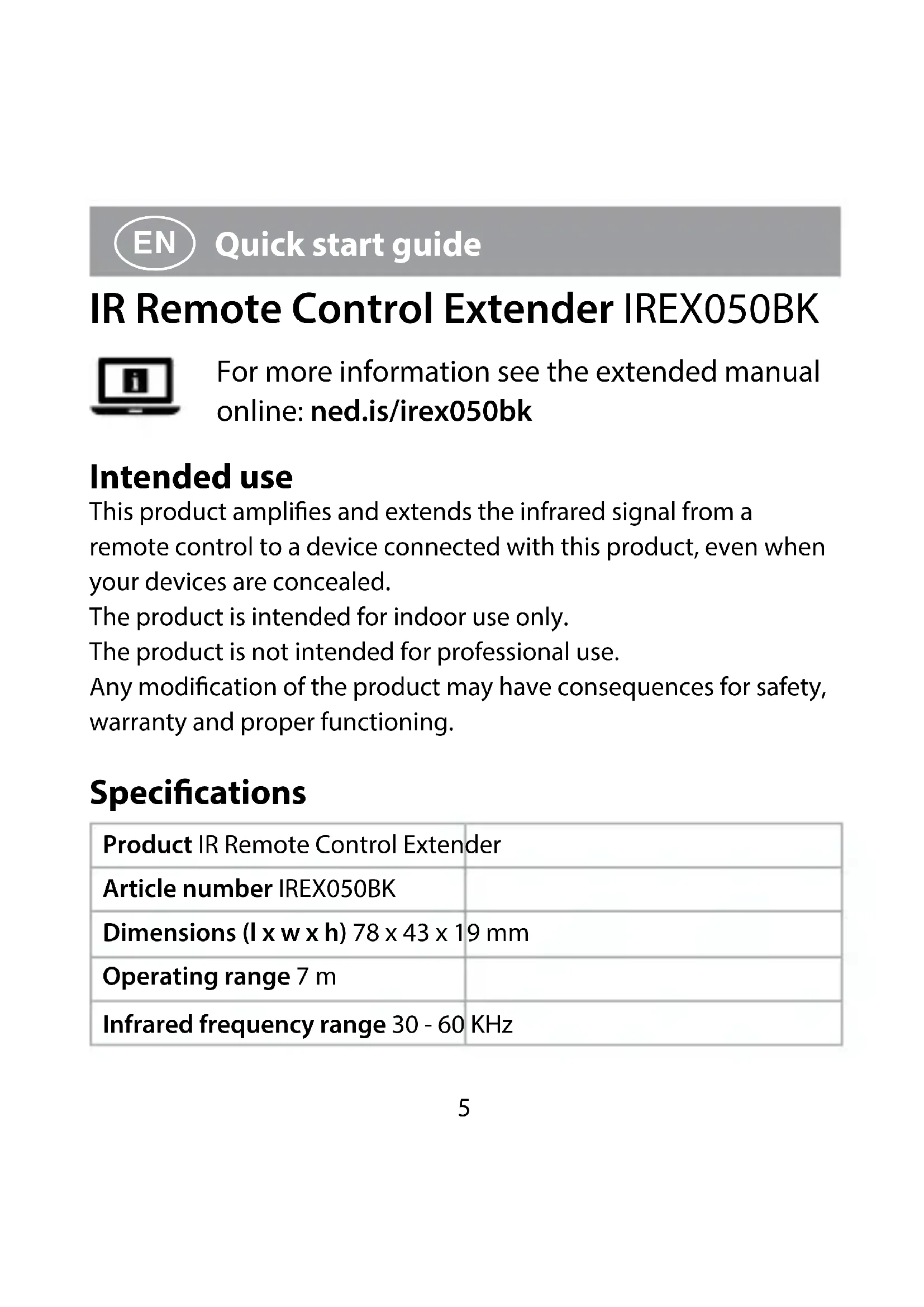
This product amplifies and extends the infrared signal from a remote control to a device connected with this product, even when your devices are concealed.
The product is intended for indoor use only.
The product is not intended for professional use.
Any modification of the product may have consequences for safety, warranty and proper functioning.
Specifications
| Product IR Remote Control Extender | |
| Article number IREX050BK | |
| Dimensions (l x w x h) 78 x 43 x 19 mm | |
| Operating range 7 m | |
| Infrared frequency range 30 - 60 KHz | |
| Extender probes 3 Y type LEDs (1, 1.5, 2 m) | |
| Input power 5 VDC ; 100 mA | |
| Power consumption 1 W | |
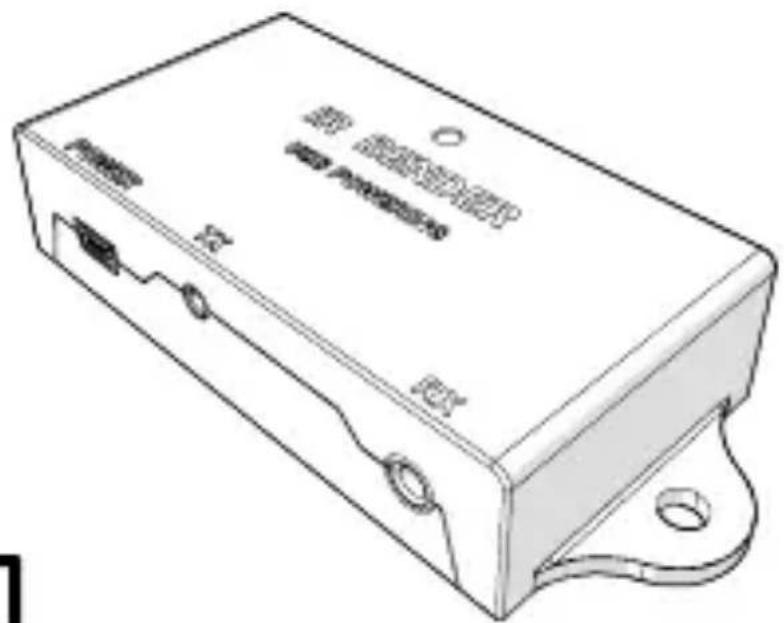
Main parts (image A)
1 IR Remote Control Extender
2 Micro USB port
3 IR extender
4 Micro USB - USB cable
5 Screws (2x)
6 Infrared receiver port Rx
7 Infrared receiver port Tx
8 IR receiver
Safety instructions
WARNING
- Only use the product as described in this manual.
- Do not use the product if a part is damaged or defective. Replace a damaged or defective device immediately.
- Do not drop the product and avoid bumping.
- This product may only be serviced by a qualified technician for maintenance to reduce the risk of electric shock.
- Disconnect the product from the electrical outlet and other equipment if problems occur.
- Do not expose the product to water or moisture.
-
Do not open the product.
-
If the power cable is damaged, it must be replaced by a special cable or assembly available from the manufacturer or its service agent.
- Only use provided parts.
Installing the product
Make sure all the devices you want to connect have been switched off.
- Plug the IR extender A ③ into the infrared receiver port Tx A ⑦.
- Secure the cable of the IR receiver A ⑧ using the hooks.
- Plug the cable of A ⑧ into the infrared receiver port Rx A ⑥.
- Place A ⑧ near the remote.
- Place the IR Remote Control Extender A ① and A ③ near your device.
- Plug the Micro USB - USB cable A ④ into the USB port A ②.
- Plug A ④ into a power source.
Declaration of Conformity
We, Nedis B.V. declare as manufacturer that the product IREX050BK from our brand Nedis ^® , produced in China, has been tested according to all relevant CE standards and regulations and that all tests have been passed successfully. This includes, but is not limited to the RED 2014/53/EU regulation.
The complete Declaration of Conformity (and the safety datasheet if applicable) can be found and downloaded via webshop.nedis.com/IREX050BK#support
For additional information regarding the compliance, contact the customer service:
Web: www.nedis.com
E-mail: service@nedis.com
Phone: +31 (0)73-5991055 (during office hours)
Nedis B.V., de Tweeling 28
5215 MC 's-Hertogenbosch, the Netherlands

Kurzanleitung
IR-Fernbedienungs-Extender IREX050BK
5215 MC 's-Hertogenbosch, the Netherlands
5215 MC 's-Hertogenbosch, the Netherlands

Rýchly návod
The Netherlands 12/19