Z537 - Bluetooth speaker LOGITECH - Free user manual and instructions
Find the device manual for free Z537 LOGITECH in PDF.

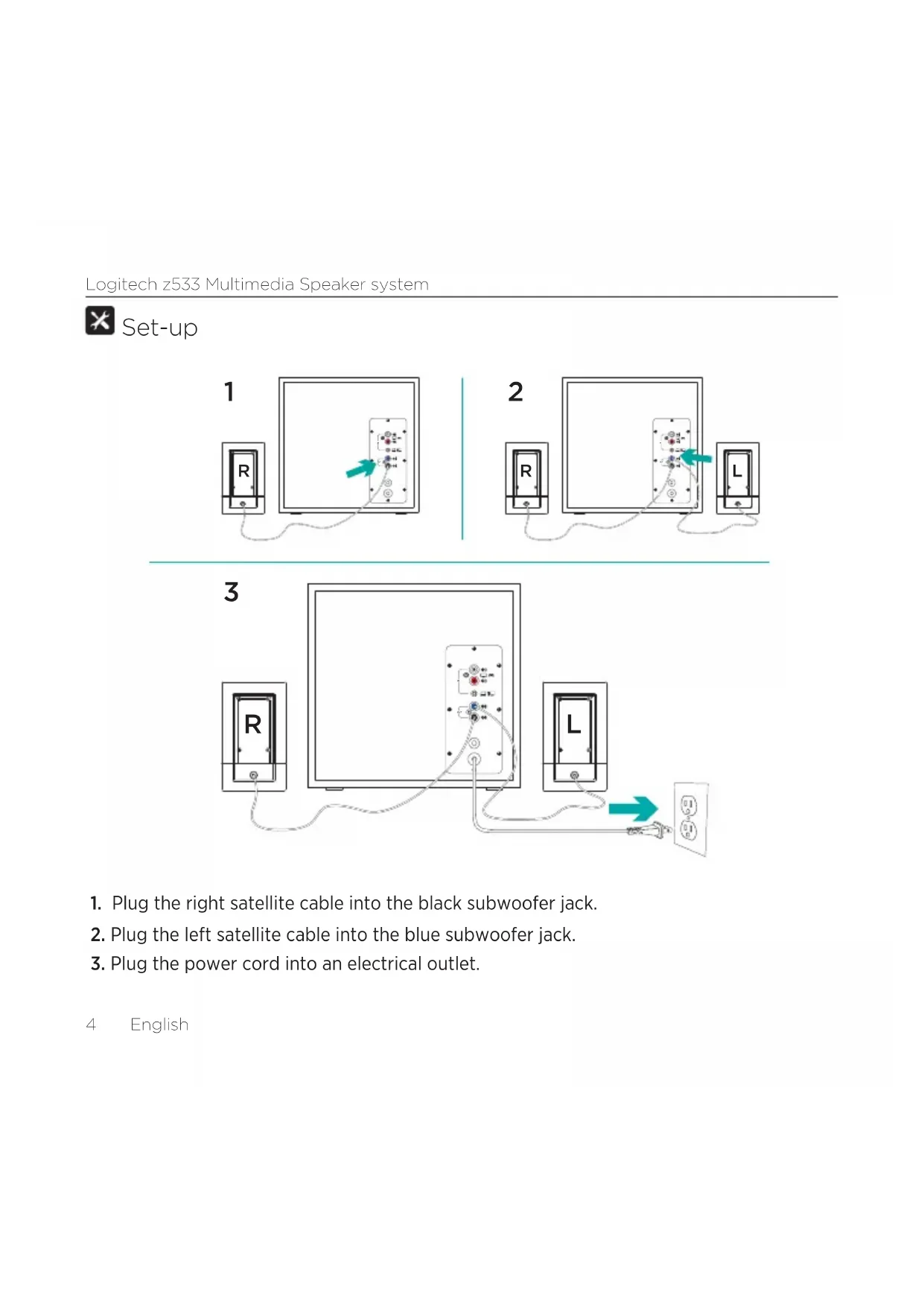


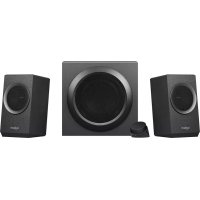
| Product type | Bluetooth 2.1 speaker (satellites + subwoofer) |
| Brand | Logitech |
| Model | Z537 |
| Satellite dimensions | Approximately 15 x 10 x 10 cm |
| Subwoofer dimensions | Approximately 20 x 25 x 30 cm |
| Total weight | Approximately 4 kg |
| Power supply | Mains 100-240 V, 50/60 Hz |
| Connectivity | Bluetooth, 3.5 mm input, RCA input (cable not included) |
| Power | 40 W RMS |
| Frequency response | 40 Hz - 20 kHz |
| Control | Volume and bass via wired control, 3.5 mm headphone jack |
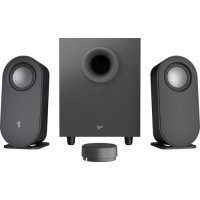
| Box contents | 2 satellites, 1 subwoofer, 3.5 mm cable, documentation |
| Maintenance | Clean with a soft dry cloth |
| Safety | Do not expose to water, use only the provided adapter |
| Repairability | Repairable by a professional, spare parts available on request |
| Warranty | 2 years |
Frequently Asked Questions - Z537 LOGITECH
User questions about Z537 LOGITECH
0 question about this device. Answer the ones you know or ask your own.
Ask a new question about this device
Download the instructions for your Bluetooth speaker in PDF format for free! Find your manual Z537 - LOGITECH and take your electronic device back in hand. On this page are published all the documents necessary for the use of your device. Z537 by LOGITECH.
USER MANUAL Z537 LOGITECH
Getting started with
Logitech® z533 Multimedia Speaker System
Contents
English. 3
Deutsch. 8
Francais 13
Italiano 18
Espanol 23
Portugues 28
Nederlands 33
Svenska 38
Dansk 43
Norsk 48
Suomi .53
Elambdaviika 58
Pno-pycckn 63
Po polsku 68
Magyar 73
Ceská verze 78
Slovencina 83
YkpaIHcbKa 88
Eesti 93
Latviski 98
Lietuviu 103
BbIrapckn 108
Hrvatski 113
Srpski 118
Slovenscina 123
Româna 128
Türkce. 133
138 2
143

What's in the box
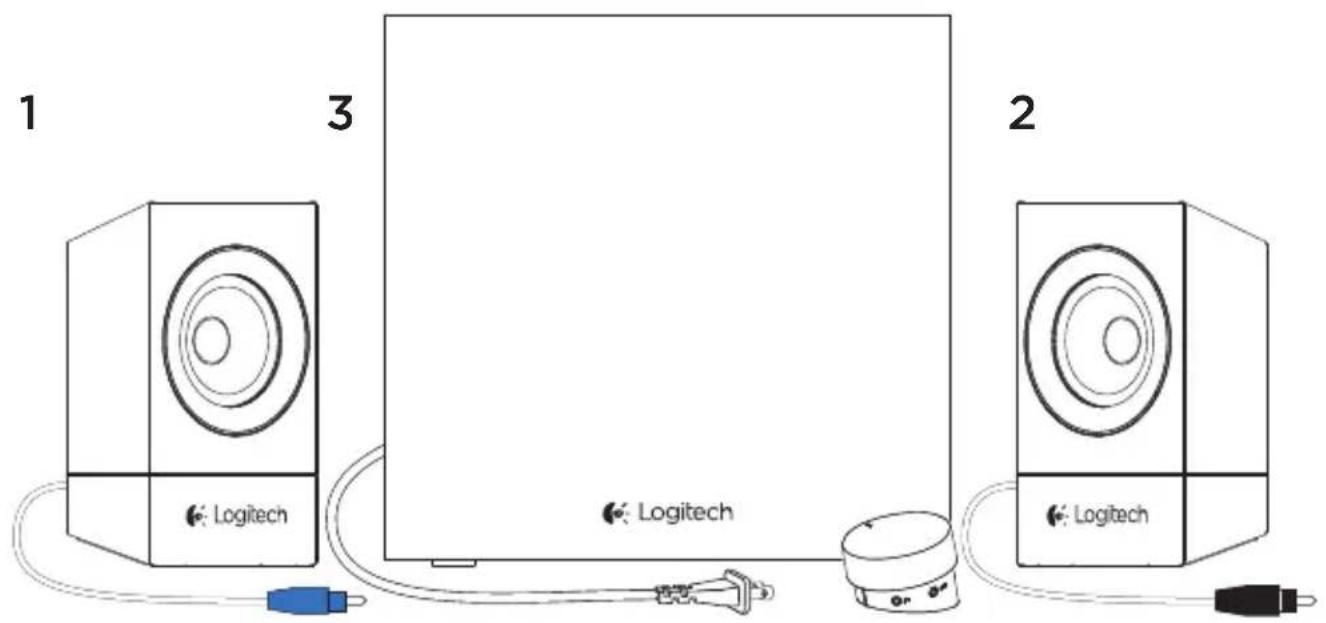
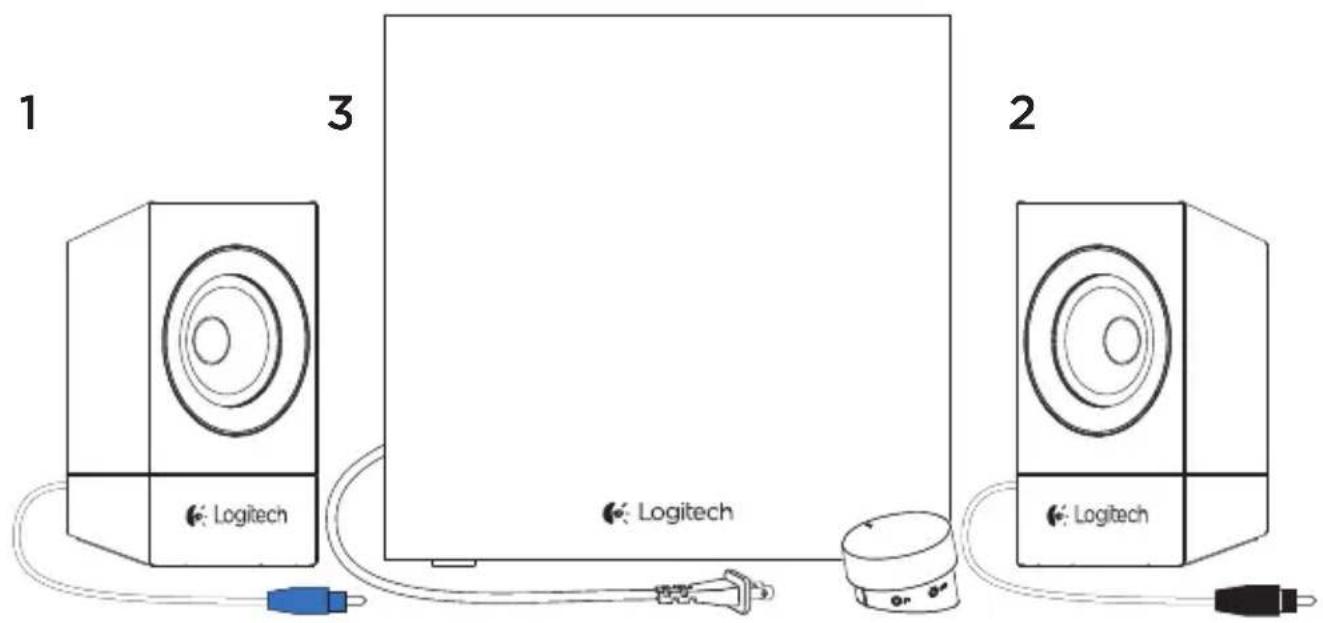
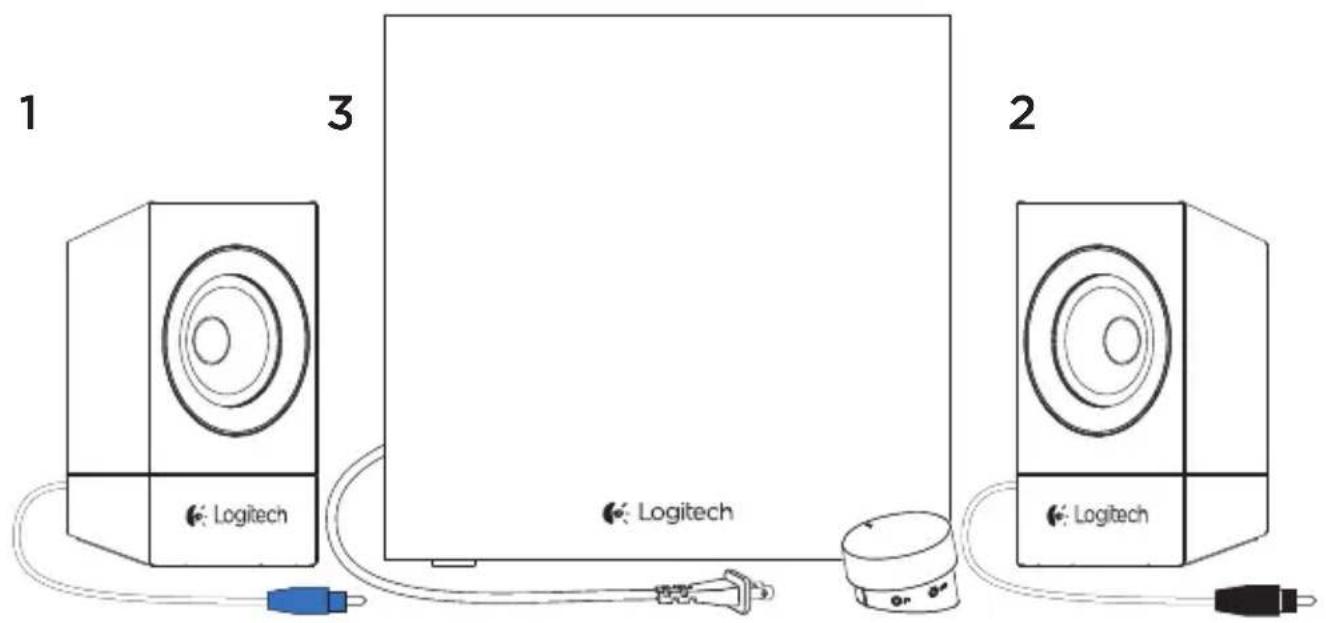
1.LeftSatellite
2. Right satellite
3. Subwoofer (including wired control pod)
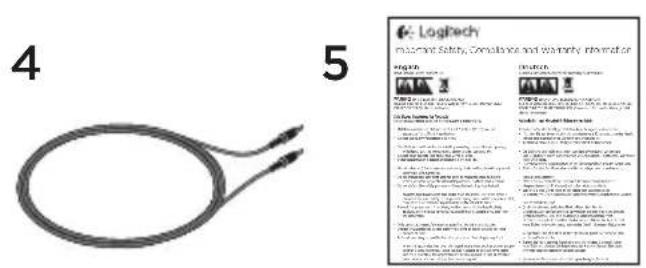
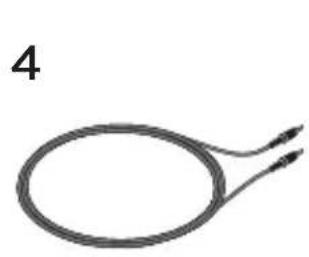
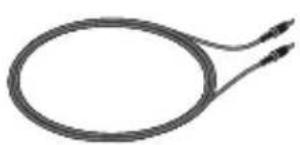
- 3.5mm to 3.5mm cable
- User documentation

Set-up
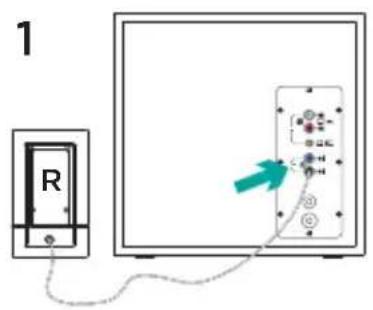
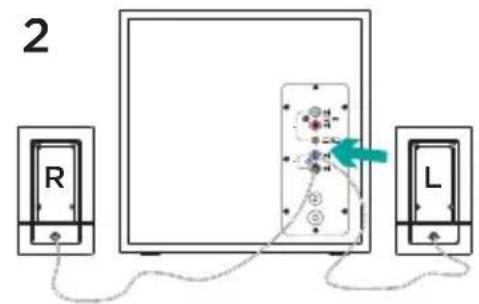
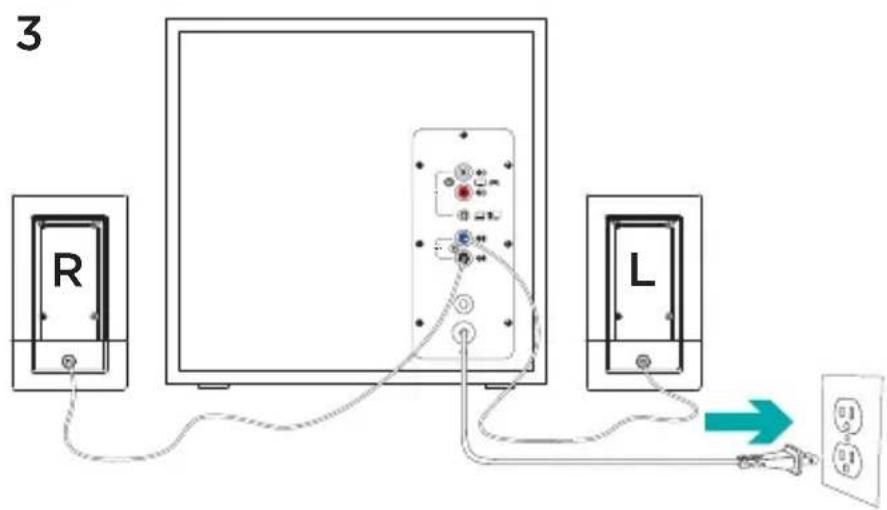
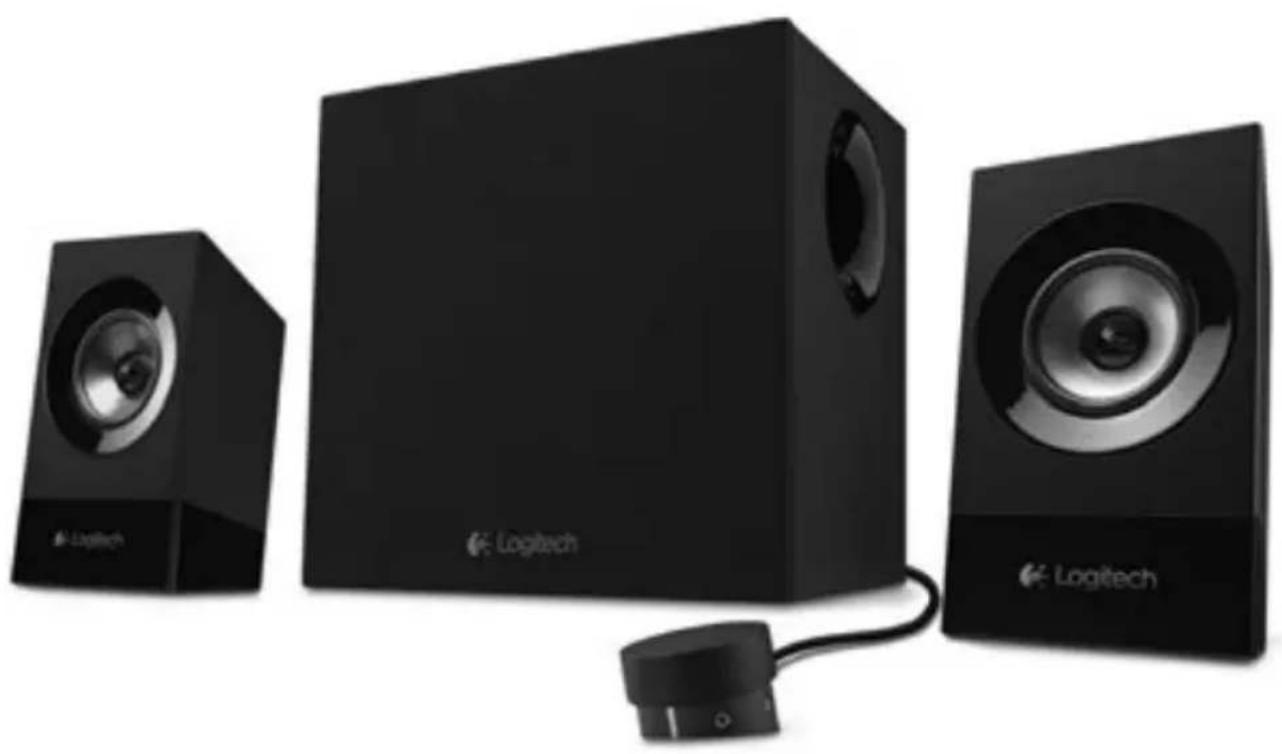
- Plug the right satellite cable into the black subwoofer jack.
- Plug the left satellite cable into the blue subwoofer jack.
- Plug the power cord into an electrical outlet.
4A4B
-
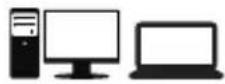
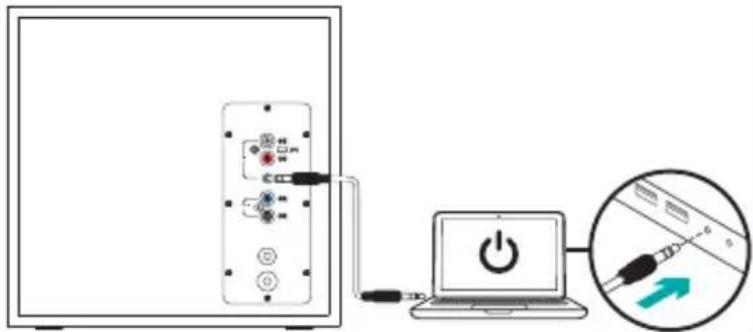
A. If you have a 3.5mm outlet on your device:
-
Insert the 3.5mm to 3.5mm cable plug from the subwoofer into the audio jack on your device
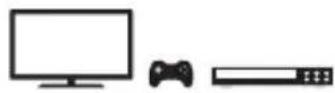
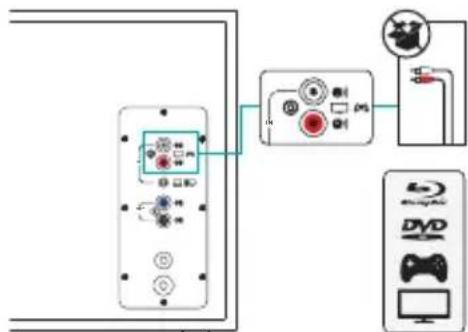
B. If you have a RCA outlet on your device:
-
Insert the RCA cable on the subwoofer (the RCA cable is not included in the box and must be purchased separately)
-
Insert the other end of the RCA cable into the RCA outlet on your device (TV, Gaming Console, etc)
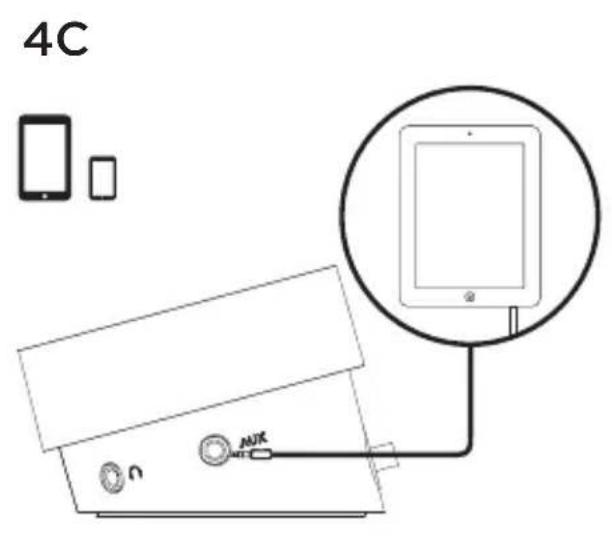
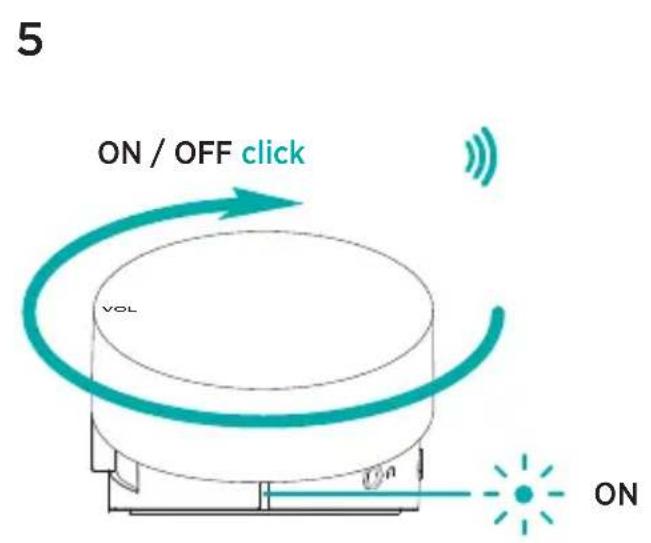
C. If you have a 3.5mm outlet on your device:
-
Insert the 3.5mm to 3.5mm cable plug from the wired remote into the 3.5mm outlet on your device
-
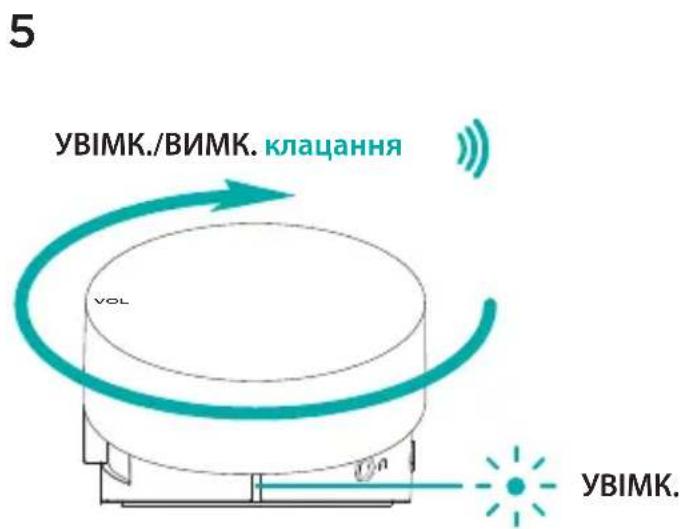
Switch ON your Multimedia Speaker System z533 by turning clockwise the volume knob located on top of the wired remote. You will notice a "click" sound once the system is ON (the LED in front of the wired remote will also turn on)
Features
ADJUSTING SPEAKER VOLUME
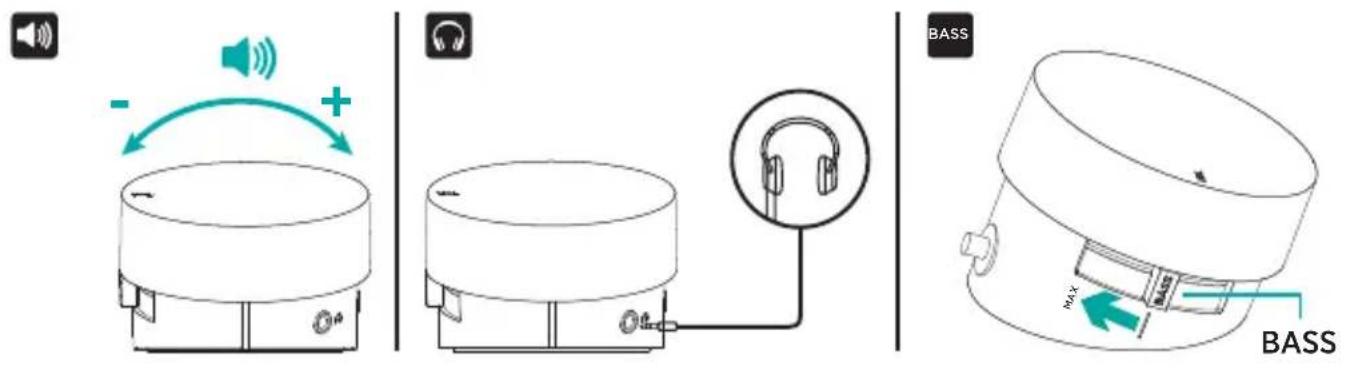
Adjust your Multimedia Speaker System z533 volume with the wheel located on top of the wired remote (VOLUME UP - turn the wheel clockwise for volume up. VOLUME DOWN - turn wheel counter-clockwise for volume down).
USING HEADPHONES
Most types of analog headphones with a 3.5mm connector can be plugged into the headphone jack on the right of the wired remote.
BASS ADJUSTING BASS VOLUME
To adjust the bass level of your Multimedia Speaker System z533, move the bass slider located on the left of the wired remote
- Move the slider clockwise to increase bass
- Move the slider counter-clockwise to reduce the bass

Inhalt
BASS BASSVOLUME AANPASSEN
BASS JUSTERE BASSLYDNIVÅET
For Å justere bassnivæt til Multimedia Speaker System z533, flytt bass-glidebryteren på den venstre sidén av den tradede fjernkontrollen
b. Kaio Ha Baowomy npictroi e rhi3do RCA, BnKoHaTe onncahi Hxue ii.
- BcTaBte Ka6eB RCA y BiIIOBiIHe rHi3do ca6Byepepa (ka6eB RCA He BXoIbT b DO KOMnEeKTu NoCTaBKn, TOMy Ioro cnI npNDbAtn OkpeMo).
- BcTaBte iHsI KHeu Ka6eIO RCA B rHi3do RCA Ha BaWOMy npunctpoi (TeleBi3opi, irpOBI npunctabci Too).
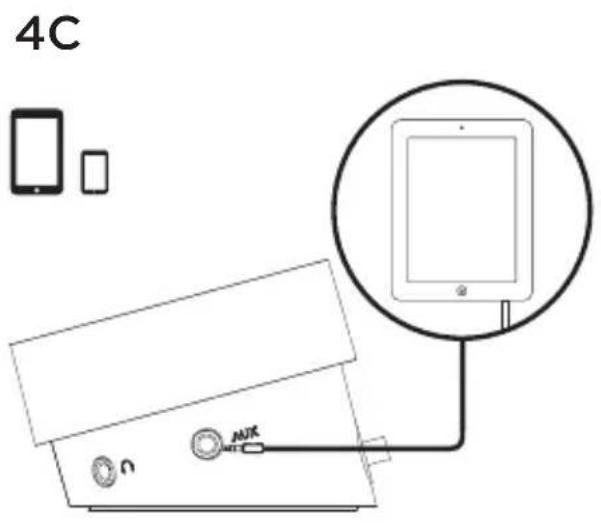
B.ЯкоHaBaWOMy npucTrooi e rHi3do 3,5 MM,BnKOHaIte OncaHI HxKYe dii. -BcTaBe wTekep Ka6eIO (3,5-MM-3,5 MM) dnn npoBoOboRo nyIbTa K B rHi3do 3,5 MM Ha BaWOMy npucTrooi
- YbIMKHiTb MyIbTmEiHy akyCTnHy cncTeMy Multimedia Speaker System z533, NOBepHyBw 3a roDHHNKOBOIO CTpiIKoIO peryIaTOp rUHocTi, po3taWobAHN y BepxhiuactHI npOBODOBO rYbTa DK. NcJIe BBIMKHeHH CnCTe MIn BN NoUyTe KlaCaHHa (a Ha nepeHni naHeni npOBODOBO rYbTa DY noUHe CBITNTsc CBITNOIDHN iHDkaTOP)
Функцii
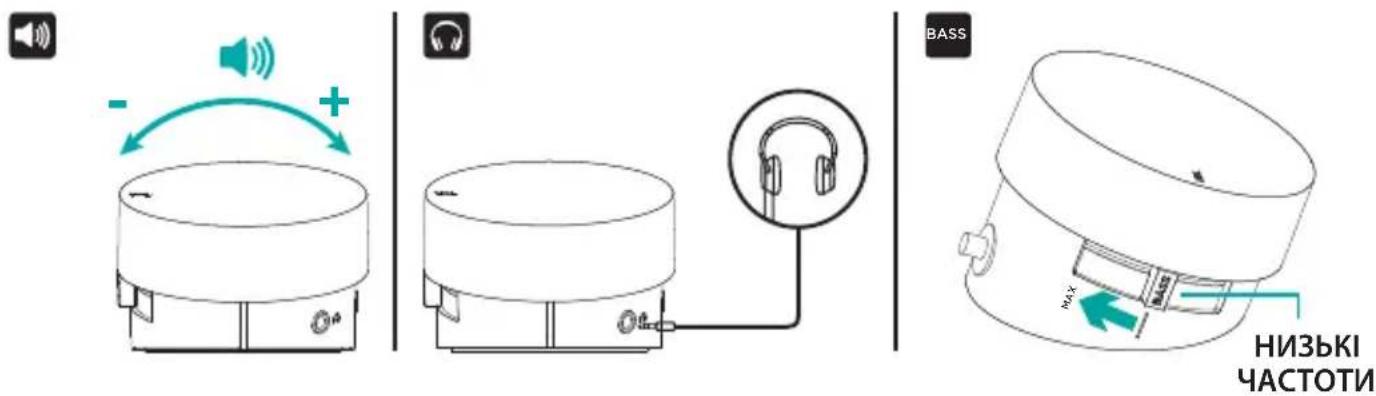

PEYNIIOBAHHI PIBH IYUHOCTI
PerylnoTe pBeHb ryHocTi ciStemu Multimedia Speaker System z533 3a donomoro cneiaIbHoro koliataka y Bepxhii qactnHi npobodoro nybTa DK (36IbUeHHra ryHOCTI - nobepHitb koliatako 3a roHHNKOBIO CTpiKIO Dn 36IbWeHHra ryHocTi. 3MEHUEHHRA ryHOCTI - nobepHitb koliatako npOTn roHHNKOBIO CTpiKN dJa 3MeHweHHra ryHocTi).

BVKOPNCTAHH HABUJHKIB
Bilbicb Tnib aHanoROBnx HabyuHKnIB 3i uTekepom 3,5 MM MoXHa nIeHaTn Do po3'Emy dna HabyuHKnIB Ha npabii biHni naHeni nylbTa DK.

PERYIIOBAHHI PIBH HIN3bKHX YACTOT
Iio6 biDperynobatnpBHeHn3bKx yactOT cnCTemM Multimedia Speaker System z533, nobephiB peryIaTOp pIBHa Hn3bKx yactOT Ha IiBi 6iuHi naHeni npoBoOBOr O npIbTa DK - NobepHITb peryIaTOp 3a rOdnHHNKOBIO CTpiKOIO dJa NiDbNueHnA pIBHa Hn3bKx yactOT - NobepHITb peryIaTOp npOt NOrdHHNKOBOI CTpiKN dJa 3MeHSeHHn pIBHa Hn3bKx yactOT

Karbi sisu
4
5
n 3.5 nnnn nn nnnn nnnn nnnn nnnn nnnn
Jinnwn

ONANNNYI
onnnnN,Multimedia Speaker System z533noynn nn nnnn
inn 7w 7xwn ITXg pnnn
OONNNN NNNN NNNNNNN
ONNNNNN NNNNNNNNN

www.logitech.com/support/z533
© 2015 Logitech. All rights reserved. Logitech, the Logitech logo, and other Logitech marks are owned by Logitech and may be registered. Registered in the U.S. and other countries. All other trademarks are the property of their respective owners. Logitech assumes no responsibility for any errors that may appear in this manual. Information contained herein is subject to change without notice.
621-000608.002
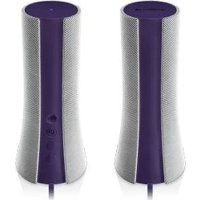
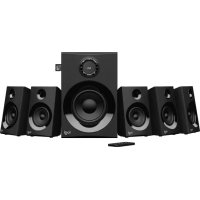
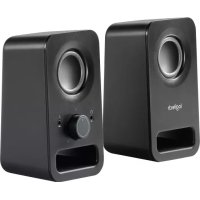
Brand : LOGITECH
Model : Z537
Category : Bluetooth speaker