Z337 - Bluetooth speaker LOGITECH - Free user manual and instructions
Find the device manual for free Z337 LOGITECH in PDF.



| Product Type | Bluetooth 2.1 speaker (satellites + subwoofer) |
| Brand | Logitech |
| Model | Z337 |
| Satellite dimensions (approx.) | 8 x 8 x 15 cm |
| Subwoofer dimensions (approx.) | 25 x 20 x 25 cm |
| Total weight (approx.) | 3 kg |
| Power | Mains 100-240V via adapter (included) |
| Wireless connectivity | Bluetooth (range approx. 10 m) |
| Wired connectivity | USB (for PC), 3.5 mm input (cable not included), headphone jack |
| Output power | 40 W RMS (estimated) |
| Controls | Volume, G button (LED dimming), Bluetooth, On/Off |
| Main features | Bluetooth audio streaming, USB input for PC, 3.5 mm auxiliary input, headphone jack, LED brightness adjustment |
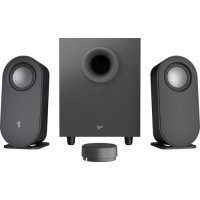
| Box contents | 2 satellite speakers, subwoofer, USB cable, documentation |
| Maintenance and cleaning | Clean with a soft, dry cloth. Do not use abrasive products. |
| Safety | Do not expose to moisture or extreme temperatures. Unplug before cleaning. |
| Spare parts and repairability | Cables are removable. For any spare parts, contact Logitech support. |
| General information | Manual available in PDF on the Logitech website. |
Frequently Asked Questions - Z337 LOGITECH
User questions about Z337 LOGITECH
0 question about this device. Answer the ones you know or ask your own.
Ask a new question about this device
Download the instructions for your Bluetooth speaker in PDF format for free! Find your manual Z337 - LOGITECH and take your electronic device back in hand. On this page are published all the documents necessary for the use of your device. Z337 by LOGITECH.
USER MANUAL Z337 LOGITECH
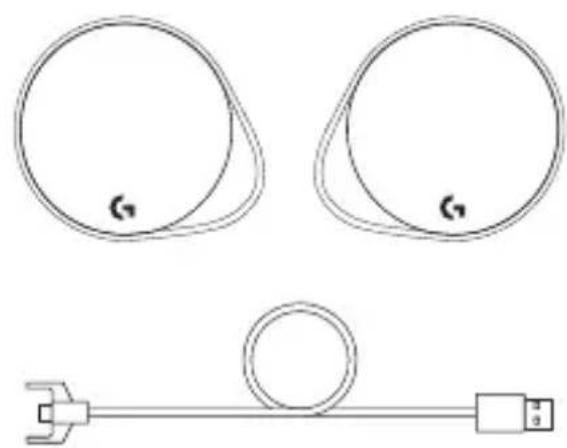
- Two satellite speakers
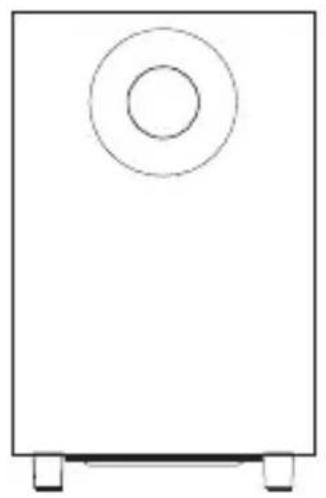
- One subwoofer with power cable
- USB cable
- User documentation
English
CONTROLS
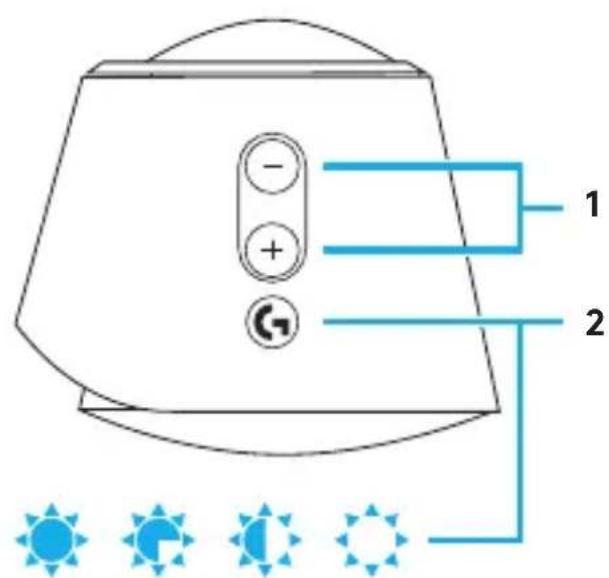
1. Volume
Adjust volume up and down with volume key.
2. G-key
Press G-key to dim the brightness of the LED lights from 100% to zero. Customize G-key through LGS.
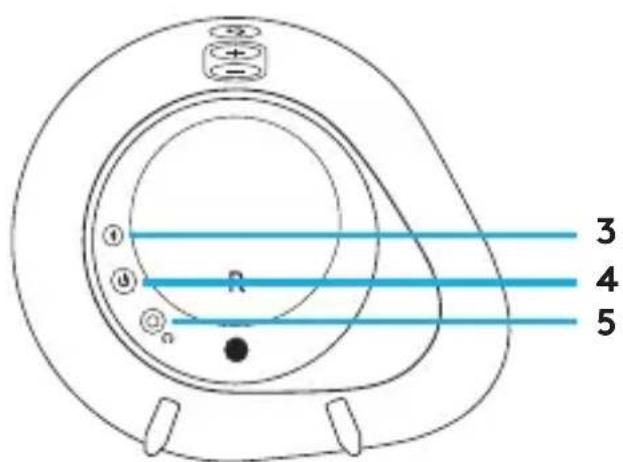
3. Bluetooth
HoldBluetooth button down for 3 seconds to pair with your Bluetooth enabled device.
4. Power
Turn speakers on and off.
5. Headphone jack
Use headphone jack on back of right satellite to connect wired headphones to G560.
SETUP
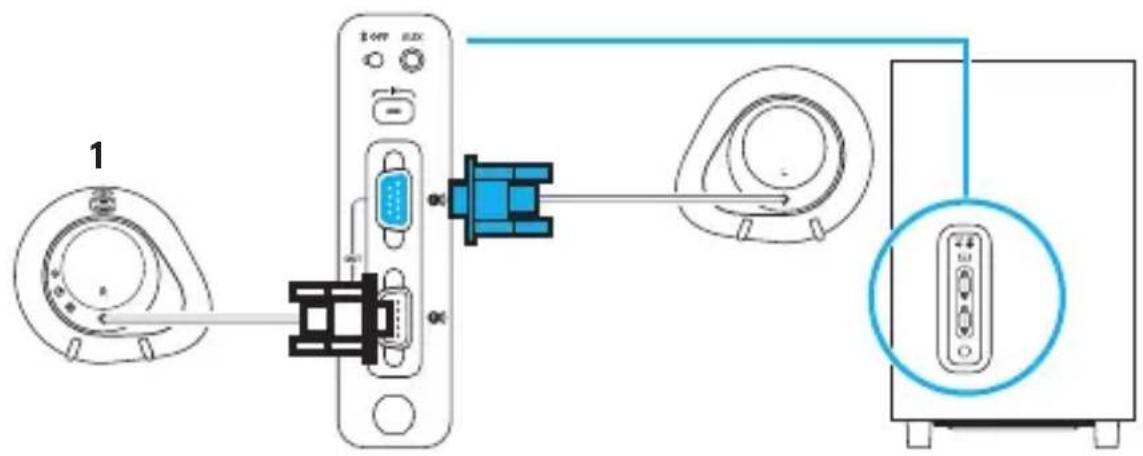
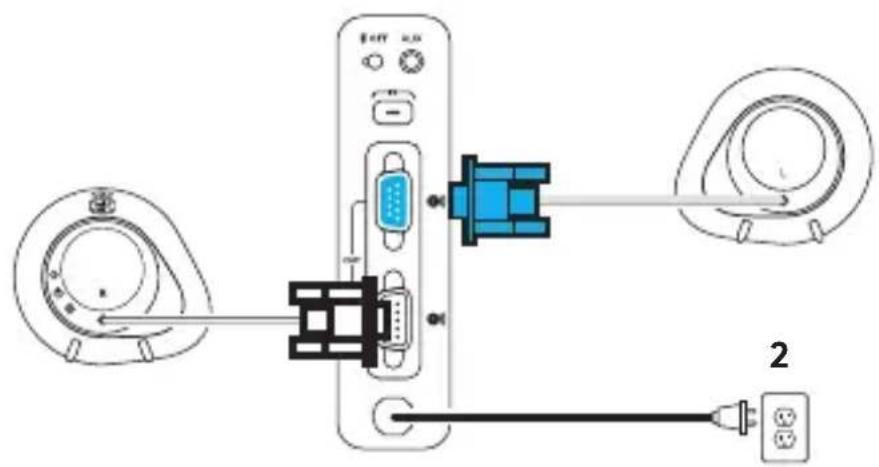
- Connect left and right satellites to subwoofer.
- Plug power cord in to AC power outlet.
English
USB CONNECTION
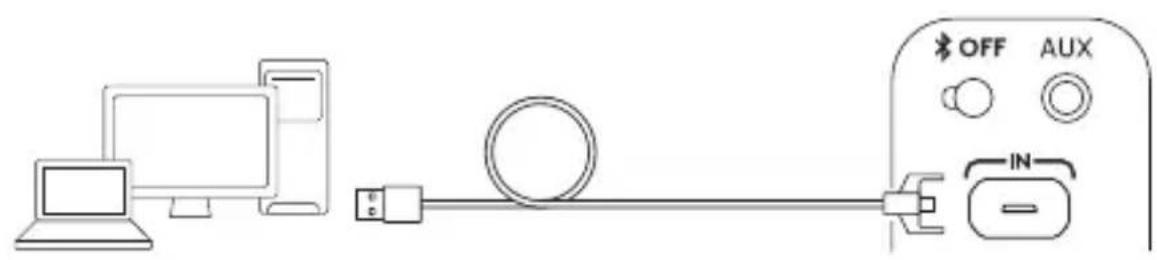
www.logitechG.com/support/g560
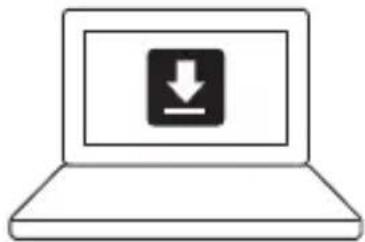
- Connect to PC/laptop with the USB connection to take advantage of full lighting and sound experience with LGS Software.
- Go to www.logitechG.com/support/G560 to download the latest LGS software.
BLUETOOTH ^圆 CONNECTION
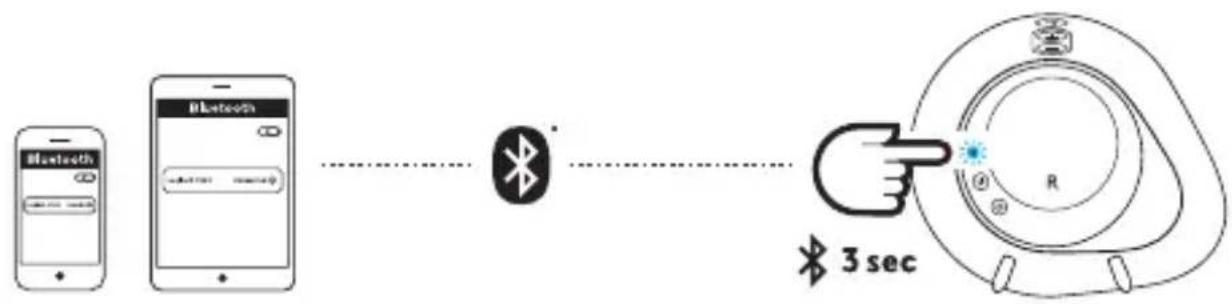
For wireless streaming, use the Bluetooth connection
- Press and hold Bluetooth button located on the back of the right speaker for 3 seconds.
- Under Bluetooth settings on your device select G560 Gaming Speaker.
English
3.5MM CONNECTION
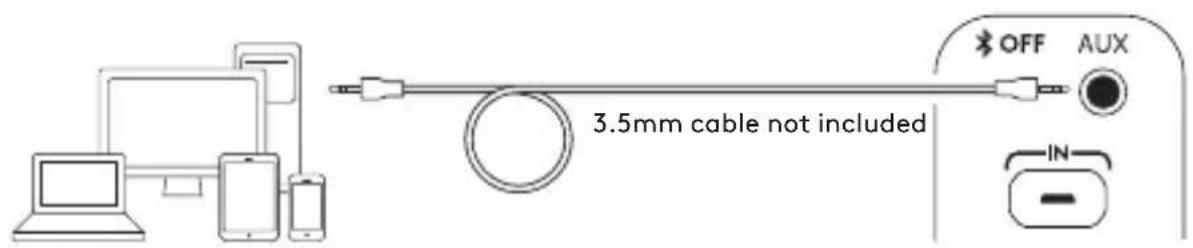
- For the 3.5mm connection use the port labeled AUX on the back of the subwoofer (3.5mm cable not included).
CONTENU DU COFFRET
© 2018 Logitech. All rights reserved. Logitech, Logi and other Logitech marks are owned by Logitech and may be registered. Bluetooth® is a registered trademark of Bluetooth SIG, Inc. All other trademarks are the property of their respective owners.
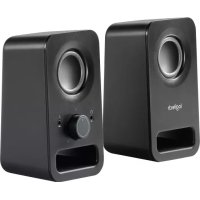
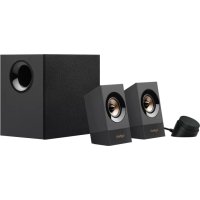
Brand : LOGITECH
Model : Z337
Category : Bluetooth speaker