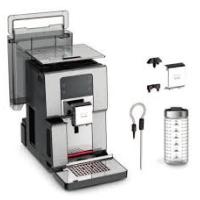


If the coffee is flowing too slowly with your KRUPS INTUITION PREFERENCE + YY4491FD coffee maker, there are several solutions that should be tested in order. The problem usually comes from the grind being too fine, a clogged filtration system, or the need for descaling.
Start by adjusting the grind size. Turn the grind size adjustment knob to the right to achieve a coarser grind. This setting depends on the type of coffee used: very roasted and oily beans require a coarser grind, while lighter roasted beans can handle a finer grind. Absolutely avoid oily, caramelized, or flavored coffees as they may not be properly drawn by the machine and significantly slow down the flow.
Next, perform one or more rinse cycles without coffee to clean the internal conduits of the machine. This helps to remove any grind residues that could clog the system.
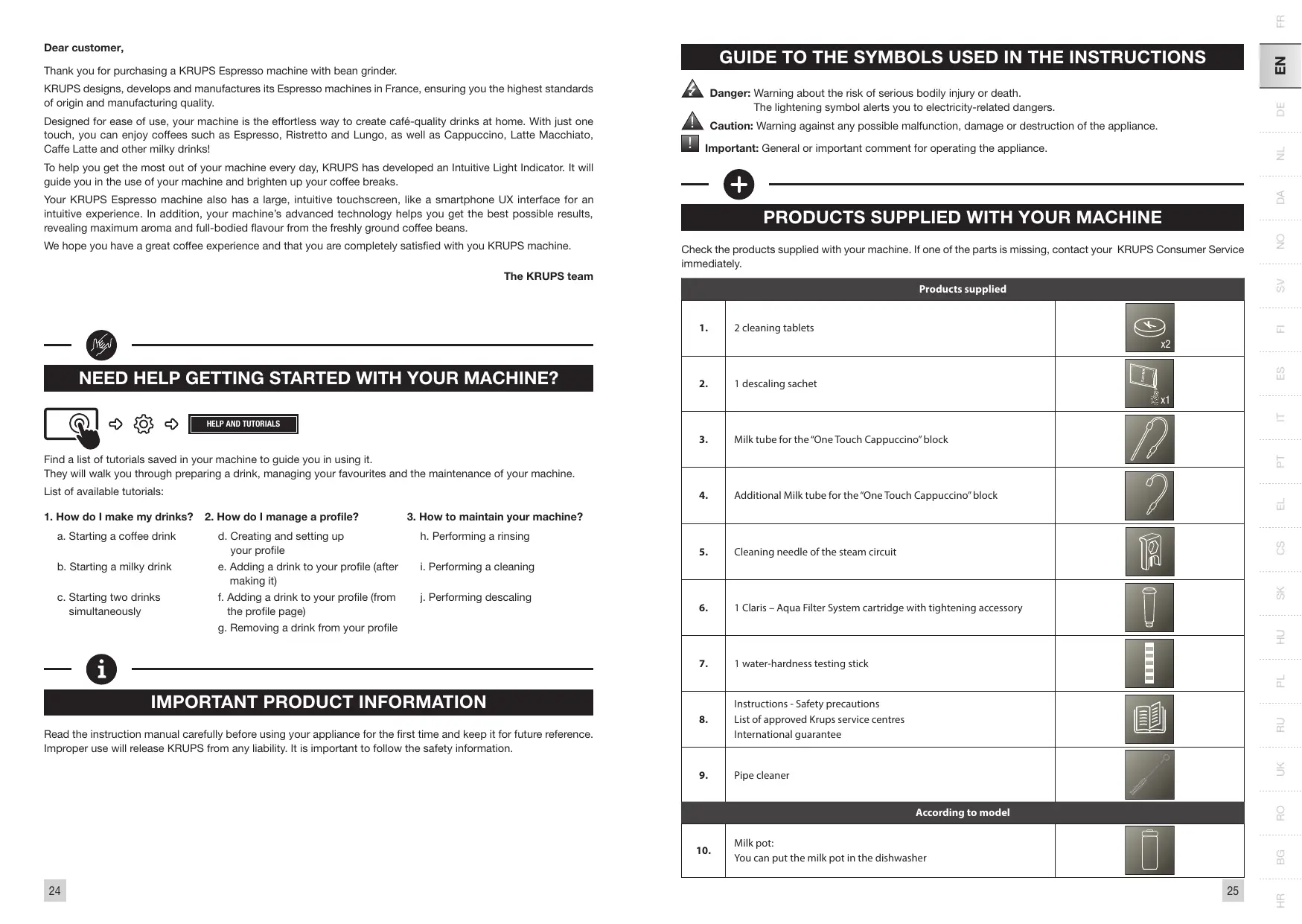
Change the Claris Aqua Filter System cartridge if it is old or clogged. A worn filter significantly slows down the water flow and reduces the quality of the coffee.
Start a descaling cycle if the machine has prompted you to do so. The machine alerts you when descaling is necessary, especially after many milk drink preparations or hot water. This step is very important to ensure the proper functioning of your machine. Use the descaling packet provided, following the specific instructions of the descaling program.
Reduce the preparation volume or increase the strength of the drink using the coffee strength function if you are preparing a large volume. You can also make your preparation in two cycles using the 2 cups function.
If after these checks the flow remains too slow, check that the bean hopper contains coffee and that it is descending properly into the grinder. If the problem persists, contact KRUPS customer service as a more complex internal issue may be at play.