
URC 11 - Universal remote ONE FOR ALL - Free user manual and instructions
Find the device manual for free URC 11 ONE FOR ALL in PDF.



| Product type | Universal remote control |
| Brand | ONE FOR ALL |
| Model | URC 11 |
| Power supply | 2 AAA batteries (not included) |
| Dimensions (approx.) | 20 x 5 x 2.5 cm |
| Weight (approx.) | 120 g (with batteries) |
| Main functions | Control of multiple devices (TV, DVD, SAT, etc.), programming by code or search, KeyMagic® function, macro, mode reassignment |
| Battery type | 2 AAA 1.5 V batteries |
| Maintenance and cleaning | Wipe with a soft, dry cloth. Do not use liquids or abrasive products. |
| Safety | Do not expose to moisture, excessive heat, or shocks. Remove batteries if not used for an extended period. |
| Spare parts and repairability | No spare parts available. The device is not designed to be repaired by the user. In case of malfunction, contact customer service. |
| General information | Programming by SimpleSet, code, or search. KeyMagic® function to assign custom functions. Creation of macros up to 5 commands. Device mode reassignment. |
Frequently Asked Questions - URC 11 ONE FOR ALL
User questions about URC 11 ONE FOR ALL
0 question about this device. Answer the ones you know or ask your own.
Ask a new question about this device
Download the instructions for your Universal remote in PDF format for free! Find your manual URC 11 - ONE FOR ALL and take your electronic device back in hand. On this page are published all the documents necessary for the use of your device. URC 11 by ONE FOR ALL.
USER MANUAL URC 11 ONE FOR ALL
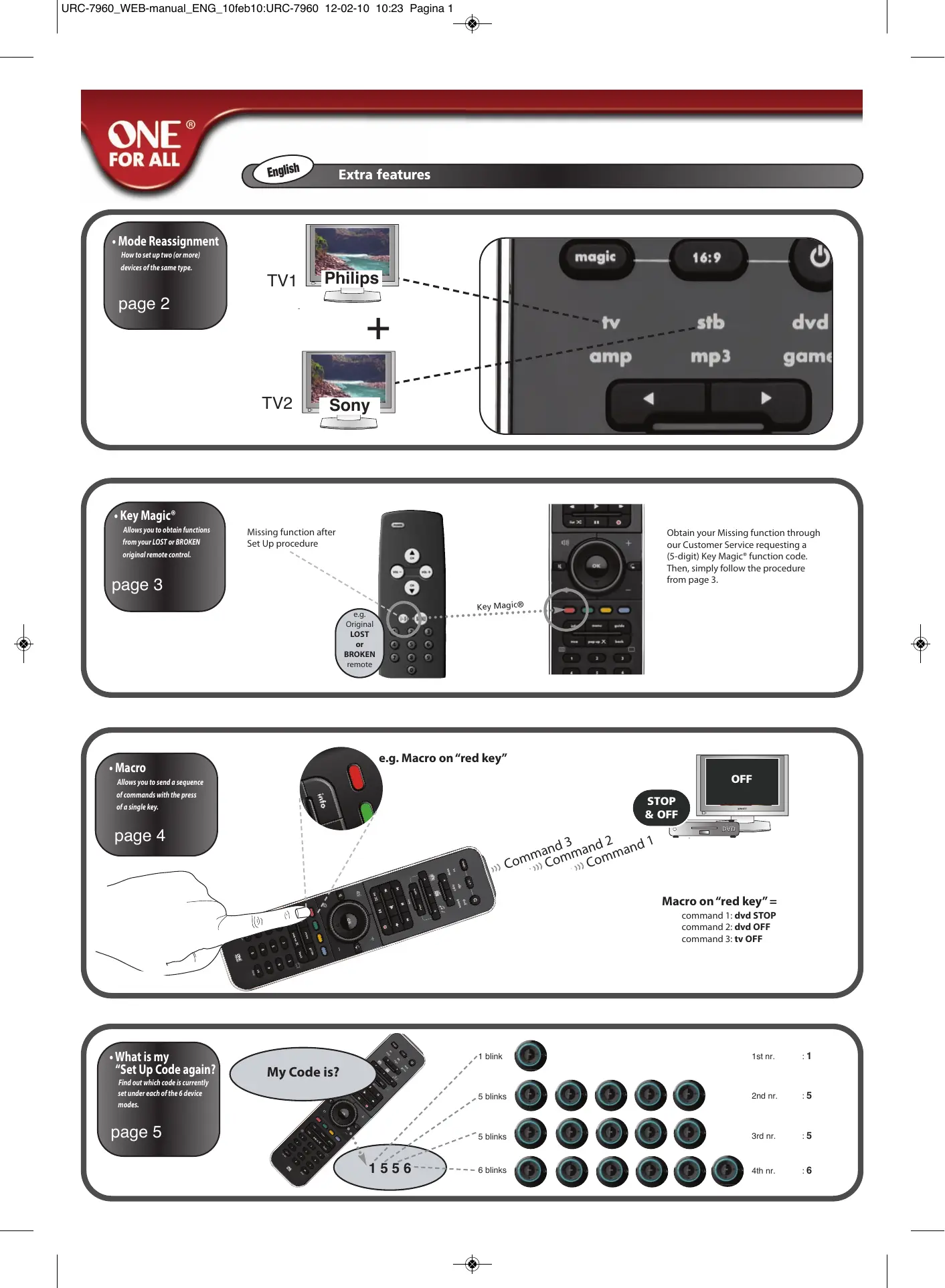
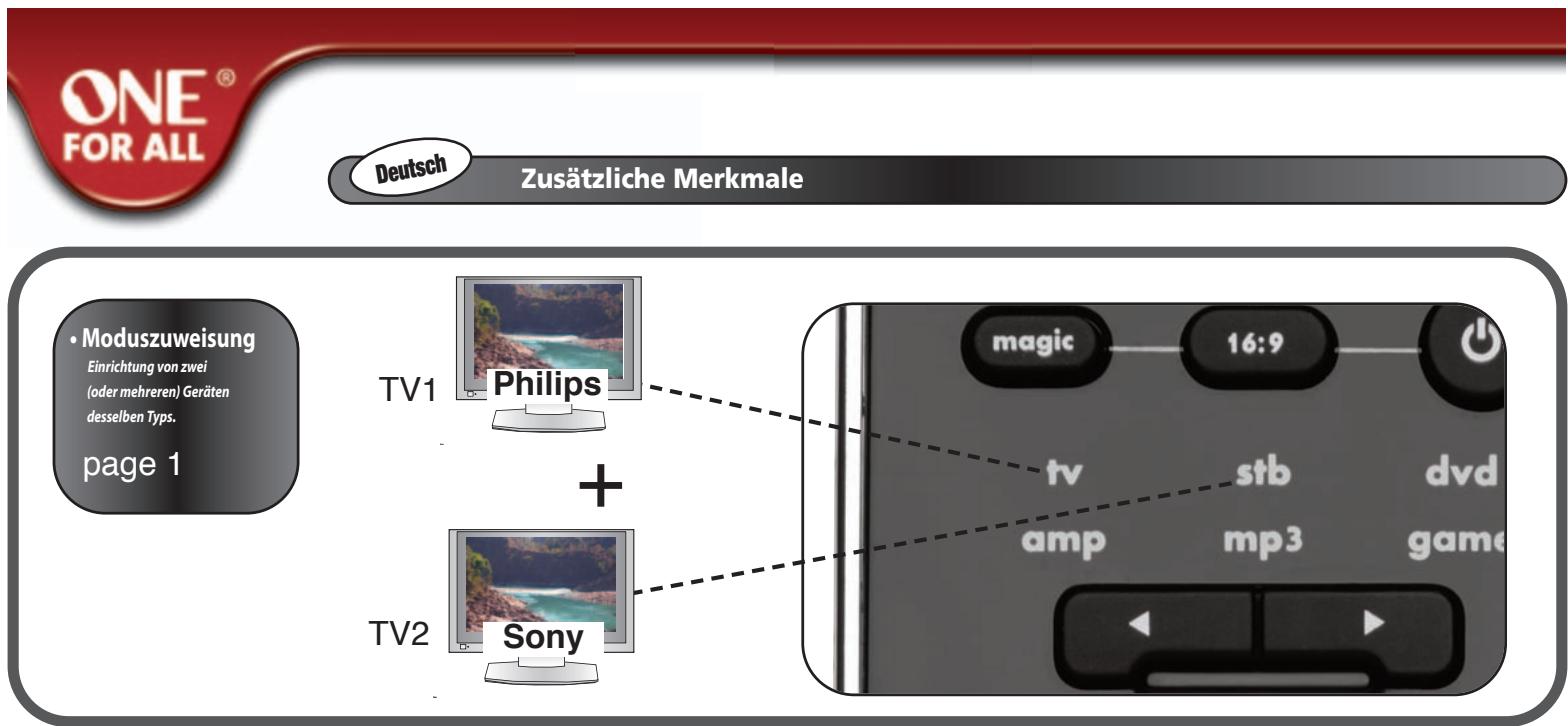
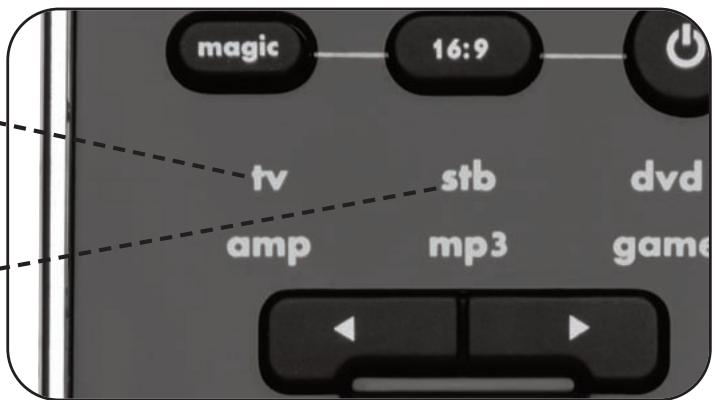
This feature gives you the possibility to program 2 (or more) of the same device types onto the ONE FOR ALL remote (e.g. two tv's).
In the following example you wish to set up an additional television. Therefore we will reassign (change) "stb" mode into "tv" mode.
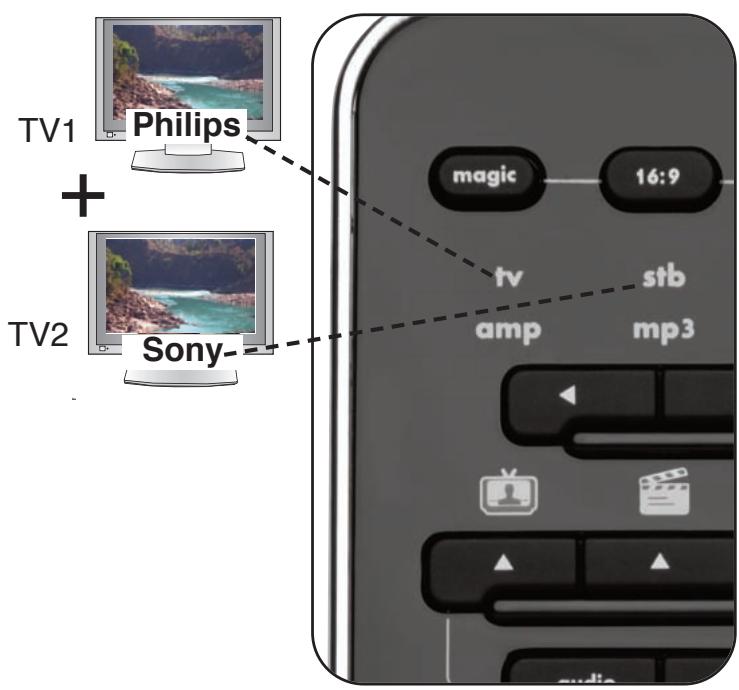
e.g. How to reassign "stb" into "tv" so you can control your second television as well:
4
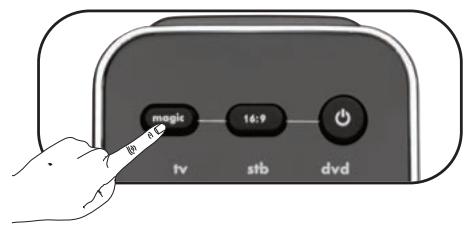
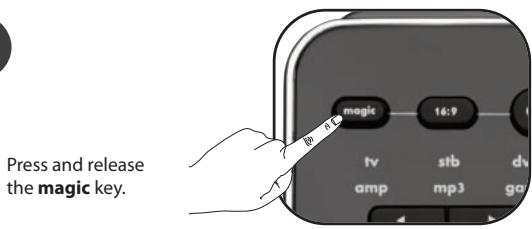
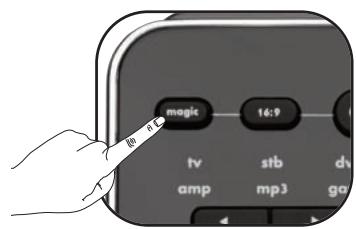
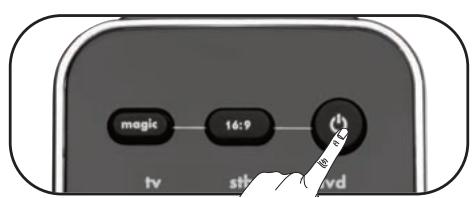
Press and release the magic key.
5
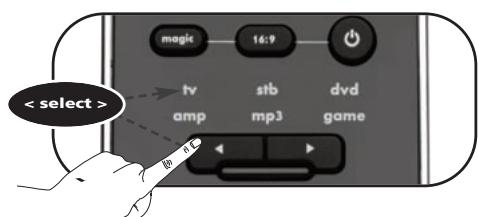
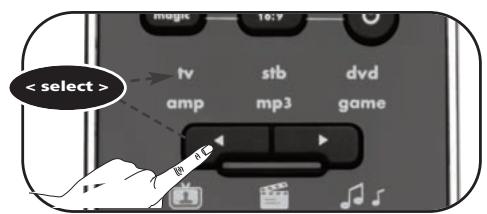
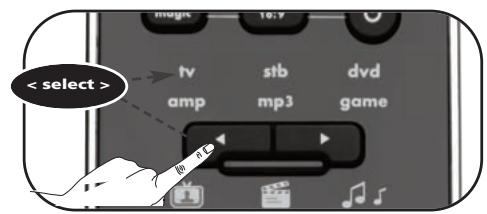
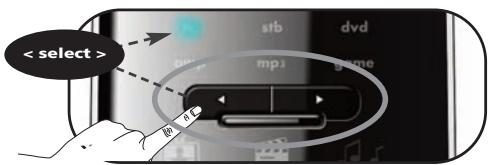
Select the destination device e.g. stb
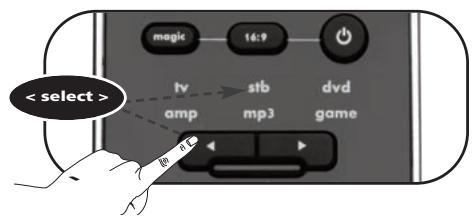
6
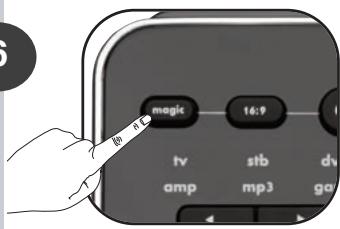
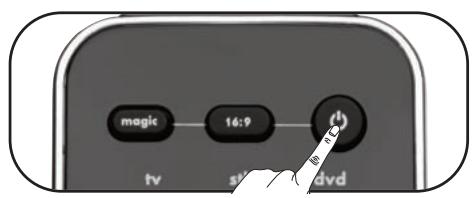
Press and release the magic key.

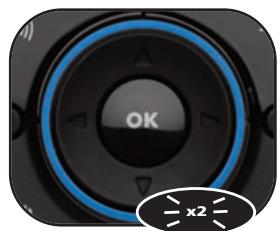
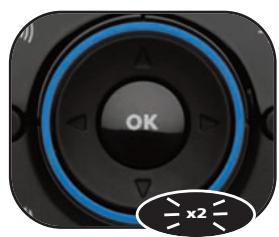
->The Blue ring will light up twice.
Congratulations! You have successfully reassigned "stb" mode to become a second "tv" mode.
Now simply follow "ONE FOR ALL SimpleSet", "Direct Code Set Up" or the "Search Method" to program your television in sb mode.
1
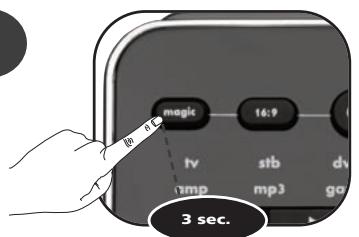
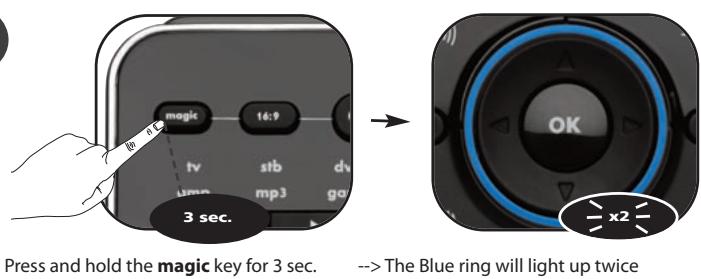
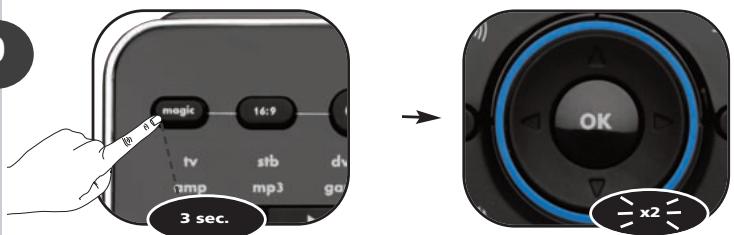
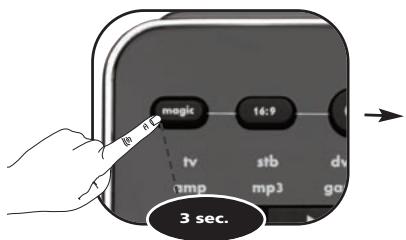
Press and hold the magic key for 3 sec.
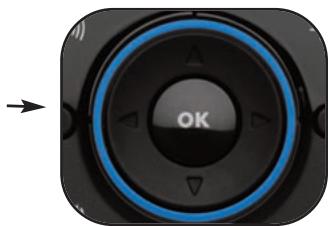
--> The Blue ring will light up twice
2
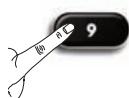
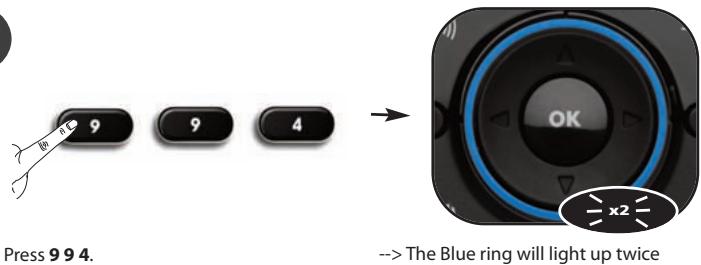
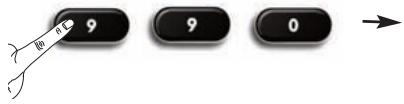
Press 9 9 2.


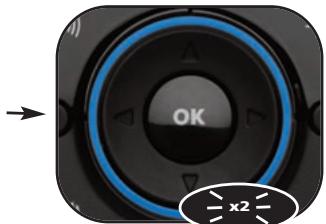
--> The Blue ring will light up twice
3
Select the source device e.g. tv
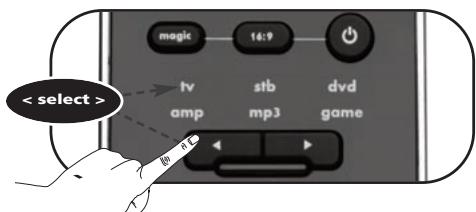
How to reset a device mode to its original mode?
1) Press and hold the magic key for 3 sec. --> The Blue ring will light up twice.
2) Press 9 9 2.
3) Select the corresponding device mode you wish to reset to its original mode (e.g. select stb).
4) Press the MAGIC key twice. The Blue ring will light up twice.
Key Magic®
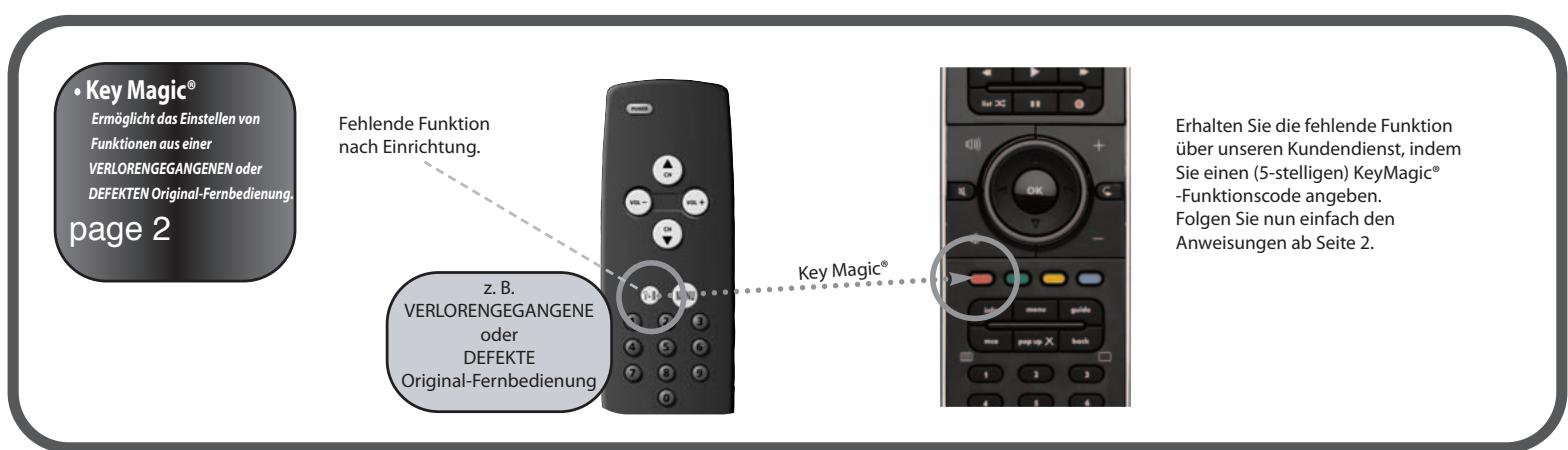
Key Magic® is an exclusive ONE FOR ALL feature. The design of the ONE FOR ALL ensures that many functions of your original remote control can be operated - even those that do not have their own key on the ONE FOR ALL keypad. Frequently used functions can be assigned to a key of your choice using the Key Magic® feature of your ONE FOR ALL. In order to program a certain function with Key Magic® you need to know the corresponding function code. As the function codes vary with different types of devices, they cannot be found in the manual. You can request your function codes through our consumer service help-line or by letter, fax or e-mail.
When you contact us please make sure to mention the following:
- The Current code you are using (see "What is my Set Up Code again?" on page xx).
Device-type, Brand & Model-number of the corresponding device. - Model-number of the original LOST or BROKEN remote control
- How the function was labeled on your original remote control.
then;
Customer Service will provide you:
- A func-code (5-digit) for every requested function.
Once you obtain your function code(s) from customer service, programming the code is easy:
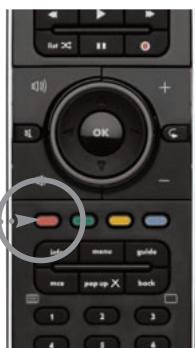
Example: How to get the "I/II (mono/stereo)" function from your original LOST or BROKEN remote onto the "red key" on your ONE FOR ALL remote control.
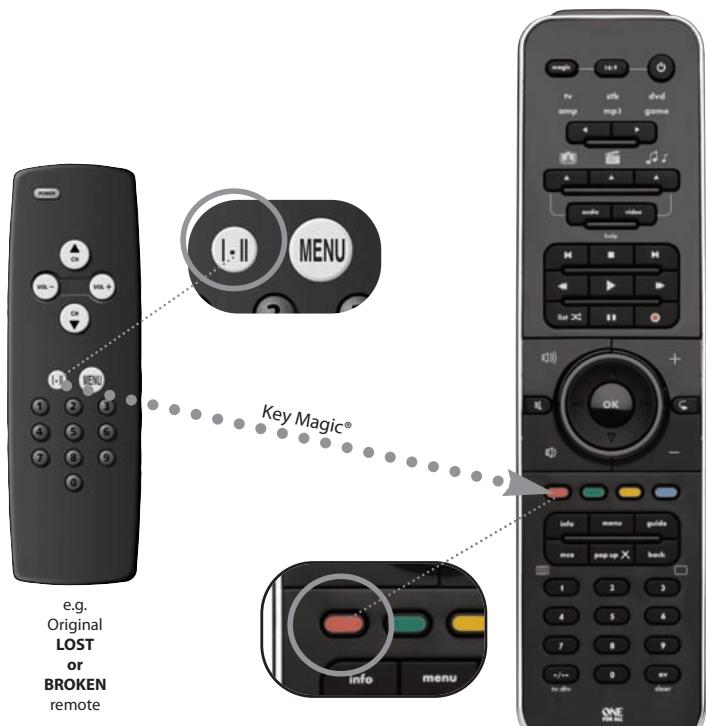
1
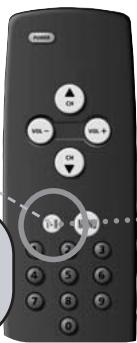
Select the
source
device e.g. tv
2
3
4
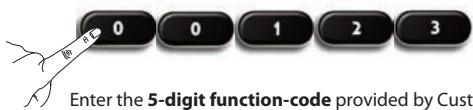
5
Enter the 5-digit function-code provided by Customer Service. (e.g.00123)
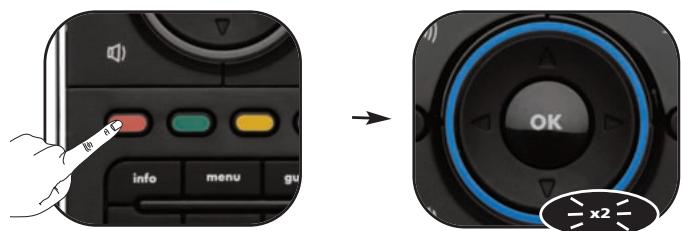
6
Press the key to which the function will be assigned (e.g. red key).
->The Blue ring will light up twice
Congratulations! You have successfully programmed the "I/II (mono/streo)" function from your original remote control onto your ONE FOR ALL remote control. NOW whenever you press the "red key" (in tv mode) you will obtain the "I/II (mono/streo)" function.
How to reset a key to obtain its original function?
1) Select the corresponding device mode (e.g. tv).
2) Press and hold magic key for 3 sec. --> Blue ring will light up twice.
3) Press 9 9 4.
4) Press the corresponding key (e.g. red) twice.
Macro
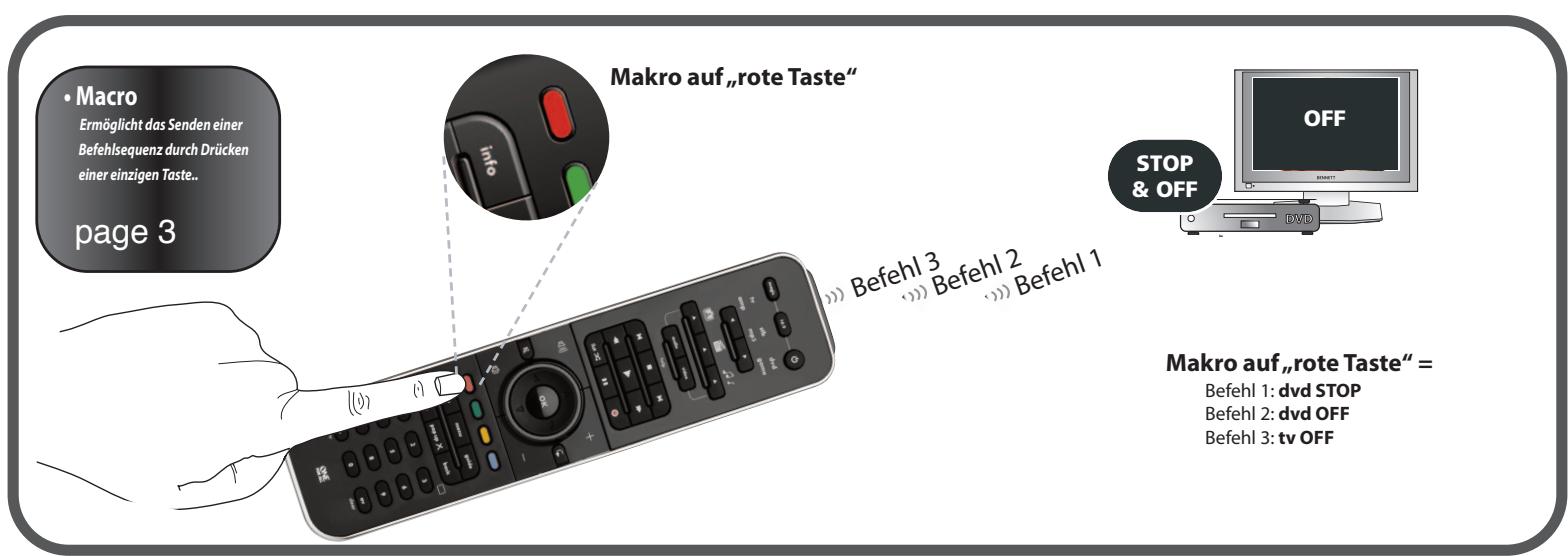
You can program your ONE FOR ALL to issue a sequence of commands at the press of one single key. Any sequence of commands you regularly use can be reduced to one key press for your convenience.
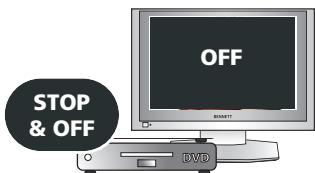
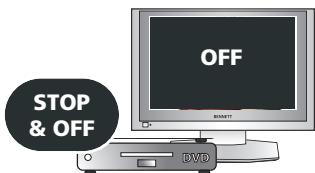
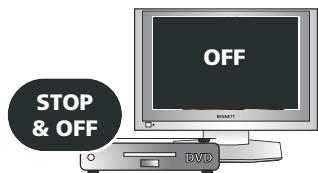
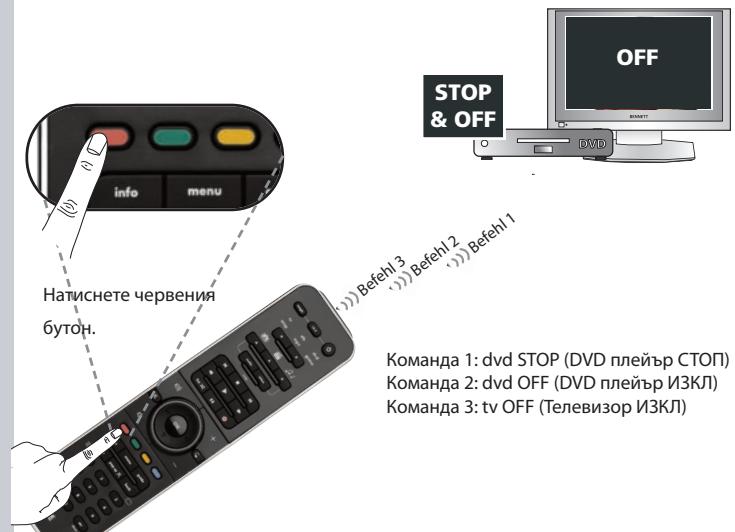
For example, you may want to create the following macro:
1st command:
dv-->STOP
2nd command:
dv-->OFF
3rd command:
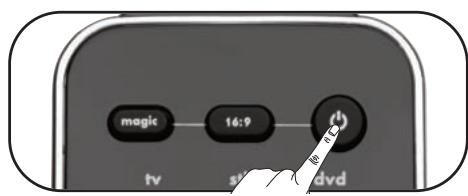
tv->OFF
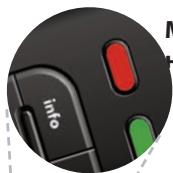
To set up the Macro mentioned above on the e.g. "Red" key on your ONE FOR ALL:

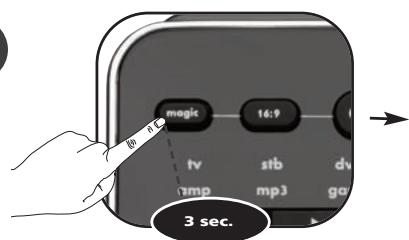
Press and hold the magic key for 3 sec.
--> The Blue ring will light up twice

Press 9 95



->The Blue ring will light up twice

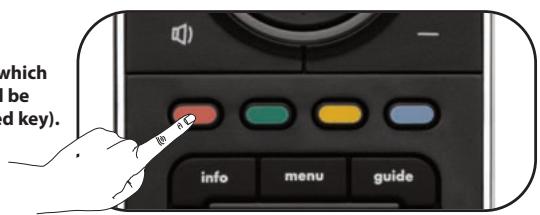
Press the key to which the function will be assigned (e.g. red key).

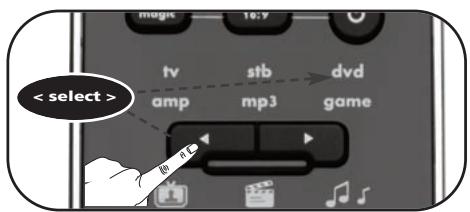
Select the corresponding device e.g. dvd

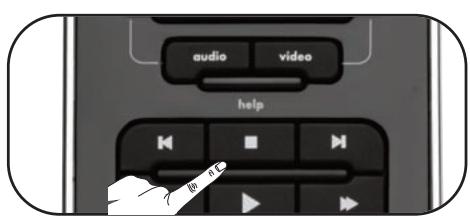
Press the STOP key

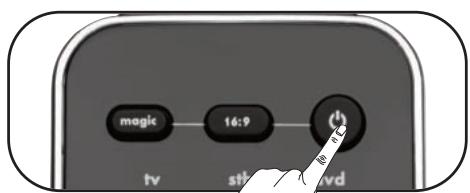
Press the POWER key

Select the corresponding device e.g. tv

Press the POWER key

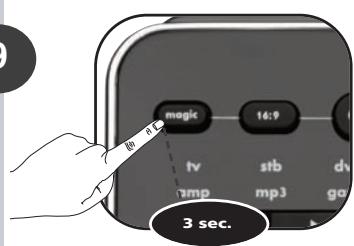
Press and hold the magic key for 3 sec.
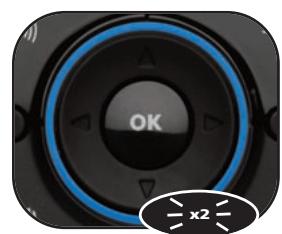
->The Blue ring will light up twice
Congratulations! You have successfully programmed a macro on the "red" key. NOW, when you press the red key: 1st:DVD will STOP, 2nd:DVD switches OFF, 3rd:tv switches OFF. The remote will do this in every device mode whenever you press the red key.
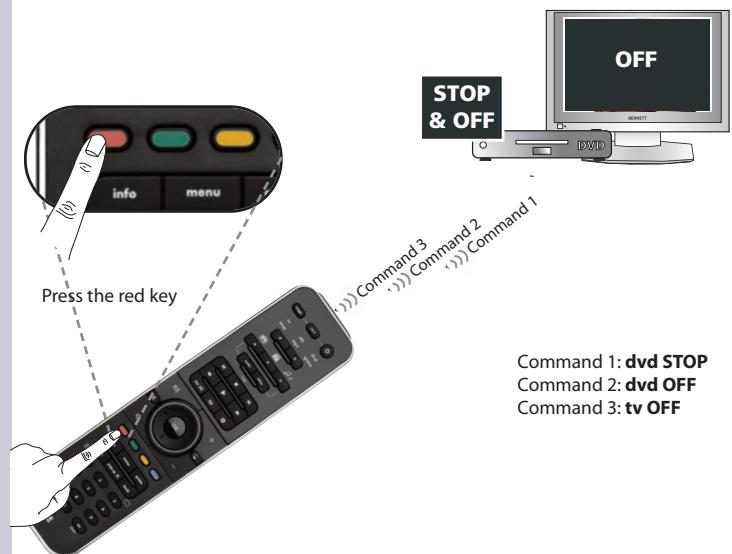
How to reset the macro key to obtain its original function?
1) Press and hold magic key for 3 sec. ---> The Blue ring will light up twice.
2) Press 995.
3) Press the corresponding macro key (e.g. the red key).
4) Press and hold magic key for 3 sec. -> The Blue ring will light up twice.
What is my "Set Up Code" again?
You either set up your ONE FOR ALL by:
- ONE FOR ALL SimpleSet
- Direct Code Set Up
Search Method
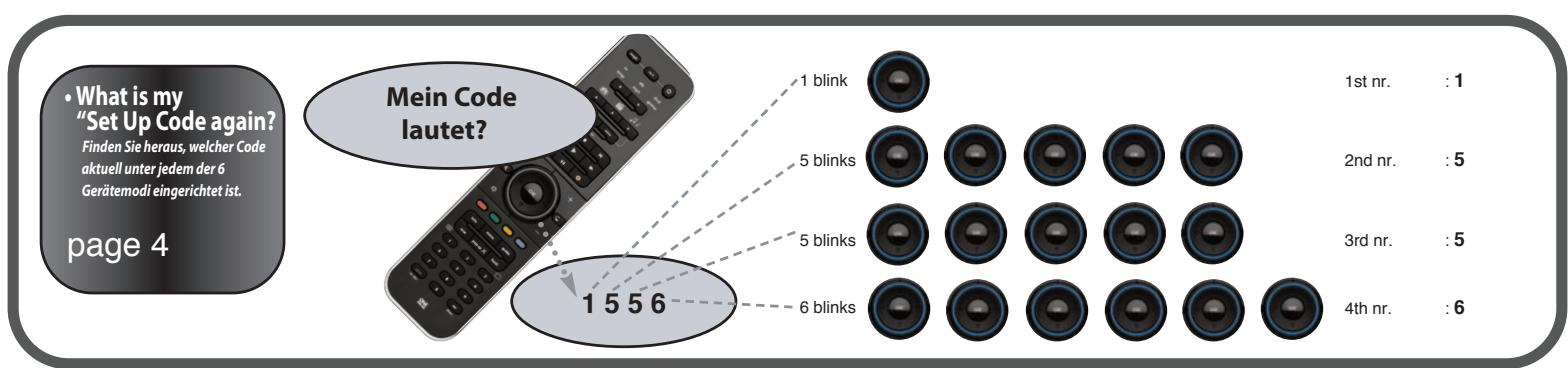
Example! How to find out which "Set Up Code" is currently set in tv mode:
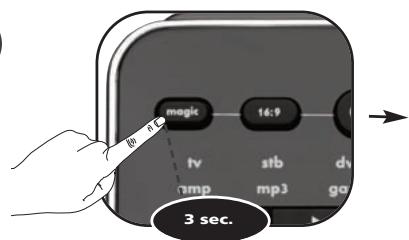
1
Press and hold the magic key for 3 sec. - ->The Blue ring will light up twice
Select the corresponding device e.g. tv
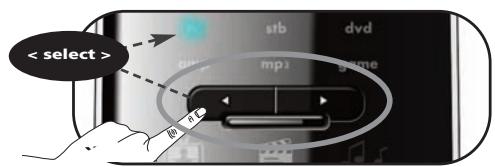
2
3


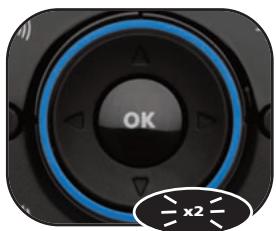
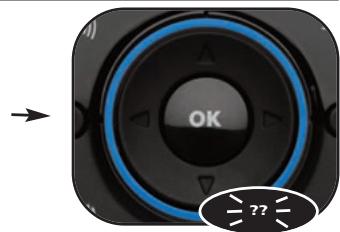
--> The Blue ring will light up twice
4
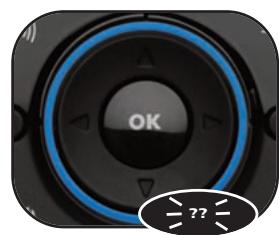
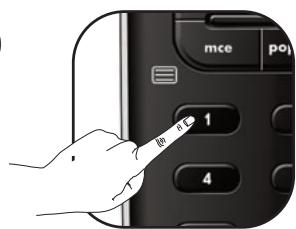
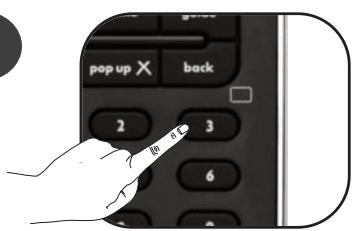
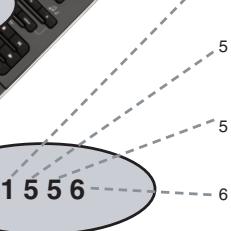
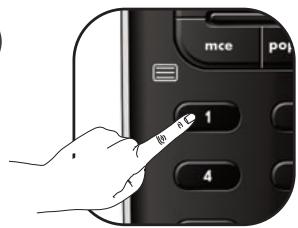
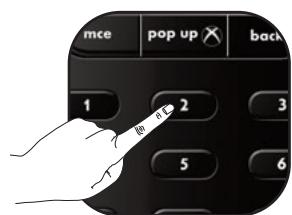
Press 1 for the 1st digit of your 4-digit set up code and count how many times the blue ring lights up. If the blue ring does not light up, the digit is "0".
5

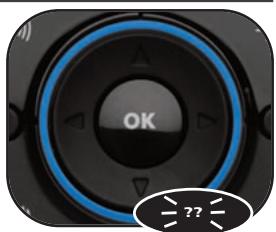
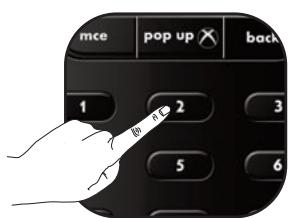
Press 2 for the 2nd digit of your 4-digit set up code and count how many times the blue ring lights up. If the blue ring does not light up, the digit is "0".
6

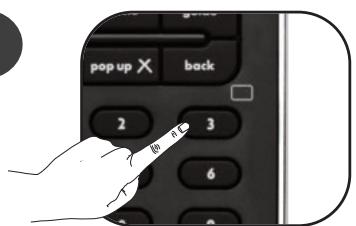
Press 3 for the 3rd digit of your 4-digit set up code and count how many times the blue ring lights up. If the blue ring does not light up, the digit is "0".
7

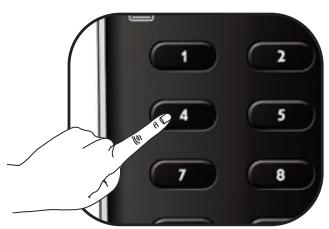
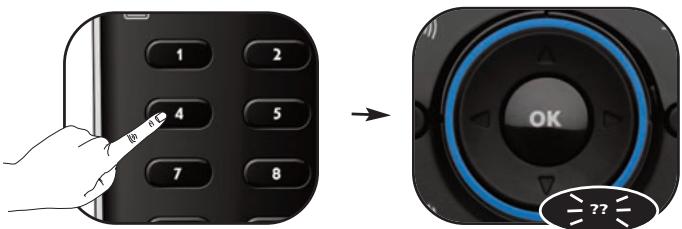
Press 4 for the 4th digit of your 4-digit set up code and count how many times the blue ring lights up. If the blue ring does not light up, the digit is "0".
Congratulations! You have successfully blinked out your current Set Up Code in tv mode.
Your "Set Up Codes":


Operational Reset
The Operational reset will erase all learned functions across all modes and some other programmed functions like Key Magic and Macros.
1) Press and hold the magic key for 3 sec. --> The Blue ring will light up twice.
2) Press 980. The Blue ring will light up twice.
e.g. Macro on "red key"
Polecenie 5 Polecenie 4 (1)Polecenie 1
1 + u7 = 7 + 1 > ( 1 + u) u7 = 7 + 1 > ( 1 + u) u = 7 + 1 > ( 1 + u) ( 1 + u) = 7 + 1
1556


:1
:5
:5
:6
e.g. Macro on "red key"
Naredba 1 Naredba 2 Naredba 3
Makronaredba na crvenoj tipki =
Naredba 1: ZAUSTAViDVD
Naredba 2: ISKLJUciDVD
Naredba 3: ISKLJUCI tv
Makro for den rode tasten =
Kommando 1: dvd STOPP
Kommando 2: dvd AV
Kommando 3: tv AV
Hyaer
Pntote ouvtoua to nktpo magic.
5
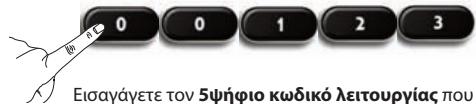
Eoiayayete Tov 5yio Kwoikko Aetoupyiac nou oac Eoae to tmu Eaunnpntnnc Nlaatwv. (n.x.00123)
6
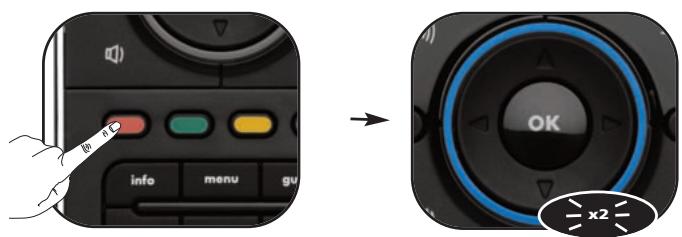
Piote to nKtpo oTo onio 0a avtioxioe i aeitoupyia (π.x. Kokkivo nKtpo).
dyx (un6one) odHomunhbx
ycmpoucmg.
ctp 2
TV1


TV2

Key Magic
No380nem npo2pammuobamb
fynkuu cn nep8oHaayanbH020
nybma dy, daexe ecnu on
YTPAYEH uny HEMCTPABEH.
CTP
3
Pocne noIyueHnKoIOB cyHKn, nporpaMMnpOBaHne KoIOB He Bbl3bBaet CNOxHocte:
m = 311
out
(1)
nut
2
ml
at 1
ducmhanuoonHou npaeienue.
CTp 3
JIINCBaUaΦyHKUa
CneI npOeDypa 3a Ha-
CTPOIka
Key Magic®
Ionyuete IunncBaata OyHKnna O T haNsi Uehtb3a 06cNjXbaHe Ha KInEHTN, Kato NOnCKate (5-uapeH) Kod 3a OyHKnnaTKeY Magic.
CneT TOBA npocTo cneBawTe npo-ueypaTa OT CTp.3
- Makpokomahda
No3B0n8a 6u da u3npauame
nopeduu om komahuc
Hamuckane Ha eouh GymoH.
ctp 4
MaKpOKOMaHda Ha"UeRBe-
Hn6yToH"
3 2 KOMaHa 1
MaKpOKOMaHda Ha"UeRbEHHa 6yToH
Komahda 1:DVD STOP (cton Ha DVD nnebpa)
Komahda 2: dvd OFF (n3KJIIOUBAHe Ha DVD nIeIbpa)
Komahda 3: tv OFF (изклочан Ha TeleBn3opa)
Kakbb 6ewe moT
"KoJ 3a NaCtpojka?"
Pa36epeme kou kod e Hacmpoen
6 MOMehma 3a 8ceku om 6-me
pexuma Ha ycmpoucmsomo.
CTp 5
KoDbT Mne?


:1
:5
:5
:6
Ta3n yKzna Bn daBb3moXHcT da nporpaMPaTe 2 (nnn noBeue) ycTpoCTBa OT eunn n cbuN bua Na yHNBepcaHTo dntaunno HynpabLeHne ONE FOR ALL (hnp. da Tenebn3opa). B cIeBa7nna pnpme e onncana hacTPOKaT a HonbHnHTenEn TeleBn3Op. 3a zenta Tpr6Ba da npomehnte pekma, hnp. ot "stb" (dekoepe) ha "tv" (tebeu3op).
HaTnchete 6yToHa POWER.
1
U36epete Cb0TBeHTHOYcTPOCTBO,Hanp.tv
8
HaTINCHETe 6yToHa POWER
9
HaTnchete n 3aDpBxTe 6yToHa magic 3a 3 cek. --CnHnT KpbT CbETBa Dba nTn
'YeCTnIo! BnE nporpamipaxte ycneHNO MaKpOKOMaHa da Ha "UepeBHeHn" 6yToH. CFEA, Ako HATNCHEt euepeBHeN6yToH: 1-Bo: vd nneBpBt 9e cnpe (STOP), 2-po:DVD nneBpBt ce n3KnIOuBa (OFF), 3-to: teNeBnO3pBt (tv) ce n3KnIOuBa (OFF). DnctAHUHOHOTO ynpabLeHMe 9e mIbJIHBA Te3i KOMaHd bBb BCEKN peKIM Ha yCTPoiCTBaTA, KOrato HATNCHEt uepeBHeN6yToH.
Kak da Bbphete opunnnaHaTa fynkua Ha 6ytoh,Ha KoITo e 3aJaDeHa makuPOKOMaHa?
1)HaTnCHTeH e3aDpBxTe 6yToHa magic 3a 3 cek.->CnHnT KpbT CbETBa Dba nTn.
2)HaTnchTe 995.
3) Hatachete cbotbETnha 6yToH 3a MaKpOKOMaHa (HaNP. YepBeHHa 6yToH).
4) Hatachete n 3aipbxte 6bytoHa magic 3a 3 cek. --CnHnT KpbT CbETBa Dba nTm.
HactpoTeBaWetoDuctaunHOynypabHeHNEONEFORALLnoeINOTcIeHNTeMeToDn:
SimpleSet Ha ONE FOR ALL
-Диuropeктан actpoKaHaKoI
-MeToMaHaTbpcHe
CnEbaunTe CTbnkN 1e BN NOKaKAt, KaJa pa36pepeKe Koi "KoD 3a HacTpoKa" e 3aJaDeH B MOMeHa 3a BCEKn peKIM Ha yctpoCTBO.
1
HaTnCHeTe 3aDpBxTe 6yToHa magic 3a 3ceK. CnHnT Kpb CbETBa DBA nTn.
U36epete Cb0TBeHTHOYCTPOICTBO,Hanp.tv
2
3
->CINHnT KpbTcCBETBa DbTa.
HaTnCHeTe 990.
4
HaTtncHeTe 13a 1-ta unPpO aT BauHn4-ua nKo 3a NaCTPOKa n np6poTe, KOkNo tBtN Ie CBeTHe CNHnT KpbT. Ako CNHnT KpbT He CBeTHe N30-6Ioo, unPpTa e "0".
5
HaTtncHe 2 3a 2-ta ZnФpa OT Baunn 4-uznФpeh KcD 3a NaCTPOKa n ppe6pOte, KOJIko TbTN 1e CBETHe CINHnT KpbT. AKO CINHnT KpbT He CBETHe N3o60, ZnΦpTa e "0".
6
→
HaTINCHeTe 3a 3-Ta ZnΦpa OT BaIIH N 4-uznH KeI 3a HAcTPOJIa N ppe6poIte, KOJIKO PbTN Ie CBETHe CInHr KpbI. AKO CnHrT KpbI He CBETHe I3O6Ioo, ZnΦpata e "0".
HaTNCHTe 43a 4-ta ZnOpa OT BaAIN 4-tnpEn KOd 3a HacTPOKA nIpe6poTe, KOKo TbTN Ie CBETHe CnHrT KpbT. AKO CnHrT KpbT He CBETHe N3O6Io, ZnOpaTa e "0".
YeCTnTo! BVe Bb3pnO3BeOxTe ycneuHo Upe3 MmraHe Baunr KeKyU KoJ 3a Ha- cTpoJaB PekIM tv (TeleBu3Op).
BauTe"KoIOBe 3a HactpoIka":






HynipaneHa hacptpoknTe
HynipaheTo Ha hactpoKite ige n3tpne BCnuKN 3ayeHn fynkun BBB BCnuKN peKmN n HAKON nporpaMpuHn fynkun, kato Key Magic u MaKpOKoMaHdnte.
1)HATINCHETe n3aDpBxTe 6yToHa magic 3a 3 cek. CnHnT KpbT CBETBA DbA PbTn.
2) HatncheTe 980.CHHaT Kpbr CbETBa Da nTn.
Brand : ONE FOR ALL
Model : URC 11
Category : Universal remote