
CNE-K26F1KW - Electric motor Vevor - Free user manual and instructions
Find the device manual for free CNE-K26F1KW Vevor in PDF.
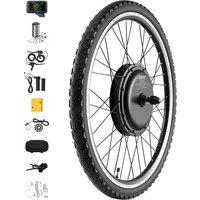


| Product Type | Electric Bicycle Motor |
| Brand | Vevor |
| Model | CNE-K26F1KW |
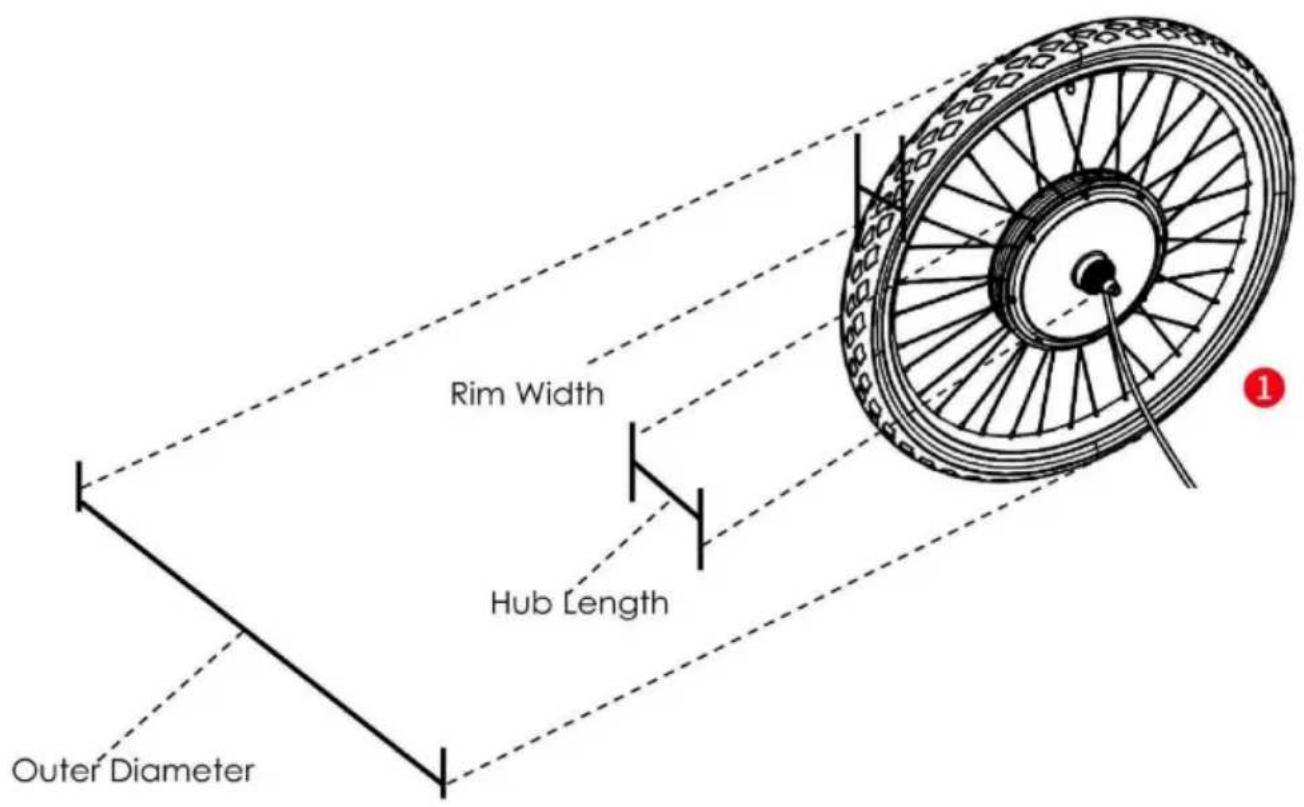
| Outer Diameter | 660 mm |
| Hub Diameter | 242 mm |
| Hub Length | 173 mm |
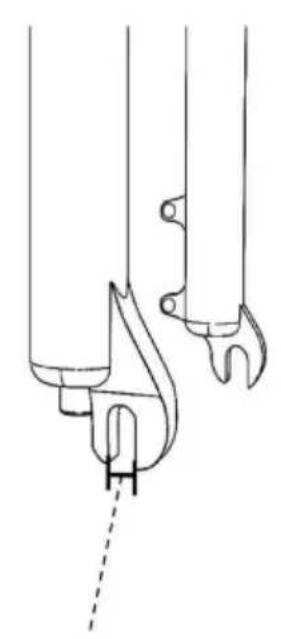
| Front Fork Distance | 100 mm |
| Rim Width | 25 mm |
| Motor Rotation Speed | 480 ± 20 rpm |
| Hub Tightening Torque | 50 N·M |
| Notch Width | 10 mm |
| Spoke Length and Screw Type | 159 mm; 12 G |
| Recommended Tire Size | 2.0 inches (5.1 cm) |
| Maximum Climbing Angle | 12° |
| Compatible Battery | 48 V (17–20 Ah) |
| Controller Rated Voltage | 48 V |
| Controller Rated Power | 1,000 W |
| Controller Maximum Current | 26 A |
| Weight Capacity | 165 lb (75 kg) |
| Compatible Frame Size | 26 inches |
| Brake Style | D/V General |
| Main Functions | Pedal Assist (PAS), throttle, cruise control, walk mode, LCD display with battery indicator and odometer |
| Package Contents | Drive wheel, controller, display, throttle, brake levers, PAS sensor, installation kit, manual |
| Maintenance and Cleaning | Clean with a dry cloth, regularly check fasteners and overall condition |
| Safety | Wear a helmet, check brakes before each ride, do not disassemble the product, keep out of reach of children |
| Repairability | Spare parts available through customer service, repair by qualified professional |
Frequently Asked Questions - CNE-K26F1KW Vevor
User questions about CNE-K26F1KW Vevor
0 question about this device. Answer the ones you know or ask your own.
Ask a new question about this device
Download the instructions for your Electric motor in PDF format for free! Find your manual CNE-K26F1KW - Vevor and take your electronic device back in hand. On this page are published all the documents necessary for the use of your device. CNE-K26F1KW by Vevor.
USER MANUAL CNE-K26F1KW Vevor
Electric Bike Motor
Model: CNE-K26F1KW
We continue to be committed to providing you with tools at competitive prices. "Save Half", "Half Price", or any other similar expressions used by us only represent an estimate of savings you might benefit from buying certain tools with us compared to top brands, and do not necessarily mean that all categories of tools offered will actually save you half compared to the top major brands. We kindly remind you to verify carefully when placing an order with us.
MODEL: CNE-K26F1KW
NEED HELP? CONTACT US!
Have product questions? Need technical support? Please feel free to contact us:
This is the original instruction. Please read all manual instructions carefully before operating. VEVOR reserves the right to interpret the user manual. The appearance of the product shall be subject to the product you received. Please forgive us that we won't inform you of updates to our product data.
Note:
- For safety reasons, it is most important that you read this User Manual before you operate the bike. Improper handling can reduce its riding performance and, most importantly, pose danger to your safety and health!
- The user assumes all risk of personal injuries, damage, or failure of the bike or system, and all other losses or damages to themselves and others and to property arising out of or as a result of improperly using the bicycle.
- This manual is not intended as a detailed user, service, repair, or maintenance manual. Please seek assistance from a qualified technician for service, repairs, and maintenance.

Safety Instructions
- The user must wear a helmet and other safety gear before riding for safety concerns. Ensure your helmet meets the latest certification standards and is appropriate for the type of riding you do.
- The installation of this product must be carried out by professionals with a legal license and corresponding qualifications.
- If you need to modify parts of the product, please consult our customer service in advance for feasibility.
- We highly recommend that you upgrade the braking system of your bike (brakes) for safety reasons.
- Always pull the brakes and hold the handlebar firm and straight before taking off to ensure you keep control of the bike when power assist activates.
- Always keep the controller away from water and other liquids. Should there be any incidence of contact with water or any other liquid, make sure to stop using the product and have it inspected by professionals with a legal license and corresponding qualifications.
- Never try to disassemble the parts of this product as it might cause electric shock, malfunction, and serious injury.
- The product should only be cleaned with a dry cloth. Never use a wet cloth or any other liquid.
- As with all mechanical components, this product is subjected to wear and stresses. Different materials and components may react to wear or stress fatigue
in different ways. If the design life of a component has been exceeded, it may suddenly fail, possibly causing injuries to the rider. Any form of crack, scratch, or change of coloring in highly stressed areas indicates that the life of the component has been reached and it must be replaced.
- If you have an impairment or disability such as visual impairment, hearing impairment, physical impairment, cognitive/language impairment, and/or a seizure disorder, consult your physician before riding our bikes.
- Because it is impossible to anticipate every situation or condition which may occur while riding, this Manual makes no representation about the safe use of the product under all conditions. There are risks associated with the use of any product which cannot be predicted or avoided, and which may be caused by and/or prevented through the actions of the rider, and which are the sole responsibility of the
- When operating your bike, it is critical that you know how to properly care for each part of your bike as well as your bike as a whole. Please ensure you have familiarized yourself with all aspects of your bike's functions and operations before riding it - ESPECIALLY on the open road with other traffic.
- NEVER operate your bicycle when you are under the influence of alcohol or drugs, including prescribed or over-the-counter medications.
- Always ride at a speed appropriate for the conditions. High speed means higher risk. It is your responsibility to familiarize yourself with and comply with the applicable laws within the country, state, county, province, and/or city where you will be riding.
- This product is designed to be ridden on paved roads or surfaces only. It is not designed to withstand off-road conditions or uneven terrain. We assume no liability for any accident, injuries, or property damage incurred as a result of the rider's misuse of EBC bicycles, including any damages resulting from or arising out of off-road usage.
- Riders who do jumping, stunts, wheelies, and bike tricks should never use this product, as it can cause harm to themselves and others. Putting undue, unintended, or unnecessary stress on the bike parts, frame, brakes, handlebars, stem, or forks can cause the components and/or the product to fail, resulting in serious injury or death. DO NOT USE THIS PRODUCT FOR JUMPING over curbs, riding on mountainous or off-road trails, or any use other than commuting and cruising in a relaxed, safe manner.
- Never exceed the weight capacity of this product.
- Be careful to keep your body parts and other objects away from the sharp teeth of the chain rings, the moving chain, the turning pedals and crank, and the spinning wheels of your bicycle.
- Check the condition of your bike before every ride. Make sure no nuts or fixings are loose, and pay particular attention to the axle, nuts, and handlebar. Check the brakes for proper operation.
- Some parts and accessories may present a choking hazard and other hazards to children. Keep the parts, accessories, and tools away from small children.
- It is important to your safety, performance, and enjoyment to understand how things work on your bike and to have your dealer check your work before you ride the bike. If you have even the slightest doubt as to whether you understand something in this section of the Manual, talk to your dealer or a qualified mechanic—or do not ride your bike!
- Make sure no straps are dangling where they could get caught in the wheels. No bags, boxes, or any items should be placed in a position where they could get caught in the spokes. Double check your load for security and stability. Check to see that your wheel is securely fastened and that no components or frame members are cracked or broken (in general, if at any time you notice a crack or bend in your bike, stem, forks, or bars of your bicycle, stop riding immediately, take your bike to your local bike shop, and have them inspect it).
- If there is any sign of damage on the circuit wires of the product, never repair it yourself. Please contact our customer service for more information.
- If there is a need to modify the product, please let qualified professionals do it for you. Please note that this product could only be used on a bicycle. It is not recommended to use it with a tricycle, tractor, or other vehicles. If there indeed is a need to use this product with a tricycle, please let qualified professionals do it for you and ensure that the frame of the tricycle is compatible with the product. Also ensure the weight limit and the maximum climbing angle are considered.
Specifications
| Model | CNE-K26F1KW |
| Hub Length | 173 mm |
| Front Fork Distance | 100 mm |
| Outer Diameter | 660 mm |
| Rim Width | 25 mm |
| Hub Diameter | 242 mm |
| Hub Torque | 50N.M |
| Motor Rotate Speed | 480±20RPM |
| Notch Width | 10mm |
| Spoke Length &Screw Type | 159mm;12G |
| Recommended Size of Tire | 2.0"(5.1cm) |
| Maximum Climbing Angle | 12° |
| Compatible Battery | 48V(17-20AH) Almost 40KM Trip Leng |
| Braking Style | D/V General |
| Rated Voltage and Power of t Controller | 48V;1000W |
| Compatible Frame Size | 26" |
| Maximum Current of Controller | 26A |
| Weight Capacity | 165lbs(75kg) |
*Range depends on user weight, road condition, tire condition, condition of the battery, speed, and type of driving.
Specification Diagram

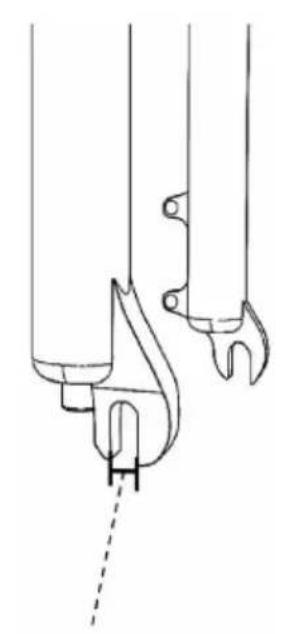
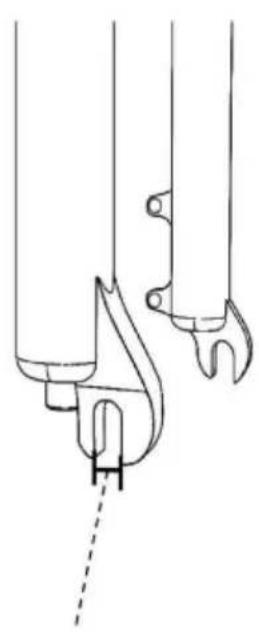
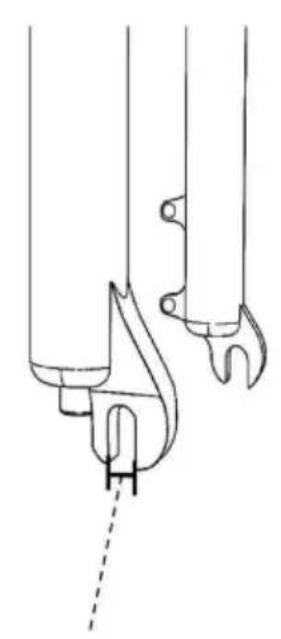
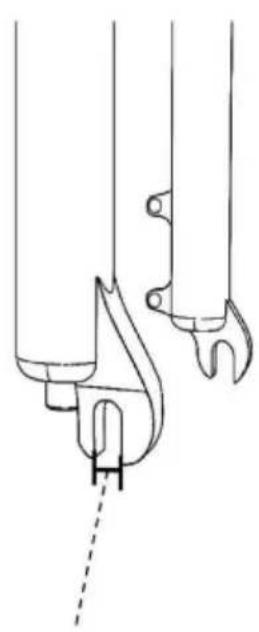
Front Fork Distance Notch Width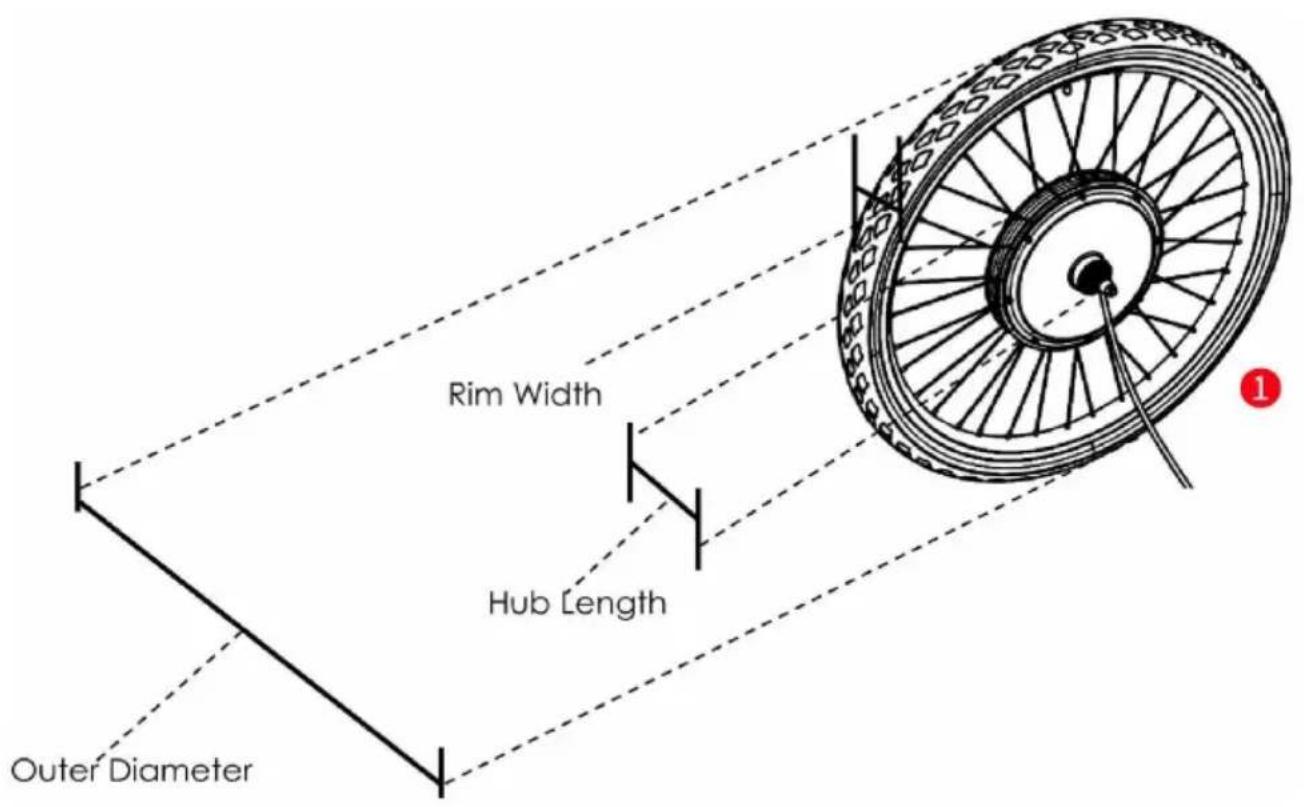
Note: The diagram is for reference only. The specification data is tire-inclusive.
Package Contents
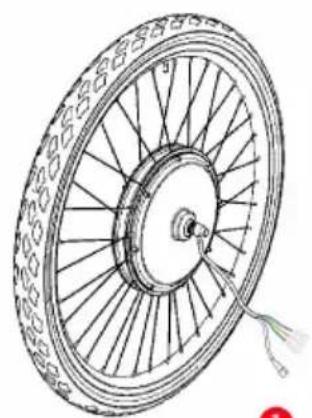
Front motor Wheel×1
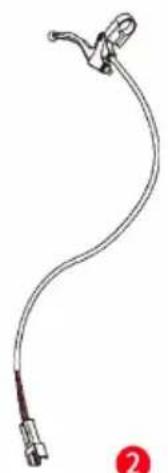
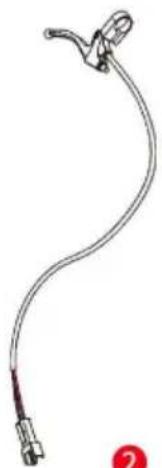
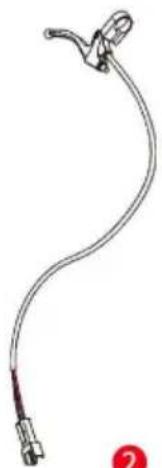
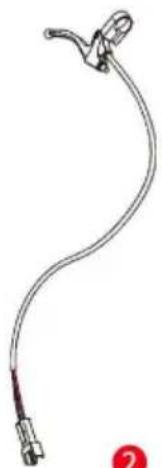
Brake Lever×2
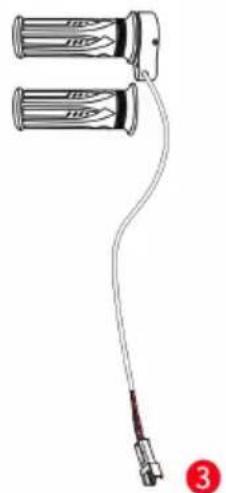
Handlebar×1 pair
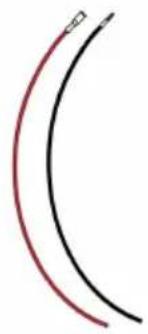
Power Cable×2
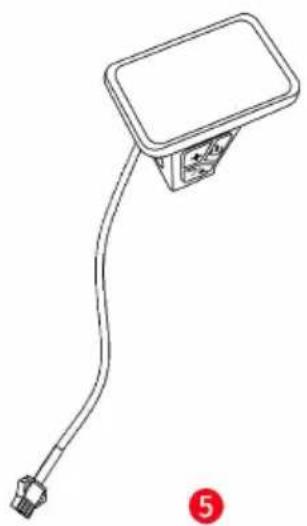
Display×1
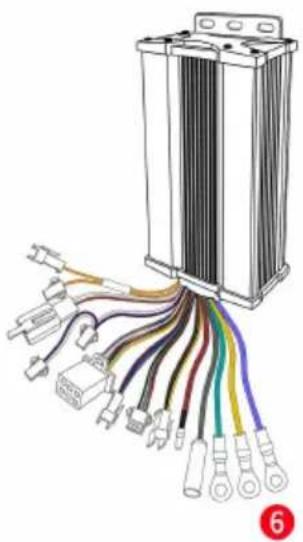
Controller×1
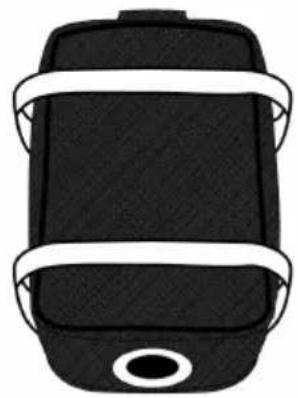
7
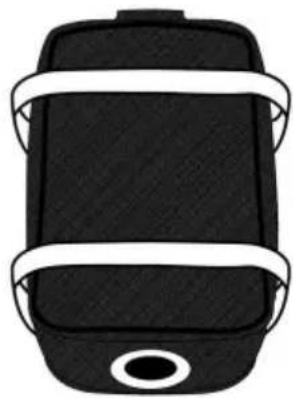
Controller Bag ×1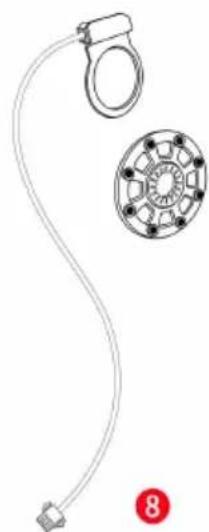
1
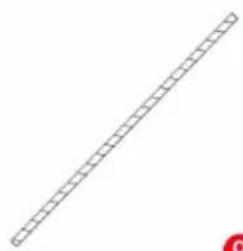
Winding Pipe ×1
10 Wire Tie ×1 set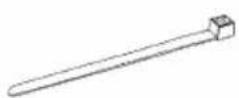
11 Junction Box ×1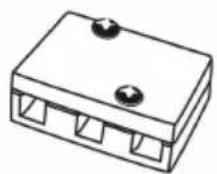
Assembly Instructions
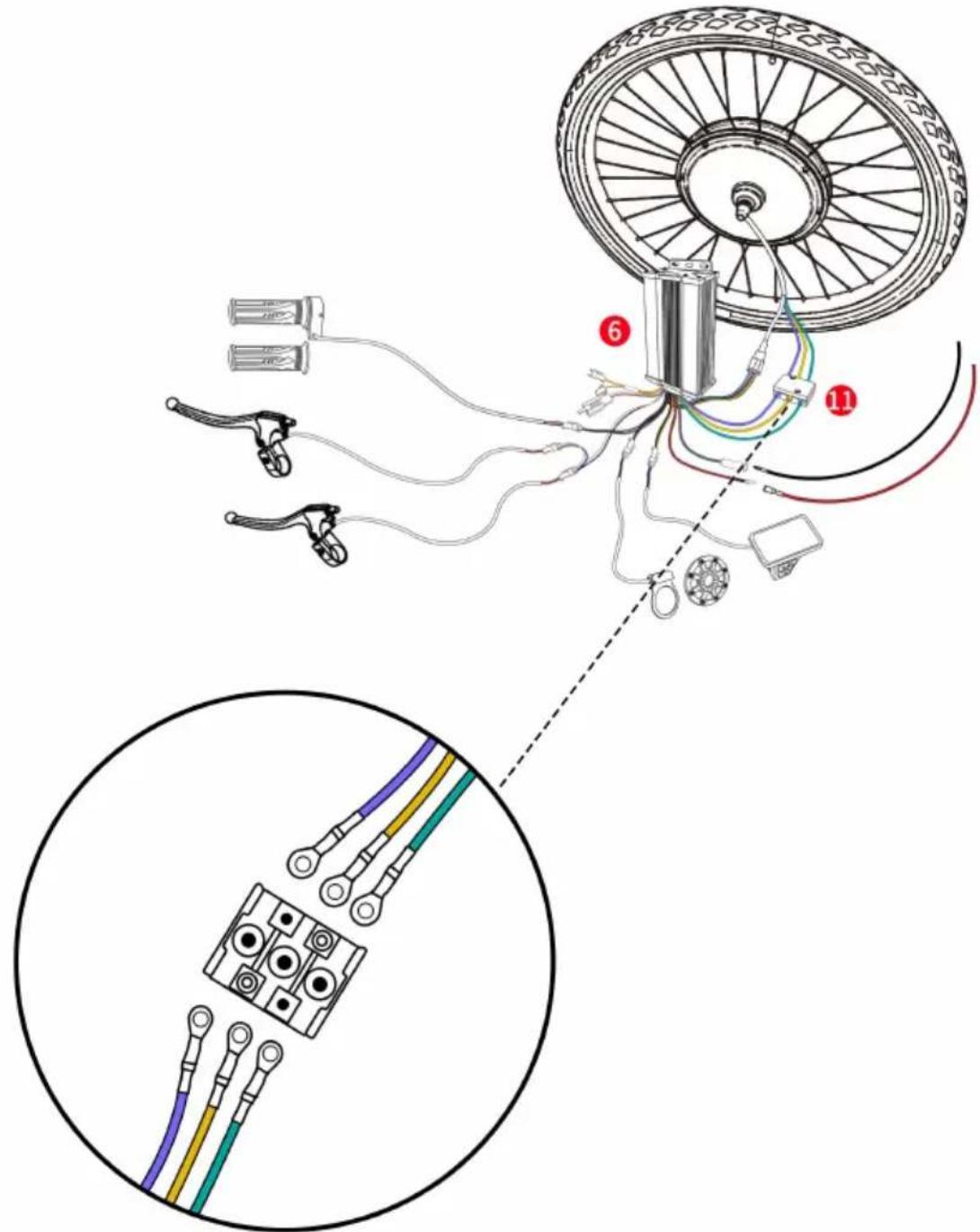
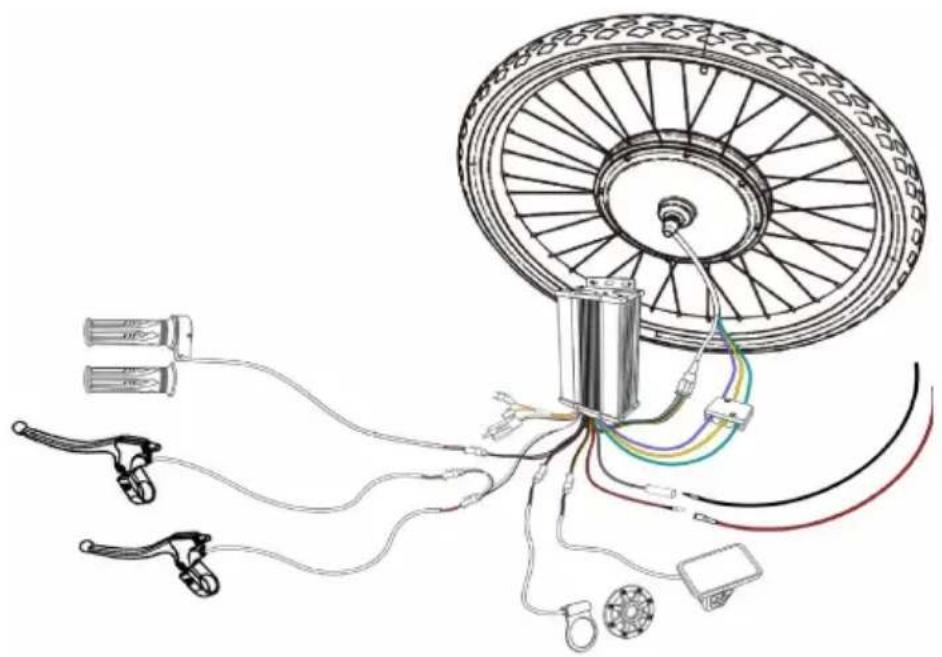
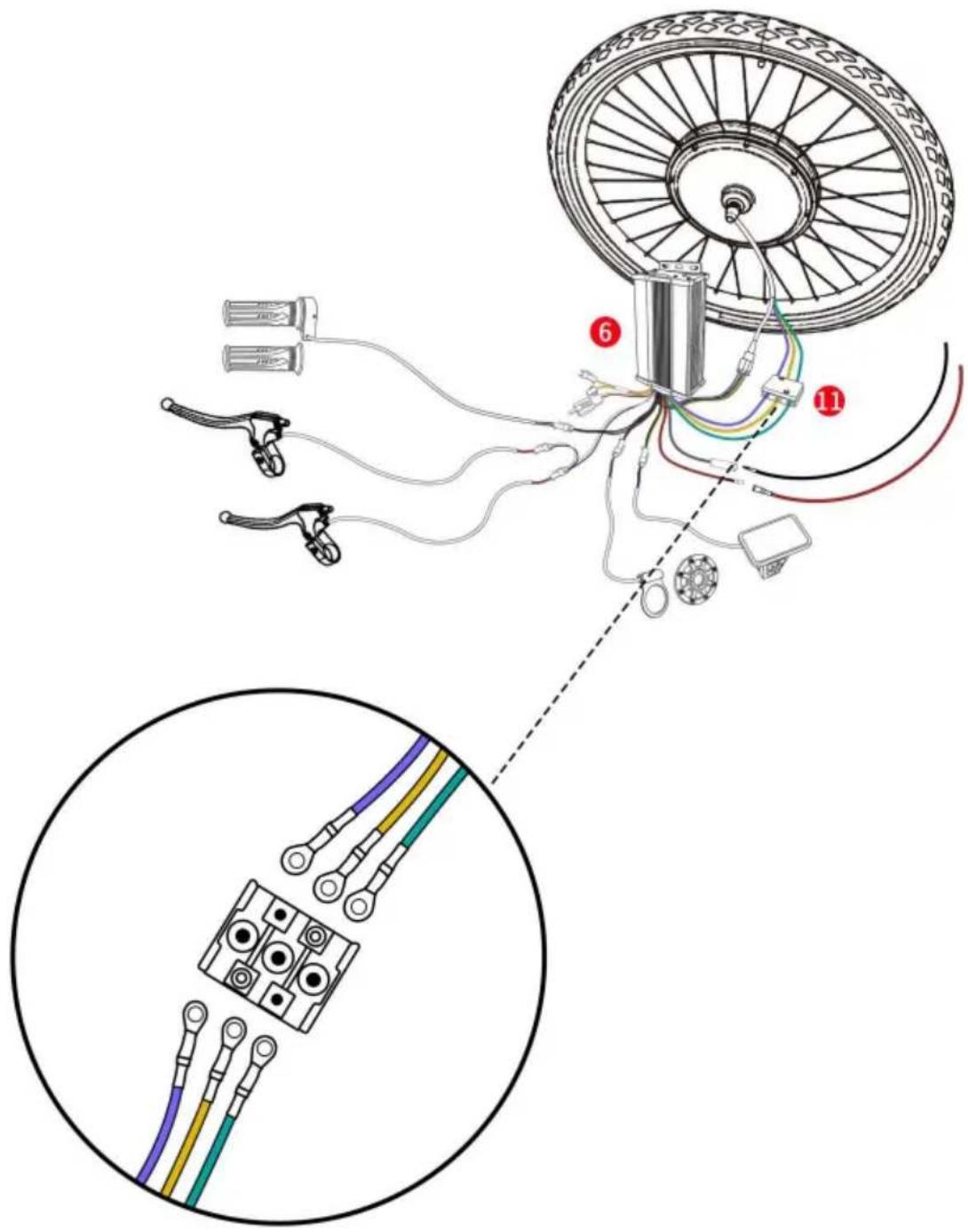
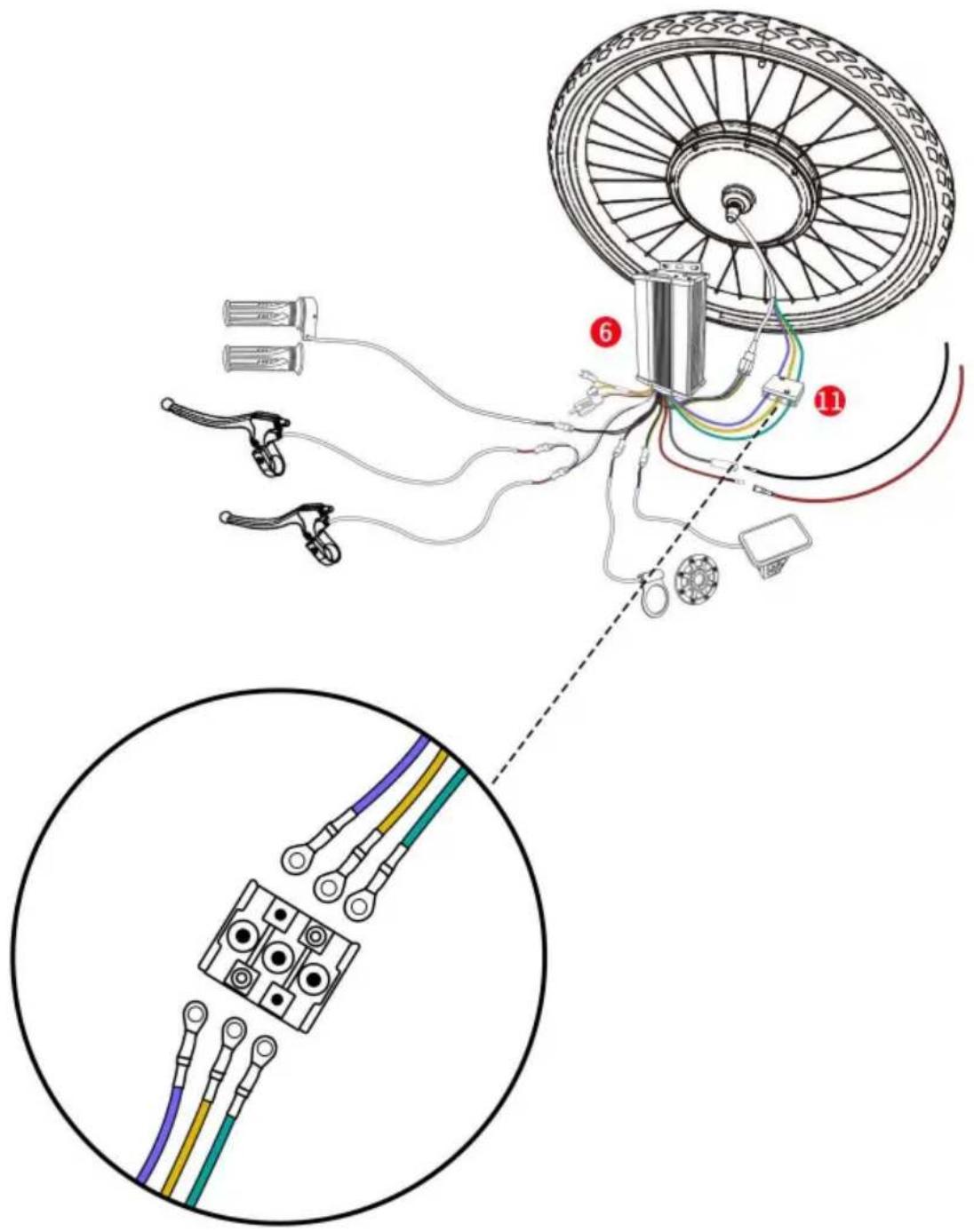
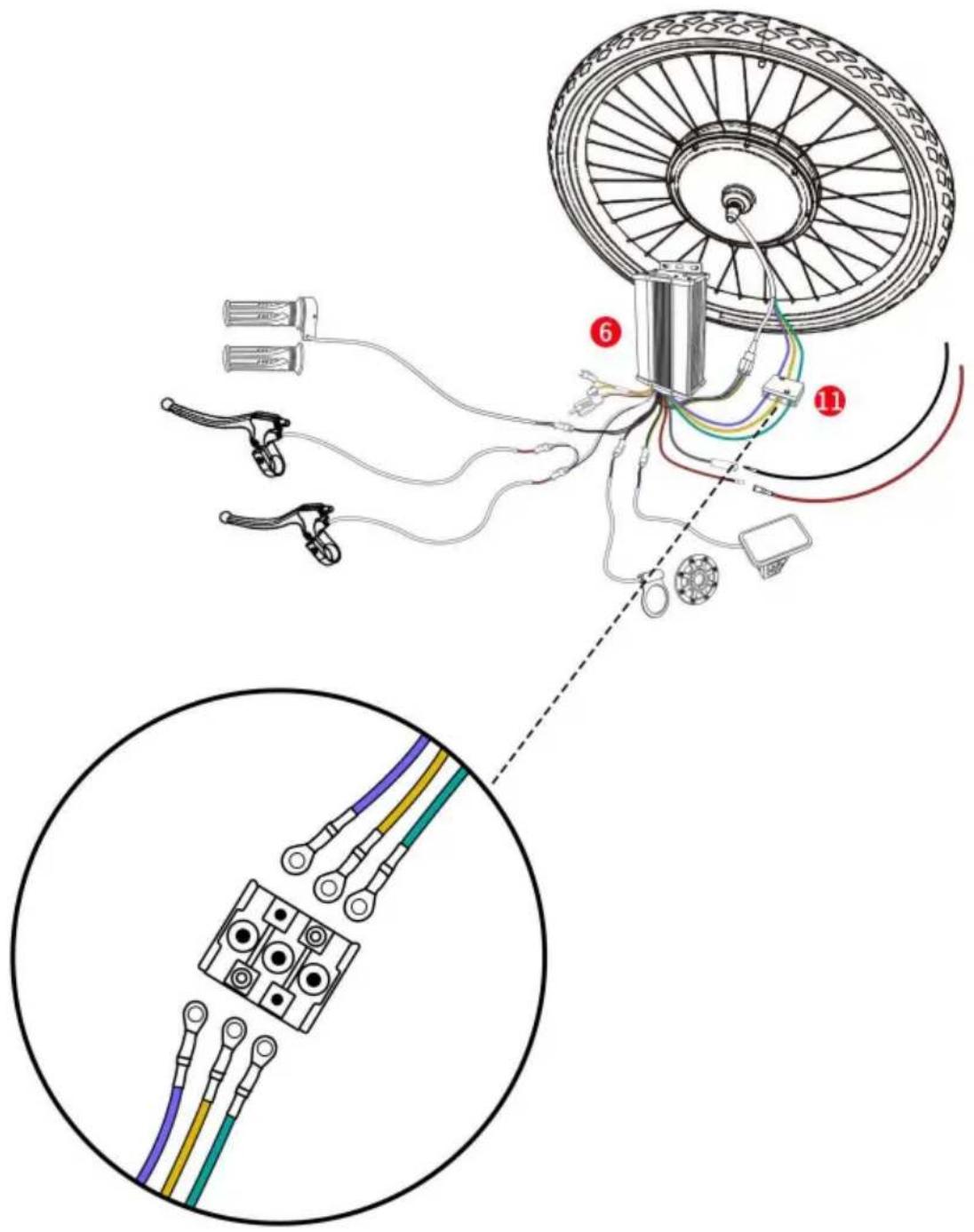
Connect the wires of the front motor wheel and the controller.
(Note: When connecting the wires, arrow signs on both sides should align with each other.)
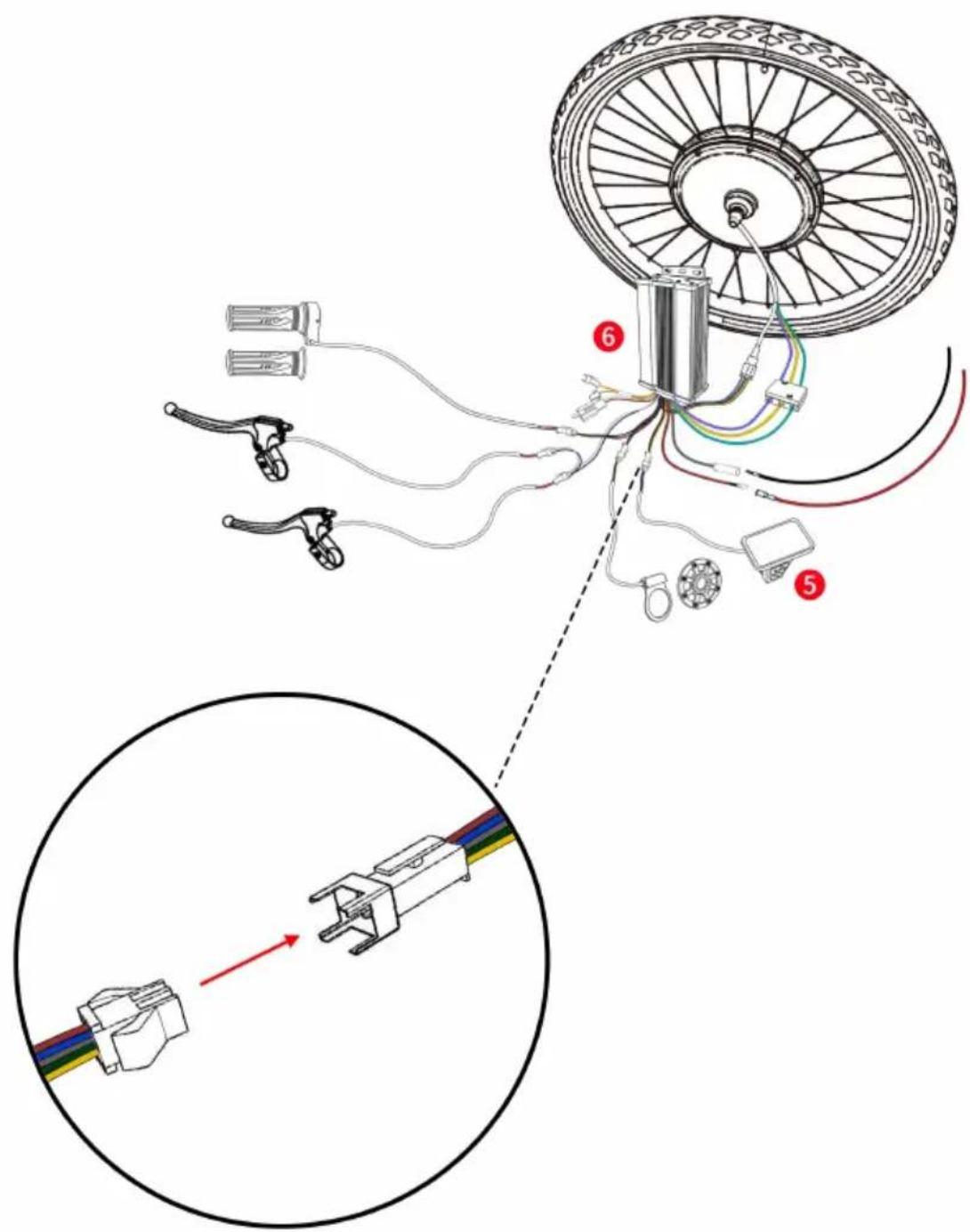
Connect the corresponding connectors of the controller and the connectors of the display.
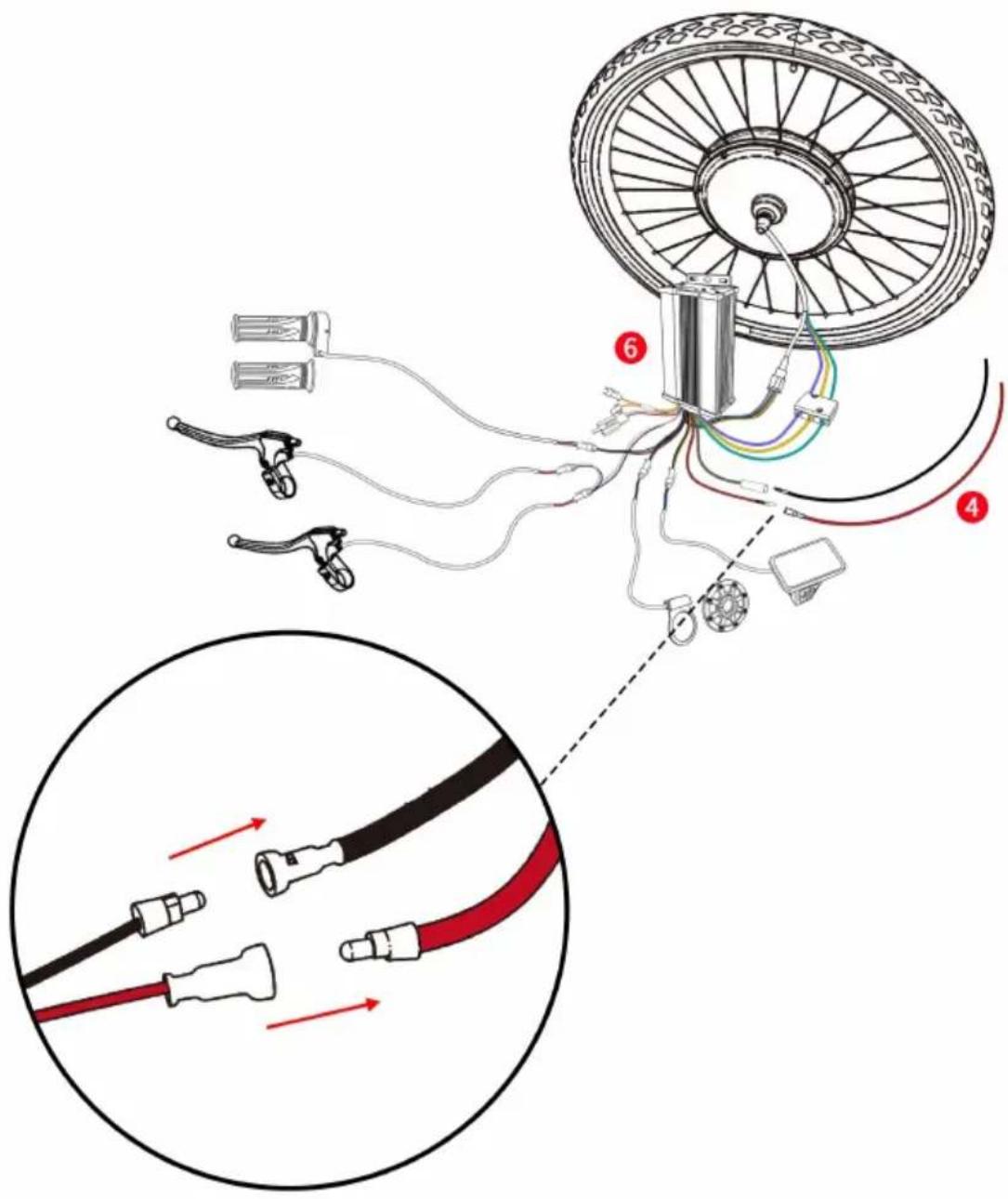
Connect the power cable to the controller as shown.
Note:
- The battery for the controller is not included in this product. Customer needs to buy it separately.
- The battery must be turned off first before being connected to the wire.
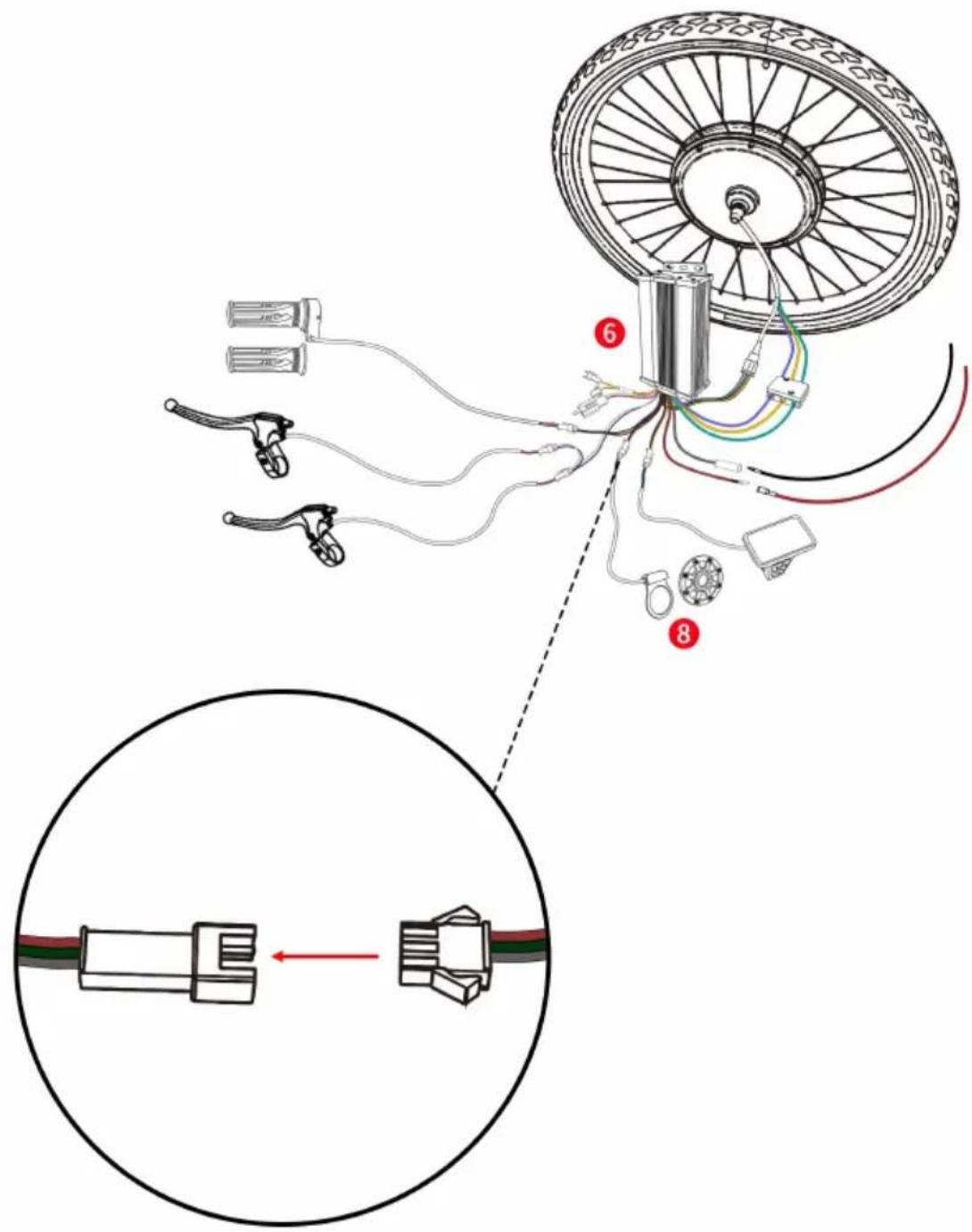
Connect the wires of the controller and the PAS.
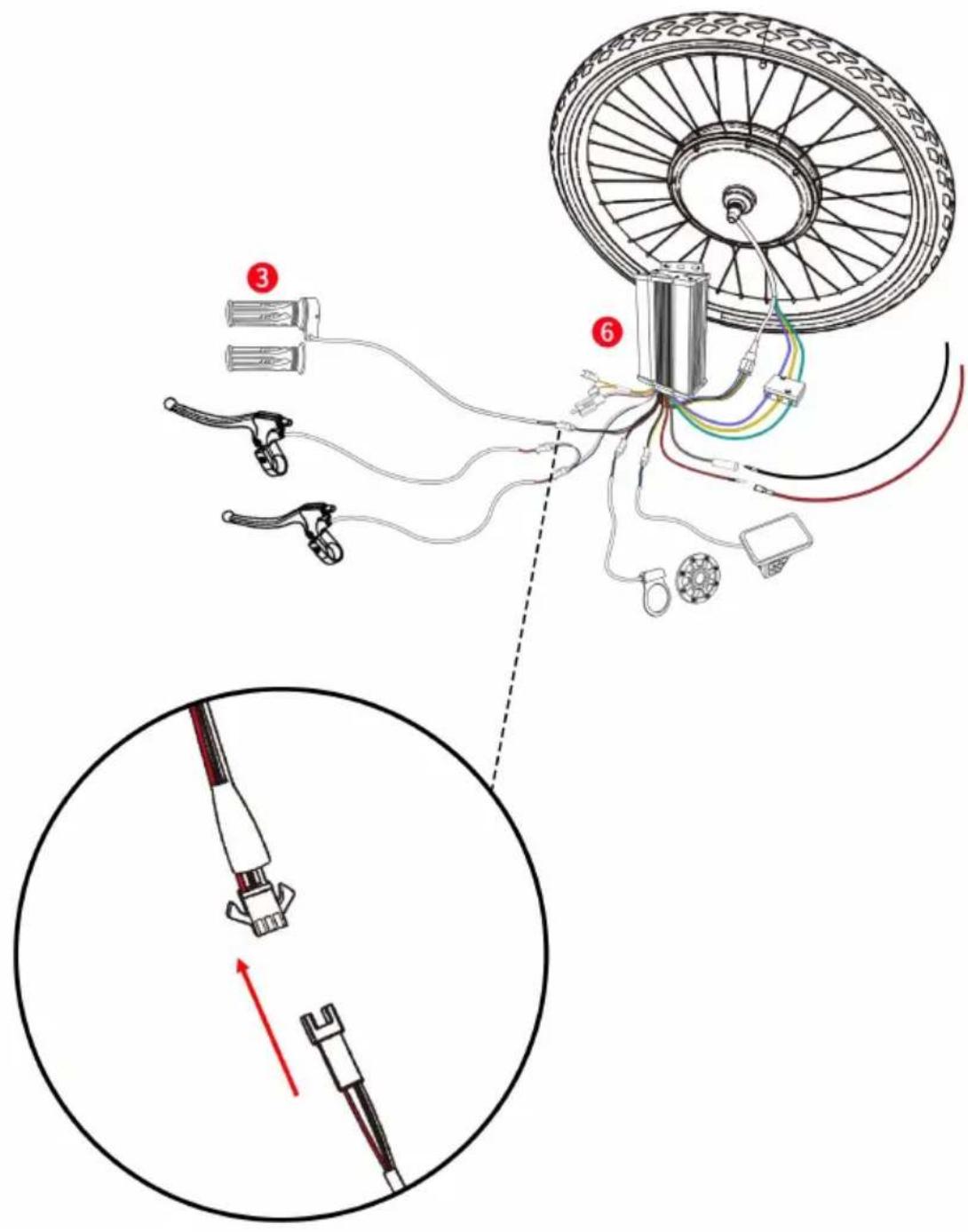
Connect the wires of the controller and the throttle.
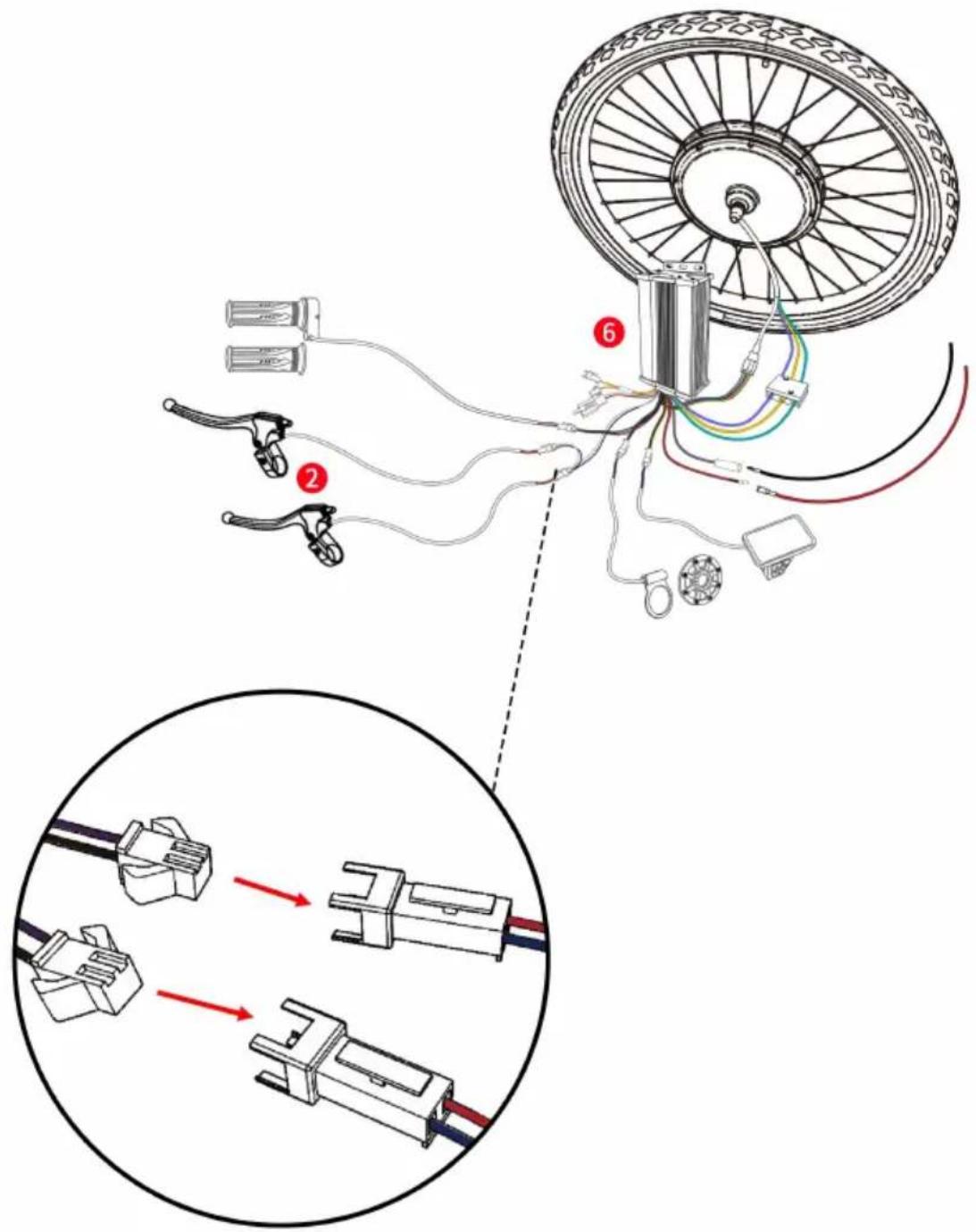
Connect the wires of the controller and the two brake levers.
Installing the Motor Wheel onto Your Bike
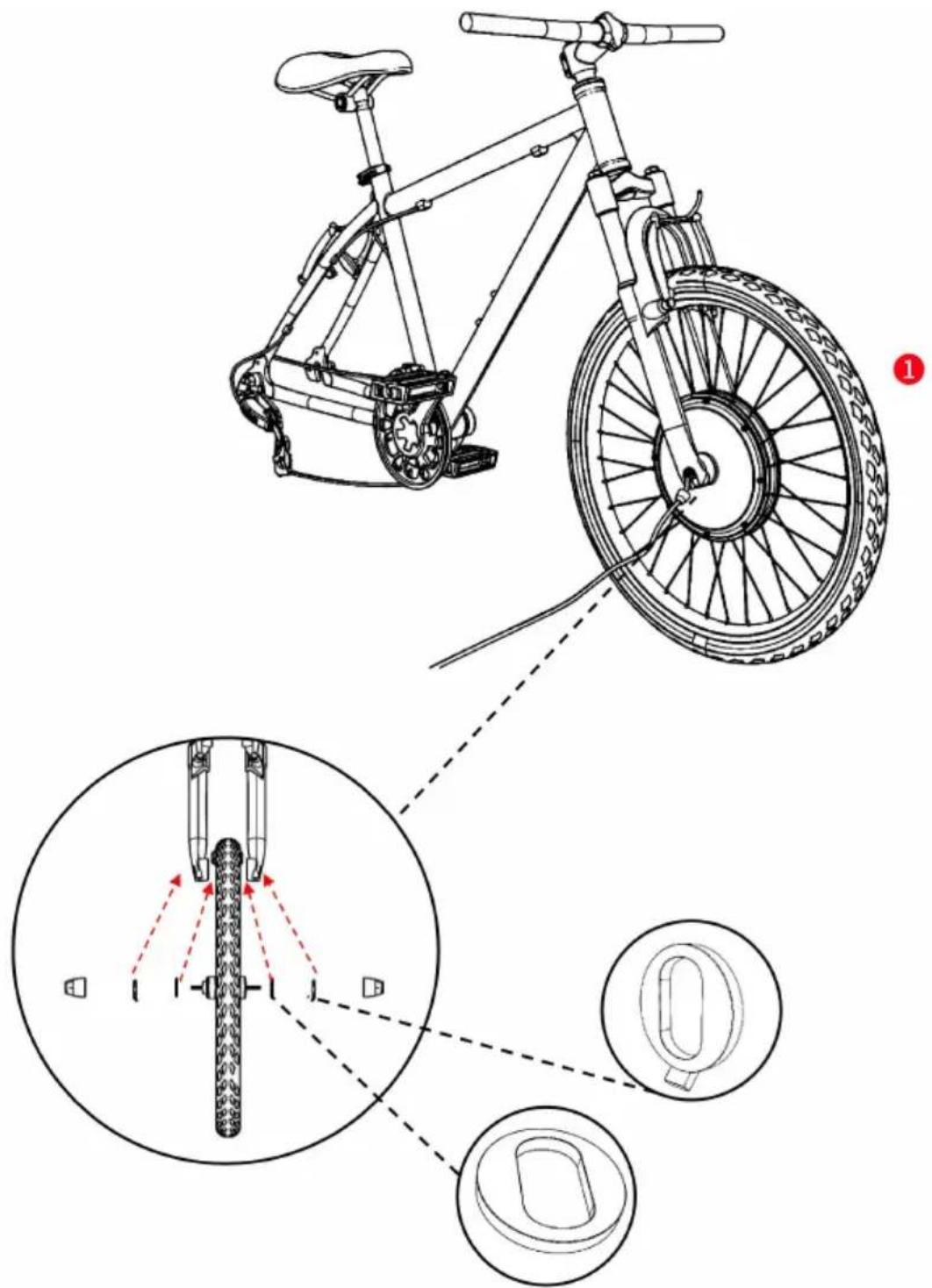
- Ensure washers are installed on each side of the wheel respectively (the washers are preinstalled on the wheel).
- Install the wheel on the front side of your bike as shown.
- Use the washers and nuts to secure the motor wheel.
Installing the Brake Levers
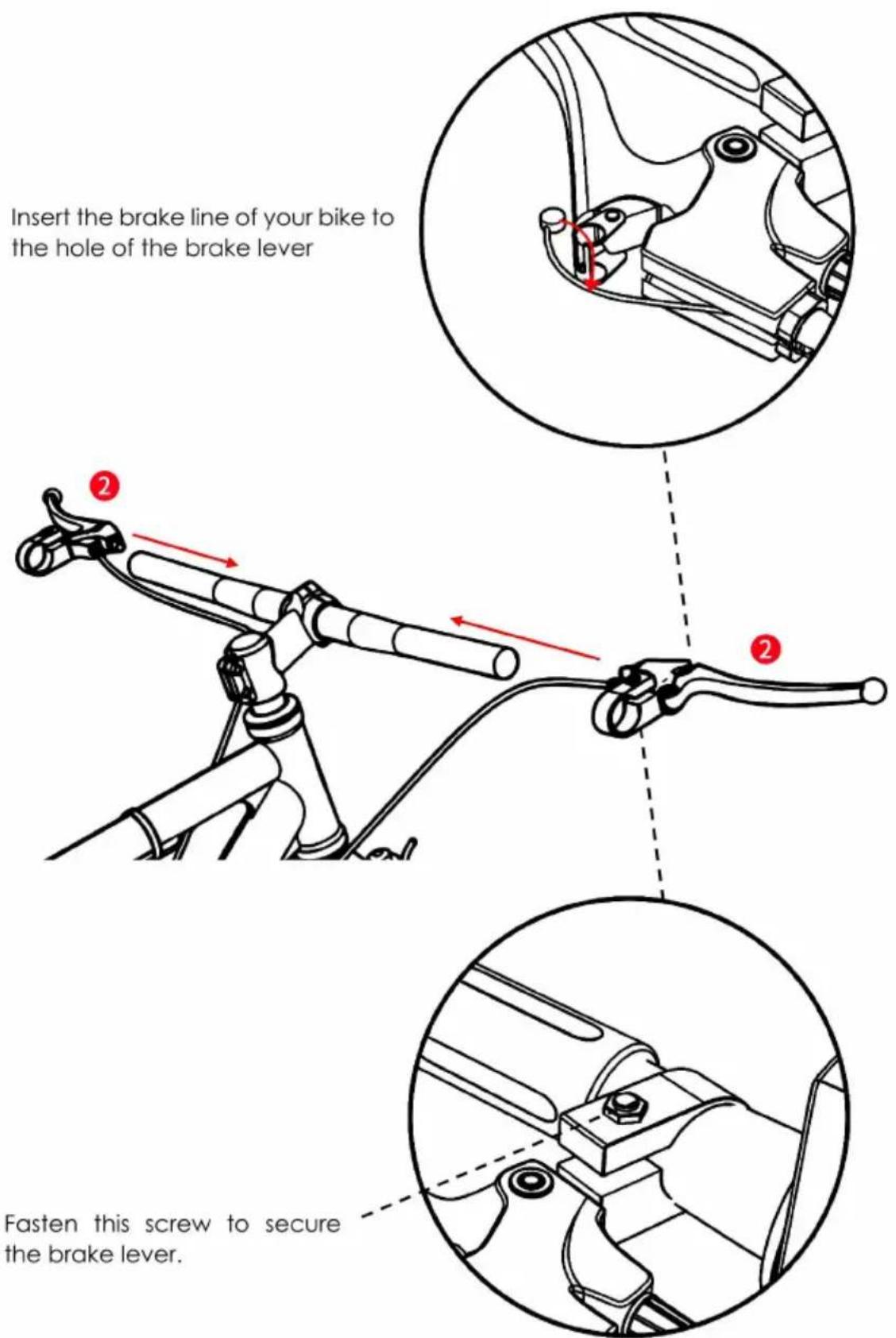
Install the brake levers on both sides of your bike handles.
Installing the Operation Panel
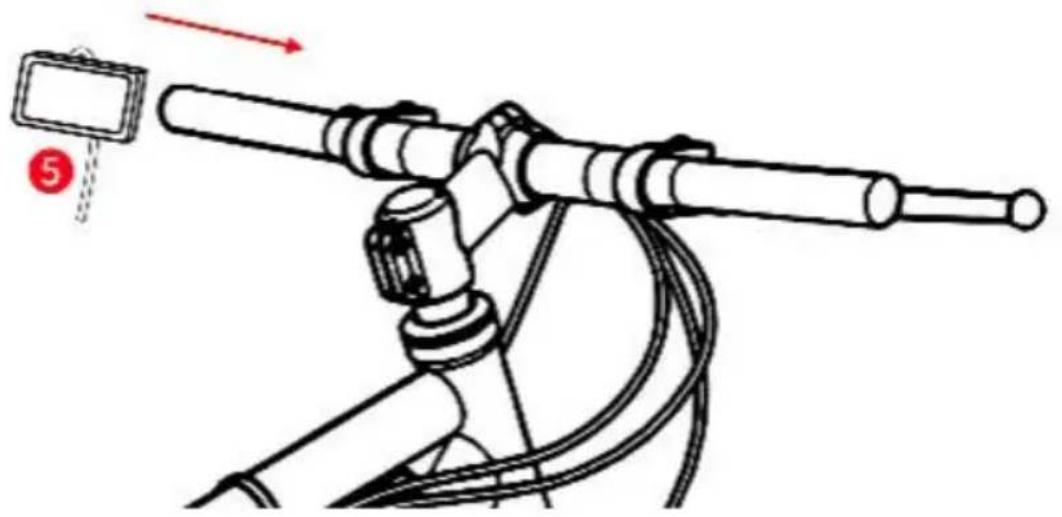
Install the operation panel on your bike handle as shown.
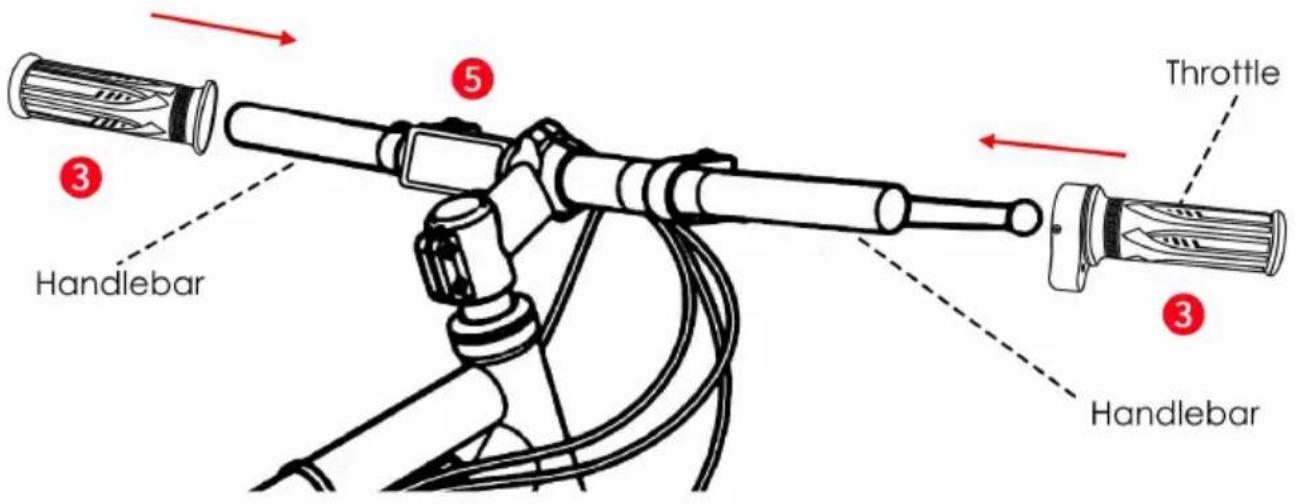
Install the handlebars and throttle as shown.
Installing PAS
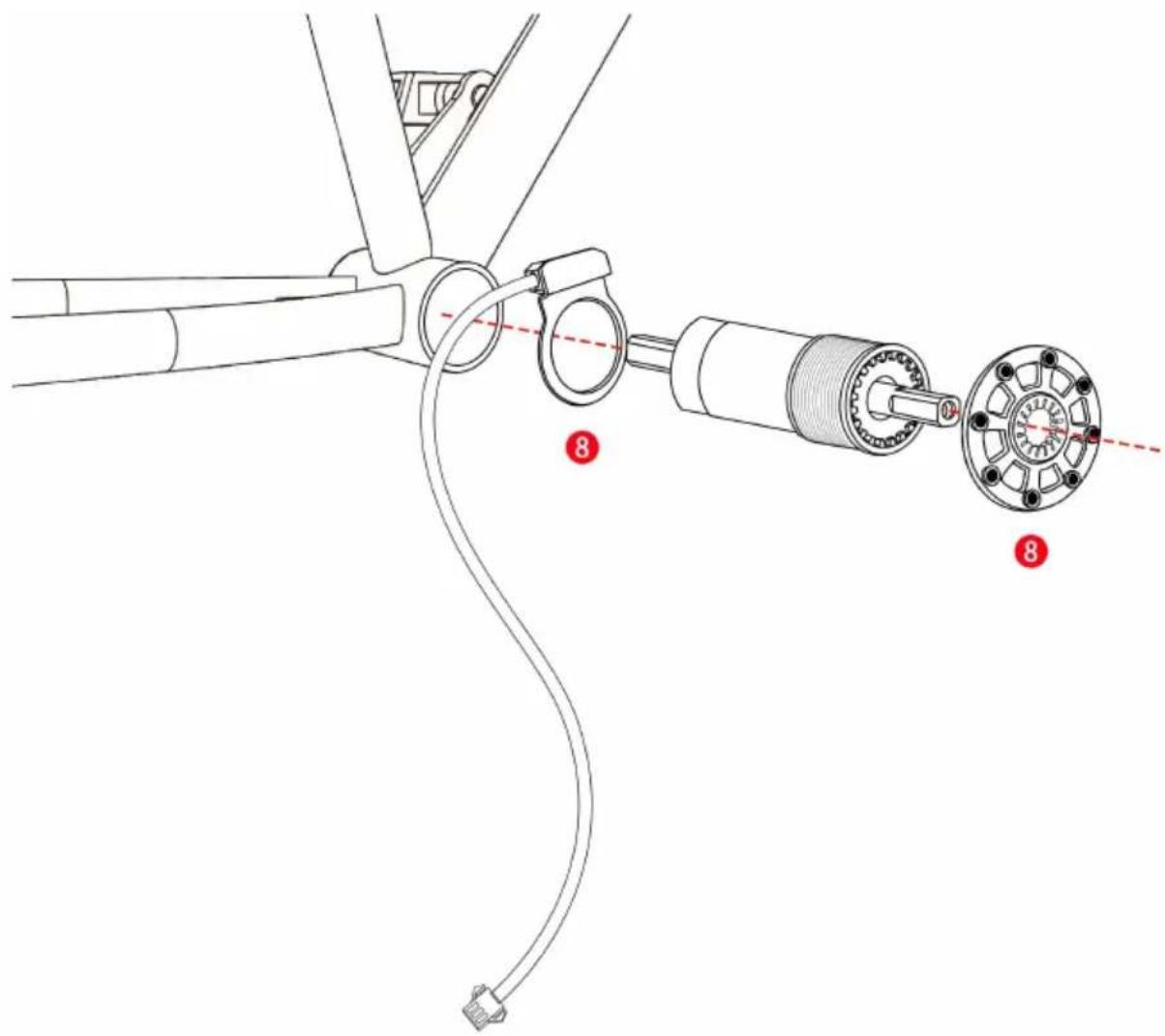
Uninstall the pedal from your bike. After that, install the PAS components as shown.
Ensure the parts are tightly fastened.
Note: PAS is suitable for square tapered bottom bracket interface, JIS standard bicycle tension bowls. If non-JIS standard bicycle users use the product, users need to have some modification ability. It is necessary to install the power-assist sensor between the frame and the bowl of the bottom bracket, and the power-assist disk is fixed on the rotating axle or gear disk, otherwise it will lead to unsuccessful installation, and this product cannot work properly.
Binding Up the Wires
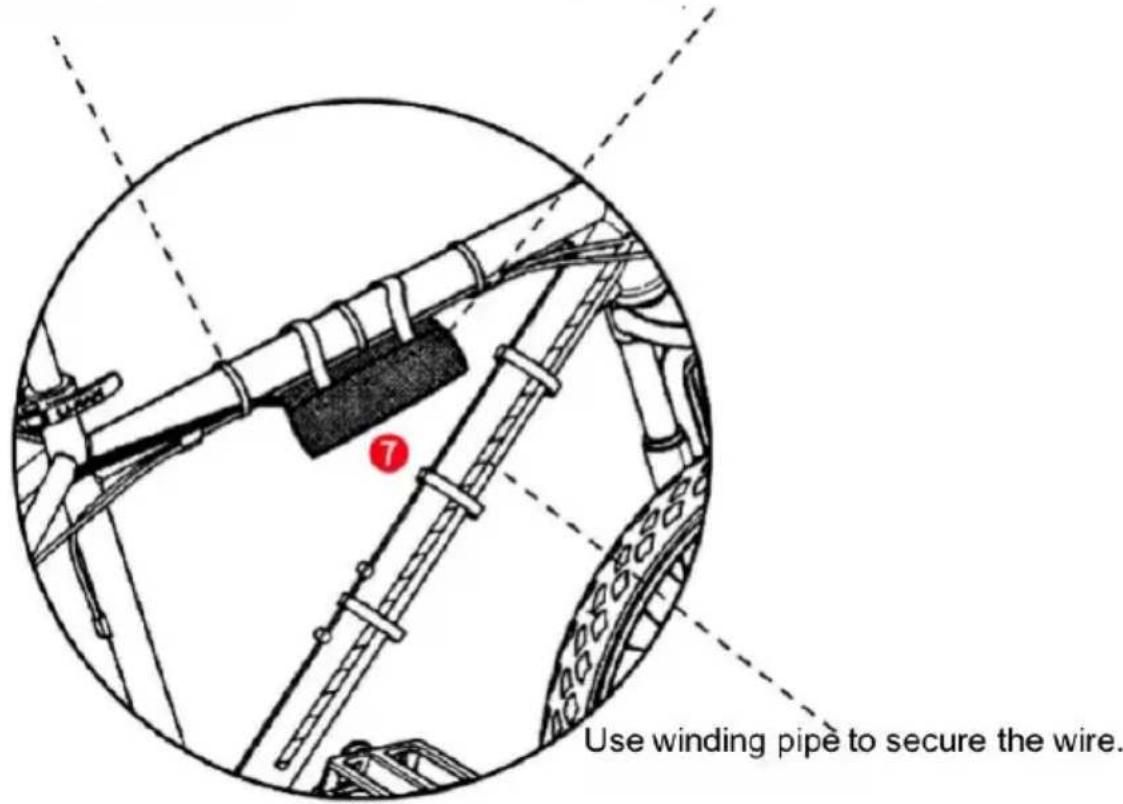
Use wire ties to secure the wires.
You can put the controller in the controller bag and fasten it on the frame of your bike.
Display operation instructions
1. Function overview and functional areas
1.1 Function overview
The display offers a variety of features to suit riding needs, including:
- Battery level indicator
- Pedal assist (PAS) level indicator
- Speed (current speed, maximum speed, average speed)
- Mileage display (single and total mileage)
Walk boost mode
Error code indicator
Cruise control indicator
Personalized parameter settings (e.g., wheel diameter, speed limit, battery power setting, PAS parameter setting, password setting, controller current limit setting, etc.).
• Factory default parameter recovery function
1.2 Functional areas
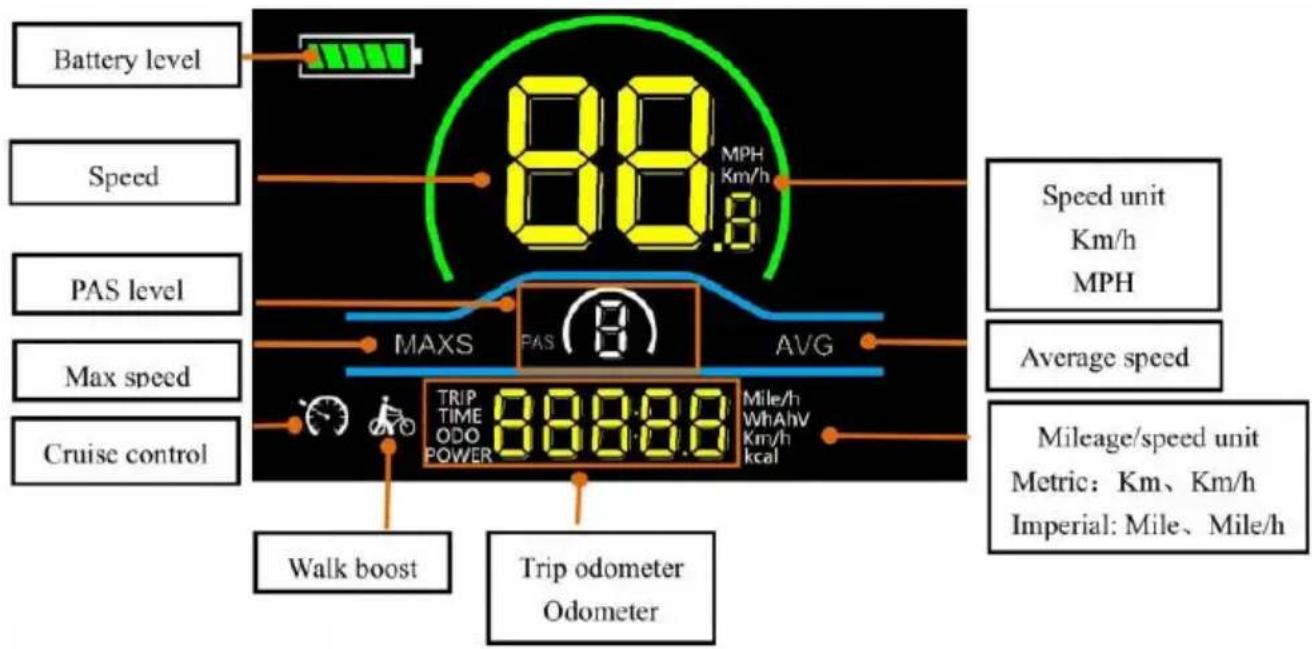
Figure 1-1 Functional area distribution interface
1.3 Button definitions
The display is equipped with three buttons on the correcting operating unit: power on/off, plus, and minus.
2. Routine operation
2.1 Power on/off
Long press to power on/off the display. When the display is off, it will not draw battery power and the leakage current is less than 1uA.

The display will automatically shut off if it is not used for more than minutes.
2.2 Display interface switching
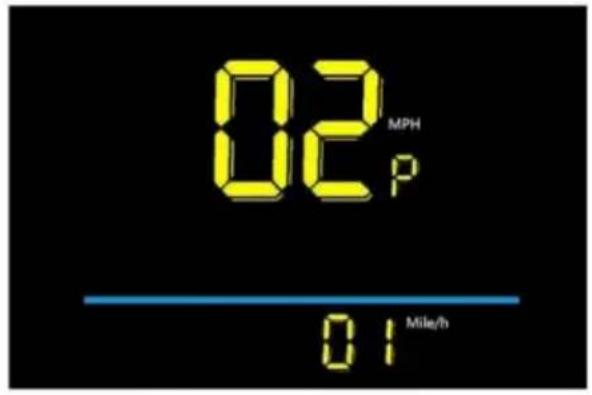
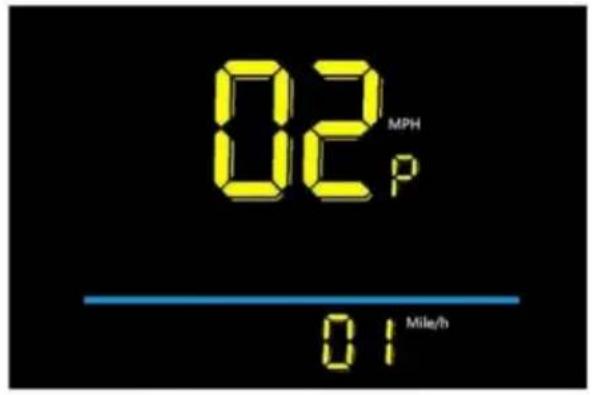
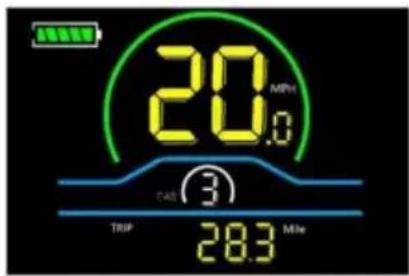
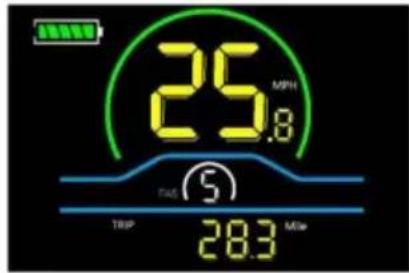
When the display is powered on, it will show the Current Speed (MPH) and Odometer (Mile) by default. Short press to switch between Trip Odometer (Mile), Odometer (Mile), Maximum Speed (MPH), and Average Speed (MPH).
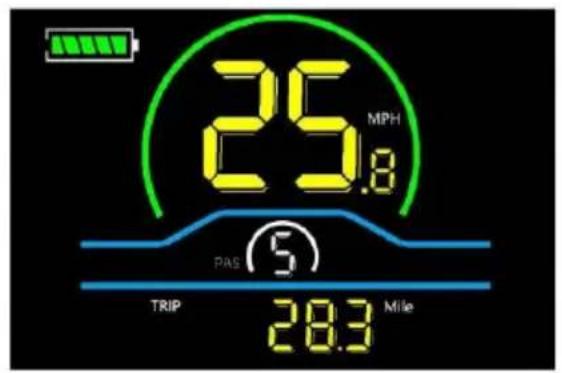
Trip Odometer
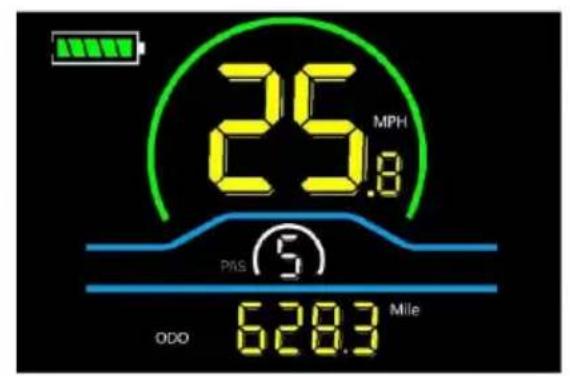
Odometer
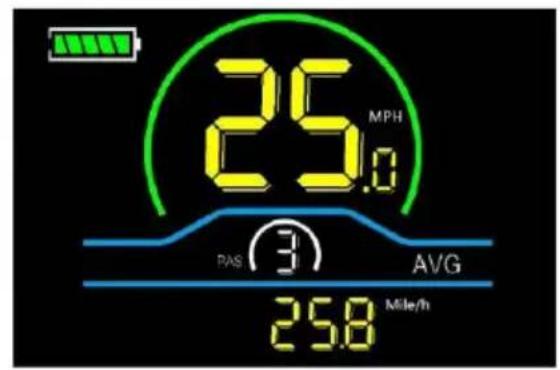
Average Speed
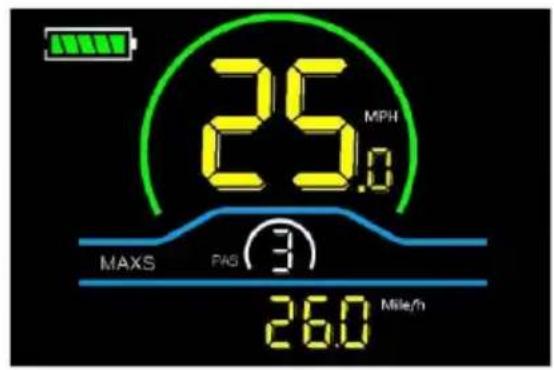
Maximum Speed Figure 2-1 Display Interface Switching
2.3 Walk boost mode
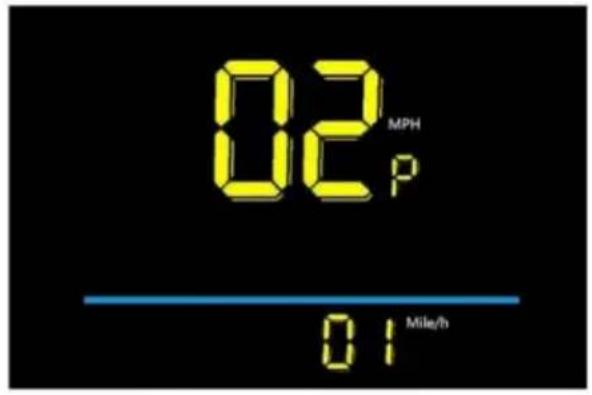
Long press and hold, the electric bicycle enters the walk boost mode. The electric bicycle will walk at a fixed speed of 6 km per hour and the display

Release the button to stop the power output immediately and restore to state before walk boost.
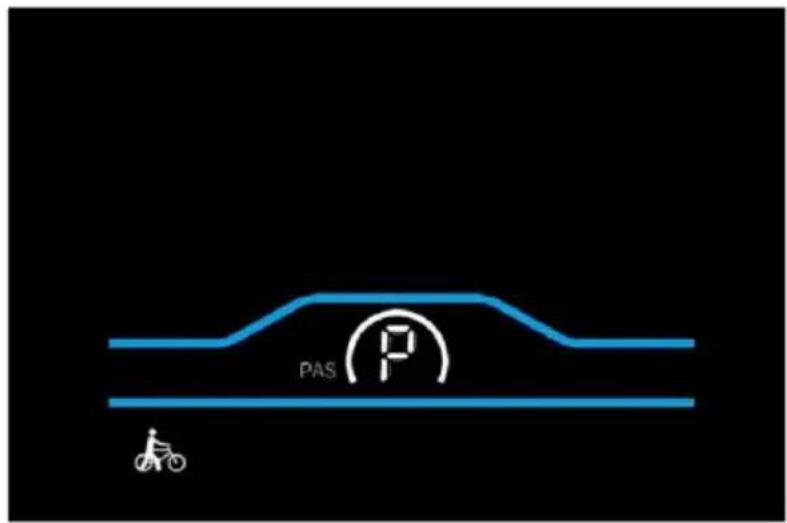
Figure 2-2 Helping to implement the display screen

The walk boost mode can only be used when pushing the electric bicycle, please do not use it while riding.
2.4 PAS level selection
Press + to switch PAS level of electric bicycle, thus changing the motor output power.
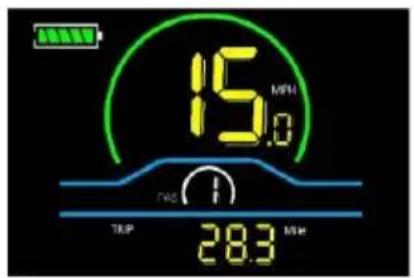
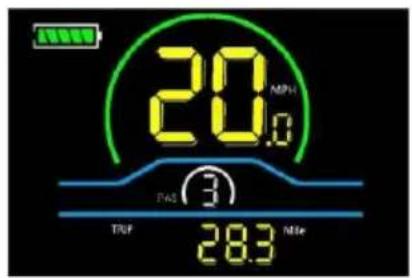
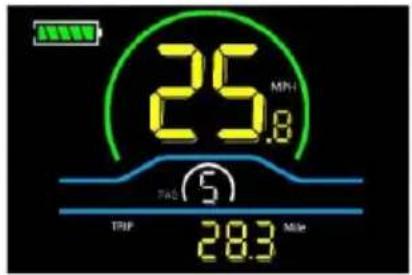
Figure 2-3 PAS level display interface
2.5 Battery level display
The battery level is shown as 5 bars. When the battery is fully charged, all bars light up. When the battery is fully depleted, the bar will begin to flash, warning the user to charge the battery as soon as possible.
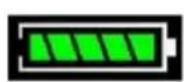
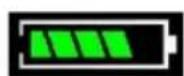
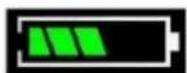
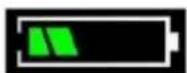
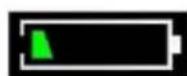
Full power Four bars power Three bars power Two bars power One bar power Empty power flashing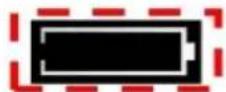
Figure 2-4 Battery Level Display Interface
2.6 Error code display
If there is a fault occurs in the electric system of the electric bicycle, the display will automatically show an error code, see Schedule 1 for a detailed definition of the error code.
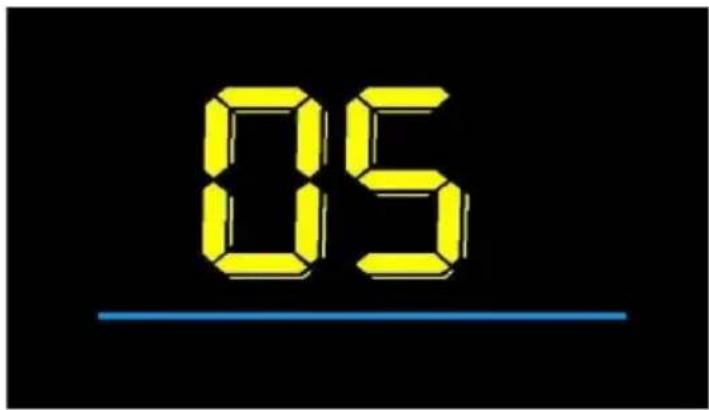
Figure 2-5 Error Code Display Interface
When the error code appears on the display, please troubleshoot the problem in time, as the electric bicycle will not be able to drive normally when the problem occurs.
3. Personalized parameter settings
Each setting needs to be done with the bicycle stationary. The personalized parameter setting procedure is as follows: When the display is ON and the speed shows 0.
The following options are available on the personalized parameter setting interface:
(1) Press and hold and simultaneously for more than 2 seconds to enter the personalized parameter setting interface.
(2) Press + to toggle between the personalized parameter setting interface, and press to enter the parameter changing state.
(3) Press ± to select the parameter, long press for addition operation, long press for subtraction operation.
(4) Press save the parameter settings and return to the personalized parameter setting interface.
(5) Long press to save the parameter settings and exit the personalized parameter setting interface.
Note: Please do not change the parameter settings! If the product does not work due to changing the parameter settings, please refer to the factory default parameter for setting.
3.1 Backlight luminance setting
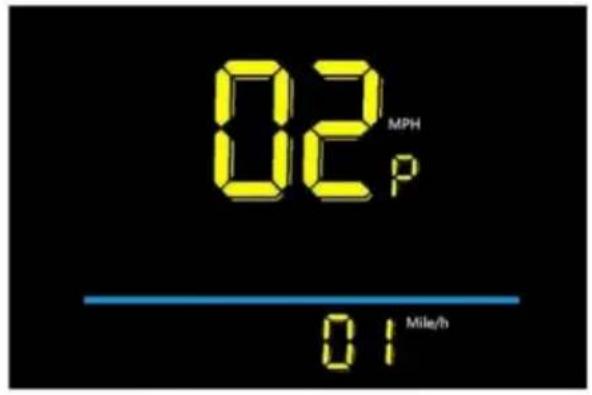
01P refers to the backlight luminance setting option. The adjustable range is: 01 for the minimum luminance, 02 for the standard luminance, 03 for the maximum luminance. The factory default setting is 03.
Press to enter the parameter changing state. Press the / select the parameter and press to save the parameter setting and return to the personalized parameter setting interface.

Figure 3-1 Backlight luminance setting interface
3.2 Metric and Imperial setting
02P is the metric and imperial setting option, 00 for metric and 01 for imperial. Press to enter the parameter changing state. Press the + to select the parameter and press to save the parameter setting and return to the personalized parameter setting interface.
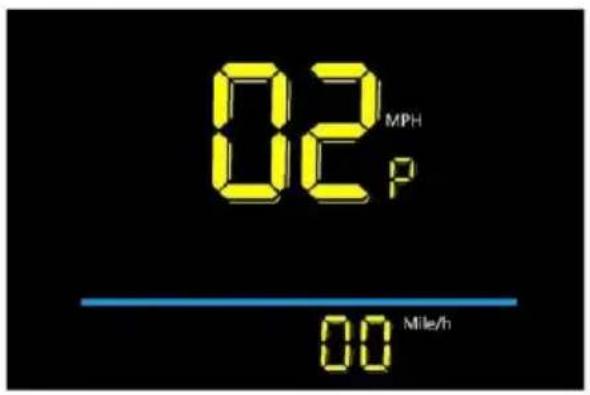
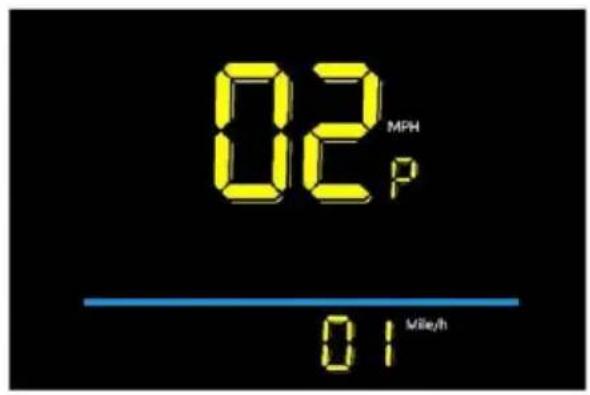
Metric display interface Imperial display interface
Figure 3-2 Metric and Imperial Units Setting Interface
3.3 Rated voltage setting
03P is the rated voltage setting option. The available rated voltage range is: 24V/36V/48V. The factory default setting is 48V.
Press to enter the parameter changing state. Press then select the parameter and press to save the parameter setting and return to the personalized parameter setting interface.
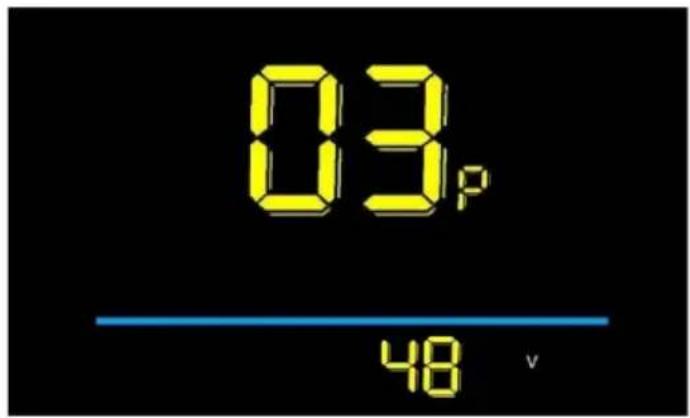
Figure 3-3 Rated voltage setting interface
3.4 Auto Sleep Time Setting
04P is the auto sleep time setting. To save the battery power and reach high range, this display will be turned off after it has not been used for a time. Adjustable range is: 1~60min, 00 means no auto shutdown. The factory default setting is 10 minutes.
Press to enter the parameter changing state. Press the select the
parameter and press to save the parameter setting and return to the personalized parameter setting interface.
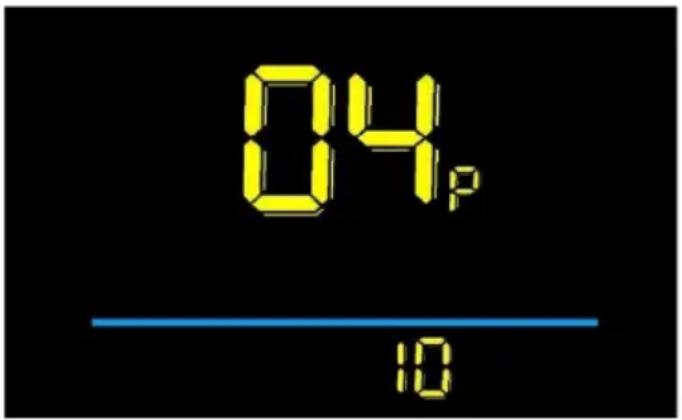
Figure 3-4 Auto Power Off Time Setting Interface
3.5 PAS level setting
05P is the Pedal assist (PAS) level setting option. The available Pedal assist level settings are: 01~3, 11~3, 01~5, 11~5. The factory default setting is 01~5.
Press to enter the parameter changing state. Press the + - select the parameter and press to save the parameter setting and return to the personalized parameter setting interface.
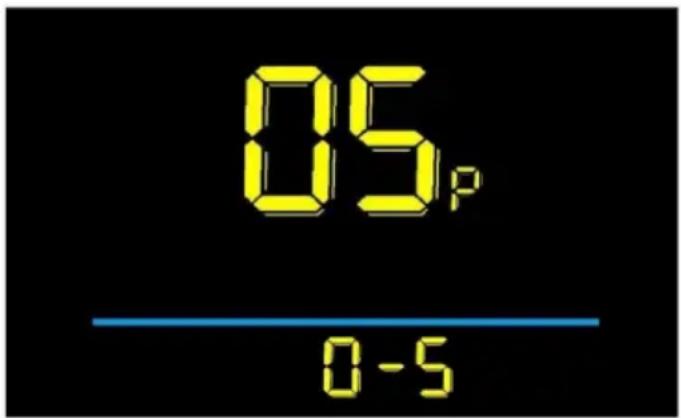
Figure 3-5 PAS level setting interface
3.6 Wheel diameter setting
06P is the wheel diameter setting option. Unit: inch, accuracy: 0.1. The adjustable wheel diameter range is: 0~50 inches. The factory default setting is 26 inches.
Press to enter the parameter changing state. Press the / - select the parameter and press to save the parameter setting and return to the personalized parameter setting interface.
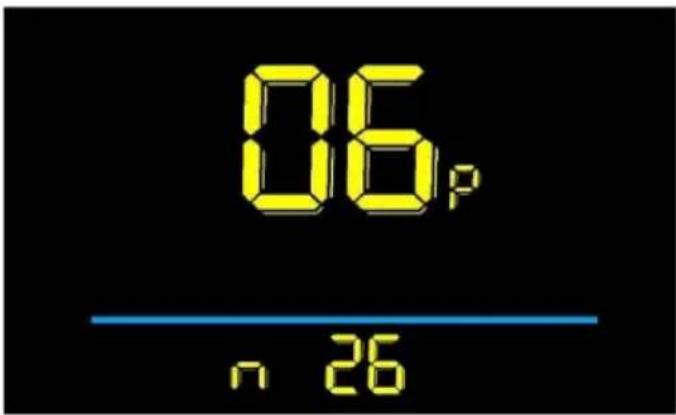
Figure 3-6 Wheel diameter setting interface
3.7 Number of speed sensor magnets setting
07P is the speed sensor magnet number setting option. The adjustable speed sensor magnet number range is: 01~255 pcs. The factory default setting is 46. Changing the settings will cause the speed to be displayed incorrectly.
Press to enter the parameter changing state. Press the / select the parameter and press to save the parameter setting and return to the personalized parameter setting interface.
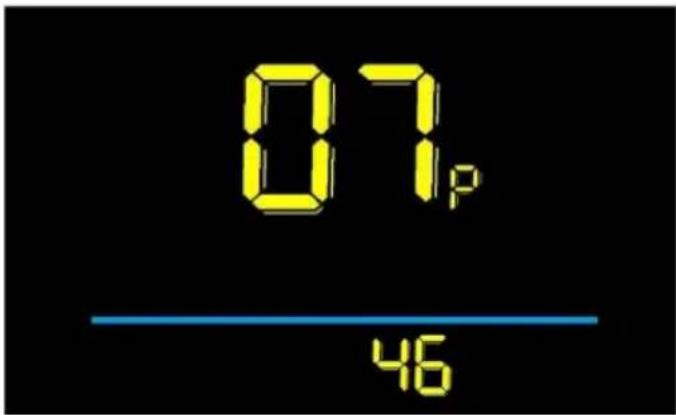
Figure 3-7 Number of speed sensor magnets setting interface 3.8 Speed limit setting
08P is the speed limit setting option. Change this value to set the maximum speed of the electric vehicle. The adjustable speed limit range is: 0~100%. 100% means no speed limit. The factory default setting is 100%. If you need to set a speed limit, please set it proportionally when the battery is fully charged and loaded, because the type of battery is different, such as ternary lithium battery, lithium iron phosphate battery, lead-acid battery, the voltage of the full charge is different and the final maximum speed will be different. For example, the voltage of a
charged 48V ternary lithium battery is 54.6V, and the maximum no-load speed of this product is 46 mph. If the speed limit is set to 50%, the maximum no-load speed is 23 mph. Note that there is an error in the speed limit setting of this product. If regulations clearly state that a certain speed cannot be exceeded, please set a smaller value to comply with the regulations! If the unit of meter display is km/h, the setting value of this item is 0-100%, 100 means no speed limit, similarly 50% means half of the maximum speed.
Press to enter the parameter changing state. Press the / select the parameter and press to save the parameter setting and return to the personalized parameter setting interface.
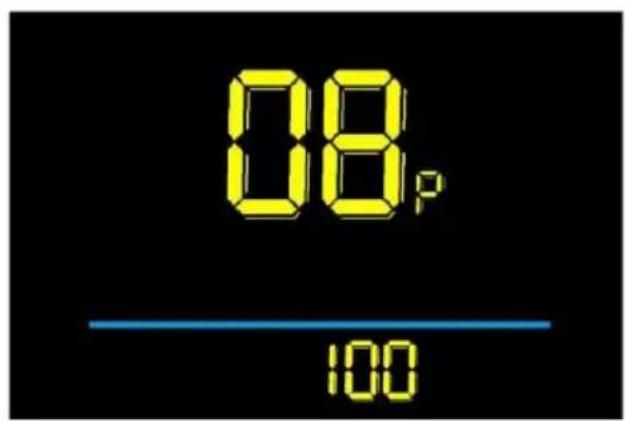
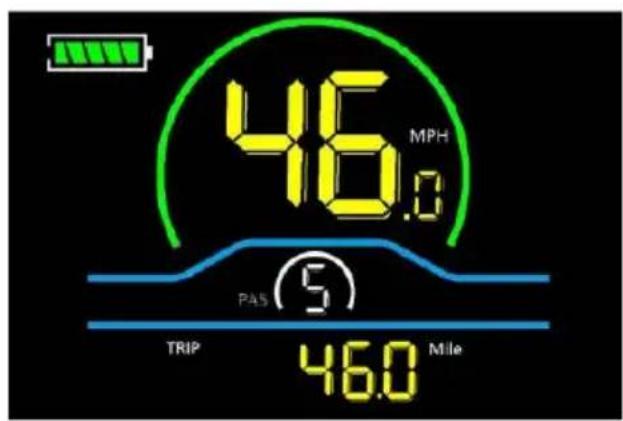
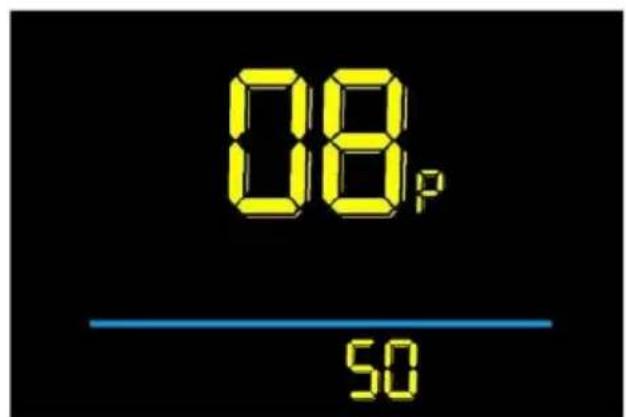
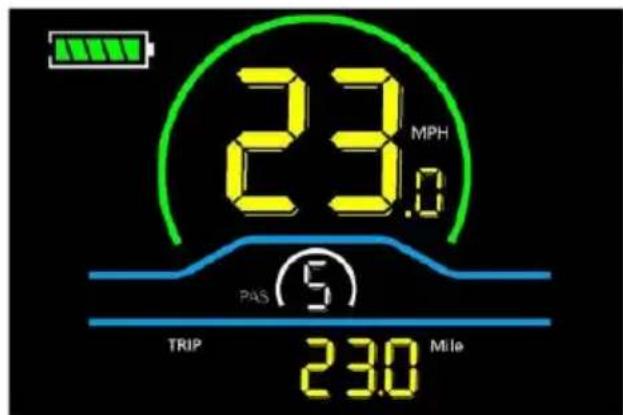
Figure 3-8 Speed limit setting interface
3.9 Start-up setting
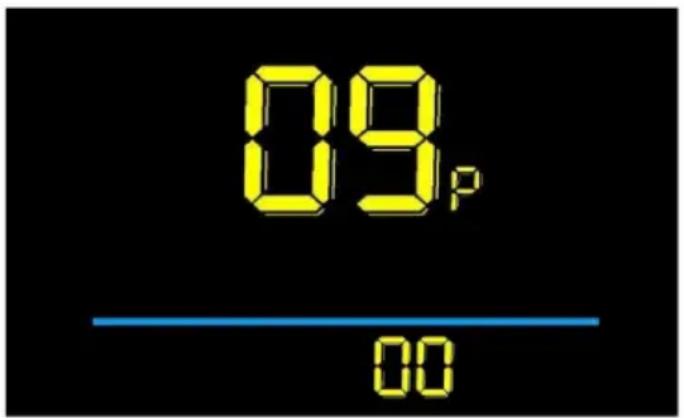
09P is the start-up setting option. The display can choose the following start modes: 00→zero start, 01→non-zero start. The factory default setting is 00. Zero start: no need for foot pedal assistance, the throttle can work directly; Non-zero start: the throttle can only work after the foot pedal is assisted.
Press to enter the parameter changing state. Press the + or - to select the parameter, and press to save the parameter setting and return to the personalized parameter setting interface.
parameter and press to save the parameter setting and return to the personalized parameter setting interface.
3.10 Drive mode setting
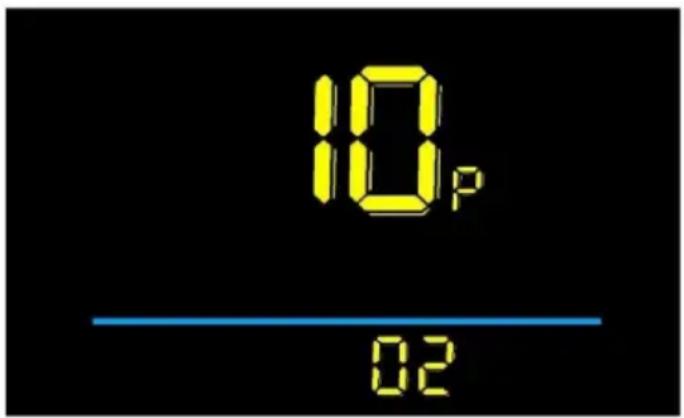
10P is the drive mode setting option. The available drive modes are: 00→Pedal assist only, 01→Electric only, 02→Both pedal and electric assist. The factory default setting is 02.
10P is the drive mode setting option. The available drive modes are: 00→Pedal assist only, 01→Electric only, 02→Both pedal and electric assist. The factory default setting is 02.
Press Enter to change the parameter state. Press - to select the parameter, and press to save the parameter setting and return to the personalized parameter setting interface.
3.11 Pedal assist sensitivity setting
11P is the pedal assist sensitivity setting option. This setting is used for the controller to detect how many pulses the disk has rotated before allowing the motor to operate. The smaller the value, the higher the sensitivity, and the larger the value, the lower the sensitivity. For example, a setting of 2 means that the motor will operate after the disk has rotated for 2 pulses, and a setting of 8 means that the motor will operate after the disk has rotated for 8 pulses. It can also be interpreted as the angle of crank rotation when pedaling: the smaller the value, the smaller the angle; the larger the value, the larger the angle. The adjustable range is 1~24. The factory default setting is 3. It is not recommended to set the value less than 1.
11P is the pedal assist sensitivity setting option. This setting is used for the controller to detect how many pulses the disk has rotated before allowing the motor to operate. The smaller the value, the higher the sensitivity, and the larger the value, the lower the sensitivity. For example, a setting of 2 means that the motor
operate after the disk has rotated for 2 pulses, and a setting of 8 means that the motor will operate after the disk has rotated for 8 pulses. It can also be interpreted as the angle of crank rotation when pedaling; the smaller the value, the smaller the angle, and the larger the value, the larger the angle. The adjustable range is 1 to 24. The factory default setting is 3. It is not recommended to set the value less than
Press to enter the parameter changing state. Press 7 to select the parameter, then press to save the parameter setting and return to the personalized parameter setting interface.
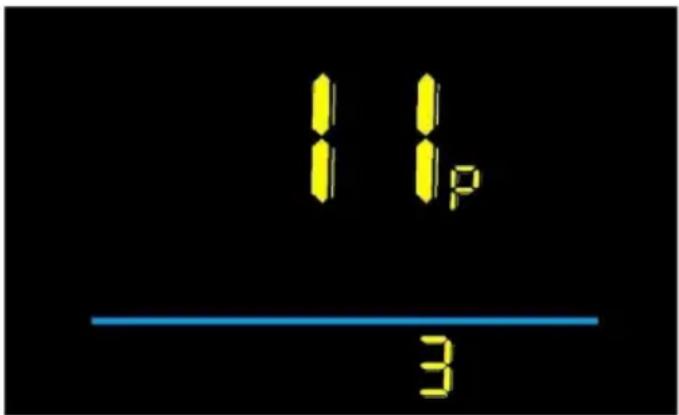
Figure 3-11 Pedal assist sensitivity setting interface
Press to enter the parameter changing state. Press the + or - to select the parameter and press to save the parameter setting and return to the personalized parameter setting interface.
12P is the power start strength setting option, with an adjustable range of 0 to 5. When set to 0, it means the motor start power is the weakest after pedaling; when set to 5, it means the motor start power is the strongest after pedaling. The factory default setting is 2. The larger the value, the more control you need while riding. It is not recommended to set the value above 3, and pay attention to safety when it is above 2!
Press to enter the parameter changing state. Press 7 to select the parameter, then press to save the parameter setting and return to the personalized parameter setting interface.
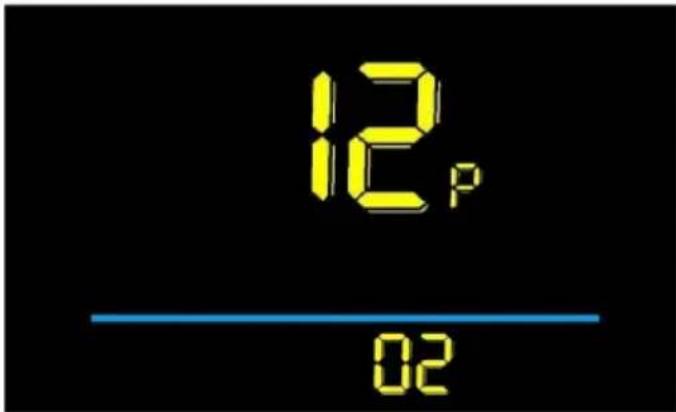
Figure 3-12 Pedal assist strength setting interface
3.13 Number of pedal assist sensor magnets setting
13P is a setting for the number of magnets on the booster disk, which can be adjusted from 5 to 15. The factory default setting is 8. There is no need to modify this option for this product, as it will cause the motor to not work. It should only be adjusted if the user replaces the disk with a disk that does not have 8 magnets!
Press to enter the parameter changing state. Press the + or - to select the parameter and press to save the parameter setting and return to the personalized parameter setting interface.
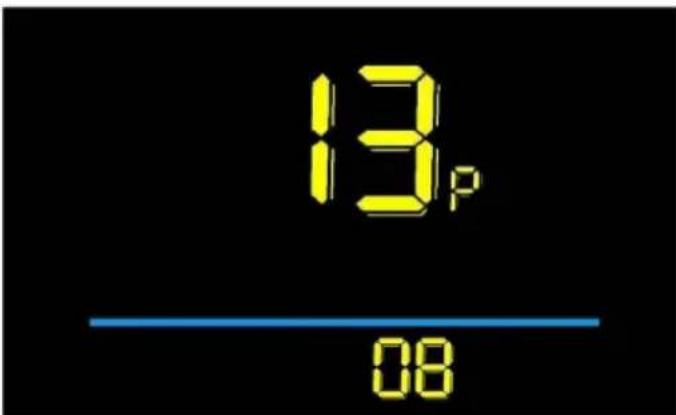
Figure 3-13 Number of Pedal assist sensor magnets setting interface
3.14 Controller Current Limit Setting
14P is the controller current limit setting option. The adjustable range is: 1~5. The factory default setting is 26A. This product cannot be set by the user, must use the factory settings.
Press to enter the parameter changing state. Press the - to select the
parameter and press to save the parameter setting and return to the personalized parameter setting interface.
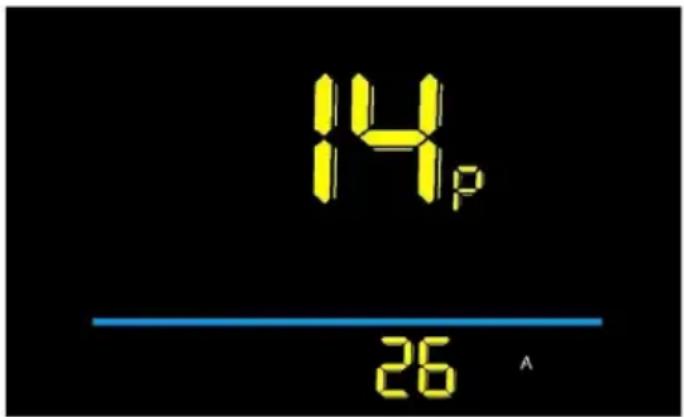
Figure 3-14 Controller Current limit setting interface
3.15 Number of pedal assist sensor magnets setting
15P is the controller under voltage value setting option. The factory default set is 40V.
Press to enter the parameter changing state. Press the + or - to select the parameter and press to save the parameter setting and return to the personalized parameter setting interface.
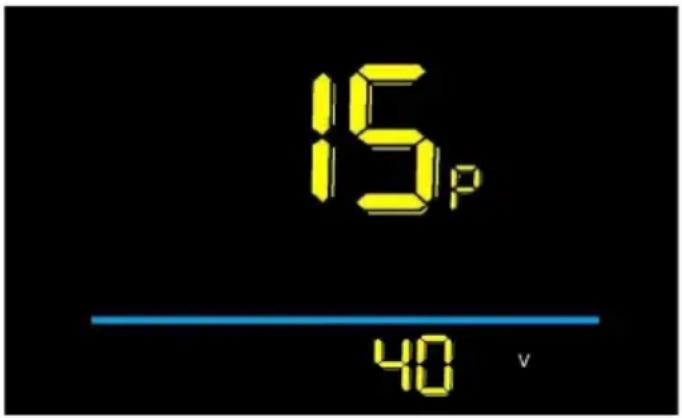
Figure 3-15 Controller under voltage value setting interface
3.16 ODO reset operation
16P is the odometer reset setting option. Optional 00 \ 01. When set to 01, the mileage will be reset to zero.
Press to enter the parameter changing state. Press the + or - to select the parameter, and press to save the parameter setting and return to the
personalized parameter setting interface.
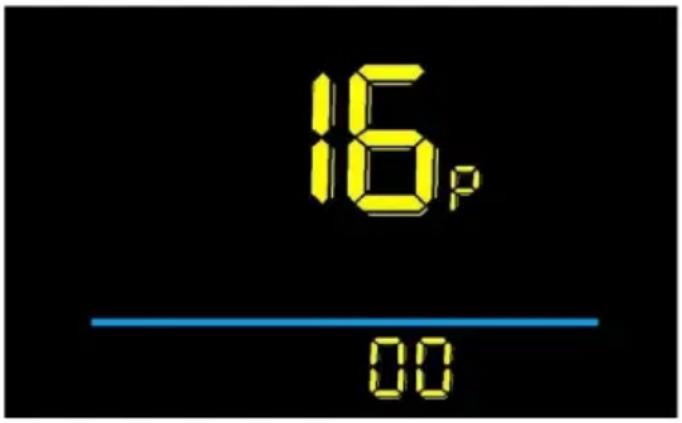
Figure 3-16 ODO reset operation
If you need to reset the mileage for a single ride, press and hold at the same time after powering it on.
3.17 Cruise enable setting
17P is the cruise enable setting option. 00 means disable cruise, 01 means enable cruise. The default setting is 00. When this setting is 01, during normal riding, the handlebar stays still. Long press the meter button for about 3 seconds to enter the cruise state at the current speed. At this time, you can release the handlebar. Then when twisting the handlebar or braking again, the cruise state will be lifted. The function is only valid for the handlebar; the pedals cannot be used.
Press to enter the parameter changing state. Press the + or - to select the parameter, and press to save the parameter setting and return to the personalized parameter setting interface.
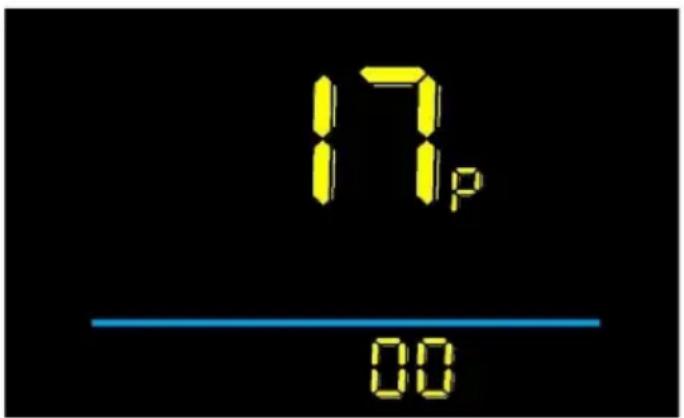
Figure 3-17 Cruise enable setting interface
3.18 Promotion function setting
18P is the promotion function setting option. 00 represents on 6km, 01 represents 6km. The factory default setting is 01.
Press to enter the parameter changing state. Press the + or - to select the parameter, and press to save the parameter setting and return to the personalized parameter setting interface.
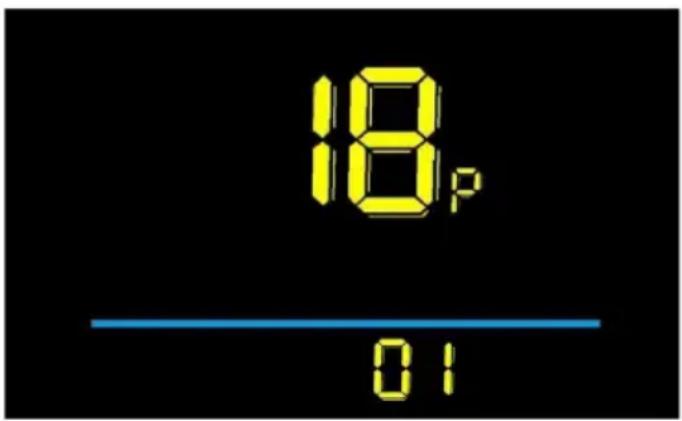
Figure 3-18 Promotion function setting interface
4. Precautions
Pay attention to all the general operating when using the products and do not plug and unplug the display while it is powered on.
◆ Avoid bumping into all general operating when using the products and plug and unplug the display while it is powered on. ◆ Please do not change the parameter settings at will, otherwise normal riding cannot be guaranteed. ◆ If the display does not work properly, please send it to the repair center as soon as possible. ◆ There may be differences between the physical products and this manual due to normal upgrades. Please refer to the physical products.
5. Error Code Definition
| Error code | Definition | Error code | Definition | |
| E001 | Controller failure | E004 | Throttle failure | |
| E002 | Communication failure | E005 | Brake failure | |
| E003 | Hall failure | E006 | Motor phase failure |

Complies with European security certification.
6. CORRECT DISPOSAL
This product is subject to the provisions of European Directive 2012/19/EU. The symbol showing a wheelie bin crossed through indicates that the product requires separate refuse collection in the
European Union. This applies to the product and all accessories marked with a symbol. Products marked as such may not be discarded with normal domestic waste, but must be taken to a collection point for recycling electrical and electronic devices.
Manufacturer: Shanghai Muxin Muye Youxiangongsi
Address: Shuangchenglu 803nong11hao1602A-1609shi, Baoshanqu, Shanghai 200000 CN.
Imported to AUS: SIHAO PTY LTD. 1 ROKEVA STREET EASTWOOD NSW 2 Australia
Imported to USA: Sanven Technology Ltd. Suite 250, 9166 Anaheim Place, Rancho Cucamonga, CA 91730
Made In China
| UK | REP |
YH CONSULTING LIMITED.
C/O YH Consulting Limited Office 147,
Centurion House, London Road,
Staines-upon-Thames, Surrey, TW18 4A
| EC | REP |
E-CrossStu GmbH
Mainzer Landstr.69, 60329 Frankfurt am
Main.
VEVOR®
TOUGH TOOLS, HALF PRICE
Technical Support and E-Warranty Certificate
www.vevor.com/support
VEVOR®
TOUGH TOOLS, HALF PRICE
NEED HELP? CONTACT US!
Notch width Fork distance front
Front motor Wheel×1
Brake Lever×2
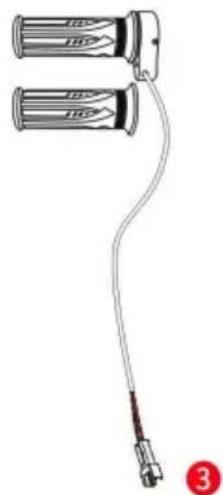
Handlebar×1 pair
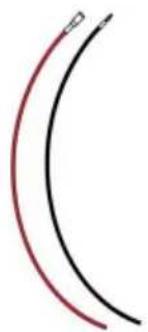
4 Power Cable×2
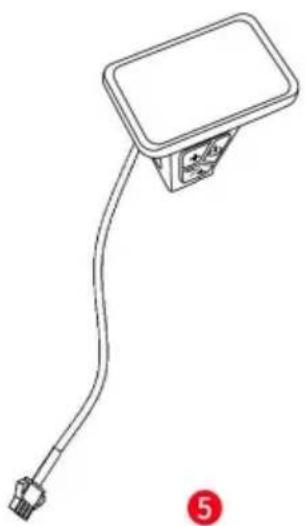
Display ×1

Controller ×1
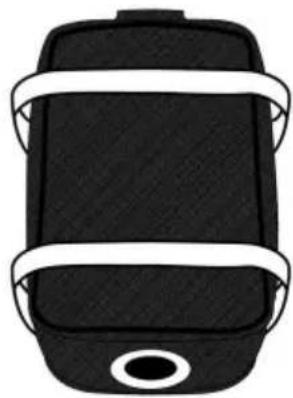
7
Controller Bag ×1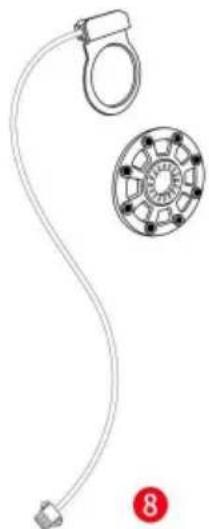
PAS ×1
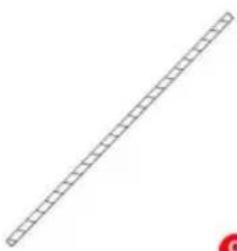
Winding Pipe ×1
10 Wire Tie ×1 set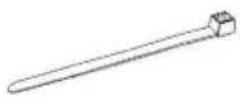
11 Junction Box ×1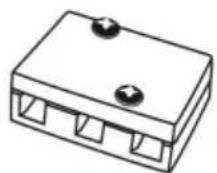
Use wire ties to secure the wires. You can put the controller in the controller bag and fasten it on the frame of your bike.

C/O YH Consulting Limited Bureau 147,
Staines-upon-Thames, Surrey, TW18 4AX
E-CrossStu GmbH
Mainzer Landstr.69, 60329 Frankfurt am Main
Principal.
VEVOR®
TOUGH TOOLS, HALF PRICE
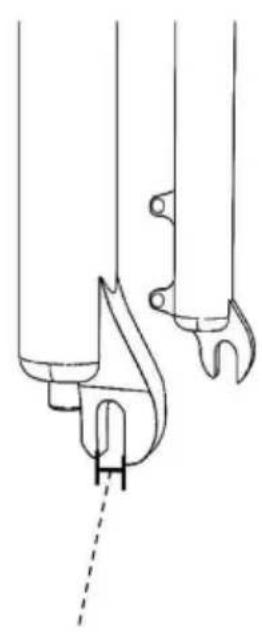
Front motor Wheel×1
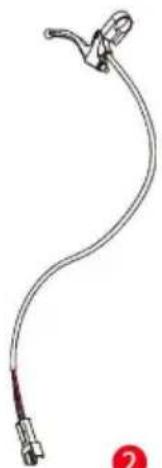
Brake Lever×2
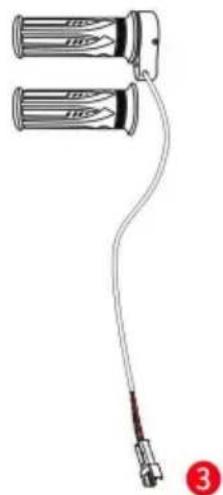
Handlebar×1 pair
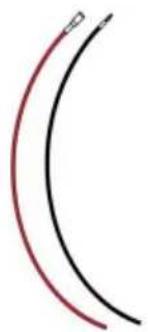
4 Power Cable×2
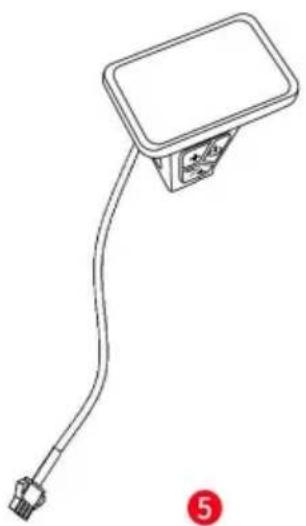
Display×1
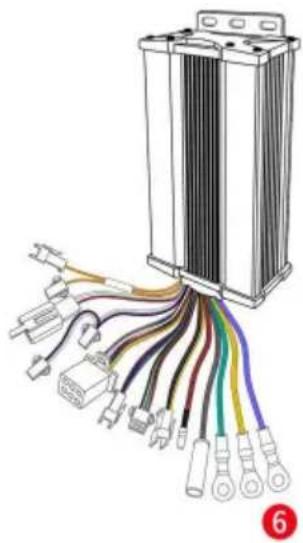
Controller×1
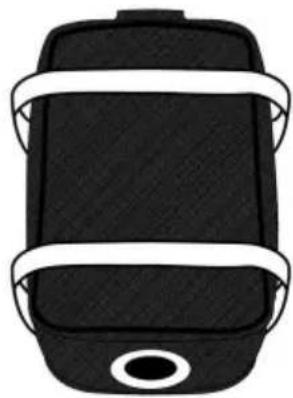
7
Controller Bag×1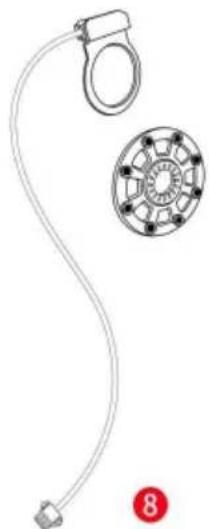
PAS×1
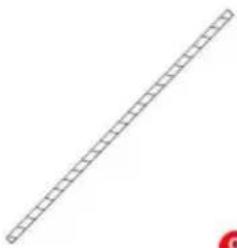
Winding Pipe×1
10 Wire Tie×1 set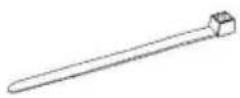
11 Junction Box×1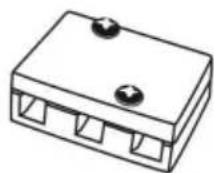
Assembly instructions
C/O YH Consulting Limited Office 147,
Centurion House, London Road,
Staines-upon-Thames, Surrey, TW18 4AX
www.vevor.com/support
VEVOR®
TOUGH TOOLS, HALF PRICE
Front motor Wheel×1
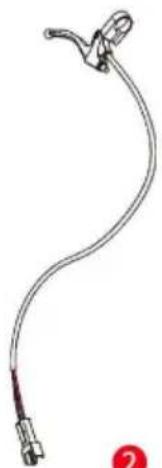
Brake Lever×2
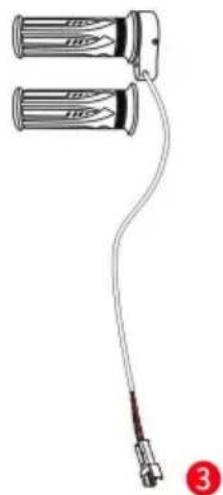
Handlebar×1 pair
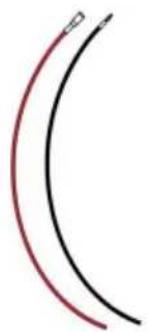
4 Power Cable×2
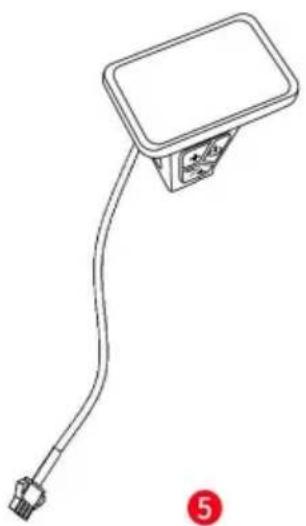
Display×1
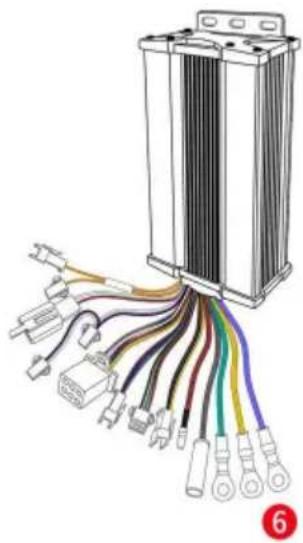
Controller×1
7
Controller Bag×1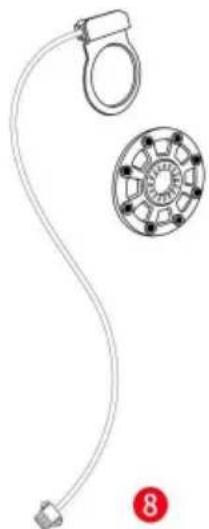
PAS×1
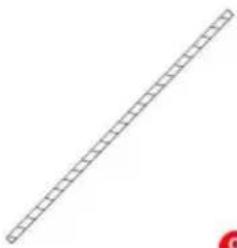
Winding Pipe×1
10 Wire Tie×1 set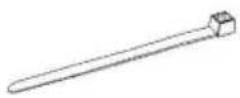
11 Junction Box×1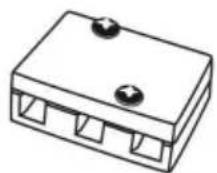
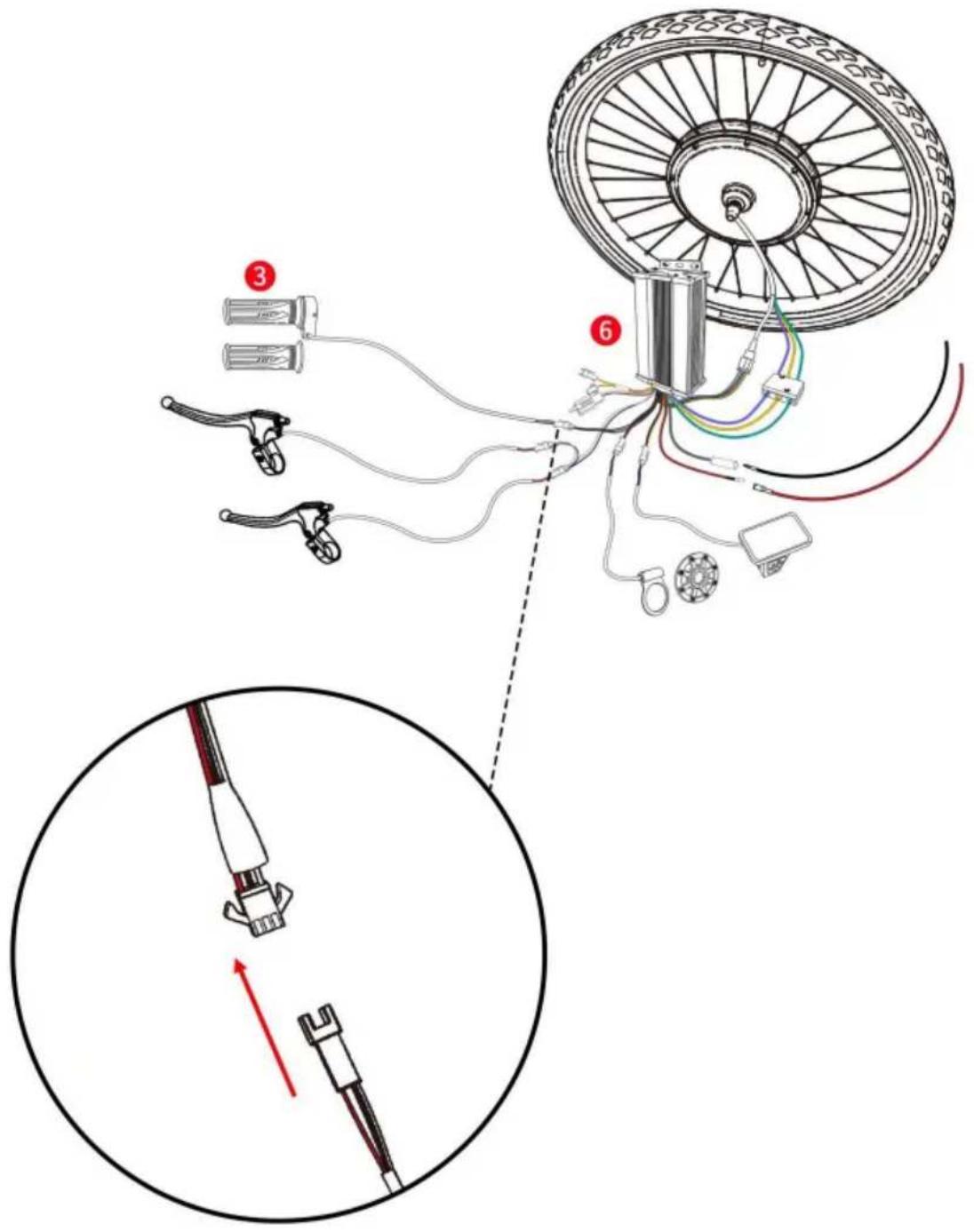
Connect the controller and PAS wires.
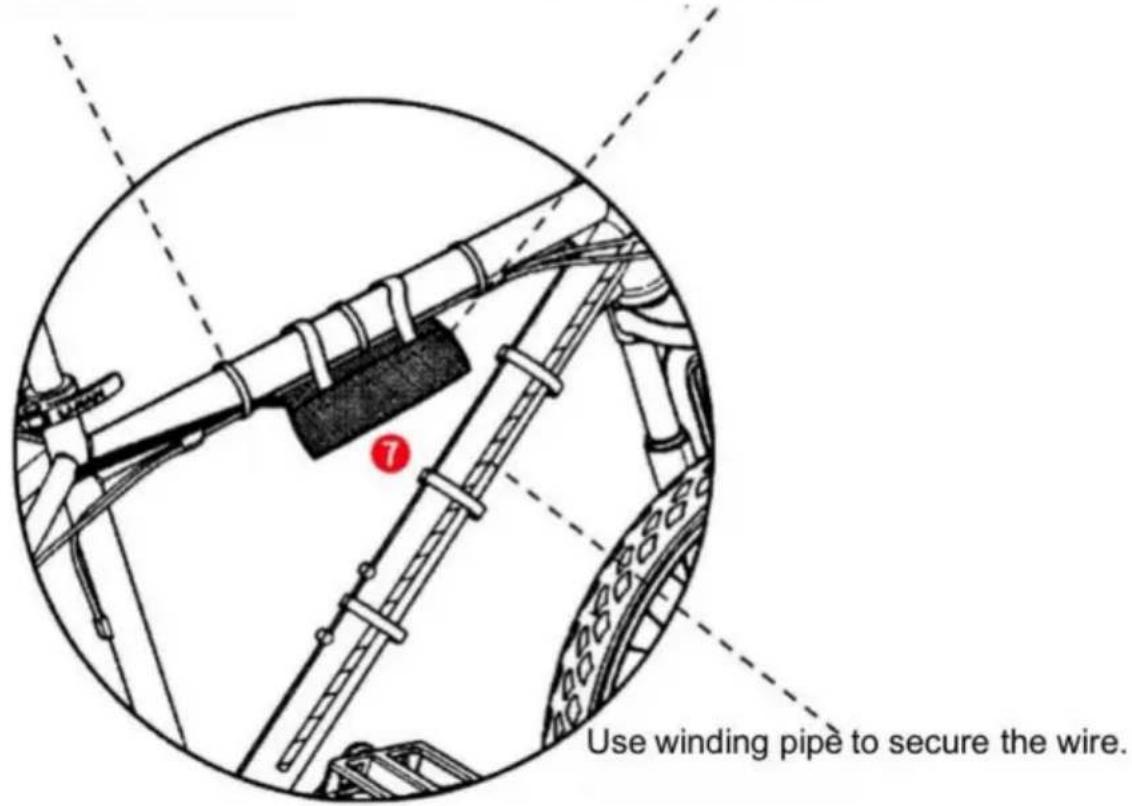
Use wire ties to secure the wires. You can put the controller in the controller bag and fasten it on the frame of your bike.
Imported into AUS: SIHAO PTY LTD. 1 ROKEVA STREETEASTWOOD NSW 2122 Australia
Imported into USA: Sanven Technology Ltd. Suite 250, 9166 Anaheim Place, Rancho Cucamonga, CA 91730
Made in China
YH CONSULTING LIMITED.
C/O YH Consulting Limited Office 147,
Centurion House, London Road,
Staines-upon-Thames, Surrey, TW18 4AX
electronics www.vevor.com/support
VEVOR®
TOUGH TOOLS, HALF PRICE
Front motor Wheel×1
Brake Lever ×2
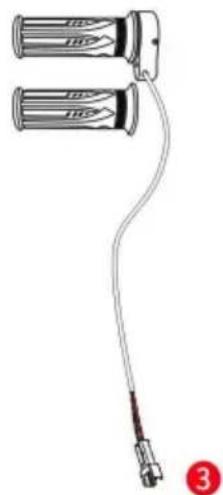
Handlebar ×1 pair
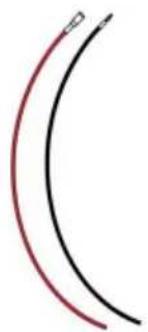
Power Cable ×2
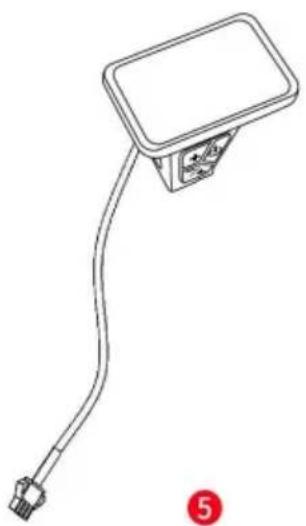
Display ×1
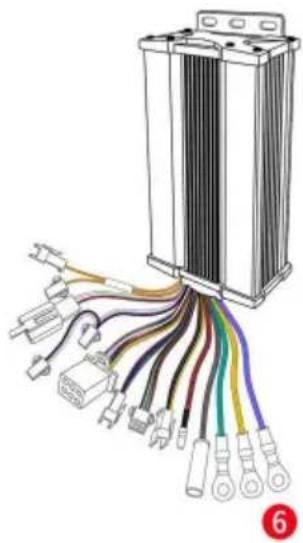
Controller ×1
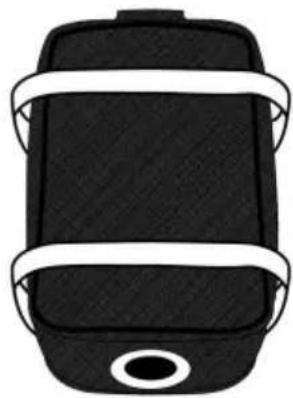
7
Controller Bag ×1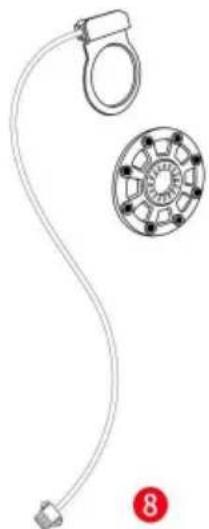
PAS ×1
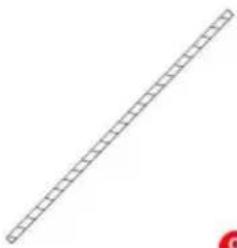
Winding Pipe ×1
Wire Tie ×1 set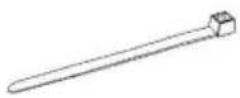
Junction Box ×1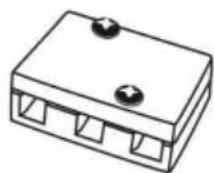
Casa Centurión, London Road,
Staines-upon-Thames, Surrey, TW18 4AX
E-CrossStu GmbH
NEED HELP? CONTACT US!
Front motor Wheel×1
Brake Lever×2
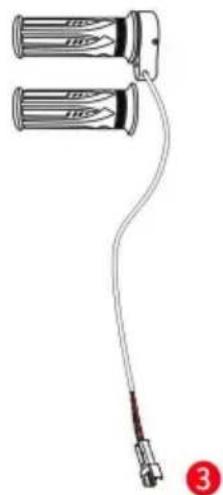
Handlebar×1 pair
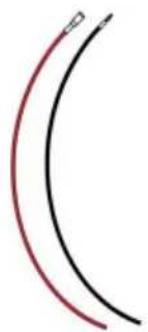
4 Power Cable×2
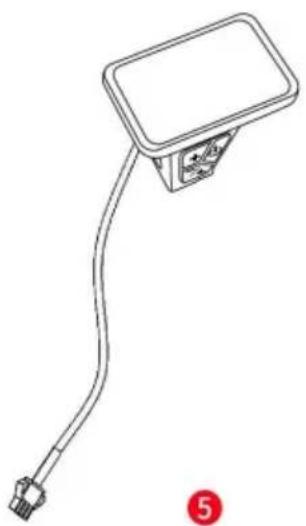
Display×1
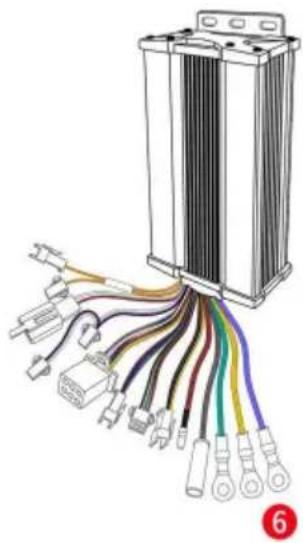
Controller×1
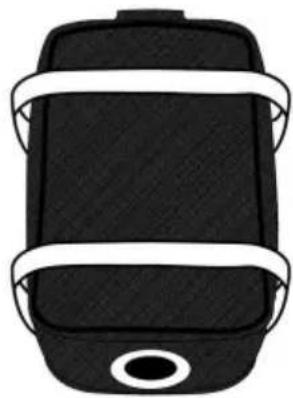
7
Controller Bag×1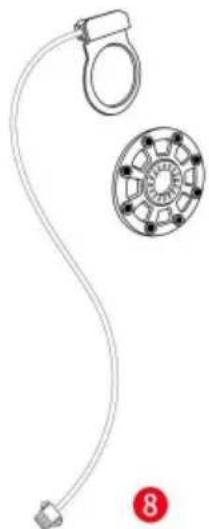
PAS×1
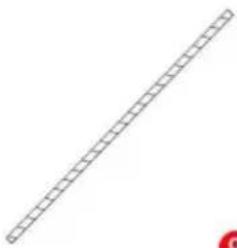
Winding Pipe×1
10 Wire Tie×1 set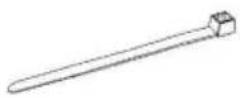
11 Junction Box×1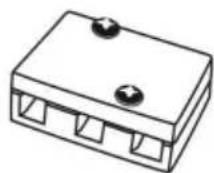
Assembly Instructions
C/O YH Consulting Limited Office 147, Centurion House, London Road,
Staines-upon-Thames, Surrey, TW18 4AX
| Przedstawiciel UE |
E-CrossStu GmbH
NEED HELP? CONTACT US!
Front motor Wheel×1
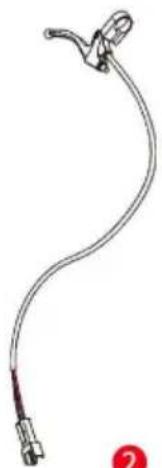
Brake Lever×2
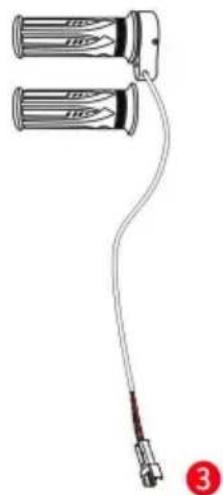
Handlebar×1 pair
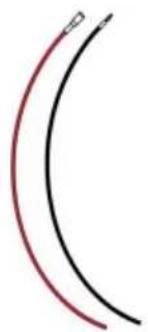
4 Power Cable×2
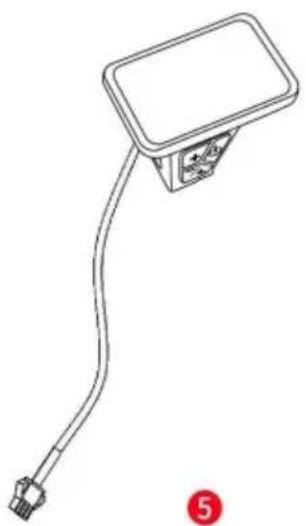
Display×1
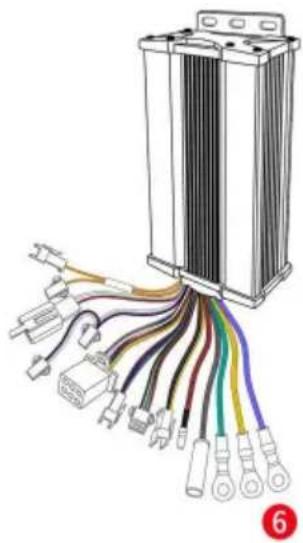
Controller×1
7
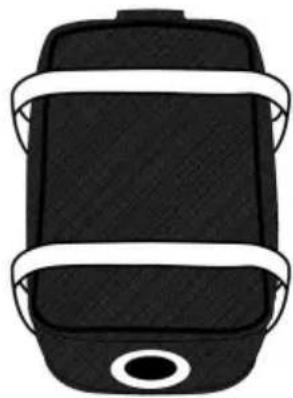
Controller Bag×1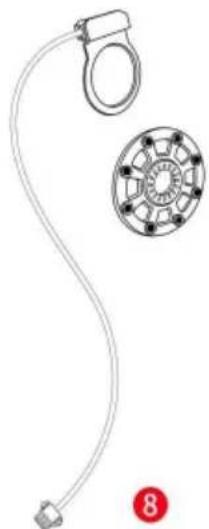
PAS×1
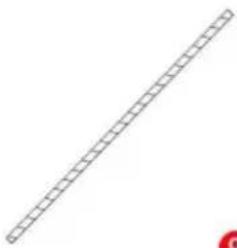
Winding Pipe×1
10 Wire Tie×1 set
11 Junction Box×1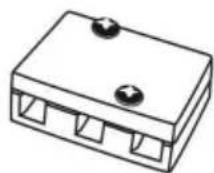
Assembly Instructions
Maximum Speed Figure 2-1 Display interface switching
2.3 Walking boost mode
If you press and hold the button

default setting is 10 minutes.
Press

C/O YH Consulting Limited Office 147,
Centurion House, London Road,
Staines-upon-Thames, Surrey, TW18 4AX
E-CrossStu GmbH
Mainzer Landstr.69, 60329 Frankfurt am
Main.
VEVOR®
TOUGH TOOLS, HALF PRICE
warranty certificate www.vevor.com/support
VEVOR®
TOUGH TOOLS, HALF PRICE
NEED HELP? CONTACT US!
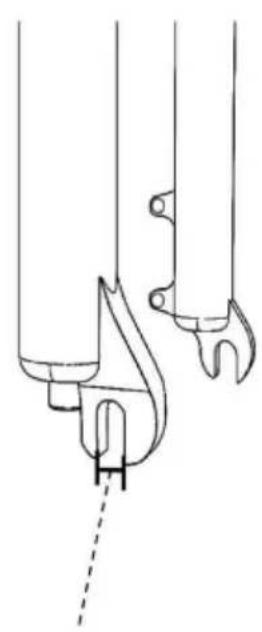
Fork width, front fork distance

Front motor Wheel×1
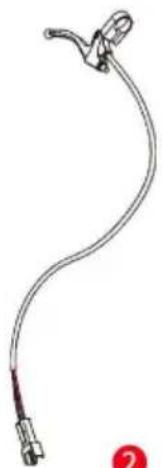
Brake Lever×2
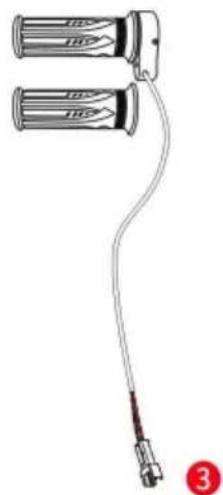
Handlebar×1 pair
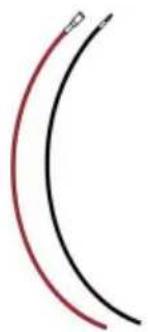
4 Power Cable×2
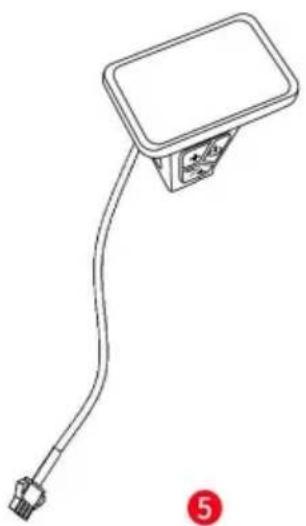
Display×1
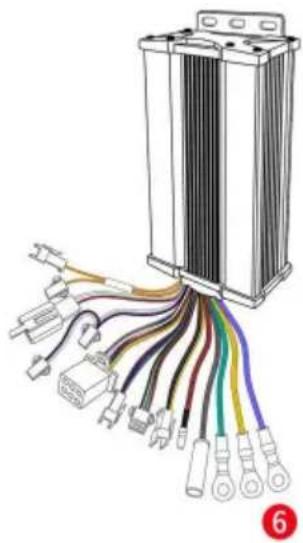
Controller×1
7
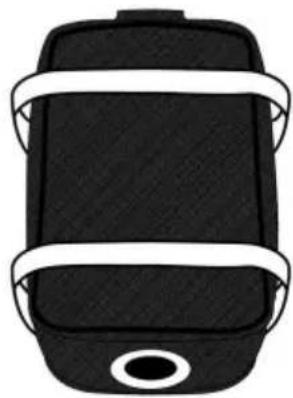
Controller Bag×1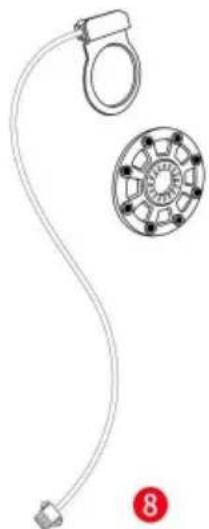
PAS×1
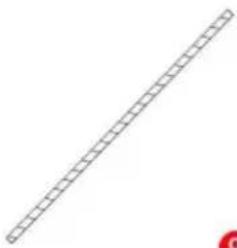
Winding Pipe×1
10 Wire Tie×1 set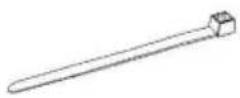
11 Junction Box×1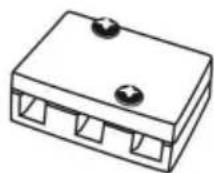
See operating instructions
C/O YH Consulting Limited Office 147,
Centurion House, London Road,
Staines-upon-Thames, Surrey, TW18 4AX
| EC | REP |
E-CrossStu GmbH
Mainzer Landstr.69, 60329 Frankfurt am
Main.
VEVOR®
TOUGH TOOLS, HALF PRICE
www.vevor.com/support
- ELECTRIC BIKE MOTOR
- MODEL: CNE-K26F1KW
- NEED HELP? CONTACT US
- NOTE
- SAFETY INSTRUCTIONS
- SPECIFICATION DIAGRAM
- PACKAGE CONTENTS
- ASSEMBLY INSTRUCTIONS
- CONNECT THE WIRES OF THE FRONT MOTOR WHEEL AND THE CONTROLLER
- CONNECT THE POWER CABLE TO THE CONTROLLER AS SHOWN
- INSTALLING THE MOTOR WHEEL ONTO YOUR BIKE
- INSTALLING THE BRAKE LEVERS
- INSTALLING THE OPERATION PANEL
- INSTALLING PAS
- ENSURE THE PARTS ARE TIGHTLY FASTENED
- BINDING UP THE WIRES
- DISPLAY OPERATION INSTRUCTIONS
- FUNCTION OVERVIEW AND FUNCTIONAL AREAS
- FUNCTION OVERVIEW
- FUNCTIONAL AREAS
- BUTTON DEFINITIONS
- ROUTINE OPERATION
- POWER ON/OFF
- DISPLAY INTERFACE SWITCHING
- WALK BOOST MODE
- PAS LEVEL SELECTION
- BATTERY LEVEL DISPLAY
- ERROR CODE DISPLAY
- PERSONALIZED PARAMETER SETTINGS
- BACKLIGHT LUMINANCE SETTING
- METRIC AND IMPERIAL SETTING
- RATED VOLTAGE SETTING
- AUTO SLEEP TIME SETTING
- PAS LEVEL SETTING
- WHEEL DIAMETER SETTING
- NUMBER OF SPEED SENSOR MAGNETS SETTING
- START-UP SETTING
- P IS THE DRIVE MODE SETTING OPTION. THE AVAILABLE DRIVE MODES ARE: 00→PEDAL ASSIST ONLY, 01→ELECTRIC ONLY, 02→BOTH PEDAL AND ELECTRIC ASSIST. THE FACTORY DEFAULT SETTING IS
- P IS THE PEDAL ASSIST SENSITIVITY SETTING OPTION. THIS SETTING IS USED FOR THE CONTROLLER TO DETECT HOW MANY PULSES THE DISK HAS ROTATED BEFORE ALLOWING THE MOTOR TO OPERATE. THE SMALLER THE VALUE, THE HIGHER THE SENSITIVITY, AND THE LARGER THE VALUE, THE LOWER THE SENSITIVITY. FOR EXAMPLE, A SETTING OF 2 MEANS THAT THE MOTOR WILL OPERATE AFTER THE DISK HAS ROTATED FOR 2 PULSES, AND A SETTING OF 8 MEANS THAT THE MOTOR WILL OPERATE AFTER THE DISK HAS ROTATED FOR 8 PULSES. IT CAN ALSO BE INTERPRETED AS THE ANGLE OF CRANK ROTATION WHEN PEDALING: THE SMALLER THE VALUE, THE SMALLER THE ANGLE; THE LARGER THE VALUE, THE LARGER THE ANGLE. THE ADJUSTABLE RANGE IS 1~24. THE FACTORY DEFAULT SETTING IS 3. IT IS NOT RECOMMENDED TO SET THE VALUE LESS THAN
- PRESS TO ENTER THE PARAMETER CHANGING STATE. PRESS THE + OR - TO SELECT THE PARAMETER AND PRESS TO SAVE THE PARAMETER SETTING AND RETURN TO THE PERSONALIZED PARAMETER SETTING INTERFACE
- NUMBER OF PEDAL ASSIST SENSOR MAGNETS SETTING
- CONTROLLER CURRENT LIMIT SETTING
- ODO RESET OPERATION
- CRUISE ENABLE SETTING
- PROMOTION FUNCTION SETTING
- PRECAUTIONS
- ERROR CODE DEFINITION
- CORRECT DISPOSAL
- MADE IN CHINA
- VEVOR®
- TOUGH TOOLS, HALF PRICE
- WALKING BOOST MODE
- SEE OPERATING INSTRUCTIONS
Brand : Vevor
Model : CNE-K26F1KW
Category : Electric motor