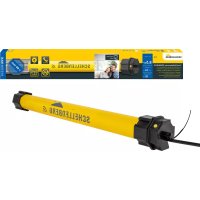
20037 - Smart Home Schellenberg - Free user manual and instructions
Find the device manual for free 20037 Schellenberg in PDF.



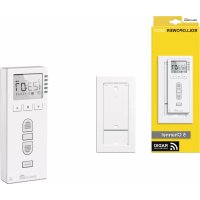
| Product type | PREMIUM radio timer for roller shutters and blinds |
| Reference | 20037 |
| Brand | Schellenberg |
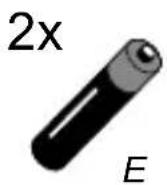
| Power supply | 2 AAA 1.5 V batteries (not included) |
| Transmission frequency | 868.4 MHz |
| Max. transmission power | 10 dBm / 10 mW |
| Range in open field | up to 150 m |
| Range inside a building | up to 20 m |
| Protection rating | IP20 (dry indoor use) |
| Ambient temperature | 0 °C to 50 °C |
| Receiver category | 3 |
| Number of channels | 5 programmable channels |
| Main functions | Daily and weekly programming, Astro function, holiday/random function, manual mode |
| Display | Screen with time, day, channel status and symbols |
| Compatibility | PREMIUM radio tubular motors, ROLLODRIVE drives, radio switch receivers, radio reception module, PLC socket, radio switch, radio lighting module, Marki Drive PLUS |
| Smart Home | Can be coupled to the Smart Friends system via the app |
| Safety | Follow the instructions: disconnect power before servicing, installation by a qualified technician, keep people at a distance |
| Maintenance and cleaning | Clean with a dry cloth; do not use abrasive products |
| Package contents | PREMIUM radio timer, user manual |
| Warranty | Contact customer service: service.int@schellenberg.de |
Frequently Asked Questions - 20037 Schellenberg
User questions about 20037 Schellenberg
0 question about this device. Answer the ones you know or ask your own.
Ask a new question about this device
Download the instructions for your Smart Home in PDF format for free! Find your manual 20037 - Schellenberg and take your electronic device back in hand. On this page are published all the documents necessary for the use of your device. 20037 by Schellenberg.
USER MANUAL 20037 Schellenberg
Copyright protected, 2018 Alfred Schellenberg GmbH. All rights reserved. Any use, in particular reproduction, translation, processing or transmission of content into databases or other electronic media and systems beyond the authorization provided by the copyright legislation is strictly prohibited.
FR
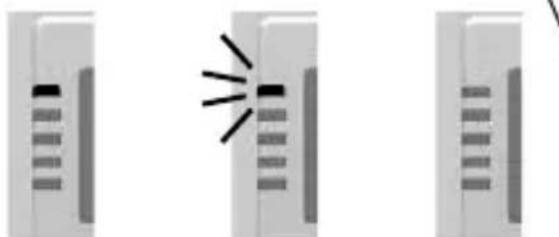
Beschreibung LEDs
natural_image
Three identical grayscale images showing a device with a light beam and grid lines, no text or symbols present.blinktleuchtet aus
① Display
② Menütaste Set
natural_image
Illustration of a mobile device with Wi-Fi signal icons surrounding it (no text or symbols)Art.Nr. 21000
natural_image
White rectangular electronic device with wireless signal icon (no text or symbols)Art.Nr. 26000
ABUS Paulmann Schellenberg Steinel
www.smart-friends.com
TABLE OF CONTENTS
Safety and notices 13
Technical data 16
Product image / button description / display 17
Pairing with smart home system 19
Required tools 44
Scope of delivery 44
A Installation 45
B Tubular motor: Address assignment 51
C Programming mode start 53
D Channel selection 54
E Wireless timer PREMIUM pairing 55
F Tubular motor rotation check 57
G Tubular motor direction change 58
H Setting the upper end position 59
I Setting the lower end position 61
J Concluding the programming mode 63
K Intermediate position setting (optional) 64
L Intermediate position deletion 66
M Intermediate position approach 68
N End position approach 69
O Pairing of further wireless timers PREMIUM 70
P Unpairing of a previously paired wireless timer PREMIUM .... 74
R Setting of the time and date 83
S Manual and automatic switching 86
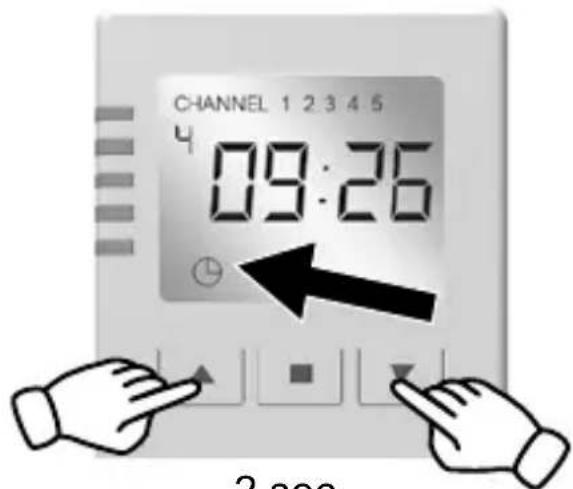
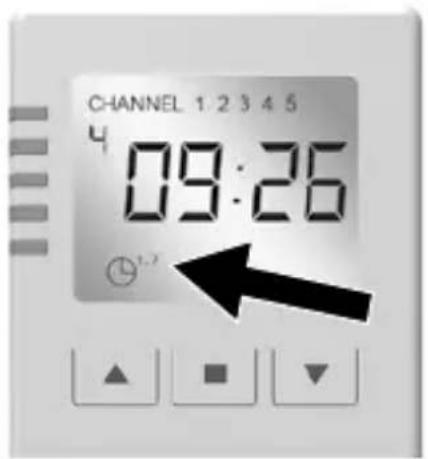
T Day and week programme change 86
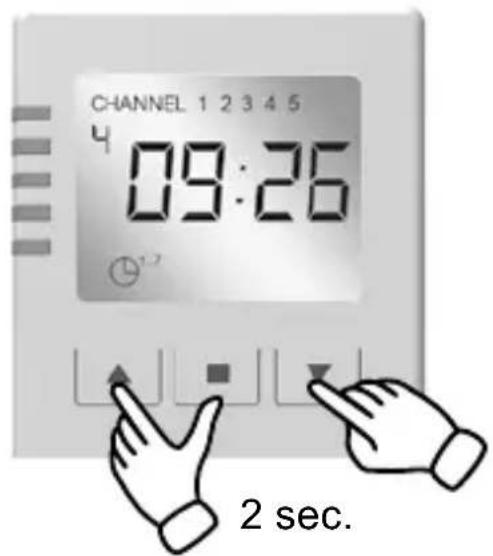
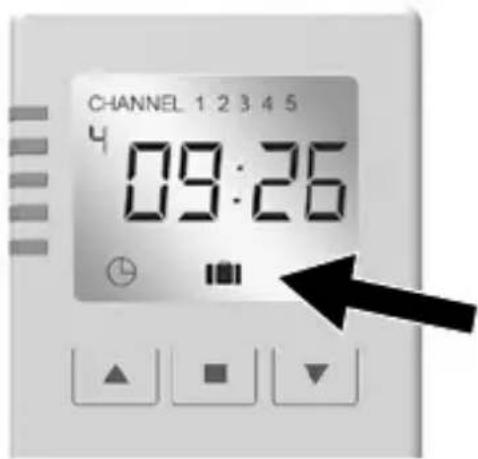
U Holiday function (random function) 87
V Astro function 87
W Daily program setting 88
X Weekly program setting 91
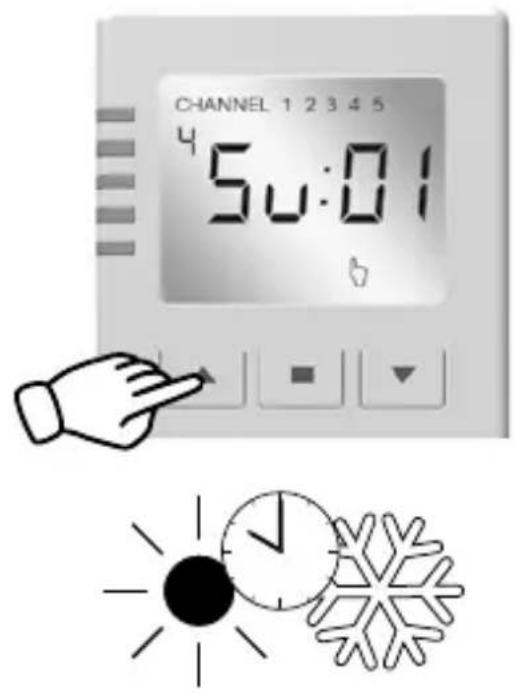
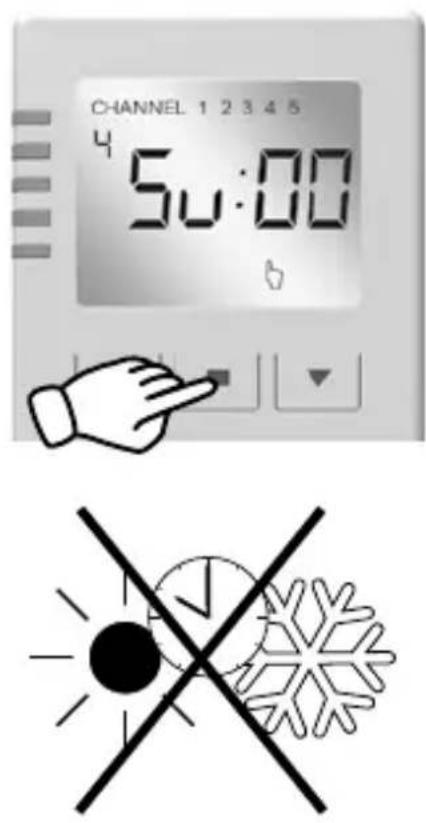
Y Programming of the astro function / summer - winter time .. 94
Z Factory default reset (wireless timer PREMIUM).... 97
SAFETY AND NOTICES
Dear customers,

Please completely read this instruction manual before the installation and commissioning. Observe all safety instructions before you begin to work. Keep the instruction manual stored at hand and advise each user about possible dangers that are related to this product. When ownership to this product changes, hand this instruction manual over to the new owner. In case of damages which are caused by misuse or improper installation any legal warranty claim will be void.
SAFETY INSTRUCTIONS
There is danger to life from electric shock! Before working on electrical equipment, it must be completelyde-energized.
■ Take safety measures against the accidental subsequent on-switching of the power.
This also applies for the maintenance and repair of electric roller shutter systems.
- Electrical connections may only be performed by authorized, qualified electricians.
- Improper installation can result in serious injuries or property damage.
- The provisions of the local electric utility company as well as all applicable standards and regulations for electrical installations must be complied with.
SCHELLENBERG
- The product may only be used in dry rooms (IP20).
- The product and the packaging are not toys. Keep children away from it, since there is a risk of injury or suffocation.
- Do not open the product, risk of injury.
- Keep people away from the movement range of the roller shutter system. The movement range of the roller shutter system must be completely visually accessible during the operation.
Risk of injury.
INTENDED USE
- The product (Item No. 20032/20037) is exclusively designed for the respectively approved wireless products of the Alfred Schellenberg GmbH.
- The roller shutter or awning system and its components must be in a perfect condition. Defects in the system or its parts must be repaired before installing the radio reception module.
- Any other or further utilization beyond the explicitly specified shall be regarded as not intended use.
- Alfred Schellenberg GmbH shall not be liable for any consequential damage, property damage and personal injury due to improper use.
- The operation of the hand-held wireless remote control in the vicinity of equipment that emits electromagnetic radiation or has metal surfaces can affect the correct operation.
- The structural conditions affect the range and function of the radio equipment.
- The radio equipment may not be operated in areas with high risk or if third parties are disturbed (for example, hospitals, airports and similar facilities).
-
There is no protection from interference from other properly constructed or operatedradio equipment. Particularly from properly operating systems that utilize the same frequency range.
-
Please keep these instructions stored in a safe place, as they must be available to every user.
- The product is designed for the wireless control of wireless drives, Wireless reception modules and wireless reception switches from Alfred Schellenberg GmbH.
| PRODUCT | ITEM NO. |
| Wireless tubular motor PREMIUM | 20506, 20510, 20810,20820, 20840, 20507, 20511, 20811, 20821, 20841 |
| Wireless shutter belt drive ROLLODRIVE 65 PREMIUM | 22767, 22728 |
| Wireless shutter belt drive ROLLODRIVE 75 PREMIUM | 22576, 22578 |
| wireless reception switch | 20030, 20035 |
| radio reception module | 20017,20018 |
| Wireless socket | 20033, 20034, 20038, 20039 |
| Wireless light switch | 21002, 21004 |
| Wireless Light Module | 21003, 21005 |
| Marki Drive PLUS | 20268, 20269 |
The functionality is dependent on the respective product.
A detailed description can be found in the manual of the products.
CE DECLARATION AND CONFORMITY
The Wireless timer PREMIUM (Art. Nr. DE 20032, 20037) meets the applicable requirements of European and national regulations. Conformity has been demonstrated. The full EU Declaration of Conformity document can be found at: http://www.schellenberg.de (under 'Download-Center', in the 'Service' tab).

Radio Equipment Directive 2014/53/EU (RED) RoHS Directive 2011/65/EU
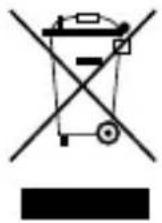
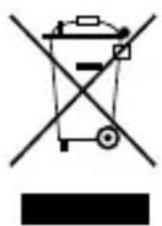
Do not dispose of together with household waste. The product is recyclable and can be deposited at a recycling center or a collection station for electrical household garbage.
TECHNICAL DATA
Transmission frequency 868,4 MHz Schellenberg
Signal strength max. 10 dBm/10 mW
Range in the open field up to 150 meters
Range within buildings up to 20 meters
Power supply 2,4 – 3,0 Volt DC
Protection class IP 20
Ambient temperature 0° – 50° Celsius
Receiver category 3

The structural conditions affect the range and function of the wireless timer.
PRODUCT IMAGE / BUTTON DESCRIPTION / DISPLAY
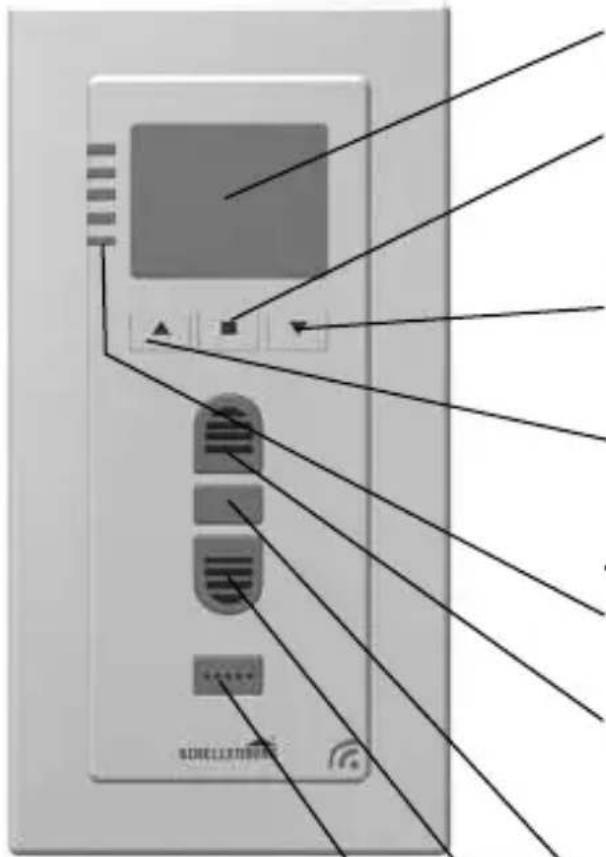
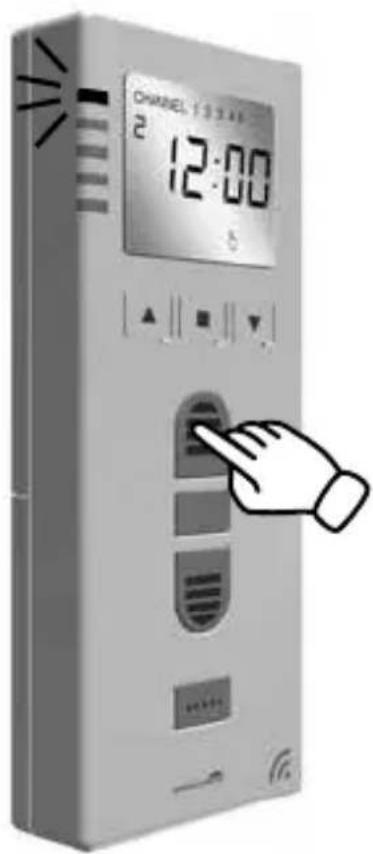
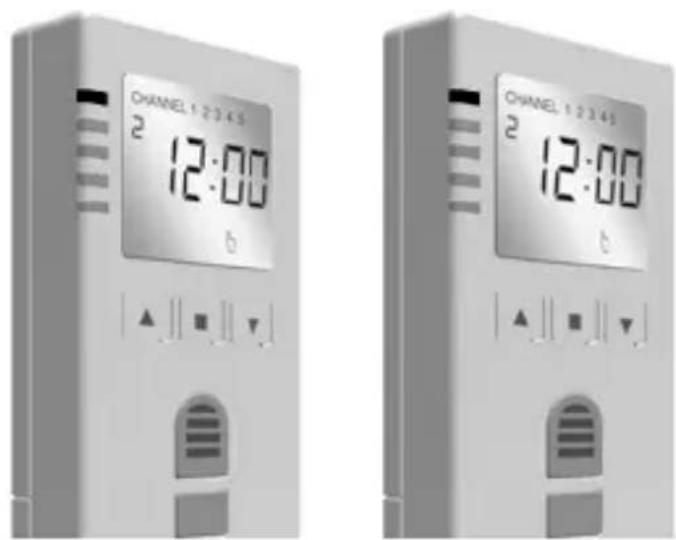
① Display
② Menu button set confirms menu settings
③ Menu button minus menu settings
④ Menu button plus menu settings
⑤LEDchannel1-5
⑥ Open button
roller shutter moves up or stops
⑦ stop button
the roller shutter will stop
⑧ Close button
roller shutter moves up or stops
⑨ channel selection button
to select a specific channel
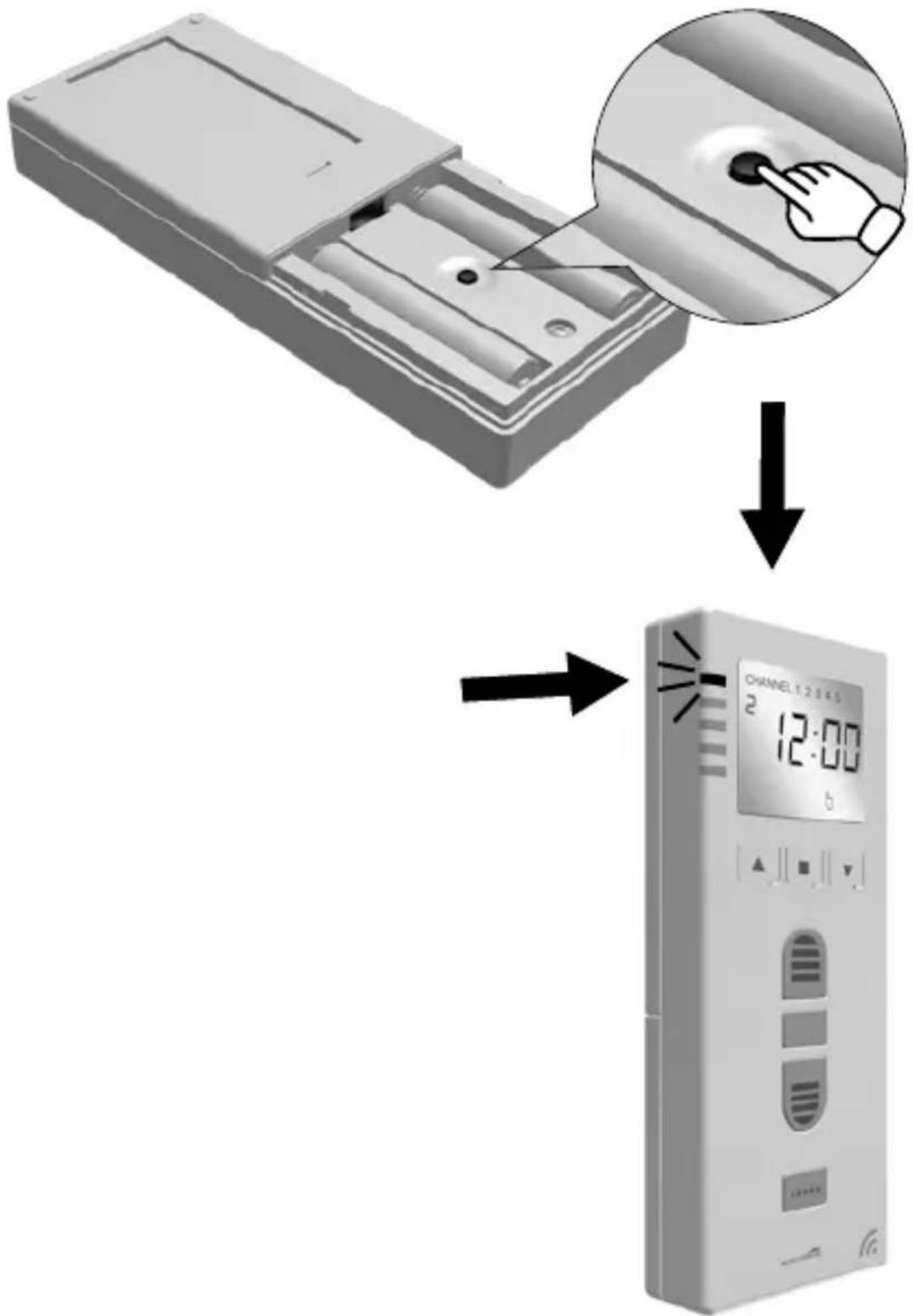
Description LEDs

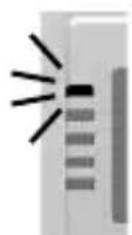
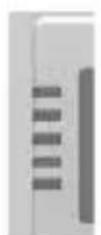
blinksilluminated off
SCHELLENBERG
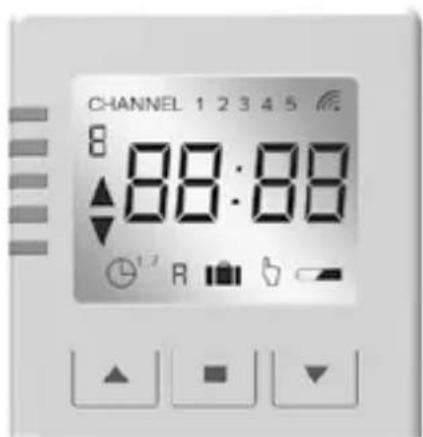
Description Display
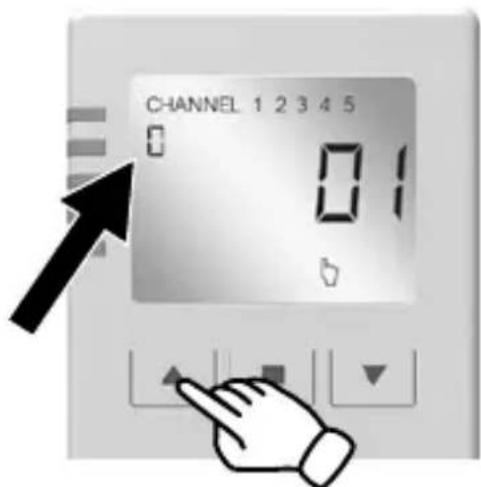
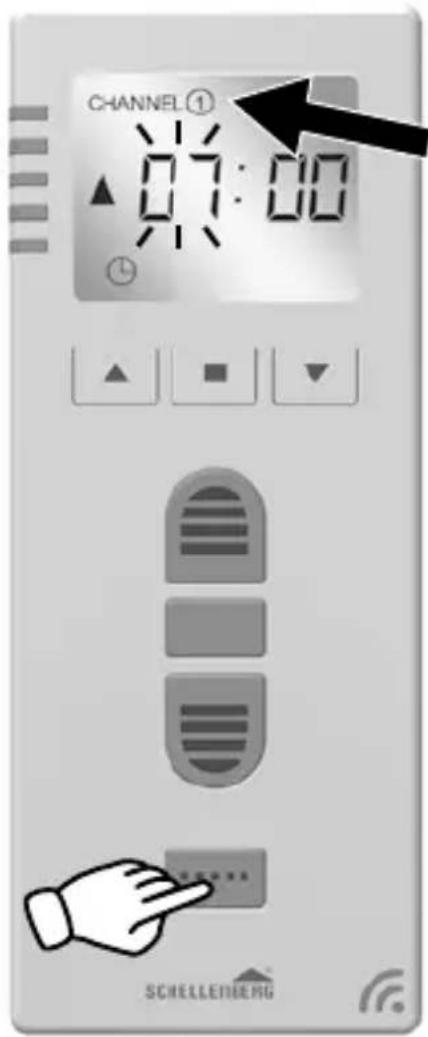
⑩ChannelDisplays the current channel. Channels with a circle are programmed channels.
⑪ WeekdayShows the current day of the week.
1 = Mon, 2 = Tue, 3 = Wed,
4 = Thu, 5 = Fri, 6 = Sat,
7 = Sun
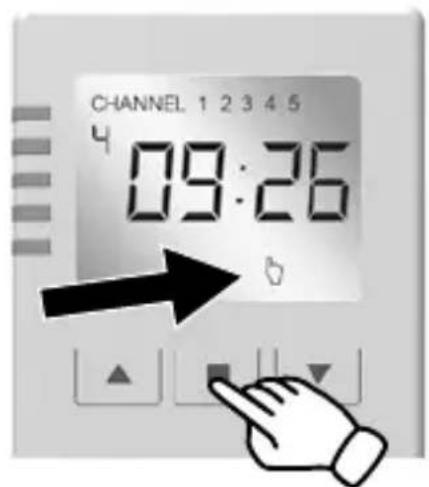
⑫Timedisplays the set time.
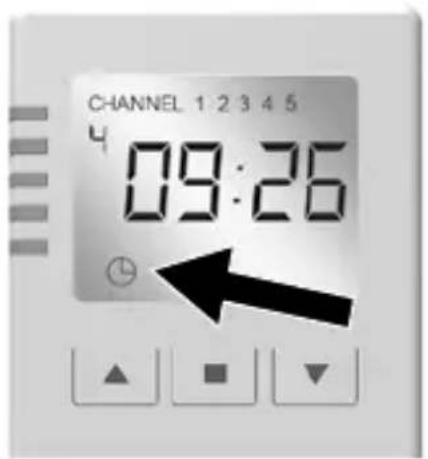
⑬ Automatic lowering and raising time the roller shutter drive direction is displayed.
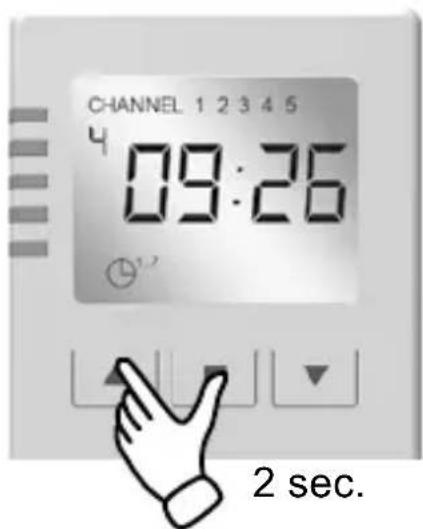
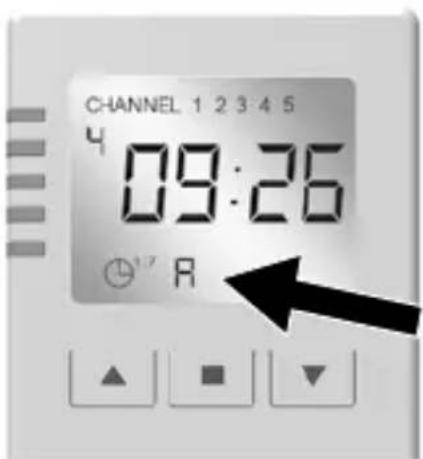
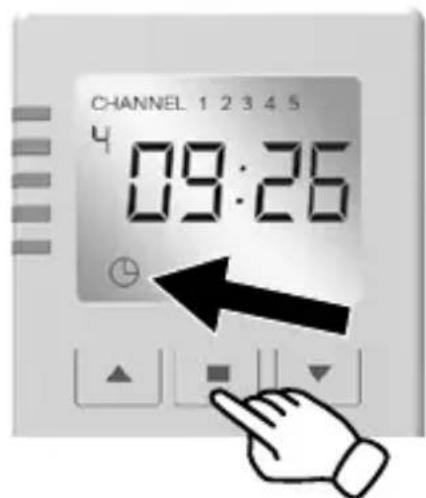
14 Daily and weekly programme: daily program
G = daily program = setting of the lowering and raising times for all days of the week.
^1 = Weekly program = individual adjustment of the lowering and raising time for each day of the week.
⑮Astrofunctionthe evening closing takes place after sunset throughout the year.
16 Vacation and random function can be added to the daily or weekly program. Changes the programmed times randomly by up to +/- 15 minutes.
17 Manual operation (lock-out protection) Der Rollladen lässt sich manuell auf- und abfahren.
the roller shutter can be manually lowered and raised. Disables the automatic operation and protects against an unintentional lock-out
^18 Batterydisplayis displayed if the battery level is low.
19 Wireless simple only appears for bi-directional wireless.
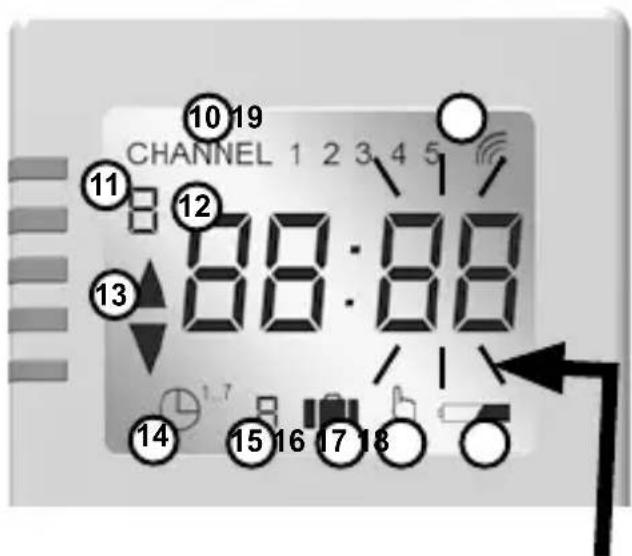
Display blinks
PAIRING WITH SMART HOME SYSTEM
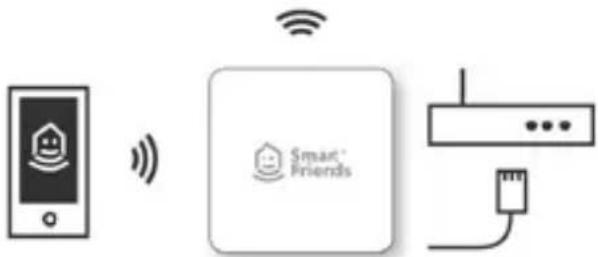
Pair the product with the Smart Friends System, and control all „Ready for Smart Friends“ products through the Smart Friends app.

Security Tech Germany

Paulmann
SCHELLENBERG
STEINEL®
Intelligent technology

natural_image
Three icons: lock, security camera, and power outlet (no text or symbols)
natural_image
Three identical icon buttons for reading or heating symbols, no text or labels present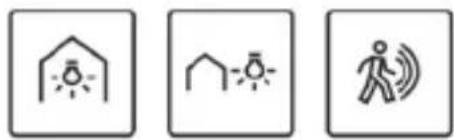
natural_image
Three simple icons: a house with sun, a house with snow, and a person walking with sound waves (no text or symbols)
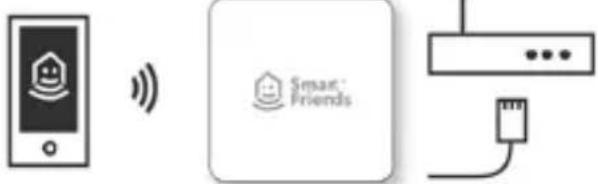
TABLE DES MATIÈRES
Chers clients, chères clientes,

DÉCLARATION DE CONFORMITÉ UE
Radio Equipment Directive 2014/53/EU (RED) RoHS Directive 2011/65/EU
① Affichage
② Touche de menu AJUSTAGE
natural_image
Three identical grayscale image panels showing a central icon with radiating lines, no text or symbols present.Security Tech Germany

Paulmann

SCHELLENBERG

Intelligent technology


[Non-Text]

www.smart-friends.com
SPIS TREŚCI
Radio Equipment Directive 2014/53/EU (RED) RoHS Directive 2011/65/EU
natural_image
Three identical grayscale images of server racks with a central light burst icon (no text or symbols)migaświeci wył.
SCHELLENBERG
Opis Wyświetlacz
Security Tech Germany

Paulmann


Intelligent technology
natural_image
Three icon buttons: lock, security camera, and power outlet (no text or symbols)
natural_image
Three simple icons: grid, roof, and thermometer, each with upward arrows indicating direction (no text or symbols)
natural_image
Three simple icons: a house with sun, a sun with rays, and a person walking with motion lines (no text or symbols)
flowchart
graph LR
    A["Mobile Device"] -->|Wireless Signal| B["Smart Friends"]
    B --> C["Wireless Network"]
    C --> D["Smart Phone"]
www.smart-friends.com
INDICE
Radio Equipment Directive 2014/53/EU (RED) RoHS Directive 2011/65/EU
natural_image
Three identical grayscale image showing a vertical structure with horizontal lines and a central explosion effect (no text or symbols)$$ 1 = \mathrm{Lu}, 2 = \mathrm{Mai}, 3 = \mathrm{Me}, $$
$$ 4 = \mathrm{Gi}, 5 = \mathrm{Ve}, 6 = \mathrm{Sa}, 7 = \mathrm{Do} $$
ACCOPPIAMENTO SISTEMA SMART HOME
Security Tech Germany

Paulmann


Intelligent technology
natural_image
Three icon buttons: lock, security camera, and power outlet (no text or symbols)
natural_image
Three icon buttons for reading, parking, and thermometer symbols (no text or labels)
natural_image
Three simple icons: a house with sun, a roof with snow, and a walking person with motion lines (no text or symbols)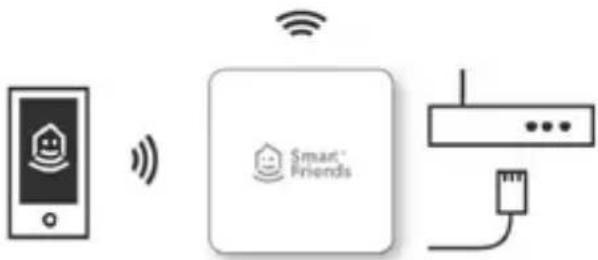
flowchart
graph LR
    A["Mobile Phone"] -->|Wireless Signal| B["Smart Friends"]
    B --> C["Network Interface"]

www.smart-friends.com
SCHELLENBERG

natural_image
Icon depicting a hammer and wrench with a question mark, no text or symbols present
natural_image
Icon of a screwdriver with a cross mark, no text or symbols present
natural_image
Simple line drawing of a pencil inside a square frame (no text or symbols)
natural_image
Illustration of a hand holding a soldering iron (no text or symbols)
natural_image
Simple 3D icon of an open box with a folded paper inside, no text or symbols present.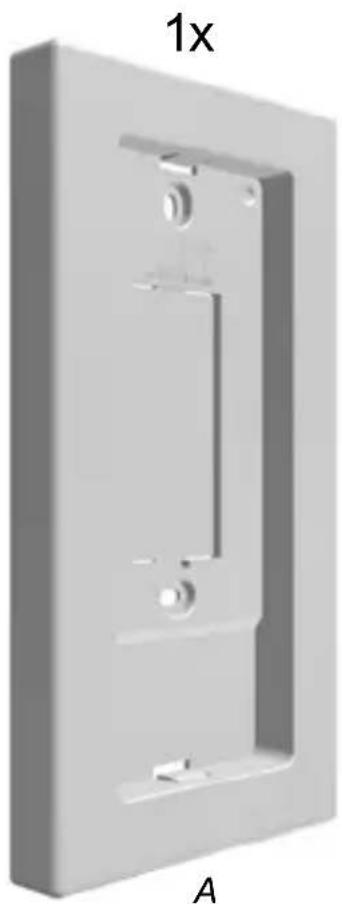
natural_image
3D rendering of a rectangular mechanical component with mounting holes and internal slots, labeled '1x' and 'A' (no text or symbols on the object itself)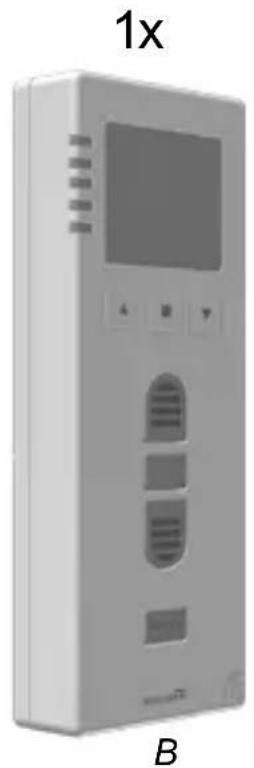
natural_image
Exterior view of a modern office building (no signage)
A
1.
natural_image
Simple line drawing of a pencil inside a rounded square frame (no text or symbols)A
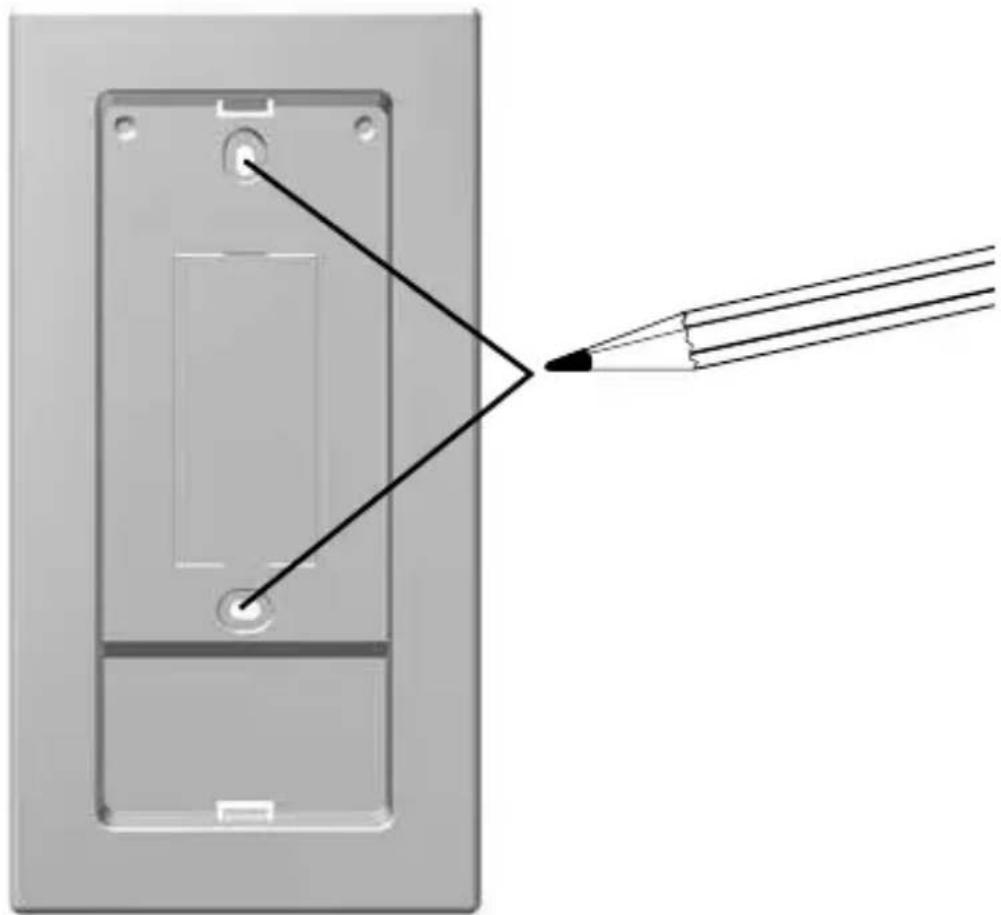
natural_image
Diagram showing a device with a pointed tip and a tool interacting with it, no text or symbols present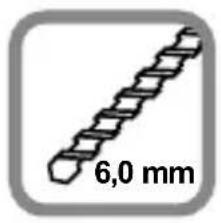

natural_image
Simple line drawing of a hand holding a soldering iron (no text or symbols)
natural_image
Simple line drawing of a stick and a zigzag bar (no text or symbols)
natural_image
Simple line drawing of a stick and a bar with a dot (no text or symbols)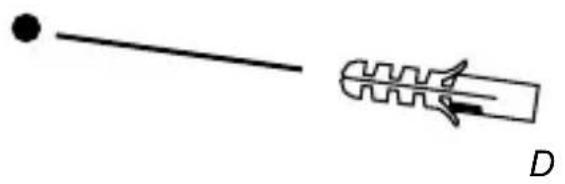
natural_image
Simple line drawing of a rod and a spring-like object with label D (no text or symbols on the objects)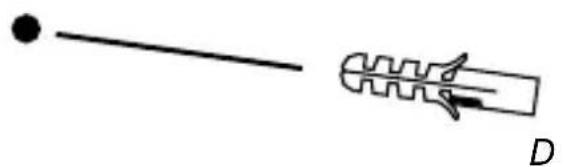
natural_image
Simple line drawing of a rod and a zigzag connector with label D (no text or symbols)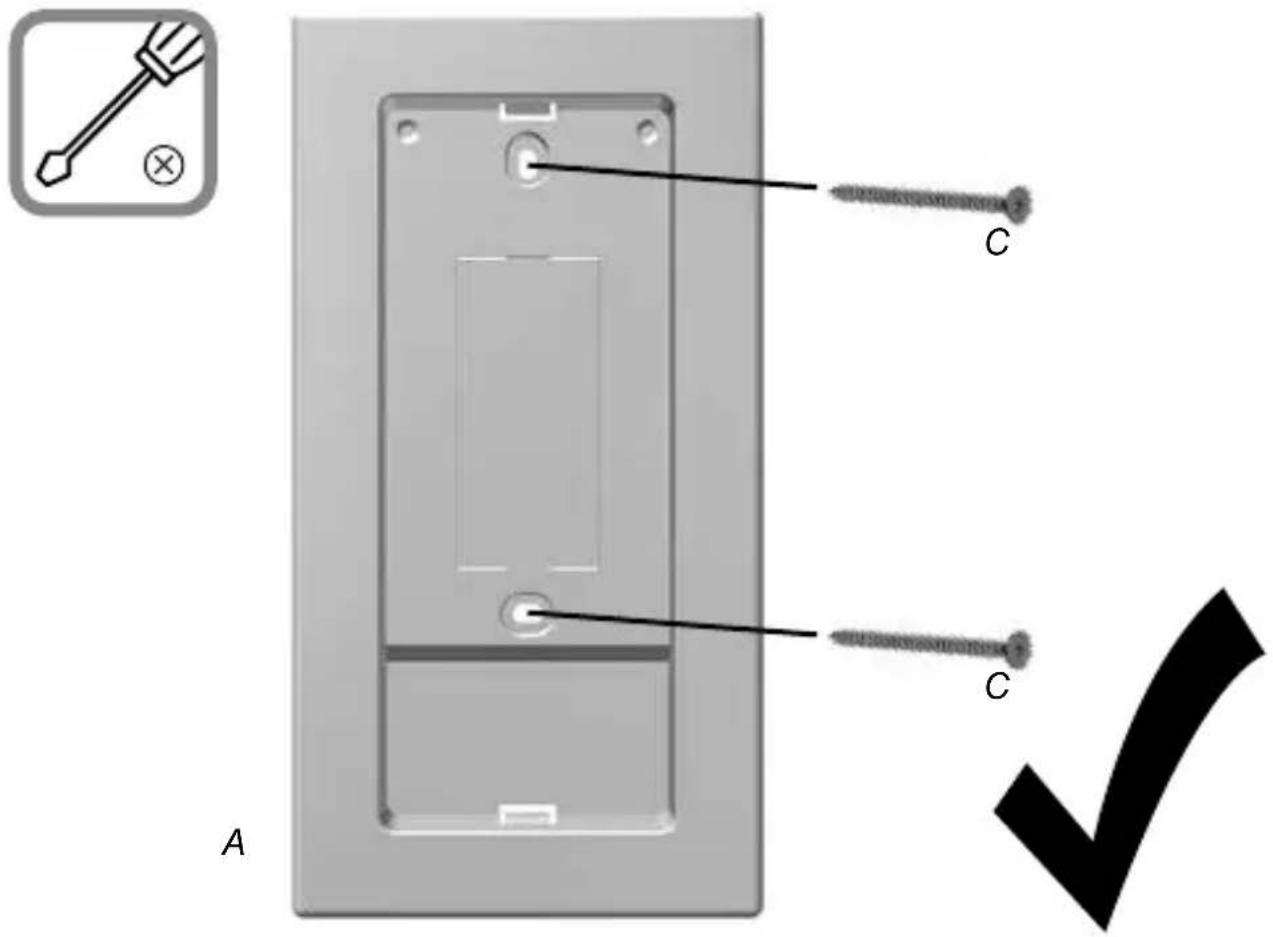
SCHELLENBERG
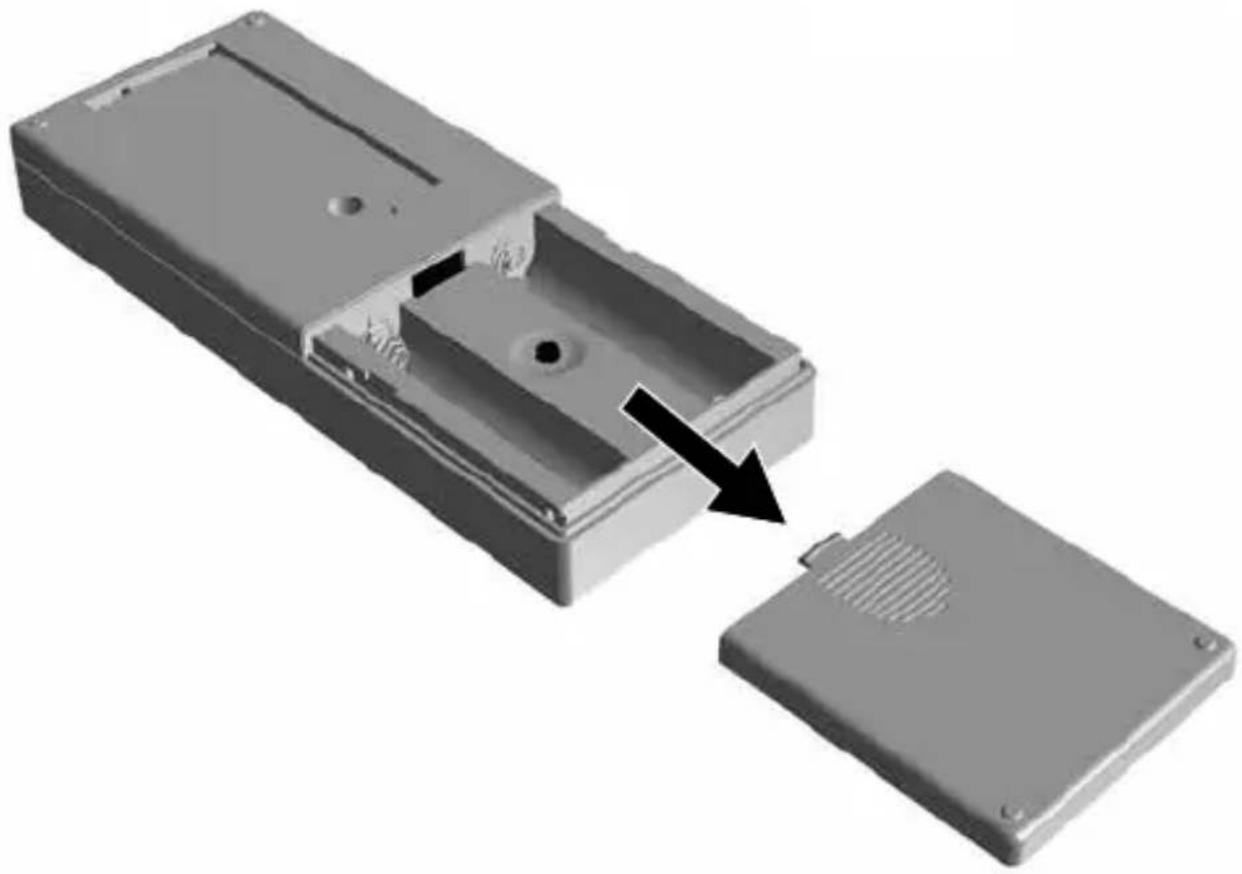
natural_image
3D rendering of a mechanical component with an arrow indicating a process or transformation (no text or symbols present)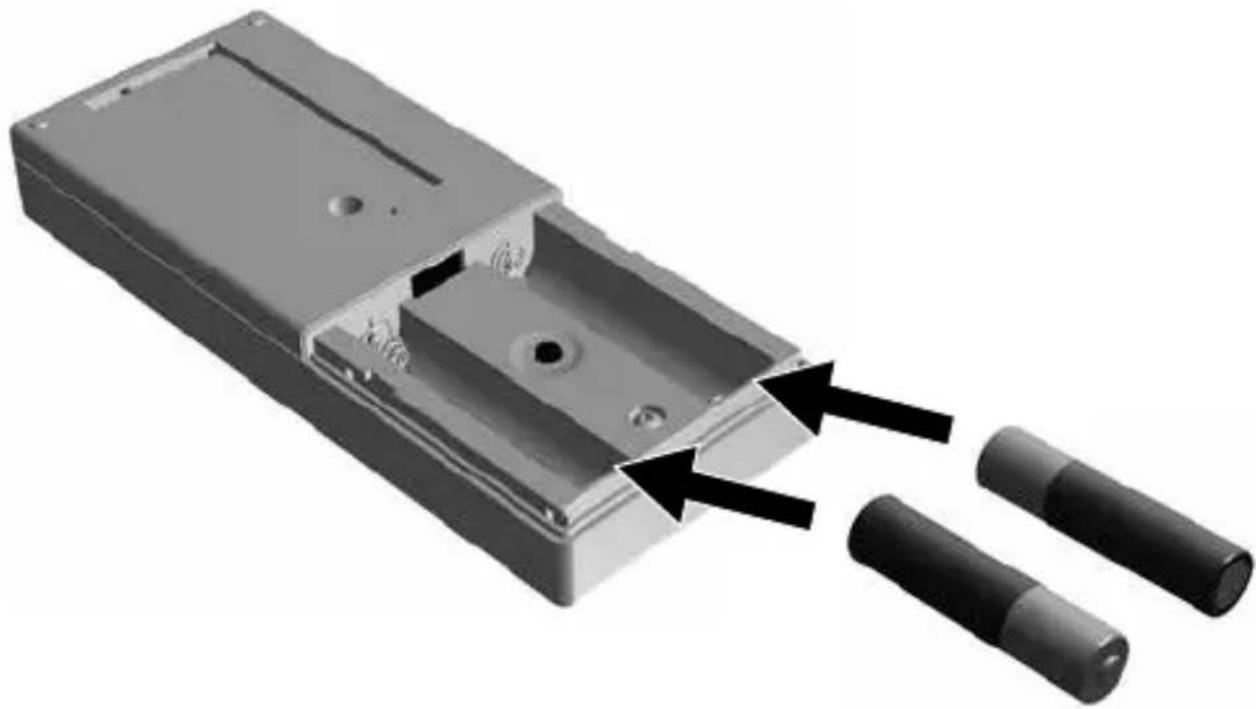
natural_image
3D rendering of a mechanical component with two cylindrical pins inserted, showing internal structure and assembly (no text or symbols)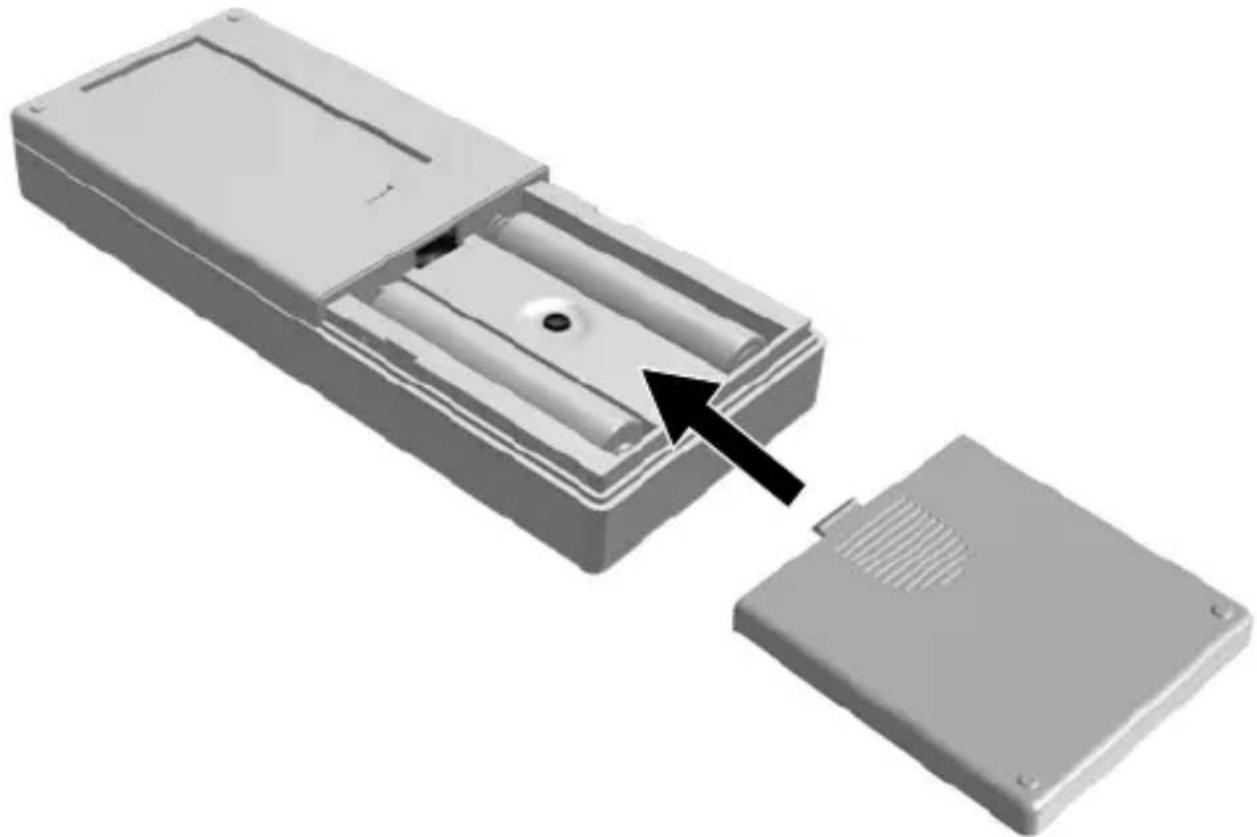
natural_image
3D rendering of a remote control box with internal components and an open lid, showing no text or symbols.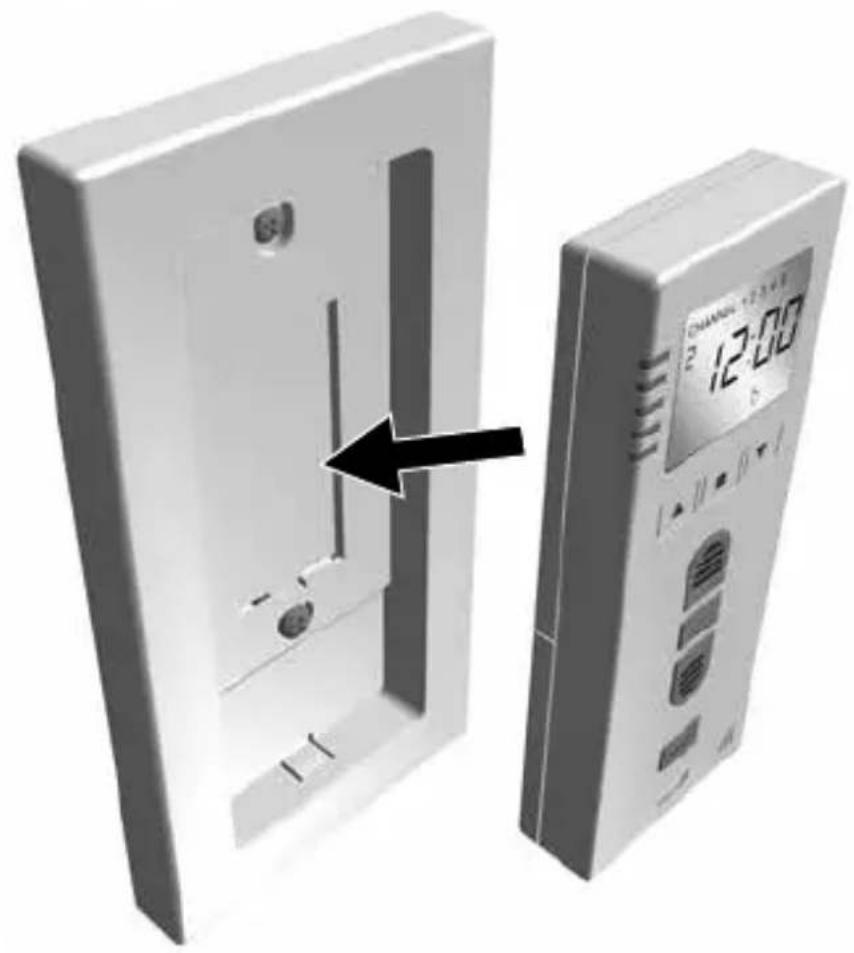
natural_image
3D illustration of a device with a digital display showing 12:00, no text or symbols present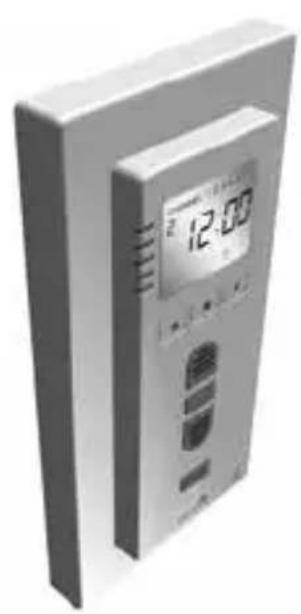
natural_image
Exterior view of a modern office building (no signage)
natural_image
Black checkmark symbol on white background (no text or additional symbols)B
9.
5 sec.
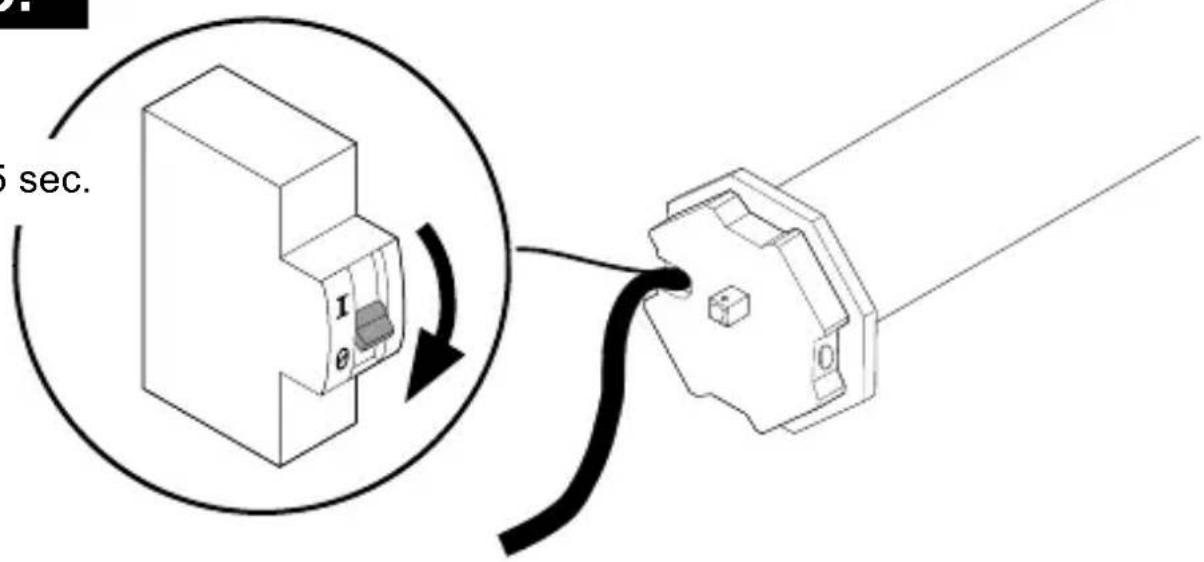
10.
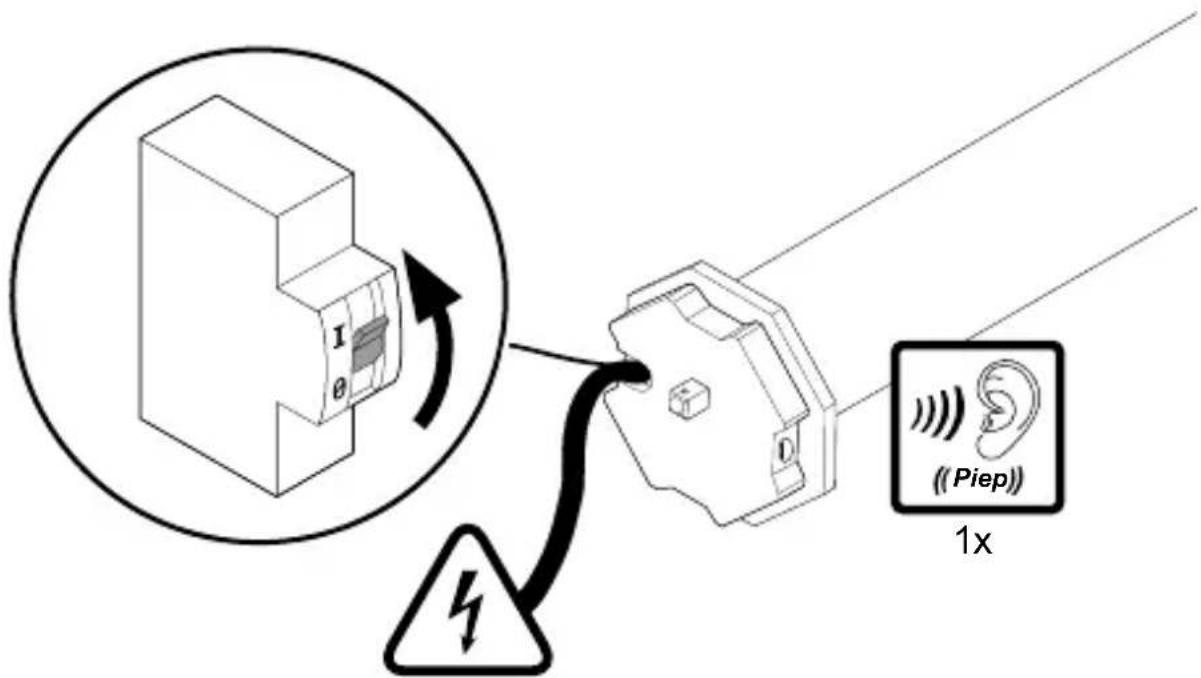
230 V, 50 Hz
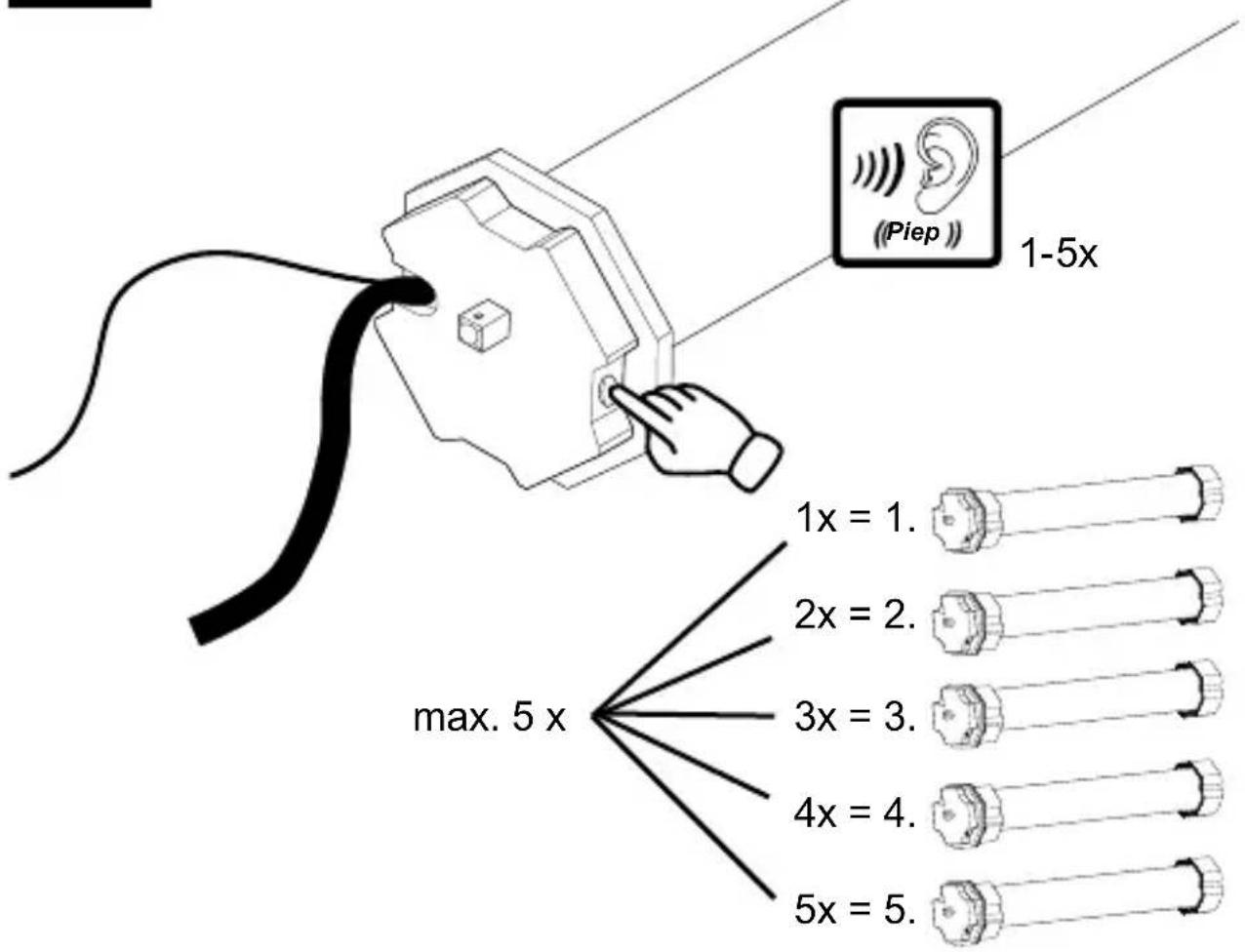

natural_image
Black checkmark symbol on white background (no text or additional symbols)C
12.
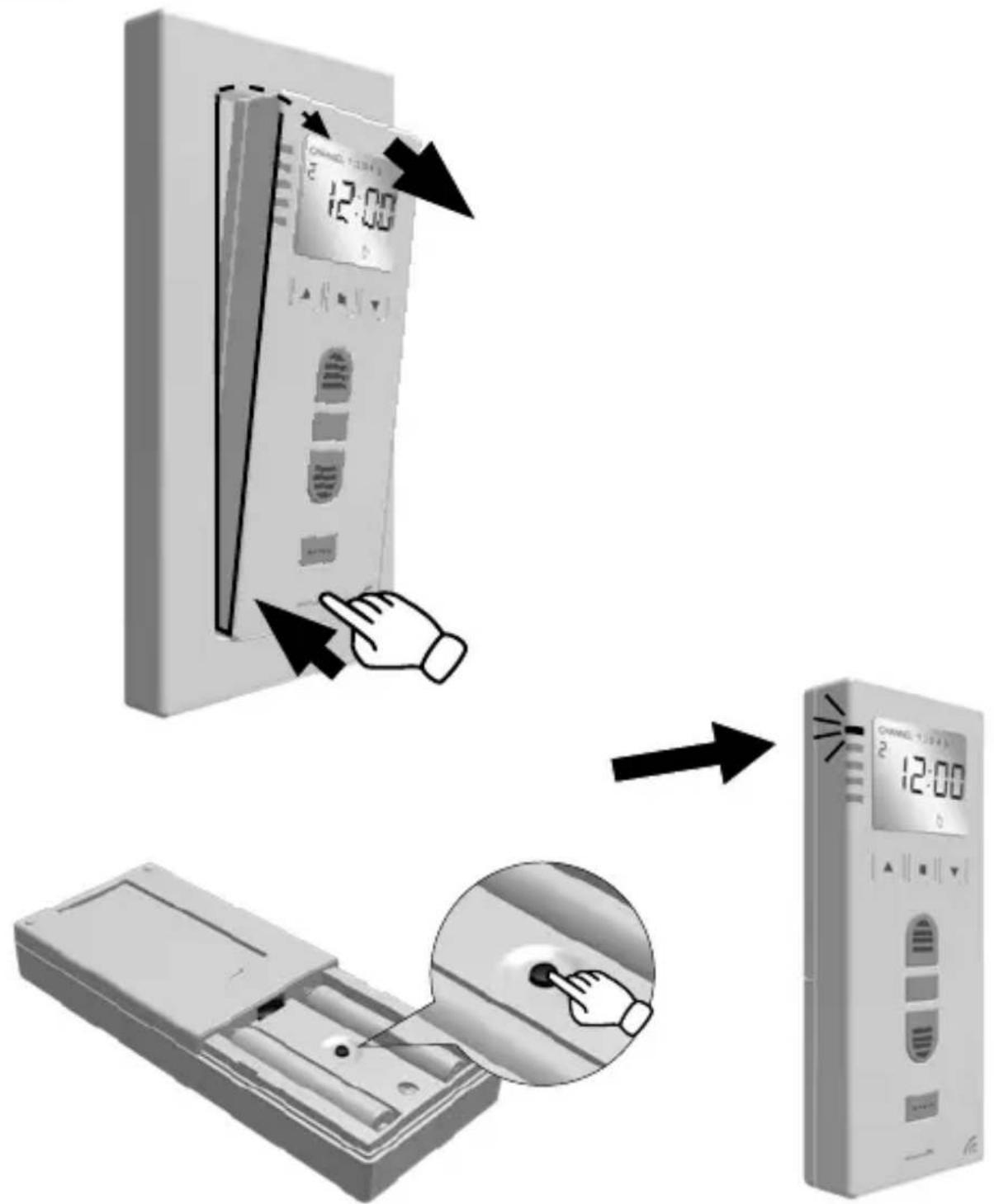
D
13.
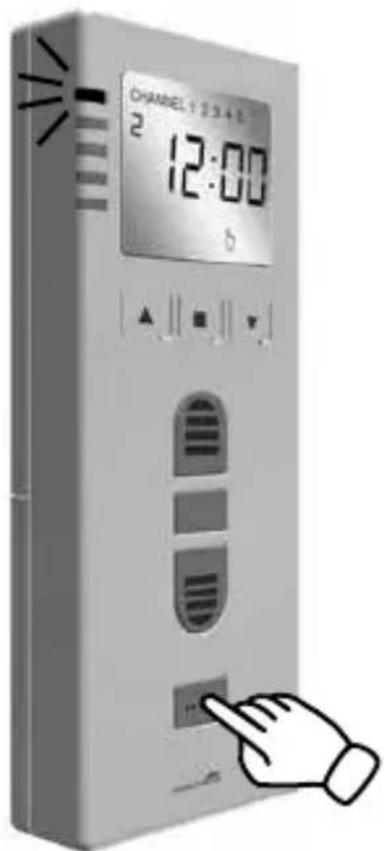
1-5x
E
14.
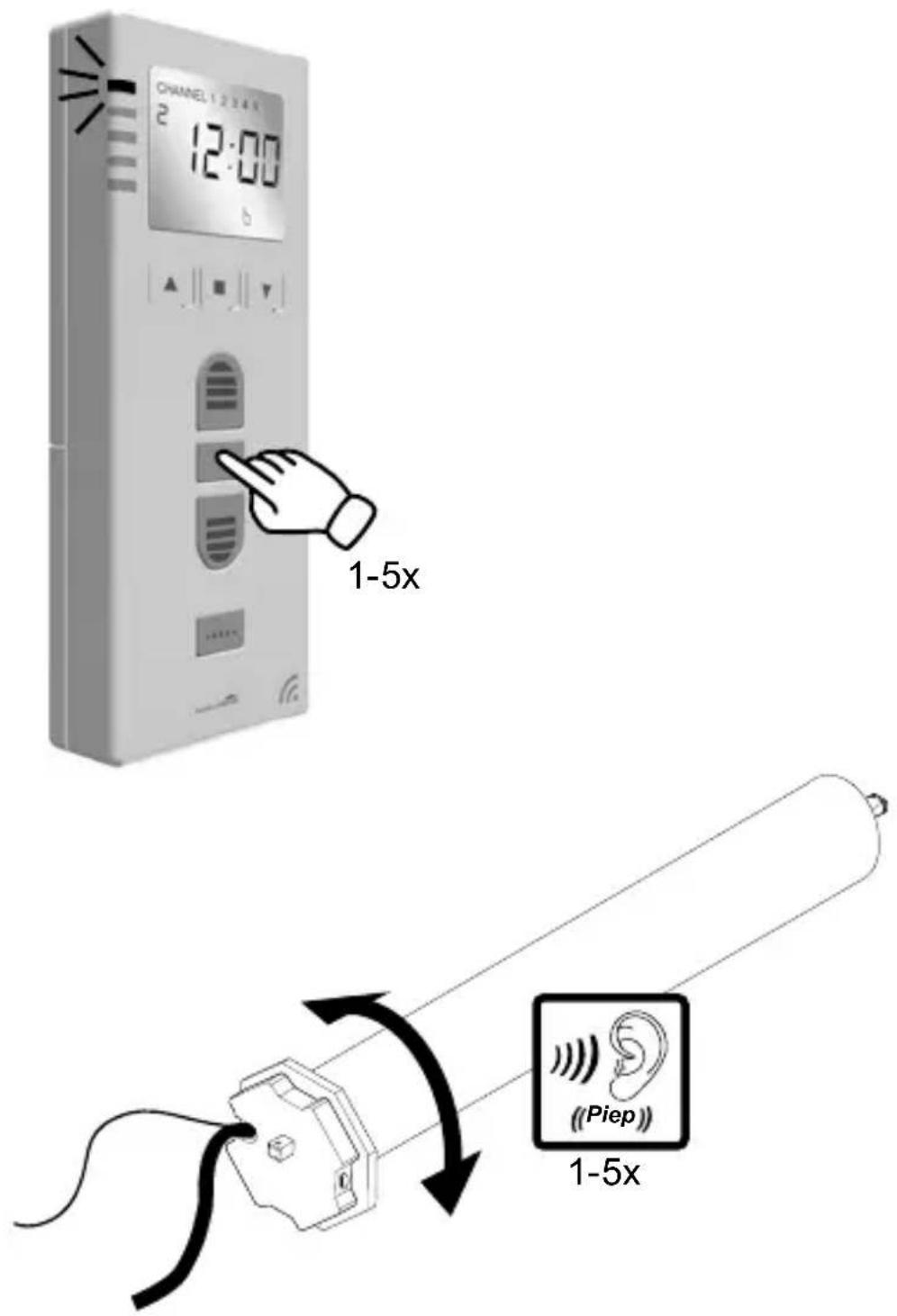
SCHELLENBERG
15.

max 4 sec.
F
17.
SCHELLENBERG
G
18.

max 4 sec.
H
20.
90%
natural_image
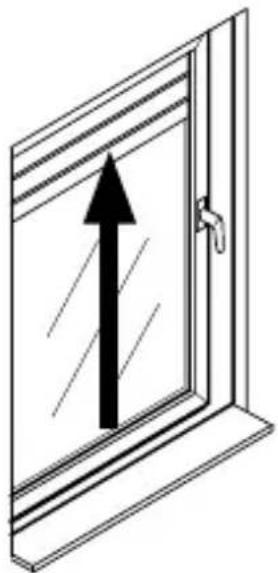
Diagram of a window with an upward arrow indicating direction (no text or symbols)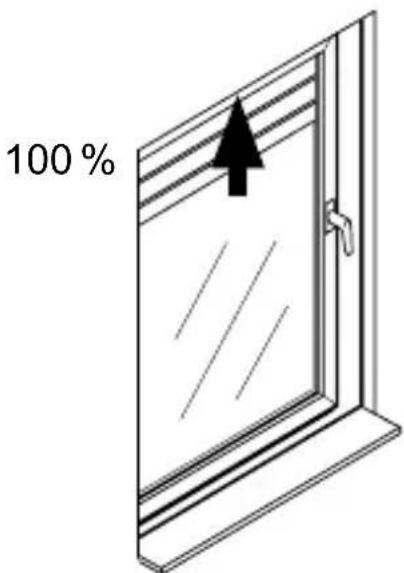
SCHELLENBERG
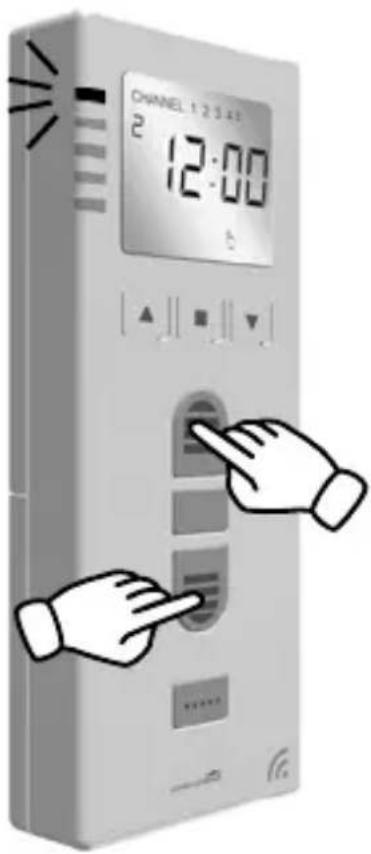
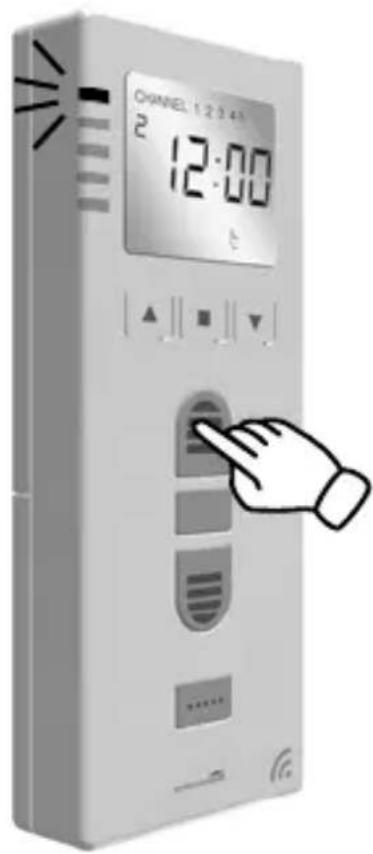
1 2
1 2 3 4
sec.
1
1 2 1 2 3 4 sec.
J
28.
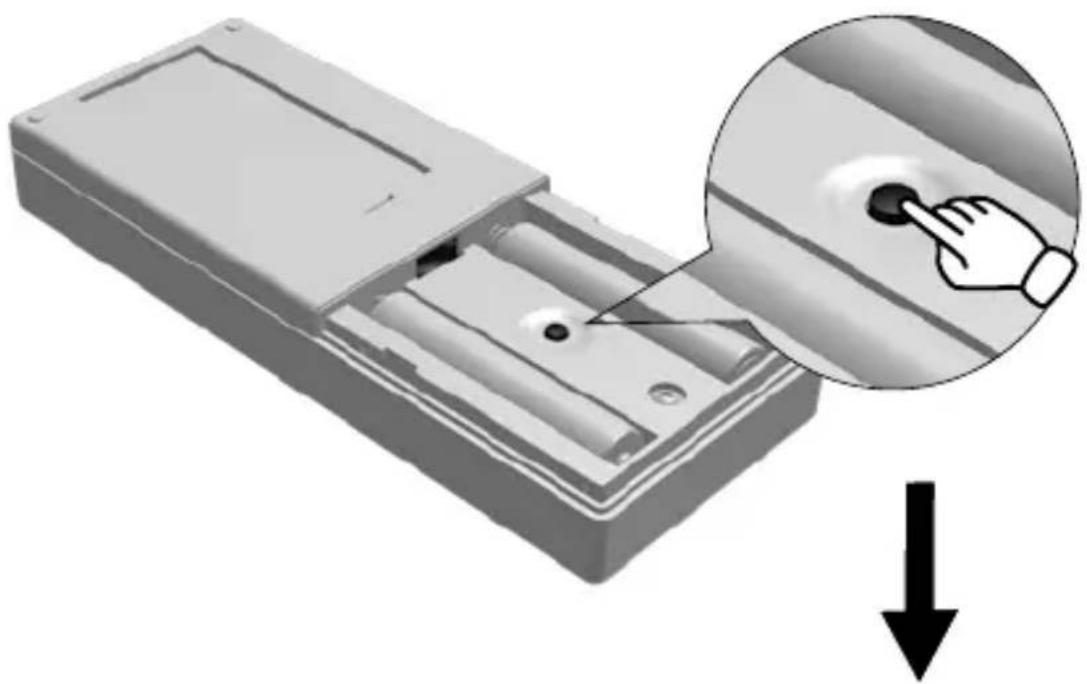
natural_image
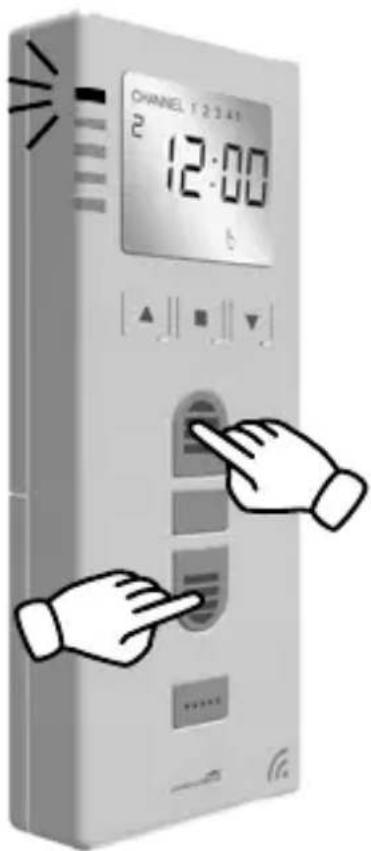
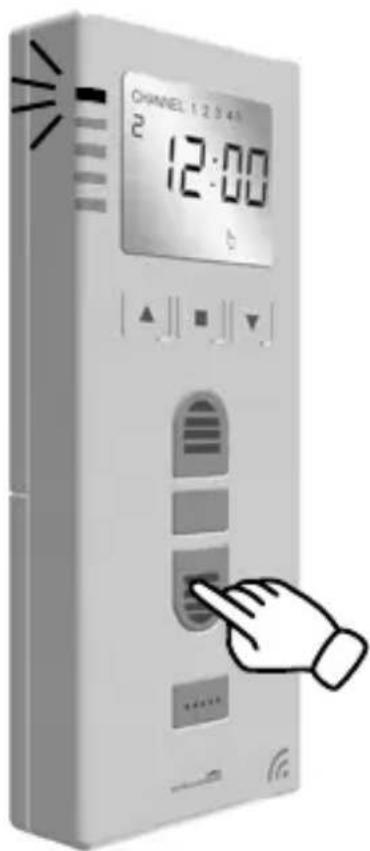
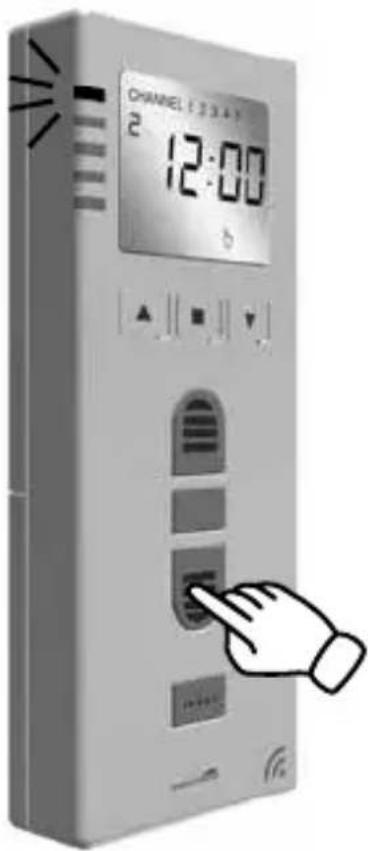
3D illustration of a remote control box with a hand pressing a button, showing internal components and a downward arrow (no text or symbols)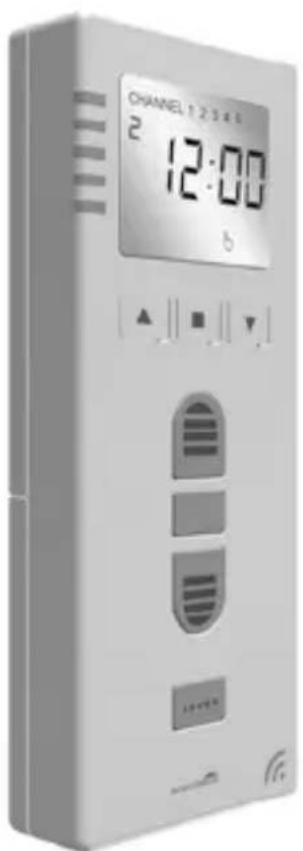
K
29.
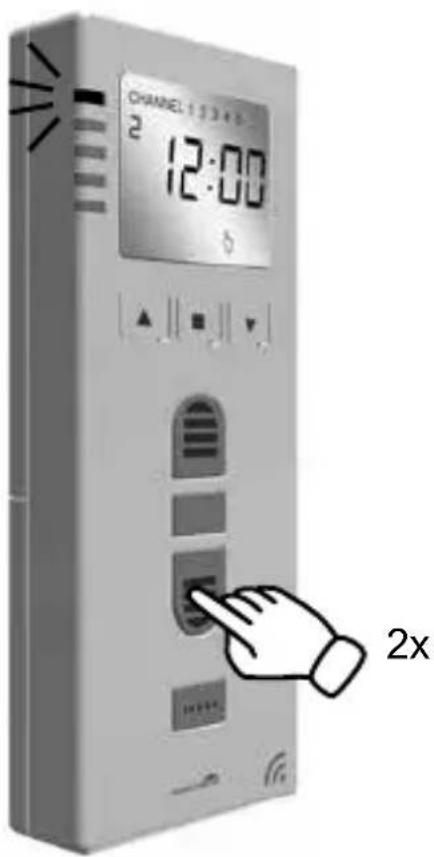
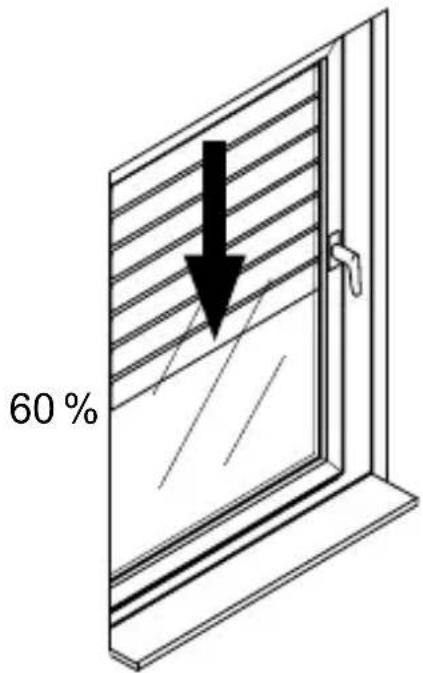
z.B. 60%
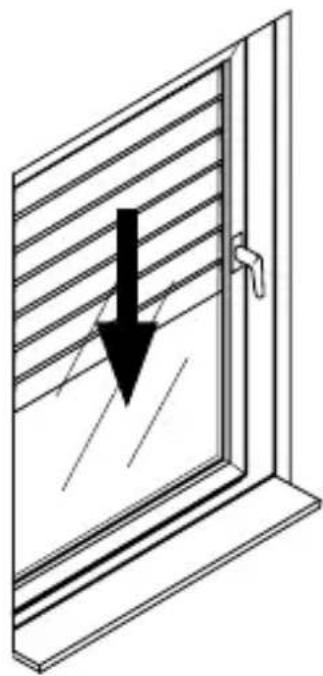
natural_image
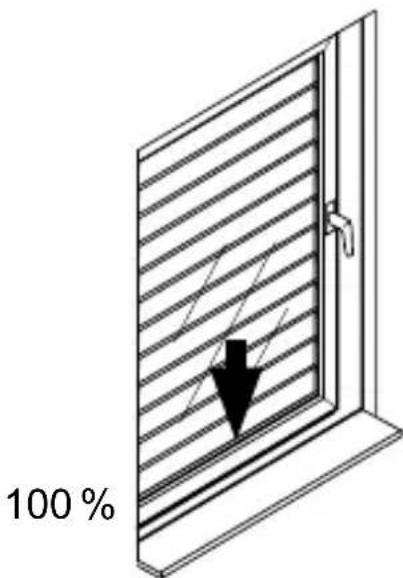
Diagram of a window with horizontal slats and a downward arrow indicating compression or damage (no text or symbols)
1

2
L
33.
1

sec.
2
M
36.
N
37.
O
38.
1 2+5
1-5x 1-5x
1 2 5+
flowchart
graph TD
    A["Device 1"] -->|Signal| B["Device 2"]
    B -->|Signal| A
    style A fill:#f9f,stroke:#333
    style B fill:#bbf,stroke:#333
    note1["1: CHANEL 12:00"] --> A
    note2["1: CHANEL 12:00"] --> B
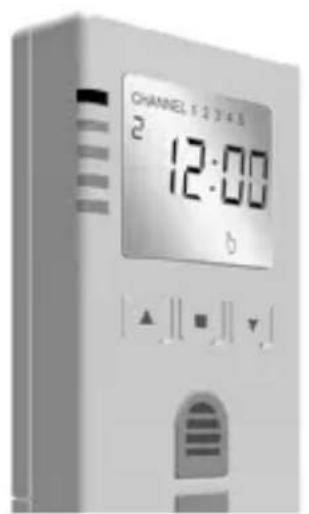
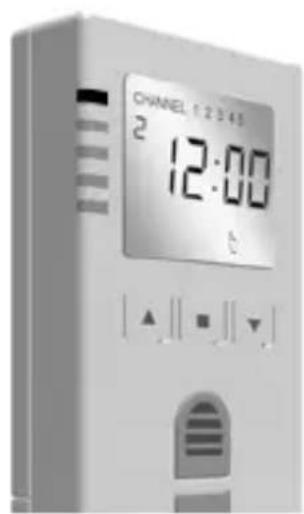
1 2+5
...
↓
↓
↓
natural_image
3D illustration of a remote control box with a hand pressing a button, showing a checkmark (no text or symbols)P
42.
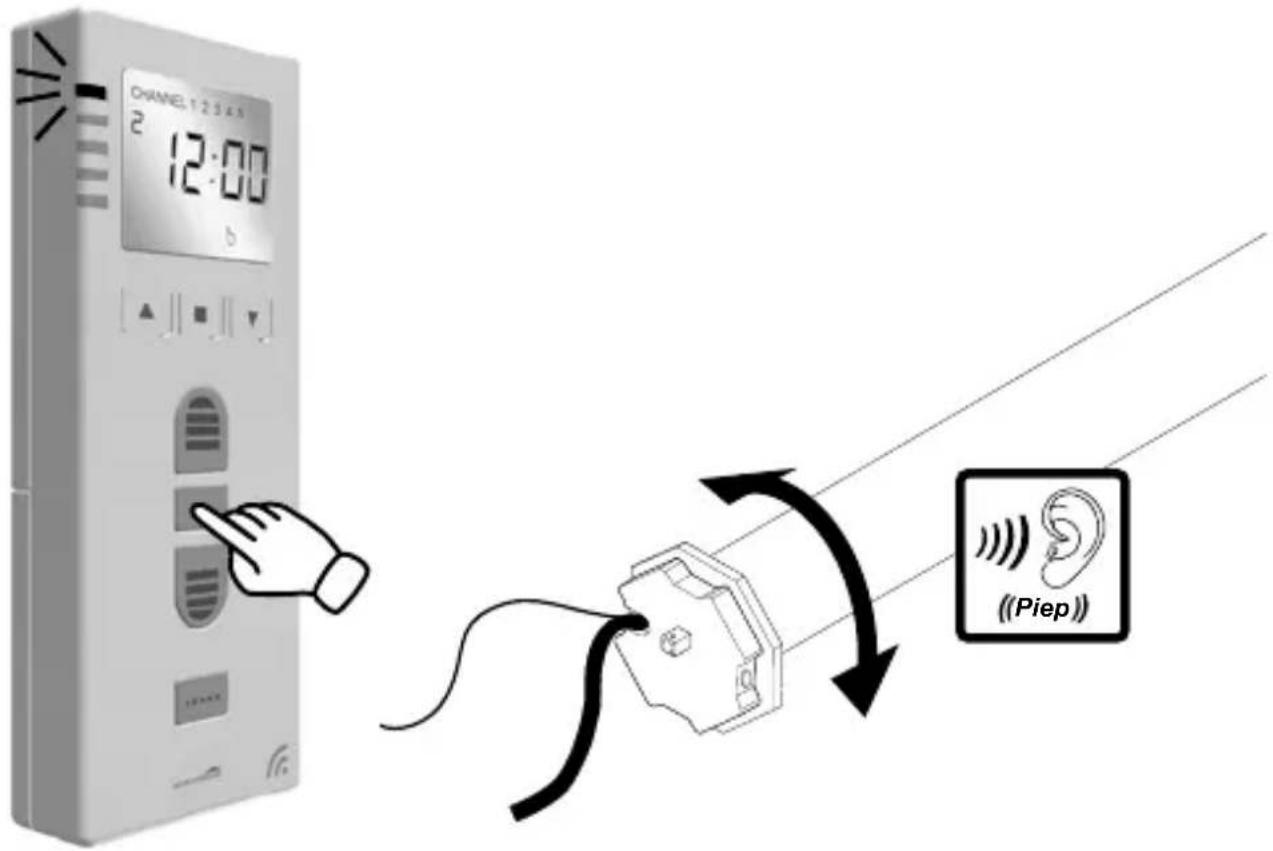
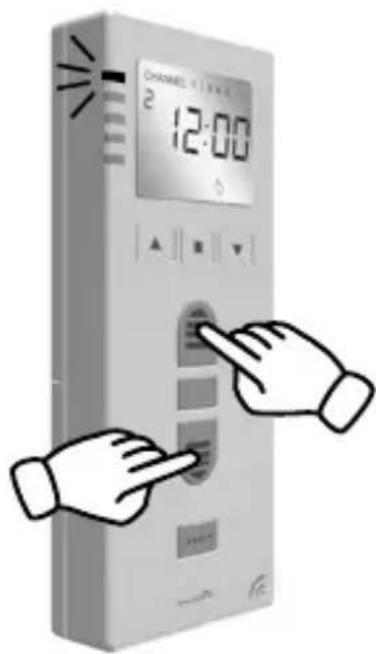
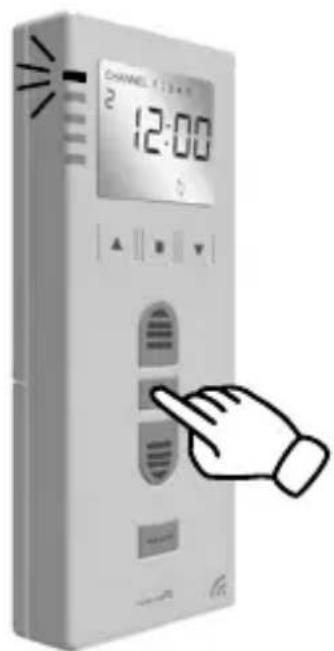
SCHELLENBERG
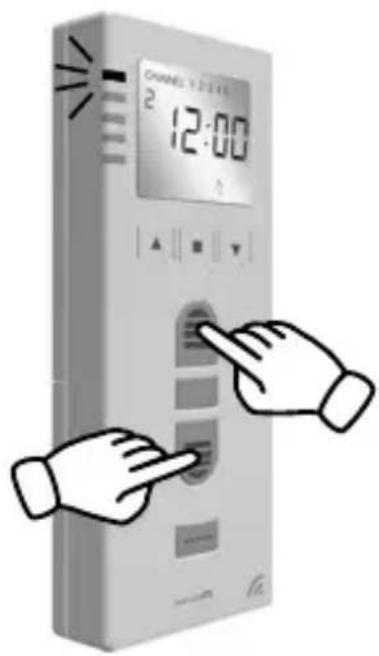
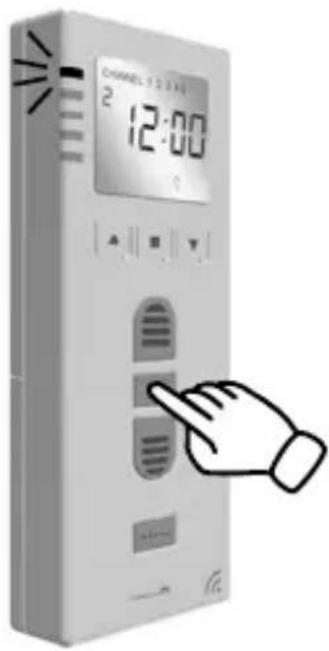
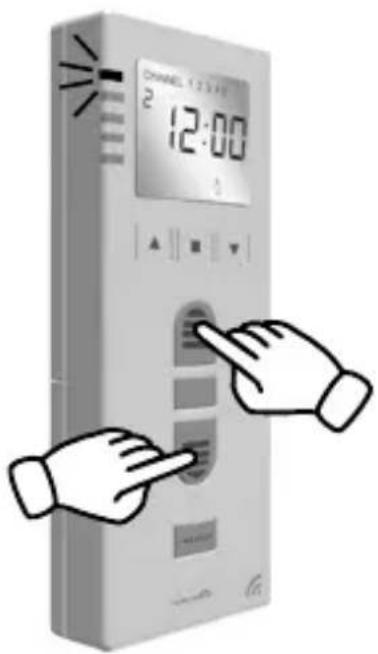
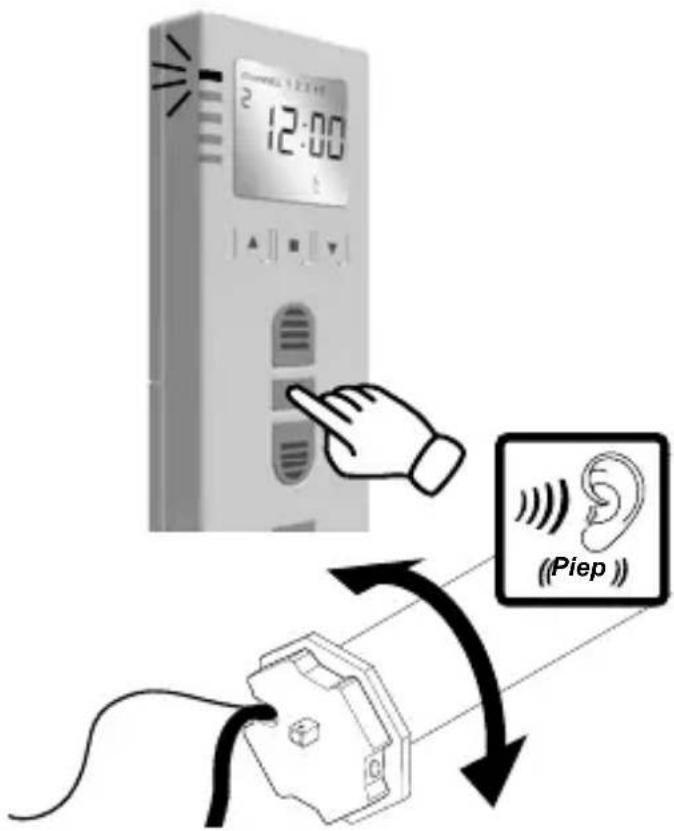
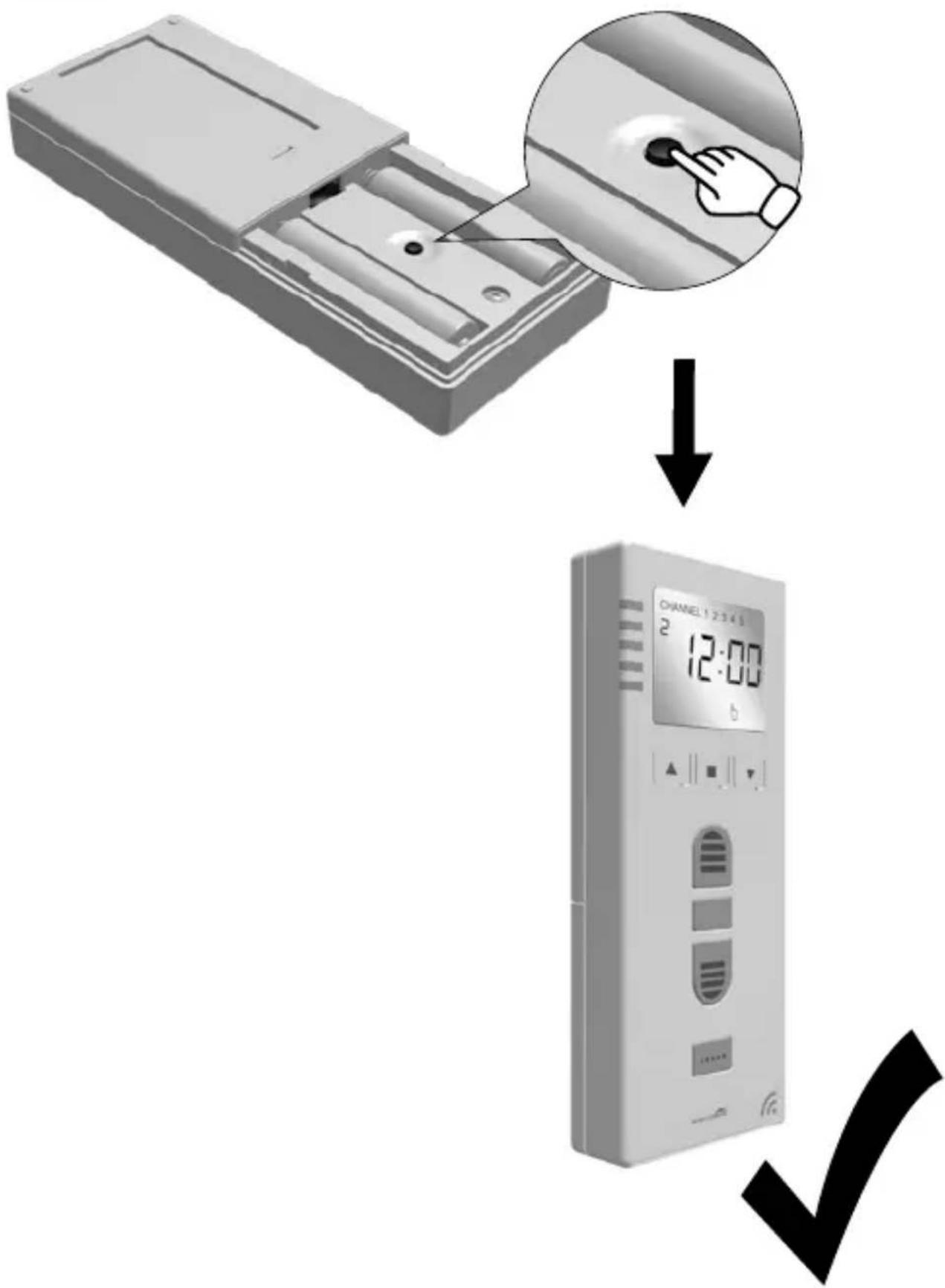
Q

230 V, 50 Hz

SCHELLENBERG
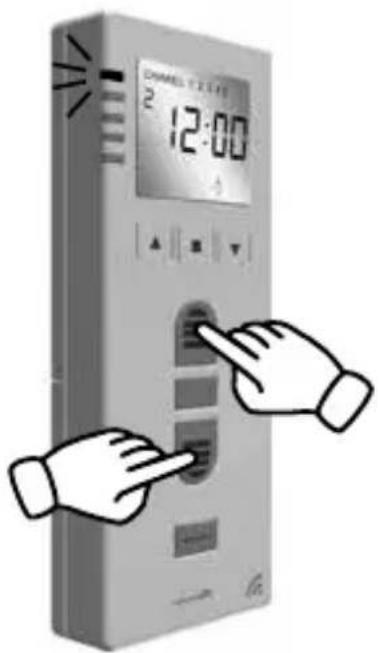
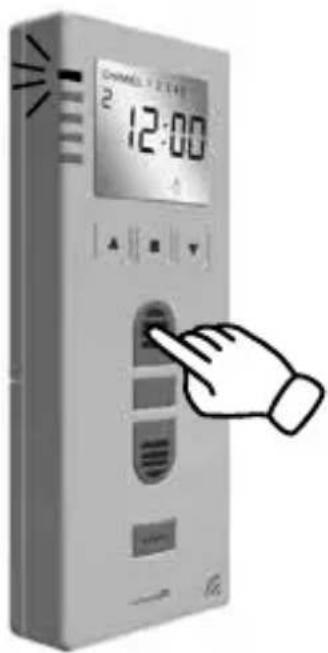
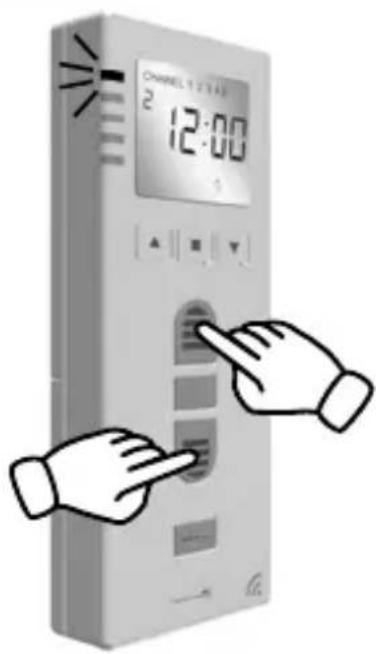
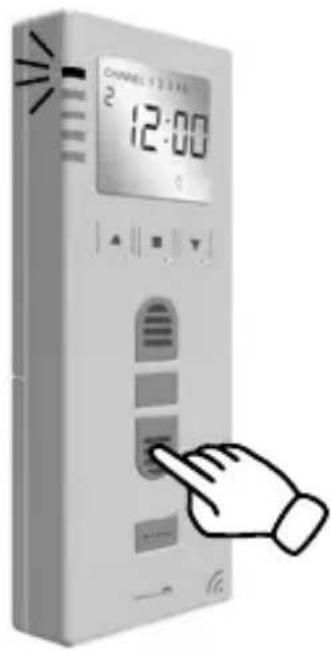
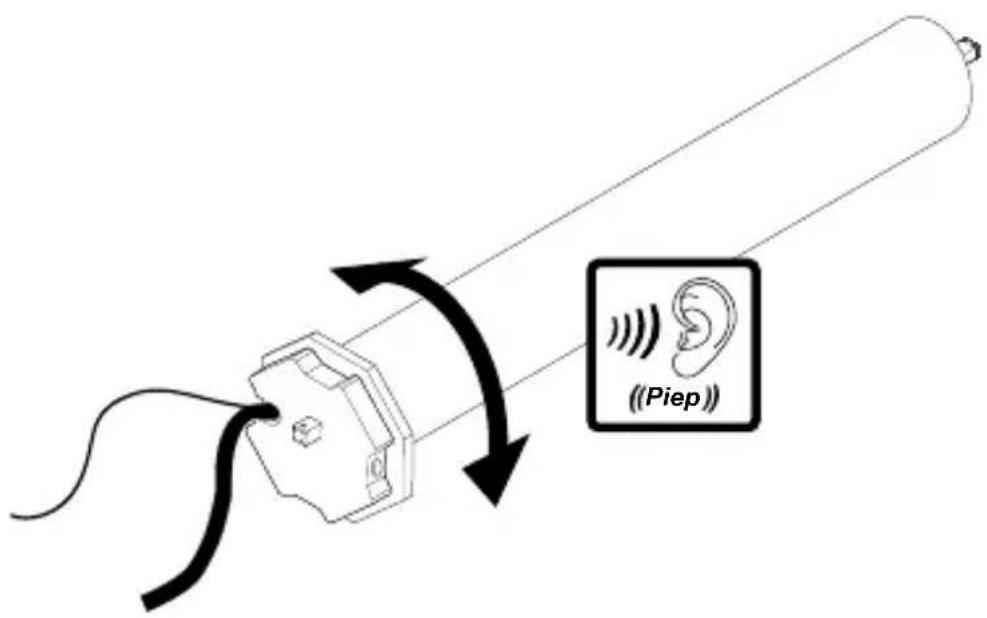
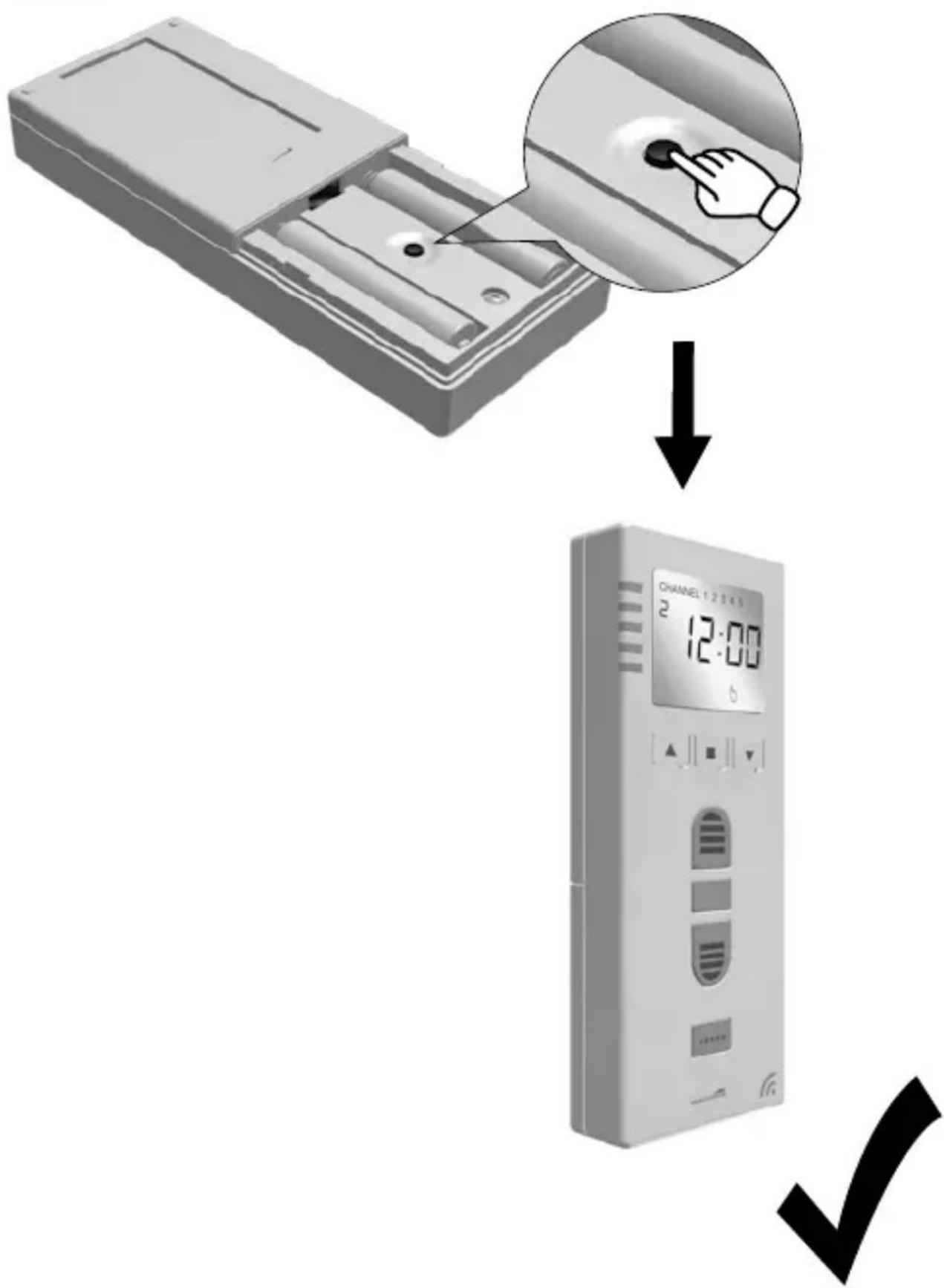
R
61.
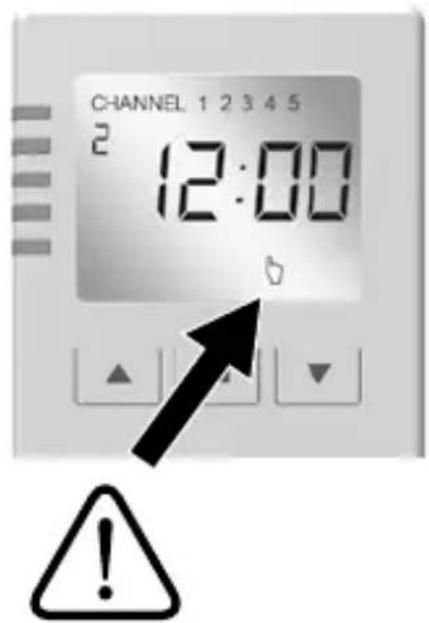
62.
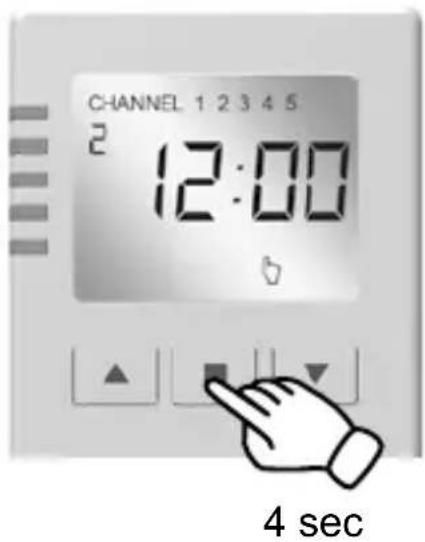
63.
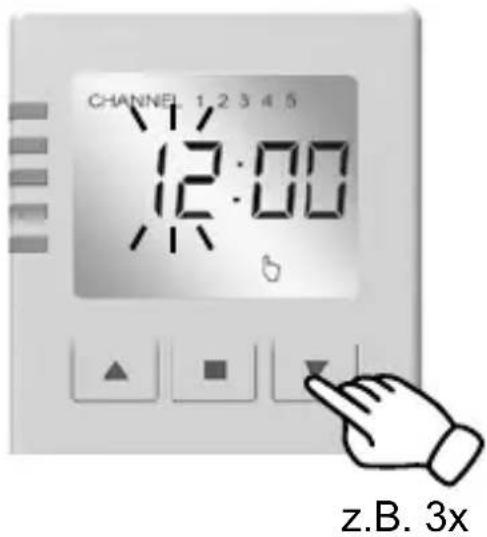
64.
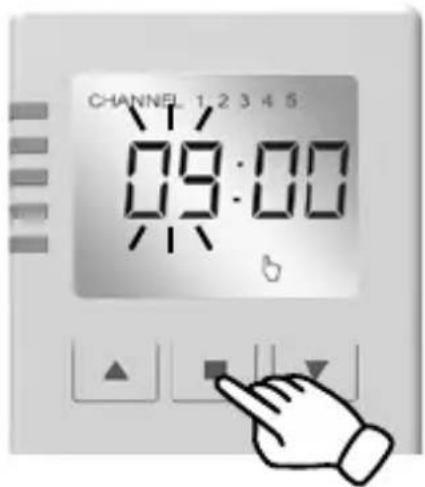
SCHELLENBERG
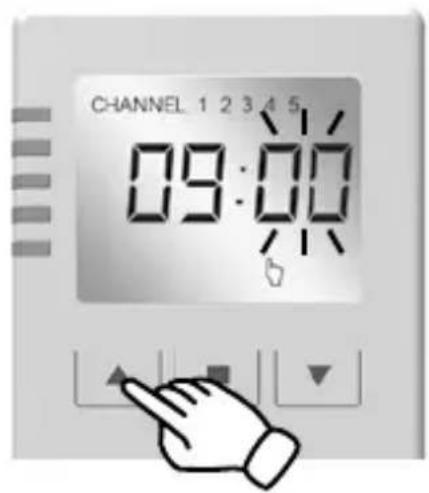
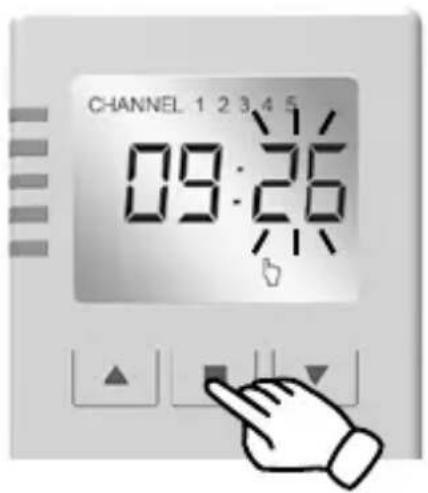
natural_image
Black checkmark symbol on white background (no text or additional symbols)S
73.
1 sec.
74.
T
75.
2 sec.
76.
U
77.
V
79.
W
81.
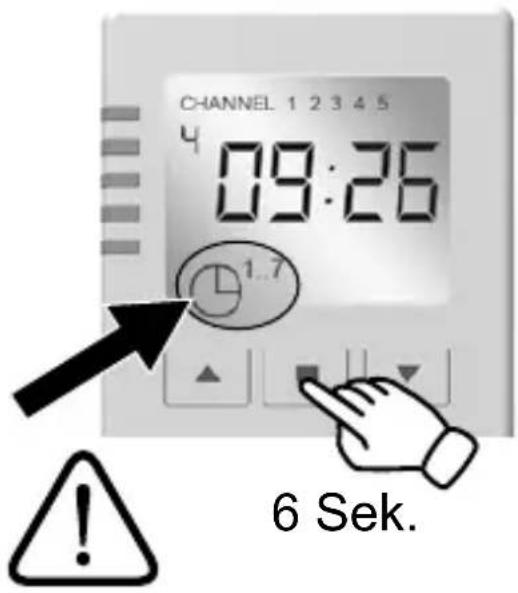
6 sec.
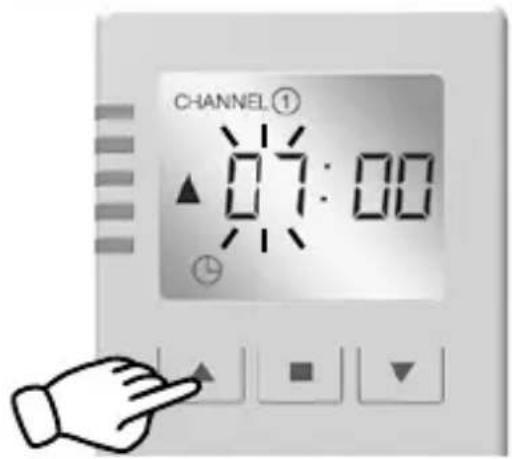
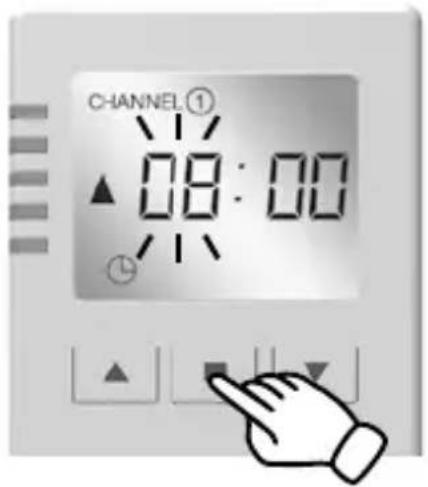
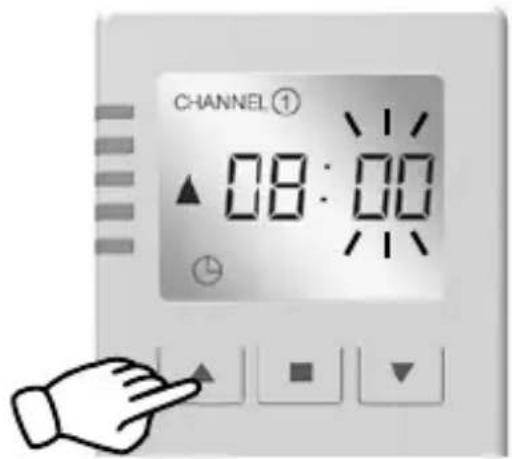
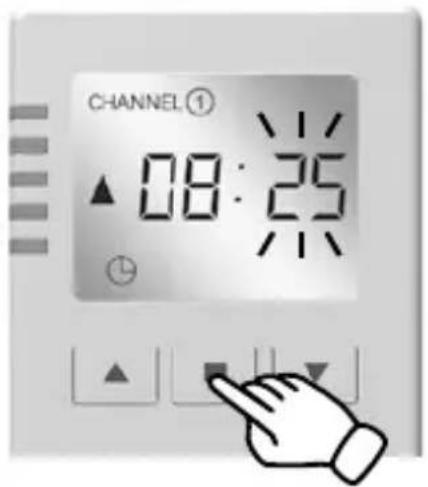
SCHELLENBERG

natural_image
Black checkmark symbol on white background (no text or additional symbols)X
91.
T
natural_image
Hand holding a folded paper or sheet, no text or symbols visible
SCHELLENBERG


flowchart
graph TD
    A["81."] --> B["88."]
Y
93.
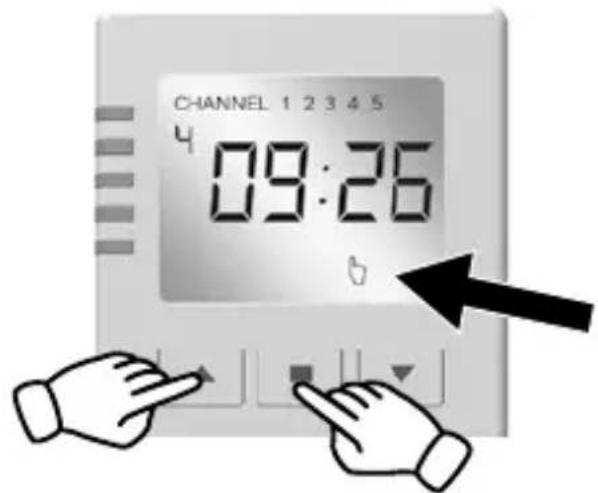
4 sec.
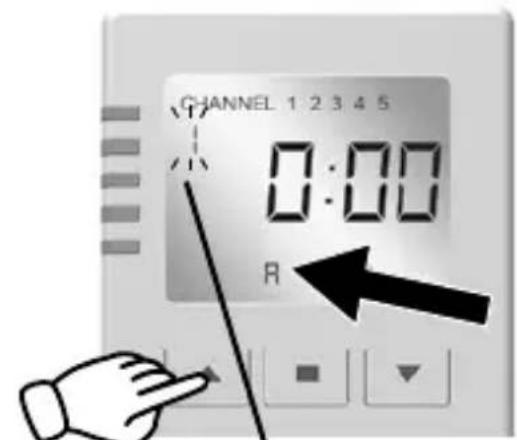


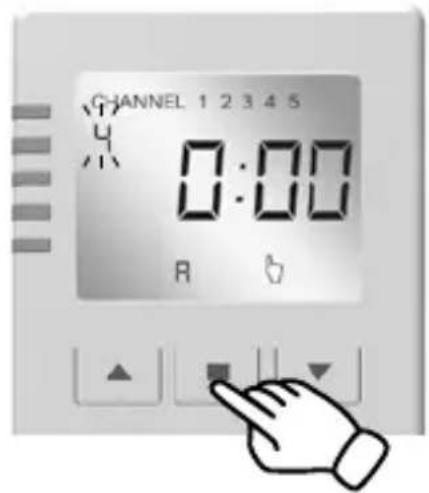
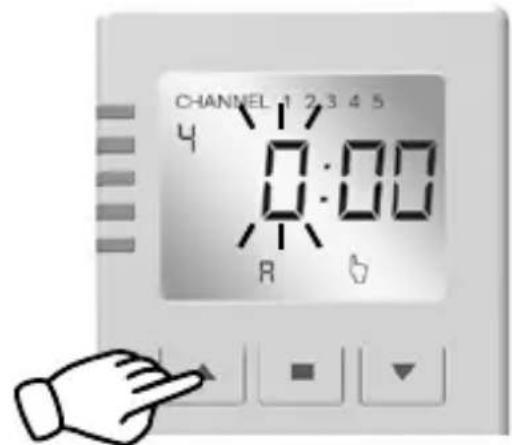
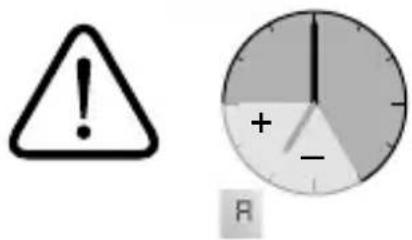
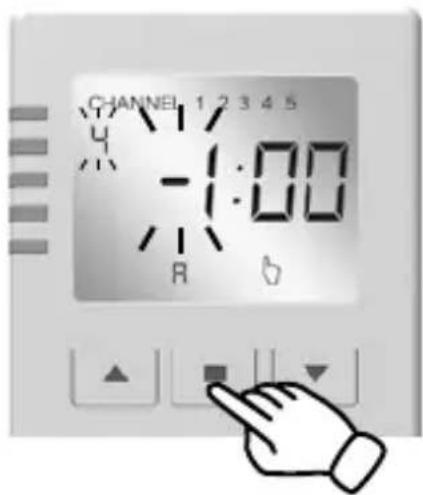
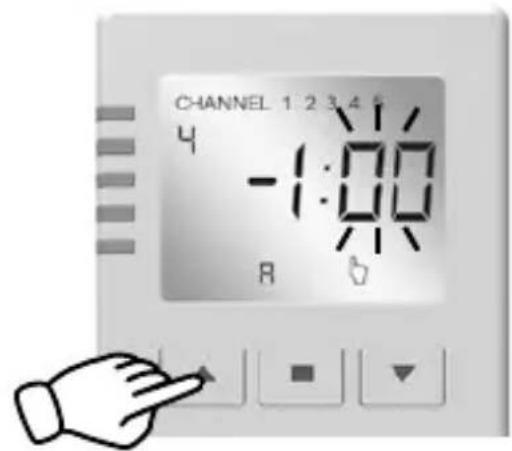
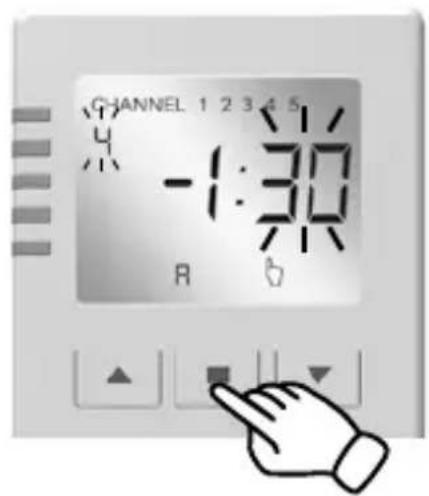
Max.: -1:59 h / +1:59 h
SCHELLENBERG

natural_image
Black checkmark symbol on white background (no text or additional symbols)Z
105.


natural_image
Black checkmark symbol on white background (no text or additional symbols)SCHELLENBERG

natural_image
Blank gray image with no visible content, text, or symbols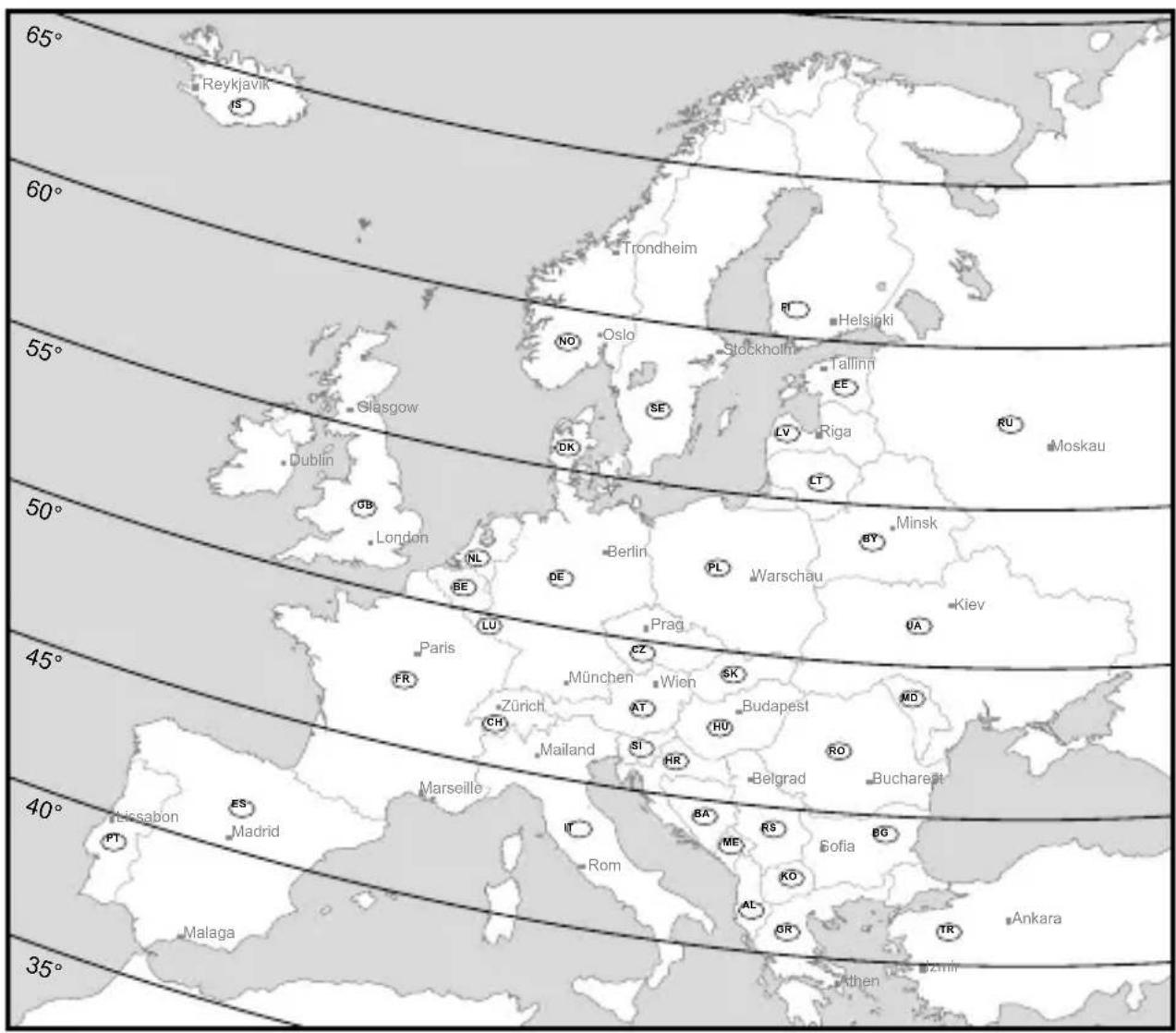
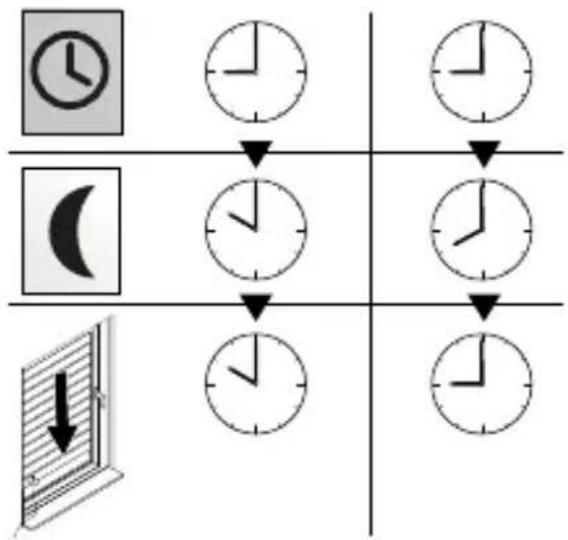
flowchart
graph TD
    A["Hour Clock Icon"] --> B["Hour Clock Icon"]
    C["Minute Icon"] --> D["Hour Clock Icon"]
    E["Second Hour Clock Icon"] --> F["Hour Clock Icon"]
    G["Downward Arrow in Screen"] --> H["Hour Clock Icon"]
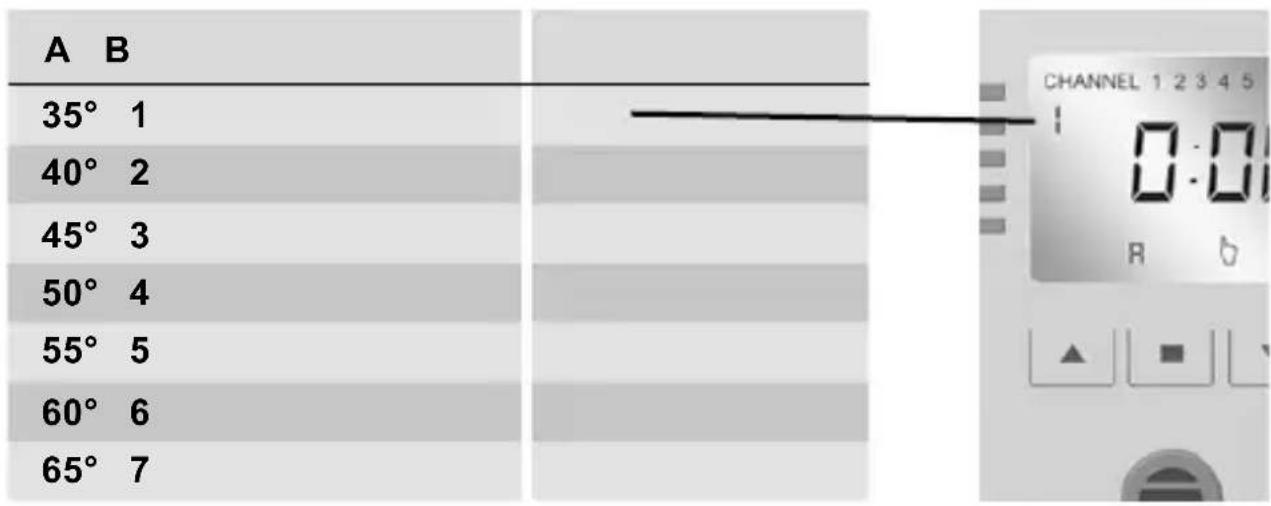
| B | C |
| 1 | ES |
| 2 | PT, ES, IT, AL, KO, GR, TR |
| 3 | FR, CH, IT, SI, HR, BA, HU, RS, RO, ME, KO, BG, TR |
| 4 | GB, FR, BE, NL, DE, CH, AT, CZ, PL, SK, HU, UA, MD, RO, RU |
| 5 | GB, NL, DE, DK, NO, SE, PL, LT, LV, WR, UA, RU |
| 6 | GB, NO, SE, FI, LV, EE, RU |
| 7 | IS, NO, SE, FI, RU |
SCHELLENBERG
For warranty claims, spare parts requests or questions regarding the proper installation of your product, please contact our Consumer Service Department. service.int@schellenberg.de