EasyManual
XENA 35.1162.54 - Weather Station TFA - Free user manual and instructions
Find the device manual for free XENA 35.1162.54 TFA in PDF.



User questions about XENA 35.1162.54 TFA
0 question about this device. Answer the ones you know or ask your own.
Ask a new question about this device
Download the instructions for your Weather Station in PDF format for free! Find your manual XENA 35.1162.54 - TFA and take your electronic device back in hand. On this page are published all the documents necessary for the use of your device. XENA 35.1162.54 by TFA.
USER MANUAL XENA 35.1162.54 TFA
1.5 meters from each other. Avoid being close to possible sources of interfer-
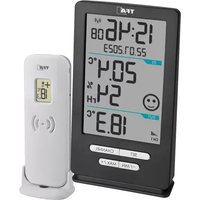
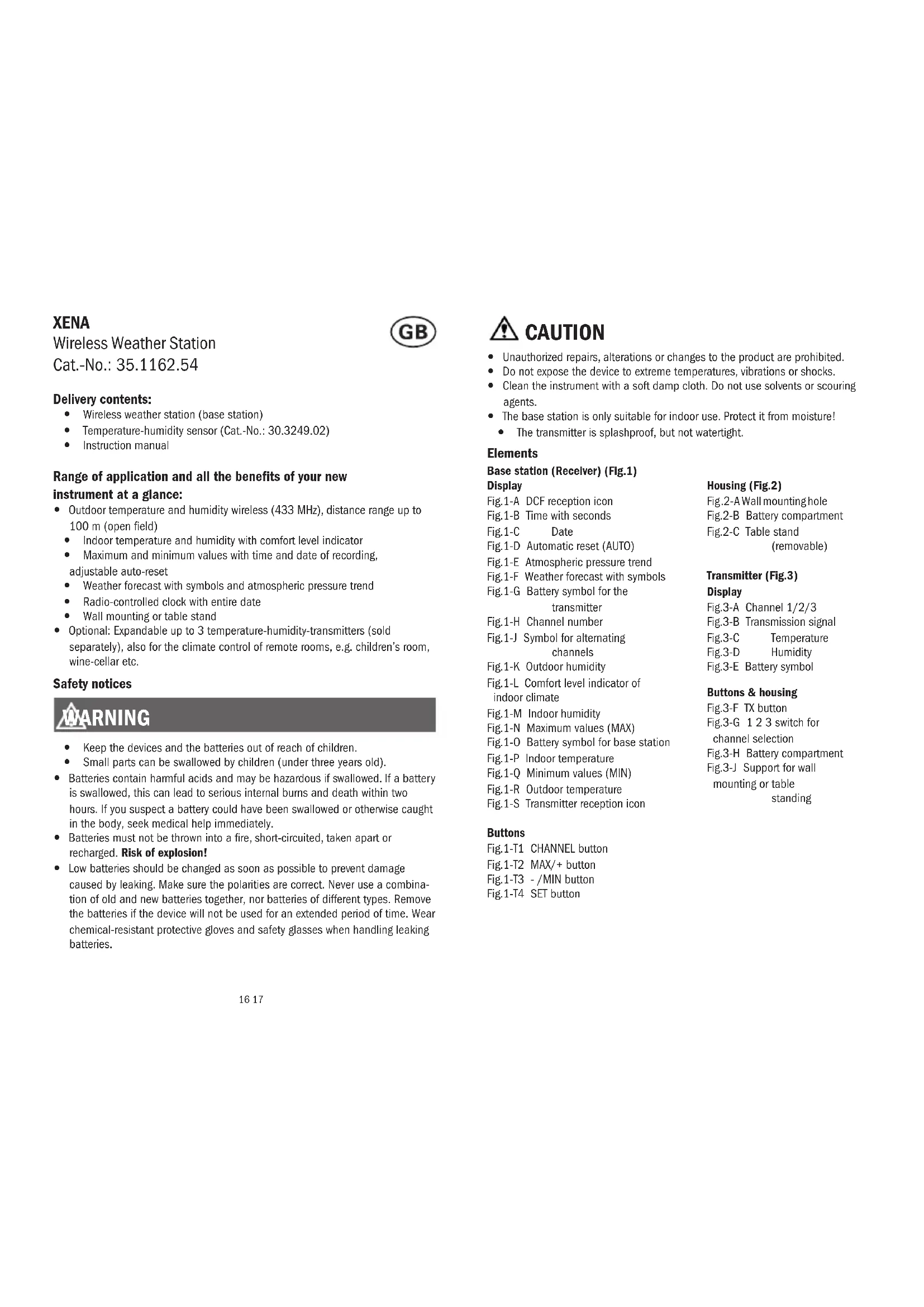
ence such as electronic devices and radio equipment. y Open the battery compartment of the transmitter and insert two new AA 1.5 V batteries, polarity as illustrated. All LCD segments will be displayed for a short moment. y The transmitter’s display shows the current temperature and humidity. The switch is set to channel 1. y Close the battery compartment. y Insert the two new batteries 1,5 V AA into the battery compartment of the base station. Make sure the polarities are correct. y All LCD segments will be displayed for a short moment. y The indoor temperature and humidity appear on the display. Reception of outdoor values y After the batteries are inserted, the outdoor values will be transmitted to the base station. The reception symbol for the transmitter ashes. y If the reception of the outdoor values fails, “- -“ appears on the base station display. Check the batteries and try it again. Check if there is any source of interference. y You can also start the outdoor transmitter search manually later (e.g. if the transmitter is lost or if the batteries are changed). Press and hold the CHANNEL button for three seconds. The last registered transmitter (channel) will be cancelled. y Press the TX button in the transmitter’s battery compartment. y The reception symbol of the transmitter ashes and the base station will scan the outdoor values. Reception of the DCF frequency signal y After the reception of the outdoor values, the clock will now scan the DCF frequency signal and the DCF symbol ashes on the display. y When the time code is successfully received after 3-10 minutes, the radio-con- trolled time and the DCF symbol will be shown steadily on the display. y The DCF reception always takes place at 1:00, 2:00 and 3:00 o’clock in the morning. If the reception was not successfully received, further attempts will be taken at 4:00 and 5:00 o’clock. y You can also activate the DCF reception manually. Press the -/MIN button for 3 seconds. The DCF reception symbol will be ashing. y Press and hold the -/MIN button again for 3 seconds to stop the reception process. The DCF reception symbol disappears. y There are 3 different reception symbols: