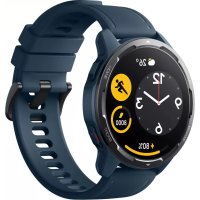
USER MANUAL Watch S1 Active Xiaomi
xiaomi WATCH S1 User Manual .01
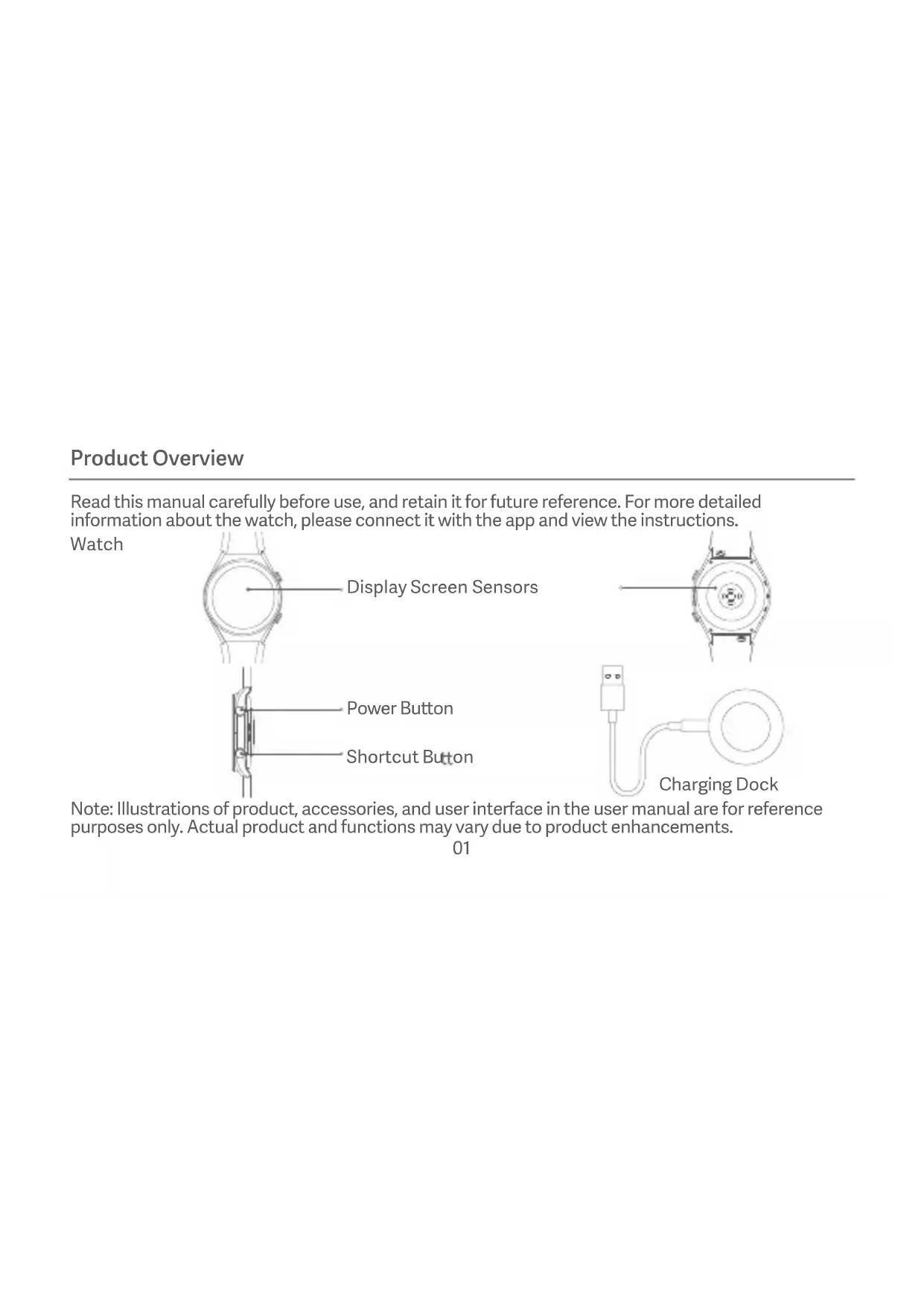
Read this manual carefully before use, and retain it for future reference. For more detailed information about the watch, please connect it with the app and view the instructions.
Watch
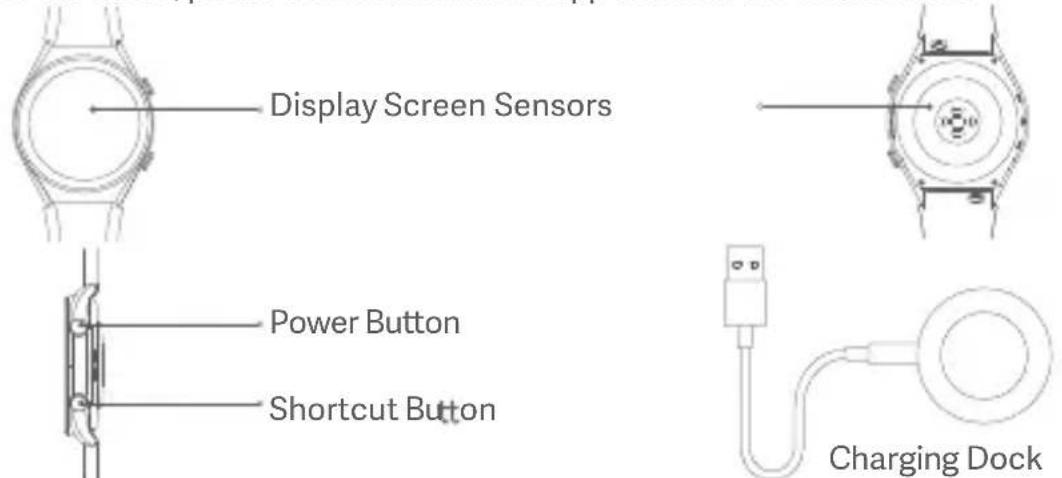
Note: Illustrations of product, accessories, and user interface in the user manual are for reference purposes only. Actual product and functions may vary due to product enhancements.
How to Connect
Download and install the app to better manage your watch, and log in to your Xiaomi account for more services. Note: The version of the app might have been updated, please follow the instructions based on the current app version.
-
Press and hold the function button to turn on the watch. Scan the QR code displayed on the watch with your phone, then download and install the app. You can also download and install the app from app stores.
-
Open the app, then log in your Xiaomi account. Select Add device and follow the instructions to add your watch.
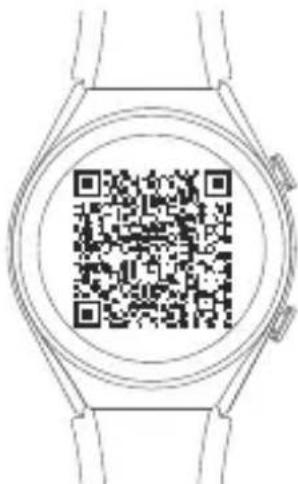
Scan the QR code to download the app
Pairing
When an identical pairing code is displayed on both the phone and the watch, tap Pair to complete the pairing.
Notes:
with your phone.
pairing request in the notifications of the phone.
use, please press and hold the function button of the watch for approximately 3 seconds to restore it to factory settings, then try again.
How to Use
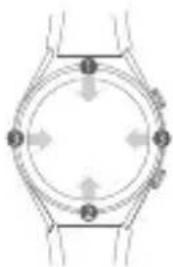
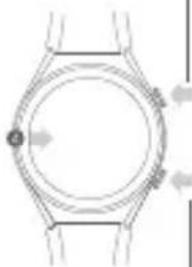
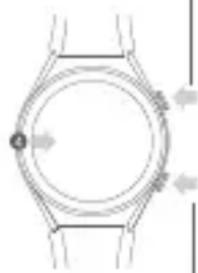
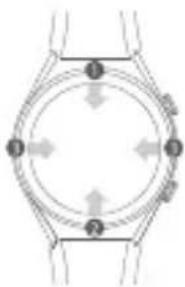
View notifications: Swipe down from the top on the home screen
② Open control panel: Swipe up from the bottom on the home screen
3 Switch widget: Swipe left or right when on the home screen page
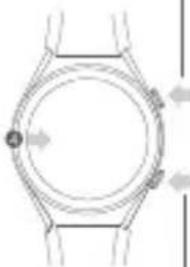
4 Go back: Swipe from the left edge to the right when on other screen pages
natural_image
Diagram of a circular mechanical or electrical component with four directional arrows indicating rotation or force directions (no text or symbols)
natural_image
Diagram of a wristwatch with circular dial and wrist strap, showing directional arrows (no text or labels)
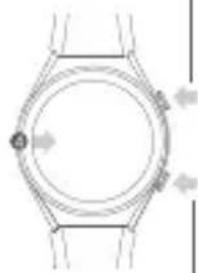
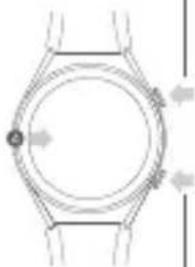
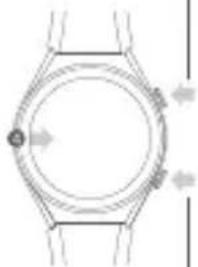
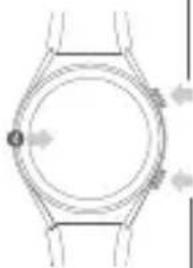
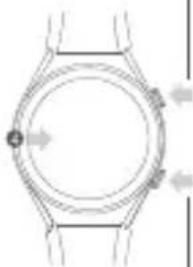
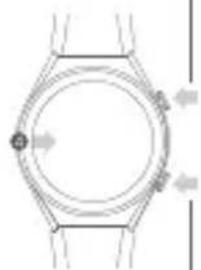
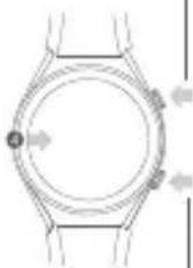
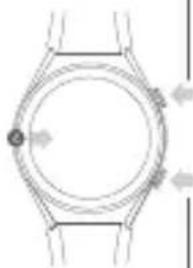
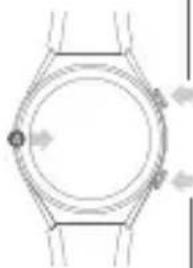
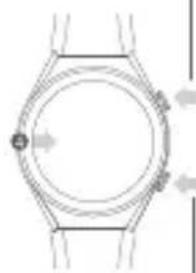
Turn on the watch. When the watch is on, the screen will show the options to turn off, restart and restore to the factory settings.
Force restart.
Enter the function list.
to the home screen.
Shortcut Button
Enter the shortcut function (workout list by default).
GPS & A-GPS
The watch supports the Global Position System (GPS) tracking. When you do outdoor exercises like running, the GPS will automatically start working and notify you when the positioning is successful, and quit tracking once you stop exercises. The open field outdoor is the best place for the GPS tracking; whereas when you are in a dense crowd, raising your arm up can better help GPS to the positioning. It is recommended to start your workout only when the GPS starts working. The watch has an Assisted GPS (A-GPS) feature which can accelerate GPS positioning via the data directly from the GPS satellites. Make sure your watch is connected with the phone via the Bluetooth, the data can be automatically synchronized from app to your watch, and the A-GPS data automatically updated as well. In case the data has not been synchronized for seven consecutive days, the A-GPS data will expire. If so, the positioning information will need to be re-acquired. You can go to the page of outdoor exercises on your watch to update the positioning information.
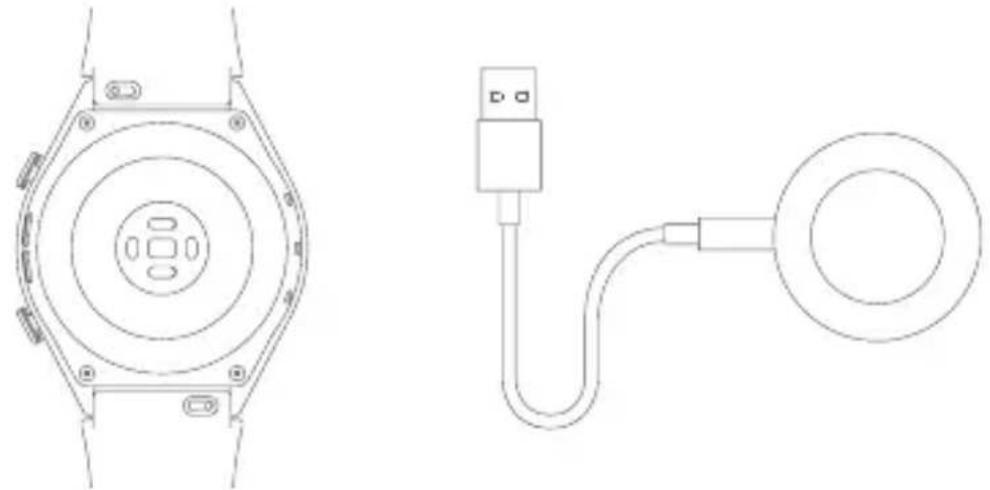
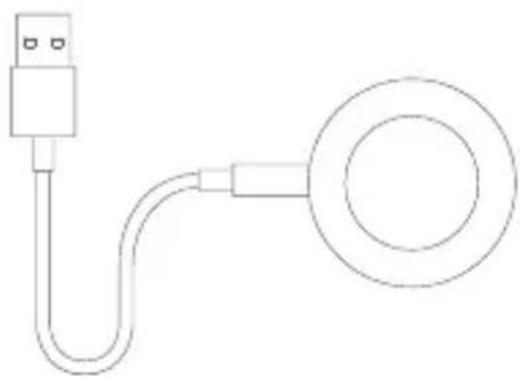
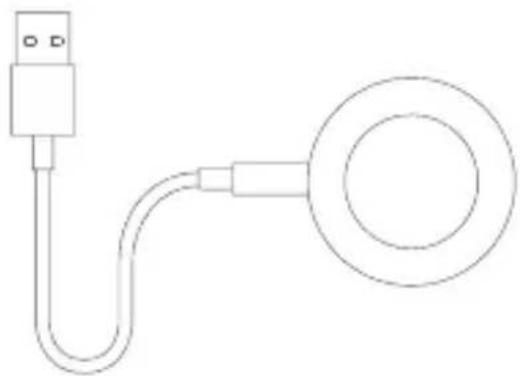
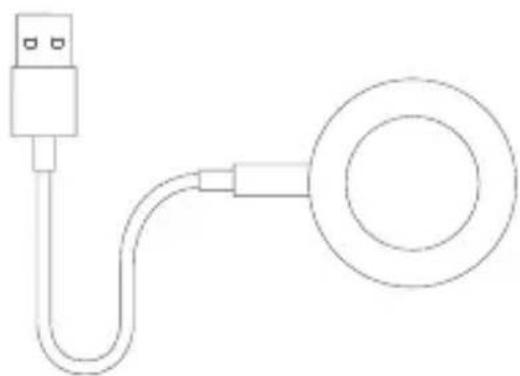
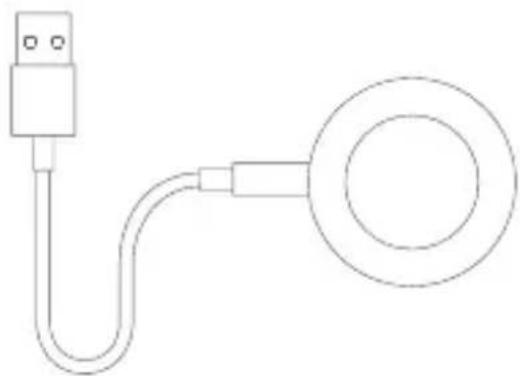
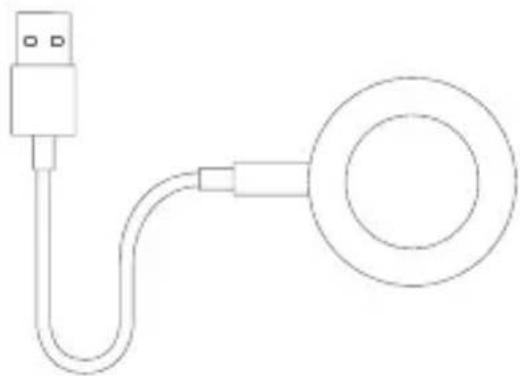
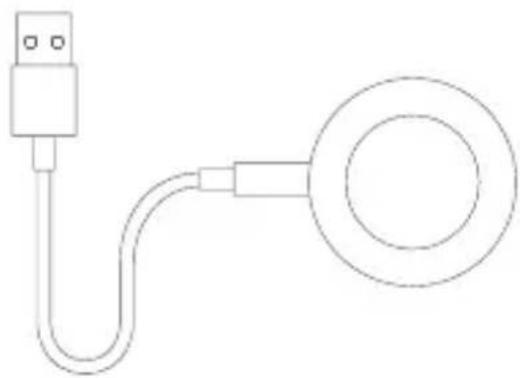
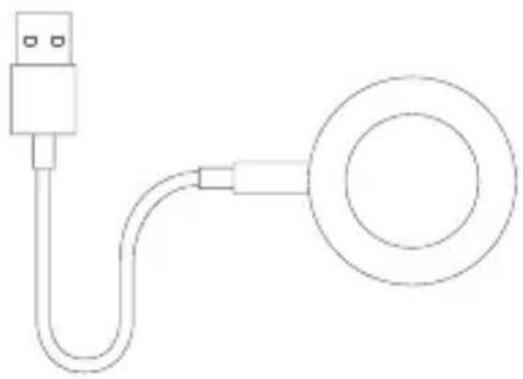
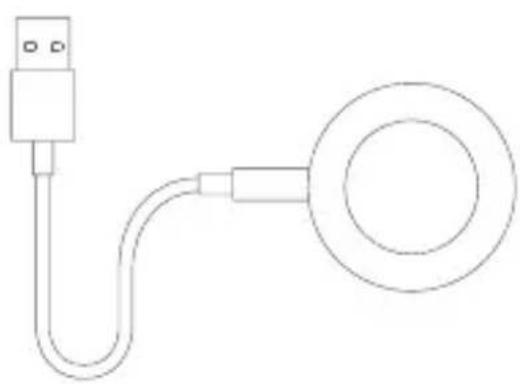
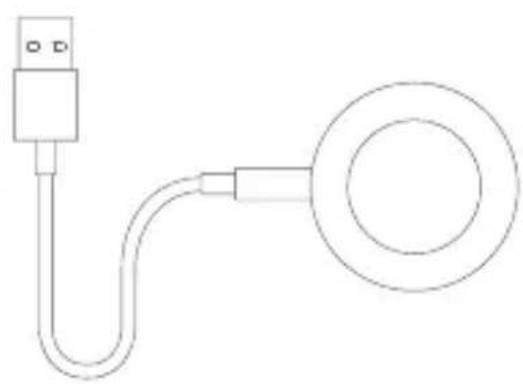
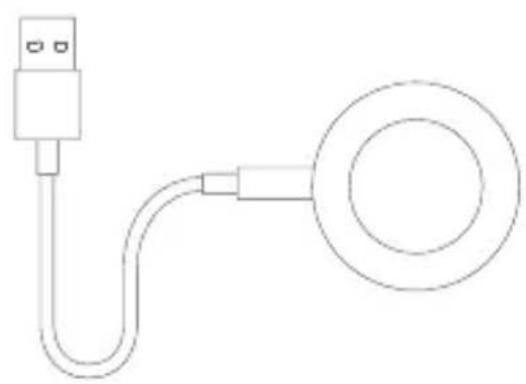
Charging
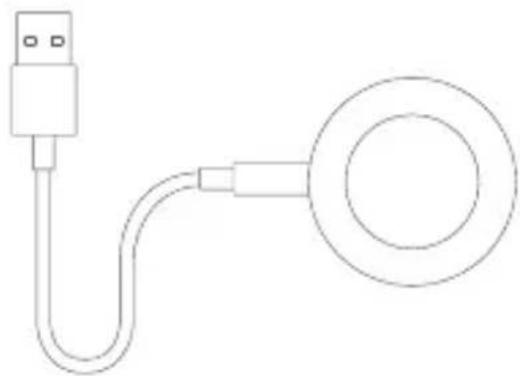
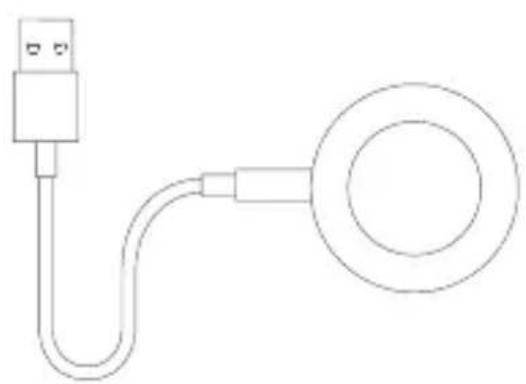
Recharge your band immediately when the battery level is low.
natural_image
Technical line drawing of a smartwatch and its connected cable (no text or symbols)
Safety Precautions
bone. Adjust the strap to ensure the heart rate sensor can collect data normally.
while swimming near the shore, or during other shallow-water activities. However, It cannot be used in hot showers, sauna, or diving. Furthermore, remember to avoid the watch being directly impacted by swift currents during water sports. The water-resistant function is not permanent and may decline over time.
with water, use a soft cloth to wipe away excess water from its surface before use.
with water. Immediately stop using the watch and seek medical assistance if the contact area on your skin shows signs of redness or swelling.
the local safety standards or certified and supplied by qualified manufacturers.
power adapter or charging dock with wet hands. Do not expose the power adapter, charging dock, and watch to rain or other liquids.
^ C to 45^ C. If the ambient temperature is too high or too low, the
watch may malfunction.
the battery by yourself. Only the authorized service providers can replace the battery; otherwise, it will cause potential dangers even personal injuries if a wrong type of battery is used.
any swelling or fluid leakage.
for diagnosis, treatment, and prevention of diseases.
by the children, keep the watch out of the reach of children.
dry place. Recharge the watch at least once every 3 months.
laws or regulations.
the leakage of flammable liquid or gas.
liquid or gas.
charging cable cannot be used to charge other products, nor can it be used with chargers that exceed the input specifications.
leakage of corrosive electrolyte etc).
Specifications
Name: Xiaomi Watch S1
Model: M2112W1
Wireless Connectivity: Bluetooth® 5.2, Wi-Fi IEEE
802.11b/g/n 2.4 GHz
Battery Capacity: 470 mAh
Water Resistance: 5 ATM
Watch Net Weight: 69 g (Including strap)
Strap Materials: Calfskin leather/Fluorine rubber
Input Current: 1 A
Input Voltage: 5 V =
= The symbol indicates DC voltage
Wireless Charging Operating Frequency:
Wi-Fi Operation Frequency: 2400–2483.5 MHz
Wi-Fi Maximum Output Power: <20 dBm
Bluetooth Operation Frequency: 2400–2483.5 MHz
Bluetooth Maximum Output Power: <13 dBm
Maximum Output Power: -16.95 dBuA/m@10m
Operating Temperature: 0°C to 45°C
Compatible with: This watch only supports certain
Android or iOS systems. For detailed information,
www.mi.com or consult sales/customer service staff before purchasing.
This equipment has been tested and meets applicable limits for radio frequency (RF) exposure. Specific Absorption Rate (SAR) refers to the rate at which the body absorbs RF energy. SAR limits depend on whether this equipment is used against the head or on the wrist. The SAR limit is 2.0 watts per kilogram averaged over 10 grams of tissue for use against the head and 4.0 watts per kilogram averaged over 10 grams of tissue for use on the wrist. During testing, this equipment radios are set to their highest transmission levels and placed in positions that simulate use next to the mouth, with 5 mm separation, and on the wrist, with no separation. When placing this equipment near your mouth, keep at least 5 mm of separation to ensure exposure levels remain at or below the as-tested levels.
After testing, the highest SAR values are as follows:
Next to the mouth: 0.147 W/kg
Wrist: 0.222 W/kg
The Bluetooth® word mark and logos are registered trademarks owned by Bluetooth SIG, Inc. and any use of such marks by Xiaomi Inc. is under license. Other trademarks and trade names are those of their respective owners.
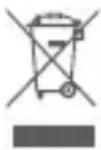
All products bearing this symbol are waste electrical and electronic equipment (WEEE as in directive 2012/19/EU) which should not be mixed with unsorted household waste. Instead, you should protect human health and the environment by handing over your waste equipment to a designated collection point for the recycling of waste electrical and electronic equipment, appointed by the government or local authorities. Correct disposal and recycling will help prevent potential negative consequences to the environment and human health. Please contact the installer or local authorities for more information about the location as well as terms and conditions of such collection points.

compliance with Directive 2014/53/EU. The full text of the EU declaration of conformity is available at the following internet address:
http://www.mi.com/global/service/support/ declaration.html
For regulatory information, product certification, and compliance logos related to the Xiaomi Watch S1, please go to Settings >About Watch>Regulatory.
WARRANTY NOTICE
As a Xiaomi consumer, you benefit under certain conditions from additional warranties. Xiaomi offers specific consumer warranty benefits which are in addition to, and not instead of, any legal warranties provided by your national consumer law. The duration and conditions related to the legal warranties are provided by respective local laws. For more information about the consumer warranty benefits, please
or otherwise promised by Xiaomi, the after-sales services shall be limited to the country or region of the original purchase. Under the consumer warranty, to the fullest extent permitted by law, Xiaomi will, at its discretion, repair, replace or refund your product. Normal wear and tear, force majeure, abuse or damage
vendor who sold the products to you. If in doubt please contact the relevant person as Xiaomi may identify.
Products which were not duly imported and/or were not duly manufactured by Xiaomi and/or were not duly acquired from Xiaomi or a Xiaomi's official seller are not covered by the present warranties. As per applicable law you may benefit from warranties from the non-official retailer who sold the product. Therefore, Xiaomi invites you to contact the retailer from whom you purchased the product. For the information not covered in this quick start guide, please go to www.mi.com For detailed information on the above functions, please scan the QR code or connect the watch with the app to view the instructions.
natural_image
Diagram of a circular mechanical or electrical component with four numbered arrows indicating direction (no text or symbols)
natural_image
Diagram of a wristwatch with directional arrows indicating movement or force (no text or symbols)
Botón de encendido
natural_image
Technical line drawing of a mechanical component with concentric circles and mounting brackets (no text or symbols)
natural_image
Simple line drawing of a USB cable with a circular connector (no text or symbols)
http://www.mi.com/global/service/support/declaration.html
natural_image
Diagram of a wristwatch with directional arrows indicating movement or force (no text or symbols)
natural_image
Technical line drawing of a mechanical device with concentric circular components and mounting holes (no text or symbols)
natural_image
Simple line drawing of a USB cable with a ring connector (no text or symbols)
natural_image
Diagram of a circular mechanical or electrical component with four numbered components and directional arrows (no text or symbols)
natural_image
Diagram of a wristwatch with circular dial and directional arrows indicating motion (no text or symbols)
Ein-/Aus-Taste
natural_image
Technical line drawing of a mechanical component with concentric circular features and mounting brackets (no text or symbols)
natural_image
Simple line drawing of a USB cable with a circular connector (no text or symbols)
Sicherheitshinweise
natural_image
Diagram of a wristwatch with circular dial and directional arrows indicating motion (no text or symbols)
natural_image
Technical line drawing of a mechanical component with concentric circular features and mounting holes (no text or symbols)
natural_image
Simple line drawing of a USB cable with a circular connector (no text or symbols)
http://www.mi.com/global/service/support/declaration.html
natural_image
Diagram of a wristwatch with circular dial and directional arrows indicating movement (no text or symbols)
Кнопка питания
natural_image
Technical line drawing of a mechanical component with concentric circular features and mounting holes (no text or symbols)
natural_image
Simple line drawing of a USB cable with a circular connector (no text or symbols)
natural_image
Diagram of a circular mechanical or electrical component with numbered components and directional arrows (no text or symbols)

natural_image
Diagram of a wristwatch with circular dial and wrist strap, showing directional arrows (no text or symbols)
Кнопка живлення
natural_image
Technical line drawing of a mechanical component with concentric circular features and mounting holes (no text or symbols)
natural_image
Simple line drawing of a USB cable with a circular connector (no text or symbols)
natural_image
Diagram of a circular mechanical or electrical component with four directional arrows indicating rotation or movement (no text or symbols)
natural_image
Top-down line drawing of a wristwatch with no text or symbols
Przycisk zasilania
http://www.mi.com/global/service/support/declaration.html
Scan de QR-code om de app
Koppelen
natural_image
Diagram of a circular mechanical or electrical component with numbered arrows indicating direction (no text or symbols)
natural_image
Diagram of a wristwatch with directional arrows indicating movement or force (no text or symbols)
Aan-uitknop
natural_image
Technical line drawing of a mechanical component with concentric circular features and mounting brackets (no text or symbols)
natural_image
Simple line drawing of a USB cable with a circular connector (no text or symbols)
http://www.mi.com/global/service/support/declaration.html
natural_image
Diagram of a circular mechanical or electrical component with numbered components (no text or symbols)
natural_image
Diagram of a wristwatch with circular dial and directional arrows indicating movement (no text or symbols)
natural_image
Technical line drawing of a mechanical component with concentric circles and mounting holes (no text or symbols)
natural_image
Simple line drawing of a USB cable with a circular connector (no text or symbols)
Nome: Smartwatch Xiaomi Watch S1
Modelo: M2112W1
2,4 GHz
http://www.mi.com/global/service/support/declaration.html
natural_image
Diagram of a circular mechanical or electrical component with numbered arrows indicating direction (no text or symbols)
natural_image
Diagram of a wristwatch with circular dial and directional arrows indicating movement (no text or symbols)
natural_image
Technical line drawing of a mechanical component with concentric circles and mounting holes (no text or symbols)
natural_image
Simple line drawing of a USB cable with a circular connector (no text or symbols)
Güvenlik Önlemleri
http://www.mi.com/global/service/support/declaration.html
Scan QR-koden for at downloade appen
Parring
natural_image
Diagram of a circular device with numbered arrows indicating rotation or movement (no text or symbols)
natural_image
Diagram of a wristwatch with directional arrows indicating movement or force (no text or symbols)
-Tænd/sluk-knap
natural_image
Diagram of a circular device with four labeled points (1, 2, 3, 4) and directional arrows, no readable text or symbols.
natural_image
Line drawing of a wristwatch with directional arrows indicating movement (no text or symbols)
Strömbrytare
natural_image
Technical line drawing of a smartwatch and its connected cable (no text or symbols)
Säkerhetsåtgärder
== Symbolen anger likström
http://www.mi.com/global/service/support/declaration.html
natural_image
Diagram of a circular mechanical or electrical component with numbered components (no text or symbols)
natural_image
Top-down line drawing of a wristwatch with no text or symbols
Virtapainike
natural_image
Technical line drawing of a mechanical component with concentric circular features and mounting holes (no text or symbols)
natural_image
Simple line drawing of a USB cable with a circular connector (no text or symbols)
Varotoimet
http://www.mi.com/global/service/support/declaration.html
natural_image
Technical diagram showing a smartwatch and connected cable with Ladedokk label (no text or symbols on main components)
natural_image
Diagram of a circular mechanical or electrical component with four numbered arrows indicating clockwise direction (no text or symbols)
natural_image
Diagram of a wristwatch with circular dial and wrist connectors (no text or symbols)
Strømknapp
natural_image
Technical line drawing of a smartwatch and its connected cable (no text or symbols)
= Symbolet angir likestrømsspenning
Driftsfrekvens for trådløs lading: 110–148 KHz
http://www.mi.com/global/service/support/declaration.html
natural_image
Diagram of a circular mechanical or electrical component with four numbered components and directional arrows, no text or symbols present.
natural_image
Line drawing of a wristwatch with no text or symbols
215
Buton de alimentare
http://www.mi.com/global/service/support/declaration.html
natural_image
Diagram of a circular mechanical or electrical component with four labeled points (1, 2, 3, 4) and directional arrows, no readable text or symbols.
natural_image
Diagram of a wristwatch with circular dial and directional arrows indicating motion (no text or symbols)
Κουμπί λειτουργίας
natural_image
Technical line drawing of a mechanical device with concentric circular components and mounting brackets (no text or symbols)
natural_image
Simple line drawing of a USB cable with a circular connector (no text or symbols)
http://www.mi.com/global/service/support/declaration.html
natural_image
Diagram of a circular mechanical or electrical component with numbered components (no text or symbols)
natural_image
Line drawing of a wristwatch with circular dial and wristpin (no text or symbols)
natural_image
Diagram of a circular mechanical or electrical component with numbered arrows indicating direction (no text or symbols)
natural_image
Diagram of a wristwatch with directional arrows indicating movement or force (no text or symbols)
Botão de energia
natural_image
Technical line drawing of a smartwatch and its connected cable (no text or symbols)
natural_image
Line drawing of a wristwatch with circular dial and wrist strap (no text or symbols)
natural_image
Diagram of a circular mechanical or electrical component with four directional arrows, no text or symbols present.
natural_image
Technical line drawing of a mechanical component with concentric circular features and mounting brackets (no text or symbols)
natural_image
Simple line drawing of a USB cable with a circular connector (no text or symbols)
Manufactured by: Xiaomi Communications Co., Ltd.
Address: #019, 9th Floor, Building 6, 33 Xi'erqi Middle Road, Haidian District, Beijing, China, 100085
For further information, please go to www.mi.com
Fabricado por: Xiaomi Communications Co., Ltd.
Dirección: #019, 9th Floor, Building 6, 33 Xi'erqi Middle Road, Haidian District, Beijing, China, 100085
Indirizzo: #019, 9th Floor, Building 6, 33 Xi'erqi Middle Road, Haidian District, Pechino, Cina, 100085
Adresse: #019, 9th Floor, Building 6, 33 Xi'erqi Middle Road, Haidian District, Beijing, China, 100085
Fabricant: Xiaomi Communications Co., Ltd.
Adresse : #019, 9th Floor, Building 6, 33 Xi'erqi Middle Road, Haidian District, Beijing, Chine, 100085
Адрес: #019, 9th Floor, Building 6, 33 Xi'erqi Middle Road, Haidian District, Пекин, Китай, 100085
Producent: Xiaomi Communications Co., Ltd.
Adres: #019, 9th Floor, Building 6, 33 Xi'erqi Middle Road, Haidian District, Pekin, Chiny, 100085
Adres: #019, 9th Floor, Building 6, 33 Xi'erqi Middle Road, Haidian District, Beijing, China, 100085
Morada: #019, 9th Floor, Building 6, 33 Xi'erqi Middle Road, Haidian District, Pequim, China, 100085
Adres: #019, 9th Floor, Building 6, 33 Xi'erqi Middle Road, Haidian District, Pekin, Çin, 100085
Adresse: #019, 9th Floor, Building 6, 33 Xi'erqi Middle Road, Haidian District, Beijing, Kina, 100085
Adress: #019, 9th Floor, Building 6, 33 Xi'erqi Middle Road, Haidian District, Peking, Kina, 100085
Osoite: #019, 9th Floor, Building 6, 33 Xi'erqi Middle Road, Haidian District, Peking, Kiina, 100085
Adresse: #019, 9th Floor, Building 6, 33 Xi'erqi Middle Road, Haidian District, Beijing, Kina, 100085
Adresă: #019, 9th Floor, Building 6, 33 Xi'erqi Middle Road, Haidian District, Beijing, China, 100085
Διεύθυνση: #019, 9th Floor, Building 6, 33 Xi'erqi Middle Road, Haidian District, Πεκίνο, Kíνα, 100085
Adresa: #019, 9th Floor, Building 6, 33 Xi'erqi Middle Road, Haidian District, Beijing, China, 100085
Endereço: #019, 9th Floor, Building 6, 33 Xi'erqi Middle Road, Haidian District, Beijing, China, 100085
9th Floor, Building 6, 33 Xi'erqi Middle,#019:العنوان
100085،Packين،الصين,Road,Haidian District