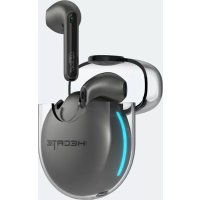
Hecate GM5 - Earplug EDIFIER - Free user manual and instructions
Find the device manual for free Hecate GM5 EDIFIER in PDF.



User questions about Hecate GM5 EDIFIER
0 question about this device. Answer the ones you know or ask your own.
Ask a new question about this device
Download the instructions for your Earplug in PDF format for free! Find your manual Hecate GM5 - EDIFIER and take your electronic device back in hand. On this page are published all the documents necessary for the use of your device. Hecate GM5 by EDIFIER.
USER MANUAL Hecate GM5 EDIFIER
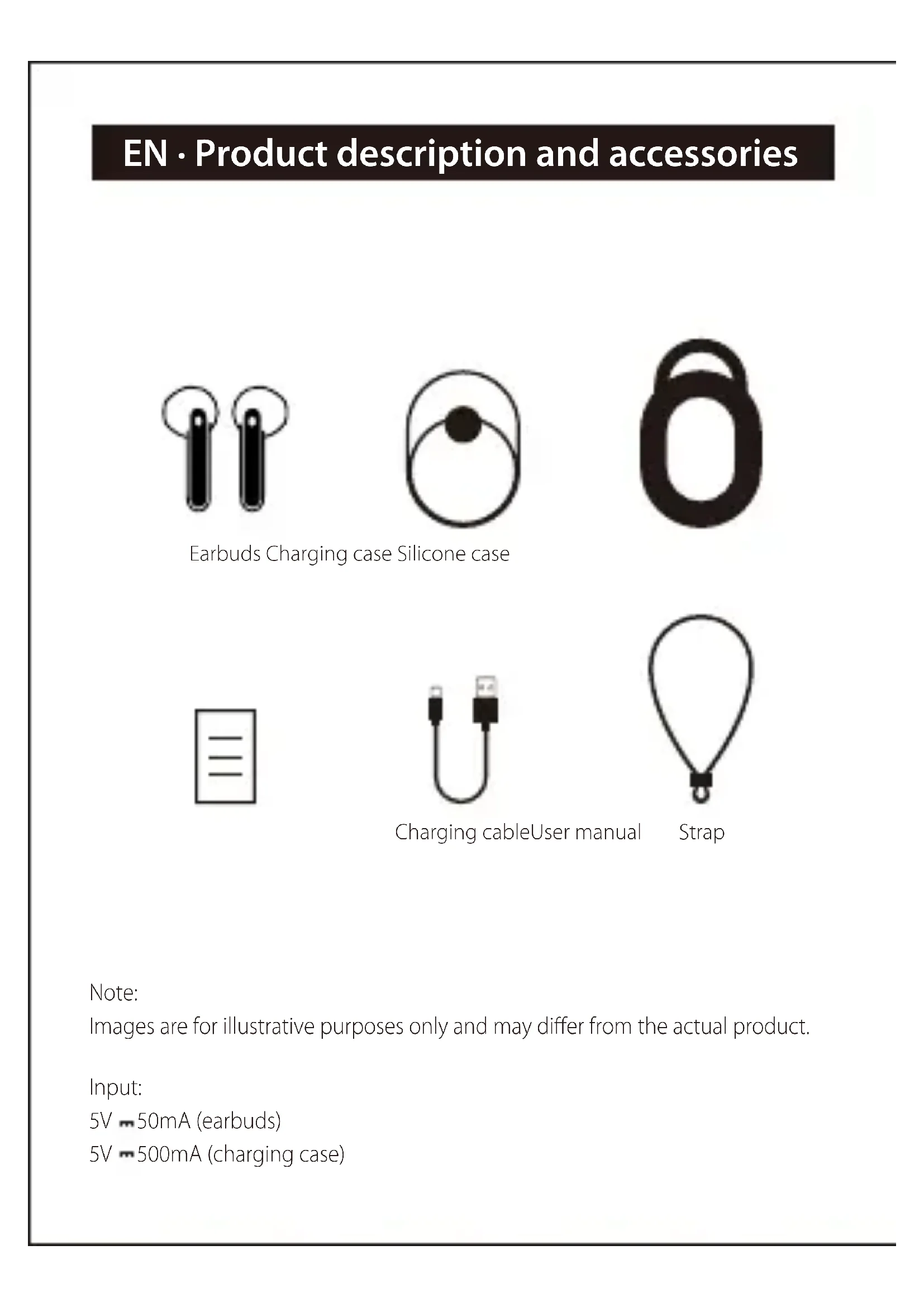
EN·Product description and accessories


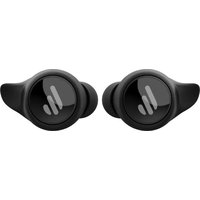
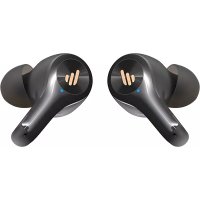
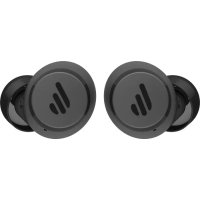
Earbuds Charging case Silicone case
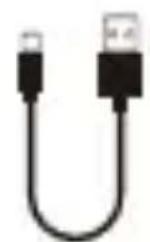
Charging cableUser manual
Strap
Note:
Images are for illustrative purposes only and may differ from the actual product.
Input:
5V - 50mA (earbuds)
5V - 500mA (charging case)
Take earbuds out
Take the earbuds out of the charging case and tear insulating films off.
Charge
For initial use, place the earbuds in the charging case and close the case, then connect the case to power source with the included Type-C charging cable for charging.
- Charge the earbuds
- You may hear a warning tone when the earbuds are at low battery level, please place the earbuds in the case for charging;
- Ice blue indicator steady lit = charging
- Ice blue indicator off = fully charged
- Charge the charging case
- Open the charging case to show its battery level. If red light of the charging case flashes rapidly, it indicates the charging case is at a low battery level, please charge it in time.
- LED light of the charging case flashing = charging
- Three LED lights steady lit = fully charged
Warning: The rechargeable batteries that provide power for this product must be disposed properly for recycling. Do not dispose of batteries in fire to prevent an explosion. If it is not used for long periods of time, please charge the product with lithium battery every three months.
Power on/off
- Automatically
- Power on automatically when taken out of the charging case;
- Power off automatically while placed in the charging case.
Manually
- When powered off, respectively press and hold the touch zones of the left and right earbuds for around 3 seconds to power on;
- When powered on, respectively press and hold the touch zones of the left and right earbuds for around 5 seconds to power off.
Bluetooth connection
- Two earbuds mode
- For initial use, take the earbuds out of the charging case and they will auto-on (the white lights lit for around 2 seconds); then the left and right earbuds will auto-pair with each other, after pairing is successful, the earbuds will enter Bluetooth pairing state
(the white and ice blue lights of the earbuds flashing alternately);
- Set Bluetooth device to search for and connect to "HECATE GM5", after pairing is successful, the indicators of the earbuds will flash once per around 4 seconds.
- One earbud mode
- If use one earbud only, please take the left or right earbud out of the charging case, and refer to the procedures mentioned in "Two earbuds mode" to pair with Bluetooth devices.
- Reconnect automatically
- Take the earbuds out of the charging case, they will auto-connect to the Bluetooth device connected last time.
- When the earbuds are disconnected from Bluetooth device for not at the effective distance, they can auto-connect to the Bluetooth device again if return to the effective distance within 5 minutes.
- TWS pairing of the left and right earbuds
The left and right earbuds have finished TWS pairing before leaving factory. If the wireless connection fails to resume, please follow the steps below to re-pair:
- After powered on, simultaneously double click the touch zones of the left and right earbuds to start TWS pairing(the white lights of the earbuds flashing in a breathing pattern);
- After TWS pairing is done, the earbuds will enter Bluetooth pairing state (the white and ice blue lights of the earbuds flashing alternately).
- Please refer to the procedures mentioned in "Two earbuds mode" to pair with Bluetooth devices again.
Functional operation
Music playback mode
Left earbud
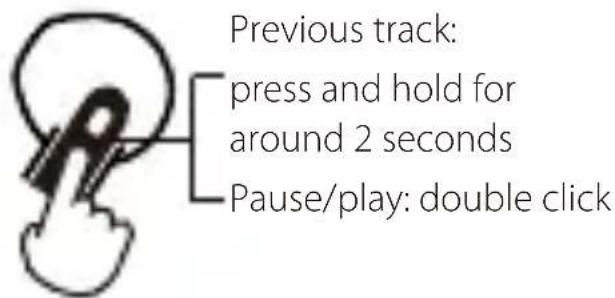
R Right earbud
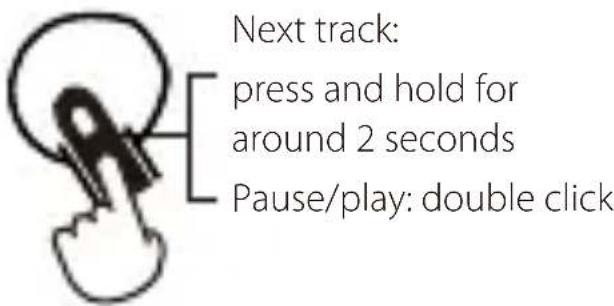
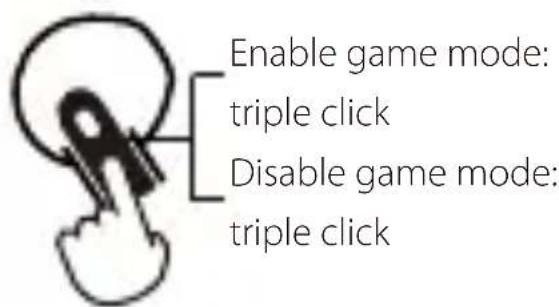
Low-latency game mode
R Right earbud(music mode)
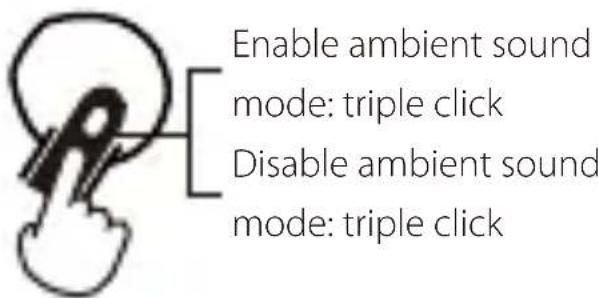
- Enable/disable ambient sound mode
Left earbud
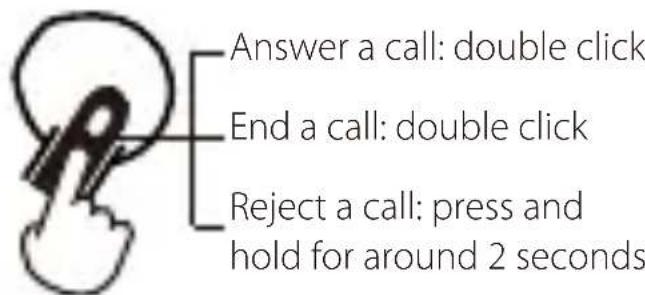
- Call mode
L R Left/right earbud
Voice assistant
Except when you are in a conversation, quadruple click the touch zone of the left earbud to enable the voice assistant function(please ensure the connected Bluetooth device supports this function).
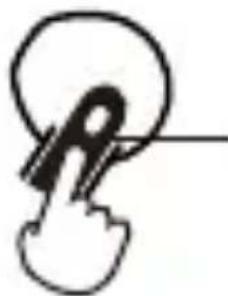
Voice assistant: quadruple click
- Restore to factory settings (use with caution)
- Restoring to factory settings will clear all pairing records of the earbuds.
- When powered off, respectively press and hold the touch zones of the left and right earbuds for 8 seconds; when the indicator is steady lit, double click the touch zone and the indicator flashes twice, then the factory settings have been restored.
- Please refer to the procedures mentioned in "TWS pairing of the left and right earbuds" to complete TWS pairing again.
FAQs
No sound
- Check if the earbuds are operating.
- Check if the earbuds volume are at an appropriate level.
- Check if the earbuds are correctly connected with Bluetooth device.
-
Check if the earbuds are operating within a normal working range.
-
The call quality of the earbuds are not good.
-
Check if Bluetooth device is in an area with strong signal.
-
Please ensure the earbuds are within effective distance (10m) and no obstacle between the earbuds and Bluetooth device.
-
When playing music, cannot control pause/play/previous track/next track via the earbuds.
-
Please ensure the paired Bluetooth device supports AVRCP (Audio/Video Remote Control Profile) profile.
■ Maintenance
- Do not put the product in places exposed to sun or with high temperature. High temperature will shorten service life of electronic components, damage battery and make plastic components deformed.
- Do not put the product in cold places to avoid damaging internal circuit board.
- Do not dismantle the product. Non-professional personnel may damage the product.
- Do not drop, strongly vibrate, strike the product with hard object to avoid damaging internal circuit.
- Do not use drastic chemicals or cleaner to clean the product.
- Do not use sharp objects to scratch product surface to avoid damaging shell and affecting facade.
Model: EDF700006
Editier International Limited
P.O.Box6264
General Post Off Ice
Hong Kong
www.hecategaming.com
Designed by DONGGUAN EDIFIER ESPORTS TECHNOLOGY CO., LTD.
www.edifier.com
©2020 EdifierInternational Limited. All rights reserved.
Printed in China
NOTICE:
For the need of technical improvement and system upgrade, information contained herein may be subject to change from time to time without prior notice.
Products of EDIFIER will be customized for different applications.
Pictures and illustrations shown on this manual may be slightly different from actual product. If any difference is found, the actual product prevails.
Assistant vocal: quadruple cli
Designed by DONGGUAN EDIFIER ESPORTS TECHNOLOGY CO., LTD.
www.edifier.com
Designed by DONGGUAN EDIFIER ESPORTS TECHNOLOGY CO., LTD.
www.edifier.com
Designed by DONGGUAN EDIFIER ESPORTS TECHNOLOGY CO., LTD.
www.edifier.com
Images are for illustrative purposes only and may differ from the actual product.
Ingresso:
5V = 50mA(auricolare)
Designed by DONGGUAN EDIFIER ESPORTS TECHNOLOGY CO., LTD.
www.edifier.com
Functional operation
Designed by DONGGUAN EDIFIER ESPORTS TECHNOLOGY CO., LTD.
www.edifier.com
Editier International Limited
P.O. Box 6264
General Post Office
Hong Kong
www.hecategaming.com
Designed by DONGGUAN EDIFIER ESPORTS TECHNOLOGY CO., LTD.
www.edifier.com
©2020 Edifier International Limited. 禁無斷軸載
印刷:中国