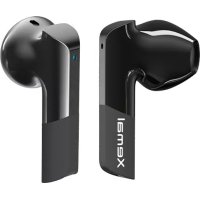
X6 - Earplug EDIFIER - Free user manual and instructions
Find the device manual for free X6 EDIFIER in PDF.



| Product Type | True Wireless Earbuds |
| Model | Edifier X6 |
| Brand | Edifier |
| Connection | Bluetooth |
| Bluetooth Version | 5.0 |
| Supported Audio Codecs | SBC, AAC |
| Earbuds Battery Life | Approximately 5 hours |
| Battery Life with Case | Approximately 20 hours |
| Charging Time | Approximately 1.5 hours |
| Weight per Earbud | 4.5 g |
| Water Resistance | IPX5 |
| Touch Controls | Double-click, triple-click |
| Voice Assistant | Siri / Google Assistant |
| Automatic Pairing | Yes |
| Maintenance | Clean with a soft, dry cloth |
| Safety | Avoid exposure to liquids and extreme temperatures |
| Spare Parts | Available online |
| Repairability | Not user-serviceable, contact customer support |
Frequently Asked Questions - X6 EDIFIER
User questions about X6 EDIFIER
0 question about this device. Answer the ones you know or ask your own.
Ask a new question about this device
Download the instructions for your Earplug in PDF format for free! Find your manual X6 - EDIFIER and take your electronic device back in hand. On this page are published all the documents necessary for the use of your device. X6 by EDIFIER.
USER MANUAL X6 EDIFIER
Please visit EDIFIER website for the full version user manual: www.edifier.com
EN
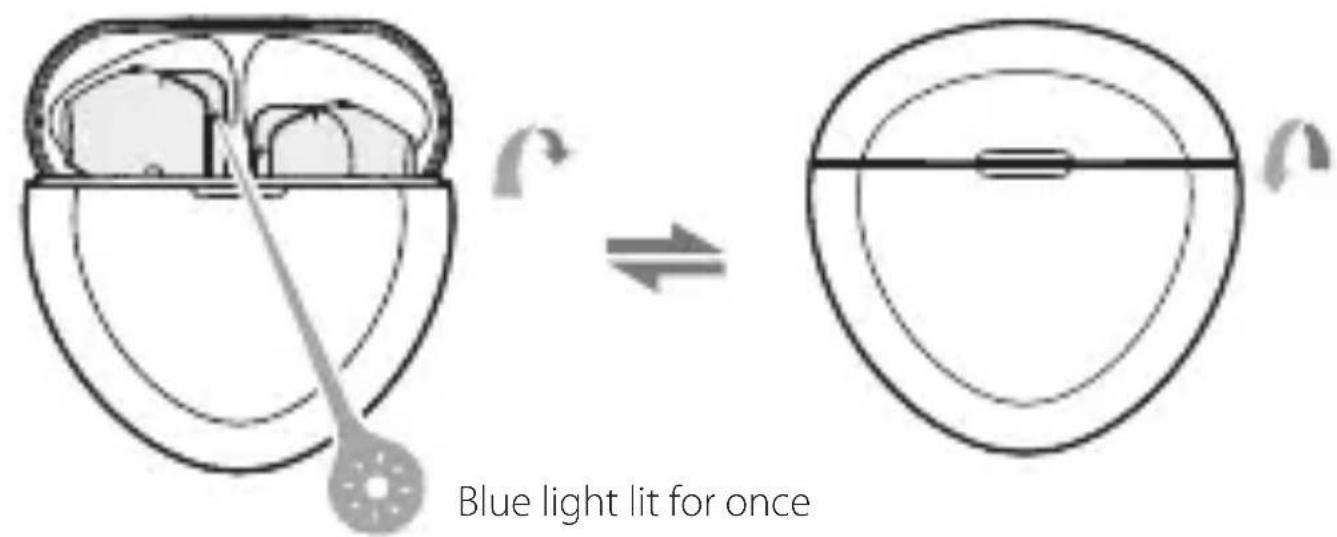
• Power on when taken out of the charging case
• Power off when the charging case is closed.
- Pairing
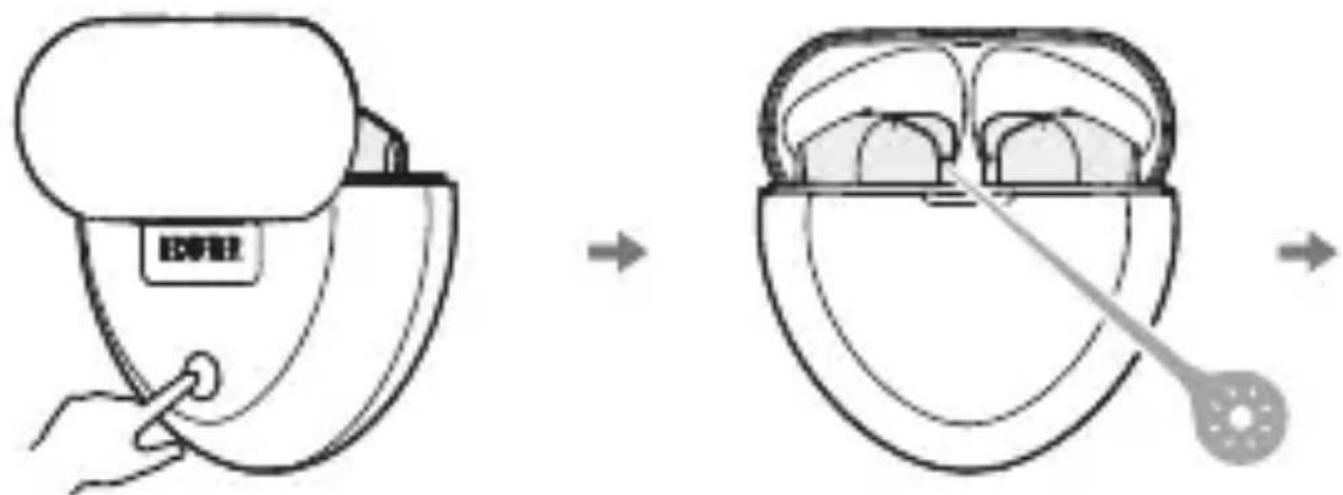
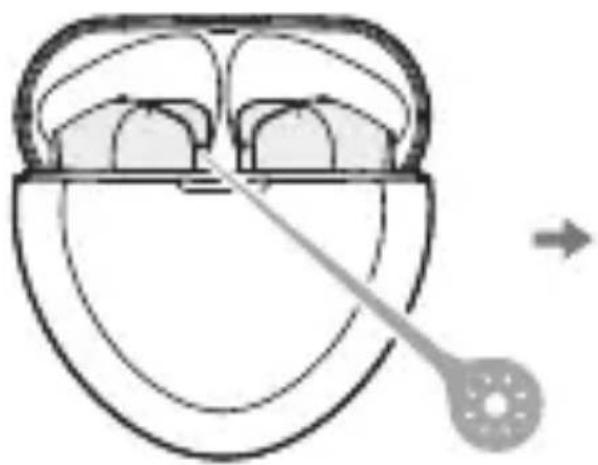
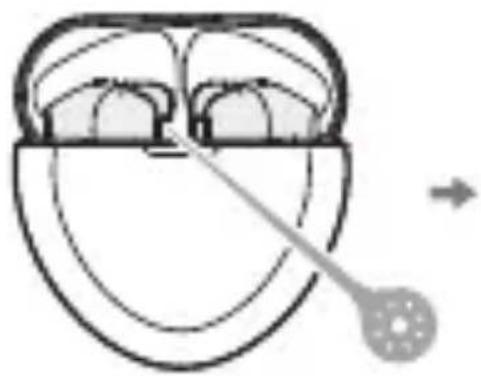
- Place the earbuds in the case, press and hold the pairing button for around 3 seconds to enter Bluetooth pairing.
- Place the earbuds in the case, press and hold the pairing button for around 8 seconds to enter TWS pairing of the left and right earbuds.
- Place the earbuds in the case, press and hold the pairing button for around 12 seconds to clear pairing records.
- Bluetooth pairing: red and blue lights flash rapidly. After pairing is successful: blue light flashes twice in 5 seconds.
• TWS pairing of the left and right earbuds: blue light flashes rapidly.
- Clear pairing records: red light flashes rapidly for 6 times.
![graph LR A["EDIFIER X6 L"] --> B["Device"] C["EDIFIER X6 R"] --> B B --> D["Wireless Device"] D --> E["Music Note"] style A fill:#f9f,stroke:#333 style C fill:#f9f,stroke:#333 style B fill:#ccf,stroke:#333 style D fill:#cfc,stroke:#333 style E fill:#fcc,stroke:#333](/content/2026/04/588920/images/3b545e0995a5de5383c2e45e897b79419c814badd9d1e0ec235338ebc19fd05d.jpg)
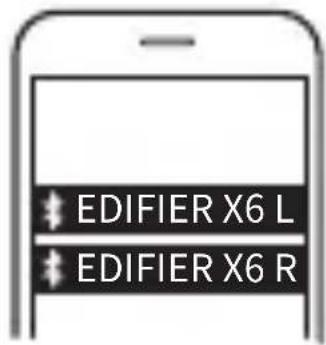
- For initial use, directly take the earbuds out of the charging case, and set mobile phone to search for and connect to the corresponding Bluetooth pairing name as shown in the above picture; For subsequent use, the earbuds will automatically connect to the mobile phone connected last time.
- Tips: After pairing your mobile phone with one earbud, you can repeat the above steps to pair the mobile phone with the other earbud, then you can choose to use either of earbuds.
- Functional operation (same operation for the left and right earbuds)
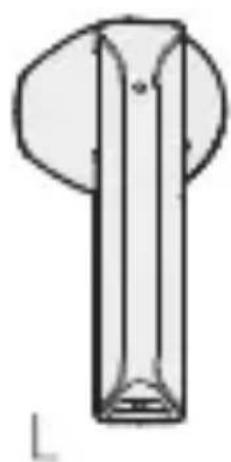
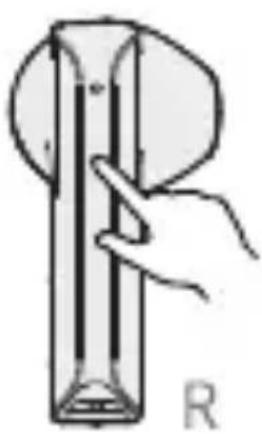

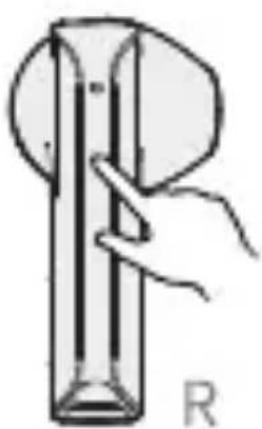
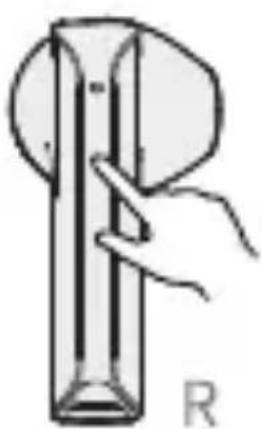
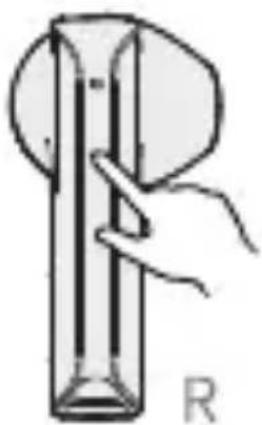
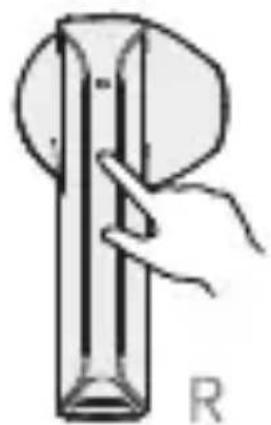
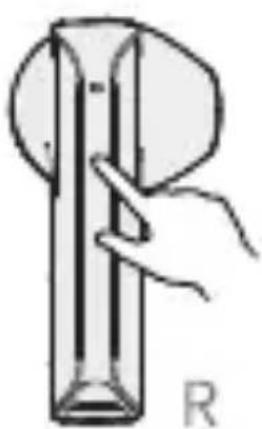
Accept/end a call: double click the left or right earbud

Pause/play: double click the left or right earbud

Voice assistant: triple click the left or right earbud
Note: Images are for illustrative purposes only and may differ from the actual product.
FR
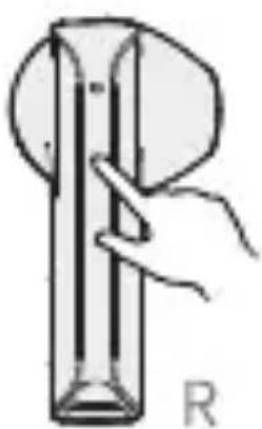






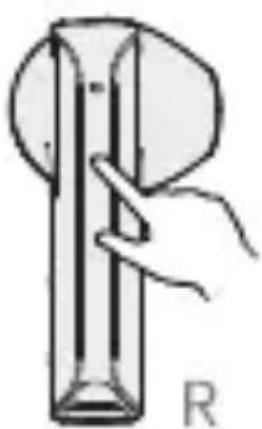

コールを応答/終了する:
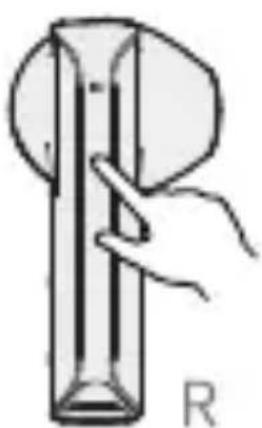


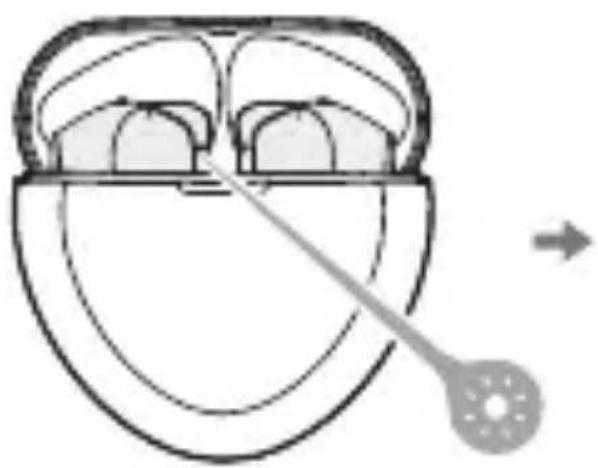
- Ak chcete prejst do stavu párovania cez Bluetooth, slúchadlá do uší vložte do puzdra, stlačte tlačidlo párovania a podržte ho stlačené na 3 sekundy.
- Ak chcete prejst do párovania l'avého a pravého slúchadla do ucha s TWS, vložte ich do puzdra, stlačte tlačidlo párovania a podržte ho stlačené na 8 sekúnd.
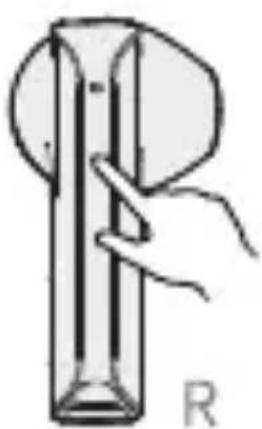






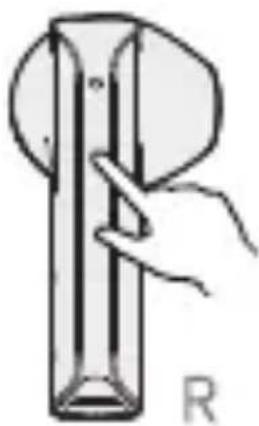
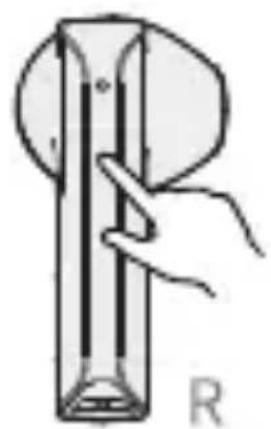

接聽/掛斷 雙擊左耳或右耳

暫停/播放 雙擊左耳或右耳

語音助手 三擊左耳或右耳
注意:
The Bluetooth® word mark and logos are registered trademarks owned by Bluetooth SIG, Inc. and any use of such marks by EDIFIER is under license. Other trademarks and trade names are those of their respective owners.
Declaration for EU
Frequency Band: 2.402GHz \~ 2.480GHz
RF Power Output: ≤20 dBm (EIRP)
There is no restriction of use.
Input: 5V=100mA(Earbuds) 5V=500mA(Charging case)
FCC ID: Z9G-EDF115
IC: 10004A-EDF115
Qualcomm® aptX™

Qualcomm aptX is a product of Qualcomm Technologies, Inc. and/or its subsidiaries.
Qualcomm is a trademark of Qualcomm Incorporated, registered in the United States and other countries.
aptX is a trademark of Qualcomm Technologies International, Ltd., registered in the United States and other countries.
Model: EDF200021
Edif ier International Limited
P.O. Box 6264
General Post Office
Hong Kong
www.edifier.com
© 2021 Edifier International Limited. All rights reserved.
Printed in China
NOTICE:
For the need of technical improvement and system upgrade, information contained herein may be subject to change from time to time without prior notice.
Products of EDIFIER will be customized for different applications.
Pictures and illustrations shown on this manual may be slightly different from actual product. If any difference is found, the actual product prevails.
V1.1 IB-200-X00060-03

@Edifierglobal

@Edifier_Global

@Edifier_Global
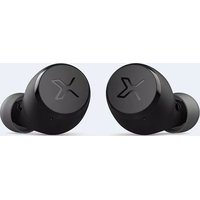
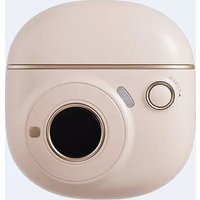
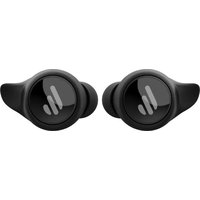
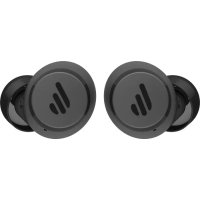
Brand : EDIFIER
Model : X6
Category : Earplug