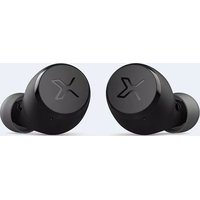
X3 - Earplug EDIFIER - Free user manual and instructions
Find the device manual for free X3 EDIFIER in PDF.


| Product Type | True Wireless Stereo Earbuds |
| Model | Edifier X3 |
| Driver Unit | 6mm dynamic driver |
| Frequency Response | 20Hz - 20kHz |
| Impedance | 24Ω |
| Bluetooth Version | 5.0 |
| Bluetooth Profile | A2DP, AVRCP, HFP, HSP |
| Audio Codec | aptX, SBC |
| Battery Life (Earbuds) | Up to 6 hours (earbuds) |
| Battery Life with Charging Case | Up to 24 hours total |
| Charging Time (Earbuds) | 1.5 hours |
| Charging Time (Case) | 2 hours (USB-C) |
| Battery Capacity (Earbuds) | 60mAh each |
| Battery Capacity (Case) | 500mAh |
| Water Resistance | IP54 (splash and dust resistant) |
| Microphone | Built-in with cVc 8.0 noise cancellation |
| Controls | Touch controls (play/pause, volume, calls, voice assistant) |
| Weight (Earbuds) | 5.4g each |
| Weight (Charging Case) | 38g |
| Dimensions (Earbuds) | 36.8 x 23.2 x 21.5 mm |
| Dimensions (Case) | 60 x 34 x 38 mm |
| Color Options | Black, White |
| Warranty | 1 year |
| Compatibility | iOS and Android devices |
Frequently Asked Questions - X3 EDIFIER
User questions about X3 EDIFIER
0 question about this device. Answer the ones you know or ask your own.
Ask a new question about this device
Download the instructions for your Earplug in PDF format for free! Find your manual X3 - EDIFIER and take your electronic device back in hand. On this page are published all the documents necessary for the use of your device. X3 by EDIFIER.
USER MANUAL X3 EDIFIER
EN · Product Description and Accessories

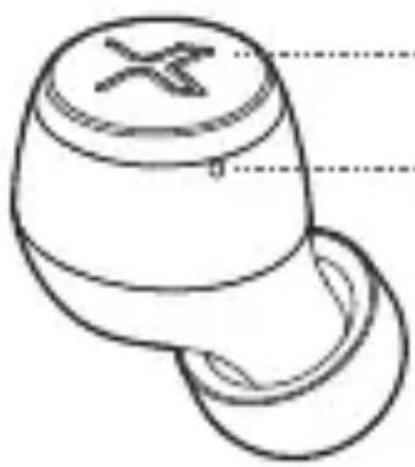
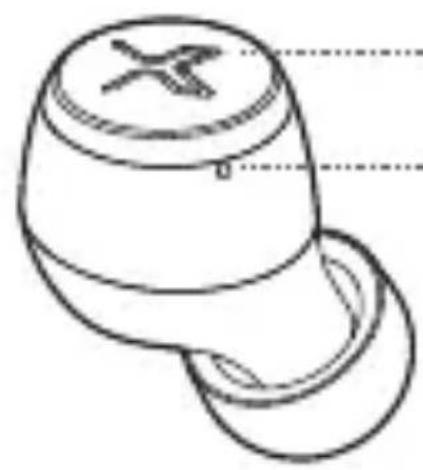
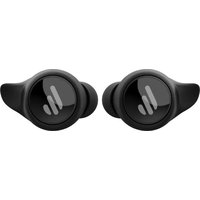
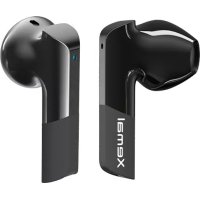
Touch button
Red/blue light


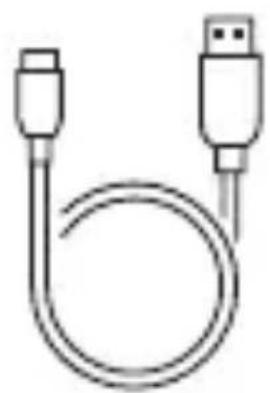
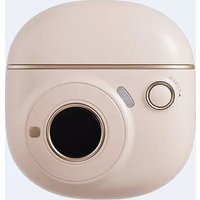
Type-C charging cableChargingcase
Note:
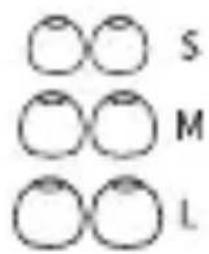
- There are different size of ear tips attached in the package, please select the suitable ones to wear.
- Images are for illustrative purposes only and may differ from the actual product.
User Guide
![graph TD A["Electric bus charging"] --> B["Battery charging"] B --> C{Battery discharging} C -->|Yes| D["Electric bus with battery plug"] C -->|No| E["Electric bus with battery plug open"] D --> F["Electric bus with battery plug open"] E --> G["Electric bus with battery plug open"]](/content/2026/06/1362337/images/b02657d9ea68936d9b80db0de8d7188aac3a4d9d2b3e3d29b1ba2261db981114.jpg)
- Charge the Earbuds
- You may hear a warning tone when at low battery level, please place the earbuds in the case for charging.
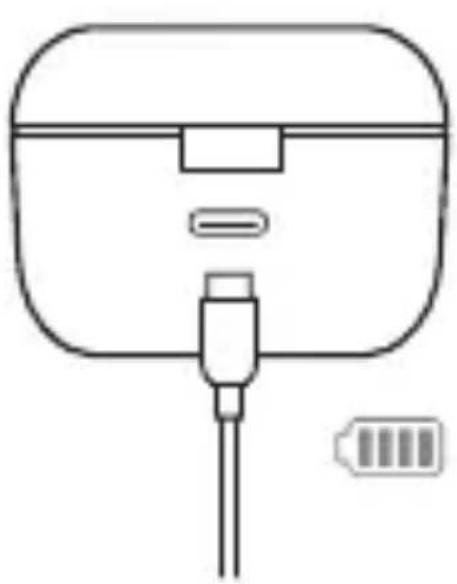
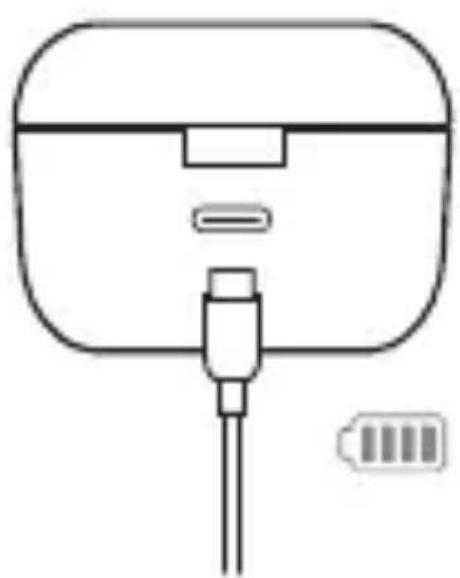
- Charge the charging case
- Connect to charging cable for charging.
- Indicator steady lit = charging Indicator light off = fully charged
- Red indicator
Rated input: 5V=50mA(earbuds)
5V=350mA(charging case)
Warning: The rechargeable batteries that provide power for this product must be disposed properly for recycling. Do not dispose of batteries in fire to prevent an explosion.
- Power on when taken out of the charging case.
• Power off when the charging case is closed.

Blue light lit for 1 second

- Pairing

- Bluetooth pairing: press and hold the touch button for 1-3 seconds
- TWS pairing: double click the touch button
- Clear pairing records: press and hold the touch button for 8 seconds

- Bluetooth pairing: red and blue lights flashes rapidly
• TWS pairing: blue light flashes rapidly
- Clear pairing records: blue light flashes six times rapidly
![graph LR A["Mobile Device"] -->|Wireless Signal| B[" earbuds"] B --> C[" Earbuds with Noise"] style A fill:#f9f,stroke:#333 style B fill:#bbf,stroke:#333 style C fill:#dfd,stroke:#333](/content/2026/06/1362337/images/5bd0fc95f30ff731ed69c37b82f21336e147fac58ac4a6cb64abcfbe543de296.jpg)
- For initial use, directly take the earbuds out of the charging case, and set mobile phone to search and connect to the corresponding Bluetooth pairing name as shown in the above picture; For subsequent use, the earbuds will automatically connect to the mobile phone used last time.
- Tips: After pairing your mobile phone with one earbud, you can repeat the above steps to pair the mobile phone with the other earbud, then you can choose to use either of earbuds.
- Functional Operation


Accept/end a call: single click the left or right earbud

Pause/play: single click the left or right earbud

Previous track: triple click the left or right earbud

Next track: double click the left or right earbud

Voice assistant: press and hold for 2 seconds
FAQs
When charging the charging case, the indicator is off.
- Please ensure the charging case is correctly connected with power source.
No sound
- Check if the earbuds are operating.
- Check if the earbuds volume are at an appropriate level.
- Check if the earbuds are correctly connected with mobile phone.
- Check if the earbuds are operating within a normal working range.
The call quality of the earbuds are not good.
- Check if mobile phone is in an area with strong signal.
- Please ensure the earbuds are within effective distance (10m) and no obstacle between the earbuds and mobile phone.
When playing music, cannot control pause/play/previous track/next track via the earbuds.
- Please ensure the paired device support AVRCP (Audio Video Remote Control Profile) profile.
Maintenance
- Do not use a fast charger to charge the product to avoid affecting service life of the battery.
- If not used for long periods of time, please charge the product with lithium battery at least once per three months.
- Keep the product away from humid places to avoid affecting internal circuit. Do not use the product during intense exercise or with much sweat to prevent sweat from dropping into the product to make damage.
- Do not put the product in places exposed to sun or with high temperature. High temperature will shorten service life of electronic components, damage battery and make plastic components deformed.
- Do not put the product in cold places to avoid damaging internal circuit board.
- Do not dismantle the product. Non-professional personnel may damage the product.
- Do not drop, strongly vibrate, strike the product with hard object to avoid damaging internal circuit.
- Do not use drastic chemicals or cleaner to clean the product.
- Do not use sharp objects to scratch product surface to avoid damaging shell and affecting facade.
Edifier International Limited
P.O. Box 6264
General Post Office
Hong Kong
www.edifier.com
©2021 Edifier International Limited. All rights reserved.
Printed in China
NOTICE:
For the need of technical improvement and system upgrade, information contained herein may be subject to change from time to time without prior notice.
Products of EDIFIER will be customized for different applications.
Pictures and illustrations shown on this manual may be slightly different from actual product. Images are for illustrative purposes only and may differ from the actual product.


Botones táctiles
Indicador rojo/azul
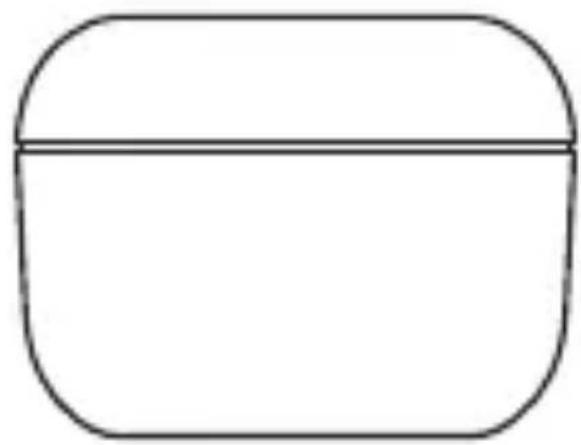
Estuche de carga

• Cargue los auriculares
Ladekoffer
USB-C-Ladekabel

Ohradapter
Hinweis:



![graph LR A["Mobile Phone"] -->|Wireless Signal| B[" earbuds with earphones"] B --> C[" Earbell with earphones and musical notes"]](/content/2026/06/1362337/images/bf42f402694b861d6b6a875ad252e112a047d279ed05bc6badec50be5db2a193.jpg)
Botão de toque
Cabo de carregamento tipo C

• Carregar os auriculares
Luz azul acesa e fixa durante 1 segundo
- Emparelhamento


タッチボタン
赤色/青色イ
ンジケータ

充電ケース
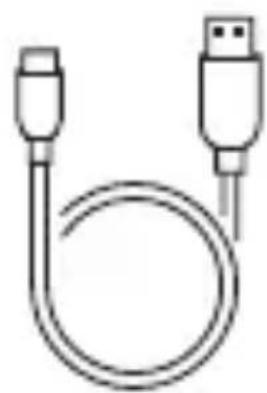
C型充電ケーブル

イヤチップ
注記:
- イヤフォンを充電する

青色のライトが1秒点灯
- ペアリング


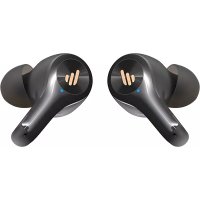
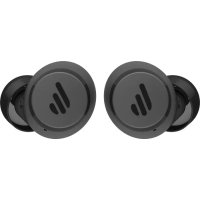
Brand : EDIFIER
Model : X3
Category : Earplug