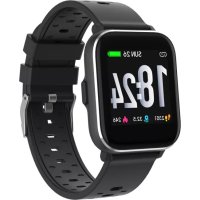
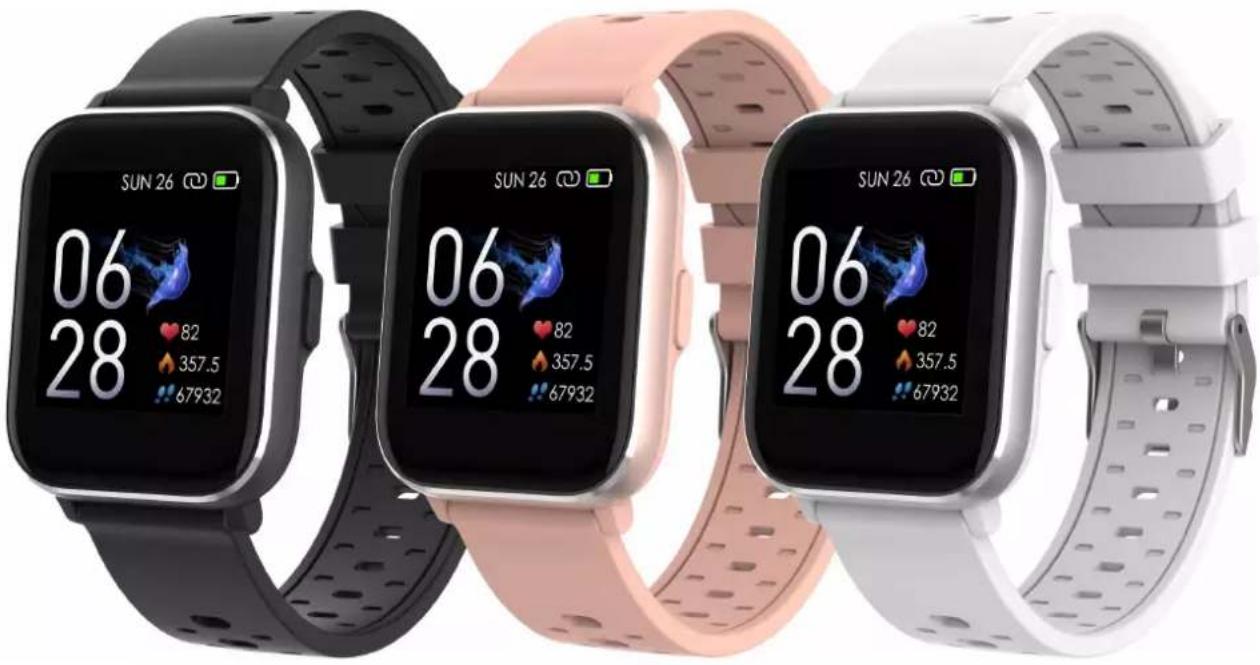
SW163 - Smartwatch DENVER - Free user manual and instructions
Find the device manual for free SW163 DENVER in PDF.



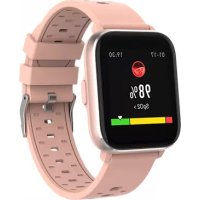
| Product type | Smartwatch |
| Brand | Denver |
| Model | SW163 |
| Screen | Color touchscreen |
| Connectivity | Bluetooth 4.2 or later |
| Companion app | Denver Smart Life (iOS and Android) |
| Sensors | Heart rate, body temperature, accelerometer |
| Sports functions | Walking, running, cycling, indoor running, hiking, swimming |
| Health monitoring | Heart rate, body temperature, automatic sleep tracking |
| Notifications | Calls, SMS, social networks (WhatsApp, Facebook, etc.) |
| Additional functions | Alarm, weather, music control, remote capture, find phone, adjustable brightness |
| Customizable watch faces | Yes, by long press and swipe |
| Battery | Built-in rechargeable lithium battery |
| Charging | Via magnetic USB cable with charging contacts |
| Battery life | Approximately 5 to 7 days depending on usage |
| Water resistance | Suitable for swimming (not rated, but swimming mode available) |
| Available languages | French, English, German, Spanish, Italian, etc. (adjustable) |
| Reset | Yes, from the settings menu |
| Dimensions (approximate) | Case diameter: approx. 42 mm, thickness: approx. 10 mm |
| Weight (approximate) | Approximately 50 g |
Frequently Asked Questions - SW163 DENVER
User questions about SW163 DENVER
0 question about this device. Answer the ones you know or ask your own.
Ask a new question about this device
Download the instructions for your Smartwatch in PDF format for free! Find your manual SW163 - DENVER and take your electronic device back in hand. On this page are published all the documents necessary for the use of your device. SW163 by DENVER.
USER MANUAL SW163 DENVER
If the user manual is not printed in your local language, then please enter our website to see if it is found online under the model you have. The website address is: www.denver-electronics.com
1. Quick start guide
Overview
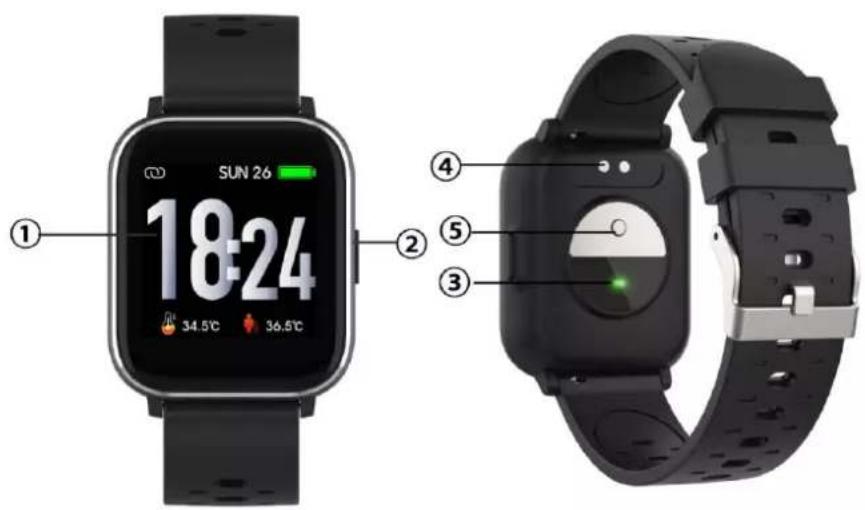
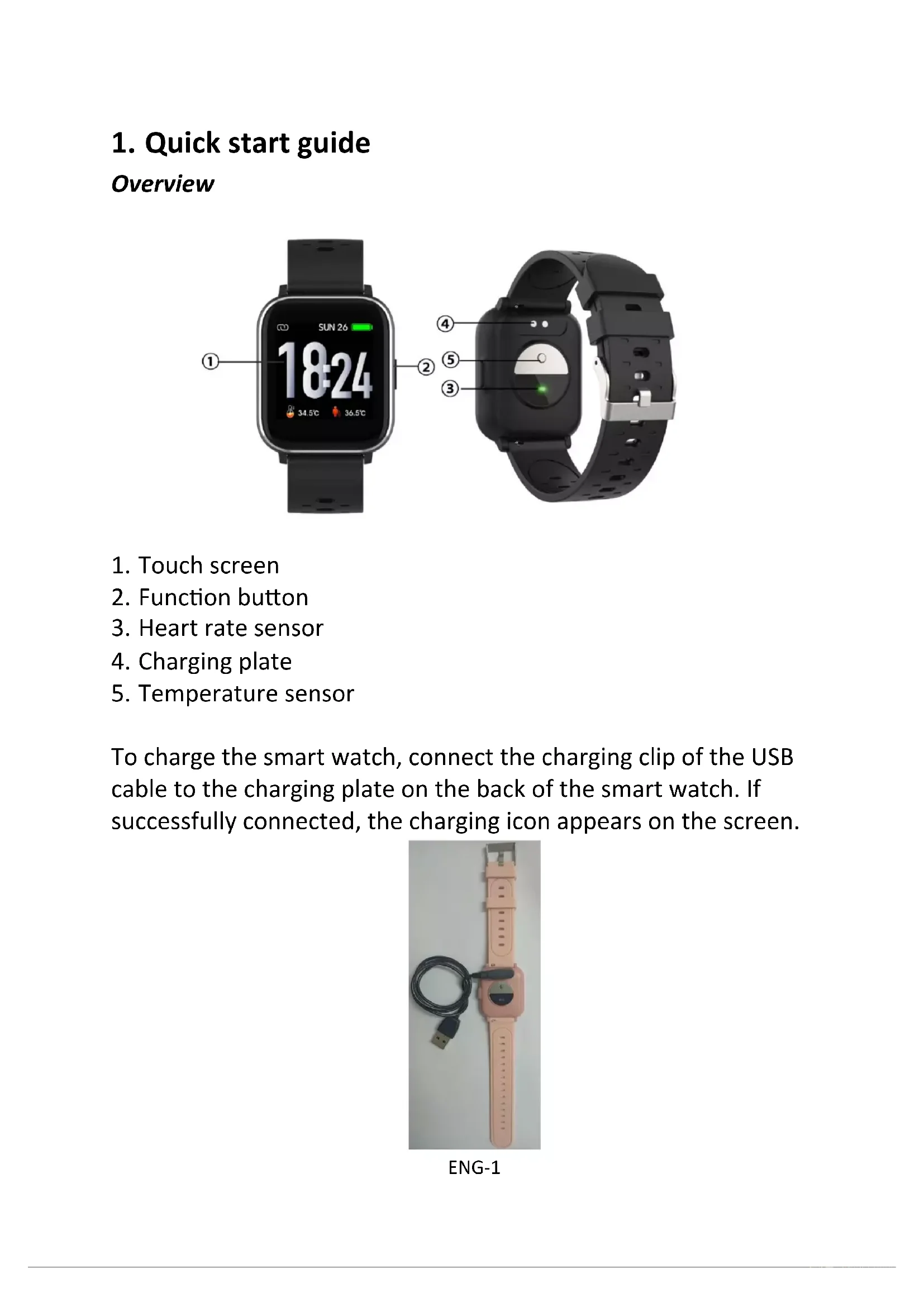
- Touch screen
- Function button
- Heart rate sensor
- Charging plate
- Temperature sensor
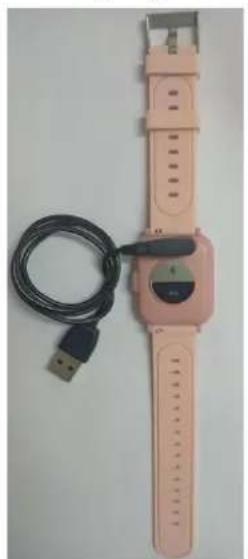
To charge the smart watch, connect the charging clip of the USB cable to the charging plate on the back of the smart watch. If successfully connected, the charging icon appears on the screen.
natural_image
Pink smartwatch with attached USB cable and connector (no visible text or symbols)ENG-1
Install "Denver Smart Life" app on the phone
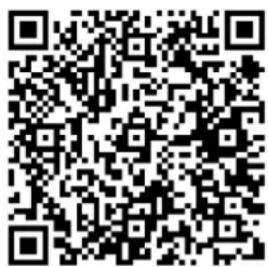
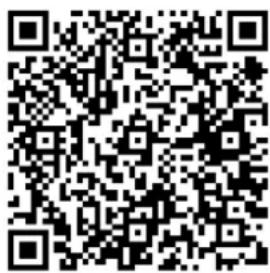
Search and install the “Denver Smart Life” app from Google Play or App Store. Or scan the following QR code to directly install the app.
Android IOS
Connect the smart watch with the phone
- Enable Bluetooth on your smart phone.
- Open the “Denver Smart Life” app on your smart phone, and then fill in all the requested information in the “Settings” menu.
- Tap "Connect device" in the "Settings" menu.
- Select the smart watch icon to connect.
- Choose your device name to connect it with your phone.
Unbind the smart watch with mobile phone
- Open the "Denver Smart Life" app on your smart phone.
- Tap "Disconnect device" in the "Settings" menu and confirm "OK".
- To disconnect your smart watch with an iPhone, click "Disconnect device" in the "Settings" menu of the "Denver Smart Life" app, and go to the Bluetooth settings on your iPhone, then access and select the "Forget This Device" option.
Operation introduction
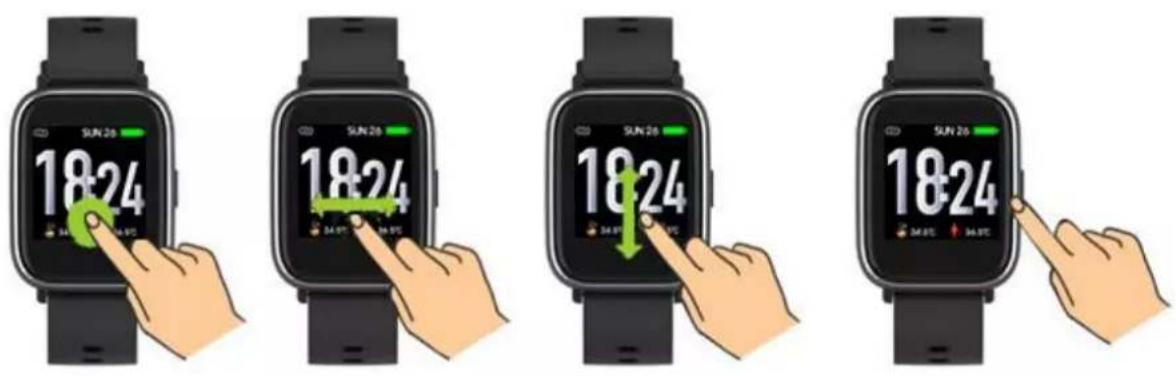
● You can raise your hand or press the function button to turn on the screen.
- Press and hold the watch face screen, then slide left or right to change the watch face.
- Press and hold the function button to turn on the smart watch when powered off.
2. How to use
● Turn on: Press and hold the function button for 3 seconds.
- Go to menu screen: Slide right or left in the watch face screen.
- Select a function: Slide up/ down or right/left in the watch face and tap the icon.
- Confirm: Tap the icon.
- Exit the menu: Slide the screen from left to right.
- Return to the watch face: Press briefly the function button in any screen.
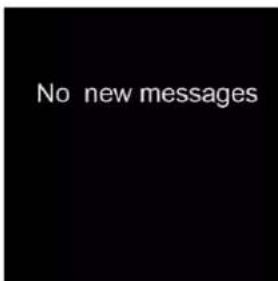
- Check messages: Slide from down to up in the watch face screen.
3. Menu navigation
flowchart
graph TD
    A["5/20 MON"] --> B["SUN 26"]
    B --> C["18:24"]
    C --> D["No new messages"]
    E["Data"] --> F["HR"]
    G["Body temperature"] --> H["Messages"]
    I["Sleep"] --> J["Message"]
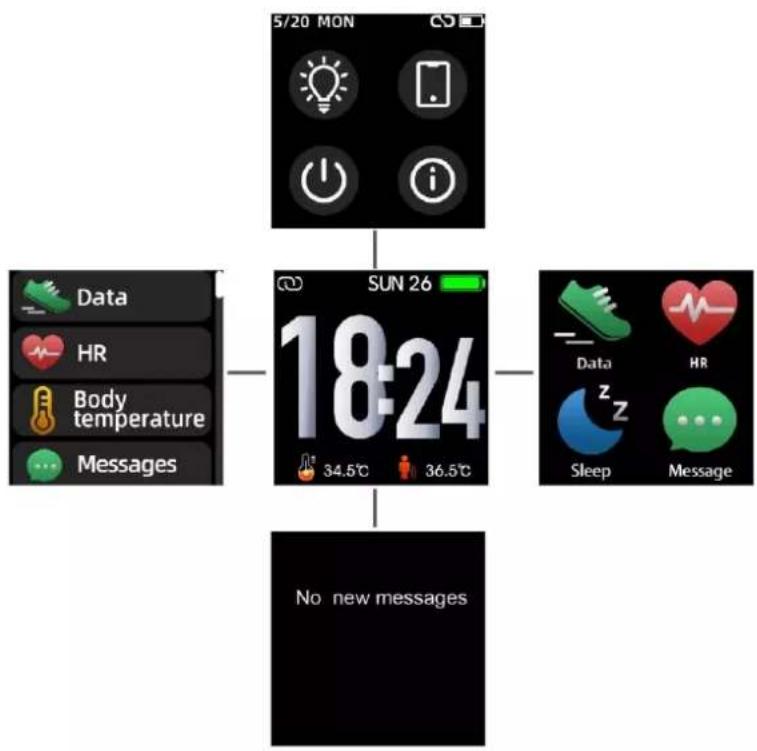
After turning on the smart watch, the watch face screen is displayed.
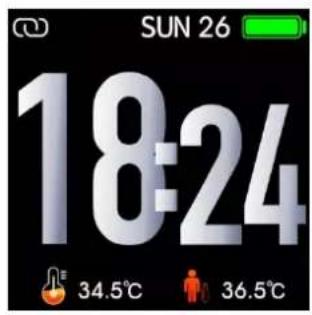
When the watch face screen is displayed:
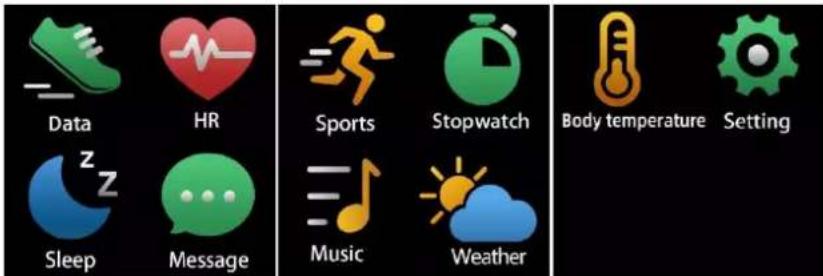
- Go to the menu screens
a. Slide right or left in the watch face screen to enter the menu screens.
b. Slide up and down or right and left to switch the menu screens.
c. Tap the icon to enter the sub menu. Slide from left to right to return to the previous menu.
- Go to the messages shortcut screen Slide from down to up in the watch face screen.
- Go to other shortcuts screen Slide up and down in the watch face screen.
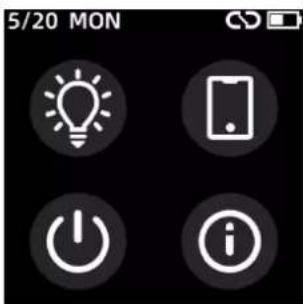
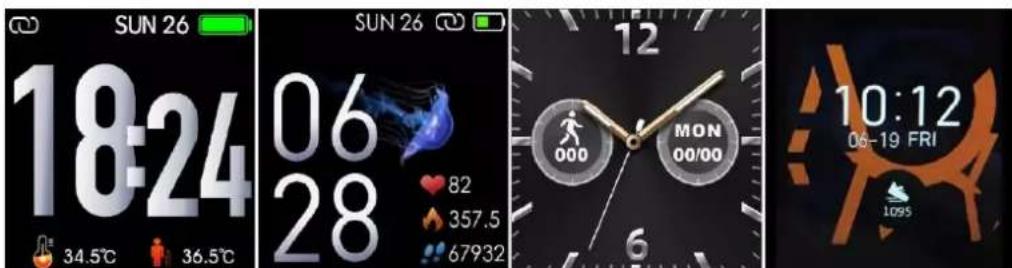
- Functions Watch face screen
ENG-5
You can press the function button to go to the watch face screen quickly.
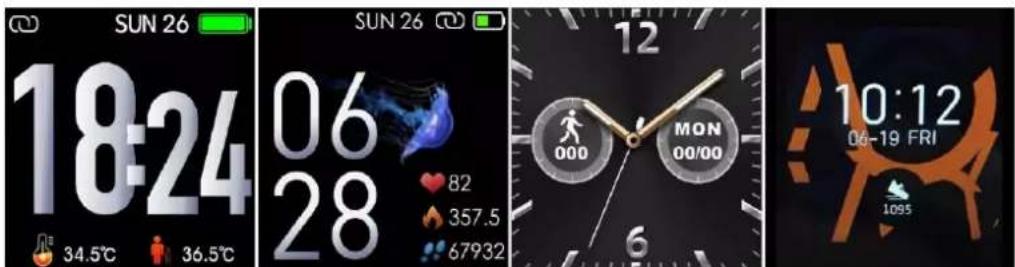
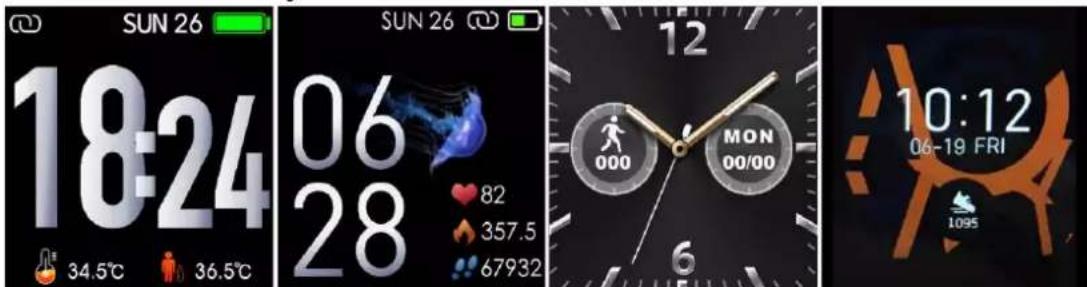
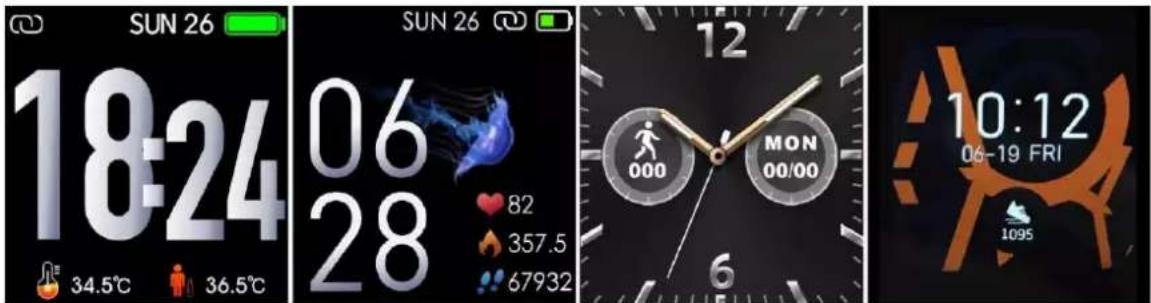
If you want to change the watch face of your smart watch, press and hold the current watch face for 3 seconds, then slide left or right to go through the different watch faces and choose the one you like.
Shortcut
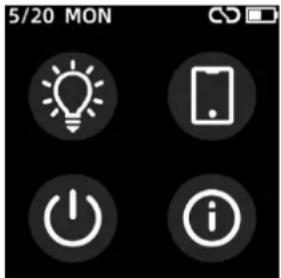
- Screen brightness
You can tap the brightness icon to adjust (+/-) the screen brightness.
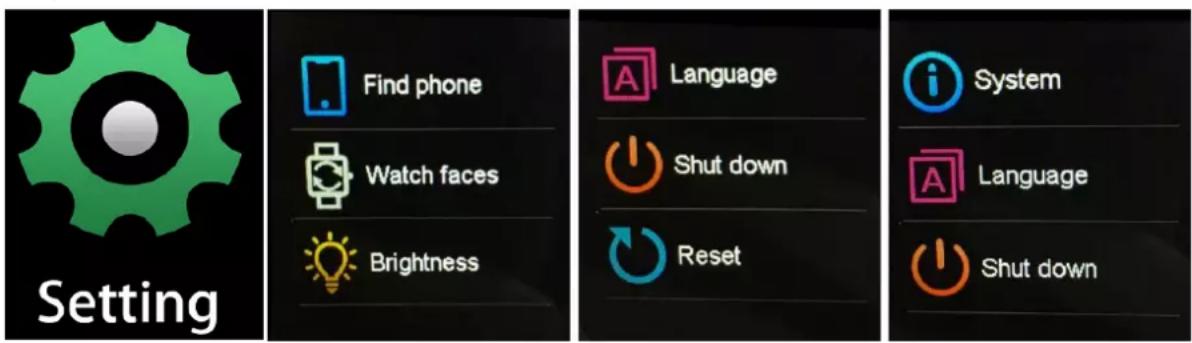
● Find phone
If your smart watch is connected with Denver Smart Life app, you can find your phone by tapping this icon and your phone will ring.
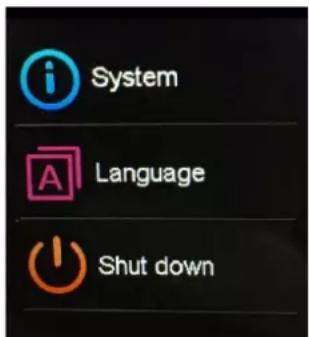
- Shut down
You can shut down your smart watch by tapping this icon.
- System
You can check the system of your smart watch by tapping this icon.
Multi-Sport
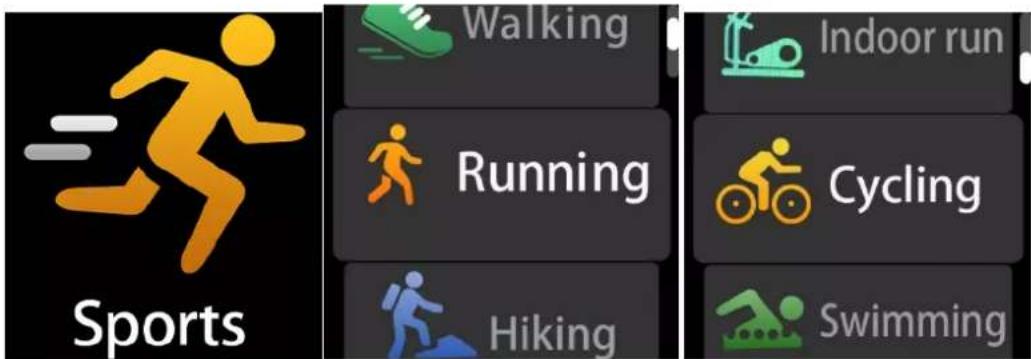
Tap this icon to enter the multi-sport mode. The smart watch has 6 sports modes: walking, running, cycling, indoor run, hiking and swimming. Choose a sport mode you want, and then do sports. The smart watch records your exercise data.
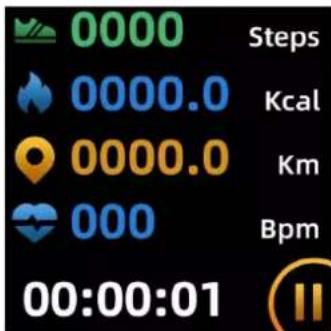
If you want to end the sports, slide the screen to right and tap the “√” icon to finish your sports and save the data. The smart watch displays your exercise data. If you’ve connected your smart watch with the “Denver Smart Life” app via Bluetooth, you can also check your exercise data in the app.
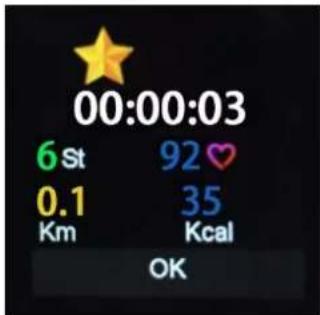
Note: If the exercise time is less than 5 minutes, the data cannot be saved.
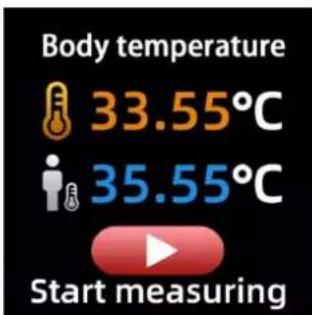
Body temperature monitor
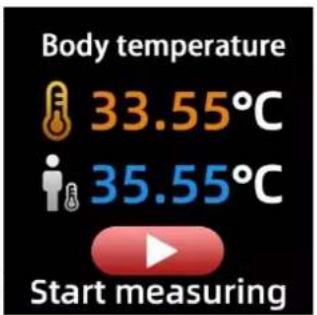
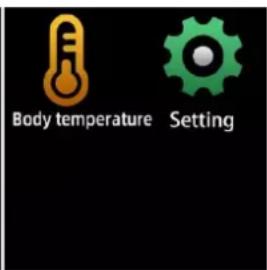
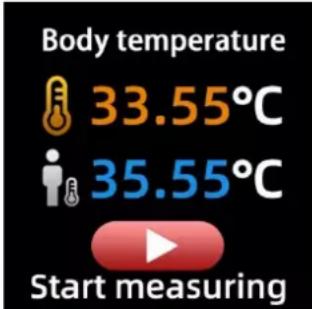
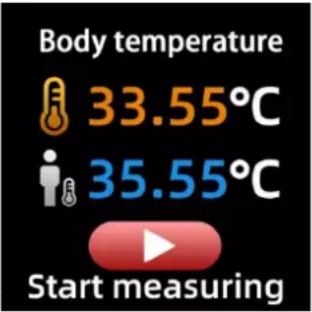
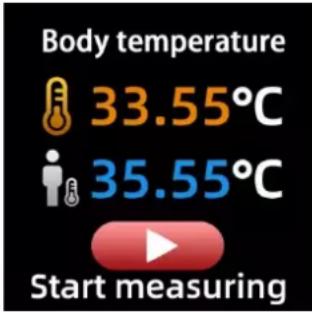
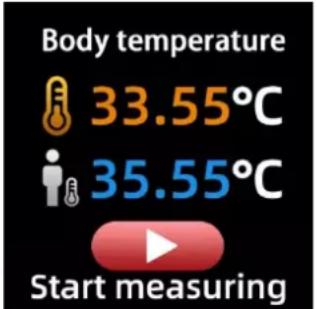
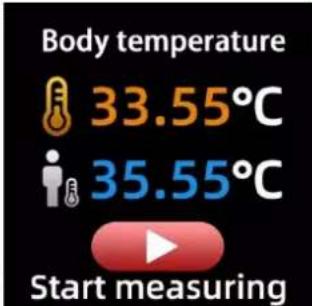
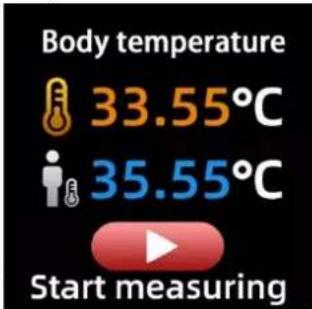
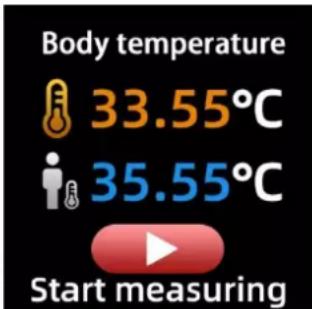
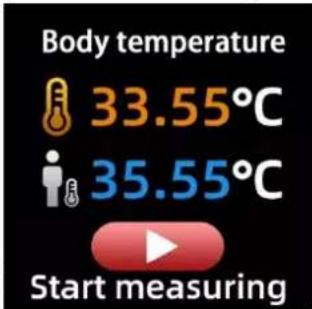
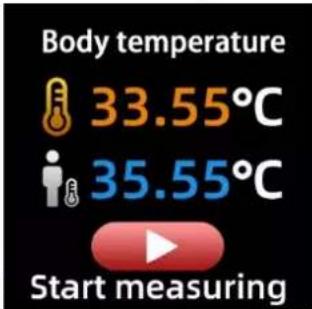
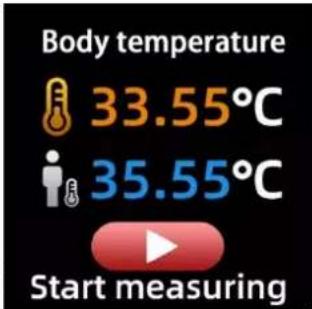
Tap the body temperature icon to monitor your current surface temperature and body temperature. To exit the body temperature monitor, slide the screen to right. Please notice – this is not medical grade. If you are unsure, always use a standard thermometer. Measurement tolerance 0.4 degrees Celsius.
Heart rate monitor
natural_image
Red heart icon with white EKG line inside, labeled 'HR' below (no additional text or symbols)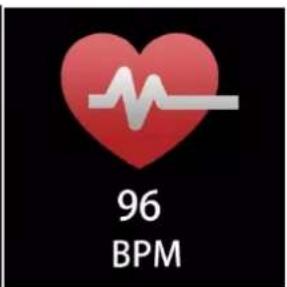
Tap this icon to monitor your current heart rate. To exit the heart rate monitor, slide the screen to right.
If you’ve connected your smart watch with the “Denver Smart Life” app via Bluetooth, and turn on “Healthy detection” in advanced settings of the app, you can also check your heart rate data in the app.
Sleep monitor
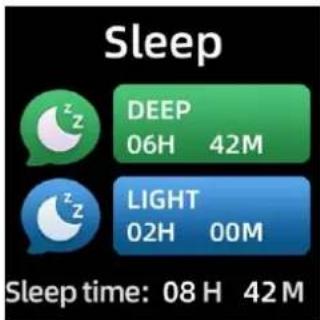
The smart watch automatically monitors your sleep between 9:30 p.m. and 11a.m.
When you get up the next day, the smart watch displays your sleep report about the time of total sleep, light sleep and deep sleep. If you’ve connected your smart watch with the “Denver Smart Life” app via Bluetooth, you can also check more detailed sleep report in the app.
Alarm
natural_image
Golden alarm clock icon on black background (no text or symbols)You can set reminders in the “Denver Smart Life” app. When alarm time is up, the alarm icon is animated and the smart watch vibrates.
Messages

Slide the watch face from down to up, and then you can check your phone calls, SMS, QQ, WeChat, Whatsapp, Facebook and Twitter notifications, etc. The messages will be automatically deleted by tapping the screen.
Weather
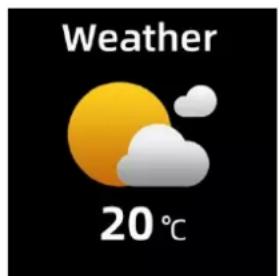
If you've connected your smart watch with the “Denver Smart Life” app via Bluetooth, the smart watch displays the weather forecast.
You can manually set the city or automatically set a city in the “Denver Smart Life” app.
Remote capture
To use this feature, choose “Shake and take photo” in advanced settings of the app and shake your hand 3 times to take a photo. With the remote capture function, you can take pictures remotely from your smart watch.
Music playback control
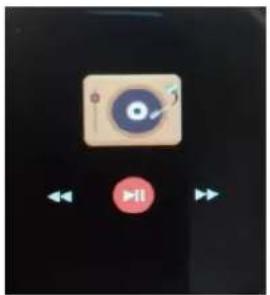
natural_image
User interface with playback controls and a CD icon (no readable text or symbols)Tap the music icon to enter the music playback control interface. You can select the previous/next song, and play/pause music. To exit music playback control, slide the screen from left to right.
Sedentary reminder
Go to the “Advanced settings” under the “Settings” of the “Denver Smart Life” app to set the time intervals (minutes), start time and end time. Slide the screen to right to exit.
natural_image
Simple icon showing a person with arms raised next to a chair, no text or symbols presentSettings
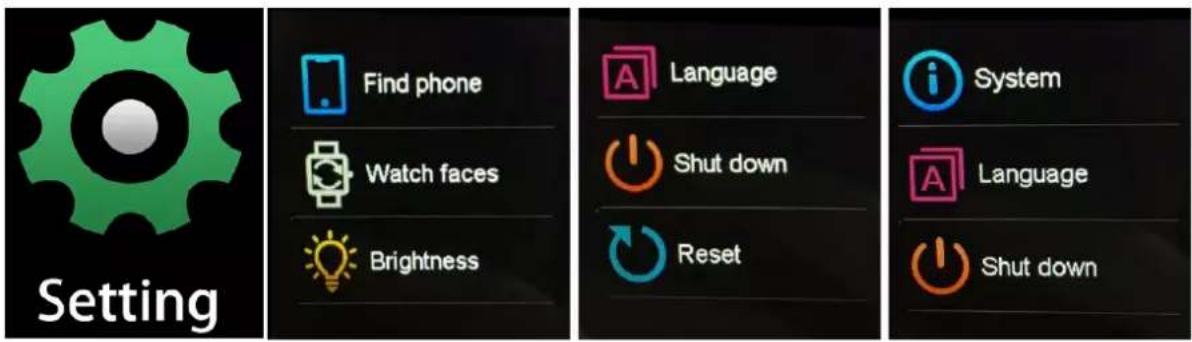
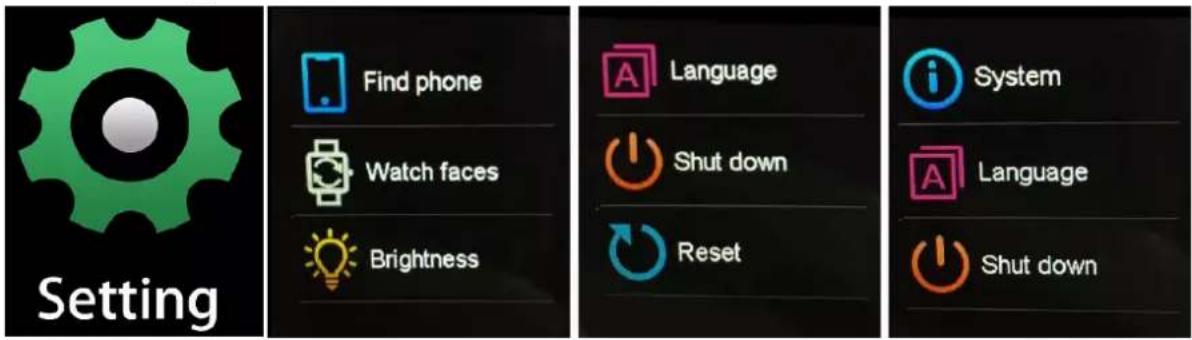
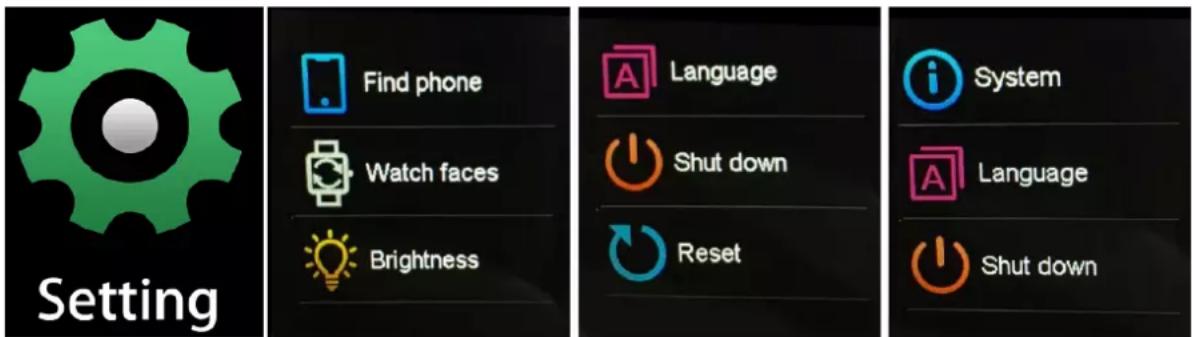
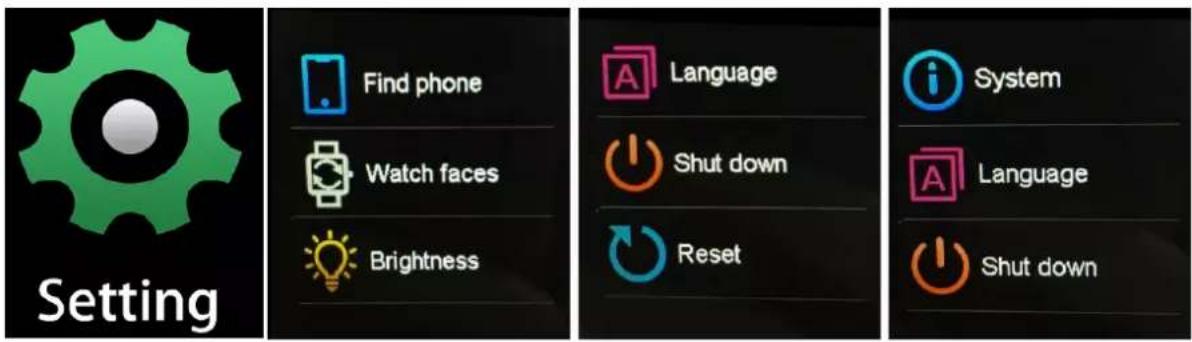
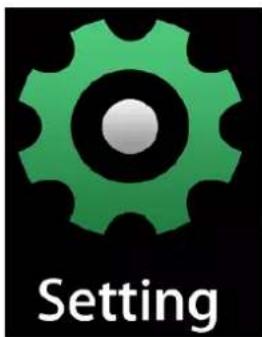
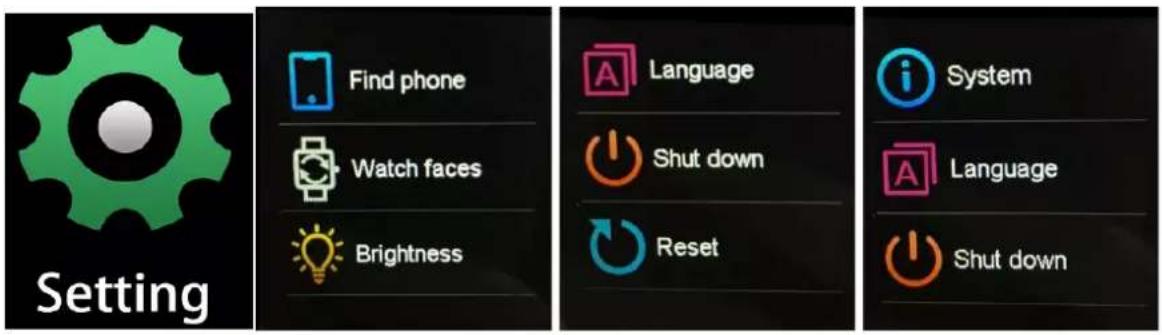
Tap this icon to enter the settings menu.
ENG-11
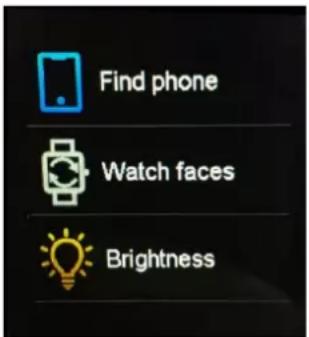
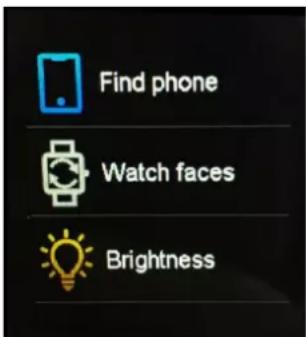
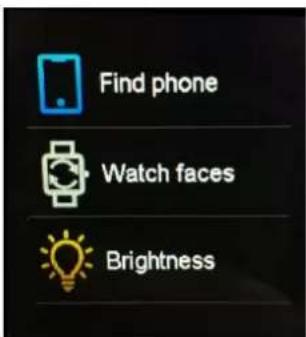
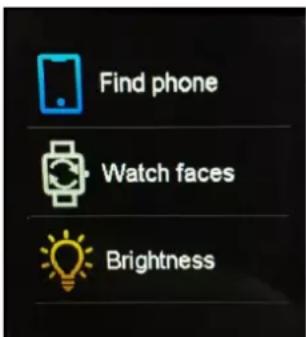
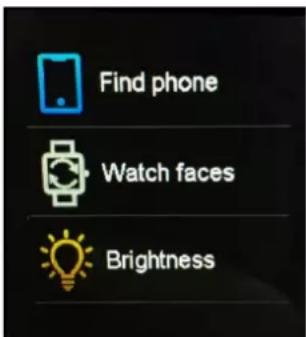
● Find phone
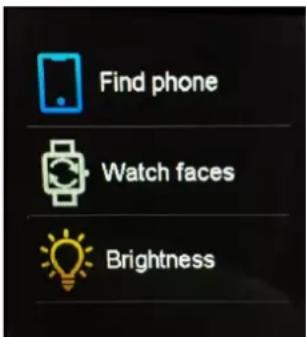
If your smart watch is connected with Denver Smart Life app, you can find your phone by tapping this icon and your phone will ring.
- Watch faces
Tap the icon and then slide left or right to go through the different watch faces and choose the one you like.
- Screen brightness
You can tap the brightness icon to adjust (+/-) the screen brightness.
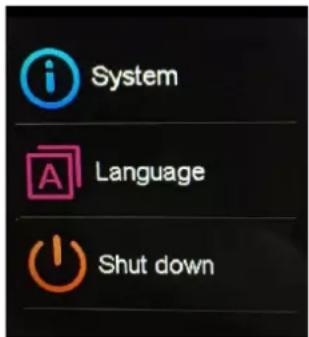
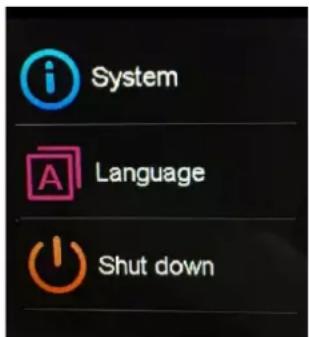
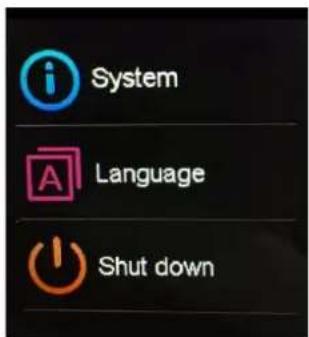
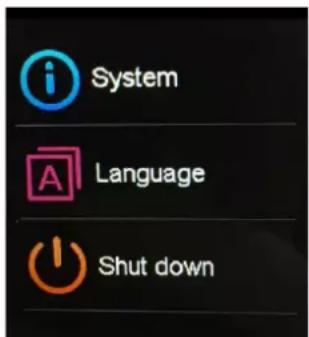
- System
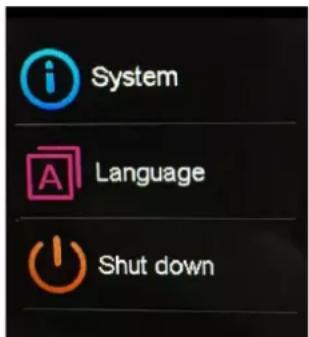
You can check the system of your smart watch by tapping this icon.
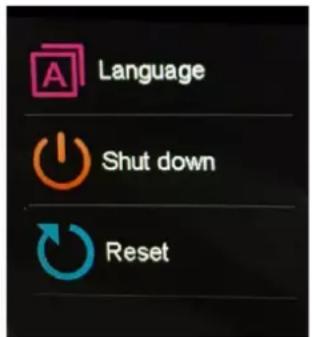
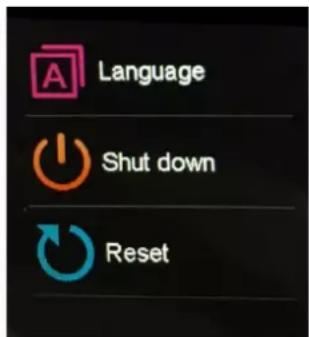
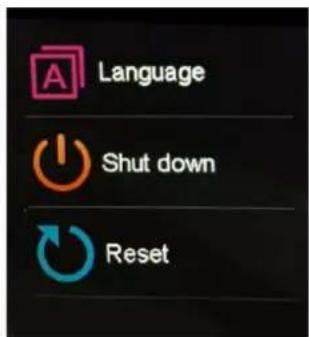
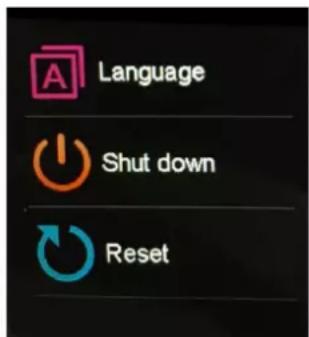
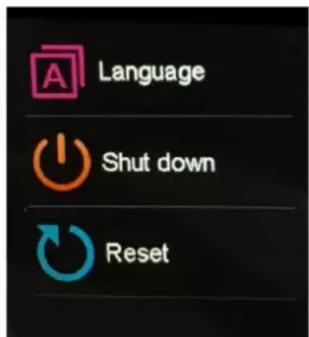
● Languages
You can set language here.
- Shut down
You can shut down your smart watch by tapping this icon.
- Reset
You can reset your smart watch by tapping this icon.
Please notice - All products are subject to change without any notice. We take reservations for errors and omissions in the manual.
ALL RIGHTS RESERVED, COPYRIGHT DENVER ELECTRONICS A/S
DENVER®
denver-electronics.com
Electric and electronic equipment and included batteries contains materials, components and substances that can be hazardous to your health and the environment, if the waste material (discarded electric and electronic equipment and batteries) is not handled correctly.
Electric and electronic equipment and batteries is marked with the crossed out trash can symbol, seen below. This symbol signifies that electric and electronic equipment and batteries should not be disposed of with other household waste, but should be disposed of separately.
As the end user it is important that you submit your used batteries to the appropriate and designated facility. In this manner you make sure that the batteries are recycled in accordance with legislature and will not harm the environment. All cities have established collection points, where electric and electronic equipment and batteries can either be submitted free of charge at recycling stations and other collection sites, or be
ENG-13
collected from the households. Additional information is available at the technical department of your city.
Hereby, Inter Sales A/S declares that the radio equipment type SW-163 is in compliance with Directive 2014/53/EU. The full text of the EU declaration of conformity is available at the following internet address: www.denver-electronics.com, and then click the search icon on top line of website. Write model number: SW-163. Now enter product page, and red directive is found under downloads/other downloads.
Operating Frequency Range: 2.402GHz—2.480GHz
Max Output Power: 4.0dBm
Warning Lithium battery inside
DENVER ELECTRONICS A/S
Omega 5A, Soeften
DK-8382 Hinnerup
Denmark
www.facebook.com/denverelectronics
DENVER®
SW-163 SMARTWATCH
Bedienungsanleitung
www.denver-electronics.com
natural_image
Smartwatch with USB cable and connector, no visible text or symbolsGER-1
Android iOS
natural_image
Red heart icon with white EKG line and text 'HR' below (no additional symbols or text)
natural_image
Yellow alarm clock icon on black background (no text or symbols)natural_image
Digital music player interface with CD/DVD record and playback controls (no text or symbols)natural_image
Simple icon showing a person with arms raised next to a chair, no text or symbols presentEinstellungen
denver-electronics.com
natural_image
Three smartwatches displaying daily app icons and status bar (no readable text or symbols)www.denver-electronics.com
natural_image
Smartwatch with USB cable and connector, no visible text or symbolsESP-1
natural_image
Red heart icon with white EKG line inside, labeled 'HR' below (no additional text or symbols)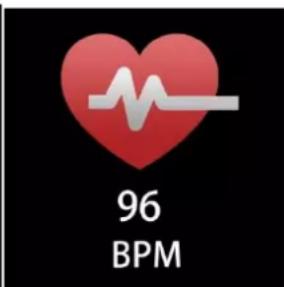
natural_image
A yellow alarm clock with two bells on a dark background (no text or symbols visible)natural_image
Digital music player interface with CD/DVD record and playback controls (no text or symbols)natural_image
Simple icon showing a person with arms raised next to a chair (no text or symbols)Ajustes
denver-electronics.com
natural_image
Smartwatch with USB cable and connector, no visible text or symbolsNED-1
Android iOS
● Schermhelderheid
natural_image
Heart icon with EKG line inside, labeled 'HR' below (no additional text or symbols)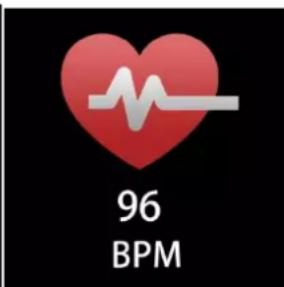
natural_image
A yellow alarm clock with a lute, set against a dark background (no text or symbols visible)natural_image
Game controller interface with playback buttons and control icons (no readable text or symbols)natural_image
Simple icon showing a person with arms raised next to a chair, no text or symbols presentInstellingen
denver-electronics.com
natural_image
Smartwatch with attached cable and USB port, no visible text or symbolsSWE-1
Installera appen "Denver Smart Life" på telefonen
Android
iOS
4. Funktioner Klockansskärm
Body temperature monitor
natural_image
Red heart icon with white EKG line inside, labeled 'HR' below (no additional text or symbols)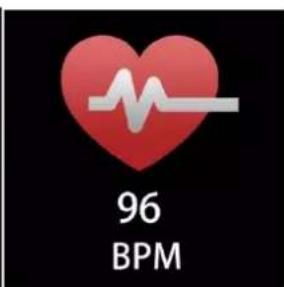
natural_image
Golden alarm clock with 'L' on a dark background (no text or symbols visible)natural_image
Mobile app interface showing a CD player icon with playback control buttons (no text or symbols)natural_image
Simple icon showing an orange human figure with raised arms next to a yellow chair (no text or symbols)Inställningar
denver-electronics.com
natural_image
Smartwatch with USB cable and connector, no visible text or symbolsFRA-1
Android iOS
Connector la montre intelligente au smartphone
natural_image
Red heart icon with white EKG line inside, labeled 'HR' below (no additional text or symbols)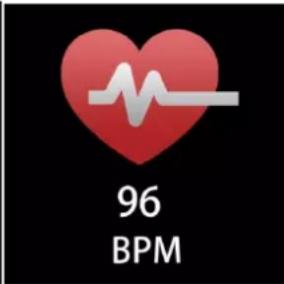
natural_image
Digital music player interface with CD/DVD button and playback controls (no text or symbols)natural_image
Simple icon showing a person with arms raised next to a chair, no text or symbols presentParamètres
denver-electronics.com
natural_image
Pink smartwatch with USB cable attached, no visible text or symbolsFIN-1
Android iOS
4. Toiminnot
Kellotaulun näyttö
natural_image
Red heart icon with white EKG line and text 'HR' below (no additional symbols or text)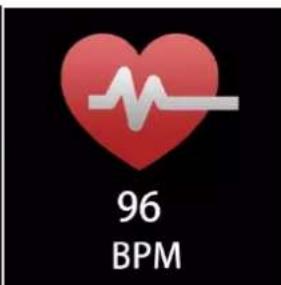
natural_image
Digital music player interface showing a CD/DVD record and playback controls (no text or symbols on the player or background)natural_image
Simple icon showing a person with arms raised next to a chair, no text or symbols presentAsetukset

denver-electronics.com
natural_image
Smartwatch with USB cable and connector, no visible text or symbolsPOL-1
Android iOS
- Jasność ekranu
natural_image
Red heart icon with white EKG line and text 'HR' below (no additional symbols or text)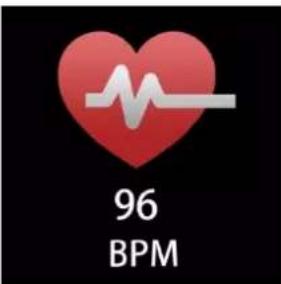
natural_image
Simple icon showing a person with arms raised next to a chair, no text or symbols presentUstawienia
POL-11
denver-electronics.com

natural_image
Pink smartwatch with attached cable and USB port, no visible text or symbolsDEN-1
Installér appen Denver Smart Life på telefonen
Android iOS
Forbind smarturet til telefonen
- Aktivér Bluetooth på din smartphone.
- Åbn appen "Denver Smart Life" på din smartphone, og udfyld de nødvendige oplysninger i menuen "Indstillinger".
- Tryk på "Tilslut enhed" i menuen "Indstillinger".
- Væ lg ikonet for smarturet for at oprette forbindelse.
- Væ lg navnet på din enhed for at oprette forbindelse til din telefon.
4. Funktioner Urskivens skæ rme
natural_image
Simple icon showing a person with arms raised and a chair on the other side (no text or symbols)Indstillinger
denver-electronics.com
natural_image
Smartwatch with attached cable and USB port, no visible text or symbolsITA-1
Android iOS
Collegare lo smartwatch al telefono
4. Funzioni
natural_image
Red heart icon with white EKG line inside, labeled 'HR' below (no additional text or symbols)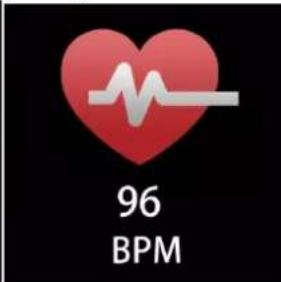
natural_image
Digital music player interface showing a CD/DVD record and playback controls (no text or symbols on the player or buttons)natural_image
Simple icon showing an orange human figure with raised arms next to a yellow chair (no text or symbols)Impostazioni
denver-electronics.com

natural_image
Pink smartwatch with attached cable and USB port, no visible text or symbolsPOR-1
Android iOS
- Funções
- Brilho do ecrã
natural_image
Heart-shaped icon with a white EKG line inside, labeled 'HR' below (no additional text or symbols)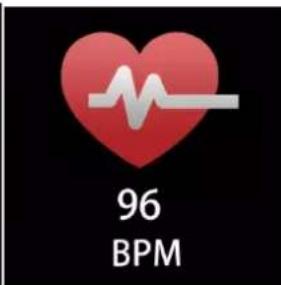
natural_image
Digital music player interface showing a CD/DVD icon and playback controls (no text or symbols on the player itself)natural_image
Simple icon showing a person with arms raised and a chair on the other side (no text or symbols)Definições
denver-electronics.com
natural_image
Pink smartwatch with USB cable and connector, no visible text or symbolsNOR-1
Installere Denver Smart Life appen på mobiltelefonen
Android iOS
Koble smartklokken til telefonen
Merk: Hvis treningsøkten har vart mindre enn 5 minutt, kan ingen
NOR-7
data lagres.
Kroppstemperatur monitor
natural_image
Red heart icon with white EKG line inside, labeled 'HR' below (no additional text or symbols)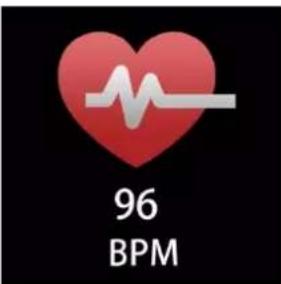
natural_image
Digital music player interface with CD/DVD icon and playback controls (no text or symbols)natural_image
Simple icon showing an orange human figure with raised arms next to a yellow chair (no text or symbols)Innstillinger
denver-electronics.com
- Quick start guide
- Overview
- Install "Denver Smart Life" app on the phone
- Connect the smart watch with the phone
- Unbind the smart watch with mobile phone
- Operation introduction
- How to use
- Menu navigation
- Shortcut
- Multi-Sport
- Body temperature monitor
- Heart rate monitor
- Sleep monitor
- Alarm
- Messages
- Weather
- Remote capture
- Music playback control
- Sedentary reminder
- Settings
- DENVER®
- Einstellungen
- Ajustes
- Installera appen "Denver Smart Life" på telefonen
- Funktioner Klockansskärm
- Connector la montre intelligente au smartphone
- Paramètres
- Toiminnot
- Asetukset
- Ustawienia
- Installér appen Denver Smart Life på telefonen
- Forbind smarturet til telefonen
- Funktioner Urskivens skæ rme
- Indstillinger
- Collegare lo smartwatch al telefono
- Funzioni
- Installere Denver Smart Life appen på mobiltelefonen
- Koble smartklokken til telefonen
- Kroppstemperatur monitor
Brand : DENVER
Model : SW163
Category : Smartwatch