RB33J3830SA - Fridge SAMSUNG - Free user manual and instructions
Find the device manual for free RB33J3830SA SAMSUNG in PDF.



| Product Type | Fridge Freezer |
| Brand | Samsung |
| Model | RB33J3830SA |
| Total Capacity | 330 L (estimated) |
| Fridge Capacity | 230 L (estimated) |
| Freezer Capacity | 100 L (estimated) |
| Dimensions (H x W x D) | 1850 x 700 x 700 mm (estimated) |
| Net Weight | 75 kg (estimated) |
| Energy Class | A++ |
| Voltage / Frequency | 220-240 V, 50 Hz |
| Defrost Type | No Frost (automatic) |
| Main Functions | Digital display, LED lighting, adjustable shelves, vegetable drawer, door alarm |
| User-replaceable parts | Handles, seals, drawers, hinges |
| Safety | Unplug before any intervention; handle doors with two people |
| Maintenance | Clean with a soft cloth and warm water; avoid abrasive products |
| Repairability | Parts available on Samsung website (samsung.com) |
Frequently Asked Questions - RB33J3830SA SAMSUNG
User questions about RB33J3830SA SAMSUNG
0 question about this device. Answer the ones you know or ask your own.
Ask a new question about this device
Download the instructions for your Fridge in PDF format for free! Find your manual RB33J3830SA - SAMSUNG and take your electronic device back in hand. On this page are published all the documents necessary for the use of your device. RB33J3830SA by SAMSUNG.
USER MANUAL RB33J3830SA SAMSUNG
User servicing manual
- You can check where to buy replacement parts at http://samsung.com
- Visit the part purchase site and enter the model code of your product to check the parts available for purchase. The model code is labelled on the outer side of your product.
- You can check the model code and version on the barcode label at the bottom left of the product.
- For replacement parts, make sure the part name matches that of the illustration in this manual.
- User-serviceable parts are limited to handles (some models only), gaskets, drawers, and hinges.
NOTE
Following the repair by a non-authorised service provider, self-repair or non-professional repair of the product, Samsung is not liable for any damage to the product, any injury or any other product safety issue caused by any attempt to repair the product which does not carefully follow these repair and maintenance instructions. Any damage to the product caused by an attempt to repair the product by any person other than a Samsung certified service provider will not be covered by the warranty.
CAUTION
- The part name listed on the site may differ from that in this manual. Please make sure you choose the right part name.
- Replacing hinges requires extreme caution because it involves detaching the door.
- Be sure to wear safety gloves while making repairs.
English

The actual image and provided parts of the refrigerator may differ, depending on the model and the country.

text_image
01 02 03 02 04 0501 Cover hinge 02 Drawer
03 Middle hinge 04 Barcode label
05 Hinge low
English

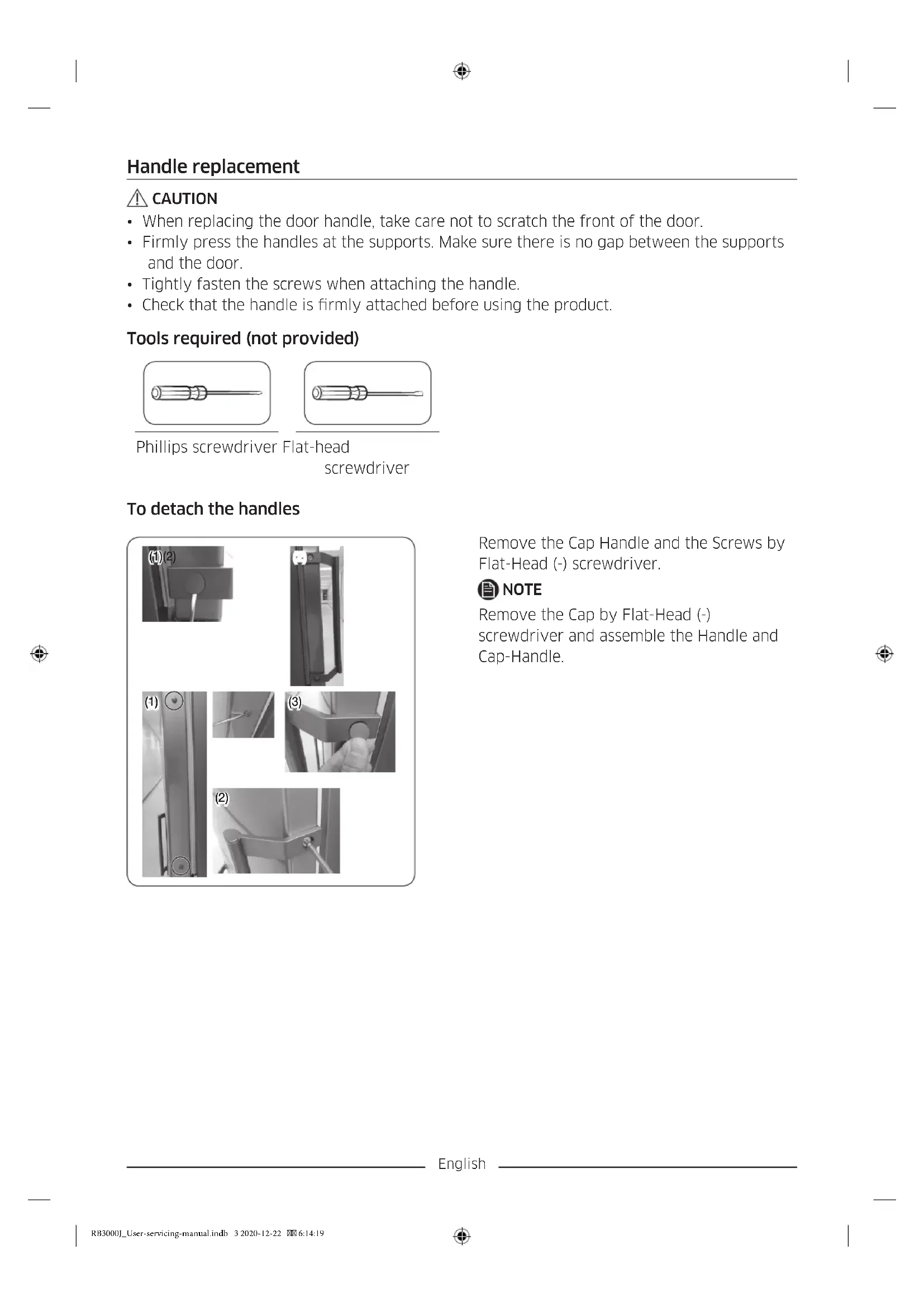
Handle replacement

CAUTION
- When replacing the door handle, take care not to scratch the front of the door.
- Firmly press the handles at the supports. Make sure there is no gap between the supports and the door.
- Tightly fasten the screws when attaching the handle.
- Check that the handle is firmly attached before using the product.
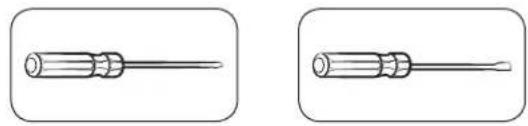
Tools required (not provided)
natural_image
Two identical line drawings of a screwdriver with no text or symbolsPhillips screwdriver Flat-head screwdriver
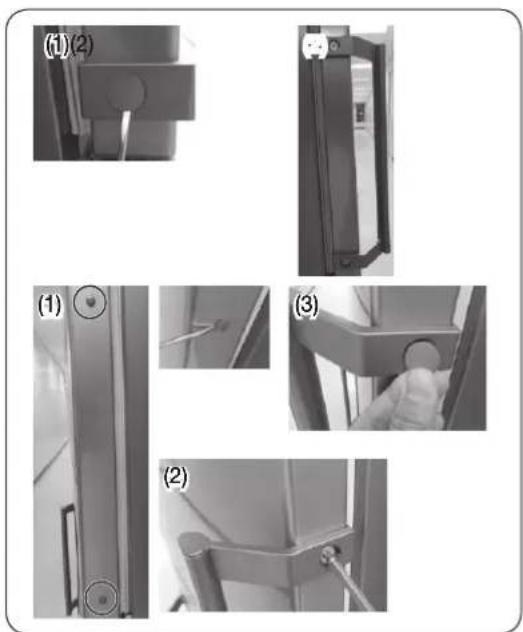
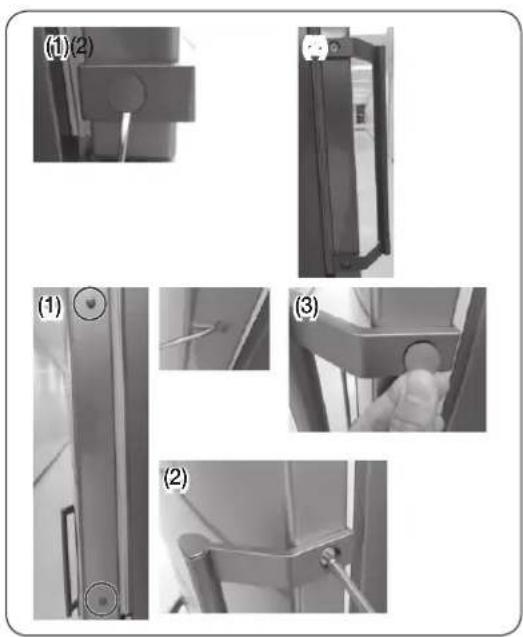
To detach the handles
text_image
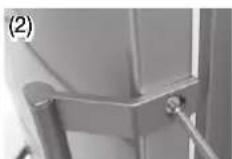
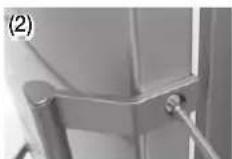
(1)(2) (1) (2) (3)Remove the Cap Handle and the Screws by Flat-Head (-) screwdriver.

NOTE
Remove the Cap by Flat-Head (-) screwdriver and assemble the Handle and Cap-Handle.
English
Gasket replacement

CAUTION
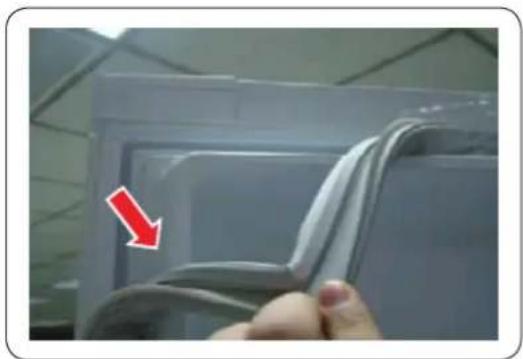
Make sure you firmly attach the gasket. Otherwise, cold air from the refrigerator may leak.
To remove the gasket
natural_image
Close-up of a hand holding a white plastic sheet with a red arrow pointing to it, against a plain background (no text or symbols)Open the door and remove the gasket from the door.
To replace the gasket
Attach a new gasket to the refrigerator door.
Make sure there is no gap between the newgasket and the door.
English
Drawer replacement

CAUTION
Check that the drawer is inserted properly into the rail during assembly.
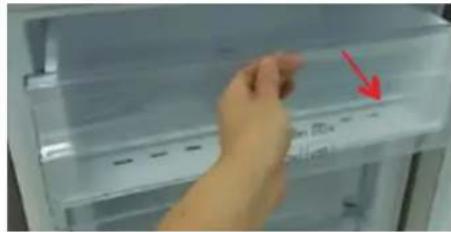
To remove the drawer
natural_image
Close-up of a hand pressing down on a refrigerator door panel with a red arrow pointing to the button (no visible text or symbols)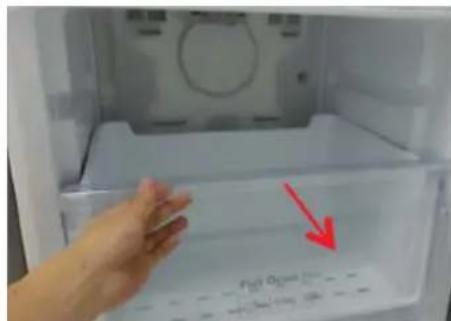
text_image
Fiat Open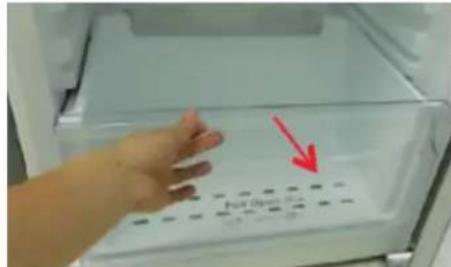
text_image
No. Box 100g-
Pull out the drawer as far as it goes.
-
Tilt the drawer up and pull it out until it is removed.
To reattach the drawers
Reattaching the drawers follows the reverse order of their respective removal steps.
English
Hinge replacement
To replace the hinges, you must remove the doors first.

CAUTION
- When removing the doors, take extreme caution because the doors are heavy.
- Before replacing the hinges, put a soft pad such as cardboard on the floor to prevent scratches on the door when you place the doors down.
- As the hinges must be handled carefully and replaced by two or more persons, we recommend you to call for professional technical service.
- If you remove the hinge without holding the door, the door may fall and cause injury.
- Ensure that the shaft is firmly tightened on the hinge.
- Check that the hinge is firmly attached to the cabinet.
• Make sure the wire connectors are connected properly. - Be careful not to damage the wires when fastening the top cover.

WARNING
- Tilting/laying the refrigerator requires a minimum of 2 people.
- Disconnect the power cord before reversing the doors.
Tools required (not provided)
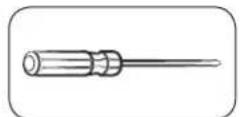
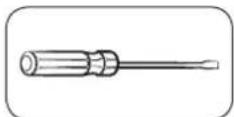
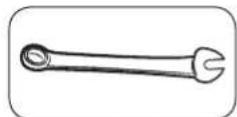
Phillips screwdriver Flat-head screwdriver 11 mm spanner
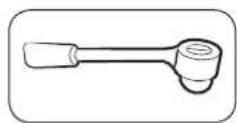
8 mm socket wrench (for bolts)
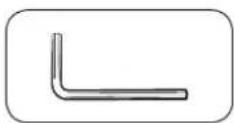
Allen wrench (5 mm)
Reversing the door
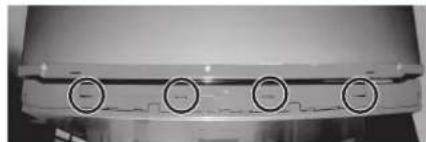
natural_image
Close-up of a mechanical component with four circular buttons on its side (no visible text or symbols)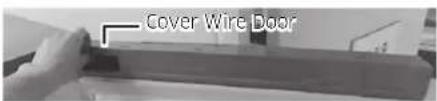
text_image
Cover Wire Door*RB37* model only
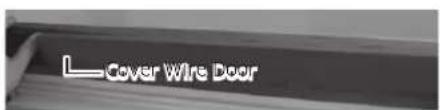
text_image
Cover Wire Door- Remove the Cover Wire Door.
English
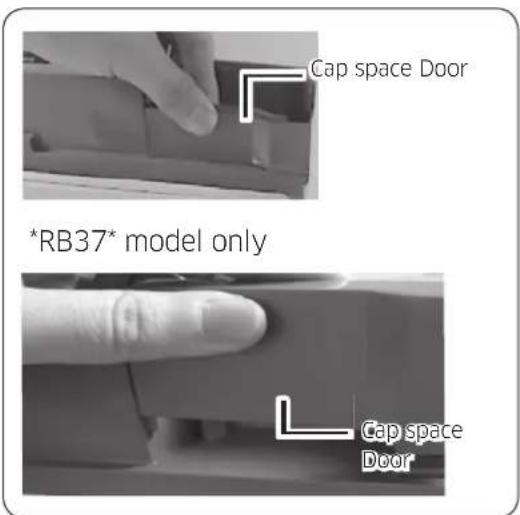
text_image
Cap space Door *RB37* model only Cap space Door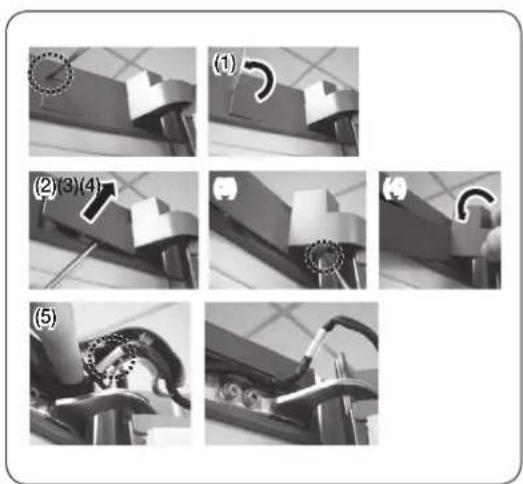
text_image
(1) (2)(3)(4) (5)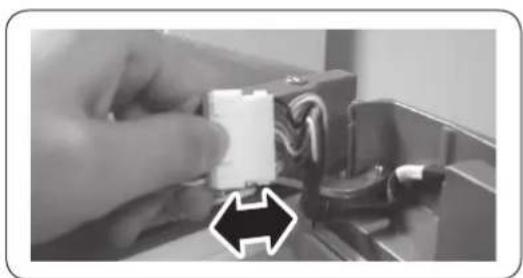
natural_image
Close-up of a hand holding a white plastic component with wires, next to a black connector (no text or symbols visible)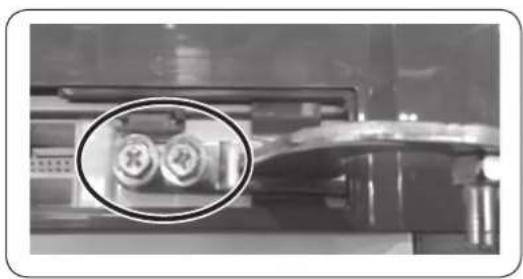
natural_image
Close-up of a mechanical component with two circular inset images showing internal components (no visible text or symbols)-
Disassemble the Cap space Door.
-
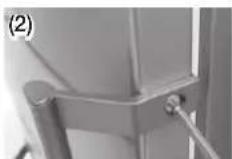
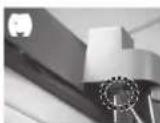
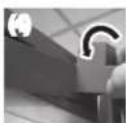
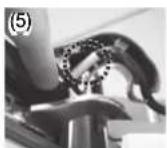
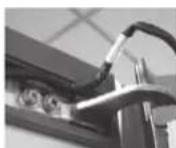
Remove the Cover Hinge to push a hook like below Pictures.
- Insert a flat-head screwdriver and put it back as shown in Figure #1.
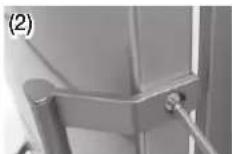
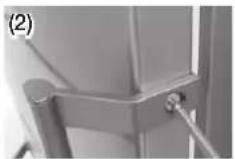
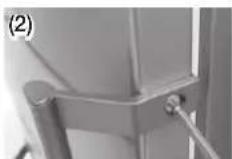
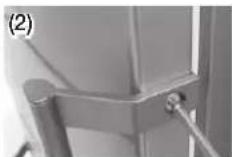
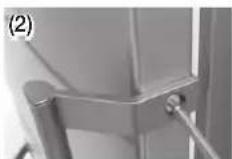
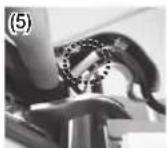
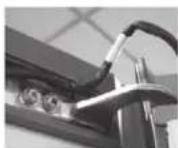
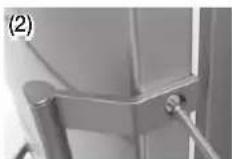
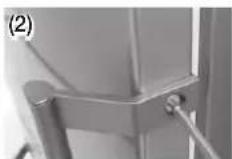
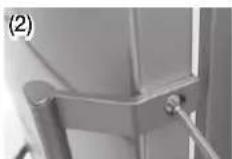
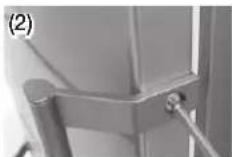
- As shown in Figure #2, Lever up the cover and push a hook as shown in Figure #3. (Take care not to damage the Cover Hinge Wire by pushing it too hard)
- Disassemble it by pushing the A in Figure #4 by hand as Figure #5.
-
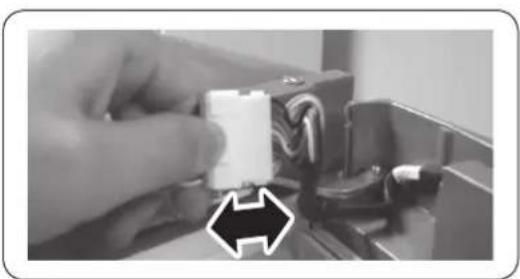
Disconnect the wiring connector for the fridge door. (Only on models with external display).
-
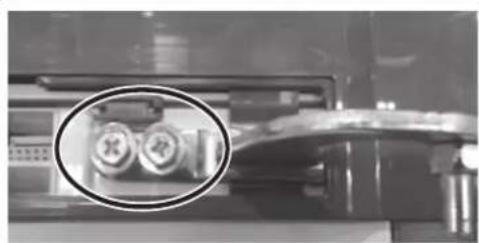
Remove the screws. (Be careful not to drop the door when you disassemble it.)
English
natural_image
Interior view of a modern refrigerator with clear glass doors and an upward arrow indicating storage or ventilation (no text or symbols visible)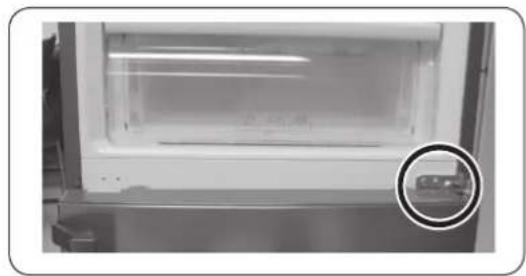
natural_image
Interior view of a laboratory or storage unit with a circular inset showing a small object (no visible text or symbols)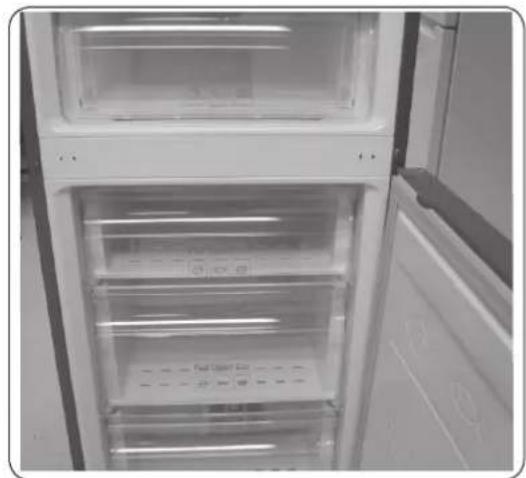
natural_image
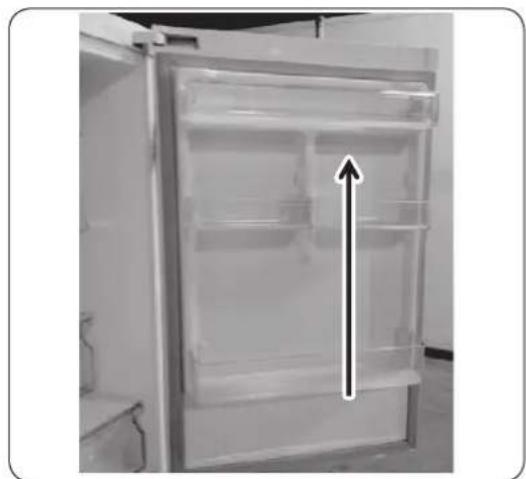
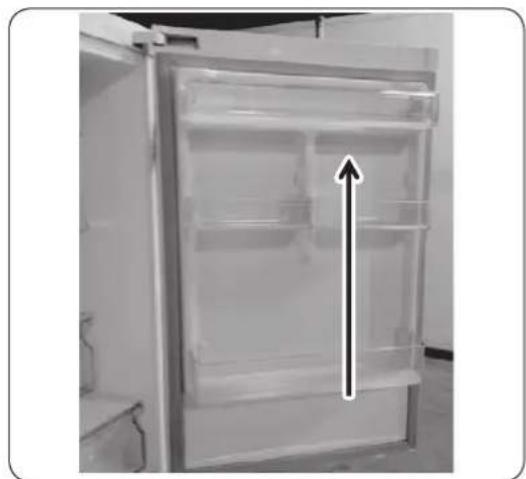
Interior view of a refrigerator with open door and closed doors (no visible text or symbols)- Remove the fridge door from the middle hinge by carefully lifting the door straight up.
CAUTION
The door is heavy, be careful not to injure yourself when removing the door.
- Disassemble the middle hinge by removing the screws using a Phillips Head (+) screwdriver.
CAUTION
The freezer door may fall forward so please support the door.
- Remove the freezer door from the bottom hinge by carefully lifting the door straight up.
English
text_image
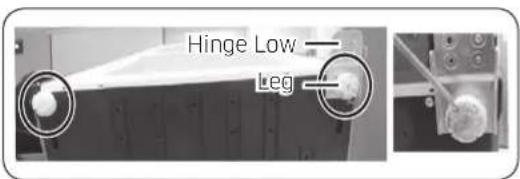
Hinge Low Leg- Lay the refrigerator carefully on it's back. Remove the leg (unscrew in an anti-clockwise direction) and the Hinge Low.
NOTE
To protect the refrigerator damage, cut a large section of the cardboard carton and place it under the refrigerator.
- Reassemble in the opposite order of disassembly after replacing the Hinge Up, Hinge Mid, and/or Hinge Low.
CAUTION
• Make sure the wire connectors are connected properly.
- Be careful not to damage the wires when fastening the top cover.
English
Guide de réparation
natural_image
Close-up of a metallic door panel with circular components, shown from two angles (1) and (2), with no visible text or symbols.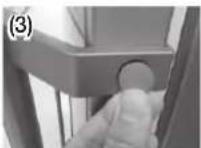
natural_image
Close-up of a hand holding a white plastic sheet with a red arrow pointing to it, against a plain background (no text or symbols)natural_image
Close-up of a hand pressing down on a refrigerator door panel with a red arrow pointing to the button (no visible text or symbols)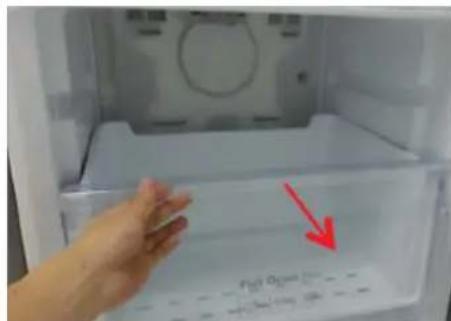
text_image
Fiat Open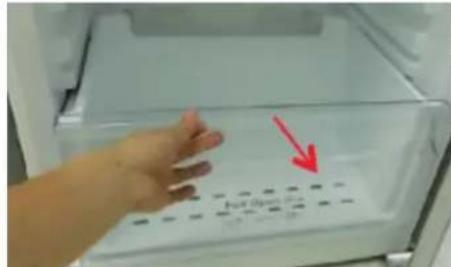
text_image
Full Opennatural_image
Close-up of a metallic industrial component with four circular buttons on its side (no visible text or symbols)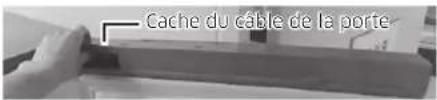
natural_image
Close-up of a hand pressing down on a mechanical component (no visible text or symbols)natural_image
Close-up of a hand holding a white connector with wires, next to a mechanical component (no visible text or symbols)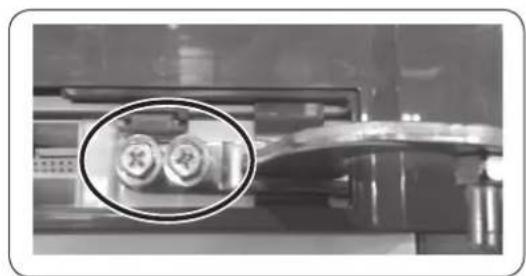
natural_image
Close-up of a mechanical device with two circular components highlighted in an oval (no visible text or symbols)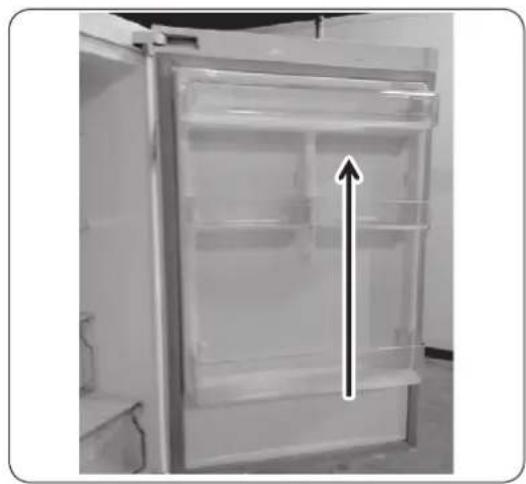
natural_image
Interior view of a refrigerator with open door and visible doorrest, showing internal compartments and a black upward arrow indicating storage (no text or symbols)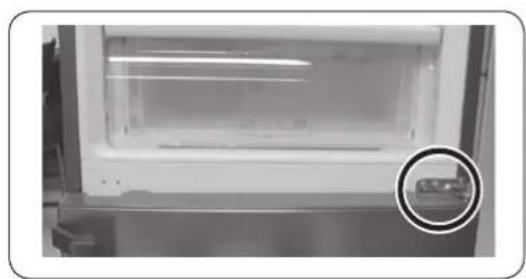
natural_image
Interior view of a laboratory or laboratory apparatus with a magnified circular inset showing a small object (no visible text or symbols)natural_image
Interior view of a refrigerator with open door and side door, showing clear glass doors (no visible text or symbols)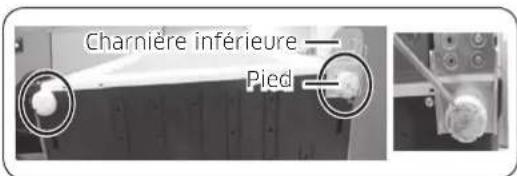
natural_image
Two identical illustrations of a screwdriver with a pointed tip, shown in two different angles (no text or symbols)natural_image
Close-up of a hand holding a white plastic sheet with a red arrow pointing downward (no text or symbols visible)natural_image
Close-up of a hand pressing down on a refrigerator door panel with a red arrow pointing to the button (no visible text or symbols)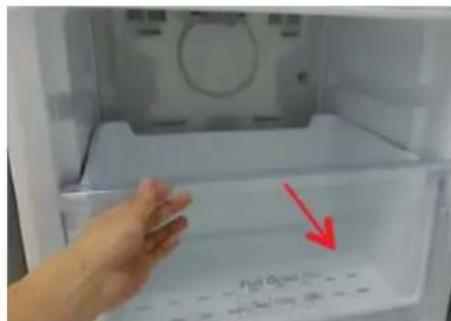
text_image
Fiat Open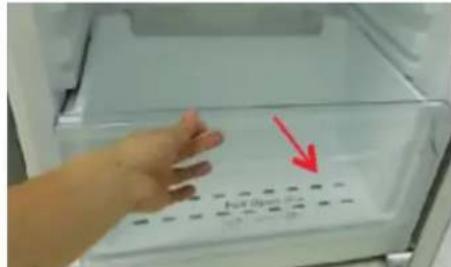
text_image
No. Box 100gnatural_image
Close-up of a mechanical component with four circular button indicators (no visible text or symbols)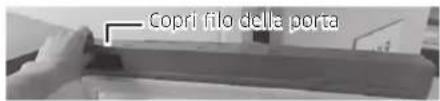
text_image
(1) (2)(3)(4) (5)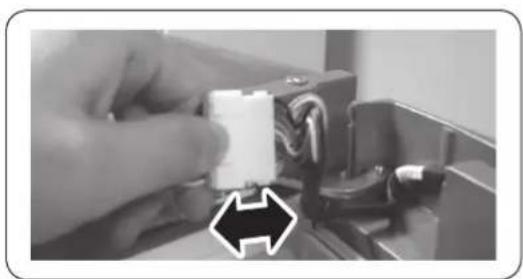
natural_image
Close-up of a hand holding a white plastic component with wires, next to an electronic device (no visible text or symbols)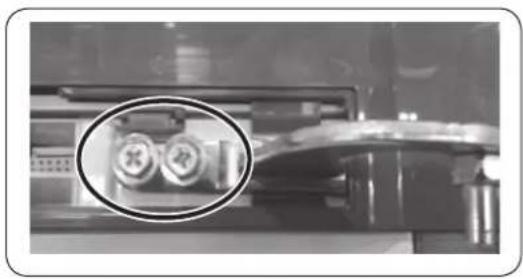
natural_image
Close-up of a mechanical component with two circular inset views showing internal components (no visible text or symbols)natural_image
Interior view of a refrigerator with clear glass doors and an upward arrow indicating storage or ventilation (no text or symbols visible)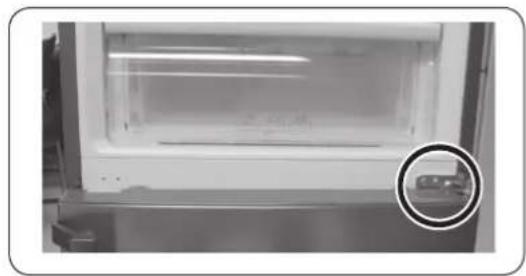
natural_image
Interior view of a laboratory or storage unit with a circular inset showing a small object (no visible text or symbols)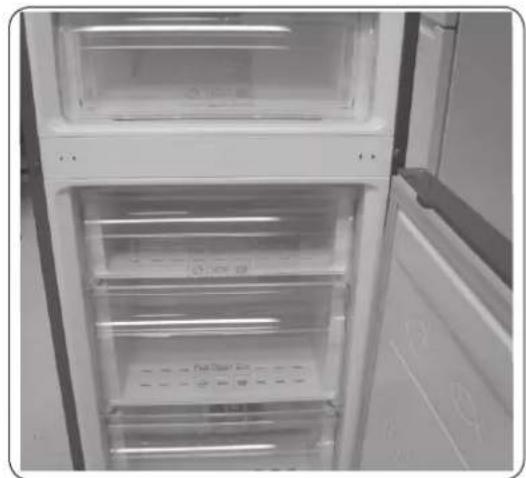
natural_image
Interior view of a refrigerator with open doors and clear glass doors (no visible text or symbols)natural_image
Close-up of a metallic door panel with circular components, shown in two views (1) and (2), with no visible text or symbols.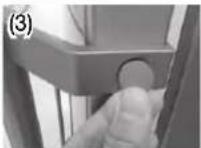
natural_image
Close-up of a hand holding a white plastic sheet with a red arrow pointing downward (no text or symbols visible)natural_image
Close-up of a hand pressing down on a refrigerator door panel with a red arrow pointing to the button (no visible text or symbols)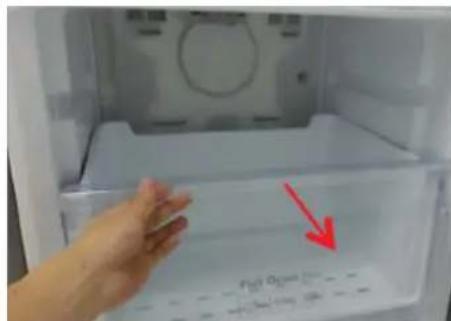
text_image
Fiat Open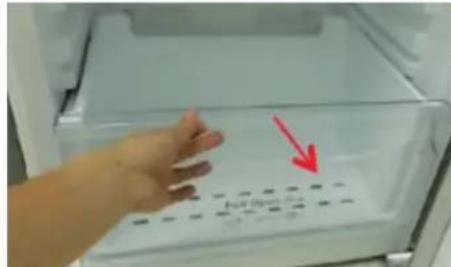
text_image
No. Box 100g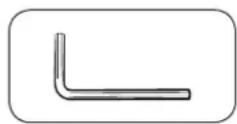
Inbusschlüssel (5 mm)
Deutsch
natural_image
Close-up of a mechanical component with four circular buttons on a base (no visible text or symbols)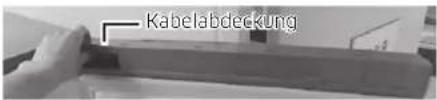
text_image
KabelabdeckungNur Modell *RB37*
text_image
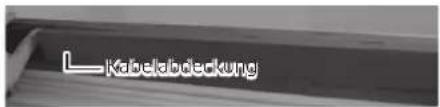
L Kabelabdeckung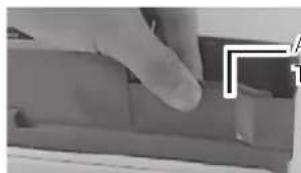
natural_image
Close-up of a hand pressing down on a mechanical component (no visible text or symbols)natural_image
Close-up of a hand holding a white connector with wires, next to a mechanical component (no visible text or symbols)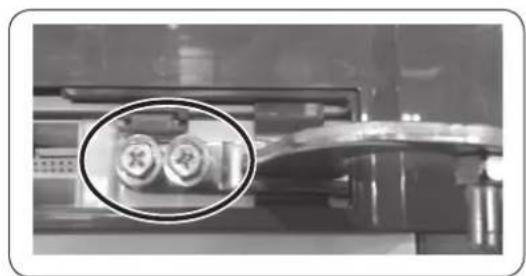
natural_image
Close-up of a mechanical device with two circular components highlighted in an oval (no visible text or symbols)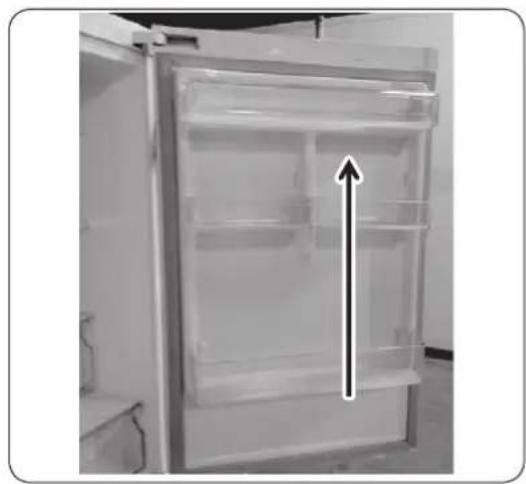
natural_image
Interior view of a refrigerator with open door and visible doorrest, showing internal compartments and a black upward arrow indicating storage (no text or symbols)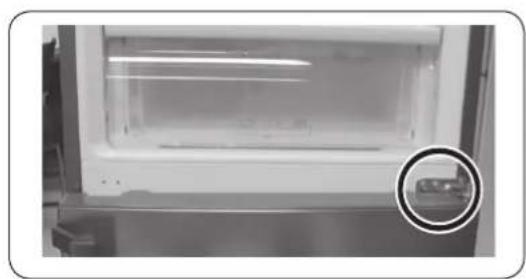
natural_image
Interior view of a laboratory or laboratory apparatus with a magnified circular inset showing a small object (no visible text or symbols)natural_image
Interior view of a refrigerator with open door and side door, showing clear glass doors and no visible text or symbols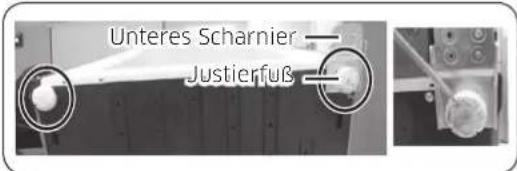
natural_image
Close-up of a metallic door panel with circular components, shown in two views (1) and (2), no visible text or symbols.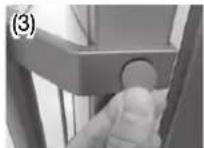
natural_image
Close-up of a hand holding a white plastic sheet with a red arrow pointing downward (no text or symbols visible)natural_image
Close-up of a hand pressing down on a refrigerator door panel with a red arrow pointing to the button (no visible text or symbols)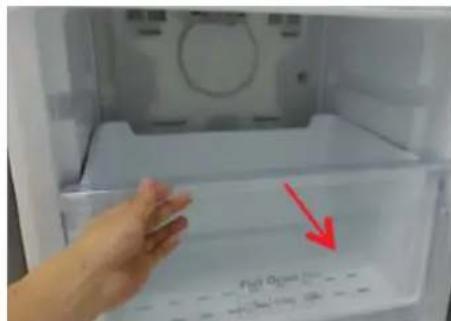
text_image
Fiat Open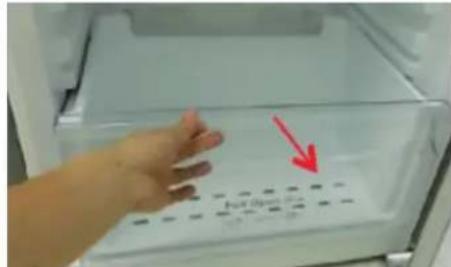
text_image
Full Opennatural_image
Close-up of a metallic air conditioner unit with four circular buttons (no visible text or symbols)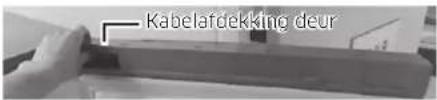
text_image
Kabelafdekking deurAlleen model *RB37*
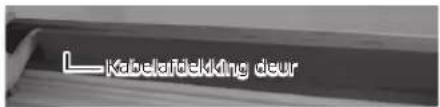
text_image
L Kabelafdekking deur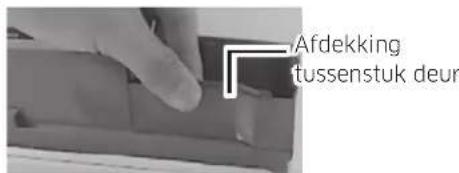
text_image
Afdekking tussenstuk deurAlleen model *RB37*
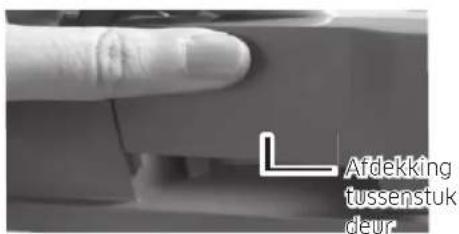
text_image
Afdekking tussenstuk deur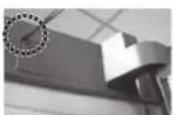
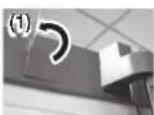
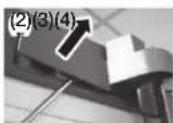
natural_image
Close-up of a hand holding a white connector with wires, next to a mechanical component (no visible text or symbols)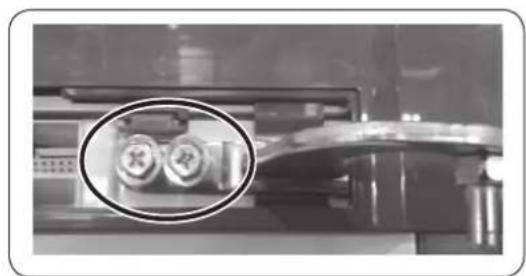
natural_image
Close-up of a mechanical device with two circular components highlighted in an oval (no visible text or symbols)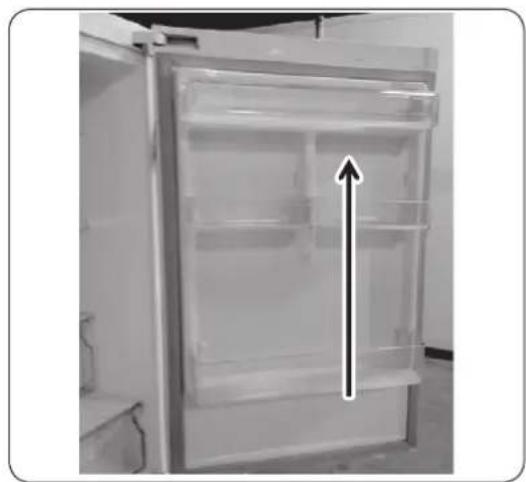
natural_image
Interior view of a refrigerator with an upward arrow indicating storage or ventilation (no text or symbols visible)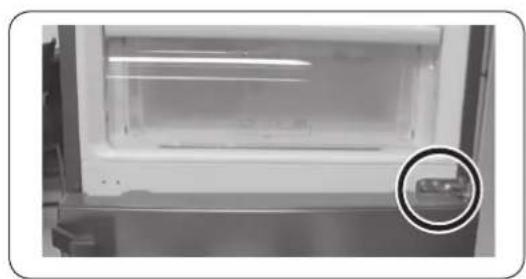
natural_image
Interior view of a refrigerator with a highlighted glass door and a circular inset showing a small object (no visible text or symbols)natural_image
Interior view of a refrigerator with open door and side door, showing clear glass doors and no visible text or symbols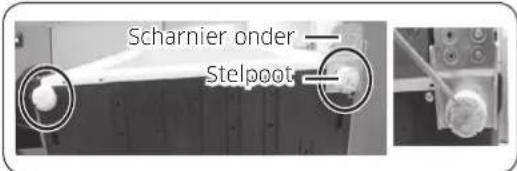
text_image
Scharnier order Stelpootnatural_image
Close-up of a metallic door panel with circular components, shown in two views (1) and (2), with no visible text or symbols.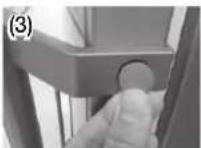
natural_image
Close-up of a hand holding a white plastic sheet with a red arrow pointing to it, inside a container (no text or symbols visible)natural_image
Close-up of a hand pressing down on a refrigerator door panel with a red arrow pointing to the button (no visible text or symbols)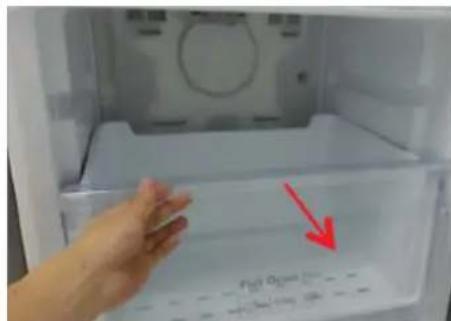
text_image
Fiat Open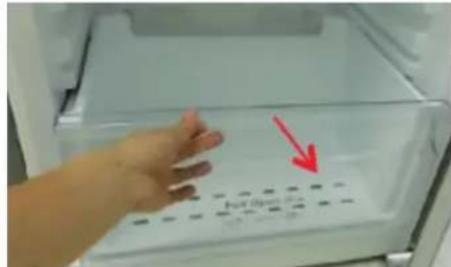
text_image
Full Opennatural_image
Close-up of a metallic panel with four circular buttons on its side (no visible text or symbols)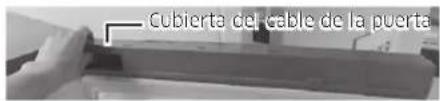
text_image
(1) (2)(3)(4) (5)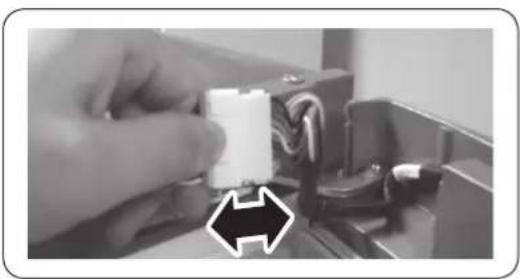
natural_image
Close-up of a hand holding a white connector with wires, next to a black arrow pointing to it (no text or symbols visible)natural_image
Close-up of a printer's internal components, showing two circular insets with cross and square symbols (no readable text or labels)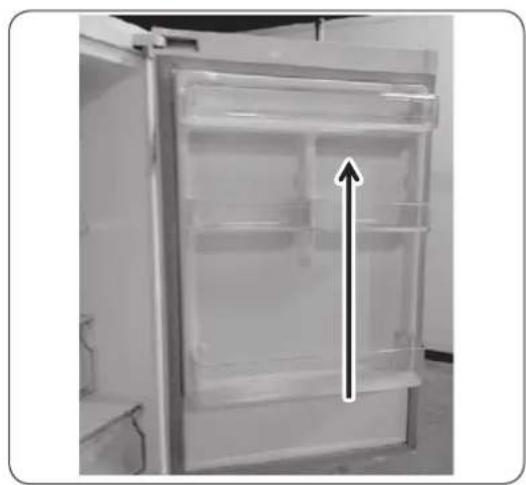
natural_image
Interior view of a refrigerator with open door and visible internal compartments, no text or symbols present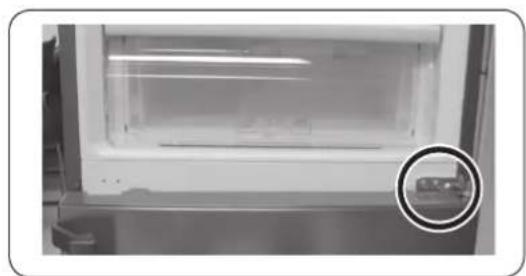
natural_image
Interior view of a laboratory or storage unit with a circular inset showing a small object (no visible text or symbols)
natural_image
Interior view of a refrigerator with open doors and visible door covers (no text or symbols)natural_image
Two identical line drawings of a screwdriver with no text or symbolsChave Phillips Chave de fendas
Remoção das pegas
text_image
(1)(2) (1) (3) (2)natural_image
Close-up of a hand holding a white plastic sheet with a red arrow pointing to it, against a plain background (no text or symbols)natural_image
Close-up of a hand pressing down on a refrigerator door panel with a red arrow pointing to the button (no visible text or symbols)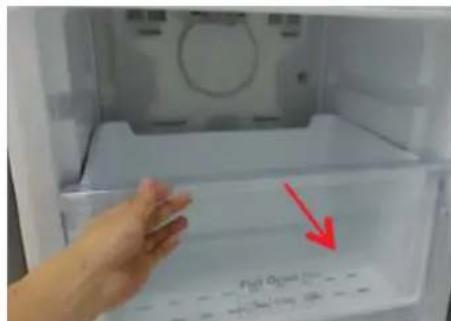
text_image
Fiat Open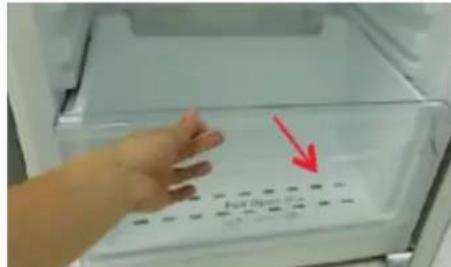
text_image
No. Box 100gnatural_image
Close-up of a mechanical component with four circular buttons on top (no visible text or symbols)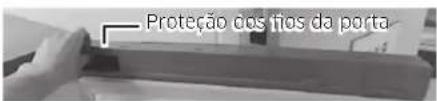
text_image
(1) (2)(3)(4) (5)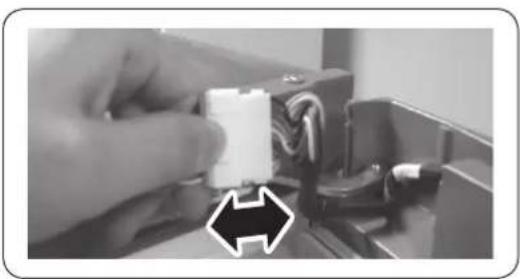
natural_image
Close-up of a hand holding a white plastic component with wires, next to a black arrow pointing to it (no text or symbols visible)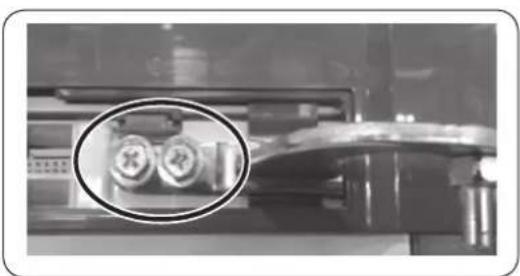
natural_image
Close-up of a mechanical device with two circular components highlighted in an oval (no visible text or symbols)natural_image
Interior view of a refrigerator with clear glass doors and an upward arrow indicating storage or ventilation (no text or symbols visible)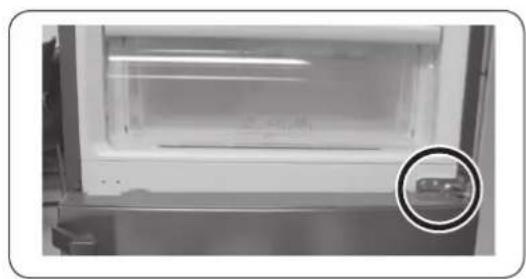
natural_image
Interior view of a laboratory or storage unit with a circular inset showing a small object (no visible text or symbols)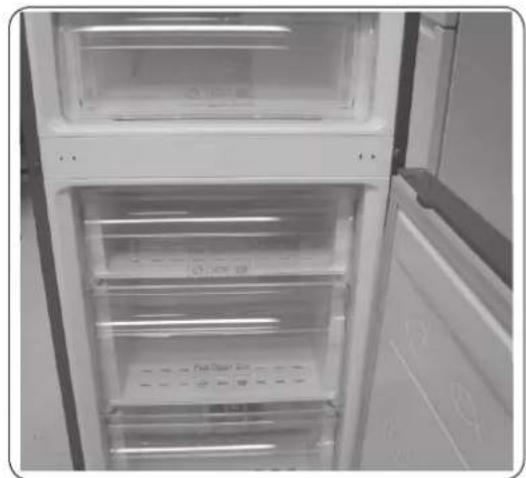
natural_image
Interior view of a refrigerator with open doors and clear glass doors (no visible text or symbols)natural_image
Two identical line drawings of a screwdriver with no text or symbolsnatural_image
Close-up of a door handle and side panel with two views (1) and (2), showing no text or symbols.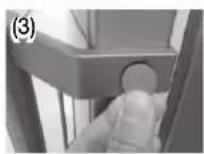
natural_image
Close-up of a hand holding a white plastic sheet with a red arrow pointing to it, against a ceiling structure (no text or symbols visible)natural_image
Close-up of a hand pressing down on a refrigerator door with a red arrow pointing to the button (no visible text or symbols)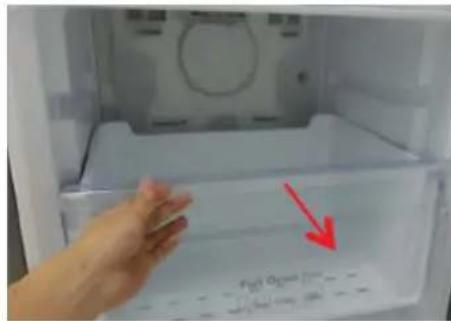
text_image
P201 O2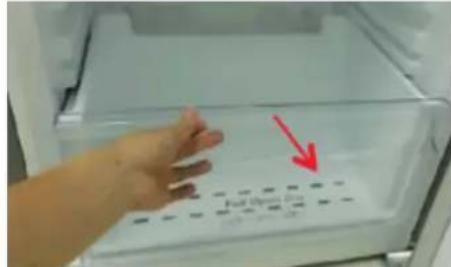
text_image
Full Box 20 100 gm / 100 gnatural_image
Close-up of a mechanical component with four circular buttons on its side (no visible text or symbols)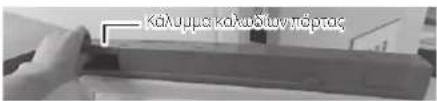
natural_image
Close-up of a hand holding a white connector with wires, next to an electronic device (no visible text or symbols)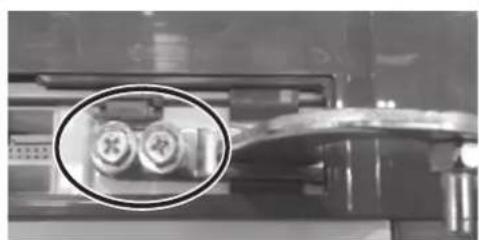
natural_image
Close-up of a mechanical component with two circular inset images showing internal components (no visible text or symbols)natural_image
Interior view of a refrigerator with clear glass doors and an upward arrow indicating storage or ventilation (no text or symbols visible)
natural_image
Close-up of a white refrigerator with a glass lid and a magnified inset showing a small object (no visible text or symbols)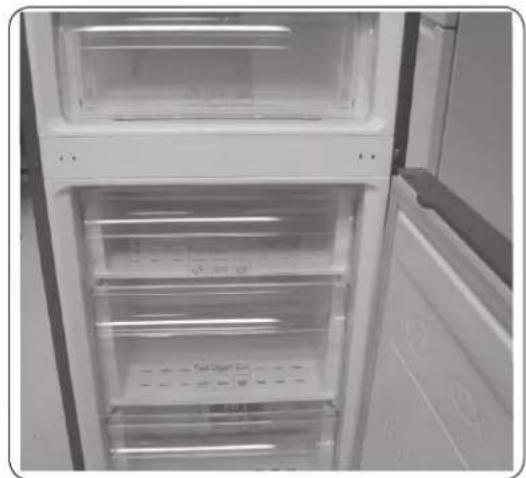
natural_image
Interior view of a refrigerator with open doors and visible door covers (no text or symbols)natural_image
Close-up of a metallic door panel with circular components, shown from two angles (1) and (2), with no visible text or symbols.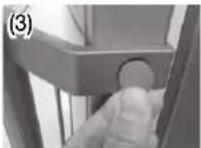
natural_image
Close-up of a hand holding a white plastic sheet with a red arrow pointing downward (no text or symbols visible)natural_image
Close-up of a hand pressing down on a refrigerator door panel with a red arrow pointing to the button (no visible text or symbols)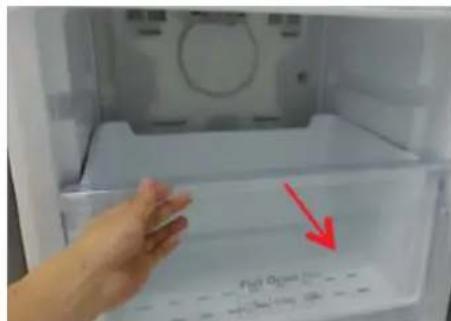
text_image
Fiat Open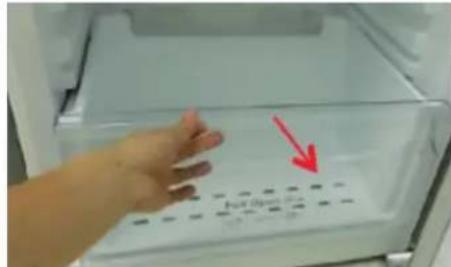
text_image
No. Box 100gnatural_image
Close-up of a mechanical component with four circular buttons on a base (no visible text or symbols)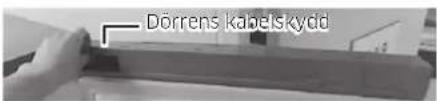
text_image
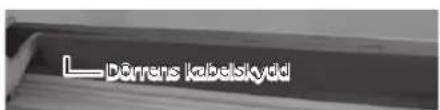
Dörrens kabelskydd*Endast modellen RB37*
text_image
L Dörrens kabelstýddtext_image
(1) (2)(3)(4) (5)
natural_image
Close-up of a hand inserting a white plastic component into an electrical connector (no text or symbols visible)
natural_image
Close-up of a mechanical component with two circular inset images showing internal components (no visible text or symbols)natural_image
Interior view of a refrigerator with clear glass doors and an upward arrow indicating storage or ventilation (no text or symbols visible)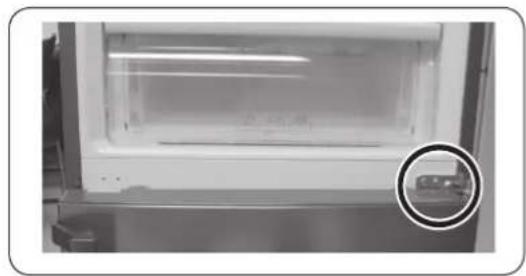
natural_image
Interior view of a laboratory or storage unit with a circular inset showing a small object (no visible text or symbols)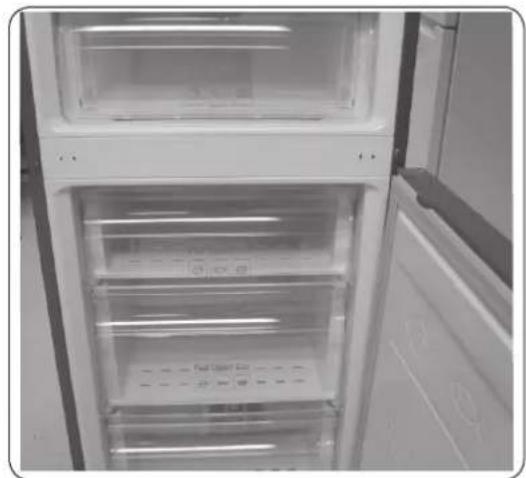
natural_image
Interior view of a refrigerator with open door and closed doors (no visible text or symbols)natural_image
Close-up of a metallic door panel with circular components, shown in two views (1) and (2), no visible text or symbols.
natural_image
Close-up of a hand holding a white plastic sheet with a red arrow pointing to it, against a plain background (no text or symbols)natural_image
Close-up of a hand pressing down on a refrigerator door panel with a red arrow pointing to the button (no visible text or symbols)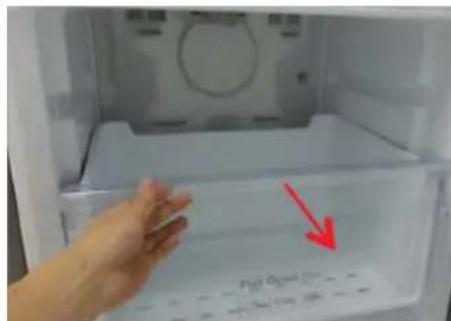
text_image
Fiat Open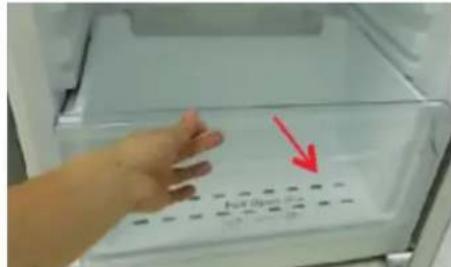
text_image
Full Opennatural_image
Close-up of a mechanical component with four circular buttons on its side (no visible text or symbols)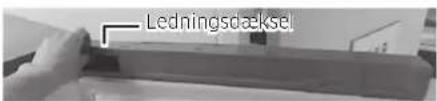
text_image
(1) (2)(3)(4) (5)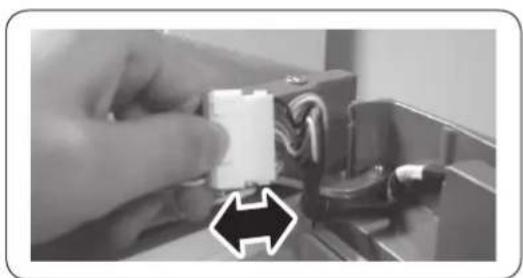
natural_image
Close-up of a hand holding a white connector with wires, next to a black arrow pointing to it (no text or symbols visible)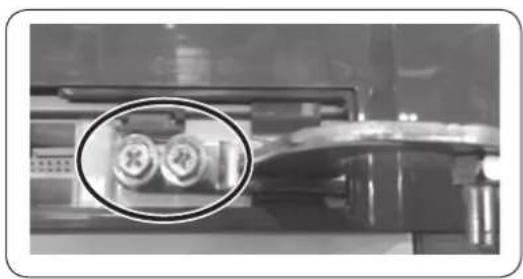
natural_image
Close-up of a mechanical component with a magnified inset showing two circular features (no visible text or symbols)natural_image
Interior view of a refrigerator with clear glass doors and an upward arrow indicating storage or ventilation (no text or symbols visible)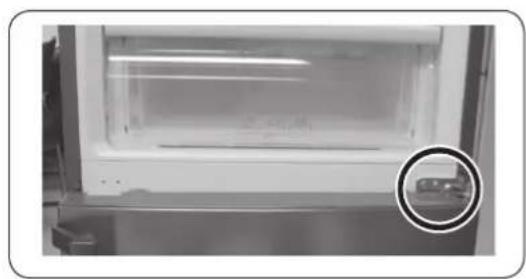
natural_image
Interior view of a laboratory or storage unit with a circular inset showing a small object (no visible text or symbols)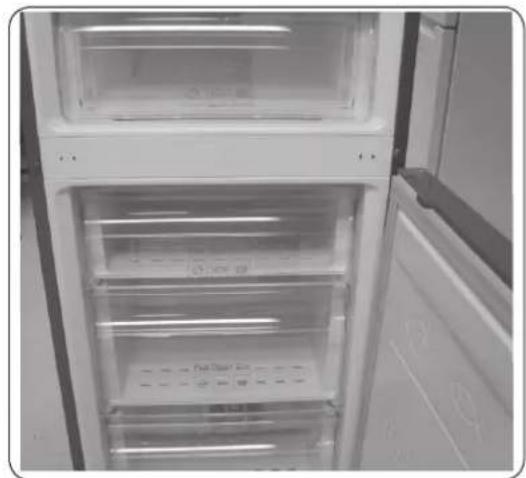
natural_image
Interior view of a refrigerator with open doors and clear glass doors (no visible text or symbols)natural_image
Close-up of a hand holding a white plastic sheet with a red arrow pointing to it, against a plain background (no text or symbols)natural_image
Close-up of a hand pressing down on a refrigerator door panel with a red arrow pointing to the button (no visible text or symbols)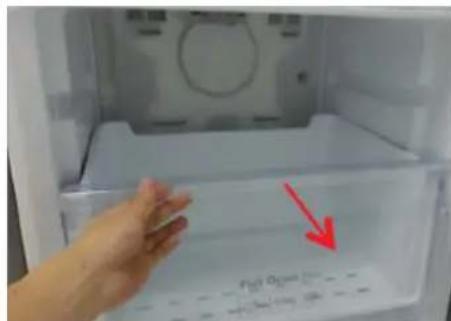
text_image
Fiat Open
text_image
Full Open8 mm pipenøkkel (for bolter)

Sekskantnøkkel (5 mm)
Reversere døren
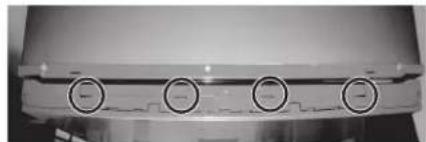
natural_image
Close-up of a mechanical component with four circular buttons on a base (no visible text or symbols)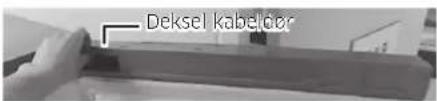
text_image
Deksel kabeldorKun modell *RB37*
text_image
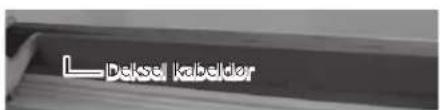
Dekse kabeldertext_image
(1) (2)(3)(4) (5)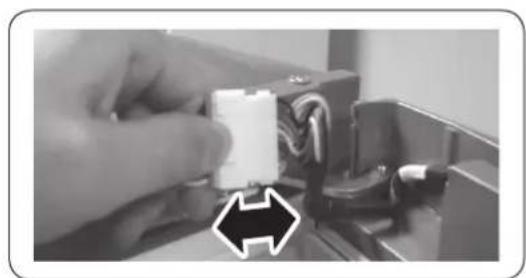
natural_image
Close-up of a hand holding a white plastic connector with wires, next to a black arrow pointing to it (no text or symbols visible)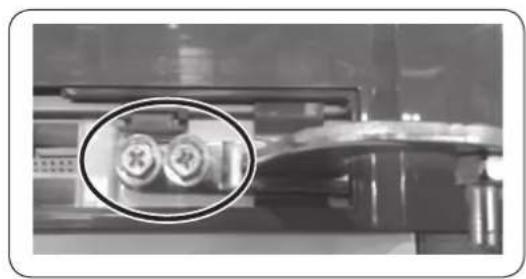
natural_image
Close-up of a mechanical component with two circular inset views highlighting internal features (no text or symbols visible)natural_image
Interior view of a modern refrigerator with clear glass doors and an upward arrow indicating storage or ventilation (no text or symbols visible)
natural_image
Interior view of a laboratory or storage unit with a circular inset showing a small object (no visible text or symbols)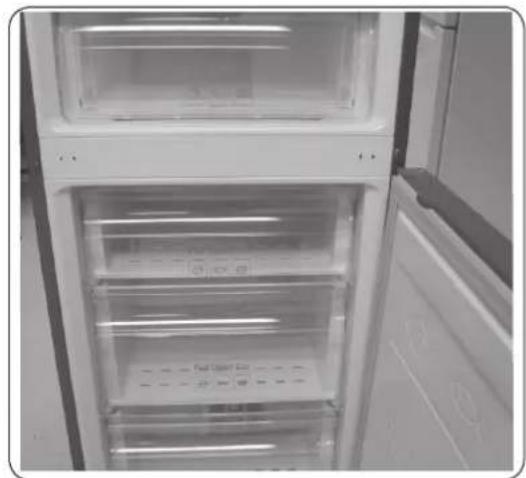
natural_image
Interior view of a refrigerator with open door and closed doors (no visible text or symbols)natural_image
Close-up of a metallic door panel with circular components, shown from two angles (1) and (2), no visible text or symbols.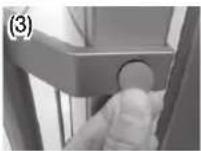
natural_image
Close-up of a hand holding a white plastic sheet with a red arrow pointing to it, against a plain background (no text or symbols)natural_image
Close-up of a hand pressing down on a refrigerator door panel with a red arrow pointing to the button (no visible text or symbols)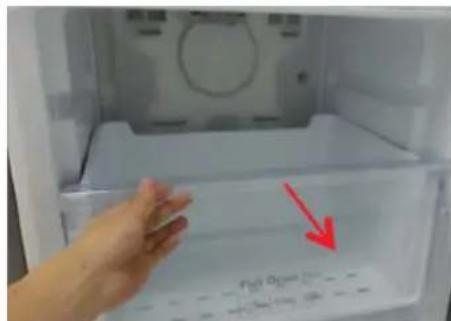
text_image
Fiat Open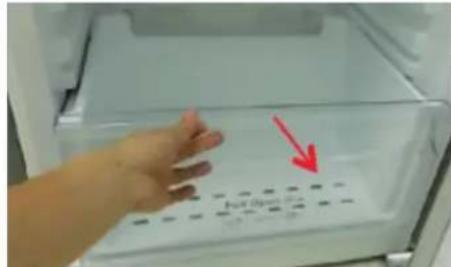
text_image
No. Box 100gnatural_image
Close-up of a mechanical component with four circular buttons on a base (no visible text or symbols)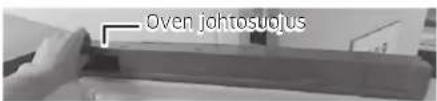
text_image
(1) (2)(3)(4) (5)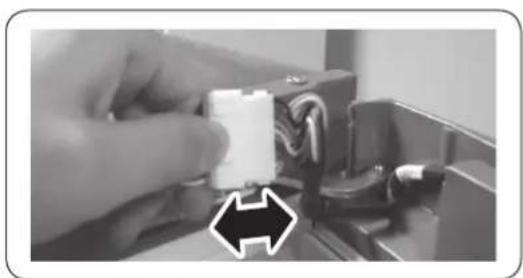
natural_image
Close-up of a hand holding a white plastic component with wires, next to a black arrow pointing to it (no text or symbols visible)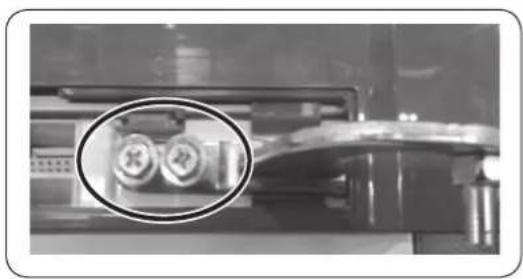
natural_image
Close-up of a mechanical component with two circular inset images showing internal components (no visible text or symbols)natural_image
Interior view of a refrigerator with clear glass doors and an upward arrow indicating storage or ventilation (no text or symbols visible)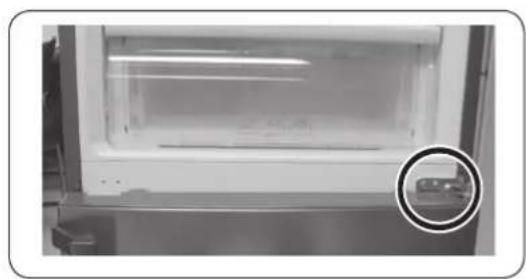
natural_image
Close-up of a white refrigerator with a glass lid and a circular inset showing a small object (no visible text or symbols)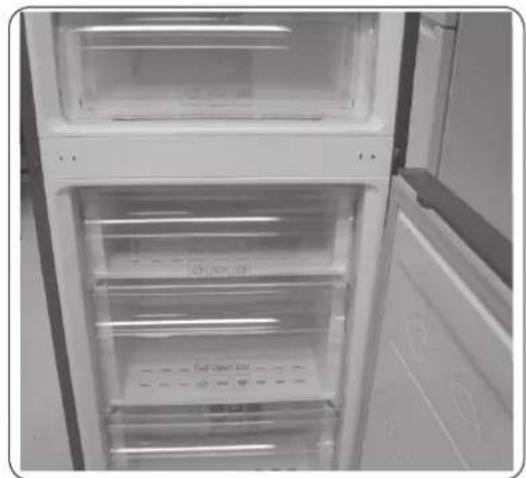
natural_image
Interior view of a refrigerator with open door and visible door, showing clear glass doors and ventilation slots (no text or symbols)natural_image
Close-up of a metallic door panel with circular components, shown from two angles (1) and (2), with no visible text or symbols.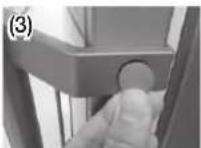
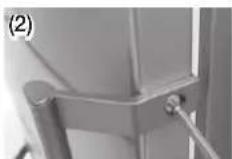
natural_image
Close-up of a hand holding a white plastic sheet with a red arrow pointing to it, against a tiled wall background (no text or symbols visible)natural_image
Close-up of a hand pressing down on a refrigerator door panel with a red arrow pointing to the button (no visible text or symbols)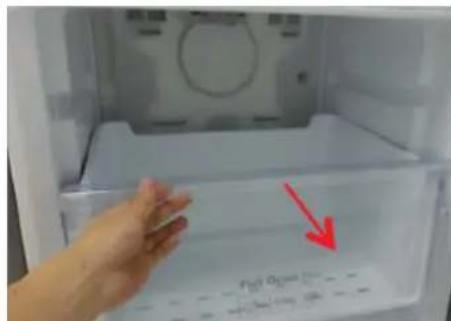
text_image
Fiat Open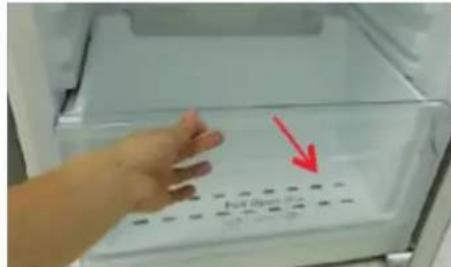
text_image
Full Opennatural_image
Close-up of a mechanical component with four circular button indicators (no visible text or symbols)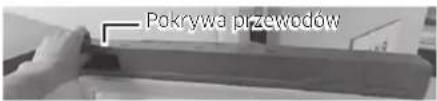
text_image
(1) (2)(3)(4) (5)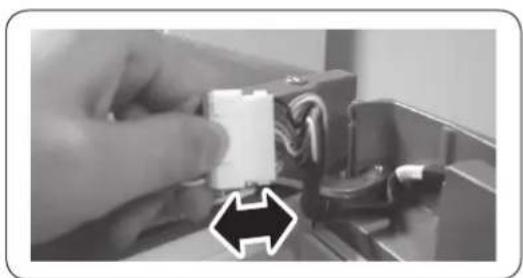
natural_image
Close-up of a hand holding a white plastic component with wires, next to a black arrow pointing to it (no text or symbols visible)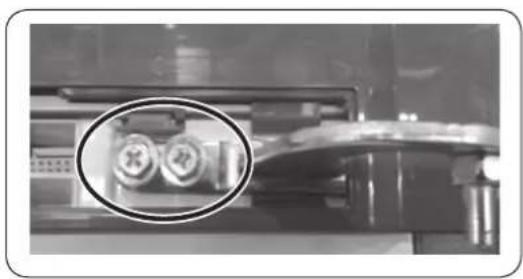
natural_image
Close-up of a mechanical component with two circular inset images showing internal components (no visible text or symbols)natural_image
Close-up of a hand holding a white plastic sheet with a red arrow pointing downward (no text or symbols visible)natural_image
Close-up of a hand pressing down on a refrigerator door panel with a red arrow pointing to the button (no visible text or symbols)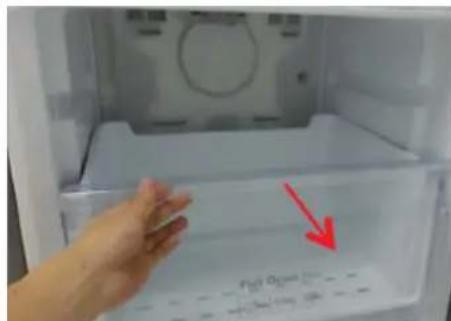
text_image
Fiat Open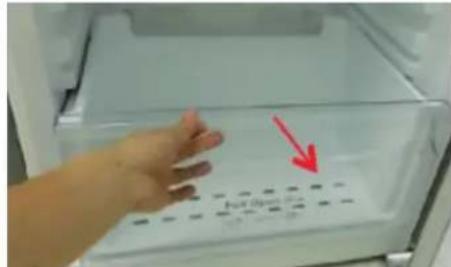
text_image
Full Opennatural_image
Close-up of a mechanical component with four circular buttons on a base (no visible text or symbols)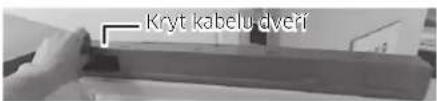
text_image
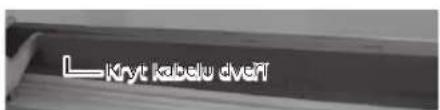
Kryt kabelu dveřPouze model *RB37*
text_image
(1) (2)(3)(4) (5)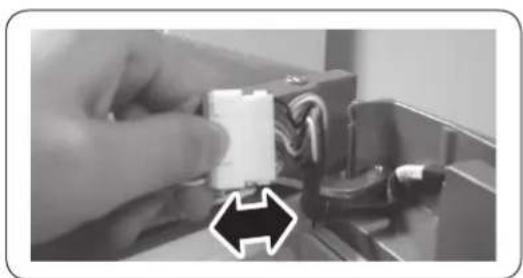
natural_image
Close-up of a hand holding a white plastic component with wires, next to a black arrow pointing to it (no text or symbols visible)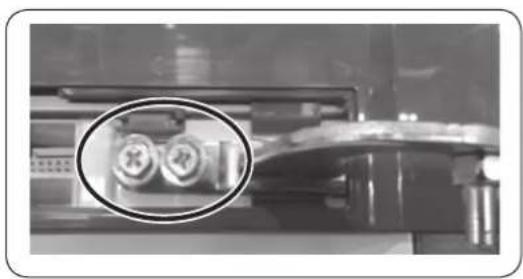
natural_image
Close-up of a mechanical component with two circular inset images showing internal components (no visible text or symbols)natural_image
Interior view of a refrigerator with clear glass doors and an upward arrow indicating storage or ventilation (no text or symbols visible)
natural_image
Interior view of a laboratory or storage unit with a circular inset showing a small object (no visible text or symbols)
natural_image
Interior view of a refrigerator with open door and closed doors (no visible text or symbols)natural_image
Two identical line drawings of a screwdriver with no text or symbolsnatural_image
Close-up of a hand holding a white plastic sheet with a red arrow pointing downward (no text or symbols visible)Otvorte dvierka a zložte z nich tesnenie.
Osadenie tesnenia
K dvierkam chladničky upevnite nové tesnenie.
natural_image
Close-up of a hand pressing down on a refrigerator door panel with a red arrow pointing to the button (no visible text or symbols)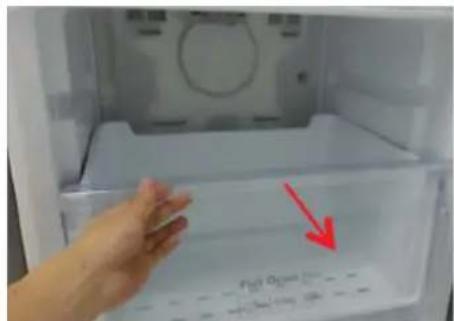
text_image
P10 O2 →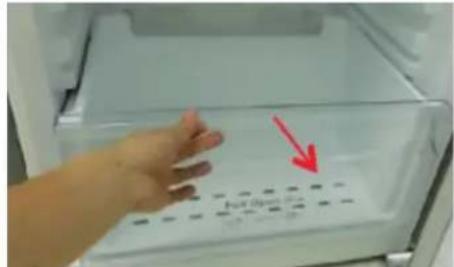
text_image
No. Box 100% 100%natural_image
Close-up of a mechanical component with four circular button indicators (no visible text or symbols)
text_image
Kryt kabelaze na cvierkachIba model *RB37*
text_image
(1) (2)(3)(4) (5)
natural_image
Close-up of a hand holding a white plastic component with wires, next to a mechanical device (no visible text or symbols)
natural_image
Close-up of a mechanical component with two circular inset images showing internal components (no visible text or symbols)natural_image
Interior view of a modern refrigerator with clear glass doors and an upward arrow indicating storage or ventilation (no text or symbols visible)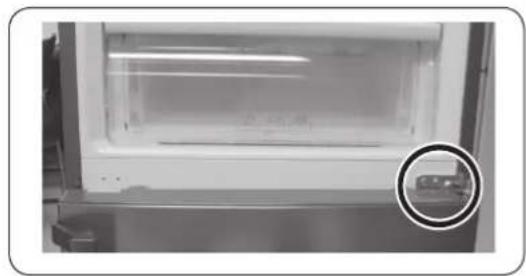
natural_image
Interior view of a laboratory or storage unit with a circular inset showing a small object (no visible text or symbols)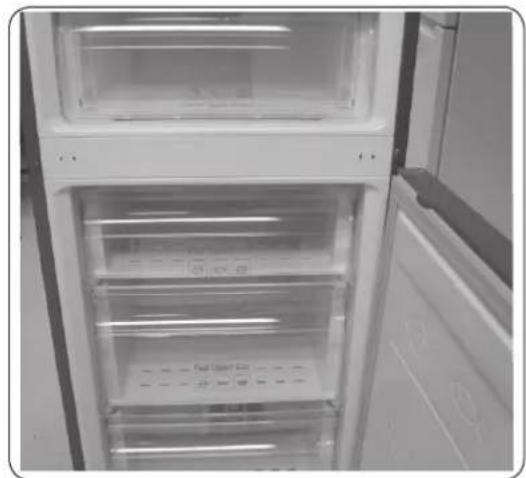
natural_image
Interior view of a refrigerator with open door and closed doors (no visible text or symbols)natural_image
Two identical illustrations of a screwdriver with a flat blade, shown in two different angles (no text or symbols)natural_image
Close-up of a hand holding a white plastic sheet with a red arrow pointing to it, against a plain background (no text or symbols)natural_image
Close-up of a hand pressing down on a refrigerator door panel with a red arrow pointing to the button (no visible text or symbols)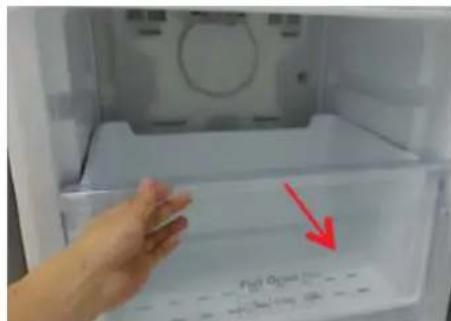
text_image
Fiat Open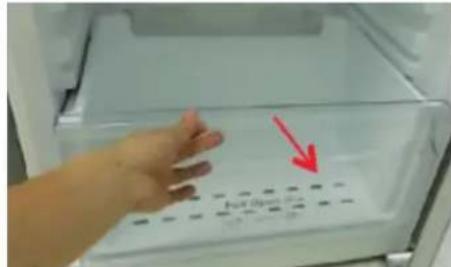
text_image
No. Box 100gnatural_image
Close-up of a metallic panel with four circular buttons on its side (no visible text or symbols)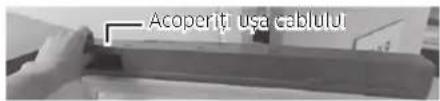
natural_image
Close-up of a mechanical component with two circular inset images showing internal components (no visible text or symbols)natural_image
Interior view of a refrigerator with clear glass doors and an upward arrow indicating storage or ventilation (no text or symbols visible)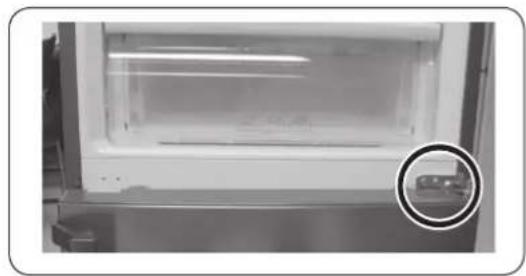
natural_image
Interior view of a white appliance with a transparent lid and a circular inset showing a small object (no visible text or symbols)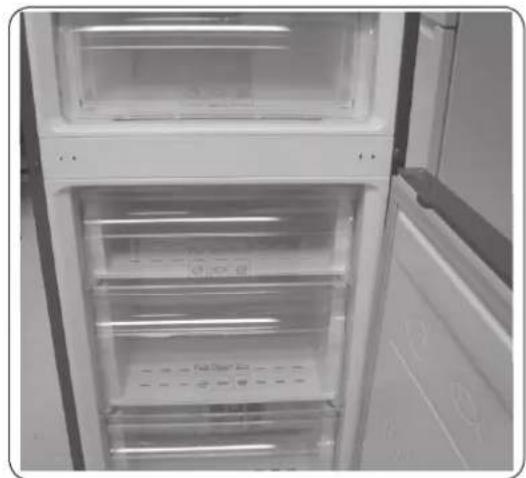
natural_image
Interior view of a refrigerator with open door and side panels (no visible text or symbols)natural_image
Two identical line drawings of a screwdriver with a pointed tip, shown in two different angles (no text or symbols)natural_image
Close-up of a hand holding a white plastic sheet with a red arrow pointing downward (no text or symbols visible)natural_image
Close-up of a hand pressing down on a refrigerator door panel with a red arrow pointing to the button (no visible text or symbols)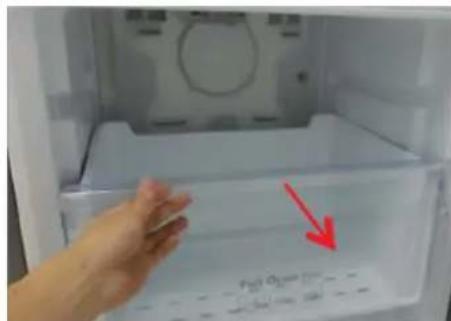
text_image
P2H O3 →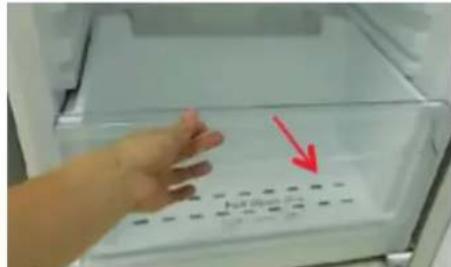
text_image
Photo of a hand placing a grid on an open refrigerator with a red arrow pointing to the grid.natural_image
Close-up of a metallic mechanical component with four circular buttons (no visible text or symbols)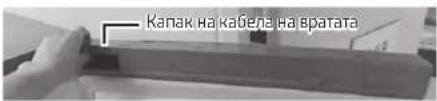
text_image
(1) (2)(3)(4) (5)
natural_image
Close-up of a hand holding a white plastic component with wires, next to a black arrow pointing to it (no text or symbols visible)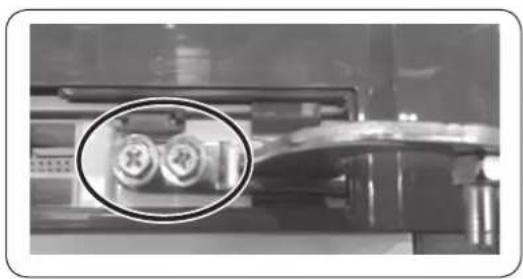
natural_image
Close-up of a mechanical component with two circular inset images showing internal components (no visible text or symbols)natural_image
Interior view of a refrigerator with clear glass doors and an upward arrow indicating storage or ventilation (no text or symbols visible)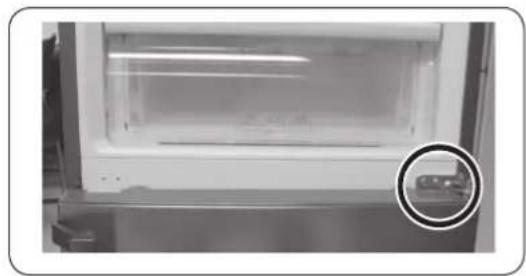
natural_image
Close-up of a white refrigerator with a glass lid and a circular inset showing a small object (no visible text or symbols)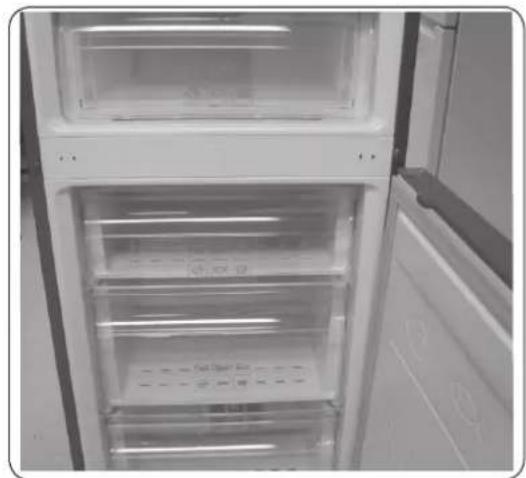
natural_image
Interior view of a refrigerator with open doors and visible door covers (no text or symbols)natural_image
Close-up of a metallic door panel with circular components, shown in two views (1) and (2), with no visible text or symbols.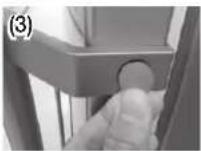
natural_image
Close-up of a hand holding a white plastic sheet with a red arrow pointing to it, inside a container (no text or symbols visible)natural_image
Close-up of a hand pressing down on a refrigerator door panel with a red arrow pointing to the button (no visible text or symbols)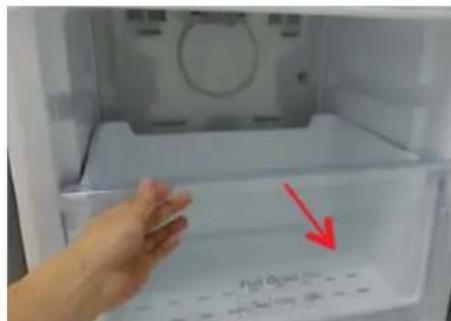
text_image
Fiat Open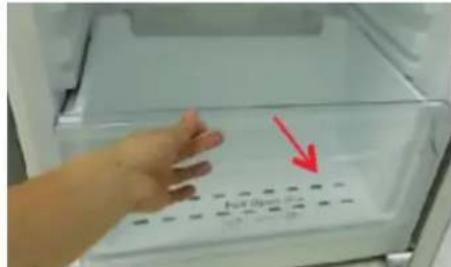
text_image
No. Box 100gnatural_image
Close-up of a metallic industrial component with four circular buttons (no visible text or symbols)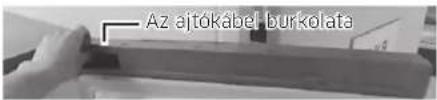
natural_image
Close-up of a hand holding a white connector with cable, no visible text or symbols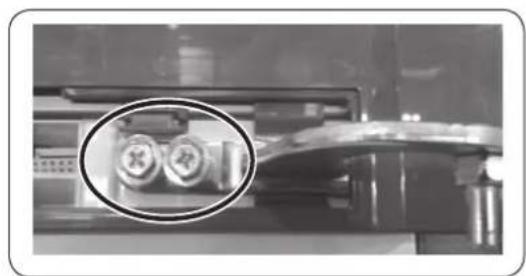
natural_image
Close-up of a mechanical component with two circular inset images showing internal components (no visible text or symbols)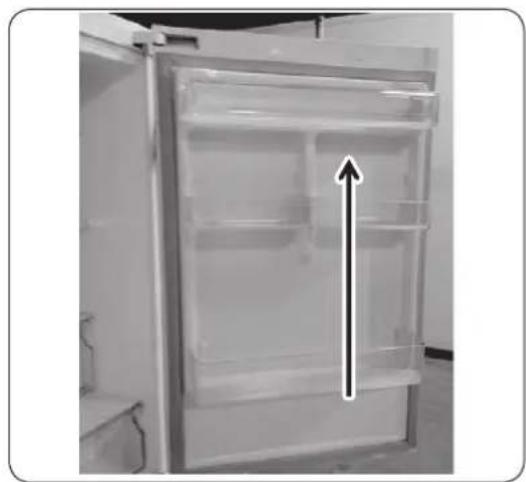
natural_image
Interior view of a refrigerator with an upward arrow indicating storage or ventilation (no text or symbols visible)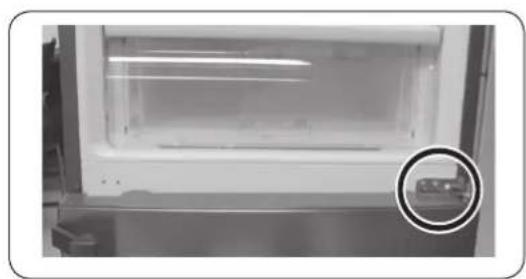
natural_image
Interior view of a stainless steel refrigerator with a highlighted glass door and a circular inset showing a small object (no text or symbols visible)natural_image
Interior view of a refrigerator with open door and side door, showing clear glass doors and ventilation grilles (no visible text or symbols)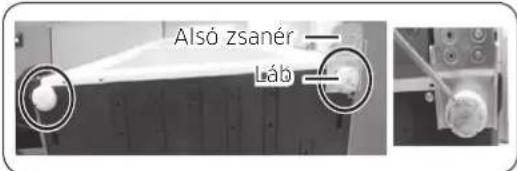
natural_image
Two identical illustrations of a screwdriver with a flat blade, shown in two different angles (no text or symbols)natural_image
Close-up of a hand holding a white plastic sheet with a red arrow pointing downward (no text or symbols visible)Otvorite vrata i sa njih skinite zaptivnu gumu.
Da biste zamenili zaptivnu gumu
Postavite novu zaptivnu gumu na vrata frižidera.
Uverite se da između nove zaptivne gume i vrata nema razmaka.
Srpski
Zamena fioke

OPREZ
Tokom postavljanja, proverite da li je fioka pravilno umetnuta u vodice.
Da biste skinuli fioku
natural_image
Close-up of a hand pressing down on a refrigerator door panel with a red arrow pointing to the button (no visible text or symbols)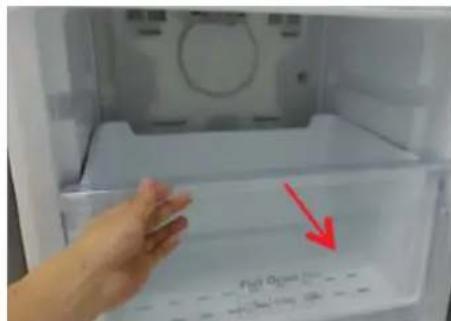
text_image
Fiat Open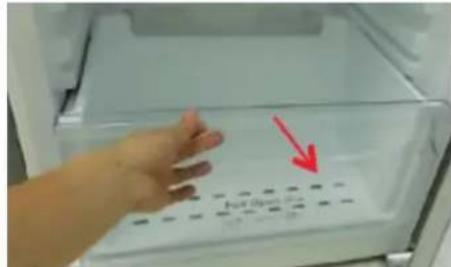
text_image
Full Open-
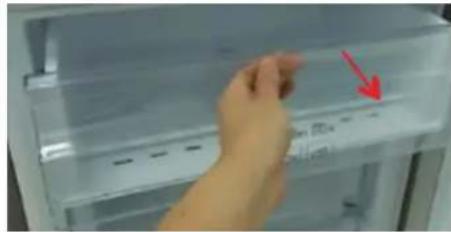
Izvucite fioku do kraja.
-
Nagnite fioku nagore i povucite je tako da je uklonite.
Da biste vratili fioke
natural_image
Close-up of a metallic panel with four circular buttons on its side (no visible text or symbols)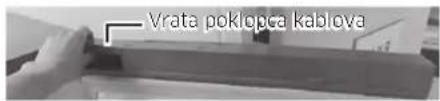
text_image
Vrata poklopca kablovaSamo model *RB37*

text_image
Lvrata poklopa kablova- Uklonite vrata poklopca kablova.
Srpski
natural_image
Close-up of a mechanical component with two circular features highlighted in an oval (no visible text or symbols)-
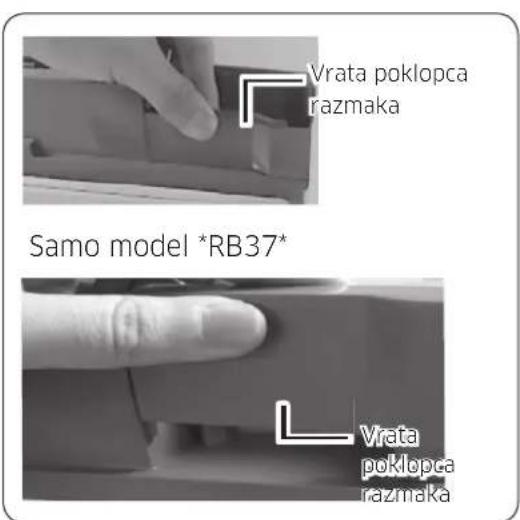
Rasklopite vrata poklopca razmaka.
-
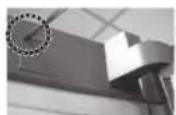
Uklonite poklopac šarke da biste gurnuli kuku kao na donjim slikama.
- Umetnite odvijač sa ravnom glavom i vratite ga, kao što je prikazano na slici br. 1.
- Kao što je prikazano na slici br. 2, pomerite poklopac nagore i gurnite kuku kao što je prikazano na slici br. 3. (Budite pažljivi kako ne biste oštetili kabl u poklopcu šarke prekomernim pritiskanjem)
- Rasklopite tako što ćete gurnuti A na slici br. 4, kao što je prikazano na slici br. 5.
- Isključite konektor kabla za vrata frižidera. (Samo na modelima sa spoljnim ekranom.)
- Uklonite zavrtnje. (Vodite računa da ne ispustite vrata prilikom rasklapanja.)
Srpski
natural_image
Interior view of a refrigerator with clear glass doors and an upward arrow indicating storage or ventilation (no text or symbols visible)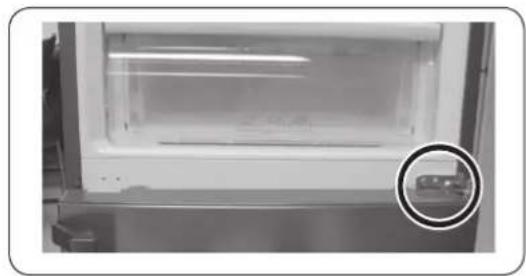
natural_image
Interior view of a white appliance with a transparent lid and a circular inset showing a small object (no visible text or symbols)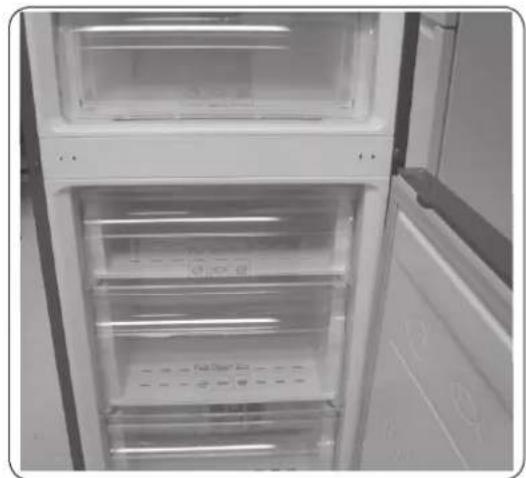
natural_image
Interior view of a refrigerator with open door and side panels (no visible text or symbols)- Skinite vrata frižidera sa srednje šarke tako što ćete ih pažljivo podići.
OPREZ
natural_image
Close-up of a metallic door panel with circular components, shown from two angles (1) and (2), with no visible text or symbols.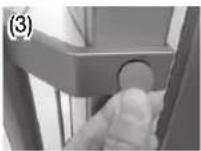
natural_image
Close-up of a hand holding a white plastic sheet with a red arrow pointing downward (no text or symbols visible)Otvorite vrata i uklonite brtvu s vrata.
Za zamjenu brtve
natural_image
Close-up of a hand pressing down on a refrigerator door panel with a red arrow pointing to the button (no visible text or symbols)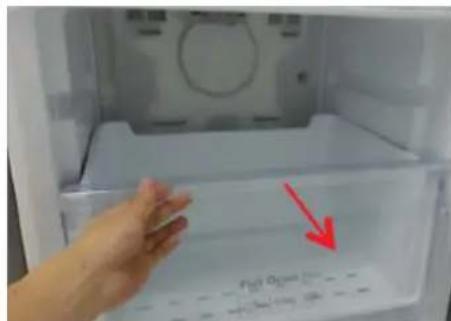
text_image
Fiat Open
text_image
Full Open-
Izvucite ladicu što je moguće više.
-
Nagnite ladicu prema gore i vucite je dok je ne izvadite.
Ponovno postavljanje ladica
natural_image
Close-up of a mechanical component with four circular buttons on its side (no visible text or symbols)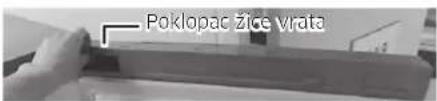
text_image
Poklopac žice vrataSamo model *RB37*

text_image
Poklupac Zlos vraia- Uklonite poklopac žice vrata.
Hrvatski
text_image
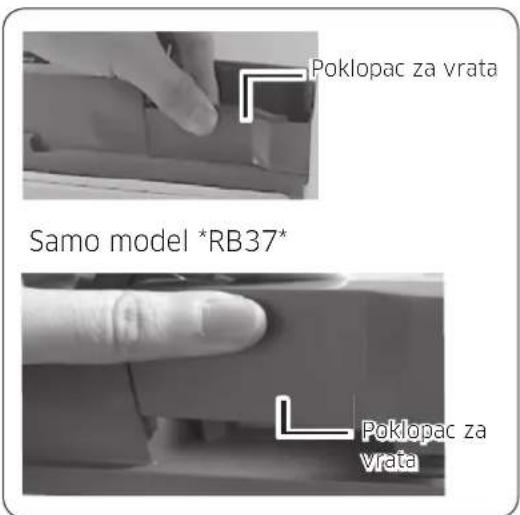
Poklopac za vrata Samo model *RB37* Poklopac za vrata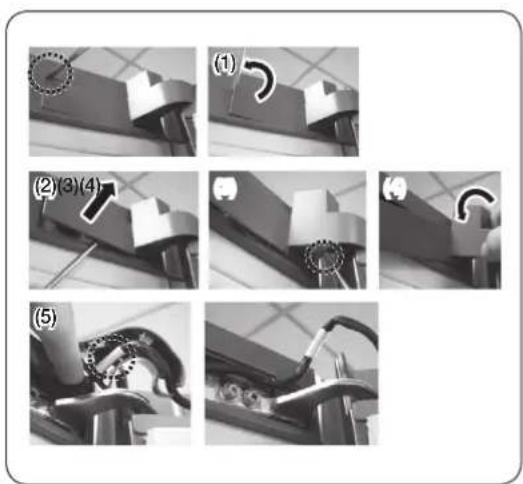
text_image
(1) (2)(3)(4) (5)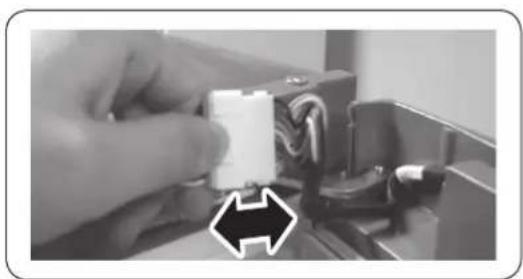
natural_image
Close-up of a hand holding a white plastic connector with wires, next to a mechanical component (no visible text or symbols)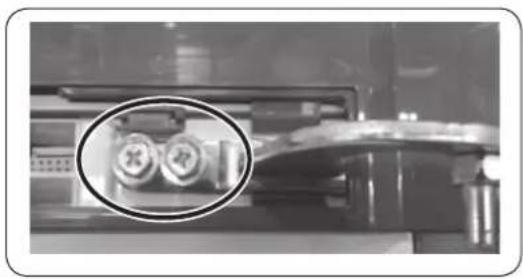
natural_image
Close-up of a mechanical device with two circular components highlighted in black (no visible text or symbols)natural_image
Interior view of a refrigerator with clear glass doors and an upward arrow indicating storage or ventilation (no text or symbols visible)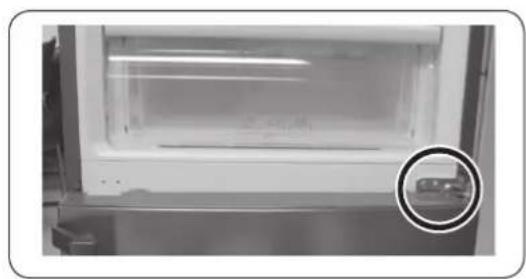
natural_image
Interior view of a laboratory or storage unit with a circular inset showing a small object (no visible text or symbols)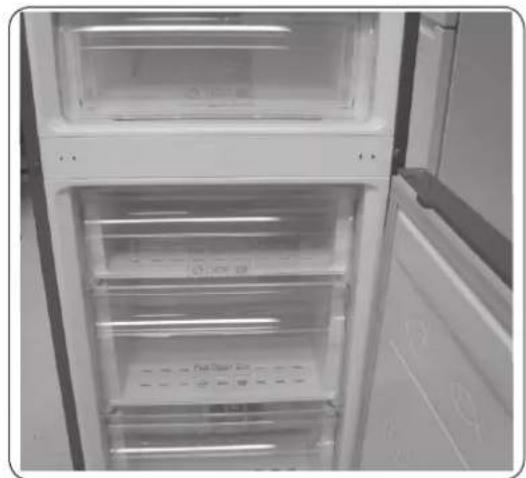
natural_image
Interior view of a refrigerator with open doors and clear glass doors (no visible text or symbols)text_image
Donja šarka Noganatural_image
Two identical illustrations of a screwdriver with a flat blade, shown in two different angles (no text or symbols)natural_image
Close-up of a hand holding a white plastic sheet with a red arrow pointing downward (no text or symbols visible)natural_image
Close-up of a hand pressing down on a refrigerator door panel with a red arrow pointing to the button (no visible text or symbols)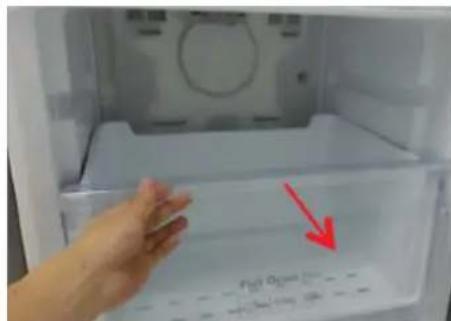
text_image
Fiat Open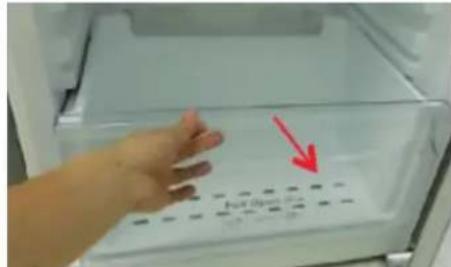
text_image
No. Box 100gnatural_image
Close-up of a mechanical component with four circular buttons on a base (no visible text or symbols)
text_image
Kapaku i telave moi dereVetëm modeli *RB37*
text_image
L Kapaku I telave mbI derétext_image
(1) (2)(3)(4) (5)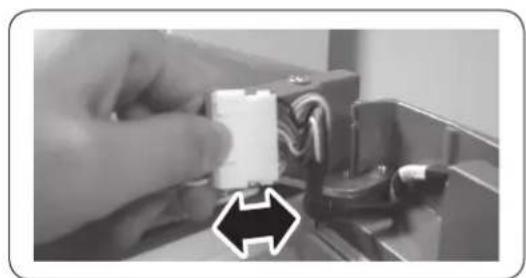
natural_image
Close-up of a hand holding a white plastic component with wires, next to an electronic device (no visible text or symbols)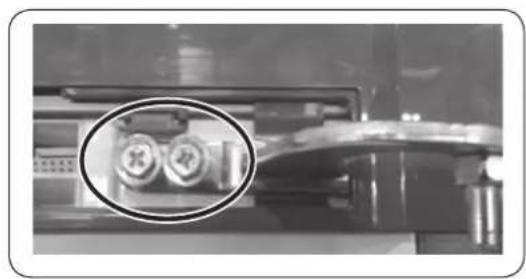
natural_image
Close-up of a mechanical component with two circular inset images showing internal components (no visible text or symbols)natural_image
Interior view of a refrigerator with clear glass doors and an upward arrow indicating storage or ventilation (no text or symbols visible)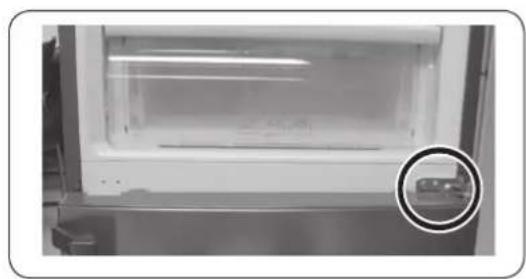
natural_image
Close-up of a white refrigerator with a glass lid and a circular inset showing a small object (no visible text or symbols)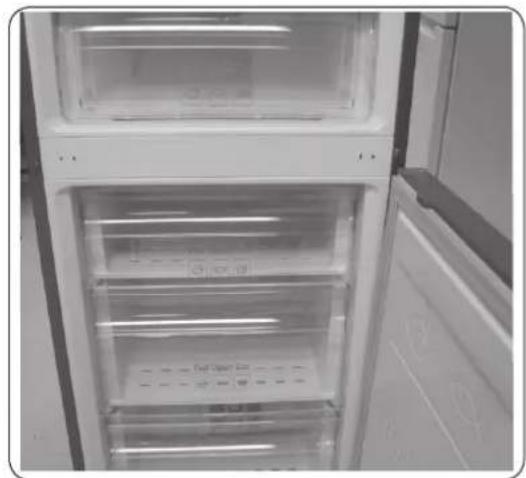
natural_image
Interior view of a refrigerator with open door and visible door, showing clear glass doors and ventilation slots (no text or symbols)- Hiqni derën e frigoriferit nga mentesha e mesit duke e ngritur derën me kujdes lart.
⚠️ KUJDES
natural_image
Two identical line drawings of a screwdriver with threaded shafts, shown in two different angles (no text or symbols)Крстач Плоснат шрафцигер
natural_image
Close-up of a hand holding a white plastic sheet with a red arrow pointing to it, against a plain background (no text or symbols)natural_image
Close-up of a hand pressing down on a refrigerator door with a red arrow pointing to the door (no visible text or symbols)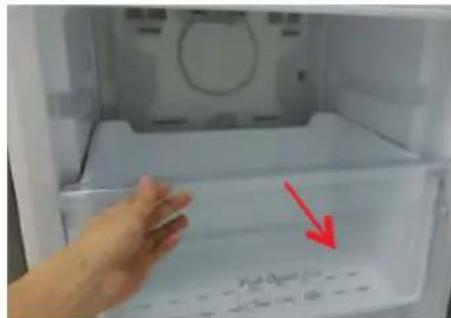
text_image
Pigl O 100g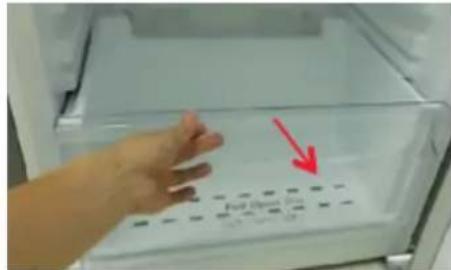
text_image
Full Open Box 100 gm / 100 gnatural_image
Close-up of a metallic air vent with four circular buttons on the side (no text or symbols visible)
text_image
(1) (2)(3)(4) (5)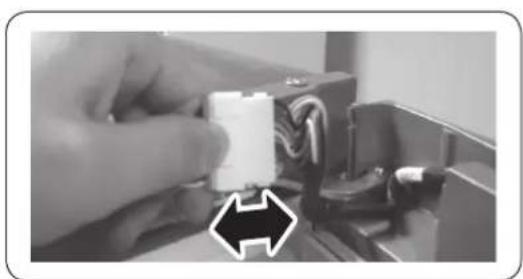
natural_image
Close-up of a hand holding a small white electronic component with wires, next to an electronic device (no visible text or symbols)
natural_image
Close-up of a mechanical component with two circular inset views highlighting internal features (no text or symbols visible)natural_image
Interior view of a refrigerator with clear glass doors and an upward arrow indicating storage or ventilation (no text or symbols visible)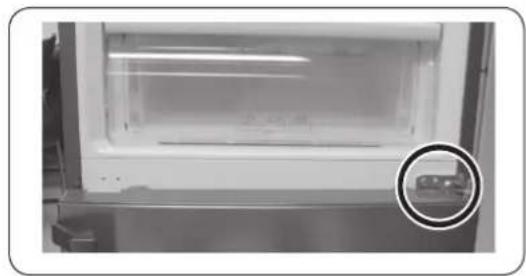
natural_image
Interior view of a laboratory or storage unit with a circular inset showing a small object (no visible text or symbols)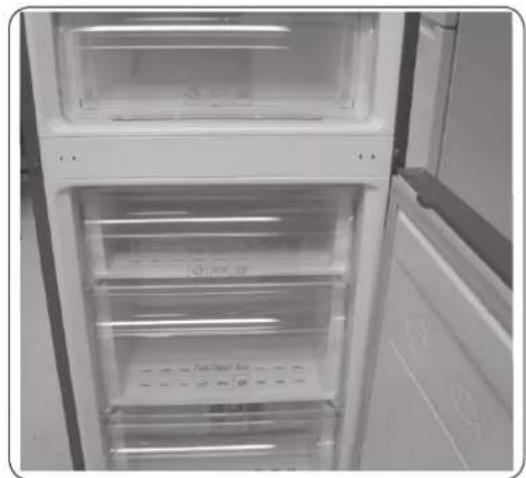
natural_image
Interior view of a refrigerator with open doors and visible door covers (no text or symbols)natural_image
Close-up of a metallic door panel with circular components, shown from two angles (1) and (2), no visible text or symbols.
natural_image
Close-up of a hand holding a white plastic sheet with a red arrow pointing downward (no text or symbols visible)natural_image
Close-up of a hand pressing down on a refrigerator door panel with a red arrow pointing to the button (no visible text or symbols)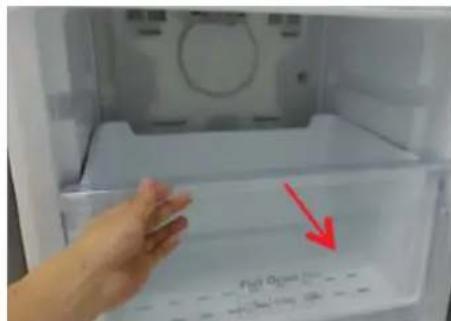
text_image
Fiat Open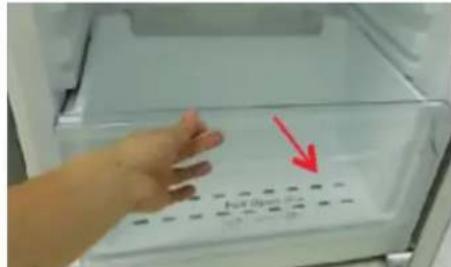
text_image
No. Box 100gnatural_image
Close-up of a mechanical component with four circular buttons on a base (no visible text or symbols)
text_image
Ukse juhtmekateAinult mudel *RB37*
text_image
Lukse juntmektetext_image
Ukse avakate Ainult model *RB37* Ukse avakate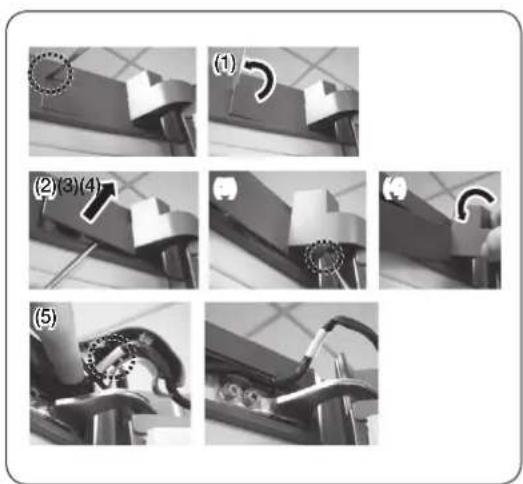
text_image
(1) (2)(3)(4) (5)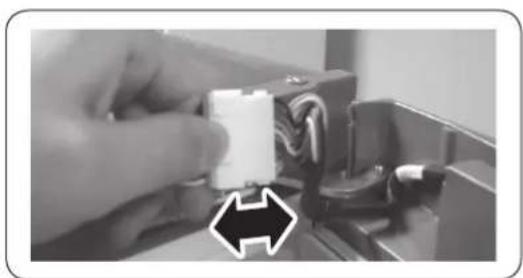
natural_image
Close-up of a hand holding a white plastic component with wires, next to a black arrow pointing to it (no text or symbols visible)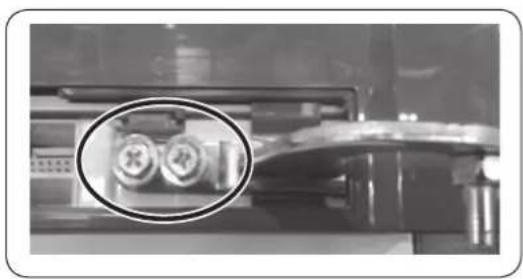
natural_image
Close-up of a mechanical component with two circular inset images showing internal components (no visible text or symbols)natural_image
Interior view of a refrigerator with clear glass doors and an upward arrow indicating storage or ventilation (no text or symbols visible)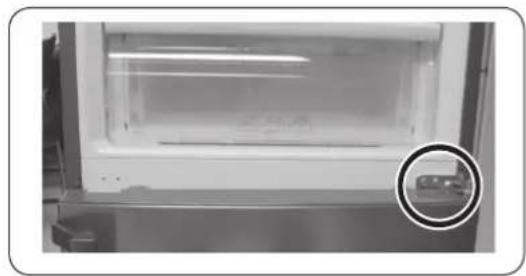
natural_image
Interior view of a stainless steel refrigerator with a highlighted glass door (no visible text or symbols)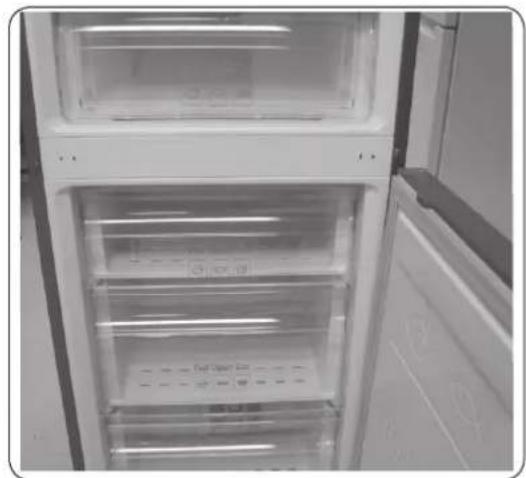
natural_image
Interior view of a refrigerator with open door and visible door, showing clear glass doors and ventilation slots (no text or symbols)text_image
Alumine hing Jalgnatural_image
Close-up of a metallic door panel with circular components, shown in two views (1) and (2), with no visible text or symbols.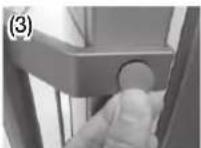
natural_image
Close-up of a hand holding a white plastic sheet with a red arrow pointing downward (no text or symbols visible)natural_image
Close-up of a hand pressing down on a refrigerator door panel with a red arrow pointing to the button (no visible text or symbols)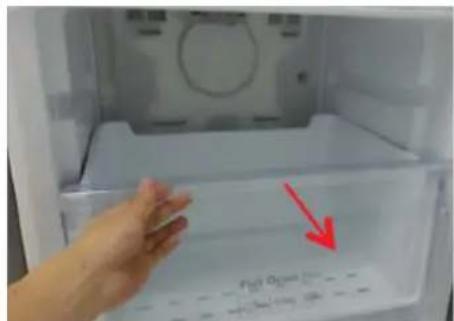
text_image
P10 O2 →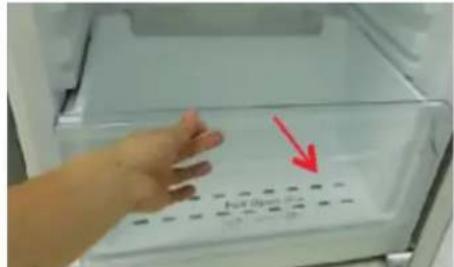
text_image
No. Box 100% 100%natural_image
Close-up of a metallic mechanical component with four circular buttons on its side (no visible text or symbols)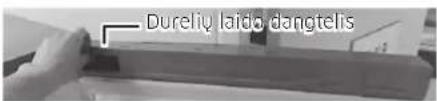
text_image
Dureliy laido dangtelisTik *RB37* modelis
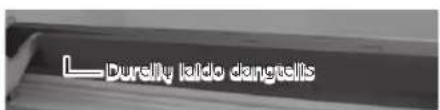
text_image
Dureilly latdo dangellstext_image
(1) (2)(3)(4) (5)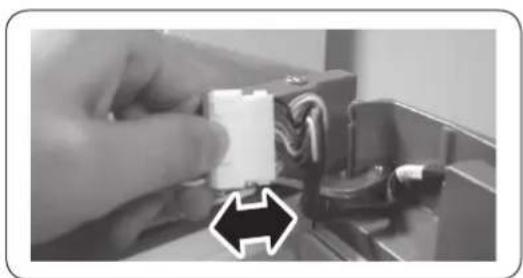
natural_image
Close-up of a hand holding a white plastic connector with wires, next to a black arrow pointing to it (no text or symbols visible)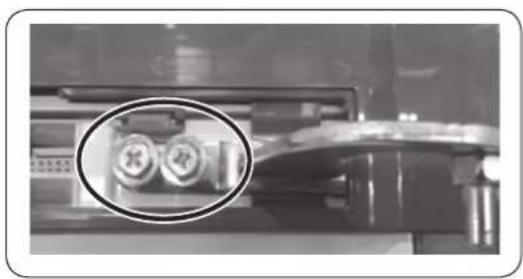
natural_image
Close-up of a mechanical component with two circular inset images showing internal components (no visible text or symbols)natural_image
Interior view of a refrigerator with clear glass doors and an upward arrow indicating storage or ventilation (no text or symbols visible)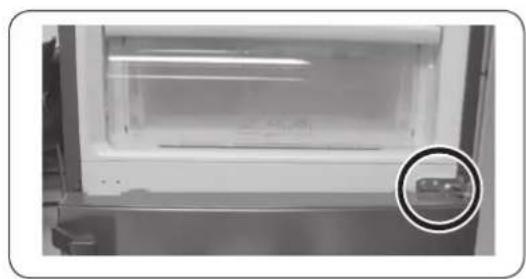
natural_image
Close-up of a white refrigerator with a glass lid and a circular inset showing a small object (no visible text or symbols)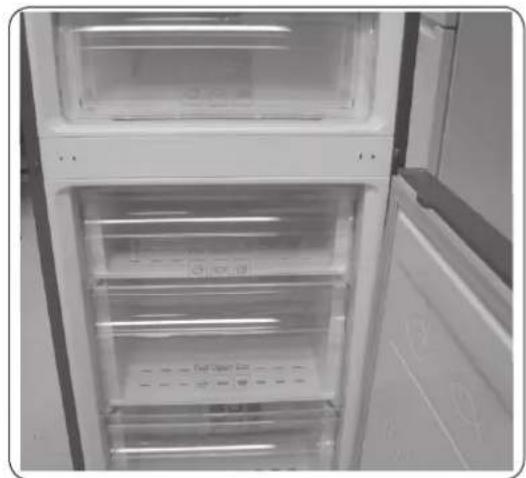
natural_image
Interior view of a refrigerator with open door and visible door, showing clear glass doors and ventilation slots (no text or symbols)natural_image
Close-up of a metallic door panel with circular components, shown in two views (1) and (2), no visible text or symbols.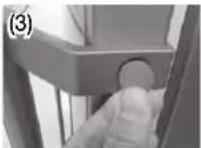
natural_image
Close-up of a hand holding a white plastic sheet with a red arrow pointing to it, against a tiled wall background (no text or symbols visible)Atveriet durvis un iznemiet blivi no durvim.
Lai nomainītu blīvi
Pievienojiet jaunu blīvi pie ledusskapja durvīm.
natural_image
Close-up of a hand pressing down on a refrigerator door panel with a red arrow pointing to the button (no visible text or symbols)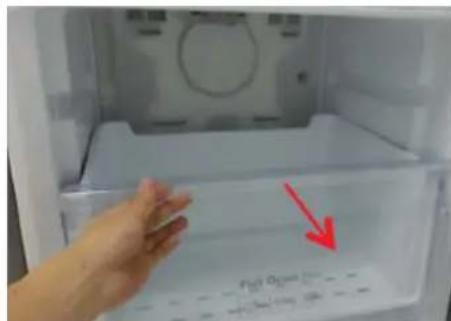
text_image
Fiat Open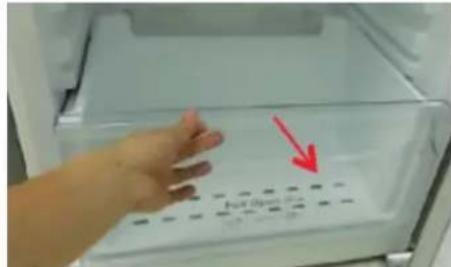
text_image
No. Box 100gnatural_image
Close-up of a metallic mechanical component with four circular buttons on its side (no visible text or symbols)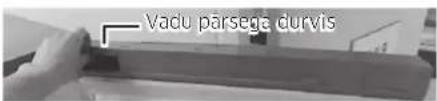
text_image
Vadu parsege durvisTikai modelim *RB37*
text_image
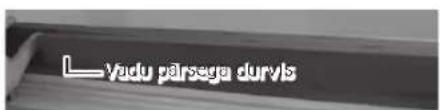
Vadu pārsega durvis- Nonemiet vadu pârsega durvis.
Latviešu
text_image
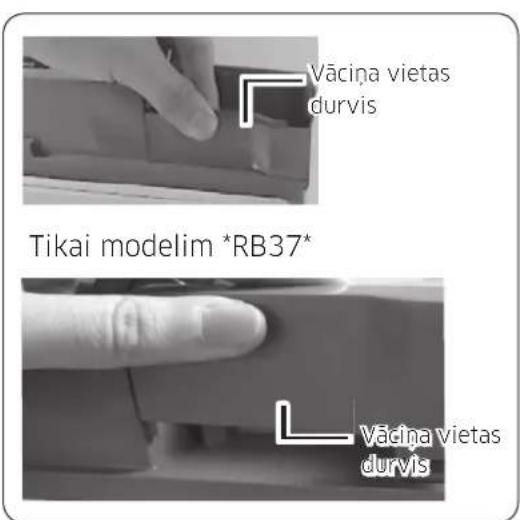
(1) (2)(3)(4) (5)
natural_image
Close-up of a hand holding a white plastic component with wires, next to an electrical connector (no visible text or symbols)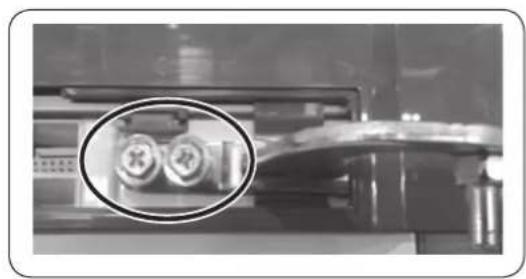
natural_image
Close-up of a mechanical component with two circular inset images showing internal components (no visible text or symbols)natural_image
Interior view of a refrigerator with clear glass doors and an upward arrow indicating storage or ventilation (no text or symbols visible)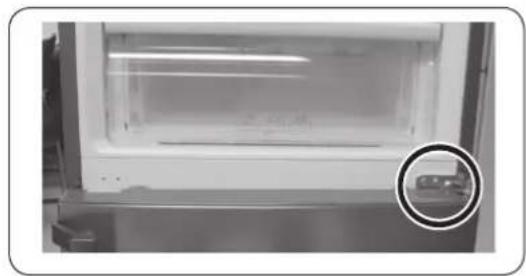
natural_image
Interior view of a laboratory or storage unit with a circular inset showing a small object (no visible text or symbols)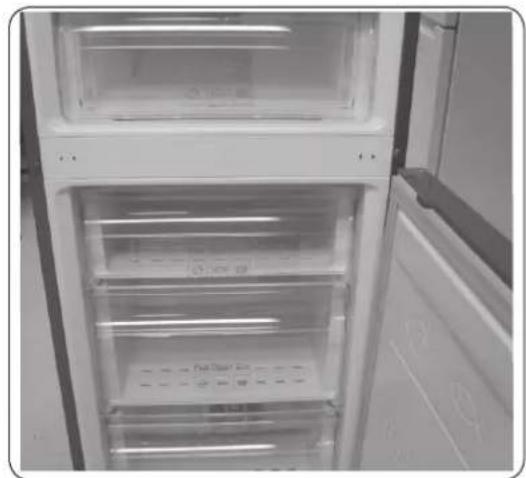
natural_image
Interior view of a refrigerator with open doors and clear glass doors (no visible text or symbols)natural_image
Close-up of a metallic door panel with circular components, shown from two angles (1) and (2), with no visible text or symbols.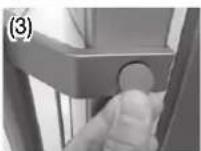
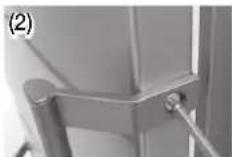
natural_image
Close-up of a hand holding a white plastic sheet with a red arrow pointing downward (no text or symbols visible)Odprite vrata in z vrat odstranite tesnilo.
Zamenjava tesnila
Na vrata hladilnika pritrdite novo tesnilo.
Prepričajte se, da med novim tesnilom in vrati ni vrzeli.
Slovenščina
Zamenjava predala

PREVIDNO
natural_image
Close-up of a hand pressing down on a refrigerator door panel with a red arrow pointing to the button (no visible text or symbols)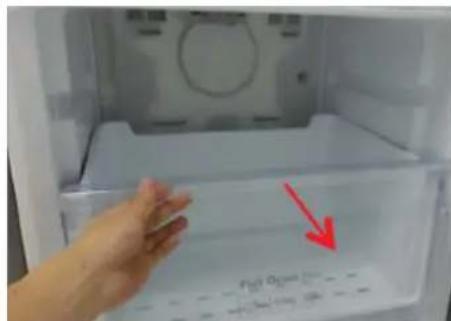
text_image
Fiat Open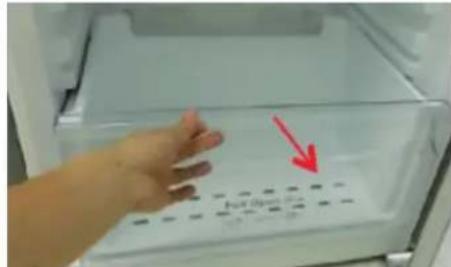
text_image
Full Open-
Predal izvlecite do konca.
-
Predal nagnite navzgor in ga izvlecite.
Ponovna namestitev predala
natural_image
Close-up of a mechanical component with four circular buttons on a base (no visible text or symbols)
text_image
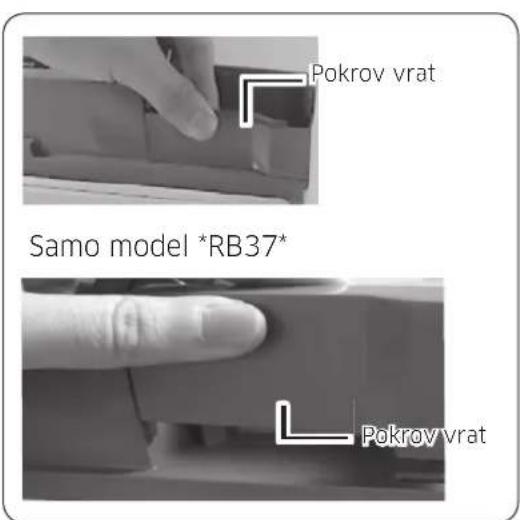
Pokrov za žice v vratihSamo model *RB37*
text_image
Pokrov za Zloč v vratih- Odstranite pokrov za žico v vratih.
Slovenščina
text_image
Pokrov vrat Samo model *RB37* Pokrov vrat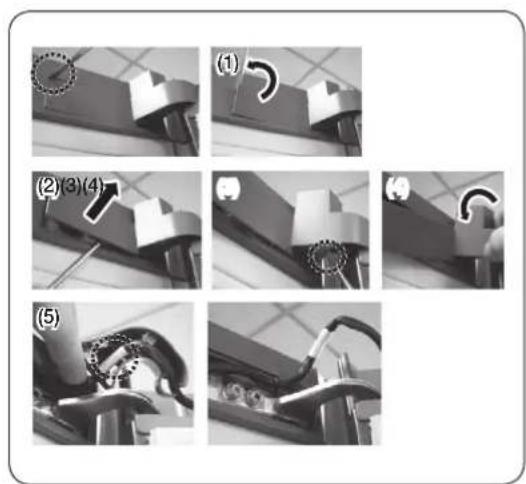
text_image
(1) (2)(3)(4) (5)
natural_image
Close-up of a hand holding a white plastic connector with wires, next to an electrical socket (no text or symbols visible)
natural_image
Close-up of a mechanical component with two circular inset images showing internal components (no visible text or symbols)-
Ponovno sestavite pokrov vrat.
-
Odstranite pokrov tečaja, da potisnete zatič, kot je prikazano na spodnji sliki.
natural_image
Interior view of a refrigerator with clear glass doors and an upward arrow indicating storage or ventilation (no text or symbols visible)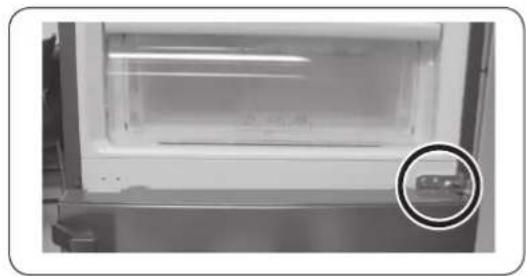
natural_image
Interior view of a laboratory or storage unit with a circular inset showing a small object (no visible text or symbols)