
SCD468 - Baby monitors PHILIPS - Free user manual and instructions
Find the device manual for free SCD468 PHILIPS in PDF.
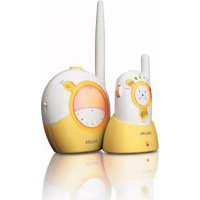



| Product type | Audio baby monitor |
| Brand | Philips |
| Model | SCD468 |
| Baby unit power supply | Mains adapter 230V 50Hz (supplied) or 4 AA 1.5V batteries (not supplied) |
| Parent unit power supply | Built-in rechargeable NiMH battery (supplied) + mains charger 230V 50Hz |
| Parent unit battery life | Up to 10 hours after full charge |
| Charging time | At least 14 hours for a full charge |
| Maximum outdoor range | Up to 250 meters |
| Number of channels | 16 selectable channels |
| Main functions | Two-way audio monitoring, nightlight, microphone sensitivity adjustment, connection alarm, volume light indicators |
| Visual sound indicator | Volume light indicators on parent unit (the louder the baby cries, the more lights illuminate) |
| Safety | Do not use as a substitute for adult supervision; keep out of baby's reach (distance > 1 m); do not cover the device; do not use near water |
| Operating temperature | 0°C to 40°C |
| Transmission frequencies | Not specified (FM in the 2.4 GHz band or similar, not indicated) |
| Maintenance and cleaning | Clean with a damp cloth; do not use abrasive products |
| Spare parts / repairability | Parent unit battery replaceable (NiMH only); baby unit batteries replaceable |
| Included accessories | 2 mains adapters, 1 rechargeable battery, 1 belt clip, 1 charger |
| Warranty | See separate warranty booklet |
Frequently Asked Questions - SCD468 PHILIPS
User questions about SCD468 PHILIPS
0 question about this device. Answer the ones you know or ask your own.
Ask a new question about this device
Download the instructions for your Baby monitors in PDF format for free! Find your manual SCD468 - PHILIPS and take your electronic device back in hand. On this page are published all the documents necessary for the use of your device. SCD468 by PHILIPS.
USER MANUAL SCD468 PHILIPS
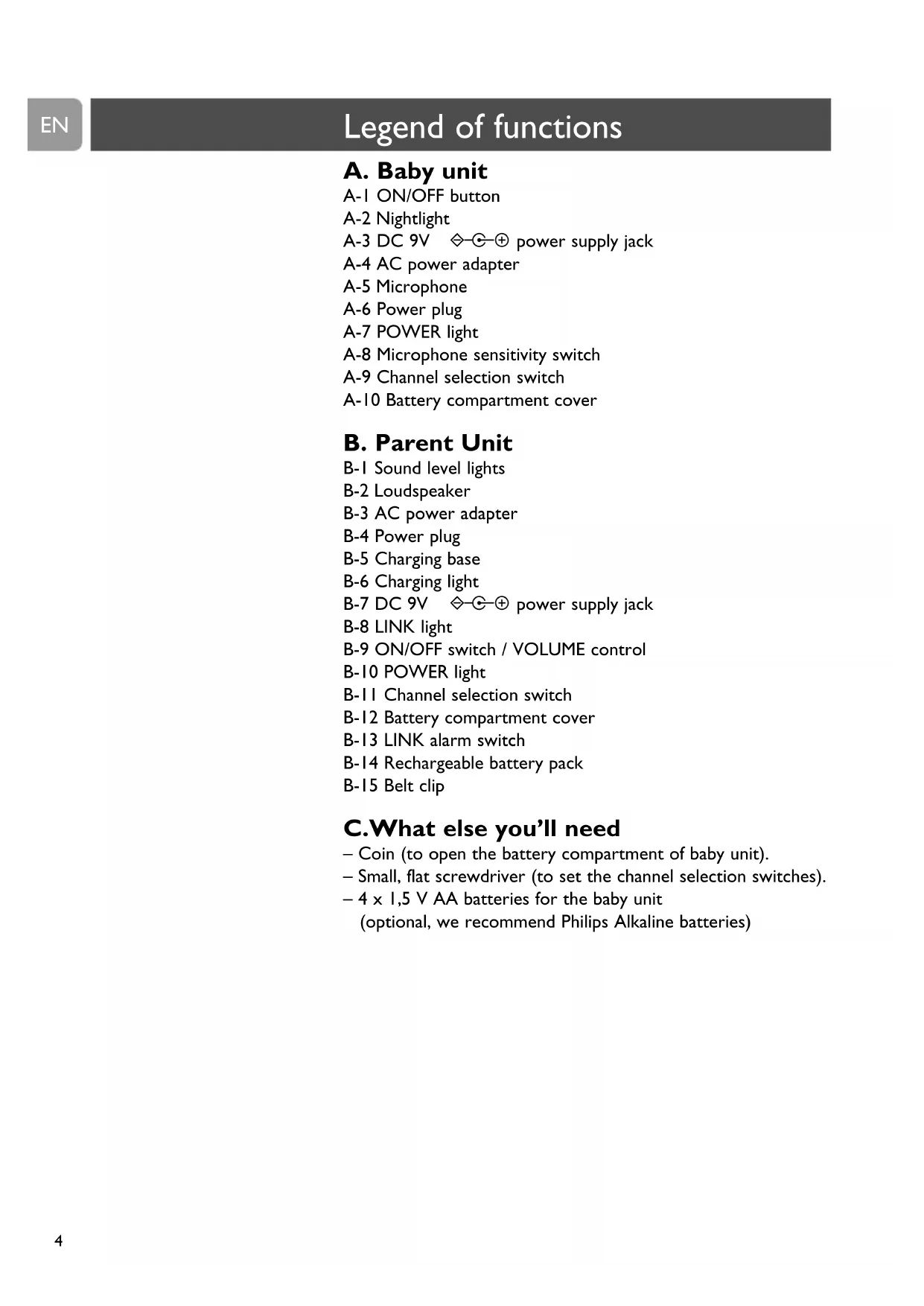
A-1 ON/OFF button A-2 Nightlight A-3 DC 9V power supply jack A-4 AC power adapter A-5 Microphone A-6 Power plug A-7 POWER light A-8 Microphone sensitivity switch A-9 Channel selection switch A-10 Battery compartment cover
B. Parent Unit
B-1 Sound level lights B-2 Loudspeaker B-3 AC power adapter B-4 Power plug B-5 Charging base B-6 Charging light B-7 DC 9V power supply jack B-8 LINK light B-9 ON/OFF switch / VOLUME control B-10 POWER light B-11 Channel selection switch B-12 Battery compartment cover B-13 LINK alarm switch B-14 Rechargeable battery pack B-15 Belt clip
C. What else you'll need
- Coin (to open the battery compartment of baby unit).
- Small, flat screwdriver (to set the channel selection switches).
- 4 x 1.5 V AA batteries for the baby unit
(optional, we recommend Philips Alkaline batteries)
3 Illustrations
4 Legend of functions
4 Baby unit 4 Parent unit 4 What else you need
5 Contents
6 Welcome
6 Safety information
6 Getting your baby monitor ready
6 Baby unit 7 Parent unit
8 Using your baby monitor
9 Features
9 Avoiding interference 10 Adjusting microphone sensitivity 10 Monitoring baby silently 11 Switching the LINK alarm on and off 11 Connecting / disconnecting the belt clip
12 Troubleshooting
13 Frequently asked questions
14 Technical specifications
15 Important information
15 Replacing the parent unit battery pack 16 Environmental information 16 Maintenance
16 Need help?
Philips is dedicated to producing caring, reliable products to give parents the reassurance they need. With this baby monitor you can hear your baby from wherever you are in and around your house. With sixteen different channel options you will experience minimal interference.
Philips Baby Care, taking care together
Safety information
Please read this user manual carefully before using your baby monitor and keep it for future reference. This baby monitor is intended as an aid. It is not a substitute for responsible and proper adult supervision and should not be used as such.
- Make sure the baby unit and adapter cable are always out of reach of the baby (at least 1 meter / 3 feet away).
- Never place the baby unit inside the baby's bed or playpen.
- Never cover the baby monitor (with a towel, blanket, etc.).
- Never use the baby monitor in moist places or close to water.
- Check if the voltage indicated on the type plate of the adapters (A-4, B-3) corresponds to the local power voltage before connecting to the AC power supply.
- Do not expose the baby monitor to extreme cold, heat or light (e.g. direct sunlight).
- To prevent electric shock, do not open the inside of the baby unit and parent unit (except for the battery compartment cover).
- The antennas on both units are fixed; do not try to extend them.
Getting your baby monitor ready
Baby unit
The baby unit can be mains or battery operated. When batteries are installed, you have an automatic back up in case of mains failure.


Mains operated use
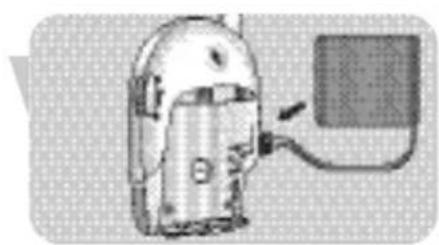
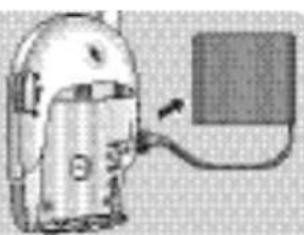
1. Connect the power adapter cord to the power supply jack (DC 9V, A-3) of the baby unit. 2. Connect the AC power adapter (A-4) to a wall outlet. The baby unit is now ready for mains operated use.

Battery operated use
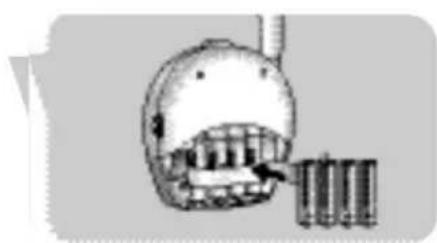
Remove the battery compartment cover (A-10) of the baby unit, using a coin.
Getting your baby monitor ready
EN
2 Insert four 1.5V AA batteries, noting the + and - configuration inside the battery compartment (batteries are not supplied, we recommend Philips Alkaline batteries). 3 Close the battery compartment cover (A-10), using a coin.
The baby unit is now ready for battery operated use.
Parent unit
A rechargeable battery pack has already been installed in the parent unit.
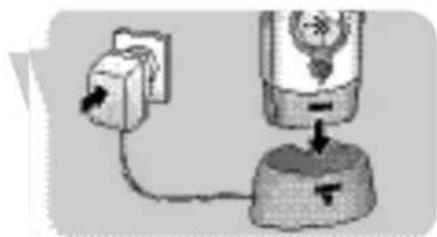
1 Connect the power adapter cord to the power supply jack (DC 9V -B-7) of the charging base (B-5). 2 Connect the AC power adapter (B-3) to a wall outlet. 3 Place the parent unit in the charging base (B-5).
The charging light (B-6) lights up red.
4 Leave the parent unit in the charging base (B-5) until the batteries are fully charged (at least 14 hours).
When the batteries are fully charged, the charging light (B-6) will gradually dim. The parent unit can now be taken out of the charging base and used cordlessly for up to 10 hours. When the POWER light (B-10) flashes red, battery power is low. Place the parent unit in the charging base (B-5) to recharge the batteries.
The parent unit is now ready for use!
EN
Using your baby monitor
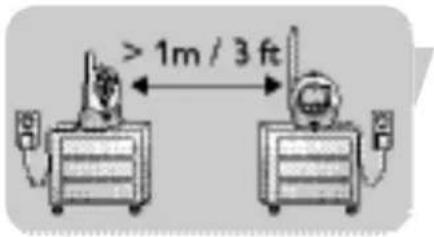
1 Position both units in the same room to test the connection. Make sure the baby unit is at least 1 meter / 3 feet away from the parent unit.
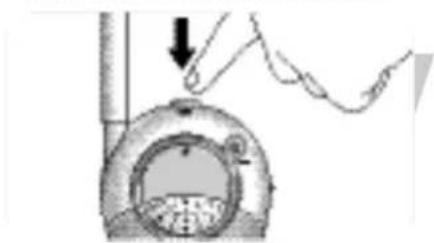
2 Press the ON/OFF button (A-1) to switch on the baby unit. The POWER light (A-7) lights up green.
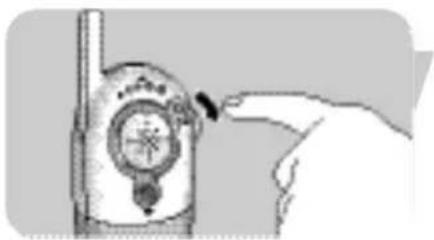
3 Switch on the parent unit using the ON/OFF switch (B-9) and adjust the volume to the level you prefer using the VOLUME control (B-9).
The POWER light (B-10) lights up green.
When connection has been established between the units, the LINK light (B-8) on the parent unit lights up green.
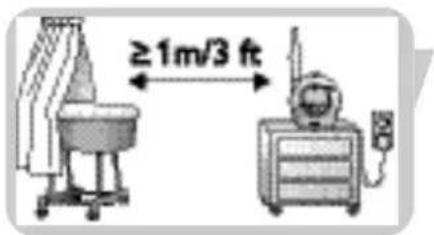
4 Position the baby unit at least 1 meter / 3 feet away from your baby.
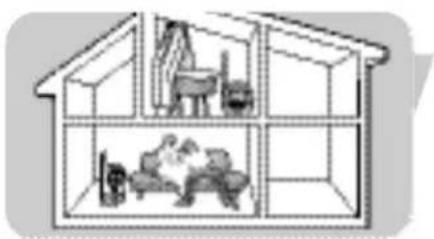
5 Position the parent unit at the desired place within the operating range of the baby unit but at least 1 meter / 3 feet away from the baby unit. For more information on the operating range see 'Technical specifications'.
You can now monitor your baby!
Avoiding interference (channel selection)
Always make sure that the CHANNEL selection switches (A-9, B-11) inside the battery compartments on both units are set to the same position!
With the CHANNEL selection switches (A-9, B-11) you can select sixteen different channel positions. If you experience interference from other baby monitors, radio devices, etc. select a different channel.
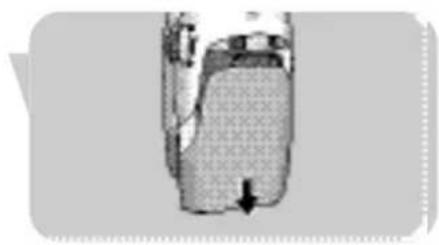
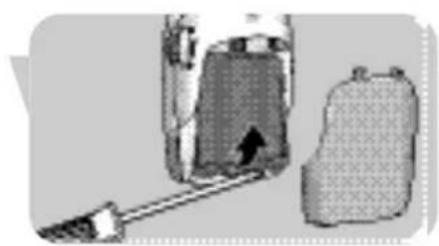
Open the battery compartment covers (A-10, B-12) of both units.
- Parent unit: slide down the cover (B-12).
- Baby unit: use a coin.
2 Lift up the rechargeable battery pack (B-14) of the parent unit.
If you are operating the baby unit on battery power, remove the batteries from the unit.
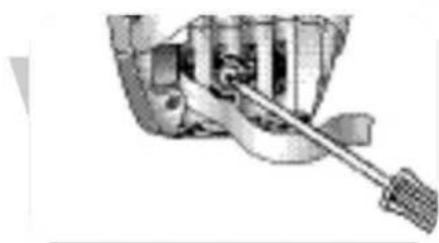
3 Use a small, flat screwdriver to rotate the inner circle of the channel selection switches (A-9, B-11) to the desired position. Make sure both units are set to the same channel.
4 Put batteries and battery pack back in place.
5 Close the battery compartment covers (A-10, B-12).

Adjusting microphone sensitivity
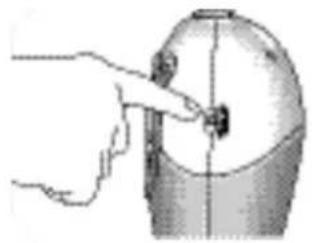
With the microphone sensitivity switch (A-8) on the baby unit, you can set the sound coming from the baby unit to the desired level: low, mid, or high. When set to the maximum level, the baby unit monitors almost all sounds. You can only change the microphone sensitivity if the connection between the baby unit and the parent unit is established (when the LINK light (B-8) lights continuously green).
- Use the microphone sensitivity switch (A-8) to adjust the baby unit microphone sensitivity to the desired level. You can use your own voice as a sound reference.
The POWER light (A-7) on the baby unit lights up yellow when a sound is picked up.
Monitoring baby silently
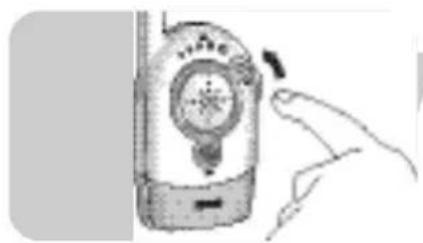
- Use the ON/OFF switch / VOLUME control (B-9) on the parent unit to set the volume to the lowest level. Do not switch off the parent unit completely!
The sound level lights (B-1) on the parent unit visually alert you to baby's sounds. The more sounds your baby makes, the more lights you will see. When no sound is detected, all sound level lights (B-1) will be off.
Switching the night-light on and off
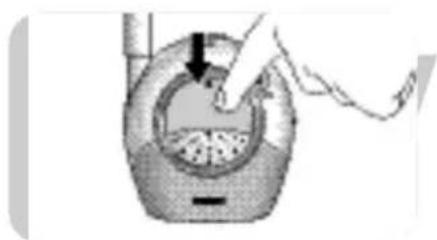
Press the baby unit night light (A-2) to switch it on and off.
Switching the LINK alarm on and off
You can switch on the LINK alarm on the parent unit. The LINK alarm will beep when connection between the units is lost.
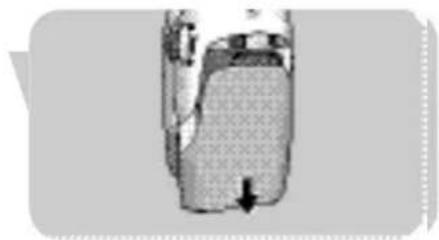
1 Open the parent unit's battery compartment (B-12) by sliding down the cover. 2 Set the switch (B-13) inside the compartment to the ON (n position. 3 Slide the battery compartment cover (B-12) back in place until it clicks in position. To switch off the alarm, set the switch (B-13) to the OFF position.

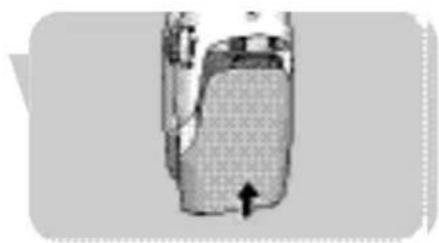
Connecting / disconnecting the belt clip
If the parent unit is operating on batteries, you can carry it in and around your house, giving you freedom of movement while still monitoring your baby.
Connecting the belt clip
- Insert the little spindle on the rear of the belt clip (B-15) into the recess on the rear of the parent unit. Turn the belt clip (B-15) to the left until it clicks in position.
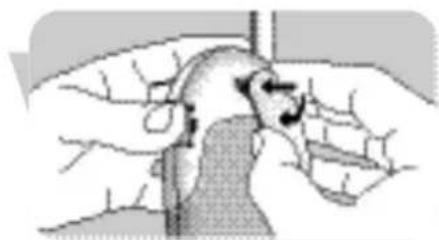
Disconnecting the belt clip
- Turn the belt clip (B-15) to the right (TURN▶) and take it off.

Problem Possible cause Solution
| No sound on parent unit. Volume off or too low. Turn VOLUME control (B-9) on parent unit downwards. | ||
| Units out of range. Move parent unit closer to baby unit. | ||
| No connection Units are set to different Set channel selection switches between units. channels. (A-9, B-11) to the same position on both units. | ||
| Parent unit out of range of Move parent unit closer to baby tansmitted signal. unit. | ||
| Battery pack does not charge. | Battery life at an end. Replace battery pack (B-14) of parent unit. | |
| Interference or Mobile or cordless phone(s) Move phone(s) away from baby poor reception. | too close to baby monitor. | monitor. |
| Interference from other baby monitors in the neighborhood. | Switch both units to another channel using the channel selection switch (A-9, B-11) | |
| Battery power running low. | Recharge battery pack in time. | |
| Transmitted signal is out of range; e.g. there are too many walls and/or ceilings between baby unit and parent unit. | Move parent unit closer to baby unit. | |
| Parent unit located too close to a window and picking up interfering signals from other appliances. | Move parent unit away from window. | |
| LINK light (B-9) flashing red / LINK alarm (B-8) beeps. | Units are out of range. | Move units closer together. |
| Interference from another baby monitor. | Switch to a different channel (A-9, B-11). | |
| Interference from another FM source. | Remove other FM source. | |
Frequently asked questions
EN
Question
Why does a new rechargeable battery pack has no full operating time capacity after the first charge?
My rechargeable battery pack has very short duration, why?
The charging light (B-6) on the parent unit charging base (B-5) remains lit red, even after the full charge duration. Why?
When installed on the charging base, the parent unit cannot be switched on immediately.
Parent unit reacts too slow/ late on baby's cry.
Parent unit reacts too quickly to other ambient sounds.
The link is lost every now and then, causing sound interruptions, etc.
Answer
It takes about 3 full recharge and discharge cycles before the rechargeable NiMH batteries reach their full capacity.
Leaving the rechargeable battery pack continuously connected to a charging unit can shorten its lifetime. If the product is not used for some time, the charged battery pack slowly loses its charge. This is normal; a short recharge will bring it back to full capacity.
The charging light (B-6) is always activated as soon as the parent unit is installed. It gradually dims when the batteries are fully charged but remains lit, indicating that the parent unit is powered.
At this point, your battery is probably completely empty. After about 30 minutes of charging, it will be possible to switch the parent unit on while it is installed on the charging unit.
Set microphone sensitivity on the baby unit to a higher level and/or move the baby unit closer to the baby (keep a minimal distance of 1 meter / 3 feet).
Set microphone sensitivity on the baby unit to a lower level and/or move the baby unit closer to the baby (keep a minimal distance of 1 meter / 3 feet).
You are probably approaching the outer boundaries of the practical range. Try a different location or reduce the distance slightly. Please note that it takes about 30 seconds each time before a new link is established.
Power supply
- Battery pack: rechargeable NiMH for parent unit (included).
- AC power adapter 230V AC, 50 Hz (two included).
Output voltage 9V DC, 200mAh.
Operating range
- Up to 250 meters / 750 feet in open air. Depending on the surroundings and other disturbing factors this range may be limited.
Dry materials Material Loss of
thickness range
Wood, plaster, plasterboard, glass (without metal or wires, no lead) < 30 cm / 12" 0-10%
cardboard, glass (without
metal or wires, no lead)
Brick, plywood < 30 cm / 12" 5-35%
Reinforced concrete < 30 cm / 12" 30-100%
Metal grids, bars < 1 cm / 0.4" 90-100%
Metal, aluminium sheets < 1 cm / 0.4" 100%
For wet and moist materials reduction can be as up to 100%.
Operating temperature
0°C - 40°C
Transmission frequencies
40.665 MHz, 40.680 MHz, 40.695 MHz
Replacing the parent unit battery pack
If the battery pack needs to be recharged more often than usual, replace it with a new battery pack. Only use rechargeable NiMH batteries.
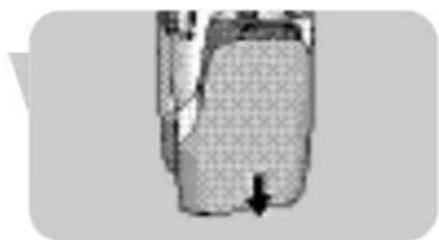
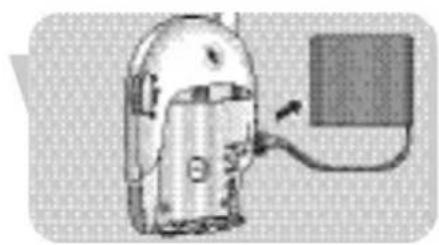
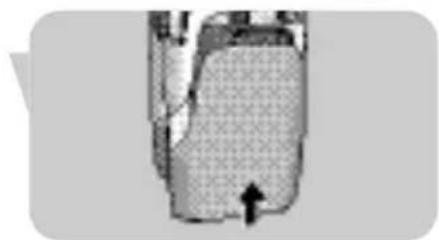
Open the battery compartment cover (B-12) of the parent unit by sliding down the cover. 2 Disconnect the old battery pack (B-14) from its power plug and remove it. 3 Carefully connect the new battery pack to the power plug and place it inside the battery compartment. 4 Close the battery compartment cover (B-12).
Environmental information
Disposal of your old product
Your product is designed and manufactured with high quality materials and components, which can be recycled and reused.
When this crossed-out wheeled bin symbol is attached to a product it means the product is covered by the European Directive 2002/96/EC.
Please inform yourself about the local separate collection system for electrical and electronic products.
Please act according to your local rules and do not dispose of your old products with your normal household waste.
The correct disposal of your old product will help prevent potential negative consequences for the environment and human health.
Maintenance
- Clean the baby monitor with a damp cloth.
- Dispose of used batteries in an environmentally friendly manner.
- Do not mix old and new batteries or different types of batteries.
- If the batteries are left in the unit when it is powered from the mains, check them for leakage every six months.
Need help?
Online help: www.philips.com
For interactive help, downloads and frequently asked questions
Contact line:
If you have any questions about the SCD468, please contact our helpline for assistance! You can find the number in the separate Guarantee leaflet.
Before you call, please read this manual carefully.
You will be able to solve most of your problems.
You will be asked for:
A description of the problem and when it occurs - The type number on the label of your product The date of purchase
A. Baby unit
Philips Baby Care, Taking care together
40,665 MHz, 40,680 MHz, 40,695 MHz
40,665 MHz, 40,680 MHz, 40,695 MHz
40,665 MHz, 40,680 MHz, 40,695 MHz
40.665 MHz, 40.680 MHz, 40.695 MHz
40.665 MHz, 40.680 MHz, 40.695 MHz
IT
40.665 MHz, 40.680 MHz, 40.695 MHz
Open the battery compartment cover (A-10, B-12) of both units.
40.665 MHz, 40.680 MHz, 40.695 MHz
Replacing the battery set of the parent unit
If the rechargeable battery set needs to be replaced frequently, replace it with a new one. Use only rechargeable NiMH batteries.
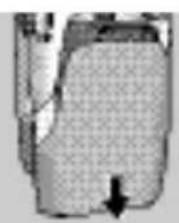
1. Open the battery compartment cover (B-12) of the parent unit, turning it downwards.
2. Remove the old battery set (B-14) from the battery compartment and dispose of it.
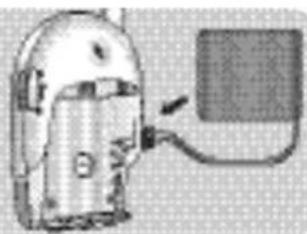
3. Connect the new battery set to the battery connector and place it in the battery compartment.
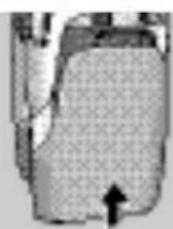
Philips Baby Care, Taking care together
Safety information
40.665 MHz, 40.680 MHz, 40.695 MHz
Replace the battery pack (parent unit)
40.665 MHz, 40.680 MHz, 40.695 MHz
40.665 MHz, 40.680 MHz, 40.695 MHz
Replace the battery pack in the parent unit
If the battery pack needs to be charged more often than usual, replace it with a new battery pack. Use only rechargeable NiMH batteries.
40.665 MHz, 40.680 MHz, 40.695 MHz
FI
Important note


- PARENT UNIT
- WHAT ELSE YOU'LL NEED
- ILLUSTRATIONS
- LEGEND OF FUNCTIONS
- CONTENTS
- WELCOME
- GETTING YOUR BABY MONITOR READY
- USING YOUR BABY MONITOR
- FEATURES
- TROUBLESHOOTING
- FREQUENTLY ASKED QUESTIONS
- TECHNICAL SPECIFICATIONS
- IMPORTANT INFORMATION
- NEED HELP
- PHILIPS BABY CARE, TAKING CARE TOGETHER
- SAFETY INFORMATION
- BABY UNIT
- MAINS OPERATED USE
- BATTERY OPERATED USE
- AVOIDING INTERFERENCE (CHANNEL SELECTION)
- ADJUSTING MICROPHONE SENSITIVITY
- MONITORING BABY SILENTLY
- SWITCHING THE NIGHT-LIGHT ON AND OFF
- SWITCHING THE LINK ALARM ON AND OFF
- CONNECTING / DISCONNECTING THE BELT CLIP
- CONNECTING THE BELT CLIP
- DISCONNECTING THE BELT CLIP
- PROBLEM POSSIBLE CAUSE SOLUTION
- QUESTION
- ANSWER
- POWER SUPPLY
- OPERATING RANGE
- DRY MATERIALS MATERIAL LOSS OF
- OPERATING TEMPERATURE
- TRANSMISSION FREQUENCIES
- REPLACING THE PARENT UNIT BATTERY PACK
- ENVIRONMENTAL INFORMATION
- MAINTENANCE
- ONLINE HELP: WWW.PHILIPS.COM
- CONTACT LINE
- REPLACING THE BATTERY SET OF THE PARENT UNIT
- REPLACE THE BATTERY PACK (PARENT UNIT)
- REPLACE THE BATTERY PACK IN THE PARENT UNIT
- IMPORTANT NOTE
Brand : PHILIPS
Model : SCD468
Category : Baby monitors