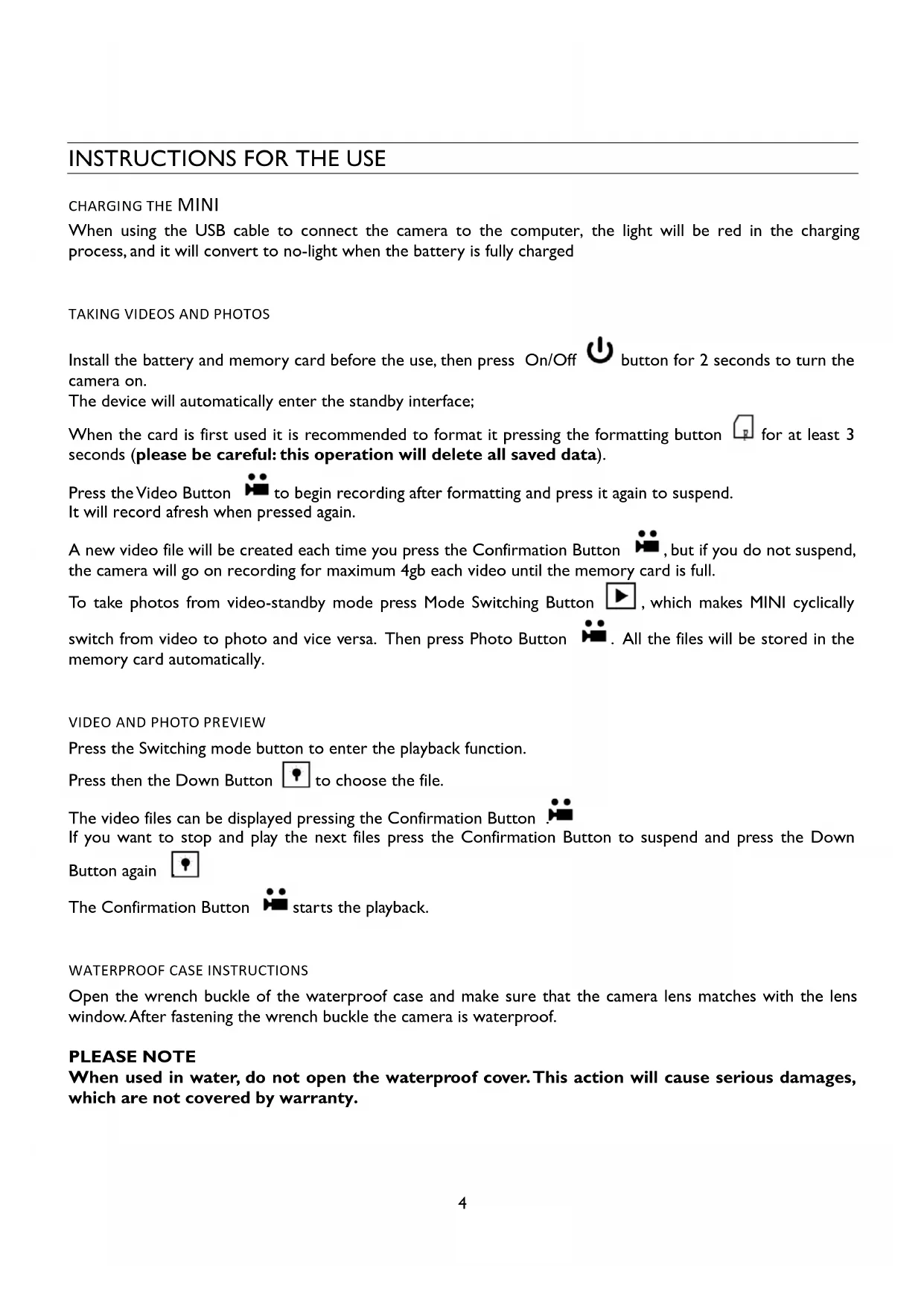
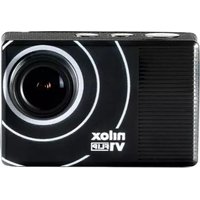
USER MANUAL Mini HD Action Cam NILOX
PREFACE 2
STRUCTURE 2
INCLUDED IN THE PACKAGE. 3
INSTRUCTIONS FOR USE 4
charging of MINI. 4
taking videos and photos 4
video and photo preview 4
waterproof case instructions 4
PRECAUTIONS 5
WARRANTY AND LEGAL NOTES 5
PREFACE
Thanks for choosing Nilox MINI, the high-definition digital video and photo camera. Easy to use, compact and with an integrated design.
You can record your daily activities at anytime and anywhere, so you can remember your experiences and share them with your family and friends.
This manual will clearly explain you how to use and install the video camera, providing detailed information as well as technical specifications.
Please read this Manual carefully before the use and keep it for long-term reference.
STRUCTURE
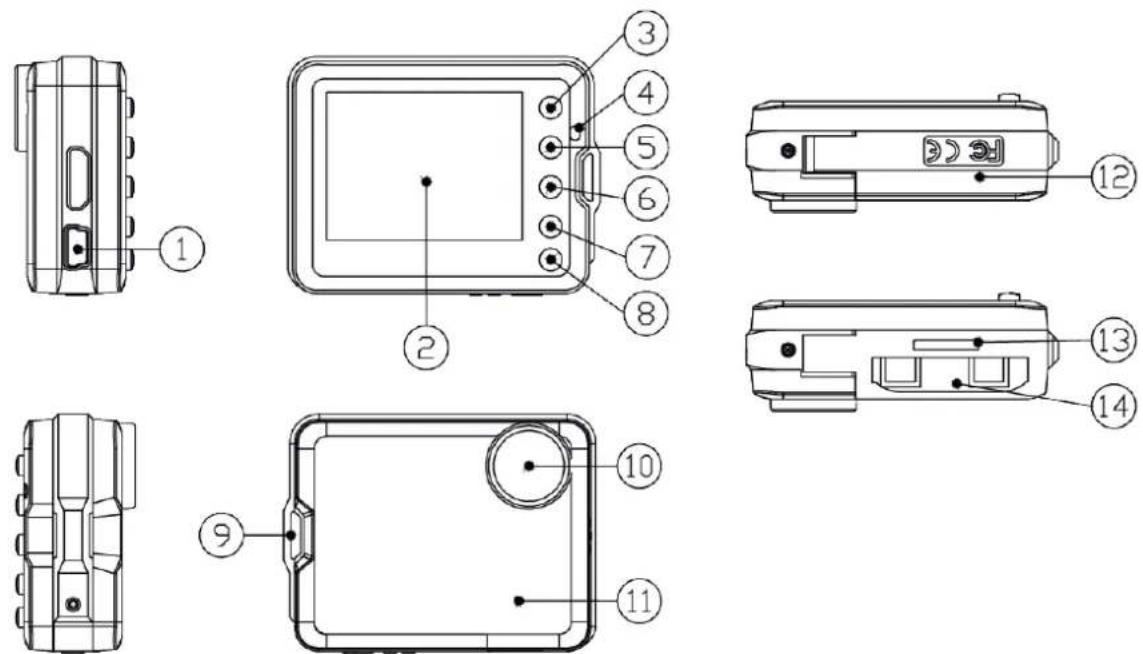
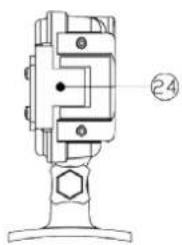
| 1) | USB port (data transfer/power supply) | 8)Memory card formatting button (Press 3 seconds) |
| 2) | 2 Inches Color TFT Display | 9) Strap buckle |
| 3) | Switch mode button | 10) Lens |
| 4) | Led indicator (red: loading, blinking blue: recording) | 11) Speaker |
| 5) | Video / photo / Confirm / Stop | 12) Battery Cover |
| 6) | Screen on/off or down button | 13) Memory Card Slot |
| 7) | ON/OFF (Press 2 seconds to turn the photo camera on or off) | 14) Battery Slot |
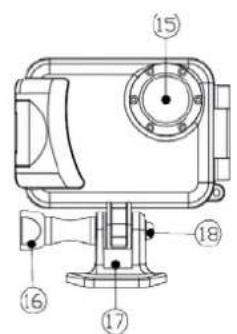
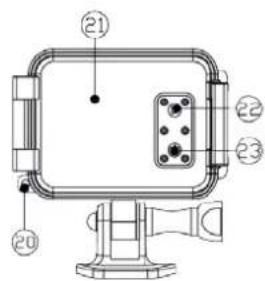
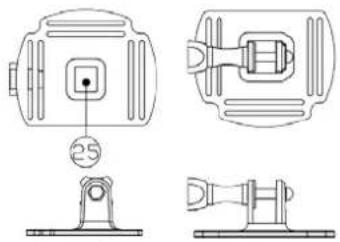
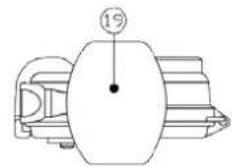

| I MINI with case | I Curved Adhesive Mount |
| I Head Strap | I Battery |
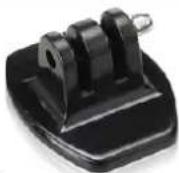
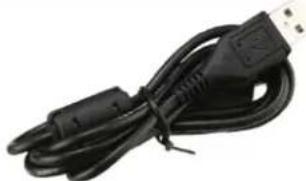
| I Flat Adhesive Mount | I USB cable |
CHARGING THE MINI
When using the USB cable to connect the camera to the computer, the light will be red in the charging process, and it will convert to no-light when the battery is fully charged
TAKING VIDEOS AND PHOTOS
Install the battery and memory card before the use, then press On/Off button for 2 seconds to turn the camera on.
The device will automatically enter the standby interface;
When the card is first used it is recommended to format it pressing the formatting button for at least 3 seconds (please be careful: this operation will delete all saved data).
Press the Video Button to begin recording after formatting and press it again to suspend.
It will record afresh when pressed again.
A new video file will be created each time you press the Confirmation Button, but if you do not suspend, the camera will go on recording for maximum 4gb each video until the memory card is full.
To take photos from video-standby mode press Mode Switching Button l , which makes MINI cyclically switch from video to photo and vice versa. Then press Photo Button All the files will be stored in the memory card automatically.
VIDEO AND PHOTO PREVIEW
Press the Switching mode button to enter the playback function.
Press then the Down Button to choose the file.
The video files can be displayed pressing the Confirmation Button If you want to stop and play the next files press the Confirmation Button to suspend and press the Down Button again
The Confirmation Button starts the playback.
WATERPROOF CASE INSTRUCTIONS
Open the wrench buckle of the waterproof case and make sure that the camera lens matches with the lens window. After fastening the wrench buckle the camera is waterproof.
PLEASE NOTE
When used in water, do not open the waterproof cover. This action will cause serious damages, which are not covered by warranty.
PRECAUTIONS
- Keep the lens clean. Dirt and fingerprints deteriorate the image quality.
- Close the waterproof case in the correct way.
- Do not open when used in water.
After using the case, wash it with fresh water and keep it in a cool place.
WARRANTY AND LEGAL NOTES

MINI is equipped with a rechargeable lithium polymer battery. To reduce the risk of fire, please avoid tampering, falls, contact with water or fire.
To avoid personal injury, electric shock, fire or damage to various parts of the product, please follow the following instructions:
Do not immerse the product without its waterproof case into water
Personal Safety
Do not disassemble, repair, alter or modify any part of the O-ring of the product. Do not touch the product with metallic objects or chemicals.
Any failure to comply with what above can cause risks to the person and other people.
In case of malfunctioning of the product, please contact the technical service or a qualified supplier.
Technical Support
This product is warranted in accordance with current legislation and therefore please contact your dealer in case of need of technical assistance and / or warranty service.

Instructions for the environment:
This product may contain substances that can be harmful to the environment and to the human health, if not disposed of properly.
We therefore provide you the following information in order to prevent the release of such substances and to improve the use of natural resources.
The electrical and electronic products should not be disposed of in the normal household waste, but should be properly collected in order to be correctly treated.
The symbol of the crossed bin shown on the product and in this page reminds the need to properly dispose of the product at the end of its life.
In this way you can avoid that a non-specific treatment of the substances contained in these products, or an improper use of parts of them can lead to harmful consequences for the environment and human health.
Moreover, you can contribute to the recovery, recycling and reuse of many of the materials composing these products. That is why the manufacturers and distributors of electrical and electronic systems organize the proper collection and disposal of the equipment themselves.
At the end of the product life please contact your dealer for instructions regarding the collection.
When purchasing this product your distributor will inform you of the possibility to replace your old device with a new one, on condition that the type of product and its functions are the same.
Any disposal of the product different from what described above will be liable to the penalties foreseen by the
laws in force in the country where the product is disposed of.
Moreover we suggest to adopt additional measures favourable to the environment: recycling the inner and outer packaging and properly dispose of used batteries (if any).
With your help we can reduce the amount of natural resources used for the realization of electrical and electronic equipment, minimizing the use of landfills for the disposal of products and improving the quality of life by preventing to release into the environment potentially dangerous substances.

This product complies with 2011/65/CE Directive. The declaration of conformity is available in complete form by Hellatron spa.
Keep the packing for future reference.
One year, if invoiced to a company or a VAT subject
- Two years, if fiscally described as sold to a private subject.
This warranty refers to cases of DEFECT OF CONFORMITY, referring to the characteristics of the product.
- After-sale service and warranty: for more details please see on website www.nilox.com Limitations of Warranty: the above warranty is not worthy in case of:
- Lack of purchase proof (invoice or fiscal receipt)
- tampering, damage and forcing for any reason of hardware parts and display
- Other defects caused by: improper use, not-authorized modifications to hardware/software; operations or storage outside the technical specifications of the product; improper maintenance, defects due to the use of a software different from the one included in the package and of all those elements (hardware and software) not designed to be used with the product.
What above described refers to the legislative Decree of 2^nd February 2002 in implementation of I999/44/EC Directive
further defects due to: misuse, unauthorized modifications to hardware / software, or archiving operations out of the technical and design
Sommario
I plaque autocollante plate
I batterie
I cable de connexion USB
CHARGER LA MINI
Assistance technique