
Magic 4G - Smartwatch Vivax - Free user manual and instructions
Find the device manual for free Magic 4G Vivax in PDF.


| Product Type | Smartwatch |
| Brand | Vivax |
| Model | Magic 4G |
| Network | 4G LTE (Nano SIM) |
| Display | Touchscreen |
| Battery Capacity | 550 mAh |
| Charging | Magnetic charging cradle, DC 5V 1A |
| Water Resistance | IPX7 (splash/rain proof, not for swimming) |
| Positioning | GPS + AGPS + LBS + WiFi |
| SIM Card Slot | 1 x Nano SIM |
| Camera | Built-in camera |
| SOS Button | Dedicated power/SOS button |
| Operating Temperature | -5°C to 40°C |
| Dimensions | Approx. 50 x 40 x 15 mm (estimated) |
| Weight | Approx. 50 g (estimated) |
| Materials | Plastic, silicone strap, contains nickel |
| Cleaning | Use lint-free soft cloth; avoid soap, detergents, compressed air |
| Safety Certifications | CE, REACH, RoHS, EU Declaration of Conformity |
| Warranty | 12 months |
| Disposal | WEEE: Do not dispose with household waste; recycle at designated points |
Frequently Asked Questions - Magic 4G Vivax
User questions about Magic 4G Vivax
0 question about this device. Answer the ones you know or ask your own.
Ask a new question about this device
Download the instructions for your Smartwatch in PDF format for free! Find your manual Magic 4G - Vivax and take your electronic device back in hand. On this page are published all the documents necessary for the use of your device. Magic 4G by Vivax.
USER MANUAL Magic 4G Vivax
Uparite s uređajem
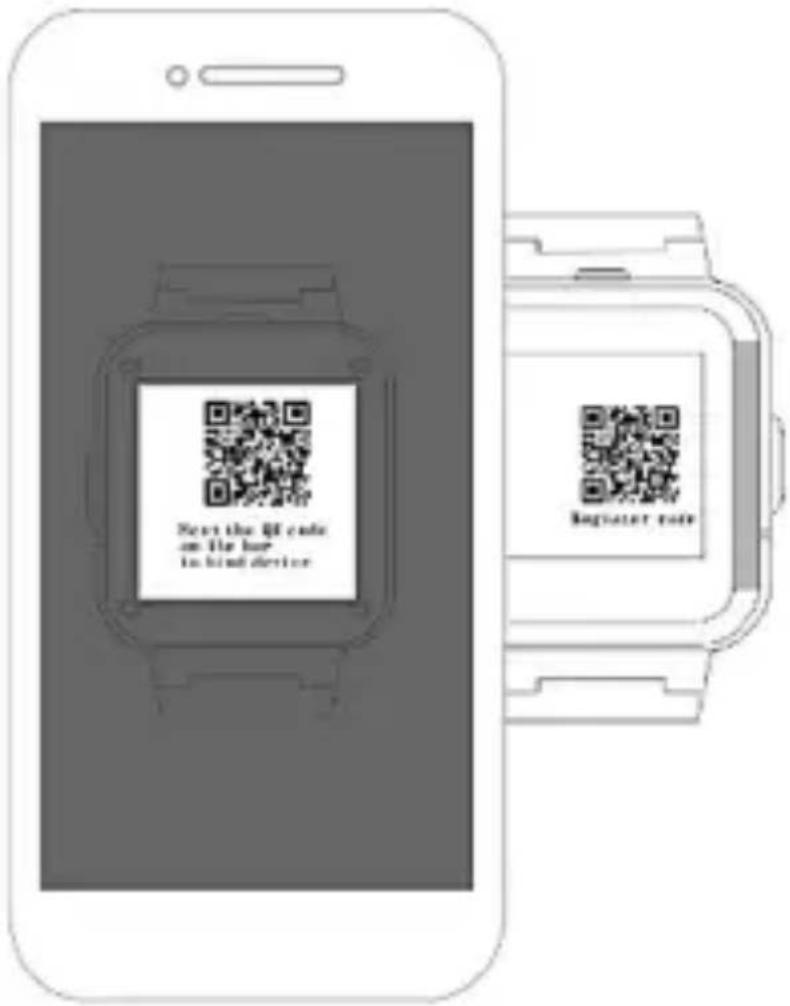
Prijavite se u aplikaciju. Unesite registracijski kod za uparivanje s uređajem. Registracijski kod:
- Skenirajte QR kod na naljepnici sata ili ručno unesite kod od 15 brojeva.
- Udite na stranicu s podacima uređaja i pronađite opciju registracijskog koda, skenirajte ili unesite ručno.
natural_image
Symbol of a trash bin with no text or numbers presentProizvodi označeni ovim simbolom označavaju da proizvod ulazi u grupu električne i elektroničke opreme (WEEE proizvodi) te se ne smije odlagati zajedno s kućnim i glomaznim otpadom. Ovaj proizvod treba odložiti na označeno sabirno mjesto za prikupljanje električne i elektroničke opreme. Pravilnim odlaganjem ovog proizvoda spriječiti ćete moguće negativne posljedice na okoliš i ljudsko zdravlje, koje bi inače mogli biti ugroženi zbog neodgovarajućeg odlaganja ovog proizvoda. Recikliranjem materijala iz ovog proizvoda pomoći ćete sačuvati zdrav životni okoliš i prirodne resurse. Za detaljne informacije o sakupljanju EE proizvoda obratite se M SAN Grupi d.o.o ili prodavaonici u kojoj ste kupili proizvod. Više informacija možete pronaći na www.elektrootpad.com i info@elektrootpad.com, te pozivom na broj: 062 606 062.
Odlaganje potrošenih baterija

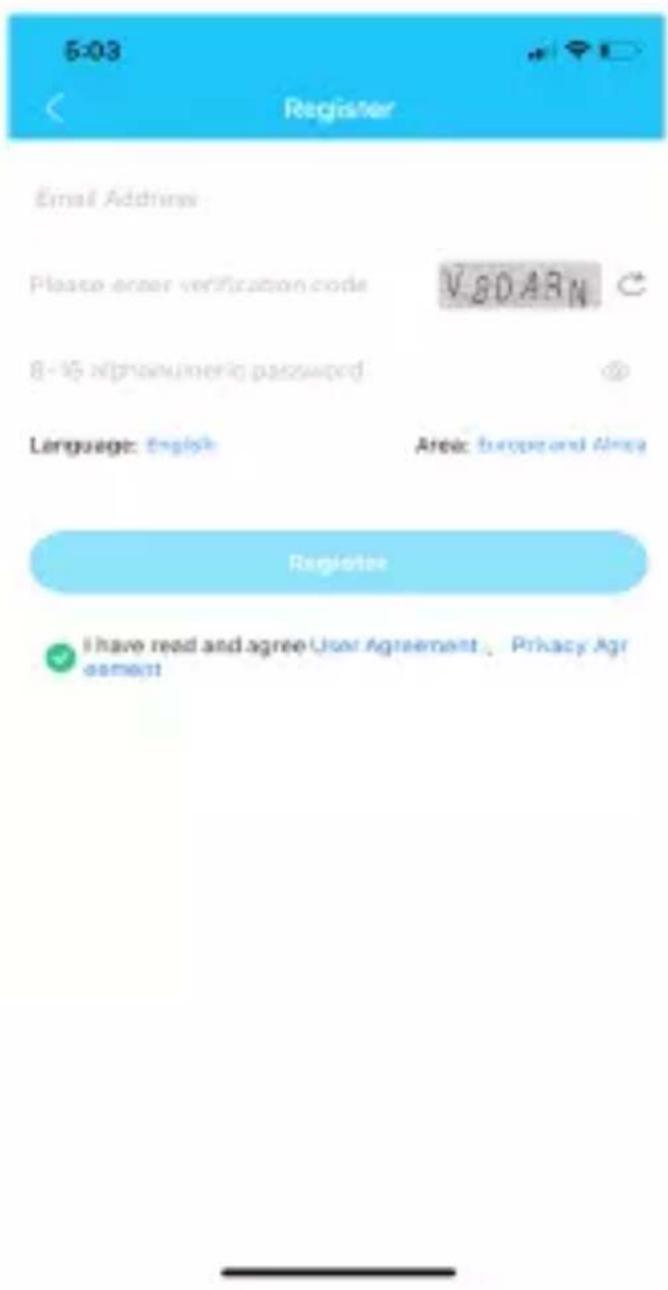
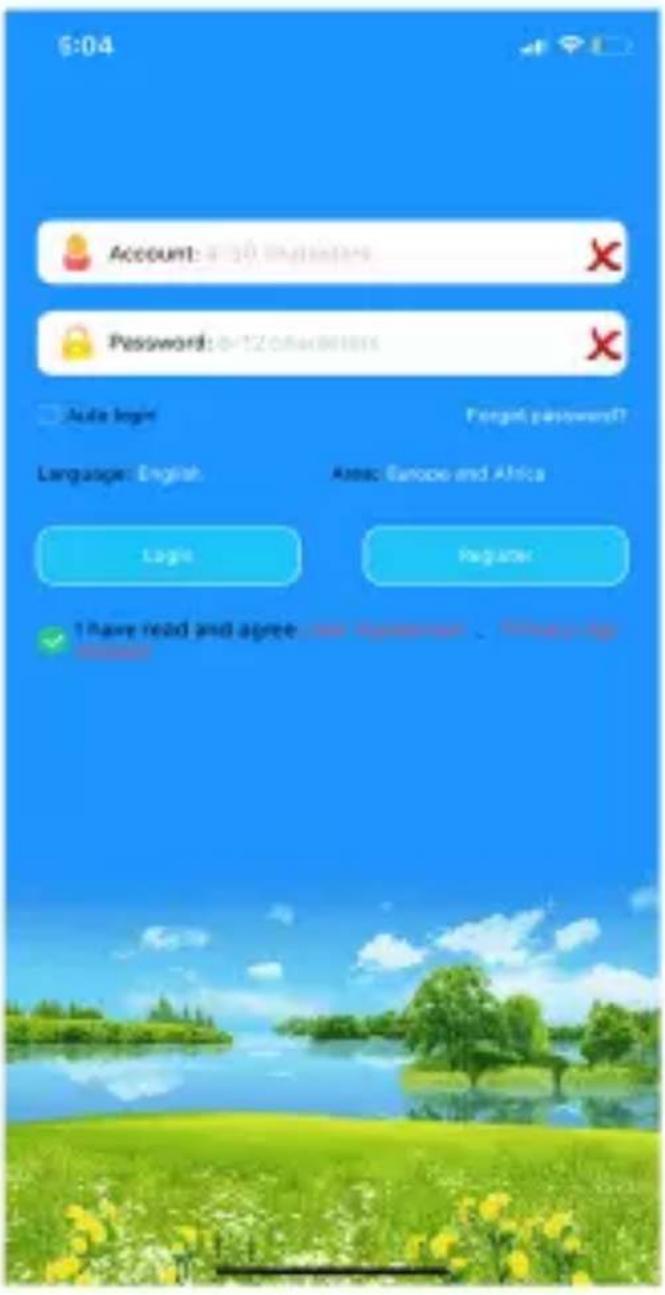
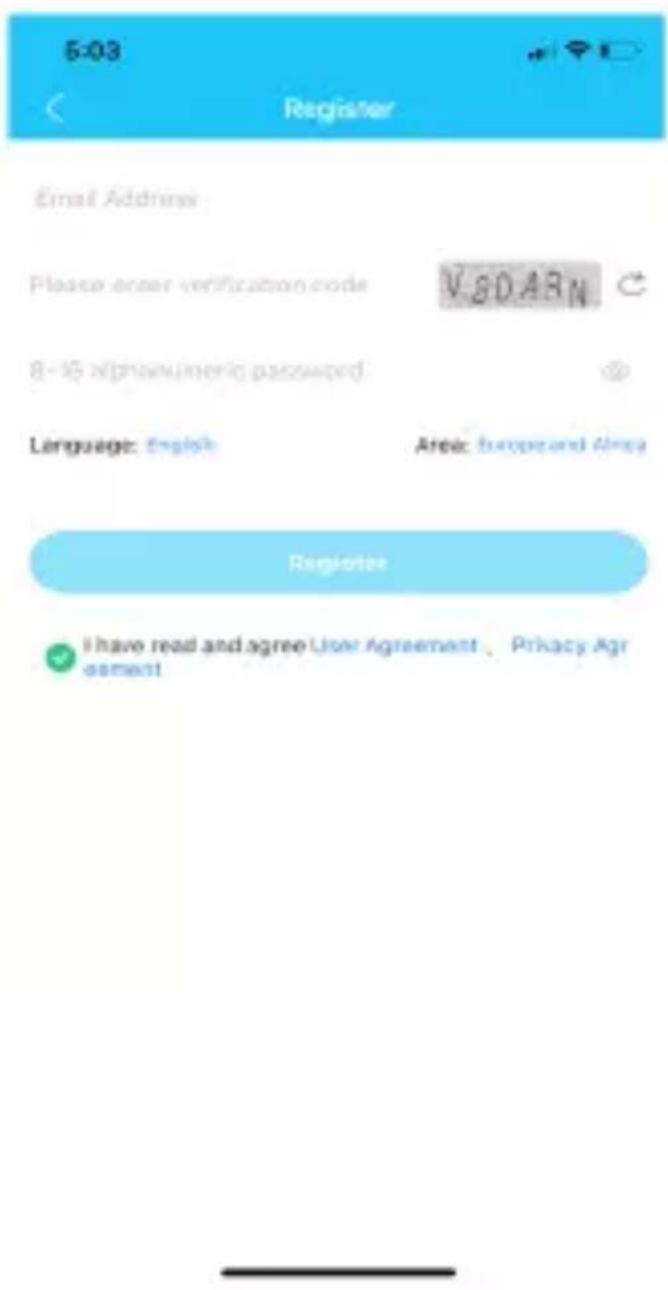
Registrirajte se i prijavite se
Pratite korake u aplikaciji da biste se registrovali i prijavili.
Uparite svoj uređaj i kontrolišite ga
natural_image
Symbol of a trash bin with crossed lines indicating no waste or discharge (no text or labels)Proizvodi označeni ovim simbolom spadaju u grupu električne i elektronske opreme (EE proizvodi) i ne smeju da se bacaju zajedno sa uobičajenim kućnim otpadom. Pravilnim postupanjem, zbrinjavanjem i recikliranjem proizvoda, sprečavate potencijalne negativne posledice na ljudsko zdravlje i okolinu, koje mogu da nastanu zbog
neadekvatnog zbrinjavanja ili bacanja ovog proizvoda. Za više informacija o recikliranju obratite se prodavcu ili najbližem centru za prikupljanje i reciklažu EE otpada.
Odlaganje potrošenih baterija
natural_image
Symbol of a trash bin with no text or numbers presentProverite lokalne propise u vezi odlaganja potrošenih baterija ili nazovite lokalnu službu za korisnike, kako bisteste dobili uputstva o odlaganju starih i potrošenih baterija. Baterije iz ovog proizvoda ne smeju da se bacaju zajedno sa kućnim otpadom. Obavezno odložite stare baterije na posebna mesta za prikupljanje upotrebljenih baterija, koja se nalaze na svim prodajnim mestima gde možete kupiti baterije.
natural_image
Symbol of a trash bin with crossed lines indicating no waste or restriction (no text or numbers present)Rm. 1503A, 15/F, Shun Kwong Commercial Bldg., No.8 Des Voeux Road West, Shou Wan, Hong Kong
PAKOM KOMPANI Member of N° SAN Global
Потпищано
Margareta Gnjatovic Spirov
Управителей
Rm.1503A,15/F,Shun Kwong Commercial Bldg.,No.B Dim Voeux Road West,Sheu Wan,Hong Kong
PAKOM member of M SAN Grupa
KOMPANI

Margareta Gnjatovic Spirov Manager
Emri / funksioni / nénshkrimi
rana#t bhangas## Bocel Sko#s, Jodr#enkis Magistrata in. 12.
P. Paul, 1800 Elagón, R. of Harsh Mosekholderia
1.00. 20140917-0811, NDA B14 43, J15-0751886-01 55
DETAJET E PRODUKTIT/ PRODUCT DETAILS
KARIKIMI I PAJISJES/ CHARGING THE DEVICE
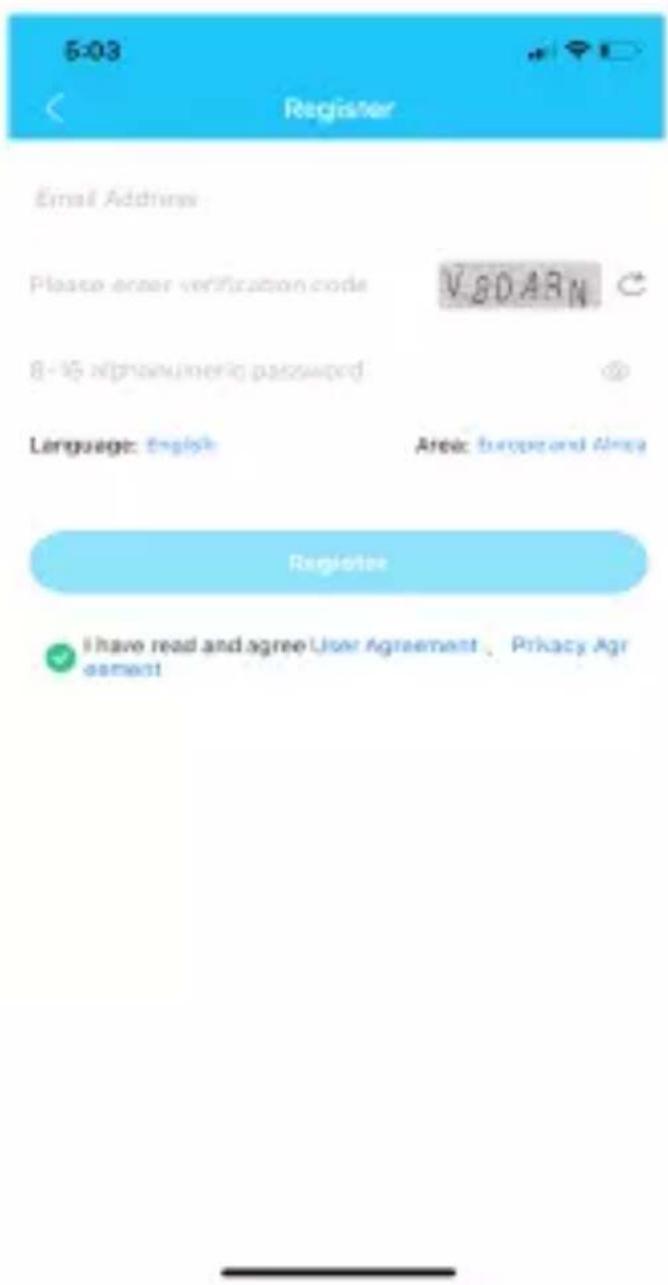
Lidhja me pajisjen/ Pair with the device
Ndërhyrje në frekuencën e radios: Emissions from electronic devices to radio frequencies can interfere with other electronic devices and cause malfunctions. Although this clock complies with EU radio frequency regulations, wireless transmitters of mobile devices and electrical circuits may cause interference with other electronic devices. We therefore recommend that you take the following precautions:
natural_image
Symbol of a trash bin with no text or numbers, crossed by diagonal lines (no readable text)natural_image
Symbol of a trash bin crossed with no text or labelsRegistracija in prijava
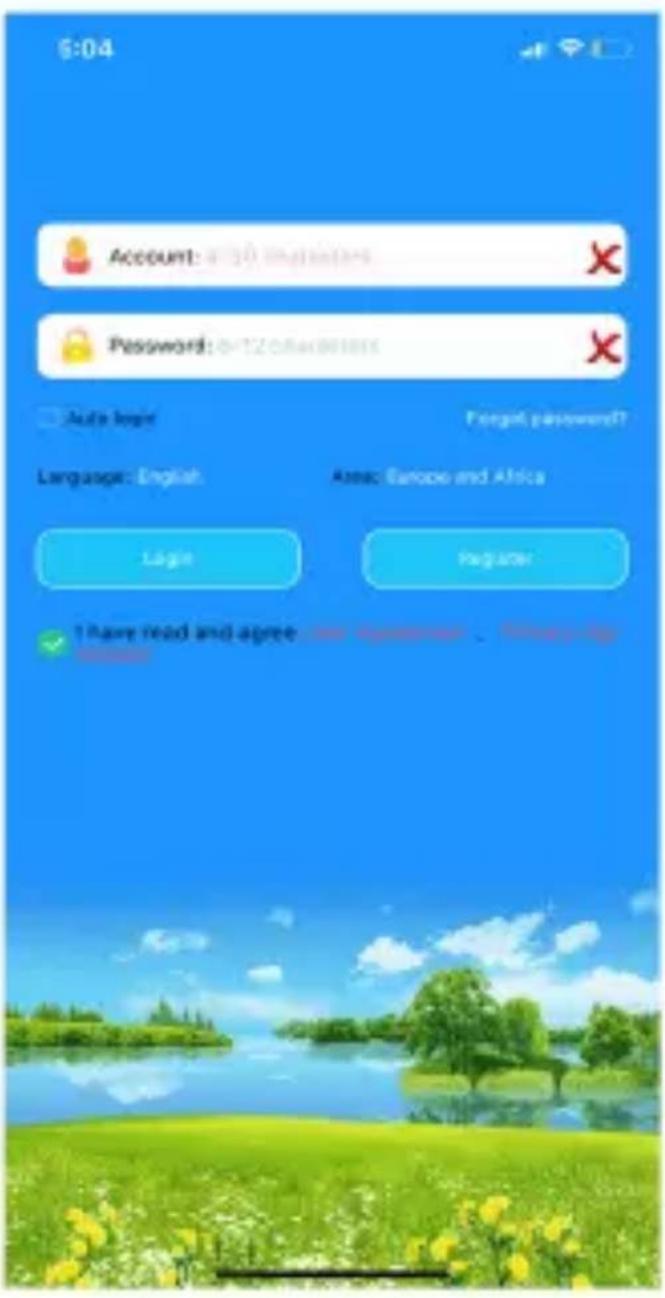
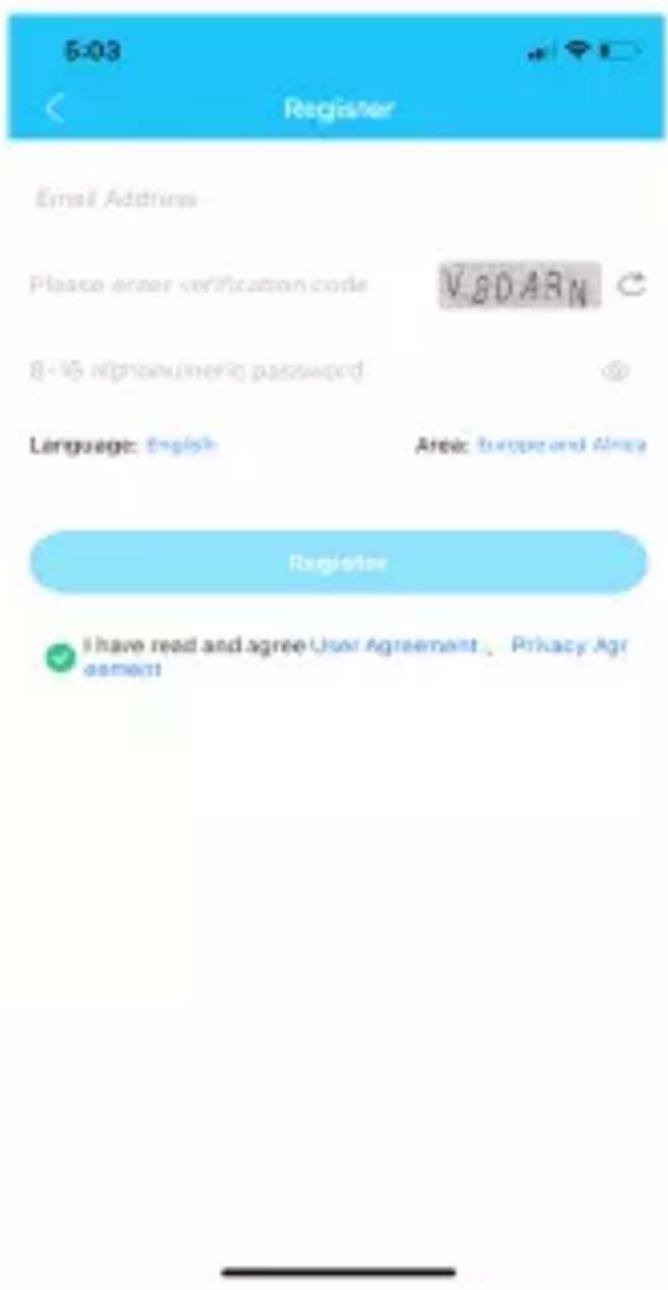
Za registracijo in prijavo sledite korakom v aplikaciji.
SL
Seznani z napravo
natural_image
Symbol of a trash bin with no text or labelsnatural_image
Symbol of a trash bin with no text or numbers present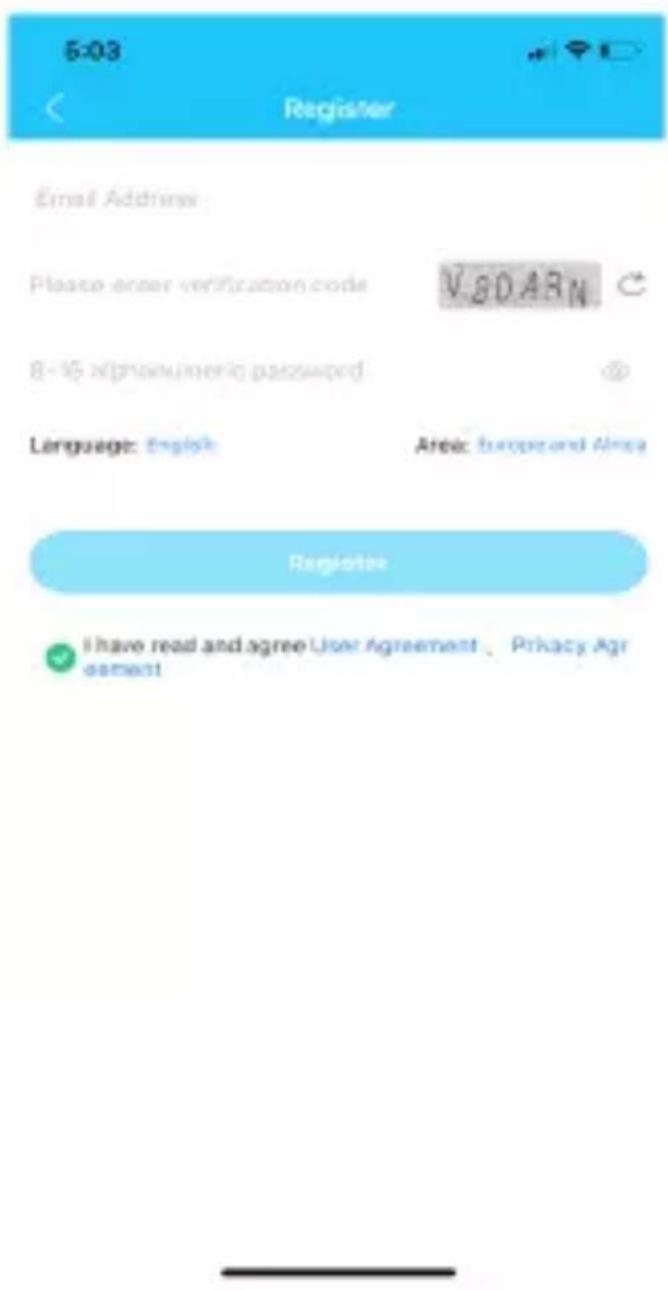
natural_image
Symbol of a trash bin with no text or labels
natural_image
Symbol of a trash bin with no text or labels
natural_image
Symbol of a trash bin with no text or numbers presentnatural_image
Symbol of a trash bin with no text or labels
Gerätekopplung
- Please read this manual carefully and use the product correctly.
- Please keep this manual for reference after reading it.
- Pictures of products in this manual for reference only.
GETTING STARTED
- Check that the device is the correct model and all accessories are in the box.
- Prepare a 4G LTE Nano SIM card, can ask your dealer if have any questions.
- Necessary to activate data flow, GPRS and caller ID functions.
INSERT SIM CARD
- Please turn off the watch before inserting the SIM Card. The type of card is Nano size.
- Remove the SIM card protective cover. Use the provided tool to take the SIM tray out.
- Put the Nano-SIM card in the holder and make sure that the card's angle corner fixes the holder (contacts should be oriented upwards). Then gently insert the holder back into device.
SWITCH ON AND OFF
Switch ON: If the device is power off, long press the power button for 3\~5 seconds to turn on.
Switch OFF: Enter the settings of device, choose the power off option. When there is not a SIM card, long press the power button to turn the device.
NOTE: When the device is crashed, you can use remote shut down on the PC or Mobile client.
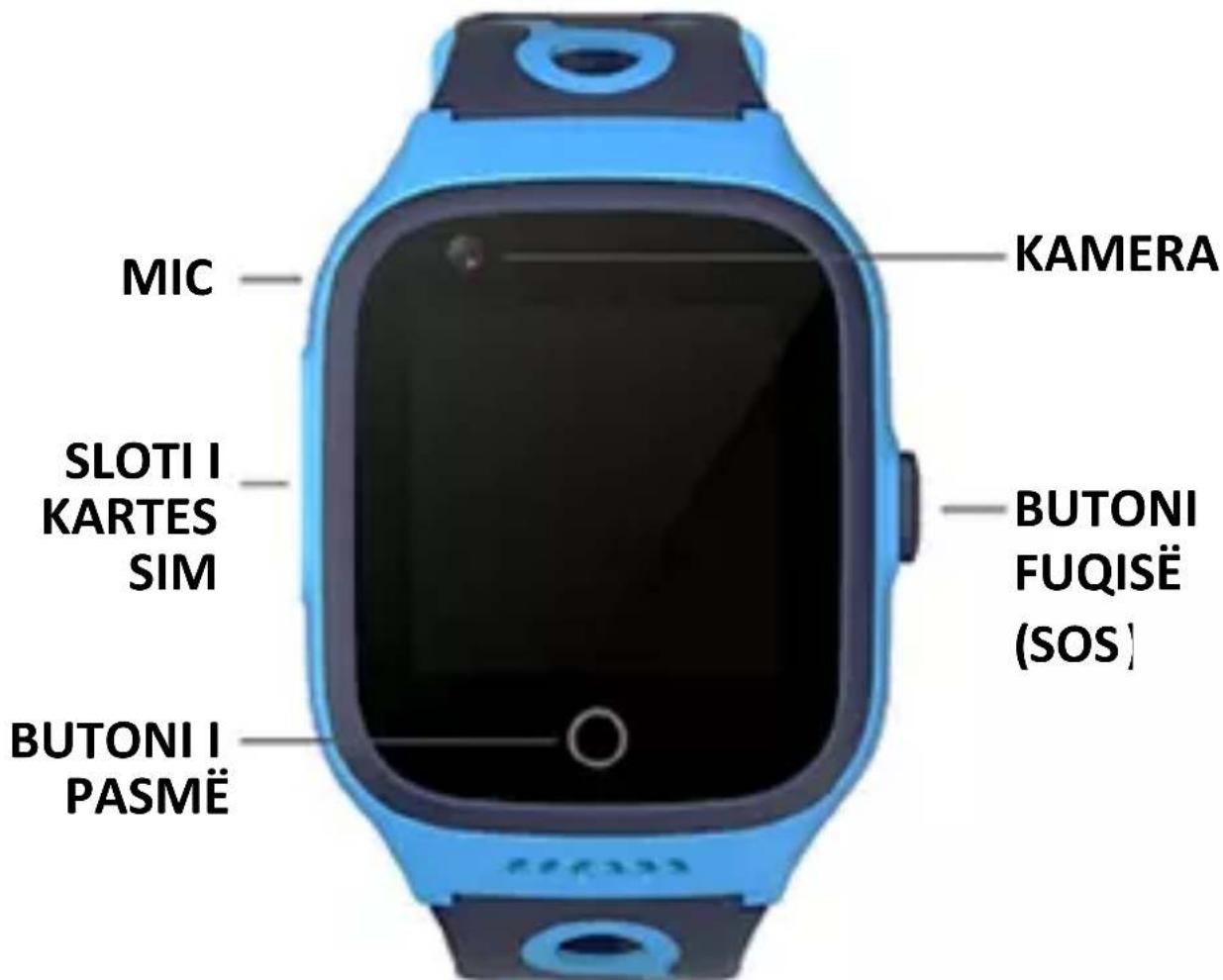
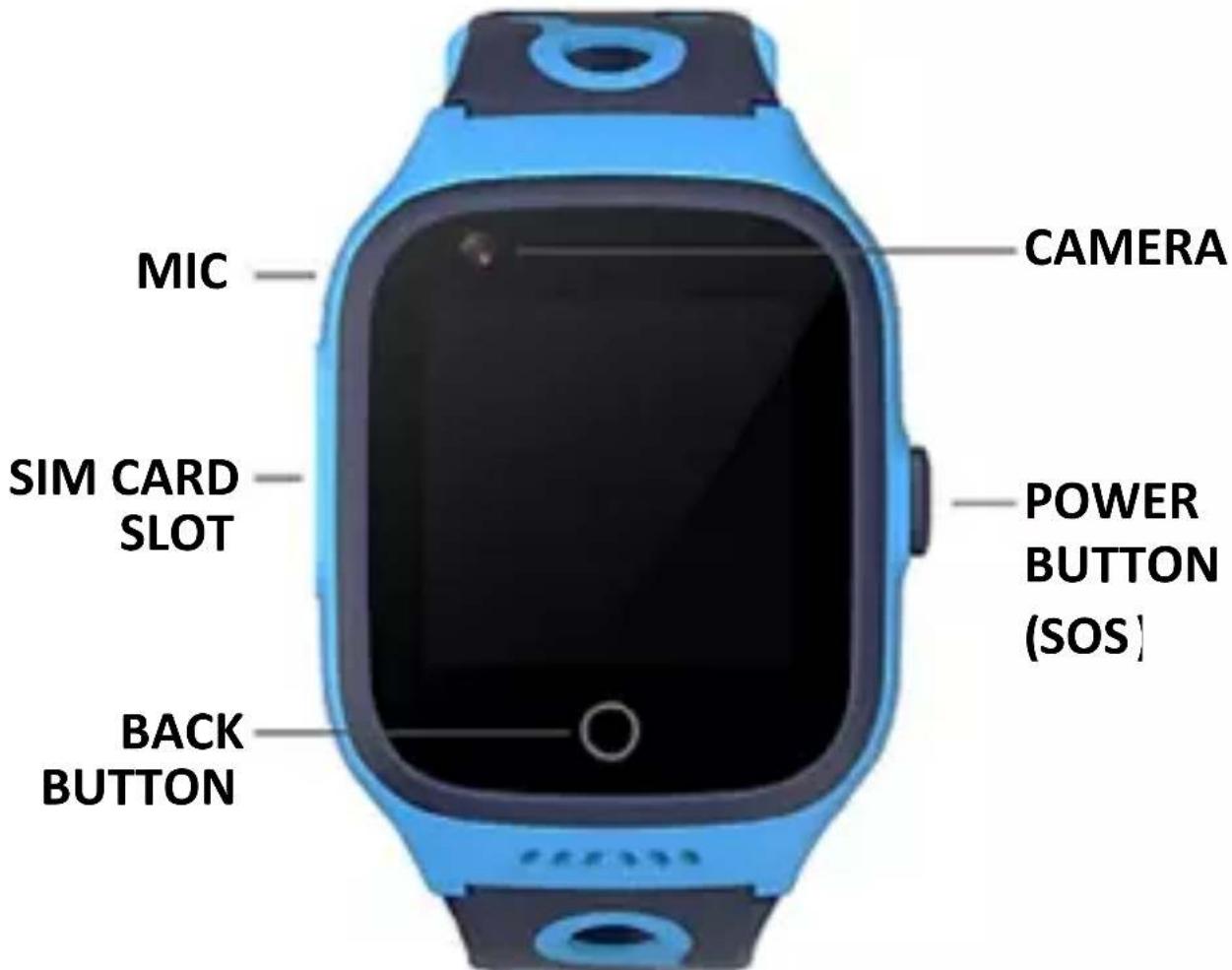
PRODUCT DETAILS
CHARGING THE DEVICE
- When you receive the low battery notification from device or the phone app, please charge the device in time.
-
When battery is under 15%, device will turn into the power saving mode and functions are restricted except the incoming call answer.
-
During charging, the device will turn into restricted mode and please do not use it.
Charging
Connect the metal contacts on the charging port to those on the back of the device, then put them on a flat surface. Connect the charging cradle to a power supply, the device's screen will light up and display the process of charging.
CAUTION: The metal contacts and charging port is magnetic. Please keep it away from other metal in avoid of accidental short circuit.
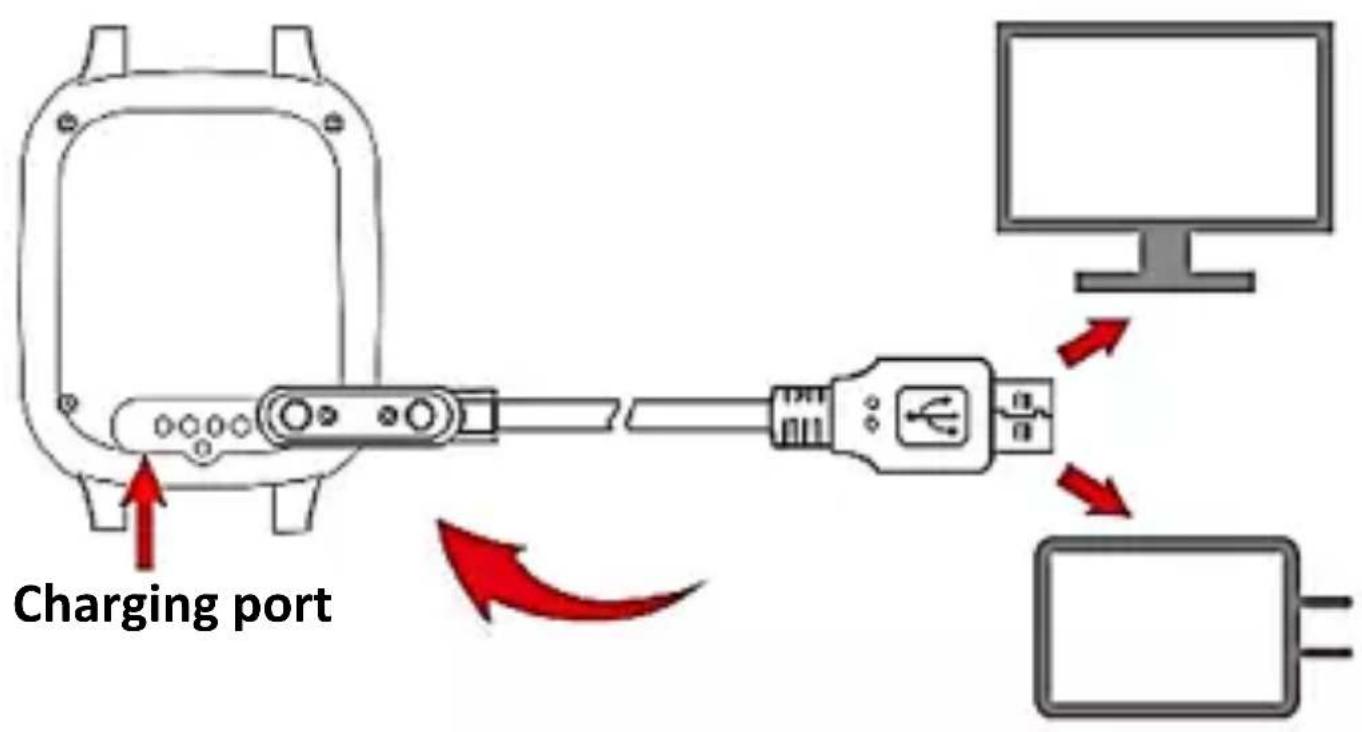
CAUTION:
- The charging dock is not water resistant. Wipe the port, metal contacts, and the device dry during charging.
- Long press the power button over 20s to active the battery when the device is fully charged after not used for longtime.
APPLICATION USING (Get the application)
- Scan the QR code to download the application and install directly.
- Enter the device information on the watch menu and find the QR code to scan and download.
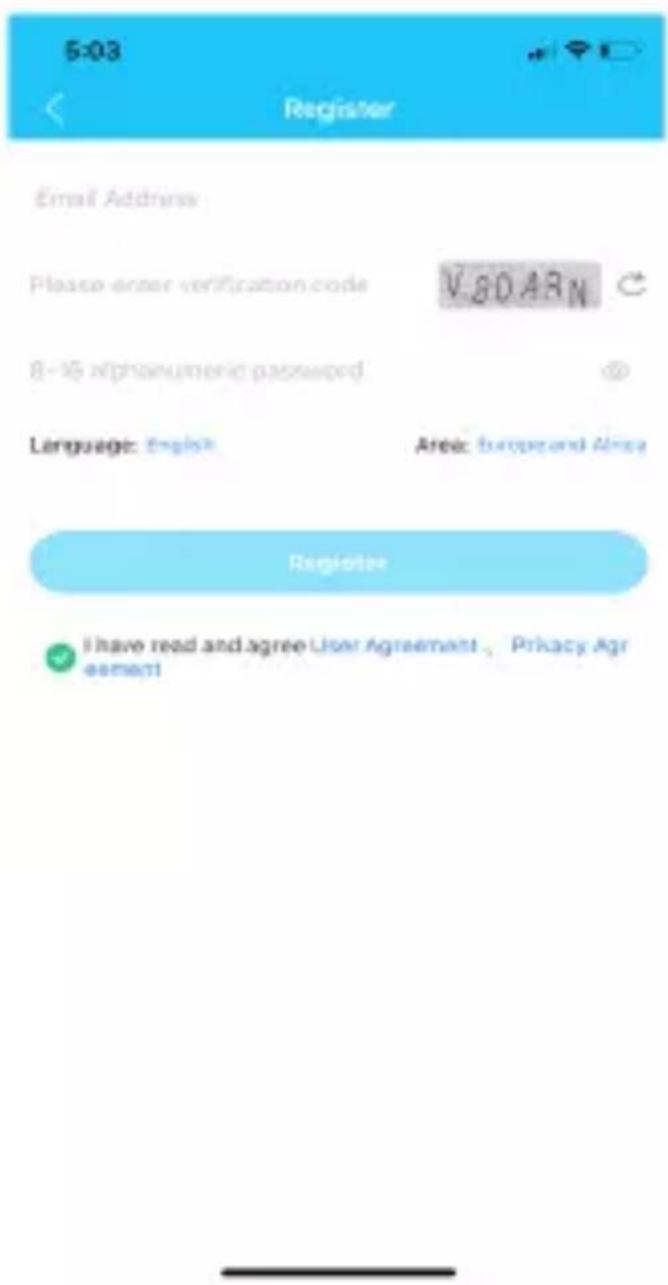
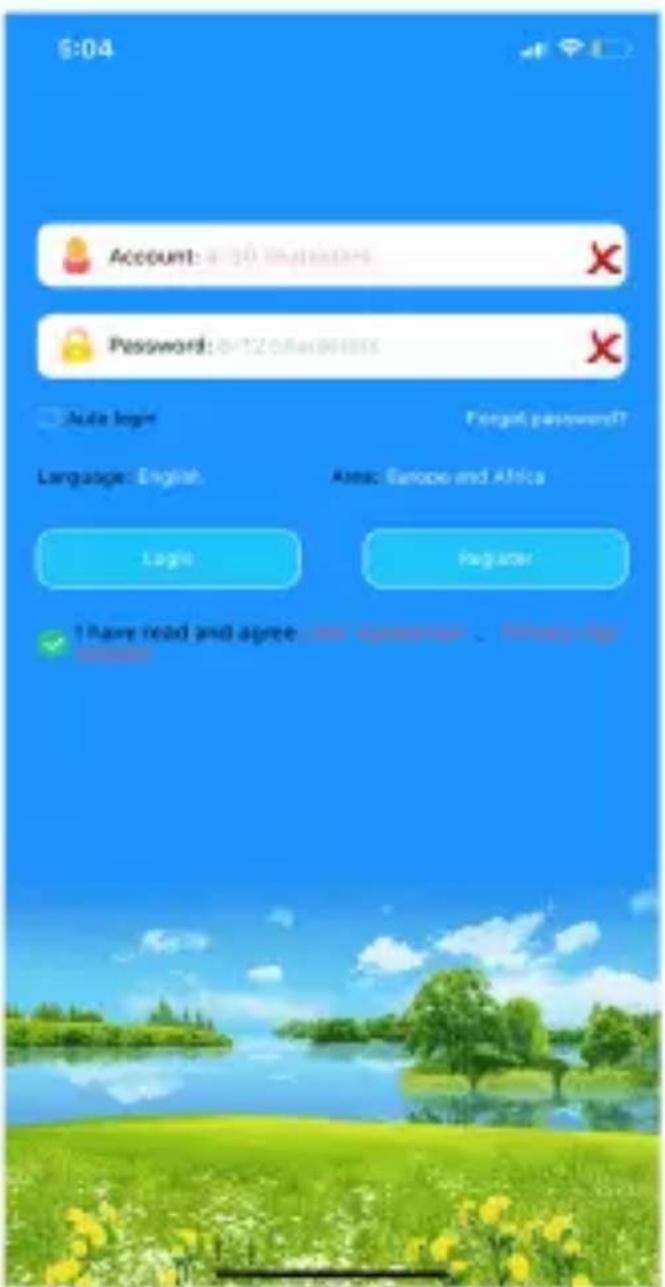
Register and login in
Please follow the steps in the application to register and login in.
ENG
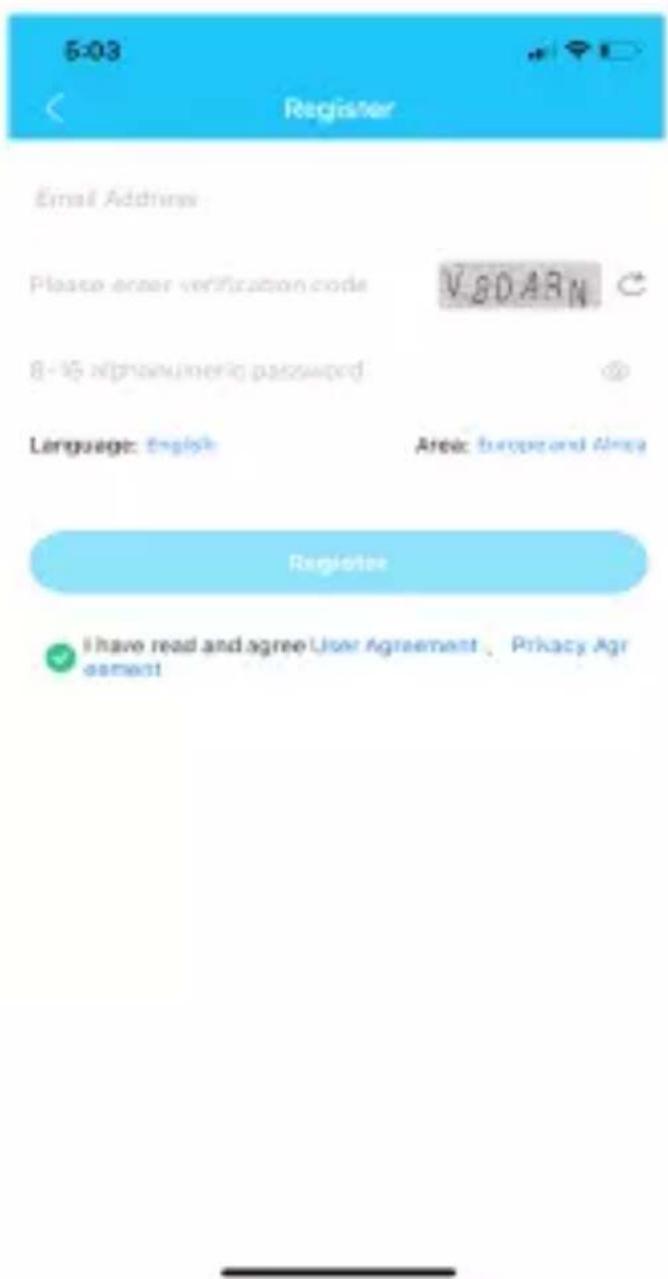
Pair with the device
Login in the Application. Enter the registration code to pair with device. About the registration code:
- Scan the QR code on the watch label or manually enter the 15 numbers length code
- Enter the device information page and find the registration code option, scan or manual input.
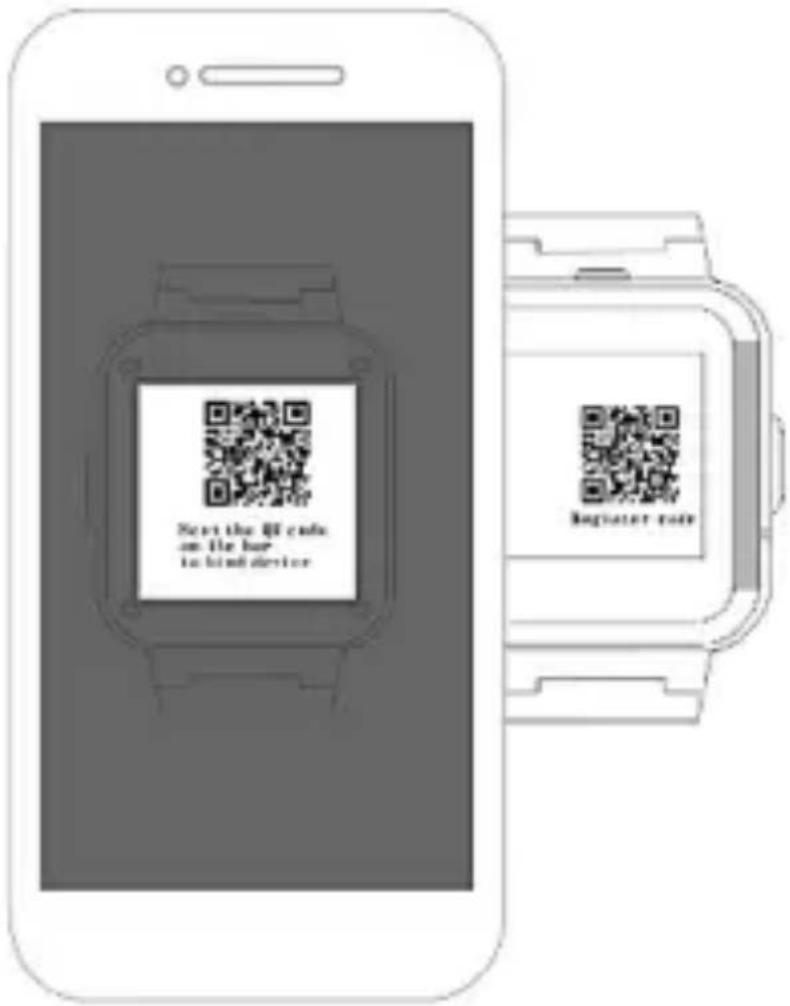
Pair device and manage
Account which is for the first time pairing with the device automatically becomes the admin. Guest accounts request to pair with and manage the device must be agreed by the admin. You can inform the admin to check your request by sending notification on the pairing page of the phone application.
FUNCTIONS
Location: GPS +AGPS + LBS + WIFI Location real time on Map.
Trace: Find the trace in application.
Safety area: Set fence (safety area) in the device (Max 3 fences), And notify you in application when watch reach or out of the appointed area.
Contact: Setting up maximum 15 members of your friends or relative in application.
Dial interface: Dial interface is supported. You can turn on or off this function in switch settings of application.
SOS: Three emergency contacts can be set. Press the SOS BUTTON (The button on some models is the power button) for 3 more seconds and it will make an emergency call to the appointed contacts in turns. If there is no one answering, it will continue to dial twice in turns and stop.
Message notification: Notify you when the device turns on or off the SOS function in SMS. (The fees of SMS are calculated according to your local carrier).
Alarms: Set 3 alarm clocks.
Camera: Take a photo.
Gallery: Save the photos, you can delete it or upload photos to the application.
Micro chat: Real time chat between the device and the application. Application can text or send 15 seconds voice
message to the device. And device can read one unread message each time and only send voice message.
Video call : Make a video call with the paired account on mobile or another device.
Do not disturb: Set 4 functions in one time. Block all calls and keep silent mode in this appointed period.
Setting: Change user interface (some models are not adapted), Volume (Medium, Ringtone, Alarms, Power on and off), Brightness, Date and time, Volte, Power off, About device (Model, Version, IMEI).
What is in Device Information:
- Registration code: Scan it to register device.
- Official account: Scan it to follow us to get more info.
- App download: Download the SeTracker application.
Quick math: Game for kids. With 3 levels for challenging.
Stopwatch: For time measuring.
Calculator: For usual math calculating.
Members: Show the account of family members who is bind with the device.
Watch faces: Long press on the idle screen to switch different style of watch faces (some models may not support).
Scenarios: Three modes (Normal, Battery saving, Follow), the default is Normal mode.
Love heart: You can set this in the application. And the Love heart can be only shown on the interface of watch.
Remote shut down: Remote shutting down order to the watch when it is power on.
Remote restart: Send a remote restarting message to the watch. And restart the device.
TROUBLESHOOTING
If the device cannot connect to the server in your first time of using, and in the application shows the device is off line. Please check the following conditions:
- Your SIM card is 4G and network is normal or not.
- Data flow is activated and the service is normal or not.
- The IP and port, or the IMEI is correct or not. The IMEI code on the device shall be same as the factory code. You can get the code by send message pw,123456,ts# to the watch. (The watch has a SIM card. And the message is texted in ENGLISH).
- If there is still not working, please ask the seller for more details and help.
If you cannot register account, generally there are 2 problems:
- The code of device does not exist or it has registered before, you can ask for your seller for help.
- Account has registered before. Under this condition, you just create another account.
Dial and incoming call answer function does not work:
- Check your SIM card (4G Nano SIM card with activated data flow, GPRS, and caller ID functions)
- If you switch on the whitelist or reject unknown numbers, please add the phone numbers you need in the phonebook or whitelist.
- Check the IPN of your phone number fixes the device or not.
Charging failure:
- If you cannot switch on the device, please long press the power button for 3-5 seconds or the device is in very low battery, please charge the device.
- Check if there are oxidation, corrosion, rusting, or damaged on the charging dock and cable. Keep the connecting pin dry and clean.
-
Check the direction of magnetic two pin cable is the same as the charging dock. Make sure the two parts are fully connected.
-
If the battery is in very low status, the screen will not light up at the beginning of charging. Wait for one hour continuous charging, then you can start the device normally.
Working time of device is short:
- Overtime using (We advise a balance using of device).
- The watch does not get a full charge.
- The signal is poor and causes a high consumption of battery capacity
Positioning accurate is not good:
- Check if the device has a normal data flow.
- It is normal for LBS positioning has a localization deviation.
- Device's mode of positioning is default off for the first time of using and it will not update the location information.
Why device automatically switches on or off:
- Installing SIM card for the first time or change different cards.
- Unpair the device or reset the network.
- You set the auto-start or shut down mode on the phone application.
The quality of calling is poor:
- The signal of communication is poor.
- The device is too close to the phone during calling.
CLEANING AND MANAGEMENT
- Protect watch from dust, sweat, ink, oil and chemical products (such as cosmetics, antibacterial sprays, hand sanitizers, detergents, and insecticides). Otherwise, the internal and external parts may be damaged or causes performance degradation. If your watch is stained with above substances, please clean it with lint-free soft cloth.
= When cleaning, do not use soap, detergent, abrasive materials, compressed air, ultrasonic waves or external heat sources. Otherwise, you may damage your watch. - After exercising or sweating, please clean your wrist and strap. Use water to clean and dip a small amount of alcohol to wipe, then dry it thoroughly.
SAFETY NOTICES
Read these safety instructions before using your device and store them for possible future reference. Always follow these basic safety precautions when using your watch. This reduces the risk of fire, electric shock, and injury. This device may contain small parts that may be a choking hazard to children under 3 years. Keep small parts away from children.
CHARGER
If the charger cord is damaged, have it repaired by the manufacturer, its service or a similarly qualified person in order to avoid any hazard.
The charger is not intended for use by persons (including children) with reduced physical, sensory or mental capacity. Persons who have not read the manual, unless they have received explanations by a person responsible for their safety and supervision should not use this unit. Children should be monitored to ensure that they do not play with the charger.
The charger should always be readily accessible. The device should not be exposed to dripping or splashing water. No objects filled with liquids such as vases shall be placed on the device. Always leave a minimum distance of 10 cm around the unit to ensure sufficient ventilation. Naked flame sources, such as candles, should not be placed on top of the device.
Do not touch the charger, electric wire and power socket with wet hand; otherwise, electric shock may occur.
Radio frequency interference: Radio frequency output from electronic devices can interfere with other electronic equipment and cause malfunctions. Although this device has been designed in accordance with EU regulations on radio
frequency emission, smart device wireless transmitters and electrical circuits can cause interference with other electronic equipment. We therefore recommend taking the following precautions:
Aircraft: Wireless equipment can cause interference in aircraft. Turn off your device before boarding the aircraft. Do not use on the ground until allowed to do so by the flight crew.
Medical implants: Medical equipment manufacturers recommend a minimum distance of 15 centimeters between a wireless device and an implanted medical device such as a pacemaker or defibrillator to avoid any interference with the medical device. It is recommended that people fitted with such devices:
If you are fitted with a medical implant and have any questions related to the use of your /wireless equipment, you should consult your doctor
Health facilities: Hospitals and health facilities may be using equipment which is particularly sensitive to external radio frequency emissions. Turn off the device when staff or notices tell you to.
Blasting sites and marked areas: Turn off your device in potentially explosive areas. Follow all official instructions.
GENERAL SAFETY PRECAUTIONS AND ADVICES
Read and retain these instructions for future reference.
Warnings: On the product and User Guide instructions should always be adhered to.
Adapters: Use certified adapters recommended by producer. Other adapters may be hazardous or void your warranty.
Water: Your device is resistant to water, under IPX7 protection class.
Do not swim or dive with your device in the salt seawater! If it happens, immediately wash your device in tap water and dry unit fully.
Power Sources: For products intended to operate from battery power or other sources, refer to the operating instructions.
Servicing: Do not attempt to service this product yourself as opening or removing covers may expose you to dangerous voltage or other hazards and will void your warranty. Refer all servicing to qualified service personnel.
Heat: The product should be kept away from heat sources such as a radiator, heat register, stove, or other products that generate heat.
Replacement Parts: Unauthorized substitutions when service this product may result in fire, electric shock, or
other hazards. Make sure your service technician has used parts specified by the manufacturer.
INTERFERENCE: All wireless devices are susceptible to interference which may affect their performance.
Precautions for use: This watch meets guidelines concerning the exposure to radio waves. Your device is a radio transmitter and receiver. It was designed to meet the limits recommended by international guidelines to limit the exposure to radio waves. These guidelines were developed by and independent scientific organization, The ICNIRP; and include safety margins designed to ensure the protection of all, regardless of age and health.
If you are allergic to material on this watch:
- This watch contains nickel. If your skin is very sensitive or you are allergic to the materials on this watch, please take necessary precautions.
- All materials used on this watch comply with relevant inspection standards such as REACH and RoHS.
Working conditions:
Working Temperature: -5^ 40^ .
Battery:
3,7V 550mAh
Charging (magnetic charger):
Input: AC 100-240V\~, 50/60Hz, 0,3A
Output: 5V 1A

The number stands for the eco-friendly using years of device under normal conditions.
Information on Disposal for Users of Waste Electrical & Electronic Equipment (private households)
natural_image
Symbol of a trash bin with no text or labelsThis symbol on the product(s) and / or accompanying documents means that used electrical and electronic products should not be mixed with general household waste. For proper treatment, recovery and recycling, please take this product(s) to designated collection points where it will be accepted free of charge. Alternatively, in some countries you may be able to return your products to your local retailer upon purchase of an equivalent new product. Disposing of this product correctly will help save valuable resources and prevent any potential negative effects on human health and the environment, which could otherwise arise from inappropriate waste handling. Please contact your local authority for further details of your nearest designated collection point. Penalties may be applicable for incorrect disposal of this waste, in accordance with your national legislation.
Disposal of waste batteries
natural_image
Simple line drawing of a trash bin with no text or symbolsCheck local regulations for disposal of waste batteries or call your local customer service in order to get instructions on the disposal of old and used batteries. The batteries in this product should not be disposed of with household waste. Be sure to dispose of old batteries in special places for disposal of used batteries that are found in all retail shops where you can buy batteries.
EU Declaration of Conformity
Hereby, M SAN Grupa d.o.o declares that the radio equipment type SmartTelephone is in compliance with Directive 2014/53/EU.
The full text of the EU declaration of conformity is available at the following internet address:
www.msan.hr/dokumentacijaartikala
Instructions for using your device you can find on: http://hr.vivax.com/

HR
POŠTOVANI!
Zahvaljujemo na kupnji Vivax uređaja i nadamo se da ćete biti zadovoljni odabirom. Ako u jamstvenom roku bude potreban popravak proizvoda, molimo savjetujte se sa ovlaštenim prodavačem koji Vam je proizvod prodao ili nas kontaktirajte na dolje navedene brojeve i adrese. MOLIMO VAS DA PRIJE UPORABE PROIZVODA PAŽLJIVO PROČITATE UPUTE PRILOŽENE UZ PROIZVOD!
| JAMSTVENI LIST HR | VIVAX |
| MODEL UREĐAJA | |
| SERIJSKI BROJ | |
| DATUM PRODAJE | |
| BROJ RAČUNA PRODAVATELJA | |
| POTPIS I PEČAT PRODAVATELJA |
- Ovim jamstvom M SAN Grupa kao davatelj jamstva u Republici Hrvatskoj jamči besplatan popravak istog u skladu s važećim propisima i u skladu s uvjetima opisanim u ovom jamstvenom listu. Ovim jamstvom jamčimo da će predmet ovog jamstva raditi bez pogreške uzrokovane eventualnom lošom izradom ili lošim materijalom izrade. Svi, eventualno nastali, kvarovi biti će besplatno otklonjeni u ovlaštenom servisu u jamstvenom roku.
- UVJETI JAMSTVA Jamstveni rok počinje od dana kupnje proizvoda i traje 12 mjeseci.
- U slučaju kvara na proizvodu koji je predmet ovog jamstva, obvezujemo se da ćemo isti popraviti u najkraćem mogućem roku, a najkasnije u roku od 45 dana. Ako se proizvod ne
HR
može popraviti ili se ne popravi u roku od 45 dana, biti će zamijenjen novim. Jamstvo će biti produženo za vrijeme trajanja popravka.
Web: https://www.quadra-net.pl/