 ManualGo.com
KVT-727DVD - Car DVD player KENWOOD - Free user manual and instructions
Find the device manual for free KVT-727DVD KENWOOD in PDF.



Download the instructions for your Car DVD player in PDF format for free! Find your manual KVT-727DVD - KENWOOD and take your electronic device back in hand. On this page are published all the documents necessary for the use of your device. KVT-727DVD by KENWOOD.
USER MANUAL KVT-727DVD KENWOOD
© B54-4465-00/00 (EV/E2V)
cn 4 2 | English I B54-4465-00_00.ndb 2
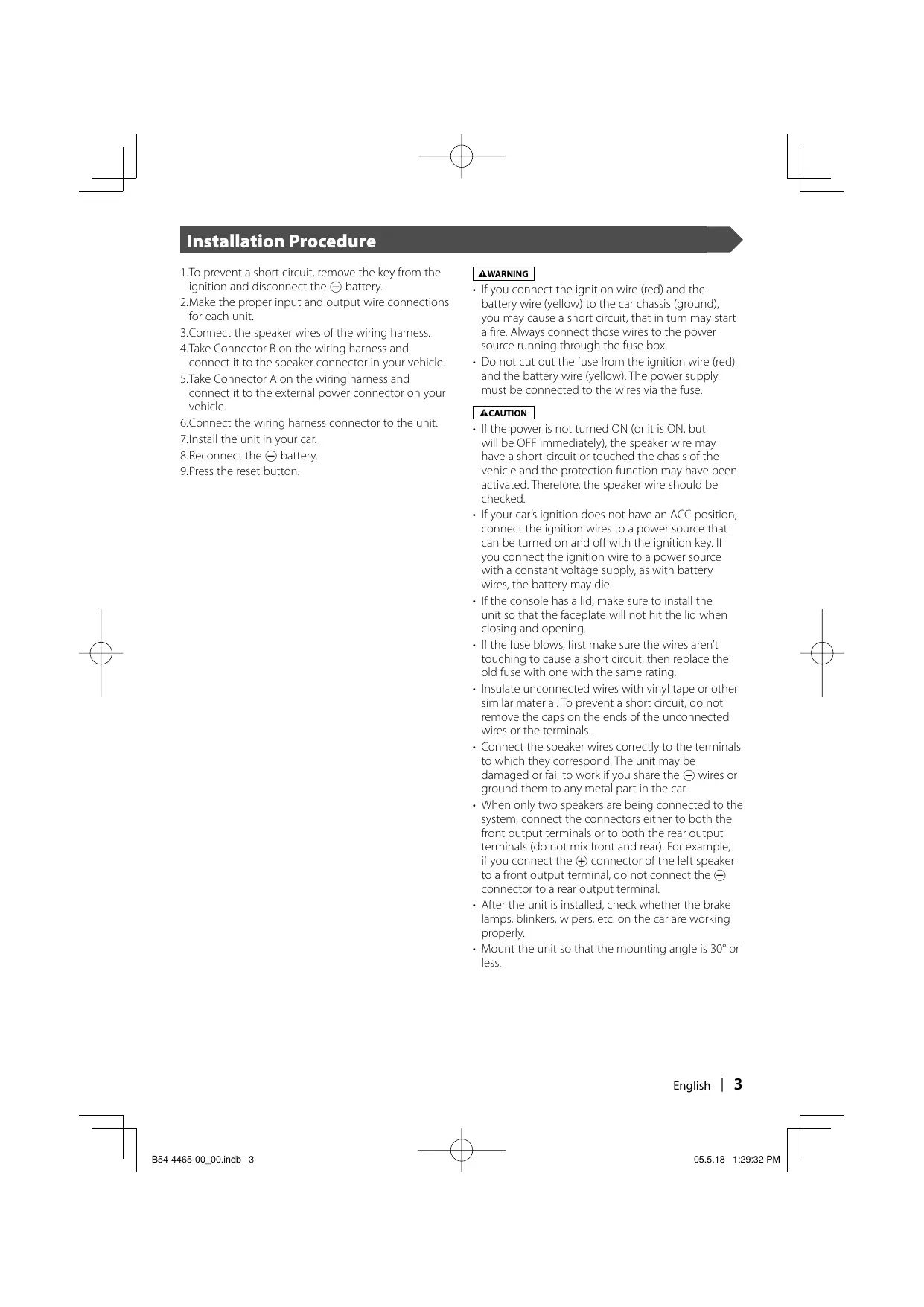
1.10 prevent a short circuit, remove the key from the
ignition and disconnect the © battery. 2.Make the proper input and output wire connections for each unit 3.Connect the speaker wires of the wiring hamness, A.Take Connector B on the wiring hamess and connect it to the speaker connector in your vehicle. 5.Take Connector À on the wiring harness and connect it to the external power connector on your vehicle 6.Connect the wiring harness connector to the unit. 7install the unit in your car. 8.Reconnect the © battery. S.Press the reset button. + IFyou connect the ignition wire (red) and the battery wire (yellow) to the car chassis (ground), you may cause a short circuit, that in turn may start à fire. Always connect those wires to the power source running through the fuse box + Do not cut out the fuse from the ignition wire (red) and the battery wire (yellow). The power supply must be connected to the wires via the fuse. IFthe power is not turned ON (or it is ON, but will be OFF immediately), the speaker wire may have à short-circuit or touched the chasis ofthe vehicle and the protection function may have been activated. Therefore, the speaker wire should be checked. IF your car ignition does not have an ACC position, connect the ignition wires to a power source that can be tumed on and off with the ignition key. If you connect the ignition wire to à power source With a constant voltage supply, as with battery wires, the battery may die. Ifthe console has a lid, make sure to install the unit so that the faceplate will not hit the lid when closing and opening Ifthe fuse blowrs, first make sure the wires aren't touching to cause à short circuit, then replace the old fuse with one with the same rating Insulate unconnected wires with vinyl tape or other similar material. To prevent a short circuit, do not remove the caps on the ends of the unconnected wires or the terminal. Connect the speaker wires correctly to the terminals to which they correspond. The unit may be damaged or fail to work if you share the © wires or ground them to any metal part in the car. When only two speakers are being connected to the system, connect the connectors either to both the front output terminals or to both the rear output terminals (do not mix front and rear). For example, if you connect the @ connector of the left speaker to a front output terminal, do not connect the © connector to à rear output terminal After the unit is installed, check whether the brake lamps, blinkers, wipers, etc. on the car are working properly Mount the unit so that the mounting angle is 30° or less. English | 3
À 99 handling an optical able for ing use care not to exceed the minimum cable bend radius of 30 mm. you exceed the minimum bend limit, optical fibers within the optical cable may be damaged
An Optical cable (Accessory @) is fixed with a chassis using hamess band (Accessory @). (KVT-827DVD/727DVD only) Optical output {KVT-827DVD/727DVD onhy) Monitor unit Eee ske often be sure 10 connect the parking sensor. GBlack) Connect to the vehicle's parking brake detection Accessory @ switch hamess using the supplied relay connector. parking sensor wire (Green)
[ab B<+ { 7 N Ground wire (Black) © (To car chassis) C+— © © Rec Bstey KENWOOD Antenna Cord FM/AM antenna input [MT ge 6e æ) 600 [ER SV Accessory @ Accessory © DES To Subwoofer system Accessary Qi Accessory @ € fre connections are made, do not et (KVT-827DVD/727DVD only) the cable come out from the tab. Mute wire (Brown) Connect ta the terminal that is grounded when either the telephone rings or during conversation fo connect the Kenwood navigation system, onsult your navigation manual Mure (10A) Power control/ Motor antenna control cable (Biue/White) escort | aureonr External amplifier control wire (Pink/Black} ecreonr Connect either to the power contral terminal when using the optional pawer amplifier or to the antenna control terminal in the vehicle. To "EXTAMPCONT" terminal ofthe amplifier having the external amp control function. 4 | English B54-4465-00_00.ndb 4 05.518 1:29:32PM
Disc Changer etc. (Optional) Accessory @ {KVT-827DVD/727DVD only) : |] suce | { (Green) d | An Optical cable (Accessory ©) is fixed — with a chassis using harness band (Accessory 6). (KVT-827DVD/727DVD Connection cable | ) (included in the disc changer) only) Receiver unit (rear side) Que LANDES] |_ Optical input &KWT-827DVD/727DVD only) Connection cable {ncluded in the Navigation system) Accessory @ TV tuner (Optional) Connection cable a IDDN included in the TV tuner)
Ground wire (Black) ç ess B me — Connector A \\ If you connect the ignition wire (red) and the battery wire (yellow) to the car chassis (ground), you may cause a short circuit, that in turn may start a fire. Always connect those wires to the power source running through the fuse box. Battery wire (Yellow E Connector B Ground wire (Black) © (To car chassis) English | 5 B54-4465-00_00.ndb 5 a 05.518 1:29:34 PM
The pin arrangement for the ISO connectors depends on the type of vehicle you drive. Make sure to make the proper connections to prevent damage to the unit. The default connection for the wiring hamess is described in [1] below. the 150 connector pins are set as described in [2Jor [8] make the connection as illustrated. Please be sure to reconnect the cable as shown [2] below to install this unit to the Volkswagen vehicles etc. [1] (Defauit setting) The A-7 pin (red) of the vehicle's ISO connector is linked with the ignition, and the A-4 pin (yellow) is connected to the constant power supply. Unit Vehicle Ignition wire (Red) =—2® + @æ—<$ A-7 Pin (Red) Battery wire (Yellow) 22) mp @e—$ A4 Pin (Yellow) [2] The A-7 pin (red) of the vehicle's ISO connector is connected to the constant power supply, and the A-4 pin (yellow) is linked to the ignition. Unit Vehicle Ignition wire (Red) —+ mes À-7 Pin (Rec) Battery wire (Yellow) + @æ—< A4 Pin (Yellow) G] The A4 pin (yellow) of the vehicle's ISO connector is not connected to anything, while the A-7 pin (red) is connected to the constant power supply (or both the A-7 (red) and A4 (yellow) pins are connected to the constant power supply). Unit Vehicle Ignition wire (Red) + Œ—< A7 Pin (Red) Battery wire (Yellow) æ Connect to a power source that can be turned on and off with the ignition key. Connector Function Guide Pin Numbers for ISO Connectors Cable Colour Functions External Power Connector A4 Yellow Battery A-5 Blue/White Power Control A6 Orange/White Dimmer A7 Red lgnition (ACC) A-8 Black Earth (Ground) Connection Speaker Connector B-1 Purple Rear Right (+) B-2 Purple/Black Rear Right (-) B-3 Gray. Front Right (+) B4 Gray/Black Front Right (-) B-5 White Front Left (+) B-6 White/Black Front Left (-) B-7 Green Rear Left (+) B-8 Green/Black Rear Left (-) 6 | English
Firewall or metal support Screw (M4X8) {commercially available) Bend the tabs of the mounting sleeve with a screwdriver or similar utensil and attach it in place. Selftapping scref Metal mounting strep AGcessary © {commercial available) {commercially available) Make sure that the unitis installed securely in place. IFthe unit is unstable, it may malfunction (eg, the sound may skip) nstallation for Receiver un 1.Attach the installation brackets ® to the sides of the hideaway unit using the sems bolts ®) Installation brackets (Accessory @) Sems balts (M4 x 8 mm) el taccessory ®)
Z.Use the tapping screw © to secure the hideaway unit to the audio board Tapping screw (04 X 16 mm) (Accessory ©) English | 9 B54-4465-00_00.ndb 9 05.518 1:29:36 PM
1. Engage the catch pins on the removal tool () Removal Tool (Accessory @)
and remove the two locks on the lower level. Lower the frame and pull it forward as shown in the figure. ©
2. When the lower level is removed, remove the
upper two locations. M Removing the Unit
1. Remove the hard rubber frame by referring
to the removal procedure in the section <Removing the Hard Rubber Frame>.
2. Remove the Hex-head screw with integral
washer (M4 x 8) on the back panel.
3. Insert the two removal tools D deeply into
the slots on each side, as shown.
4. Lower the removal tool toward the bottom,
and pull out the unit halfway while pressing towards the inside. ER) 5e caefui to avoid injury from the catch pins on the removal tool. S. Pull the unit all the way out with your hands, being careful not to drop it. 10 | English
—6— LÉ EE n of Remote control unit install the remote control unit holder (Accessory @). Double-sticktape Remote control holder @ (included) To prevent the Remote control unit from dropping down under your foot, install it using the Remote control unit holderlf the Remote control unit drops down under driving pedals, it will interfere with your driving and may result in a traffic accident.
I B54-4465-00_00.ndb 67