x44-Scan - To scan Reflecta - Free user manual and instructions
Find the device manual for free x44-Scan Reflecta in PDF.


User questions about x44-Scan Reflecta
0 question about this device. Answer the ones you know or ask your own.
Ask a new question about this device
Download the instructions for your To scan in PDF format for free! Find your manual x44-Scan - Reflecta and take your electronic device back in hand. On this page are published all the documents necessary for the use of your device. x44-Scan by Reflecta.
USER MANUAL x44-Scan Reflecta
natural_image
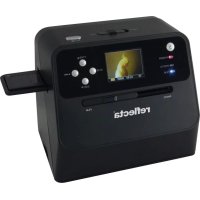
Black reflecta scanner with a bird's head displayed on screen, no visible text or symbols on the device itself.Vorwort
natural_image
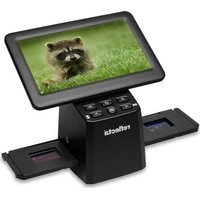
Black electronic payment terminal with a screen and control buttons (no visible text or symbols)Scanner
natural_image
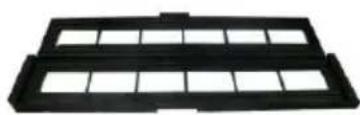
Black plastic tray with grid pattern (no text or symbols)natural_image
Coiled black cable with two USB connectors (no text or symbols visible)USB-Kabel
natural_image
Black plastic electronic device with two leads, no visible text or symbolsNetzteil
natural_image
Black and white object resembling a stylus or tool handle (no text or symbols visible)Reinigungsbürste
Produktdiagramm
natural_image
Two-panel image showing a hand holding a small electronic component and a close-up of a black plastic enclosure with a screwdriver (no visible text or symbols)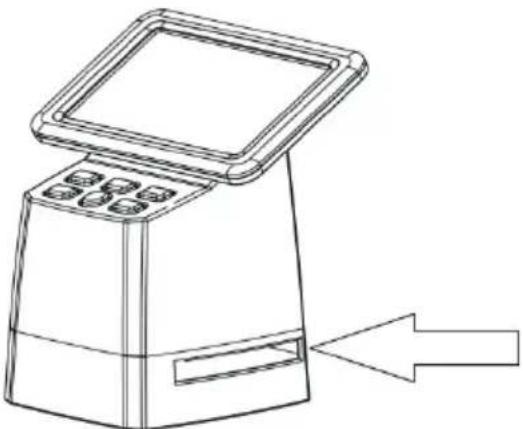
natural_image
Line drawing of a digital kiosk with control panel and directional arrow (no text or symbols)natural_image
Three-panel image showing a hand holding a film strip, a close-up of a slide with a grid, and a blank film strip with small inset images (no text or symbols visible)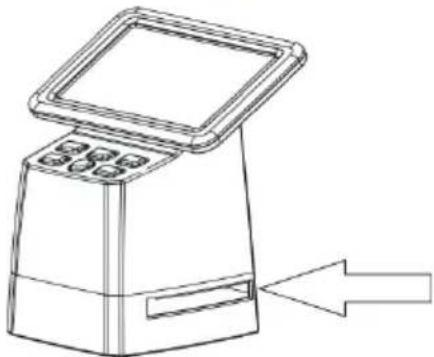
natural_image
Line drawing of a digital payment terminal with a screen and keypad, showing an arrow pointing to it (no text or symbols present)text_image
Resolution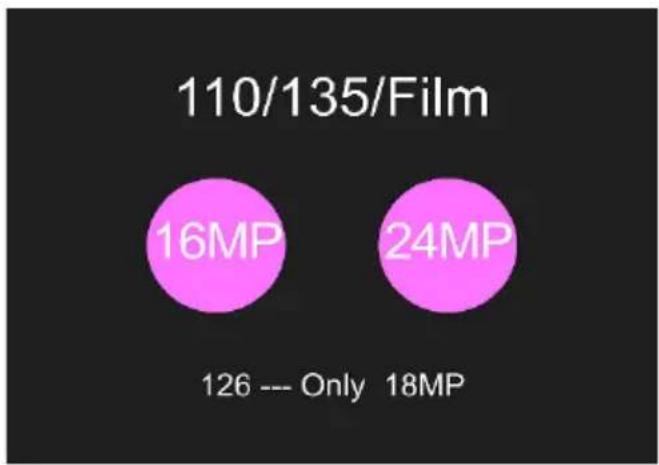
pie
110/135/Film | Category | Value (MP) | | :--- | :--- | | 16MP | 16 | | 24MP | 24 | | 126 --- Only | 126 | | 18MP | 18 |text_image
Brightness Red Green Blue Resettext_image
Center ADJ X 2 Y 23 Ratio 3Wiedergabe-Modus
natural_image
Close-up of a purple lotus flower with yellow stamens and green leaves (no text or symbols)text_image
Format All content will be deleted! Format the media? Yes No Formating...... Format is successfulUpload per USB
text_image
USB Upload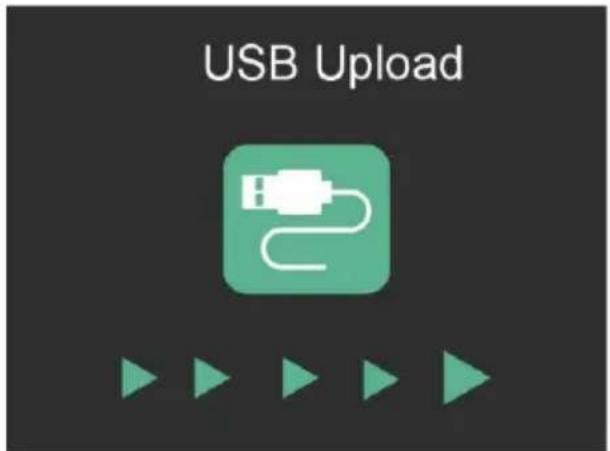
text_image
USB UploadRecycling-Information
natural_image
Black reflecta scanner with a bird's head displayed on its screen, no visible text or symbols on the device itself.Preface
Thank you for purchasing this product!
Please read these operating instructions carefully before using the scanner.
Attention and maintenance
Do not attempt to disassemble or modify any part of the machine.
After the product has been dropped or other damage occurred, do not touch the inside of the scanner to avoid injury. If the product emits smoke, odour or other abnormalities, stop using it immediately.
Do not use organic solvents such as alcohol, benzene or thinner to clean the equipment.
Do not work in wet or dusty areas.
Please use film strips and mounted slides that meets the standard sizes.
Please confirm the cleanliness of the machine before use.
When the product is not in use for a long time, remove the power supply.
Safety Instructions
text_image
! 0-3Danger from electricity
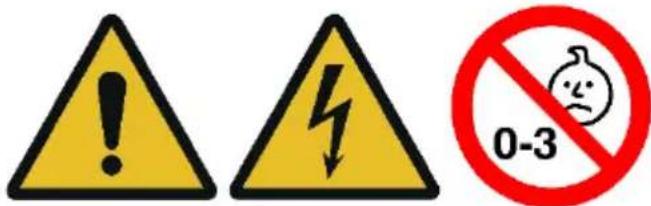
If the appliance or the power supply unit is defective or damaged, do not attempt to open the appliance or repair it yourself. Opening the housing will invalidate the warranty. Contact us or your specialist dealer. The device may only be used in a dry environment. Always switch the appliance off and unplug it when not in use.
Choking hazard
The appliance is not a toy! Keep the appliance, accessories and packaging material away from children and pets to prevent accidents and suffocation.
Risk of damage
Only use the product when it is in perfect technical condition and in the manner intended. Any other use may result in damage to the product or its surroundings. The appliance is intended for private use and is not suitable for commercial use
Check the contents of the package:
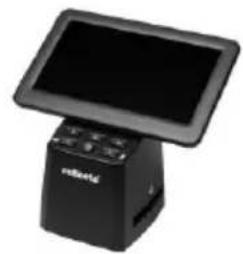
natural_image
Black electronic payment terminal with a black screen and control buttons (no visible text or symbols)Scanner
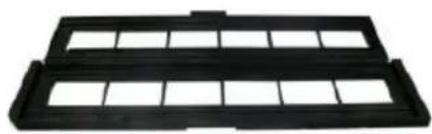
natural_image
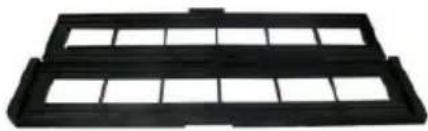
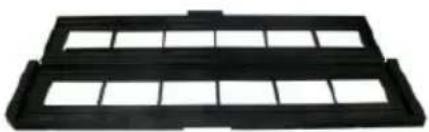
Black plastic tray with grid pattern (no text or symbols)holder for film strips

natural_image
Black plastic electrical panel with multiple rectangular slots and mounting holes (no text or symbols visible)holder for mounted slides
natural_image
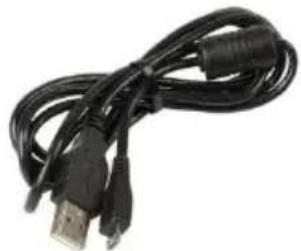
Coiled black USB cable with two connectors (no text or symbols visible)USB cable
natural_image
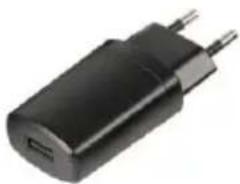
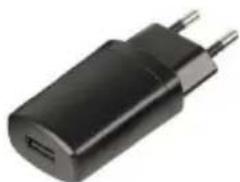
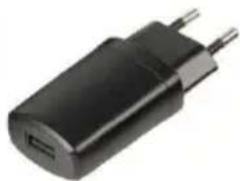
Black electronic device with two metallic pins, no visible text or symbolspower adapter
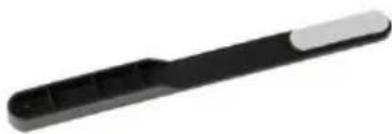
natural_image
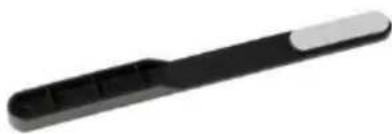
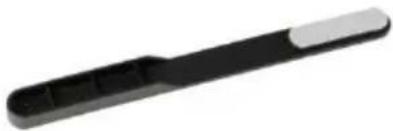
Black and white electronic device with a handle and tab (no visible text or symbols)cleaning brush
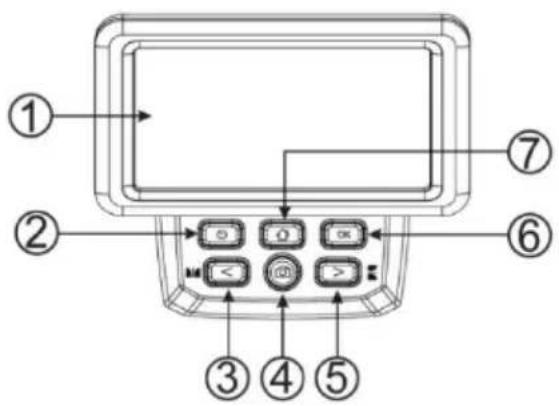
Product diagram
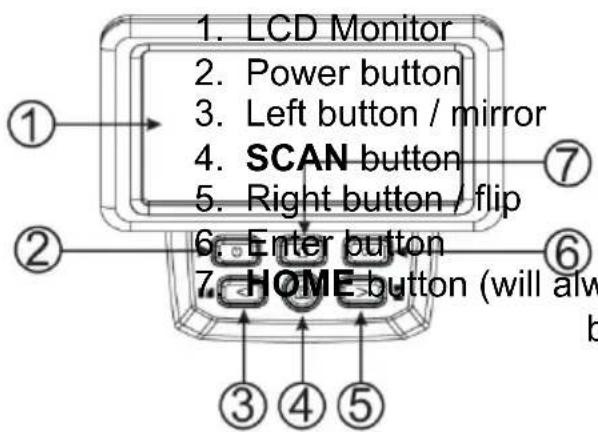
text_image
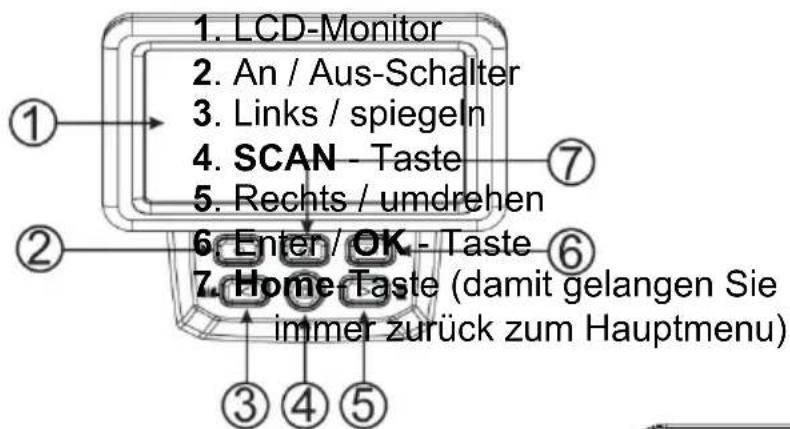
1. LCD Monitor 2. Power button 3. Left button / mirror 4. SCAN button 5. Right button / flip 6. Enter button 7. HOME button (will alw b- USB-C port
- SD card socket
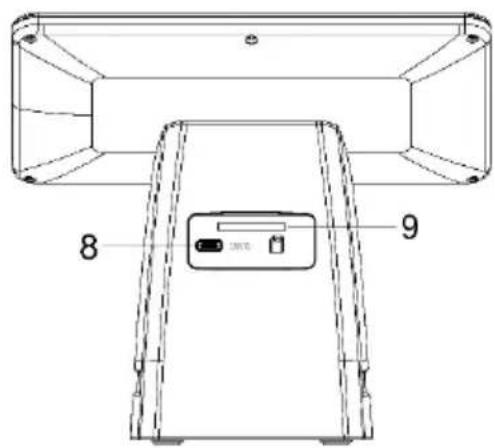
text_image
8 9Loading mounted slides
Open the slide holder at the marked spot on the top.
With the slide holder laid open place the slide into recessed area in the holder- the slide should fit perfectly.
Close the slide holder and press the edges so that it locks in place.
It is recommended to blow off dust by using compressed air.
Insert the slide holder into the slot on the right side of the scanner.
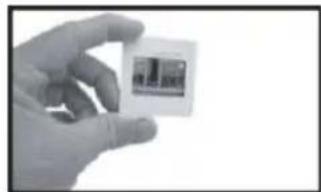
natural_image
Hand holding a small white square electronic device with a screen (no visible text or symbols)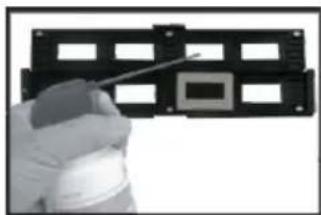
natural_image
Close-up of a hand holding a black plastic component with square holes and a small square cutout (no text or symbols visible)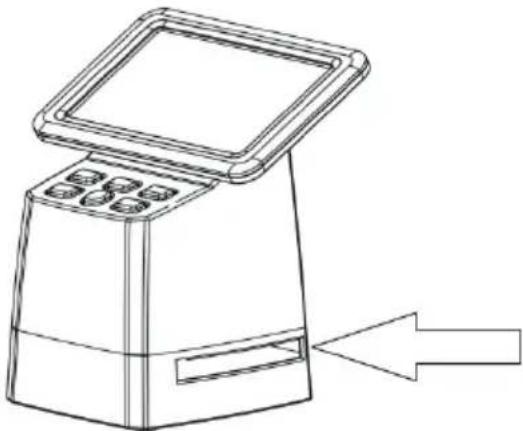
natural_image
Line drawing of a medical or laboratory device with a central screen and directional arrow (no text or symbols)Loading film strips
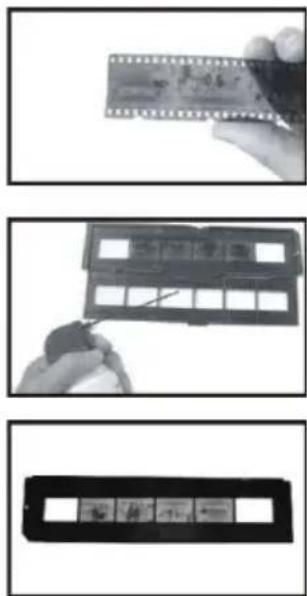
Open the film strip holder at the marked spot on the top.
With the film strip holder laid open place the film strip into holder so the notches line up with the notches on the holder.
Make sure that the film strip's shiny side is facing upwards.
Note: Handle film strips with care. Any dust, scratches or fingerprints will show up on your saved images. If possible use cotton gloves when handling film strip.
Close the slide holder and press the edges so that it locks in place.
Insert the slide holder into the slot on the right side of the scanner.
natural_image
Three-panel image showing a film strip being handled, with no visible text or symbols.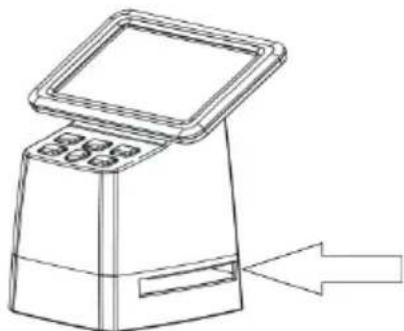
natural_image
Line drawing of a portable electronic device with a screen and control panel, showing an arrow pointing to it (no text or symbols present)OPERATION GUIDE
SD card
Insert an SD card (max. 128GB) into the card slot on the back.
The golden contacts of the card must be facing upwards!
Start the scanner by pressing the on/off button (2).
Language selection
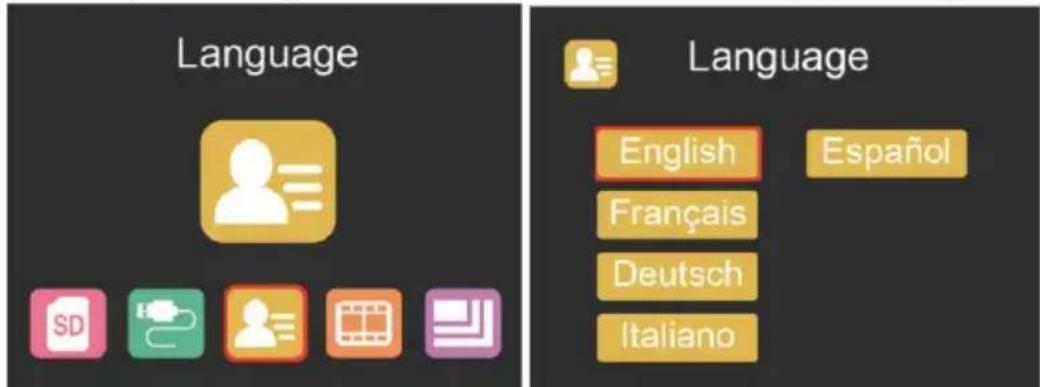
Press < or > button in the main menu mode to select „Language”.
Press "OK" then use < or > buttons to choose your preferred language between
English, French, German, Italian or Spanish. Confirm by pressing "OK".
text_image
Language Language English Espanol Français Deutsch ItalianoImage resolution setting
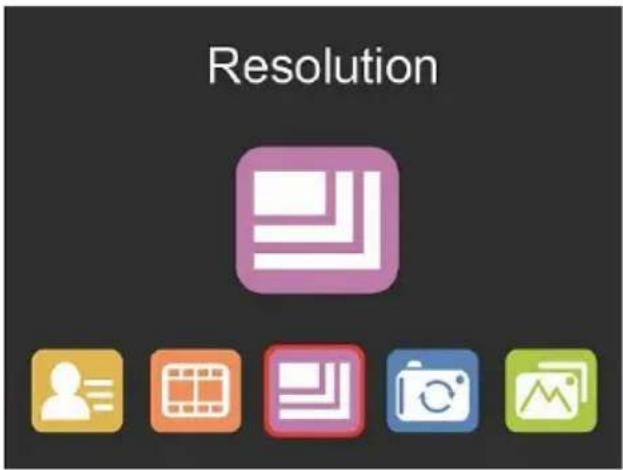
Press < or > button in the main menu mode to select: "Resolution".
Press "OK" then use < or > buttons to choose between 16 MP and 24 MP.
text_image
Resolution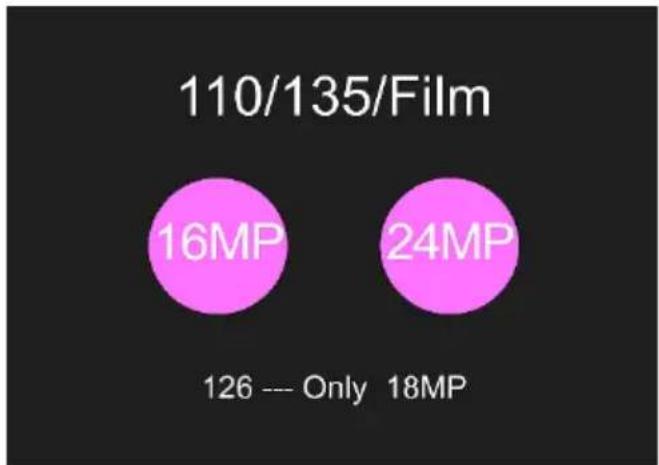
pie
110/135/Film | Category | Value (MP) | | :--- | :--- | | 16MP | 16 | | 24MP | 24 | 126 --- Only 18MPWhen film type 126 was selected, resolution will be automatically set to 18 MP.
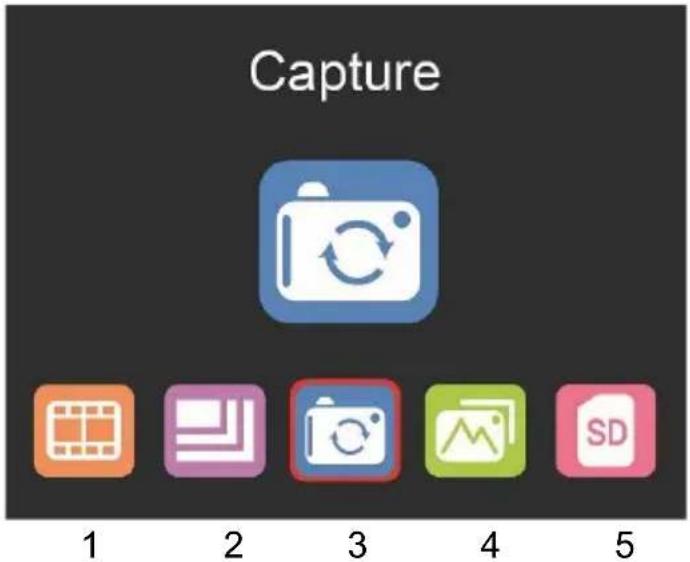
Main menu settings
text_image
Capture 1 2 3 4 5- Film selection
- Resolution setting
- Scan mode
- Play mode
- SD card formatting
Film type selection
Press < or > button in the main menu mode to select "Film Type".

Choose between
- SLIDE (color positive)
• COLOR NEGATIVE - BLACK & WHITE (negative)
Film type 135 will be preselected as the default setting (standard 35 mm film with 24 x 36 mm image area).
For scanning ‘Instamatic’ type film (28 x 28 mm) use the setting “126”.
For scanning 'Instamatic' type film (13 x 17 mm) use the setting "110".
The SCAN button (camera symbol) only has the function of previewing and saving images
The HOME button (house symbol) is just a single function to return to the main interface.
Scanning images
Please check if the scanner's backlight is clean before starting to scan.
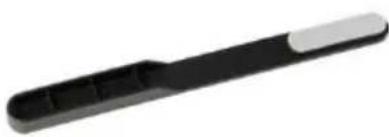
If the backlight is dirty, please clean it using the velvet brush that comes with the scanner by inserting it into the scanner's film holder slit with the velvet side facing down.
After confirming that the backlight is clean, press the "OK" button or the SCAN button in the main menu to enter the scan mode.
Press the SCAN button in the scan mode to save the current image.
In the SCAN mode, if you press the left button ‘<’ before scanning, the current image will be mirrored; press the right button ‘>’ to flip the current image up and down.
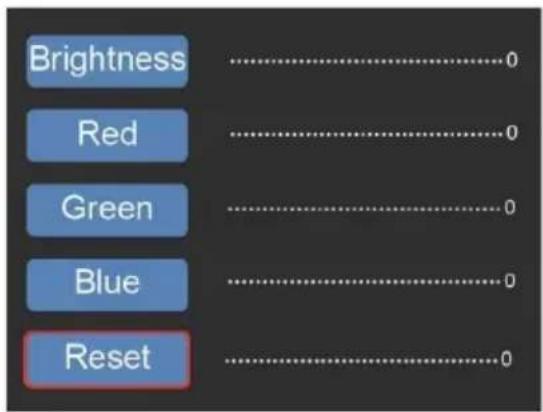
Press "OK" to enter the EV and RGB menu for exposure control and color correction.
text_image
Brightness Red Green Blue ResetUse < or > button to select, then press 'OK' to confirm.
The selected settings bar will be displayed on the preview image. Set your desired value for Brightness, Red, Green, or Blue and confirm by pressing 'OK'
Select the RESET option to return to the default values.
Adjusting the framing
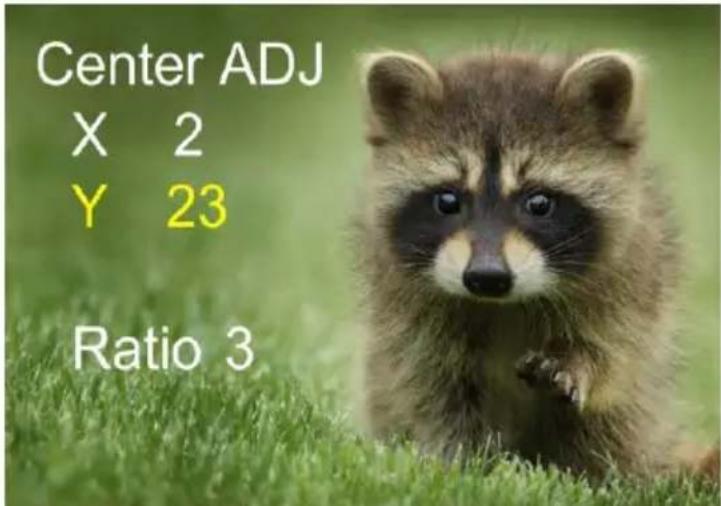
Select the sub-menu "Framing" in the main menu and confirm with "OK". Insert a slide or negative into the scanner as a reference. Now select between "X" (horizontal), "Y" (vertical) and "Ratio" (zoom) using the arrow buttons. Press "OK" to activate the setting option, which you make using the arrow buttons. Evaluate the image framing on the background image and confirm the set value by pressing OK. (The font color changes to yellow).
text_image
Center ADJ X 2 Y 23 Ratio 3Gallery mode

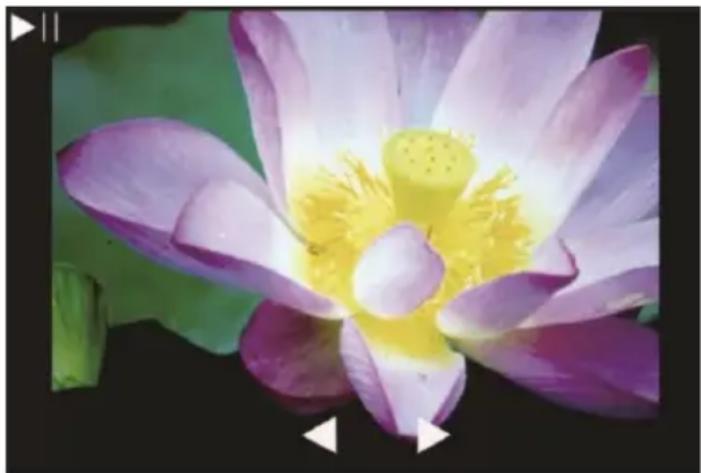
Press < or > button in the main menu mode to select "Gallery".
Press "OK", to enter the automatic slide show mode, alternatively press "OK" again to enter the manual display mode for your scanned images. In this mode please use < or > buttons to navigate.
natural_image
Close-up of a purple lotus flower with yellow stamens and green leaves (no text or symbols)Formatting SD card
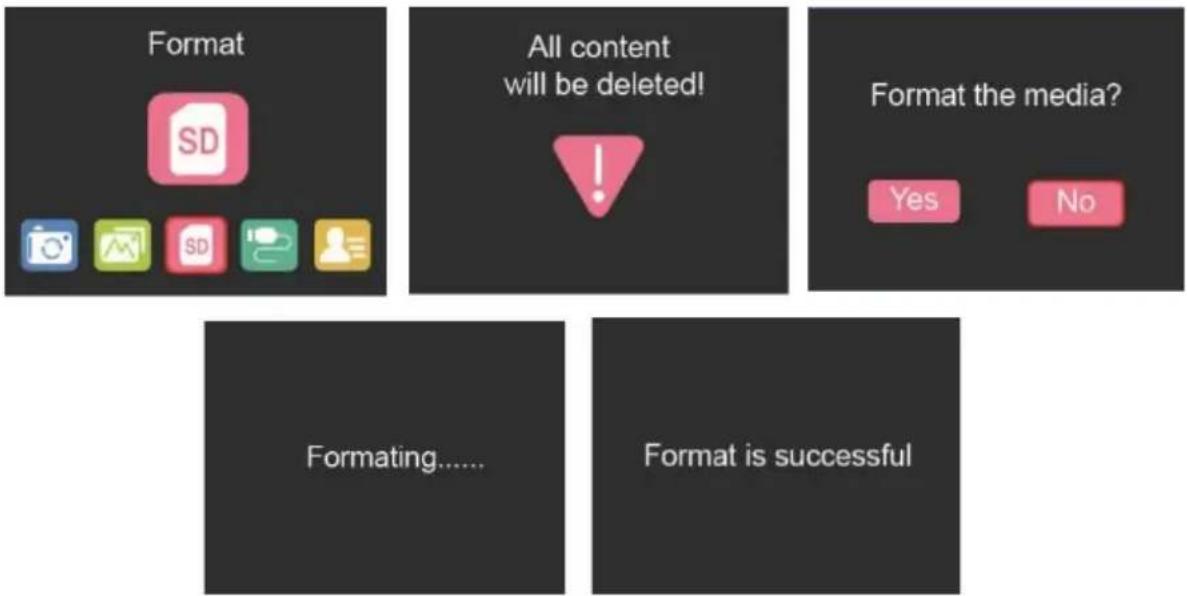
The scanner can support SD cards with a capacity of up to 128 GB. All cards must be formatted according to the FAT32 standard. Please format your card by using the scanner in the following way:
Press < or > button in the main menu mode to select "Format".
text_image
Format All content will be deleted! Format the media? Yes No Formating...... Format is successfulUSB upload
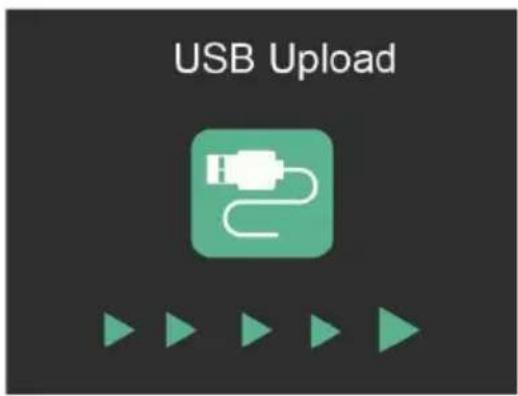
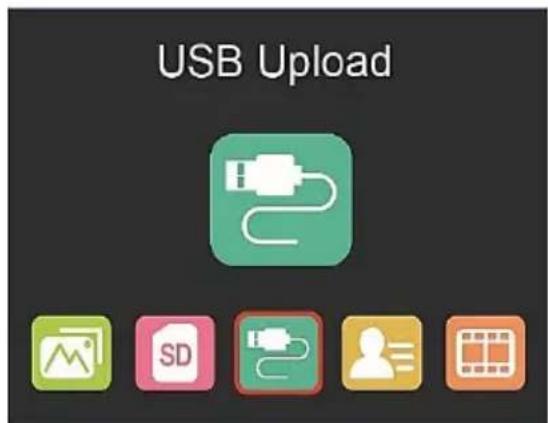
Connect the scanner to a computer using the enclosed USB cable.
Press < or > button in the main menu mode to select
Press 'OK' and the scanner will appear as a mass
storage device on your PC. You can then copy the scanned images to your hard disk to get a higher data security.
text_image
USB Upload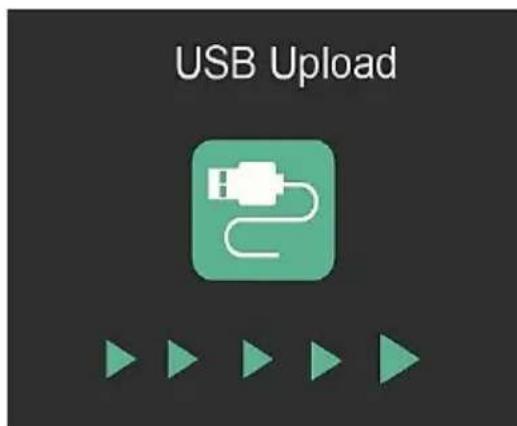
text_image
USB UploadRecycling Information
The following symbols are used in these operating instructions, on the power supply unit or on the packaging:
 | Dispose of the packaging according to type.Use the local facilities for collecting paper, cardboard and light packaging (applicable in the European Union and other European countries with separate collection systems for recyclable materials). |
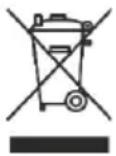 | Appliances marked with this symbol must not be disposed of with household waste!You are legally obliged to dispose of old appliances separately from household waste. Information on collection points that accept old appliances free of charge can be obtained from your local authority. |
Declaration of conformity
The printed CE mark complies with the applicable EU standards and indicates that the device meets the requirements of all EU directives applicable to this product. The full declaration of conformity can be found on our website www.reflecta.de directly on the product page.
reflecta GmbH
Merkurstraße 8
natural_image
Black reflecta scanner with a bird's head displayed on its screen, showing its image and control buttons (no text or symbols on the device itself)Prólogo
natural_image
Line drawing of a portable electronic kiosk with control panel and display (no text or symbols)Escáner
natural_image
Black plastic tray with grid pattern (no text or symbols)natural_image
Black plastic mechanical component with multiple square cutouts and mounting holes (no text or symbols visible)Soporte para montar diapositivas
natural_image
Coiled black cable with two USB connectors (no text or symbols visible)Cable USB-C
natural_image
Black plastic electronic device with two metallic pins (no visible text or symbols)Adaptador eléctrico
natural_image
Black and white object resembling a stylus or tool handle (no text or symbols visible)text_image
Diagram of a device control panel with labeled buttons and navigation arrowstext_image
Technical diagram of a device rear panel with labeled components and directional arrows indicating movement or flow.Cargar diapositivas montadas
natural_image
Hand holding a small white square with a small icon, no visible text or symbols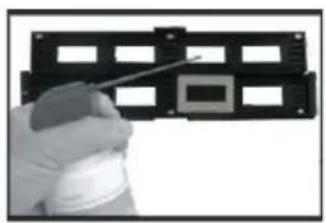
natural_image
Hand holding a tool interacting with a black plastic panel (no visible text or symbols)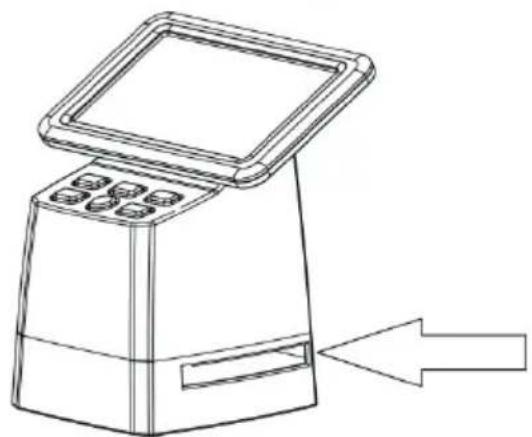
natural_image
Line drawing of a portable electronic device with control panel and load buttons, showing an arrow pointing to it (no text or symbols present)natural_image
Three-panel image showing a film strip being cut, with one being held and the other displaying a slide (no visible text or symbols)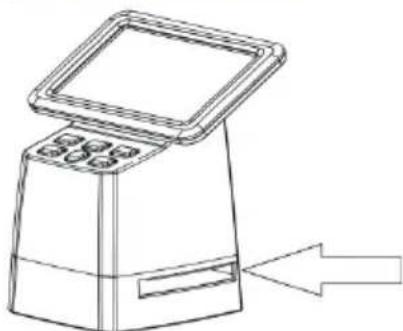
natural_image
Line drawing of a portable electronic device with a screen and control panel, showing an arrow pointing to it (no text or symbols present)text_image
Resolution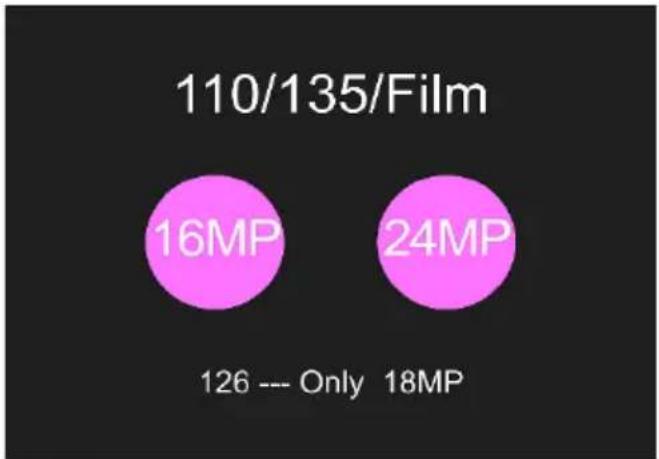
pie
| Category | Value | |---|---| | 16MP | 16 | | 24MP | 24 | | 126 --- Only | 126 | | 18MP | 18 |text_image
Brightness Red Green Blue Resettext_image
Center ADJ X 2 Y 23 Ratio 3Modo Galería

natural_image
Close-up of a purple lotus flower with yellow stamens and green leaves (no text or symbols)Formatear la tarjeta SD
text_image
All content will be deleted!
text_image
Format the media? Yes No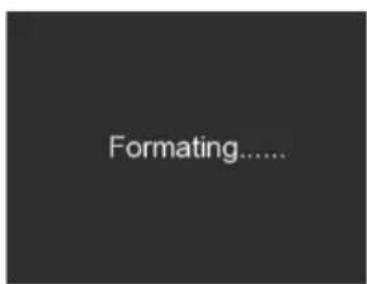
text_image
Formating......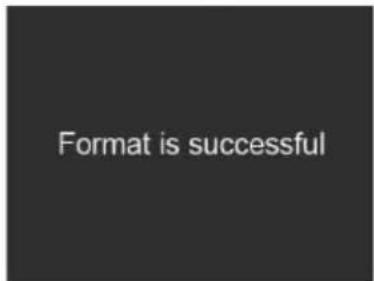
text_image
Format is successfultext_image
USB Upload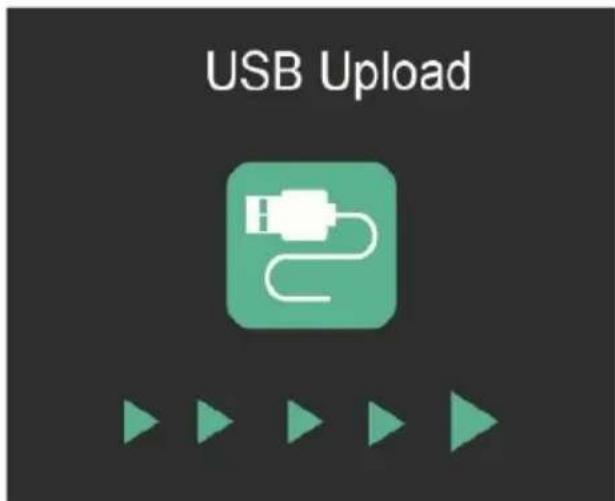
text_image
USB Uploadnatural_image
Line drawing of a digital kiosk with a front panel and control buttons (no text or symbols)Scanner

natural_image
Black plastic tray with grid pattern (no text or symbols)natural_image
Black plastic mechanical component with multiple square cutouts and mounting holes (no text or symbols visible)natural_image
Coiled black cable with two USB connectors (no text or symbols visible)Câble USB
natural_image
Close-up of a black plastic electronic device with two metallic pins (no visible text or symbols)natural_image
Black and white object resembling a stylized tool or device (no text or symbols visible)Brosse de nettoyage
Schéma du produit
text_image
Diagram of a device front panel with labeled buttons and indicators for display or control functions.natural_image
Hand holding a small white square object with a small inset image (no visible text or symbols)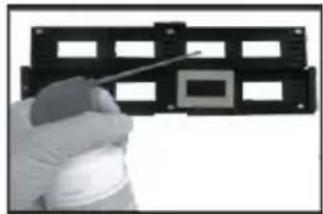
natural_image
Hand holding a spray gun inspecting a black plastic enclosure with multiple square windows (no text or symbols visible)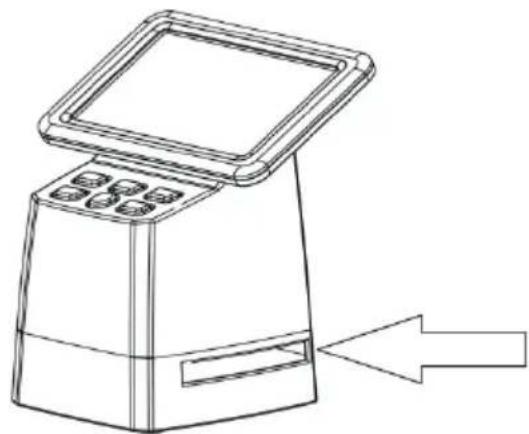
natural_image
Line drawing of a digital kiosk with control panel and directional arrow (no text or symbols)natural_image
Close-up of a hand holding a printed circuit chip (no visible text or symbols)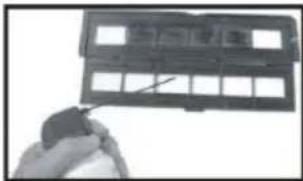
natural_image
Close-up of a hand holding a black plastic device with grid windows (no visible text or symbols)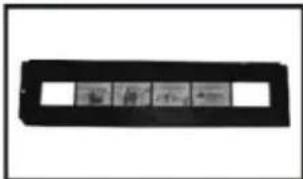
natural_image
Black rectangular object with four small inset images on either side, resembling a film strip or display (no text or symbols visible)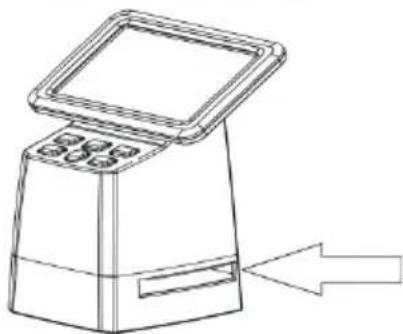
natural_image
Line drawing of a digital kiosk with control panel and directional arrow (no text or symbols)GUIDE DE FONCTIONNEMENT
Carte SD
text_image
Resolution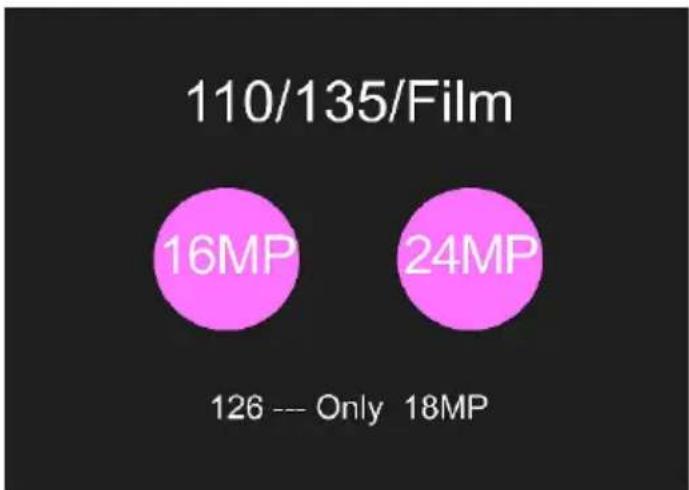
pie
| Category | Value | |---|---| | 16MP | 16 | | 24MP | 24 | | 126 --- Only | 126 | | 18MP | 18 |text_image
Brightness Red Green Blue Resettext_image
Center ADJ X 2 Y 23 Ratio 3Mode galerie
natural_image
Close-up of a purple lotus flower with yellow stamen and green leaves (no text or symbols)text_image
All content will be deleted!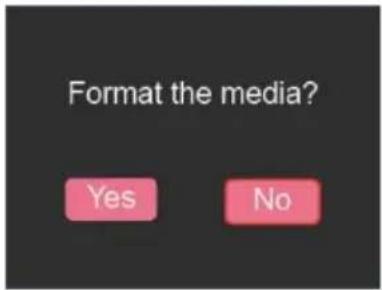
text_image
Format the media? Yes No
text_image
Formating.....
text_image
Format is successfulTransfert USB
text_image
USB Upload
text_image
USB Uploadnatural_image
Black reflecta scanner with a bird's head displayed on screen, showing its image and control buttons (no text or symbols on the device itself)Premessa
natural_image
Line drawing of a portable electronic kiosk with control panel (no text or symbols)Scanner
natural_image
Black plastic tray with grid pattern (no text or symbols)natural_image
Black plastic enclosure with multiple square cutouts and mounting holes (no text or symbols visible)natural_image
Coiled black cable with two USB connectors (no text or symbols visible)Cavo USB
natural_image
Black plastic electrical plug with two leads, no visible text or symbolsAlimentatore
natural_image
Black and white object resembling a stylized pen or tool handle (no text or symbols visible)text_image
Diagram of a device control panel with labeled buttons and indicators for function call, display, and navigation.natural_image
Two-panel image showing a hand holding a small electronic component and a close-up of a device with a tool (no visible text or symbols)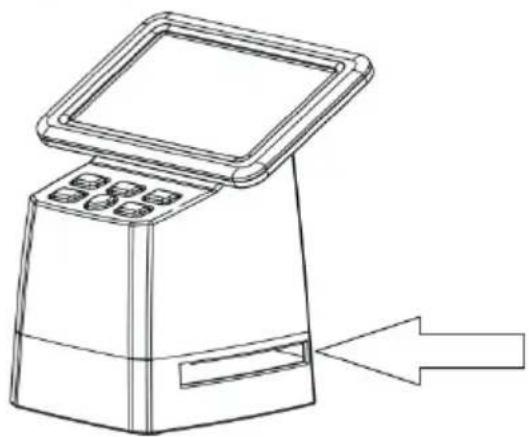
natural_image
Line drawing of a digital kiosk with control panel and directional arrow (no text or symbols)natural_image
Three-panel image showing a film strip being cut with a pen, alongside a blank film strip with four small inset images (no text or symbols visible)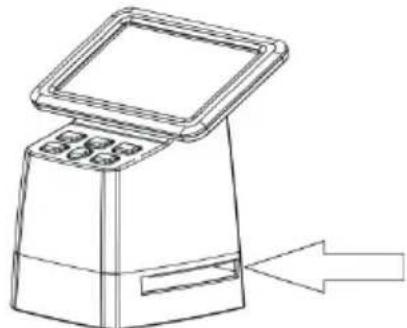
natural_image
Line drawing of a portable electronic device with a screen and control panel, showing an arrow pointing to it (no text or symbols present)GUIDA OPERATIVA
Scheda SD
text_image
Resolution
pie
110/135/Film | Category | Value (MP) | | :--- | :--- | | 110/135/Film | 16 | | 126 --- Only | 18 |text_image
Brightness ....0 Red ....0 Green ....0 Blue ....0 Reset ....0Adjusting the framing
text_image
Center ADJ X 2 Y 23 Ratio 3Modalità Galleria

natural_image
Close-up of a purple lotus flower with yellow stamens and visible stamen (no text or symbols)text_image
All content will be deleted!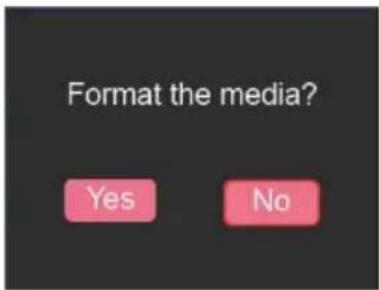
text_image
Format the media? Yes No
text_image
Formating.....
text_image
Format is successfulCaricamento USB
text_image
USB Upload