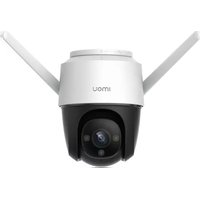
Cruiser 4MP - Surveillance Camera IMOU - Free user manual and instructions
Find the device manual for free Cruiser 4MP IMOU in PDF.


| Product type | Outdoor surveillance camera |
| Brand | Imou |
| Model | Cruiser 4MP |
| Resolution | 4 MP (2560 x 1440) |
| Night vision | Yes, infrared LED |
| Two-way audio | Yes (built-in microphone and speaker) |
| Network connectivity | Wi-Fi 802.11 b/g/n, Ethernet RJ45 |
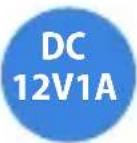
| Power supply | DC 12V, 1A (power adapter included) |
| Local storage | microSD card (up to 256 GB, not included) |
| Cloud storage | Yes (via IMOU app) |
| Viewing angle | Wide angle (not specified, estimated 90-110°) |
| Motion detection | Yes, push notifications |
| Protection rating | IP66 (weather resistant) |
| Installation | Ceiling, wall, pole (mount and mounting kit included) |
| Dimensions | Not specified (estimated 150 x 80 x 80 mm) |
| Weight | Approximately 500 g (with mount) |
| Package contents | Camera, power adapter, mount, screw kit, mounting template, waterproof connector, quick start guide |
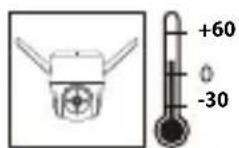
| Operating temperature | -20°C to 50°C |
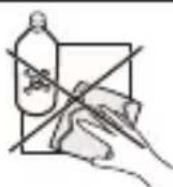
| Maintenance and cleaning | Clean with a soft dry cloth. Avoid solvents. Disconnect before cleaning. |
| Security | Hardware reset, WiFi encryption, strong password support |
| Repairability and spare parts | Contact IMOU customer service for parts. 2-year warranty. |
| General information | IMOU app (iOS/Android). Email support: service.global@imoulife.com |
Frequently Asked Questions - Cruiser 4MP IMOU
User questions about Cruiser 4MP IMOU
0 question about this device. Answer the ones you know or ask your own.
Ask a new question about this device
Download the instructions for your Surveillance Camera in PDF format for free! Find your manual Cruiser 4MP - IMOU and take your electronic device back in hand. On this page are published all the documents necessary for the use of your device. Cruiser 4MP by IMOU.
USER MANUAL Cruiser 4MP IMOU
natural_image
Technical line drawing of a mounted device with two arms and a central circular component (no text or symbols)www.imoulife.com
Welcome
Thank you for choosing IMOU.
We are devoted to providing you easy smart home products. If you have problems using the product, please contact our service team before returning your product.
Our service mail: service.global@imoulife.com
Frequently asked questions can be found at imoulife.com/support/help

natural_image
Illustration of a person sitting on a sofa holding a tablet, with a coffee cup and coffee mug nearby (no text or symbols)Package content
EN
natural_image
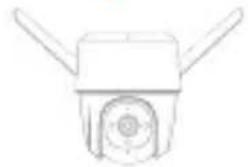
Simple line drawing of a mechanical component with two protruding blades and a central circular feature (no text or symbols)Camera ×1
Quick Start Guide ×1
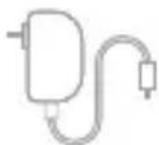
Power Adapter ×1
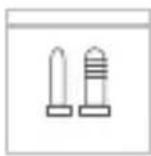
Screw Package ×1
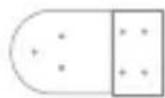
Mounting Template ×1
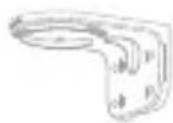
Mounting Bracket ×1
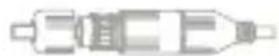
Waterproof Connector ×1
Camera introduction
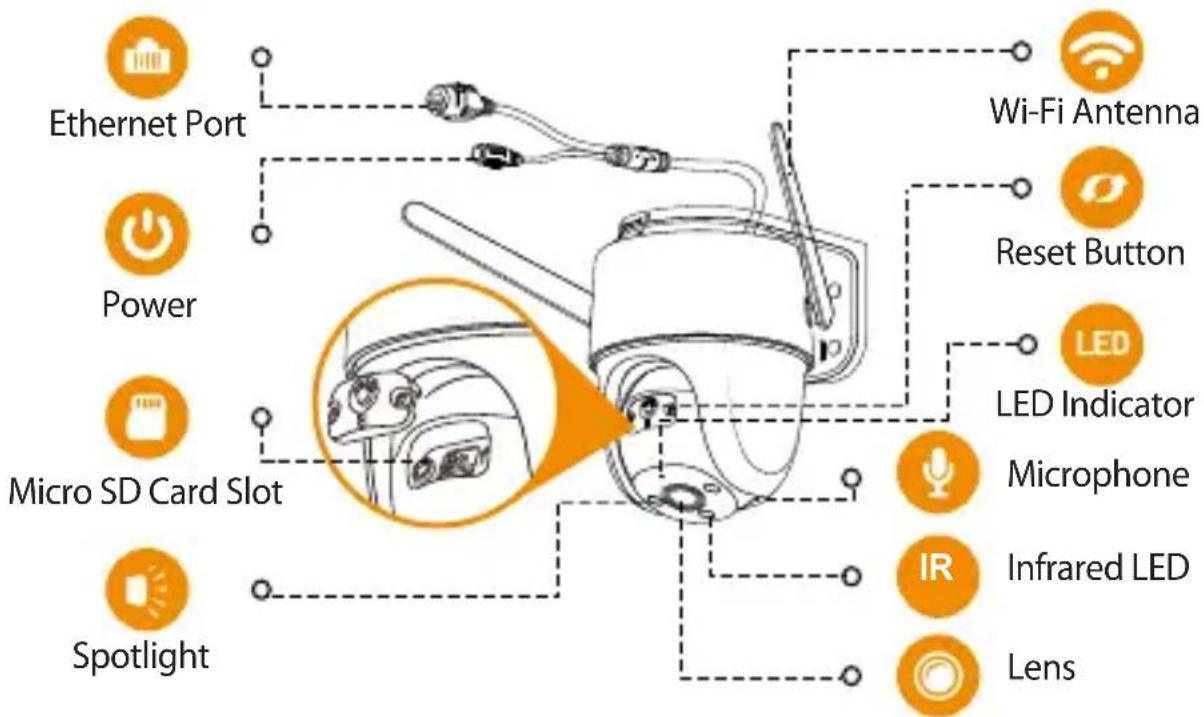
Note: Disconnect the camera from the power before installation or taking out its SD card.
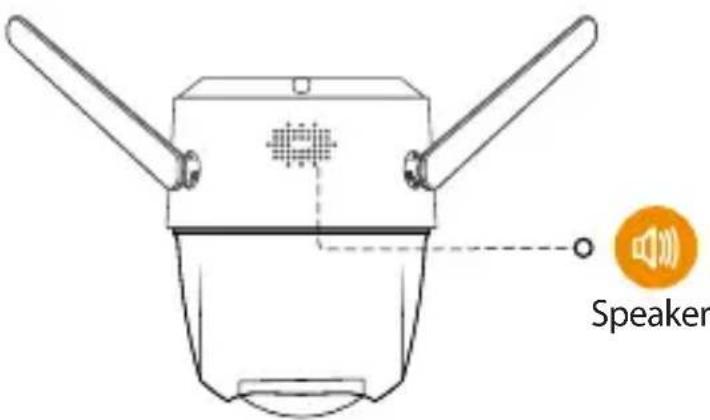
Note:
- Press and hold the reset button for 10 s to reset the camera.
- Double-press the reset button to enable camera's hotspot.
See the table below for definitions of camera's LED behaviors.
| LED Indicator Status | Device Status |
| off | Power off/LED turned offRebooting after reset |
| Solid red | BootingDevice malfunction |
| Flashing red | Network connection failedPairing falied |
| Flashing green | Ready for network configurationReady to pair |
| Solid green | Operating properly |
| Flashing green and red alternately | Updating firmware |
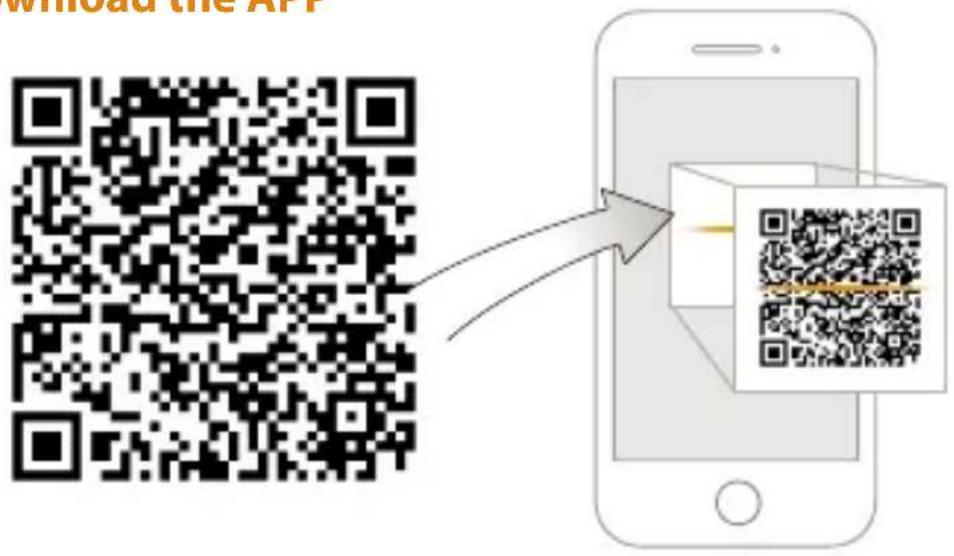
1 Download the APP
EN

i Tips
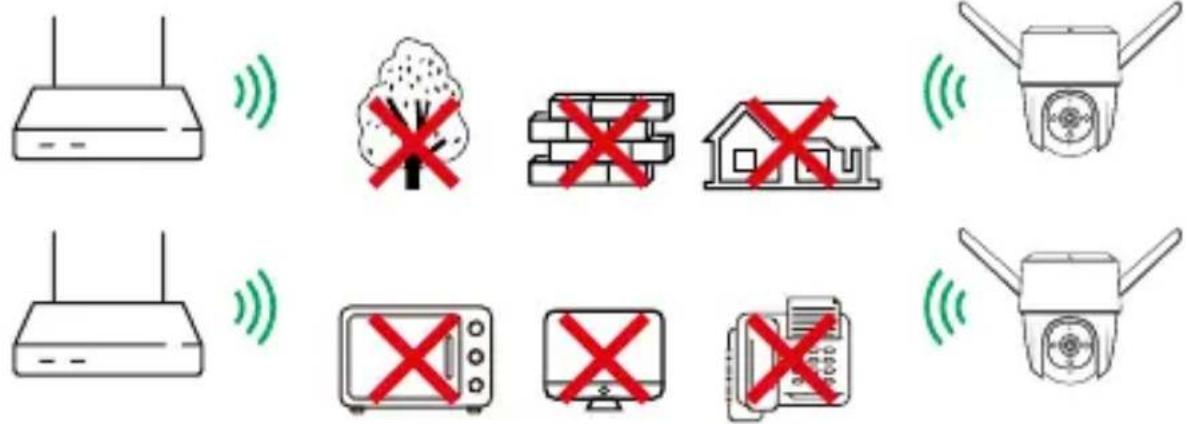
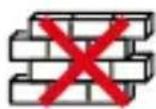
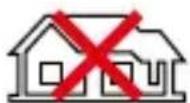
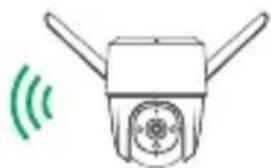
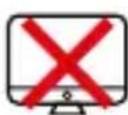
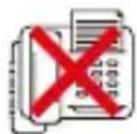
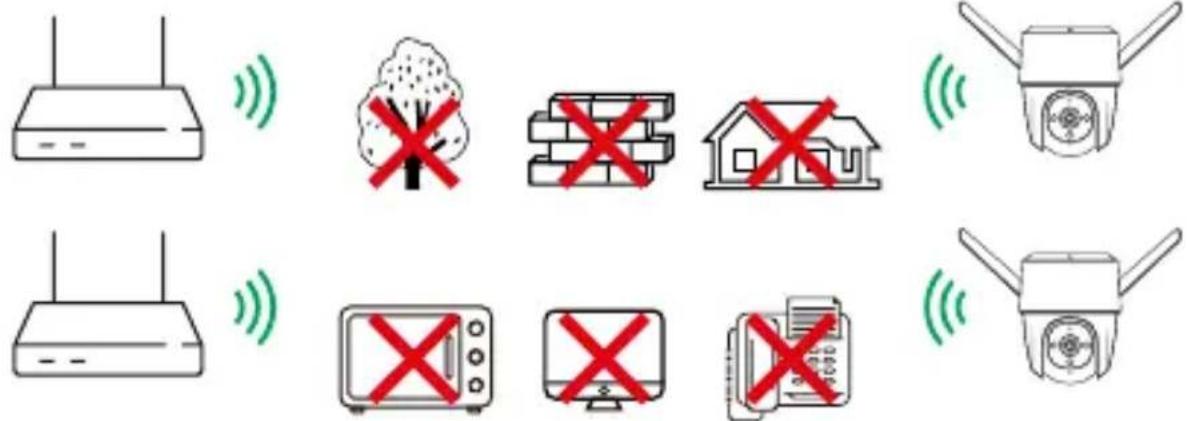
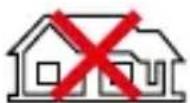
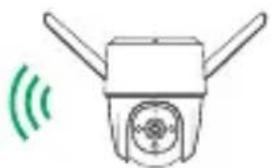
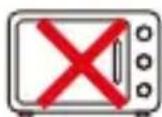
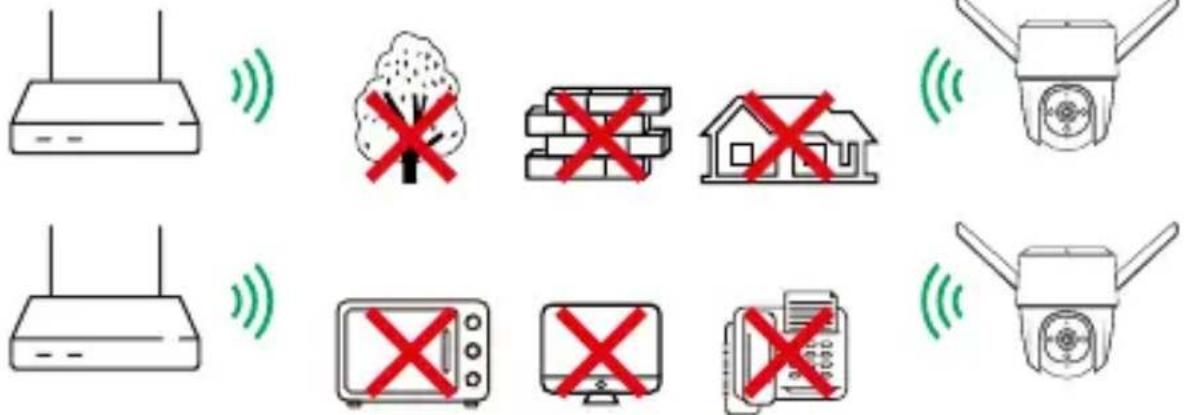
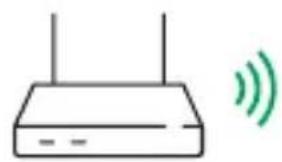
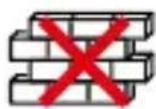
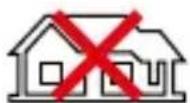
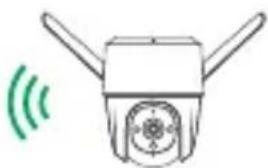
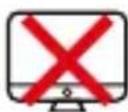
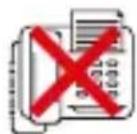
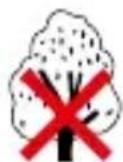
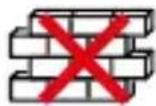
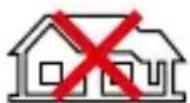
To ensure the best possible wireless performance, please make sure there are no obstacles and electromagnetic interference between the camera and router.
2 Add device to the APP
EN
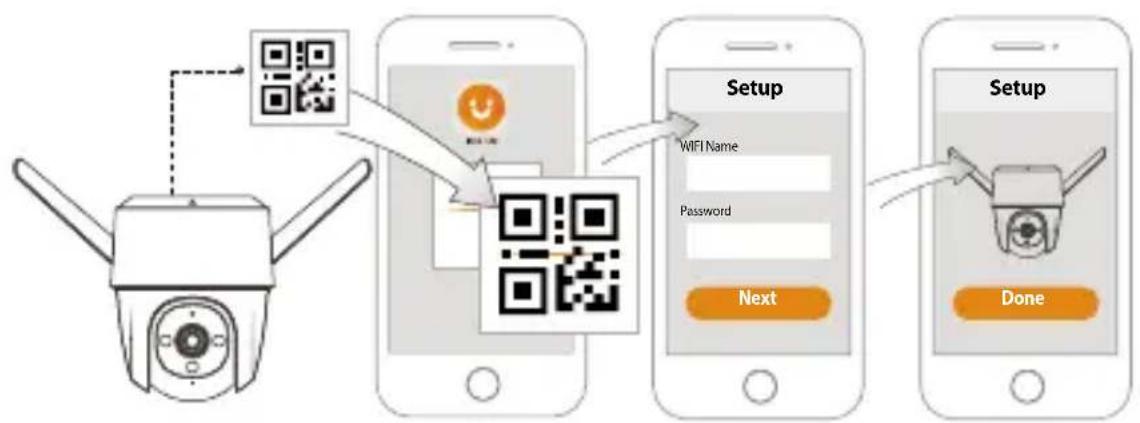
flowchart
graph TD
    A["Camera"] --> B["QR Code"]
    B --> C["QR Code with WiFi Name"]
    C --> D["Setup"]
    D --> E["Next"]
    E --> F["Setup Done"]
3 Installing Camera

Note: Make sure that the mounting surface is strong enough to hold at least three times the weight of the camera and the bracket.
Ceiling Mount
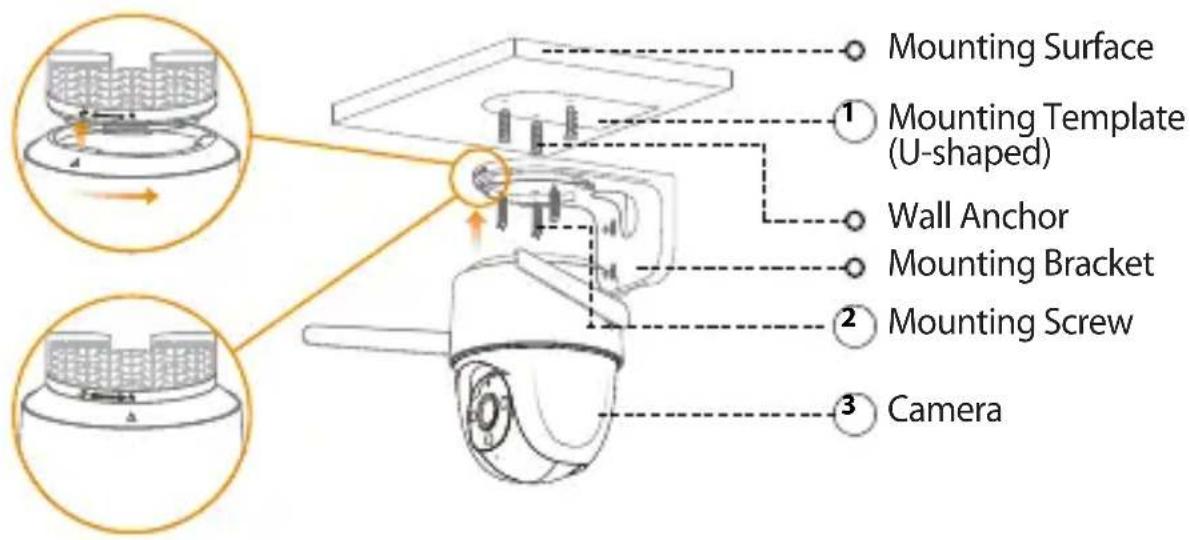
① Peel off the U-shaped mounting template and stick it to the desired installation area.
② Drill holes into the mounting surface as the mounting template marks and then insert wall anchors as needed.
③ Secure the mounting bracket to the surface with included mounting screws.
④ Align △ on the top of the camera with 📞 on the bracket, then fit the two parts together.
⑤ Rotate the camera counterclockwise until it is locked. Make sure △ align with 🌐
⑥ Power on the camera and then adjust its angle properly.
Wall Mount
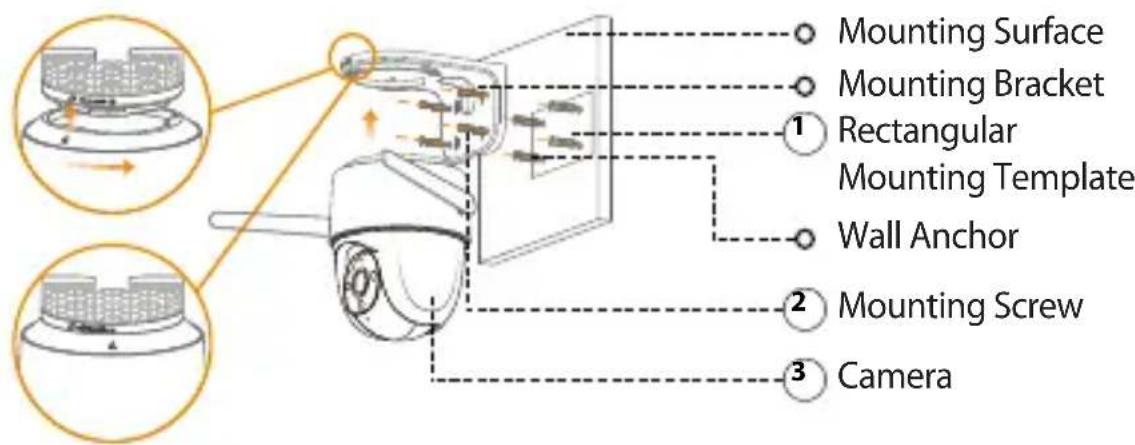
① Peel off the rectangular mounting template and stick it to the desired installation area.
② Drill holes into the mounting surface as the mounting template marks and then insert wall anchors as needed.
③ Secure the mounting bracket to the surface with included mounting screws.
④ Align △ on the top of the camera with 🔍 on the bracket, then fit the two parts together.
EN
⑤ Rotate the camera counterclockwise until it is locked. Make sure △ align with
⑥ Power on the camera and then adjust its angle properly.
EN

Pole Mount
Note:
- Make sure that the pole is strong enough to hold at least three times the weight of the camera and the bracket.
- The hoops are not provided. Please prepare them in advance.
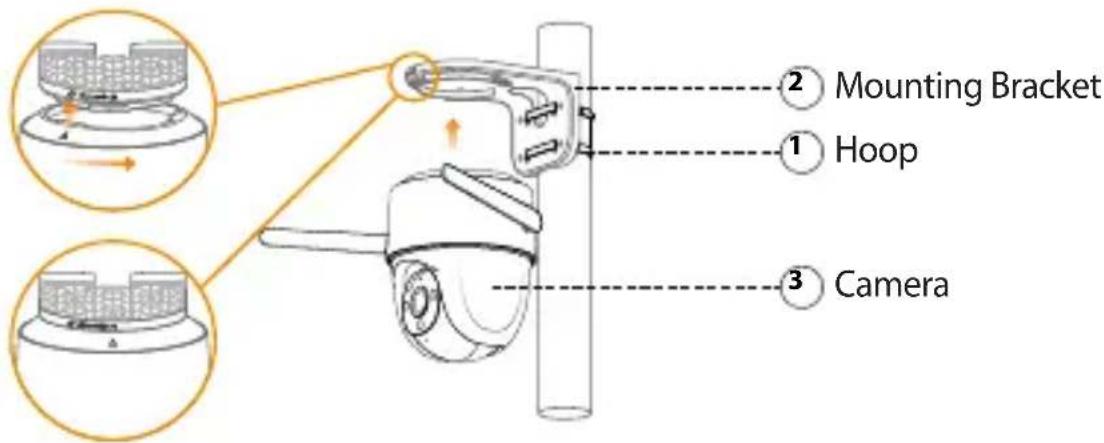
① Thread the hoop through the mounting holes on the bracket, then attach the bracket to the pole.
② Align △ on the top of the camera with □ on the bracket, then fit the two parts together.
③ Rotate the camera counterclockwise until it is locked. Make sure △ align with 📋
④ Power on the camera and then adjust its angle properly.
Troubleshooting
EN
| Question Answer | |
| The device cannot boot up or work as expected? | · Check the LED indicator status. If the light is not in green, press and hold the reset button for 10 s to reset the camera. |
| How to connect the camera to another Wi-Fi network? | · If the camera is online, select Device Details > Network Config to change the Wi-Fi connection on the app.· If the camera is offline, reset the camera, and then configure the camera again. |
| Connection takes too long? | · Check if the distance between the camera and the router, and that between the camera and the smart phone is both within 5 m (16.4 ft) during the connection.· Check the Wi-Fi configuration of the router: Select the channel to auto, and the mode to 11bgn mixed. |
| When the micro SD card is full, how is the recorded video saved? | · When the micro SD card is full, the system will overwrite the previous recorded videos. Save the important information in time. |
| Where are the recorded videos saved? | · If you have activated the cloud storage and installed a micro SD card, \ the recordings will be both saved to the card and cloud. If the cloud storage is deactivated, the recordings are saved to the SD card. Videos recorded during live view or playback is saved on your phone. |
| The device is offline? | Check the indicator status:· Solid green: Check whether the router can connect to the Internet. If the network is connected, restart the camera.· Flashing red: Reset the camera, and then configure the camera again.· Solid red: The camera is faulty. |
Kurzanleitung
Cruiser
natural_image
Technical line drawing of a mechanical device with two arms and a central circular component (no text or symbols)www.imoulife.com
Willkommen
DE
Packungsinhalt
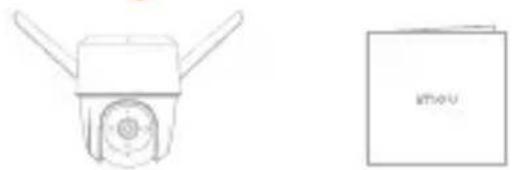
natural_image
Simple line drawing of a mechanical device and a closed book (no text or symbols)natural_image
Two technical line drawings of mechanical components: a rounded rectangular part and a bent bracket (no text or symbols)Montageschablone ×1 Montagehalterung ×1
natural_image
Simple line drawing of a router with two antennas and a green signal wave (no text or symbols)
natural_image
Simple line drawing of a robot head with two blades and a green signal wave (no text or symbols)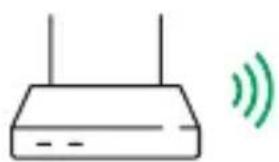
natural_image
Simple line drawing of a router with two antennas and a green sound wave icon (no text or symbols)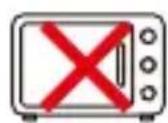
natural_image
Simple line drawing of a smart device with two blades and a central hub, emitting green signal waves (no text or symbols)natural_image
Technical line drawing of a mechanical device with two arms and a central circular component (no text or symbols)www.imoulife.com
natural_image
Simple line drawing of a mechanical component with two protruding blades and a central circular feature (no text or symbols)Cámara ×1
i Tips
natural_image
Technical line drawing of a mechanical device with two arms and a central circular component (no text or symbols)www.imoulife.com
Bienvenue
FR
natural_image
Simple line drawing of a mechanical component with two protruding blades and a central circular feature (no text or symbols)Caméra ×1
natural_image
Technical line drawing of a mechanical device with attached wires and a highlighted inset showing a close-up view (no text or symbols)


Antenne Wi-Fi
FR

Imou Life


Download on the
App Store

GET IT ON
Google play

Windows
i Tips


natural_image
Simple line drawing of a smart device with two blades and a green signal wave (no text or symbols)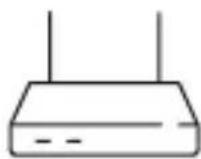

natural_image
Simple line drawing of a smart camera with two blades and a green signal wave icon (no text or symbols)natural_image
Technical line drawing of a mechanical device with two arms and a central circular component (no text or symbols)www.imoulife.com
IT
Benvenuti
IT
natural_image
Simple line drawing of a mechanical component with two blades and a central circular feature (no text or symbols)Telecamera ×1
IT

i Tips
⑥ Power on the camera and then adjust its angle properly.
natural_image
Technical line drawing of a mechanical device with two arms and a central circular component (no text or symbols)www.imoulife.com
NL
Welkom

natural_image
Illustration of a person sitting on a sofa holding a tablet, with a coffee cup and coffee mug nearby (no text or symbols)Inhoud verpakking

Camera ×1 Snelstarthandleiding ×1 Schroevenset ×1 Spanningsadapter ×1
Montagesjabloon ×1
Montagebeugel ×1
Waterdichte connector ×1
NL
Introductie camera
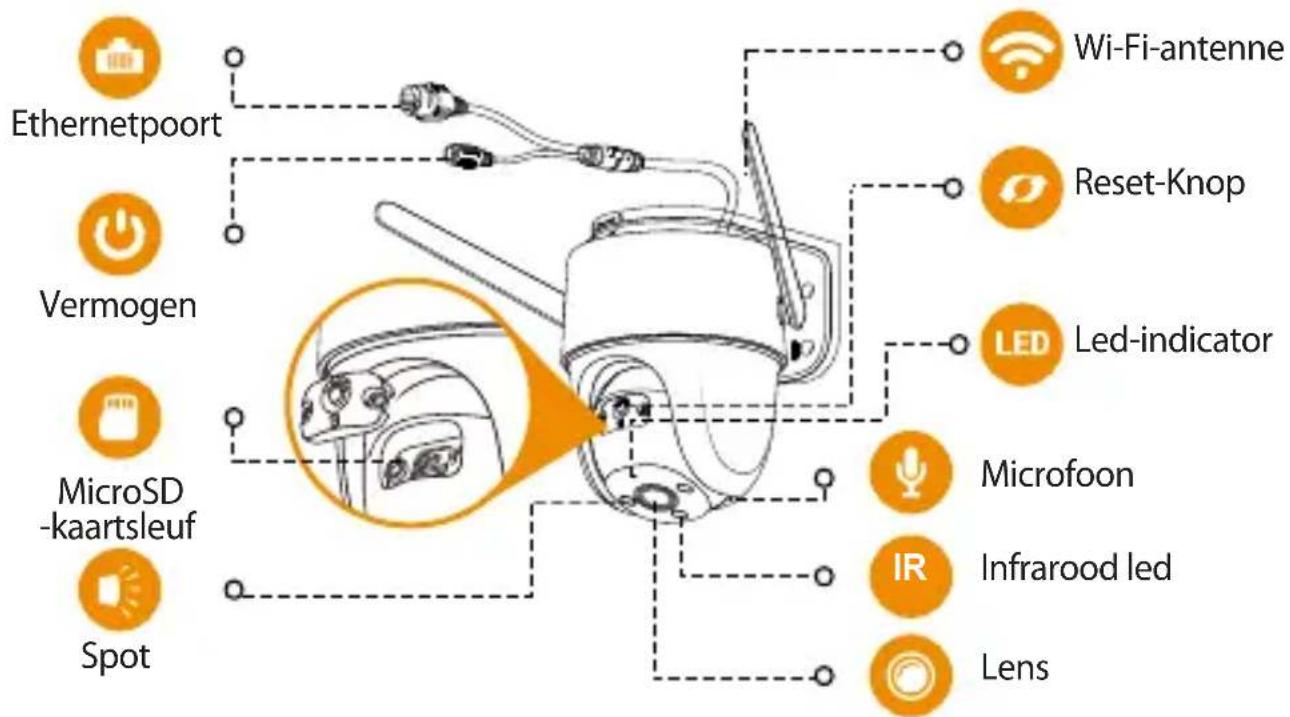
NL

Imou Life


Download on the App Store

GET IT ON
Google play

Windows
i Tips
natural_image
Simple line drawing of a router with two antennas and a green signal wave (no text or symbols)
natural_image
Simple line drawing of a robot head with two blades and a green signal wave, no text or symbols present.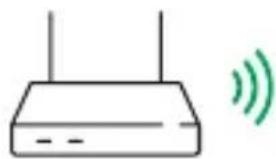
natural_image
Simple line drawing of a router with two antennas and a green sound wave icon (no text or symbols)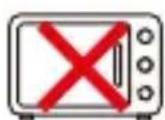
natural_image
Simple line drawing of a smart speaker with two antennas and a green signal wave (no text or symbols)natural_image
Technical line drawing of a mounted device with two arms and a central circular component (no text or symbols)www.imoulife.com
Bem-vindo
natural_image
Simple line drawing of a mechanical component with two protruding blades and a central circular feature (no text or symbols)Câmara ×1
natural_image
Simple line drawing of a robot head with two blades and a circular sensor, emitting green signal waves (no text or symbols)

natural_image
Simple line drawing of a robot with two blades and a green signal wave, no text or symbols present.natural_image
Technical line drawing of a mechanical device with two arms and a central circular component (no text or symbols)www.imoulife.com
AR
أهلا بك

natural_image
Illustration of a person sitting on a couch holding a tablet, with a coffee cup nearby (no text or symbols)AR
natural_image
Simple line drawing of a mechanical component with two arms and a central circular feature (no text or symbols)الكاميرا × 1

Download on the App Store

GET IT ON
Google play

Windows
i Tips

natural_image
Simple line drawing of a robot head with two blades and a circular sensor or antenna, emitting green signal waves (no text or symbols)

natural_image
Simple line drawing of a robot with two blades and a green signal wave, no text or symbols present.سطح التركيب
قالب التركيب
(υ ισι η σκλ κρίν)


Brand : IMOU
Model : Cruiser 4MP
Category : Surveillance Camera