TEC621 - Smartwatch LIVOO - Free user manual and instructions
Find the device manual for free TEC621 LIVOO in PDF.


User questions about TEC621 LIVOO
0 question about this device. Answer the ones you know or ask your own.
Ask a new question about this device
Download the instructions for your Smartwatch in PDF format for free! Find your manual TEC621 - LIVOO and take your electronic device back in hand. On this page are published all the documents necessary for the use of your device. TEC621 by LIVOO.
USER MANUAL TEC621 LIVOO
natural_image
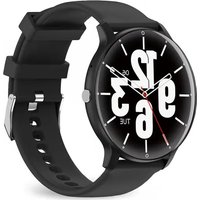
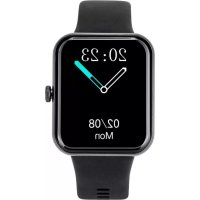
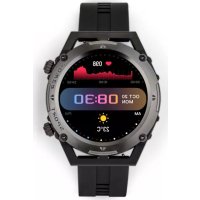
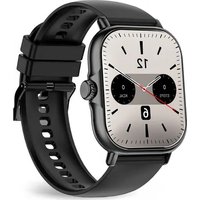
Modern black smartwatch with dual clock face and wrist strap, no visible text or symbols on the device itself.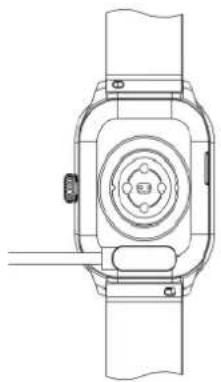
natural_image
Technical line drawing of a smartwatch with front and side views (no text or symbols)Figure 2
text_image
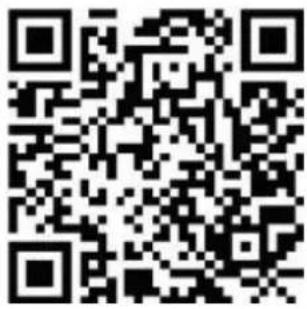
QR code image containing encoded data, no visible human-readable textFigure 2
text_image
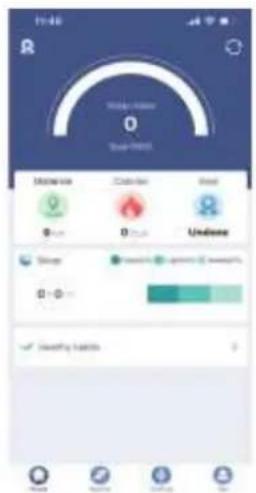
11:40 Rain Winds Airline 0 Clear - 9853 Balance Balance Rest 0 0 0 Unknown Clear 0 0 ✓ Clearing weather 0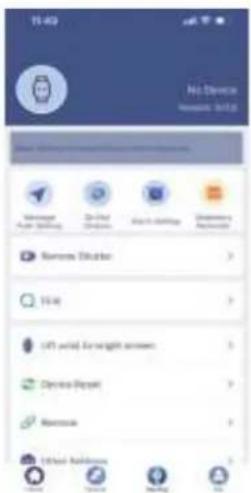
text_image
No Device system 3.1.2 Managed Power Building On-Chat Windows Edit to Windows Windows Windows Smart Master View Left panel for weight screen Device Packet Macronics Other Additions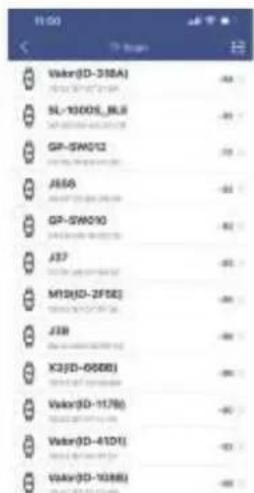
text_image
Vikar(0-318A) SL-1000S_BLS GP-SW012 J550 GP-SW010 J37 M15(0-2F5E) J39 X3(0-000B) Vikar(0-117B) Vikar(0-410T) Vikar(0-103B)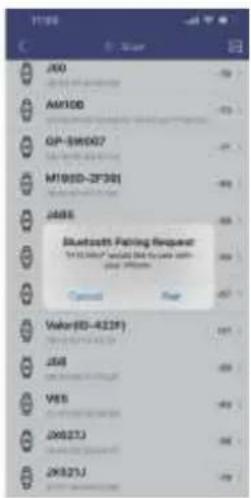
text_image
J00 AM100 GP-SW007 M100D-2F30I J485 Bluetooth Rating Request: "6.1.1.100" would like to be used in your website. Copyright Page Value(ED-4229) J58 VSS JX6273 JX6273JFigure 3
natural_image
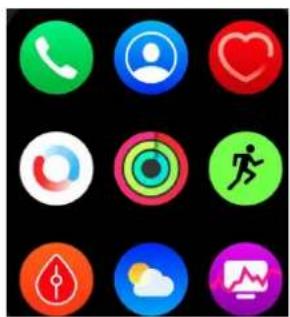
Grid of nine colorful circular icons representing various daily and social media features (no text or symbols)Figure ó
line
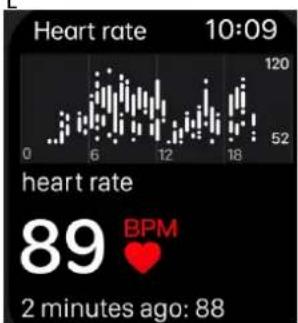
| Time | Heart rate | |------|------------| | 0 | 52 | | 6 | 120 | | 12 | 52 | | 18 | 120 |Figure 5
text_image
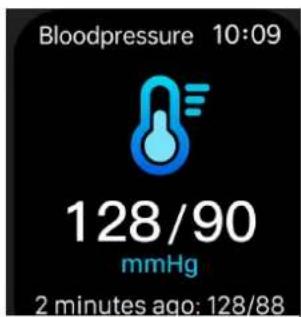
Bloodpressure 10:09 128/90 mmHg 2 minutes ago: 128/88Figure 6
text_image
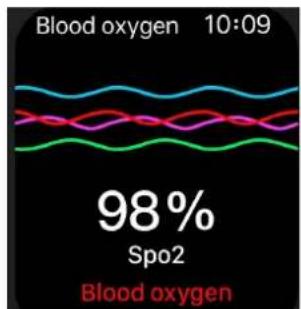
Blood oxygen 10:09 98% Spo2 Blood oxygenFigure 7
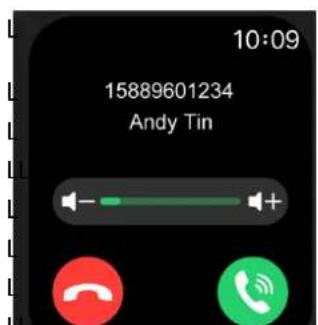
text_image
10:09 15889601234 Andy TinFigure 8
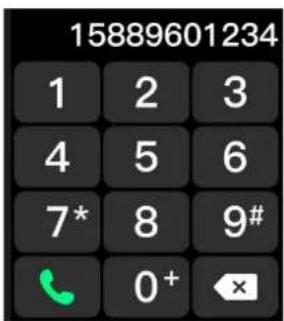
text_image
15889601234 1 2 3 4 5 6 7* 8 9# 0+ ×Figure 9
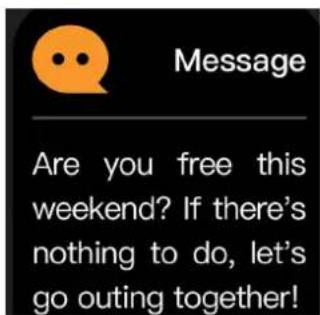
text_image
Message Are you free this weekend? If there's nothing to do, let's go outing together!Figure zč
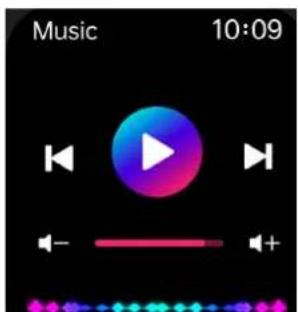
text_image
Music 10:09Figure 2
bar
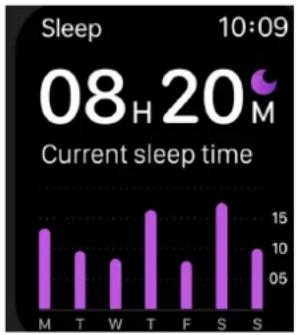
Sleep 08 H 20 M Current sleep time | Time | Sleep (hours) | | :--- | :--- | | M | 13 | | T | 9 | | W | 8 | | T | 16 | | F | 8 | | S | 17 | | S | 10 |Figure z2
text_image
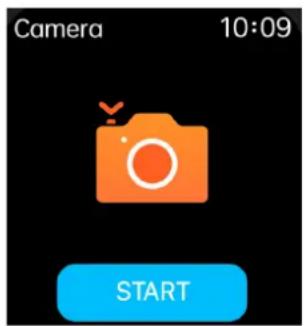
Camera 10:09 STARTFigure z3
text_image
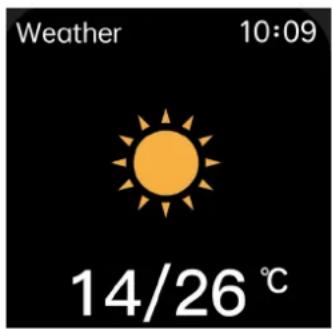
Weather 10:09 14/26 ℃Figure zć
Installation (figure 3)
Thank you for choosing a Livoo product!
Your blender, your barbecue, and your „eadp„ones are not just objects, t„ey are extens“ons of yourself, allow“ng you to get closer to your fr“ends and fam“ly, to br“ng t„em toget„er, to laug„ and to s„are exper“ences. L“voo's a”m “s to „elp you l”ve your l”fe to t„e fullest, w„atever w“s„es you „ave t„roug„out t„e year. W”nter raclette, summer barbecue. Or t„e ot„er way around. It’s up to you. Take advantage of t„s freedom for feel good moments every day.
T„üt's w„y we'ie ööästüätÈy "ääövüt"äÜ üää öieüt"äÜ öÈeveï Àïöäuöts ßuÈÈ öß zest, but üöst öß üÈÈ, üööess"bÈe. F"ää öui eât"ie ööÈÈeöt"öä öä öui webs"te.ßi.
Livoo, your daily companion till social networks

@L"võõ

@È"võõ_õßß"d

@L"võõ
çafety ñnstructions
«Èeüse, tüöe t"üe tö ëeüä weÈÈ t„e "ästïuöt"õä s„eet beßõïe t„e ß"ist use üää ðeeÀ t„eù ßõï ü ßutuïe use.
A ù"suse õß t„e üÀÀÈ"üãõe öüã äüùüÜe "t õï „uït t„e useï. Assuïe t„üt yõu use t„e üÀÀÈ"üãõe ßõï t„e use ßõï w„”ö„”t “s äes"Üãeä. We ëeßuse üây íesÀõãs“b”È“t”es üs ßõï t„e äüùüÜes by üã "ãöõïieöt use õï ü büä ùüä“ÂuÈût”õä.
â. èõ äõt ö„üiÜe üßtei t„e äev“öe wüs wütei äüùüÜeä.
2. T„“s “s üä eÈeötiõã“ö ùõã“tõï”ãÜ Àïõäuöt, äütü ëeöe“veä ßïõù “t öüããõt be useä üs ùeä“öüÈ büs“s.
ê. BÊÕÕÄ Àïessuïe test"ãÜ t"À : òeeeÀ yõuï bõäy ëeÊüxeä üãä st"ÈÈ äuïi"ãÜ t„e test, òeeeÀ t„e äev"õe üt t„e süüe „e"Ü„t üs yõuï „eüït üãä äðâ't tüÈò äuïi"ãÜ t„e test.
4. A ö„üiÜ“äÜ eäv“ïöäüeät õß üõïe t„üã 50 äeÜüees üüy öüuse öveï„eüt“äÜ üää äeßõiùüt“õä õß t„e eëu“Àüeät.
Charging of the device (úigure 1).
Fully c,,arge t,,e dev"ce before "ts f"rst use. Plug "n t,,e magnet"c l"ne of t,,e USB cable and connect t,,e USB of t,,e c,,arg"ng cable to anot,,er dev"ce capable of c,,arg"ng your dev"ce. W,,en successfully connected, t,,e screen w'll s,,ow t,,at c,,arg"ng "s "n progress. You cannot use your dev"ce dur"ng c,,arg"ng process. Carefully observe t,,e max"mum c,,arg"ng voltage of t,,e dev"ce (5V) to avo"d damage to t,,e dev"ce.
Downloading & paring (úigure 2-è)
To power on your Smartwatc, long press t,e s"de button for 3 seconds
Download and "install t„e appl"cat"on F"t PRO on your mob"le p„one, e"t„er t„anks to t„e QR code "n t„s document, nor by search„ng t„e appl"cat"on d"rectly "n AppStore or Google Play.
You can also get t,,e QR code for t,,e appl"cat"on d"rectly "n t,,e watc,"n t,,e menu
Sett"ngs>Download App.
Äaring (figure è)
Once you've download and "nstall t,,e appl"cat"on on your mob"le dev"ce, please follow t,,e "nstruct"on of t,,e appl"cat"on to setup "t as you prefer and accord"ng to your personal "nformat"on.
Act"vate t„e Bluetooth,, on your mob"le dev"ce. All t„e access"ble Bluetooth,, dev"ces w"ll appear. Cl"ck on t„e dev"ce TEC621 "n t„at l"st.
Note: Bluetooth devices can only be paired individually, so be sure to disconnect the previous Bluetooth device when connecting a new device.
çwitch the menu interfaces of main screen
Once your pa"red t„e watc„ and you dev"ce, t"me and date from your mob"le w"ll be sync„ron"zed w"t„t„e watc„
To c„ange t„e wallpaper of your watc„„old your touc„ on t„e screen 4 seconds. T„en, select by cl“ck”ng on “t t„e wallpaper you prefer between all t„e wallpaper proposed.
Àemove device
At any t"me, you can d"sconnect t,,e watc,, and your dev"ce t,,roug,, t,,e appl"cat"on by cl"ck"ng on d"sconnect t,,e dev"ce.
üavigating the menu with your watch (úigure 4)
After a few seconds w"t„out us"ng your watc„, t„e screen w"ll go blank. You can sw"tc„ "t back on by press"ng t„e s"de button on t„e watc„. Once t„e screen "s on, sl"de t„e screen to access t„e d"fferent "interfaces.
You can return to t„e „ome screen by press“ng t„e s”de button on t„e watc„.
You can navigate t,,roug,,t,,e d"fferent menus and screens by turning t,,e w,,eel.
You can return to t„e menu screen by sw“p”ng r“g„t to left from any menu
Sw"pe left to r"g,t to d"splay Qu"ck Access.
Sw"pe up and down to access t„e qu"ck sett"ngs menu (r"ng mode, sleep mode, br"g„tness, sett"ngs, torc„ and screen lock).
Sw"pe up and down to access t„e "interface d"splay"ng all t„e menus ava"lable on your watc„, some of w„"c„ are deta"led below (f"gure 4).
step count: Wear your watc, on your wr"st and launc, t,e appl"cat"on. T,e watc, automat"cally counts your steps, d"stance covered and calor"es consumed. It resets "tself every n"g,t. T,e number of steps can be set on t,e APP.
Outer r"ng: number of steps taken
M"ddle r"ng: data on p,,ys"cal exerc"se performed dur"ng t,,e day. T,"s data "s deleted dur"ng t,,e n"g,,t. Inner r"ng: number of steps "n 1,,our. If t,,e number of steps "n one ,our "s greater t,,an 20 consecut've steps, a stand"ng pos"t"on w'll be d"splayed.
Objectives and proportions of the three health rings :
P"nk r"ng: steps / green r"ng: exerc"se t"me / blue r"ng: stand"ng t"me.
8 Mult"sport modes: runn"ng, f"tness, cycl"ng, basketball, tenn"s, volleyball, football, badm"nton.
Heart rate measurement (figure 5). T„e „eart rate measurement menu supports real-t“me dynam“c „eart rate.
Note: T,,e "eart rate sensor must be "n close contact w"t,, t,,e sk"n. Do not stare at t,,e green l"g,,t on t,,e sensor as t,"s may cause eye "rr"tat"on.
Blood pressure (úigure 6). Blood pressure s,ould be measured "n a calm env"ronment and at an appropriate temperature. Rest for at least 5 m"nutes before measur"ng. Measure t,ree t"mes at 2-m"nute "ntervals.
Blood oxygen (figure 7). T, "s "s t, e concentrat" on of oxygen "n t, e blood.
Note: data relating to blood pressure and oxygen "n t,e blood are provided for "nformat" on purposes only.
-essages and calls (úigures 8-9-10). A max"mum of seven messages can be saved. New messages w'll replace older ones one by one.
sleep (figure 12). If you wear t„e watc„ at n“g„t, “t detects w„et„er or not you are asleep, records deep sleep and l“g„t sleep respect“vely and calculates total sleep t”me to „elp you mon“tor t„e qual”ty of your sleep.
Çeather (figure 14). Weat, er "nformat" on "s I" nked to your mob"le p,,one.
-usic(figure 11). After connect"ng t„e watc„ to your mob"le p„one, t„e watc„ can control t„e p„one's mus"c player. W„en t„e p„one "s play"ng mus"c, use t„e Mus"c menu to control t„e appl"cat"on on your mob"le dev"ce.
Aeset. In t,"s menu, you can delete all "nformat" on conta"ned "n your watc," and restore "t to t,"e default factory sett"ngs.
Cleaning and maintenance
Clean t„e smart bracelet regularly, especially "ts "nner s"de and keep "t dry.
Do not use abras"ve products to clean t„e watc.. Use a soft, dry clot..
üote: öhe Bluetooth word mark is owned by the Bluetooth çñí.
óê DóCLAÀAõñOù Oú COüúOÀ-ñõô
We, DELTA, BP61071, 67452 Mundols, e"m - France
declare under our sole responses "b" "ty, t,, at t,,e Bluetooth," earp,, ones sleep m3621 Fulf" Is t,,e essent" al requ" rements of t,,e follow"ng standards :
| DñÀóCõñǎoç üOÀ-óç ou óxigences | |
| (ROHS) 2011/65/EU T„e object of t„e declarat“on descr“bed above “s “n conform”ty w“t„ D“rect”ve 2011/65/EU of t„e European Parl“ament and of t„e Counc“I of 8 June 2011 on t„e restr“ct“on of t„e use of certa“n „azardous substances “n electr“cal and electron“c equ”pment.EU 2011/65/EU et EU 2015/863 | |
| (RED) 2014/53/EU EN IEC 62368-1:2020+A11:2020EN62479 2010EN50663 2017ETSI EN 301 489-1 V2.2.3 (2019-11) ETSI EN 301 489-17 V3.2.4 (2020-09)ETSI EN 300 328 V2.2.2 (2019-07) |
natural_image
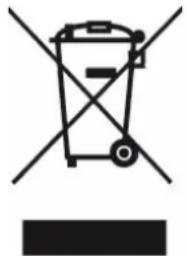
Symbol of a trash bin crossed with a diagonal line and a horizontal bar below (no text or labels)Correct disposal of the unit vólectrical and ólectronic óquipment).
(Applicable in the European Union and the rest of Europe that have adopted separate collection systems countries). The European Directive 2012/19/EU on Waste Electrical and Electronic Equipment (WEEE), requires that old household electrical appliances must not be disposed of in the normal household waste stream. Old appliances must be collected separately in order to optimize the recovery and recycling of the materials they contain and reduce the impact on human health and the environment. The symbol of the crossed out dustbin is marked on all products to remind the obligations of separate collection. Consumers should contact their local authority or retailer for information concerning the correct disposal of their product.
• Non contrüctuül "llustrüt" on
- Product "nformüt" on "s subject to c„ünge w"t„out pr"or not"ce.